Customer Ratings & Reviews
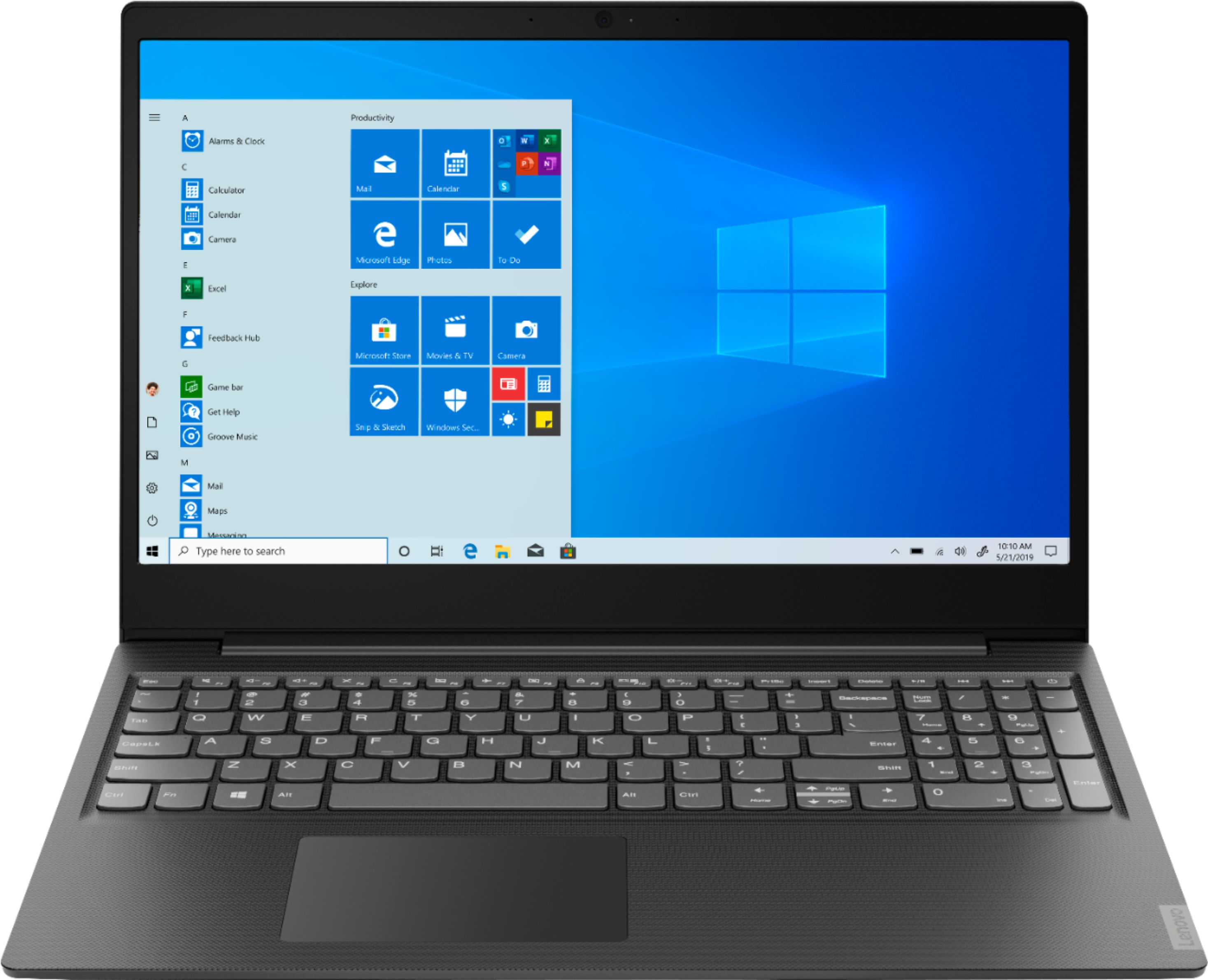
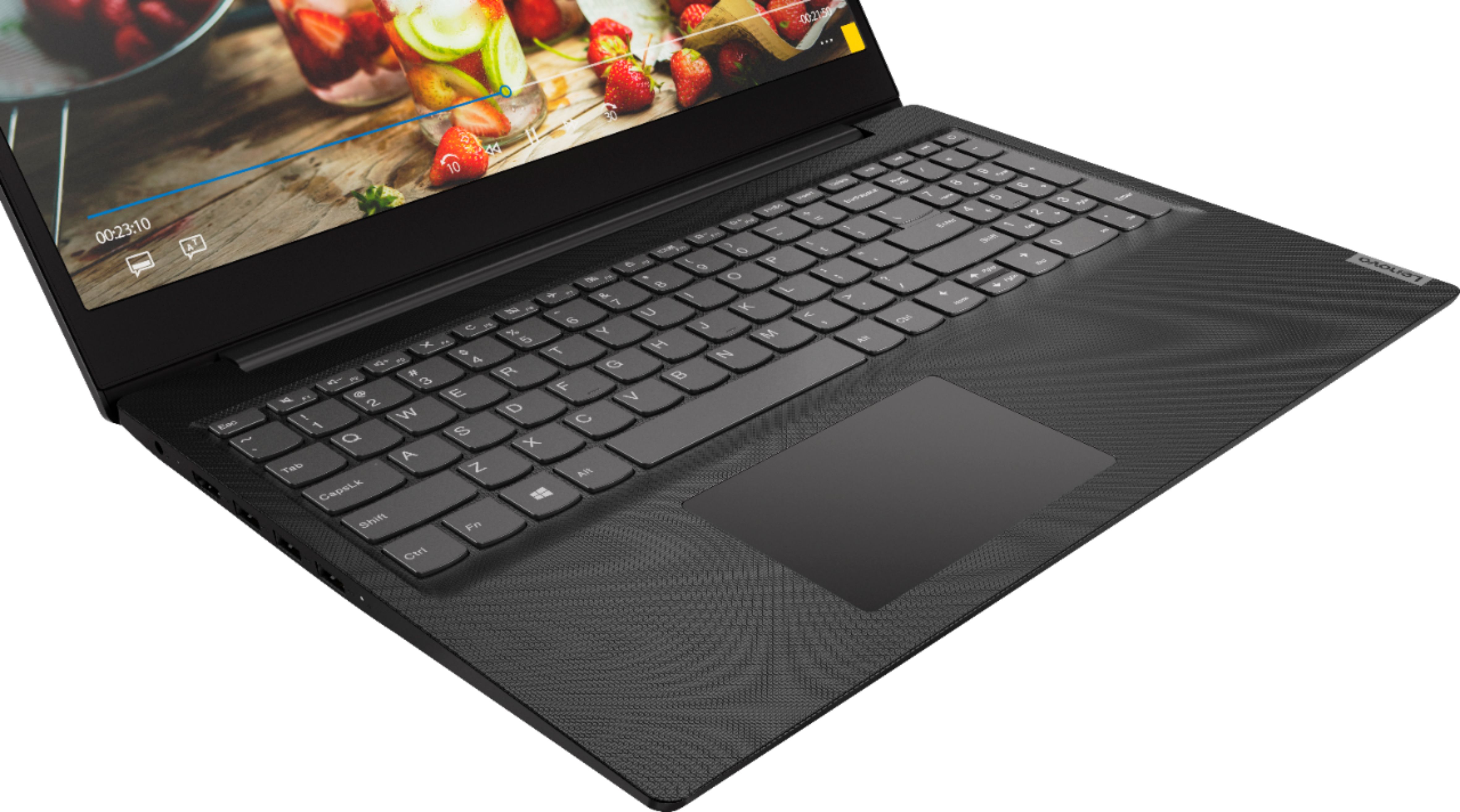
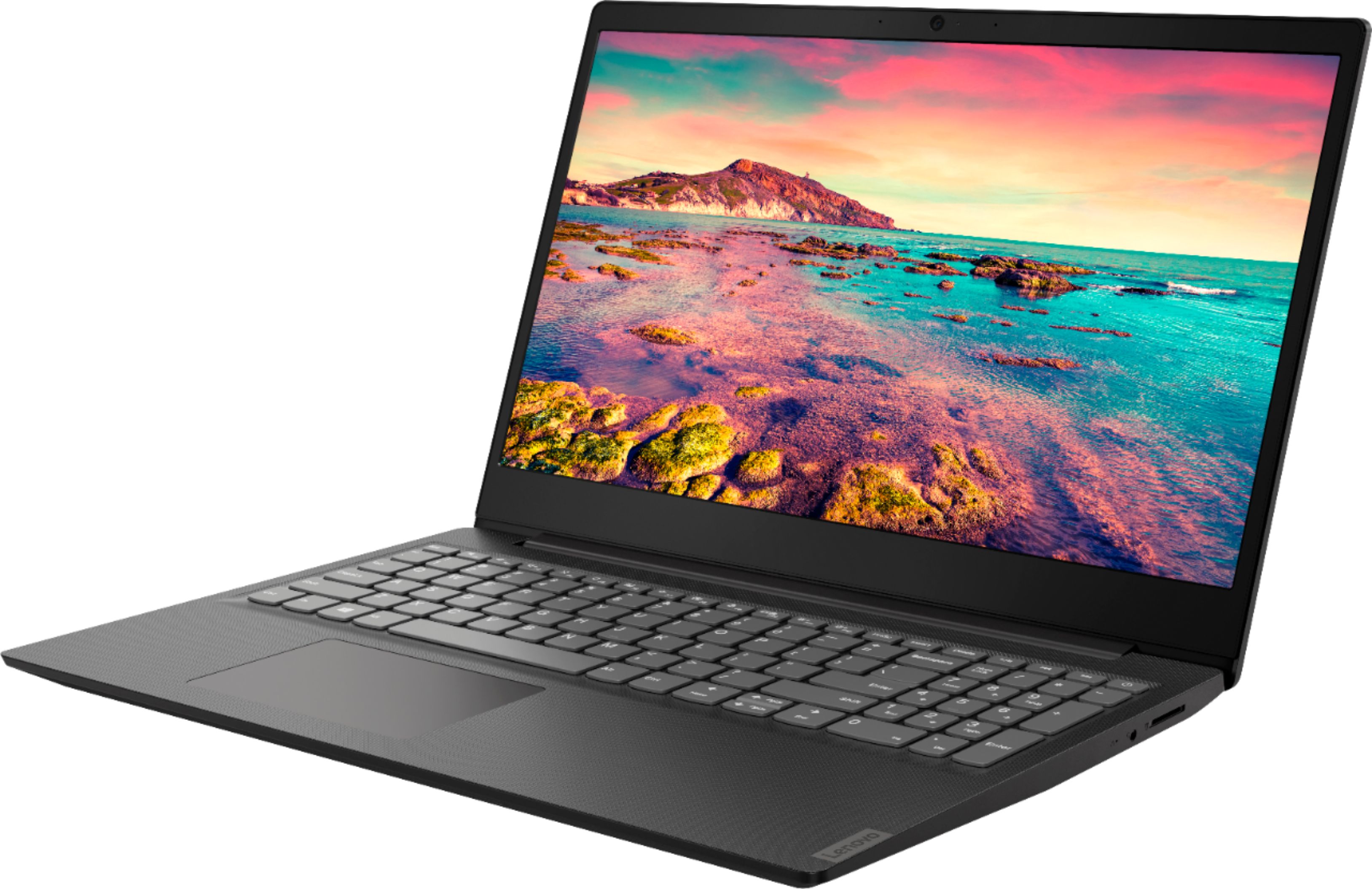
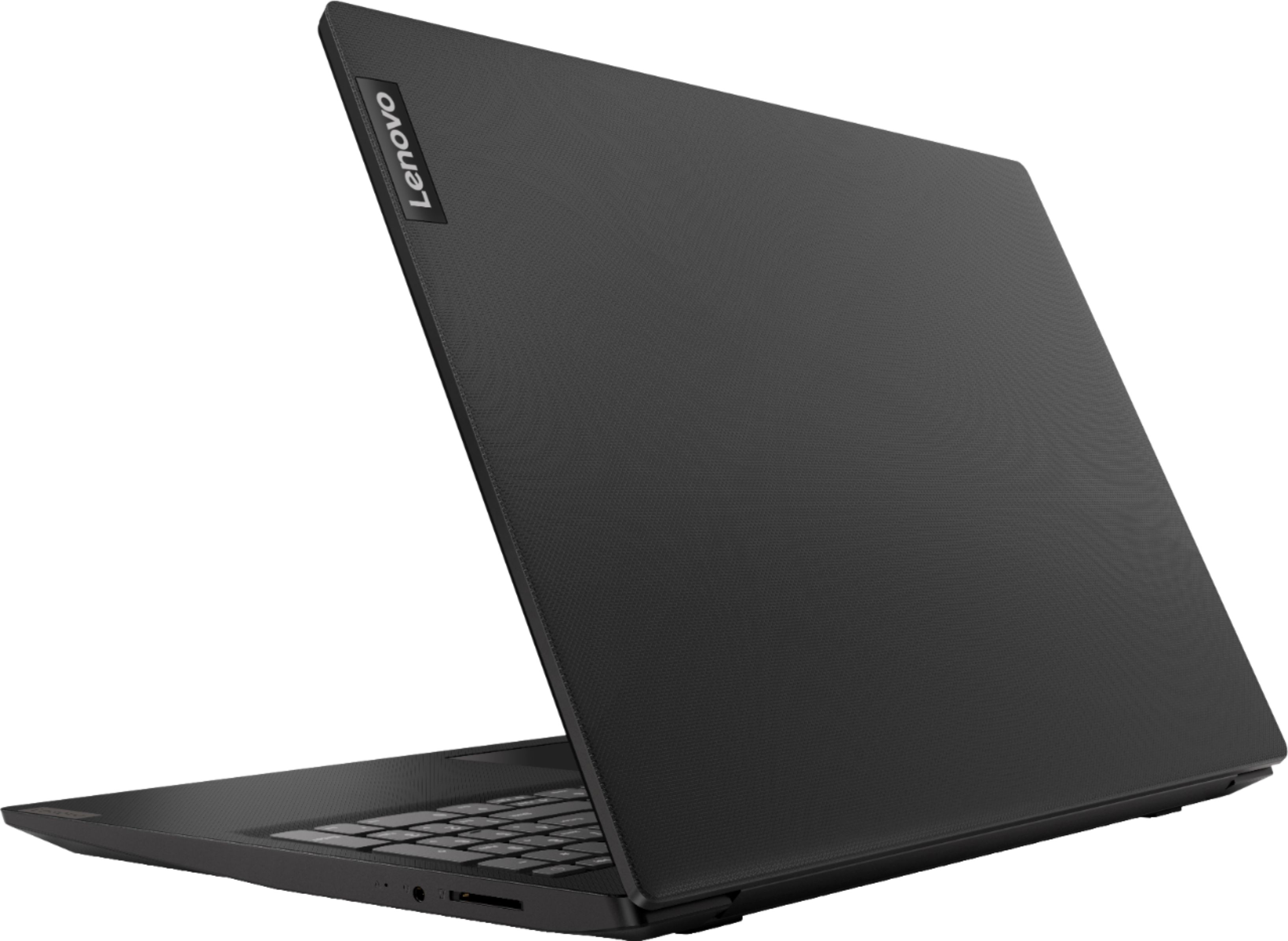
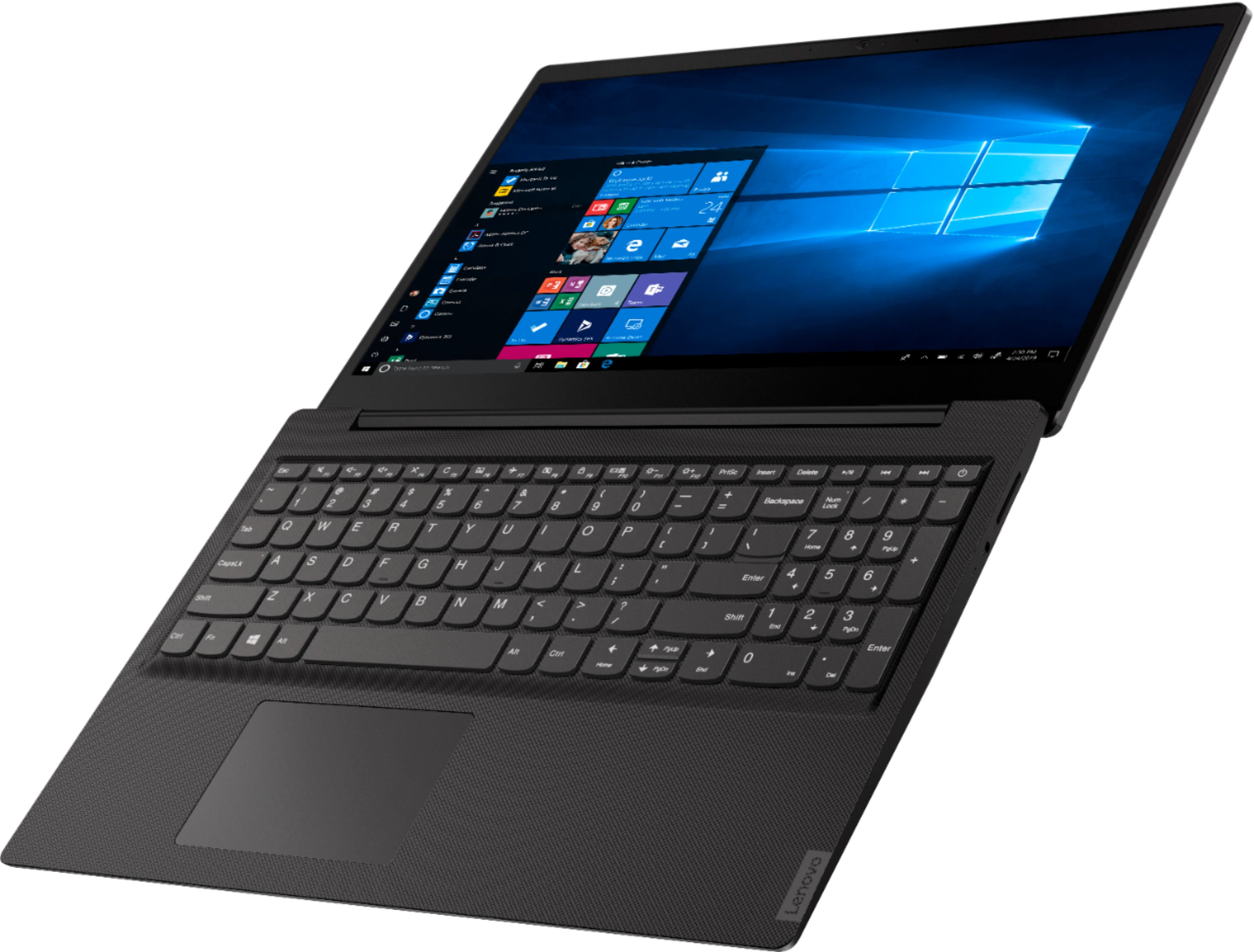

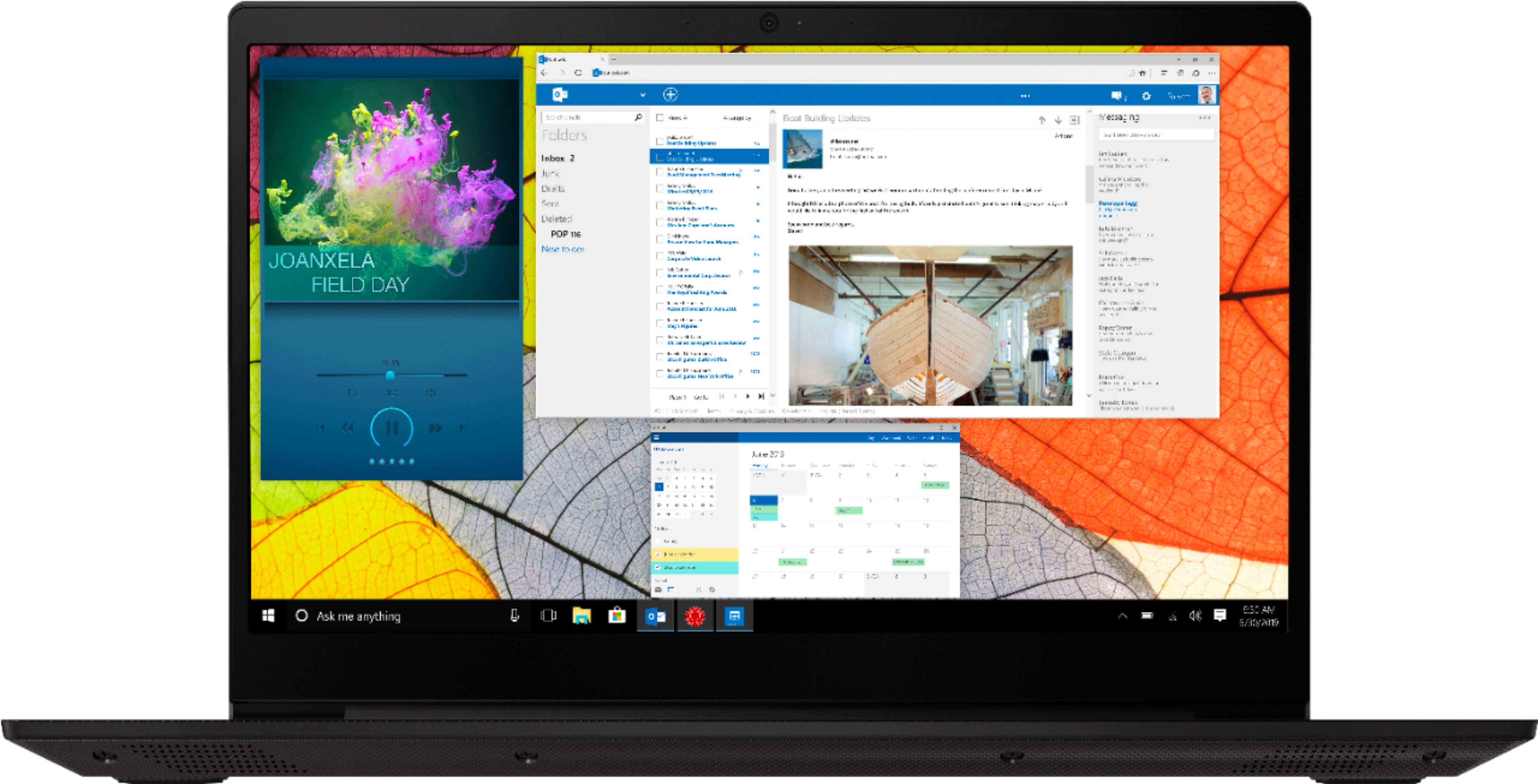

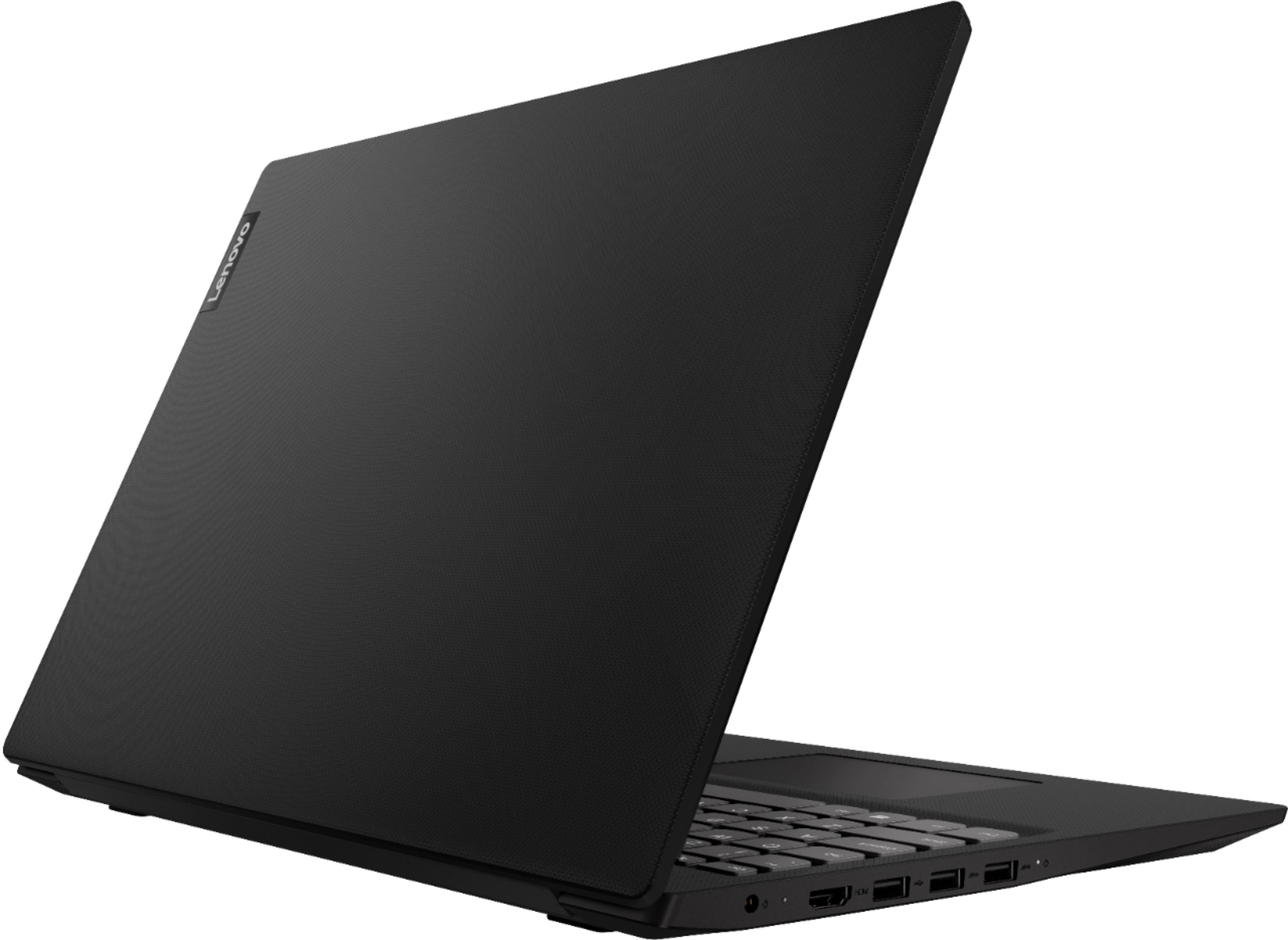
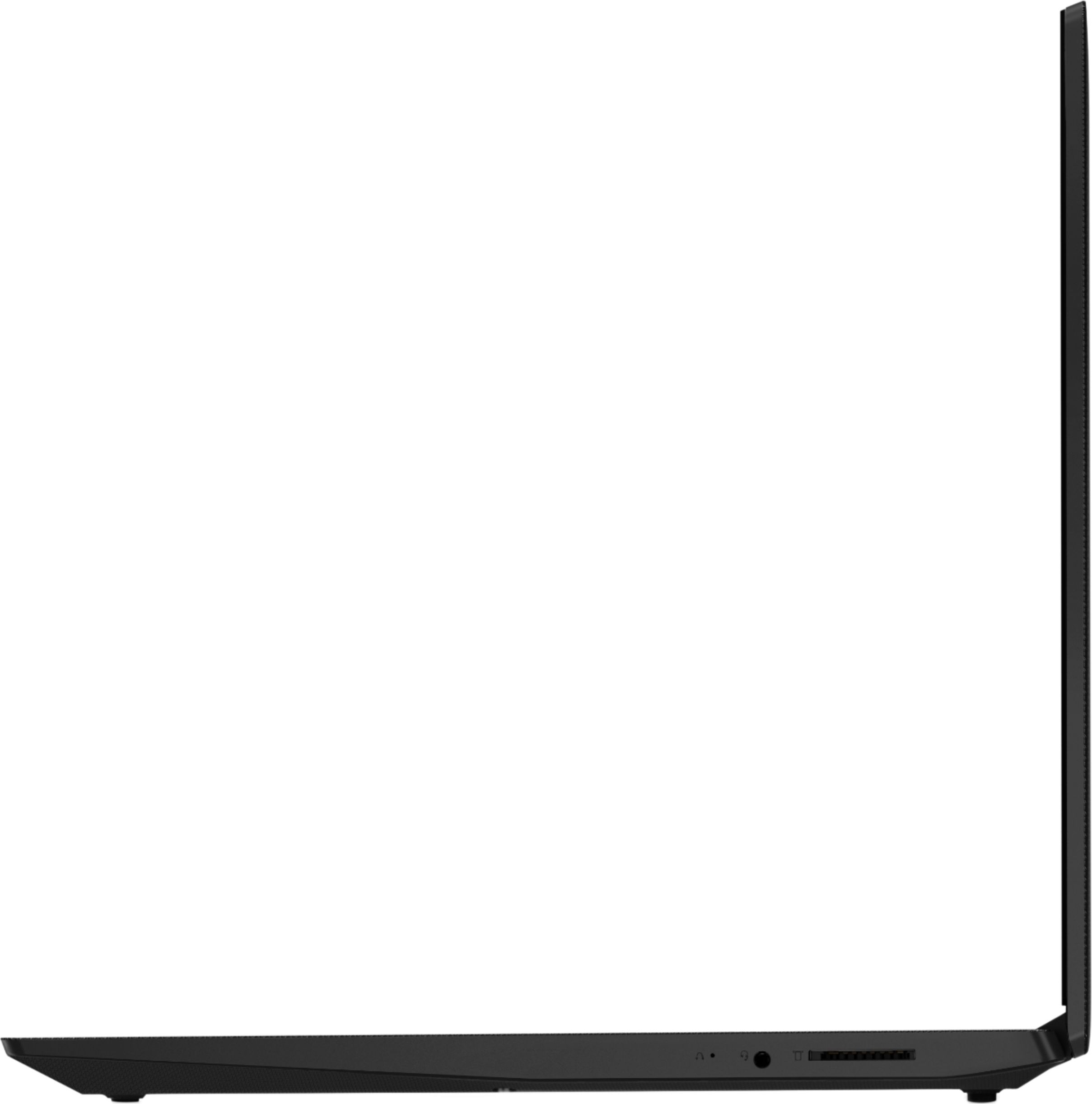
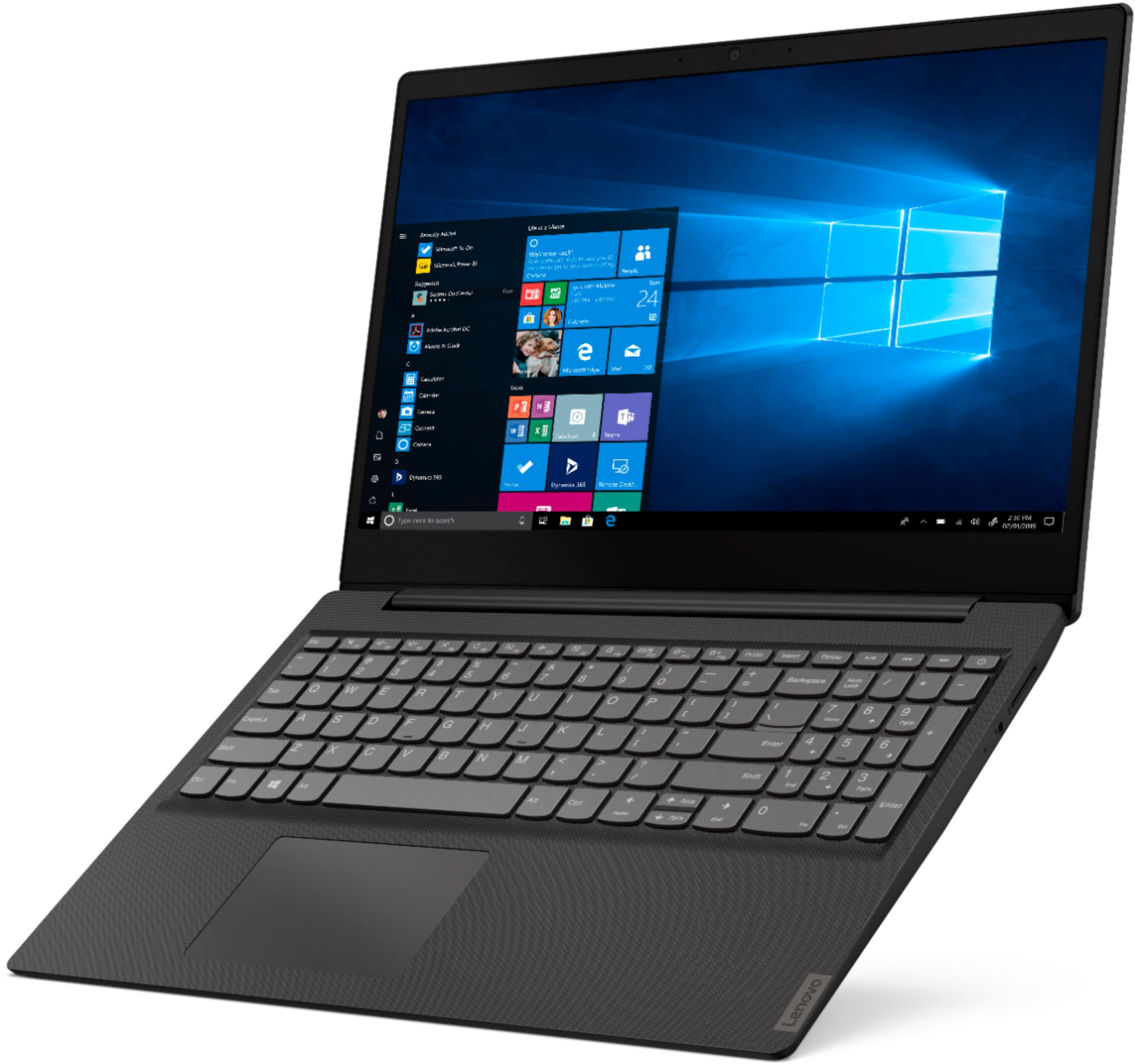
- Model:
- 81N3005LUS
- SKU:
- 6350521
Rating by feature
- Battery Life
Rating 3.4 out of 5 stars
- Speed
Rating 2.7 out of 5 stars
- Display
Rating 3.5 out of 5 stars
Customers are saying
Customers are impressed with the IdeaPad S145's affordability, ease of use, lightweight design, and compact size. Many appreciate its sufficient storage for everyday tasks, although some experienced slow performance and limited RAM. Concerns were also raised regarding the battery life and the inability to upgrade the RAM or hard drive. Overall, the laptop is considered a good value for basic computing needs.
This summary was generated by AI based on customer reviews.
- Cons mentioned:Speed
Worst Buy
Posted .This reviewer received promo considerations or sweepstakes entry for writing a review.This is honestly the worst purchase I have ever made in my life. I can not believe how this brand can offer such a bad product. It's so slow in every task that makes me upset the whole time. Unfortunately, when I bought it, I didn't use it for months, and when I started using it, the time to return it had passed. Lesson learned, I will never buy this brand anymore. The answer of the Lenovo brand is so stupid that why bother. My best buy turned to be my WORST BUY.
No, I would not recommend this to a friend - Cons mentioned:Speed
Broke after 2 days
Posted .This reviewer received promo considerations or sweepstakes entry for writing a review.My father got this as a second laptop for basic internet surfing and word processing. We ended up returning it after the second day because it kept encountering a problem while loading and wouldnt stop restarting. Was within the 14 day return period, so Best Buy took it no problem. I talked my father into the 12GB HP that cost twice what this did. For the money, it was worth it! Tons faster, everything opens when you click on it, no 2-4 second delay like the Lenovo. Skip this computer and buy something with a SSD and at least 8GB of memory.
No, I would not recommend this to a friendBrand response from Lenovo Product Expert
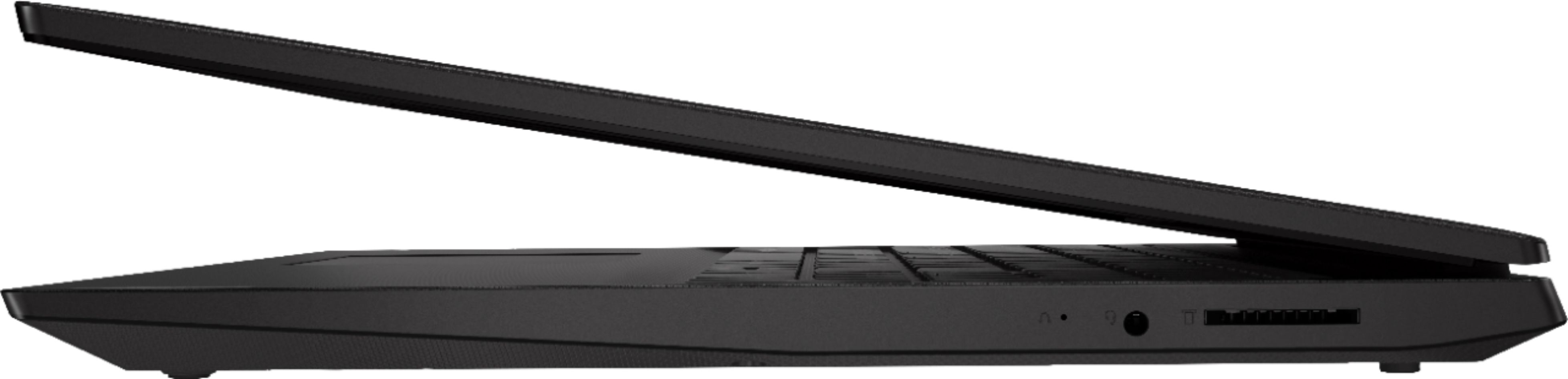
Posted .We are sorry to hear that you had issues with your Lenovo S145-15 laptop. Be sure any software you installed is compatible with Windows 10. There is no need to install Microsoft Office software. The software is already part of the operating system, you just need to activate the software with a purchased product key. If you have installed a copy of Microsoft Office, this is conflicting with the existing copy on the system and this will slow your system down. If you have installed a 3rd party anti-virus program, be sure that Windows Defender is turned off and that the trial version of McAfee Anti-Virus software is uninstalled. There can only be one anti-virus program on the system. You may need to restore your system to original factory default settings if any of the programming errors have occurred. You can do that by typing "restore" in the Cortana search window. Just click on the magnifying glass icon at the bottom left of your Windows 10 Desktop. Click on "Reset This PC" Then click on "Get Started" and follow the on screen directions to restore to factory defaults. If you can not boot the computer to get to the restore settings, this system is equipped with OneKey Recovery System. There is a very small pin hole on the right side of the device, right near the headphone jack on the device. You will need a pin to push this reset button. Plug the device in. Let the battery charge for about 15 minutes. Push the reset button. The system should boot to a choice screen where you can choose "Restore To Factory Default". Select this. It will delete everything from the hard drive except the original factory install of the operating system. You will need to reinstall all programs and files after the reset. If you don't have copies of the files, try to make one before you restore by selecting "Boot to desktop" and trying to back up your files. If the problem persists after the factory reset, we recommend you contact Lenovo Tech Support at: 877-453-6686.

Fast Computer
Posted .This reviewer received promo considerations or sweepstakes entry for writing a review.This computer is great for web surfing and checking email, it is real fast
I would recommend this to a friendBrand response from Lenovo Product Expert
Posted .Thank you for choosing the Lenovo IdeaPad S145-15 laptop. This is a mid-level, moderate use configuration, with its AMD A6-9225 processor. This Dual-Core processor has a base speed of 2.6GHz and a boost speed of up to 3.0GHz. This configuration has 4GB of RAM. It is good with Microsoft Office type programs, internet browsing and other moderate work. This model ships with Windows 10 S-Mode Operating System. Windows 10 S-Mode provides added security by only allowing APPs available ( and therefore certified by Microsoft) at the Microsoft Store. If you don't need the added security or you need to install APPs not available at the Microsoft Store, you can switch to standard Windows 10 Home 64-bit Operating System, at no additional cost.