Customer Ratings & Reviews
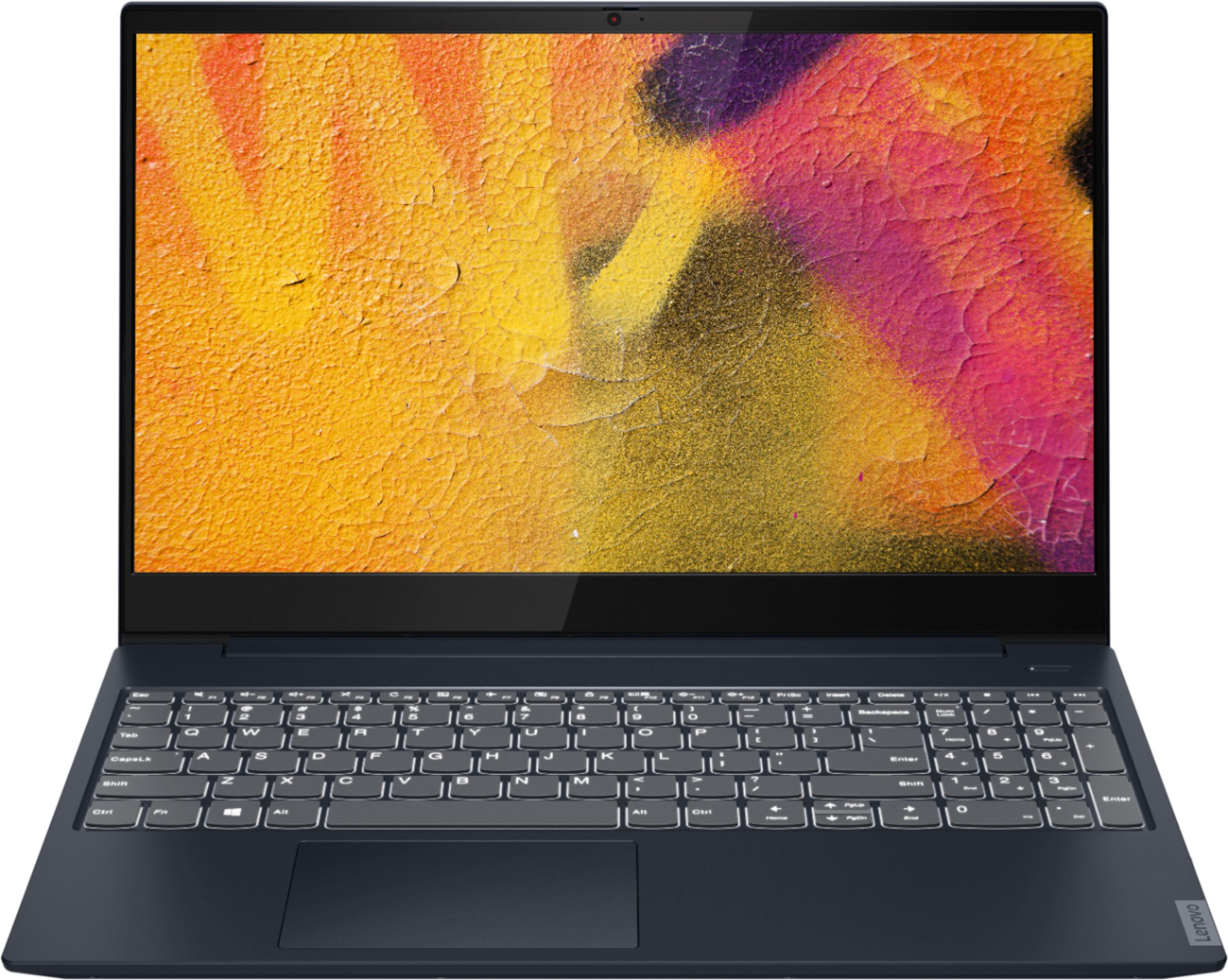
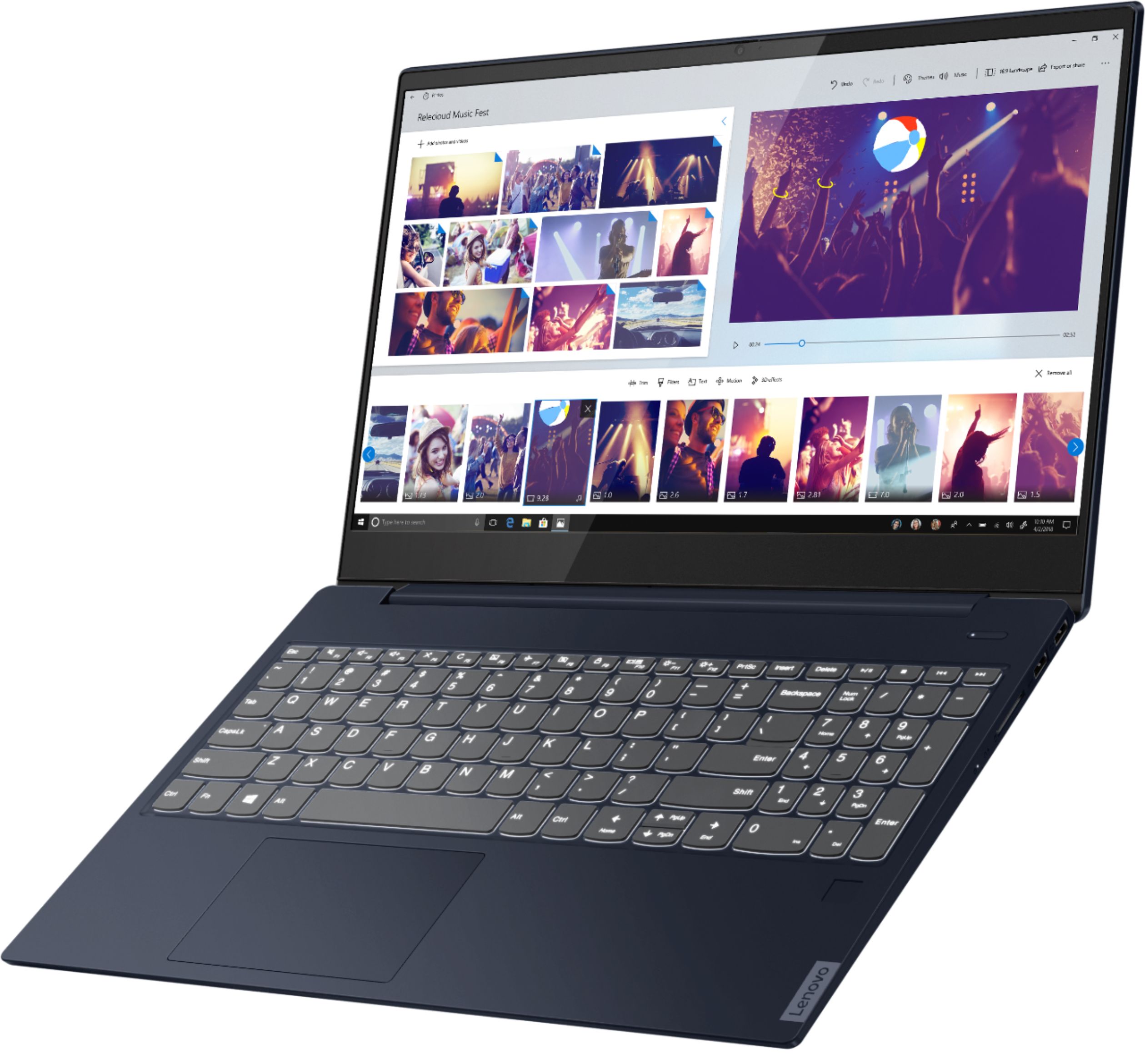
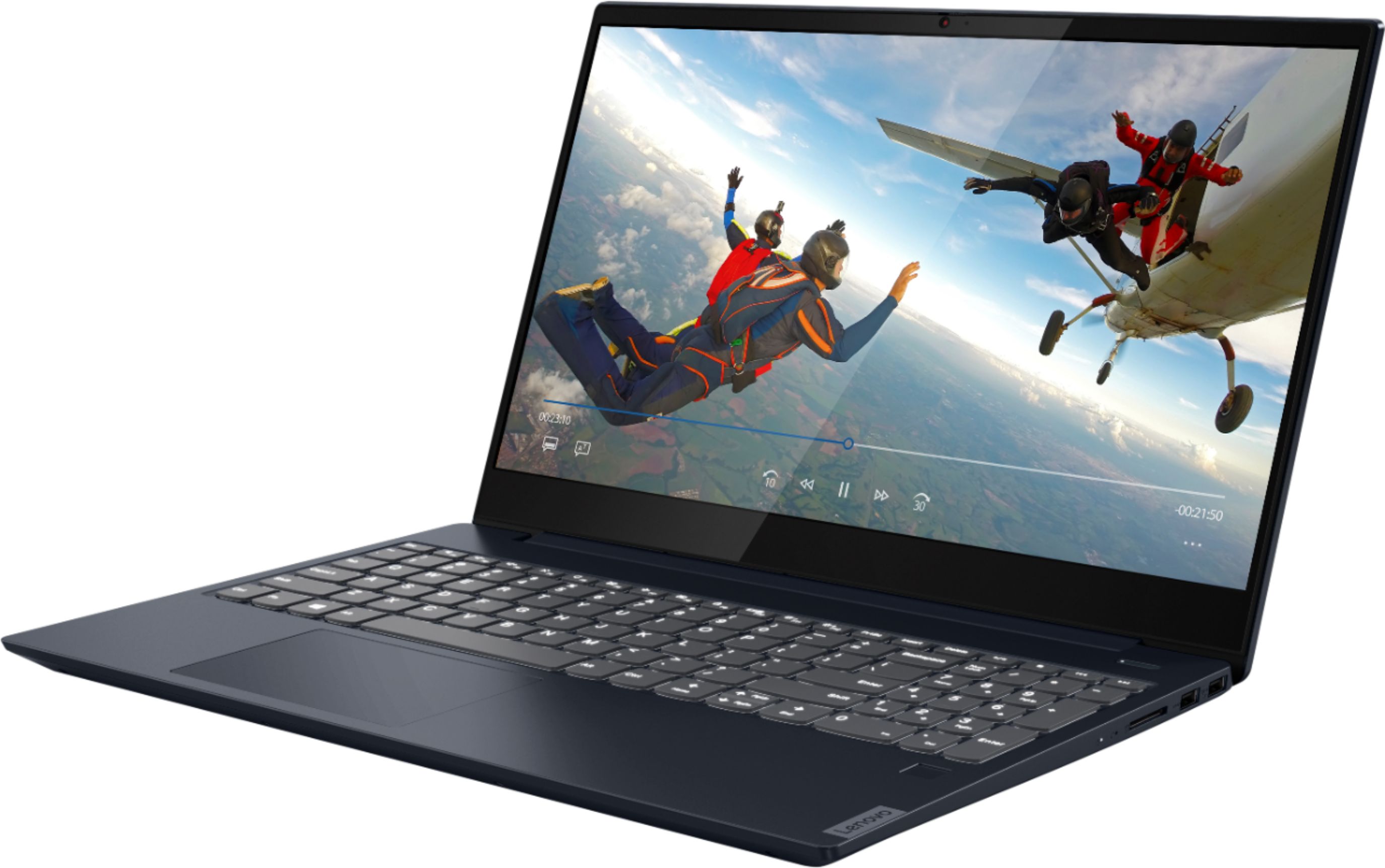
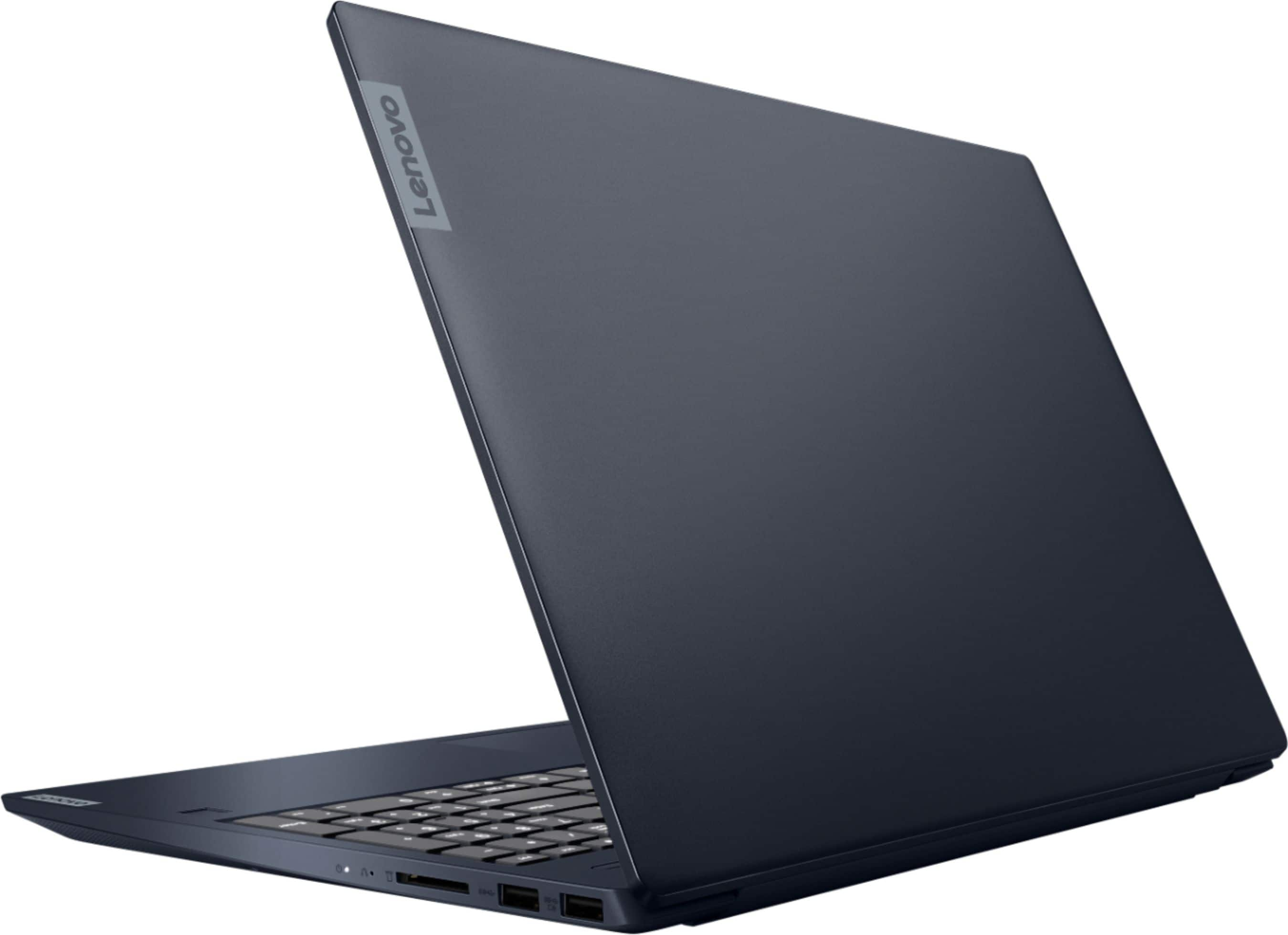



- Model:
- 81QG000DUS
- SKU:
- 6426703
Rating by feature
- Battery Life
Rating 4.4 out of 5 stars
- Speed
Rating 4.4 out of 5 stars
- Display
Rating 4.5 out of 5 stars
Customers are saying
Customers admire the IdeaPad S340 15" Touch-Screen Laptop for its touch screen capabilities, affordable price, lightweight design, and reliable performance. While some users have concerns about the laptop's Wi-Fi connectivity and weak speakers, the overall positive feedback highlights its value as a well-rounded laptop.
This summary was generated by AI based on customer reviews.
Can I give it more stars
||Posted . Owned for less than 1 week when reviewed.This reviewer received promo considerations or sweepstakes entry for writing a review.If I could give this beautiful machine a 10 i would.. is speak well built and with the added display program that Lenovo had provided with the software she will be up to date for updates for a long while. The case is awesome and doesn't feel cheap at all. I replaced my HP with this and won't go back.
I would recommend this to a friendQuiet, fast, comfortable!
||Posted . Owned for 1 year when reviewed.This reviewer received promo considerations or sweepstakes entry for writing a review.Quiet, beautiful feel on wrist pad. Lights up perfectly. Does all of my jobs and handles all tasks quickly and without hassle. I hesitated with the blue but wanted the soft feel and I am overjoyed with this purchase! It’s been 1 year and absolutely wouix recommend!
I would recommend this to a friendGood overall. Needs better ethernet card.
||Posted . Owned for 2 months when reviewed.This reviewer received promo considerations or sweepstakes entry for writing a review.This touchscreen laptop is very solid for its price point. Great speed and storage. The touchscreen has great response. The only con is that it could probably use a better Ethernet card. We use a lot of wireless devices in our house. We sometimes have to switch between the 2.4Ghz and 5.0Ghz band speeds as it does drop the Wi-Fi sometimes.
I would recommend this to a friendBrand response from Lenovo Product Expert
Posted .The Lenovo IdeaPad S340-15 Laptop, model number 81QG000DUS, ships with 5G, Wide-Range/High Speed 2x2 802.11AC Frequency WiFi, which is also backward compatible to older b/g/n frequencies as well. If you are getting less than expected WiFi performance, first, be sure you have the latest version of Windows 10 on the computer. Then update all of the BIOS files and drivers, including the communications drivers for WiFi, up to that latest version of Windows 10. You can easily accomplish this by scanning the computer with the Lenovo Utility software available on this computer. This system has Lenovo utilities installed to help maintain the health of the device and keep the operating system software up to date. Type "Lenovo Vantage" in the Cortana Search window (if Lenovo Vantage is not installed on your device, you can download the APP and install it now). Select Lenovo Vantage from the list. In the window that opens, click on "Health and Support". In the expanded menu, select "Hardware Scan" In the window that opens, select "Run Quick Tests". This will scan your entire system for errors. Follow any directions that may pop up. If the problem continues after this scan, now click on "System Update". First select Windows update from the menu. Scan your system to be sure you have the latest version of Windows 10. Once that scan is complete, select "Additional Updates". This will scan your device to be sure there are no new BIOS/Driver updates needed. Follow any instructions that may pop up. If the issue still continues after these updates, we recommend you call Lenovo Tech Support at: 877-453-6686 for additional help.

Lenovo Computer
||Posted . Owned for 1 week when reviewed.This reviewer received promo considerations or sweepstakes entry for writing a review.Very well built laptop, easy to use for a older person.
I would recommend this to a friendBrand response from Lenovo Product Expert
Posted .Thank you for choosing the Lenovo IdeaPad S340-15 Laptop. We are pleased to hear that the ease of use and performance of the IdeaPad S340-15 meets your computing needs so well.
- Pros mentioned:Weight
Notebook
||Posted . Owned for 1 month when reviewed.This reviewer received promo considerations or sweepstakes entry for writing a review.Very nice budget notebook. Much lighter than my previous one
I would recommend this to a friendBrand response from Lenovo Product Expert
Posted .Thank you for choosing the Lenovo IdeaPad S340-15 model number 81QG000DUS. This full-size, traditional 15.6-Inch (screen size measured diagonally) weighs only 3.96 lbs. We are pleased to hear that the features and performance of the IdeaPad 3 15 meets your computing needs so well.
Pretty nice; but WiFi lags/disconnects
||Posted . Owned for 1 month when reviewed.This reviewer received promo considerations or sweepstakes entry for writing a review.It’s fast and sleek design. But the network adapter needs to be replaced for better WiFi connection. It keeps turning off when playing games. Get this one here: https://www.bestbuy.com/site/linksys-dual-band-ac-usb-network-adapter-black/5894300.p?skuId=5894300
I would recommend this to a friend- Pros mentioned:Touch screen
Definitely Do Your Research Before Purchasing!
||Posted .This reviewer received promo considerations or sweepstakes entry for writing a review.7 months in and I haven't gone more than a week without an issue. Currently, it won't detect the web cam 50% of the time, and the volume is nowhere near loud enough for video conferencing (which is about 90% of the world today). The computer has randomly shut off in the middle of things without reason of dead battery or upgrades. The touch screen is helpful for the several times that the mouse pad has completely frozen and I can't move the cursor. If I were using the laptop for a few simple things here and there, it'd be fine, but trying to use it for work (meaning a few internet tabs pulled up, OneNote, and Outlook) has been very difficult. I do like the backlit keyboard, sleek feel, and touch screen.
No, I would not recommend this to a friendBrand response from Lenovo Product Expert
Posted .We are sorry to hear that you are having issues with your Lenovo IdeaPad S340-15 Laptop, model number 81QG000DUS. We are sorry to hear that you are having issues with the webcam on your IdeaPad S340 15. This model ships with a 720p (HD) webcam with manual Privacy Shutter built in. Be sure the Privacy Shutter is completely open before trying to use the webcam or the webcam will not operate. There is a small slider, directly above the webcam lens. Move the tab to the right to open the Privacy Shutter. There is a red dot over the webcam lens that will disappear when the Privacy Shutter is fully open. This will indicate that the webcam is really to use. You can close the Privacy Shutter when you are done with the webcam for your security, by sliding the tab to the left to close the Privacy Shutter. The Red Dot will appear over the webcam lens when the Privacy Shutter is closed. Also, be sure any software you installed is compatible with Windows 10, as incompatible software may be the cause of the issues you mention. There is no need to install Microsoft Office software. The software is already part of the operating system, you just need to activate the software with a purchased product key. If you have installed a copy of Microsoft Office, this is conflicting with the existing copy on the system and this will slow your system down. If you have installed a 3rd party anti-virus program, be sure that Windows Defender is turned off and that the trial version of McAfee Anti-Virus software is uninstalled. There can only be one anti-virus program on the system. You may need to restore your system to original factory default settings if any of the programming errors have occurred. You can do that by typing "restore" in the Cortana search window. Just click on the magnifying glass icon at the bottom left of your Windows 10 Desktop. Click on "Reset This PC" Then click on "Get Started" and follow the on screen directions to restore to factory defaults. If there is no incompatible software installed but the issues persist, check to be sure you have the latest version of Windows 10 on the computer. Then update all BIOS files and drivers up to that latest version of Windows 10. You can easily accomplish this by scanning the computer with the Lenovo Utility software available on this computer. This system has Lenovo utilities installed to help maintain the health of the device and keep the operating system software up to date. Type "Lenovo Vantage" in the Cortana Search window (if Lenovo Vantage is not installed on your device, you can download the APP and install it now). Select Lenovo Vantage from the list. In the window that opens, click on "Health and Support". In the expanded menu, select "Hardware Scan" In the window that opens, select "Run Quick Tests". This will scan your entire system for errors. Follow any directions that may pop up. If the problem continues after this scan, now click on "System Update". First select Windows update from the menu. Scan your system to be sure you have the latest version of Windows 10. Once that scan is complete, select "Additional Updates". This will scan your device to be sure there are no new BIOS/Driver updates needed. Follow any instructions that may pop up. If the issue still continues after these updates, we recommend you call Lenovo Tech Support at: 877-453-6686 for additional help.
- Pros mentioned:Speed
Happy
||Posted . Owned for 3 weeks when reviewed.This reviewer received promo considerations or sweepstakes entry for writing a review.Fast little computer works great for what we need it for.
I would recommend this to a friendBrand response from Lenovo Product Expert
Posted .Hello. Thank you for choosing the Lenovo IdeaPad S340 laptop. We are pleased to hear that the value and performance of the IdeaPad S340 meets your computing needs so well!
laptop
||Posted . Owned for 3 weeks when reviewed.This reviewer received promo considerations or sweepstakes entry for writing a review.I bought an open box laptop in excellent condition which per Best Buy's description is like new with no marks or stuffs. The laptop so far appears to be a good buy, but was a little disappointed with some discoloration on the laptop cover. I thought about returning the laptop and request a replacement, but could not wait per delay as I use my laptop for work and needed it now. The box included no packing enclosed with the laptop, so I was surprised it was not broken upon delivery. Also, I feel Best Buy should clean all open box products before mailing them out to their customers esp. with this virus pandemic. The laptop screen and keypad was very dirty; it took me just a few minutes to clean laptop in question. thanks
I would recommend this to a friendUse computer to learn through audio video modules.
||Posted . Owned for 1 week when reviewed.This reviewer received promo considerations or sweepstakes entry for writing a review.I like the computer. Been using it for a little while. The only huge downfall is I could barely hear anything with the speakers. When you put the speaker volume to 100 you're lucky if the sound decibel goes up to 20. There's also a setting by the speaker icon but you have to activate it by paying. Even tried the free sample trial and it didn't work. I tried to use a Bluetooth speaker and had issues. My headphones and mouse that is Bluetooth have no problem. Debating about sending it back since I have 30 days. Everything else is nice I'm just looking for a way to fix the horrible sound. Since I bought this for my schooling and I learned through audio and video ...the sound isn't up to par. Decent price. Had to take it out at s mode. And make sure you double check your warranty since Lenovo activated R's months ago when it was shipped to best buy. I had to open a ticket so keep an eye.on that
No, I would not recommend this to a friendBrand response from Lenovo Product Expert
Posted .The Lenovo IdeaPad S340-15 Laptop, model number 81QG000DUS, ships with High Definition (HD) Audio, through stereo 2W system speakers, with Dolby Audio. You mention you are only receiving an audio level of 20 decibels through the system speakers on this IdeaPad S340-15. Since a whisper is about 30 dB, normal conversation is about 60 dB, and a motorcycle engine running is about 95 db., and noise above 70 dB over a prolonged period of time may start to damage your hearing. The maximum audio output from the system speakers should be between 60 and 75 decibels. For the best audio experience, be sure you have Dolby Audio turned on. This is free and does not require a purchase. If you continue to have issues with the system speakers after turning on and adjusting Dolby Audio, now check to be sure you have the latest version of Windows 10 on the computer. Then update all BIOS files and drivers up to that latest version of Windows 10. You can easily accomplish this by scanning the computer with the Lenovo Utility software available on this computer. This system has Lenovo utilities installed to help maintain the health of the device and keep the operating system software up to date. Type "Lenovo Vantage" in the Cortana Search window (if Lenovo Vantage is not installed on your device, you can download the APP and install it now). Select Lenovo Vantage from the list. In the window that opens, click on "Health and Support". In the expanded menu, select "Hardware Scan" In the window that opens, select "Run Quick Tests". This will scan your entire system for errors. Follow any directions that may pop up. If the problem continues after this scan, now click on "System Update". First select Windows update from the menu. Scan your system to be sure you have the latest version of Windows 10. Once that scan is complete, select "Additional Updates". This will scan your device to be sure there are no new BIOS/Driver updates needed. Follow any instructions that may pop up. If the issue still continues after these updates, we recommend you call Lenovo Tech Support at: 877-453-6686 for additional help.
laptop
||Posted . Owned for 1 month when reviewed.This reviewer received promo considerations or sweepstakes entry for writing a review.awesome love the product my new computer. my favorite computer to this day runs so fast. the best brand ever ...........................................................................................................................................................................
I would recommend this to a friendLenovo Ideapad
||Posted . Owned for 3 weeks when reviewed.This reviewer received promo considerations or sweepstakes entry for writing a review.Awesome laptop especially for productivity. I will say that it's probably best to purchase an additional monitor of you need to view more than one window side-by-side. Few teething issues with the mousepad delaying movements and clicks but other than that, no complaints.
I would recommend this to a friendBrand response from Lenovo Product Expert
Posted .Thank you for choosing the Lenovo IdeaPad S340-15 Laptop. With regard to the touchpad, you can make adjustments to the touchpad in your system settings. You can get there by clicking on the magnifying glass at the bottom left of your Windows 10 screen. Type "touchpad" in the search window. Select "Mouse & touchpad settings" from the list of choices. You can make general adjustments to the touchpad there. You can also select "Additional mouse options" for more detailed adjustments to the touchpad sensitivity by increasing the delay of the touchpad.
Great intro laptop
||Posted . Owned for 3 months when reviewed.This reviewer received promo considerations or sweepstakes entry for writing a review.This is a great laptop for the price! It has a great processor and enough RAM to get the job done, without breaking the bank. I only wish that there wasn't a block on this that only let you buy one. I have two kids in college that could have both used it.
I would recommend this to a friendRecommended
||Posted . Owned for 1 week when reviewed.This reviewer received promo considerations or sweepstakes entry for writing a review.My son got into making basic YouTube video editing etc so I got this for him, which actually worked out pretty good. The system is decent and has enough power to do multiple tasks. Smooth operations, minimum bloatware. Get it on sale, not recommended on full price
I would recommend this to a friendBrand response from Lenovo Product Expert
Posted .Thank you for choosing the Lenovo IdeaPad S340-15 Laptop for your son. We are pleased to hear that the performance of the IdeaPad S340-15 meets the computing needs of your son so well.
Great value
||Posted .This reviewer received promo considerations or sweepstakes entry for writing a review.Purchased used and it was in fantastic condition, really good computer for basic uses and a must get if on sale and needed for light work and computer use; great for young kids or community college work.
I would recommend this to a friend5 stars for BestBuy; 4 stars for product:
||Posted . Owned for 1 month when reviewed.This reviewer received promo considerations or sweepstakes entry for writing a review.Device was speedy and great (for work and personal use) while it functioned, but Motherboard failed within first month directly followong 30-day return period. I did not have GeekSquad protection, but BestBuy was still able to handled repairs swiftly, courtesy of manufacturer warranty. Thank you BB!
I would recommend this to a friendBrand response from Lenovo Product Expert
Posted .We are sorry to hear that you had issues with your Lenovo IdeaPad S340-15 model number 81QG000DUS. Motherboards can go bad for many reasons, although there are a few common culprits. Among the most common causes of motherboard failure are excess electrical shocks, physical damage, or excess heat. Some of these dangers are inescapable, and may vary in likelihood depending on your computer model.
Great Mid-Price Laptop with Good Size SSD
||Posted . Owned for 1 month when reviewed.This reviewer received promo considerations or sweepstakes entry for writing a review.For the money, and that is the price the holiday sale price, it is an excellent computer. Too many mid-price laptops still only come with 256GB SSD, which I would not recommend. This one is the exception. Nice display and quick processor, perfect for everyday tasks.
I would recommend this to a friendBrand response from Lenovo Product Expert
Posted .Thank you for choosing the Lenovo IdeaPad S340-15 Laptop. We are pleased to hear that the value, features and performance of the IdeaPad S340-15 meets your computing needs so well.
Awesome laptop
||Posted . Owned for 2 months when reviewed.This reviewer received promo considerations or sweepstakes entry for writing a review.My wife loves the laptop. The screen is big. The is light and thin. The processer i7 is super fast and storage is awesome. The ram is helps the speed of window 10. Use several application at the same time. The price is awesome value with so many features.
I would recommend this to a friendBrand response from Lenovo Product Expert
Posted .Thank you for choosing the Lenovo IdeaPad S340-15 Laptop. We are pleased to hear that the performance and features of the IdeaPad S340-15 meets the computing needs of you wife so well.
BEST LAPTOP
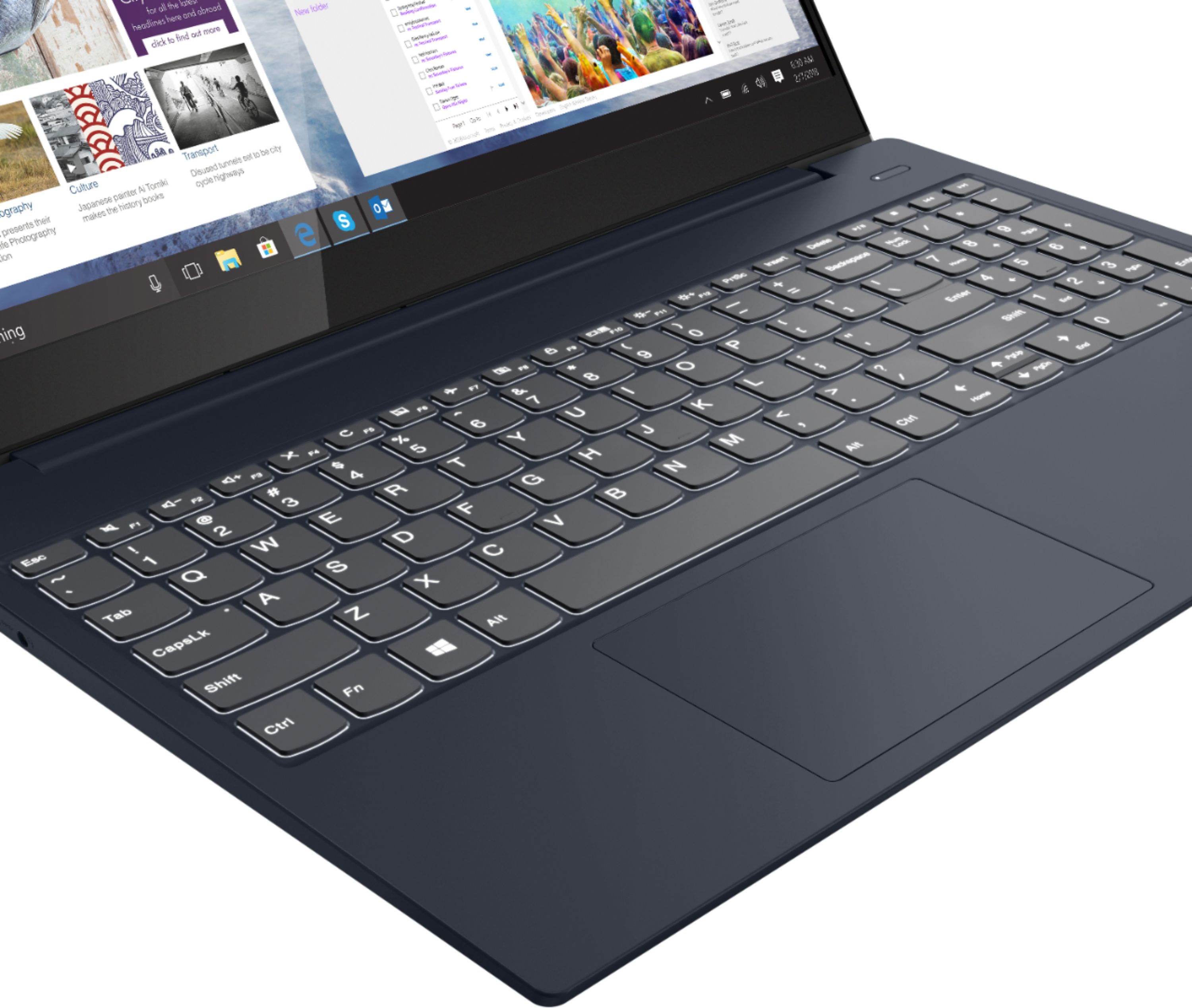
||Posted . Owned for 3 weeks when reviewed.This reviewer received promo considerations or sweepstakes entry for writing a review.Hands down the best Laptop I've ever bought. Super fast start up and charges really quickly. TWO of my favorite features has to be the designated number keypad and the light up keyboard. The touch screen is a super nice feature also. I LOVE MY LAPTOP
I would recommend this to a friendBrand response from Lenovo Product Expert
Posted .Thank you for choosing the Lenovo IdeaPad S340-15 Laptop. We are pleased to hear that the features and performance of the IdeaPad S340-15 meets your computing needs so well.
Impressive Laptop
||Posted . Owned for 2 weeks when reviewed.This reviewer received promo considerations or sweepstakes entry for writing a review.I was very surprised with this laptop. I replaced my 4 year old Intel I7 laptop with this Lenovo. I was having issues with my old laptop editing 4k videos. This Lenovo handled my 4 videos and photographs with ease. I haven’t tried any heavy duty 4k videos yet.
I would recommend this to a friend