Customer Ratings & Reviews
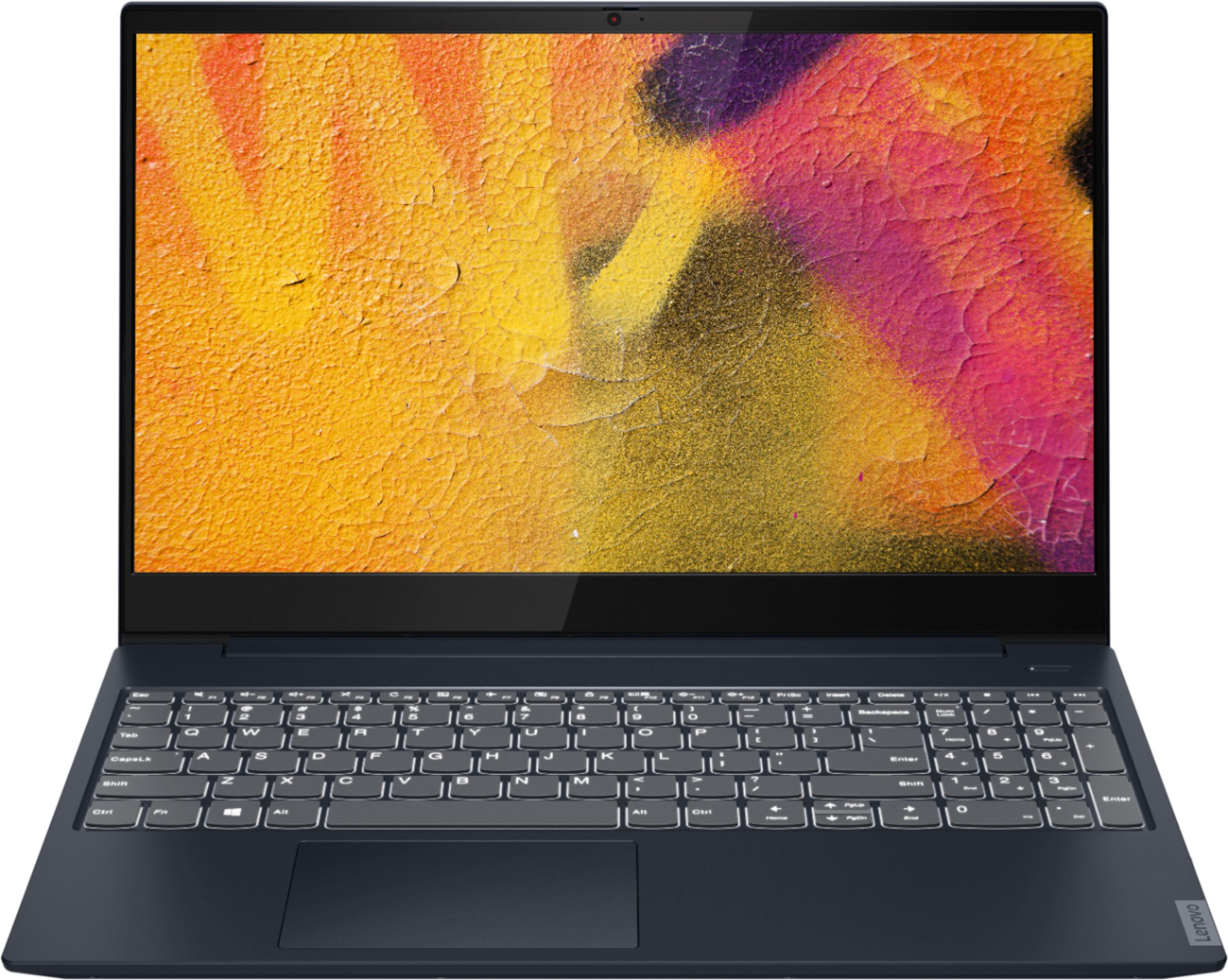
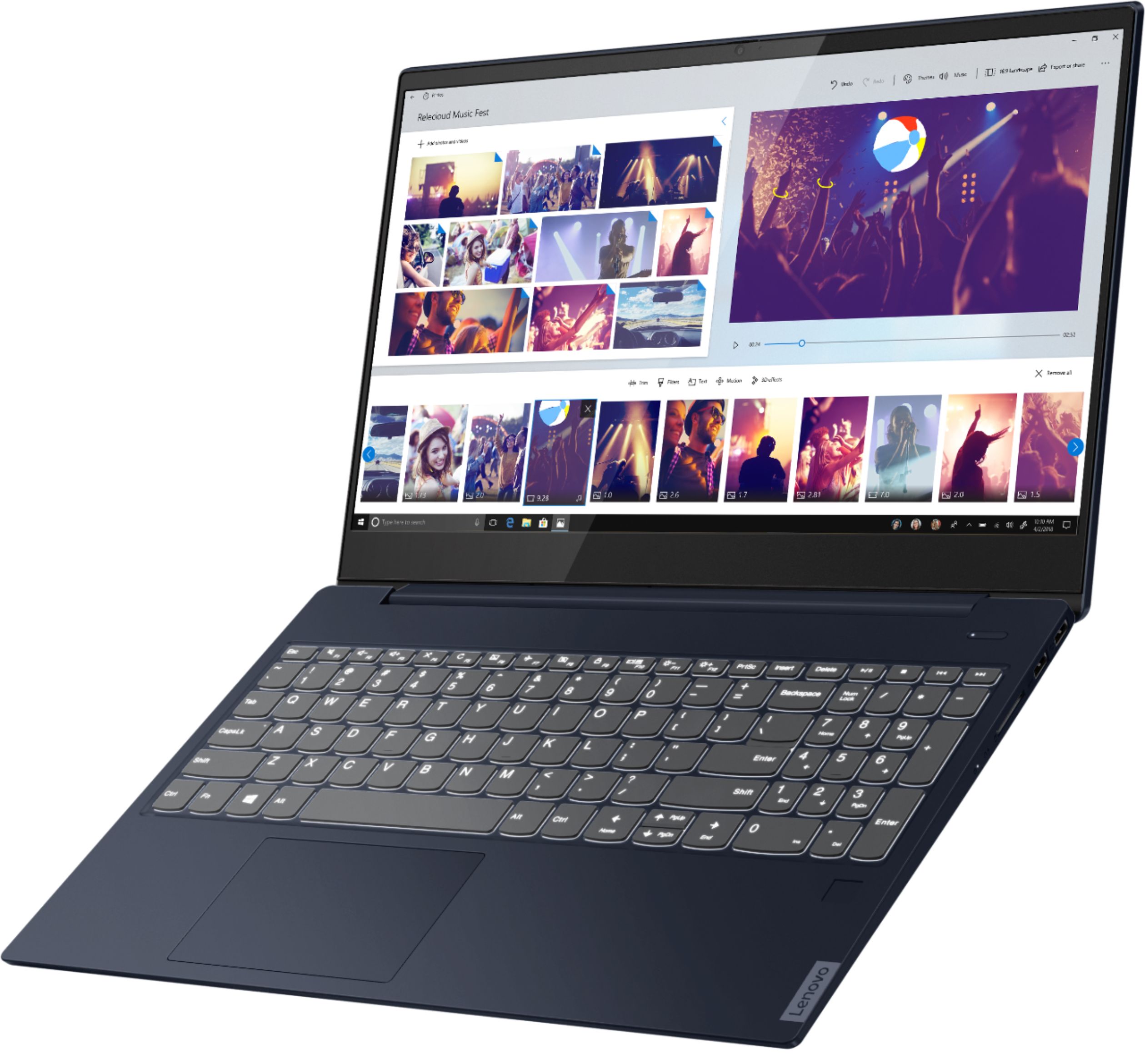
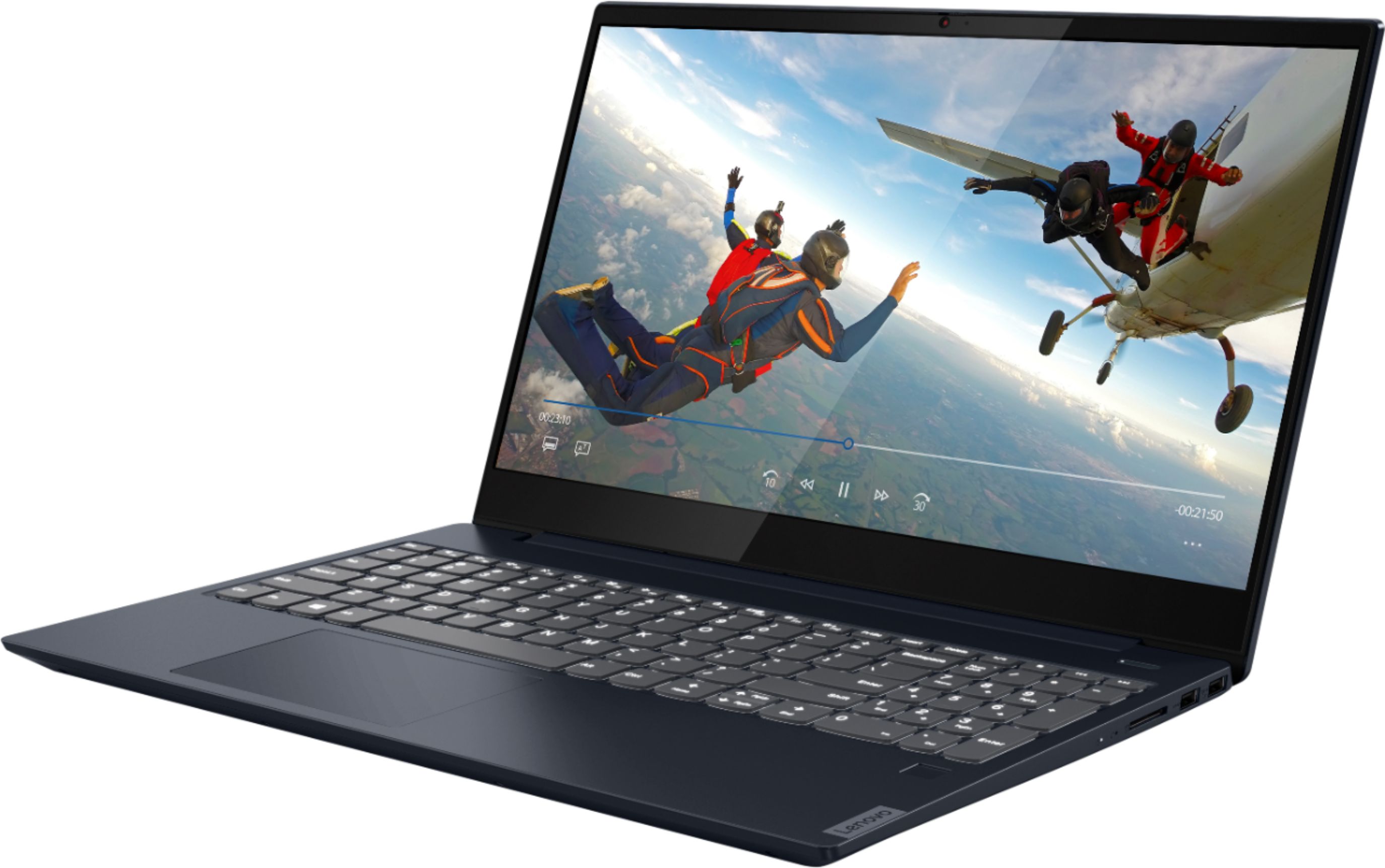
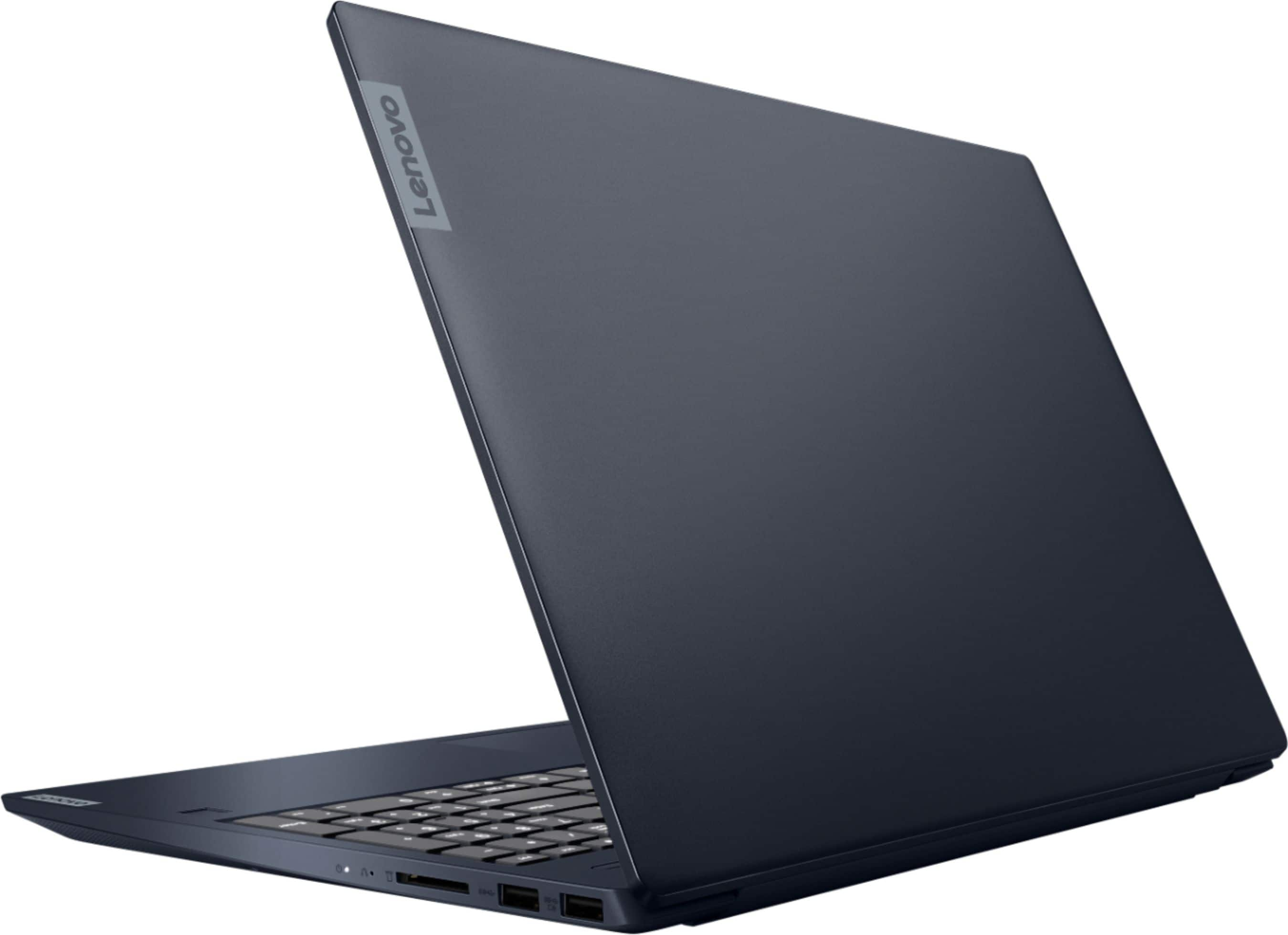
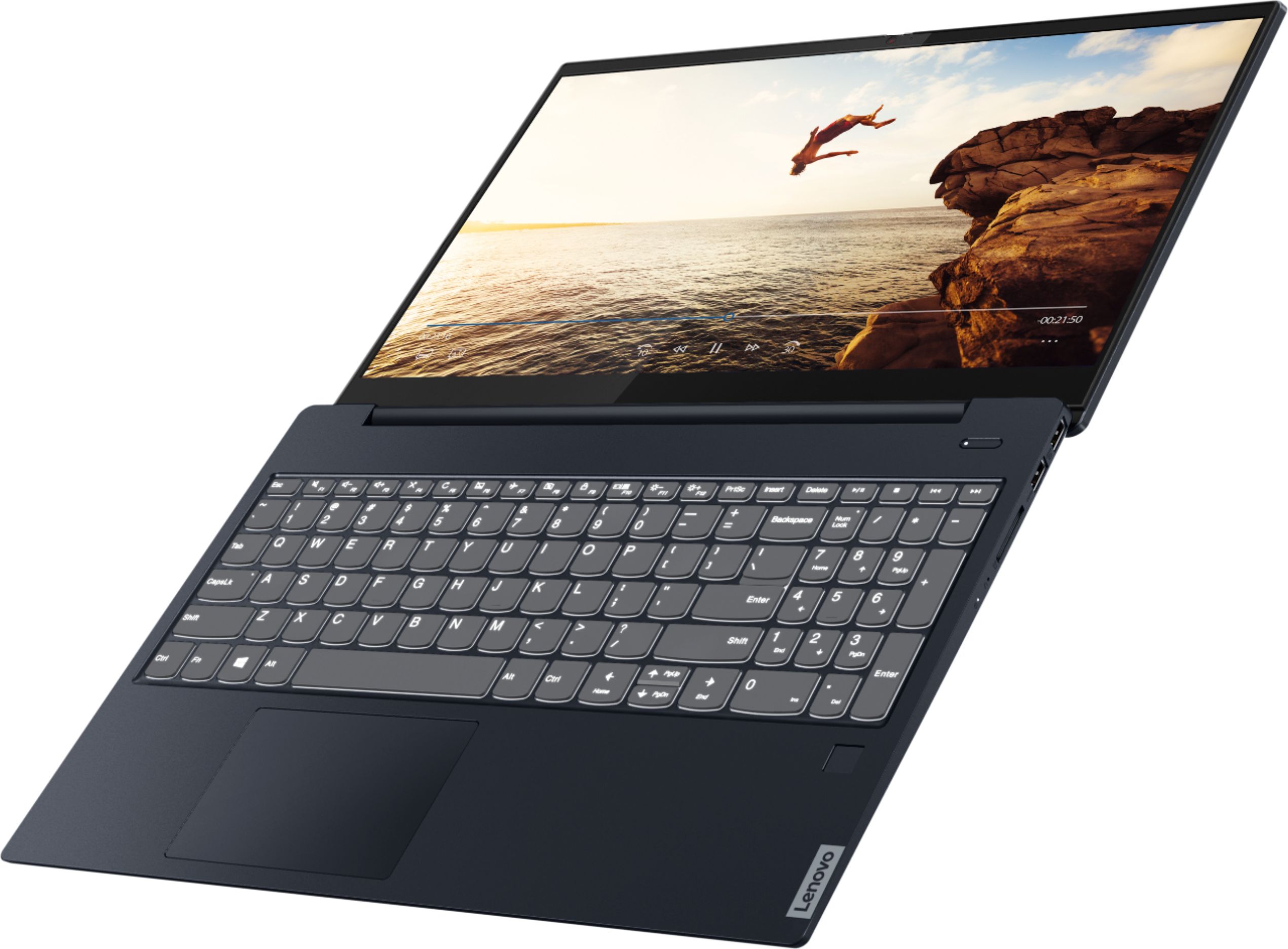
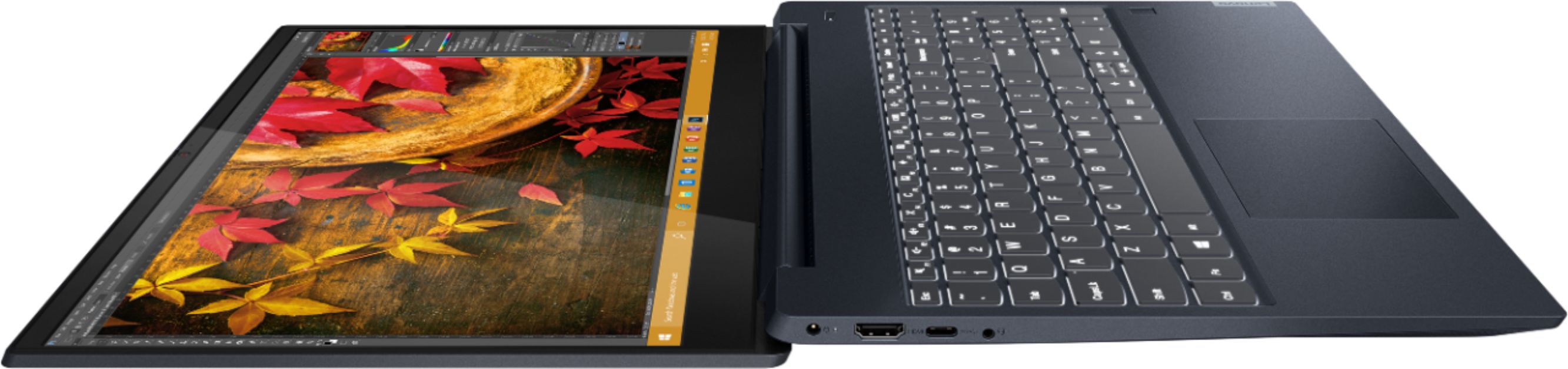
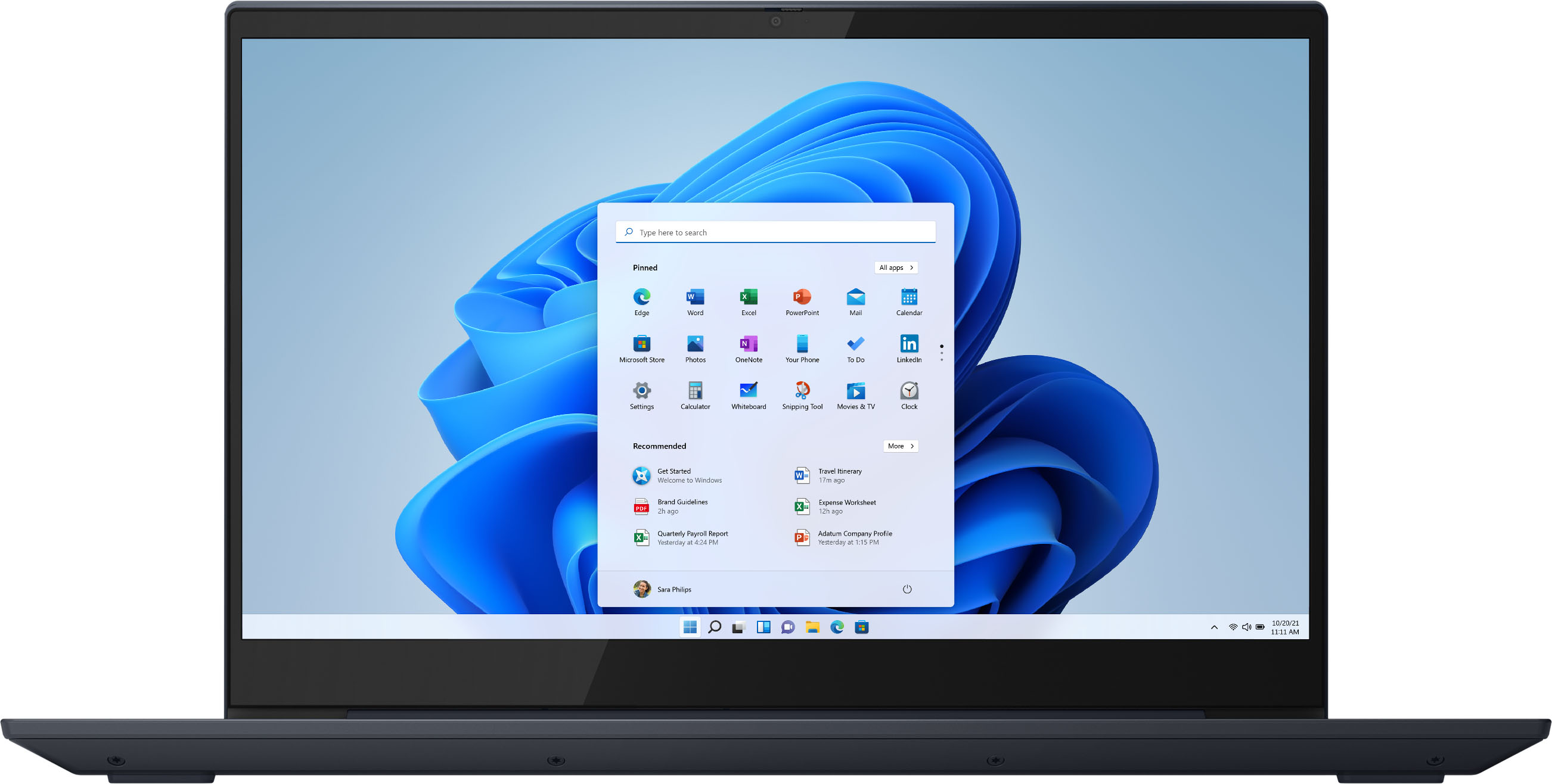

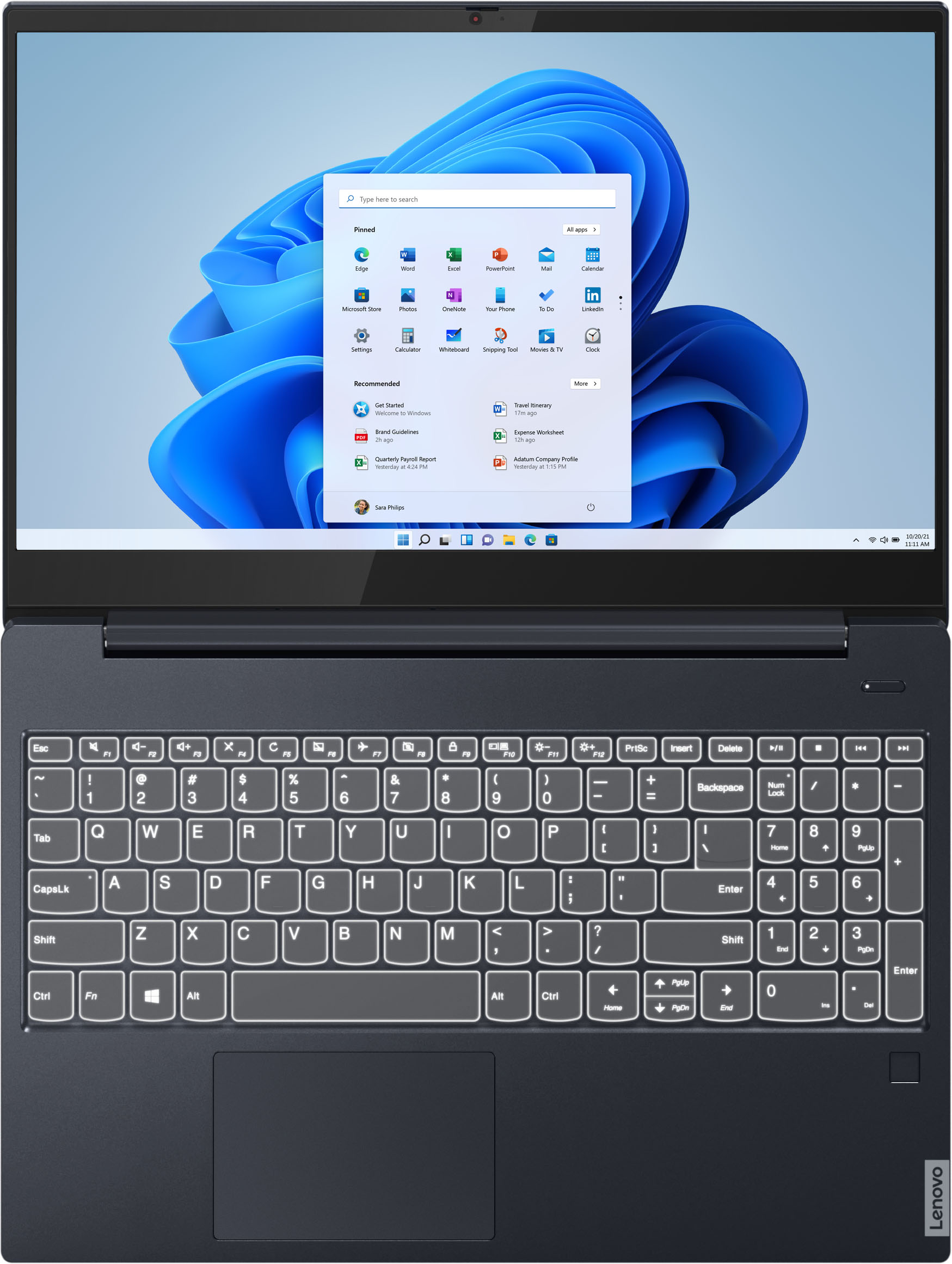


- Model:
- 81QG000DUS
- SKU:
- 6426703
Rating by feature
- Battery Life
Rating 4.4 out of 5 stars
- Speed
Rating 4.4 out of 5 stars
- Display
Rating 4.5 out of 5 stars
Customers are saying
Customers admire the IdeaPad S340 15" Touch-Screen Laptop for its touch screen capabilities, affordable price, lightweight design, and reliable performance. While some users have concerns about the laptop's Wi-Fi connectivity and weak speakers, the overall positive feedback highlights its value as a well-rounded laptop.
This summary was generated by AI based on customer reviews.
Love It
||Posted . Owned for 6 months when reviewed.This reviewer received promo considerations or sweepstakes entry for writing a review.I absolutely love this laptop. After searching for about 6 months to find what I wanted for a good prince this laptop exceeded my every expectation. The fist one came with a bit of an issue but Best Buy was amazing at helping out.
I would recommend this to a friendNone
||Posted . Owned for 2 weeks when reviewed.This reviewer received promo considerations or sweepstakes entry for writing a review.exactly what I thought it would be. It's extremely hard to beat this configuration off the shelf. Value, picture quality, and camera were the three variables that were important in my buying decision. It works well for my work and streaming use.
I would recommend this to a friendBrand response from Lenovo Product Expert
Posted .Thank you for choosing the Lenovo IdeaPad S340-15 Laptop. We are pleased to hear that the features and performance of the IdeaPad S340-15 meets your computing needs so well.

Excellent laptop
||Posted . Owned for 3 weeks when reviewed.This reviewer received promo considerations or sweepstakes entry for writing a review.This computer has been working excellently for me for the few weeks I've had it. It was an extreme learning curve for me going from years of MacBook Air to Windows but it's going well. My only complaint is the battery life is very short.
I would recommend this to a friendBrand response from Lenovo Product Expert
Posted .Thank you for choosing the Lenovo IdeaPad S340-15 Laptop, model number 81QG000DUS. This model ships with Windows 10 S-Mode 64-bit Operating System. Windows 10 S-Mode provides added security by only allowing APPs available ( and therefore certified by Microsoft) at the Microsoft Store. If you don't need the added security or you need to install APPs not available at the Microsoft Store, you can switch to standard Windows 10 Home 64-bit Operating System, at no additional cost. The IdeaPad S340-15 ships with a 3CELL_52.5WH_INTERNAL, Lithium Polymer
Battery, which within this configuration, has a battery life of up to 10 hours, depending on the work the device is performing. If you are getting substantially less battery life, first, set your screen brightness at less than 100-percent - try 80-percent to start with. Then, be sure Battery conservation Mode is turned off. This power management setting should only be used when the laptop is plugged in all the time. It will prolong overall battery life by only charging the battery to 60-percent of capacity. Here is a link to instructions for turning off Battery Conservation Mode: https://support.lenovo.com/us/en/solutions/ht103159. Also check what programs are running in the background on the computer. Be sure only the programs you want running in the background are. These programs will drain the battery. Here is a link to information about how to find out what programs are running in the background on your Windows 10 computer and how to manage them for better system performance: https://www.windowscentral.com/how-prevent-apps-running-background-windows-10. Then, finally, be sure any software you installed is compatible with Windows 10. Incompatible software will drain the battery at a faster rate. There is no need to install Microsoft Office software. The software is already part of the operating system, you just need to activate the software with a purchased product key. If you have installed a copy of Microsoft Office, this is conflicting with the existing copy on the system and this will slow your system down. If you have installed a 3rd party anti-virus program, be sure that Windows Defender is turned off and that the trial version of McAfee Anti-Virus software is uninstalled. There can only be one anti-virus program on the system. You may need to restore your system to original factory default settings if any of the programming errors have occurred. You can do that by typing "restore" in the Cortana search window. Just click on the magnifying glass icon at the bottom left of your Windows 10 Desktop. Click on "Reset This PC" Then click on "Get Started" and follow the on screen directions to restore to factory defaults. If the problem persists, we recommend you contact Lenovo Tech Support at: 877-453-6686.
Touchpad Agony
||Posted . Owned for 4 months when reviewed.This reviewer received promo considerations or sweepstakes entry for writing a review.Overall this is a good laptop that does what I need it too. Needed this for work so also needed the number pad. I do a lot of data entry and writing. The only gripe I have about this laptop is the touchpad. I didn't think it would be that big of an issue but it has become the bane of my existence. Even if there was no number pad, the position of the touchpad is poorly placed. No matter how I set the sensitivity it's still doesn't track properly and can be glitchy at times. Trying to select anything small takes some patience. I gave up on the touch pad and only use a mouse now. Also the number pad is small but luckily I have small hands. I waited so that the device received some good daily use before leaving a review.
No, I would not recommend this to a friendGreat Laptop
||Posted . Owned for 1 month when reviewed.This reviewer received promo considerations or sweepstakes entry for writing a review.Got this laptop for my gf for christmas , she loves this laptop, uses it all the time. Her battery life has been good so far. it's ultra sleep and the color is great, she is not a gamer but uses it for daily browsing it fits her need perfectly
I would recommend this to a friendVery Reliable Laptop
||Posted . Owned for 1 month when reviewed.This reviewer received promo considerations or sweepstakes entry for writing a review.After a month of use it seems to be a good laptop the only drawback from my perspective is the power cord has the as/dc converter at the plug making it bulky and heavy and in some cases it falls out of older outlet plugs.
I would recommend this to a friendLenova IdeaPad S340
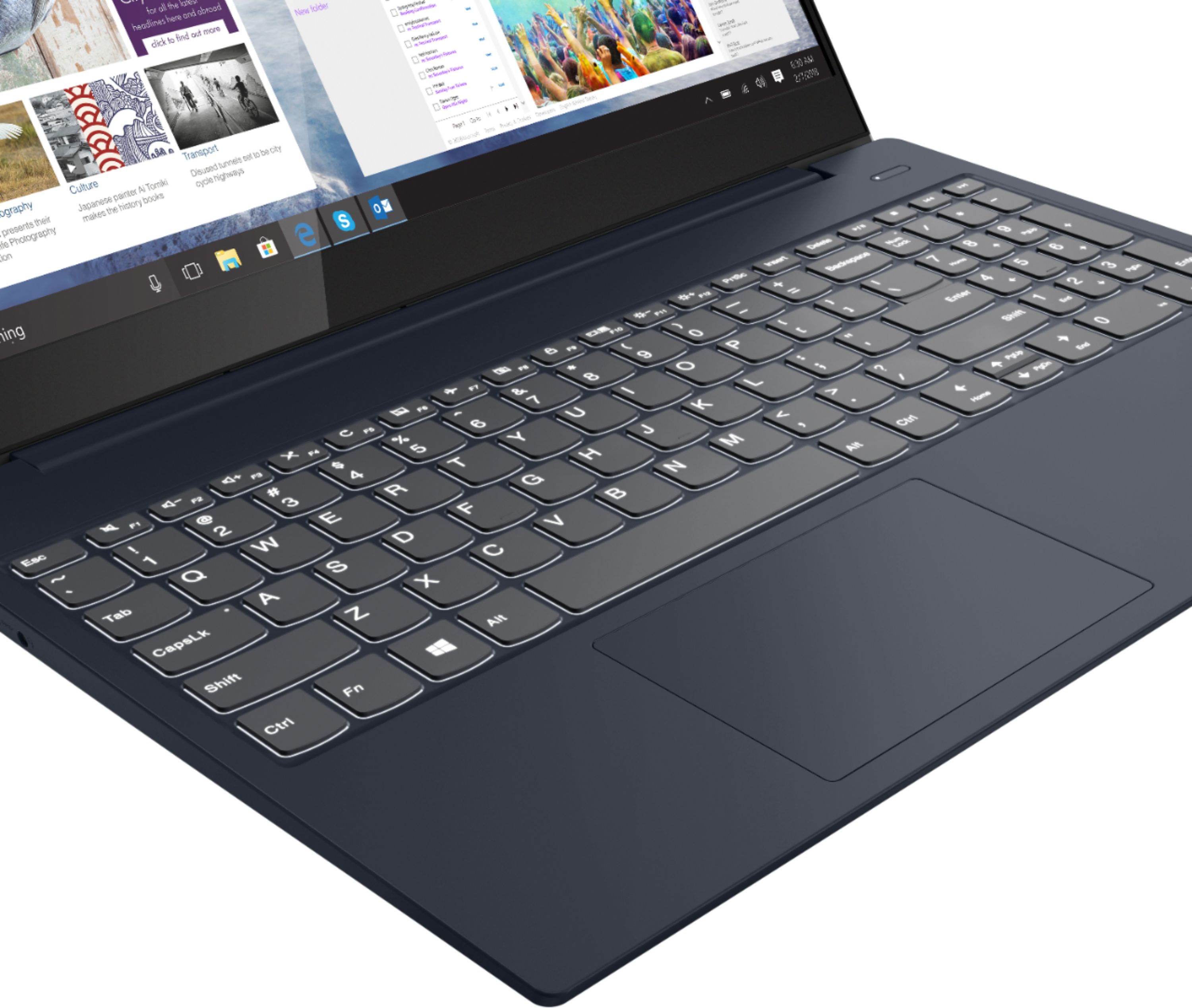
||Posted . Owned for 1 month when reviewed.This reviewer received promo considerations or sweepstakes entry for writing a review.The start up is very fast compared to my old 8GB computer. I like the speed of the computer, but not a big fan of the keyboard probably because I'm used to a regular keyboard. I couldn't figure out how the backlights on the keyboard lit up and finally looked online- fn + space bar.
I would recommend this to a friendFantastic
||Posted . Owned for 1 month when reviewed.This reviewer received promo considerations or sweepstakes entry for writing a review.Has everything you'll need. This is my first Lenovo product, so far I do not regret buying this device. Overall this is a great product whether you are using for everyday use for student, business, and some decent gaming.
I would recommend this to a friendBrand response from Lenovo Product Expert
Posted .Thank you for choosing the Lenovo IdeaPad S340-15 Laptop. We are pleased to hear that the features and performance of the IdeaPad S340-15 meets your computing needs so well.
Great Laptop for the bucks
||Posted . Owned for 1 month when reviewed.This reviewer received promo considerations or sweepstakes entry for writing a review.This laptop is a great unit for the price point where you get a faster processor and 12 GB RAM with upgraded video without paying over $1200. Has all the basic features of a modern laptop. SSD drive is fast on bootup.
I would recommend this to a friendGood laptop want a bright screen
||Posted . Owned for 1 month when reviewed.This reviewer received promo considerations or sweepstakes entry for writing a review.This laptop is really good but I wish the spec for Best Buy was better as this laptop has so many variations. It made it hard to figure out which one this laptop was. I would have like one with the better screen. However this screen is still good. It only 300nits.
I would recommend this to a friendExcellent mid range laptop.
||Posted . Owned for 1 month when reviewed.This reviewer received promo considerations or sweepstakes entry for writing a review.Solid work horse laptop. This laptop has been an excellent addition to our office. I was slightly concerned about the AMD processor but it has done a very good job with light video editing and normal office work.
I would recommend this to a friendBrand response from Lenovo Product Expert
Posted .Thank you for choosing the Lenovo IdeaPad S340-15 Laptop, model number 81QG000DUS for your business. We are pleased to hear that the S340-15 is working out so well.
Above Average Entry Level
||Posted . Owned for 1 month when reviewed.This reviewer received promo considerations or sweepstakes entry for writing a review.Very good laptop for the price. Specs are above average for an entry level machine. It's a thin, sleek little machine. Clear display, quick boot, and nice response time. The touch screen is a little iffy, but I don't use that part much so it won't be an issue.
I would recommend this to a friendBrand response from Lenovo Product Expert
Posted .Thank you for choosing the Lenovo IdeaPad S340-15 Laptop. We are pleased to hear that the value and performance of the IdeaPad S340-15 meets your computing needs so well. To be sure your computer is performing at its best, including the touchscreen, first, be sure any software you installed is compatible with Windows 10. There is no need to install Microsoft Office software. The software is already part of the operating system, you just need to activate the software with a purchased product key. If you have installed a copy of Microsoft Office, this is conflicting with the existing copy on the system and this will slow your system down. If you have installed a 3rd party anti-virus program, be sure that Windows Defender is turned off and that the trial version of McAfee Anti-Virus software is uninstalled. There can only be one anti-virus program on the system. You may need to restore your system to original factory default settings if any of the programming errors have occurred. You can do that by typing "restore" in the Cortana search window. Just click on the magnifying glass icon at the bottom left of your Windows 10 Desktop. Click on "Reset This PC" Then click on "Get Started" and follow the on screen directions to restore to factory defaults. If there is no incompatible software installed, check that you have the latest version of Windows 10 on the computer. Then update all BIOS files and drivers up to that latest version of Windows 10. You can easily accomplish this by scanning the computer with the Lenovo Utility software available on this computer. This system has Lenovo utilities installed to help maintain the health of the device and keep the operating system software up to date. Type "Lenovo Vantage" in the Cortana Search window (if Lenovo Vantage is not installed on your device, you can download the APP and install it now). Select Lenovo Vantage from the list. In the window that opens, click on "Health and Support". In the expanded menu, select "Hardware Scan" In the window that opens, select "Run Quick Tests". This will scan your entire system for errors. Follow any directions that may pop up. If the problem continues after this scan, now click on "System Update". First select Windows update from the menu. Scan your system to be sure you have the latest version of Windows 10. Once that scan is complete, select "Additional Updates". This will scan your device to be sure there are no new BIOS/Driver updates needed. Follow any instructions that may pop up. If the issue still continues after these updates, we recommend you call Lenovo Tech Support at: 877-453-6686 for additional help.
Affordable and capable laptop
||Posted . Owned for 3 weeks when reviewed.This reviewer received promo considerations or sweepstakes entry for writing a review.Great starting laptop! It has the power and capabilities of running more than just Facebook and YouTube. Running basic video and photo editing, this will be sufficient enough. AMD inside is also a great plus! Great laptop for students and starting entrepreneurs.
I would recommend this to a friendVersatile laptop for everyday use
||Posted . Owned for 5 months when reviewed.This reviewer received promo considerations or sweepstakes entry for writing a review.Bought this for a family member and the verdict is that it is a great and versatile laptop. However, after a few months of use, the battery has started to drain a bit faster than expected. Other than that, it is a great laptop for everyday use.
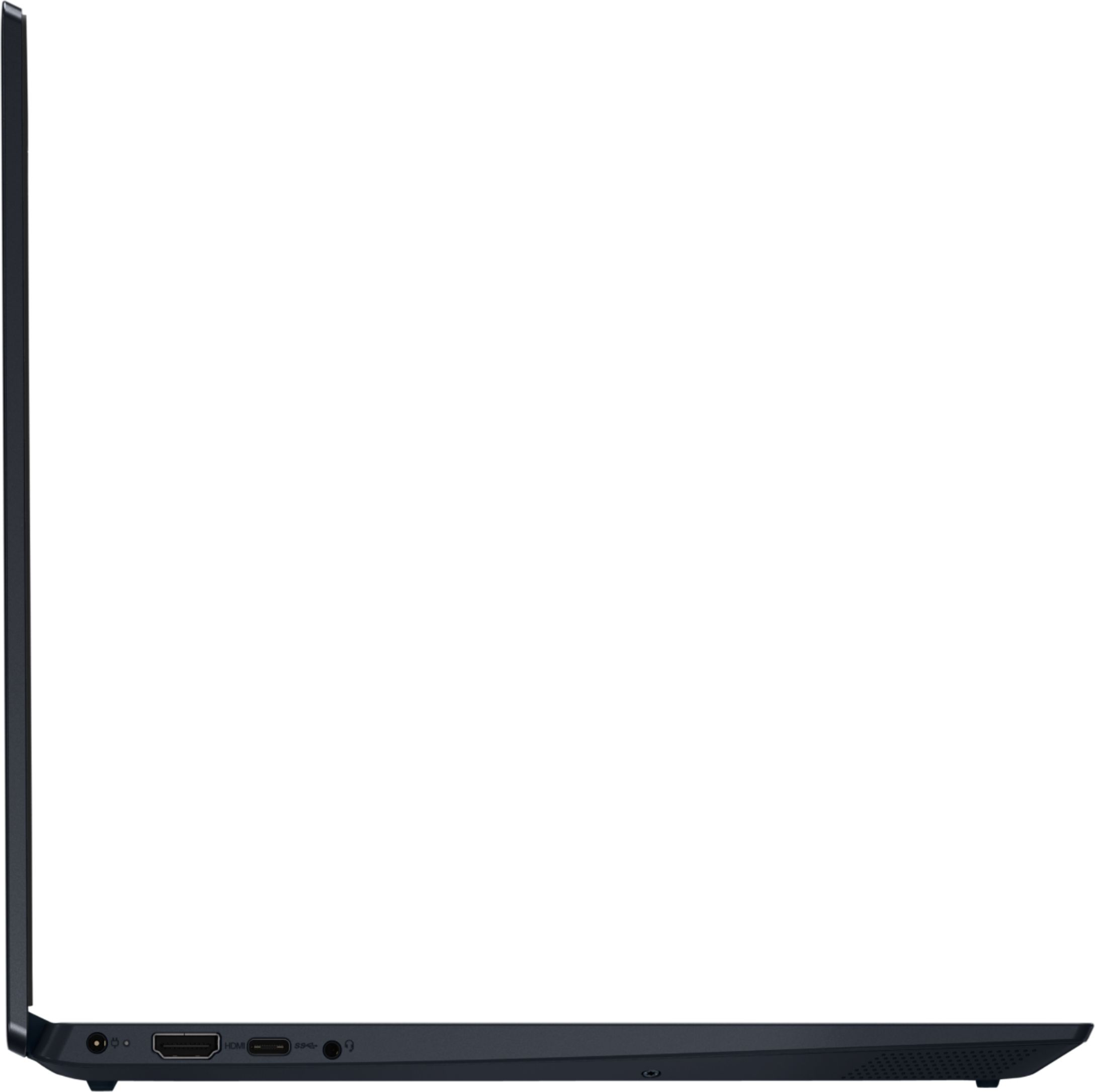
I would recommend this to a friendEverything is good, except no USB-C
||Posted . Owned for 1 month when reviewed.This reviewer received promo considerations or sweepstakes entry for writing a review.Very nice laptop, well designed. The AMD CPU is way faster than Intel i7 series. And surprisingly, I could not feel the heat, it is must be well designed. The only concern is that, this model do NOT have any USB-C port.
I would recommend this to a friendBrand response from Lenovo Product Expert
Posted .The Lenovo IdeaPad S340-15 model number 81QG000DUS, ships with one USB-c 3.1 version port on the left side of the device.
Solid specs if the price is right.
||Posted . Owned for 7 months when reviewed.This reviewer received promo considerations or sweepstakes entry for writing a review.Overall a good laptop for the price. Mine was open box and had some issues, such as the wi-fi going in and out. With the amount of RAM that web browsers use (Chrome, Firefox, etc...), 12GBs, along with the SSD, really helps keep things snappy.
No, I would not recommend this to a friendgreat little laptop
||Posted . Owned for 1 year when reviewed.This reviewer received promo considerations or sweepstakes entry for writing a review.i bought 2 of these... one for my nephew and the other for my little cousin who are both 4 years old... i stopped by to check on them and noticed their parents both playing on them hahah
I would recommend this to a friendPacks a fast punch
||Posted . Owned for 2 weeks when reviewed.This reviewer received promo considerations or sweepstakes entry for writing a review.The Lenova IdeaPad packs a large amount of memory (12GB) and has a fast 512GB Solcid State Drive. It does everything my other larger computers can do at half the cost. I just with it had finger recognition feature.
I would recommend this to a friendGreat laptop
||Posted . Owned for 9 months when reviewed.This reviewer received promo considerations or sweepstakes entry for writing a review.Great laptop for the price! I've had zero issues in the 10 or so months I've had it. I'm not a hardcore gamer so I have idea how well it would do with that but it's perfect for general use.
I would recommend this to a friendGreat laptop
||Posted . Owned for 1 month when reviewed.This reviewer received promo considerations or sweepstakes entry for writing a review.I really think this is a sleek looking laptop! Love the color so much. And it's a very nice size screen. I bought it to use for my at home business that involves a lot of zoom calls Have had zero issues thus far.
I would recommend this to a friendBrand response from Lenovo Product Expert
Posted .Thank you for choosing the Lenovo IdeaPad S340-15 Laptop. We are pleased to hear that the ease of use, features and performance of the IdeaPad S340-15 meets your business computing needs so well.