Customer Ratings & Reviews
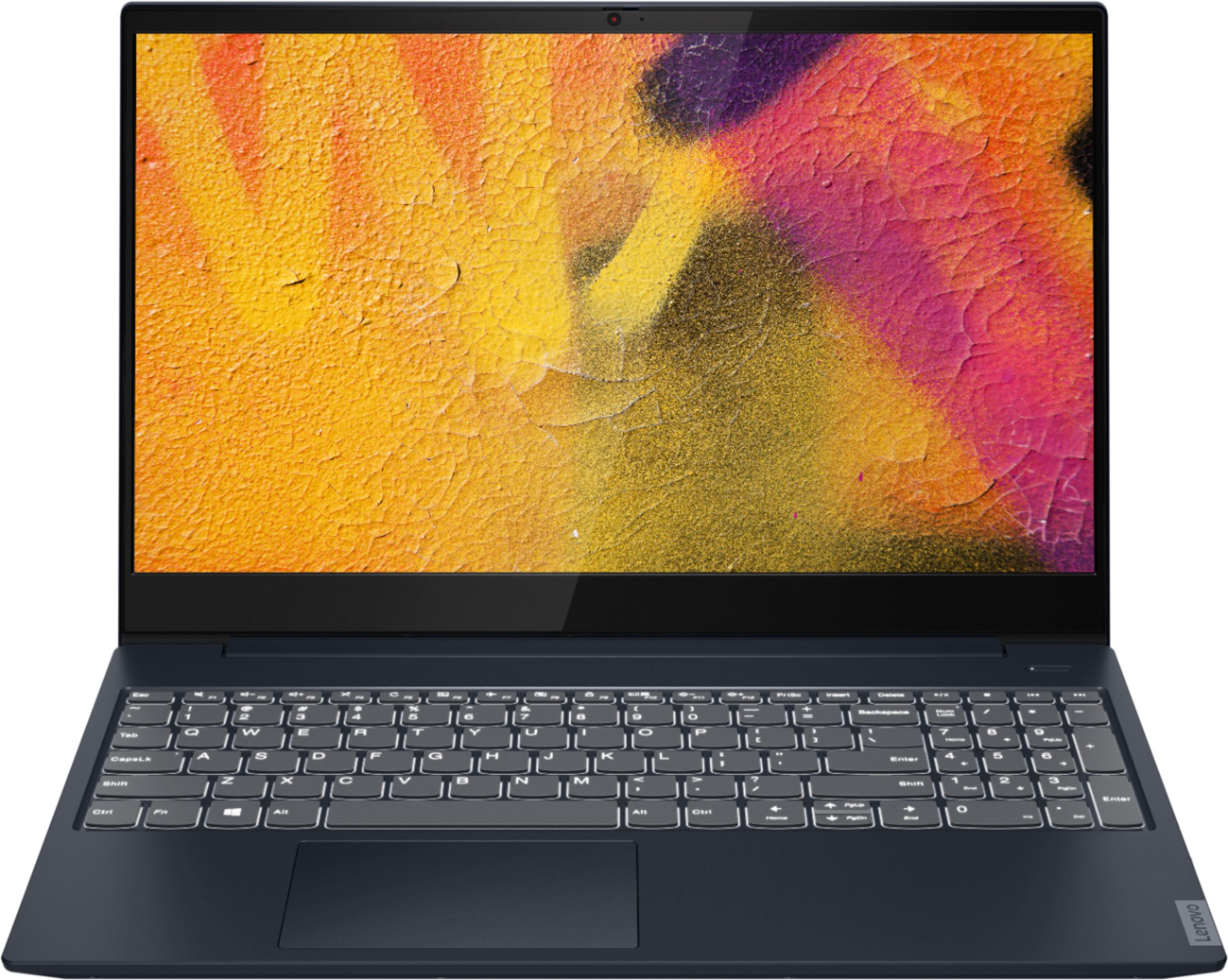
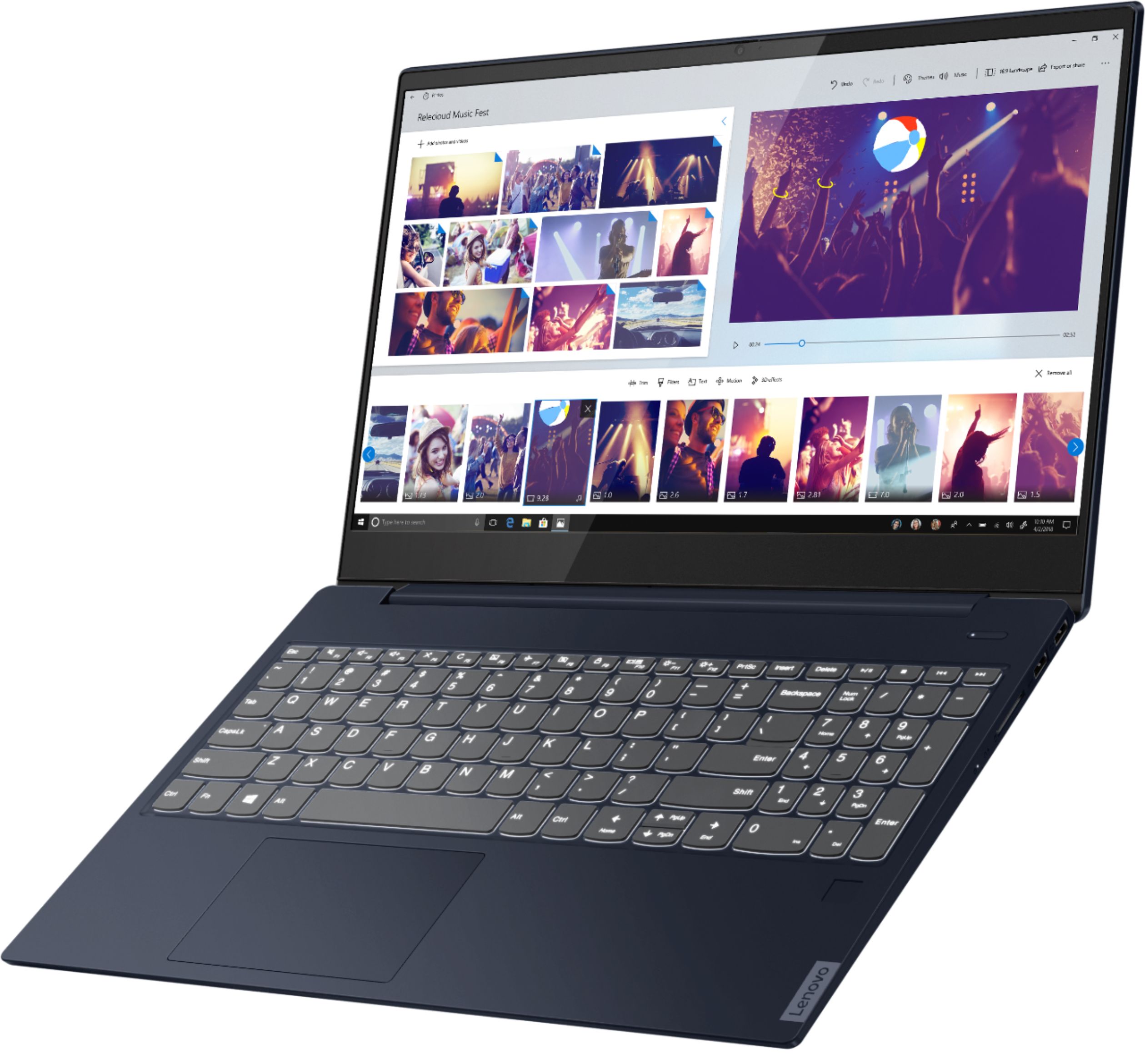
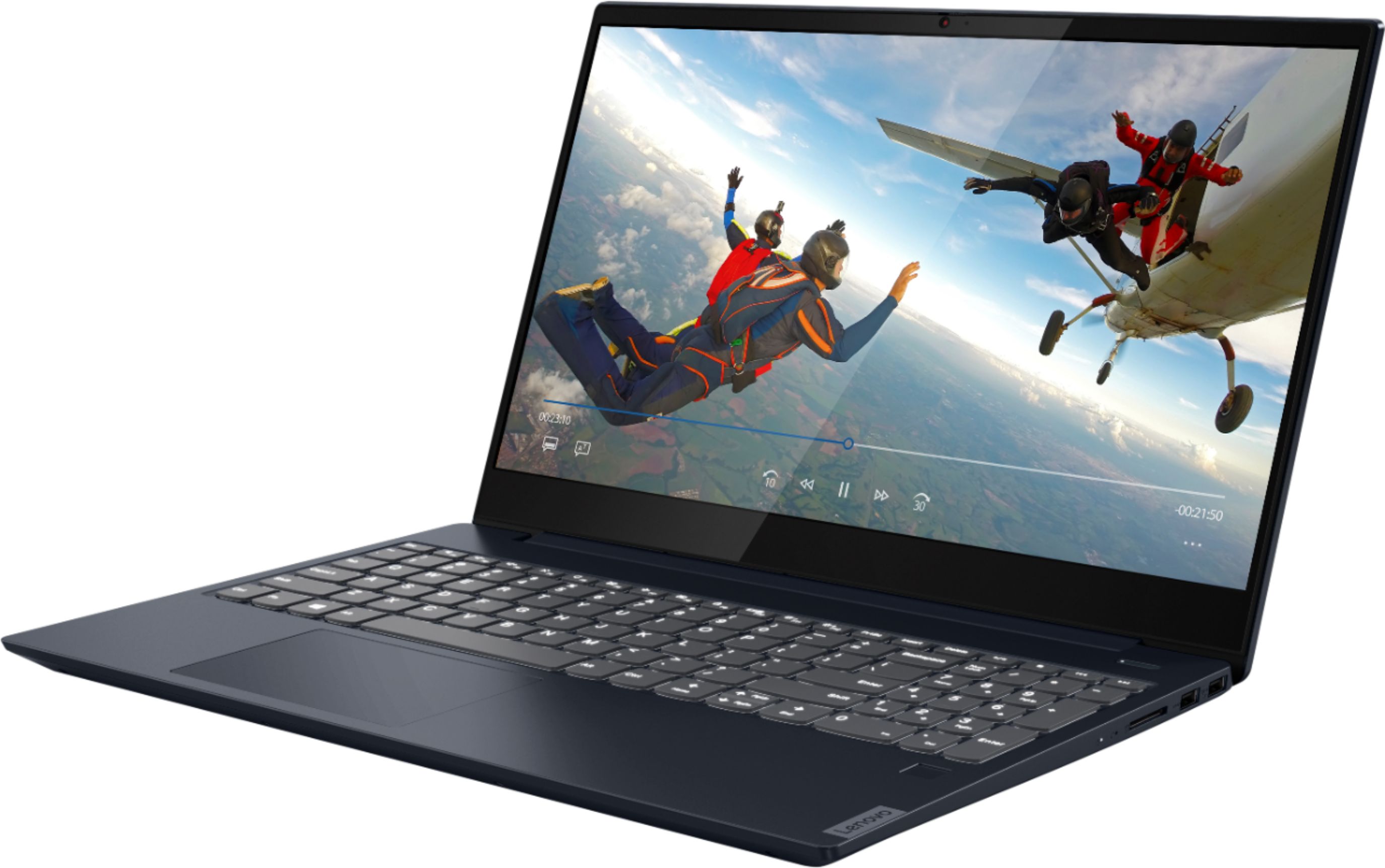
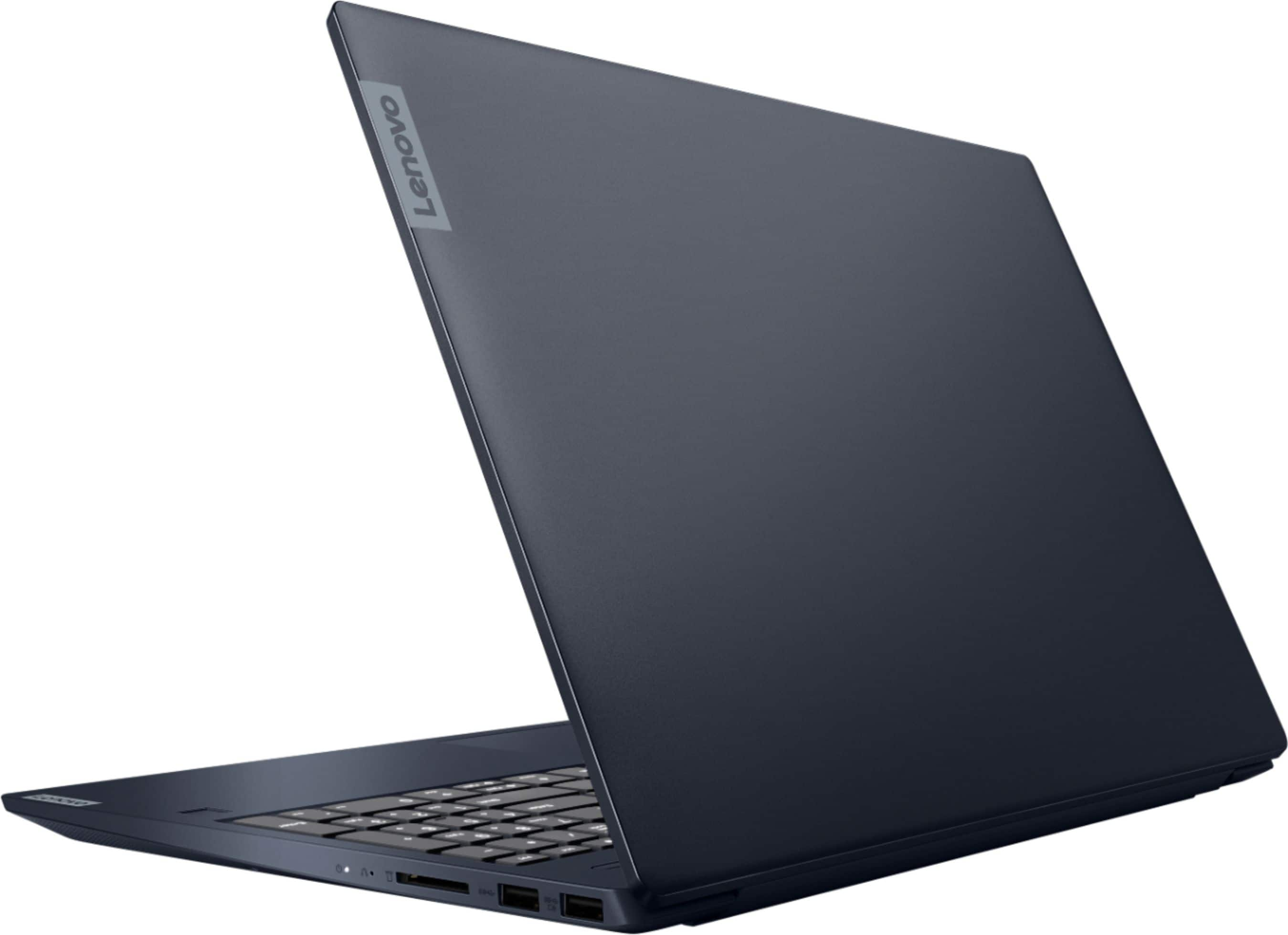
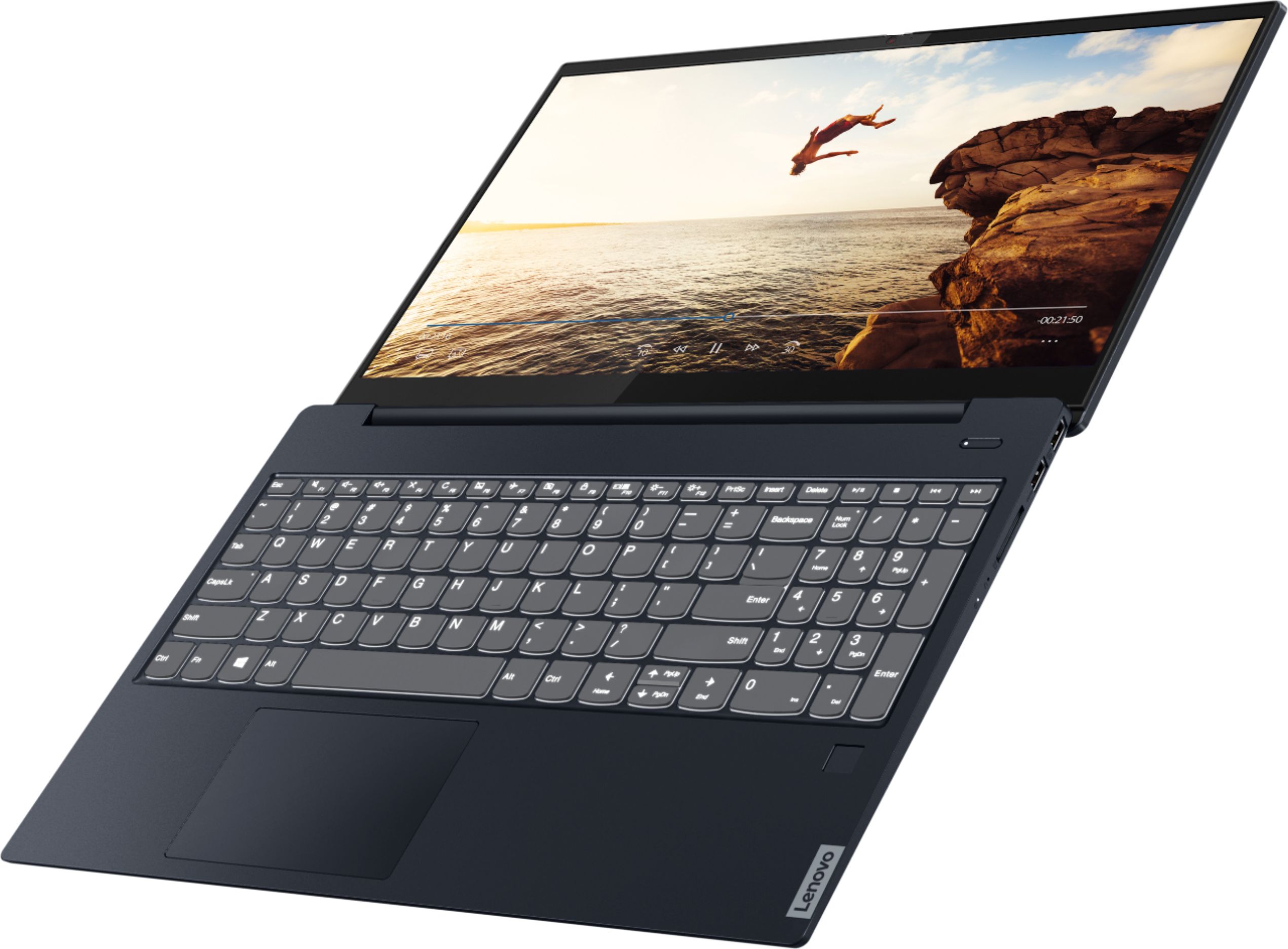
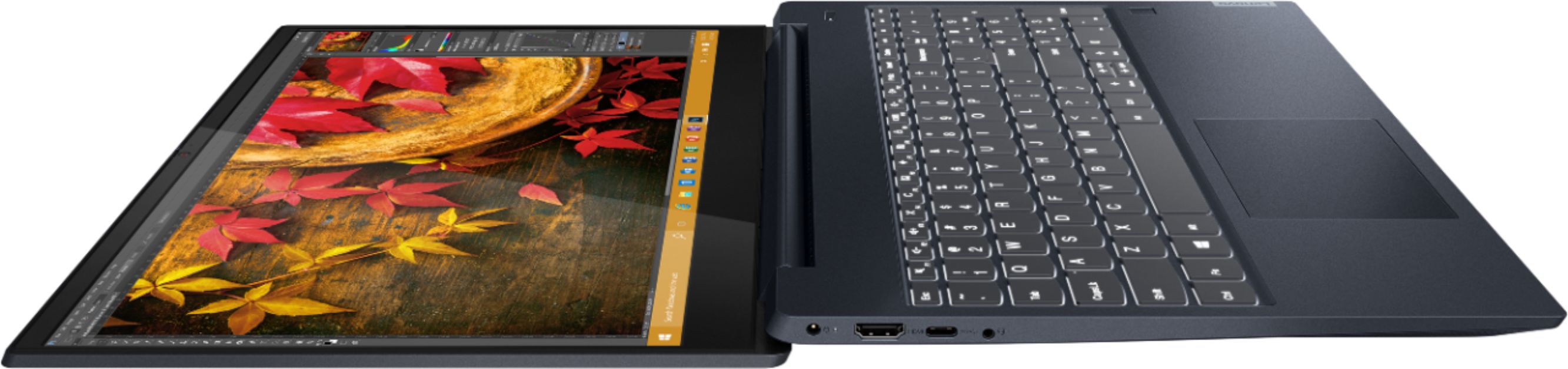
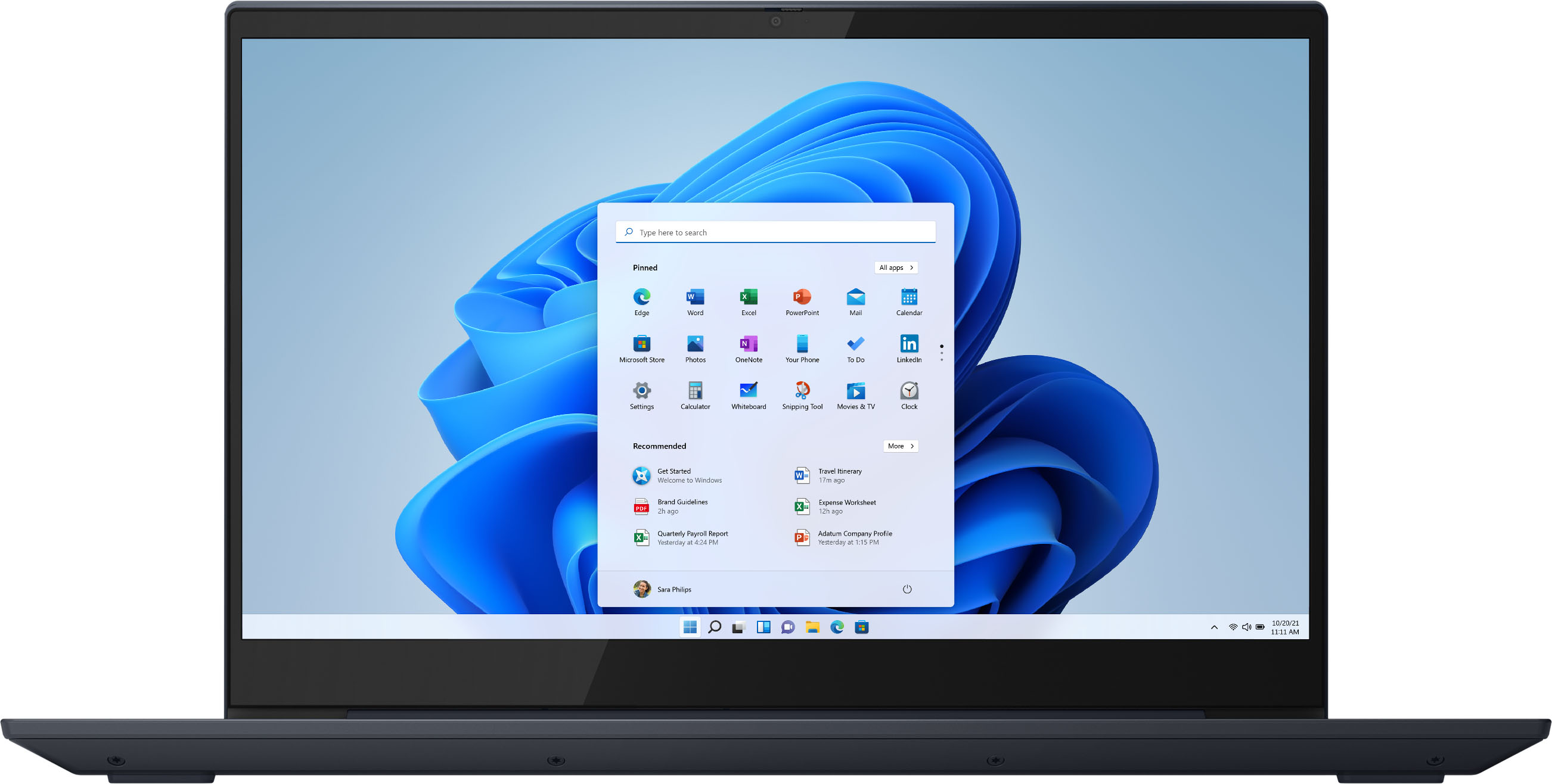

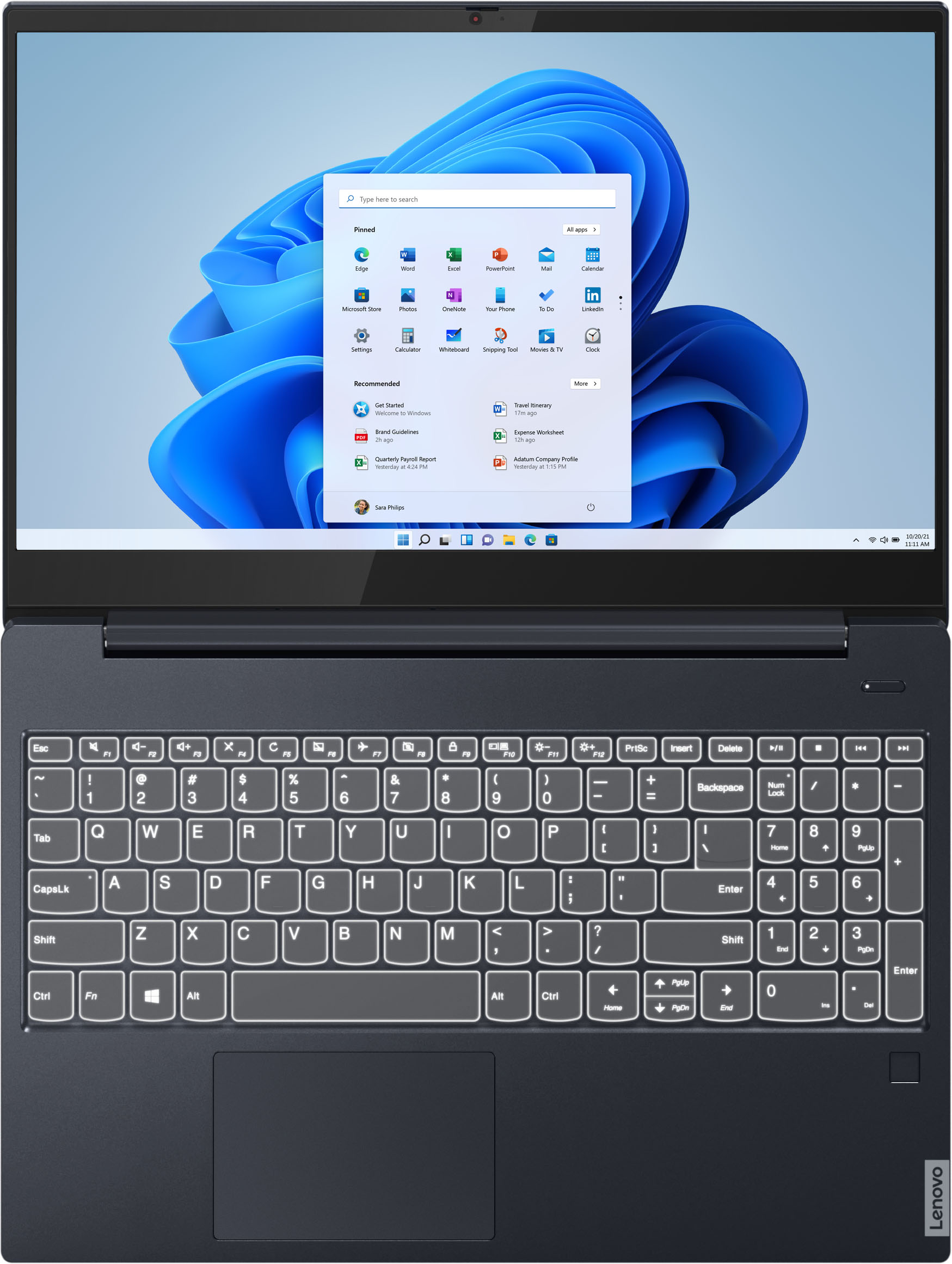


- Model:
- 81QG000DUS
- SKU:
- 6426703
Rating by feature
- Battery Life
Rating 4.4 out of 5 stars
- Speed
Rating 4.4 out of 5 stars
- Display
Rating 4.5 out of 5 stars
Customers are saying
Customers admire the IdeaPad S340 15" Touch-Screen Laptop for its touch screen capabilities, affordable price, lightweight design, and reliable performance. While some users have concerns about the laptop's Wi-Fi connectivity and weak speakers, the overall positive feedback highlights its value as a well-rounded laptop.
This summary was generated by AI based on customer reviews.
Power and beauty in a small package
||Posted . Owned for 1 month when reviewed.This reviewer received promo considerations or sweepstakes entry for writing a review.A much needed improvement over my college attending daughters old laptop. She's very happy with the speed and performance so far.
I would recommend this to a friendBrand response from Lenovo Product Expert
Posted .Thank you for choosing the Lenovo IdeaPad S340-15 Laptop for your daughter. We are pleased to hear that the IdeaPad S340-15 meets your daughter's computing needs so well.

Well pleased!!
||Posted . Owned for 3 weeks when reviewed.This reviewer received promo considerations or sweepstakes entry for writing a review.I absolutely love the quality built into this laptop!! So glad I went with Lenovo! It is lightning fast and was a breeze to setup!
I would recommend this to a friendGreat Purchase
||Posted . Owned for 3 weeks when reviewed.This reviewer received promo considerations or sweepstakes entry for writing a review.I’m glad I purchased this laptop. This is what I need for simple tasks. I purchase this PC when it was the deal of the day.
I would recommend this to a friendStudents
||Posted . Owned for 4 months when reviewed.This reviewer received promo considerations or sweepstakes entry for writing a review.Fast startup, quiet fan, and great monitor. No bloatware. Good choice for high schoolers and college students.
I would recommend this to a friend- Cons mentioned:Wifi connectivity
No longer working
||Posted . Owned for 11 months when reviewed.This reviewer received promo considerations or sweepstakes entry for writing a review.I purchased this laptop in February last year to work remotely and it was working great. A year passed by and now its having issues connecting to the wifi, every couple minutes it shows as “no connection”, its also starting to get really slow. Now I can’t use it to work.
No, I would not recommend this to a friend love my lenovo
||Posted . Owned for 1 month when reviewed.This reviewer received promo considerations or sweepstakes entry for writing a review.love it! it came quickly and on time. It is the perfect computer for me and my needs - email, on-line shopping, etc.
I would recommend this to a friendBrand response from Lenovo Product Expert
Posted .Thank you for choosing the Lenovo IdeaPad S340-15 Laptop. We are pleased to hear that the IdeaPad S340-15 meets your computing needs so well.
I could not be more please with this laptop
||Posted . Owned for 1 month when reviewed.This reviewer received promo considerations or sweepstakes entry for writing a review.I could not be more please with this laptop. Plenty of power and performance for the price. Lenovo has won me over.
I would recommend this to a friendGood value.
||Posted . Owned for less than 1 week when reviewed.This reviewer received promo considerations or sweepstakes entry for writing a review.Good computer for what we need it for. My daughter will primarily use this for school work (online) Love Lenovo products and have had good luck from them.
I would recommend this to a friendBrand response from Lenovo Product Expert
Posted .Hello. Thank you for choosing the Lenovo IdeaPad S340 laptop. We are pleased to hear that the value and performance of the IdeaPad S340 meets your daughter's computing needs so well! We appreciate your loyalty to the Lenovo brand.
Great laptop
||Posted . Owned for 1 month when reviewed.This reviewer received promo considerations or sweepstakes entry for writing a review.Purchased as a Christmas gift on a daily deal special price. Computer is loaded with features and the build quality is great
I would recommend this to a friendBrand response from Lenovo Product Expert
Posted .Thank you for choosing the Lenovo IdeaPad S340-15 Laptop. We are pleased to hear that the features and performance of the IdeaPad S340-15 meets your computing needs so well.
Good Laptop
||Posted .This reviewer received promo considerations or sweepstakes entry for writing a review.Products great but I did not pay for the warranty, unfortunately after updating the drivers, and rolling them back the camera still did not work
I would recommend this to a friendBrand response from Lenovo Product Expert
Posted .We are sorry to hear that you are having issues with the webcam within your Lenovo IdeaPad S340-15 Laptop, model number 81QG000DUS. This model ships with a 720p (HD) webcam with manual Privacy Shutter built in. Be sure the Privacy Shutter is completely open before trying to use the webcam or the webcam will not operate. There is a small slider, directly above the webcam lens. Move the tab to the right to open the Privacy Shutter. There is a red dot over the webcam lens that will disappear when the Privacy Shutter is fully open. This will indicate that the webcam is really to use. You can close the Privacy Shutter when you are done with the webcam for your security, by sliding the tab to the left to close the Privacy Shutter. The Red Dot will appear over the webcam lens when the Privacy Shutter is closed. If the issue continues with the manual Privacy Shutter fully open, check to be sure you have the latest version of Windows 10 on the computer before you install any updates. Then update all BIOS files and drivers up to that latest version of Windows 10. You can easily accomplish this by scanning the computer with the Lenovo Utility software available on this computer. This way, you will be sure not to miss any critical files needed for the complete update of your computer. This system has Lenovo utilities installed to help maintain the health of the device and keep the operating system software up to date. Type "Lenovo Vantage" in the Cortana Search window (if Lenovo Vantage is not installed on your device, you can download the APP and install it now). Select Lenovo Vantage from the list. In the window that opens, click on "Health and Support". In the expanded menu, select "Hardware Scan" In the window that opens, select "Run Quick Tests". This will scan your entire system for errors. Follow any directions that may pop up. If the problem continues after this scan, now click on "System Update". First select Windows update from the menu. Scan your system to be sure you have the latest version of Windows 10. Once that scan is complete, select "Additional Updates". This will scan your device to be sure there are no new BIOS/Driver updates needed. Follow any instructions that may pop up. If the issue still continues after these updates, we recommend you call Lenovo Tech Support at: 877-453-6686 for additional help.
sweet little lappy top
||Posted . Owned for 3 weeks when reviewed.This reviewer received promo considerations or sweepstakes entry for writing a review.very nice, the ryzen chips are toasty brah. I highly recommend scoring one and you will enjoy hours of tasty web surfing
I would recommend this to a friend100% I would buy again
||Posted . Owned for 1 month when reviewed.This reviewer received promo considerations or sweepstakes entry for writing a review.Fast startup, low noise, light, affordable, and the shade of blue is very attractive. I am 100% happy, would buy again.
I would recommend this to a friendBrand response from Lenovo Product Expert
Posted .thank you for choosing the Lenovo IdeaPad S340-15 Laptop. We are pleased to hear that the value, features and performance of the IdeaPad S340-15 meets your computing needs so well.
Love it!
||Posted . Owned for 3 weeks when reviewed.This reviewer received promo considerations or sweepstakes entry for writing a review.Excellent little computer!! It has some decent processing power, and is a nice size. Will for sure be buying Lenovo again.
I would recommend this to a friendBrand response from Lenovo Product Expert
Posted .value and performance of the IdeaPad S340 meets your computing needs so well!
Doit
||Posted . Owned for 3 weeks when reviewed.This reviewer received promo considerations or sweepstakes entry for writing a review.Nice price and great customer service with the geek squad. Could not be happier and will be back for my next purchase.
I would recommend this to a friendBrand response from Lenovo Product Expert
Posted .Hello. Thank you for choosing the Lenovo IdeaPad S340 15" laptop. We are pleased to hear that the value and performance of the IdeaPad S340 meets your computing needs so well!
Dj computer
||Posted . Owned for 3 months when reviewed.This reviewer received promo considerations or sweepstakes entry for writing a review.Awesome laptop great at dj. Very fast computer. You can be a amazing dj on this laptop. Would reccomend to anyone.
I would recommend this to a friendBrand response from Lenovo Product Expert
Posted .Thank you for choosing the Lenovo IdeaPad S340-15 Laptop. We are pleased to hear that the IdeaPad S340-15 meets your computing needs so well.
Good laptop, but..
||Posted . Owned for 4 months when reviewed.This reviewer received promo considerations or sweepstakes entry for writing a review.Got for my lady and she loves it. However, I did notice that the built in mic quality is lacking. Other than that, solid purchase.
I would recommend this to a friendGreat value
||Posted . Owned for 3 months when reviewed.This reviewer received promo considerations or sweepstakes entry for writing a review.The laptop is awesome. It operates fast and has great graphics. The only downside is battery life. The battery dies faster than Normal.
I would recommend this to a friendBrand response from Lenovo Product Expert
Posted .The Lenovo IdeaPad S340-15 Laptop, model number 81QG000DUS, ships with a 3CELL_52.5WH_INTERNAL, Lithium Polymer Battery, which within this configuration, has a battery life of up to 10 hours, depending on the work the device is performing. If you are getting substantially less battery life, first, set your screen brightness at less than 100-percent - try 80-percent to start with. Then, be sure Battery conservation Mode is turned off. This power management setting should only be used when the laptop is plugged in all the time. It will prolong overall battery life by only charging the battery to 60-percent of capacity. Here is a link to instructions for turning off Battery Conservation Mode: https://support.lenovo.com/us/en/solutions/ht103159. Also check what programs are running in the background on the computer. Be sure only the programs you want running in the background are. These programs will drain the battery. Here is a link to information about how to find out what programs are running in the background on your Windows 10 computer and how to manage them for better system performance: https://www.windowscentral.com/how-prevent-apps-running-background-windows-10. Then, finally, be sure any software you installed is compatible with Windows 10. Incompatible software will drain the battery at a faster rate. There is no need to install Microsoft Office software. The software is already part of the operating system, you just need to activate the software with a purchased product key. If you have installed a copy of Microsoft Office, this is conflicting with the existing copy on the system and this will slow your system down. If you have installed a 3rd party anti-virus program, be sure that Windows Defender is turned off and that the trial version of McAfee Anti-Virus software is uninstalled. There can only be one anti-virus program on the system. You may need to restore your system to original factory default settings if any of the programming errors have occurred. You can do that by typing "restore" in the Cortana search window. Just click on the magnifying glass icon at the bottom left of your Windows 10 Desktop. Click on "Reset This PC" Then click on "Get Started" and follow the on screen directions to restore to factory defaults. If the problem persists, we recommend you contact Lenovo Tech Support at: 877-453-6686.
Everything you need
||Posted . Owned for 1 year when reviewed.This reviewer received promo considerations or sweepstakes entry for writing a review.Gets the job done. Smooth experience, great overall productivity laptop that'll suit your needs.
I would recommend this to a friendChristmas gift for college student.
||Posted . Owned for 2 months when reviewed.This reviewer received promo considerations or sweepstakes entry for writing a review.Christmas gift for college student. Couldn't be happier for the price. Doing everything expected with no issues.
I would recommend this to a friendBrand response from Lenovo Product Expert
Posted .Thank you for choosing the Lenovo IdeaPad S340-15 Laptop as a gift. We are pleased to hear that the IdeaPad S340-15 is working out so well for the recipient.
My computer
||Posted . Owned for 1 month when reviewed.This reviewer received promo considerations or sweepstakes entry for writing a review.I received this as a gift and haven’t had a lot of time to really get into many parts of the computer but what I have used so far has been good.
I would recommend this to a friendBrand response from Lenovo Product Expert
Posted .Hello. Thank you for choosing the Lenovo IdeaPad S340 laptop. We are pleased to hear that the value and performance of the IdeaPad S340 meets your computing needs so well!