Customer Ratings & Reviews
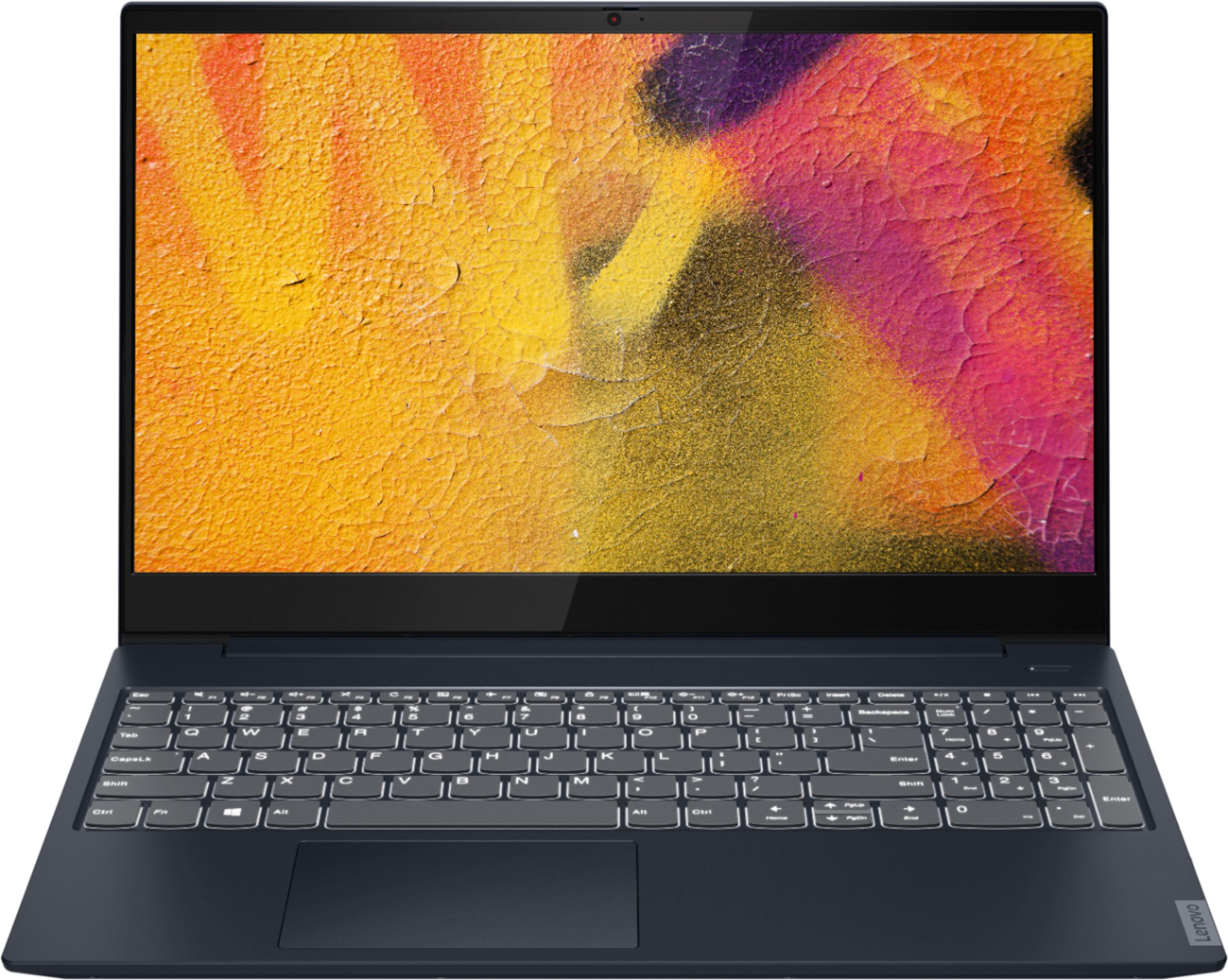
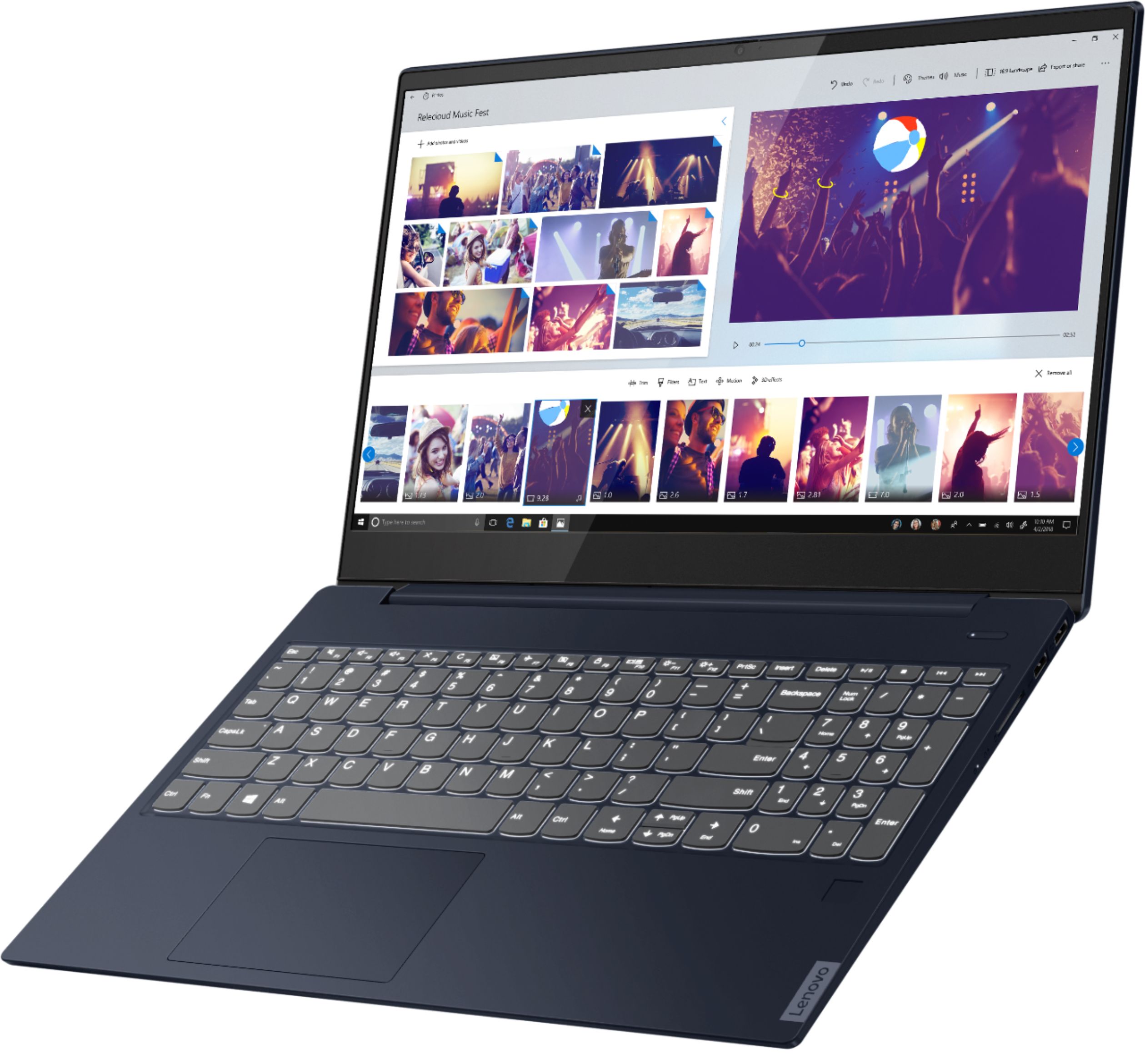
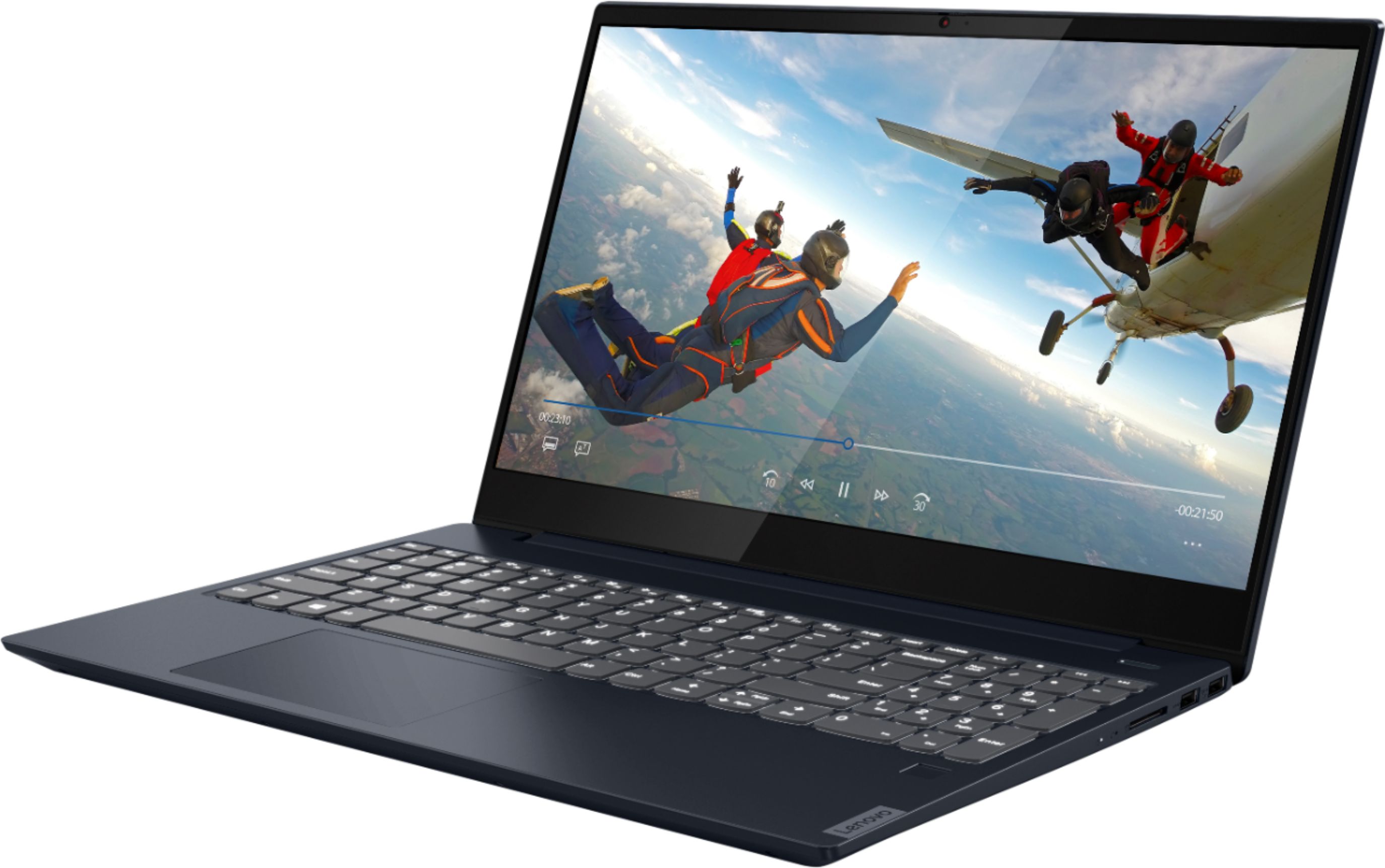
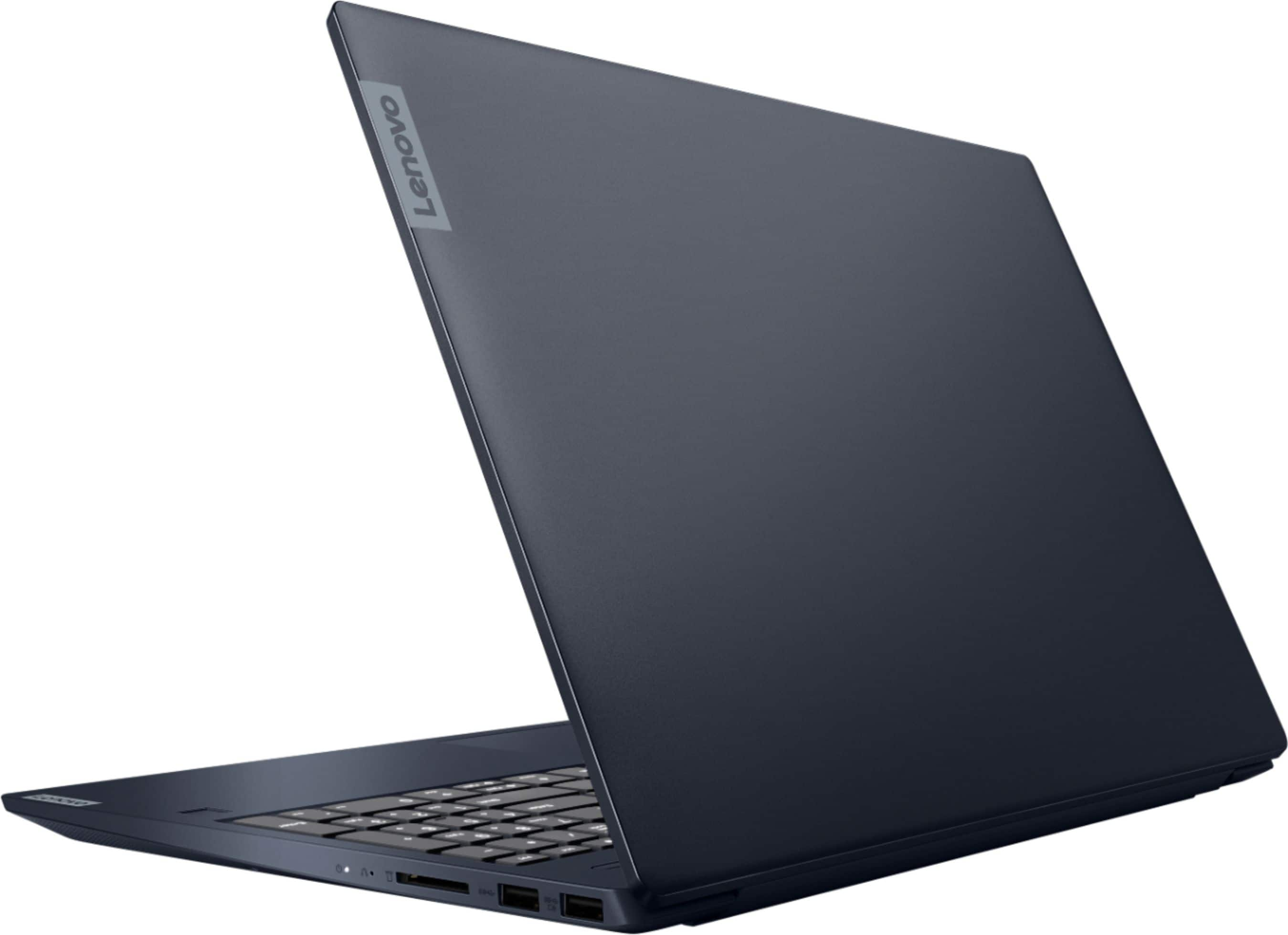



- Model:
- 81QG000DUS
- SKU:
- 6426703
Rating by feature
- Battery Life
Rating 4.4 out of 5 stars
- Speed
Rating 4.4 out of 5 stars
- Display
Rating 4.5 out of 5 stars
Customers are saying
Customers admire the IdeaPad S340 15" Touch-Screen Laptop for its touch screen capabilities, affordable price, lightweight design, and reliable performance. While some users have concerns about the laptop's Wi-Fi connectivity and weak speakers, the overall positive feedback highlights its value as a well-rounded laptop.
This summary was generated by AI based on customer reviews.
Great Laptop
||Posted . Owned for 1 month when reviewed.This reviewer received promo considerations or sweepstakes entry for writing a review.Works great.great laptop.And Great customer service
I would recommend this to a friendBrand response from Lenovo Product Expert
Posted .Thank you for choosing the Lenovo S345-14 Chromebook. We are pleased to hear that the S345-14 Chromebook meets your computing needs so well.

Works Great
||Posted . Owned for 2 weeks when reviewed.This reviewer received promo considerations or sweepstakes entry for writing a review.very good laptop. My only complaint is that keyboard is not backlit.
I would recommend this to a friendBrand response from Lenovo Product Expert
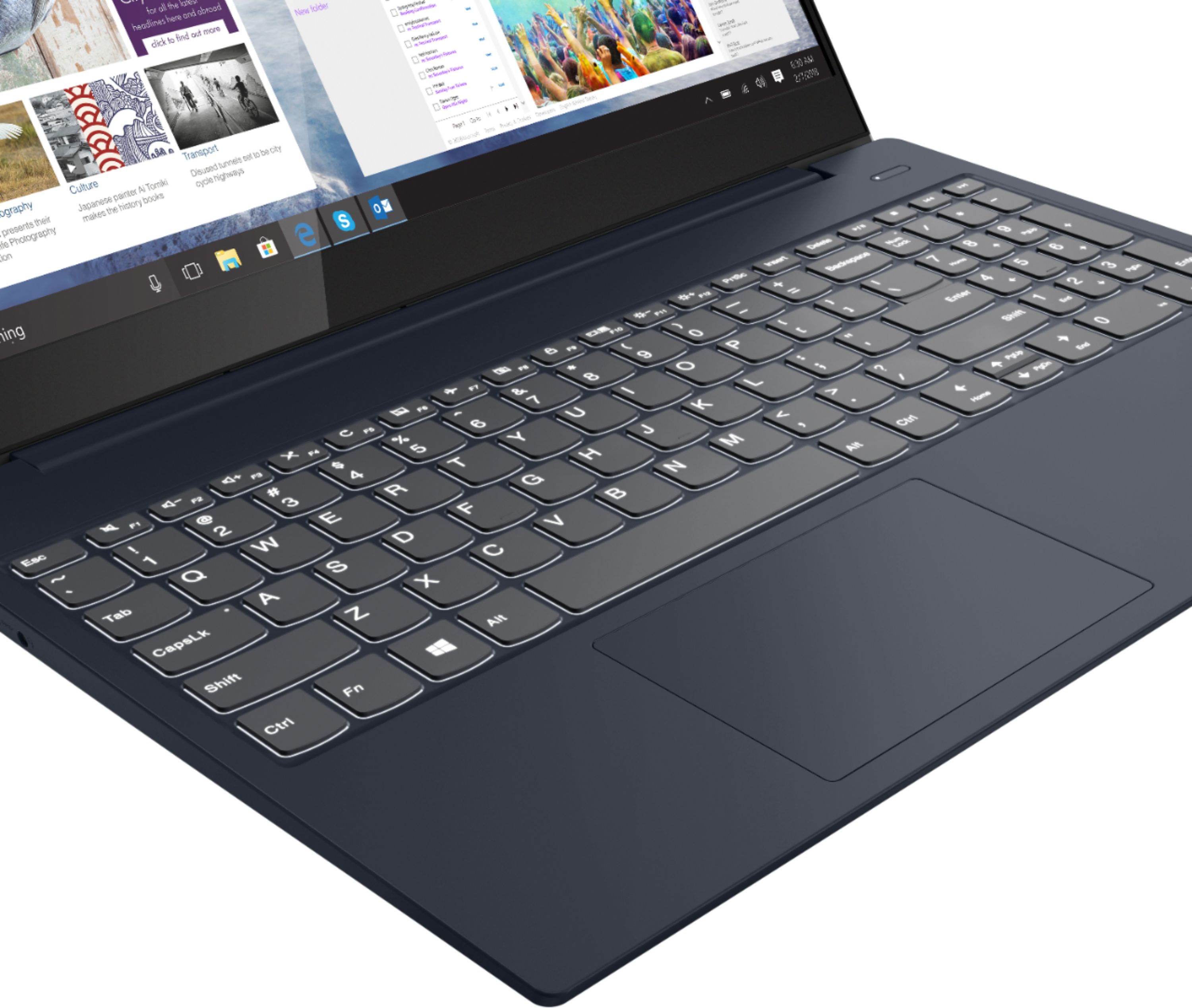
Posted .The Lenovo IdeaPad S340-15 Laptop, model number 81QG000DUS does have a backlit keyboard. Hold down the Fn Key and at the same time, tap the Spacebar: Once to turn on backlighting. Twice to increase the light intensity and three times to turn off the back lighting.
This is the #1 best laptop
||Posted . Owned for 1 month when reviewed.This reviewer received promo considerations or sweepstakes entry for writing a review.Excellent performance. Easy of use design controls.
I would recommend this to a friendBrand response from Lenovo Product Expert
Posted .Thank you for choosing the Lenovo IdeaPad S340-15 Laptop. We are pleased to hear that the ease of use and performance of the IdeaPad S340-15 meets your computing needs so well.
Lenovo Review
||Posted .This reviewer received promo considerations or sweepstakes entry for writing a review.This is the best electronic device I have purchased.
I would recommend this to a friendBrand response from Lenovo Product Expert
Posted .Thank you for choosing the Lenovo IdeaPad S340-15 Laptop. We are pleased to hear that the IdeaPad S340-15 meets your computing needs so well.
Solid Laptop
||Posted . Owned for 1 year when reviewed.This reviewer received promo considerations or sweepstakes entry for writing a review.Good solid laptop! Our first AMD, it gets the job done!
I would recommend this to a friendFast and Reliable
||Posted .This reviewer received promo considerations or sweepstakes entry for writing a review.Very fast machine, super happy with the performance
I would recommend this to a friendBrand response from Lenovo Product Expert
Posted .Hello. Thank you for choosing the Lenovo IdeaPad S340 15" laptop. We are pleased to hear that the value and performance of the IdeaPad S340 meets your computing needs so well!
Good price
||Posted . Owned for 3 weeks when reviewed.This reviewer received promo considerations or sweepstakes entry for writing a review.Good price for what it is... keyboard seems a kittle smaller than normal
I would recommend this to a friendChuck
||Posted . Owned for 1 month when reviewed.This reviewer received promo considerations or sweepstakes entry for writing a review.Met all my expectations and am usually pro Lenovo.
I would recommend this to a friendAwesome laptop
||Posted . Owned for 2 weeks when reviewed.This reviewer received promo considerations or sweepstakes entry for writing a review.Very interesting laptop. Good for office work....
I would recommend this to a friend- Cons mentioned:Speakers
Unhappy with battery and speakers
||Posted . Owned for 2 months when reviewed.This reviewer received promo considerations or sweepstakes entry for writing a review.We returned this for two reasons: the speakers were really quiet as they are on the bottom of the computer and the battery life was short, especially given it was a new computer.
No, I would not recommend this to a friendBrand response from Lenovo Product Expert
Posted .The Lenovo IdeaPad S340-15 Laptop, model number 81QG000DUS, ships with stereo 2W system speakers with Dolby Audio Premium sound enhancement. For the best audio experience, be sure Dolby Audio Premium is turned on and adjusted to your personal preferences. The IdeaPad S340-15 ships with a 3CELL_52.5WH_INTERNAL, Lithium Polymer Battery, which within this configuration has a battery life of up to 10 hours. If you are getting substantially less battery life, first, set your screen brightness at less than 100-percent - try 80-percent to start with. Then, be sure Battery conservation Mode is turned off. This power management setting should only be used when the laptop is plugged in all the time. It will prolong overall battery life by only charging the battery to 60-percent of capacity. Here is a link to instructions for turning off Battery Conservation Mode: https://support.lenovo.com/us/en/solutions/ht103159. Also check what programs are running in the background on the computer. Be sure only the programs you want running in the background are. These programs will drain the battery. Here is a link to information about how to find out what programs are running in the background on your Windows 10 computer and how to manage them for better system performance: https://www.windowscentral.com/how-prevent-apps-running-background-windows-10. Then, finally, be sure any software you installed is compatible with Windows 10. Incompatible software will drain the battery at a faster rate. There is no need to install Microsoft Office software. The software is already part of the operating system, you just need to activate the software with a purchased product key. If you have installed a copy of Microsoft Office, this is conflicting with the existing copy on the system and this will slow your system down. If you have installed a 3rd party anti-virus program, be sure that Windows Defender is turned off and that the trial version of McAfee Anti-Virus software is uninstalled. There can only be one anti-virus program on the system. You may need to restore your system to original factory default settings if any of the programming errors have occurred. You can do that by typing "restore" in the Cortana search window. Just click on the magnifying glass icon at the bottom left of your Windows 10 Desktop. Click on "Reset This PC" Then click on "Get Started" and follow the on screen directions to restore to factory defaults. If the problem persists, we recommend you contact Lenovo Tech Support at: 877-453-6686.
Mr.
||Posted . Owned for 3 weeks when reviewed.This reviewer received promo considerations or sweepstakes entry for writing a review.So far it’s working fine. I still have to register them for warranty
I would recommend this to a friendLaptop
||Posted . Owned for 2 weeks when reviewed.This reviewer received promo considerations or sweepstakes entry for writing a review.Actual transaction to purchase was very poor. Geek squad was great.
I would recommend this to a friendDISAPPOINTED IN LENOVO
||Posted . Owned for 2 months when reviewed.This reviewer received promo considerations or sweepstakes entry for writing a review.Somewhat disappointed in this new laptop. I have had it since January and the screen freezes periodically. Additionally LENOVO keeps sending me notifications to update the BIOS. The GEEK squad told me they fixed it, but to date, 3/31/2021, I am still having the same problems.
No, I would not recommend this to a friendGreat value
||Posted . Owned for 3 weeks when reviewed.This reviewer received promo considerations or sweepstakes entry for writing a review.So far so good it's been reliable and hasn't disappointed.
I would recommend this to a friendBrand response from Lenovo Product Expert
Posted .Thank you for choosing the Lenovo IdeaPad S340-15 Laptop. We are pleased to hear that the performance of the IdeaPad S340-15 meets your computing needs so well.
Color
||Posted . Owned for 1 week when reviewed.This reviewer received promo considerations or sweepstakes entry for writing a review.The laptop is a beautiful color and the screen works perfectly
I would recommend this to a friendBrand response from Lenovo Product Expert
Posted .Hello. Thank you for choosing the Lenovo IdeaPad S340 laptop. We are pleased to hear that the value and performance of the IdeaPad S340 meets your computing needs so well!
good
||Posted .This reviewer received promo considerations or sweepstakes entry for writing a review.very good laptop for school and watching youtube good
No, I would not recommend this to a friendWifi connection drops and battery seems to be ok.
||Posted . Owned for 2 months when reviewed.This reviewer received promo considerations or sweepstakes entry for writing a review.The wifi connection seems to be dropping at times, even though while using the computer next to the router. This has impacted a few meetings and important work and caused negative impression.
No, I would not recommend this to a friendBrand response from Lenovo Product Expert
Posted .The Lenovo IdeaPad S340-15 Laptop, model number 81QG000DUS, ships with 5G, Wide-Range/High Speed 2x2 802.11AC frequency WiFi, which is also backward compatible to older a/b/g/n frequency WiFi. For the best WiFi performance, be sure you have the latest version of Windows 10 on the computer. Then update all BIOS files and drivers up to that latest version of Windows 10. You can easily accomplish this by scanning the computer with the Lenovo Utility software available on this computer. This system has Lenovo utilities installed to help maintain the health of the device and keep the operating system software up to date. Type "Lenovo Vantage" in the Cortana Search window (if Lenovo Vantage is not installed on your device, you can download the APP and install it now). Select Lenovo Vantage from the list. In the window that opens, click on "Health and Support". In the expanded menu, select "Hardware Scan" In the window that opens, select "Run Quick Tests". This will scan your entire system for errors. Follow any directions that may pop up. If the problem continues after this scan, now click on "System Update". First select Windows update from the menu. Scan your system to be sure you have the latest version of Windows 10. Once that scan is complete, select "Additional Updates". This will scan your device to be sure there are no new BIOS/Driver updates needed. Follow any instructions that may pop up. If the issue still continues after these updates, we recommend you call Lenovo Tech Support at: 877-453-6686 for additional help.
Laptop
||Posted . Owned for 10 months when reviewed.This reviewer received promo considerations or sweepstakes entry for writing a review.This laptop seems to have several glitches like when you are typing it will jump back to the middle of the sentence and type in the middle of a word. Also the battery life is not near as long as it should be.
No, I would not recommend this to a friend- Cons mentioned:Wifi connectivity
IdeaPad S340 - Bad experience
||Posted . Owned for 9 months when reviewed.This reviewer received promo considerations or sweepstakes entry for writing a review.I couldn't hate this thing more! Drops the wifi printer regularly and then can't find it again. Randomly highlights everything I just typed in one stroke and then deletes it with the next stroke. Randomly enlarges the screen or reduces the screen. I've tried turning off keyboard shortcuts and hover capabilities to no avail. Do not buy!
No, I would not recommend this to a friend Lenovo Laptop
||Posted . Owned for 2 months when reviewed.This reviewer received promo considerations or sweepstakes entry for writing a review.Great laptop for the money in regards to performance, but I need to reach out to Lenovo my screen keeps coming apart in the bottom corner and I always need to click it back in.
I would recommend this to a friendBrand response from Lenovo Product Expert
Posted .We are sorry to hear that you are having issues with your Lenovo IdeaPad S340-15 Laptop, model number 81QG000DUS. We recommend you contact Lenovo Tech Support at: 877-453-6686.