Customer Ratings & Reviews
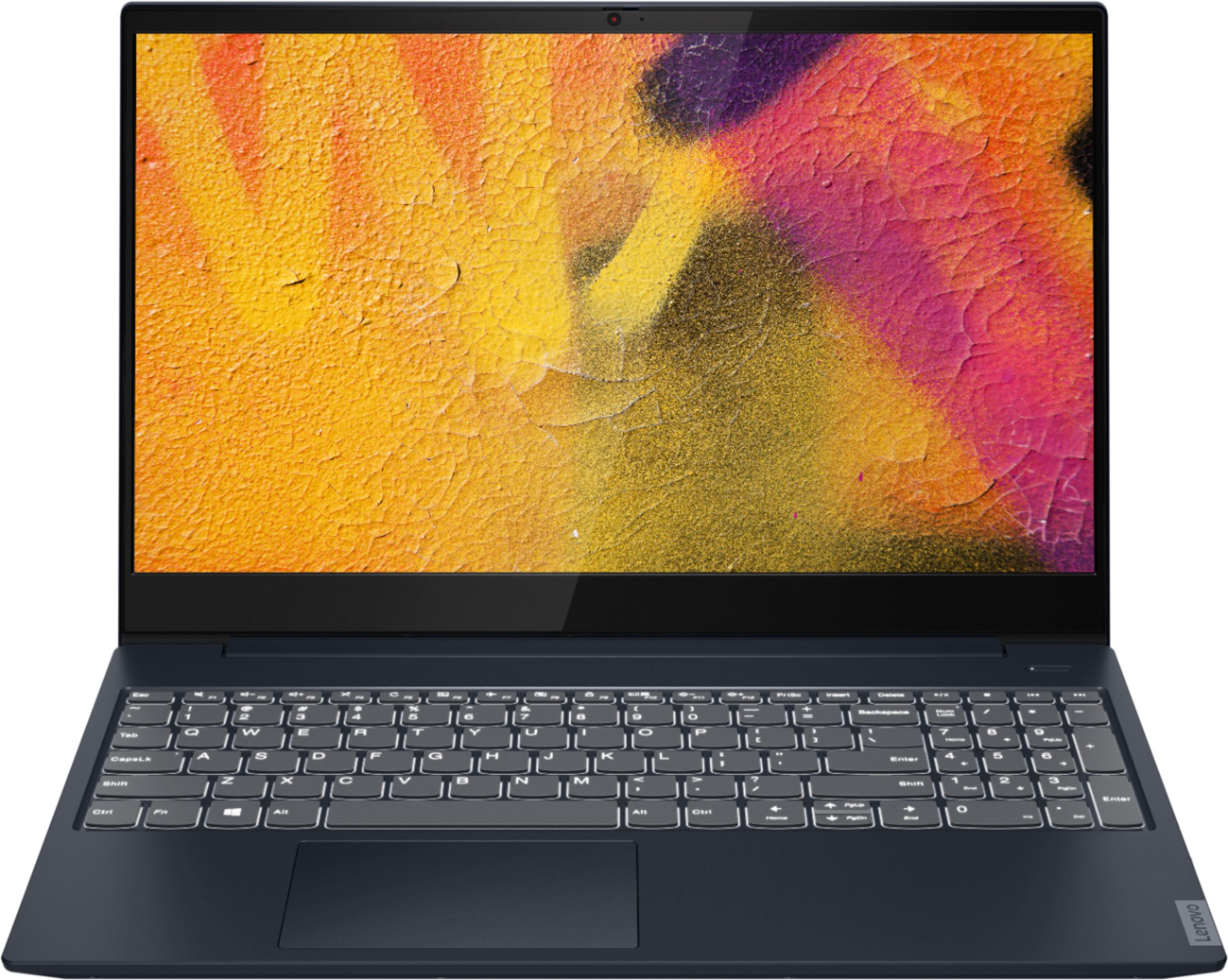
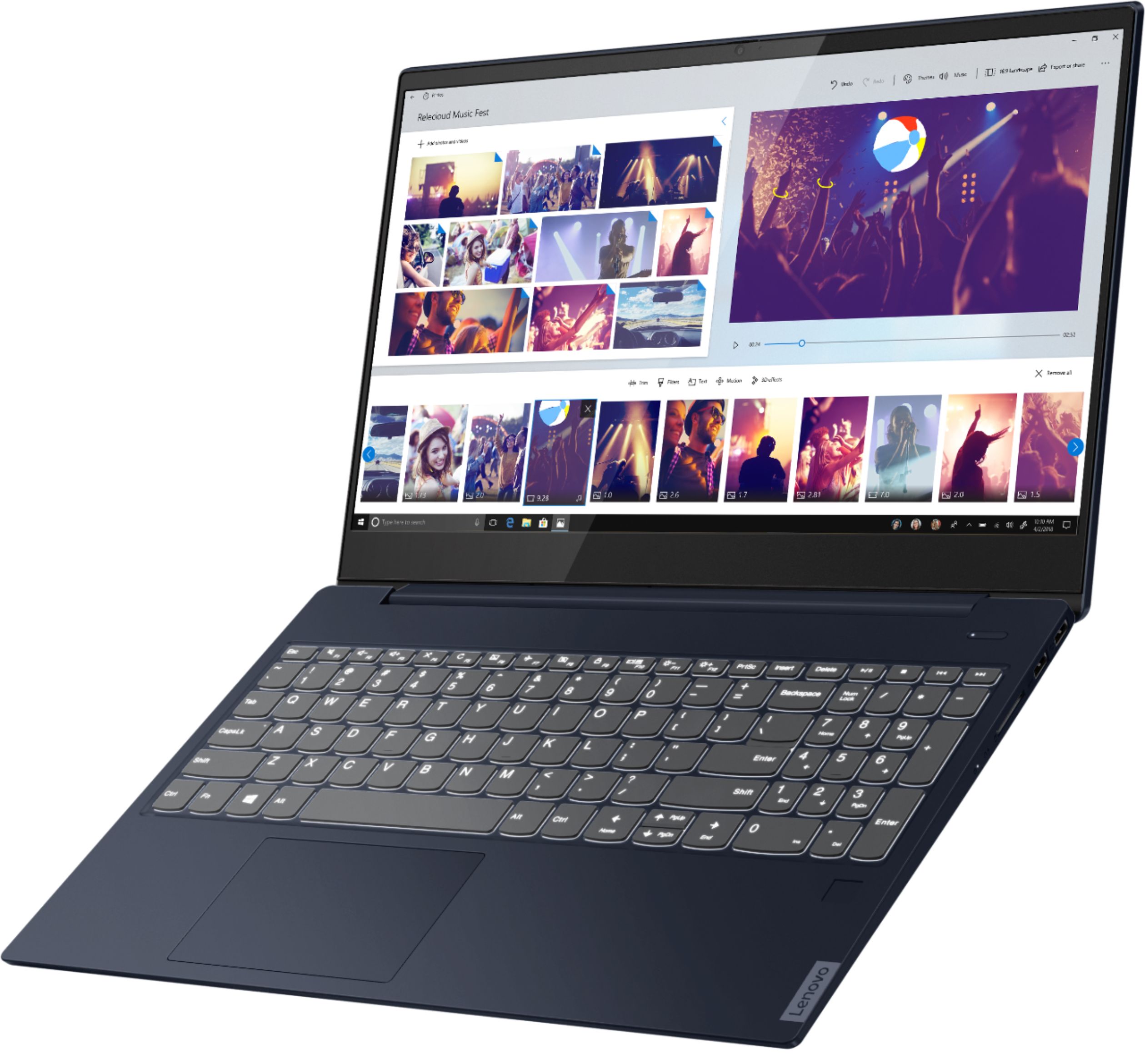
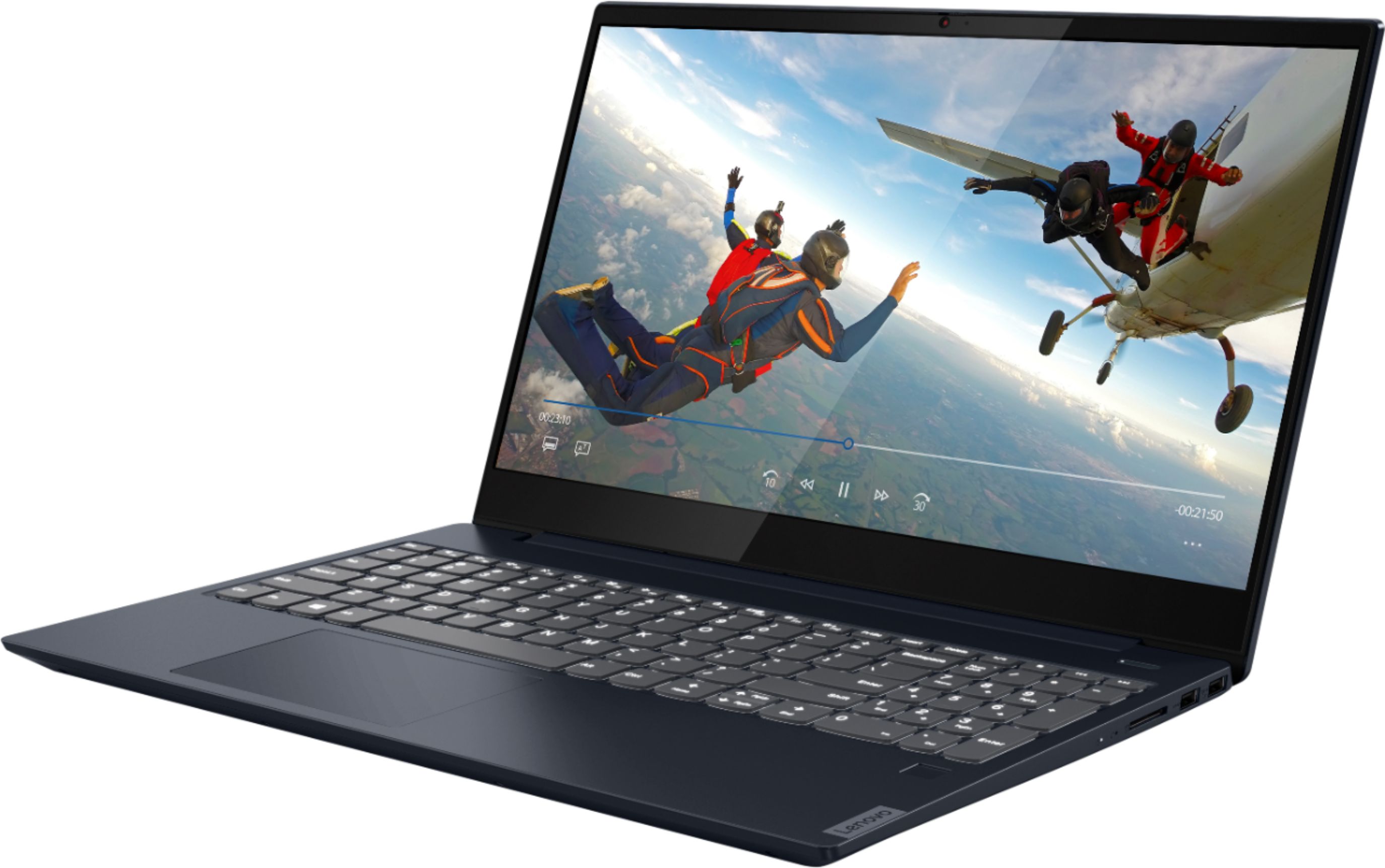
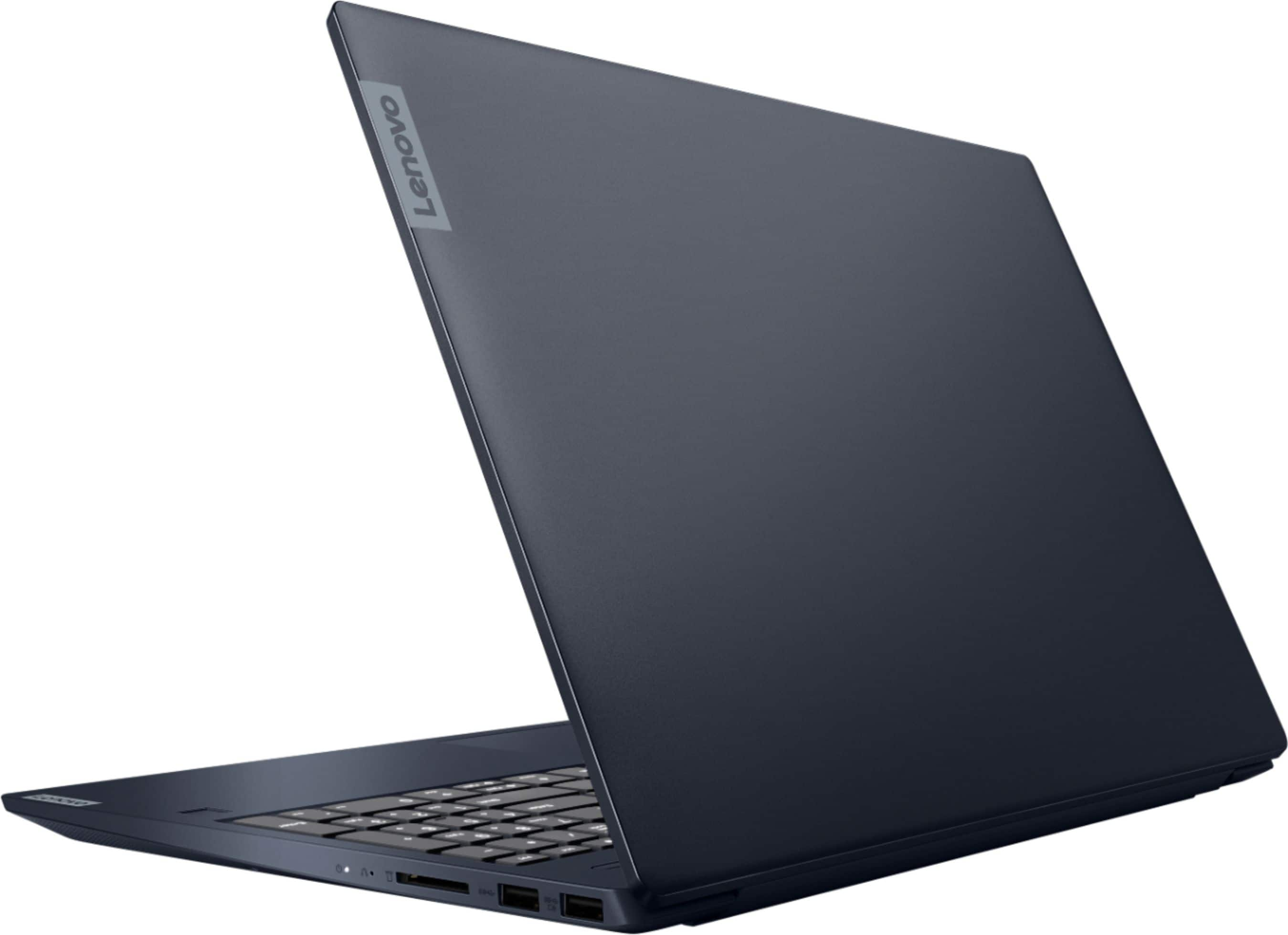



- Model:
- 81QG000DUS
- SKU:
- 6426703
Rating by feature
- Battery Life
Rating 4.4 out of 5 stars
- Speed
Rating 4.4 out of 5 stars
- Display
Rating 4.5 out of 5 stars
Customers are saying
Customers admire the IdeaPad S340 15" Touch-Screen Laptop for its touch screen capabilities, affordable price, lightweight design, and reliable performance. While some users have concerns about the laptop's Wi-Fi connectivity and weak speakers, the overall positive feedback highlights its value as a well-rounded laptop.
This summary was generated by AI based on customer reviews.
Do not buy a laptop at Best Buy!
||Posted .This reviewer received promo considerations or sweepstakes entry for writing a review.The computer functionally seems fine, except for one major issue and the service frustration that came with it: I bought this as a Christmas gift and once we started using it, the machine intermittently drops from our wifi. (i.e today it's fine, tomorrow it drops...) Made calls/fixes with Geek Squad and Lenovo but the problem kept coming back. Best Buy's ridiculously short 15 day return period passed so now I'm dealing with Lenovo warranty repair and more downtime waiting for the repair. Very frustrating that neither Best Buy nor Lenovo will facilitate a simple exchange of this defective unit.
No, I would not recommend this to a friendBrand response from Lenovo Product Expert
Posted .We are sorry to hear that you are having issues with WiFi connectivity with your Lenovo IdeaPad S340-15 Laptop, model number 81QG000DUS. First, be sure you have the latest version of Windows 10 on the computer. Then update all of the BIOS files and drivers up to that latest version of Windows 10. You can easily accomplish this by scanning the computer with the Lenovo Utility software available on this computer. This system has Lenovo utilities installed to help maintain the health of the device and keep the operating system software up to date. Type "Lenovo Vantage" in the Cortana Search window (if Lenovo Vantage is not installed on your device, you can download the APP and install it now). Select Lenovo Vantage from the list. In the window that opens, click on "Health and Support". In the expanded menu, select "Hardware Scan" In the window that opens, select "Run Quick Tests". This will scan your entire system for errors. Follow any directions that may pop up. If the problem continues after this scan, now click on "System Update". First select Windows update from the menu. Scan your system to be sure you have the latest version of Windows 10. Once that scan is complete, select "Additional Updates". This will scan your device to be sure there are no new BIOS/Driver updates needed. Follow any instructions that may pop up. If the issue still continues after these updates, we recommend you call Lenovo Tech Support at: 877-453-6686 for additional help.

Mediocre
||Posted . Owned for 3 weeks when reviewed.This reviewer received promo considerations or sweepstakes entry for writing a review.It is okay as far as a laptop goes, I was looking for a backup for my microsoft surface which has a faint spidering of the screen. Really, I wished that I had gotten a HP laptop.
No, I would not recommend this to a friendGood laptop, poor webcam.
||Posted . Owned for 1 week when reviewed.This reviewer received promo considerations or sweepstakes entry for writing a review.Good laptop overall, our particular unit had a very blurry webcam. Couldn't fix it so we ended up returning. Wasn't a huge hassle, but still annoying.
No, I would not recommend this to a friendPOOR REVIEW IS DUE TO BEST BUY EXPEREINCE
||Posted . Owned for less than 1 week when reviewed.This reviewer received promo considerations or sweepstakes entry for writing a review.POOR REVIEW IS DUE TO BEST BUY EXPERIENCE i purchased an open box, excellent, geek squad certified laptop. 2 immediate issues upon delivery (it was shipped from Colorado, i am in Florida): 1) flickering screen when I booted it up, no idea if this will persist, but i am not about to find out and risk missing the return/warranty window 2) previous buyer's (presumably) personal information was loaded when setting up windows, etc. didnt think much of it. now that windows is loaded and launched, the information is still connected. i don't know what geek squad did to certify, but i do a better job wiping my old cell phones before upgrading. i also do more to ensure my screen isn't damaged.
No, I would not recommend this to a friendPriced right, but has some limitations
||Posted . Owned for 11 months when reviewed.This reviewer received promo considerations or sweepstakes entry for writing a review.Good for the price, but the fan runs louder that most other laptops I've owned in the past.
I would recommend this to a friendWifi and bluetooth very unsbstable.
||Posted . Owned for 1 year when reviewed.This reviewer received promo considerations or sweepstakes entry for writing a review.There is no wired internet connection.Wifi and bluetooth very unsbstable. Only has 2 USB output.
No, I would not recommend this to a friendSpeakers are terrible
||Posted . Owned for 5 months when reviewed.This reviewer received promo considerations or sweepstakes entry for writing a review.If you don't want to use speakers or microphone this computer works. We bought this computer to use for video calls with family during the pandemic and wish we returned it because the speaker and microphone quality is awful. We just use our phones instead because the speakers and microphone are better on our phones. Extremely disappointing and frustrating waste of money.
No, I would not recommend this to a friendBrand response from Lenovo Product Expert
Posted .The Lenovo IdeaPad S340-15 Laptop, model number 81QG000DUS, ships with stereo, 2W system speakers with Dolby Audio Premium sound enhancement software. There is also Dual Array microphones within this configuration. For the best audio experience through the system speakers, be sure Dolby Audio Premium is turned on and adjusted to your personal preferences. Also when using the microphone for video calls, be sure to check the audio settings within the video conferencing APP you are using as well as the on computer audio settings for the microphone. Check to be sure you have the latest version of Windows 10 on the computer. Then update all BIOS files and drivers up to that latest version of Windows 10. You can easily accomplish this by scanning the computer with the Lenovo Utility software available on this computer. This system has Lenovo utilities installed to help maintain the health of the device and keep the operating system software up to date. Type "Lenovo Vantage" in the Cortana Search window (if Lenovo Vantage is not installed on your device, you can download the APP and install it now). Select Lenovo Vantage from the list. In the window that opens, click on "Health and Support". In the expanded menu, select "Hardware Scan" In the window that opens, select "Run Quick Tests". This will scan your entire system for errors. Follow any directions that may pop up. If the problem continues after this scan, now click on "System Update". First select Windows update from the menu. Scan your system to be sure you have the latest version of Windows 10. Once that scan is complete, select "Additional Updates". This will scan your device to be sure there are no new BIOS/Driver updates needed. Follow any instructions that may pop up. If the issue still continues after these updates, we recommend you call Lenovo Tech Support at: 877-453-6686 for additional help.
Functional
||Posted . Owned for 2 weeks when reviewed.This reviewer received promo considerations or sweepstakes entry for writing a review.It's quite nice, I use it for home office and working on excel is not as fast as I thought it would be.
No, I would not recommend this to a friendBrand response from Lenovo Product Expert
Posted .The Lenovo IdeaPad S340-15 Laptop, model number 81QG000DUS, is an extremely fast configuration. This model will boot from off to the Windows 10 Desktop Screen in less than 10-seconds. If you are getting slower boot times and/or general slow system performance, be sure any software you installed is compatible with Windows 10. There is no need to install Microsoft Office software. The software is already part of the operating system, you just need to activate the software with a purchased product key. If you have installed a copy of Microsoft Office, this is conflicting with the existing copy on the system and this will slow your system down. If you have installed a 3rd party anti-virus program, be sure that Windows Defender is turned off and that the trial version of McAfee Anti-Virus software is uninstalled. There can only be one anti-virus program on the system. You may need to restore your system to original factory default settings if any of the programming errors have occurred. You can do that by typing "restore" in the Cortana search window. Just click on the magnifying glass icon at the bottom left of your Windows 10 Desktop. Click on "Reset This PC" Then click on "Get Started" and follow the on screen directions to restore to factory defaults. If the problem persists, we recommend you contact Lenovo Tech Support at: 877-453-6686.
Good but could be better.
||Posted . Owned for 1 month when reviewed.This reviewer received promo considerations or sweepstakes entry for writing a review.Decent enough laptop, well built, but without display support on USB-C it was a disappointment for me.
No, I would not recommend this to a friendIt's OK for work
||Posted .This reviewer received promo considerations or sweepstakes entry for writing a review.Does what I need it to for work, but it's nothing special. Slower than I expected, given the description.
No, I would not recommend this to a friendComputer 30 days old and doesn’t work
||Posted . Owned for 1 month when reviewed.This reviewer received promo considerations or sweepstakes entry for writing a review.I bout a Lenovo idea pad and it worked for 28 days. I took it to the geek squad and they said it was the charger got a new charger from Lenovo and the port still isn’t charging. Took it back to the geek squad and they said it’s defective and they have to send it out for repairs which takes 4 to 6 weeks. This is horrible. Best Buy should refund or exchange considering the time frame. I will never purchase from them again. They get a zero stars from me but that wasn’t the option
No, I would not recommend this to a friendLaptop
||Posted . Owned for 1 month when reviewed.This reviewer received promo considerations or sweepstakes entry for writing a review.Have not had long bought for my wife. She seems to enjoy it. Like the size of the solid state
I would recommend this to a friendDoes not support 2 monitors
||Posted . Owned for 2 weeks when reviewed.This reviewer received promo considerations or sweepstakes entry for writing a review.I like the computer itself. I am however disappointed that this laptop does not support multiple external monitors. I needed 2 external monitors for work. It only has 1 HDMI port. I brought 4 different adapters for USB and USB-C. None of them worked. Finally called Lenovo and was told the USB and USB-C drives do not support monitors.
No, I would not recommend this to a friendBrand response from Lenovo Product Expert
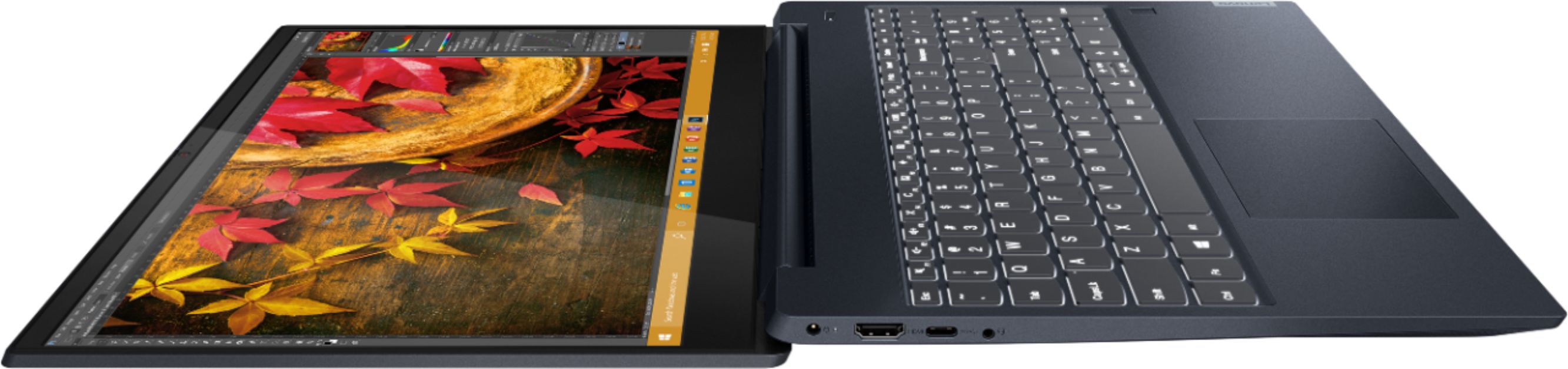
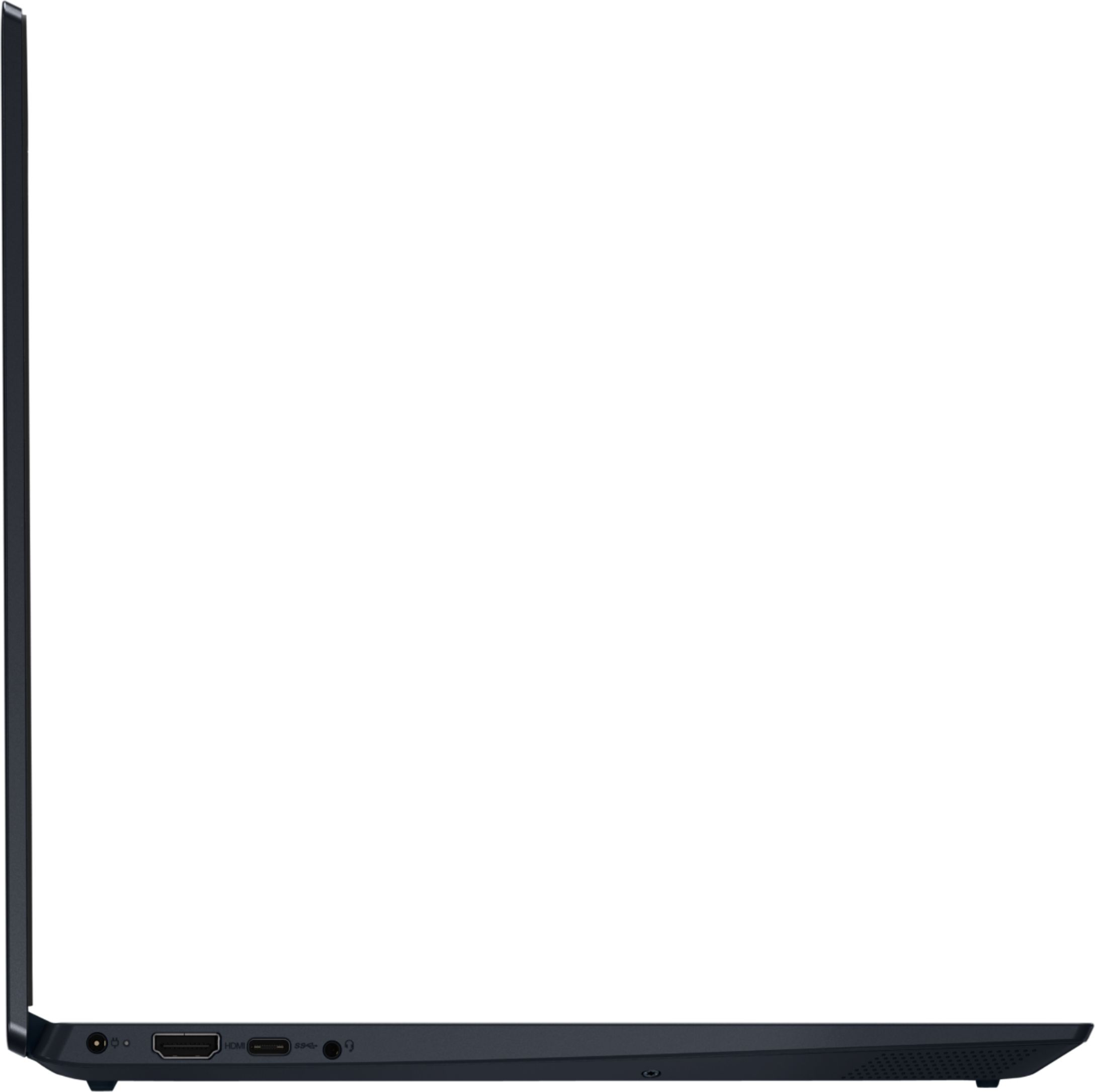
Posted .The Lenovo IdeaPad S340-15 model number 81QG000DUS, ships with one HDMI-Out port for a direct connection to an external monitor, which when used with the device screen provides a 2-screen option. To connect two external monitors, you will need to add a universal USB 3.0 docking station like this one to the computer: https://www.bestbuy.com/site/kensington-usb-c-and-usb-3-0-universal-docking-station/6259403.p?skuId=6259403. If you want to connect two HDMI monitors through the dock, you will also need to add a DisplayPort to HDMI adapter for the second external monitor.
Laptop
||Posted . Owned for 3 weeks when reviewed.This reviewer received promo considerations or sweepstakes entry for writing a review.Windows program is trouble some when come to taskbar other than that it’s alright
No, I would not recommend this to a friendOkay Laptop
||Posted . Owned for 1.5 years when reviewed.This reviewer received promo considerations or sweepstakes entry for writing a review.This laptop stopped working after a year unfortunately.
I would recommend this to a friendNOT READY TO DECIDE YET
||Posted . Owned for 3 weeks when reviewed.This reviewer received promo considerations or sweepstakes entry for writing a review.HAVEN'T DECIDED IF I'M KEEPING IT YET. STILL TOO EARLY TO MAKE A FAIR ASSESSMENT.
No, I would not recommend this to a friendIts okay
||Posted . Owned for 3 weeks when reviewed.This reviewer received promo considerations or sweepstakes entry for writing a review.It did as it says .Not amazing but good enough for the money .
I would recommend this to a friendDO NOT RECOMMEND!
||Posted . Owned for less than 1 week when reviewed.This reviewer received promo considerations or sweepstakes entry for writing a review.I bought this a day and a half ago. Went through all the updates. Downloaded the programs I need for school. I had several failed “program not responding” alerts trying to write an email to my professor using Google chrome. Then again when trying to review this product the web browser froze. Ridiculous. The camera quality is worse then the first webcam I ever owned in 1999. This Lenovo is slower than my 6 year old MacBook Air, but I wanted a windows bc it’s more compatible with school programs. Maybe the issue is Windows 10. I don’t know, but I’m not bothering to find out. For $868 I shouldn’t have to call tech support on a brand new laptop. It should just WORK when new. Returning this tomorrow. Giant waste of money. Also, fingerprints show all the product so easily.
No, I would not recommend this to a friendBrand response from Lenovo Product Expert
Posted .We are sorry to hear that you are having issues with your Lenovo IdeaPad S340-15 Laptop, model number 81QG000DUS. This model ships with Windows 10 S-Mode 64-bit Operating System. Windows 10 S-Mode provides added security by only allowing APPs available ( and therefore certified by Microsoft) at the Microsoft Store. If you don't need the added security or you need to install APPs not available at the Microsoft Store, you can switch to standard Windows 10 Home 64-bit Operating System, at no additional cost. Even if you have switched out of S-Mode, be sure any software you installed is compatible with Windows 10. There is no need to install Microsoft Office software. The software is already part of the operating system, you just need to activate the software with a purchased product key. If you have installed a copy of Microsoft Office, this is conflicting with the existing copy on the system and this will slow your system down. If you have installed a 3rd party anti-virus program, be sure that Windows Defender is turned off and that the trial version of McAfee Anti-Virus software is uninstalled. There can only be one anti-virus program on the system. You may need to restore your system to original factory default settings if any of the programming errors have occurred. You can do that by typing "restore" in the Cortana search window. Just click on the magnifying glass icon at the bottom left of your Windows 10 Desktop. Click on "Reset This PC" Then click on "Get Started" and follow the on screen directions to restore to factory defaults. If the problem persists, we recommend you contact Lenovo Tech Support at: 877-453-6686.
XMAS SUCKED
||Posted . Owned for 3 weeks when reviewed.This reviewer received promo considerations or sweepstakes entry for writing a review.Laptop is great. It took TWO WEEKS LONGER THAN WHAT WAS PROMISED TO GET IT!!!! YOU MAY WANT TO CONSIDER NOT USING THE USPS. THAY MAKE YOU LOOK BAD! I'M NOT A HAPPY CISTOMER TO SAY THE LEAST!!! IT WAS AN XMAS GIFT THAT DIDN'T COME WHEN PROMISED. SORRY ABOUT THE RANT!!!
No, I would not recommend this to a friendI was sold a malfunctioning laptop
||Posted . Owned for 2 months when reviewed.This reviewer received promo considerations or sweepstakes entry for writing a review.After my returnable date expired, I discovered that my mic was malfunctioned. It was a refurbished laptop but the promo stated that the product was thoroughly tested and that all tests had passed. I brought it to the Geek Squad for confirmation. It was confirmed that the mic has a loose wire giving an intermittent response. They offered no help but to suggest that i mail it to Lenovo. .. a 2-month turn around ... if they will even warrantee a refurbished laptop.
No, I would not recommend this to a friend