Customer Ratings & Reviews
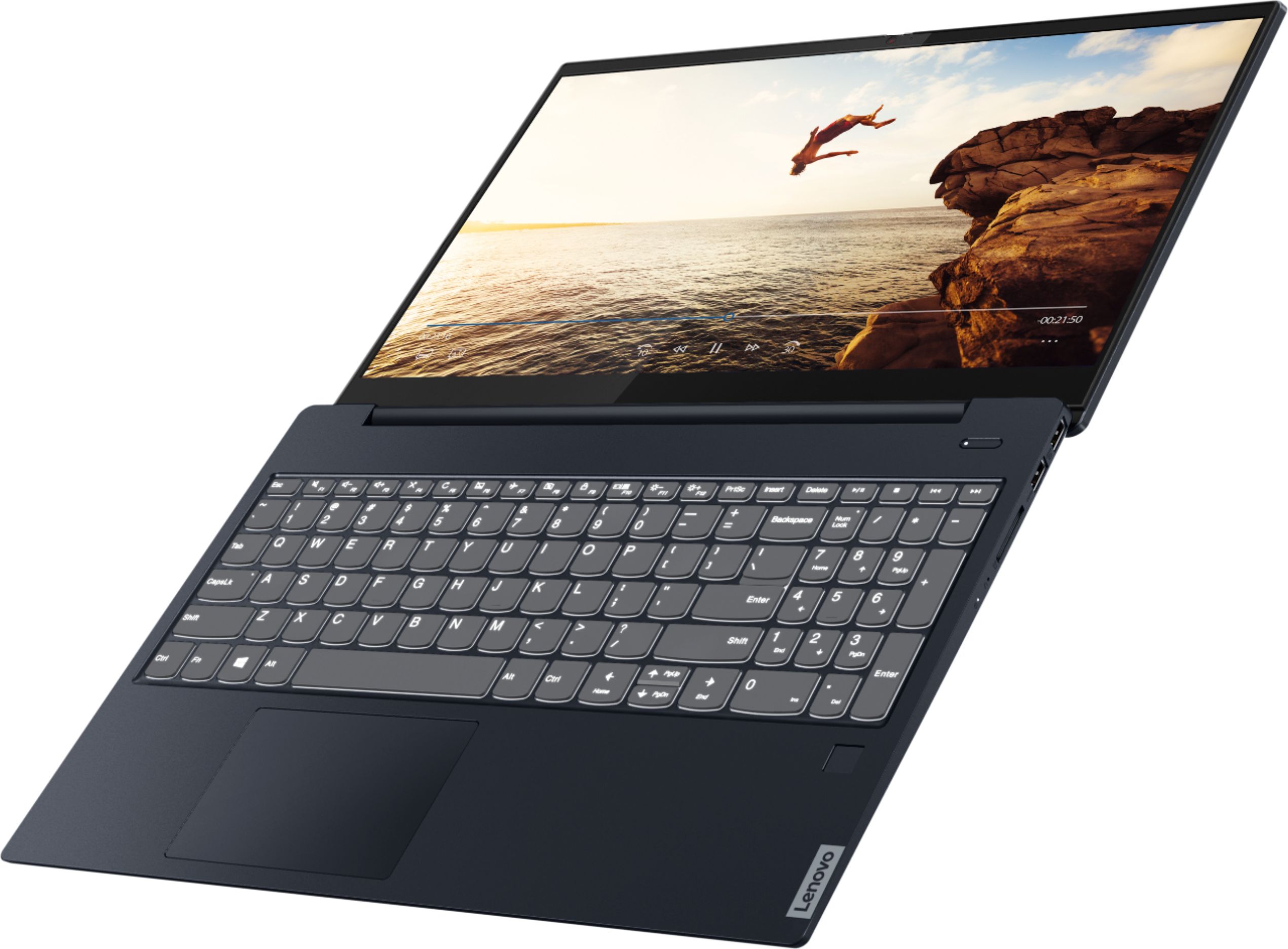
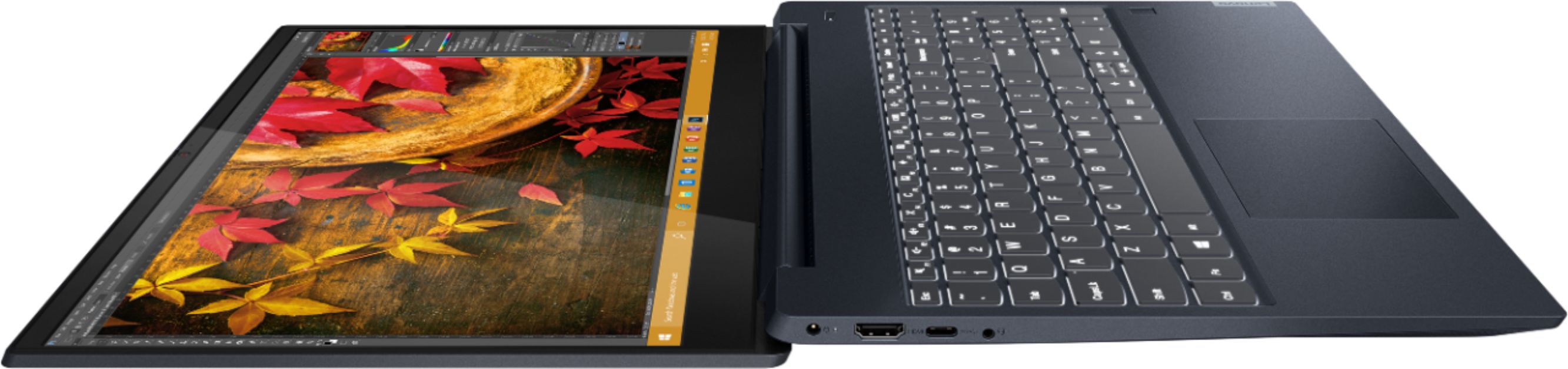
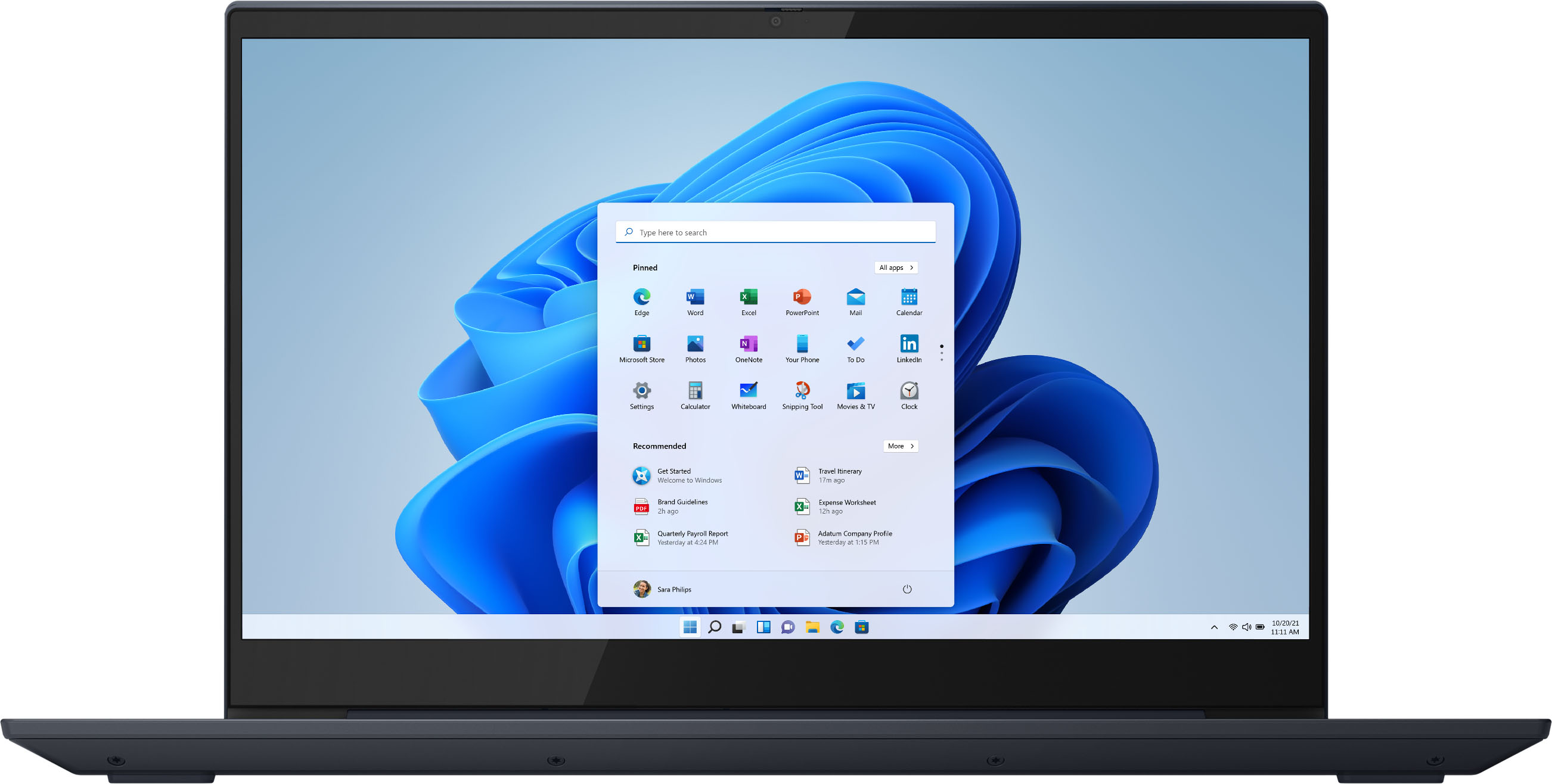

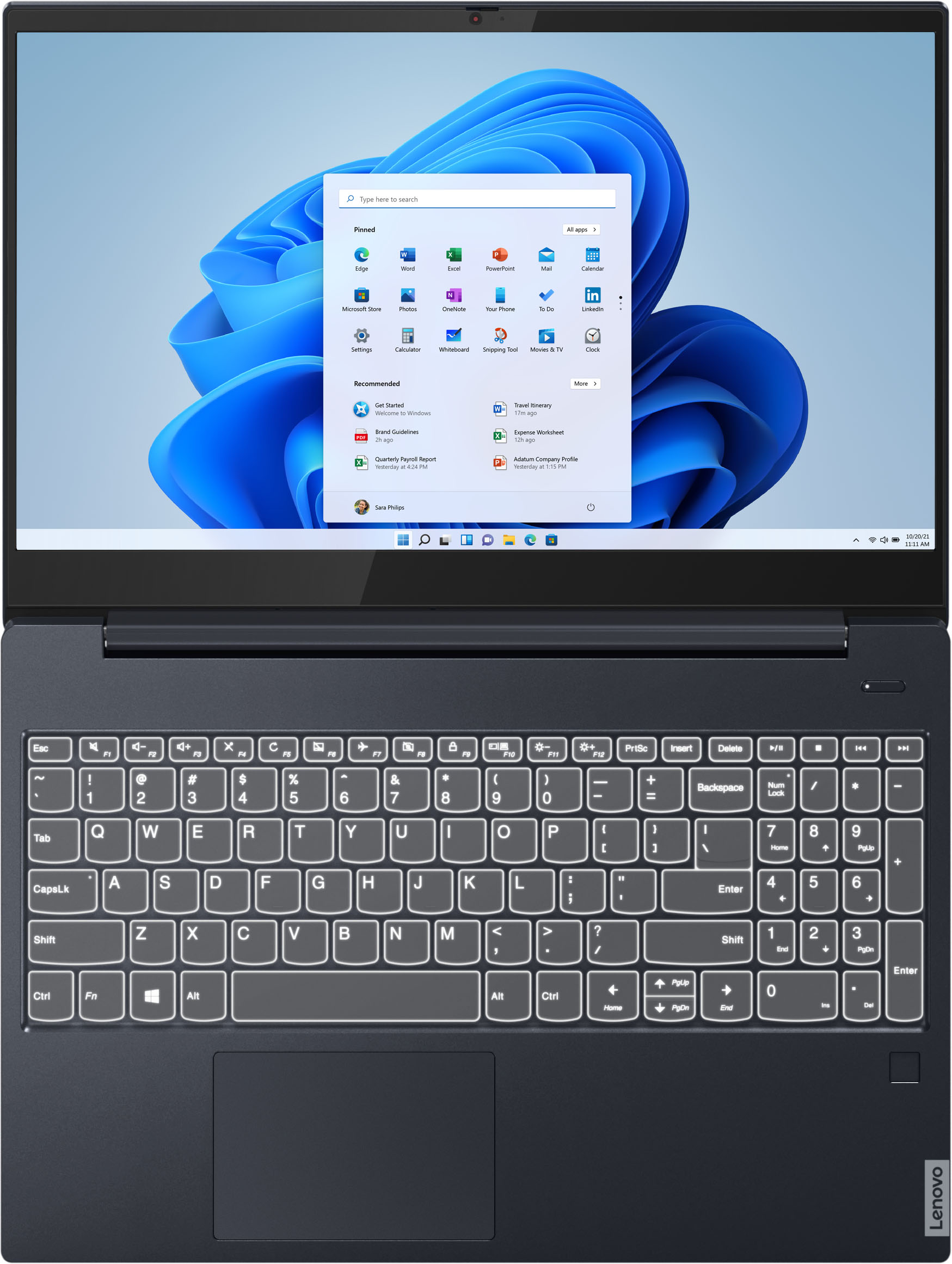


- Model:
- 81QG000DUS
- SKU:
- 6426703
Rating by feature
- Battery Life
Rating 4.4 out of 5 stars
- Speed
Rating 4.4 out of 5 stars
- Display
Rating 4.5 out of 5 stars
Customers are saying
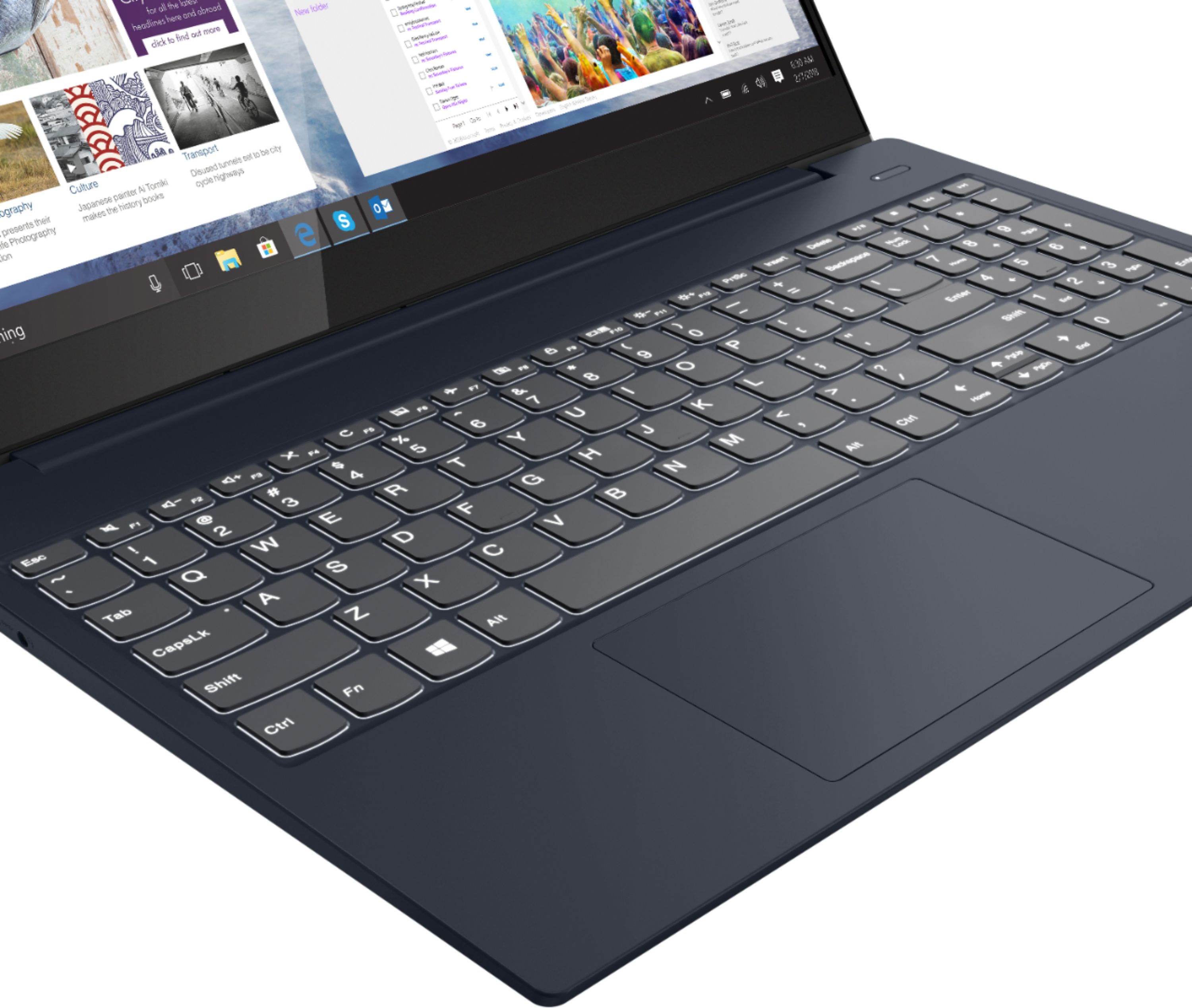
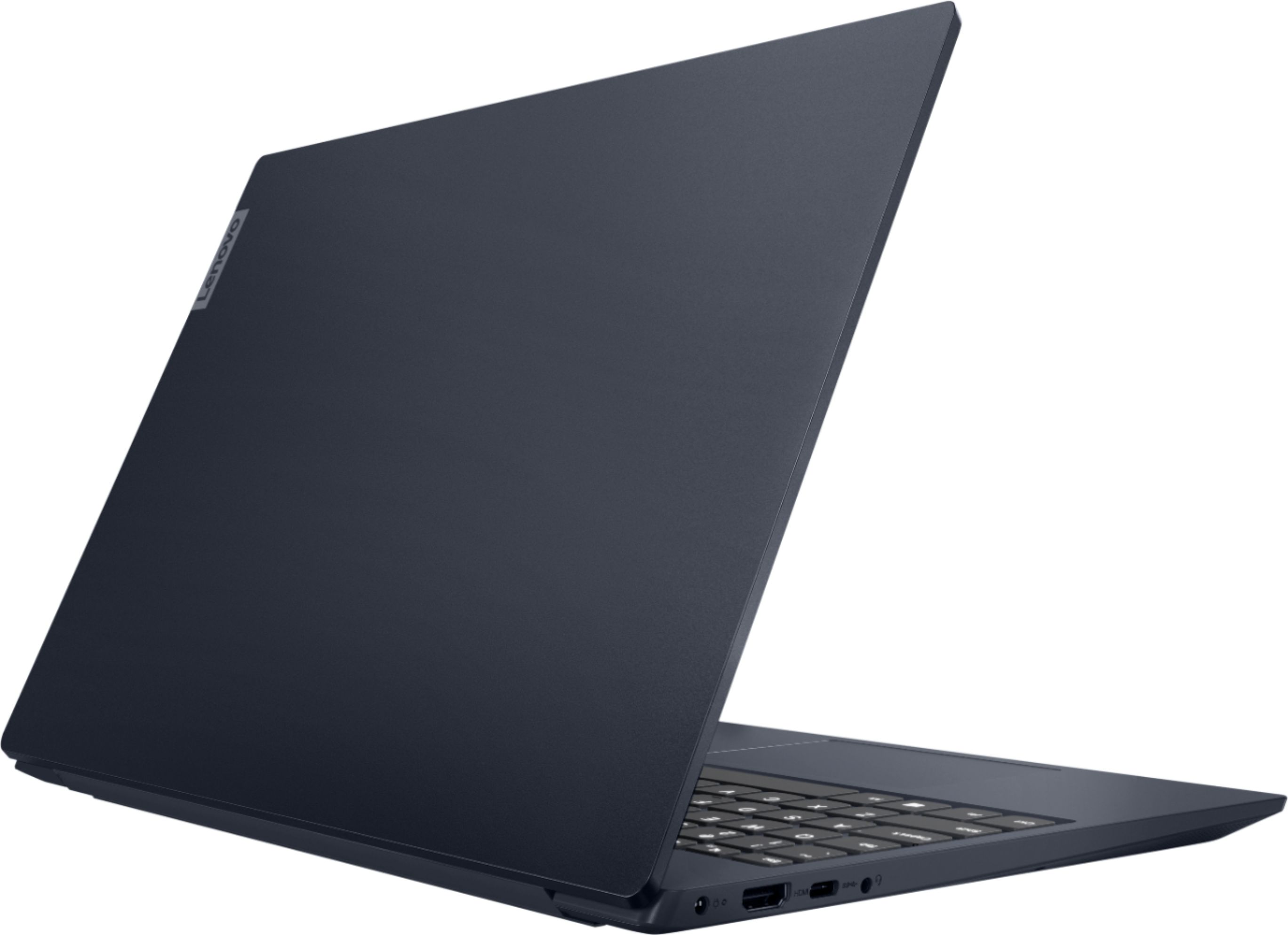
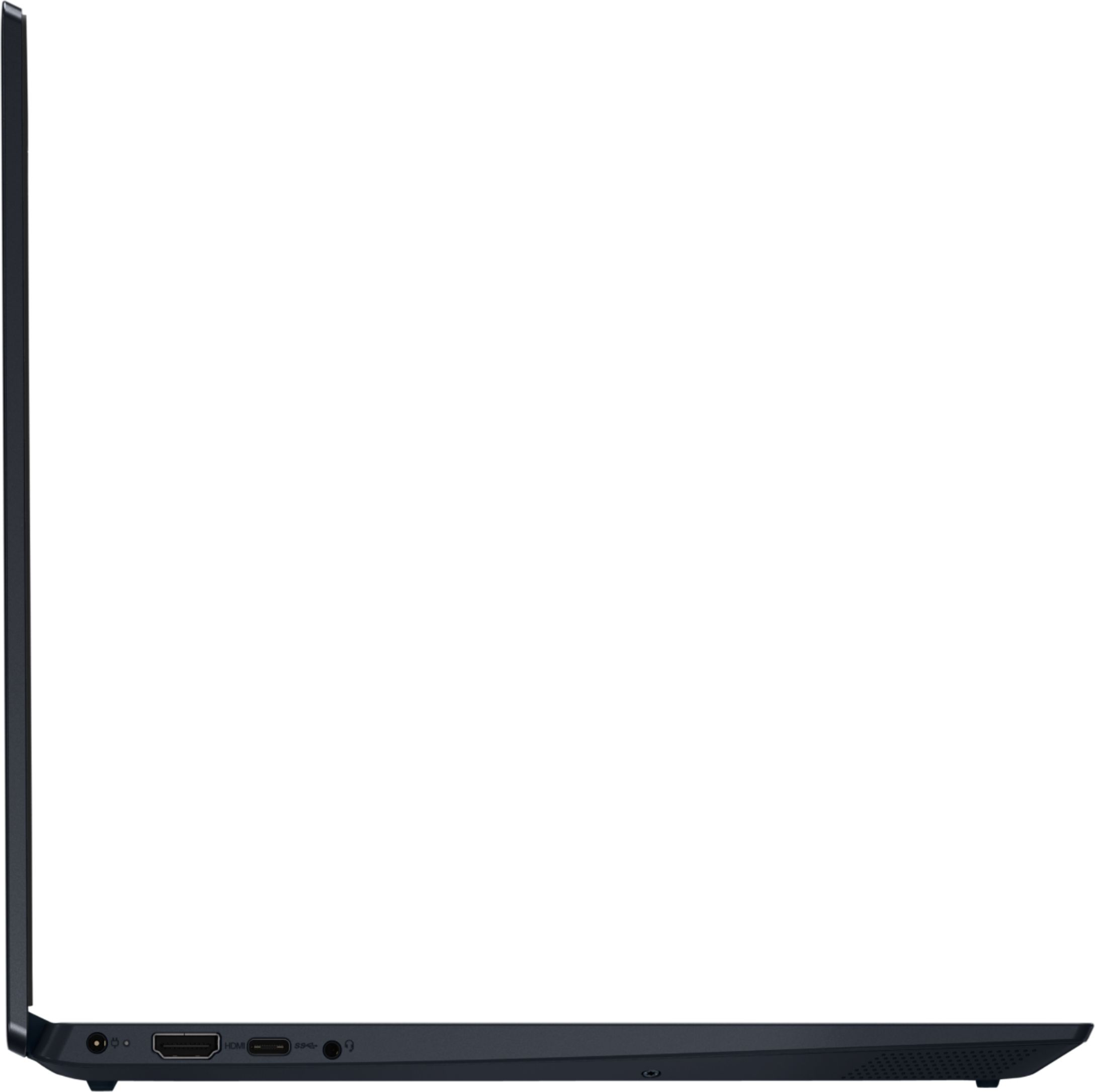
Customers admire the IdeaPad S340 15" Touch-Screen Laptop for its touch screen capabilities, affordable price, lightweight design, and reliable performance. While some users have concerns about the laptop's Wi-Fi connectivity and weak speakers, the overall positive feedback highlights its value as a well-rounded laptop.
This summary was generated by AI based on customer reviews.
Claimed to be new, was USED!
||Posted .This reviewer received promo considerations or sweepstakes entry for writing a review.It said this was new when i looked it up to purschase this laptop. I come to find out that it was bought a few months ago and I have bought a used laptop??? How can best buy just lie like this?
I would recommend this to a friendTerrible volume
||Posted . Owned for less than 1 week when reviewed.This reviewer received promo considerations or sweepstakes entry for writing a review.Just received this laptop. The volume and volume quality is atrocious. The volume is so low at the highest setting. I have a work Lenovo laptop with great volume so decided to order a personal Lenovo. BIG MISTAKE. Unfortunately, will have to return it. Tried everything to trouble shoot the problem but don't think there is anything that will resolve the issue aside from returning it. BUMMER!
No, I would not recommend this to a friendBrand response from Lenovo Product Expert
Posted .The Lenovo IdeaPad S340-15 Laptop, model number 81QG000DUS, ships with 2W stereo system speakers with Dolby Audio Premium sound enhancement software. For the best audio experience, be sure that Dolby Audio Premium is turned on and adjusted to your personal preferences. If you continue to have issues, we recommend you contact Lenovo Tech Support for additional help at: 877-453-6686.

Best buy not standing behind their product
||Posted . Owned for less than 1 week when reviewed.This reviewer received promo considerations or sweepstakes entry for writing a review.I bought this computer in excellent condition open box from Best buy and the laptop wouldn't charge. Took it to best buy who confirmed it wasn't the cord but the actual computer that isn't working. Best buy told me they would order me another computer but I would have to pay FULL price. This laptop was clearly NOT in excellent condition. The computer itself i only used a total of 3 hours, so I can't review how it actually works. Was very slow on the uptake for set up and windows download.
No, I would not recommend this to a friendBrand response from Lenovo Product Expert
Posted .We are sorry to hear that you are having issues charging your Lenovo IdeaPad S340-15 Laptop, model number 81QG000DUS. Try letting the battery charge level drop below 50-Percent. Then plug the computer back in. The battery should begin charging normally, back up to 100-Percent Charge Level. If this does not solve the issue, with the computer plugged in with the charger, check to be sure you have the latest version of Windows 10 on the computer. Then update all BIOS files and drivers up to that latest version of Windows 10. You can easily accomplish this by scanning the computer with the Lenovo Utility software available on this computer. This system has Lenovo utilities installed to help maintain the health of the device and keep the operating system software up to date. Type "Lenovo Vantage" in the Cortana Search window (if Lenovo Vantage is not installed on your device, you can download the APP and install it now). Select Lenovo Vantage from the list. In the window that opens, click on "Health and Support". In the expanded menu, select "Hardware Scan" In the window that opens, select "Run Quick Tests". This will scan your entire system for errors. Follow any directions that may pop up. If the problem continues after this scan, now click on "System Update". First select Windows update from the menu. Scan your system to be sure you have the latest version of Windows 10. Once that scan is complete, select "Additional Updates". This will scan your device to be sure there are no new BIOS/Driver updates needed. Follow any instructions that may pop up. If the issue still continues after these updates, we recommend you call Lenovo Tech Support at: 877-453-6686 for additional help.
Not worth it.
||Posted . Owned for 1 month when reviewed.This reviewer received promo considerations or sweepstakes entry for writing a review.The touch screen on my monitor randomly goes crazy and starts clicking all over for no reason. I can't even take control of it with my mouse as it continues to click all over my monitor even though I'm not touching the monitor or my touch pad. This is so inconvenient and frustrating as it will open multiple tabs, close out of whatever I'm doing, and/or interrupt whatever I'm doing. I was left with no choice but to disable my touch screen. I am highly disappointed by this.
No, I would not recommend this to a friendBrand response from Lenovo Product Expert
Posted .We are sorry to hear that you are having issues with the touchscreen function on your Lenovo IdeaPad S340-15. It is possible that resetting the computer back to original factory settings will correct the issue you are having. Since you can not boot the computer, this system is equipped with OneKey Recovery System. There is a very small pin hole on the right side of the device, right near the SD card slot on the device. You will need a pin to push this reset button. Plug the device in. Let the battery charge for about 15 minutes. Push the reset button. The system should boot to a choice screen where you can choose "Restore To Factory Default". Select this. It will delete everything from the hard drive except the original factory install of the operating system. You will need to reinstall all programs and files after the reset. If you don't have copies of the files, try to make one before you restore by selecting "Boot to desktop" and trying to back up your files. Once you have the computer reset, test the touchscreen. If it functions properly now, be sure any software you installed is compatible with Windows 10. There is no need to install Microsoft Office software. The software is already part of the operating system, you just need to activate the software with a purchased product key. If you have installed a copy of Microsoft Office, this is conflicting with the existing copy on the system and this will slow your system down. If you have installed a 3rd party anti-virus program, be sure that Windows Defender is turned off and that the trial version of McAfee Anti-Virus software is uninstalled. There can only be one anti-virus program on the system. You may need to restore your system to original factory default settings if any of the programming errors have occurred. You can do that by typing "restore" in the Cortana search window. Just click on the magnifying glass icon at the bottom left of your Windows 10 Desktop. Click on "Reset This PC" Then click on "Get Started" and follow the on screen directions to restore to factory defaults. If the problem persists, we recommend you contact Lenovo Tech Support at: 877-453-6686.
Open Box Excellent, not so Excellent
||Posted . Owned for less than 1 week when reviewed.This reviewer received promo considerations or sweepstakes entry for writing a review.Ordered an Open Box 'Excellent' laptop. Came with the original box and accessories and looks to not have been used. Of course, it wasn't used, half the keyboard doesn't work! This was obviously a defective return that was not tested properly. Not sure if I want to return it (and have some other poor soul get it) or go through the Lenovo warranty...
No, I would not recommend this to a friendBrand response from Lenovo Product Expert
Posted .We are sorry to hear that you are having issues with keyboard functionality of your Lenovo IdeaPad S340-15, model number 81QG000DUS. This model ships with Windows 10 S-Mode Operating System. First, even if you have switched out of S-Mode, be sure any software you installed is compatible with Windows 10. There is no need to install Microsoft Office software. The software is already part of the operating system, you just need to activate the software with a purchased product key. If you have installed a copy of Microsoft Office, this is conflicting with the existing copy on the system and this will slow your system down. If you have installed a 3rd party anti-virus program, be sure that Windows Defender is turned off and that the trial version of McAfee Anti-Virus software is uninstalled. There can only be one anti-virus program on the system. You may need to restore your system to original factory default settings if any of the programming errors have occurred. You can do that by typing "restore" in the Cortana search window. Just click on the magnifying glass icon at the bottom left of your Windows 10 Desktop. Click on "Reset This PC" Then click on "Get Started" and follow the on screen directions to restore to factory defaults. If the problem persists, we recommend you contact Lenovo Tech Support at: 877-453-6686.
Beware....DO NOT BUY !!!
||Posted . Owned for 4 months when reviewed.This reviewer received promo considerations or sweepstakes entry for writing a review.DO NOT BUY !!! i bought this Brand new laptop and hardly used (may be 10 times in 3 months) and then suddenly issues started and it wont even startup and i got to send back to Lenovo for repair and they told RAM is corrupted and replaced, this is my first time experienced that a brand new laptop having RAM issues without using much. My Suggestion DO NOT BUT this product
No, I would not recommend this to a friendBrand response from Lenovo Product Expert
Posted .We are sorry to hear that you are having issues with your Lenovo IdeaPad S340-15 laptop, model number 81QG000DUS. Try resetting the computer back to original factory settings. This system is equipped with OneKey Recovery System. There is a very small pin hole on the right side of the device, right near the SD card slot on the device. You will need a pin to push this reset button. Plug the device in. Let the battery charge for about 15 minutes. Push the reset button. The system should boot to a choice screen where you can choose "Restore To Factory Default". Select this. It will delete everything from the hard drive except the original factory install of the operating system. You will need to reinstall all programs and files after the reset. If you don't have copies of the files, try to make one before you restore by selecting "Boot to desktop" and trying to back up your files. Once you have the computer reset, be sure any software you installed is compatible with Windows 10. There is no need to install Microsoft Office software. The software is already part of the operating system, you just need to activate the software with a purchased product key. If you have installed a copy of Microsoft Office, this is conflicting with the existing copy on the system and this will slow your system down. If you have installed a 3rd party anti-virus program, be sure that Windows Defender is turned off and that the trial version of McAfee Anti-Virus software is uninstalled. There can only be one anti-virus program on the system. You may need to restore your system to original factory default settings if any of the programming errors have occurred. You can do that by typing "restore" in the Cortana search window. Just click on the magnifying glass icon at the bottom left of your Windows 10 Desktop. Click on "Reset This PC" Then click on "Get Started" and follow the on screen directions to restore to factory defaults. If the problem persists, we recommend you contact Lenovo Tech Support at: 877-453-6686.
Bad camera
||Posted .This reviewer received promo considerations or sweepstakes entry for writing a review.The camera is bad: the photo is blurry when in Zoom meeting. Returning...
No, I would not recommend this to a friendBrand response from Lenovo Product Expert
Posted .The Lenovo IdeaPad S340-15 Laptop, model number 81QG000DUS, ships with a 720p (HD) webcam with manual Privacy Shutter and Dual Array Microphones built in. If you are getting less than expected broadcast video performance from the webcam, be sure you have the latest version of Windows 10 on the computer. Then update all BIOS files and drivers, including the video drivers, up to that latest version of Windows 10. You can easily accomplish this by scanning the computer with the Lenovo Utility software available on this computer. This system has Lenovo utilities installed to help maintain the health of the device and keep the operating system software up to date. Type "Lenovo Vantage" in the Cortana Search window (if Lenovo Vantage is not installed on your device, you can download the APP and install it now). Select Lenovo Vantage from the list. In the window that opens, click on "Health and Support". In the expanded menu, select "Hardware Scan" In the window that opens, select "Run Quick Tests". This will scan your entire system for errors. Follow any directions that may pop up. If the problem continues after this scan, now click on "System Update". First select Windows update from the menu. Scan your system to be sure you have the latest version of Windows 10. Once that scan is complete, select "Additional Updates". This will scan your device to be sure there are no new BIOS/Driver updates needed. Follow any instructions that may pop up. If the issue still continues after these updates, we recommend you call Lenovo Tech Support at: 877-453-6686 for additional help.
laptop
||Posted . Owned for 5 months when reviewed.This reviewer received promo considerations or sweepstakes entry for writing a review.I didn't like the AMD Ryzen 7 3700U I bought it thinking it's deintum any way it could good to.
No, I would not recommend this to a friendVery Disappointing
||Posted . Owned for 1 month when reviewed.This reviewer received promo considerations or sweepstakes entry for writing a review.I have had multiple problems loading software including Firefox and Office. The keyboard is slightly smaller than a normal keyboard making it impossible for a touch typist to use. I have have this machine for 1 month, spent $700 for it, and I'm replacing it this week. Don't waste your money.
No, I would not recommend this to a friendBrand response from Lenovo Product Expert
Posted .The Lenovo IdeaPad S340-15 Laptop, model number 81QG000DUS, ships with Windows 10 S-Mode 64-bit Operating System. Windows 10 S-Mode provides added security by only allowing APPs available ( and therefore certified by Microsoft) at the Microsoft Store. If you don't need the added security or you need to install APPs not available at the Microsoft Store, you can switch to standard Windows 10 Home 64-bit Operating System, at no additional cost. Even if you switch out of S-Mode, be sure any software you installed is compatible with Windows 10. There is no need to install Microsoft Office software. The software is already part of the operating system, you just need to activate the software with a purchased product key. If you have installed a copy of Microsoft Office, this is conflicting with the existing copy on the system and this will slow your system down. If you have installed a 3rd party anti-virus program, be sure that Windows Defender is turned off and that the trial version of McAfee Anti-Virus software is uninstalled. There can only be one anti-virus program on the system. You may need to restore your system to original factory default settings if any of the programming errors have occurred. You can do that by typing "restore" in the Cortana search window. Just click on the magnifying glass icon at the bottom left of your Windows 10 Desktop. Click on "Reset This PC" Then click on "Get Started" and follow the on screen directions to restore to factory defaults. The Lenovo IdeaPad S340-15 ships with a standard QWERTY keyboard with 10-Key Numeric Pad included.
No buy
||Posted . Owned for 1 week when reviewed.This reviewer received promo considerations or sweepstakes entry for writing a review.I have had problems with the wireless, it is variable, it connects and disconnects, I will change it, $ 799.00 a lot of money so that it does not work and it does not have an ASDL port to connect
No, I would not recommend this to a friendBrand response from Lenovo Product Expert
Posted .We are sorry to hear that you are having issues with WiFi connectivity on your Lenovo IdeaPad S340-15 Laptop, model number 81QG000DUS. This model ships with 5G, Wide-Range/High Speed 2x2 802.11AC frequency WiFi, which is also backward compatible with older b/g/n (2.4GHz and 5.0Ghz) frequencies. You can connect this computer to an ethernet cable by using a USB to ethernet adapter. Once connected to the internet, check to be sure you have the latest version of Windows 10 on the computer. Then update all of the BIOS files and drivers up to that latest version of Windows 10. You can easily accomplish this by scanning the computer with the Lenovo Utility software available on this computer. This system has Lenovo utilities installed to help maintain the health of the device and keep the operating system software up to date. Type "Lenovo Vantage" in the Cortana Search window (if Lenovo Vantage is not installed on your device, you can download the APP and install it now). Select Lenovo Vantage from the list. In the window that opens, click on "Health and Support". In the expanded menu, select "Hardware Scan" In the window that opens, select "Run Quick Tests". This will scan your entire system for errors. Follow any directions that may pop up. If the problem continues after this scan, now click on "System Update". First select Windows update from the menu. Scan your system to be sure you have the latest version of Windows 10. Once that scan is complete, select "Additional Updates". This will scan your device to be sure there are no new BIOS/Driver updates needed. Follow any instructions that may pop up. If the issue still continues after these updates, we recommend you call Lenovo Tech Support at: 877-453-6686 for additional help.
Very poor computer experience
||Posted . Owned for 3 weeks when reviewed.This reviewer received promo considerations or sweepstakes entry for writing a review.There was nothing in the description of this computer that it did not have Windows installed and that I would have to purchase that separately. I ended up returning the computer and buying the same one at costco.
No, I would not recommend this to a friendBrand response from Lenovo Product Expert
Posted .The Lenovo IdeaPad S340-15 Laptop, model number 81QG000DUS, ships with Windows 10 S-Mode 64-bit Operating System factory installed. Windows 10 S-Mode provides added security by only allowing APPs available ( and therefore certified by Microsoft) at the Microsoft Store. If you don't need the added security or you need to install APPs not available at the Microsoft Store, you can switch to standard Windows 10 Home 64-bit Operating System, at no additional cost. Here is a link to instructions for switching from Windows 10 S-Mode to Windows 10 Home: https://support.microsoft.com/en-us/help/4456067/windows-10-switch-out-of-s-mode
lenovo laptop review
||Posted . Owned for 10 months when reviewed.This reviewer received promo considerations or sweepstakes entry for writing a review.the outter material felt very cheaply made and like it would break at any given moment. I love lenovo but was disappointed in the quality and feel of this product
No, I would not recommend this to a friendNo smiles here
||Posted . Owned for 3 weeks when reviewed.This reviewer received promo considerations or sweepstakes entry for writing a review.Good for what it was designed for.... beginners. Anyone with experience would avoid this like a plague. It has no drive storage system so its worthless as a work computer.
No, I would not recommend this to a friendBrand response from Lenovo Product Expert
Posted .The Lenovo IdeaPad S340-15 Laptop, model number 81QG000DUS, ships with a 512GB M.2 NVMe solid state hard drive.
Poor quality control
||Posted . Owned for 3 weeks when reviewed.This reviewer received promo considerations or sweepstakes entry for writing a review.Would not connect to the internet. Had to return. Didn't recognize any available internet connections.
No, I would not recommend this to a friendBrand response from Lenovo Product Expert
Posted .We are sorry to hear that you are having issues connecting to your home WiFi. This Lenovo IdeaPad S340-15 Laptop, model number 81QG000DUS, ships with 2x2 802.11AC frequency WiFi and is also backward compatible with older, a/b/g/n frequency WiFi. Here is a link to tips for fixing an issue with connecting to your home WiFi with a new Windows 10 laptop: https://windowsreport.com/windows-10-cant-find-wifi/. If the issue continues, we recommend you contact Lenovo Tech Support for additional help at: 877-453-6686.
Don't do lenovo
||Posted . Owned for 11 months when reviewed.This reviewer received promo considerations or sweepstakes entry for writing a review.10 days before warranty is up and the wireless card is dead
No, I would not recommend this to a friend- Pros mentioned:Performance
AMAZING PRODUCT
Posted .This reviewer received promo considerations or sweepstakes entry for writing a review.Works great even after 3 years. Debating on which laptop, got recommended this one by a friend.
I would recommend this to a friend Good laptop
Posted .This reviewer received promo considerations or sweepstakes entry for writing a review.I am using the Lenovo to write this review I bought it 4yrs ago and it is doing great, could be better if I really knew how to use it...? When it dies and I need another Laptop I will probably buy another Lenovo product. Only thing i suggest would be to double check any free gifts of Internet security trials, because apparently, I was given 2 3mth of internet security from Webroot but I didn't receive them, oh well the laptop still works so not really complaining.
I would recommend this to a friend- Pros mentioned:Speed
Great Machine
Posted .This reviewer received promo considerations or sweepstakes entry for writing a review.Great machine… fast…great display….fast updates, secure
I would recommend this to a friend Amazing
Posted .This reviewer received promo considerations or sweepstakes entry for writing a review.This computer has been amazing for myself and my wife. The functionality and the computer has been flawless as well as after all these years it has not crashed one time highly recommend it if you are able to get it.
I would recommend this to a friendWonderful Choice!
Posted .This reviewer received promo considerations or sweepstakes entry for writing a review.I've had my Lenovo IdeaPad for 3 years now. It still works great like brand new & still sends me occasional updates. I highly recommend!
I would recommend this to a friend