Customer Ratings & Reviews
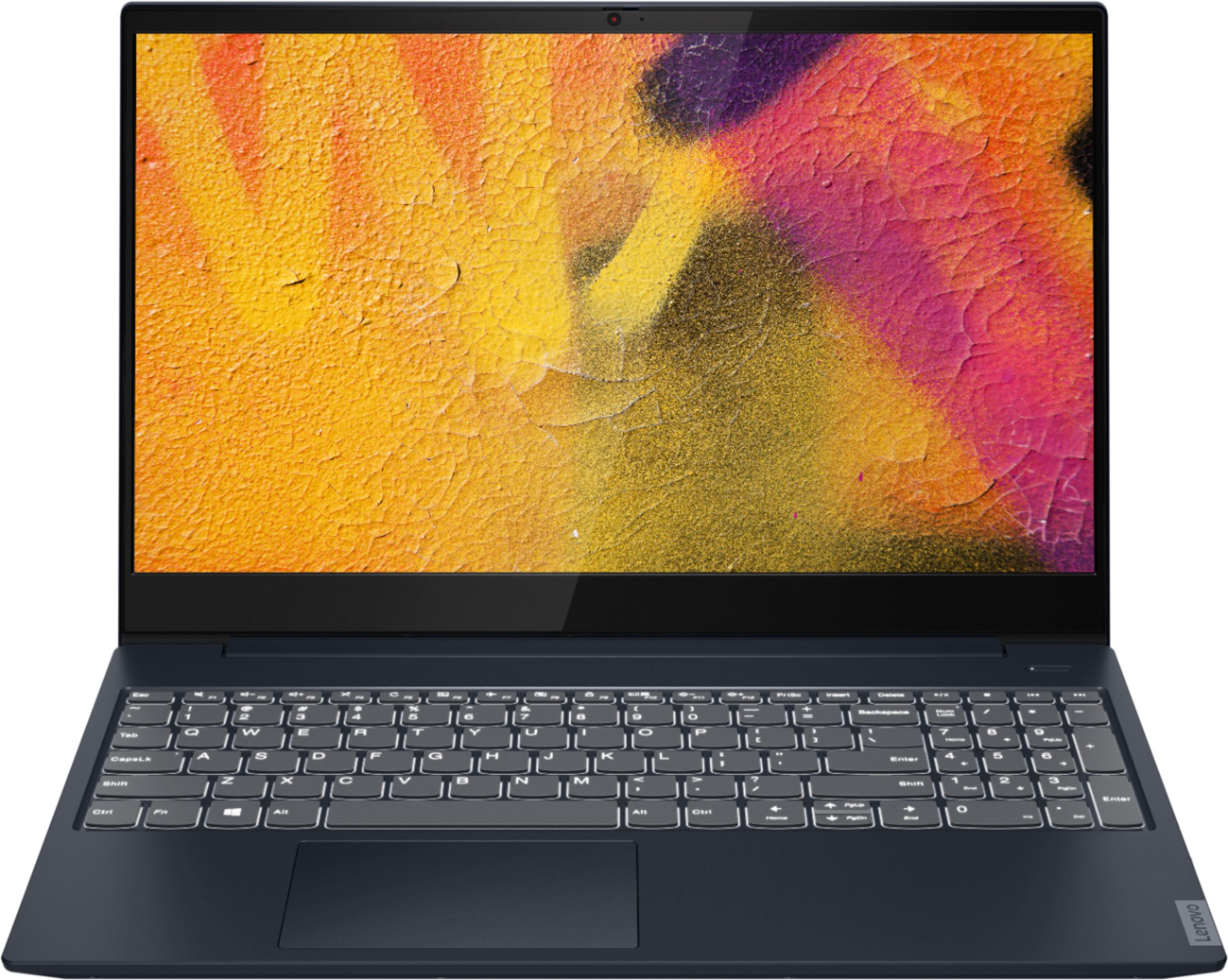
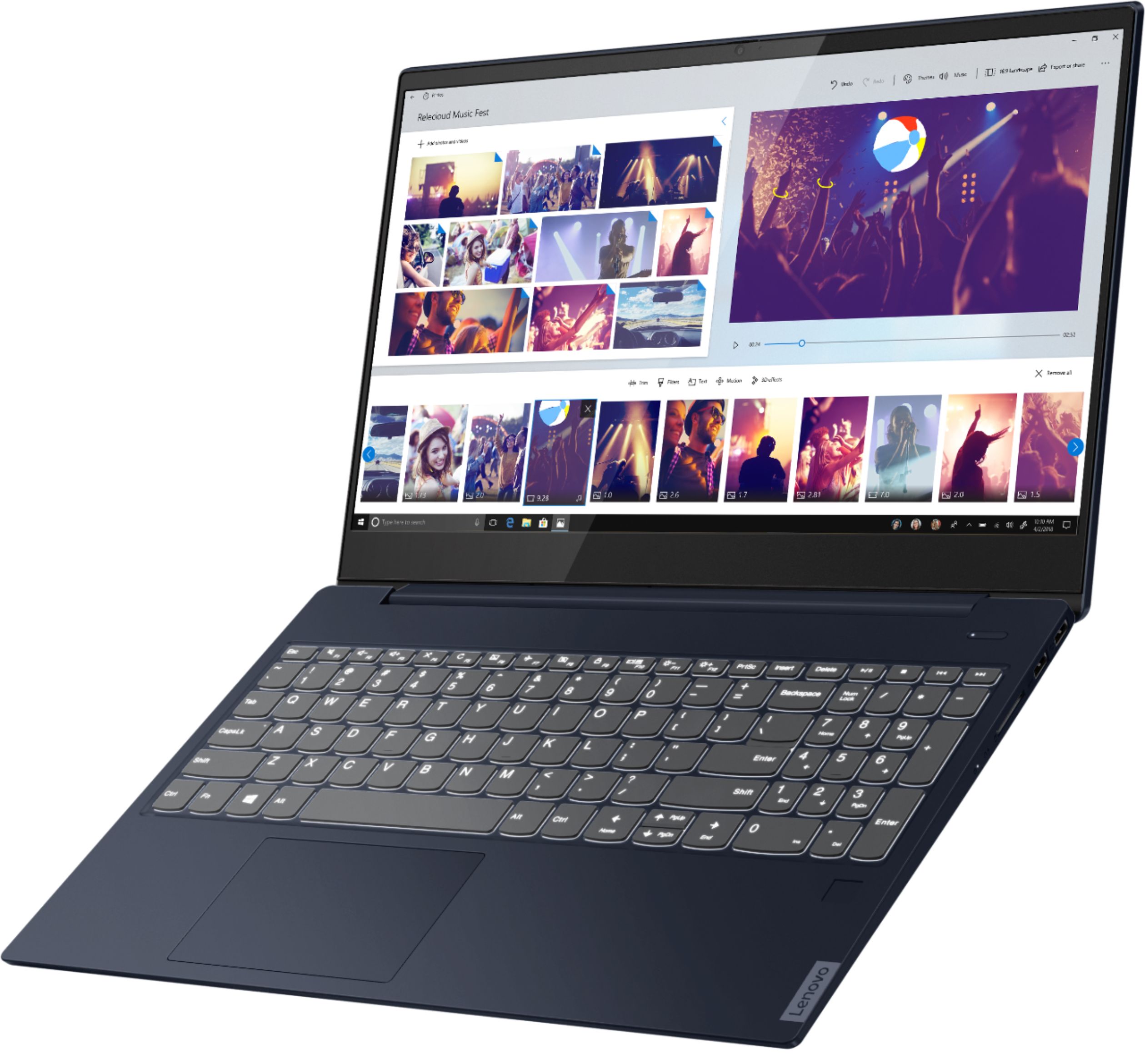
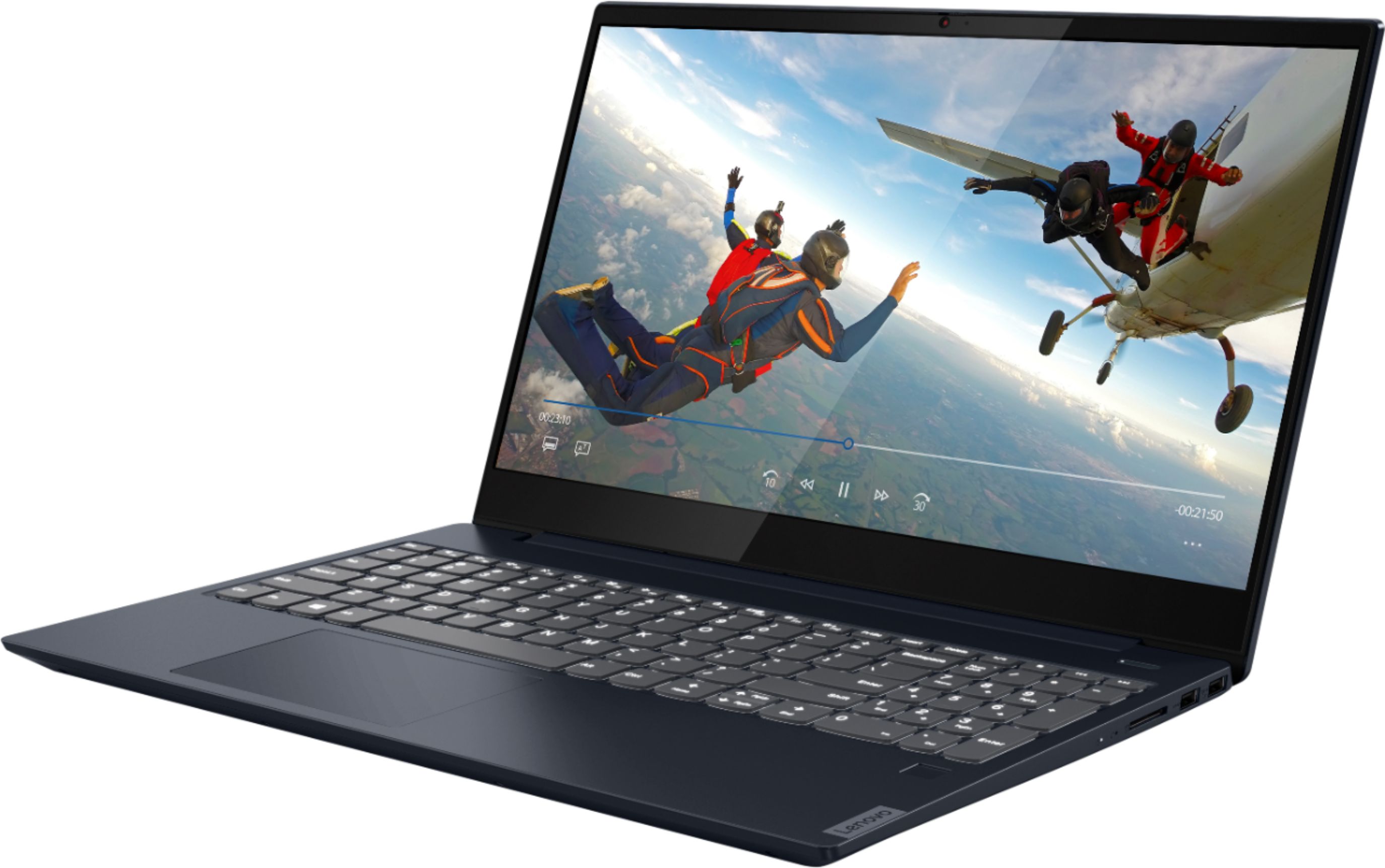
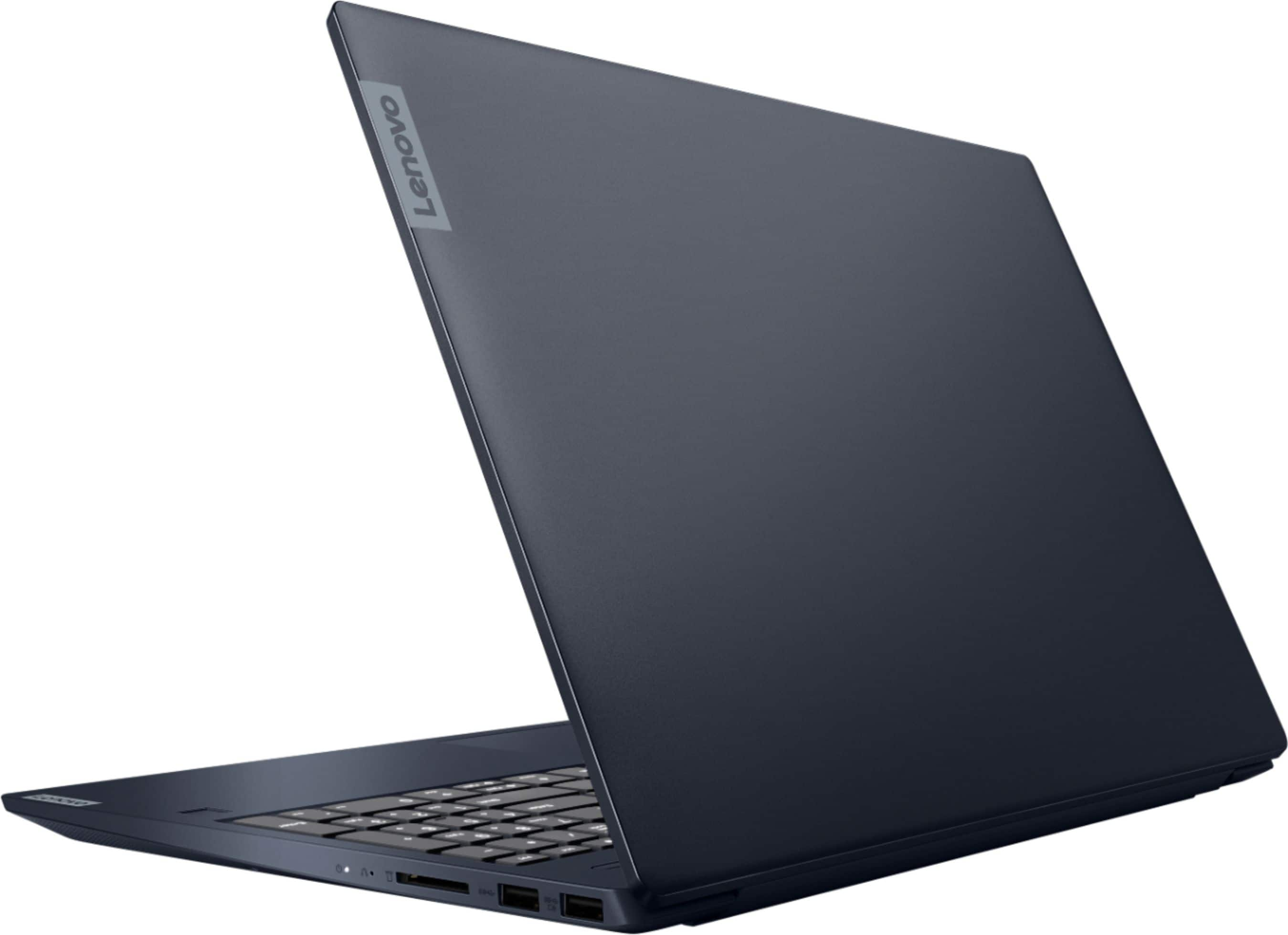



- Model:
- 81QG000DUS
- SKU:
- 6426703
Rating by feature
- Battery Life
Rating 4.4 out of 5 stars
- Speed
Rating 4.4 out of 5 stars
- Display
Rating 4.5 out of 5 stars
Customers are saying
Customers admire the IdeaPad S340 15" Touch-Screen Laptop for its touch screen capabilities, affordable price, lightweight design, and reliable performance. While some users have concerns about the laptop's Wi-Fi connectivity and weak speakers, the overall positive feedback highlights its value as a well-rounded laptop.
This summary was generated by AI based on customer reviews.
Works perfect for me!
Posted .This reviewer received promo considerations or sweepstakes entry for writing a review.This laptop has served me well for over 4 years now. I only use it for trading stocks and emails but works perfect for me
I would recommend this to a friendReliable and good price
Posted .This reviewer received promo considerations or sweepstakes entry for writing a review.Very good equipment I still have it and working great
I would recommend this to a friend- Pros mentioned:Price
Meh...after 6 months, laggy with issues
Posted .This reviewer received promo considerations or sweepstakes entry for writing a review.I am a Lenovo fan, and was pretty excited about this laptop. The price was great - almost too good to be true great. My son ordered a laptop with similar comps (Ryzen 7, 12 G RAM, 512 G SSD). The only difference was his a different brand and had dedicated graphics. I was hoping the performance of this laptop would be better. After 6 months, I have not been impressed with this Lenovo. It has been far more quirky than other computers we have had. I have had issues with randomly 'sticky' keys. (This is not a result of physical damage to the keyboard. Sometimes the keys work, and sometimes they don't. The nearest I can figure from what I've read is that the updates aren't jiving with microsoft.) The computer often seems laggy. They keyboard layout is not the best, and I find myself often hitting the numbers lock key rather than backspace, due to the location. The keys generally aren't as responsive as I like. This is more of a matter of preference, but I am not loving it. The laptop is slim, which is nice, but the build isn't great. Definitely better than some lower end HPs etc., but it's not great. I purchased my 10 year old an Acer with similar specs, and I find hers to be overall much better. If you are running an old, sluggish PC, you'll likely find this to be an upgrade. But if you need a peppy, agile business laptop, I would recommend looking elsewhere. Spend the extra 100 bucks or so and upgrade.
No, I would not recommend this to a friendBrand response from Lenovo Product Expert
Posted .We are sorry to hear that you are having issues with your Lenovo IdeaPad S3240-15 Laptop, model number 81QG000DUS. This is an extremely fast configuration with its 4-Core/8-Thread AMD Ryzen 7 3700U processor, 12GB DDr4-2400MHz RAM and a 512GB M.2 2242 PCIe 3.0x2 NVMe solid state hard drive. Be sure any software you installed is compatible with Windows 10. The key input lag you mention as well as overall slow performance, can be caused by incompatible software. There is no need to install Microsoft Office software. The software is already part of the operating system, you just need to activate the software with a purchased product key. If you have installed a copy of Microsoft Office, this is conflicting with the existing copy on the system and this will slow your system down. If you have installed a 3rd party anti-virus program, be sure that Windows Defender is turned off and that the trial version of McAfee Anti-Virus software is uninstalled. There can only be one anti-virus program on the system. You may need to restore your system to original factory default settings if any of the programming errors have occurred. You can do that by typing "restore" in the Cortana search window. Just click on the magnifying glass icon at the bottom left of your Windows 10 Desktop. Click on "Reset This PC" Then click on "Get Started" and follow the on screen directions to restore to factory defaults. If there is no incompatible software installed, then check to be sure you have the latest version of Windows 10 on the computer. Update all BIOS files and drivers up to that latest version of Windows 10. You can easily accomplish this by scanning the computer with the Lenovo Utility software available on this computer. This system has Lenovo utilities installed to help maintain the health of the device and keep the operating system software up to date. Type "Lenovo Vantage" in the Cortana Search window (if Lenovo Vantage is not installed on your device, you can download the APP and install it now). Select Lenovo Vantage from the list. In the window that opens, click on "Health and Support". In the expanded menu, select "Hardware Scan" In the window that opens, select "Run Quick Tests". This will scan your entire system for errors. Follow any directions that may pop up. If the problem continues after this scan, now click on "System Update". First select Windows update from the menu. Scan your system to be sure you have the latest version of Windows 10. Once that scan is complete, select "Additional Updates". This will scan your device to be sure there are no new BIOS/Driver updates needed. Follow any instructions that may pop up. If the issue still continues after these updates, we recommend you call Lenovo Tech Support at: 877-453-6686 for additional help.

Very Happy. Very Fast.
Posted .This reviewer received promo considerations or sweepstakes entry for writing a review.Very happy with this purchase. After returning a Dell that overheated, I tried this Lenovo and happy to report it runs much cooler and has better specs for around the same price. Boot time is seconds. I installed Adobe Photoshop Elements and Premier Elements and there is no lag time.
I would recommend this to a friendBrand response from Lenovo Product Expert
Posted .Hi Stephen. Thank you for choosing the Lenovo IdeaPad S340 laptop. We are pleased to hear that the value and performance of the IdeaPad S340 meets your computing and design needs so well! Welcome to the Lenovo fam! =)
- Pros mentioned:Price
Put it on sale again please
Posted .This reviewer received promo considerations or sweepstakes entry for writing a review.Put it on sale again please I want to buy another one, my dad just one of these a few days ago and my dad and i really love this is computer so i´m just to be on sale again to buy one for me
I would recommend this to a friend Sleek laptop but WiFi connection issues
Posted .This reviewer received promo considerations or sweepstakes entry for writing a review.Sleek laptop, very good performance. Unfortunately, we have had WiFi connection issues which have been difficult to diagnose and we are now outside the 14-day return window. From checking the Lenovo forums the Realtek 8822BE WiFi card used in this laptop has reported WiFi connection issues the same as we are encountering. Other devices (laptop, smartphones, TV) have no connection issues to our WiFi access point, but this laptop often drops the 5GHz WiFi connection even when close to the access point. Sometimes both 2.4GHz and 5GHz WiFi do not work even after resetting the WiFi adapter, or performance is very slow. Confirmed we have the latest driver installed and tried many other suggestions to remedy to no avail. As we purchased this laptop for our son's distance schooling and he needs the 5GHz WiFi speed for streaming/video, this laptop is a non-starter. I raised a ticket to Lenovo, and they have been responsive with a shipping label to send the laptop for repair. In the meantime we will be without a laptop for my son if we don't buy another one (different make/model).
No, I would not recommend this to a friendBrand response from Lenovo Product Expert
Posted .We are sorry to hear that you are having issues with the WiFi connectivity of your Lenovo IdeaPad S340-15 Laptop, model number 81QG000DUS. This model configuration ships with 5G, Wide-Range/High-Speed 2x2 802.11AC frequency WiFi. If your router is not 802.11ac frequency compatible, this model is backward compatible to b/g/n (2.4GHz and 5.0Ghz) frequency WiFi routers. First, be sure you have the latest version of Windows 10 on the computer. Then update all of the BIOS file and drivers up to that latest version of Windows 10. You can easily accomplish this by scanning the computer with the Lenovo Utility software available on this computer. This system has Lenovo utilities installed to help maintain the health of the device and keep the operating system software up to date. Type "Lenovo Vantage" in the Cortana Search window (if Lenovo Vantage is not installed on your device, you can download the APP and install it now). Select Lenovo Vantage from the list. In the window that opens, click on "Health and Support". In the expanded menu, select "Hardware Scan" In the window that opens, select "Run Quick Tests". This will scan your entire system for errors. Follow any directions that may pop up. If the problem continues after this scan, now click on "System Update". First select Windows update from the menu. Scan your system to be sure you have the latest version of Windows 10. Once that scan is complete, select "Additional Updates". This will scan your device to be sure there are no new BIOS/Driver updates needed. Follow any instructions that may pop up. If the issue still continues after these updates, we recommend you call Lenovo Tech Support at: 877-453-6686 for additional help.
- Pros mentioned:Touch screen
Love this computer
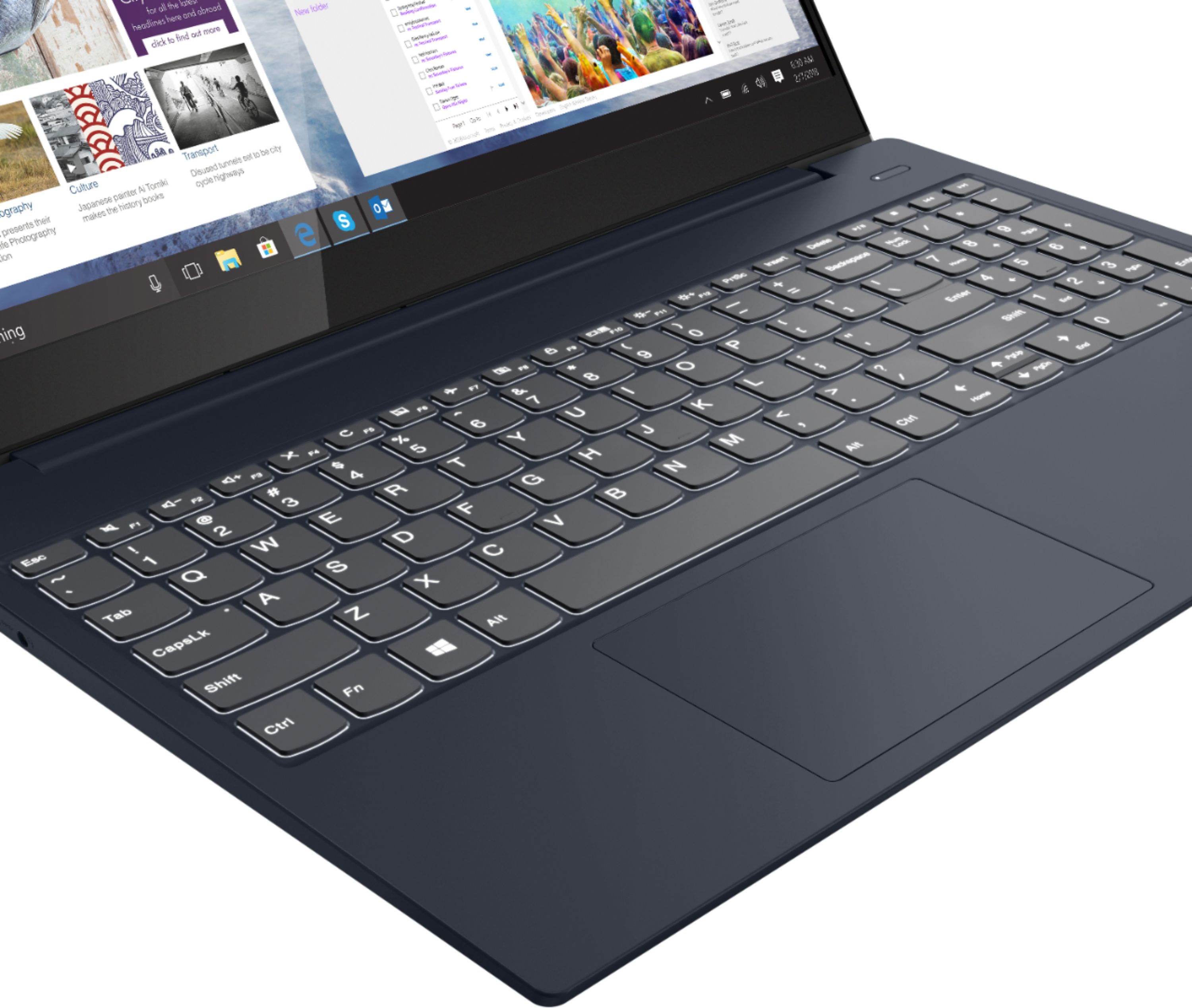
Posted .This reviewer received promo considerations or sweepstakes entry for writing a review.Love the backlit keyboard, so convenient when I'm sitting on my recliner. Nice wide base doesn't make me feel like I'm typing on my phone.
I would recommend this to a friendBrand response from Lenovo Product Expert
Posted .Thank you for choosing the Lenovo IdeaPad S340-15 Laptop. We are pleased to hear that the IdeaPad S340-15 meets your computing needs so well.
Can't work duel monitors with this!
Posted .This reviewer received promo considerations or sweepstakes entry for writing a review.I really wanted to give this a 5*, because the laptop itself I love. I work from home and was buying cheap $200-$300 here and there that kept failing and not keeping up with my web-based work load. This laptop has made such a difference in working from home, being efficient/software much faster, has a great battery life, and I love the touchscreen feature. However, I was not made aware that this model (as well as most Lenovo brand laptops) does not support duel monitors or "alt-mode"... thus leaves me working on one screen when I am accustomed to two. I have read many community threads that others with this same model have been able to get the duel monitors to work by purchasing a docking station... and suggested a Wavelink or Displaylink... however you would think a $800(not including tax/the insurance I purchased) would come with a basic feature allowing you to work duel monitors without additional purchases when you can buy a cheaper Dell/HP that allows it with nearly every model. Wish I had been made aware of this prior to my purchase. Very disappointed Lenovo.
I would recommend this to a friendBrand response from Lenovo Product Expert
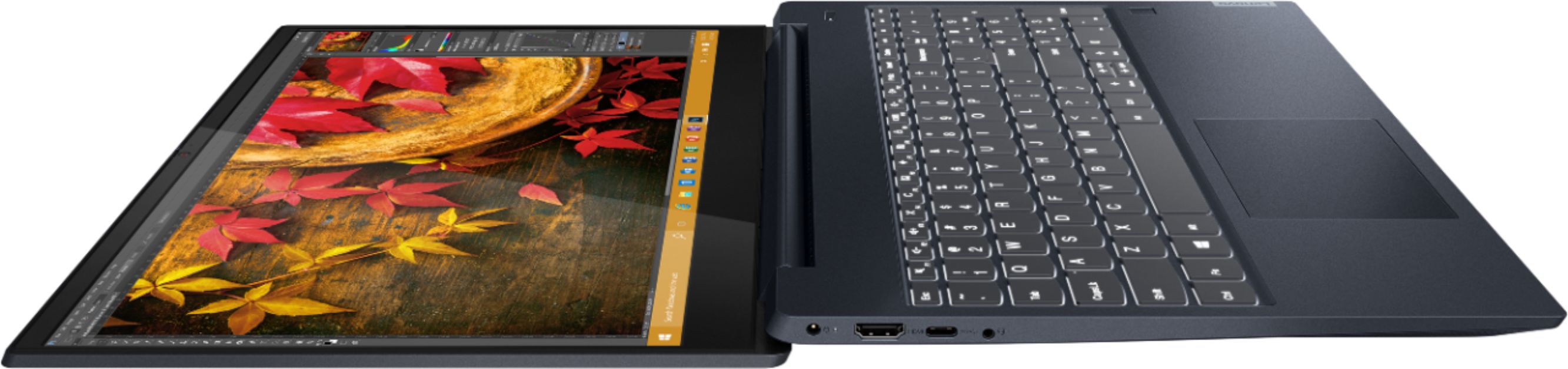
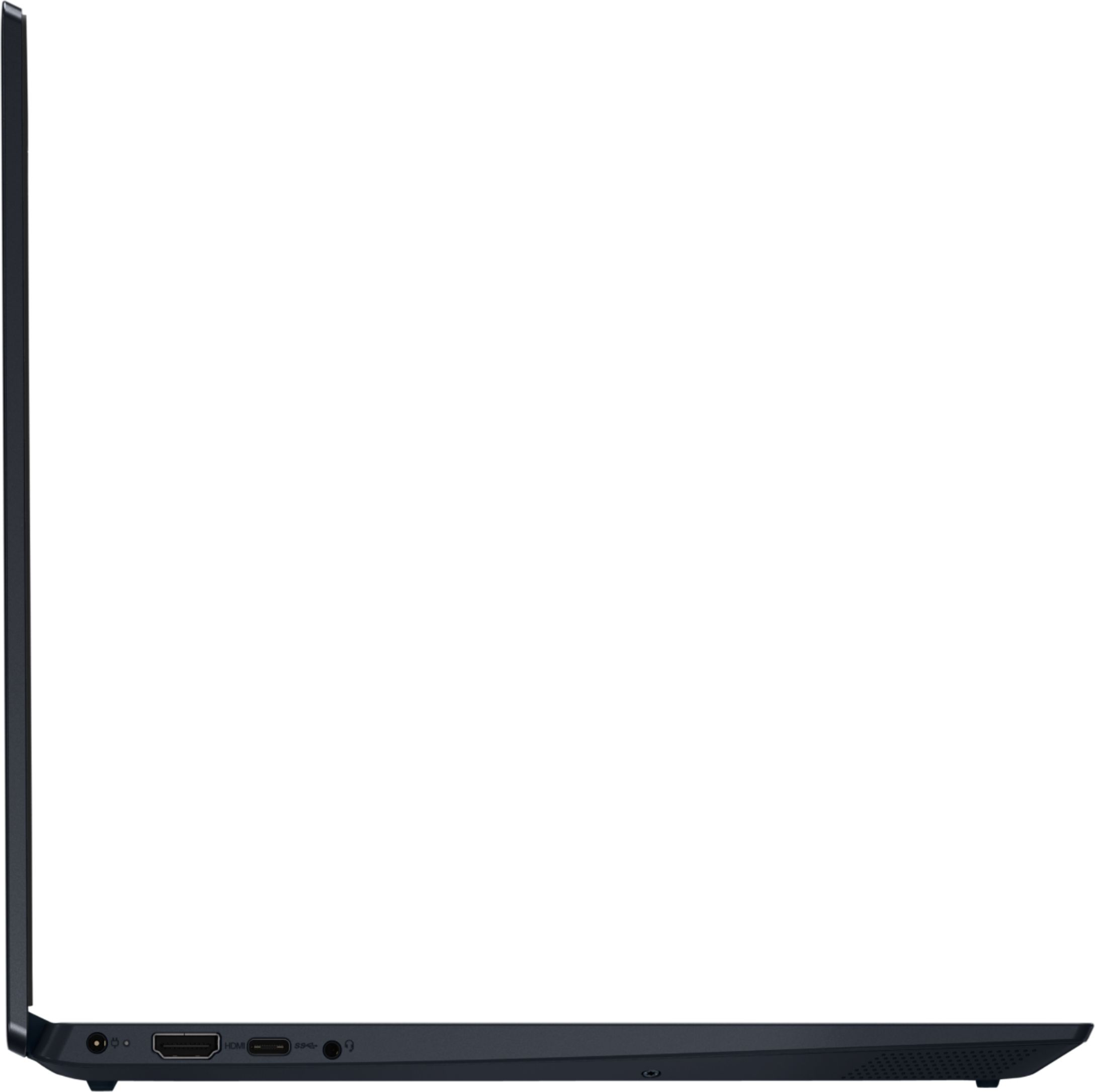
Posted .The Lenovo IdeaPad S340-15 Laptop, model number 81QG000DUS, ships with one HDMI-Out port for connecting an external monitor directly to this laptop. You can use a universal USB 3.0 docking station to add two external monitors to this laptop.
NO FINGERPRINT READER
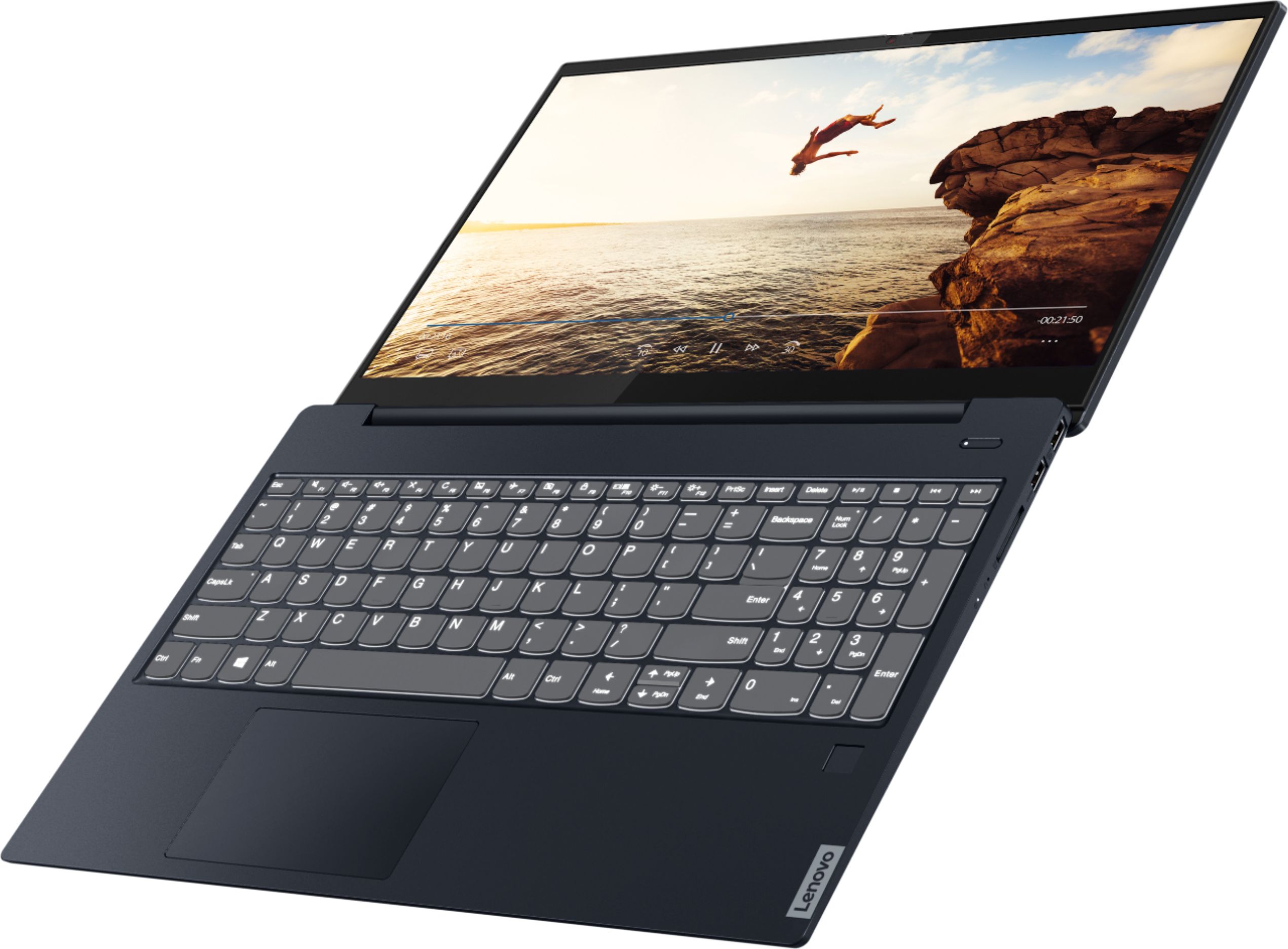
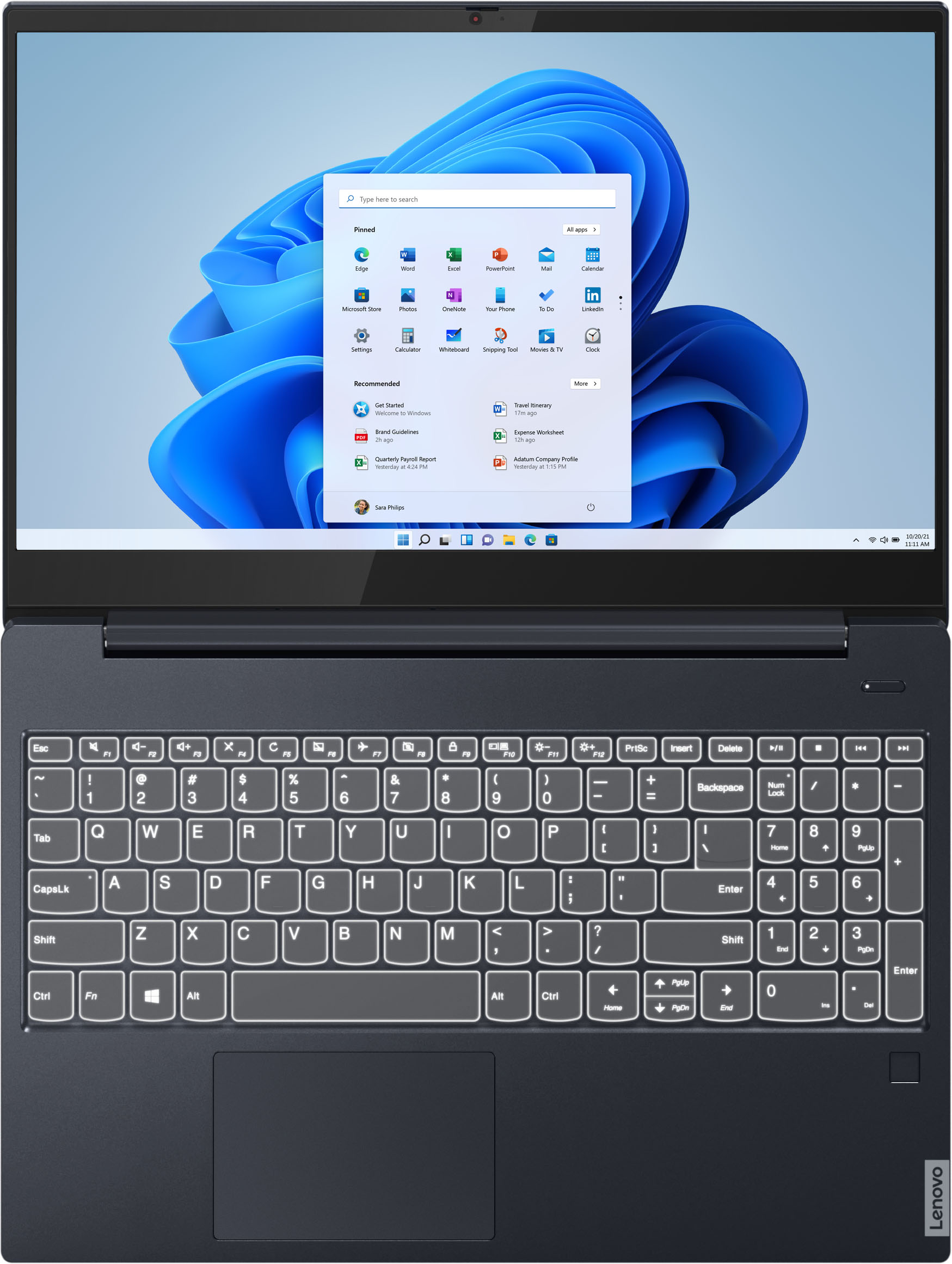
Posted .This reviewer received promo considerations or sweepstakes entry for writing a review.I bought this laptop hoping to use it for working from home. I looked at many and decided to purchase this one. While unboxing, I noticed there was no fingerprint scanner. I went back on the website and saw in multiple pictures that it advertised a fingerprint scanner but did not mention it in the description or specs anywhere. I was disappointed and thought about returning it to get a different laptop (still debating.) it is a good laptop from what I’ve seen so far. I just wish Best Buy didn’t put up pictures of one with a fingerprint scanner if the laptop doesn’t have one.
I would recommend this to a friendBrand response from Lenovo Product Expert
Posted .The Lenovo IdeaPad S340-15 Laptop, model number 81QG000DUS, does not have a fingerprint reader.
Great laptop
Posted .This reviewer received promo considerations or sweepstakes entry for writing a review.I just got this laptop today from my local best buy and so far there are no problems. I know I am a teenager but I just want to make a review about this laptop because it is great and I think lenovo deserves this review.
I would recommend this to a friendBad product, worse customer service
Posted .This reviewer received promo considerations or sweepstakes entry for writing a review.Completely fell apart at the base. Cannot close it now and sometimes will not charge. Lenovo customer support will not help with this defective product and had incorrect purchase date which could have affected warranty.
No, I would not recommend this to a friendConcerning boot up issues
Posted .This reviewer received promo considerations or sweepstakes entry for writing a review.While this laptop is fast, the day I got the laptop, after a couple of hours of setting up, it crashed horribly. After checking for updates and lenovo asking me to restart to set up realtek audio device, I did so. It booted fine, and I went to test the audio with a youtube video. Shortly after playing it, the audio sounded very corrupt and the computer went black. After trying to turn it on, I would be stuck on the lenova startup screen (you can look up forums of this same problem with lenovo laptops) where it would then show up black. After several attempts to do a different boot option (enter then f12), I was able to get back my laptop normally. It does make me strongly reconsider the quality of the laptop.
No, I would not recommend this to a friendBrand response from Lenovo Product Expert
Posted .Hello, we are sorry to hear you are experiencing an issue with Windows 10 booting on your Lenovo IdeaPad S340 laptop model # 81QG000DUS. Please ensure you have the latest system software/device drivers/ and BIOS installed on your machine. You can easily accomplish this by scanning the computer with the Lenovo Utility software available on this computer. This system has Lenovo utilities installed to help maintain the health of the device and keep the operating system software up to date. Type "Lenovo Vantage" in the Cortana Search window (if Lenovo Vantage is not installed on your device, you can download the APP and install it now). Select Lenovo Vantage from the list. In the window that opens, click on "Health and Support". In the expanded menu, select "Hardware Scan” In the window that opens, select "Run Quick Tests". This will scan your entire system for errors. Follow any directions that may pop up. If the problem continues after this scan, now click on "System Update". First select Windows update from the menu. Scan your system to be sure you have the latest version of Windows 10. Once that scan is complete, select "Additional Updates". This will scan your device to be sure there are no new BIOS/Driver updates needed. Follow any instructions that may pop up. If the issue continues after these updates, we recommend you call Lenovo Tech Support at: 877-453-6686 for additional help.
Eh.
Posted .This reviewer received promo considerations or sweepstakes entry for writing a review.It’s an ok pc. I want windows to be better than it is. I had this computer for less than 2 weeks and it crashed twice. I use zoom and PowerPoint a lot and this computer didn’t want to keep up. Funny thing is, it didn’t crash when streaming a game or movie.
No, I would not recommend this to a friendBrand response from Lenovo Product Expert
Posted .We are sorry to hear that you are having issues with Microsoft Office Programs on your Lenovo IdeaPad S340-15 Laptop. Be sure any software you installed is compatible with Windows 10. There is no need to install Microsoft Office software. The software is already part of the operating system, you just need to activate the software with a purchased product key. If you have installed a copy of Microsoft Office, this is conflicting with the existing copy on the system and this will slow your system down. If you have installed a 3rd party anti-virus program, be sure that Windows Defender is turned off and that the trial version of McAfee Anti-Virus software is uninstalled. There can only be one anti-virus program on the system. You may need to restore your system to original factory default settings if any of the programming errors have occurred. You can do that by typing "restore" in the Cortana search window. Just click on the magnifying glass icon at the bottom left of your Windows 10 Desktop. Click on "Reset This PC" Then click on "Get Started" and follow the on screen directions to restore to factory defaults. If the problem persists, we recommend you contact Lenovo Tech Support at: 877-453-6686.
Bad Choice
Posted .This reviewer received promo considerations or sweepstakes entry for writing a review.Possibly the worste PC I have purchased. Dissapointed beyond words. Please be advised I am in no way blaming Best Buy. I ordered on line by the way If I were to erase this post by pushing the back key, it would start to erase one letter at a time with a pause. What should take 10 seconds takes 40-50 seconds. Also when I type fast the words take a few minutes to catch up. What makes me mad the most is when I am typing and look up, I am typing in the wrong sentence. There are so many other issues, How I wish I could return it, Now I am stuck with this piece of.....Oh and the mouse it to the left of the pc
No, I would not recommend this to a friendBrand response from Lenovo Product Expert
Posted .We are sorry to hear that you are having issues with your Lenovo IdeaPad S340-15 Laptop, model number 81QG000DUS. This model ships with a standard QWERTY keyboard, with 10-Key Numeric Pad included. The touchpad within this laptop is centered under the QWERTY keys so that when the typist's hands are in the Home Position on the keyboard, the touchpad is centered under the typist's hands. Regarding the input lag when typing, you are experiencing, be sure any software you installed is compatible with Windows 10. There is no need to install Microsoft Office software. The software is already part of the operating system, you just need to activate the software with a purchased product key. If you have installed a copy of Microsoft Office, this is conflicting with the existing copy on the system and this will slow your system down. If you have installed a 3rd party anti-virus program, be sure that Windows Defender is turned off and that the trial version of McAfee Anti-Virus software is uninstalled. There can only be one anti-virus program on the system. You may need to restore your system to original factory default settings if any of the programming errors have occurred. You can do that by typing "restore" in the Cortana search window. Just click on the magnifying glass icon at the bottom left of your Windows 10 Desktop. Click on "Reset This PC" Then click on "Get Started" and follow the on screen directions to restore to factory defaults. If the problem persists, we recommend you contact Lenovo Tech Support at: 877-453-6686.
Very disappointed!
Posted .This reviewer received promo considerations or sweepstakes entry for writing a review.I've had this laptop for 6 mos. The camera is shot and installing new drivers does nothing for it. Now the sound is going out. It will cost me $200 to fix it. I'm very disappointed in this piece of junk. I just bought a new Apple. I'll never buy another Lenovo again. This was a waste of money!
No, I would not recommend this to a friendBrand response from Lenovo Product Expert
Posted .We are sorry to hear that you are having issues with your Lenovo IdeaPad S340-15 Laptop, model number 81QG000DUS. First, Be sure any software you installed is compatible with Windows 10. There is no need to install Microsoft Office software. The software is already part of the operating system, you just need to activate the software with a purchased product key. If you have installed a copy of Microsoft Office, this is conflicting with the existing copy on the system and this will slow your system down. If you have installed a 3rd party anti-virus program, be sure that Windows Defender is turned off and that the trial version of McAfee Anti-Virus software is uninstalled. There can only be one anti-virus program on the system. You may need to restore your system to original factory default settings if any of the programming errors have occurred. You can do that by typing "restore" in the Cortana search window. Just click on the magnifying glass icon at the bottom left of your Windows 10 Desktop. Click on "Reset This PC" Then click on "Get Started" and follow the on screen directions to restore to factory defaults. If there is no incompatible software installed, try resetting your computer back to original factory settings. This system is equipped with OneKey Recovery System. There is a very small pin hole on the right side of the device, right near the SD card slot on the device. You will need a pin to push this reset button. Plug the device in. Let the battery charge for about 15 minutes. Push the reset button. The system should boot to a choice screen where you can choose "Restore To Factory Default". Select this. It will delete everything from the hard drive except the original factory install of the operating system. You will need to reinstall all programs and files after the reset. If you don't have copies of the files, try to make one before you restore by selecting "Boot to desktop" and trying to back up your files. If the problem persists after the factory reset, we recommend you contact Lenovo Tech Support at: 877-453-6686.