Customer Ratings & Reviews
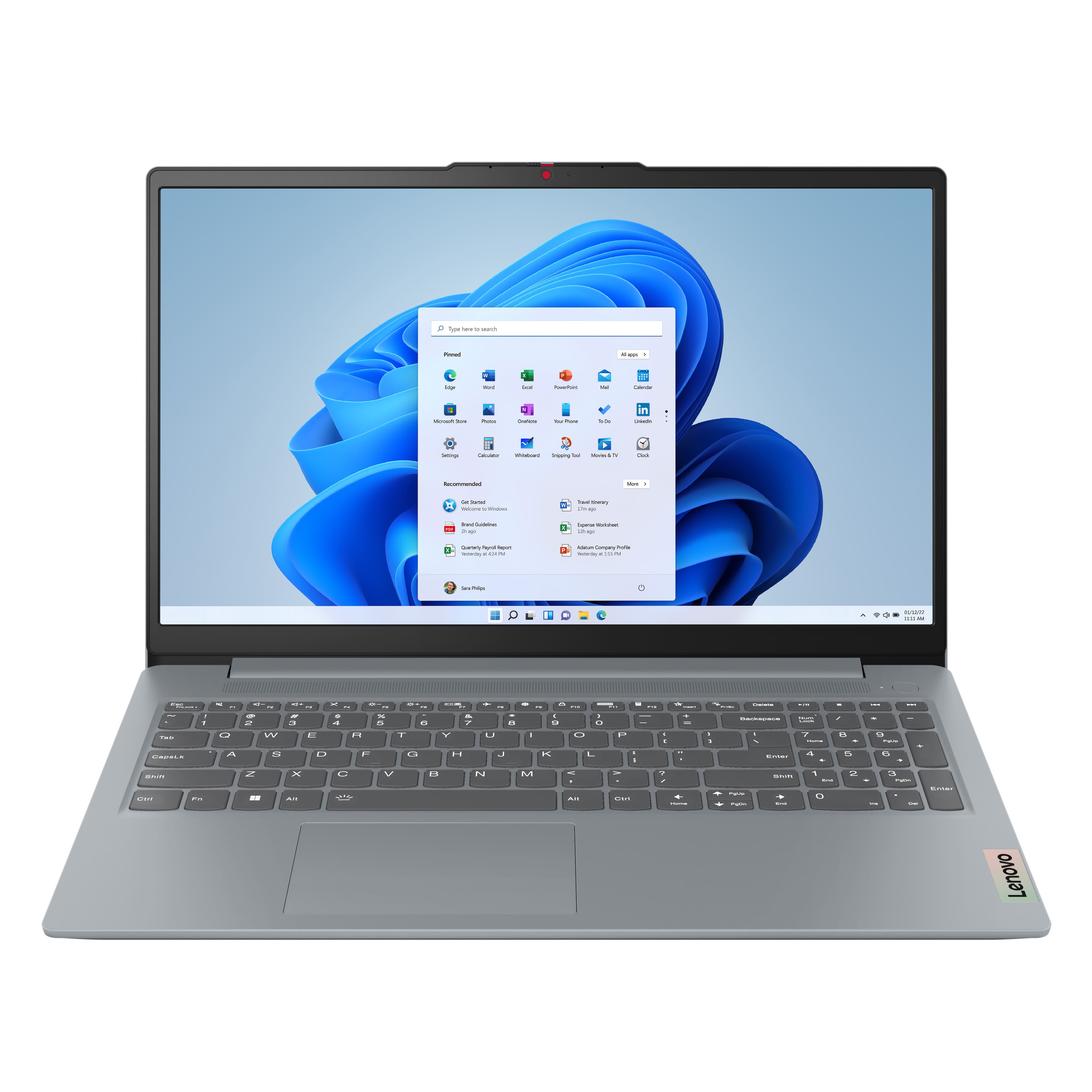

![Sure, here is the corrected and grouped text from the image:
---
**Top Row:**
- Esc
- Fn
- F1
- F2
- F3
- F4
- F5
- F6
- F7
- F8
- F9
- F10
- F11
- F12
**Number Row:**
- 1
- 2
- 3
- 4
- 5
- 6
- 7
- 8
- 9
- 0
- -
- =
- Backspace
**Letter Row:**
- Tab
- Q
- W
- E
- R
- T
- Y
- U
- I
- O
- P
- [
- ]
- \
- Delete
**Letter Row:**
- Caps Lock
- A
- S
- D
- F
- G
- H
- J
- K
- L
- ;
- '
- Enter
**Letter Row:**
- Shift
- Z
- X
- C
- V
- B
- N
- M
- ,
- .
- /
- Shift](https://pisces.bbystatic.com/image2/BestBuy_US/images/products/f79b3ed3-e46f-4e66-923f-76d4538361a2.jpg)



- Model:
- 82XM00LMUS
- SKU:
- 12098556
Rating by feature
- Battery Life
Rating 4.7 out of 5 stars
- Speed
Rating 4.7 out of 5 stars
- Display
Rating 4.7 out of 5 stars
OS upgrade required
||Posted . Owned for 2 weeks when reviewed.This reviewer received promo considerations or sweepstakes entry for writing a review.Did not realize that the OS was windows home need the pro version
I would recommend this to a friendSomething is missing.
||Posted .This reviewer received promo considerations or sweepstakes entry for writing a review.Not satisfied with sound. Where is the keyboard backlight
No, I would not recommend this to a friendBrand response from Lenovo Product Expert
Posted .Hi user539370,
Thank you for sharing your feedback with us. We are sorry to hear that your IdeaPad Slim 3 has fallen short for you. We understand your perspective, and we'd like to work with you to try to improve your experience.
To start, we recommend using the Dolby Access app that's preinstalled to adjust the audio profile to your liking, as we believe this can increase your sound satisfaction.
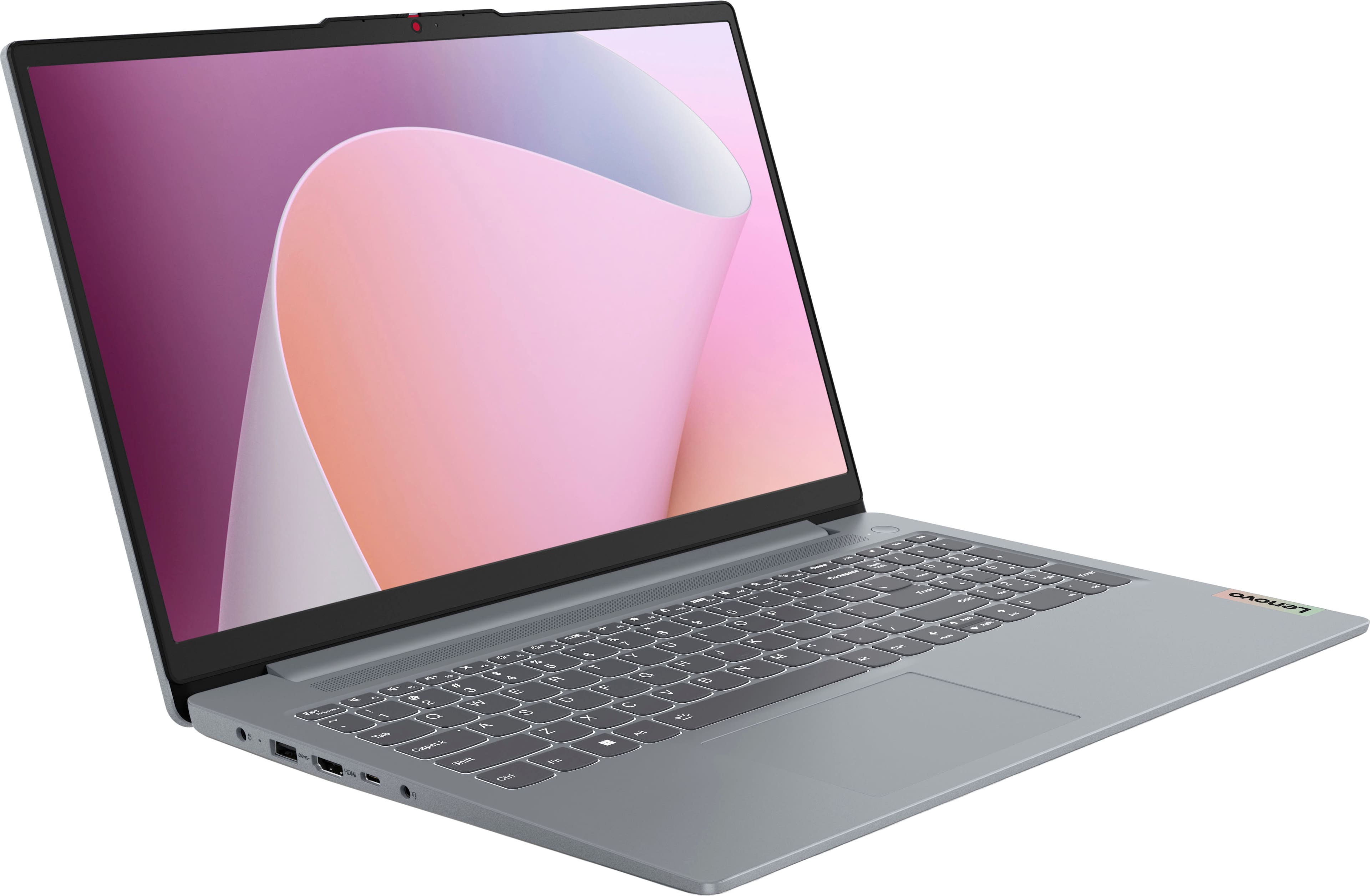
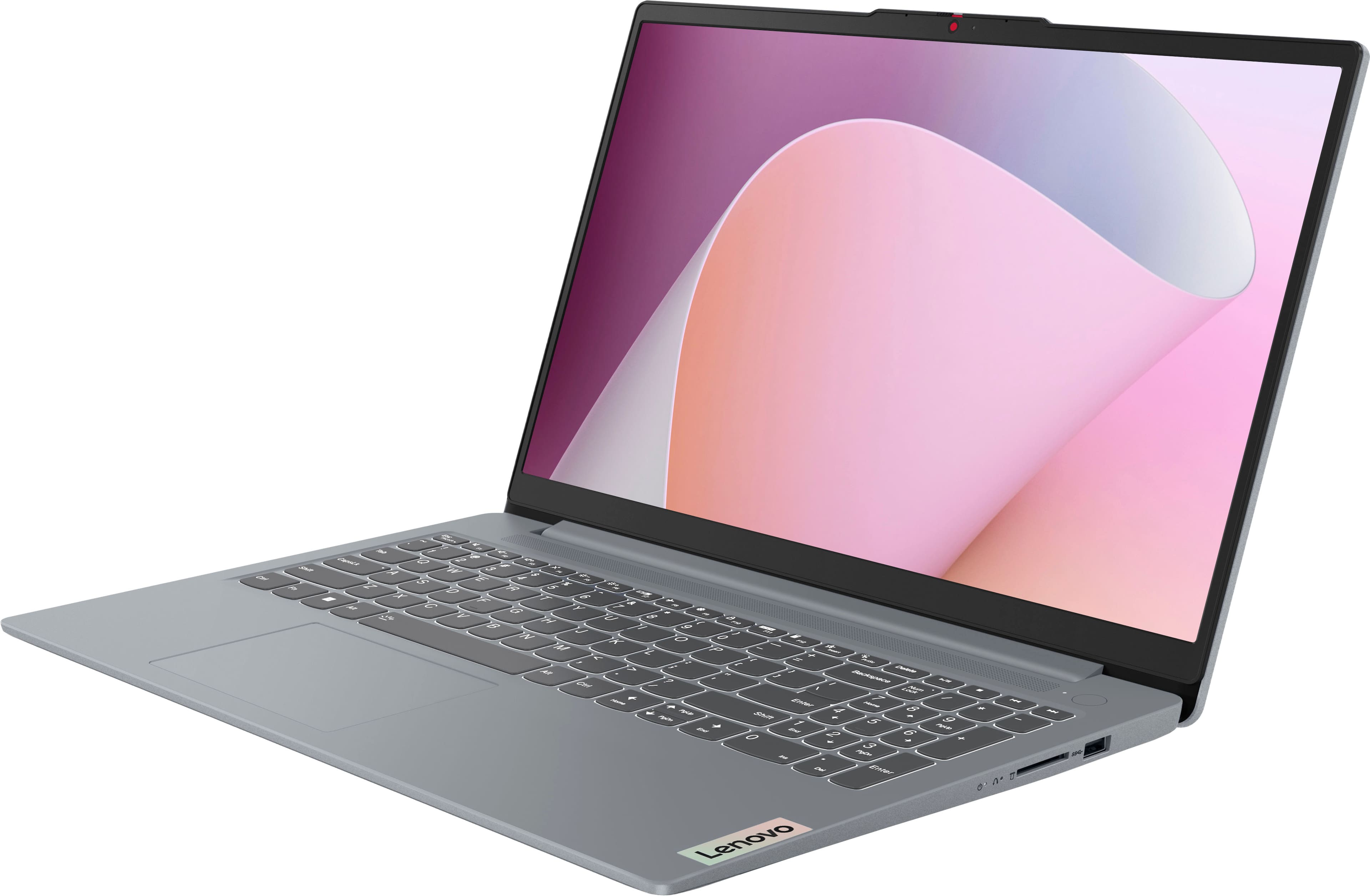
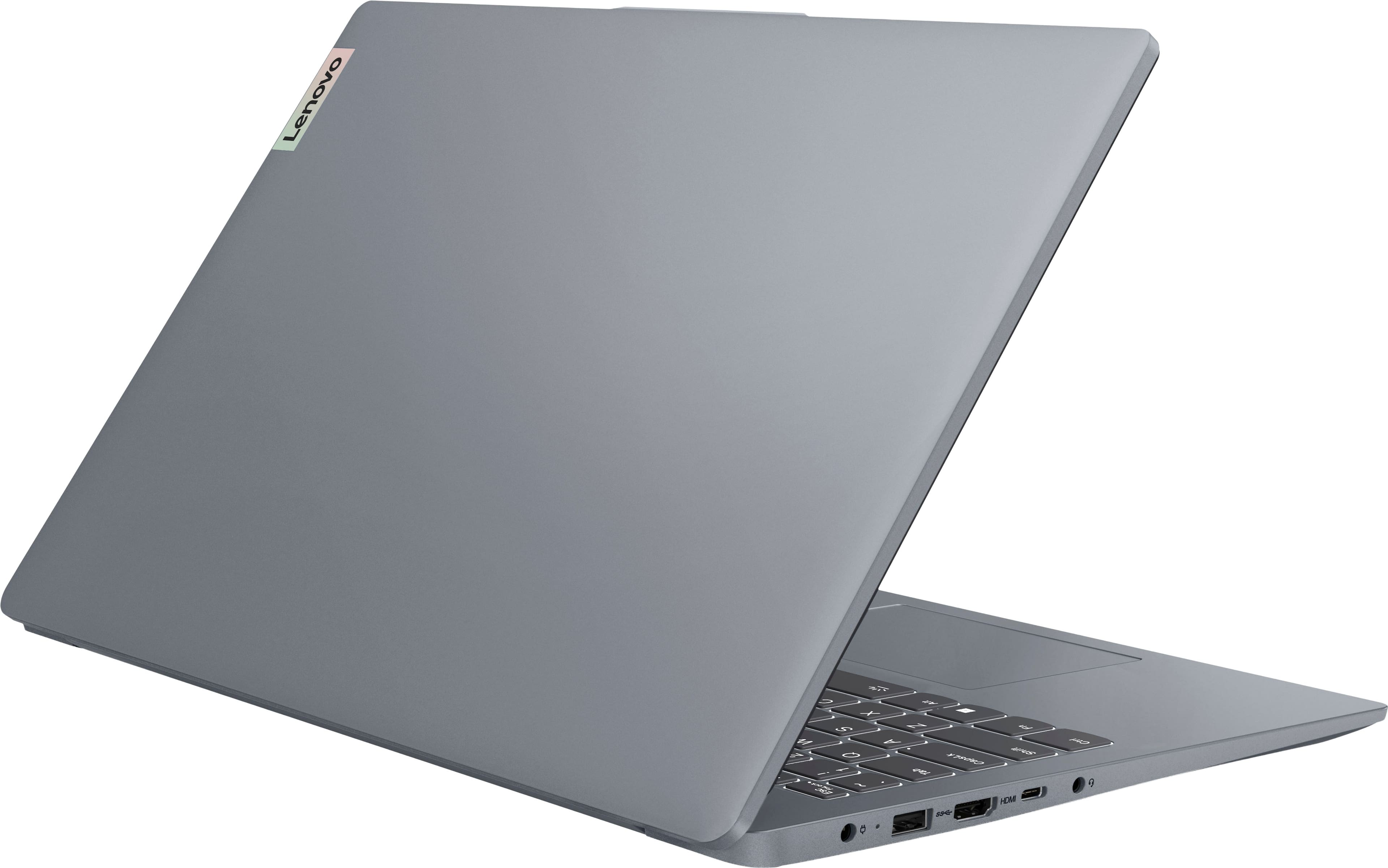
Also, we wish to clarify that this IdeaPad Slim 3 does not feature a backlit keyboard, as mentioned in the device specifications section of the product page.
Please let us know what else we can do to improve your experience, as your satisfaction is important to us.
Best regards,
Lenovo
Missing laptop charger
||Posted . Owned for 3 weeks when reviewed.This reviewer received promo considerations or sweepstakes entry for writing a review.I purchased an excellent open box Lenovo Slim IdeaPad Slim3 from a store. It had the plastic bag, but the charger was missing.
No, I would not recommend this to a friendScreen is flickering
||Posted .This reviewer received promo considerations or sweepstakes entry for writing a review.Got this laptop September 22 2025, It is February 22th 2025 and I use this for writing and occasionally checking websites That's about it. The screen is flickering out of nowhere. It's not consistent so I unfortunately cannot provide video evidence but yes it is flickering. Luckily I don't do any gaming or consuming video content on this at all.
No, I would not recommend this to a friendKEYBOARD
||Posted . Owned for 1 month when reviewed.This reviewer received promo considerations or sweepstakes entry for writing a review.MY KEYBOARD SOMETIMES IS SLOW AND DOESN'T WORK WELL.
No, I would not recommend this to a friendBrand response from Lenovo Product Expert
Posted .Hello,
Thank you for sharing your feedback with us. We're sorry to hear that you ran into an issue. We strive to provide the best experience possible, so if you'd like to, we want to work with you to try to resolve this.
To start, we recommend ensuring you have the latest software by checking for updates, as this could correct the issue. To do so, first, open the Settings app > Select the Windows update tab > Select the Check for updates button, apply all available updates. Next, open the Lenovo Vantage app > on the homepage, select the Check for updates button, following on-screen prompts to apply all available updates here as well.
If after the available updates are applied and the system restarts, yet the issue persists, in-depth troubleshooting will be necessary to fix the problem. We recommend contacting Lenovo Support here: 877-453-6686, for further assistance.
Please don't hesitate to let us know what else we can do to improve your experience, as your satisfaction is important to us.
Best regards,
Lenovo
Regret this purchase
||Posted .This reviewer received promo considerations or sweepstakes entry for writing a review.Computer received an update from Lenovo a little over a month after purchase. The update deactivated my pin and now I am locked out of my computer, by Windows, for at least 30 days. I went to Best Buy’s Geek Squad and they were unable to help since it was a Windows issue. So now my computer is sitting there useless. I was warned by an IT consultant not to buy Lenovo, wish I had listened.
No, I would not recommend this to a friendBrand response from Lenovo Product Expert
Posted .Hey Anne,
Thank you for sharing your feedback with us. We are sorry to hear that you are experiencing this issue with your IdeaPad Slim 3. We apologize for the inconvenience that this may have caused you, and we'd like to work with you to try to resolve this issue.
To start, you may need to factory reset your system. If you wish to complete this process, the instructions are listed below:
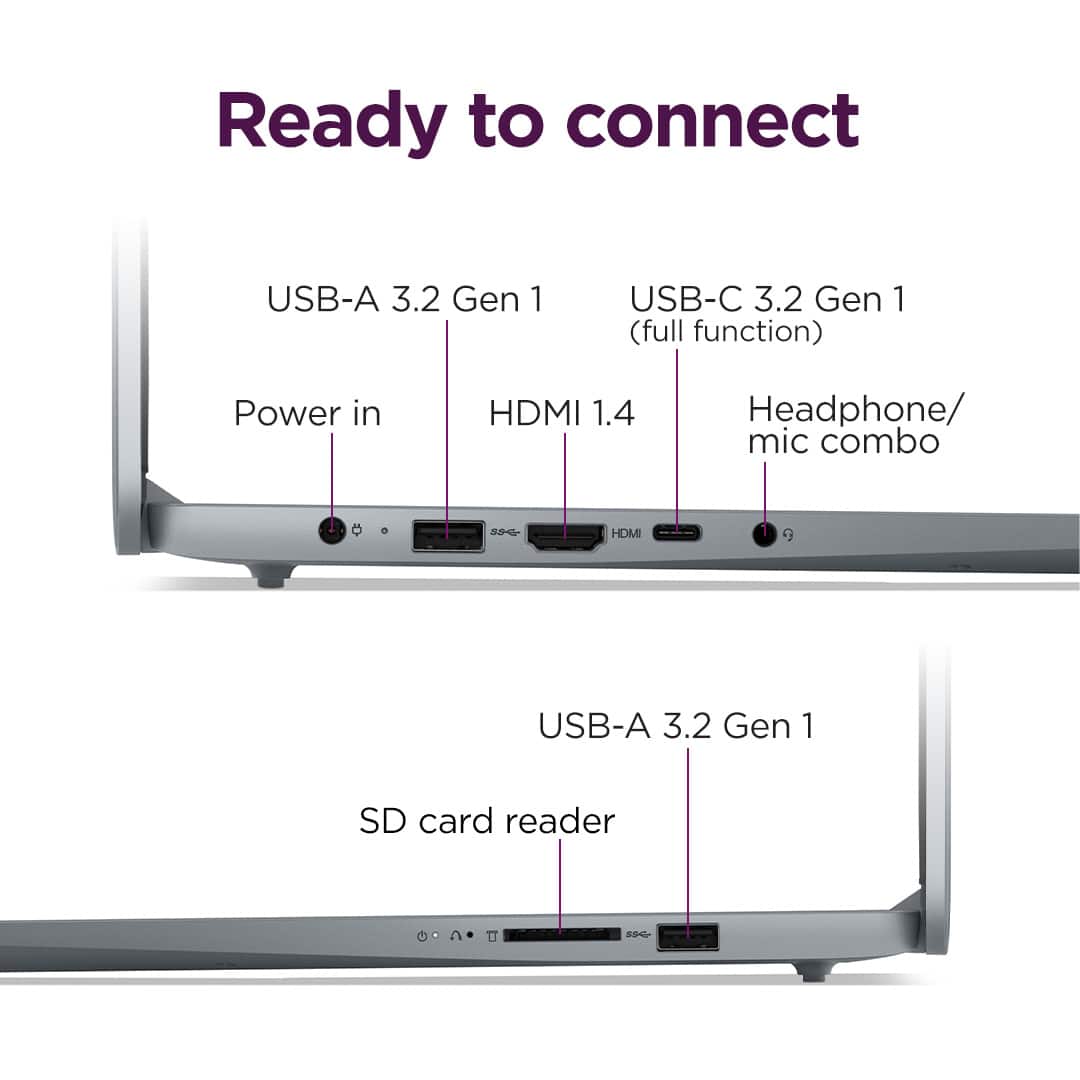
1. There is a small pin hole on the bottom right side of the device, first in line before the other ports on the right side. You will need a pin (a SIM ejector tool or the end of a paperclip should suffice) to push this reset button.
2. Push the reset button. The system should boot to a choice screen where you can choose to view "System Recovery" options. Select System Recovery.
3. On the next screen, select "Troubleshooting", then "Reset this PC". Select the option to remove everything from the system and for Windows to be installed locally. You will need to reinstall all programs and files after the reset.
We hope that this helps, and should you run into any issues, have any questions, or need further assistance, please reach out to us here or contact Lenovo Support at this number: 877-453-6686, to speak with someone.
Please update us when you can regarding this.
Best regards,
Lenovo
Okay product
||Posted .This reviewer received promo considerations or sweepstakes entry for writing a review.The speed is not as fast as I wanted...but overall okay with what I am using it for
No, I would not recommend this to a friendBrand response from Lenovo Product Expert
Posted .Hey Christ,
Thank you for choosing Lenovo and for sharing your feedback with us.
We're sorry to hear that the IdeaPad Slim 3 has fallen short of your expectations in regard to its performance. We'd like to work with you to try to improve this for you.
To start, we recommend ensuring you have the latest software by checking for updates, as this could correct the issue. To do so, first, open the Settings app > Select the Windows update tab > Select the Check for updates button, applying all available updates. Next, open the Lenovo Vantage app > on the homepage, select the Check for updates button, following on-screen prompts to apply all available updates here as well.
Please feel free to reach out to us should you have any questions.
Best,
Lenovo
Too Many Popup ADs
||Posted . Owned for 1 month when reviewed.This reviewer received promo considerations or sweepstakes entry for writing a review.too many popup ads for stuff I don’t want on the computer sponsored by bestbuy or lenovo.
No, I would not recommend this to a friendBrand response from Lenovo Product Expert
Posted .Hi Panama,
Thank you for sharing your feedback with us. We are sorry to hear that you are having trouble with your IdeaPad Slim 3. We apologize for any inconvenience that this may have caused you. We'd like to work with you to help improve your experience.
To start, we recommend viewing the information in the following link to a webpage from Microsoft Support with information on how to adjust notification settings on Windows 11 devices: https://support.microsoft.com/en-us/windows/notifications-and-do-not-disturb-in-windows-feeca47f-0baf-5680-16f0-8801db1a8466, as we believe that by making these adjustments, it should mitigate the number of pop-ups you may see.
Please update us when you can regarding this and reach out to us again should you have any questions or need further assistance.
Best regards,
Lenovo
Mid range laptop
||Posted . Owned for 1 month when reviewed.This reviewer received promo considerations or sweepstakes entry for writing a review.Overall good quality but not good for programming. It got slow when you wanna run the software
I would recommend this to a friendBrand response from Lenovo Product Expert
Posted .Hey FarbodE,
Thank you for sharing your feedback with us. We are sorry to hear that your IdeaPad Slim 3 fell short of your requirements for the software you need.
Please feel free to reach out to us should you have any questions or need assistance.
Best,
Lenovo
Motherboard issue
||Posted . Owned for 2 months when reviewed.This reviewer received promo considerations or sweepstakes entry for writing a review.I gifted to my sister but just after 2 months it has motherboard problem.
No, I would not recommend this to a friendBrand response from Lenovo Product Expert
Posted .Hey Sunny,
Thank you for sharing your feedback with us. We are sorry to hear that you ran into this issue with your IdeaPad Slim 3. We apologize for the inconvenience that this has caused you, and we'd like to work with you to try resolve these issues.
To start, if this is a systemboard problem, we recommend contacting Lenovo Support here: 877-453-6686, for assistance with exploring options with repairing the device.
Please update us when you can regarding this, and feel free to reach out to us via the Q& A section of this product page should you have any questions or further comments.
Best regards,
Lenovo
good
||Posted . Owned for 3 weeks when reviewed.This reviewer received promo considerations or sweepstakes entry for writing a review.Good for the price, still saw it cheaper some other place.
I would recommend this to a friendBrand response from Lenovo Product Expert
Posted .Hey JohnG,
Thank you for choosing Lenovo and for sharing your feedback with us.
We are glad to hear that your experience with your IdeaPad Slim 3 has been good.
Please feel free to reach out to us should you have any questions.
Best,
Lenovo
Very bad
||Posted . Owned for 2 weeks when reviewed.This reviewer received promo considerations or sweepstakes entry for writing a review.It stopped working withing 2 weeks of purchase. It was a defective piece
No, I would not recommend this to a friendBrand response from Lenovo Product Expert
Posted .Hi FNUM-
Thank you for sharing your feedback with us. We are disappointed to hear that the IdeaPad Slim 3 did not meet your expectations. We would like to offer you some possible solutions to the device becoming unresponsive.
The IdeaPad Slim 3 features a NOVO button. This button allows the device the device to boot into system recovery. This button can be found on the right-hand side of the laptop next to the SD card slot. To use the NOVO button, make sure your laptop is off and insert a SIM key or paperclip in the small pinhole. I have linked the Lenovo Support page in case you would like a better picture of how to use the NOVO key system:
https://support.lenovo.com/us/en/solutions/ht062552-introduction-to-novo-button-ideapad
If your system is still unresponsive, please reach out to Lenovo Support here: 1-855-253-6686 and one of our dedicated representatives would be happy to help you with advanced troubleshooting or next steps. Please reach out to us through the Q & A section of this product page if you would like to share any updates.
Best wishes,
Lenovo
New computer and bad!
||Posted . Owned for 2 weeks when reviewed.This reviewer received promo considerations or sweepstakes entry for writing a review.2 days after using computer kept restarting and restarting and several times It went black. I have asked questions and no answers. I wonder if this is a refurbished computer? I will continue to ask as I have no response to this bad computer!
No, I would not recommend this to a friendBrand response from Lenovo Product Expert
Posted .Hi KENNETHC,
Thank you for sharing your feedback with us. We are sorry to hear that you are having trouble with your IdeaPad Slim 3. We apologize for the frustration and inconvenience that this may have caused you, and we'd like to work with you to resolve this issue.
To start, we recommend ensuring you have the latest software by checking for updates, as this could correct the issue. To do so, first, open the Settings app > Select the Windows update tab > Select the Check for updates button, apply all available updates. Next, open the Lenovo Vantage app > on the homepage, select the Check for updates button, following on-screen prompts to apply all available updates here as well.
Please update us when you can regarding this and feel free to reach out to us via the Q&A section of the product page for questions or if you need further assistance.
Best regards,
Lenovo
HorribleCustomer Services for Established Customer
||Posted .This reviewer received promo considerations or sweepstakes entry for writing a review.My most recent purchase was at least the 20th computer I have purchased from Best Buy in the last four years. I also purchased at least five printers from BB in the last four years. For my most recent purchase, I noticed that the key for the letter "p" did not work. I took the keyboard back and just asked that it be switched out for another keyboard. BB refused saying if you want to return the keyboard, you have to return the entire computer which my business is already using, I was told I cld purchase one of their keyboards at an addtional charge. I will never purchase another item from BB.
No, I would not recommend this to a friendBad battery
||Posted . Owned for 2 weeks when reviewed.This reviewer received promo considerations or sweepstakes entry for writing a review.Battery doesn't last at all,if your a college student this is a nightmare. Save urself SAAAVEE YOURSELFF
No, I would not recommend this to a friendBrand response from Lenovo Product Expert
Posted .Hello,
Thank you for sharing your feedback with us. We're sorry to hear that you ran into an issue. We strive to provide the best experience possible. We're disappointed and apologize that this wasn't the case for you, and we'd like to work with you to try to improve your experience.
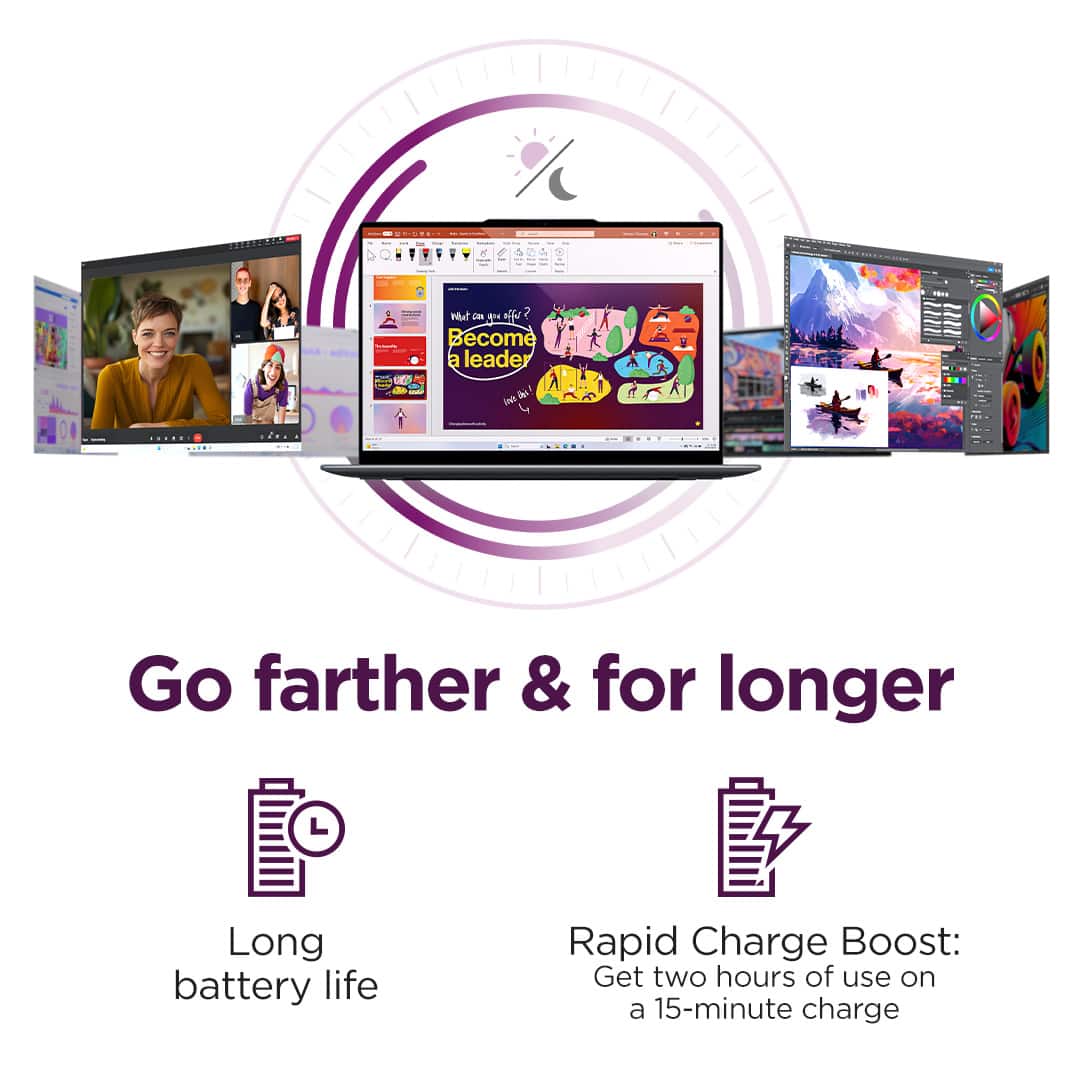
To start with your note on battery life, there are many variables that contribute to shorter battery life. Thankfully, many of those variables can be adjusted. By default, the system will tend to give more speed when needed, which can sacrifice battery life. If you want to squeeze out more battery life, we recommend utilizing the Lenovo Vantage application that is preinstalled to adjust settings related to power and battery performance (to access relevant settings, open Vantage > Device Settings > Power). You can also take advantage of the keyboard shortcut, Fn + Q to toggle thermal modes and easily switch between prioritizing battery life or power, or even the best of both worlds.
Please don't hesitate to let us know what else we can do to improve your experience, as your satisfaction is important to us.
Best regards,
Lenovo
Worst purchase ever
||Posted . Owned for 1 month when reviewed.This reviewer received promo considerations or sweepstakes entry for writing a review.Started glitching within a week of purchase. Last straw was it wouldn’t reconnect to WIFI. Had to do a hard reset. I returned it within 17 days
No, I would not recommend this to a friendBrand response from Lenovo Product Expert
Posted .Hello,
Thak you for sharing your feedback with us. We're sorry to hear that you ran into an issue, leading to you returning the system.
We have noted your comments, as your input is important in our review of opportunities for improvement. We hope that you choose our products again in the future, and that you feel free to reach out to us with any issues, as we strive to provide the best experience possible.
Best regards,
Lenovo
Ms N R
||Posted .This reviewer received promo considerations or sweepstakes entry for writing a review.It was a very bad experience with buying this labtop .the touch screen was not work and Best Buy refuse to exchange it for me
No, I would not recommend this to a friendBrand response from Lenovo Product Expert
Posted .Hello,
Thak you for sharing your feedback with us. We're sorry to hear that you ran into an issue. We strive to provide the best experience possible, so we're disappointed and apologize that this wasn't the case for you.
We recommend contacting Lenovo Support at this number: 877-453-6686, to work with the Customer Care team for swift action as we look to resolve this matter for you and make things right.
Please don't hesitate to let us know what else we can do to improve your experience, as your satisfaction is important to us.
Best regards,
Lenovo
failure
||Posted . Owned for 1 month when reviewed.This reviewer received promo considerations or sweepstakes entry for writing a review.Some times it works and sometimes not. I've had to bring it in to the Geek Squad, but can't get a final solution to the problems
No, I would not recommend this to a friendBrand response from Lenovo Product Expert
Posted .Hi there,
Thank you for sharing your feedback with us. We are sorry to hear that you are having trouble with your IdeaPad Slim 3. We apologize for the inconvenience that this has caused you. If you'd like, we wish to work with you to try to improve your experience.
To start, since we do not know the details of the issues you're experiencing, we recommend contacting Lenovo Support online or at this number: 877-453-6686, to work with a representative who may help by sharing tailored, in-depth troubleshooting options.
Please update us when you can regarding this and don't hesitate to reach out to let us know what else we can do to improve your experience, as your satisfaction is important to us.
Best regards,
Lenovo
Lenovo
||Posted . Owned for 3 weeks when reviewed.This reviewer received promo considerations or sweepstakes entry for writing a review.This item was returned in LESS than 2 weeks due to the screen being defective as in wouldn’t come on.
No, I would not recommend this to a friendLaptop
||Posted . Owned for 3 weeks when reviewed.This reviewer received promo considerations or sweepstakes entry for writing a review.Never even got it the package and i tried getting a refund but they wont send me one
No, I would not recommend this to a friend