Customer Ratings & Reviews






- Model:
- 82XJ0000US
- SKU:
- 10359028
Rating by feature
- Battery Life
Rating 4.7 out of 5 stars
- Speed
Rating 4.5 out of 5 stars
- Display
Rating 4.7 out of 5 stars
Customers are saying
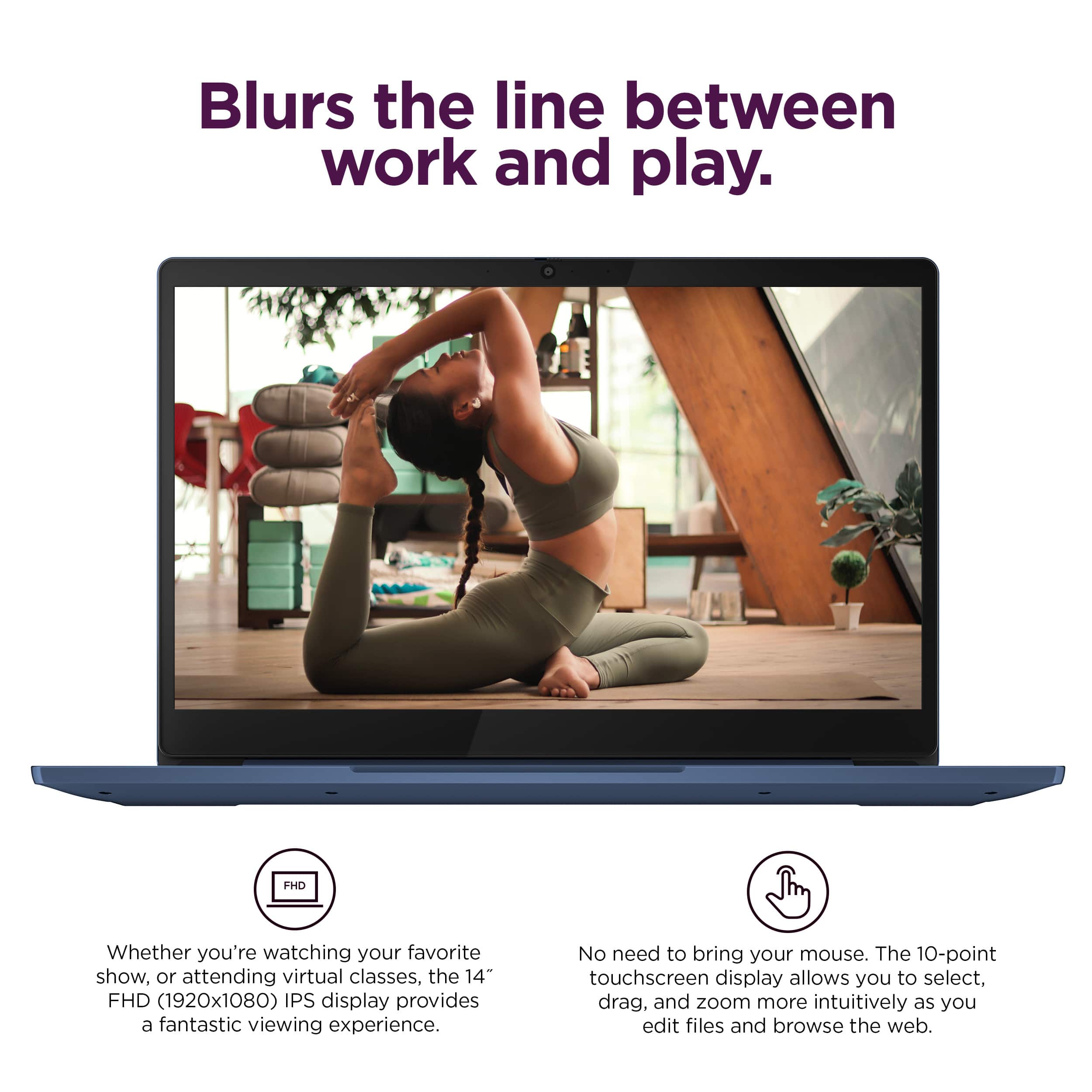
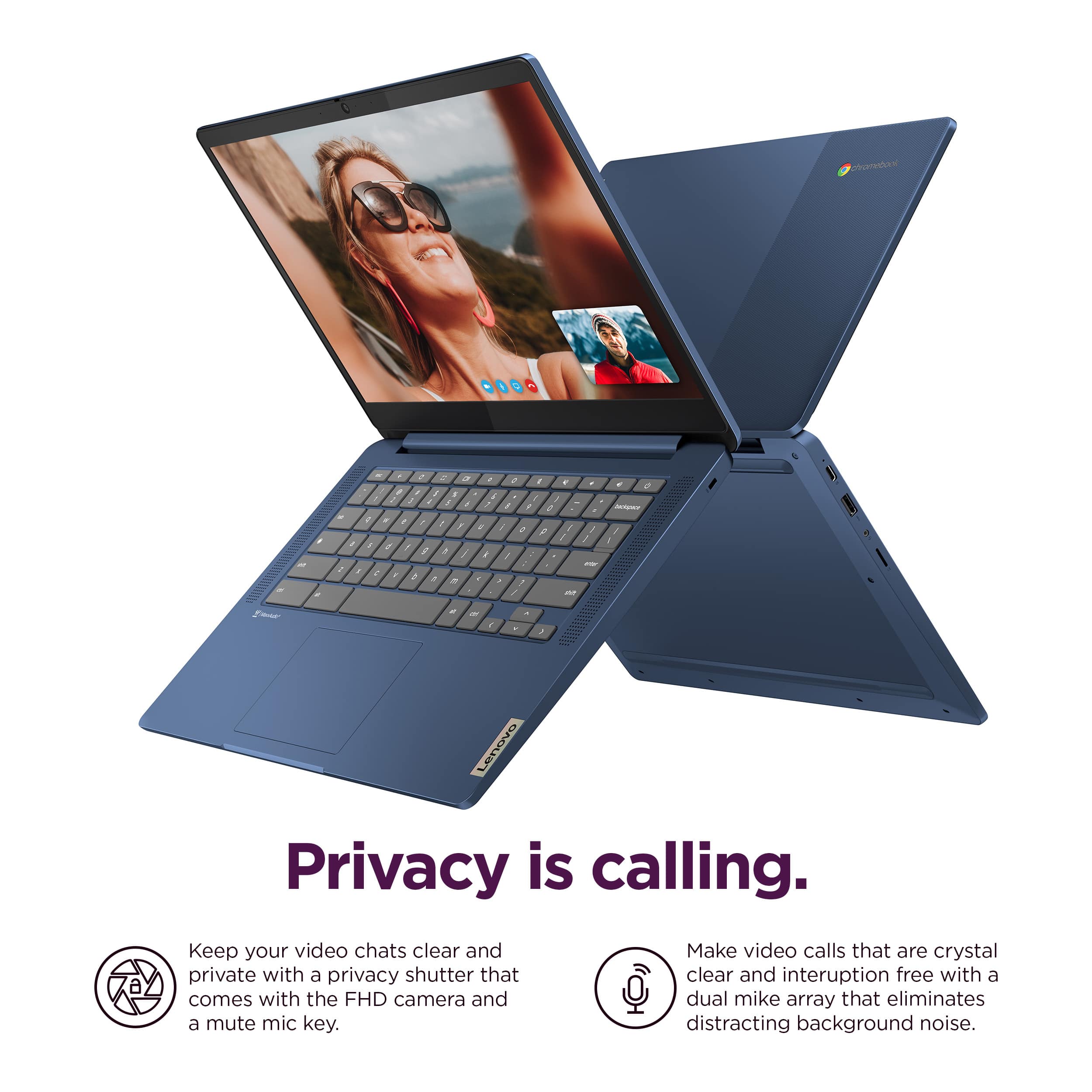
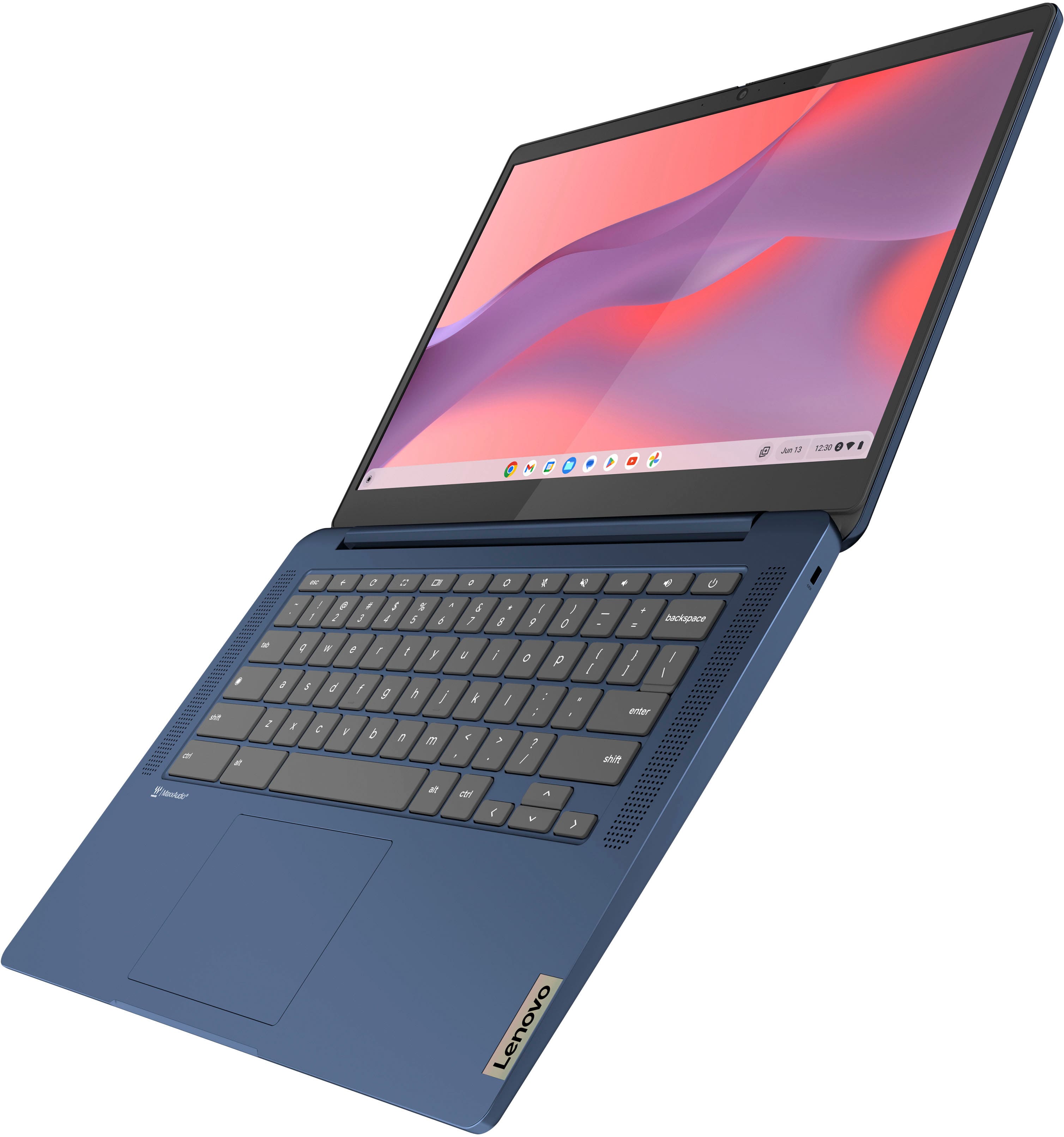
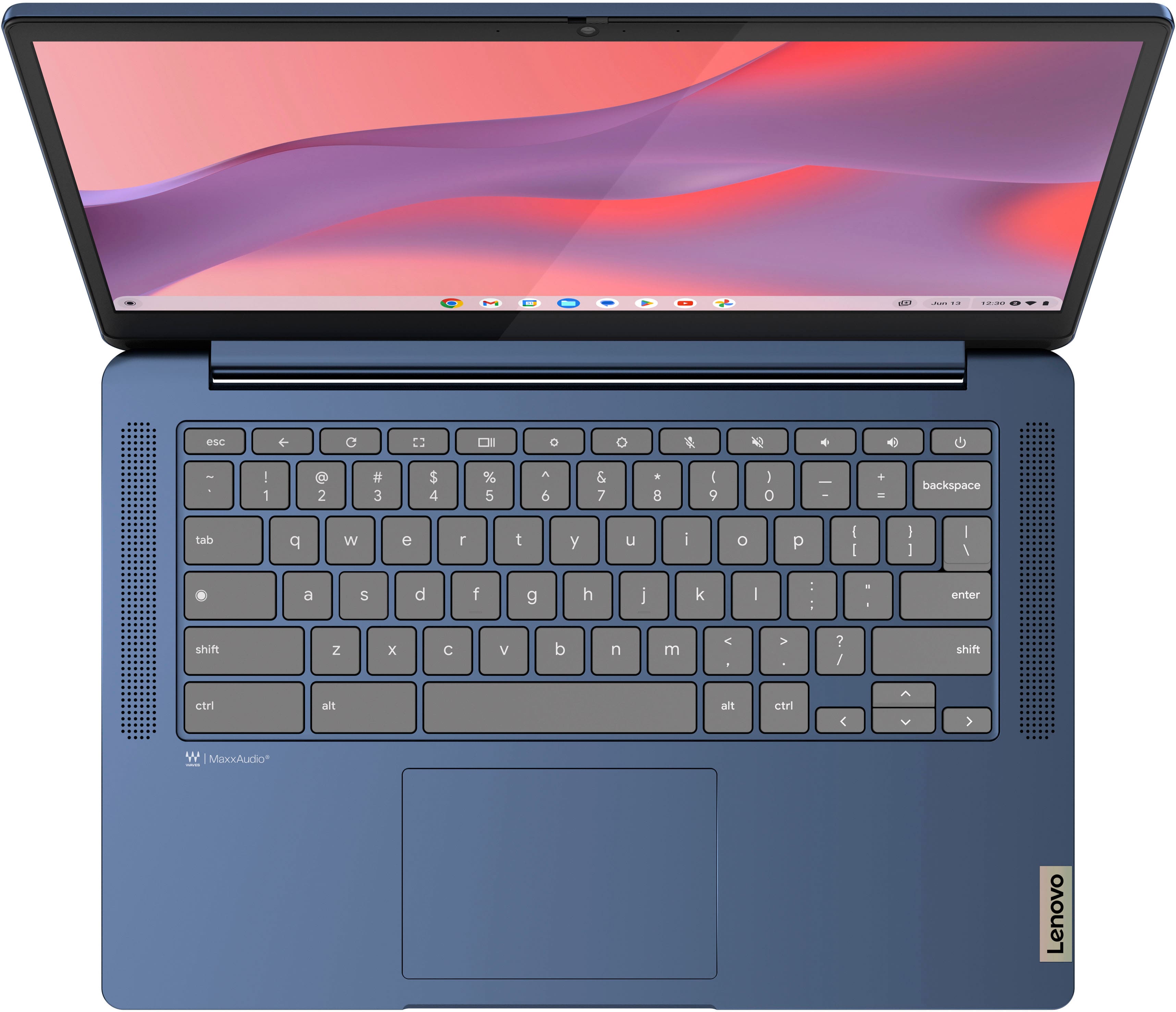
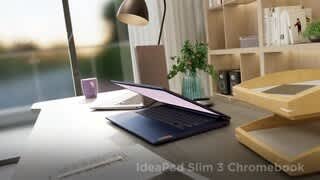
Customers appreciate the IdeaPad Slim 3 Chromebook for its overall performance, user-friendliness, and responsive touchscreen. The long-lasting battery, satisfactory speed, reasonable price, and lightweight design are also well-received. While the laptop is praised, some users find the RAM and storage capacity to be somewhat limited.
This summary was generated by AI based on customer reviews.
Chrome books
||Posted . Owned for 1 month when reviewed.This reviewer received promo considerations or sweepstakes entry for writing a review.Excellent choice i made to buy it and on top of that i a reasonable price. Thank you bestbuy
I would recommend this to a friendBrand response from Lenovo Product Expert
Posted .Hey TimothyF,
Thank you for choosing Lenovo and for sharing your feedback with us!
We are glad to hear that your IdeaPad Slim 3 Chromebook is working out excellently for you.
Please feel free to reach out to us should you have any questions.
Best,
Lenovo
Nice little laptop
||Posted . Owned for 2 months when reviewed.This reviewer received promo considerations or sweepstakes entry for writing a review.Perfect travel laptop. Lightweight and easy to use.
I would recommend this to a friendToo Simple
||Posted .This reviewer received promo considerations or sweepstakes entry for writing a review.Based on the suggestions and advice received from the sales rep, I chose this for my child that was starting high school, but I really regret the option because it’s too simple and slow for the classes, the work and everything else that a teenager does. To him it feels like a toy..
No, I would not recommend this to a friend- Pros mentioned:Overall performance
Lenovo laptop for my son.
||Posted . Owned for 1 month when reviewed.This reviewer received promo considerations or sweepstakes entry for writing a review.Happy with my purchase. My son loves it and he needed it for school.
I would recommend this to a friend Computer
||Posted . Owned for 1 month when reviewed.This reviewer received promo considerations or sweepstakes entry for writing a review.Great customer service and great buy for our dollar
I would recommend this to a friendSolid Chromebook
||Posted . Owned for 1 month when reviewed.This reviewer received promo considerations or sweepstakes entry for writing a review.For the price, this is a fantastic Chromebook. It can get a little bogged down at times but overall I’m very impressed. The overall design, keyboard layout and trackpad place are also fantastic.
I would recommend this to a friendBrand response from Lenovo Product Expert
Posted .Hi, ThirzaP, thank you for choosing Lenovo! We are glad to hear that you are overall very impressed with your Slim 3 Chromebook, and we appreciate you taking the time to share your experience with us.
Lenovo slim 3
||Posted . Owned for 1 month when reviewed.This reviewer received promo considerations or sweepstakes entry for writing a review.Decent Laptop you can use it for browsing, simple work!
I would recommend this to a friendLaptop
||Posted . Owned for 3 weeks when reviewed.This reviewer received promo considerations or sweepstakes entry for writing a review.This product is very great. Fast reliable and reasonable
I would recommend this to a friendIt’s 3.5/5
||Posted .This reviewer received promo considerations or sweepstakes entry for writing a review.It’s okay I bought it for streamin didn’t really work out
No, I would not recommend this to a friendBrand response from Lenovo Product Expert
Posted .Hey OmarA,
Thank you for sharing your feedback with us. We are sorry to hear that this IdeaPad Slim 3 Chromebook was not a good fit for you. We apologize for any inconvenience that this may have caused you.
We hope that you found the right system to meet your needs and that you consider choosing our products again in the future. We also hope that you feel free to reach out us with any questions or request that you may have in the future, as your satisfaction is important to us.
Best regards,
Lenovo
- Pros mentioned:Overall performance
Great Chrome Book For Simple Use
||Posted . Owned for 1 month when reviewed.This reviewer received promo considerations or sweepstakes entry for writing a review.It works great for all i wanted and needed it for.
I would recommend this to a friend Good product
||Posted . Owned for 1 month when reviewed.This reviewer received promo considerations or sweepstakes entry for writing a review.It was a good buy, would recommend others to purchase.
I would recommend this to a friendLaptop worth the money.
||Posted . Owned for 1 month when reviewed.This reviewer received promo considerations or sweepstakes entry for writing a review.Good product. Easy to open, easy to operate the lap top.
I would recommend this to a friendlaptap
||Posted . Owned for less than 1 week when reviewed.This reviewer received promo considerations or sweepstakes entry for writing a review.its an okay beginners laptap for kids and its lightweight
I would recommend this to a friendI enjoy it
||Posted . Owned for 3 weeks when reviewed.This reviewer received promo considerations or sweepstakes entry for writing a review.Definitely a cooler laptop than i thought. It’s touched screen which is pretty cool for people who prefer tablets over laptops. Coming from a MacBook user i am surprised at how cool the google features are. But my only complaint is the keyboard doesn’t have a back light.
I would recommend this to a friendBrand response from Lenovo Product Expert
Posted .Hi, JasminB. Thank you for choosing Lenovo! We are happy to hear that your Chromebook has exceeded your expectations and is working out well for you, and we appreciate you taking the time to share your experience with us.
Gets the job done
||Posted . Owned for 3 weeks when reviewed.This reviewer received promo considerations or sweepstakes entry for writing a review.Overall great computer. It gets the job done for what I need it, which for the most part is just personal stuff and school work. I would definitely recommend this laptop to a friend.
I would recommend this to a friendBrand response from Lenovo Product Expert
Posted .Hey, DYoung, thank you for choosing Lenovo! We are glad to hear that your Slim 3 Chromebook has been great overall, and we appreciate you taking the time to share your perspective with us.
Happy
||Posted . Owned for 2 months when reviewed.This reviewer received promo considerations or sweepstakes entry for writing a review.Glad I got this deal and my son is very happy. He is now able to so hos homework anywhere around the house.
I would recommend this to a friendBrand response from Lenovo Product Expert
Posted .Hey Nememusha18,
Thanks for choosing Lenovo!
We are glad to hear that you are very happy with your IdeaPad Slim 3 Chromebook, and we appreciate you taking the time to share this with us.
Nice unit
||Posted . Owned for 1 month when reviewed.This reviewer received promo considerations or sweepstakes entry for writing a review.Attractive color, decent speed, pleased with purchase.
I would recommend this to a friendGood buy...
||Posted .This reviewer received promo considerations or sweepstakes entry for writing a review.Good buy for the functionality required by my elementary school son.
I would recommend this to a friendBrand response from Lenovo Product Expert
Posted .Hey AngeliqueW,
Thank you for choosing Lenovo and for sharing your feedback with us!
We are glad to hear that this IdeaPad Slim 3 Chromebook meets your son's schooling needs.
Please feel free to reach out to us should you have any questions.
Best,
Lenovo
Lenovo Chromebook Slim, 14” laptop.
||Posted . Owned for 3 weeks when reviewed.This reviewer received promo considerations or sweepstakes entry for writing a review.For the price a great buy on this Chromebook. The screen resolution looks wonderful. So far everything works as it should. Just adjust your settings to your liking, and you off and running.
I would recommend this to a friendBrand response from Lenovo Product Expert
Posted .Hi, TV01, thank you for choosing Lenovo! We are glad to hear that your IdeaPad Slim 3 Chromebook is working seamless for you so far, and we appreciate you taking the time to share your experience and feedback with us.
Really nice for what it is
||Posted . Owned for 3 weeks when reviewed.This reviewer received promo considerations or sweepstakes entry for writing a review.I like it but I've had a few issues. Bluetooth and wifi seemed to cut if intermittently but majority of the time it's been fine. My wife is not a fan of the touch pad controls or other mac-like features. I think they are fine though I do wish there were more options.
I would recommend this to a friend