Customer Ratings & Reviews





- Model:
- 82XJ0000US
- SKU:
- 10359028
Rating by feature
- Battery Life
Rating 4.7 out of 5 stars
- Speed
Rating 4.5 out of 5 stars
- Display
Rating 4.7 out of 5 stars
Customers are saying
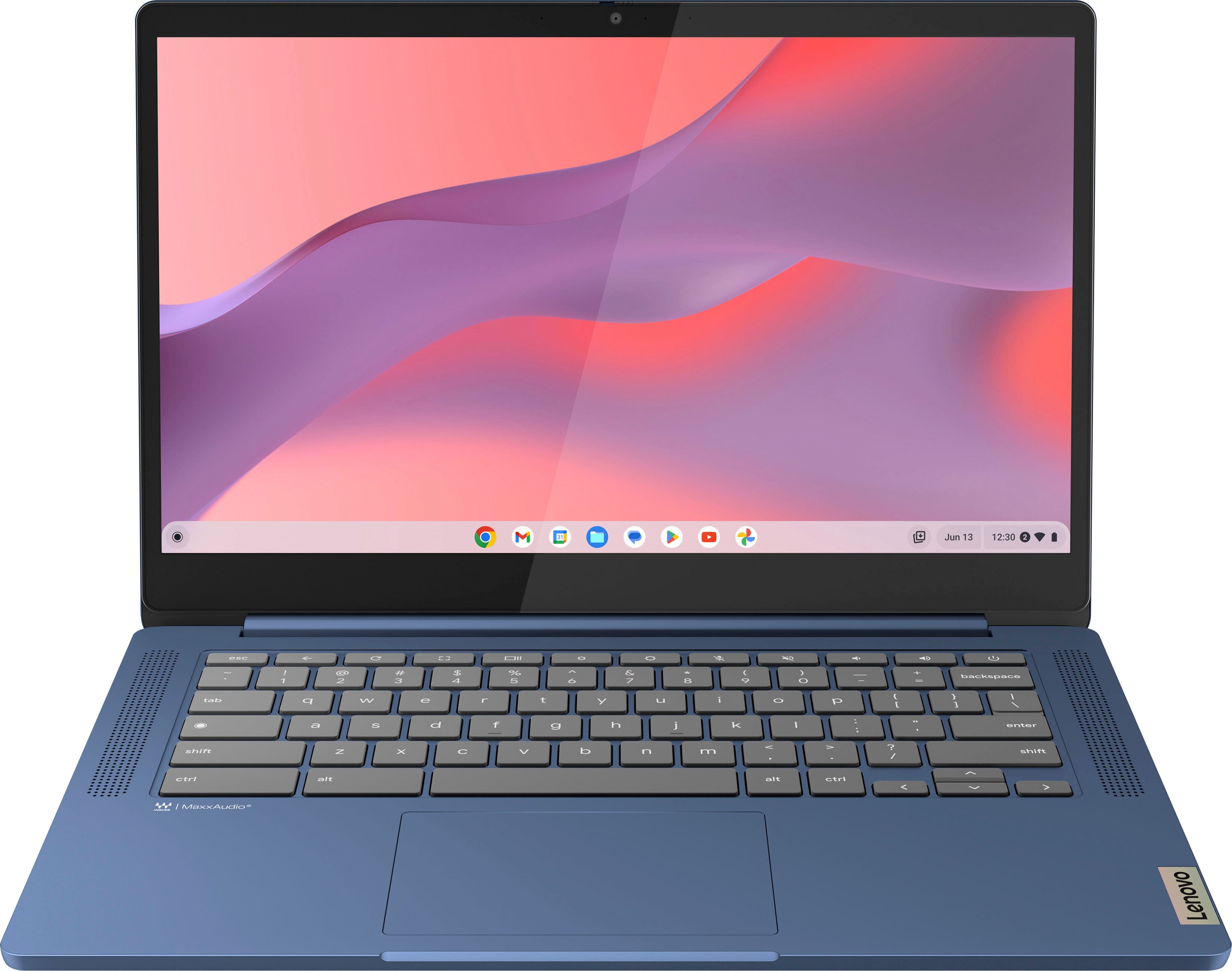
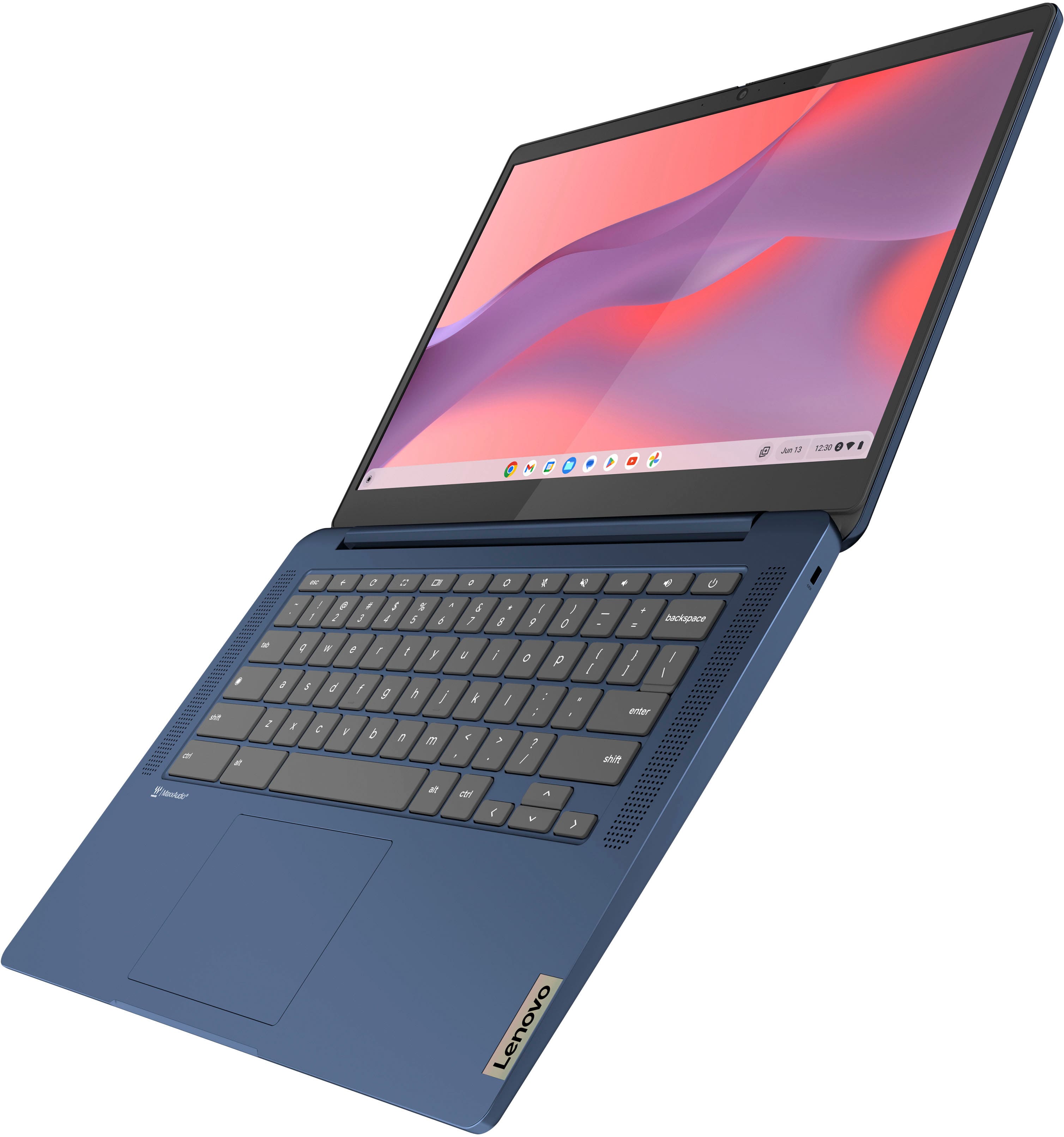
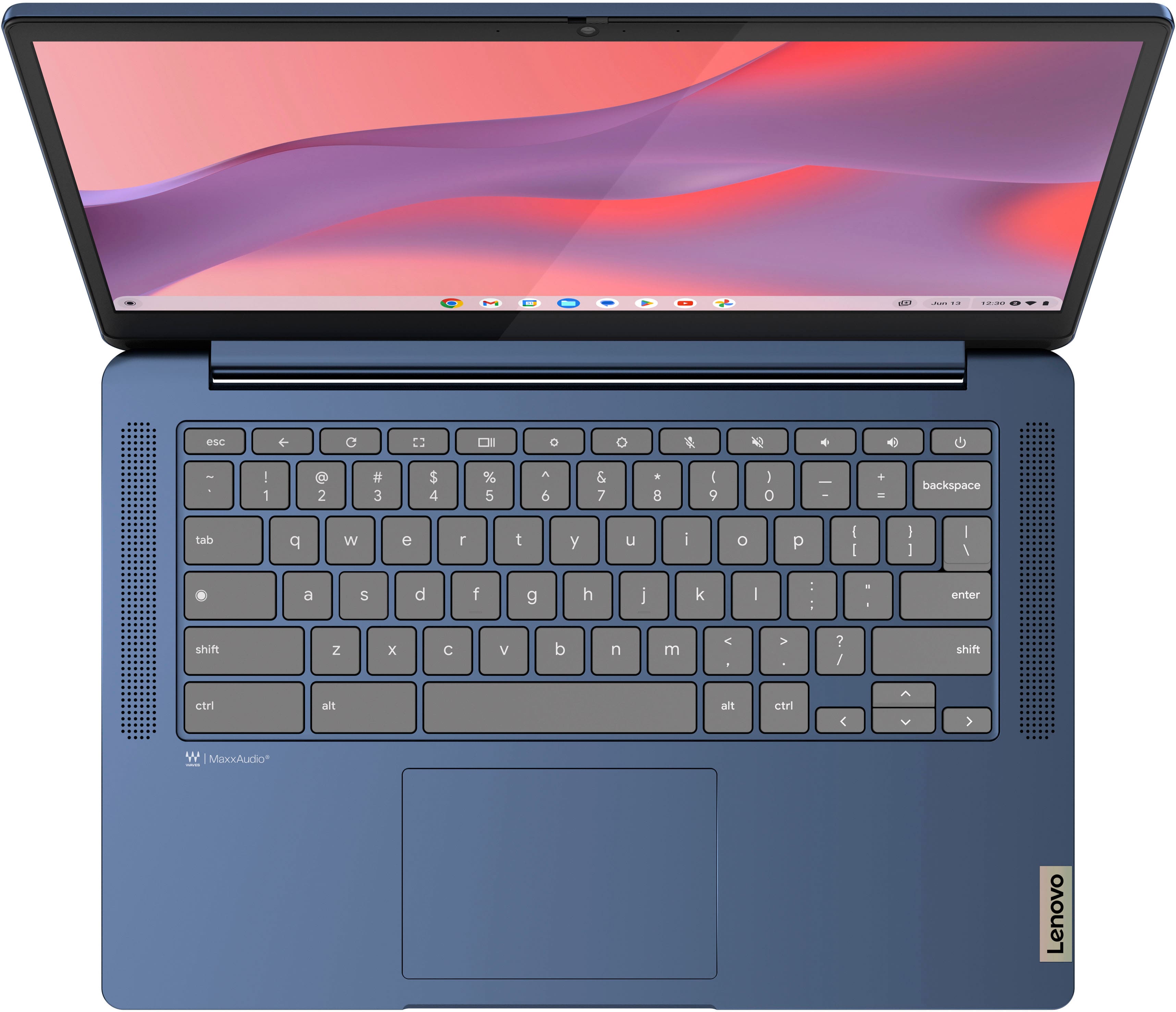
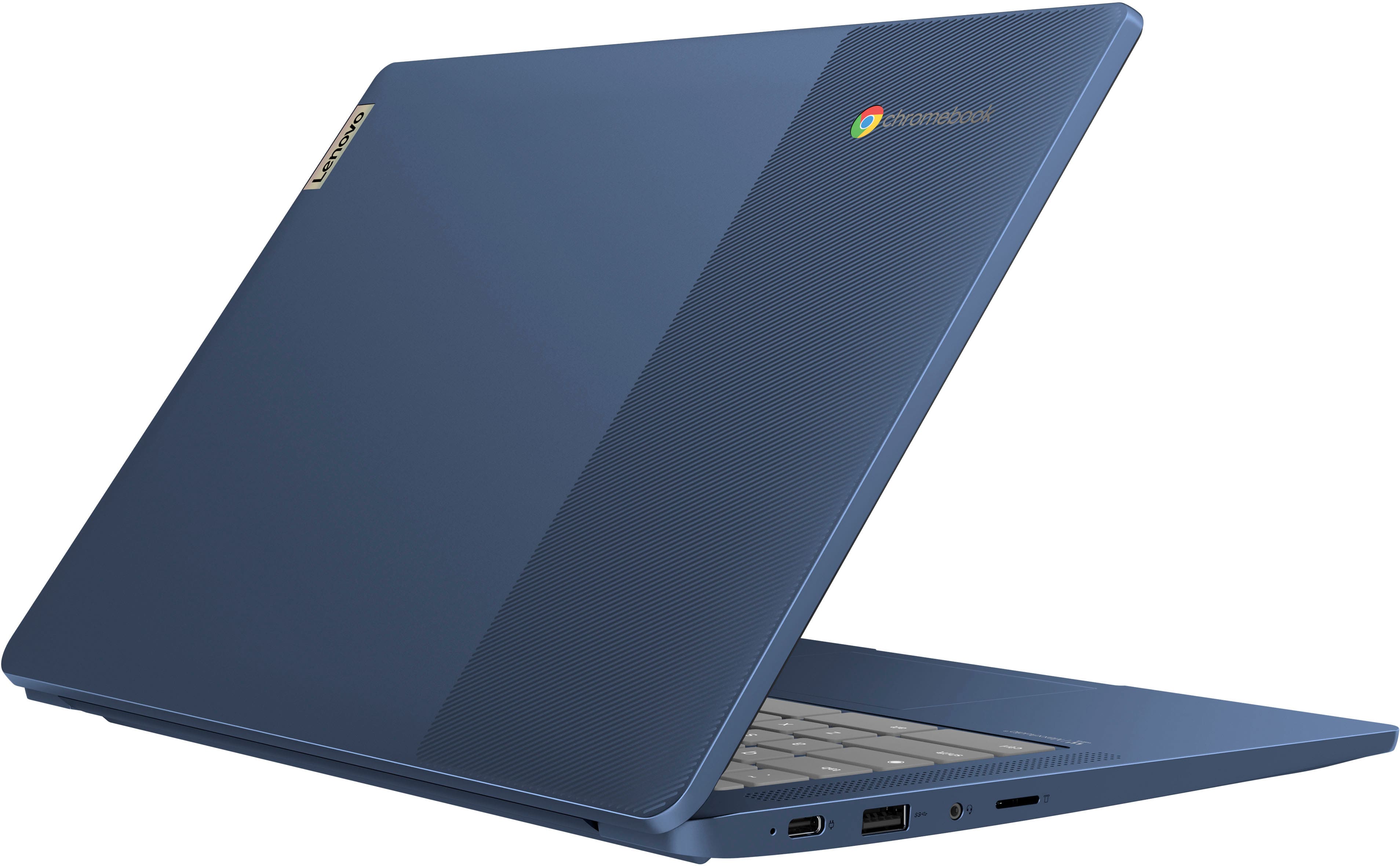
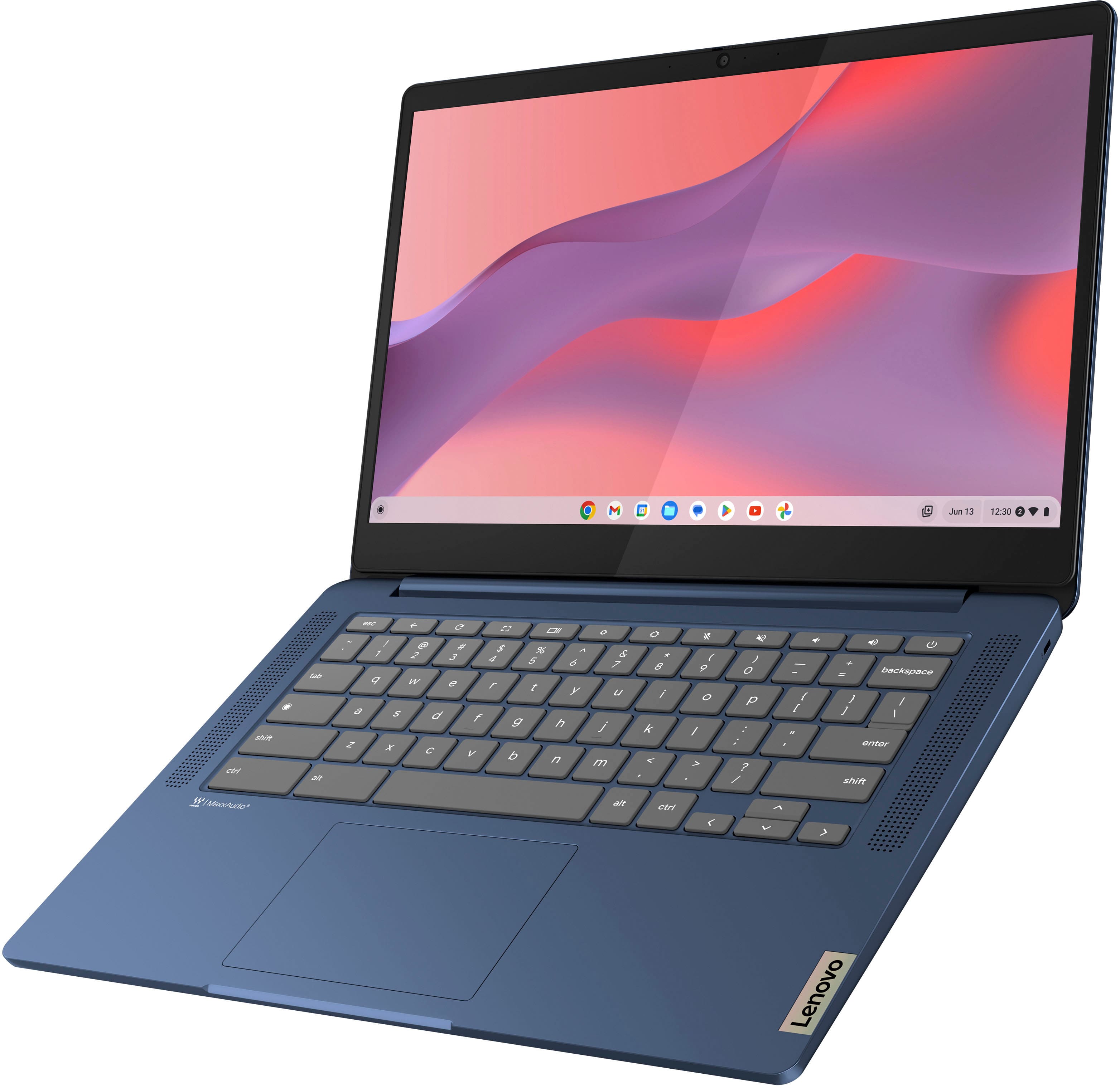
Customers appreciate the IdeaPad Slim 3 Chromebook for its overall performance, user-friendliness, and responsive touchscreen. The long-lasting battery, satisfactory speed, reasonable price, and lightweight design are also well-received. While the laptop is praised, some users find the RAM and storage capacity to be somewhat limited.
This summary was generated by AI based on customer reviews.
Laptop
||Posted . Owned for 1 month when reviewed.This reviewer received promo considerations or sweepstakes entry for writing a review.Its greag the whole experience with best buy and employee. Every once very pleasant and helpful definitely #10
I would recommend this to a friendBrand response from Lenovo Product Expert
Posted .Hey, DarleneD, thank you for choosing Lenovo! We are glad to hear that your shopping experience was great, and we appreciate you taking the time to share your perspective with us.

Amazing Chromebook!
||Posted . Owned for 1 week when reviewed.This reviewer received promo considerations or sweepstakes entry for writing a review.Amazing Chromebook! I've had Chromebooks since they 1st came out. Usually buy Asus or Acer, but tried this Lenovo because it was on sale & had the specs I wanted. Couldn't be more happy.
I would recommend this to a friendLenovo Slim Chromebook - Great Product
||Posted . Owned for 8 months when reviewed.This reviewer received promo considerations or sweepstakes entry for writing a review.Great Chromebook that I keep at my bedside for emails and research. Touch of the keys feel great, clarity is great, sound is great. Purchased in a beautiful Steel Blue.
I would recommend this to a friendPerfect for my son!
||Posted . Owned for 1 month when reviewed.This reviewer received promo considerations or sweepstakes entry for writing a review.This Chromebook is perfect for my son and playing his games! It is easy to navigate and screen is clear. Speaker volume could go up higher but we use Bluetooth speakers and works well!
I would recommend this to a friendChromebook
||Posted . Owned for 3 weeks when reviewed.This reviewer received promo considerations or sweepstakes entry for writing a review.It is a great value for the price, and next day delivery.
I would recommend this to a friendBrand response from Lenovo Product Expert
Posted .Hey UncleGaryT, thanks for choosing Lenovo!
We are glad to hear that your Chromebook offers great value to you, and we appreciate you taking the time to share this with us.
Chromebook
||Posted . Owned for 3 weeks when reviewed.This reviewer received promo considerations or sweepstakes entry for writing a review.Works great and is in great condition . Exactly what I needed. Employees were friendly.
I would recommend this to a friendBrand response from Lenovo Product Expert
Posted .Hi, HalieC, thank you for choosing Lenovo! We are glad to hear that your IdeaPad Slim 3 Chromebook works great for you, and we appreciate you taking the time to share your experience and feedback with us.
Happy
||Posted . Owned for 3 weeks when reviewed.This reviewer received promo considerations or sweepstakes entry for writing a review.Easy to set up, bit seems to run a little bit slower than expected.
I would recommend this to a friendBrand response from Lenovo Product Expert
Posted .Hey Hoff,
Thank you for choosing Lenovo and for sharing your feedback with us!
We are glad to hear that you are happy with your purchase. As a note, we recommend verifying that your system is up to date by checking for updates in Windows Settings and in the Lenovo Vantage app to help ensure your system is running optimally.
Please feel free to reach out to us should you have any questions or need assistance.
Best,
Lenovo
Not the best
||Posted . Owned for 3 weeks when reviewed.This reviewer received promo considerations or sweepstakes entry for writing a review.This is probably better suited for a young school aged student. Not the best for home use.
I would recommend this to a friendBrand response from Lenovo Product Expert
Posted .Hi ChrisV-
Thank you for choosing Lenovo and sharing your experience with us. We are disappointed to hear that the IdeaPad Slim 3 Chromebook did not meet your expectations. We aim to provide excellent user experience for our products, and we would like to hear more about your experience so we can improve.
Was the performance now enough for your intended use? Were there any features that you needed in your laptop that were not present?
Please reach out to us through the Q & A section of this product page if you would like to share with us or if you need assistance.
Best wishes,
Lenovo
Nice, when it does not freeze.
||Posted . Owned for 3 weeks when reviewed.This reviewer received promo considerations or sweepstakes entry for writing a review.Freezes often, requiring complete shutdown to restart. Great display quality. Sound is medium quality. Purchased 2 at a great price, but would probably not purchase again. The freezing, requiring restarting, is a real drawback. It causes me to wonder how long they will last.
No, I would not recommend this to a friendRating
||Posted .This reviewer received promo considerations or sweepstakes entry for writing a review.Slow to download. It could be better. It wil do for now
I would recommend this to a friendBrand response from Lenovo Product Expert
Posted .Hey Shay,
Thank you for choosing Lenovo and for sharing your feedback with us!
Regarding slow download speeds, we recommend checking your network settings and home Wi-Fi system for function as this can often contribute to this ailment. Please reach out to us should you continue to have troubles.
Best,
Lenovo
Irvs
||Posted . Owned for 1 month when reviewed.This reviewer received promo considerations or sweepstakes entry for writing a review.For what we need this is a perfect solution at a reasonable cost. We are very happy with it. This is the second such computer that has recently been purchased.
I would recommend this to a friendDon’t shop at best buy
||Posted .This reviewer received promo considerations or sweepstakes entry for writing a review.Best Buy has the worst customer service and I will never shop with them again. The products are mediocre and discounts are not applied correctly and the hassle of returning and being charged nearly three times what I was supposed to pay because an employee was in a rush to leave for their date is unacceptable.
No, I would not recommend this to a friendGreat chromebook
||Posted . Owned for 1 month when reviewed.This reviewer received promo considerations or sweepstakes entry for writing a review.Great product. Useful for a child for school - which is the primary use
I would recommend this to a friendBrand response from Lenovo Product Expert
Posted .Hi BTS1, thanks for choosing Lenovo! We're thrilled to hear that it works great for its use, and we appreciate you sharing your experience and feedback with us.
Cheap and defective
||Posted .This reviewer received promo considerations or sweepstakes entry for writing a review.For the price, and if it worked properly, I might recommend this Chromebook. However, since day one, my device has been defective. My advice, spend a little more and get a real laptop.
No, I would not recommend this to a friendBrand response from Lenovo Product Expert
Posted .Hi AndrewH,
Thank you for sharing your feedback with us. We are sorry to hear that you are having trouble with your IdeaPad Slim 3 Chromebook. We wish to provide the best experience possible, and we apologize that this wasn't the case for you. We'd like to work with you to resolve this issue.
To start, we'd like to learn more about how the system has been "defective" so that we can provide the right troubleshooting steps to follow.
Please update us when you can regarding this by reaching out to us again via the Q&A section of the product page.
We look forward to making this right for you.
Best regards,
Lenovo
Over it
||Posted . Owned for more than 2 years when reviewed.This reviewer received promo considerations or sweepstakes entry for writing a review.It worked for what it was worth. I probably won’t buy it agan
I would recommend this to a friendEASY SET-UP
||Posted . Owned for 1 year when reviewed.This reviewer received promo considerations or sweepstakes entry for writing a review.Delivery was on time the product was exactly what i needed and wanted
I would recommend this to a friendBrand response from Lenovo Product Expert
Posted .Hi CStyles, thanks for choosing Lenovo! We're glad to hear that your IdeaPad Slim 3 Chromebook meets your needs exactly, and we appreciate you sharing your perspective and feedback with us.
Best computer for a teenager
||Posted . Owned for 3 weeks when reviewed.This reviewer received promo considerations or sweepstakes entry for writing a review.Great purchase my son love the computer he say is good for games
I would recommend this to a friendBrand response from Lenovo Product Expert
Posted .Hi Mayi0129, thanks for choosing Lenovo! We're glad to hear that your son is loving it, and we appreciate you sharing your feedback with us.
general is acceptable
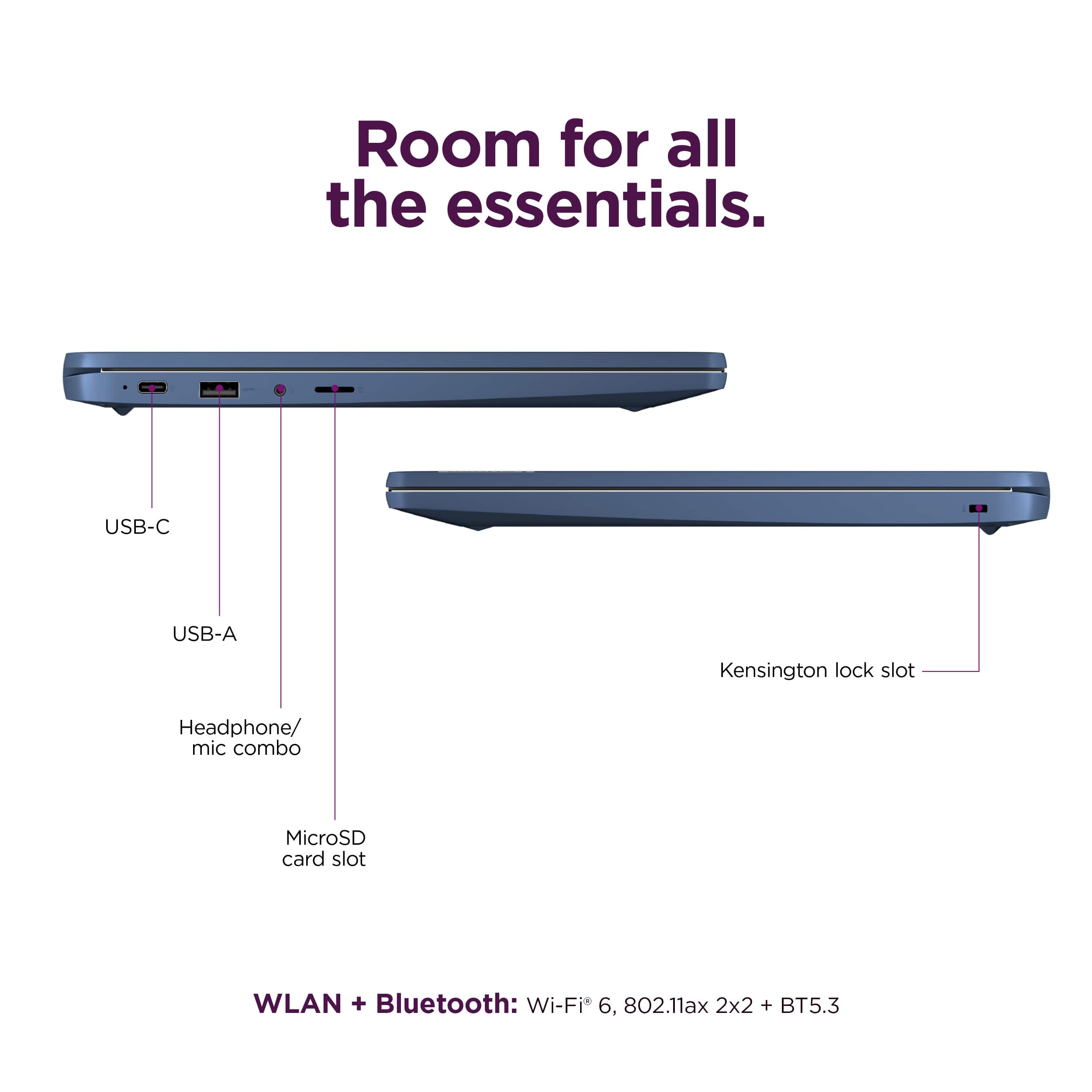
||Posted . Owned for 2 weeks when reviewed.This reviewer received promo considerations or sweepstakes entry for writing a review.The monitor quality isn't as good as a regular laptop. It only has 2 USB ports; having 3 would be better
I would recommend this to a friendBrand response from Lenovo Product Expert
Posted .Hey Sean, thanks for choosing Lenovo! We're glad to hear that your IdeaPad Slim 3 Chromebook is sufficient for your use. We really appreciate you sharing your experience and feedback with us.
School and stuff
||Posted . Owned for 1 month when reviewed.This reviewer received promo considerations or sweepstakes entry for writing a review.The wife found this chromebook more user friendly then the PC with Windows the she was using before. Highly recommend!
I would recommend this to a friendBrand response from Lenovo Product Expert
Posted .Hello, CyleB. Thank you for choosing Lenovo! We are pleased to hear that your wife's Slim 3 Chromebook is a great fit for what she needs, and we appreciate you taking the time to share your experience.
Smooth
||Posted . Owned for 3 weeks when reviewed.This reviewer received promo considerations or sweepstakes entry for writing a review.Nice smooth Chrome book, perfect for homeschool!!!
I would recommend this to a friendBrand response from Lenovo Product Expert
Posted .Hey SarahD, thanks for choosing Lenovo! We are thrilled to hear that your Chromebook is perfect for its use, and we appreciate you sharing your feedback with us.