Customer Ratings & Reviews
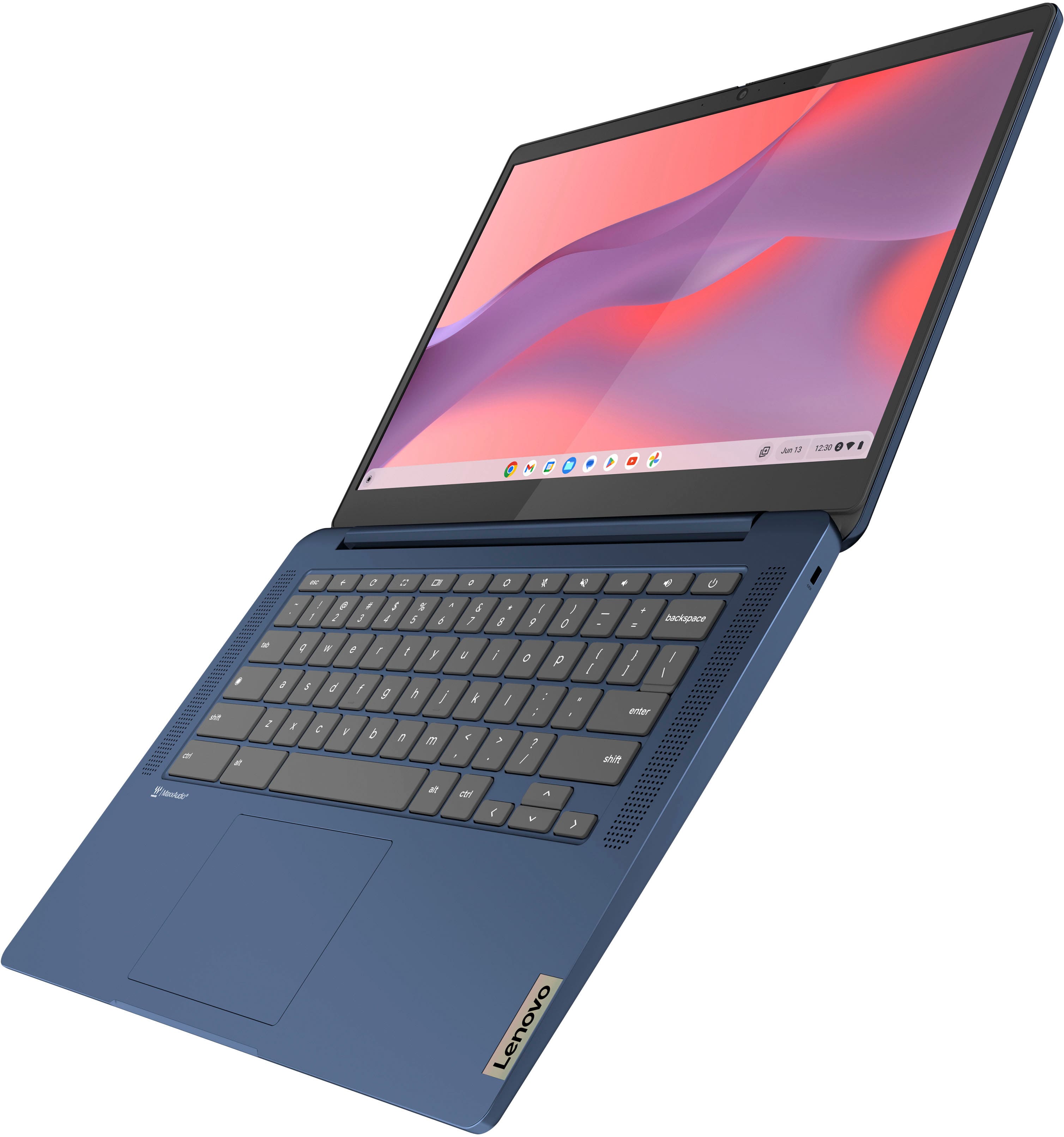
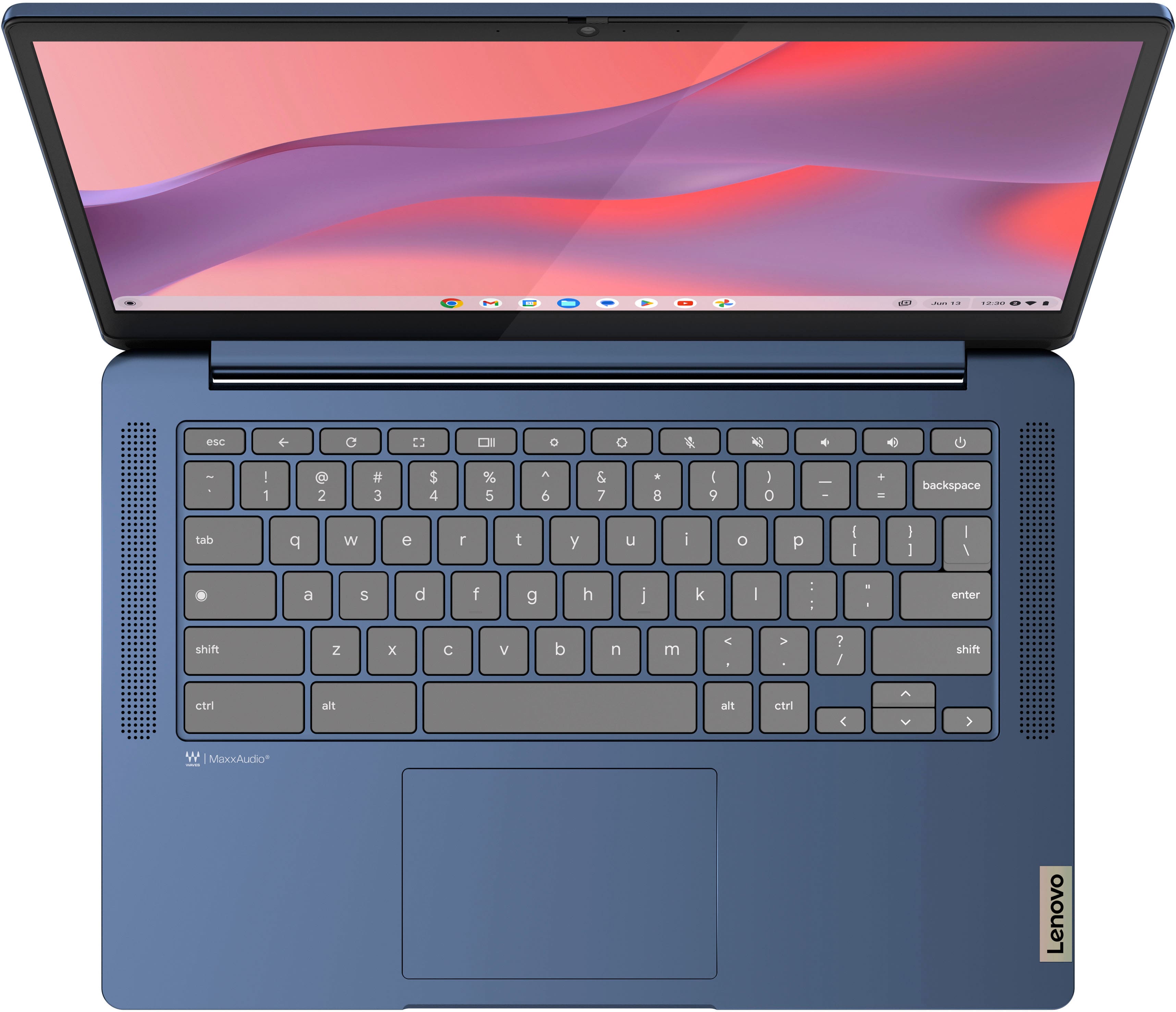
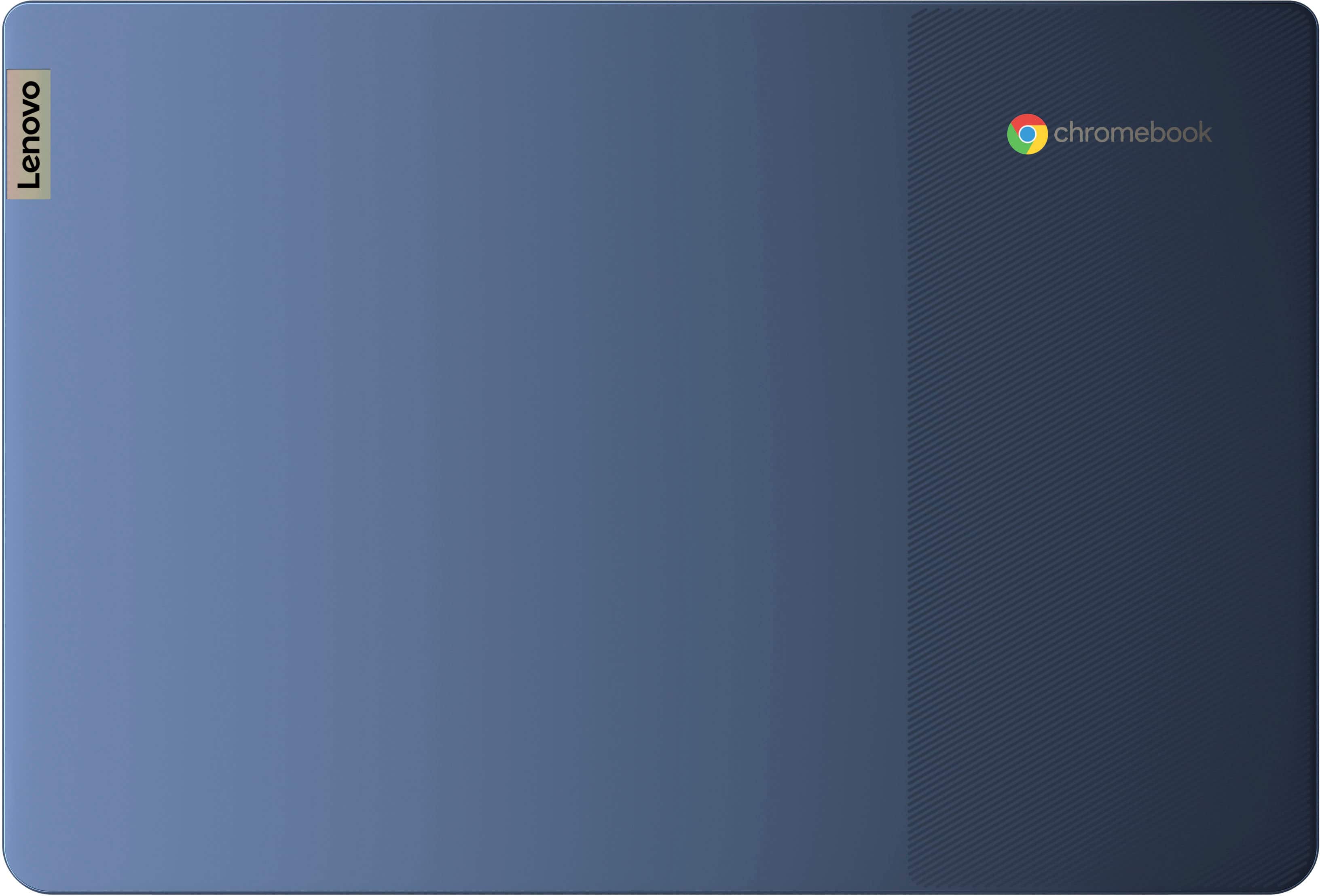
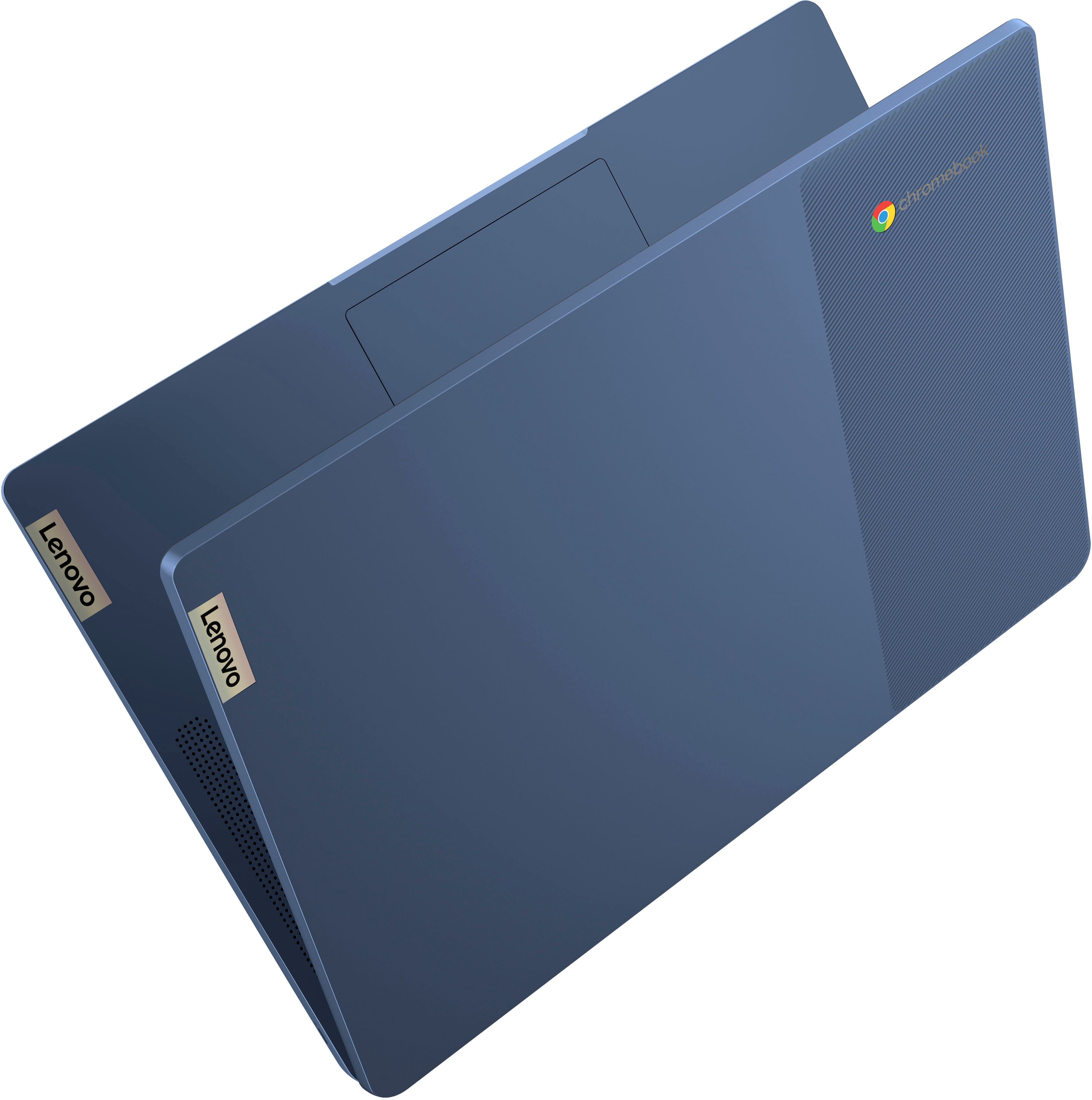






- Model:
- 82XJ0000US
- SKU:
- 10390664
Rating by feature
- Battery Life
Rating 4.7 out of 5 stars
- Speed
Rating 4.5 out of 5 stars
- Display
Rating 4.7 out of 5 stars
to a friend
Nice Value
||Posted . Owned for 1 month when reviewed.This reviewer received promo considerations or sweepstakes entry for writing a review.The device itself is fine, it's just the interface that take a while to get used to.
I would recommend this to a friendToy, not for adults
||Posted . Owned for 2 weeks when reviewed.This reviewer received promo considerations or sweepstakes entry for writing a review.It’s ok. I’ve had to restart probably 3 or 4 times when I use it for about 3 or 4 hours. Loses connection and kicks me out, real pain when on virtual classes. I would return but the Black Friday sales are off and can’t get another one for 149. Would not buy again. Should have went with the Samsung or HP. This is a toy not a tool
No, I would not recommend this to a friendAverage for cost
||Posted . Owned for 2 weeks when reviewed.This reviewer received promo considerations or sweepstakes entry for writing a review.Not a great operating system. Works more like a tablet
No, I would not recommend this to a friendLaptop
||Posted .This reviewer received promo considerations or sweepstakes entry for writing a review.I returned the laptop was not aware it was a chromebook. I wanted windows
No, I would not recommend this to a friendDefective after 1 month- Exchange also defective
||Posted . Owned for 1 month when reviewed.This reviewer received promo considerations or sweepstakes entry for writing a review.This was a Christmas gift for my 13 year old niece. After one month of light use (Probably just Roblox TBH) the screen went black and it never came back on, no lights, no anything. Best Buy gave me the run around about a return, ended up letting me exchange it. **BUT** they were unable to exchange because the device they were going to ship to me was also defective before they even shipped it so they cancelled the exchange and claim to be issuing a refund when they receive the original one back. This thing is a piece of junk. Save your money and buy something better.
No, I would not recommend this to a friendDECENT
||Posted . Owned for 1 month when reviewed.This reviewer received promo considerations or sweepstakes entry for writing a review.CANT DOWNLOAD ANYTING THATS NOW IN THE MICROSOFT STORE. NO GOOD FOR COLLEGE KIDS
No, I would not recommend this to a friendChrome Book SUCKS!!!
||Posted . Owned for 1 month when reviewed.This reviewer received promo considerations or sweepstakes entry for writing a review.I thought this was a PC and that it would use Microsoft Products. If I can trade it in for a laptop PC I would do it in a heartbeat.
No, I would not recommend this to a friendNo happy with the purchase
||Posted .This reviewer received promo considerations or sweepstakes entry for writing a review.It's been less then 9 months and already I have to buy a new battery.
No, I would not recommend this to a friendBrand response from Lenovo Product Expert
Posted .Hi bambam4283,
Thank you for sharing your feedback with us. We are sorry to hear that you are having trouble with your IdeaPad Slim 3, and we apologize for the inconvenience that this has caused you.
If we can help you with your battery issues and more, please don't hesitate to reach out to us here or by contacting Lenovo Support online or at this number: 877-453-6686.
Please update us when you can regarding this.
Best regards,
Lenovo
Not Enough Memory and Processing
||Posted . Owned for 3 weeks when reviewed.This reviewer received promo considerations or sweepstakes entry for writing a review.The regular price on this is $319 and I paid $149, so it was inexpensive. I wanted a device solely for my genealogy research documentation to use instead of my MacBook. I don't have a grasp of what the memory and processor are capable of. I have one google spreadsheet with 12,684 cells and this computer can't process it;(
No, I would not recommend this to a friendNot user friendly
||Posted . Owned for 1 month when reviewed.This reviewer received promo considerations or sweepstakes entry for writing a review.Can't figure out how to work it right UI is to complicated i thought it was going to be more like a pc
No, I would not recommend this to a friendBrand response from Lenovo Product Expert
Posted .Hi AnthonyG, we're sorry to hear that you're having trouble navigating and using your Slim 3 Chromebook. To try to resolve this, here's a link to a Google Support page to learn more about "How to Chromebook": (https://www.google.com/chromebook/howto/). Let us know if this helps, and we appreciate you taking the time to share your feedback with us.
Run away from Lenovo devices
||Posted . Owned for 2 months when reviewed.This reviewer received promo considerations or sweepstakes entry for writing a review.Never buy Lenovo Chromebook ever. This is my second Chromebook that died in as many years. The first one died exactly a month after warranty expired. This second one is already giving speaker and audio problems within 6 weeks. Lenovo support and customer care is a joke and the worst possible team. Not at all easy reach them or get a straight answer. Got a techy friend to help me fix it. He helped me fix the issue in an hour for which Lenovo wanted me to wipe clean the Chromebook, share my Google password with them and ship it to them for 15+ days. Poorly made products that don't last at all. Save your money and sanity by not buying a Lenovo Chromebook
No, I would not recommend this to a friendMy first chrome browser
||Posted . Owned for 1 month when reviewed.This reviewer received promo considerations or sweepstakes entry for writing a review.Touch pad is too sensative but other than that it is working good.
I would recommend this to a friendIntermittent problem with wifi
||Posted .This reviewer received promo considerations or sweepstakes entry for writing a review.I tried 2 of these chormebooks and both have the same problem. They occasionally lose sight of all available wifi networks. The only way to get them back is to reboot.
No, I would not recommend this to a friendBrand response from Lenovo Product Expert
Posted .Hi JohnG,
Thank you for sharing your feedback with us. We are sorry to hear that you are having trouble with your IdeaPad Slim 3 Chromebooks. We apologize for the inconvenience that this may be causing you. We wish to provide the best experience possible, so if you'd like, we want to work with you to try to improve your experience.
To start, here's a web address tied to a Google Support webpage (https://support.google.com/chromebook/answer/6318213?hl=en) that lists troubleshooting steps for Wi-Fi connectivity issues, as well as other links embedded to help with branching issues.
We hope that the information shared helps to improve your experience. Please update us when you can regarding this and reach out to us again should you have any questions or need further assistance, as your satisfaction is important to us.
Best regards,
Lenovo
Don’t know how to feel
||Posted .This reviewer received promo considerations or sweepstakes entry for writing a review.Wish it had a webcam there was a cover up sticker for it but wasn’t a camera
I would recommend this to a friendBrand response from Lenovo Product Expert
Posted .Hey KaylaL,
Thank you for sharing your feedback with us. We are sorry to hear that you are having trouble with your system. We'd like to work with you to resolve any issues.
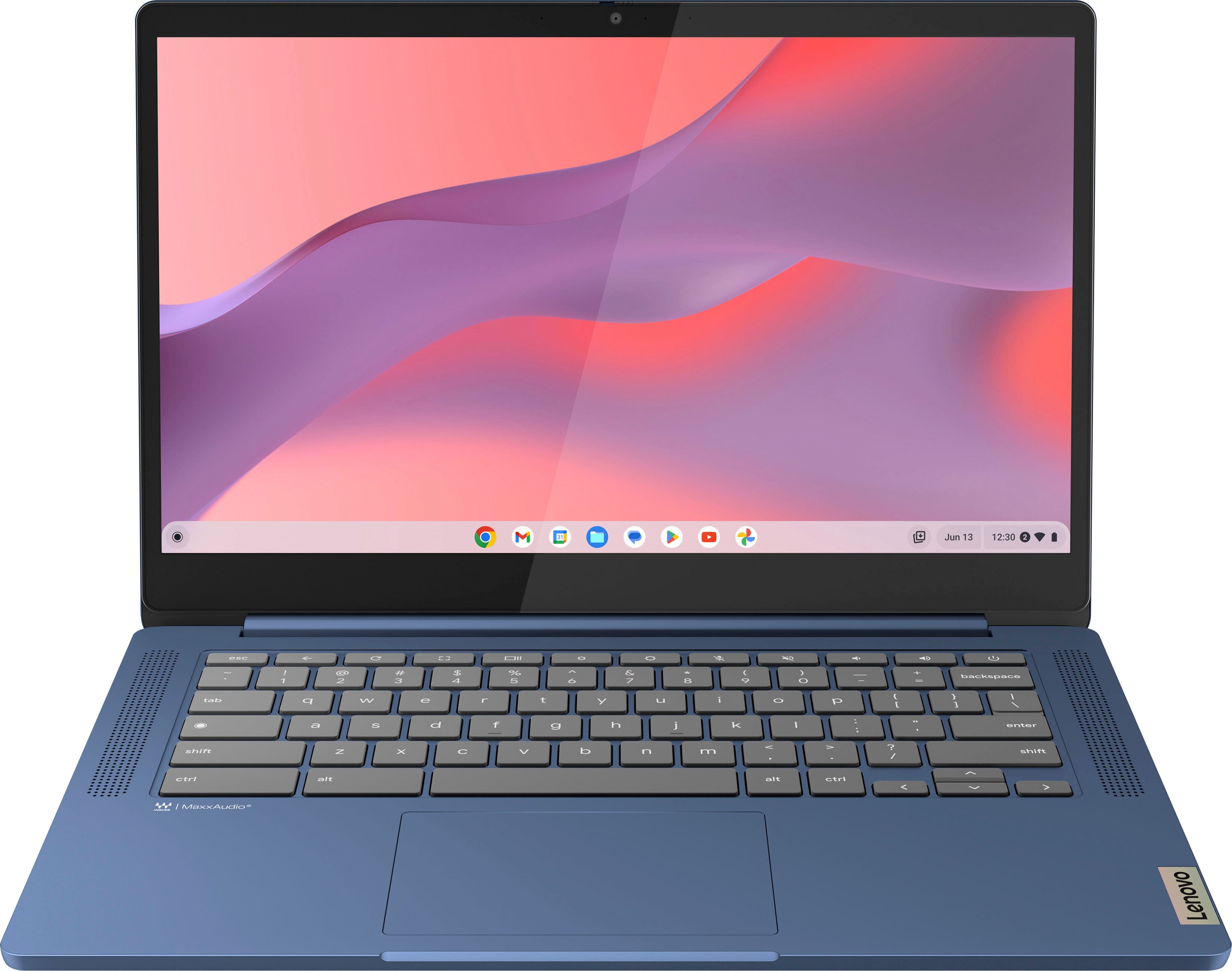
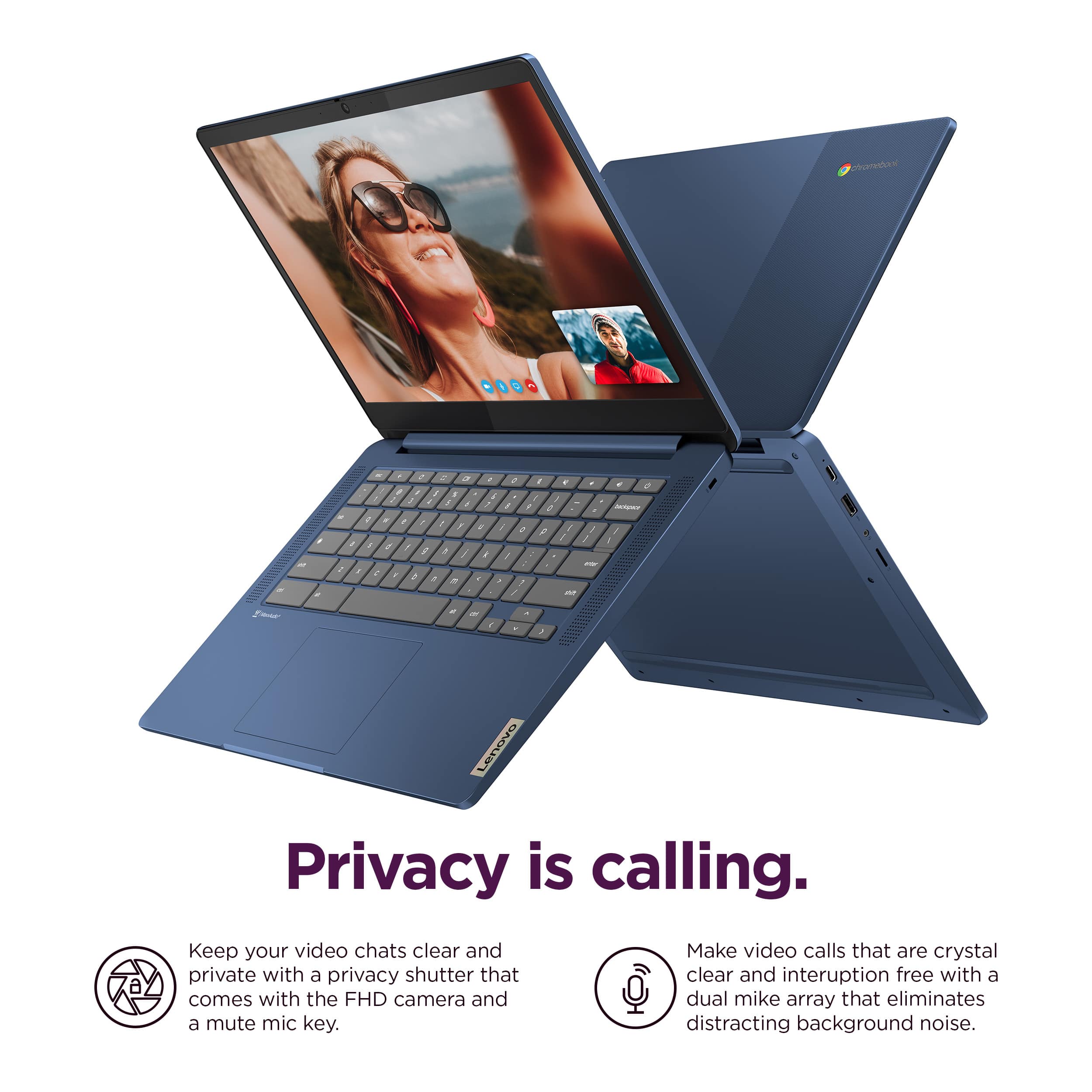
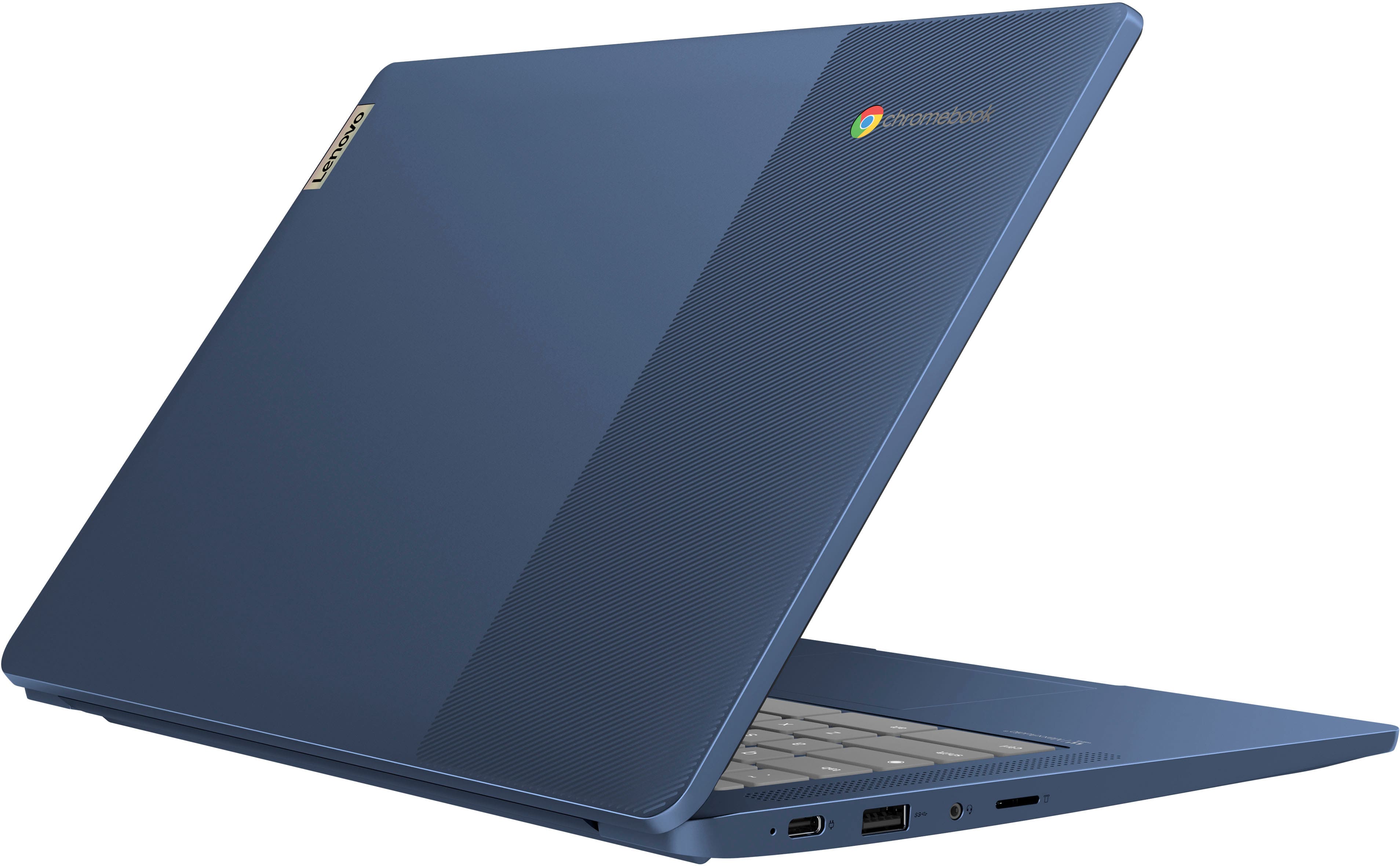
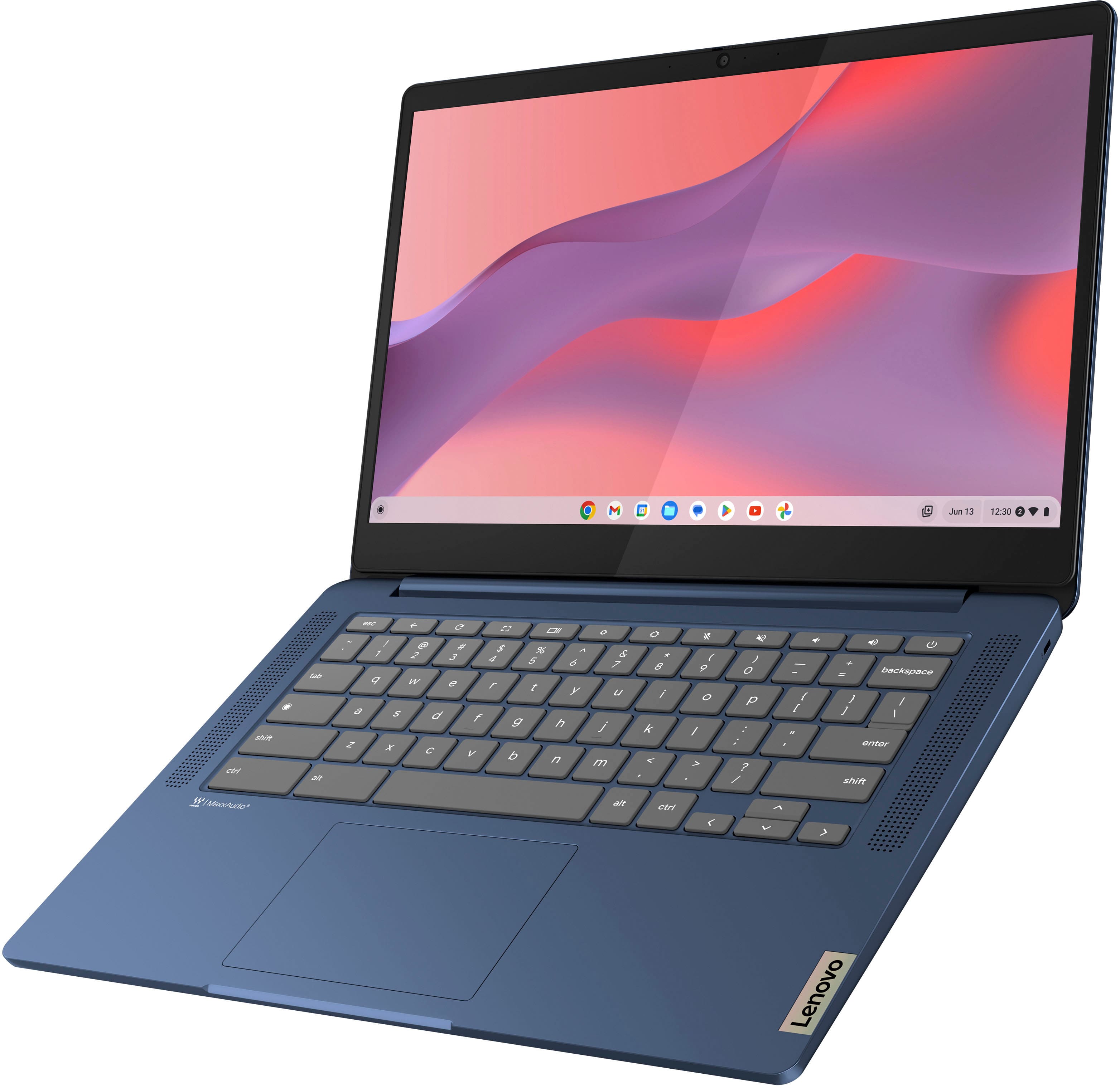
To start and clarify, this IdeaPad Slim 3 Chromebook does come with an HD camera with a Privacy Shutter. Out-of-the-box you may find a graphic covering the camera area, but with this removed, you should be able to us your camera and the privacy shutter.
If the graphic is removed but you are still having trouble with your camera, please attempt to do a hardware reset. To learn how to do so, please visit the following link to a Google Support webpage with details: https://support.google.com/chromebook/answer/3227606?hl=en&sjid=11168473644130281663-NA, which the process will reboot the embedded controller that manages various system components, including the camera.
With the privacy shutter, please be sure the Privacy Shutter is completely open before trying to use the webcam or the webcam will not operate. There is a small slider, directly above the webcam lens. Move the tab to the right to open the Privacy Shutter. There is a red dot over the webcam lens that will disappear when the Privacy Shutter is fully open. This will indicate that the webcam is really to use. You can close the Privacy Shutter when you are done with the webcam for your security, by sliding the tab to the left to close the Privacy Shutter. The Red Dot will appear over the webcam lens when the Privacy Shutter is closed.
We hope that this information helps you. Please reach out to us should you have any questions or need further assistance.
Best regards,
Lenovo
Laptop
||Posted . Owned for 1 month when reviewed.This reviewer received promo considerations or sweepstakes entry for writing a review.Good price but requires to much to use it I wish it was simpler.
I would recommend this to a friendIssues out of the box
||Posted . Owned for 1 month when reviewed.This reviewer received promo considerations or sweepstakes entry for writing a review.Myriad connectivity problems and a mishmash of minor technical issues all equate to being frustrated with the machine despite the savings. Don't be afraid to buy a little higher end and save yourself some headaches.
No, I would not recommend this to a friendWaste of money
||Posted .This reviewer received promo considerations or sweepstakes entry for writing a review.This thing sucks. Made the mistake of buying a chromebook. I hate it. I think it sucks. Everything is internet based and its microsoft program - copilot is garbage.
No, I would not recommend this to a friendBrand response from Lenovo Product Expert
Posted .Hi JoelV,
Thank you for your time taken to share your opinion. We are sorry to hear that this IdeaPad Slim 3 Chromebook ended up not being the right fit for you. We understand your perspective and wish to help ensure that you are satisfied with your system as much as possible.
Please reach out to us via the Q&A section of the product page to share any details or request as to what we can do to improve your experience so that we can help improve your experience.
Best regards,
Lenovo
It's decent
||Posted . Owned for 3 weeks when reviewed.This reviewer received promo considerations or sweepstakes entry for writing a review.Decent laptop, some things could be better! Can be slow and touchy
I would recommend this to a friendHORRIBLE computers
||Posted . Owned for 3 weeks when reviewed.This reviewer received promo considerations or sweepstakes entry for writing a review.These computers were such a waste of money. not even 30 days later It says I'm passed my returnable time. Both of my sons are constantly having to restart their computers because it just stops work, stops being connected to internet. restarting always does the trick, but we do homeschool and it the biggest pain in the but when we have to restart between and during every class!!
No, I would not recommend this to a friendComputer
||Posted . Owned for 1 month when reviewed.This reviewer received promo considerations or sweepstakes entry for writing a review.Iv had the computer for less than a month and it glitched out on me
No, I would not recommend this to a friend