Customer Ratings & Reviews





- Model:
- 82XJ0000US
- SKU:
- 10408340
Rating by feature
- Battery Life
Rating 4.7 out of 5 stars
- Speed
Rating 4.5 out of 5 stars
- Display
Rating 4.7 out of 5 stars
Customers are saying
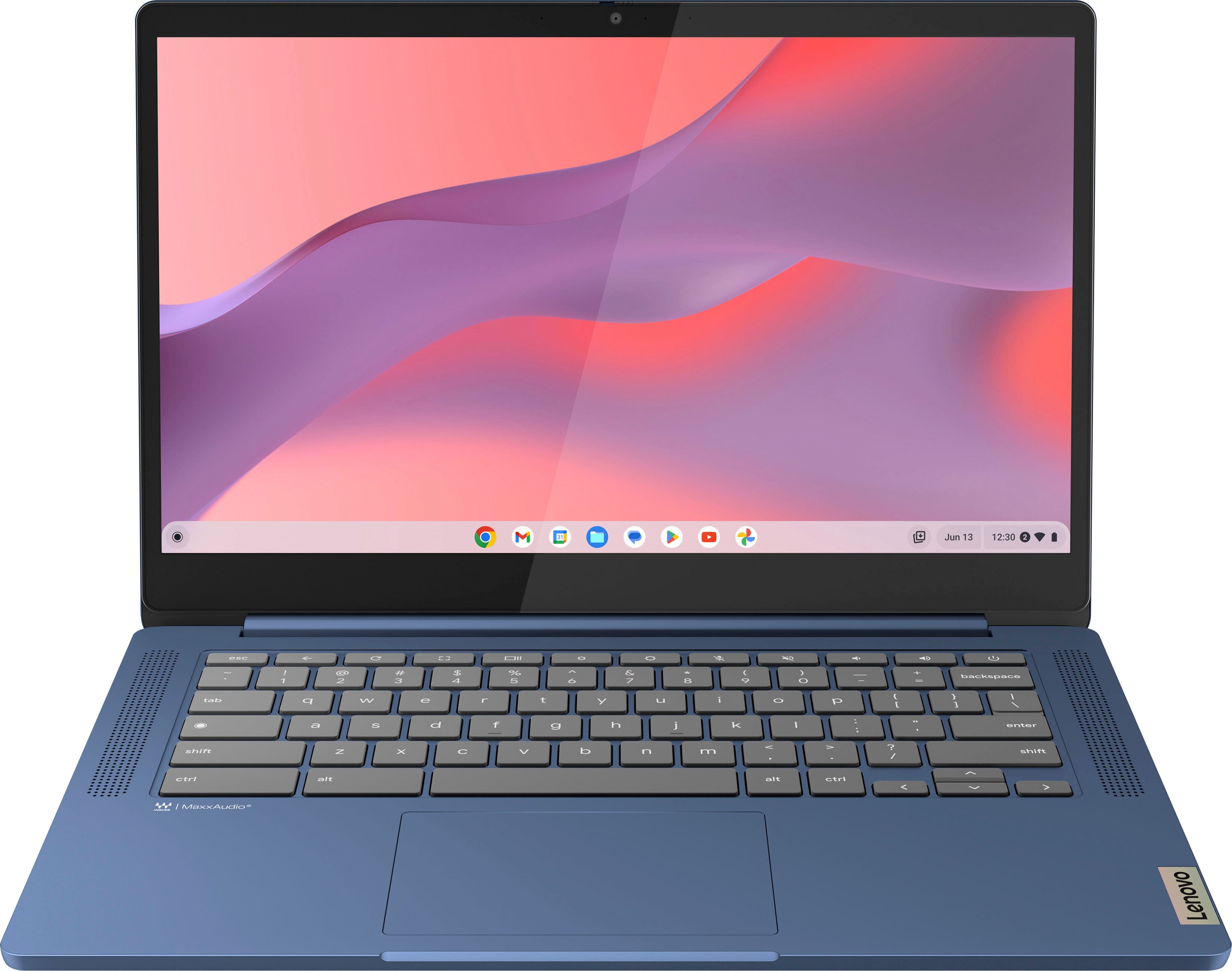
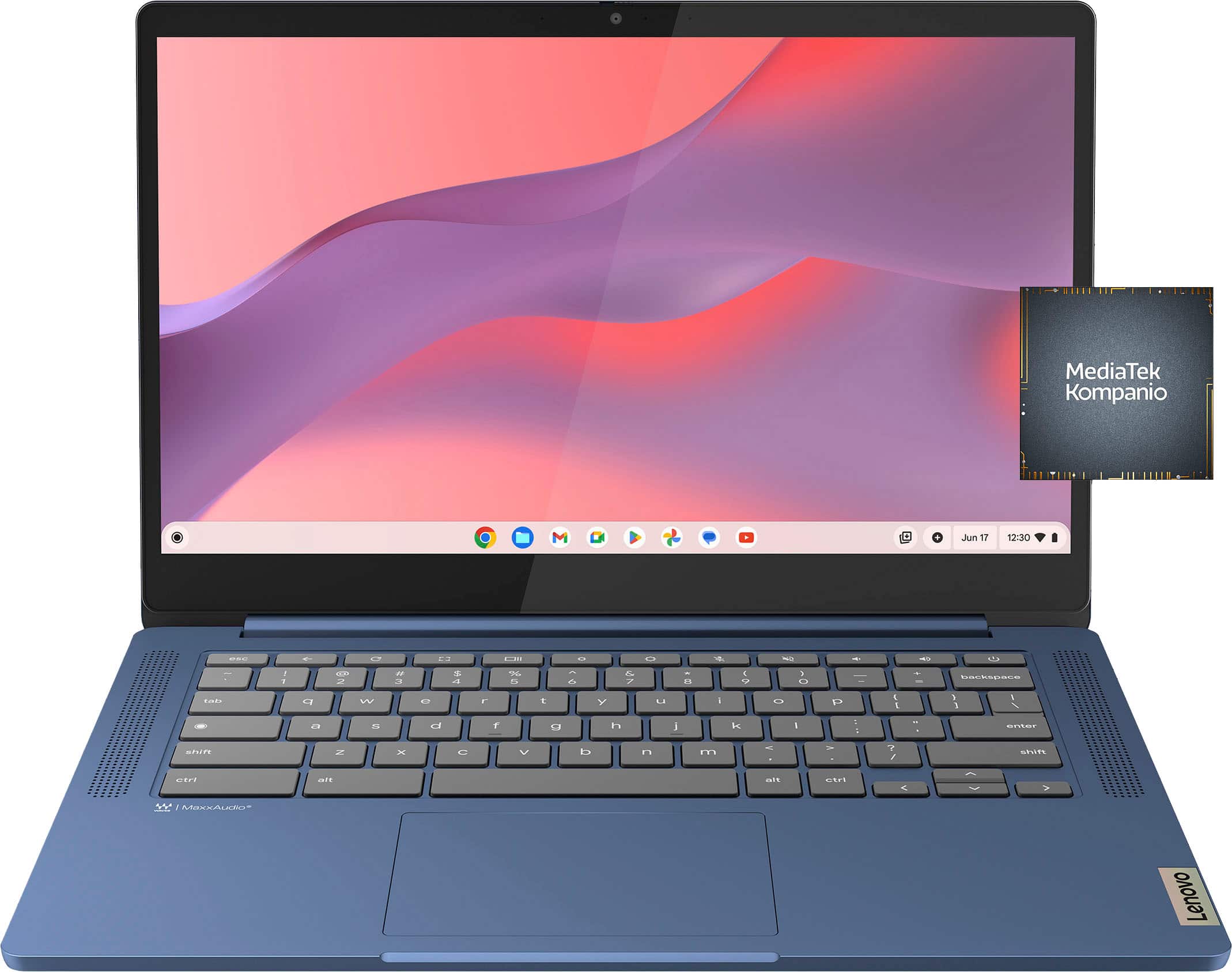
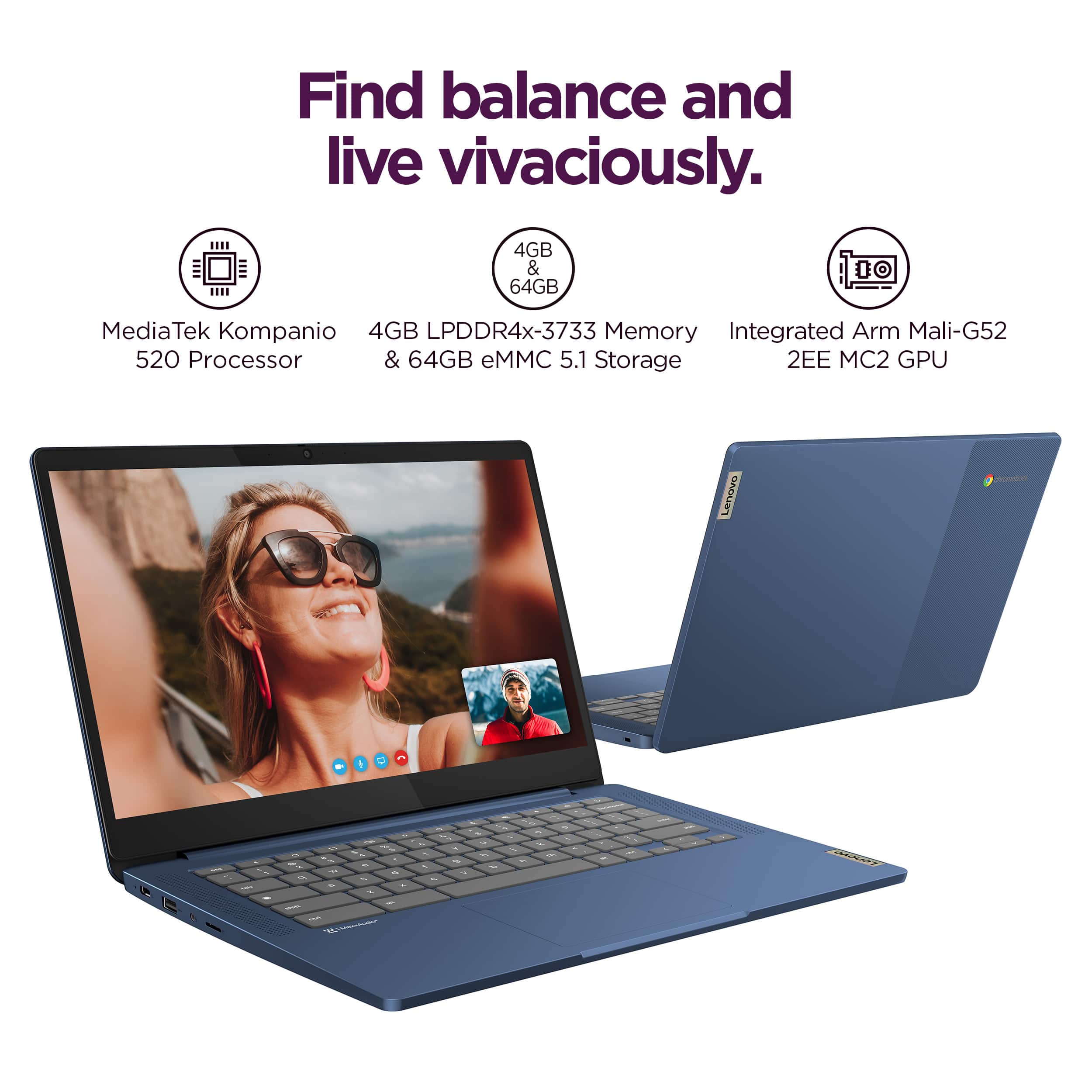
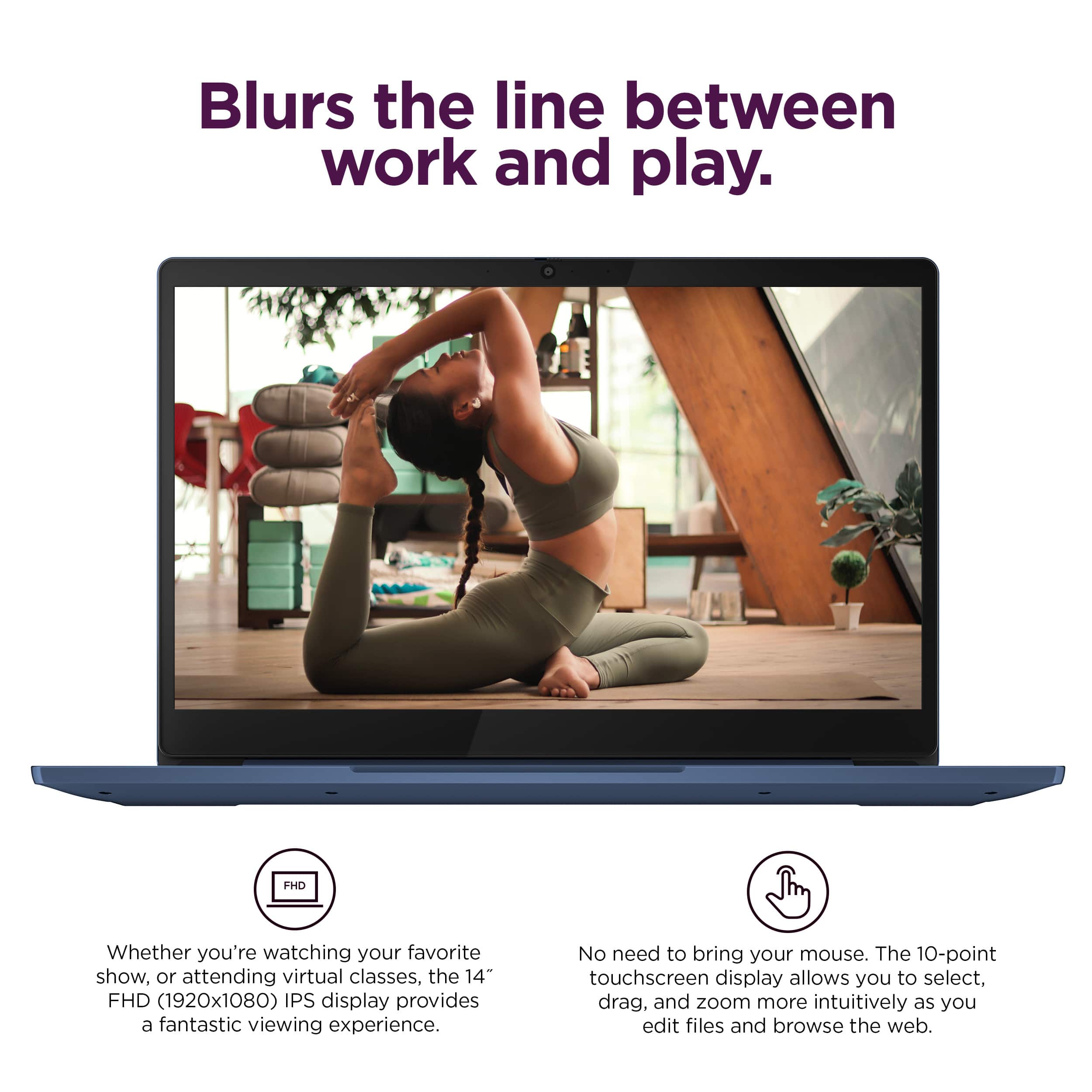
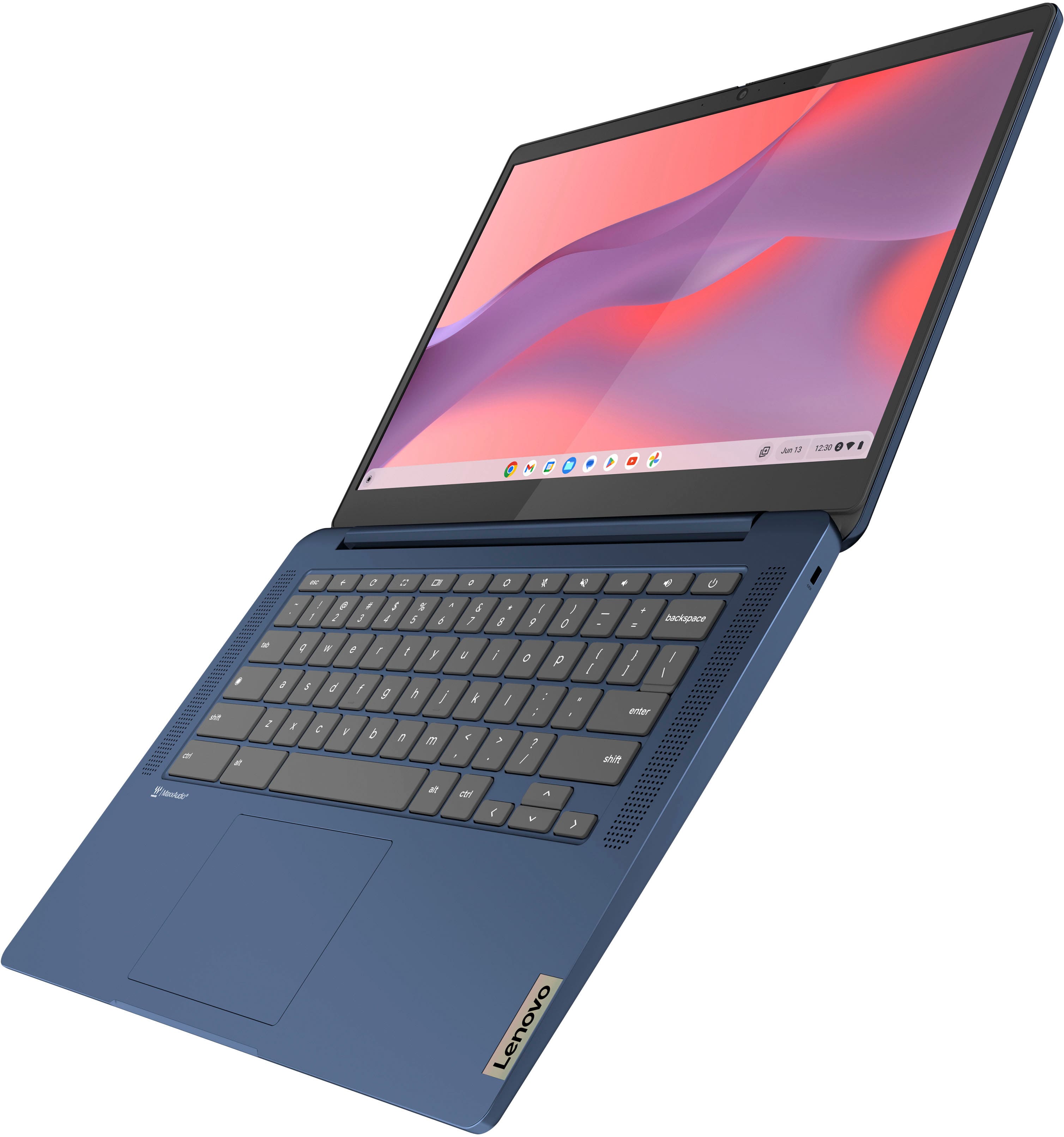
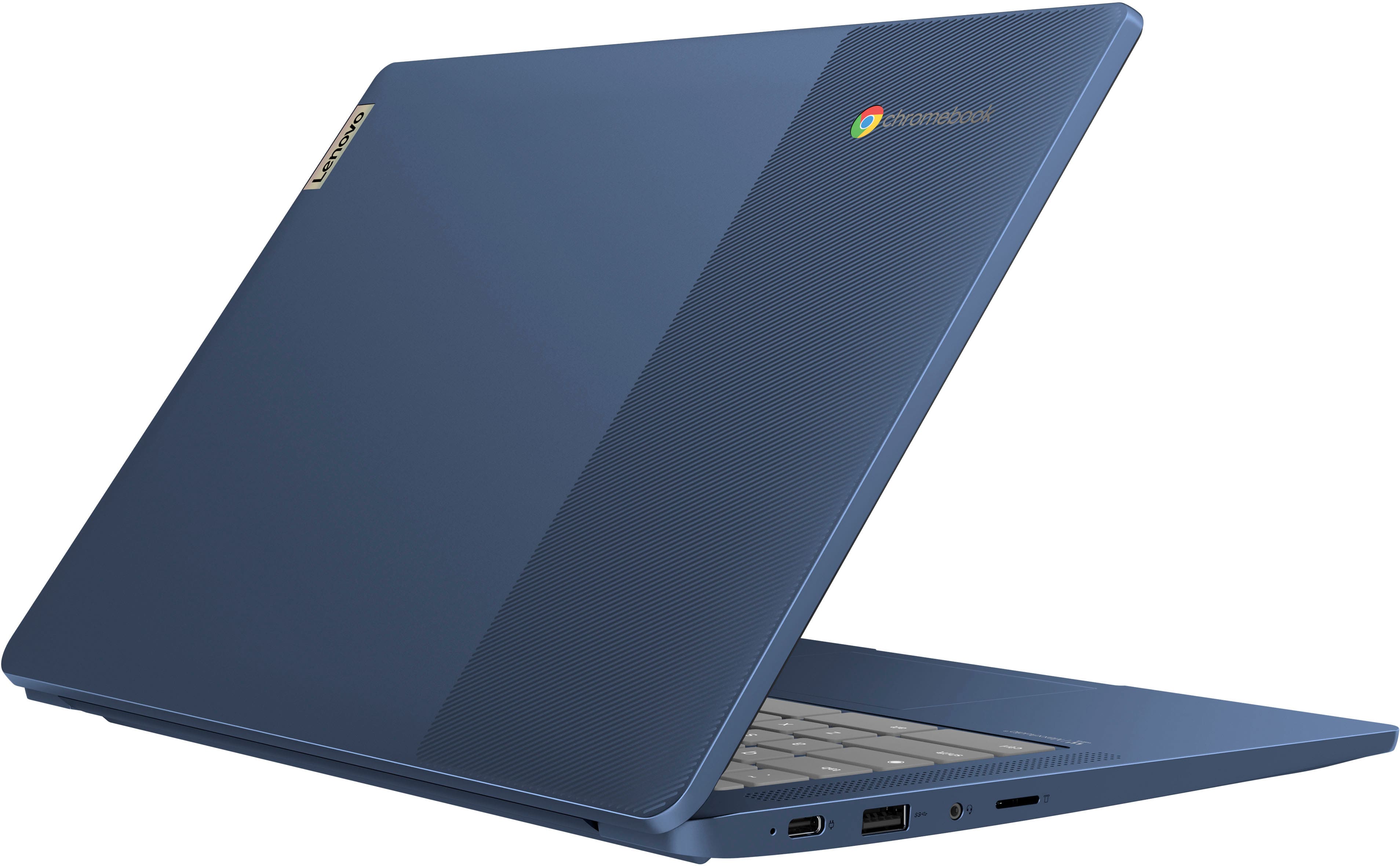
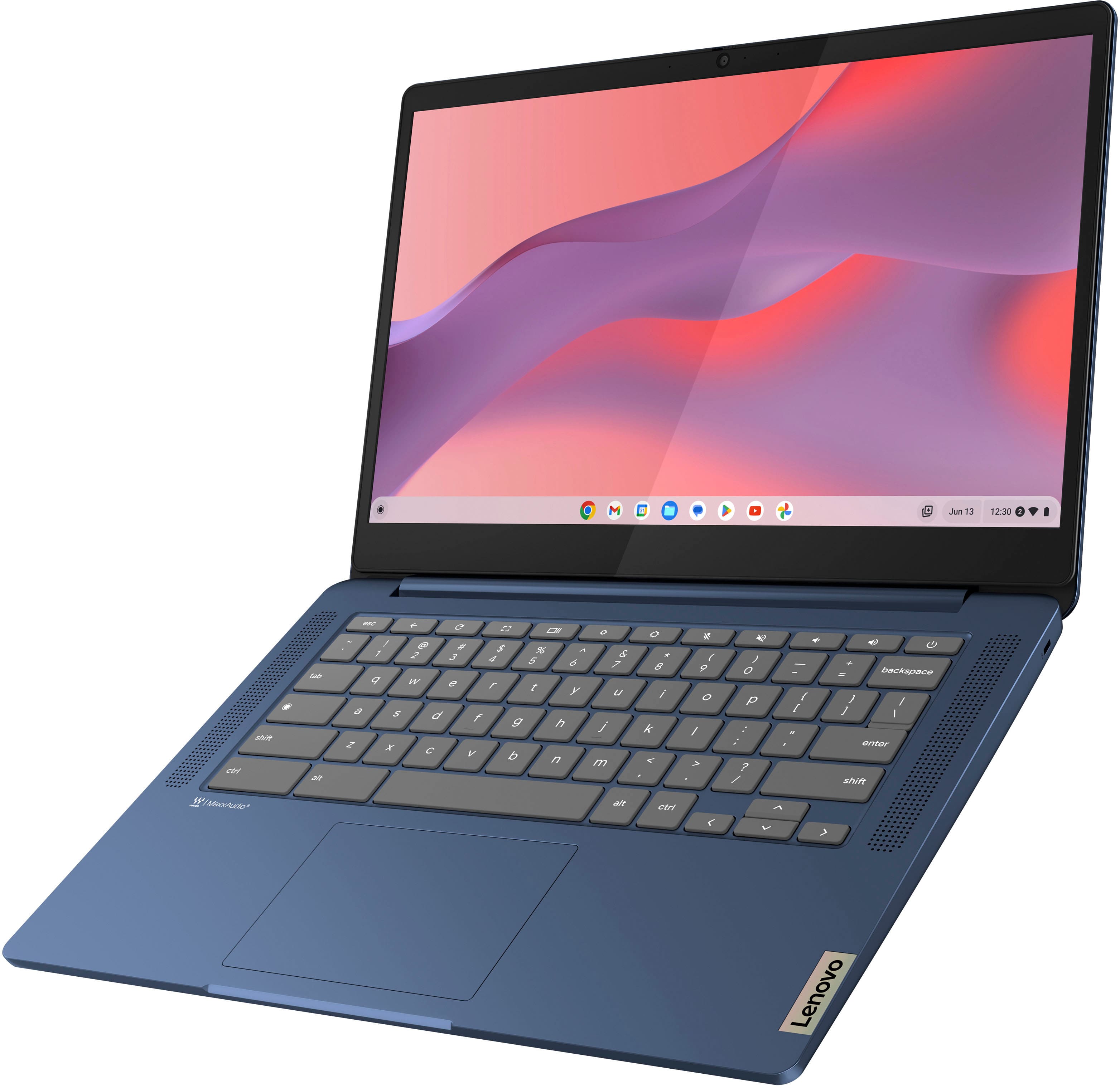
Customers appreciate the IdeaPad Slim 3 Chromebook for its overall performance, user-friendliness, and responsive touchscreen. The long-lasting battery, satisfactory speed, reasonable price, and lightweight design are also well-received. While the laptop is praised, some users find the RAM and storage capacity to be somewhat limited.
This summary was generated by AI based on customer reviews.
general is acceptable
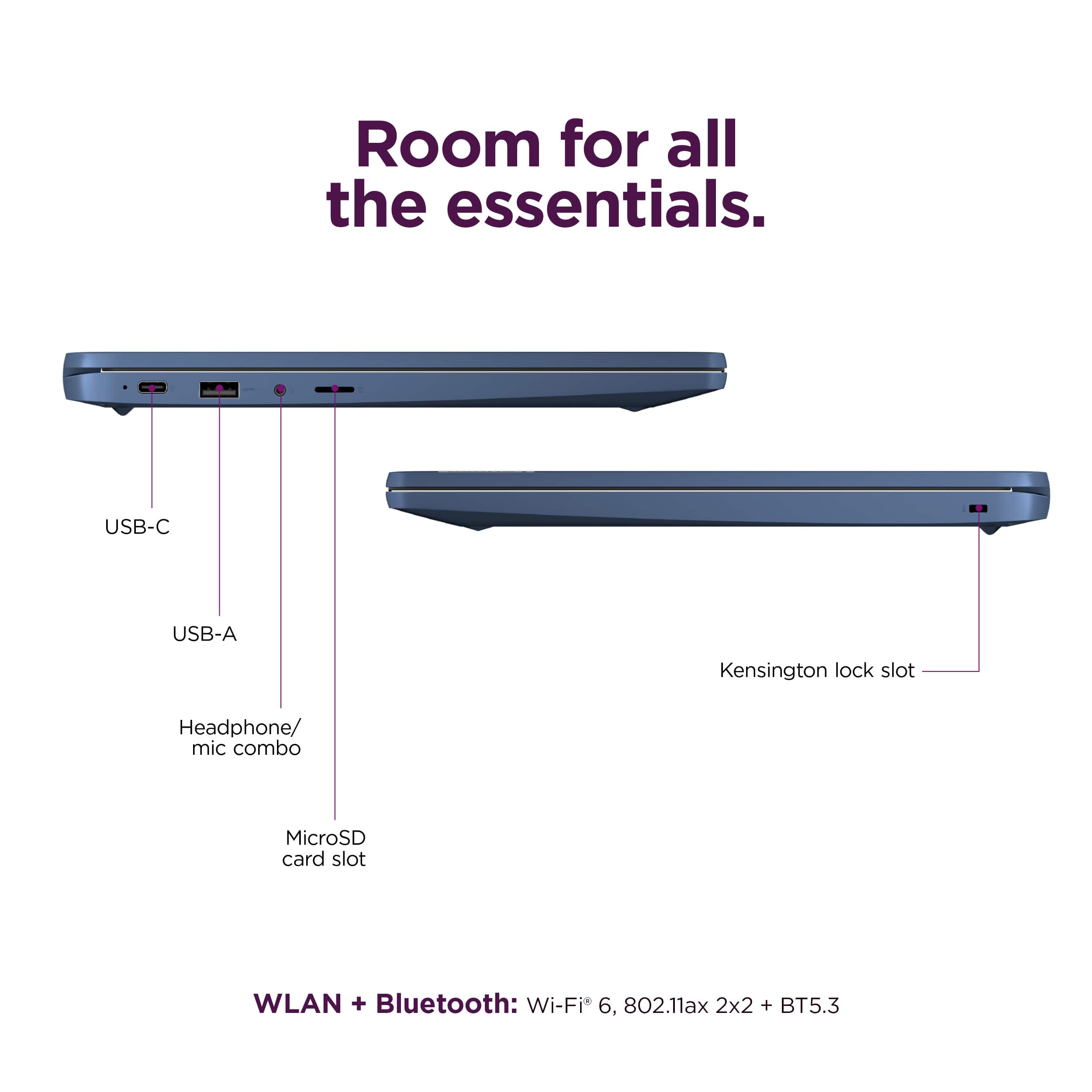
||Posted . Owned for 2 weeks when reviewed.This reviewer received promo considerations or sweepstakes entry for writing a review.The monitor quality isn't as good as a regular laptop. It only has 2 USB ports; having 3 would be better
I would recommend this to a friendBrand response from Lenovo Product Expert
Posted .Hey Sean, thanks for choosing Lenovo! We're glad to hear that your IdeaPad Slim 3 Chromebook is sufficient for your use. We really appreciate you sharing your experience and feedback with us.

Decent laptop
||Posted .This reviewer received promo considerations or sweepstakes entry for writing a review.I loved the laptop at first, but one of the screws that holds the screen on ended up falling out of the bottom. We ended up being able to realign the screen and it has been fine, but now just 6 months later our charger has quit working.
I would recommend this to a friendBrand response from Lenovo Product Expert
Posted .Hey BrittanyD,
Thank you for choosing Lenovo and for sharing your feedback with us. We are sorry to hear that you ran into trouble with your IdeaPad Slim 3 Chromebook. We apologize for this inconvenience that this has caused you, and we'd like to work with you to resolve any outstanding issues.
To start, please reach out to Lenovo Support online or over the phone at this number: 800-426-7378, to work with someone and be able to have a conversation that ends in resolution.
Please update us when you can regarding this.
Best,
Lenovo
Irvs
||Posted . Owned for 1 month when reviewed.This reviewer received promo considerations or sweepstakes entry for writing a review.For what we need this is a perfect solution at a reasonable cost. We are very happy with it. This is the second such computer that has recently been purchased.
I would recommend this to a friendGreat laptop!
||Posted . Owned for 1 month when reviewed.This reviewer received promo considerations or sweepstakes entry for writing a review.Purchased 2 of these for my kids. Great Chromebook for school .
I would recommend this to a friendBrand response from Lenovo Product Expert
Posted .Hey BMLea2, thanks for choosing Lenovo! We are glad to hear that your IdeaPad Slim 3 Chromebooks have been great for your kids' schooling, and we appreciate you taking the time to share your feedback with us.
Mrs.
||Posted . Owned for 1 week when reviewed.This reviewer received promo considerations or sweepstakes entry for writing a review.My daughter loves it she says it’s great quality and works great
I would recommend this to a friendBrand response from Lenovo Product Expert
Posted .Hi ChristineP, thanks for choosing Lenovo! We're thrilled to hear that your daughter loves it, and we appreciate you sharing your experience and feedback with us.
“BEST” buy
||Posted . Owned for 3 months when reviewed.This reviewer received promo considerations or sweepstakes entry for writing a review.Helpful team. Great service. Amazing inventory. Our family’s favorite store.
I would recommend this to a friendBrand response from Lenovo Product Expert
Posted .Hi, HakanY. Thank you for choosing Lenovo! We are glad to know that your shopping experience has been great, and we appreciate your time taken to share that experience with us.
Best purchase for best price
||Posted . Owned for 3 weeks when reviewed.This reviewer received promo considerations or sweepstakes entry for writing a review.I bought it for my daughter for her homework. It is the best purchase so far I have made to help her do school assignments. No pop-ups, no cookies for the best price.
I would recommend this to a friendSchool and stuff
||Posted . Owned for 1 month when reviewed.This reviewer received promo considerations or sweepstakes entry for writing a review.The wife found this chromebook more user friendly then the PC with Windows the she was using before. Highly recommend!
I would recommend this to a friendBrand response from Lenovo Product Expert
Posted .Hello, CyleB. Thank you for choosing Lenovo! We are pleased to hear that your wife's Slim 3 Chromebook is a great fit for what she needs, and we appreciate you taking the time to share your experience.
Quality/Price
||Posted . Owned for 1 month when reviewed.This reviewer received promo considerations or sweepstakes entry for writing a review.Lenovo - Good Quality for the Money Ideal for what I use it for
I would recommend this to a friendBrand response from Lenovo Product Expert
Posted .Hi Francine, thanks for choosing Lenovo! We're thrilled to hear that your Chromebook is ideal for your use, and we really appreciate you sharing your experience and feedback with us.
Lenovo - Slim 3
||Posted . Owned for 1 month when reviewed.This reviewer received promo considerations or sweepstakes entry for writing a review.It is everything they said it would be, Nice screen, good sound. Keyboard is easy touch. We've had it for 3 week now & used it daily; we're very happy with it.
I would recommend this to a friendNice office computer!
||Posted . Owned for 3 weeks when reviewed.This reviewer received promo considerations or sweepstakes entry for writing a review.This is a great laptop! A little higher in price than i think it should, but adjusting for inflation i believe its spot on!
I would recommend this to a friendLenovo review
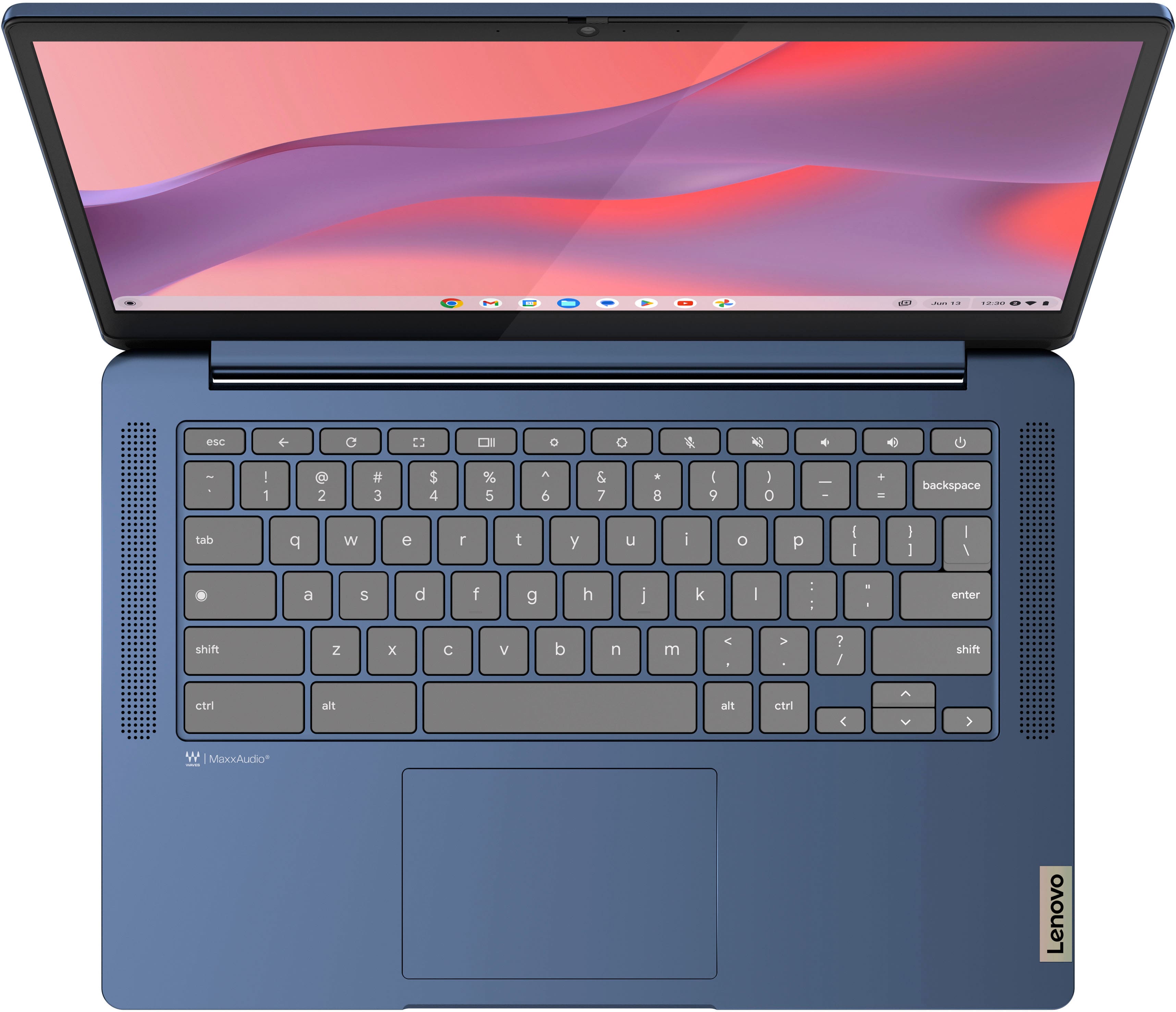
||Posted . Owned for 3 weeks when reviewed.This reviewer received promo considerations or sweepstakes entry for writing a review.Pretty darn good little computer at a reasonable price. The only thing is, it does not have a capital letter lock, and there are no numbers on the right side of the keyboard. Other than that, its pretty good.
I would recommend this to a friendBuy it
||Posted . Owned for 5 months when reviewed.This reviewer received promo considerations or sweepstakes entry for writing a review.It’s good definitely recommend for school projects, I’ve had it for a couple months and noticed the keys were getting kinda stuck.
I would recommend this to a friendMixed feelings on it.
||Posted . Owned for 1 month when reviewed.This reviewer received promo considerations or sweepstakes entry for writing a review.I have mixed reviews. I like it when it’s working. Day two the computer screen turned black and would not light up. You could see the charging indicator light. I had to send it back to Lenovo and I believe it was the motherboard that had to be replaced. I was just disappointed that a couple day old computer already had problems that big and failures. I don’t know a lot about computers. I have a laptop back and it is working well but it’s definitely slower than I would like at times I will say the company did have good customer service, and it seems to be good now .
I would recommend this to a friendPerfect
||Posted . Owned for 1 month when reviewed.This reviewer received promo considerations or sweepstakes entry for writing a review.The best image and quality, very good choice, incredible
I would recommend this to a friendBrand response from Lenovo Product Expert
Posted .Hi CarlosM, thanks for choosing Lenovo! We're glad to hear that your Slim 3 Chromebook has been perfect for you, and we appreciate you sharing your perspective and feedback with us.
Christmas Gift
||Posted . Owned for 1 month when reviewed.This reviewer received promo considerations or sweepstakes entry for writing a review.So far so good! Got this cute laptop for a Christmas gift for my mother, she was ecstatic! She recently took on a teaching job and could really use a laptop.
I would recommend this to a friendChromebook
||Posted . Owned for 1 month when reviewed.This reviewer received promo considerations or sweepstakes entry for writing a review.This was a gift for my daughter. She says she really likes it
I would recommend this to a friendBrand response from Lenovo Product Expert
Posted .Hey, thanks for choosing Lenovo! We're thrilled to hear that your daughter is really liking it. We really appreciate you sharing your experience and feedback with us.
Home School
||Posted . Owned for 1 month when reviewed.This reviewer received promo considerations or sweepstakes entry for writing a review.Great set up for online home school assignments and transmitting.
I would recommend this to a friendBrand response from Lenovo Product Expert
Posted .Hey, thanks for choosing Lenovo! We are glad to hear that your IdeaPad Slim 3 Chromebook is great for your use, and we appreciate you sharing your perspective.
Good for watching You Tube and Streaming
||Posted .This reviewer received promo considerations or sweepstakes entry for writing a review.Good for watching You Tube and Streaming services. It is sluggish for every thing else
I would recommend this to a friendBrand response from Lenovo Product Expert
Posted .Hi,
Thanks for choosing Lenovo and for sharing your feedback with us!
We are glad to read that you are satisfied with your purchase overall.
Please don't hesitate to reach out to us via the Q& A section of this product page or contact Lenovo Support should you have any questions or need assistance.
Regards,
Lenovo
Lenovo Laptop
||Posted . Owned for 1 month when reviewed.This reviewer received promo considerations or sweepstakes entry for writing a review.Great Product, needed a new laptop for school and works perfectly!
I would recommend this to a friendBrand response from Lenovo Product Expert
Posted .Hi, CurtisB. Thank you for choosing Lenovo! We are glad to know that your Slim 3 Chromebook works perfect for you, and we appreciate your time taken to share your experience and feedback with us.