Customer Ratings & Reviews
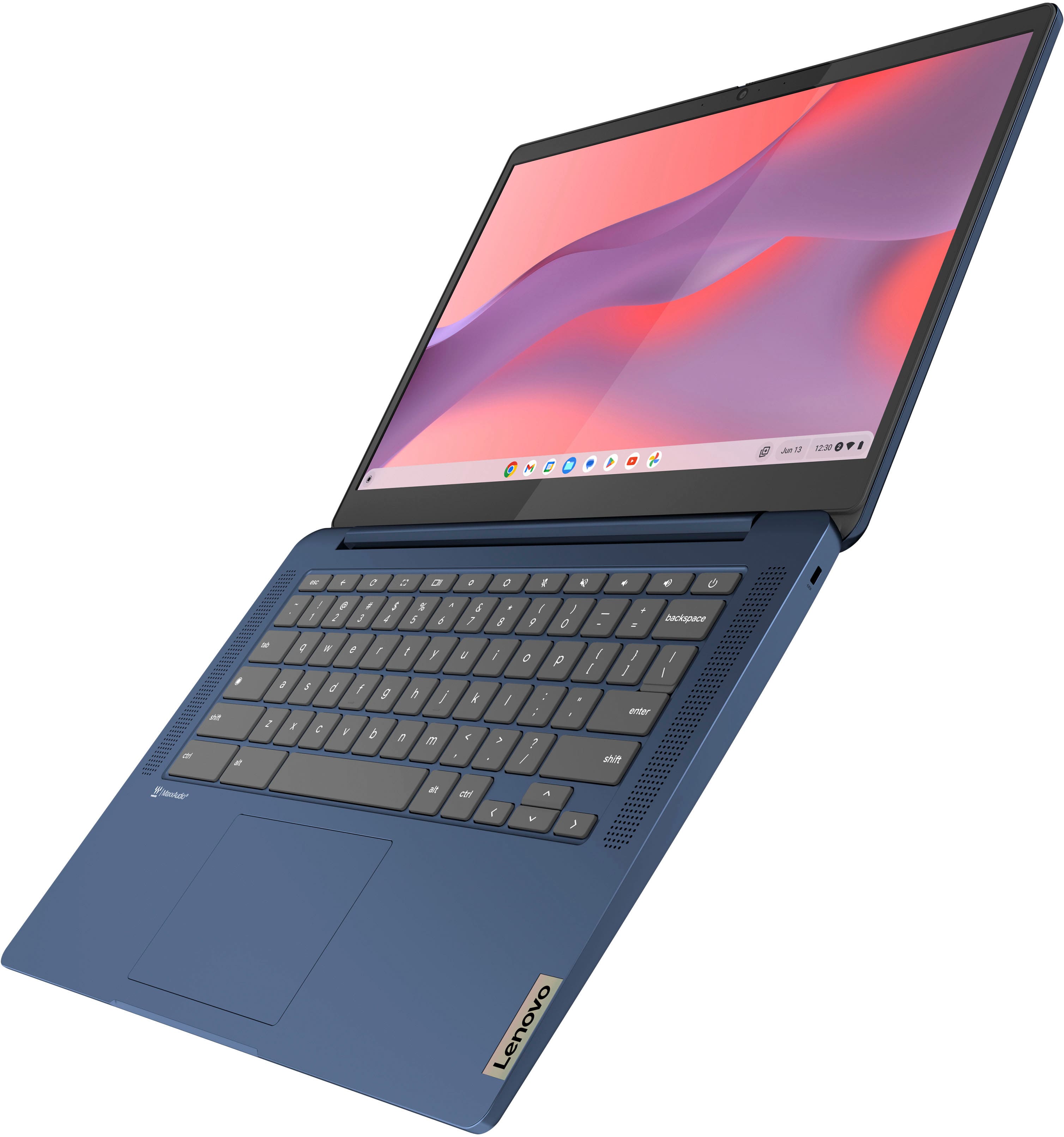
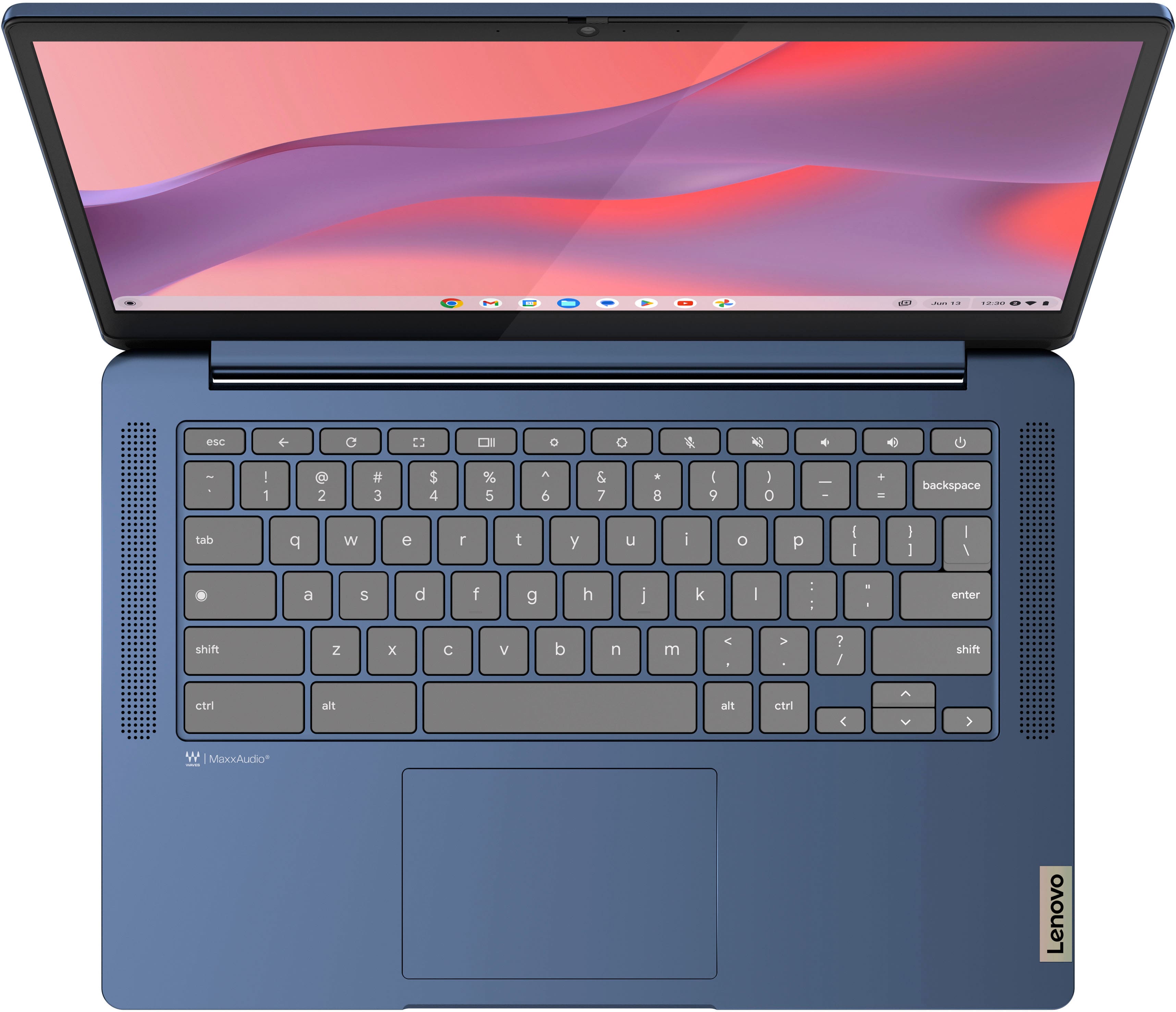
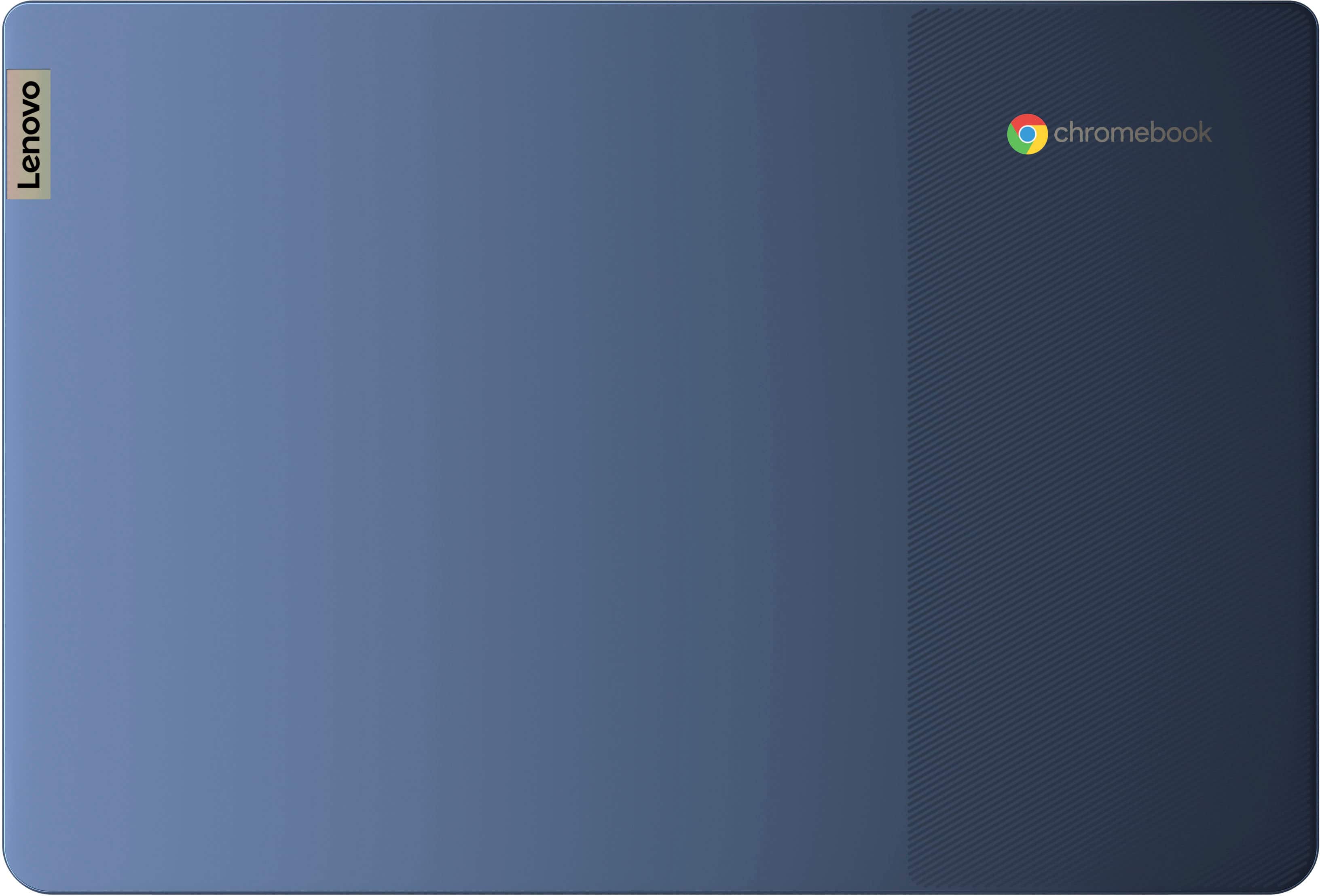
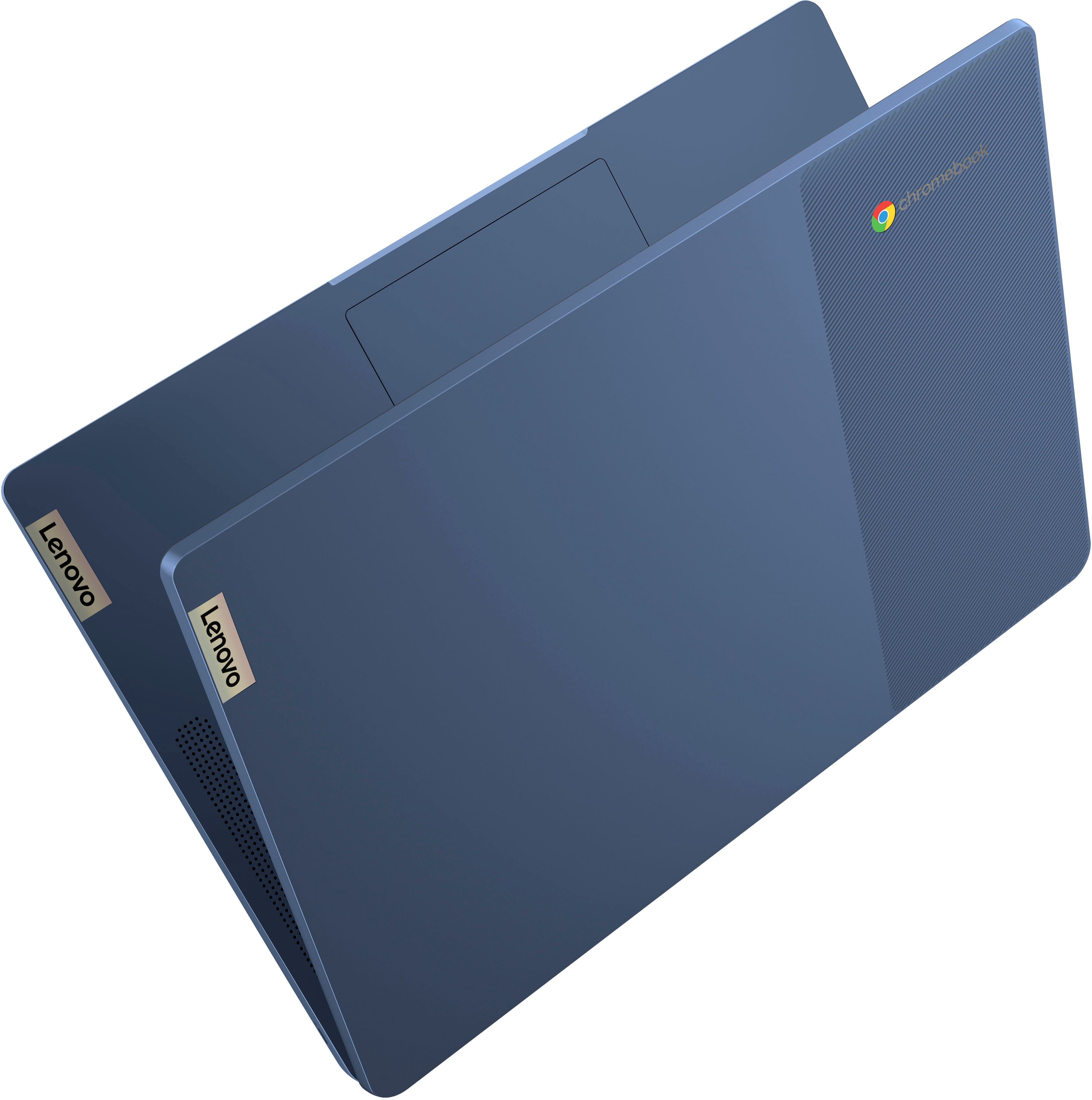






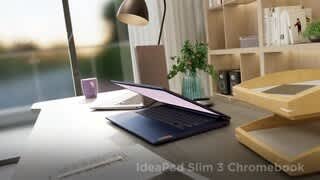
- Model:
- 82XJ0000US
- SKU:
- 10408340
Rating by feature
- Battery Life
Rating 4.7 out of 5 stars
- Speed
Rating 4.5 out of 5 stars
- Display
Rating 4.7 out of 5 stars
Customers are saying
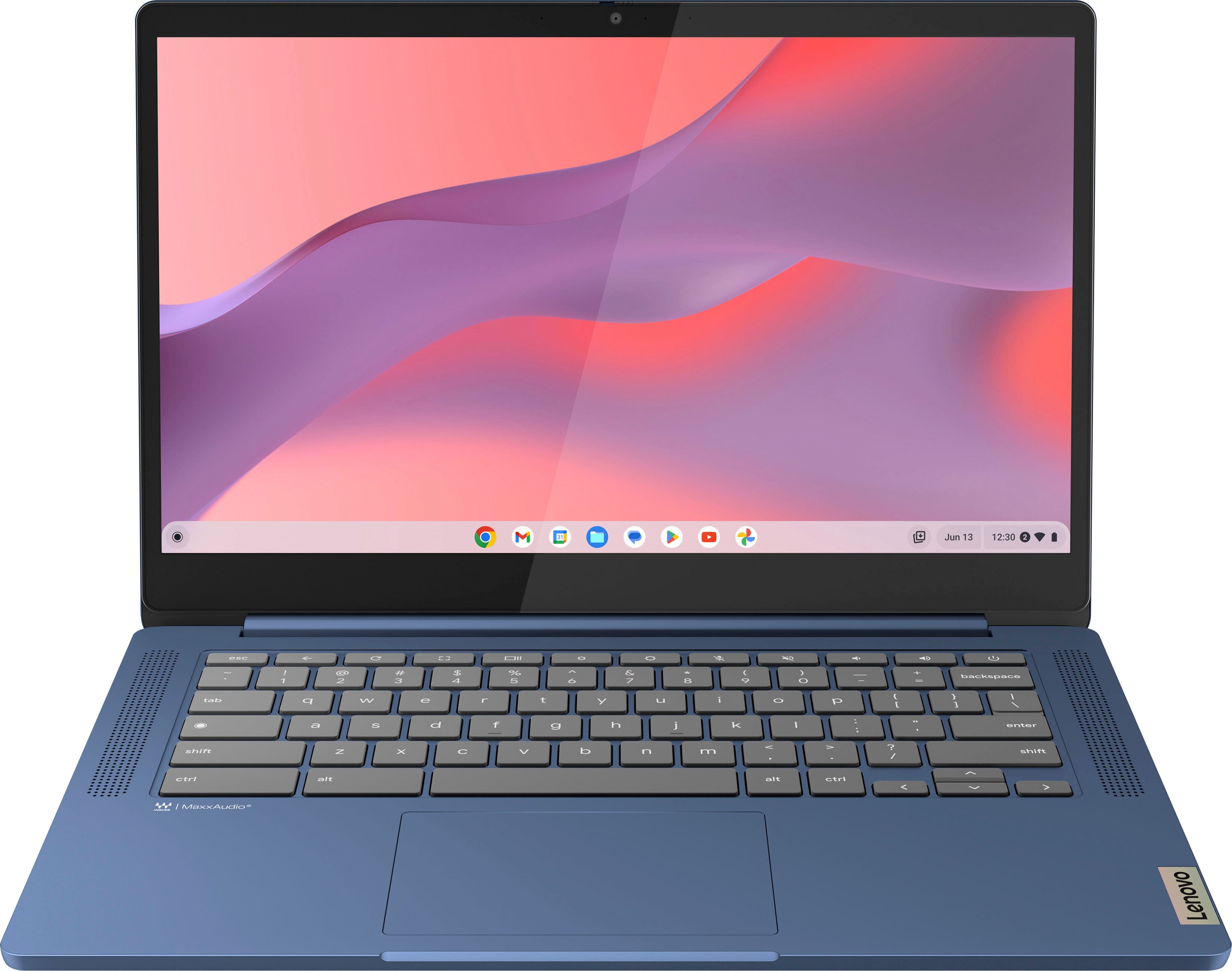
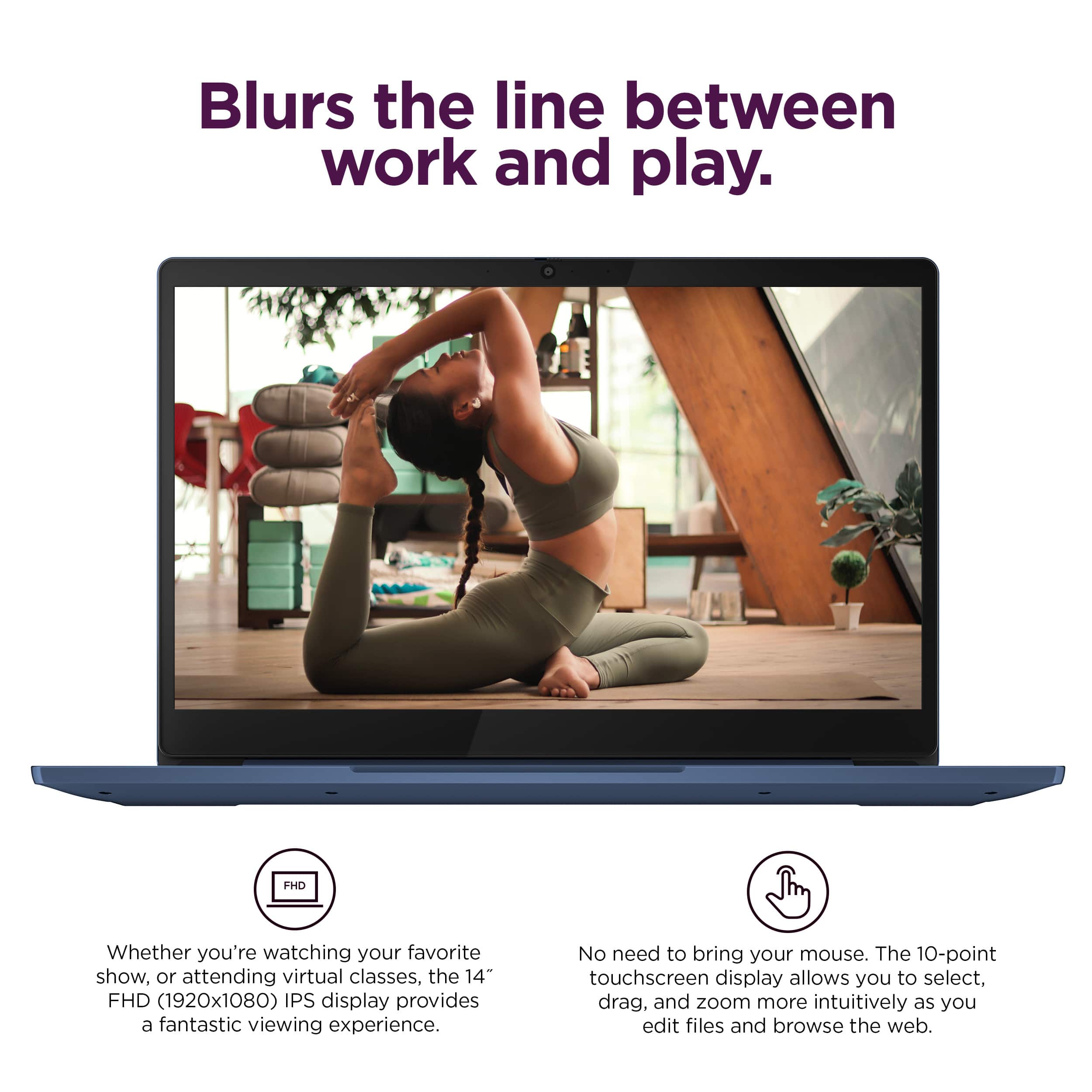
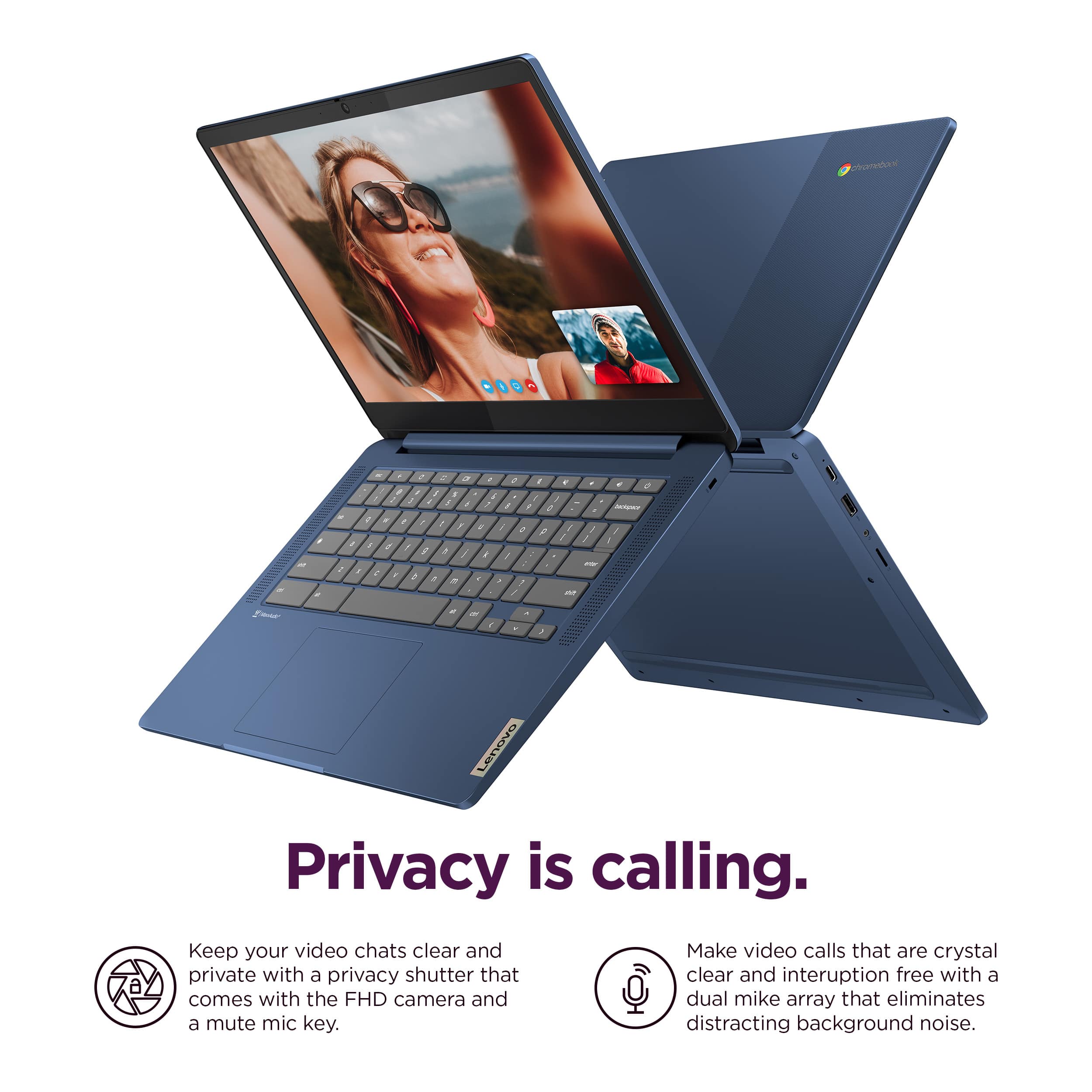
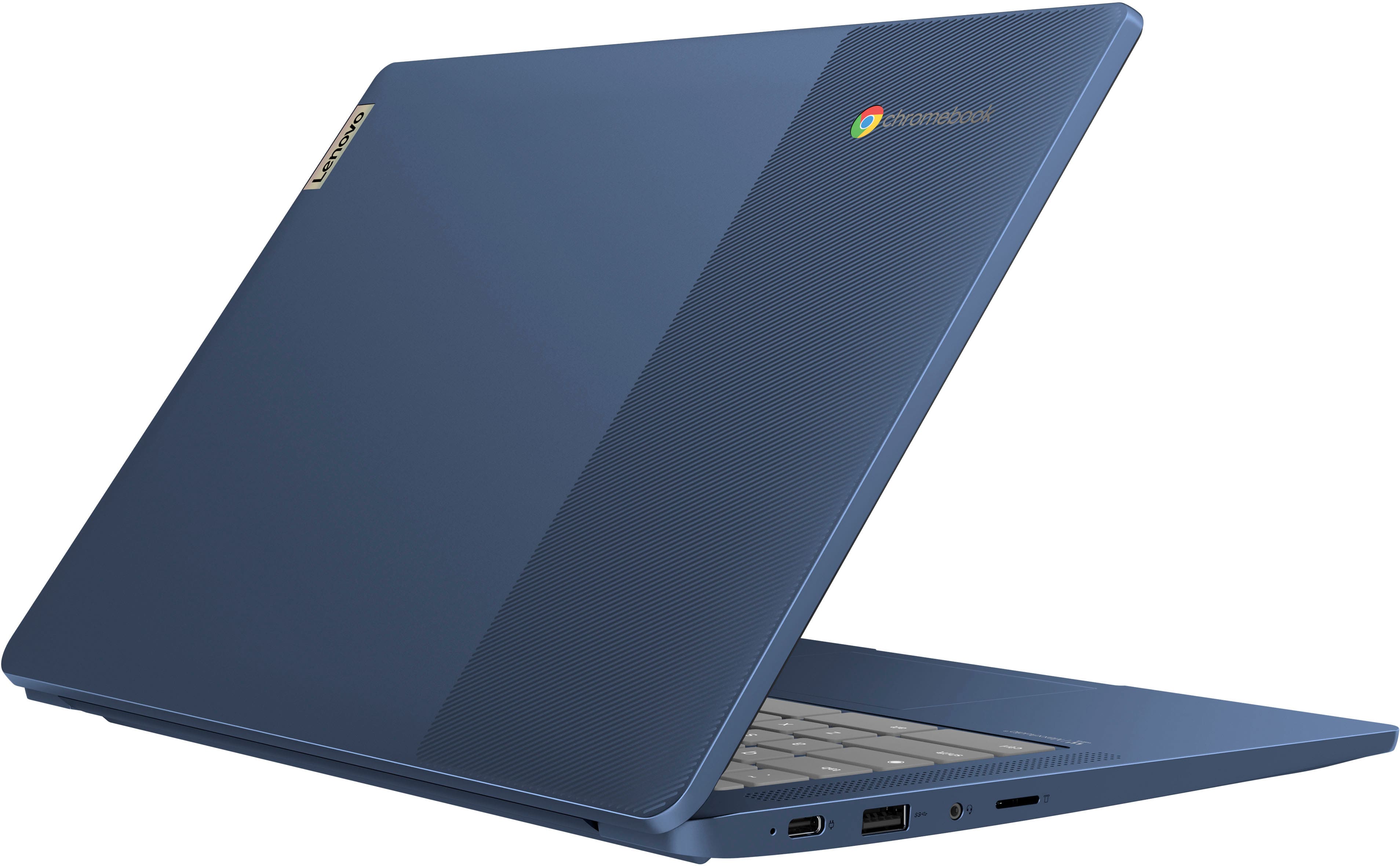
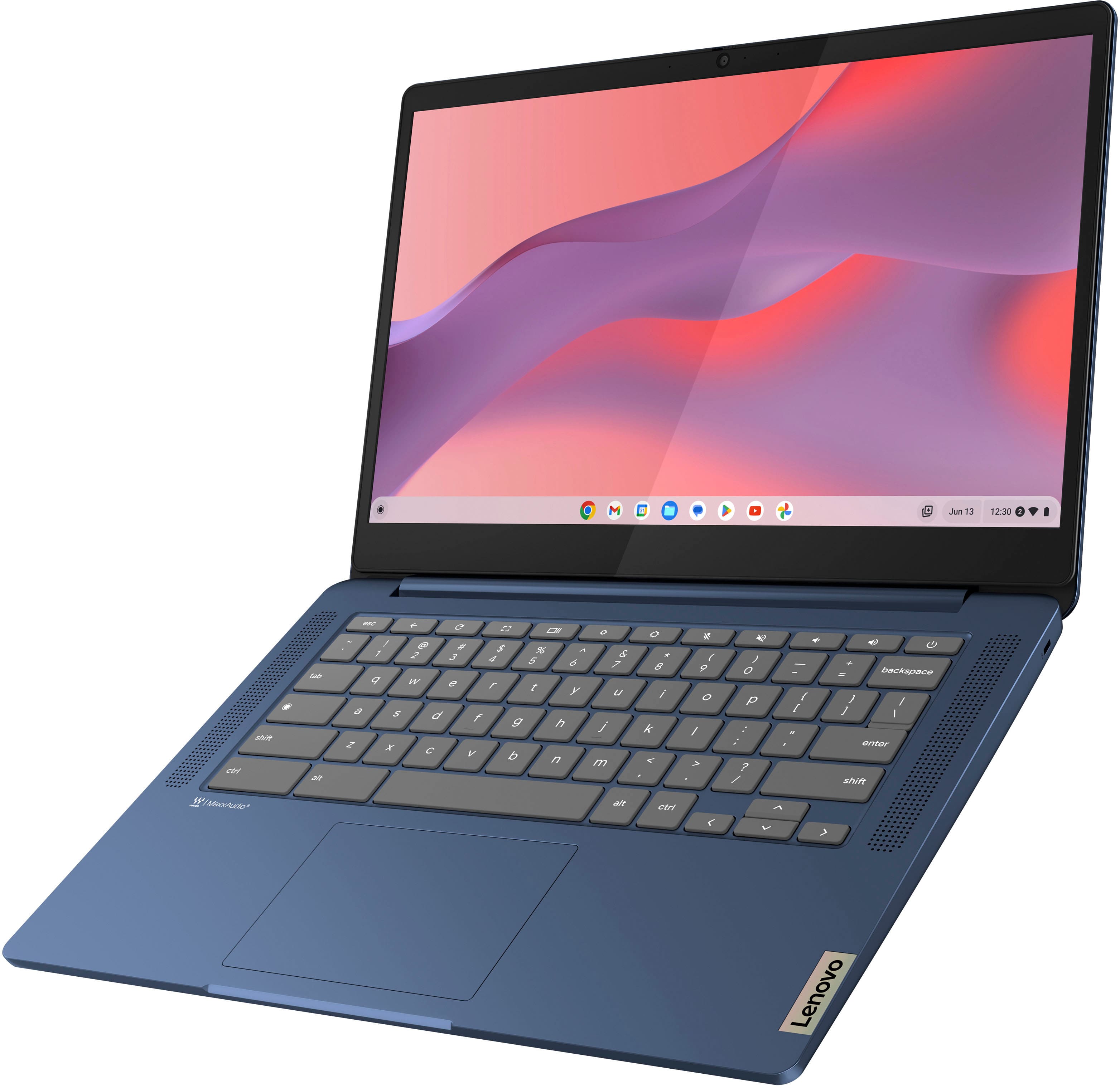
Customers appreciate the IdeaPad Slim 3 Chromebook for its overall performance, user-friendliness, and responsive touchscreen. The long-lasting battery, satisfactory speed, reasonable price, and lightweight design are also well-received. While the laptop is praised, some users find the RAM and storage capacity to be somewhat limited.
This summary was generated by AI based on customer reviews.
Great product
||Posted . Owned for 2 months when reviewed.This reviewer received promo considerations or sweepstakes entry for writing a review.Good computer just what I needed for work. Haven’t had any issues
I would recommend this to a friendBrand response from Lenovo Product Expert
Posted .Hey JoshuaR, thanks for choosing Lenovo! We are thrilled to hear that your IdeaPad Slim 3 Chromebook meets your needs. We appreciate you taking the time to share your experience with us.

Best
||Posted . Owned for 1 month when reviewed.This reviewer received promo considerations or sweepstakes entry for writing a review.Best buy ,valve for money ,i would you to buy from them.
I would recommend this to a friendBrand response from Lenovo Product Expert
Posted .Hi PladbinsujanM, thanks for choosing Lenovo! We're thrilled to hear that your Slim 3 Chromebook offers unparalleled value to you, and we appreciate you sharing your experience and feedback with us.
Kids activities
||Posted . Owned for 1 month when reviewed.This reviewer received promo considerations or sweepstakes entry for writing a review.Purchased it for some my sons school activities and so far happy with it. No complains and it does its purpose. A touch screen chromebook in 150$ is a great deal
I would recommend this to a friendLenovo laptop
||Posted . Owned for 3 weeks when reviewed.This reviewer received promo considerations or sweepstakes entry for writing a review.Started with another store bought laptop, went to bestbuy instead and this was the starter laptop i was looking for. Definitely what i was looking for to start schooling.
I would recommend this to a friendIn love
||Posted . Owned for 2 months when reviewed.This reviewer received promo considerations or sweepstakes entry for writing a review.I absolutely love it! the quality is great it's easy to use and absolutely great for the price.
I would recommend this to a friendBrand response from Lenovo Product Expert
Posted .Hey, CrystalC, thank you for choosing Lenovo! We are glad to hear that you are absolutely loving your Slim 3 Chromebook, and we appreciate you taking the time to share your experience with us.
Good for the price
||Posted . Owned for 3 weeks when reviewed.This reviewer received promo considerations or sweepstakes entry for writing a review.Fast and good quality. With fast internet and stays cool
I would recommend this to a friendBrand response from Lenovo Product Expert
Posted .Hi ChristenR, thanks for choosing Lenovo! We're thrilled to hear that your IdeaPad Slim 3 Chromebook has been good to you, and we appreciate you sharing your experience and feedback with us.
Just okay not great
||Posted . Owned for 1 week when reviewed.This reviewer received promo considerations or sweepstakes entry for writing a review.I returned it, not as great as O expected after all the hype. Not bad, just not great,opted for less exoensize alternative
I would recommend this to a friendBrand response from Lenovo Product Expert
Posted .Hey COgirl,
Thank you for sharing your feedback with us. We are sorry to hear that your IdeaPad Slim 3 Chromebook fell short of your expectations, leading to you returning it. We hope that you found the right system for you that meets your preferences and needs.
We hope that you choose our products again in the future, and that you feel free to reach out us with any questions or request that you may have, as your satisfaction is important to us.
Best regards,
Lenovo
Good Choice
||Posted . Owned for 3 months when reviewed.This reviewer received promo considerations or sweepstakes entry for writing a review.Love this Chromebook. It is a solid machine for my everyday use, which includes emailing, surfing the web, and writing in Google Docs
I would recommend this to a friendGood vs Bad
||Posted .This reviewer received promo considerations or sweepstakes entry for writing a review.Loved, Worked GREAT, Till the 2nd time i used it. Despite treating easily and a dedicated case, the screen had broke.
No, I would not recommend this to a friendBrand response from Lenovo Product Expert
Posted .Hi CharlesD,
Thank you for sharing your feedback with us. We are sorry to hear that you ran into this issue with your IdeaPad Slim 3 Chromebook. We apologize for any inconvenience that this may have caused you, and we'd like to work with you to resolve this issue.
To start, since it seems you are referring to a hardware based issue, we recommend contacting Lenovo Support at this number: 877-453-6686, or submitting a PC repair ticket online at pcsupport.lenovo.com so that we can present you with your resolution options.
Please update us when you can regarding this and reach out to us again should you have any questions or need further assistance, as your satisfaction is important to us.
Best regards,
Lenovo
My Chromebook
||Posted . Owned for 1 month when reviewed.This reviewer received promo considerations or sweepstakes entry for writing a review.I am very happy with my Chromebook it was a good investment. I feel a sense of security with paying my bills on the Chromebook as opposed to my phone.
I would recommend this to a friendRecommend
||Posted . Owned for 3 weeks when reviewed.This reviewer received promo considerations or sweepstakes entry for writing a review.Brought this as a gift as it’s amazing from the feedback I’ve received. Very users friendly and some really nice features and the price was reasonable
I would recommend this to a friendGood laptop
||Posted . Owned for 1 week when reviewed.This reviewer received promo considerations or sweepstakes entry for writing a review.The laptops is perfect for the job and good quality.
I would recommend this to a friendBrand response from Lenovo Product Expert
Posted .Hi MiguelG, thanks for choosing Lenovo! We're thrilled to hear that your Slim 3 Chromebook is perfect for you, and we appreciate you sharing your experience and feedback with us.
- Pros mentioned:Speed
Constant Buffering/slow performance
||Posted . Owned for 1 month when reviewed.This reviewer received promo considerations or sweepstakes entry for writing a review.I have owned multiple chrombooks as I use them regularly for basic streaming (youtube) and personal email updates. I understand the computer is not designed for multitasking. This computer, even tho on paper more powerful (ram, processor) that my previous ones (acer, asus) , is constantly buffering even when opening chrome… hence, rendering it unusable.
No, I would not recommend this to a friend Great lap top
||Posted . Owned for 2 months when reviewed.This reviewer received promo considerations or sweepstakes entry for writing a review.Love this lap top. Battery stays up all day, slim line easy for tansport. I take this with me every where. When I need another one, I'll look for this one again.
I would recommend this to a friendOk
||Posted . Owned for 11 months when reviewed.This reviewer received promo considerations or sweepstakes entry for writing a review.I bought this last year nothing special it’s ok for the price
I would recommend this to a friendBrand response from Lenovo Product Expert
Posted .Hey, SaadJ, thank you for choosing Lenovo! It is good to hear that your Slim 3 Chromebook is adequate for your use, and we appreciate you taking the time to share your experience with us.
Price and Specs Create a Perfect Balance
||Posted . Owned for 1 month when reviewed.This reviewer received promo considerations or sweepstakes entry for writing a review.I dont have anything bad to say about this chromebook. I prefer higher end specs and a slimmer package, but if on a budget or purchasing for someone less tech savvy you wont be sorry.
I would recommend this to a friendHappy Christmas
||Posted . Owned for 2 weeks when reviewed.This reviewer received promo considerations or sweepstakes entry for writing a review.Brought this laptop for my son he’s was very happy
I would recommend this to a friendBrand response from Lenovo Product Expert
Posted .Hi GregoriaG, thanks for choosing Lenovo! We're thrilled to hear that your son is very happy with it, and we appreciate you sharing your experience and feedback with us.
Great
||Posted . Owned for 4 months when reviewed.This reviewer received promo considerations or sweepstakes entry for writing a review.Great chronebook for the price. Highly recommended.
I would recommend this to a friendBrand response from Lenovo Product Expert
Posted .Hey Jack, thanks for choosing Lenovo! We are thrilled to hear that your Slim 3 Chromebook has been great for you. We appreciate you taking the time to share your experience with us.
BEST PRODUCT
||Posted . Owned for 3 weeks when reviewed.This reviewer received promo considerations or sweepstakes entry for writing a review.I really love it. I got it for my daughter and she is in love with it and she always says it.
I would recommend this to a friendBrand response from Lenovo Product Expert
Posted .Hi, DeleM, thank you for choosing Lenovo! We are glad to hear that you both are loving it, and we appreciate you taking the time to share your experience with us.
best laptop
||Posted . Owned for 3 weeks when reviewed.This reviewer received promo considerations or sweepstakes entry for writing a review.good seriously good good very good best al wa ts good
I would recommend this to a friendBrand response from Lenovo Product Expert
Posted .Hi GaganMadan, thanks for choosing Lenovo! We're thrilled to hear that your Slim 3 Chromebook has been outrageously good for you, and we really appreciate you sharing your experience and feedback with us.