Customer Ratings & Reviews
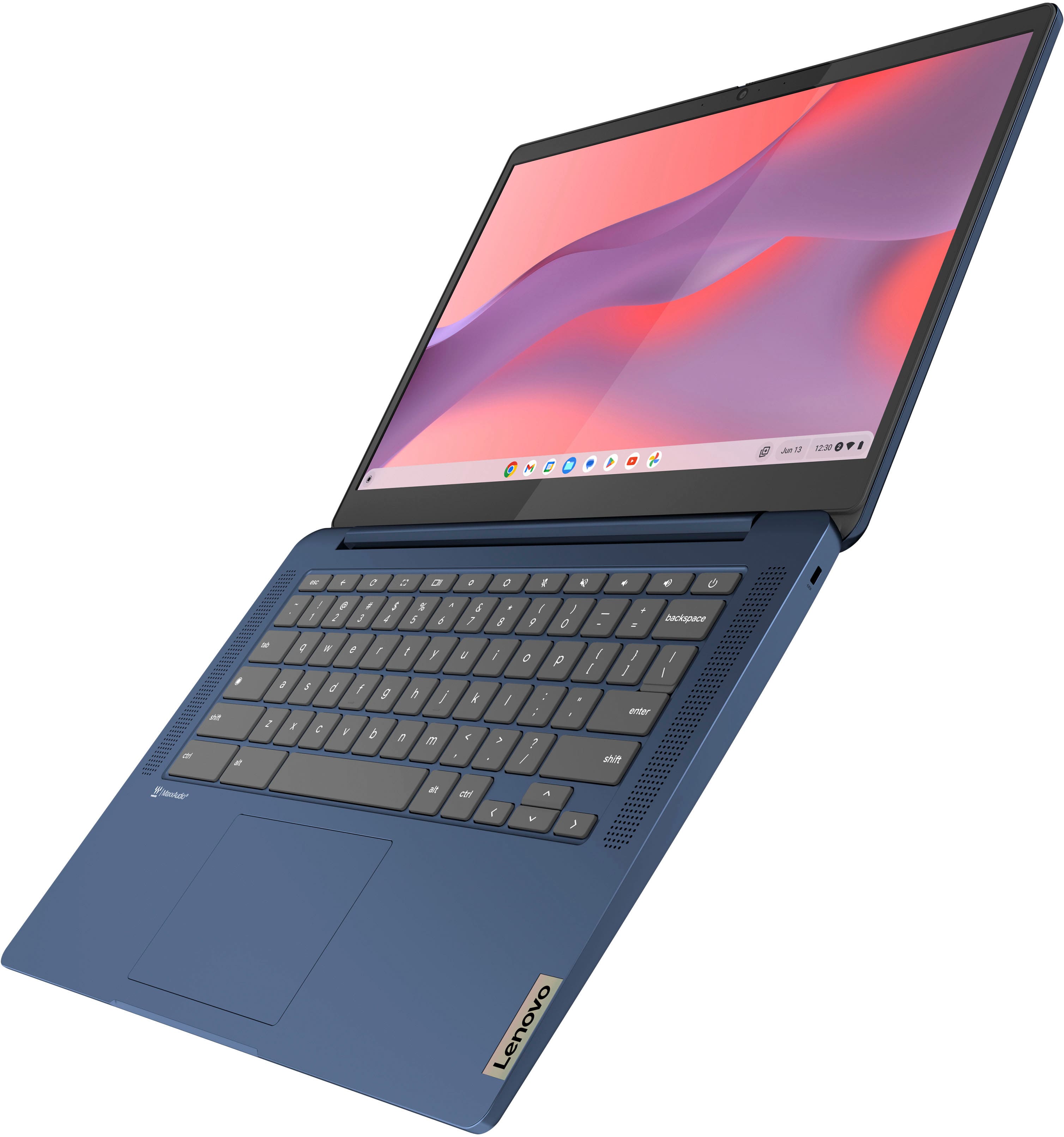
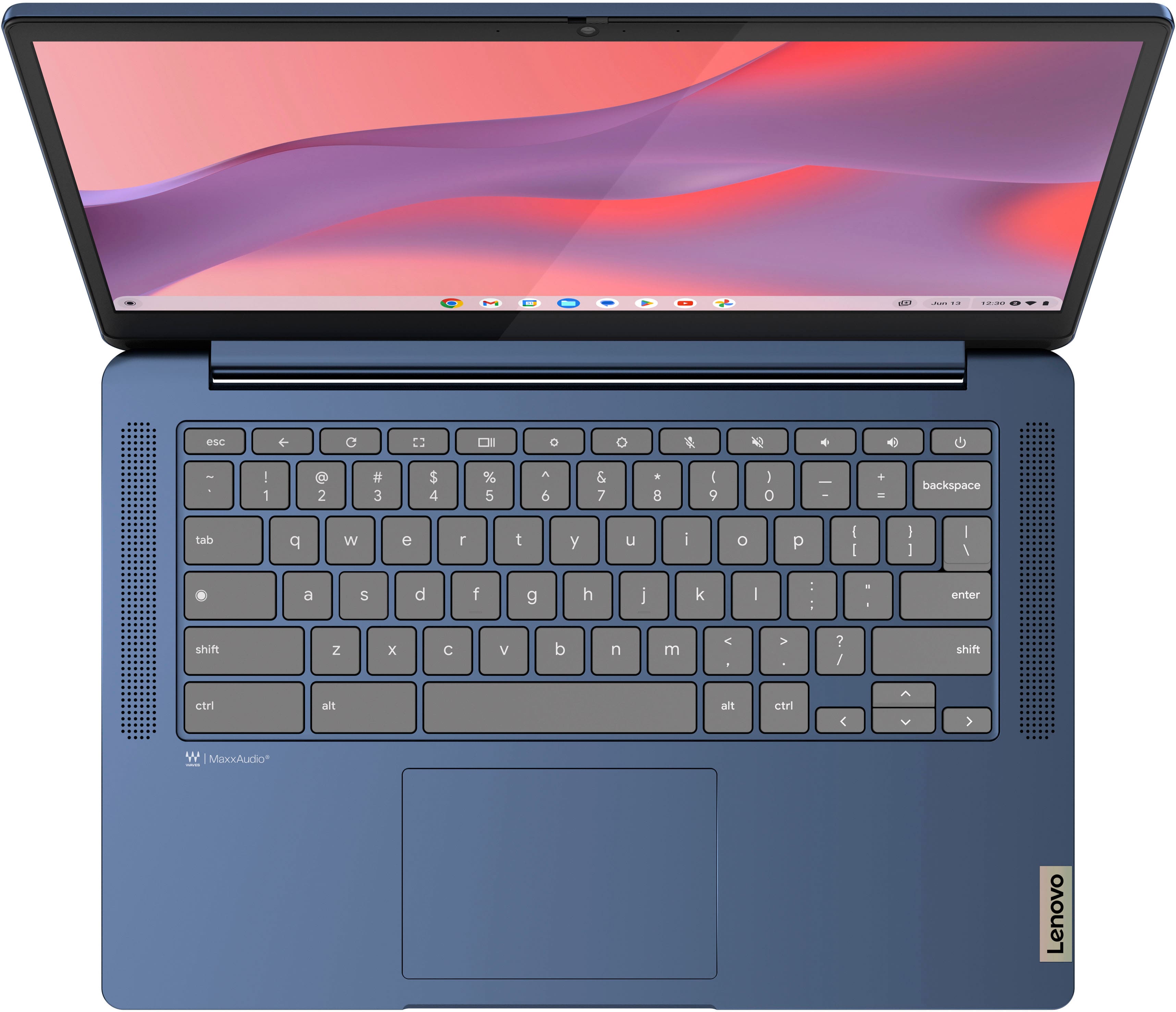
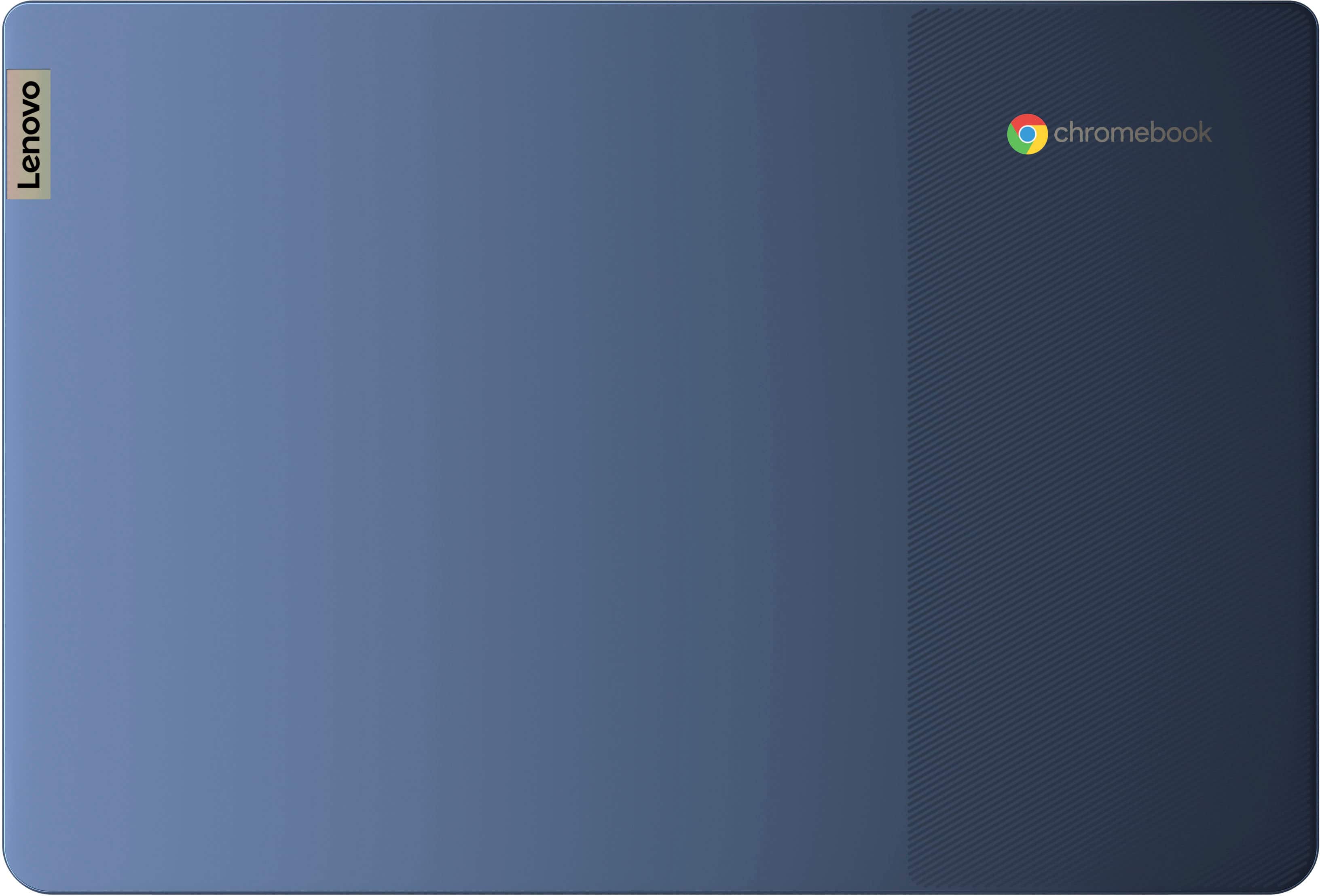
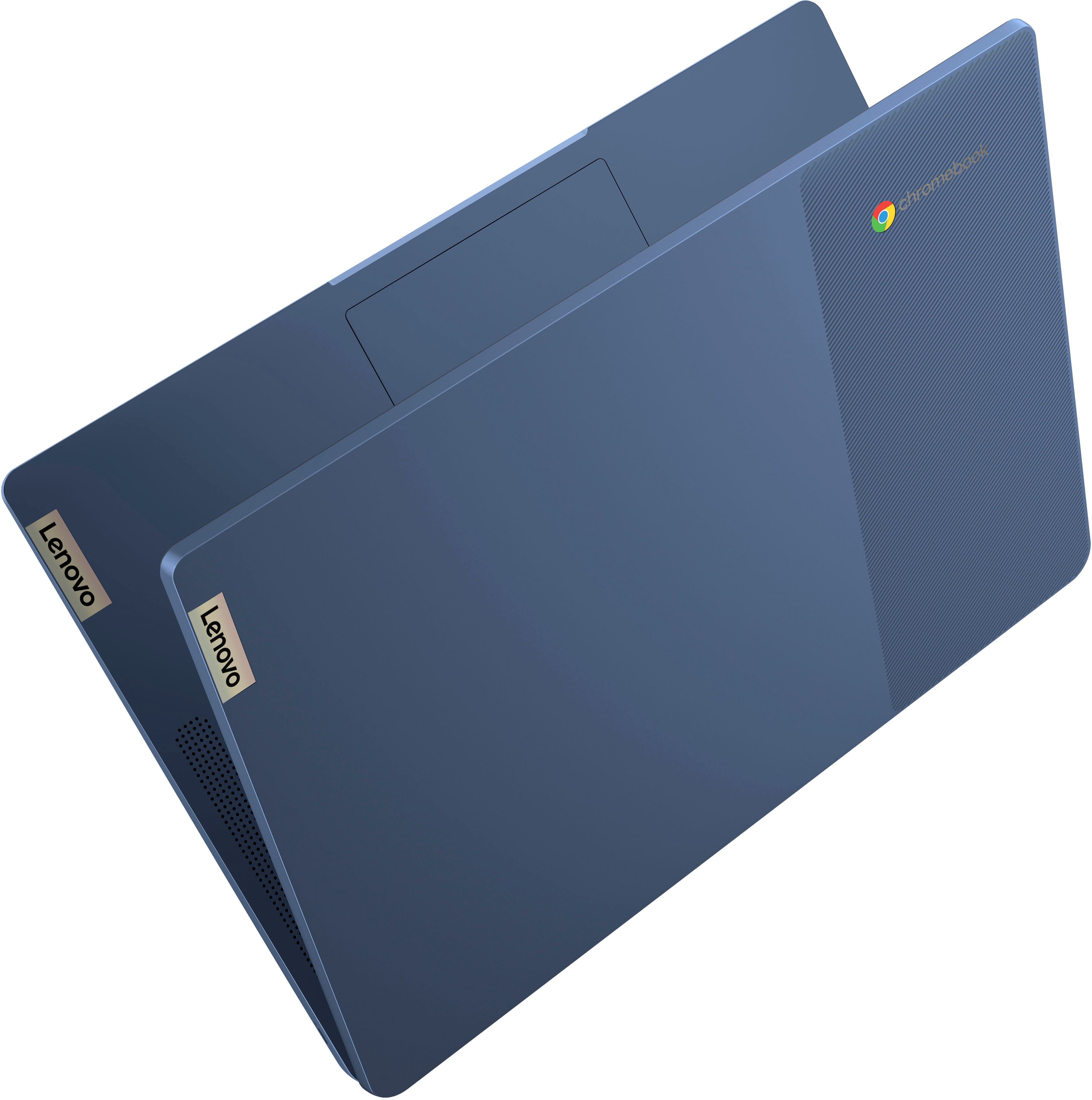





- Model:
- 82XJ0000US
- SKU:
- 12657352
Rating by feature
- Battery Life
Rating 4.7 out of 5 stars
- Speed
Rating 4.5 out of 5 stars
- Display
Rating 4.7 out of 5 stars
Customers are saying
Customers appreciate the overall performance, portability, and responsive touchscreen of this device, which many users find to be a great value. While the lightweight design and battery life are frequently praised, some users have noted that the limited RAM and storage capacity can be restrictive. Additionally, a small number of customers have reported occasional connectivity issues that may impact the user experience.
This summary was generated by AI based on customer reviews.
DECENT
||Posted . Owned for 1 month when reviewed.This reviewer received promo considerations or sweepstakes entry for writing a review.CANT DOWNLOAD ANYTING THATS NOW IN THE MICROSOFT STORE. NO GOOD FOR COLLEGE KIDS
No, I would not recommend this to a friendAverage for cost
||Posted . Owned for 2 weeks when reviewed.This reviewer received promo considerations or sweepstakes entry for writing a review.Not a great operating system. Works more like a tablet
No, I would not recommend this to a friendJust not my preference
||Posted . Owned for 1 year when reviewed.This reviewer received promo considerations or sweepstakes entry for writing a review.I loved the overall idea of this model yet felt as if it was just a large android without the phone. I returned it for a Windows model and was much more pleased.
No, I would not recommend this to a friendBrand response from Lenovo Product Expert
Posted .Hey JermaineM,
We are sorry to hear that you were not satisfied with your Slim 3 Chromebook, leading to you returning it.
In the future, we hope that you choose our product again, and we appreciate you taking the time to share your perspective with us.
My first chrome browser
||Posted . Owned for 1 month when reviewed.This reviewer received promo considerations or sweepstakes entry for writing a review.Touch pad is too sensative but other than that it is working good.
I would recommend this to a friendLaptop
||Posted . Owned for 1 month when reviewed.This reviewer received promo considerations or sweepstakes entry for writing a review.Good price but requires to much to use it I wish it was simpler.
I would recommend this to a friendChrome book
||Posted .This reviewer received promo considerations or sweepstakes entry for writing a review.Worked well for about 9 months and then wouldn’t receive a charge
No, I would not recommend this to a friendBrand response from Lenovo Product Expert
Posted .Hi AmyH,
Thank you for sharing your feedback with us. We are sorry to hear that you are having trouble with your IdeaPad Slim 3 Chromebook. We apologize for any inconvenience that this is causing you, and we'd like to work with you to resolve this issue.
To start, here's a link to a Google Support webpage (https://support.google.com/chromebook/answer/6309225?hl=en#zippy=%2Cchromebook-wont-turn-on-or-wont-charge%2Cbattery-wont-charge) with troubleshooting steps to follow if your device won't charge. If after following these steps your issue persists, we then recommend reaching out to Lenovo Support at this number: 877-453-6686, and providing a representative with details of your issue, so that they may help by providing a solution for you.
Please let us know what else we can do to help improve your experience, as your satisfaction is important to us.
Best regards,
Lenovo
It's decent
||Posted . Owned for 3 weeks when reviewed.This reviewer received promo considerations or sweepstakes entry for writing a review.Decent laptop, some things could be better! Can be slow and touchy
I would recommend this to a friendLines
||Posted . Owned for 2 weeks when reviewed.This reviewer received promo considerations or sweepstakes entry for writing a review.Return after 3 or 4 days. Developed lines on screen
No, I would not recommend this to a friendComputer
||Posted . Owned for 1 month when reviewed.This reviewer received promo considerations or sweepstakes entry for writing a review.Iv had the computer for less than a month and it glitched out on me
No, I would not recommend this to a friendNot user friendly
||Posted . Owned for 1 month when reviewed.This reviewer received promo considerations or sweepstakes entry for writing a review.Can't figure out how to work it right UI is to complicated i thought it was going to be more like a pc
No, I would not recommend this to a friendBrand response from Lenovo Product Expert
Posted .Hi AnthonyG, we're sorry to hear that you're having trouble navigating and using your Slim 3 Chromebook. To try to resolve this, here's a link to a Google Support page to learn more about "How to Chromebook": (https://www.google.com/chromebook/howto/). Let us know if this helps, and we appreciate you taking the time to share your feedback with us.
HORRIBLE computers
||Posted . Owned for 3 weeks when reviewed.This reviewer received promo considerations or sweepstakes entry for writing a review.These computers were such a waste of money. not even 30 days later It says I'm passed my returnable time. Both of my sons are constantly having to restart their computers because it just stops work, stops being connected to internet. restarting always does the trick, but we do homeschool and it the biggest pain in the but when we have to restart between and during every class!!
No, I would not recommend this to a friendCheap product
||Posted .This reviewer received promo considerations or sweepstakes entry for writing a review.Cheap and slow dont buy cant even load YouTube videos
No, I would not recommend this to a friendFrustrated
||Posted . Owned for 3 weeks when reviewed.This reviewer received promo considerations or sweepstakes entry for writing a review.Won’t stay connected to Internet. Apparently this is a known problem with the product that I didn’t see beforehand. But it’s very frustrating to have to restart all of the time when it disconnects from the internet. I lost projects I was working in due to this
No, I would not recommend this to a friendNo happy with the purchase
||Posted .This reviewer received promo considerations or sweepstakes entry for writing a review.It's been less then 9 months and already I have to buy a new battery.
No, I would not recommend this to a friendBrand response from Lenovo Product Expert
Posted .Hi bambam4283,
Thank you for sharing your feedback with us. We are sorry to hear that you are having trouble with your IdeaPad Slim 3, and we apologize for the inconvenience that this has caused you.
If we can help you with your battery issues and more, please don't hesitate to reach out to us here or by contacting Lenovo Support online or at this number: 877-453-6686.
Please update us when you can regarding this.
Best regards,
Lenovo
Its ok
||Posted . Owned for 3 months when reviewed.This reviewer received promo considerations or sweepstakes entry for writing a review.If you know the chrome OS then its an ok computer. If your trying to switch from windows its a lot to learn if your in your golden years.
I would recommend this to a friendDon’t know how to feel
||Posted .This reviewer received promo considerations or sweepstakes entry for writing a review.Wish it had a webcam there was a cover up sticker for it but wasn’t a camera
I would recommend this to a friendBrand response from Lenovo Product Expert
Posted .Hey KaylaL,
Thank you for sharing your feedback with us. We are sorry to hear that you are having trouble with your system. We'd like to work with you to resolve any issues.
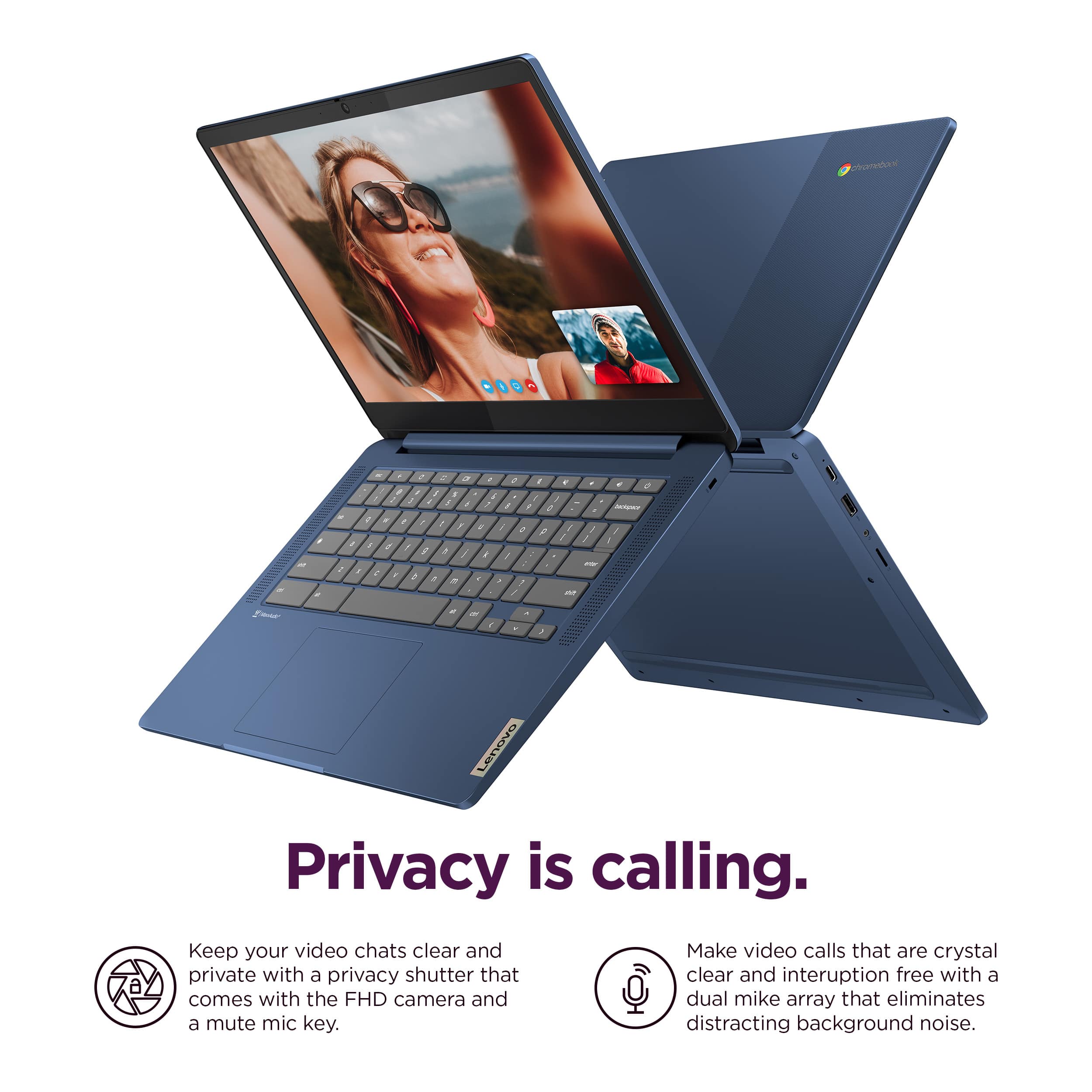
To start and clarify, this IdeaPad Slim 3 Chromebook does come with an HD camera with a Privacy Shutter. Out-of-the-box you may find a graphic covering the camera area, but with this removed, you should be able to us your camera and the privacy shutter.
If the graphic is removed but you are still having trouble with your camera, please attempt to do a hardware reset. To learn how to do so, please visit the following link to a Google Support webpage with details: https://support.google.com/chromebook/answer/3227606?hl=en&sjid=11168473644130281663-NA, which the process will reboot the embedded controller that manages various system components, including the camera.
With the privacy shutter, please be sure the Privacy Shutter is completely open before trying to use the webcam or the webcam will not operate. There is a small slider, directly above the webcam lens. Move the tab to the right to open the Privacy Shutter. There is a red dot over the webcam lens that will disappear when the Privacy Shutter is fully open. This will indicate that the webcam is really to use. You can close the Privacy Shutter when you are done with the webcam for your security, by sliding the tab to the left to close the Privacy Shutter. The Red Dot will appear over the webcam lens when the Privacy Shutter is closed.
We hope that this information helps you. Please reach out to us should you have any questions or need further assistance.
Best regards,
Lenovo
Computer
||Posted . Owned for 1 month when reviewed.This reviewer received promo considerations or sweepstakes entry for writing a review.My computer is not working. It keeps freezing and the touch screen is not working
No, I would not recommend this to a friendBrand response from Lenovo Product Expert
Posted .Hello,
Thank you for sharing your feedback with us. We're sorry to hear that you ran into an issue. We strive to provide the best experience possible. We're disappointed and apologize that this wasn't the case for you, and we'd like to work with you to try to improve your experience.
We recommend contacting Lenovo Support at this number: 877-453-6686, to work with the Customer Care team for swift action as we look to resolve this matter for you and make things right.
Please don't hesitate to let us know what else we can do to improve your experience, as your satisfaction is important to us.
Best regards,
Lenovo
DO NOT PURCHASE CHROMEBOOK GET WINDOWS
||Posted . Owned for 6 months when reviewed.This reviewer received promo considerations or sweepstakes entry for writing a review.Worst tech ever! I rather use my android tablet, it does way more then this Chromebook. I am totally disappointed with this brand as well. I keep having to power wash the thing, the function keep lagging and it feels like it is being controlled by another device. I enter the correct password to the wifi and it is telling me it is incorrect, as well as my google account password. This device is a hot mess! Can I get my money back?
No, I would not recommend this to a friendBrand response from Lenovo Product Expert
Posted .Hey, FrankDJC. We're sorry to hear that you're having so much trouble with your Slim 3 Chromebook. If you'd accept our help, please reach out to Lenovo Support to rectify this. If you unfortunately would like to return your device, please refer to this link (https://www.bestbuy.com/site/help-topics/return-exchange-policy/pcmcat260800050014.c?id=pcmcat260800050014) that spells out Best Buy's return policy. In either result, we hope that your situation improves, and we thank you for sharing your experience with us.
Inusable
||Posted . Owned for 2 months when reviewed.This reviewer received promo considerations or sweepstakes entry for writing a review.Keep logging off. Can’t use it like I want. The set up done was done wrong
No, I would not recommend this to a friendsoftware
||Posted . Owned for 1 month when reviewed.This reviewer received promo considerations or sweepstakes entry for writing a review.it is not compatible with some software, or you should have some similar to work with, for example excell
No, I would not recommend this to a friend