Customer Ratings & Reviews




- Model:
- 82XJ0000US
- SKU:
- 12657352
Rating by feature
- Battery Life
Rating 4.7 out of 5 stars
- Speed
Rating 4.5 out of 5 stars
- Display
Rating 4.7 out of 5 stars
Customers are saying
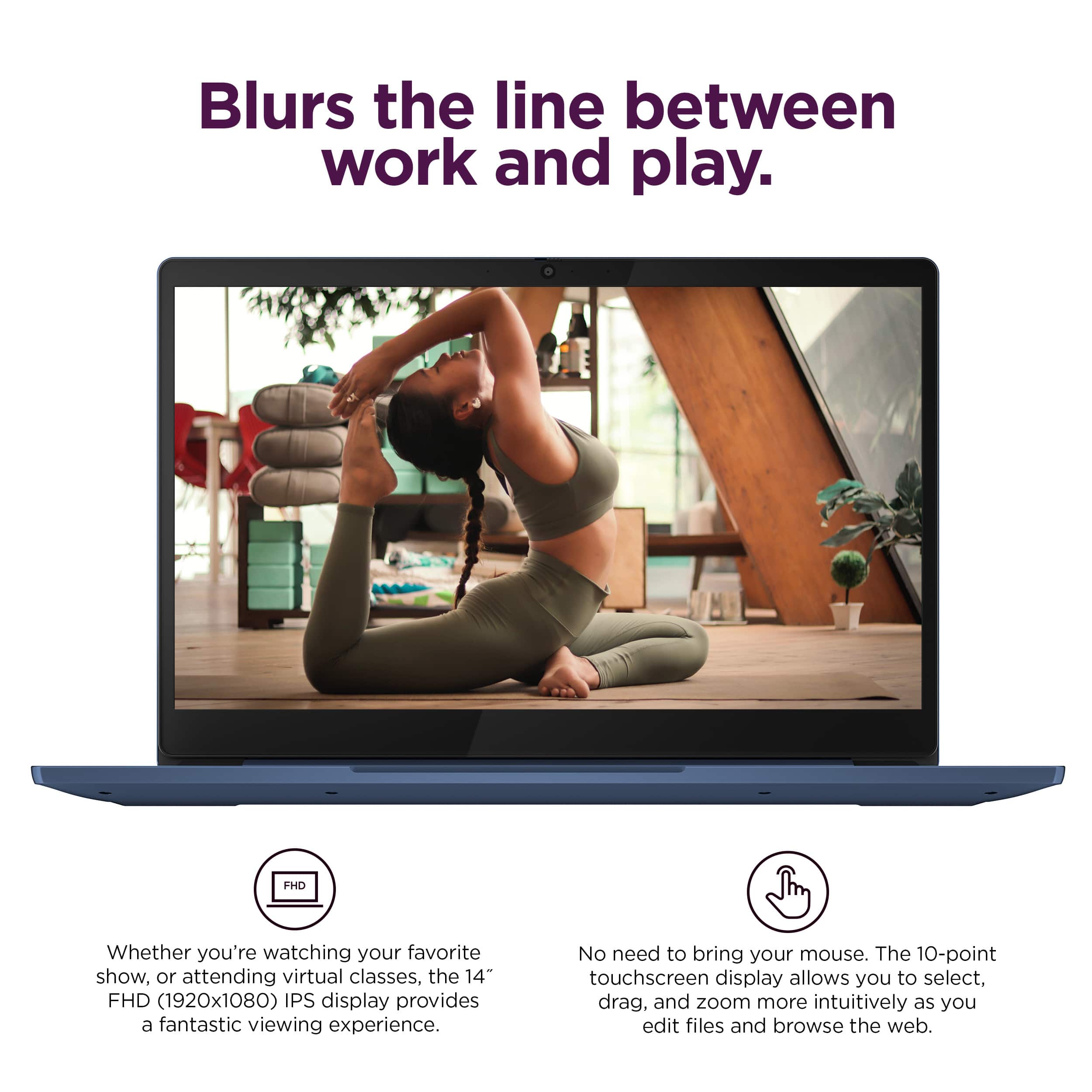
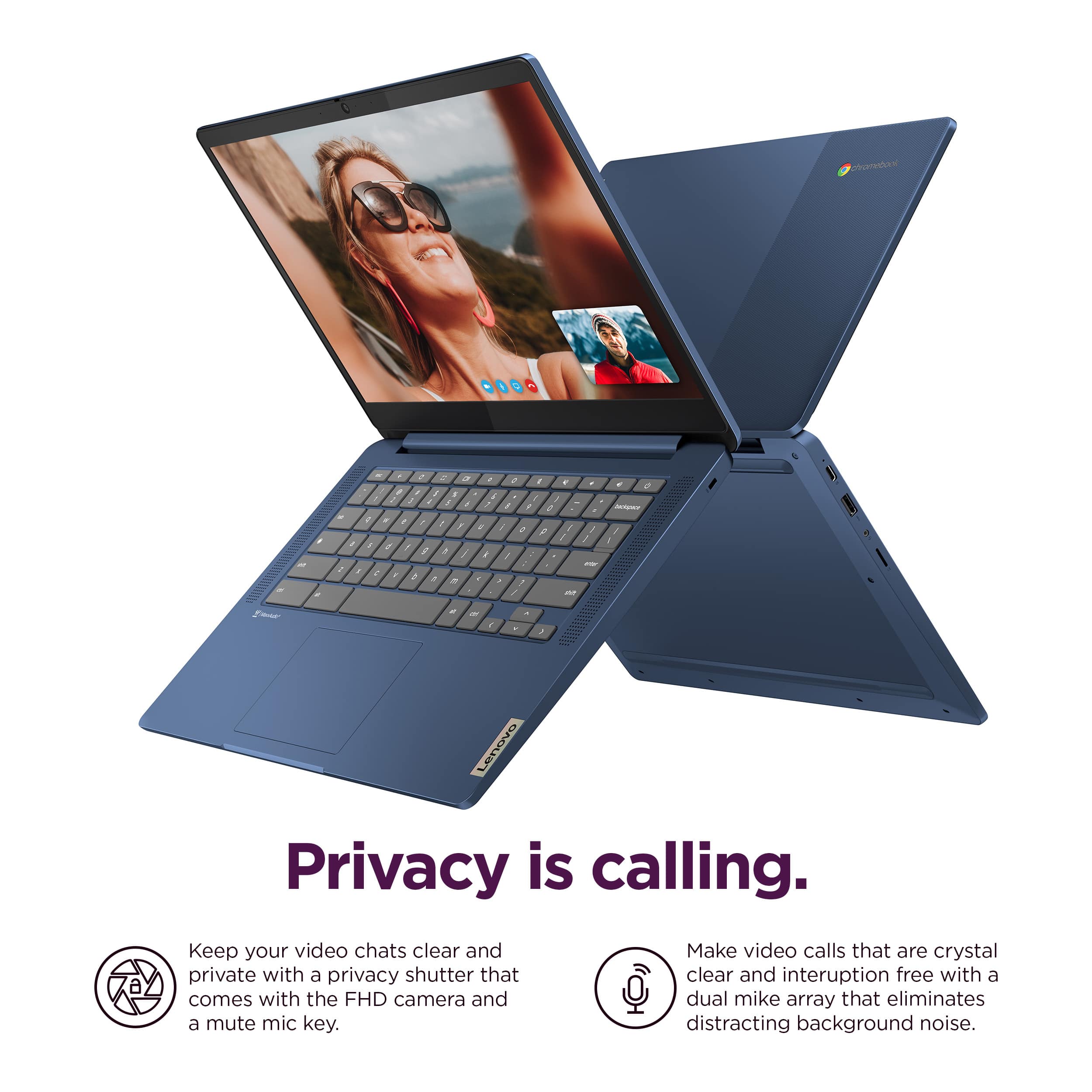
Customers appreciate the overall performance, portability, and responsive touchscreen of this device, which many users find to be a great value. While the lightweight design and battery life are frequently praised, some users have noted that the limited RAM and storage capacity can be restrictive. Additionally, a small number of customers have reported occasional connectivity issues that may impact the user experience.
This summary was generated by AI based on customer reviews.
Buyer Beware!
||Posted . Owned for 4 months when reviewed.This reviewer received promo considerations or sweepstakes entry for writing a review.I purchased this device for my daughter to use for school. She used the device for approximately 3 months before it went black and stopped working! We were well within the manufactor's warranty and they DENIED to fix it and shared that it wasnt covered under the "limited warranty" and told me it would cost 150$ to repair it. It will not turn on. Buyer beware!
No, I would not recommend this to a friendBest Buy
||Posted . Owned for 3 months when reviewed.This reviewer received promo considerations or sweepstakes entry for writing a review.Mom please get and buy the Lenovo Chromebook for you.
I would recommend this to a friendYikes
||Posted . Owned for 1 month when reviewed.This reviewer received promo considerations or sweepstakes entry for writing a review.Couldn't run too many tabs at once, struggled out of the box
No, I would not recommend this to a friendBrand response from Lenovo Product Expert
Posted .Hey DominickD,
We are sorry to hear that you had trouble with your Slim 3 Chromebook and that it wasn't a good fit for you from a performance perspective. We apologize for the frustration and inconvenience that this may have caused you.
For context, this Chromebook is an entry-level device, designed for singular-light use tasks. If you are using the device as it was designed to be, yet are dissatisfied with performance, ensuring your system is up to date may improve your experience. To update the system, navigate to Settings > About ChromeOS > Check for updates, then apply the latest software.
Please reach out us with any questions or request for assistance that you may have.
Best regards,
Lenovo
Not compatible
||Posted . Owned for 5 months when reviewed.This reviewer received promo considerations or sweepstakes entry for writing a review.Wasn’t compatible w my school software. Computer was too slow
No, I would not recommend this to a friendFreezing Problems
||Posted . Owned for 1 month when reviewed.This reviewer received promo considerations or sweepstakes entry for writing a review.We purchased two of these computers, mainly for streaming shows. The first two weeks were fine. Then one of the computers started freezing while streaming Netflix. Now they both continually freeze while streaming shows on netflix and disney+.
No, I would not recommend this to a friendBrand response from Lenovo Product Expert
Posted .Hello, RebV. We are sorry to hear that you encountered an issue with your Slim 3 Chromebook. Regarding your problem, we recommend searching for available app updates for Netflix and Disney+ and the operating system to help ensure you are running the latest software and drivers as this can remedy most errors. If your issue persists after attempting this fix, we recommend reaching out to Lenovo Tech Support for Chromebooks and providing a representative with details of your issue, so that they may help by providing a solution for you. Here is a phone number to speak with a tech support representative to further resolve your issue: 800-426-7378. We appreciate you sharing your experience so that we may use it to continue to better our products and services for yourself and others.
Caps Lock key is not working
||Posted .This reviewer received promo considerations or sweepstakes entry for writing a review.I bought this Laptop the Caps Lock key is not working, I can't enter the Wi-Fi password, and I can't connect to Wi-Fi.
No, I would not recommend this to a friendBrand response from Lenovo Product Expert
Posted .Hi,
Thanks for choosing Lenovo and for sharing your feedback with us. We're sorry to hear that you ran into an issue with your IdeaPad Slim 3 Chromebook. We strive to provide the best experience possible, so we'd like to work with you to try to resolve this.
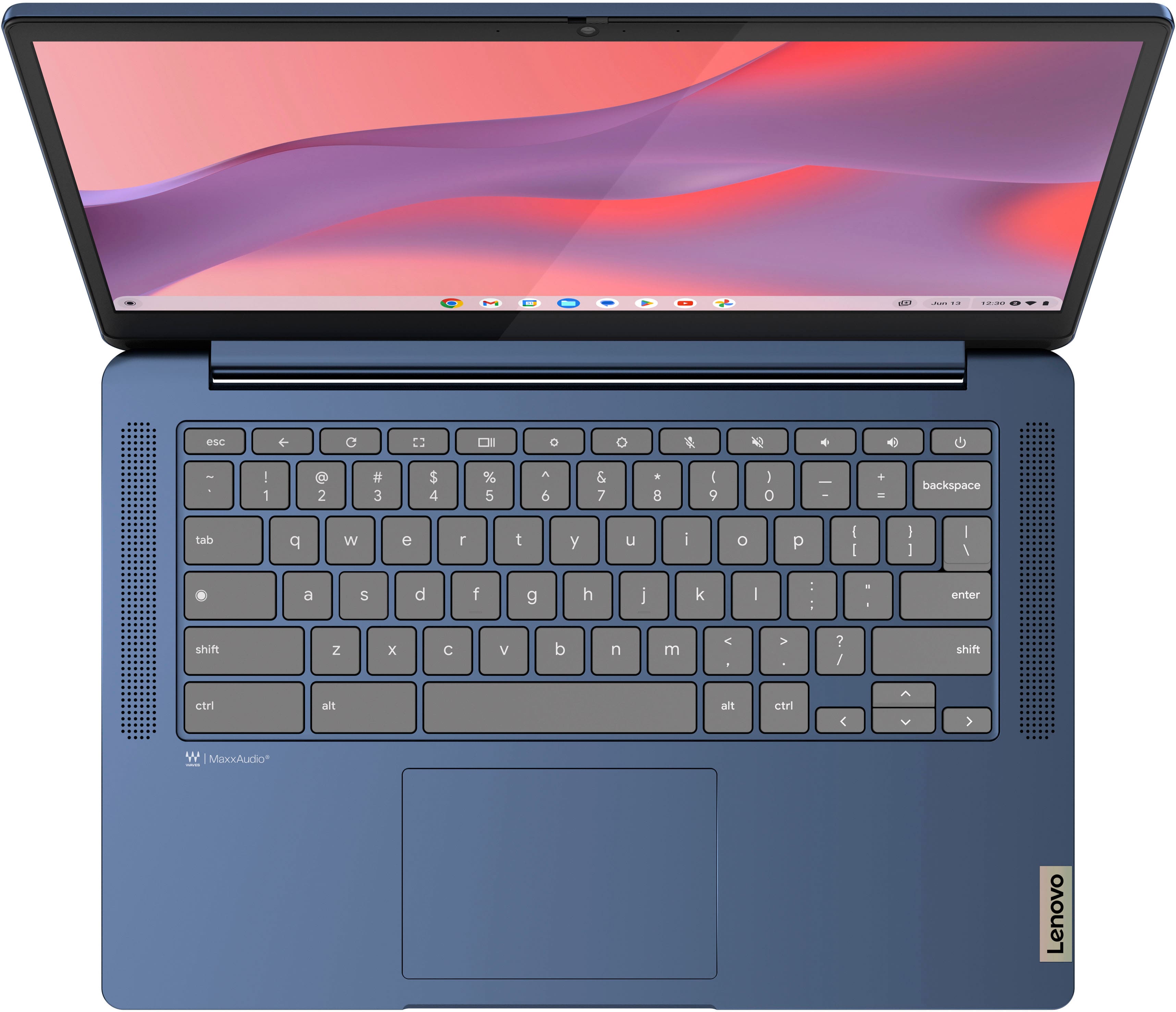
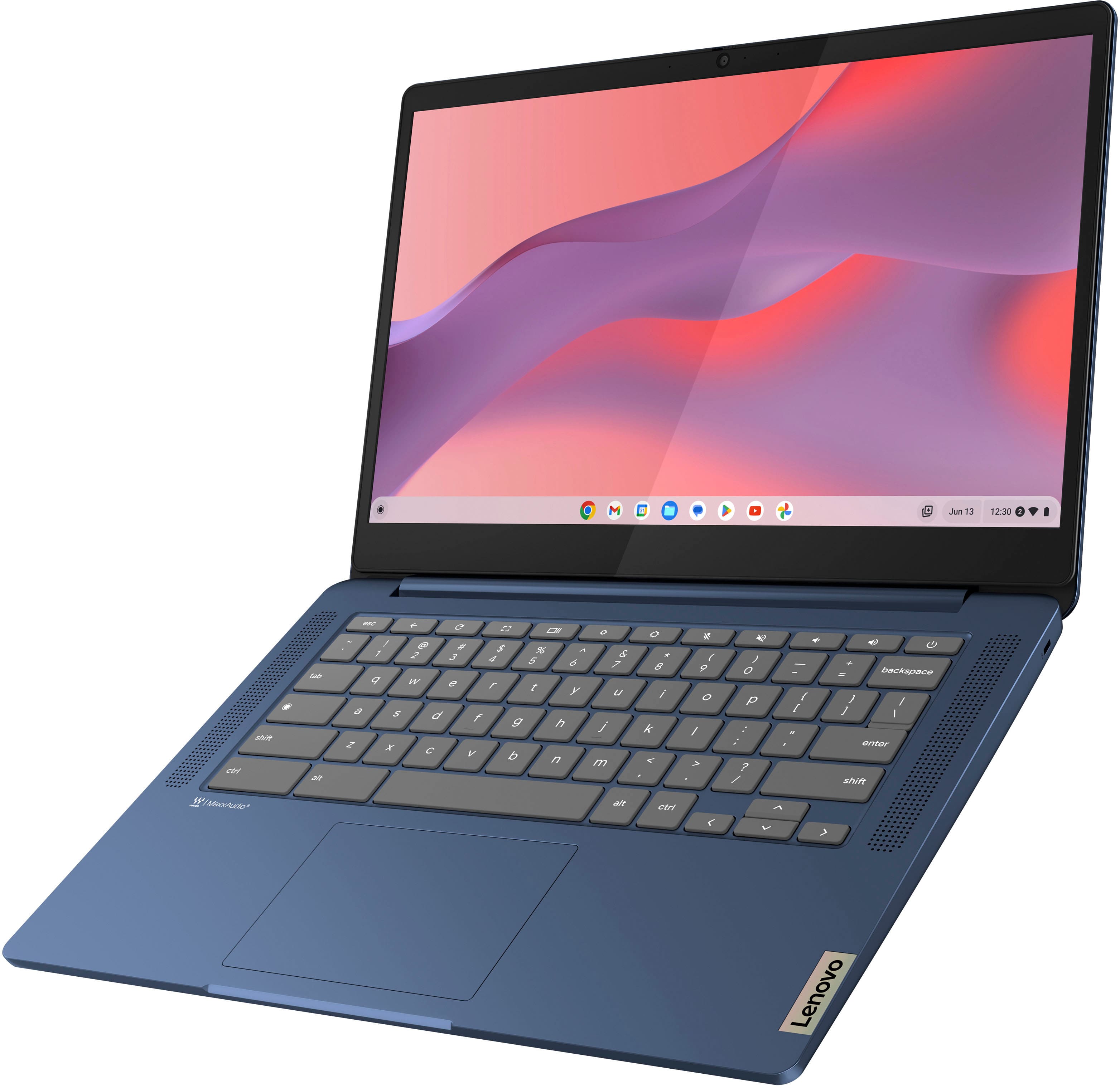
To start, since this Chromebook doesn't feature a caps lock key, to enable caps lock, press the search key (magnifying glass / circle) and Alt key, then press it again to turn off caps look. You can also press shift to quickly toggle capital letters or alternate symbols.
Please don't hesitate to reach out to us via the Q& A section of this product page or contact Lenovo Support should you have any questions or need further assistance, as your satisfaction is important to us.
Regards,
Lenovo
Freezes up frequently
||Posted . Owned for 2 months when reviewed.This reviewer received promo considerations or sweepstakes entry for writing a review.Laptop freezes up often for no apparent reason. Very frustrating. Runs slowly
No, I would not recommend this to a friendBrand response from Lenovo Product Expert
Posted .Hey LindsayC, we're sorry to hear that you ran into this issue with your Chromebook. To try to resolve this, try doing a hardware reset (visit the following link to learn how to do so: https://support.google.com/chromebook/answer/3227606?hl=en&sjid=11168473644130281663-NA), which reboots the embedded controller that manages your touchpad. If this doesn't resolve your issue, you may need to factory reset your Chromebook, which you can learn more about towards the bottom of the webpage tied to the previously embedded link. We appreciate you taking the time to share your experience with us.
Intermittent problem with wifi
||Posted .This reviewer received promo considerations or sweepstakes entry for writing a review.I tried 2 of these chormebooks and both have the same problem. They occasionally lose sight of all available wifi networks. The only way to get them back is to reboot.
No, I would not recommend this to a friendBrand response from Lenovo Product Expert
Posted .Hi JohnG,
Thank you for sharing your feedback with us. We are sorry to hear that you are having trouble with your IdeaPad Slim 3 Chromebooks. We apologize for the inconvenience that this may be causing you. We wish to provide the best experience possible, so if you'd like, we want to work with you to try to improve your experience.
To start, here's a web address tied to a Google Support webpage (https://support.google.com/chromebook/answer/6318213?hl=en) that lists troubleshooting steps for Wi-Fi connectivity issues, as well as other links embedded to help with branching issues.
We hope that the information shared helps to improve your experience. Please update us when you can regarding this and reach out to us again should you have any questions or need further assistance, as your satisfaction is important to us.
Best regards,
Lenovo
doesn't work unless plugged in
||Posted . Owned for 3 months when reviewed.This reviewer received promo considerations or sweepstakes entry for writing a review.Ordered in August my daughter started using in Sept for middle school. It's now December and doesn't work unless it's plugged in?
No, I would not recommend this to a friendDead Slow
||Posted .This reviewer received promo considerations or sweepstakes entry for writing a review.dead slow-Good price available in many other website.Not worth for the money paid.
No, I would not recommend this to a friendBrand response from Lenovo Product Expert
Posted .Hey ChrisSchwab,
Thank you for sharing your feedback with us. We're sorry to hear that this IdeaPad Slim 3 Chromebook fell short of your processing needs and expectations, leading you to returning the system. We strive to provide the best experience possible for the intended users of the systems, and we apologize that this wasn't the case for you.
Please don't hesitate to let us know what we can do to improve your future experiences, as your satisfaction is important to us.
Best regards,
Lenovo
Chrome Book SUCKS!!!
||Posted . Owned for 1 month when reviewed.This reviewer received promo considerations or sweepstakes entry for writing a review.I thought this was a PC and that it would use Microsoft Products. If I can trade it in for a laptop PC I would do it in a heartbeat.
No, I would not recommend this to a friendWaste of money
||Posted .This reviewer received promo considerations or sweepstakes entry for writing a review.This thing sucks. Made the mistake of buying a chromebook. I hate it. I think it sucks. Everything is internet based and its microsoft program - copilot is garbage.
No, I would not recommend this to a friendBrand response from Lenovo Product Expert
Posted .Hi JoelV,
Thank you for your time taken to share your opinion. We are sorry to hear that this IdeaPad Slim 3 Chromebook ended up not being the right fit for you. We understand your perspective and wish to help ensure that you are satisfied with your system as much as possible.
Please reach out to us via the Q&A section of the product page to share any details or request as to what we can do to improve your experience so that we can help improve your experience.
Best regards,
Lenovo
Don't buy!
||Posted . Owned for 1 month when reviewed.This reviewer received promo considerations or sweepstakes entry for writing a review.This chromebook is slow. I have owned plenty of Chromebooks in my day. This one is by far the worst!
No, I would not recommend this to a friendBrand response from Lenovo Product Expert
Posted .Hello, ToyaM414. We are sorry to hear that you have experienced an issue with your Slim 3 Chromebook. To try to remedy this, first, please look for any applicable updates in the “About ChromeOS” tab in system settings. Also, we recommend taking the steps to ensure that this is not an internet speed/Wi-Fi bandwidth issue, as this can be a large proponent of slow load times. If after these steps should your issue persist, we recommend reaching out to Lenovo Tech Support for Chromebooks and providing a representative with details of your issue, so that they may help by providing a solution for you. Here is a phone number to speak with a tech support representative to further resolve your issue: 800-426-7378. We appreciate you sharing your experience so that we may use it to continue to better our products and services for yourself and others.
No good
||Posted . Owned for 3 weeks when reviewed.This reviewer received promo considerations or sweepstakes entry for writing a review.Returned item not working for me kept shutting off
No, I would not recommend this to a friendBrand response from Lenovo Product Expert
Posted .Hey Char,
We are sorry to hear that you had trouble with your Chromebook, leading to you returning it. In the future, should you encounter any issues with our product, please feel free to contact Lenovo Support for assistance in resolving your issues.
We hope that you choose our product again in the future and appreciate you taking the time to share your perspective with us.
Poor service.
||Posted . Owned for 1 week when reviewed.This reviewer received promo considerations or sweepstakes entry for writing a review.Worst experience ever! Bought Chrome book for $300 and 12 days later took my receipt in for a price adjustment as it was marked down to $200. I was told no price adjustment was possible. So I bought a new one for $200 and was in my return window for the $300 purchase so I planned on returning that one the next day but forgot and now I’m outside the return window. So now I have 2 laptops just because I couldn’t get a price adjustment.
No, I would not recommend this to a friendSlow
||Posted . Owned for 3 weeks when reviewed.This reviewer received promo considerations or sweepstakes entry for writing a review.Was very slow and i couldn't do the tasks i wanted to on this because it was compatible with the programs. But I guess that's what you get for the price
No, I would not recommend this to a friendWould not recommend
||Posted .This reviewer received promo considerations or sweepstakes entry for writing a review.Did not like it at all couldn’t get it to show to double. Screens
No, I would not recommend this to a friendBrand response from Lenovo Product Expert
Posted .Hello GloriaV,
Thank you for sharing your feedback with us. We're sorry to hear that you ran into an issue, leading to you returning the system.
We have noted your comments, as your input is important in our review of opportunities for improvement. We hope that you choose our products again in the future, and that you feel free to reach out to us with any issues, as we strive to provide the best experience possible.
Best regards,
Lenovo
Laptop
||Posted .This reviewer received promo considerations or sweepstakes entry for writing a review.I returned the laptop was not aware it was a chromebook. I wanted windows
No, I would not recommend this to a friendConstantly freezes and crashes
||Posted . Owned for 1 month when reviewed.This reviewer received promo considerations or sweepstakes entry for writing a review.From the day I first opened it up it constantly freezes and crashes. I would never recommend buying. I can’t open up yahoo with out it freezing and getting stuck. I can’t open up any webpages that’s might require scrolling down for a while. I hate it but I guess you get what you pay for
No, I would not recommend this to a friendBrand response from Lenovo Product Expert
Posted .Hello, Alexis. We are sorry to hear that you have experienced an issue with your Chromebook. To try to remedy this, first, please look for any applicable updates in the “About ChromeOS” tab in system settings. After applying these updates, should your issue persist, we recommend trying to complete a powerwash or factory reset to see if this resolves the issue. To complete a reset, here is a link to a Google Support page that details how to reset a Chromebook: https://support.google.com/chromebook/answer/183084?hl=en. After these steps, if this doesn’t resolve things, we recommend reaching out to Lenovo Support here:800-426-7378, and providing a representative with details of your issue, so that they may help by providing a solution for you. Thank you for taking the time to share your feedback with us.
Basic Chromebook
||Posted . Owned for 1 month when reviewed.This reviewer received promo considerations or sweepstakes entry for writing a review.This is a base Chromebook that will not offer performance like extended Video playback or gaming. Basic web browsing only is the best use.
I would recommend this to a friend