Customer Ratings & Reviews








- Model:
- 82XJ0000US
- SKU:
- 6531742
Rating by feature
- Battery Life
Rating 4.7 out of 5 stars
- Speed
Rating 4.5 out of 5 stars
- Display
Rating 4.7 out of 5 stars
Customers are saying
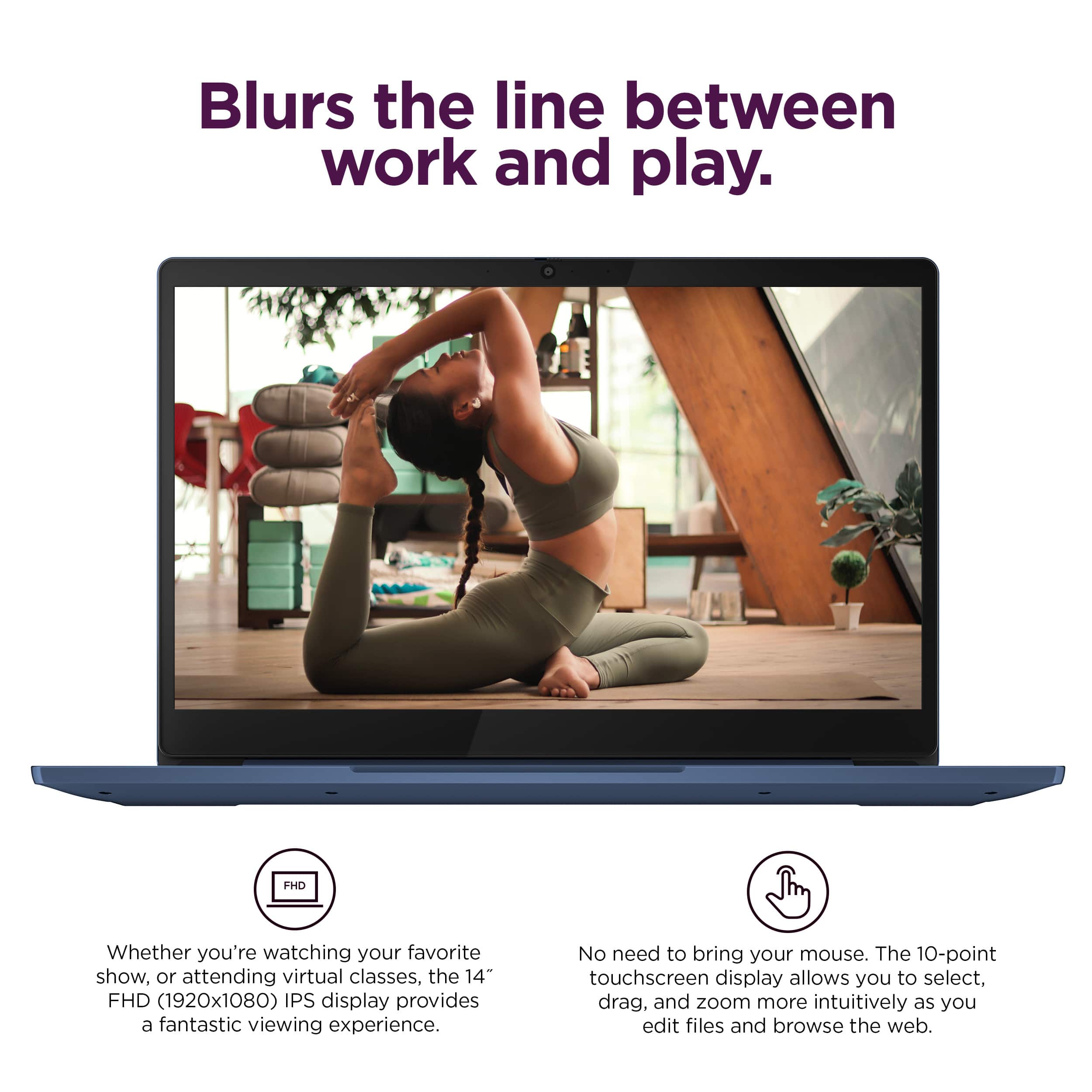
Customers appreciate the IdeaPad Slim 3 Chromebook for its overall performance, user-friendliness, and responsive touchscreen. The long-lasting battery, satisfactory speed, reasonable price, and lightweight design are also well-received. While the laptop is praised, some users find the RAM and storage capacity to be somewhat limited.
This summary was generated by AI based on customer reviews.
Cheap and defective
||Posted .This reviewer received promo considerations or sweepstakes entry for writing a review.For the price, and if it worked properly, I might recommend this Chromebook. However, since day one, my device has been defective. My advice, spend a little more and get a real laptop.
No, I would not recommend this to a friendBrand response from Lenovo Product Expert
Posted .Hi AndrewH,
Thank you for sharing your feedback with us. We are sorry to hear that you are having trouble with your IdeaPad Slim 3 Chromebook. We wish to provide the best experience possible, and we apologize that this wasn't the case for you. We'd like to work with you to resolve this issue.
To start, we'd like to learn more about how the system has been "defective" so that we can provide the right troubleshooting steps to follow.
Please update us when you can regarding this by reaching out to us again via the Q&A section of the product page.
We look forward to making this right for you.
Best regards,
Lenovo
Christmas Gift
||Posted . Owned for 1 month when reviewed.This reviewer received promo considerations or sweepstakes entry for writing a review.So far so good! Got this cute laptop for a Christmas gift for my mother, she was ecstatic! She recently took on a teaching job and could really use a laptop.
I would recommend this to a friend“BEST” buy
||Posted . Owned for 3 months when reviewed.This reviewer received promo considerations or sweepstakes entry for writing a review.Helpful team. Great service. Amazing inventory. Our family’s favorite store.
I would recommend this to a friendBrand response from Lenovo Product Expert
Posted .Hi, HakanY. Thank you for choosing Lenovo! We are glad to know that your shopping experience has been great, and we appreciate your time taken to share that experience with us.
Buy it
||Posted . Owned for 5 months when reviewed.This reviewer received promo considerations or sweepstakes entry for writing a review.It’s good definitely recommend for school projects, I’ve had it for a couple months and noticed the keys were getting kinda stuck.
I would recommend this to a friendKina computer
||Posted . Owned for 1 month when reviewed.This reviewer received promo considerations or sweepstakes entry for writing a review.It has nice features and I like it it a good computer
I would recommend this to a friendBrand response from Lenovo Product Expert
Posted .Hey KinaO,
Thank you for choosing Lenovo and for sharing your feedback with us!
We are glad to hear that you are liking your IdeaPad Slim 3 Chromebook.
Please feel free to reach out to us should you have any questions.
Best,
Lenovo
Not the best
||Posted . Owned for 3 weeks when reviewed.This reviewer received promo considerations or sweepstakes entry for writing a review.This is probably better suited for a young school aged student. Not the best for home use.
I would recommend this to a friendBrand response from Lenovo Product Expert
Posted .Hi ChrisV-
Thank you for choosing Lenovo and sharing your experience with us. We are disappointed to hear that the IdeaPad Slim 3 Chromebook did not meet your expectations. We aim to provide excellent user experience for our products, and we would like to hear more about your experience so we can improve.
Was the performance now enough for your intended use? Were there any features that you needed in your laptop that were not present?
Please reach out to us through the Q & A section of this product page if you would like to share with us or if you need assistance.
Best wishes,
Lenovo
Lenovo laptop
||Posted . Owned for 3 weeks when reviewed.This reviewer received promo considerations or sweepstakes entry for writing a review.Started with another store bought laptop, went to bestbuy instead and this was the starter laptop i was looking for. Definitely what i was looking for to start schooling.
I would recommend this to a friendMrs.
||Posted . Owned for 1 week when reviewed.This reviewer received promo considerations or sweepstakes entry for writing a review.My daughter loves it she says it’s great quality and works great
I would recommend this to a friendBrand response from Lenovo Product Expert
Posted .Hi ChristineP, thanks for choosing Lenovo! We're thrilled to hear that your daughter loves it, and we appreciate you sharing your experience and feedback with us.
Quality/Price
||Posted . Owned for 1 month when reviewed.This reviewer received promo considerations or sweepstakes entry for writing a review.Lenovo - Good Quality for the Money Ideal for what I use it for
I would recommend this to a friendBrand response from Lenovo Product Expert
Posted .Hi Francine, thanks for choosing Lenovo! We're thrilled to hear that your Chromebook is ideal for your use, and we really appreciate you sharing your experience and feedback with us.
My Chromebook
||Posted . Owned for 1 month when reviewed.This reviewer received promo considerations or sweepstakes entry for writing a review.I am very happy with my Chromebook it was a good investment. I feel a sense of security with paying my bills on the Chromebook as opposed to my phone.
I would recommend this to a friendRecommend
||Posted . Owned for 3 weeks when reviewed.This reviewer received promo considerations or sweepstakes entry for writing a review.Brought this as a gift as it’s amazing from the feedback I’ve received. Very users friendly and some really nice features and the price was reasonable
I would recommend this to a friendGood Choice
||Posted . Owned for 3 months when reviewed.This reviewer received promo considerations or sweepstakes entry for writing a review.Love this Chromebook. It is a solid machine for my everyday use, which includes emailing, surfing the web, and writing in Google Docs
I would recommend this to a friendDecent laptop
||Posted .This reviewer received promo considerations or sweepstakes entry for writing a review.I loved the laptop at first, but one of the screws that holds the screen on ended up falling out of the bottom. We ended up being able to realign the screen and it has been fine, but now just 6 months later our charger has quit working.
I would recommend this to a friendBrand response from Lenovo Product Expert
Posted .Hey BrittanyD,
Thank you for choosing Lenovo and for sharing your feedback with us. We are sorry to hear that you ran into trouble with your IdeaPad Slim 3 Chromebook. We apologize for this inconvenience that this has caused you, and we'd like to work with you to resolve any outstanding issues.
To start, please reach out to Lenovo Support online or over the phone at this number: 800-426-7378, to work with someone and be able to have a conversation that ends in resolution.
Please update us when you can regarding this.
Best,
Lenovo
Constant Buffering/slow performance
||Posted . Owned for 1 month when reviewed.This reviewer received promo considerations or sweepstakes entry for writing a review.I have owned multiple chrombooks as I use them regularly for basic streaming (youtube) and personal email updates. I understand the computer is not designed for multitasking. This computer, even tho on paper more powerful (ram, processor) that my previous ones (acer, asus) , is constantly buffering even when opening chrome… hence, rendering it unusable.
No, I would not recommend this to a friendPrice and Specs Create a Perfect Balance
||Posted . Owned for 1 month when reviewed.This reviewer received promo considerations or sweepstakes entry for writing a review.I dont have anything bad to say about this chromebook. I prefer higher end specs and a slimmer package, but if on a budget or purchasing for someone less tech savvy you wont be sorry.
I would recommend this to a friendIn love
||Posted . Owned for 2 months when reviewed.This reviewer received promo considerations or sweepstakes entry for writing a review.I absolutely love it! the quality is great it's easy to use and absolutely great for the price.
I would recommend this to a friendBrand response from Lenovo Product Expert
Posted .Hey, CrystalC, thank you for choosing Lenovo! We are glad to hear that you are absolutely loving your Slim 3 Chromebook, and we appreciate you taking the time to share your experience with us.
Over it
||Posted . Owned for more than 2 years when reviewed.This reviewer received promo considerations or sweepstakes entry for writing a review.It worked for what it was worth. I probably won’t buy it agan
I would recommend this to a friendPerfect
||Posted . Owned for 1 month when reviewed.This reviewer received promo considerations or sweepstakes entry for writing a review.The best image and quality, very good choice, incredible
I would recommend this to a friendBrand response from Lenovo Product Expert
Posted .Hi CarlosM, thanks for choosing Lenovo! We're glad to hear that your Slim 3 Chromebook has been perfect for you, and we appreciate you sharing your perspective and feedback with us.
Lenovo chromebook
||Posted . Owned for 3 weeks when reviewed.This reviewer received promo considerations or sweepstakes entry for writing a review.One of my twin uses for his homeschool and class online and has been much easier and reliable with Lenovo
I would recommend this to a friendBrand response from Lenovo Product Expert
Posted .Hello, Kamir. Thank you for choosing Lenovo! We are pleased to hear that your Slim 3 Chromebook works great for you and we appreciate you taking the time to share your experience.
Lenovo Laptop
||Posted . Owned for 1 month when reviewed.This reviewer received promo considerations or sweepstakes entry for writing a review.Great Product, needed a new laptop for school and works perfectly!
I would recommend this to a friendBrand response from Lenovo Product Expert
Posted .Hi, CurtisB. Thank you for choosing Lenovo! We are glad to know that your Slim 3 Chromebook works perfect for you, and we appreciate your time taken to share your experience and feedback with us.