Customer Ratings & Reviews
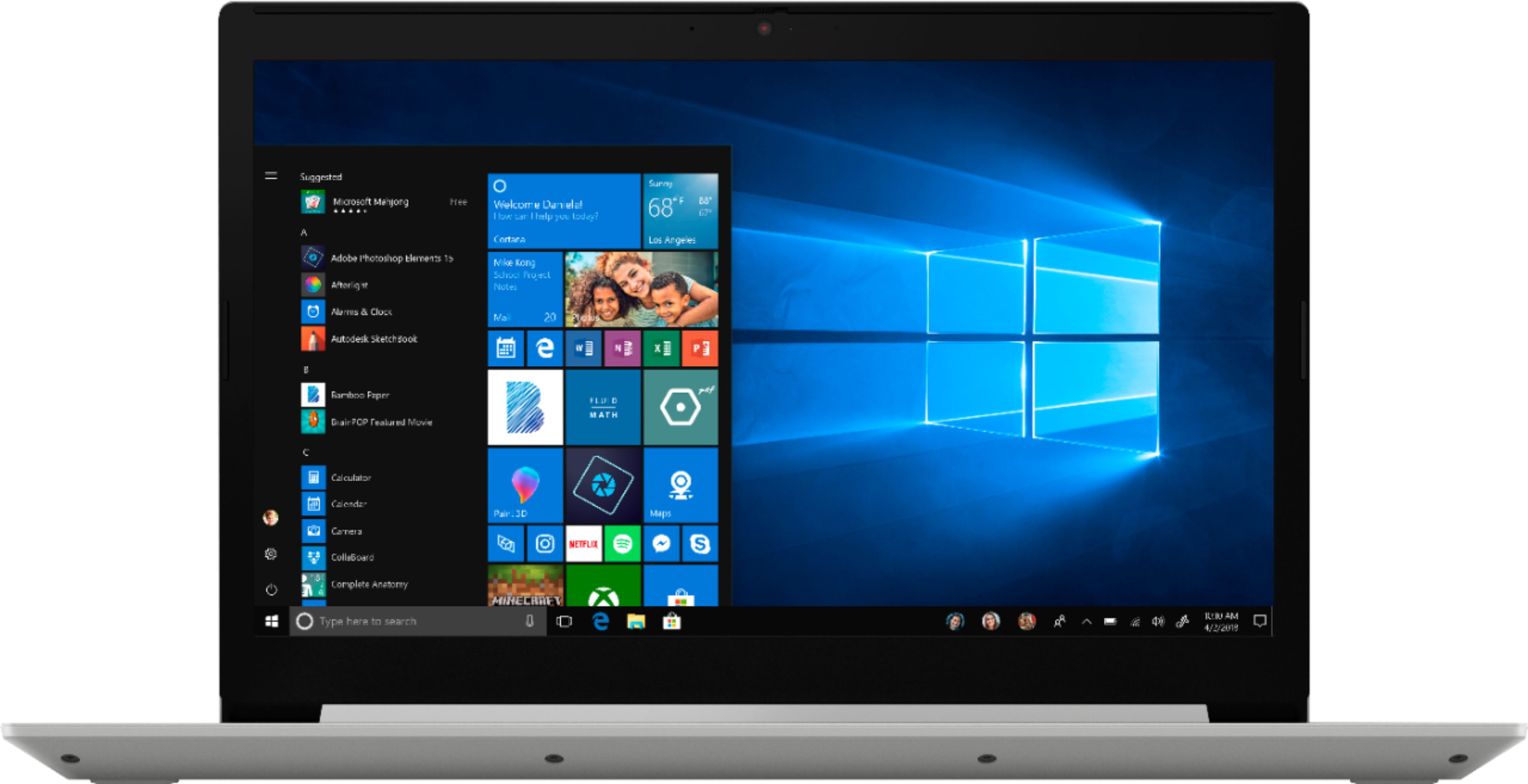
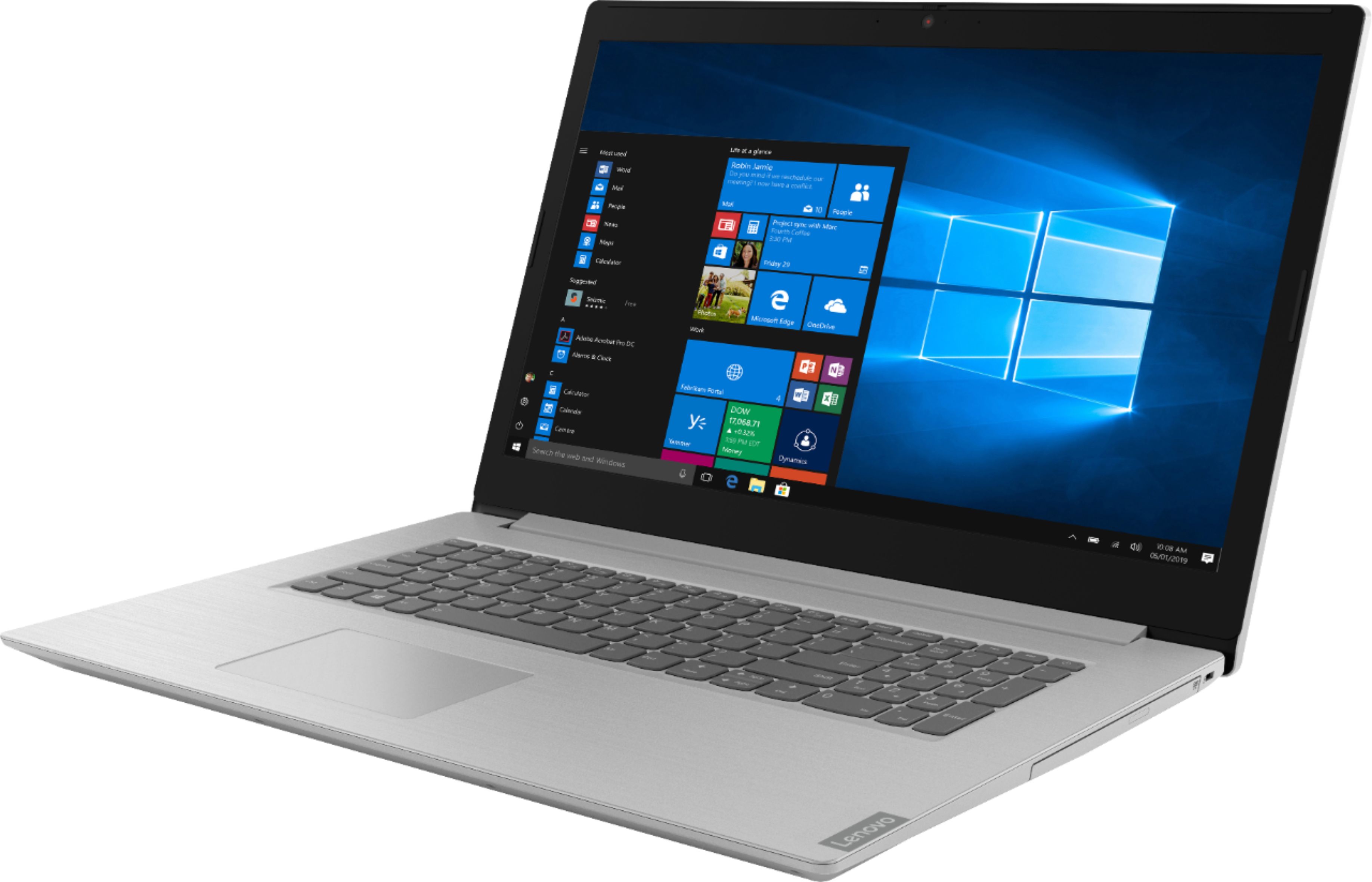
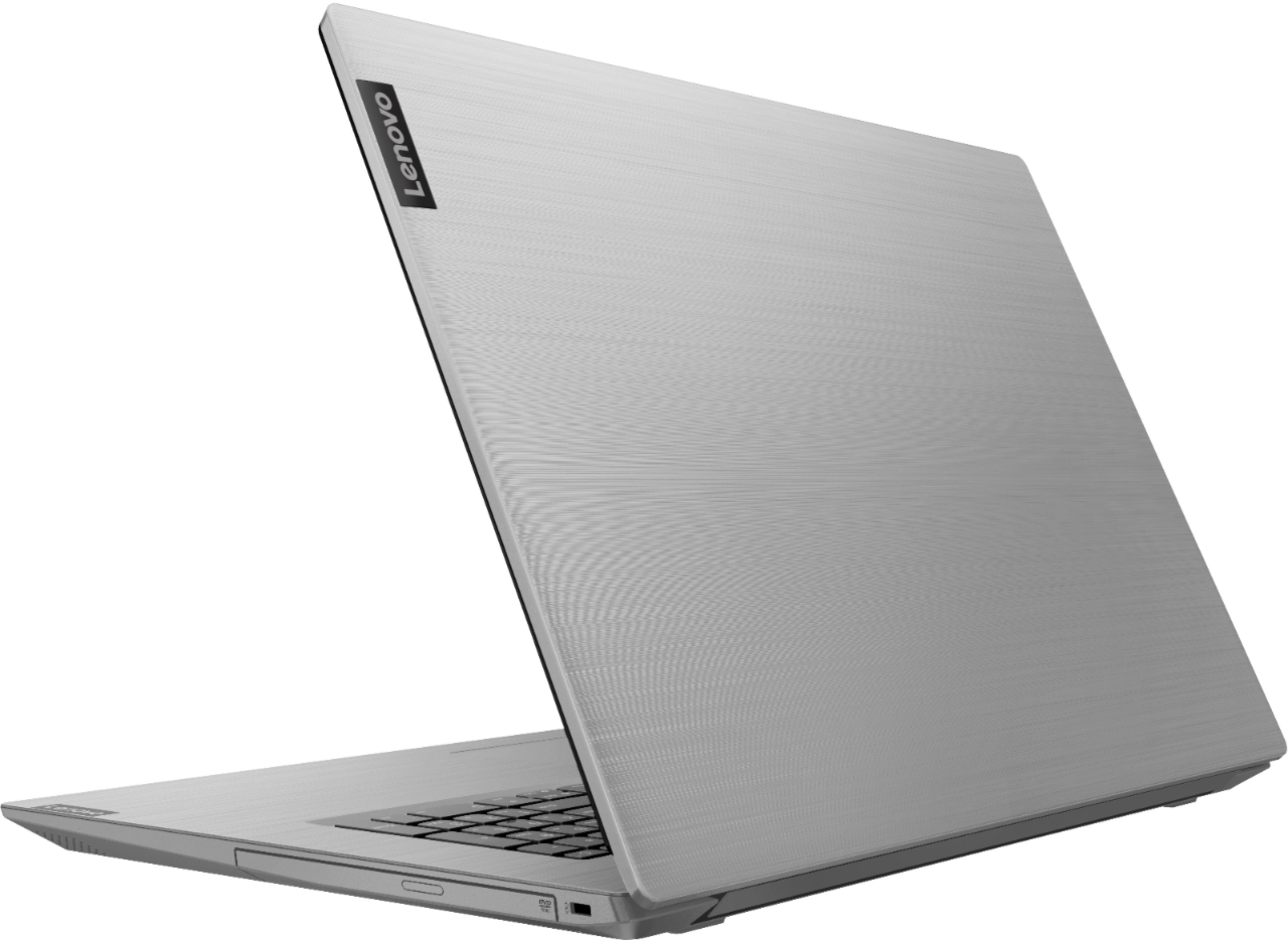
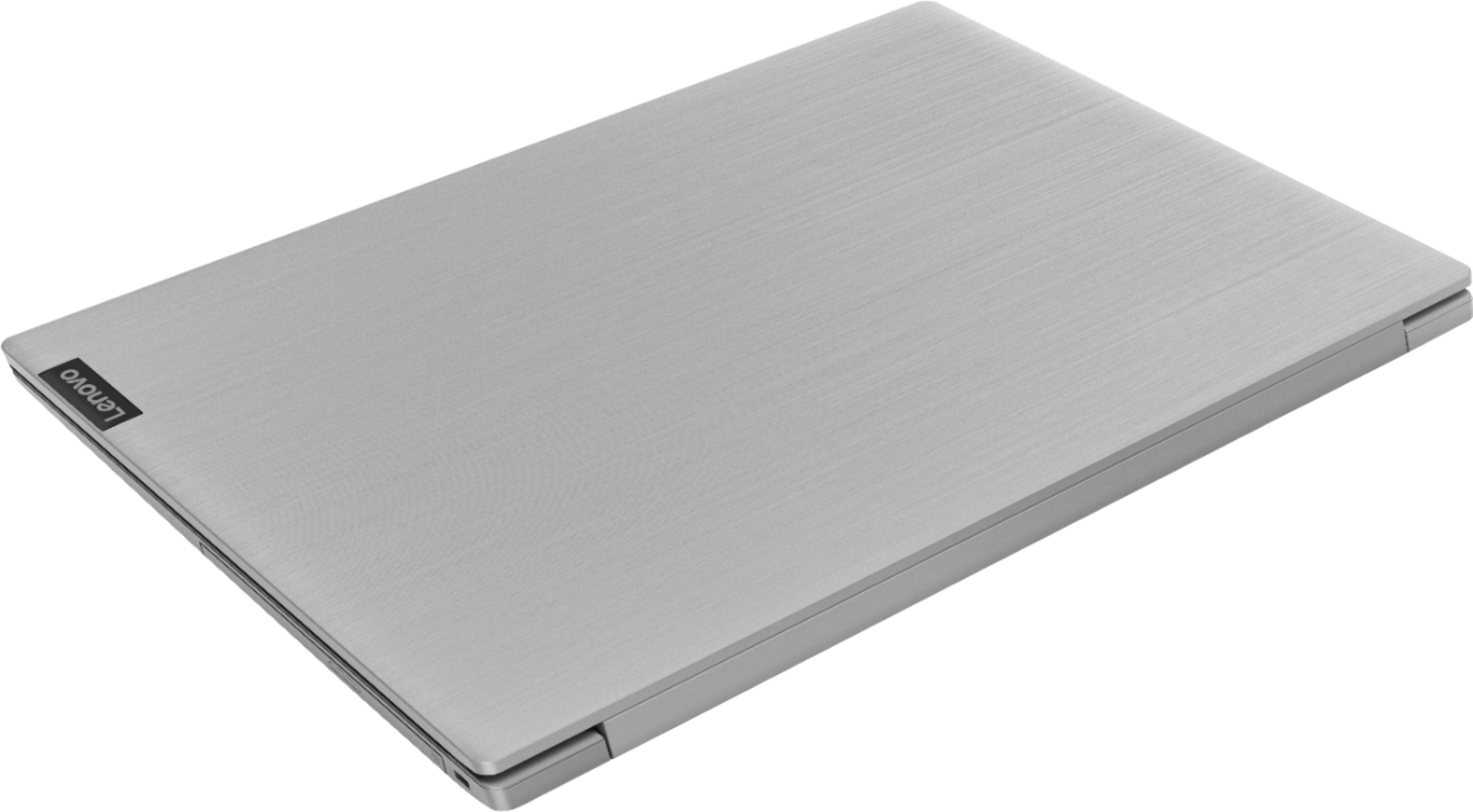
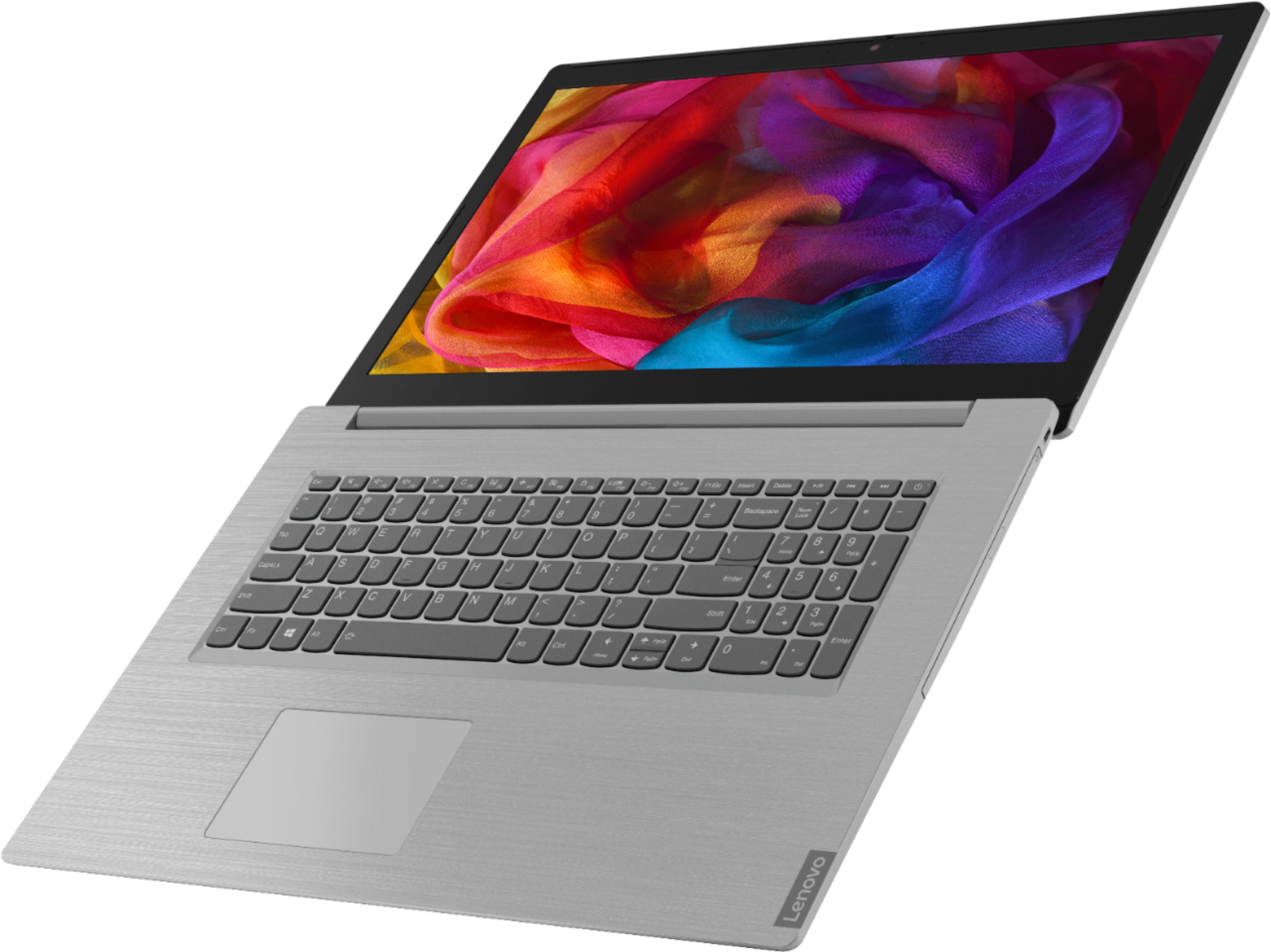
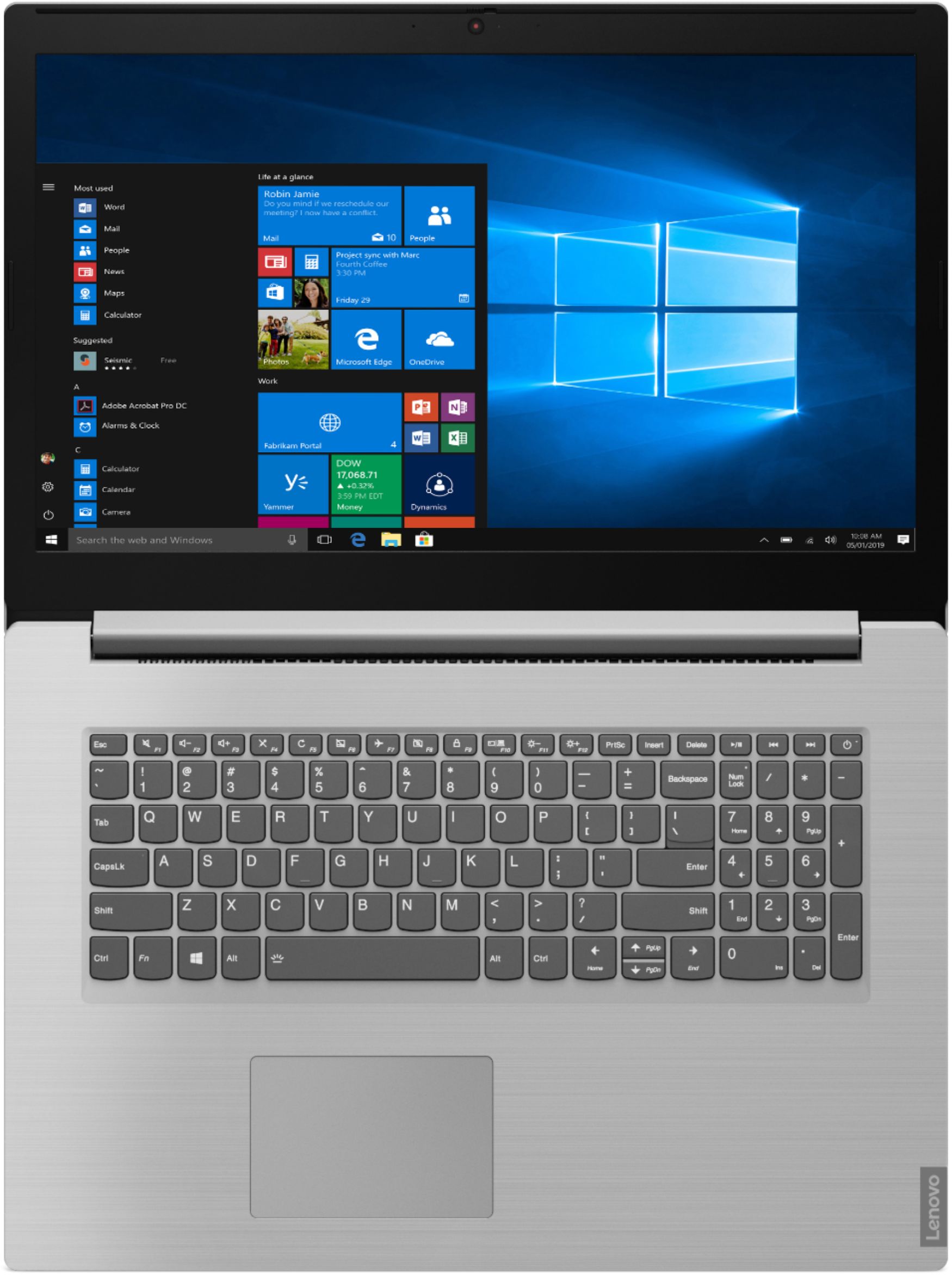
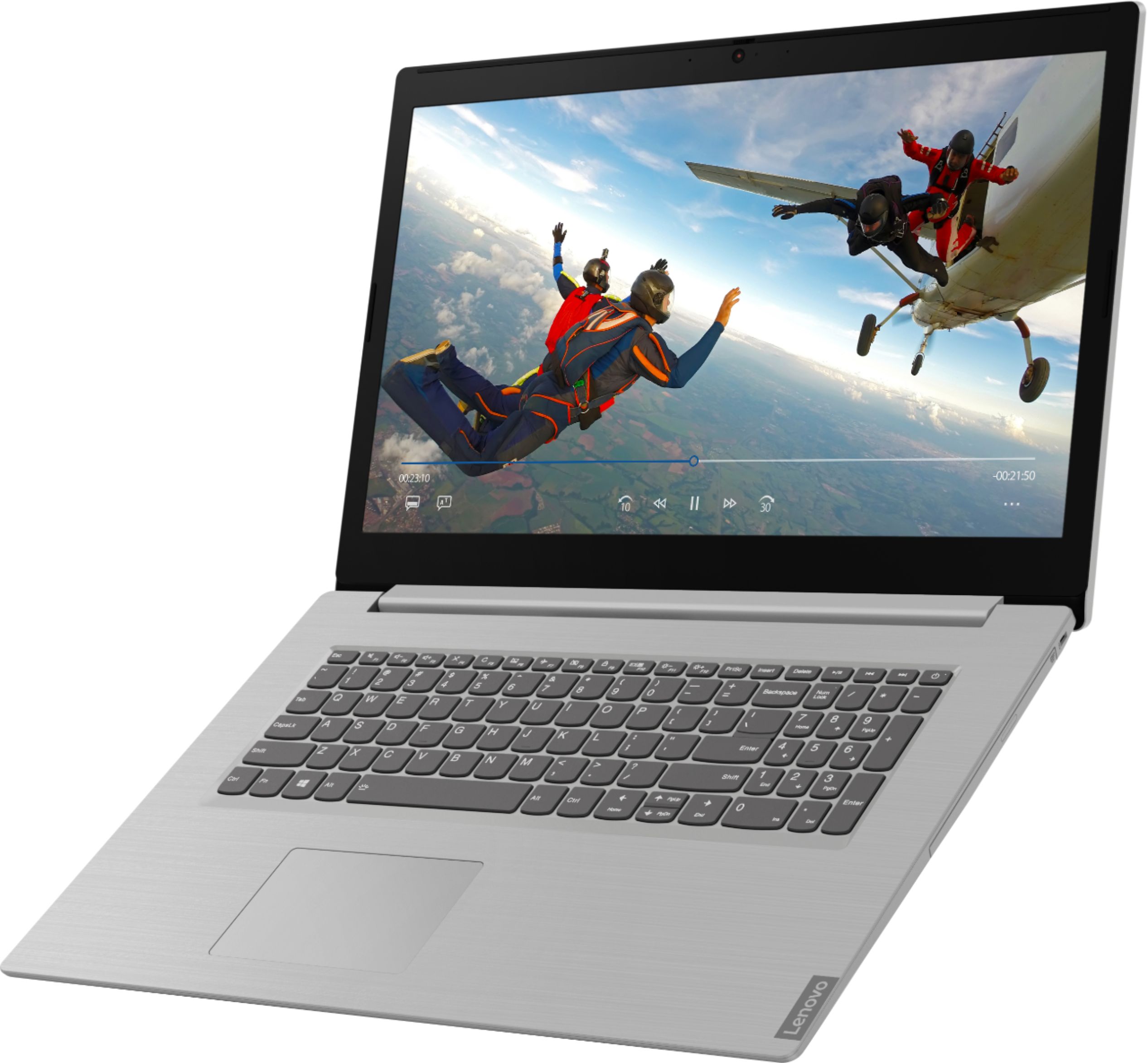
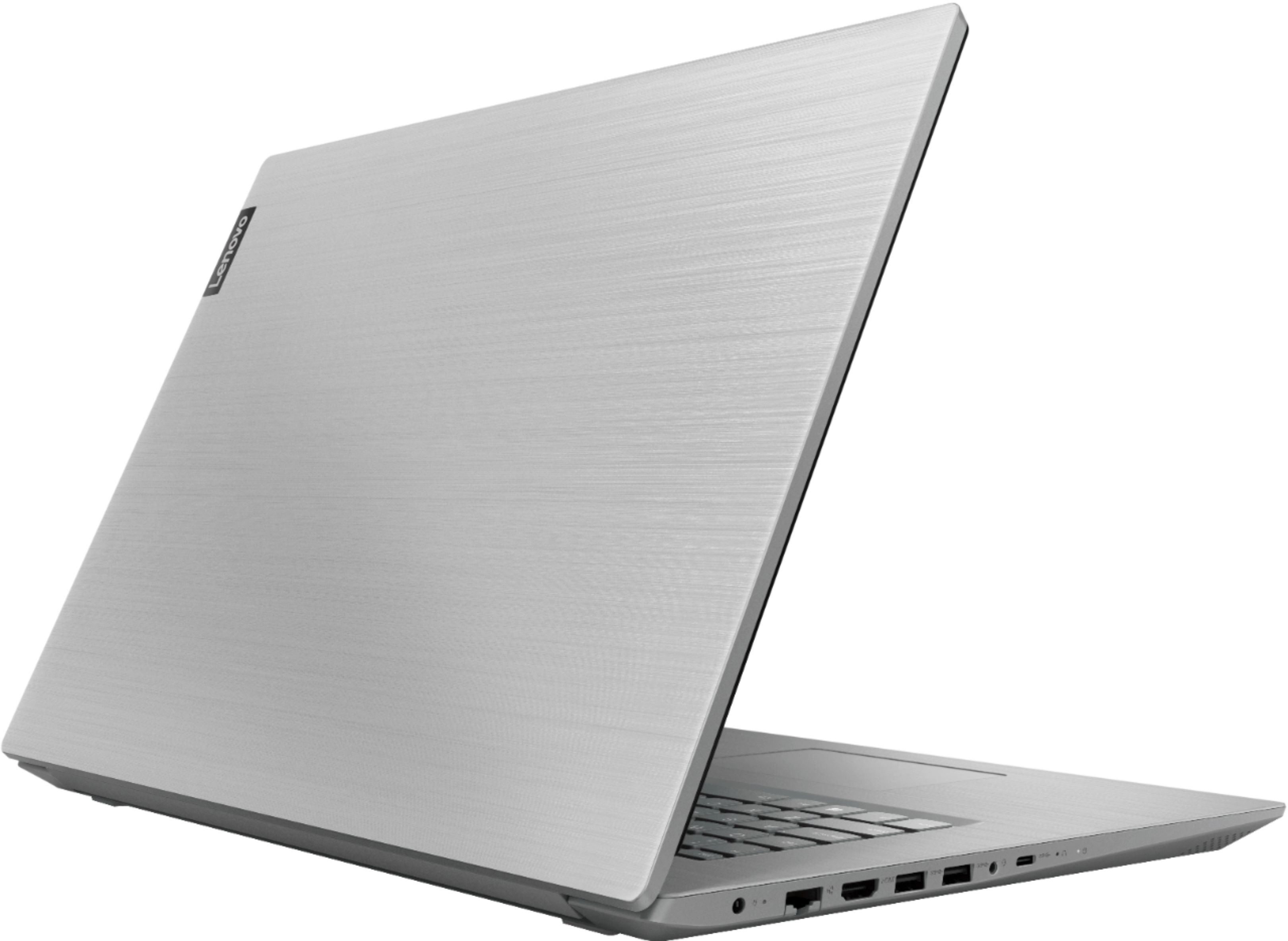
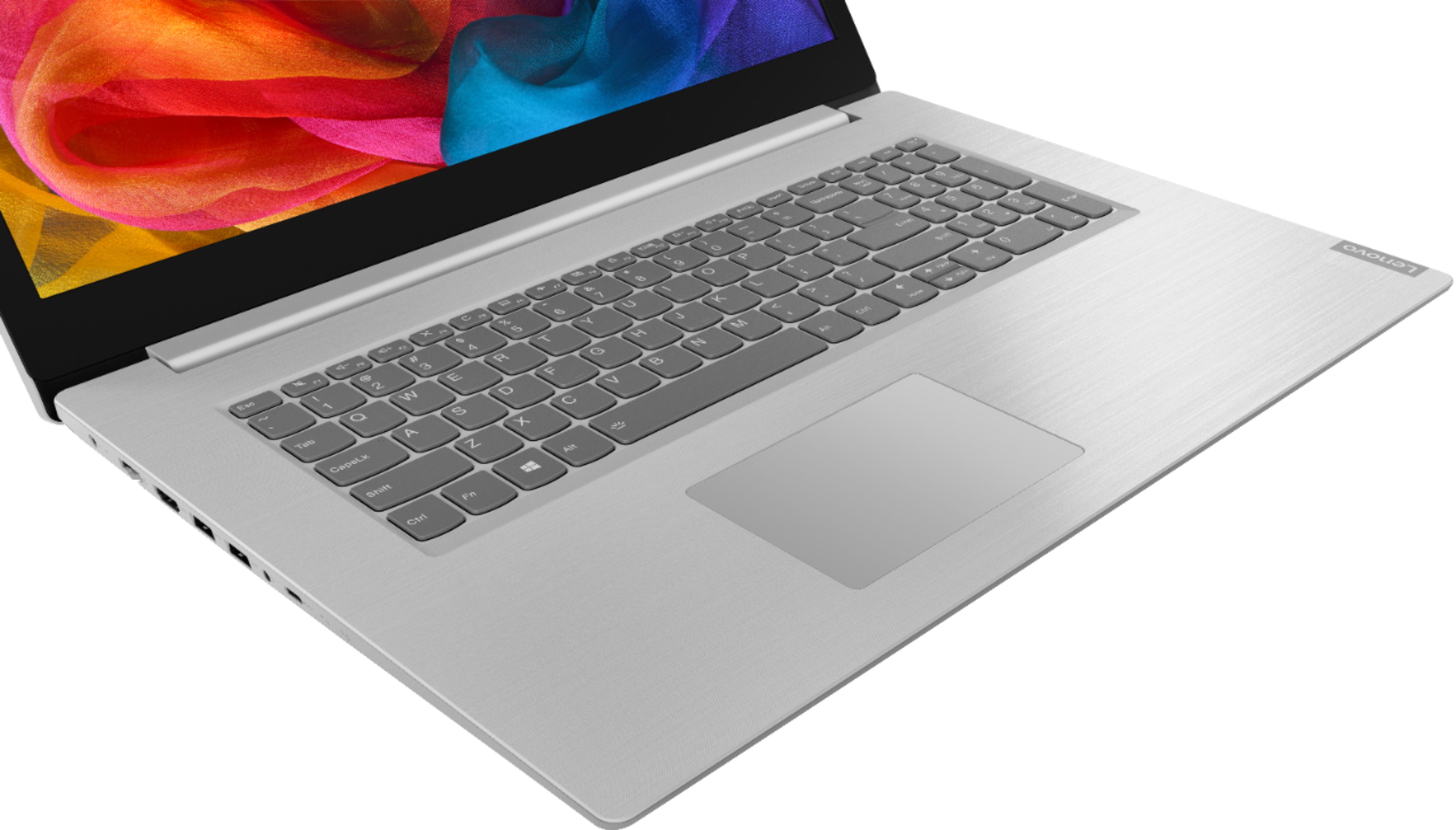


- Model:
- 81M0S00000
- SKU:
- 6331987
Rating by feature
- Value
Rating 4.4 out of 5 stars
- Quality
Rating 4.2 out of 5 stars
- Ease of Use
Rating 4.3 out of 5 stars
Customers are saying
Customers are satisfied with the large screen, price, and ease of use of the L340-17IWL 17.3" Laptop. They appreciate the good specs for the price and find it easy to use. However, some customers have mentioned that the laptop is a little slow at start-up and the sound occasionally cuts out.
This summary was generated by AI based on customer reviews.
- Cons mentioned:Slow
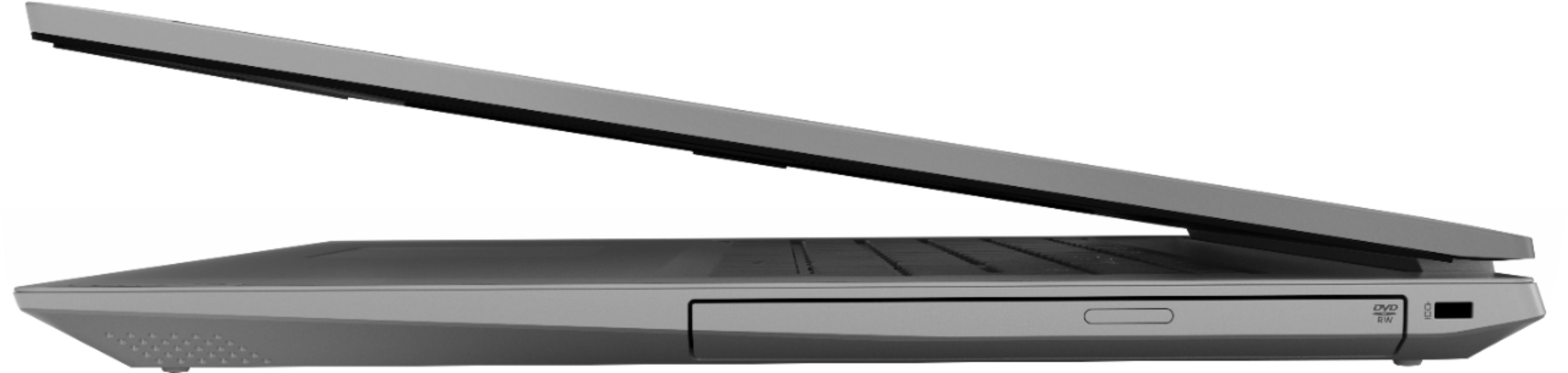
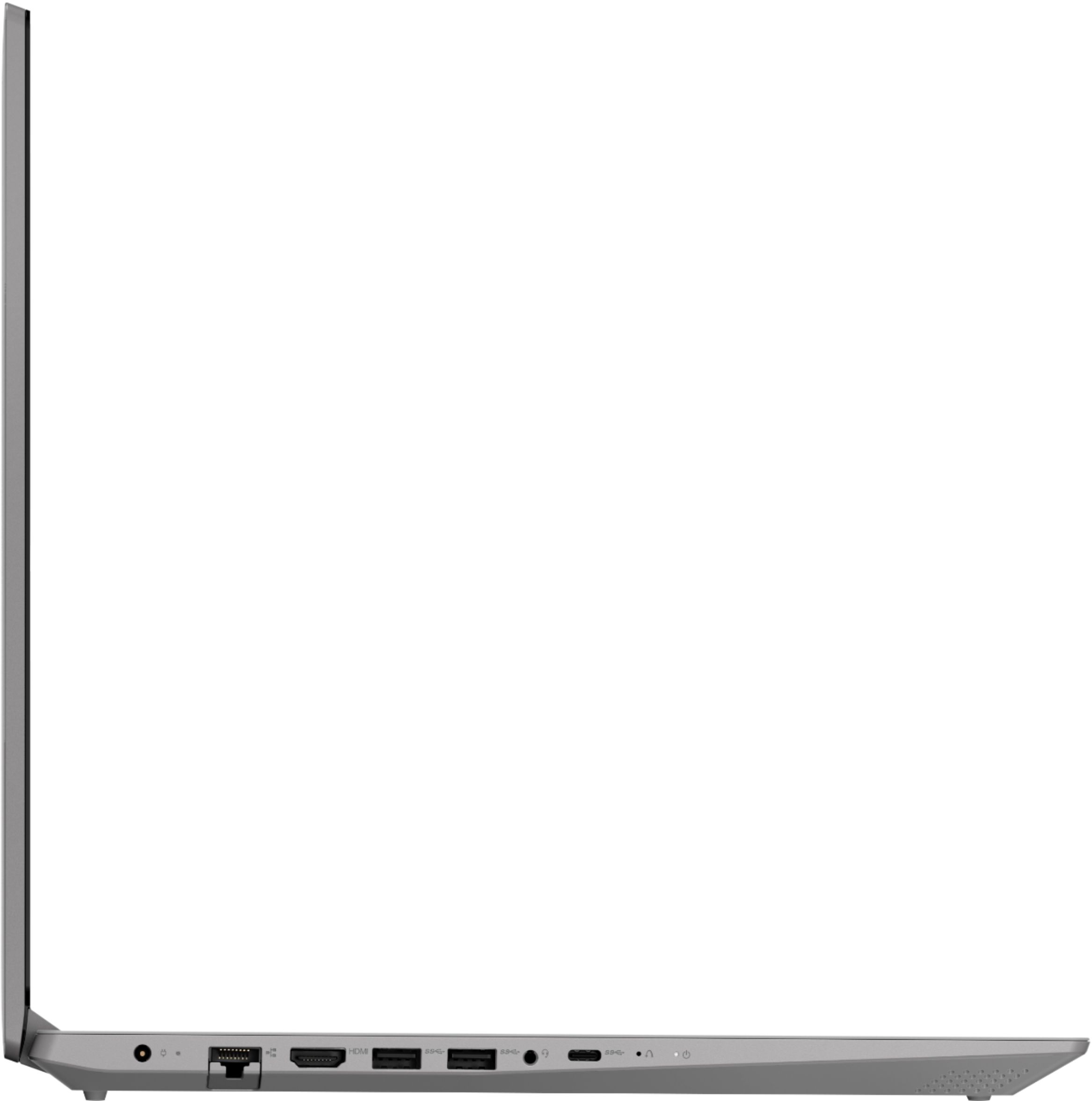
Only 2 USB and not to smart
Posted .This reviewer received promo considerations or sweepstakes entry for writing a review.If you are looking for a fast computer, this is not the case. I did not like it at all. And also there is only 2 UBS ports. So if you are using a portable HD + Mouse. Thats it! I guess you can find better laptops for about $500
No, I would not recommend this to a friend - Cons mentioned:Slow
It’s okay for work at home
Posted .This reviewer received promo considerations or sweepstakes entry for writing a review.I wouldn’t play games or use for entertainment. It’s slower than I’m used too but can’t beat the price
No, I would not recommend this to a friendBrand response from Lenovo Product Expert
Posted .The IdeaPad L340-17 ships with the mid-range Dual-Core/Four-Thread Intel Core i3-8145U processor, supported by 8GB DDR4-2400Mhz RAM. This configuration is good for moderate levels of usage with programs like Microsoft Office, streaming online video and general internet browsing. If this describes your level of computing, the IdeaPad L340-17 is a great choice. For 2018, Lenovo retained its place for a second year as the best laptop vendor:
https://www.laptopmag.com/articles/laptop-brand-ratings
- Cons mentioned:Slow
Worst buy
Posted .This reviewer received promo considerations or sweepstakes entry for writing a review.I purchased this laptop 7 months ago and have a hard drive failure. There website lists the closest repair center on Roswell Road. When I drove to their authorized dealer I was told Lenovo will not allow them to work on the Ideapad and I have to contact Lenovo direct. I contacted them and in order to get it fixed, I have to pay for shipping and handling ($35) and that it will take about 2 weeks turn around time. Also, you have to take photos of the unit and send them along with the laptop. Buyer beware. Also, the laptop is the slowest one that I've ever owned.
No, I would not recommend this to a friendBrand response from Lenovo Product Expert
Posted .We are sorry to hear that you are having issues with your Lenovo IdeaPad L340-17 laptop. Based on the description of the issue you are having, resetting the device back to original factory settings may clear the issue you are experiencing. Since you can not boot the computer, this system is equipped with OneKey Recovery System. There is a very small pin hole on the left side of the device, right near the USB-c port on the device. You will need a pin to push this reset button. Plug the device in. Let the battery charge for about 15 minutes. Push the reset button. The system should boot to a choice screen where you can choose "Restore To Factory Default". Select this. It will delete everything from the hard drive except the original factory install of the operating system. You will need to reinstall all programs and files after the reset. If you don't have copies of the files, try to make one before you restore by selecting "Boot to desktop" and trying to back up your files. Once you have restored the computer back to original factory settings, be sure any software you installed is compatible with Windows 10. There is no need to install Microsoft Office software. The software is already part of the operating system, you just need to activate the software with a purchased product key. If you have installed a copy of Microsoft Office, this is conflicting with the existing copy on the system and this will slow your system down. If you have installed a 3rd party anti-virus program, be sure that Windows Defender is turned off and that the trial version of McAfee Anti-Virus software is uninstalled. There can only be one anti-virus program on the system. If the problem persists after the factory reset, we recommend you contact Lenovo Tech Support at: 877-453-6686.
- Cons mentioned:Freezing, Slow
Slow and Junk
Posted .This reviewer received promo considerations or sweepstakes entry for writing a review.Very poor performance hardware junk. The processor lagged at startup and initial setup, which I found odd considering the $500 cost. It repeatedly froze on me during 'updates', which occurred almost immediately... and is not normal. VERY SLOW. Unfortunately I couldn't return it being day 15 of 14-day window ):
No, I would not recommend this to a friend Excellent
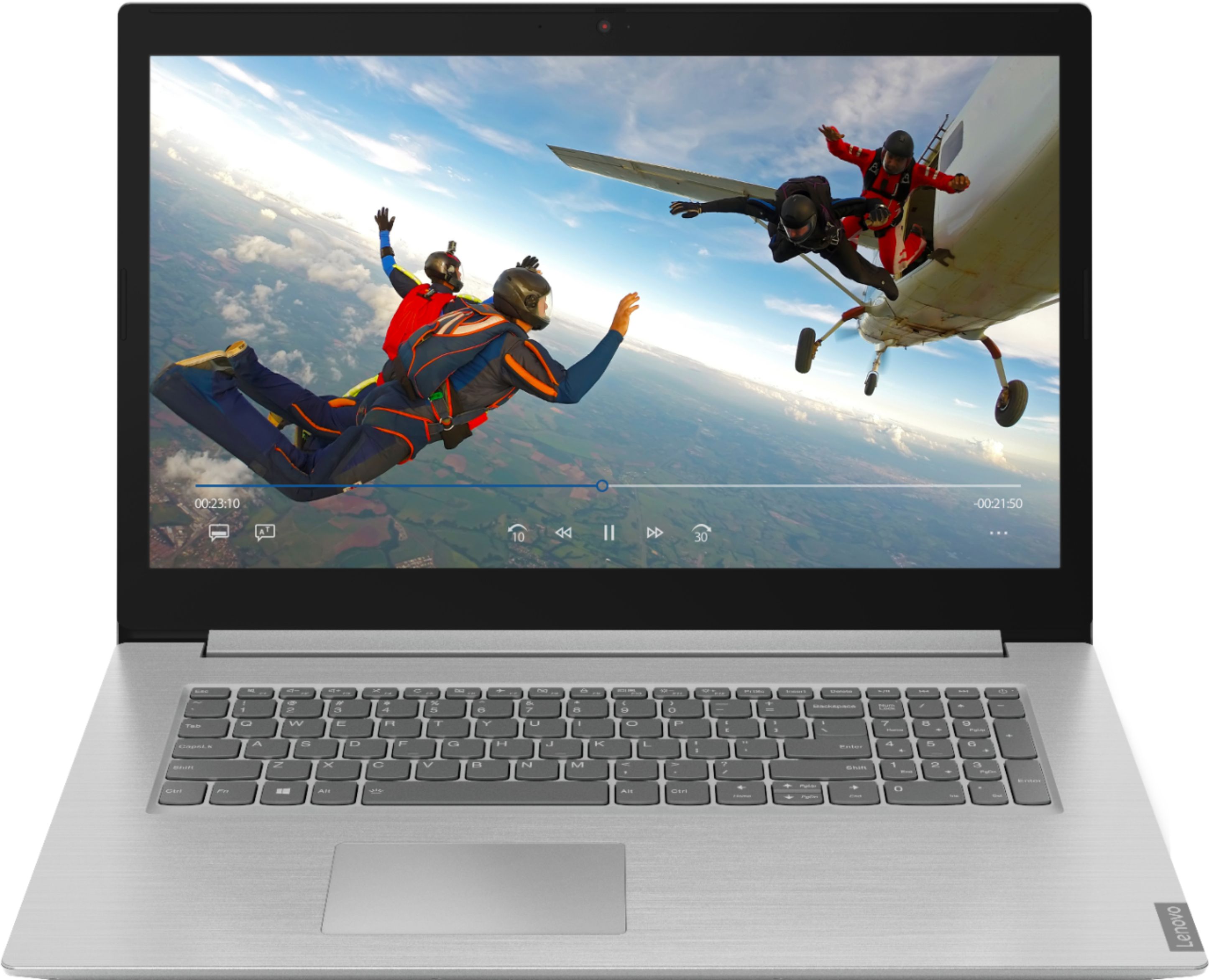
Posted .This reviewer received promo considerations or sweepstakes entry for writing a review.This is the best laptop I have ever owned! I love the 17 inch Screen The 8G is just perfect for what I use it for.I highly recommend this Laptop You willnot be disappointed!!
I would recommend this to a friendBrand response from Lenovo Product Expert
Posted .Thank you for choosing the Lenovo IdeaPad L340-17 laptop. We are pleased to hear that the features and performance of the IdeaPad L340-17 meets your computing needs so well. The Lenovo IdeaPad L340-17 laptop is a mid-level, moderate use configuration, with its Intel Core i3-8145U processor. This Dual-Core processor has a base speed of 2.1GHz and a boost speed of up to 3.9GHz. This configuration has 8GB of DDR4-2400MHz RAM. It is good with Microsoft Office type programs, internet browsing and other moderate work. If this describes your computing needs, the IdeaPad L340-17 would be a good choice for you. For 2018, Lenovo retained its place for a second year as the best laptop vendor:
https://www.laptopmag.com/articles/laptop-brand-ratings
- Cons mentioned:Sound
Disappointed
Posted .This reviewer received promo considerations or sweepstakes entry for writing a review.I got this very excited as I have not had a new laptop in forever, I had high hopes based off the good reviews. I tried watching some movies or playing sound and nothing worked, I tried everything, call lenovo six times only to be transferred each time and told I have to keep telling them the same thing over and over until I gave up. Put back in the mail and never will I try this brand again. The only way sound came out is when I started it up in the setup and the Lenovo lady talked
No, I would not recommend this to a friendBrand response from Lenovo Product Expert
Posted .We are sorry to hear that you had issues with the initial activation of Windows 10 on your Lenovo IdeaPad L340-17 laptop. Restoring your computer back to original factory settings may correct the issue. If you can no longer boot the computer, this system is equipped with OneKey Recovery System. There is a very small pin hole on the left side of the device, right near the USB-c port on the device. You will need a pin to push this reset button. Plug the device in. Let the battery charge for about 15 minutes. Push the reset button. The system should boot to a choice screen where you can choose "Restore To Factory Default". Select this. It will delete everything from the hard drive except the original factory install of the operating system. You will need to reinstall all programs and files after the reset. If you don't have copies of the files, try to make one before you restore by selecting "Boot to desktop" and trying to back up your files. If the problem persists after the factory reset, we recommend you contact Lenovo Tech Support at: 877-453-6686. For 2018, Lenovo retained its place for a second year as the best laptop vendor:
https://www.laptopmag.com/articles/laptop-brand-ratings
- Cons mentioned:Sound
Ok
Posted .This reviewer received promo considerations or sweepstakes entry for writing a review.It is a nice laptop, sound is very low, even on Maximum setting.
I would recommend this to a friend