Customer Ratings & Reviews
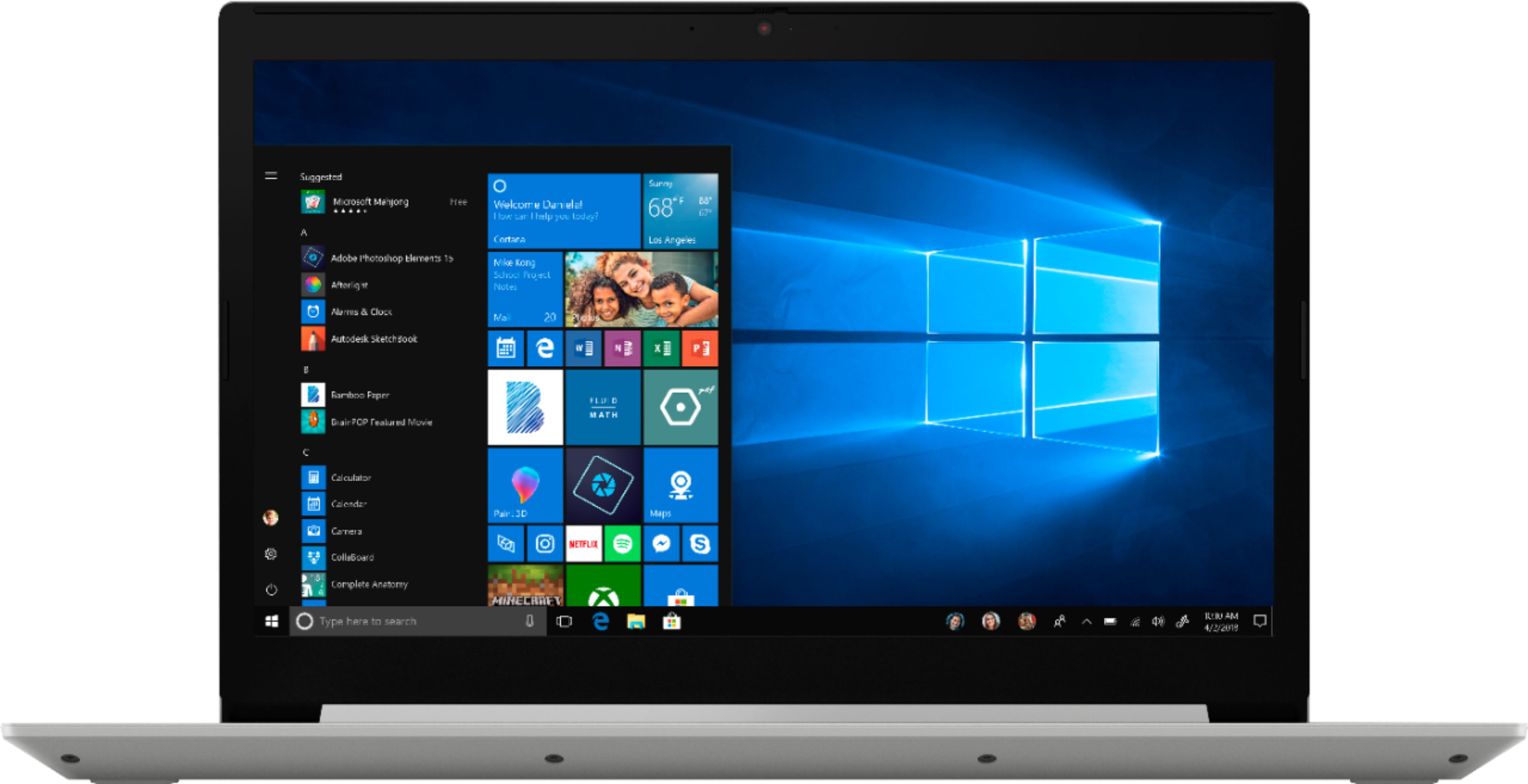
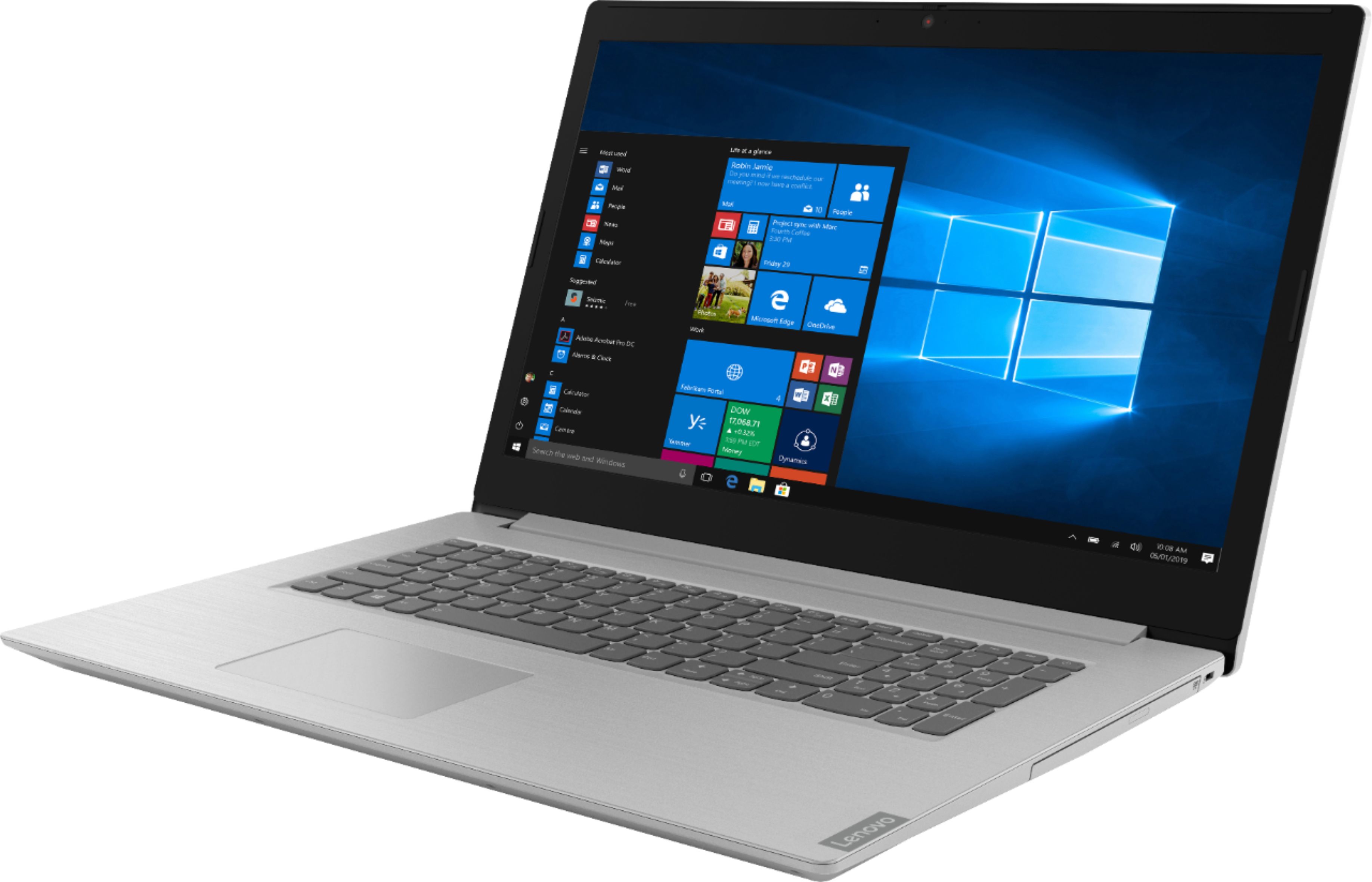
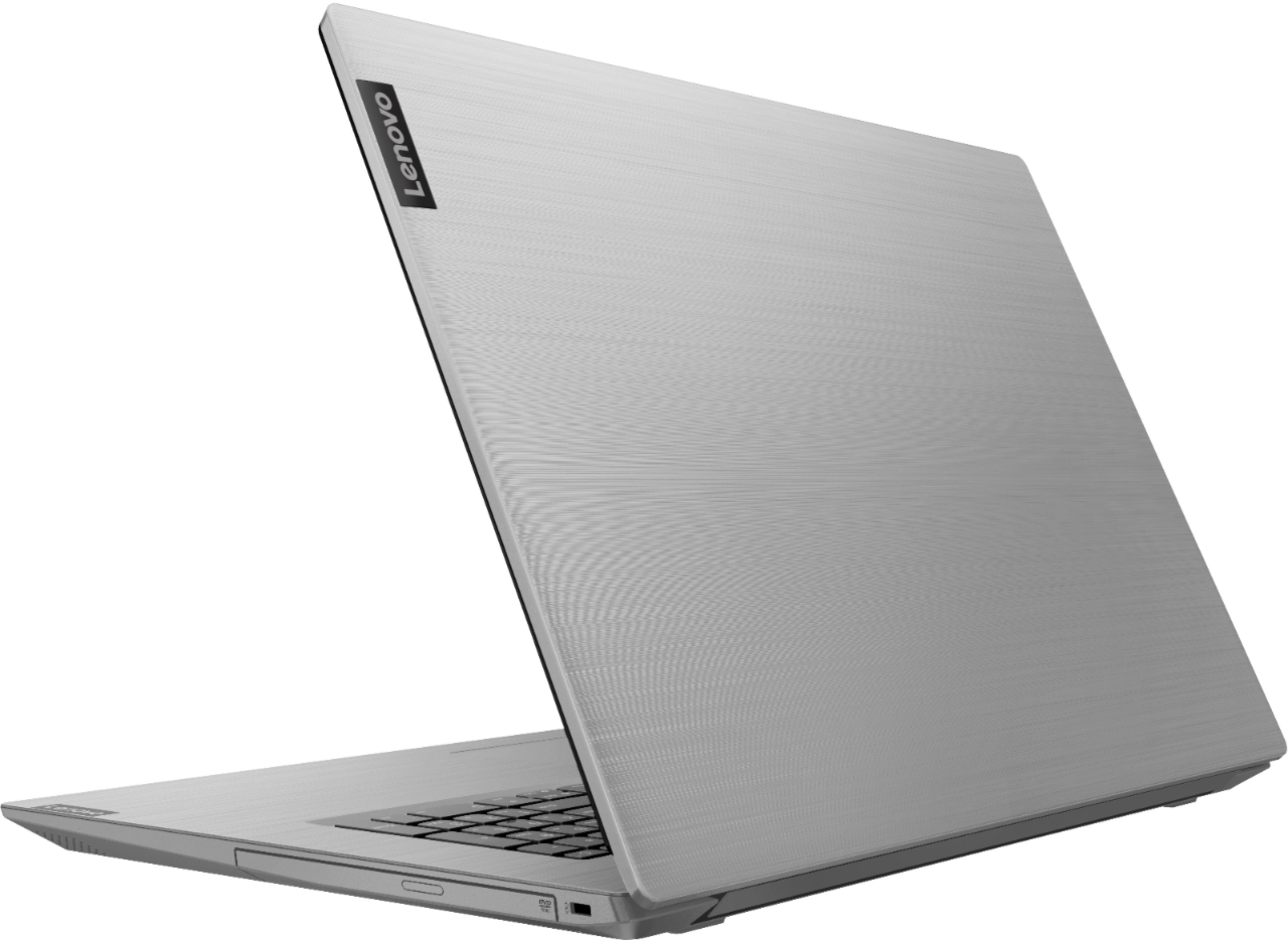
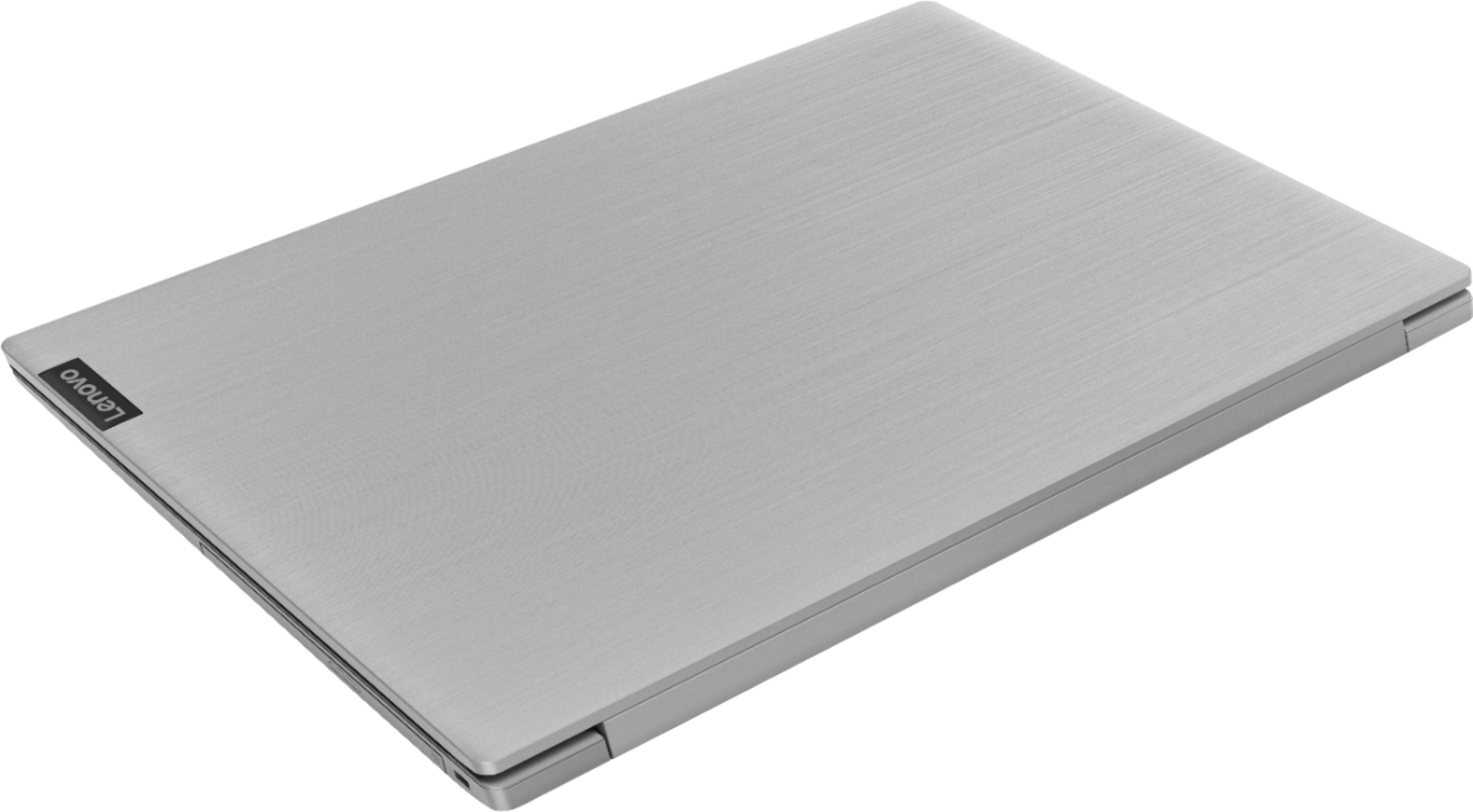



- Model:
- 81M0S00000
- SKU:
- 6331987
Rating by feature
- Value
Rating 4.4 out of 5 stars
- Quality
Rating 4.2 out of 5 stars
- Ease of Use
Rating 4.3 out of 5 stars
Customers are saying
Customers are satisfied with the large screen, price, and ease of use of the L340-17IWL 17.3" Laptop. They appreciate the good specs for the price and find it easy to use. However, some customers have mentioned that the laptop is a little slow at start-up and the sound occasionally cuts out.
This summary was generated by AI based on customer reviews.
Great value
||Posted . Owned for 3 weeks when reviewed.This reviewer received promo considerations or sweepstakes entry for writing a review.Laptop has all the features and speed at a very affordable price
I would recommend this to a friend- Cons mentioned:Slow
Not SSD super slow
||Posted .This reviewer received promo considerations or sweepstakes entry for writing a review.I didn't pay attention at first it's not a SSD. Very slow unless you are super super patient
No, I would not recommend this to a friend seems great so far
||Posted . Owned for 3 weeks when reviewed.This reviewer received promo considerations or sweepstakes entry for writing a review.getting use to it different to my old 8 year old computer
I would recommend this to a friendexcellente laptop
||Posted . Owned for 3 months when reviewed.This reviewer received promo considerations or sweepstakes entry for writing a review.Excellente keyboard, good performance, easy configuration
I would recommend this to a friendBrand response from Lenovo Product Expert
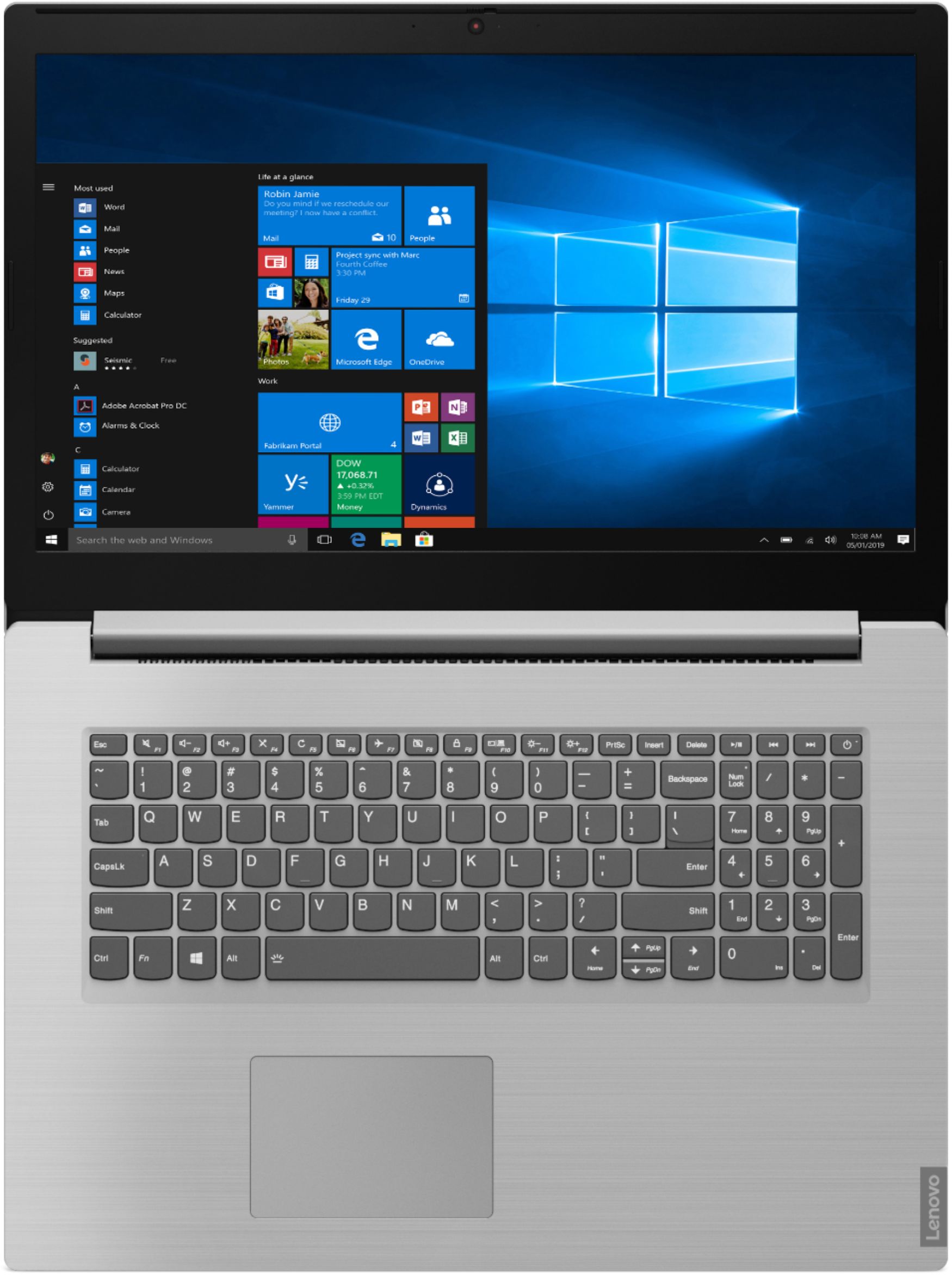
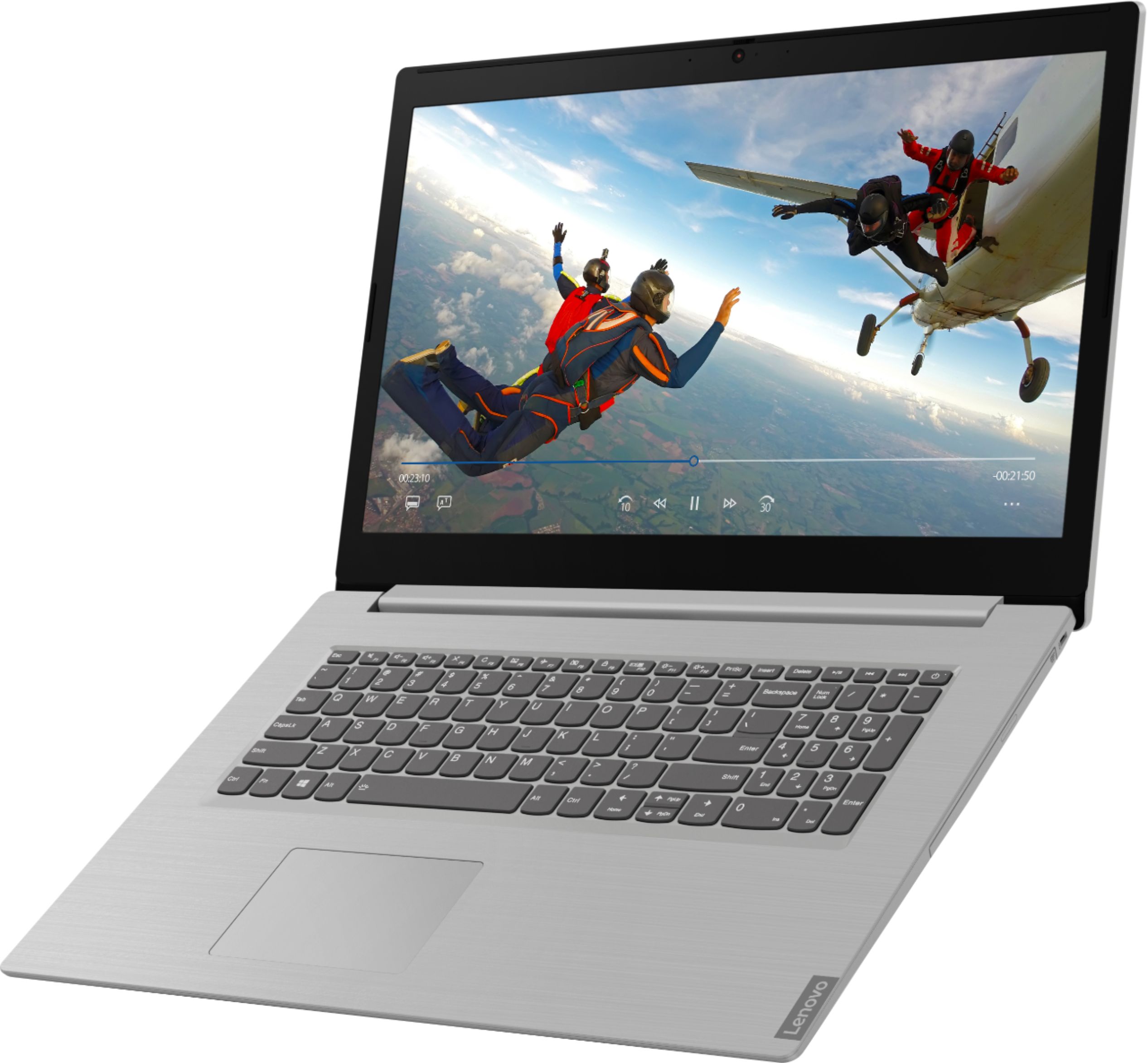
Posted .That you for choosing the Lenovo IdeaPad L340-17 laptop. We are pleased to hear that the features and performance of the IdeaPad L340-17 meets your computing needs so well. The Lenovo IdeaPad L340-17 laptop is a mid-level, moderate use configuration, with its Intel Core i3-8145U processor. This Dual-Core processor has a base speed of 2.1GHz and a boost speed of up to 3.9GHz. This configuration has 8GB of DDR4-2400MHz RAM. It is good with Microsoft Office type programs, internet browsing and other moderate work. If this describes your computing needs, the IdeaPad L340-17 would be a good choice for you.

Great!
||Posted . Owned for 1 month when reviewed.This reviewer received promo considerations or sweepstakes entry for writing a review.Works great! Great size, great speed, great display.
I would recommend this to a friendBrand response from Lenovo Product Expert
Posted .Thank you for choosing the Lenovo IdeaPad L340-17 laptop. We are pleased to hear that the features and performance of the IdeaPad L340-17 meets your computing needs so well. The Lenovo IdeaPad L340-17 laptop is a mid-level, moderate use configuration, with its Intel Core i3-8145U processor. This Dual-Core processor has a base speed of 2.1GHz and a boost speed of up to 3.9GHz. This configuration has 8GB of DDR4-2400MHz RAM. It is good with Microsoft Office type programs, internet browsing and other moderate work. If this describes your computing needs, the IdeaPad L340-17 would be a good choice for you.
Great computer
||Posted . Owned for 1 month when reviewed.This reviewer received promo considerations or sweepstakes entry for writing a review.Excellent screen, very fast loading after turn on.
I would recommend this to a friendBrand response from Lenovo Product Expert
Posted .Thank you for choosing the Lenovo IdeaPad L340-17 laptop, model number 81M0003HUS. This model ships with a LCD w/LED Backlight (Anti-glare) screen, with a resolution of 1366 X 768 (HD) and a brightness level of 220 nits. The Lenovo IdeaPad L340-17 laptop is a mid-level, moderate use configuration, with its Intel Core i3-8145U processor. This Dual-Core processor has a base speed of 2.1GHz and a boost speed of up to 3.9GHz. This configuration has 8GB of DDR4-2400MHz RAM. It is good with Microsoft Office type programs, internet browsing and other moderate work. If this describes your computing needs, the IdeaPad L340-17 would be a good choice for you.
- Cons mentioned:Slow
Nope
||Posted . Owned for 1 year when reviewed.This reviewer received promo considerations or sweepstakes entry for writing a review.So so so slow. I would never buy this product again.
No, I would not recommend this to a friend JUNK
||Posted . Owned for 1 year when reviewed.This reviewer received promo considerations or sweepstakes entry for writing a review.I bought this laptop just for my business quickbooks on June 2019. I did not set up the laptop until January 2020, everything run smooth with no issues until July 2020 when one Monday I turned it on to enter new transaction on quickbooks and the screen had a black spot on the left side (like when you break a screen). this laptop doesnt move from my desk. I have it on a drawer and I pull it out once a week to enter transactions on quickbooks, I contacted lenovo even though I new they were going to tell me I run out of warranty a month ago but I figure lets give it a try. I mean a laptop can not just break on its own. But there were no help at all. I did not realize that Lenovo laptops were built to 1 year! First and last Lenovo laptop I will ever own.
No, I would not recommend this to a friendDecent quality
||Posted . Owned for 1 month when reviewed.This reviewer received promo considerations or sweepstakes entry for writing a review.Had software issues right off the bat. After a few updates all is good
No, I would not recommend this to a friendBrand response from Lenovo Product Expert
Posted .You can keep your Lenovo IdeaPad L340-17 laptop running at optimum levels by being sure you have the latest version of Windows 10 on the computer and that all of the supporting BIOS files and drivers are also up to date. You can easily accomplish this by scanning the computer with the Lenovo Utility Software installed on the computer. This system has Lenovo utilities installed to help maintain the health of the device and keep the operating system software up to date. Type "Lenovo Vantage" in the Cortana Search window (if Lenovo Vantage is not installed on your device, you can download the APP and install it now). Select Lenovo Vantage from the list. In the window that opens, click on "Health and Support". In the expanded menu, select "Hardware Scan" In the window that opens, select "Run Quick Tests". This will scan your entire system for errors. Follow any directions that may pop up. If the problem continues after this scan, now click on "System Update". First select Windows update from the menu. Scan your system to be sure you have the latest version of Windows 10. Once that scan is complete, select "Additional Updates". This will scan your device to be sure there are no new BIOS/Driver updates needed. Follow any instructions that may pop up. If the issue still continues after these updates, we recommend you call Lenovo Tech Support at: 877-453-6686 for additional help.
I wish I would have got the i5 processor.
||Posted . Owned for 2 weeks when reviewed.This reviewer received promo considerations or sweepstakes entry for writing a review.Great starter computer. I wish I had got the i5 processor with these specs.
I would recommend this to a friendBrand response from Lenovo Product Expert
Posted .The Lenovo IdeaPad L340-17 laptop is a mid-level, moderate use configuration, with its Intel Core i3-8145U processor. This Dual-Core processor has a base speed of 2.1GHz and a boost speed of up to 3.9GHz. This configuration has 8GB of DDR4-2400MHz RAM. It is good with Microsoft Office type programs, internet browsing and other moderate work. If this describes your computing needs, the IdeaPad L340-17 would be a good choice for you.
- Cons mentioned:Slow
When I was trying to set up the laptop it crash
||Posted . Owned for 2 weeks when reviewed.This reviewer received promo considerations or sweepstakes entry for writing a review.The laptop was really slow booting up and when I try to the set it up you the part where they ask for your name and connecting to your home wife the laptop reset 3 times it was annoying I returned it the next day grabbed and MacBook Pro instead.
No, I would not recommend this to a friendBrand response from Lenovo Product Expert
Posted .We are sorry to hear that you had issues with the initial activation of your Lenovo IdeaPad L340-17 laptop. Be sure any software you installed is compatible with Windows 10. There is no need to install Microsoft Office software. The software is already part of the operating system, you just need to activate the software with a purchased product key. If you have installed a copy of Microsoft Office, this is conflicting with the existing copy on the system and this will slow your system down. If you have installed a 3rd party anti-virus program, be sure that Windows Defender is turned off and that the trial version of McAfee Anti-Virus software is uninstalled. There can only be one anti-virus program on the system. You may need to restore your system to original factory default settings if any of the programing errors have occurred. You can do that by typing "restore" in the Cortana search window. Just click on the magnifying glass icon at the bottom left of your Windows 10 Desktop. Click on "Reset This PC" Then click on "Get Started" and follow the on screen directions to restore to factory defaults. If the problem persists, we recommend you contact Lenovo Tech Support at: 877-453-6686.
broke week after, brought in, being fixed.
||Posted . Owned for 1 month when reviewed.This reviewer received promo considerations or sweepstakes entry for writing a review.spoke with son, lenovo good, just got lemon. waiting to get it back.
I would recommend this to a friendBrand response from Lenovo Product Expert
Posted .We are sorry to hear that you had an issue with your Lenovo IdeaPad L340-17 laptop. Some issues can be fixed by the user at home, try calling Lenovo Tech Support if you have an issue at: 877-453-6686.
I don't recommend Lenovo anymore
||Posted . Owned for 8 months when reviewed.This reviewer received promo considerations or sweepstakes entry for writing a review.Lenovo is now junk. They used to be decent but now their quality is very poor. Some of their PC's won't even update past 1909. I have many Lenovo computers and can't wait to replace them with something better.
No, I would not recommend this to a friendVery poor perfromance
||Posted . Owned for 4 months when reviewed.This reviewer received promo considerations or sweepstakes entry for writing a review.This computer is very poor in performance. I was busy and was not able to open the box until Sept 2019. When I start the laptop, the processor makes noise as like helicopter. I called to return the laptop, they said the time to return is over and I requested to exchange with other product they did not agree - very non cooperative. Please do not fool with their tricks, like this types of product. -GH
No, I would not recommend this to a friendBrand response from Lenovo Product Expert
Posted .We are sorry to hear that you are having issues with your Lenovo L340-17 laptop. We recommend you call Lenovo Tech Support for help with your specific issue at: 877-453-6686.
CORTANA gets in the way all the time
||Posted . Owned for 1 week when reviewed.This reviewer received promo considerations or sweepstakes entry for writing a review.Unless you like Cortana don't buy any Microsoft product with Cortana in it I have not experience the laptop yet because I can't stop Cortana from popping in and ruining everything I try to do
No, I would not recommend this to a friendBrand response from Lenovo Product Expert
Posted .You can easily turn off Windows Cortana, if you choose: https://www.windowscentral.com/how-turn-cortana-and-stop-personal-data-gathering-windows-10
Lenovo crappy
||Posted . Owned for 10 months when reviewed.This reviewer received promo considerations or sweepstakes entry for writing a review.Broke within 2 weeks. I returned it only to get a store credit from best buy. I am not happy about that at all. Bestbuy needs to do better.
No, I would not recommend this to a friendSpeakers failed twice. New laptops were not availa
||Posted . Owned for 1 week when reviewed.This reviewer received promo considerations or sweepstakes entry for writing a review.Would not purchase again poor quality Best Buy could not fix and unable to obtain a new one for 60 days
No, I would not recommend this to a friendBrand response from Lenovo Product Expert
Posted .We are sorry to hear that you had issues with the audio on your Lenovo L340-17 laptop. It is possible that restoring the computer back to original factory settings may correct the issue, once you load the latest version of Windows 10, then update all of the BIOS files and drivers up to that latest version of Windows 10. You can easily accomplish this by scanning the computer with the Lenovo Utility software installed on the computer. This system has Lenovo utilities installed to help maintain the health of the device and keep the operating system software up to date. Type "Lenovo Vantage" in the Cortana Search window (if Lenovo Vantage is not installed on your device, you can download the APP and install it now). Select Lenovo Vantage from the list. In the window that opens, click on "Health and Support". In the expanded menu, select "Hardware Scan" In the window that opens, select "Run Quick Tests". This will scan your entire system for errors. Follow any directions that may pop up. If the problem continues after this scan, now click on "System Update". First select Windows update from the menu. Scan your system to be sure you have the latest version of Windows 10. Once that scan is complete, select "Additional Updates". This will scan your device to be sure there are no new BIOS/Driver updates needed. Follow any instructions that may pop up. If the issue still continues after these updates, we recommend you call Lenovo Tech Support at: 877-453-6686 for additional help
Wrong computer
||Posted .This reviewer received promo considerations or sweepstakes entry for writing a review.I bought the wrong computer for my daughter. She needs an apple
No, I would not recommend this to a friendBrand response from Lenovo Product Expert
Posted .The Lenovo IdeaPad L340-17 laptop is a mid-level, moderate use configuration, with its Intel Core i3-8145U processor. This Dual-Core processor has a base speed of 2.1GHz and a boost speed of up to 3.9GHz. This configuration has 8GB of DDR4-2400MHz RAM. It is good with Microsoft Office type programs, internet browsing and other moderate work. If this describes your computing needs, the IdeaPad L340-17 would be a good choice for you.
Disappointed should work longer
Posted .This reviewer received promo considerations or sweepstakes entry for writing a review.I had this 4yrs as of July 2023 It completely went dead. Ive had many laptops in the past, they lasted longer then this one. Very disappointed. Nothing we tried works. Its just completely dead.
No, I would not recommend this to a friend- Pros mentioned:Price
Great laptop
Posted .This reviewer received promo considerations or sweepstakes entry for writing a review.The first I do; Make sure you can upgrade the ram. That will give you the speed you'll need. Crank it up to 16 Gig ram. The price is right. After I do all the upgrades with software and hardware, you will need to pay 1000 to get something like it. For the total price of $600.00
I would recommend this to a friendBrand response from Lenovo Product Expert
Posted .Thank you for choosing the Lenovo IdeaPad L340-17 laptop. Please keep in mind, this model is not user upgradable. A certified technician must do all of the work, so as to not void the warranty. The maximum RAM this configuration can support is 16GB, so your certified technician can replace the existing 8GB with a 16GB RAM stick.