Customer Ratings & Reviews



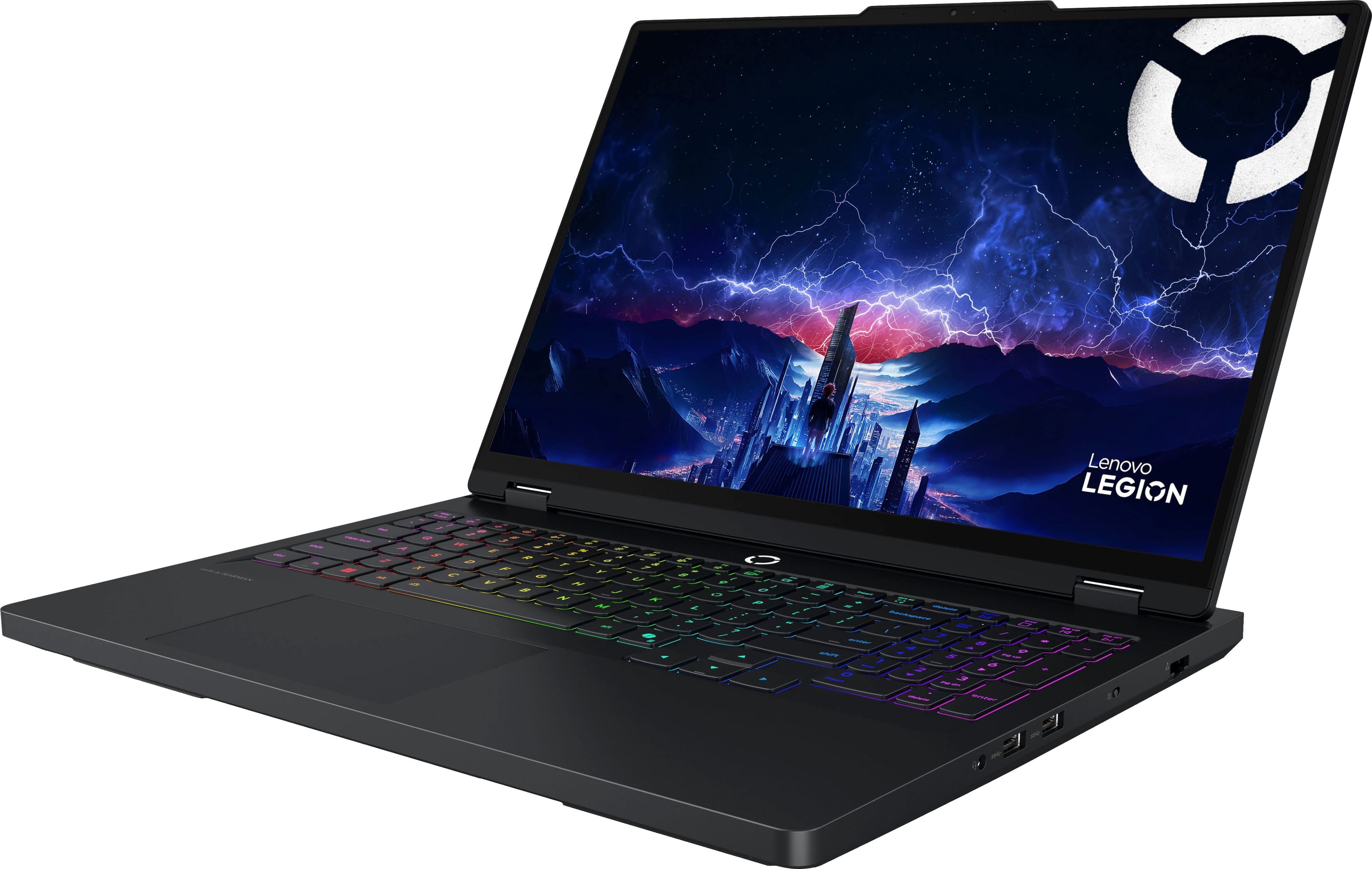
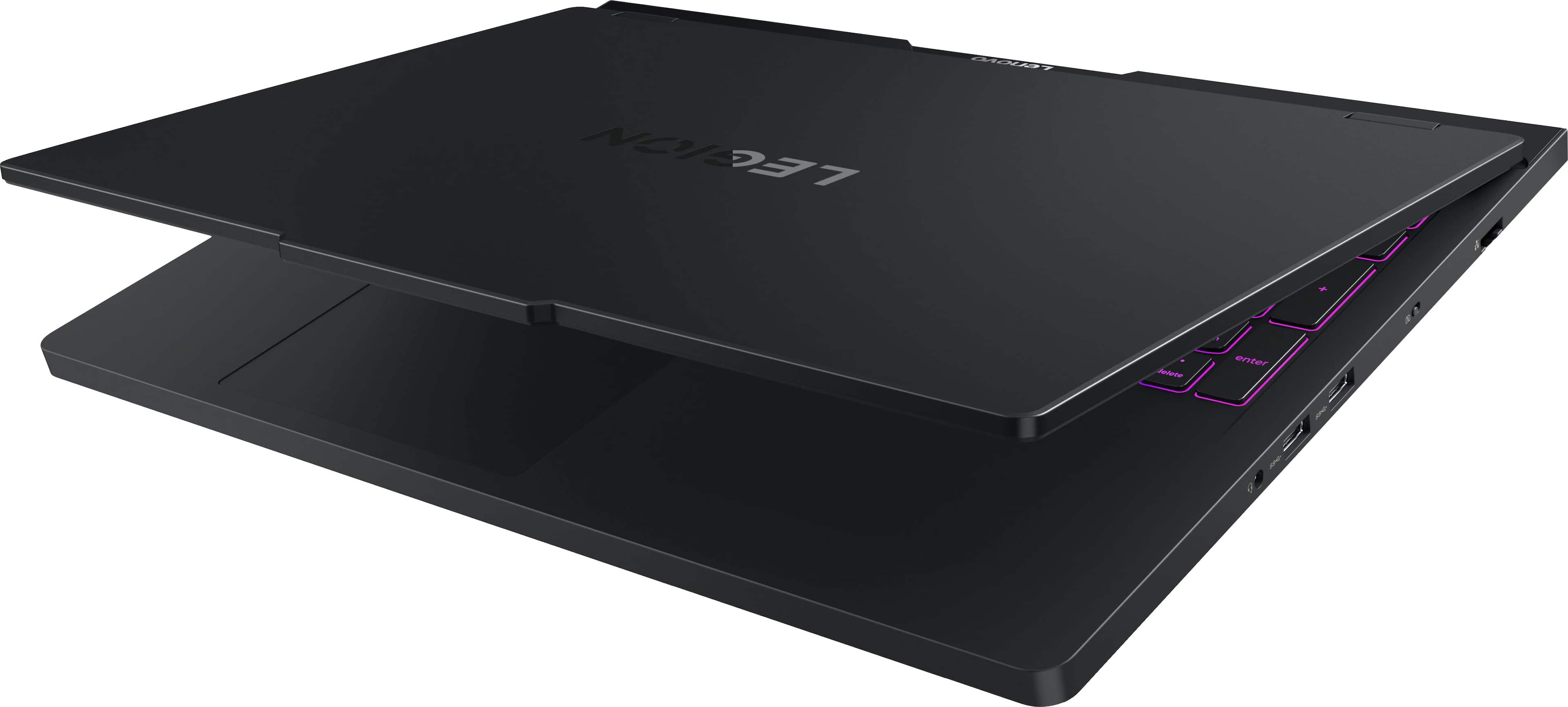
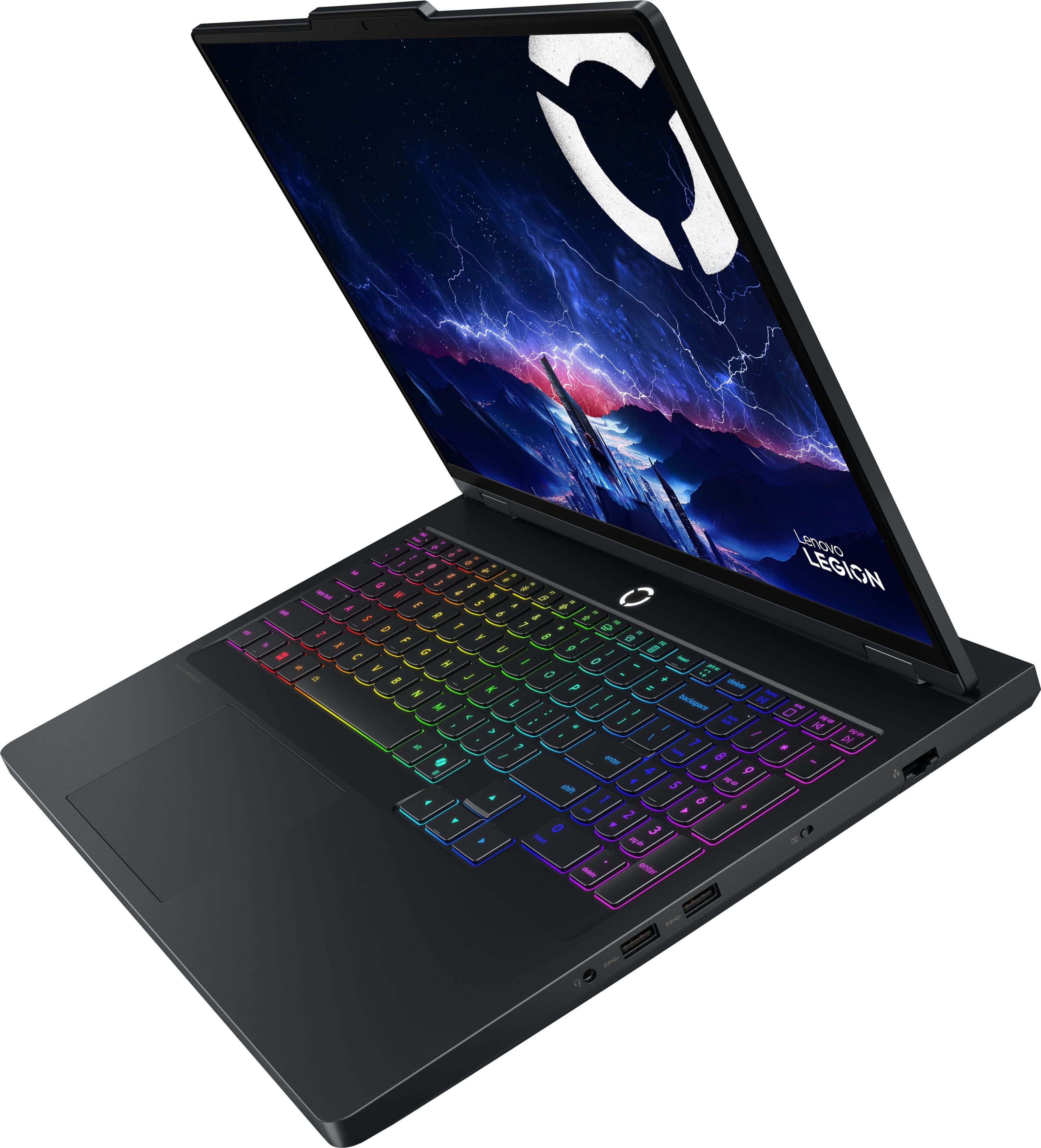
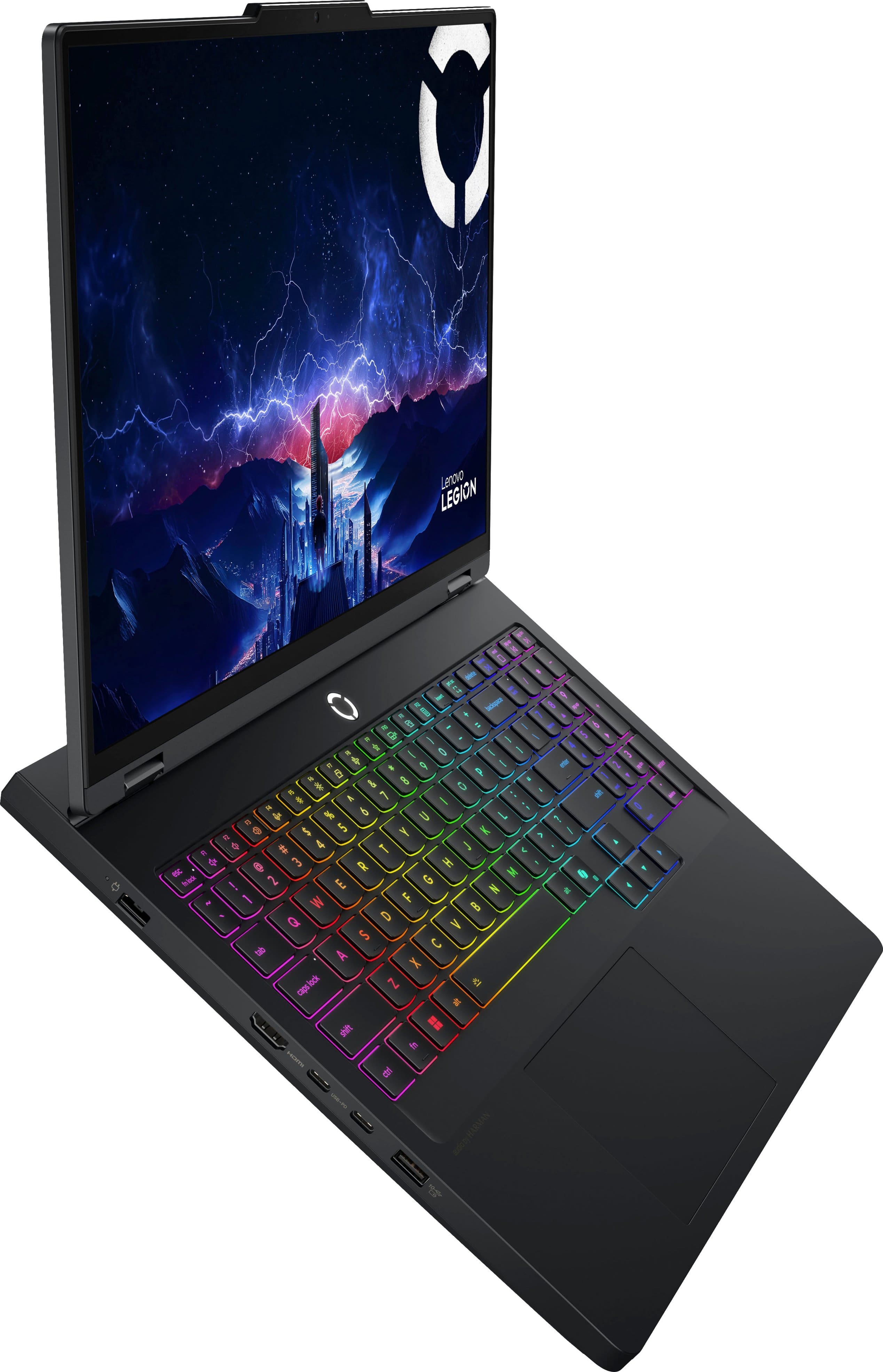
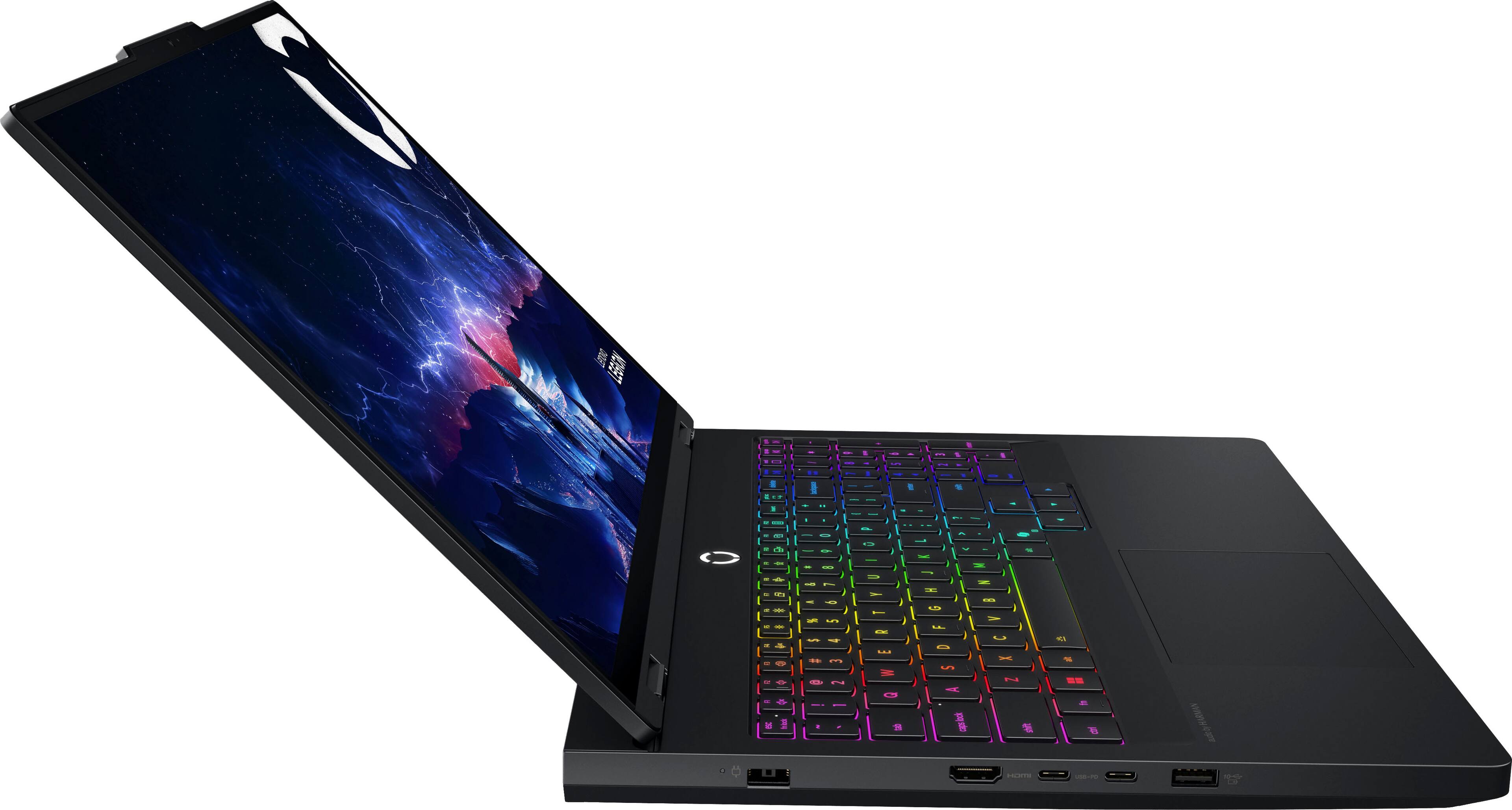
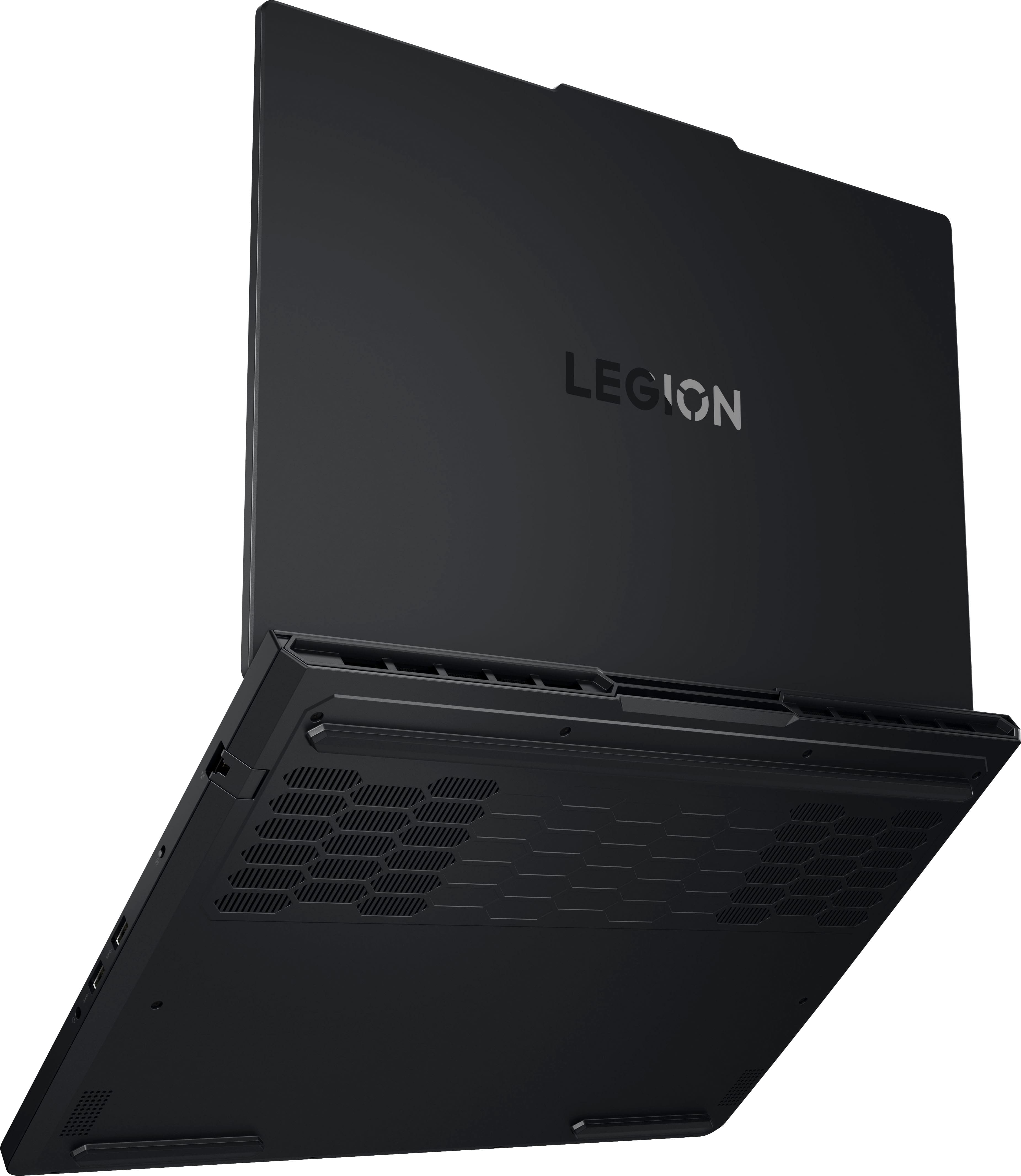
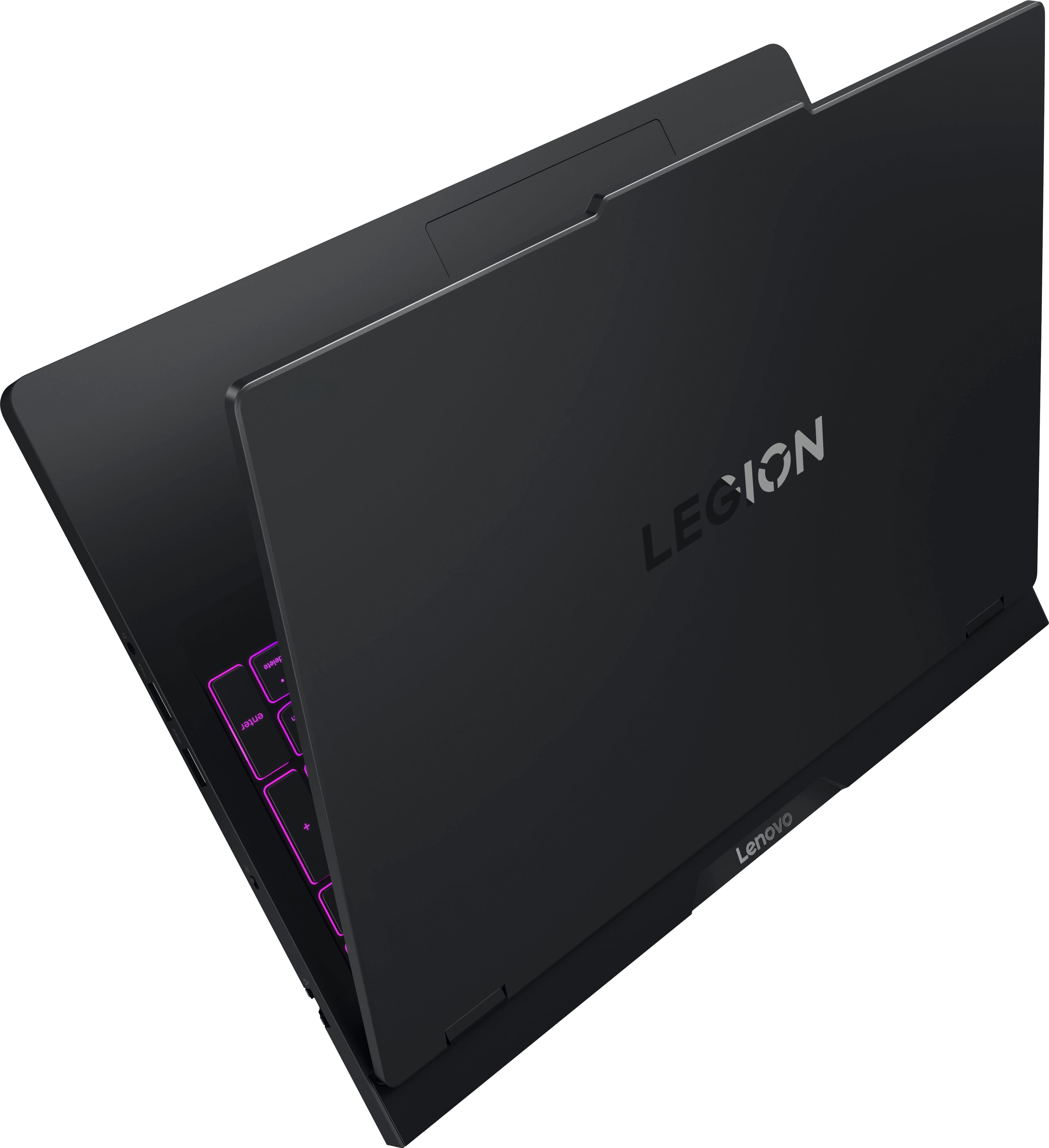
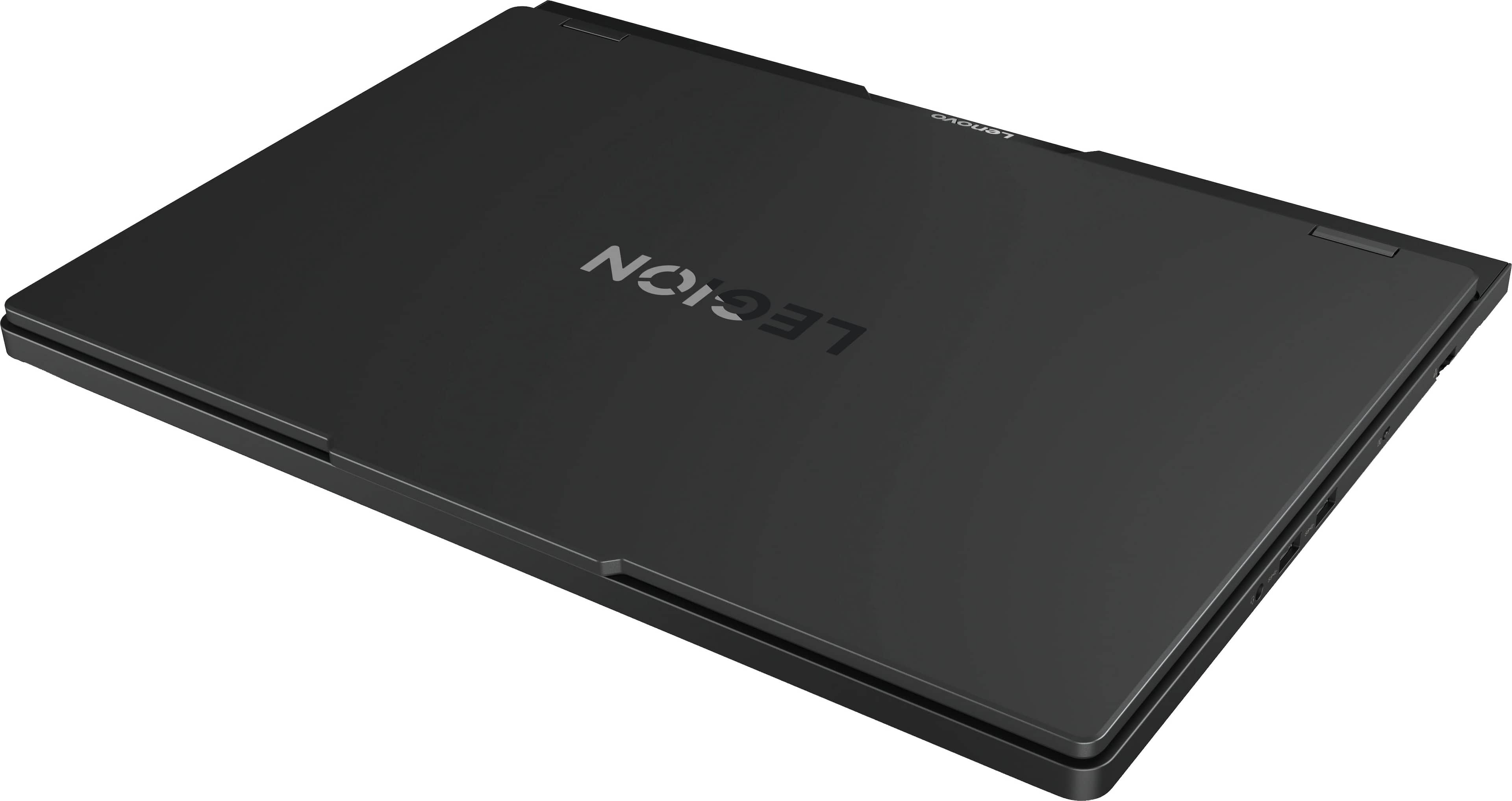
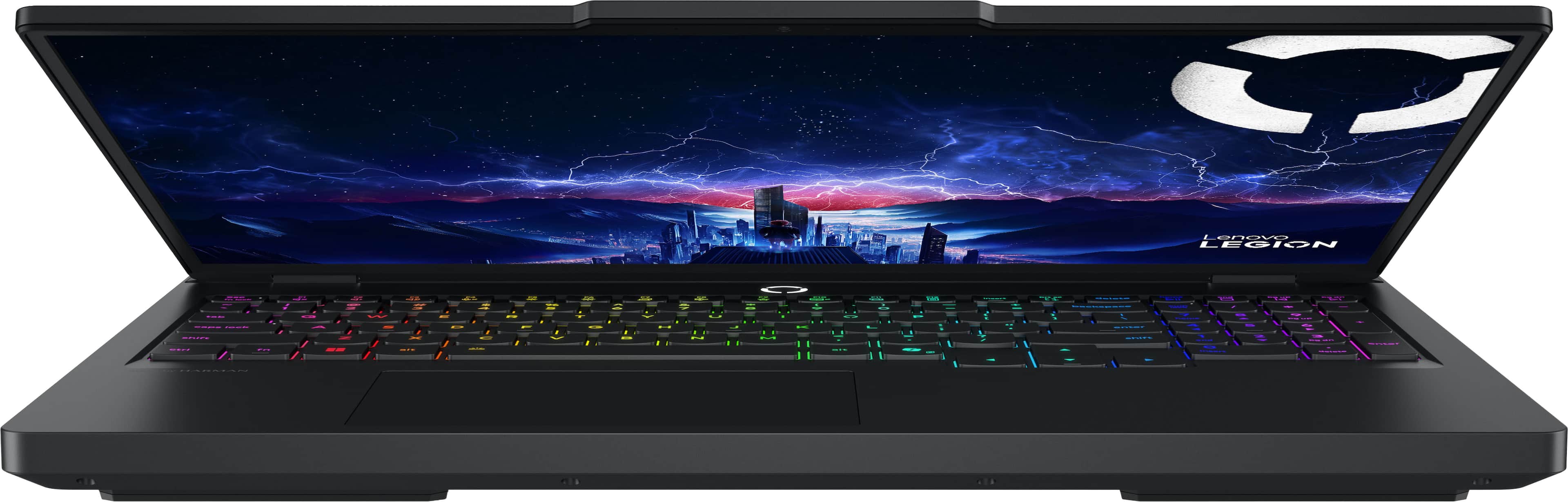
![Sure, here is the corrected and grouped text from the image:
---
**LADAVa LEGION**
- delete
- home
- end
- pg up
- pg dn
- insert
- delete
- enter
- audio by HARMAN
**Keyboard Layout:**
- esc
- fn lock
- F1
- F2
- F3
- F4
- F5
- F6
- F7
- F8
- F9
- F10
- F11
- F12
- insert
- delete
- home
- end
- pg up
- pg dn
- backspace
- num lock
- /
- *
- -
- +
- =
- tab
- Q
- W
- E
- R
- T
- Y
- U
- I
- O
- P
- [
- ]
- \
- caps lock
- A
- S
- D
- F
- G
- H
- J
- K
- L
- ;
- '
- enter
- shift
- Z
- X
- C
- V
- B
- N
- M](https://pisces.bbystatic.com/image2/BestBuy_US/images/products/ae7866ae-6f35-480e-a111-2813546447fe.jpg)







- Model:
- 83F3000HUS
- SKU:
- 6617090
Rating by feature
- Battery Life
Rating 3.9 out of 5 stars
- Speed
Rating 4.9 out of 5 stars
- Display
Rating 4.9 out of 5 stars
Customers are saying
Customers express satisfaction with the product's overall performance, excellent heat dissipation, and the vibrant OLED display quality. They also appreciate its speed and quiet operation. However, some customers are disappointed with the battery life. There are also concerns regarding the touchpad's responsiveness.
This summary was generated by AI based on customer reviews.
- Pros mentioned:Overall performance
Very good product.
||Posted .This reviewer received promo considerations or sweepstakes entry for writing a review.Very good quality works perfectly, I really liked that model.
I would recommend this to a friendBrand response from Lenovo Product Expert
Posted .Hi,
Thanks for choosing Lenovo and for sharing your feedback with us!
We are glad to read that you are satisfied with your purchase.
Please don't hesitate to reach out to us via the Q& A section of this product page or contact Lenovo Support should you have any questions or need assistance.
Regards,
Lenovo
- Pros mentioned:Overall performance
The is a beast of a machine
||Posted . Owned for 1 month when reviewed.This reviewer received promo considerations or sweepstakes entry for writing a review.What a power house … runs all of my cnc programs and runs thru gaming like no other oled screen is a big plus I’m happy with my purchase
I would recommend this to a friendBrand response from Lenovo Product Expert
Posted .Hey JaredG,
Thanks for choosing Lenovo and for sharing your feedback with us!
We are glad to read that you are happy with your purchase.
Please feel free to reach out to us via the Q& A section of this product page should you have any questions or need assistance.
Best,
Lenovo
Legion Laptop
||Posted .This reviewer received promo considerations or sweepstakes entry for writing a review.My Legion laptop has been amazing. It’s super fast, even when I have dozens of windows open. The only issue I have is the battery doesn’t last long.
I would recommend this to a friendBrand response from Lenovo Product Expert
Posted .Hi AdolfoD-
Thank you for choosing the Lenovo Legion Pro 5i and for sharing your experience with us. We are happy to hear that you are enjoying the performance of the Lenovo Legion Pro 5i. We would like to offer some additional tips to help improve your battery life on the Legion Pro 5i.
First, we recommend installing all available driver updates through Lenovo Vantage and Windows Update Settings. These updates are crucial to the device’s health and can affect battery performance. To check for updates in Lenovo Vantage, launch the application, then select the “Check for updates” button at the top right of the screen. To check for Windows Updates, launch the Settings app, select the Windows Update tab on the left-hand side of the page, then select the “Check for updates’ button in the top right of the page. Once the updates are installed, we recommend restarting the device.
Secondly, the Lenovo Legion Pro 5i lets you adjust the computer’s thermal mode. This lets your device cycle between higher-performance and quiet modes or automatically adjust based on your needs. To start, launch the Lenovo Vantage app, select the "Device Settings" tab on the left-hand side of the display, scroll down to "Power modes," and select the best mode for your needs. We suggest using Quiet mode, which will lower the temperature of your Lenovo Legion Pro 5i, reduce fan noise under load, and improve battery life. During gaming, we suggest changing the thermal mode to performance to get the most out of your Lenovo Legion Pro 5i. You can also toggle thermal modes with the Fn+Q hotkey.
Please reach out to us through the Q&A section of this product page if you have any questions or need assistance.
Best wishes,
Lenovo
- Pros mentioned:Overall performance
Lenovo
||Posted . Owned for 3 weeks when reviewed.This reviewer received promo considerations or sweepstakes entry for writing a review.Best computer best graphics and sound as well u cant go wrong with this
I would recommend this to a friendBrand response from Lenovo Product Expert
Posted .Hey JasonR,
Thanks for choosing Lenovo and for sharing your feedback with us!
We are glad to read that this Legion Pro 5i is the best system for you.
Please feel free to reach out to us via the Q&A section of the product page should you have any questions or need assistance.
Best,
Lenovo
Definitely recommend!
||Posted . Owned for 3 weeks when reviewed.This reviewer received promo considerations or sweepstakes entry for writing a review.Love this computer! My first gaming laptop and I couldn’t be happier with it
I would recommend this to a friendBrand response from Lenovo Product Expert
Posted .Hi RyanL-
Thank you for choosing Lenovo and sharing your experience with us. We are thrilled to hear that you are enjoying the Legion Pro 5i.
Please reach out to us through the Q&A section of this product page if you have any questions or need any assistance.
Best wishes,
Lenovo
- Pros mentioned:Overall performance
a great buy
||Posted .This reviewer received promo considerations or sweepstakes entry for writing a review.Very happy with the purchase process and the product.
I would recommend this to a friendBrand response from Lenovo Product Expert
Posted .Hi NeiderU-
Thank you for choosing Lenovo and sharing your experience with us. We are excited to hear that you are enjoying the Legion Pro 5i. We aim to provide excellent user experience for our products, and we are happy to hear that we met our goal.
Please reach out to us through the Q & A section of this product page if you have any questions or need assistance.
Best wishes,
Lenovo
Great product
||Posted . Owned for 1 month when reviewed.This reviewer received promo considerations or sweepstakes entry for writing a review.Perfect for gaming! I play call of duty modern warfare 6 on it and it works like a charm.
I would recommend this to a friend- Cons mentioned:Keyboard layout
Great Product
||Posted .This reviewer received promo considerations or sweepstakes entry for writing a review.Great product. Only con is the touchpad lags sometimes when multiple tabs are opened.
I would recommend this to a friendBrand response from Lenovo Product Expert
Posted .Hi,
Thanks for choosing Lenovo and for sharing your feedback with us. We're sorry to hear that you ran into trouble with your touchpad. We believe that updating your system to the latest software and drivers can address the issue.
To check for these updates, first, open the Settings app > Select the Windows update tab > Select the Check for updates button, apply all available updates. Next, open the Lenovo Vantage app > on the homepage, select the Check for updates button, following on-screen prompts to apply all available updates here as well.
We are glad to read that you are otherwise satisfied with your purchase.
Please don't hesitate to reach out to us via the Q& A section of this product page or contact Lenovo Support should you have any questions or need further assistance, as your satisfaction is important to us.
Regards,
Lenovo
Lenovo legion pro 7i 5080
||Posted . Owned for 1 month when reviewed.This reviewer received promo considerations or sweepstakes entry for writing a review.Absoloutley amazing deal i got on the laptop, and it was bery clean and no scratches at all, well taken care of
I would recommend this to a friendExcellent purchase
||Posted .This reviewer received promo considerations or sweepstakes entry for writing a review.I was satisfied, very good service, easy purchase and it arrived just on time, I also managed to take advantage of an excellent offer on my purchase. I recommend them 100%.
I would recommend this to a friendBrand response from Lenovo Product Expert
Posted .Hi TitoH-
Thank you for choosing Lenovo and sharing your experience with us. We are thrilled to hear that you are enjoying the value of the Legion Pro 5i. We aim to provide excellent user experience for our products, and we are happy to hear that we met our goal.
Please reach out to us through the Q & A section of this product page if you have any questions or need assistance.
Best wishes,
Lenovo
Great buy
||Posted . Owned for 3 weeks when reviewed.This reviewer received promo considerations or sweepstakes entry for writing a review.Love it never had a laptop before was easy to set Up easy to use
I would recommend this to a friendI like it.
||Posted . Owned for 2 weeks when reviewed.This reviewer received promo considerations or sweepstakes entry for writing a review.excellent team I recommend thanks for the support.
I would recommend this to a friendAmazing Laptop
||Posted . Owned for 3 weeks when reviewed.This reviewer received promo considerations or sweepstakes entry for writing a review.Great laptop, gifted it to my brother and he loved it
I would recommend this to a friendBrand response from Lenovo Product Expert
Posted .Hi AdityaK-
Thank you for choosing Lenovo and sharing your experience with us. We are thrilled to hear that your brother is enjoying the Legion Pro 5i. We aim to provide excellent user experience for our products, and we are excited to hear that we met our goal.
Please reach out to us through the Q & A section of this product page if you have any questions or need assistance.
Best wishes,
Lenovo
- Pros mentioned:Overall performance
Bad Customer Service, Product works great.
||Posted . Owned for 1 week when reviewed.This reviewer received promo considerations or sweepstakes entry for writing a review.I am extremely disappointed with the level of service I’ve received. My purchase of an NVIDIA GeForce RTX 5070 was supposed to include a copy of Resident Evil Requiem, yet the code was never provided. I have spoken with multiple representatives and spent hours on various chat and phone lines, only to be redirected repeatedly without a resolution. This has been an exhausting waste of time, and I expect the promotional offer to be honored immediately.
I would recommend this to a friend Lenovo Legion 5 is a beast!
||Posted . Owned for 1 week when reviewed.This reviewer received promo considerations or sweepstakes entry for writing a review.Best laptop ever! Way better than alienware aurora
I would recommend this to a friendBrand response from Lenovo Product Expert
Posted .Hi,
Thanks for choosing Lenovo and for sharing your feedback with us!
We are glad to read that you are satisfied with your purchase.
Please don't hesitate to reach out to us via the Q& A section of this product page or contact Lenovo Support should you have any questions or need assistance.
Regards,
Lenovo
Kmode
||Posted . Owned for 1 week when reviewed.This reviewer received promo considerations or sweepstakes entry for writing a review.The laptop was pretty good at the price of 1600 but mine kept getting a kmode error which kind of sucked
I would recommend this to a friend- Pros mentioned:Oled quality
Lenovo Legion Pro 5i RTX 5070 Open Box
||Posted .This reviewer received promo considerations or sweepstakes entry for writing a review.Fantastic gaming laptop for the open box price. Played Total War Rome on ultra settings. Beautiful screen, good looking thin case, great keyboard. Only downsides is that it runs hot and loud AND speakers are poor but nothing a headphone doesn’t solve. I always play with power plugged in so battery life is not a major issue for me.
I would recommend this to a friendBrand response from Lenovo Product Expert
Posted .Hi-
Thank you for choosing the Lenovo Legion Pro 5i and for sharing your experience with us. We are happy to hear that you are enjoying the gaming performance and OLED display of the Lenovo Legion Pro 5i. We strive to provide an excellent user experience with our products, and we would like to offer a few quick steps to improve your heat experience.
First, we recommend installing all available driver updates through Lenovo Vantage and Windows Update Settings. These updates are crucial to the device’s health and can affect thermal performance. To check for updates in Lenovo Vantage, launch the application, then select the “Check for updates” button at the top right of the screen. To check for Windows Updates, launch the Settings app, select the Windows Update tab on the left-hand side of the page, then select the “Check for updates’ button in the top right of the page. Once the updates are installed, we recommend restarting the device.
Secondly, the Lenovo Legion Pro 5i lets you adjust the computer’s thermal mode. This lets your device cycle between higher-performance and quiet modes or automatically adjust based on your needs. To start, launch the Lenovo Vantage app, select the "Device Settings" tab on the left-hand side of the display, scroll down to "Power modes," and select the best mode for your needs. We suggest using Quiet mode, which will lower the temperature of your Lenovo Legion Pro 5i, reduce fan noise under load, and improve battery life. During gaming, we suggest changing the thermal mode to performance to get the most out of your Lenovo Legion Pro 5i. You can also toggle thermal modes with the Fn+Q hotkey.
Please reach out to us through the Q&A section of this product webpage if you have any questions or need assistance.
Best wishes,
Lenovo
- Pros mentioned:Heat dissipation, Noise level, Overall performance
Emergency PC to the rescue
||Posted . Owned for 1 month when reviewed.This reviewer received promo considerations or sweepstakes entry for writing a review.My main gaming/streaming/video editing/creator PC blowed up. Major. Nothing I could do to save it. Smelled smoke. I had a conference I was speaking at in a week, and the slides and video weren't done. I was majorly scr&wed. My son had recently gotten this on a super sale deal so I looked at it and compared. My workhorse machine was an i5-14600/RTX-3070ti/64G and this was as close as I could get for that 2k pricepoint and within 24 hours so I could get that presentation done on time. Win some/lose some. I sent my wife to pick it up, minor hassles there with selling her a warranty that wouldn't have been backdated, which fortunately CSR refunded. It worked well enough, though some minor hoops (perms) to jump through getting it to connect to the different USB drives I had to get my old data transferred fast enough to get that presentation done. Streaming was minor as well, lost all my OBS profiles and had to quick create some temporary ones good enough to stream on YT, my main monetized stream channel. Getting all the other stuff installed after the conference has been minorly painful, but nothing really specific to this particular machine. Had to uninstall some bloatware, etc. Typical. So 4? Why 4? I'd do a 4.5 but I work as a dev for my day job and have done a lot of fintech. Everything is floor() for whatever precision. Remember rounding the pennies from that one movie? I'm a little unkeen on the monitor resolution. Maybe it's just my ancient failing vision squinting at the tiny screen. The keyboard is meh. The touchpad is right there and keeps bumping my characters when I brush it with a loose thumb. Starting takes way longer than I expect. So far one bad sleep/wake cycle. Pluses: It is not all that hot, and not all that noisy. Two good things. I haven't tried USB-C monitor output yet, but ordered a cable, so I can test 2 monitors plus laptop screen to make video editing and streaming easier, but I'm hoping for the best.
I would recommend this to a friend - Pros mentioned:Heat dissipation, Oled quality, Overall performance
Value for money
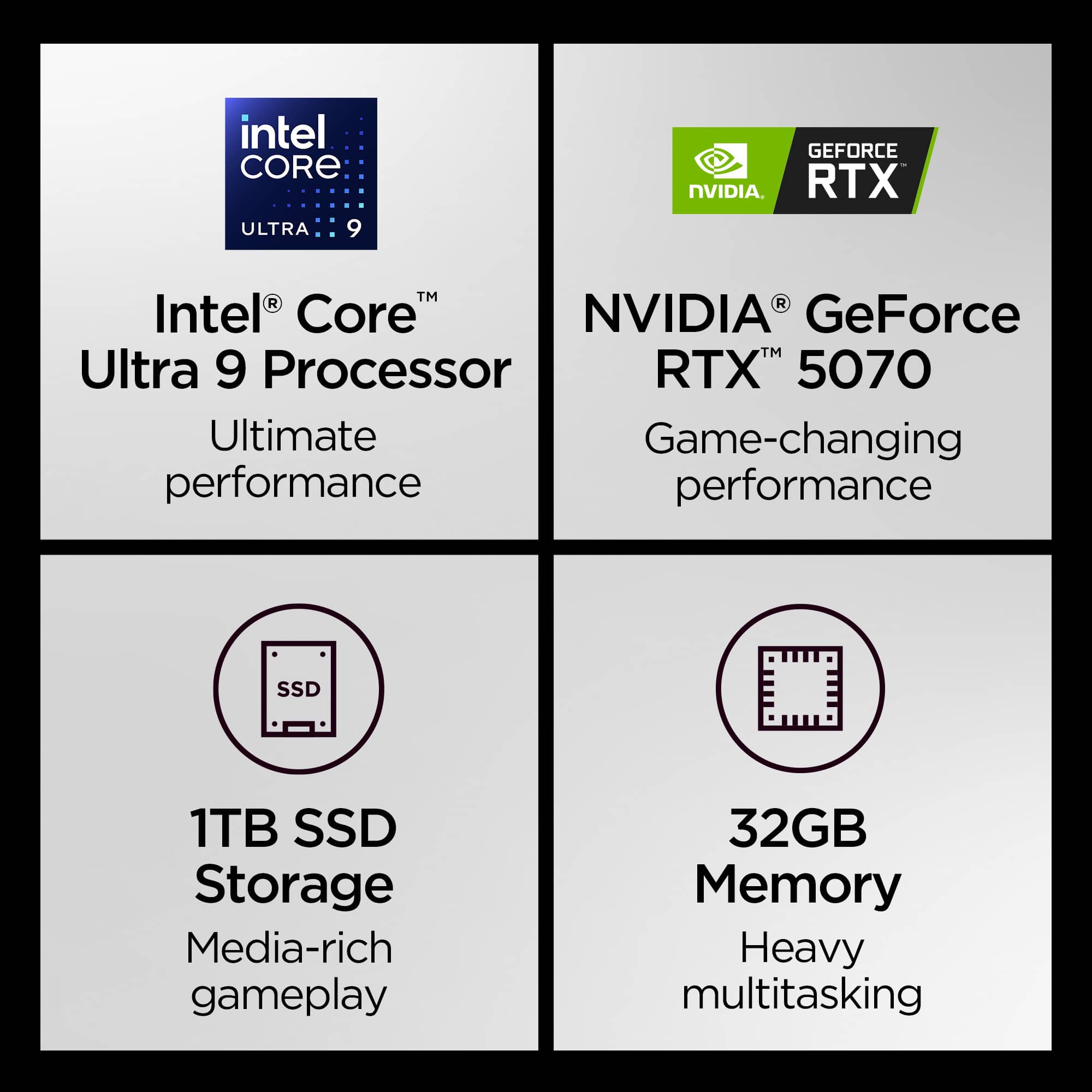
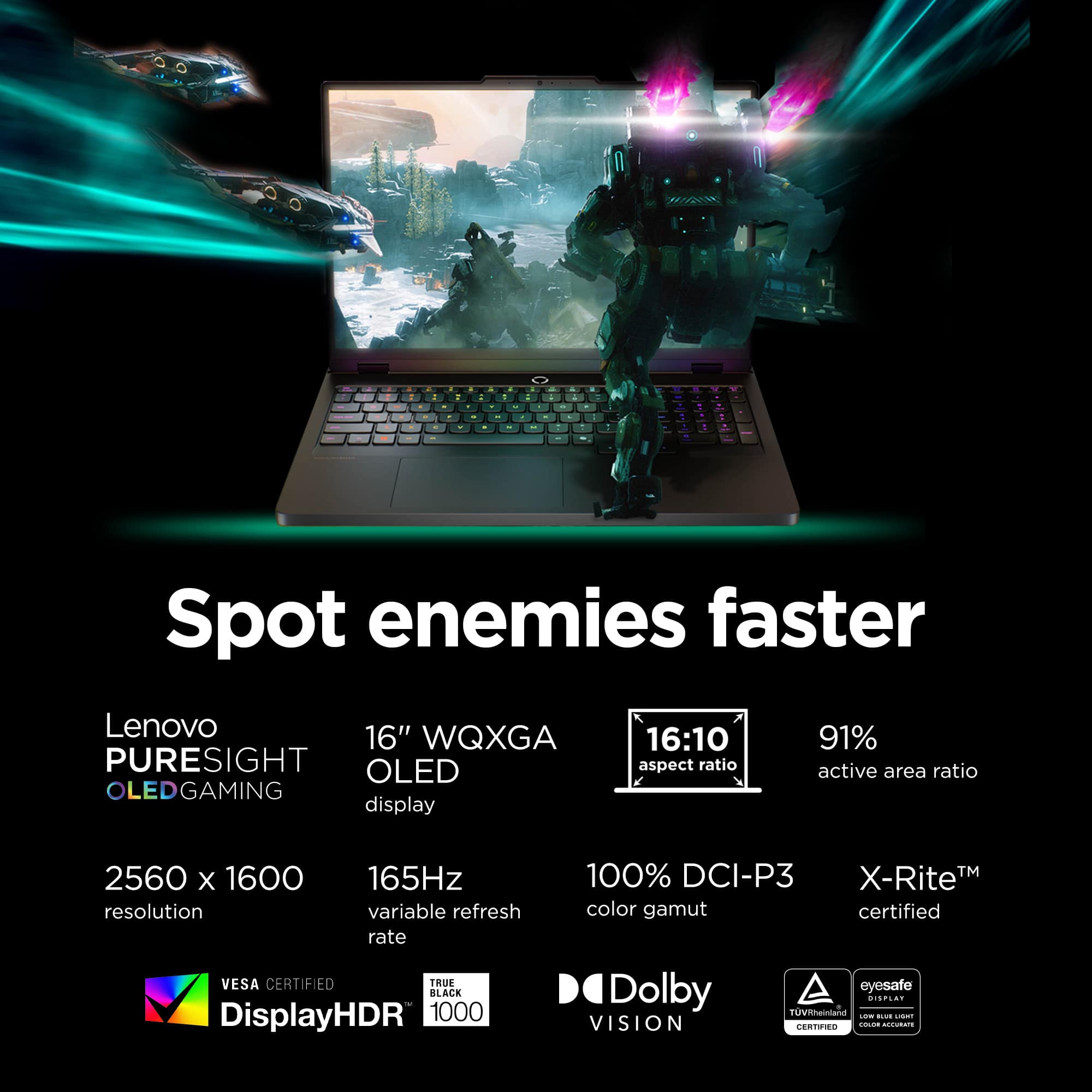
||Posted . Owned for 2 months when reviewed.This reviewer received promo considerations or sweepstakes entry for writing a review.This Lenovo Legion Pro 5i, which I recently bought, has really above my expectations. The RTX 5070 GPU and Intel Core Ultra 9 processor are responsible for the exceptional performance. I mostly use it for productivity tasks, gaming, and multitasking, and everything is incredibly lag-free. One of this laptop's outstanding features is its 2.5K OLED display. On this screen, games look fantastic, colors are vivid, and blacks are deep. Additionally, the gameplay feels incredibly snappy and fluid due to the fast refresh rate. The cooling system performs admirably during intense gaming sessions, and the build quality seems high-end and robust. Compared to many other gaming laptops I've tested, the temperature stays under control even during hard games. The 1TB SSD and 32GB RAM are ideal for contemporary productivity and gaming. Applications open promptly, multitasking is simple, and boot times are quick. Although, like other gaming laptops, it is best used plugged in for optimal performance, the battery life is respectable for a high-end gaming laptop. All things considered, this is a great gaming laptop for anyone seeking powerful performance, a stunning OLED display, and high-end construction. Definitely worth the money spent.
I would recommend this to a friend - Pros mentioned:Heat dissipation, Oled quality, Overall performanceCons mentioned:Battery life
Great product
||Posted .This reviewer received promo considerations or sweepstakes entry for writing a review.Great laptop, plenty of space, fast CPU, dedicated graphics. Plenty of accessory ports. Battery life is negligible but great for a gaming setup. Runs cool and software allows constant monitoring and Overclocking if needed. OLED display looks amazing and can handle just about anything you throw at it. Feels well built and looks sharp. I would recommend.
I would recommend this to a friendBrand response from Lenovo Product Expert
Posted .Hi Fossilized,
Thanks for choosing Lenovo and for sharing your feedback with us!
We are pleased to read that this Legion Pro 5i tackles everything you throw at it.
Please feel free to reach out to us via the Q& A section of this product page should you have any questions or need assistance.
Best,
Lenovo