Customer Ratings & Reviews
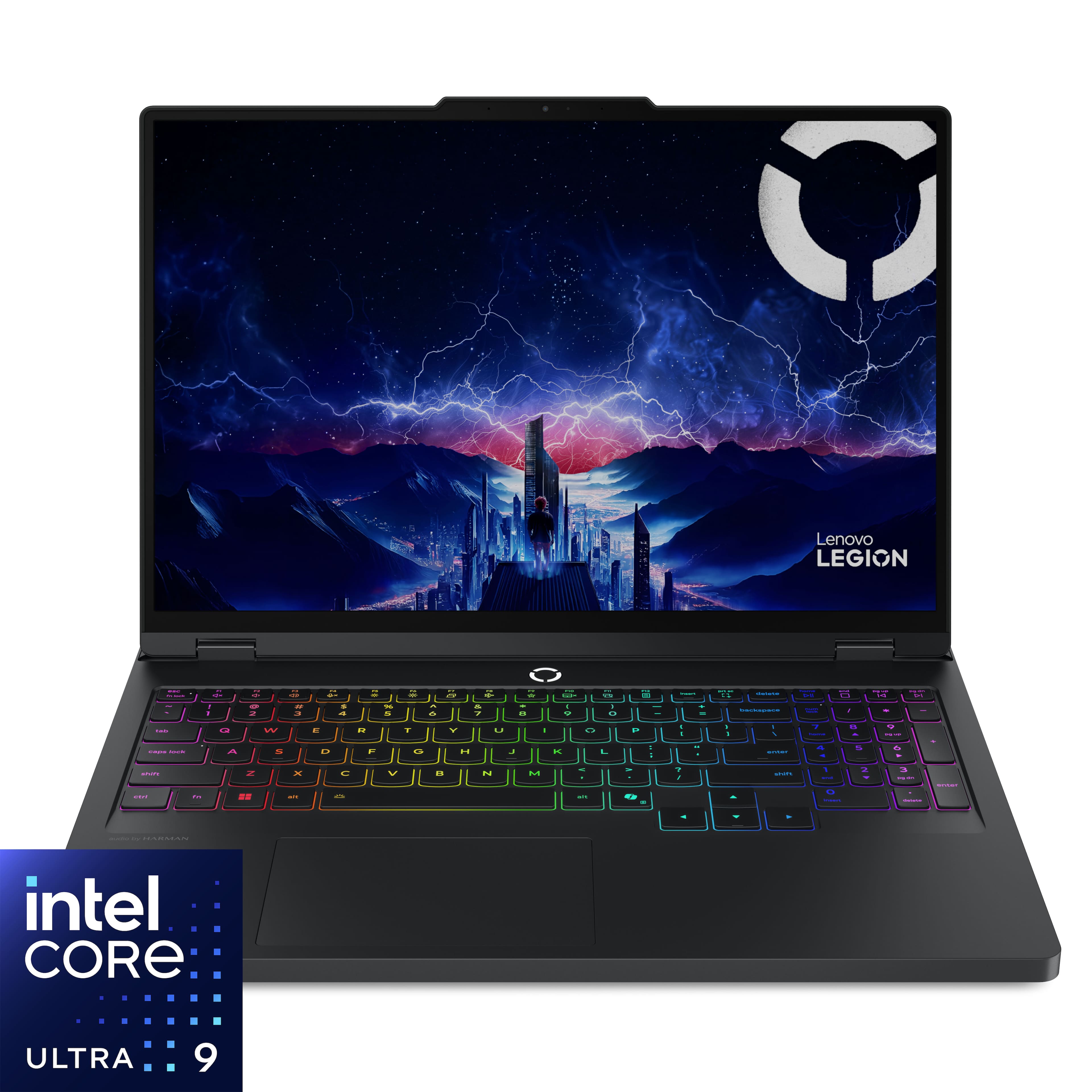



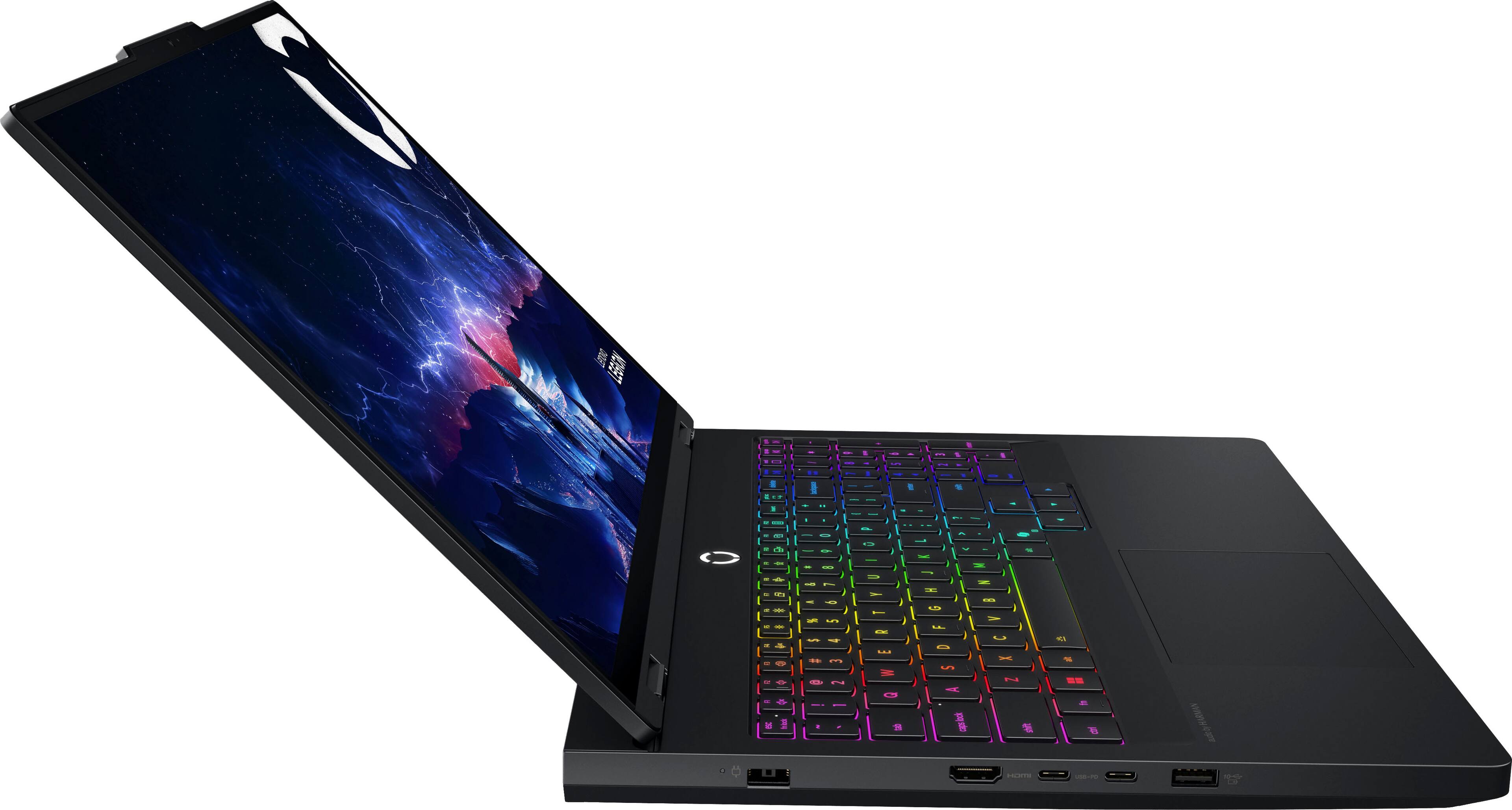
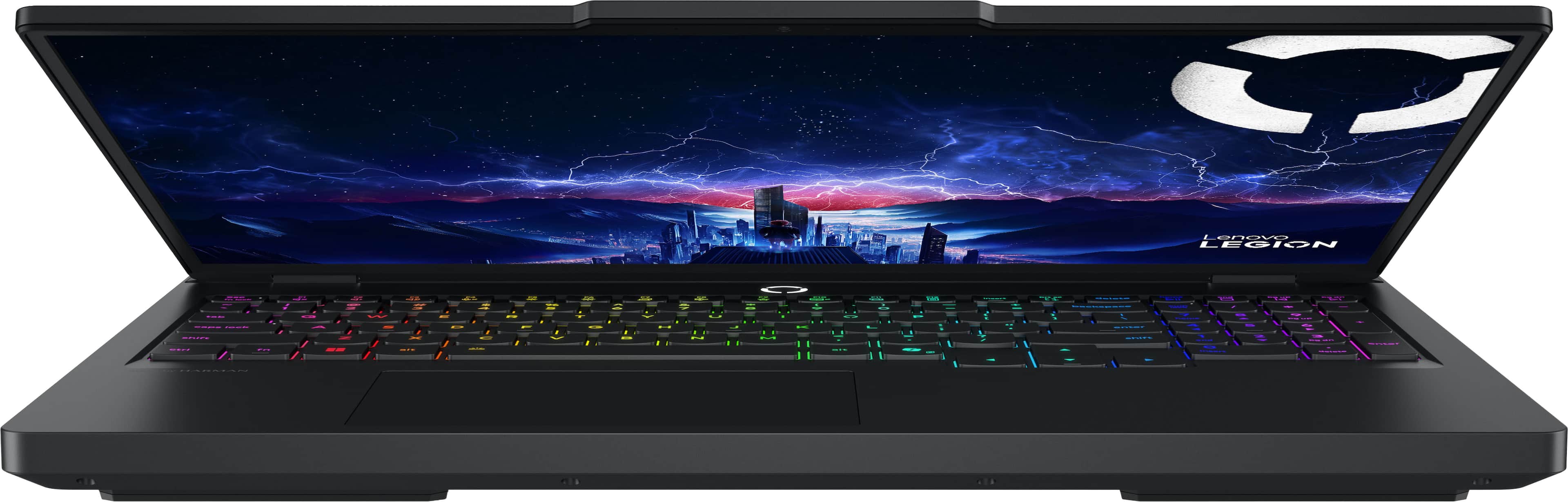
![Sure, here is the corrected and grouped text from the image:
---
**LADAVa LEGION**
- delete
- home
- end
- pg up
- pg dn
- insert
- delete
- enter
- audio by HARMAN
**Keyboard Layout:**
- esc
- fn lock
- F1
- F2
- F3
- F4
- F5
- F6
- F7
- F8
- F9
- F10
- F11
- F12
- insert
- delete
- home
- end
- pg up
- pg dn
- backspace
- num lock
- /
- *
- -
- +
- =
- tab
- Q
- W
- E
- R
- T
- Y
- U
- I
- O
- P
- [
- ]
- \
- caps lock
- A
- S
- D
- F
- G
- H
- J
- K
- L
- ;
- '
- enter
- shift
- Z
- X
- C
- V
- B
- N
- M](https://pisces.bbystatic.com/image2/BestBuy_US/images/products/ae7866ae-6f35-480e-a111-2813546447fe.jpg)







- Model:
- 83F3000HUS
- SKU:
- 6617090
Rating by feature
- Battery Life
Rating 3.9 out of 5 stars
- Speed
Rating 4.9 out of 5 stars
- Display
Rating 4.9 out of 5 stars
Customers are saying
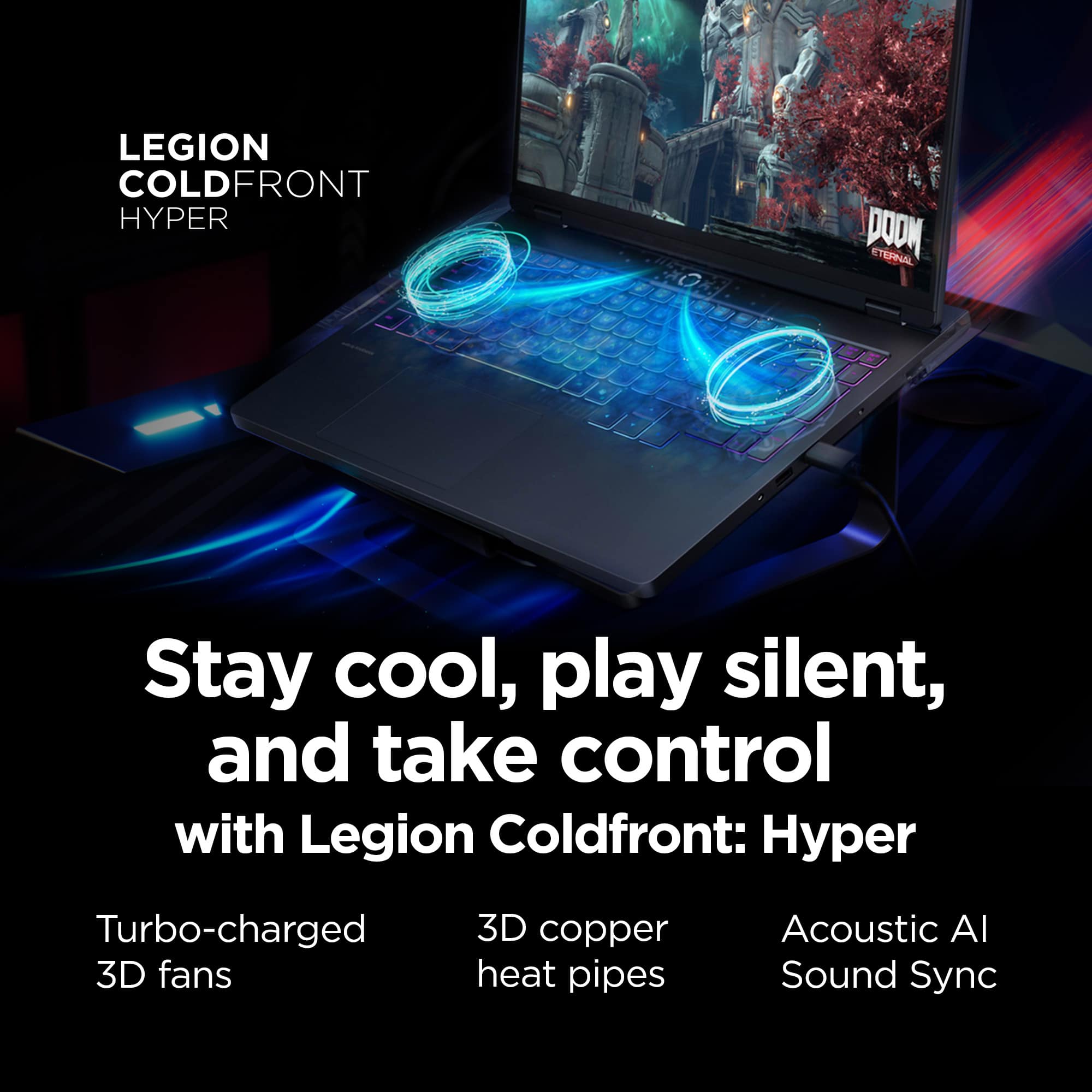
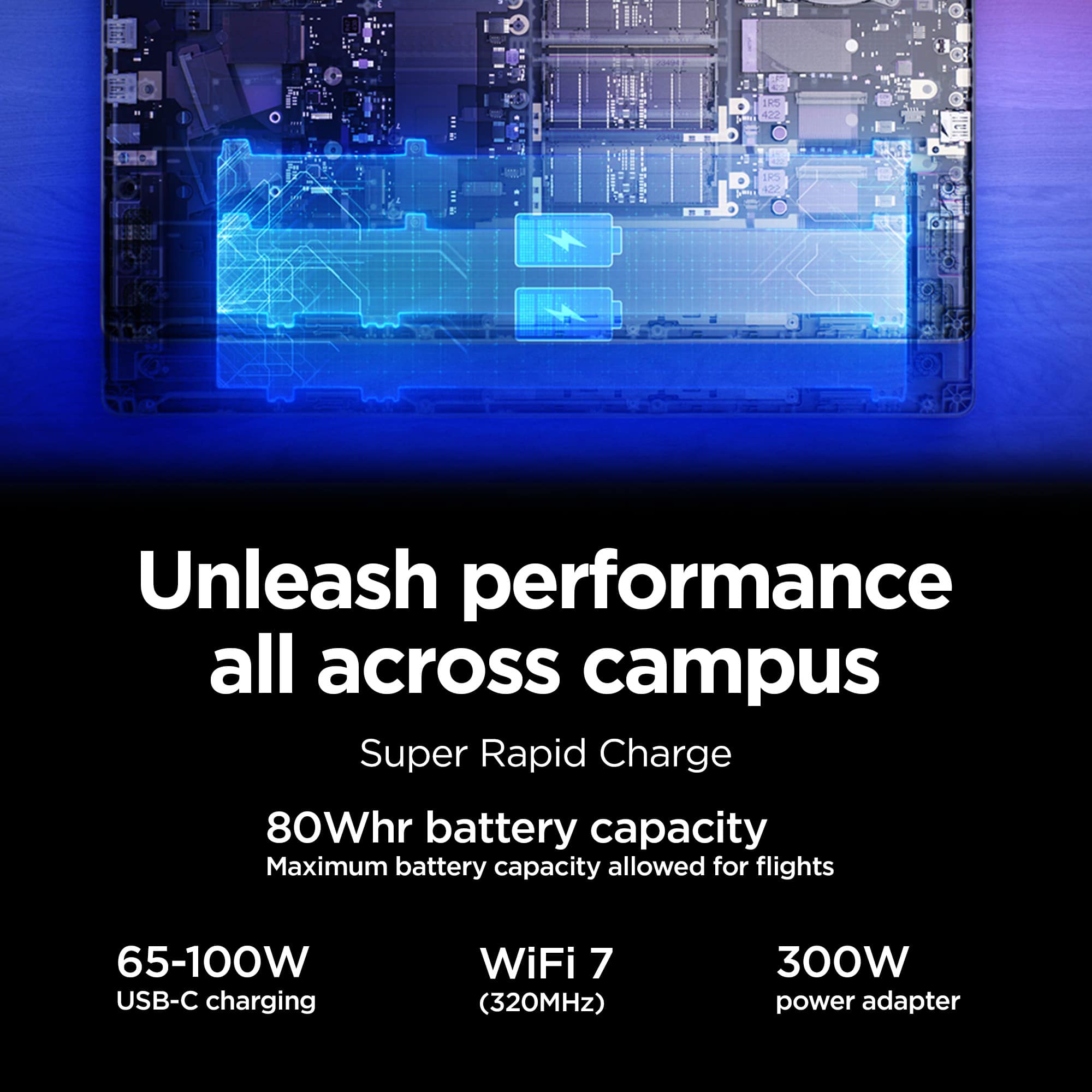
Customers express satisfaction with the product's overall performance, excellent heat dissipation, and the vibrant OLED display quality. They also appreciate its speed and quiet operation. However, some customers are disappointed with the battery life. There are also concerns regarding the touchpad's responsiveness.
This summary was generated by AI based on customer reviews.
- Pros mentioned:Heat dissipation, Oled quality, Overall performance
Beast performance with stunning OLED display
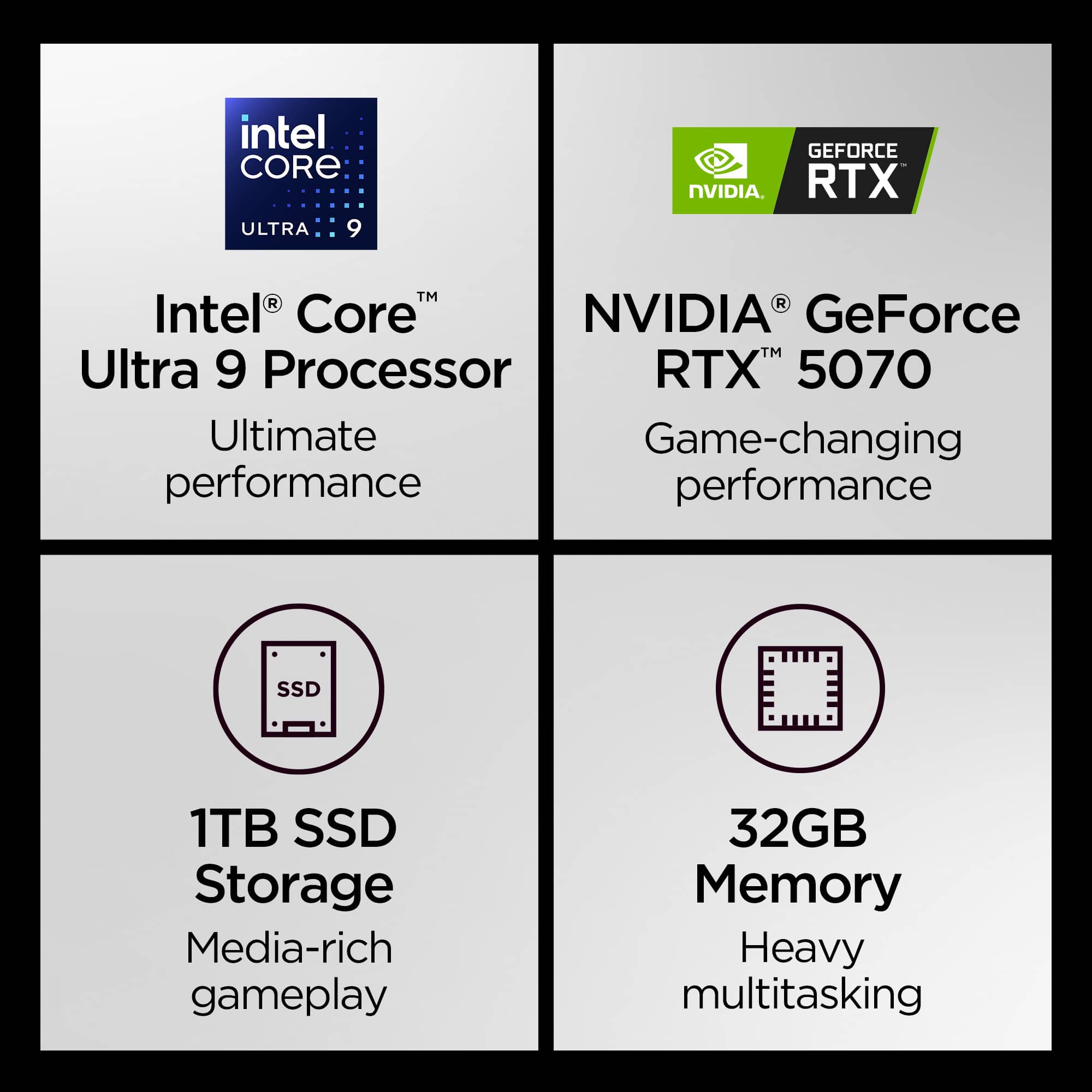
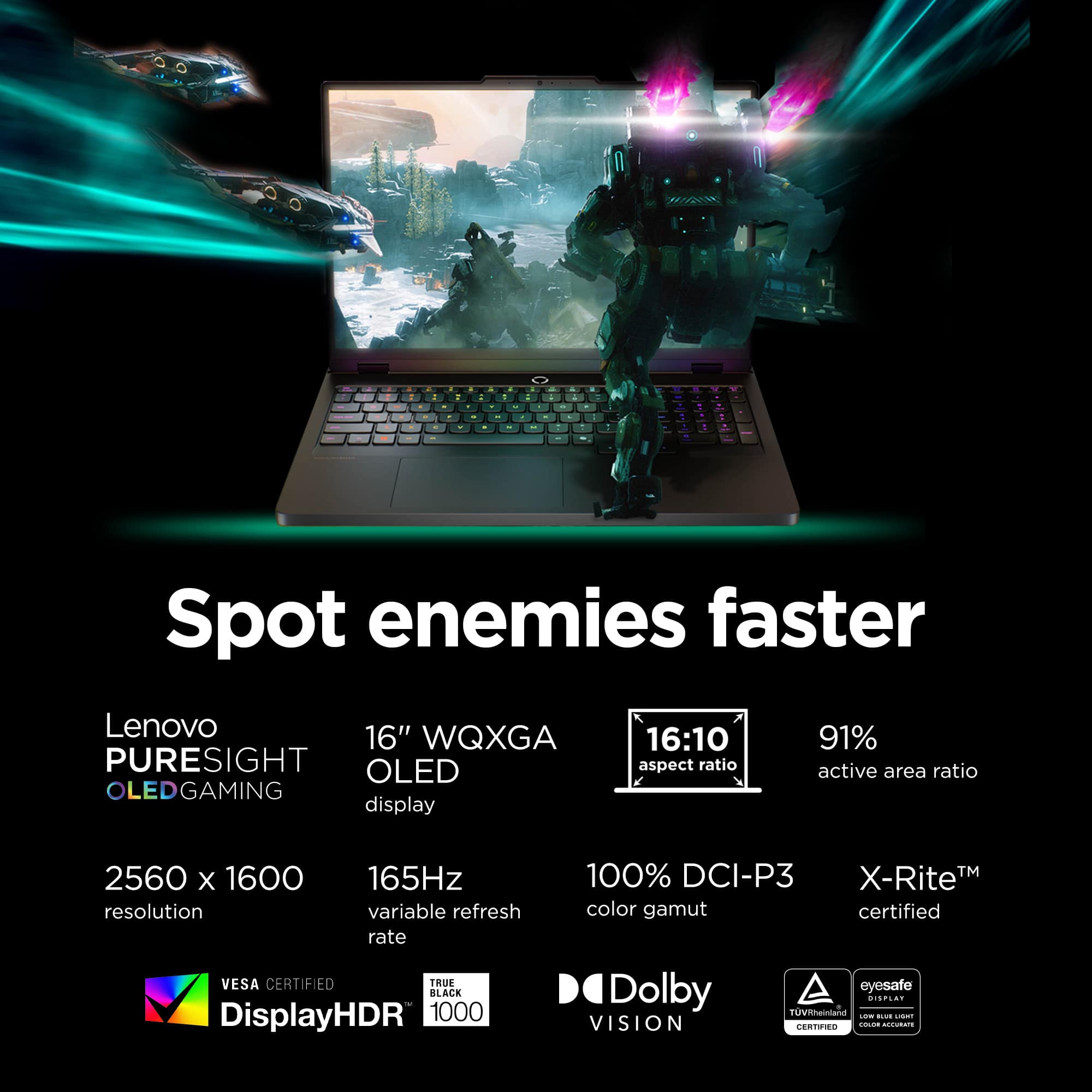
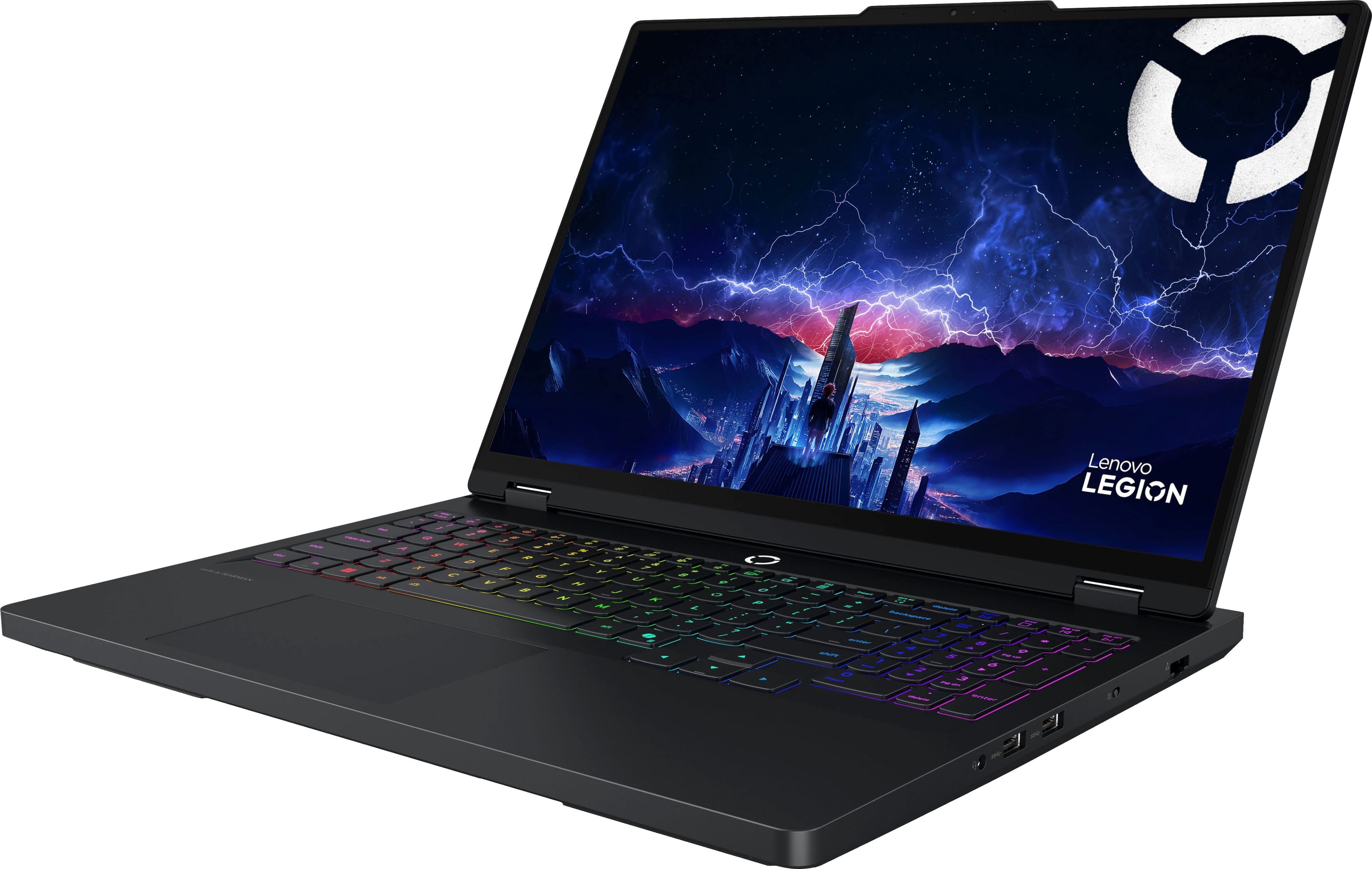
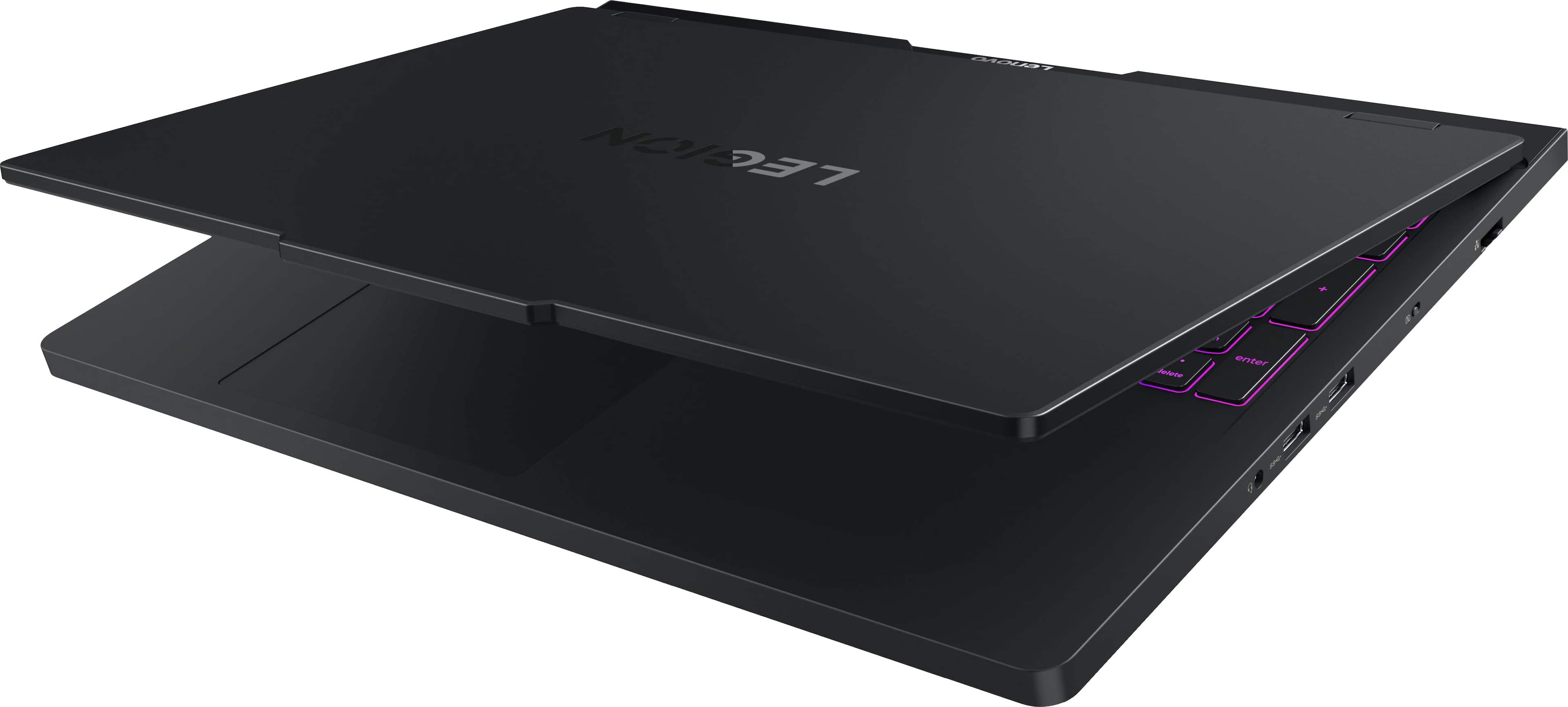
||Posted . Owned for 1 month when reviewed.This reviewer received promo considerations or sweepstakes entry for writing a review.The Lenovo Legion Pro 5i is an absolute powerhouse. The 2.5K OLED display looks incredible with vibrant colors and deep blacks, making games and content stand out. Performance is top-tier with the Intel Core Ultra 9 and RTX 5070, handling AAA games and heavy workloads effortlessly. 32GB RAM ensures smooth multitasking, and the 1TB SSD offers fast load times and plenty of storage. Thermals are well-managed, even during long gaming sessions. It’s a bit bulky, but that’s expected for this level of performance. Overall, a premium gaming laptop that delivers on both power and display quality.
I would recommend this to a friendBrand response from Lenovo Product Expert
Posted .Hi SandeepkumarV-
Thank you for choosing Lenovo and sharing your experience with us. We are thrilled to hear that you are enjoying the performance and display quality of the Legion Pro 5i. We have noted your feedback about the product design, and we may use your feedback to improve future products.
Please reach out to us through the Q & A section of this product page if you have any questions or need any assistance.
Best wishes,
Lenovo
- Pros mentioned:Overall performanceCons mentioned:Battery life, Keyboard layout
Solid first gaming laptop
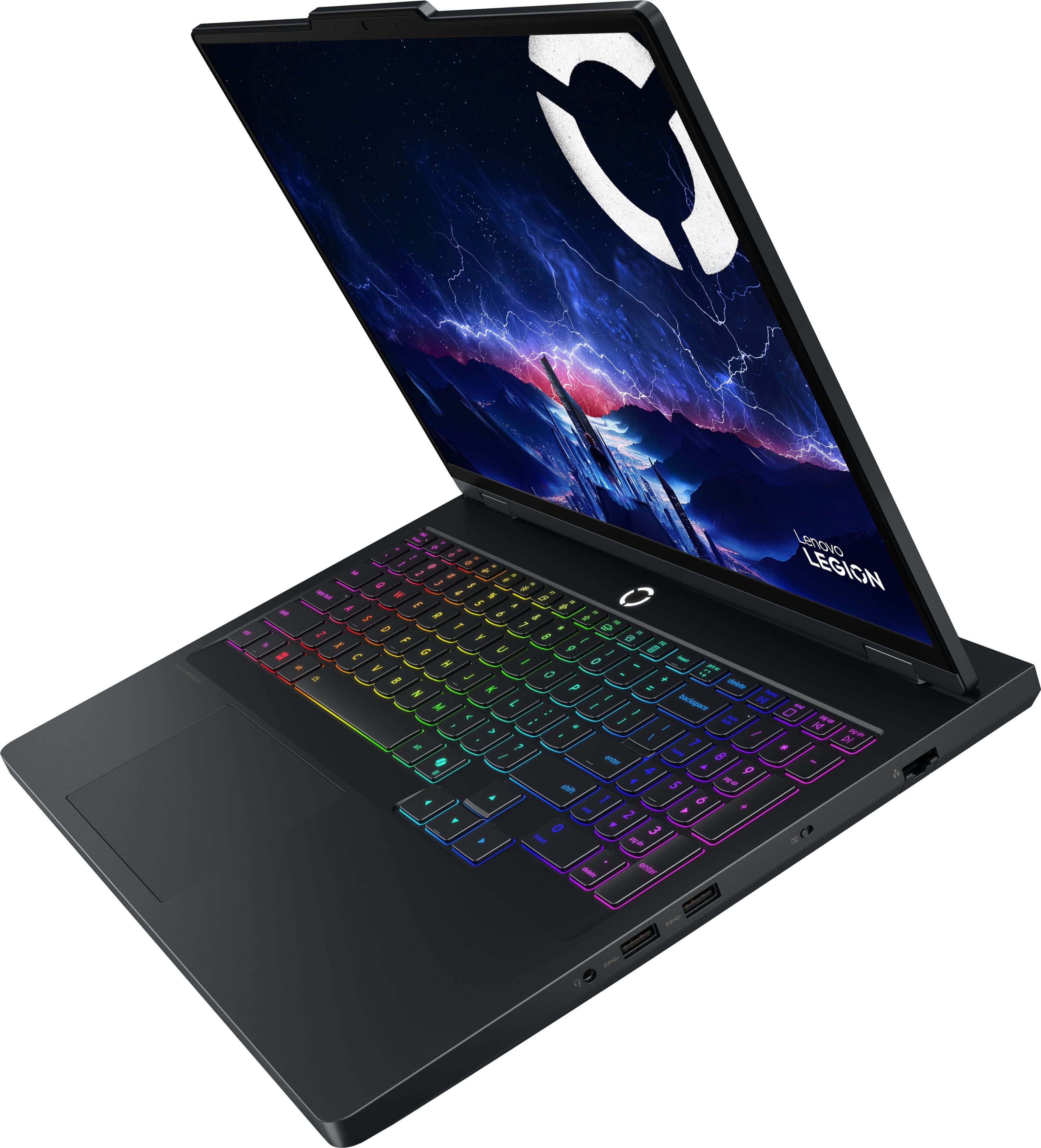
||Posted .This reviewer received promo considerations or sweepstakes entry for writing a review.This thing is amazing. I've always had normal computing laptops for work or personal use but this is my first gaming laptop and I'm spoiled. Screen is crisp, keys are phenomenal (they do feel a bit cramped with full keyboard but it works), performance is great. You need to have this plugged in or the battery gets consumed pretty quickly playing games but shouldn't be a surprise with whats under the hood. Would not recommend putting this on your lap as it gets toasty on the underside but the keys are just fine for use even when you're flexing the power of the machine. Would definitely buy again.
I would recommend this to a friendBrand response from Lenovo Product Expert
Posted .Hi,
Thanks for choosing Lenovo and for sharing your feedback with us!
We are glad to read that you are satisfied with your purchase.
Please don't hesitate to reach out to us via the Q& A section of this product page or contact Lenovo Support should you have any questions or need assistance.
Regards,
Lenovo
- Pros mentioned:Overall performance, SpeedCons mentioned:Battery life
Awesome laptop, battery life lacking
||Posted . Owned for 1 month when reviewed.This reviewer received promo considerations or sweepstakes entry for writing a review.The laptop itself is great, super fast, amazing graphics, and handles multitasking and gaming with ease. The only drawback is battery life. The battery only lasts a couple hours with light work duties.
I would recommend this to a friendBrand response from Lenovo Product Expert
Posted .Hi STEVEJ-
Thank you for choosing Lenovo and sharing your experience with us. We are thrilled to hear that you are enjoying the reliability and efficiency of the Legion Pro 5i. We aim to offer great user experience and would love to offer you a few actions you can take to improve battery life.
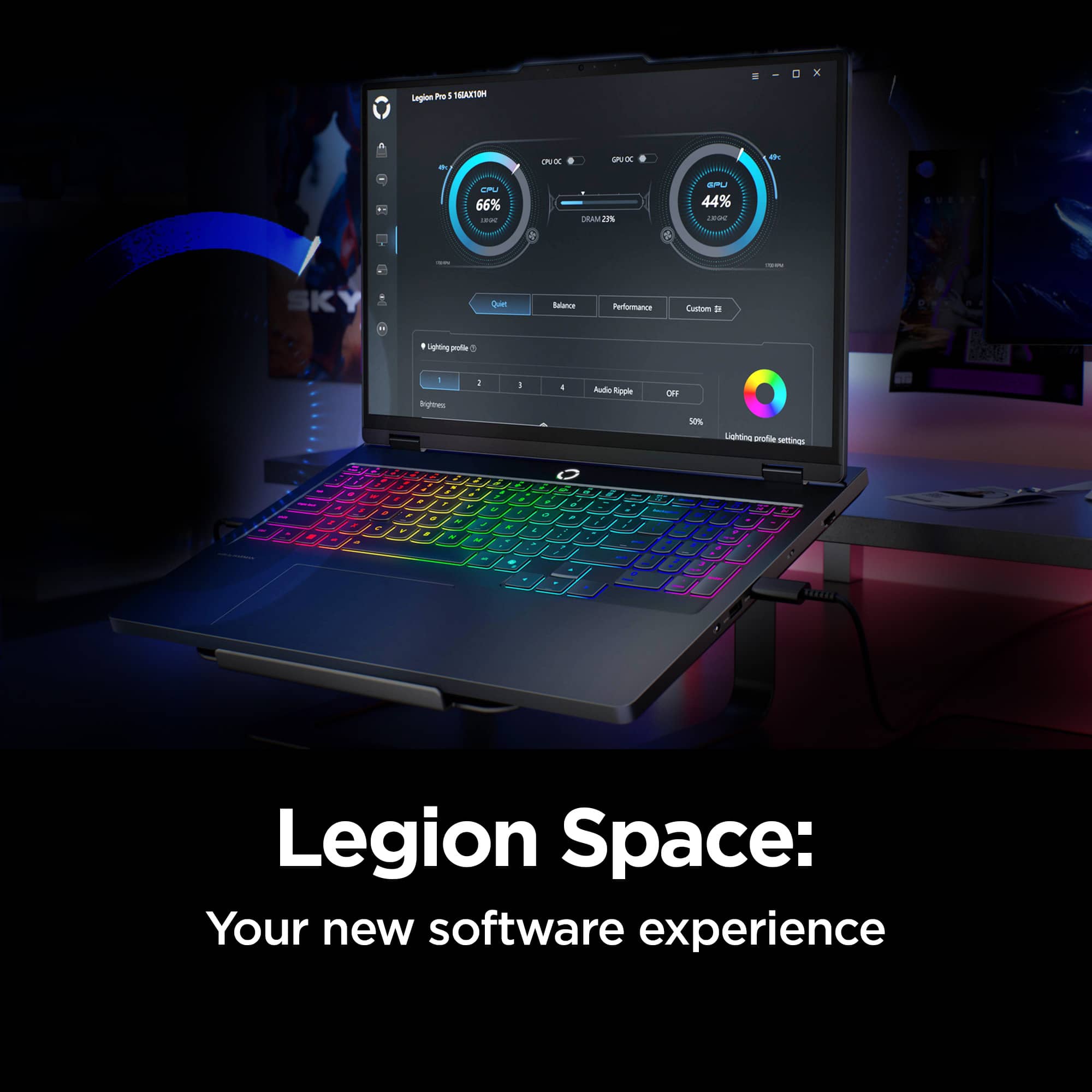
Firstly, the Legion Pro 5i allows you to change the computer’s thermal mode. This will allow your device to cycle between higher performance, quiet, or automatically adjust based on your needs. To start, launch the Lenovo Space app, Under the CPU and GPU Performance gauges you will find the option to toggle performance profiles. We suggest using Quiet mode which will lower battery consumption leading to longer battery life. You can also toggle thermal modes simply with the Fn+Q hotkey.
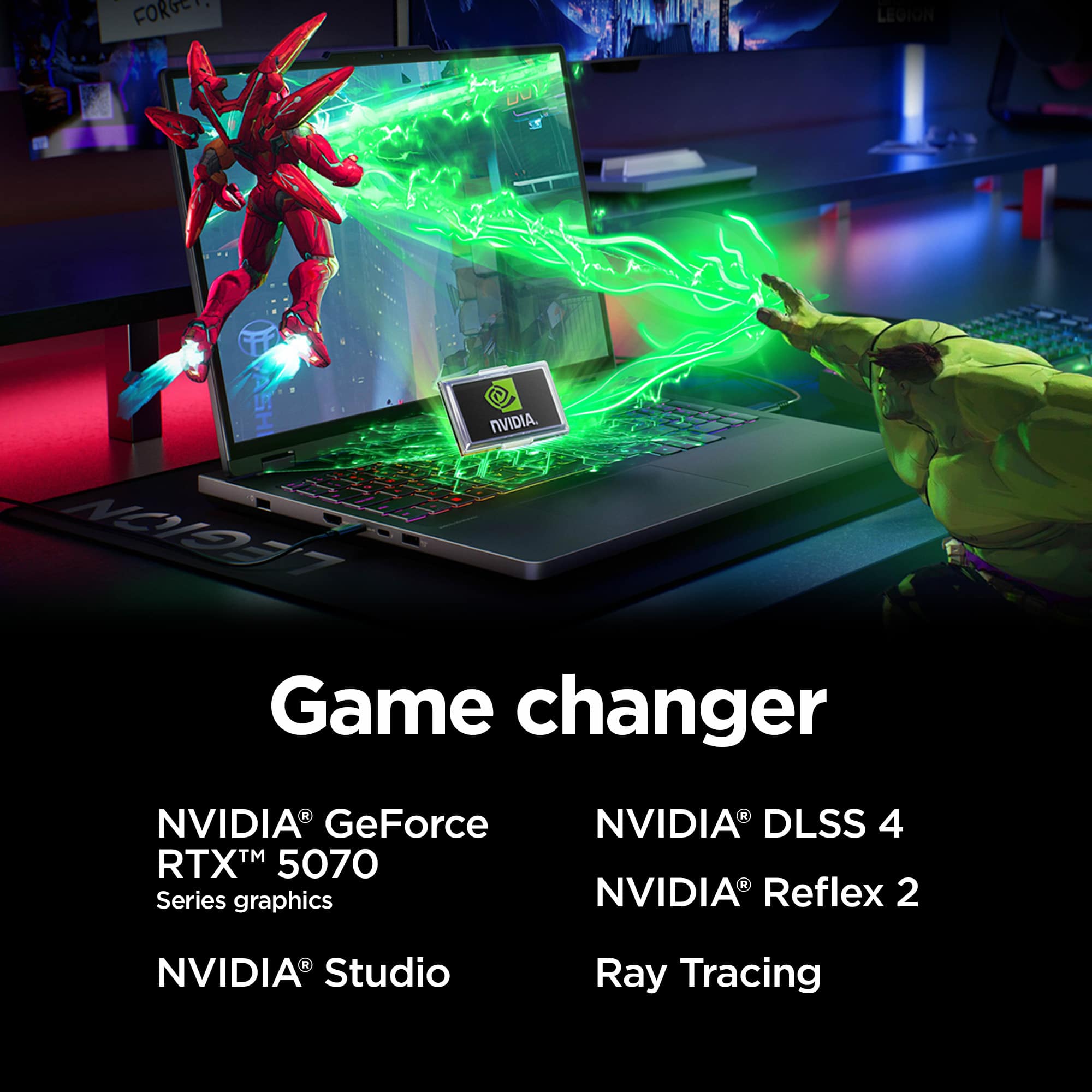
The Legion Pro 5i also includes the option of controlling the “GPU Working Mode”. You can find this within Legion Space, just below the Thermal Profile modes from the previous step. This allows your device to switch between the integrated GPU and discrete GPU. By switching modes, you can enhance battery life through the Hybrid-iGPU Only Mode which will lower the power draw of the NVIDIA GeForce RTX 5070 graphics card or enhance display performance with dGPU Mode.
Please reach out to us through the Q & A section of this product page if you have any questions or need any assistance.
Best wishes,
Lenovo
- Pros mentioned:Heat dissipation, Oled quality, Overall performance
Lenovo Legion
||Posted . Owned for 3 months when reviewed.This reviewer received promo considerations or sweepstakes entry for writing a review.Love the OLED screen and performance! Love that I can take performance on the go without worrying about overheating!
I would recommend this to a friend - Pros mentioned:Overall performanceCons mentioned:Battery life
Pretty happy with this one.
||Posted . Owned for 1 month when reviewed.This reviewer received promo considerations or sweepstakes entry for writing a review.Pretty solid work laptop for doing cad and 3d modeling with the 5070 GC. Huge improvement in load times for models and such compared to new dell laptop (12/2026) with intel integrated graphics I also bought that now is wife’s laptop for mostly accounting etc. This screen is amazingly better than I was used to also. I’m barely pushing this thing I know. Battery is not going to win any awards usually last 2-3 hours unplugged at best and can get pretty warm under normal load on lap. Comparison is the Dell laptop which would last 8-9 hours, never get hot, no matter what but I know way different abilities. They are two very different machines, work horse sports car vs sedan. Etc
I would recommend this to a friend - Pros mentioned:Noise level, Overall performance, Speed
Lenovo laptop
||Posted . Owned for 1 month when reviewed.This reviewer received promo considerations or sweepstakes entry for writing a review.This laptop has lighting fast speed even over wifi. Downloads in record time and has no lag time. You'll love using this pc, super quiet when running.
I would recommend this to a friendBrand response from Lenovo Product Expert
Posted .Hi VR01264351X-
Thank you for choosing Lenovo and sharing your experience with us. We are thrilled to hear that you are enjoying the performance of the Legion Pro 5i. We aim to offer great user experience and are overjoyed to see that we met our goal.
Please reach out to us through the Q & A section of this product page if you have any questions or need any assistance.
Best wishes,
Lenovo
- Pros mentioned:Heat dissipation, Overall performance
Lenovo Legion Pro 5i
||Posted . Owned for 1 month when reviewed.This reviewer received promo considerations or sweepstakes entry for writing a review.Lenovo Legion Pro 5i has been an absolute beast for Call of Duty competitive Ranked Play. The performance is fast, smooth, and consistent, which is exactly what you need when every gunfight is decided in milliseconds. The high refresh rate display feels super responsive for snapping, tracking, and keeping your aim steady, and the input response stays sharp even during long grind sessions. It runs CoD well without constant stutters or random frame drops, so rotations, challs, and close-range fights feel way more controlled. Cooling is solid for a laptop this powerful, so you’re not dealing with heavy throttling mid-match when you’re trying to clutch up. Build quality feels strong, the keyboard is comfortable, and the setup is easy to lock in with. Overall, it’s a top-tier choice if you want serious Ranked Play performance on a laptop.
I would recommend this to a friendBrand response from Lenovo Product Expert
Posted .Hi Creag-
Thank you for choosing Lenovo and sharing your glowing review with us. We are happy to hear that you are enjoying the performance, display quality, colling capabilities, and keyboard ergonomics of the Legion Pro 5i. We aim to offer great user experience and are overjoyed to see that we met our goal.
Please reach out to us through the Q & A section of this product webpage if you have any questions or need any assistance.
Best wishes,
Lenovo
- Pros mentioned:Heat dissipation, Noise level, Overall performance
Great product
||Posted . Owned for 3 weeks when reviewed.This reviewer received promo considerations or sweepstakes entry for writing a review.This is a great gaming laptop it can literally handle any game I throw at it and it doesn't get hot or loud I I'm really satisfied with this purchase
I would recommend this to a friend - Pros mentioned:Heat dissipation, Overall performanceCons mentioned:Battery life
Excellent if purchased < 2K
||Posted .This reviewer received promo considerations or sweepstakes entry for writing a review.I do quite heavy LLMs and this computer eats, no lag, no overheatting, no problem at all. The battery does get drained fast (6-8 hours) compared to others but excellent laptop at the price I got it (1600).
I would recommend this to a friendBrand response from Lenovo Product Expert
Posted .Hi,
Thanks for choosing Lenovo and for sharing your feedback with us!
We are glad to read that you are satisfied with your purchase.
Please don't hesitate to reach out to us via the Q& A section of this product page or contact Lenovo Support should you have any questions or need assistance.
Regards,
Lenovo
- Pros mentioned:Heat dissipation, Oled quality, Overall performance
Awesome laptop.
||Posted . Owned for 1 week when reviewed.This reviewer received promo considerations or sweepstakes entry for writing a review.Laptop is solid. Has a great cooling system and handled every game I tried. It won’t them all max settings but they still look great on the 16in Oled display. My only gripe is that the screen has a yellow hue to it that I couldn’t configure out
I would recommend this to a friend - Pros mentioned:Noise level, Overall performanceCons mentioned:Battery life
Recommend
||Posted . Owned for 3 weeks when reviewed.This reviewer received promo considerations or sweepstakes entry for writing a review.The graphics are amazing and the laptop is super quiet. Price was great. The battery life is not grear
I would recommend this to a friendBrand response from Lenovo Product Expert
Posted .Hi SusanM-
Thank you for choosing the Lenovo Legion Pro 5i and for sharing your feedback with us. We are thrilled to hear that you are enjoying the Lenovo Yoga 7's amazing graphics. We strive to provide an excellent user experience with our products and would like to offer suggestions regarding the battery life issues mentioned.
First, we recommend installing all available driver updates through Lenovo Vantage and Windows Update Settings. These updates are crucial to the device’s health and can affect battery performance. To check for updates in Lenovo Vantage, launch the application, then select the “Check for updates” button at the top right of the screen. To check for Windows Updates, launch the Settings app, select the Windows Update tab on the left-hand side of the page, then select the “Check for updates’ button in the top right of the page. Once the updates are installed, we recommend restarting the device.
Secondly, the Lenovo Legion Pro 5i lets you adjust the computer’s thermal mode. This lets your device cycle between higher-performance and quiet modes or automatically adjust based on your needs. To start, launch the Lenovo Vantage app, select the "Device Settings" tab on the left-hand side of the display, scroll down to "Power modes," and select the best mode for your needs. We suggest using Quiet mode, which will lower the temperature of your Lenovo Legion Pro 5i, reduce fan noise under load, and improve battery life. During gaming, we suggest changing the thermal mode to performance to get the most out of your Lenovo Legion Pro 5i. You can also toggle thermal modes with the Fn+Q hotkey.
Please reach out to us through the Q&A section of this product page if you have any questions or need assistance.
Best wishes,
Lenovo
- Pros mentioned:Heat dissipation, Overall performance
Best cooling I have seen out of 14 laptops
||Posted . Owned for 3 weeks when reviewed.This reviewer received promo considerations or sweepstakes entry for writing a review.For its price you get a solid set up! This was one of 12 laptops that had some of the best cooling under heavy loads. The display is also very well paired for this set up. Just wish the 5070 laptop card was a bit better performance is all. This set up would be perfect if paired with a 5070 ti or better.
I would recommend this to a friend - Pros mentioned:Heat dissipation, Noise level, Oled quality
Awesome
||Posted . Owned for 2 weeks when reviewed.This reviewer received promo considerations or sweepstakes entry for writing a review.Great portable machine, able to game under heavy load without thermal throttle and fans are real quiet under full load , you wont be disappointed in any way buying this from the nice rgb keyboard to the 165hz 2k oled display
I would recommend this to a friendBrand response from Lenovo Product Expert
Posted .Hi,
Thanks for choosing Lenovo and for sharing your feedback with us!
We are glad to read that you are satisfied with your purchase.
Please don't hesitate to reach out to us via the Q& A section of this product page or contact Lenovo Support should you have any questions or need assistance.
Regards,
Lenovo
- Pros mentioned:Heat dissipationCons mentioned:Battery life
Excellent Gaming Rig
||Posted . Owned for 1 month when reviewed.This reviewer received promo considerations or sweepstakes entry for writing a review.The Legion is an excellent gaming system and plays everything I have tried on it. The GPU and CPU stay cool even when playing for hours. Has a 1 TB NVME drive, and I added another to get the space I want and was very easy to install it. This machine just works The battery doesn't last very long when gaming, but then again, if you're playing anything too intensive, I wouldn't expect it to.
I would recommend this to a friend - Pros mentioned:Heat dissipation, Overall performance
The most powerful machine I've ever owned.
||Posted . Owned for 1 week when reviewed.This reviewer received promo considerations or sweepstakes entry for writing a review.As an independent film producer, i wasn't sure about gaming laptops for editing movies but this Legion pro5 by far exceeded my expectations. There is zero lag, and instant response times with the most efficient cooling system I've ever experienced. This is perfect if you want zero interruptions or lag for editors and gamers alike.
I would recommend this to a friendBrand response from Lenovo Product Expert
Posted .Hi MICHAELJ-
Thank you for choosing Lenovo and sharing your experience with us. We are thrilled to hear that you are enjoying the performance of the Legion Pro 5i for your content creation. We aim to offer great user experience and are overjoyed to see that we met our goal.
Please reach out to us through the Q & A section of this product page if you have any questions or need any assistance.
Best wishes,
Lenovo
- Pros mentioned:Noise level, Overall performance
Excellent performance and amazing graphics
||Posted . Owned for 2 weeks when reviewed.This reviewer received promo considerations or sweepstakes entry for writing a review.This laptop is fantastic. The performance is extremely fast and everything runs smoothly. The graphics are amazing and games look incredible on the OLED display. I was also pleasantly surprised by how quiet it is, even under load. The build quality feels premium and the overall experience has been great. Highly recommend this laptop for gaming and demanding tasks.
I would recommend this to a friend - Pros mentioned:Overall performanceCons mentioned:Battery life
Perfect For Gaming and College Engineering
||Posted . Owned for 1 month when reviewed.This reviewer received promo considerations or sweepstakes entry for writing a review.Honestly an amazing laptop, you’re getting so much for a great price ( I paid around 1700 after tax) and it works flawlessly. I’ve had it for a couple months now and haven’t run into a single problem whatsoever. The only downside to this laptop is the battery dies pretty fast when using it for anything other than small work( for small work, I’d say it lasts maybe around 3-4 hours but I’m not entirely sure). Small price to pay though for the power that you get. Great for gaming and as a college engineering student myself it works perfect for all the programs I use. Would highly recommend
I would recommend this to a friendBrand response from Lenovo Product Expert
Posted .Hi Nick-
Thank you for choosing Lenovo and sharing your experience with us. We are happy to hear that you are enjoying the performance of the Legion Pro 5i. We aim to offer great user experience and would like to suggest a few actions you can take to help improve your battery life.
Firstly, the Legion Pro 5i allows users to change the computer’s thermal mode. This will allow your device to cycle between higher performance, quiet, or automatically adjust based on your needs. To start, launch the Lenovo Space app, Under the CPU and GPU Performance gauges you will find the option to toggle performance profiles. We suggest using Quiet mode which will lower the temperature of your Legion Pro 5i when under load. You can also toggle thermal modes simply with the Fn+Q hotkey.
Secondly, the Legion Pro 5i includes the option of controlling the “GPU Working Mode”. You can find this within Legion Space, just below the Thermal Profile modes from the previous step. This allows your device to switch between the integrated GPU and discrete GPU. By switching modes, you can enhance battery life through the Hybrid-iGPU Only Mode which will lower the power draw of the NVIDIA GeForce RTX 5070 graphics card or enhance performance with dGPU Mode which will enhance display performance.
Please reach out to us through the Q & A section of this product webpage if you have any questions or need any assistance.
Best wishes,
Lenovo
- Pros mentioned:Heat dissipation, Noise level, Overall performance
Great Laptop
||Posted . Owned for 2 weeks when reviewed.This reviewer received promo considerations or sweepstakes entry for writing a review.Great laptop. Runs great, quite and cool. The display is very crisp. Would buy again.
I would recommend this to a friend - Pros mentioned:Overall performanceCons mentioned:Battery life
Lenovo Legion
||Posted . Owned for 1 month when reviewed.This reviewer received promo considerations or sweepstakes entry for writing a review.I absolutely love this laptop. I use it for work, school and gaming. Runs crimson desert great and has no issues. The only issue is the battery life but if you’re not heavy gaming then it should be fine.
I would recommend this to a friendBrand response from Lenovo Product Expert
Posted .Hi Tyler-
Thank you for choosing the Lenovo Legion Pro 5i and for sharing your experience with us. We are happy to hear that you are enjoying the Lenovo Legion Pro 5i's performance for work, school, and gaming. We strive to provide an excellent user experience with our products, and we like to share useful tips to improve your battery life experience.
First, we recommend installing all available driver updates through Lenovo Vantage and Windows Update Settings. These updates are crucial to the device’s health and can affect battery performance. To check for updates in Lenovo Vantage, launch the application, then select the “Check for updates” button at the top right of the screen. To check for Windows Updates, launch the Settings app, select the Windows Update tab on the left-hand side of the page, then select the “Check for updates’ button in the top right of the page. Once the updates are installed, we recommend restarting the device.
Secondly, the Lenovo Legion Pro 5i lets you adjust the computer’s thermal mode. This lets your device cycle between higher-performance and quiet modes or automatically adjust based on your needs. To start, launch the Lenovo Vantage app, select the "Device Settings" tab on the left-hand side of the display, scroll down to "Power modes," and select the best mode for your needs. We suggest using Quiet mode, which will lower the temperature of your Lenovo Legion Pro 5i, reduce fan noise under load, and improve battery life. During gaming, we suggest changing the thermal mode to performance to get the most out of your Lenovo Legion Pro 5i. You can also toggle thermal modes with the Fn+Q hotkey.
Please reach out to us through the Q&A section of this product webpage if you have any questions or need assistance.
Best wishes,
Lenovo
- Pros mentioned:Overall performanceCons mentioned:Battery life
Great for desk use, not great mobile workstation.
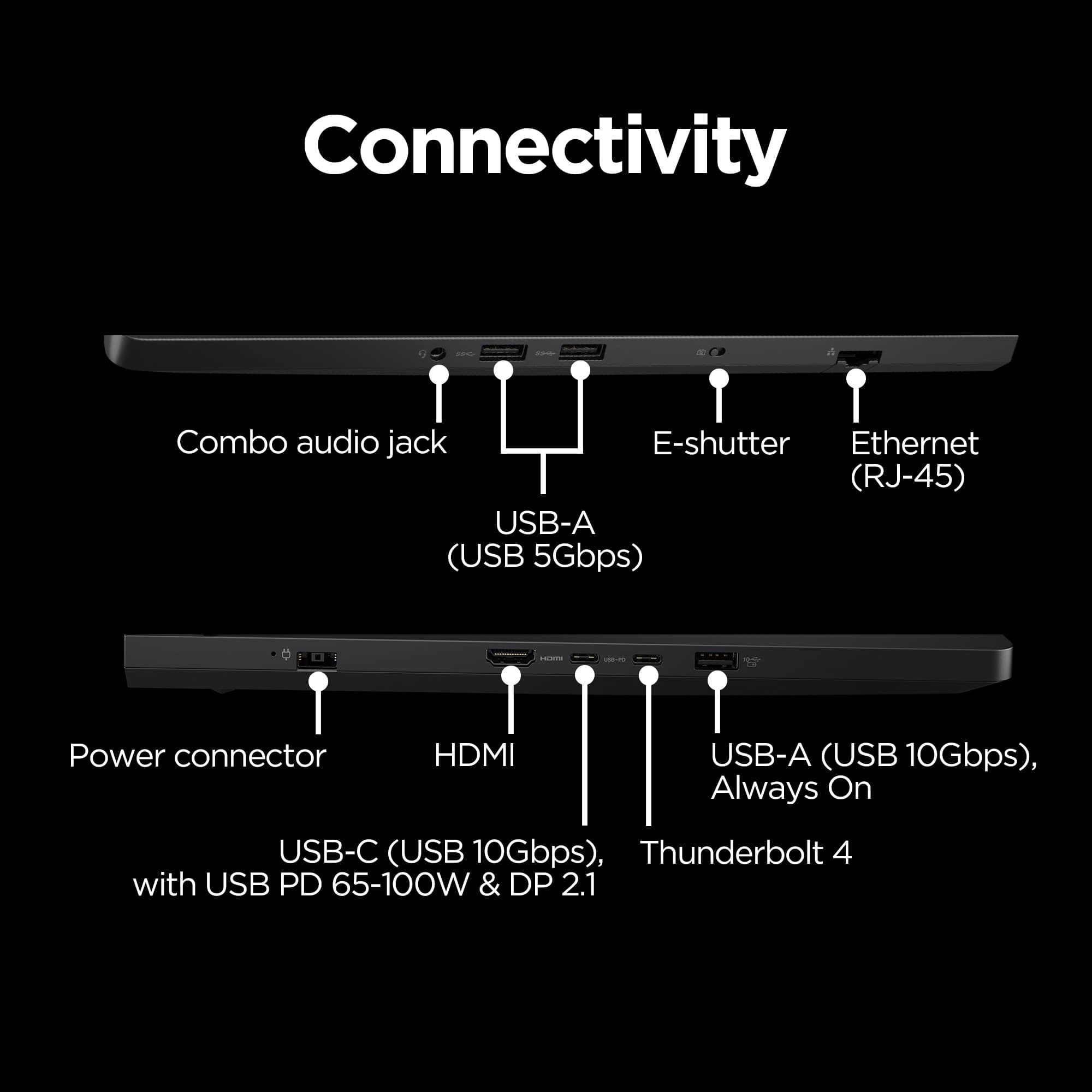
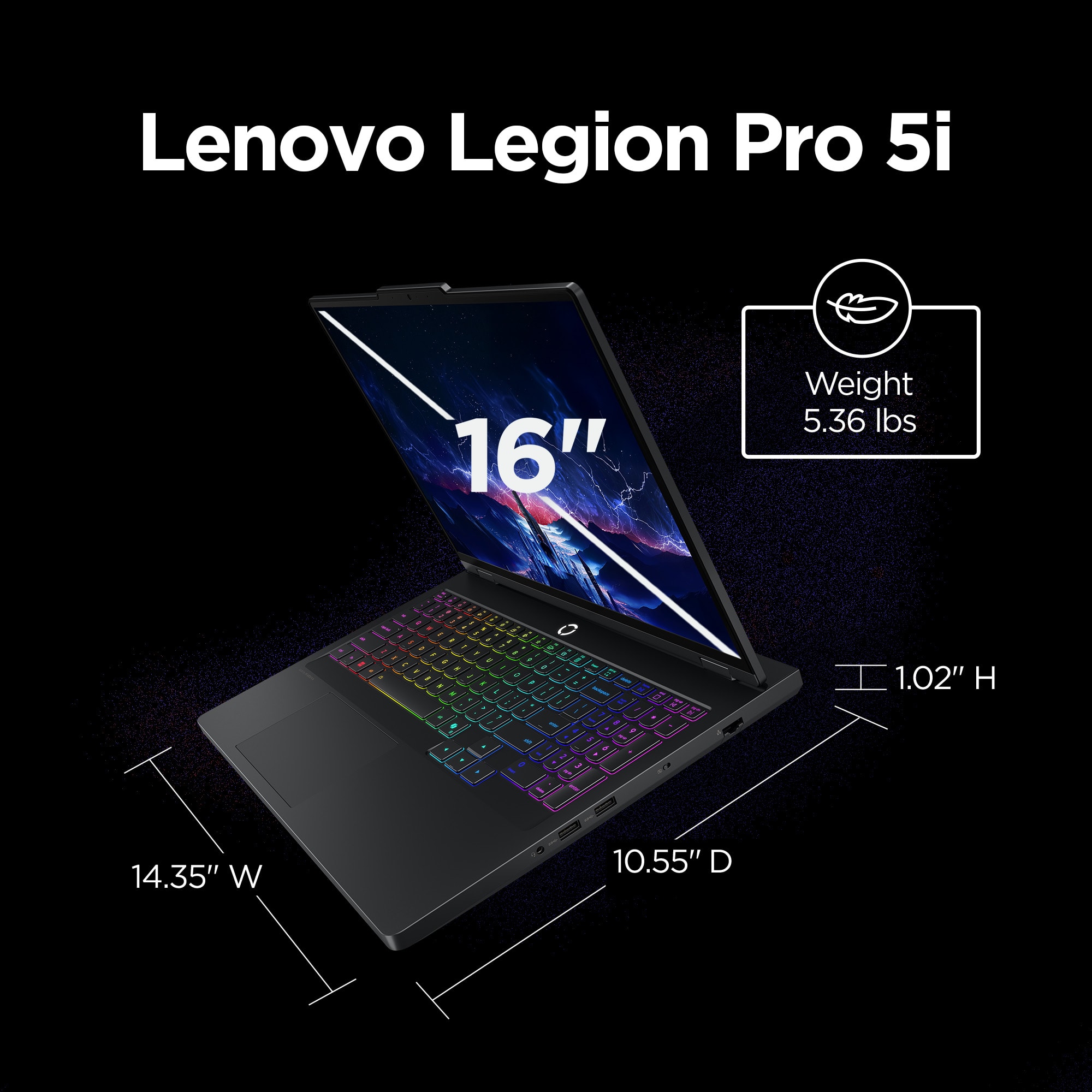
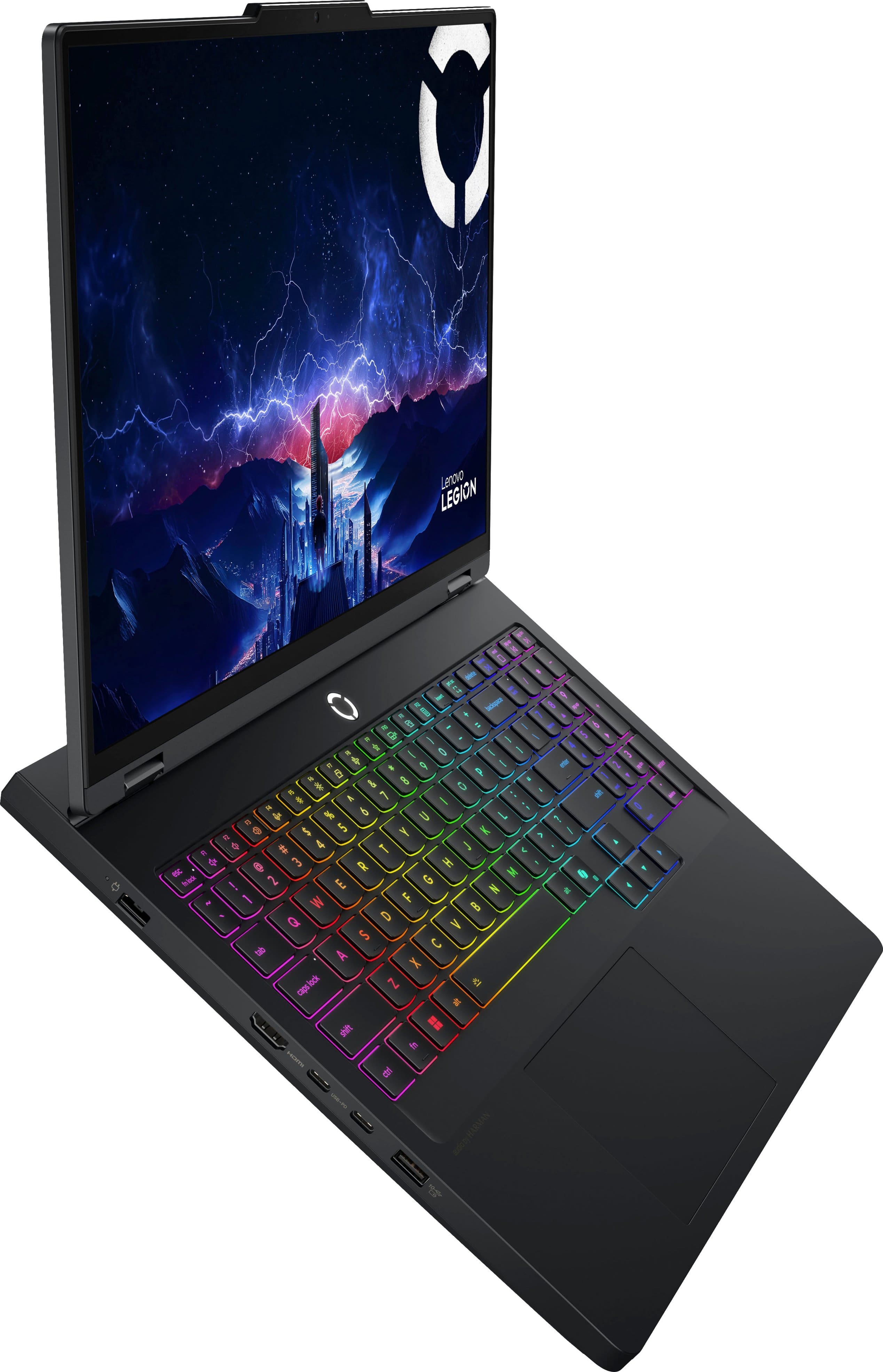
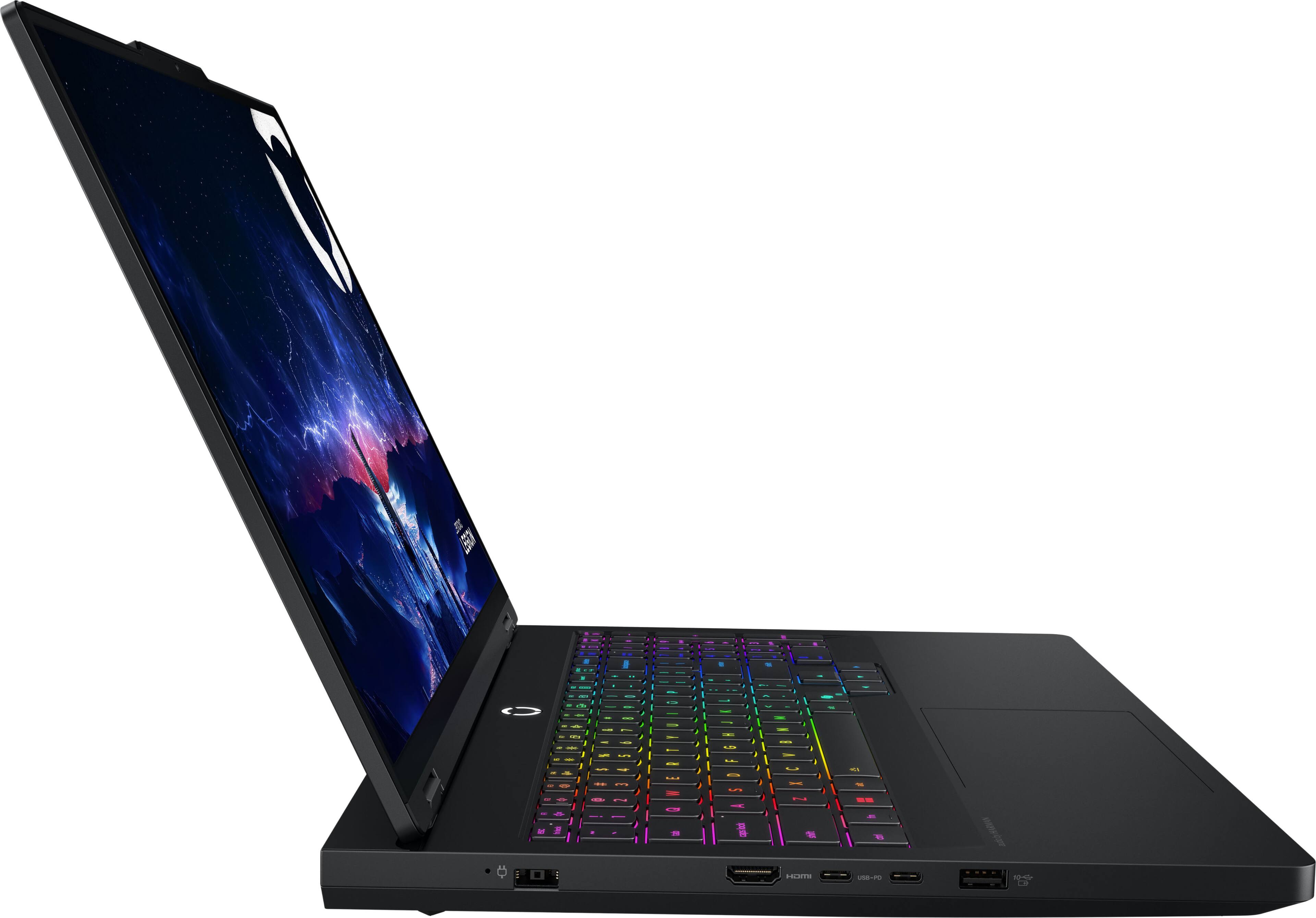
||Posted . Owned for 1 month when reviewed.This reviewer received promo considerations or sweepstakes entry for writing a review.Powerful and beautiful computer. Reasonable weight for its power. Great display, and very comfortable keyboard. I really appreciate the number of usb-a and usb-c ports, I always feel like I have enough. As many say, the power comes at a battery life cost, and the trackpad not the best, but for daily use a mouse is almost always connected, so not much issue with input. Also speakers are not amazing, but good enough for meetings and basic watching. Overall great computer, but accessories are almost a must, and can’t go long without a charge.
I would recommend this to a friendBrand response from Lenovo Product Expert
Posted .Hi,
Thanks for choosing Lenovo and for sharing your feedback with us!
We are glad to read that you are satisfied with your purchase.
Please don't hesitate to reach out to us via the Q& A section of this product page or contact Lenovo Support should you have any questions or need assistance.
Regards,
Lenovo