Customer Ratings & Reviews
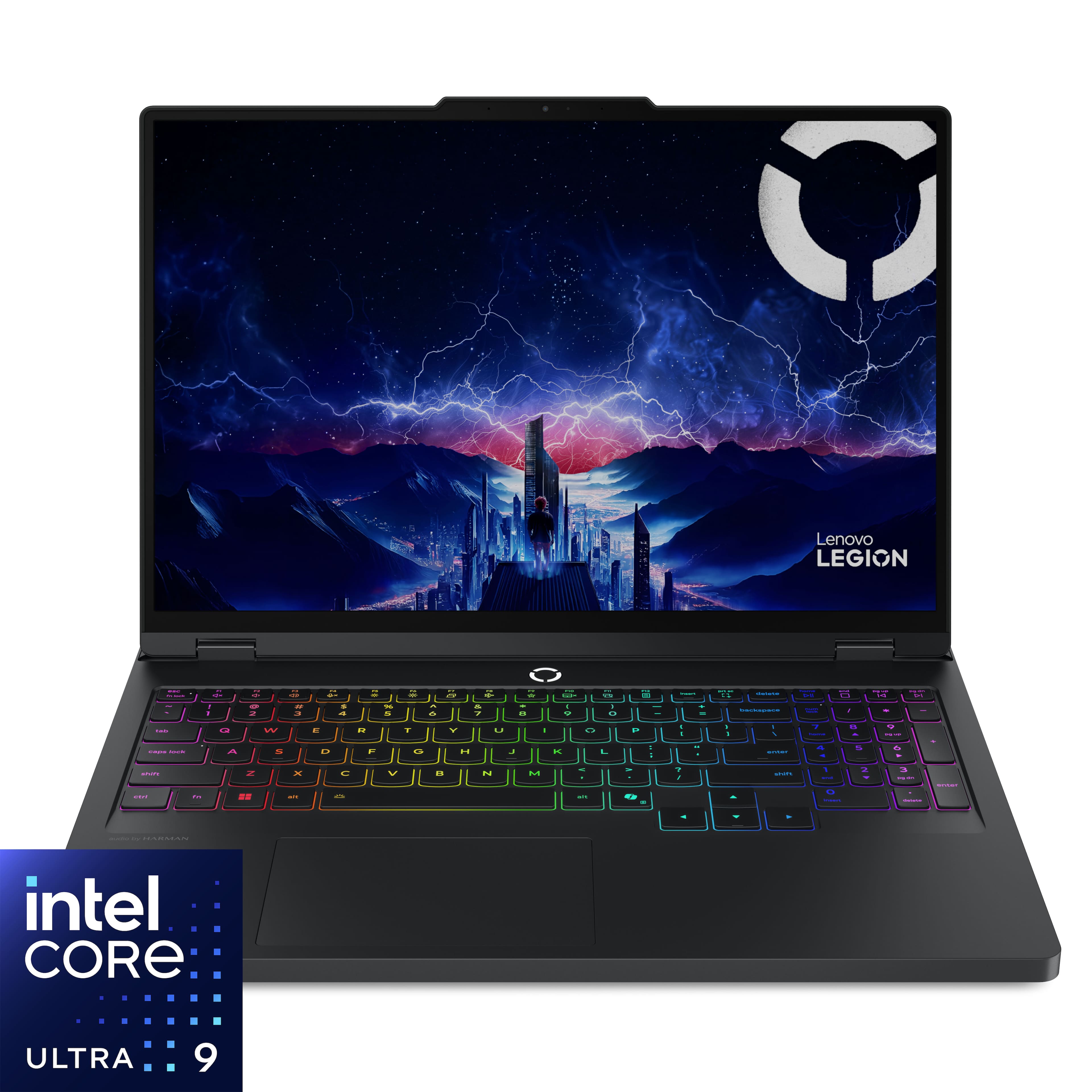
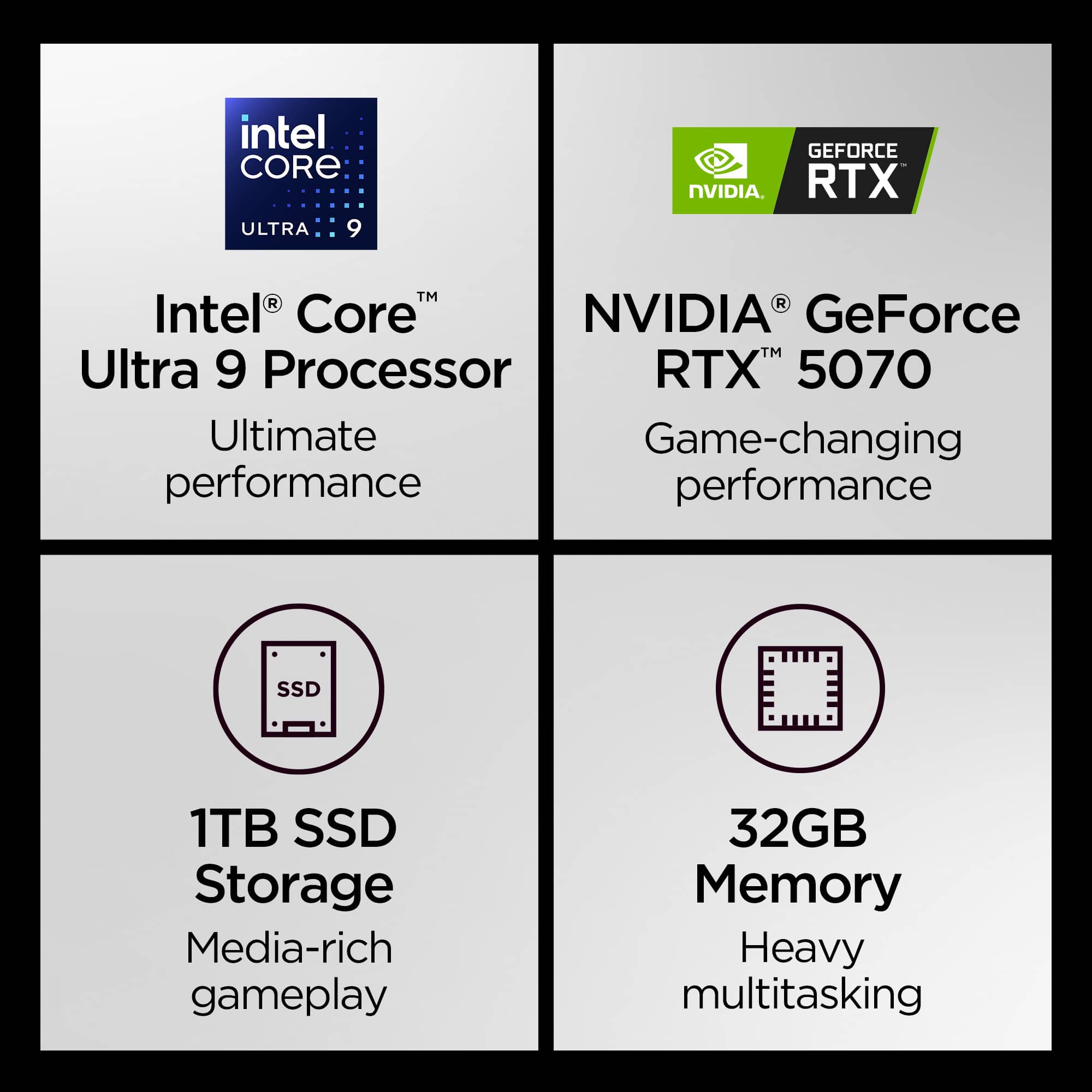

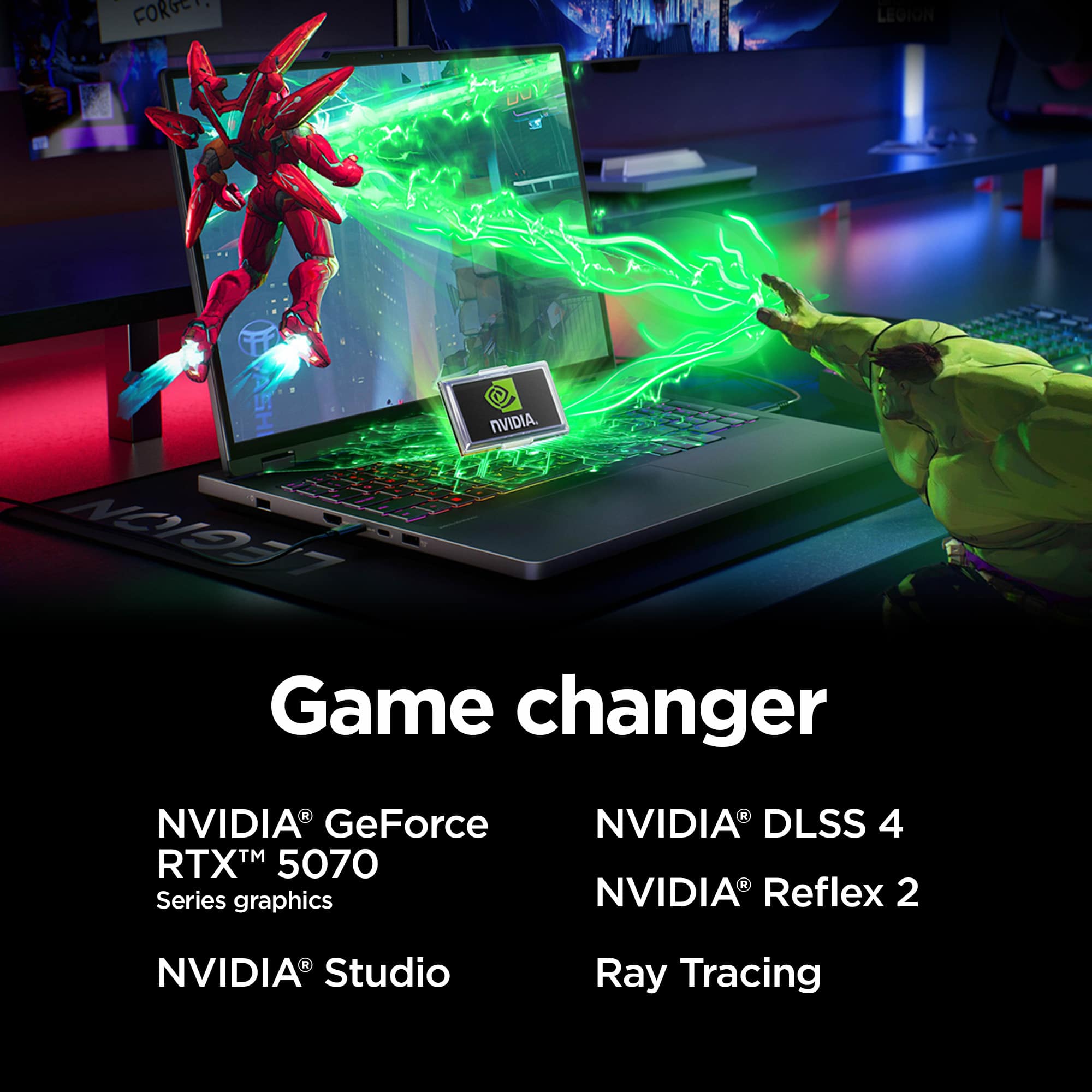


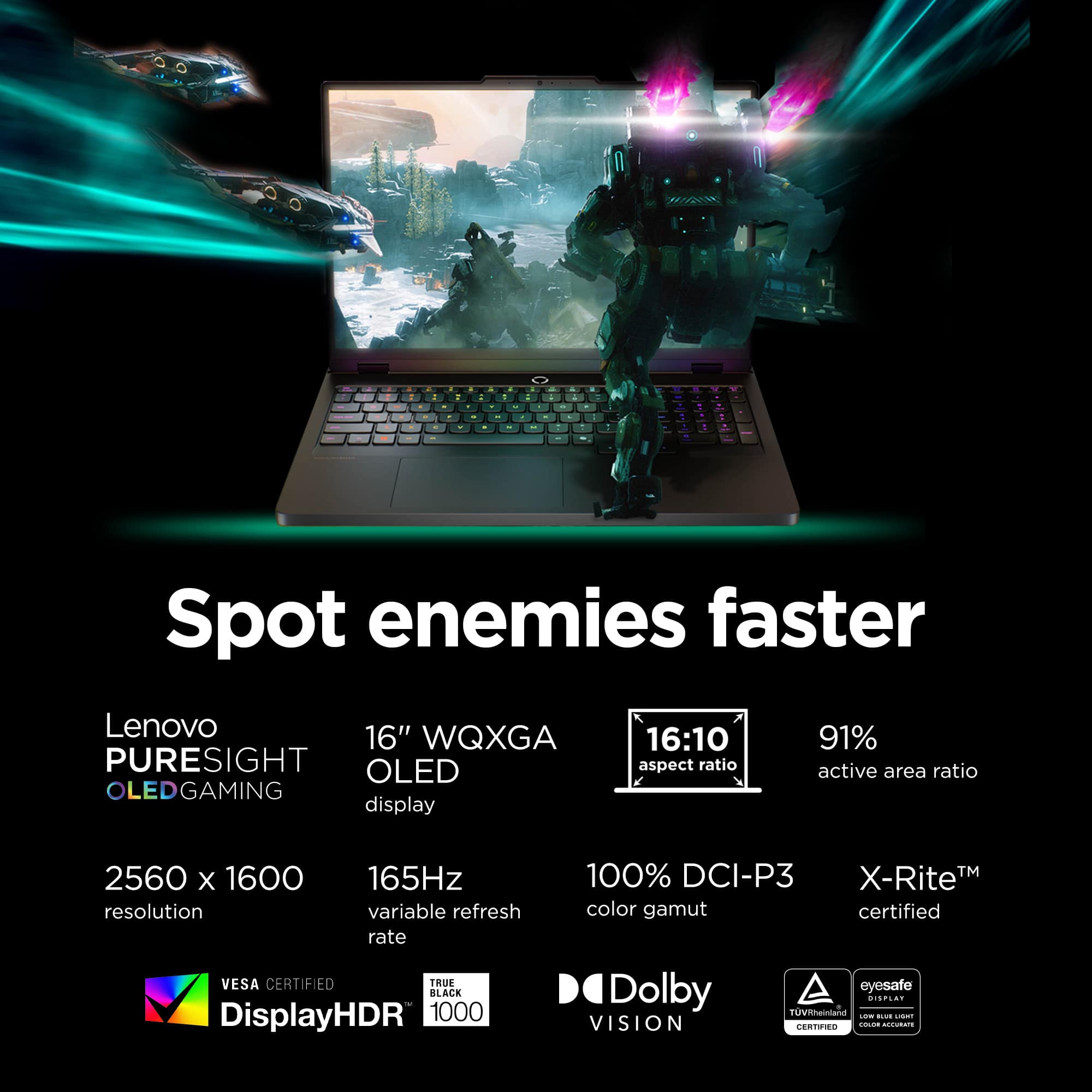
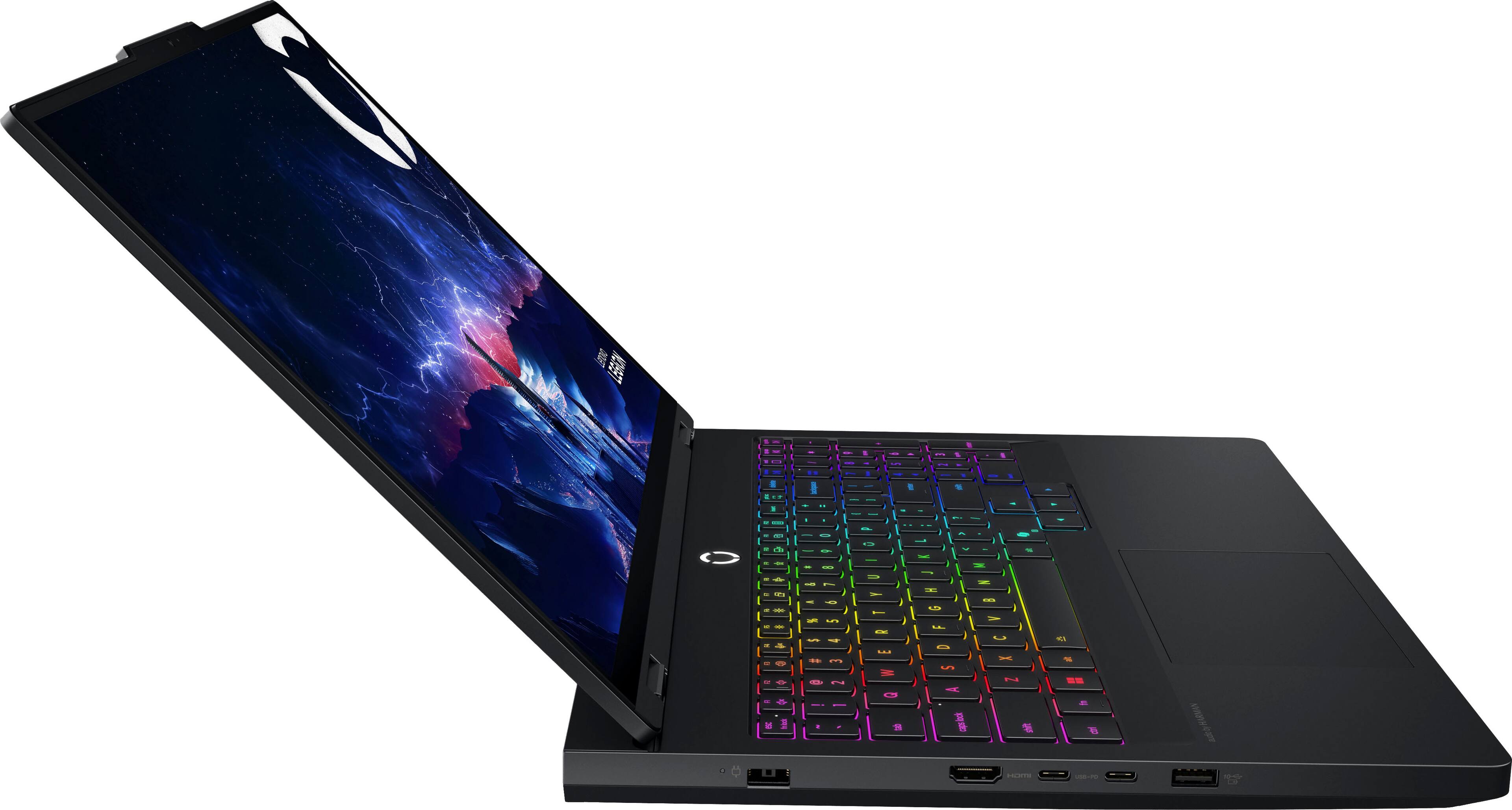
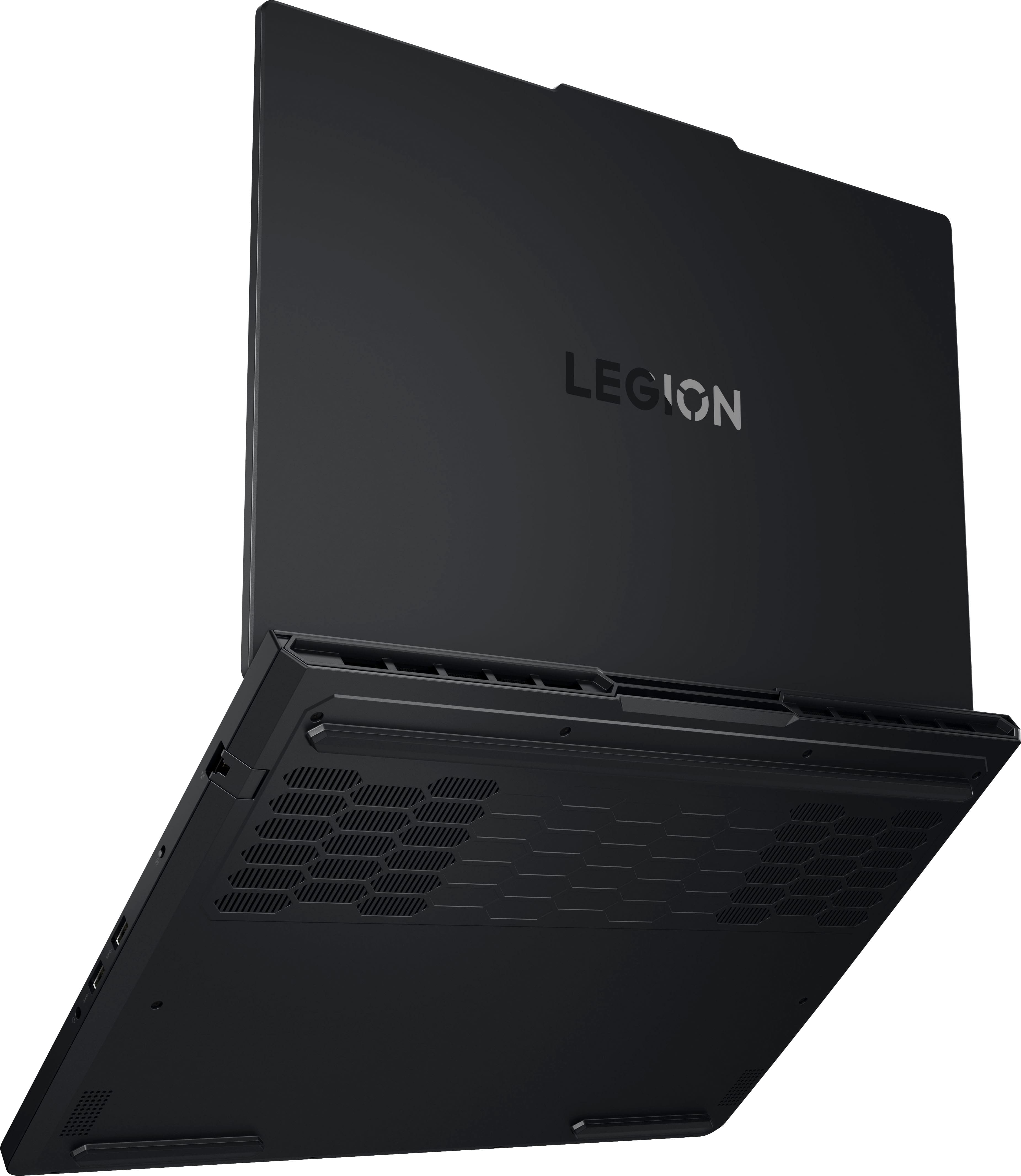
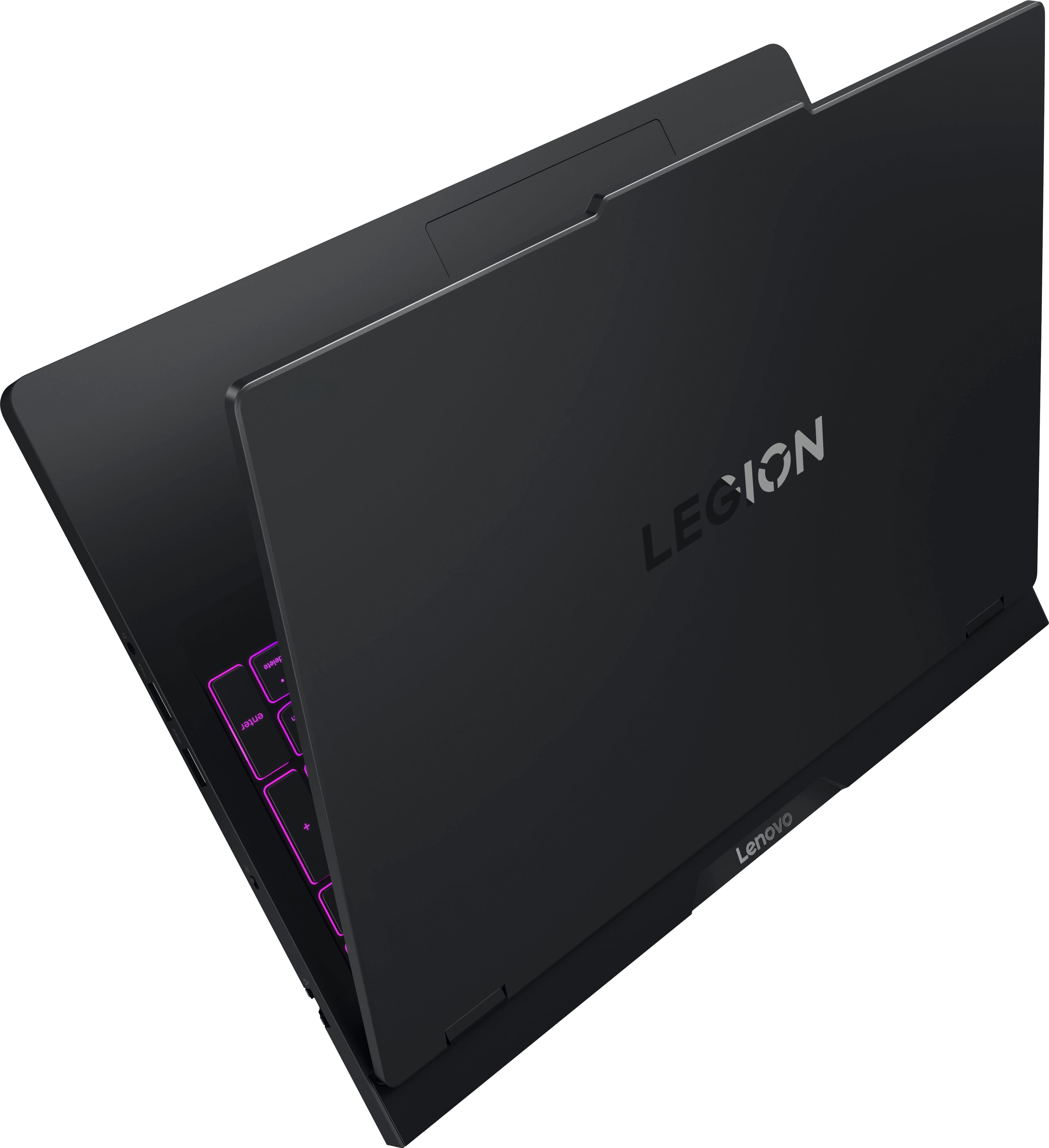
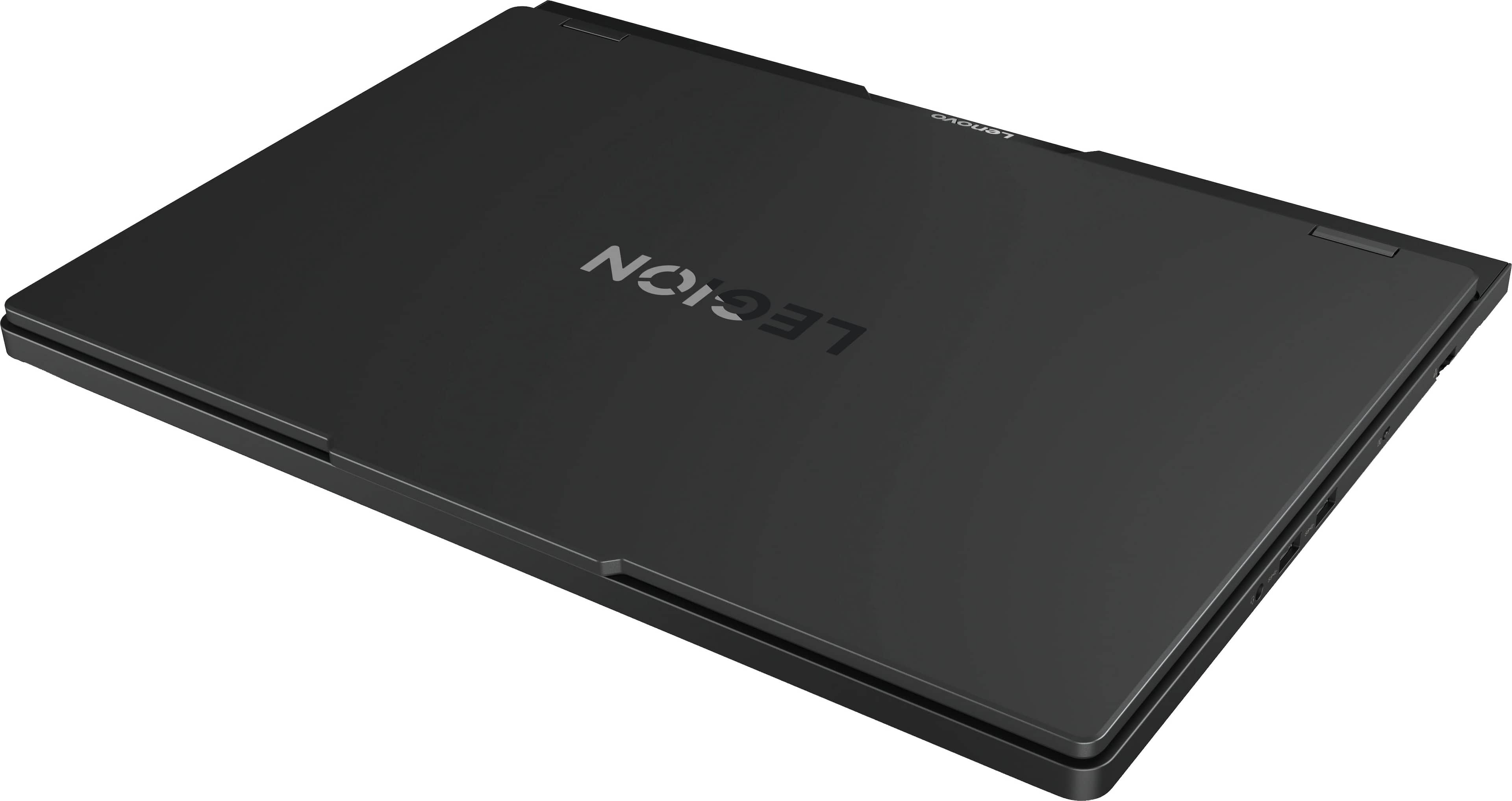
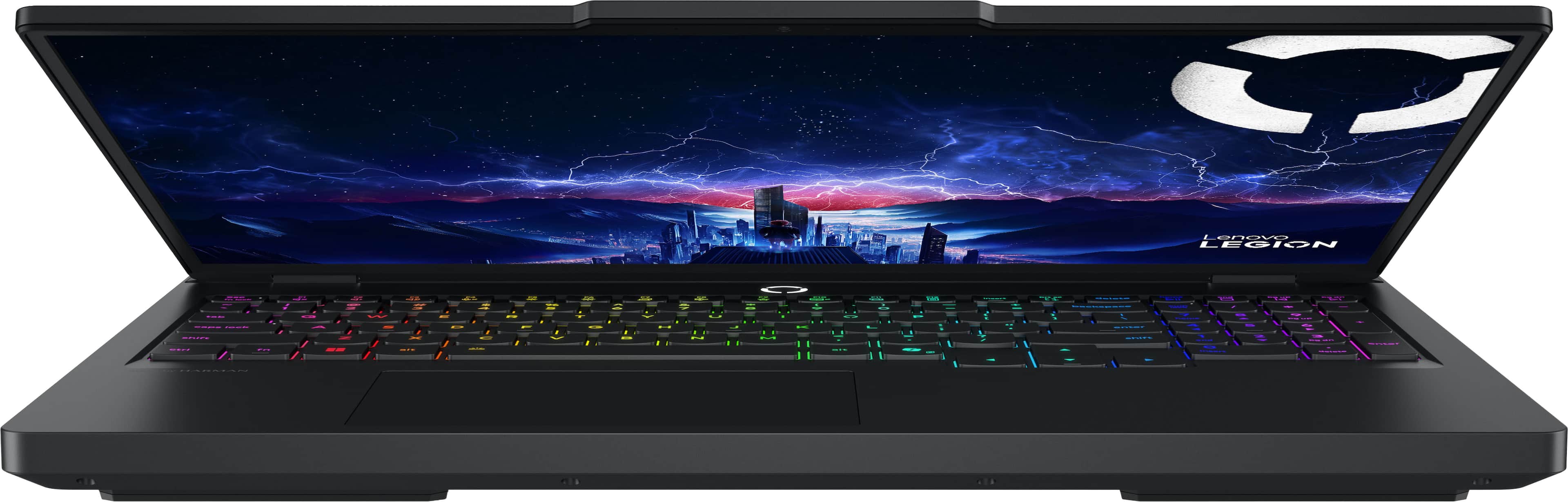
![Sure, here is the corrected and grouped text from the image:
---
**LADAVa LEGION**
- delete
- home
- end
- pg up
- pg dn
- insert
- delete
- enter
- audio by HARMAN
**Keyboard Layout:**
- esc
- fn lock
- F1
- F2
- F3
- F4
- F5
- F6
- F7
- F8
- F9
- F10
- F11
- F12
- insert
- delete
- home
- end
- pg up
- pg dn
- backspace
- num lock
- /
- *
- -
- +
- =
- tab
- Q
- W
- E
- R
- T
- Y
- U
- I
- O
- P
- [
- ]
- \
- caps lock
- A
- S
- D
- F
- G
- H
- J
- K
- L
- ;
- '
- enter
- shift
- Z
- X
- C
- V
- B
- N
- M](https://pisces.bbystatic.com/image2/BestBuy_US/images/products/ae7866ae-6f35-480e-a111-2813546447fe.jpg)







- Model:
- 83F3000HUS
- SKU:
- 6617090
Rating by feature
- Battery Life
Rating 3.9 out of 5 stars
- Speed
Rating 4.9 out of 5 stars
- Display
Rating 4.9 out of 5 stars
Customers are saying
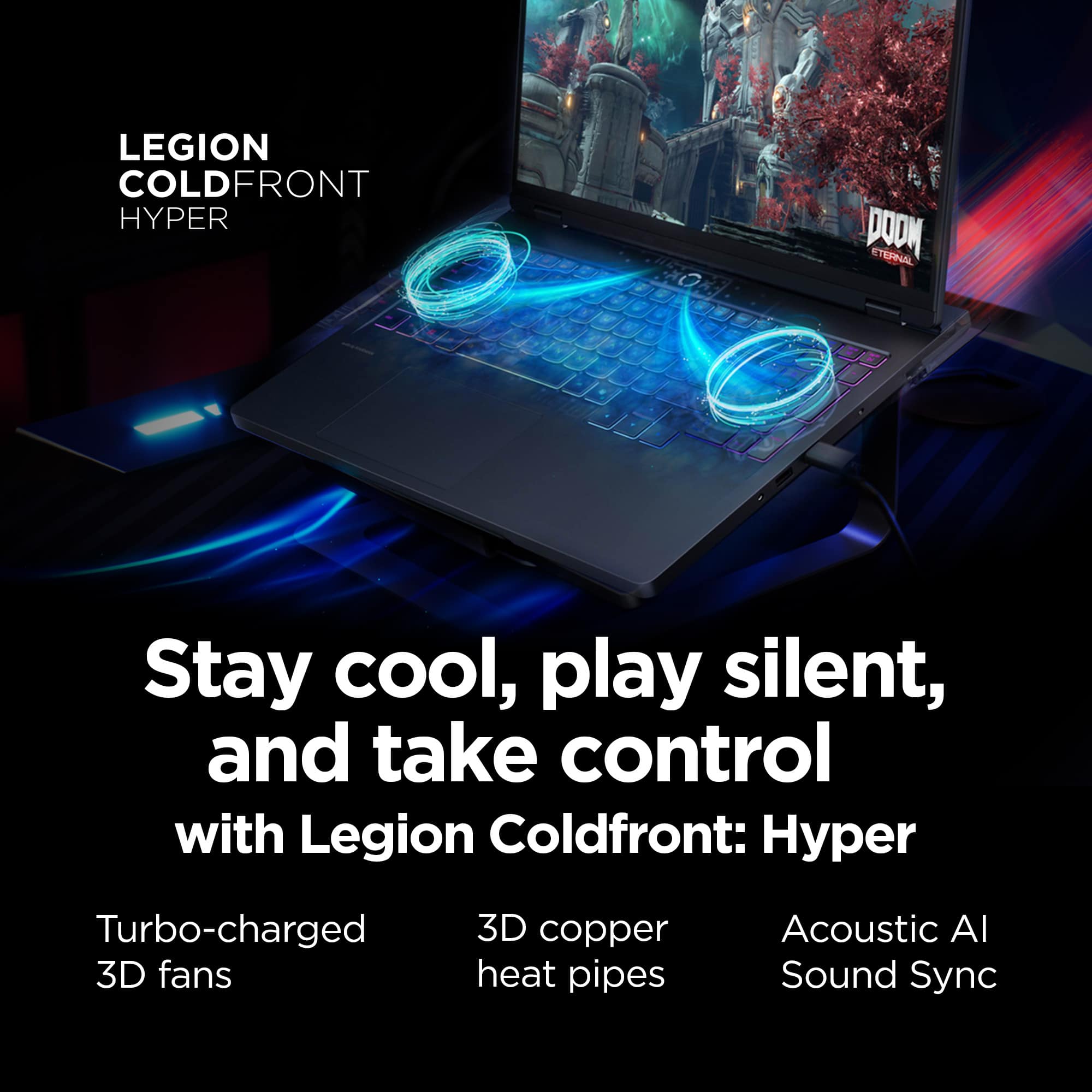
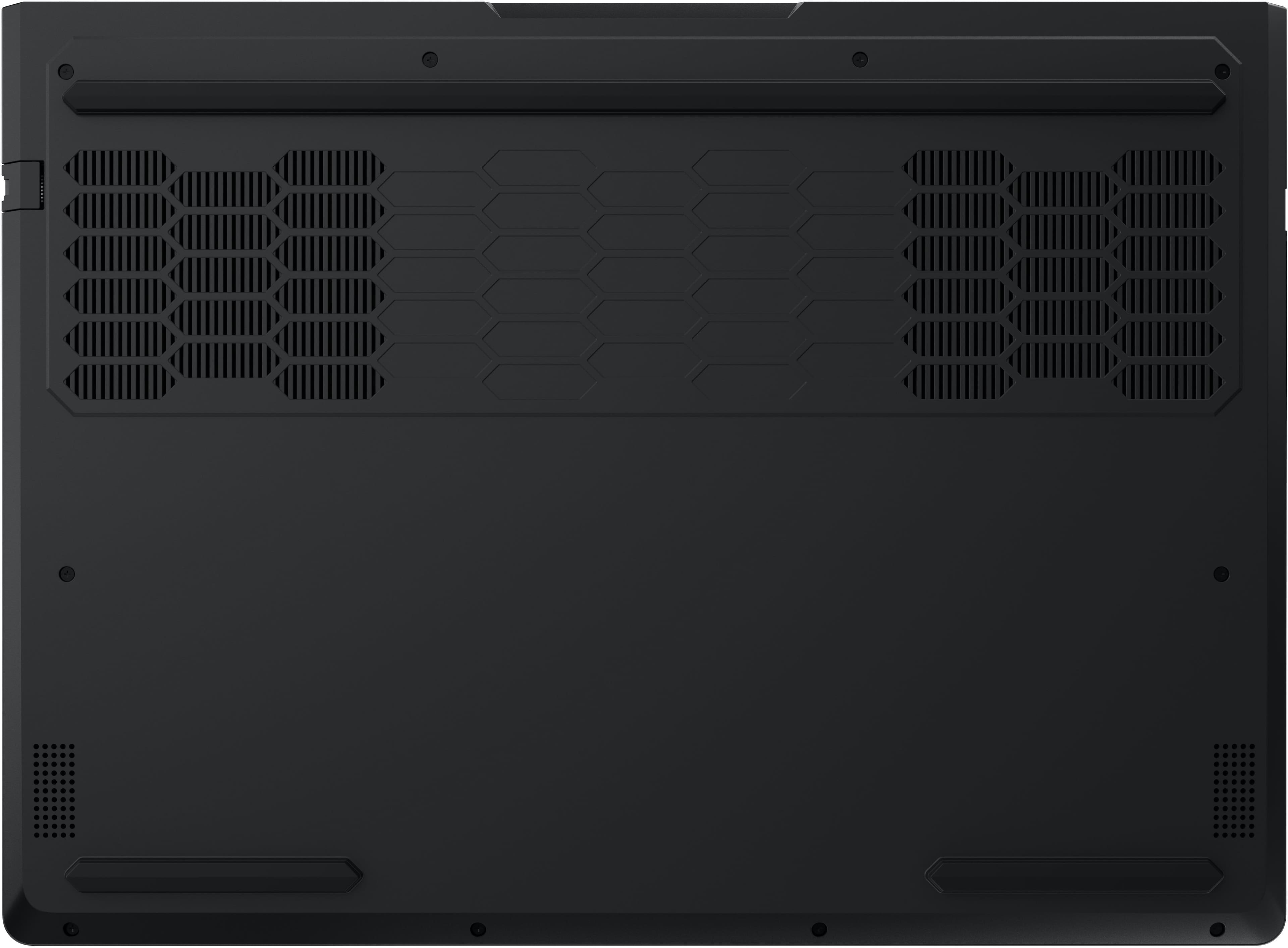
Customers express satisfaction with the product's overall performance, excellent heat dissipation, and the vibrant OLED display quality. They also appreciate its speed and quiet operation. However, some customers are disappointed with the battery life. There are also concerns regarding the touchpad's responsiveness.
This summary was generated by AI based on customer reviews.
- Pros mentioned:Overall performanceCons mentioned:Battery life
Absolute Tank of a Laptop
||Posted .This reviewer received promo considerations or sweepstakes entry for writing a review.Picked this up a few weeks ago and it hasn’t disappointed. The screen is gorgeous, colors pop, blacks are deep, and everything feels smooth whether I’m gaming or streaming. Performance-wise it’s a monster. Games run effortlessly and I can multitask without a hiccup. The build is solid and has a nice weight to it. The keyboard feels great to type on, which is important for me since I use it for more than just games. My only complaints are the battery life, which isn’t amazing, and the fans, which get pretty loud when it’s working hard. Overall I don’t regret spending the money at all. It’s fast, it’s beautiful, and it feels like it’ll last me a long time.
I would recommend this to a friendBrand response from Lenovo Product Expert
Posted .Hi AaronB,
Thanks for choosing Lenovo and for sharing your feedback with us!
We are pleased to read that the Legion Pro 5i has been solid for you, with it tackling whatever titles you throw at it.
Please feel free to reach out to us via the Q& A section of this product page should you have any questions or need assistance.
Best,
Lenovo
- Pros mentioned:Overall performanceCons mentioned:Battery life
Great laptop bought on sale!!!
||Posted .This reviewer received promo considerations or sweepstakes entry for writing a review.I love the computer size, weight, performance and overall build. The only issue is the poor battery life. I have not yet figured out how to quickly change to a good battery saver profile when not plugged in. But to be fair, I have not had a lot of time to dig into it. I know it will help the run time, I’m just not sure for how long it will last. Again, overall very happy with this laptop for what I use it for. If you don’t do any games, CAD or other processes that benefit from a dedicated GPU then I would not buy this one and would have opted for the Yoga i9
I would recommend this to a friendBrand response from Lenovo Product Expert
Posted .Hi,
Thanks for choosing Lenovo and for sharing your feedback with us!
Regarding your note on switching performance profiles, this can be done by pressing Fn + Q or within the Legion Space app on your Legion Pro 5i.
We are glad to read that you are otherwise satisfied with your purchase.
Please don't hesitate to reach out to us via the Q& A section of this product page or contact Lenovo Support should you have any questions or need assistance.
Regards,
Lenovo
- Pros mentioned:Noise level, Overall performance
Good value
||Posted . Owned for 2 months when reviewed.This reviewer received promo considerations or sweepstakes entry for writing a review.Purchased for gaming and game development/programming. Perfectly suited for both. Very quiet, even in performance mode. Ended up returning for a similarly spec’d 7i when on sale, but had 0 issues with this device.
I would recommend this to a friend - Pros mentioned:Speed
My best choice
||Posted . Owned for 1 month when reviewed.This reviewer received promo considerations or sweepstakes entry for writing a review.My dream came true. I always dreamed of owning a laptop, but I never imagined it would be as good as this Lenovo. I liked its exterior aesthetics, but even more impressive were its incredible features, its speed, its comfort, and its ease of use. I would recommend it a thousand times over because I'm truly in love with my laptop.
I would recommend this to a friend - Pros mentioned:Oled quality, Overall performance
A beast of a machine
||Posted .This reviewer received promo considerations or sweepstakes entry for writing a review.I researched a handful of laptops for gaming when I was looking for my first gaming laptop and landed on buying this one. I have no regrets, this laptop is a beast with a screen that is like no other. Beautiful visuals in game and movies. If your on the fence buy it you will not be disappointed
I would recommend this to a friendBrand response from Lenovo Product Expert
Posted .Hi,
Thanks for choosing Lenovo and for sharing your feedback with us!
We are glad to read that you are satisfied with your purchase.
Please don't hesitate to reach out to us via the Q& A section of this product page or contact Lenovo Support should you have any questions or need assistance.
Regards,
Lenovo
- Pros mentioned:Overall performance, Speed
Super laptop upgrade!
||Posted .This reviewer received promo considerations or sweepstakes entry for writing a review.Wow… what an upgrade from my Dell laptop! Super fast, excellent graphics and plenty of space. Installed an additional 4TB SSD, super easy to upgrade. Don’t have any complaints, was uncertain of buying Lenovo but glad I did.
I would recommend this to a friendBrand response from Lenovo Product Expert
Posted .Hi,
Thanks for choosing Lenovo and for sharing your feedback with us!
We are glad to read that you are satisfied with your purchase.
Please don't hesitate to reach out to us via the Q& A section of this product page or contact Lenovo Support should you have any questions or need assistance.
Regards,
Lenovo
- Pros mentioned:Overall performance
1st gaming laptop and this exceeds my expectations
||Posted .This reviewer received promo considerations or sweepstakes entry for writing a review.This laptop is awesome. I mainly game on it but do use it for other tasks and it handles it all. The OLED screen is just wonderful , build quality is excellent. It has played games I thought it would have trouble with due to the 8gb vram on the 5070 very well with just slight tweaks to settings. (Examples Doom the dark ages a very intensive game can be played at 1080p high with a steady frame rate , then if you drop the texture pool down and add DLSS quality 1440p is possible with tweaks! Doom eternal 1440p ultra 165fps , Ninja Gaiden 2 Black 1440p high ) I am very pleased with it and would recommend this for anyone looking for a good mid range laptop 1080/1440p mid to high setting if you to play the heavier new titles and wanting high settings get the 5070ti version.
I would recommend this to a friendBrand response from Lenovo Product Expert
Posted .Hi,
Thanks for choosing Lenovo and for sharing your feedback with us!
We are glad to read that you are satisfied with your purchase overall.
Please don't hesitate to reach out to us via the Q& A section of this product page or contact Lenovo Support should you have any questions or need assistance.
Regards,
Lenovo
- Pros mentioned:Overall performanceCons mentioned:Battery life
Bang for your buck
||Posted . Owned for 1 month when reviewed.This reviewer received promo considerations or sweepstakes entry for writing a review.This is a great laptop. Run’s battlefield smooth no lag and also other games no hesitation. Would highly recommend. Although the battery life isn’t the best, keep it plugged in while gaming.
I would recommend this to a friendBrand response from Lenovo Product Expert
Posted .Hi KevinM-
Thank you for choosing Lenovo and sharing your experience with us. We are happy to hear that you are enjoying the performance of the Legion Pro 5i. We aim to offer great user experience and would love to offer you some actions you can take to improve battery life.
Firstly, we recommend running and installing all available drivers updates through Lenovo Vantage and Windows Update Settings, these updates are crucial to the device’s health and will affect power regulation leading to improve battery life. To check for updates within Lenovo Vantage begin by launching the application, then select the “Check for updates” button on the top of the right-hand of the display. To check for Windows Updates, start by launching the Settings app, then selecting the Windows Update tab on the left-hand side of the page, finally select the “Check for updates’ button located in the top right of the page.
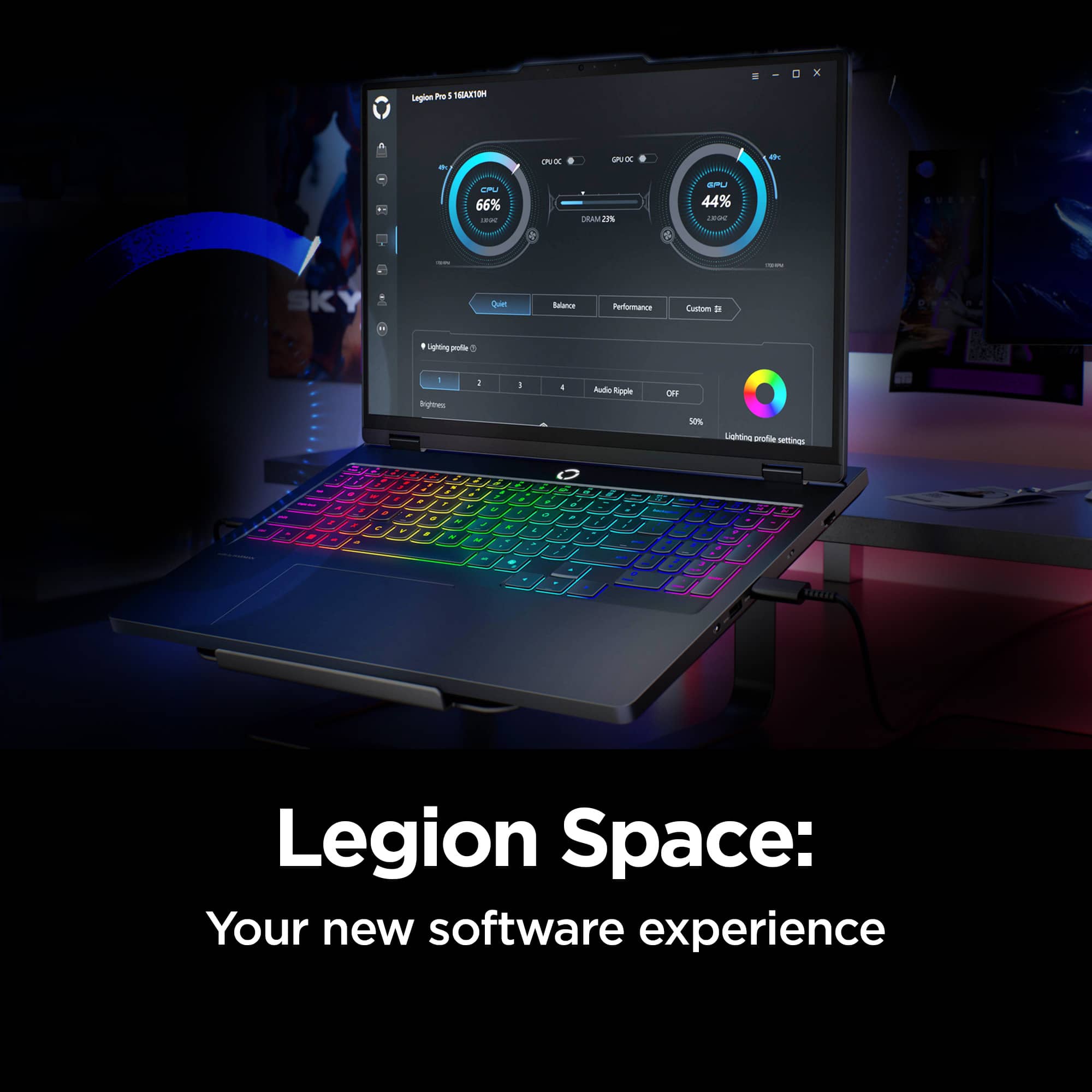
Secondly, the Legion Pro 5i allows you to change the computer’s thermal mode. This will allow your device to cycle between higher performance, quiet, or automatically adjust based on your needs. To start, launch the Lenovo Space app, Under the CPU and GPU Performance gauges you will find the option to toggle performance profiles. We suggest using Quiet mode which will lower the temperature of your Legion Pro 5i and reduce battery consumption when under load. You can also toggle thermal modes simply with the Fn+Q hotkey.
Please reach out to us through the Q & A section of this product page if you have any questions or need any assistance.
Best wishes,
Lenovo
Worth the money
||Posted . Owned for 1 month when reviewed.This reviewer received promo considerations or sweepstakes entry for writing a review.Great laptop. Price was good. Amazing screen and fast for gaming.
I would recommend this to a friendBrand response from Lenovo Product Expert
Posted .Hi Cheitz82-
Thank you for choosing the Lenovo Legion Pro 5i and for sharing your experience with us. We are happy to hear that you are enjoying the performance and the OLED display quality of the Lenovo Legion Pro 5i.
Please reach out to us through the Q&A section of this product webpage if you have any questions or need assistance.
Best wishes,
Lenovo
- Pros mentioned:Oled quality, Overall performance
Texdominator
||Posted . Owned for 2 weeks when reviewed.This reviewer received promo considerations or sweepstakes entry for writing a review.Everything is working smoothly. The OLED display looks great and has an excellent viewing experience
I would recommend this to a friend - Cons mentioned:Battery life
Perfect laptop for me
||Posted . Owned for 1 month when reviewed.This reviewer received promo considerations or sweepstakes entry for writing a review.I got this laptop mainly for use in my CompSci program, but actually having a gaming computer has been cool to use for gaming too (who would’ve thought). I really like the ability to customize the keyboard colors, fan speed, gpu usage, etc.. One drawback is a short battery life (mines about 5.5 hrs with minimal energy saving features on) but I’m only using my computer in places I have access to a plug, so this isn’t/wasn’t a concern for me when deciding on my purchase.
I would recommend this to a friend - Pros mentioned:Heat dissipation, Overall performance
Highly recommend
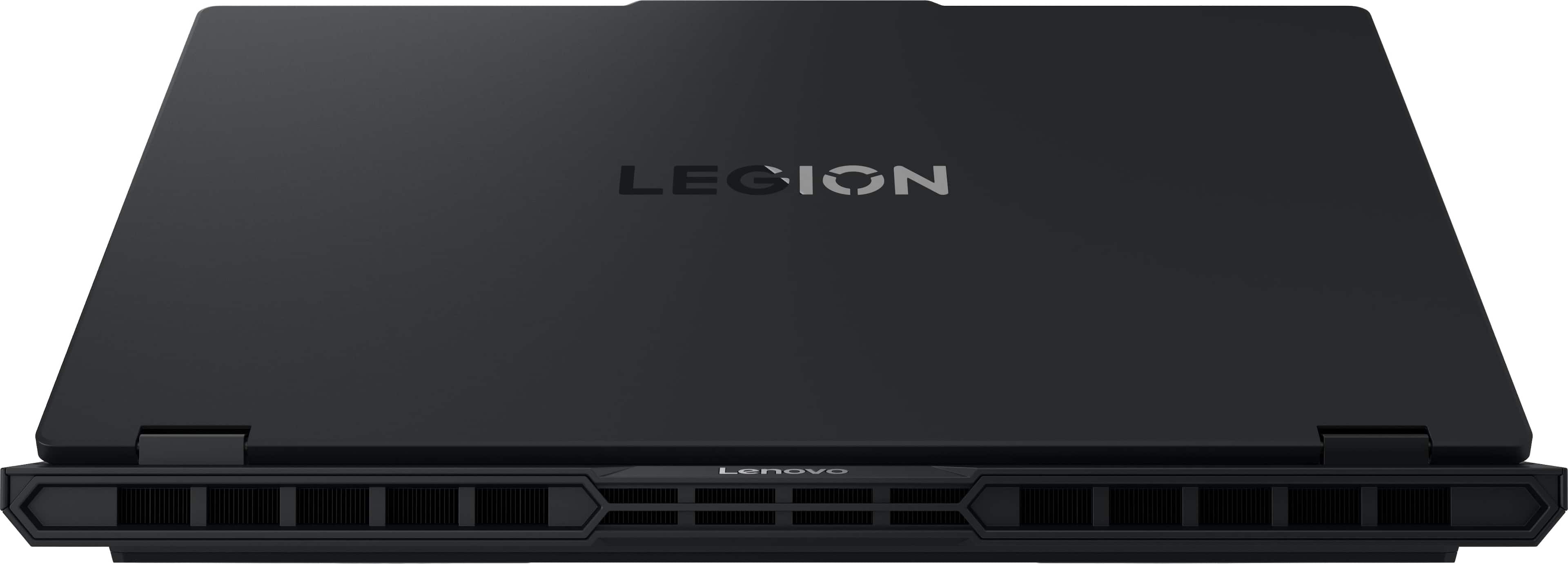
||Posted . Owned for 4 months when reviewed.This reviewer received promo considerations or sweepstakes entry for writing a review.Amazing laptop. Very solid cooling but a bit loud. Runs anything flawlessly
I would recommend this to a friendBrand response from Lenovo Product Expert
Posted .Hi Harper-
Thank you for choosing the Lenovo Legion Pro 5i and for sharing your experience with us. We are happy to hear that you are enjoying the Lenovo Legion Pro 5i. We would like to share additional tips to improve your fan noise experience.
First, we recommend installing all available driver updates through Lenovo Vantage and Windows Update Settings. These updates are crucial to the device’s health and can affect battery performance. To check for updates in Lenovo Vantage, launch the application, then select the “Check for updates” button at the top right of the screen. To check for Windows Updates, launch the Settings app, select the Windows Update tab on the left-hand side of the page, then select the “Check for updates’ button in the top right of the page. Once the updates are installed, we recommend restarting the device.
Secondly, the Lenovo Legion Pro 5i lets you adjust the computer’s thermal mode. This lets your device cycle between higher-performance and quiet modes or automatically adjust based on your needs. To start, launch the Lenovo Vantage app, select the "Device Settings" tab on the left-hand side of the display, scroll down to "Power modes," and select the best mode for your needs. We suggest using Quiet mode, which will lower the temperature of your Lenovo Legion Pro 5i, reduce fan noise under load, and improve battery life. During gaming, we suggest changing the thermal mode to performance to get the most out of your Lenovo Legion Pro 5i. You can also toggle thermal modes with the Fn+Q hotkey.
Please reach out to us through the Q&A section of this product page if you have any questions or need assistance.
Best wishes,
Lenovo
- Pros mentioned:Heat dissipation, Noise level
Product quality
||Posted . Owned for 2 weeks when reviewed.This reviewer received promo considerations or sweepstakes entry for writing a review.It is a very good gaming laptop. It has a good cooling system and low noise.
I would recommend this to a friendBrand response from Lenovo Product Expert
Posted .Hi AlbertoR-
Thank you for choosing the Lenovo Legion Pro 5i and sharing your experience with us. We are happy to hear that you are enjoying the Lenovo Legion Pro 5i.
Please reach out to us through the Q&A section of this product webpage if you have any questions or need assistance.
Best wishes,
Lenovo
- Pros mentioned:Overall performance
Good for the price and for software development
||Posted . Owned for 1 week when reviewed.This reviewer received promo considerations or sweepstakes entry for writing a review.Given I was replacing a very old computer, but the difference is night and day. It is slightly smaller (but that is a good thing) but the performance has been wonderful. Buying the open-box on saved me some money, and it was still in very good shape. I use the computer for software development and it has been very effective and powerful. Graphics work very well and keep up with the demanding rendering. Very happy.
I would recommend this to a friend - Pros mentioned:Noise level, Overall performance
Worth it!
||Posted . Owned for 3 months when reviewed.This reviewer received promo considerations or sweepstakes entry for writing a review.This laptop Has been Amazing Its very Quiet and runs everything I need It to The Value was excellent And this ultra 9 Is a great chip! The keys feel great too
I would recommend this to a friendBrand response from Lenovo Product Expert
Posted .Hi,
Thanks for choosing Lenovo and for sharing your feedback with us!
We are glad to read that you are satisfied with your purchase.
Please don't hesitate to reach out to us via the Q& A section of this product page or contact Lenovo Support should you have any questions or need assistance.
Regards,
Lenovo
- Pros mentioned:Overall performanceCons mentioned:Battery life
Lenovo Laptop 5i Pro
||Posted .This reviewer received promo considerations or sweepstakes entry for writing a review.It’s good for someone who doesn’t have a desktop and a good gaming laptop with a good price. The battery life is very short though, performance was great. The quality and design is not that bad. Running Linux is quite a challenge. There was no Bluetooth compatibility.
No, I would not recommend this to a friendBrand response from Lenovo Product Expert
Posted .Hi user956079-
Thank you for choosing Lenovo and sharing your experience with us. We are happy to hear that you are enjoying the Legion Pro 5i. We aim to offer great user experience, and we would like to recommend a few actions you can take to improve your performance.
Firstly, we recommend running and installing all available drivers updates through Lenovo Vantage and Windows Update Settings, these updates are crucial to the device’s health and will affect power regulation leading to enhanced battery life and performance. To check for updates within Lenovo Vantage begin by launching the application, then select the “Check for updates” button on the top of the right-hand of the display. To check for Windows Updates, start by launching the Settings app, then selecting the Windows Update tab on the left-hand side of the page, finally select the “Check for updates’ button located in the top right of the page.
Secondly, the Legion Pro 5i allows you to change the computer’s thermal mode. This will allow your device to cycle between higher performance, quiet, or automatically adjust based on your needs. To start, launch the Lenovo Space app, Under the CPU and GPU Performance gauges you will find the option to toggle performance profiles. We suggest using Quiet mode which will lower the temperature of your Legion 7i when under load. You can also toggle thermal modes simply with the Fn+Q hotkey.
The Legion Pro 5i also includes the option of controlling the “GPU Working Mode”. You can find this within Legion Space, just below the Thermal Profile modes from the previous step. This allows your device to switch between the integrated GPU and discrete GPU. By switching modes, you can enhance battery life through the Hybrid-iGPU Only Mode which will lower the power draw of the NVIDIA GeForce RTX 5070 graphics card or enhance performance with dGPU Mode which will enhance display performance.
Please reach out to us through the Q & A section of this product webpage if you have any questions or need any assistance.
Best wishes,
Lenovo
- Pros mentioned:Speed
Preinstalled bloatware, less one star.
||Posted . Owned for 1 month when reviewed.This reviewer received promo considerations or sweepstakes entry for writing a review.I have the laptop for a little over a month now. Gaming performance is phenomenal. It's a quick and speedy laptop. However, it comes with a lot of bloatware and proprietary software that may cause weird glitches. For example, I installed new Intel graphics drivers from the Intel site. That made my external monitor constantly flicker in and out, repeatedly. The only fix was to downgrade the Intel drivers and only use Lenovo Vantage drivers for Intel graphics drivers from here on out. On the other hand, I have had no issues with Nvidia drivers being installed from the Nvidia app.
I would recommend this to a friend Beast of a machine
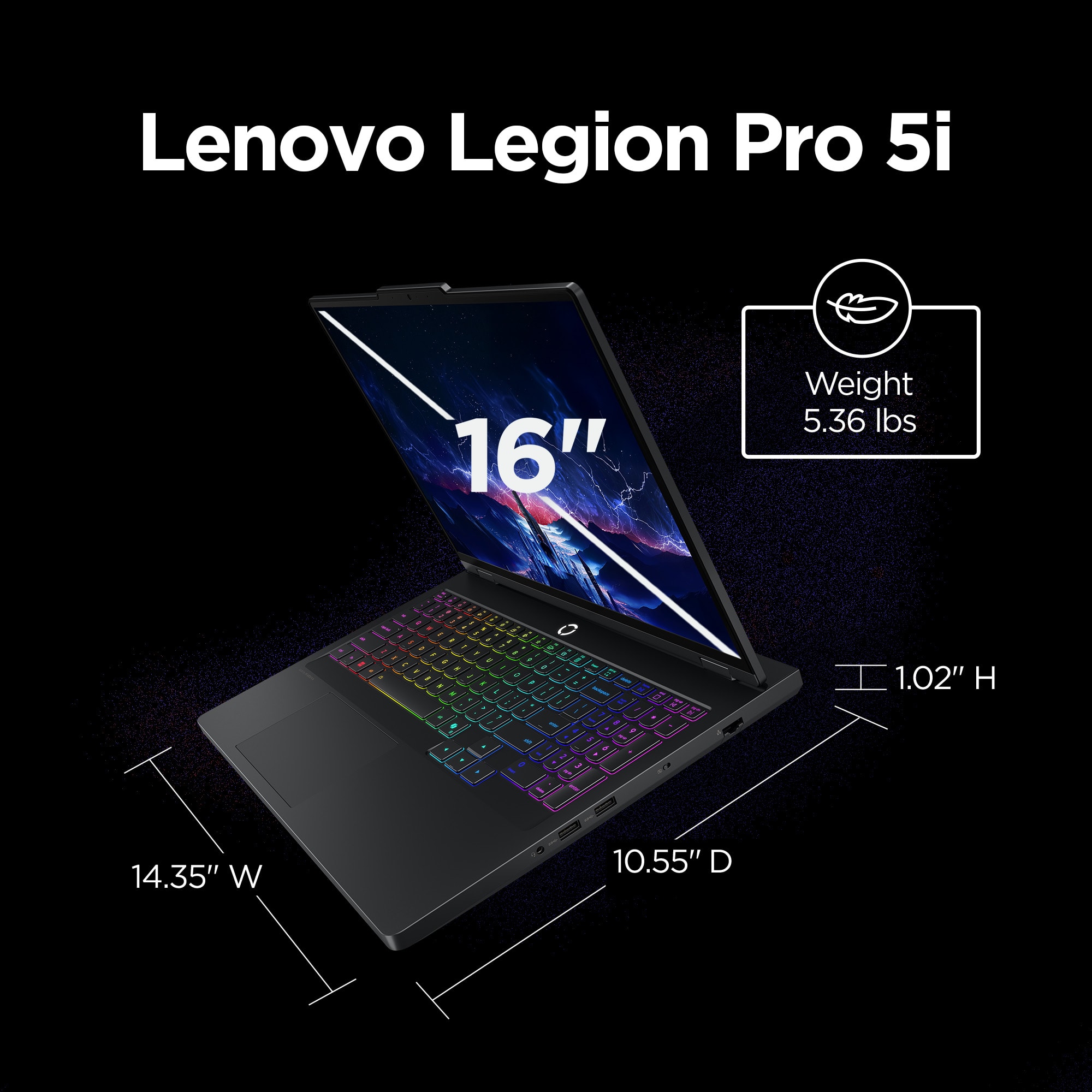
||Posted . Owned for 1 month when reviewed.This reviewer received promo considerations or sweepstakes entry for writing a review.I bought this gaming laptop as a developer workstation and use it combined with 2 ultrawide monitors. It's definitely not super light by any standards but it is easy enough to put into a backpack and take anywhere while keeping its processing power intact. The keyboard feels very great to type on, which was a major concern of mine as a developer who types alot. The display is gorgeous, has an input for an eGPU if I get to the point of needing more than the amazing GPU already in it, and the Ultra 9 processor is amazing. My only gripe with it would be a specialized plug for the charger, though I understand it's due to a non-standard power supply to charge faster. I do believe it can be charged slower too through the USB-C port but I have yet to try this. I can't comment on its ability as a gaming laptop, but it is a GREAT developer laptop!
I would recommend this to a friendBrand response from Lenovo Product Expert
Posted .Hi Carson-
Thank you for choosing Lenovo and sharing your experience with us. We are thrilled to hear that you are enjoying the performance and display quality of the Legion Pro 5i. We would love to share some details with you on the charging capabilities of the Legion Pro 5i.
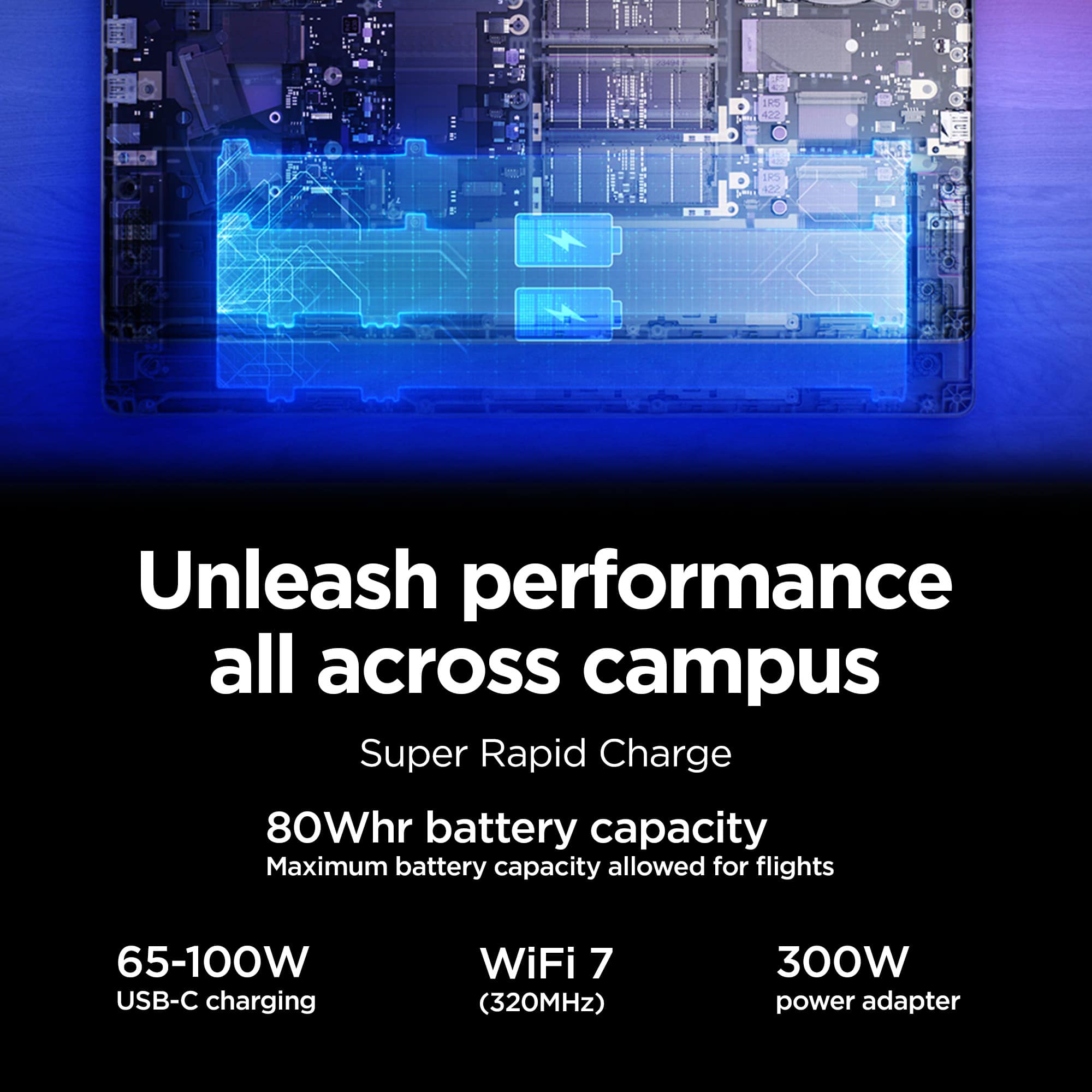
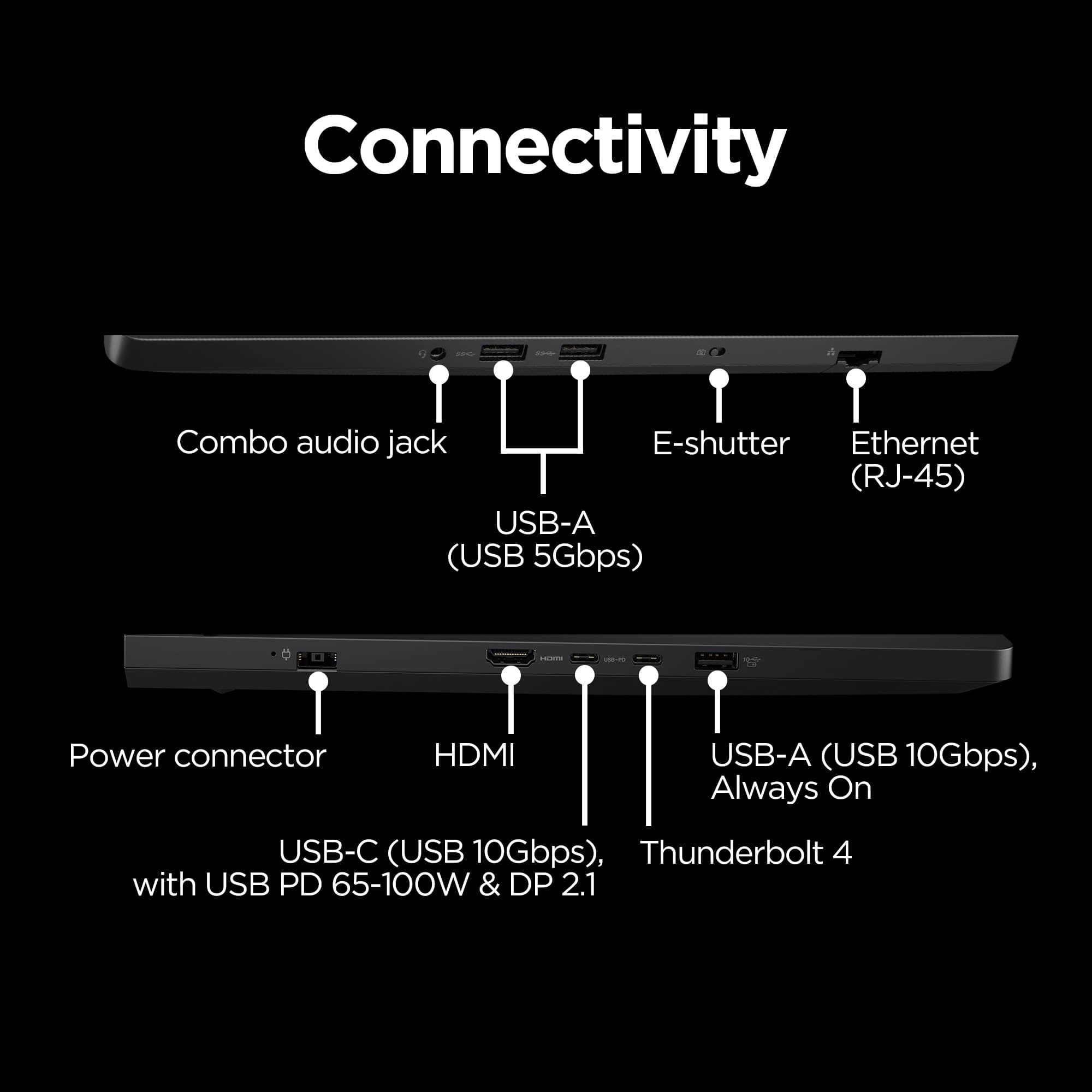
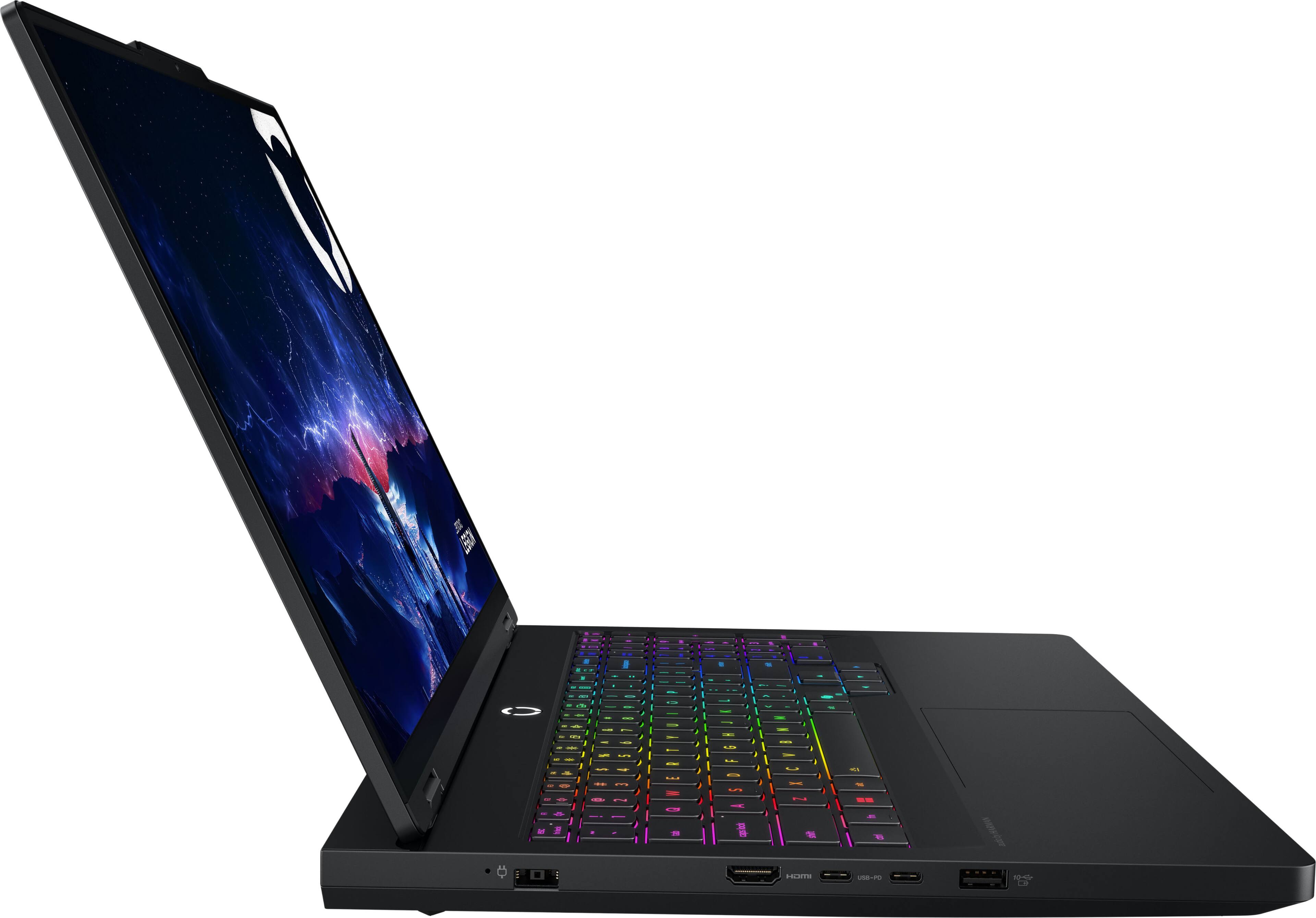
The Legion Pro 5i requires a higher wattage than what is typically supported by USB-C chargers. Due to the higher power draw of the CPU and GPU, we include a 245W Power Adapter to ensure the system charges even while using the device for the most demanding of workflows. For your convenience, the Legion Pro 5i also includes the ability to charge through the USB-C port located on the left-hand side of the device. This port can support up to 140W Charging depending on the power adapter used. Please note that the system may alert you of "Slow Charging" as this is below what is typically recommended for the system's operation.
Please reach out to us through the Q & A section of this product page if you have any further questions or need any assistance.
Best wishes,
Lenovo
- Pros mentioned:Overall performance
So far so good
||Posted . Owned for less than 1 week when reviewed.This reviewer received promo considerations or sweepstakes entry for writing a review.I’ve only had it for a few days but it’s already 10x better than my MacBook Pro that I paid double the price for 6 years ago. It does things quick and the visuals are incredible. It seems to be decent with multitasking, but I haven’t put it to the real test yet. I only have two issues, the screen brightness and volume buttons don’t work for some reason??? But as I’m troubleshooting, it looks like this is common and can be fixed. I also am having trouble running emulators for older games, but that’s probably more just finding the sweet spot in settings. Seems to run today’s games great!!!
I would recommend this to a friendBrand response from Lenovo Product Expert
Posted .Hi,
Thanks for choosing Lenovo and for sharing your feedback with us!
We are glad to read that you are satisfied with your purchase.
Please don't hesitate to reach out to us via the Q& A section of this product page or contact Lenovo Support should you have any questions or need assistance.
Regards,
Lenovo
- Pros mentioned:Heat dissipation
Cool laptop
||Posted . Owned for 3 weeks when reviewed.This reviewer received promo considerations or sweepstakes entry for writing a review.I was looking for Price- quality and this is one of the best options for a laptop gamer and if I would have to buy a new laptop I will choose the same I bought. The design is so great and has enough fan cooling for and the screen has a great resolution. At
I would recommend this to a friendBrand response from Lenovo Product Expert
Posted .Hi Edermendez-
Thank you for choosing Lenovo and sharing your experience with us. We are happy to hear that you are enjoying the performance and product design of the Legion Pro 5i. We aim to offer great user experience and are overjoyed to see that we met our goal.
Please reach out to us through the Q & A section of this product page if you have any questions or need any assistance.
Best wishes,
Lenovo