Customer Ratings & Reviews



- Model:
- 90RB0027US
- SKU:
- 6501811
Rating by feature
- Value
Rating 4.3 out of 5 stars
- Quality
Rating 4.3 out of 5 stars
- Ease of Use
Rating 4.4 out of 5 stars
Customers are saying
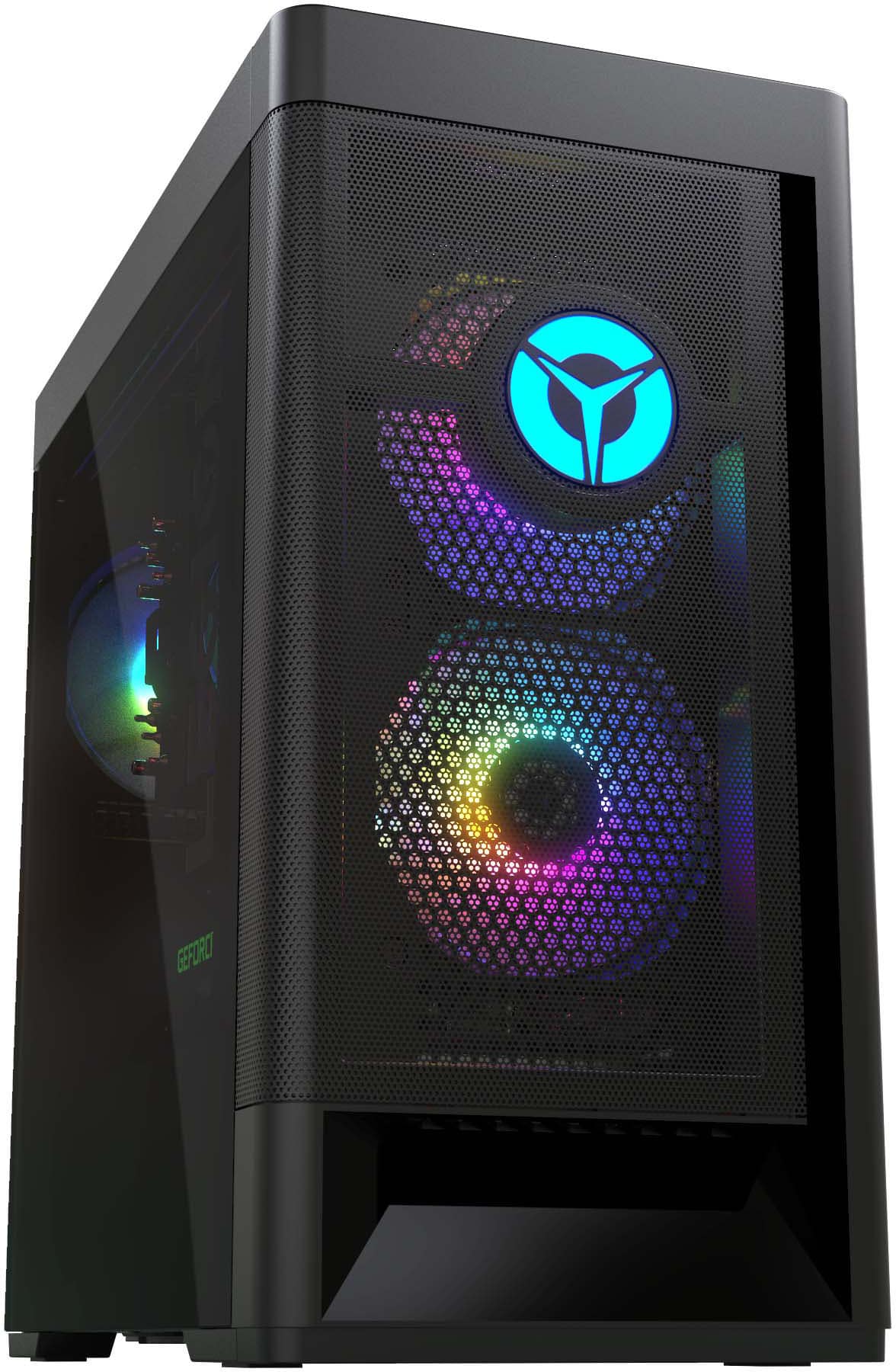
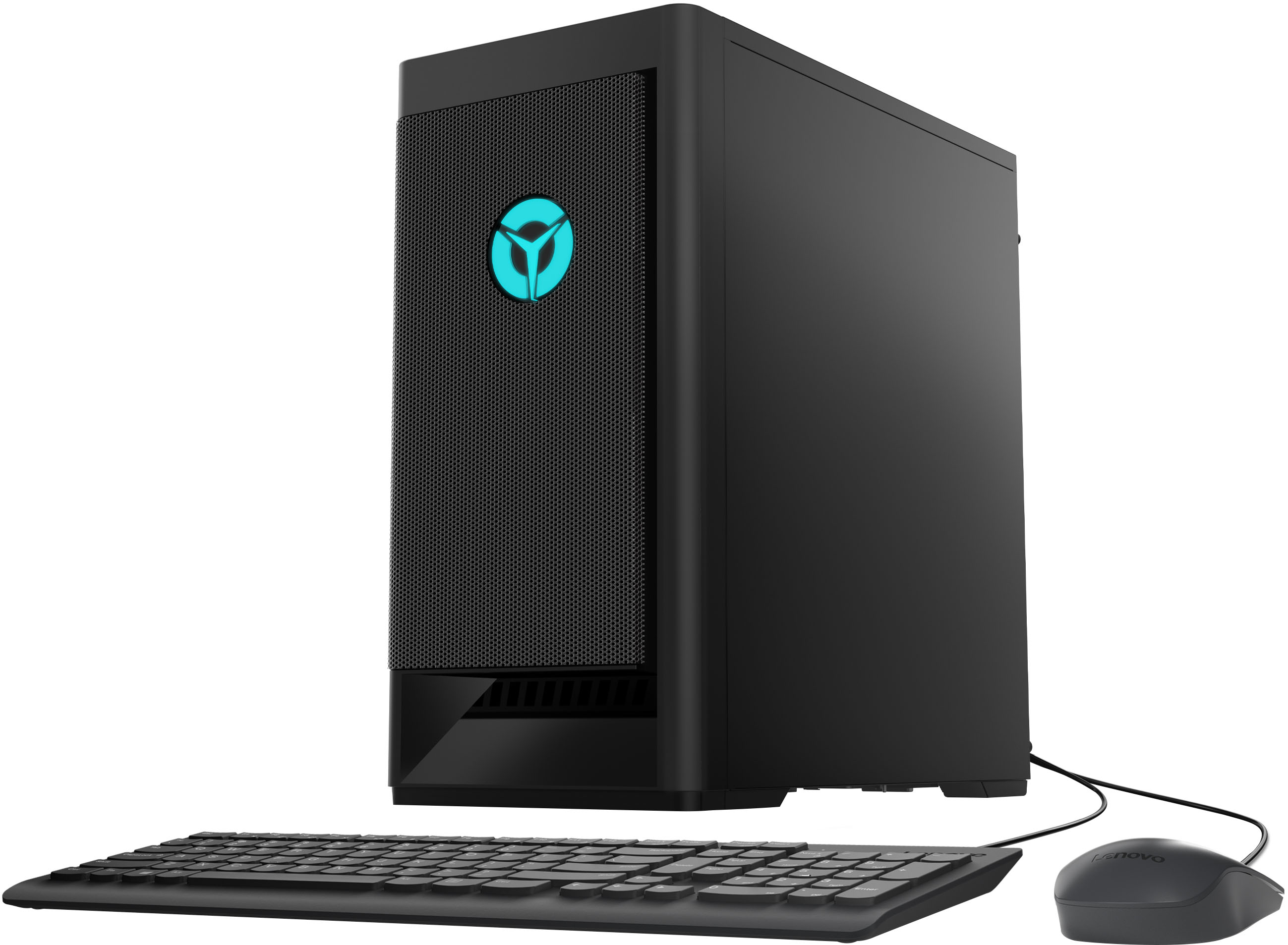
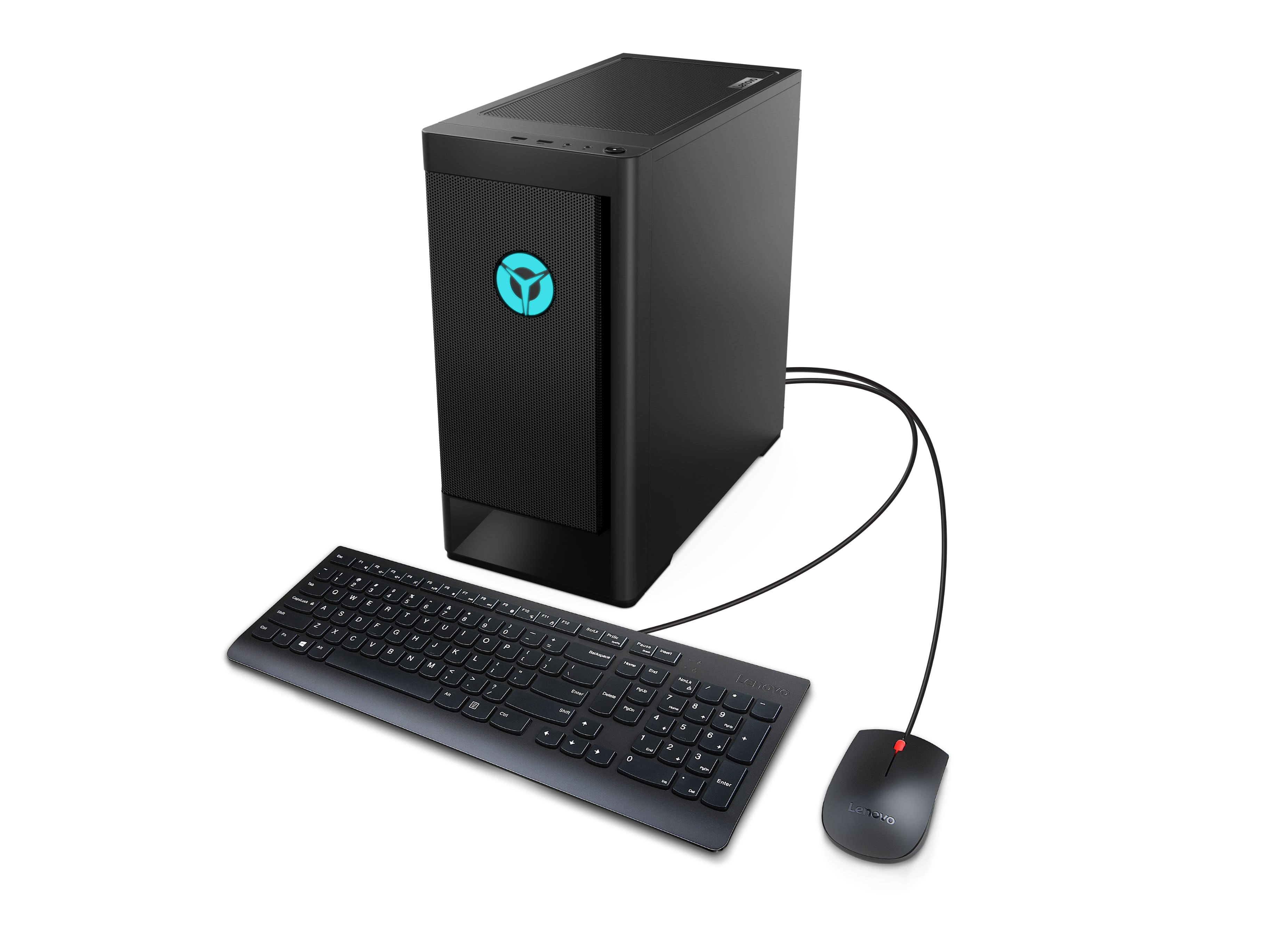
Customers express satisfaction with the Legion Tower 5's performance, price, and graphics capabilities, frequently citing its speed and value. Many also found it easy to set up and upgrade, although some users noted the need for additional RAM and storage. The quiet operation and customizable lighting were also appreciated. However, some concerns were raised regarding the power supply and BIOS limitations.
This summary was generated by AI based on customer reviews.
- Pros mentioned:Price
Great PC
Posted .This reviewer received promo considerations or sweepstakes entry for writing a review.Great gaming computer for the value. Purchased for my son. Not only can he game with it, he can use it for school work.
I would recommend this to a friend - Cons mentioned:Bios, Ram
NOT UPGRADABLE
Posted .This reviewer received promo considerations or sweepstakes entry for writing a review.DO NOT BUY THIS WITH THE INTENT OF UPGRADING!!! i had bought this a little over a week ago and order more ram online. Once the ram had arrived i installed it and it was running at a slower speed, tried to overclock it in the bios but lenovo locks the bios. Tried calling lenovo so i could get the problem fixed and keep the pc but they just said to return instead of helping. And on top of that games run HORRIBLY with or without the ram updrade
No, I would not recommend this to a friendBrand response from Lenovo Product Expert
Posted .Hello, Tyler, we are sorry to hear that you encountered an issue with your Legion Tower 5. Regarding memory, this model Legion Tower 5 ships with 8GB of memory and supports up to 128GB DDR4-3200 RAM. To discuss your upgrade options we recommend consulting with a Lenovo certified technician or a representative from our Legion Ultimate Support team that can be reached at this phone number: 888-278-9707.

- Pros mentioned:Performance
Amazing
Posted .This reviewer received promo considerations or sweepstakes entry for writing a review.The computer is great would recommend to friends and family
I would recommend this to a friend - Pros mentioned:Performance
Excellent
Posted .This reviewer received promo considerations or sweepstakes entry for writing a review.Runs really well. Very much enjoying this purchase.
I would recommend this to a friend - Pros mentioned:Performance, Speed
Amazing product
Posted .This reviewer received promo considerations or sweepstakes entry for writing a review.Runs games and work wonderfull. I have been using this computer for some time and it is amazing. I can play games with very high fps and its super fast.
I would recommend this to a friendBrand response from Lenovo Product Expert
Posted .Thank you for choosing the Lenovo Legion Tower 5 AMD Gaming Desktop Computer. We are pleased to hear that the performance of the Legion Tower 5 meets your computing needs so well.
Great but needs cooling unit upgrade inclusivity
Posted .This reviewer received promo considerations or sweepstakes entry for writing a review.its a great fantastic gaming computer but the only real gripe i have is that i'm able to upgrade everything except the cooling unit. every cooling unit i buy just doesn't fit. specifically, the screws. i hope someone can help me. i took it in to best buy today and they couldn't help me
I would recommend this to a friendGreat product
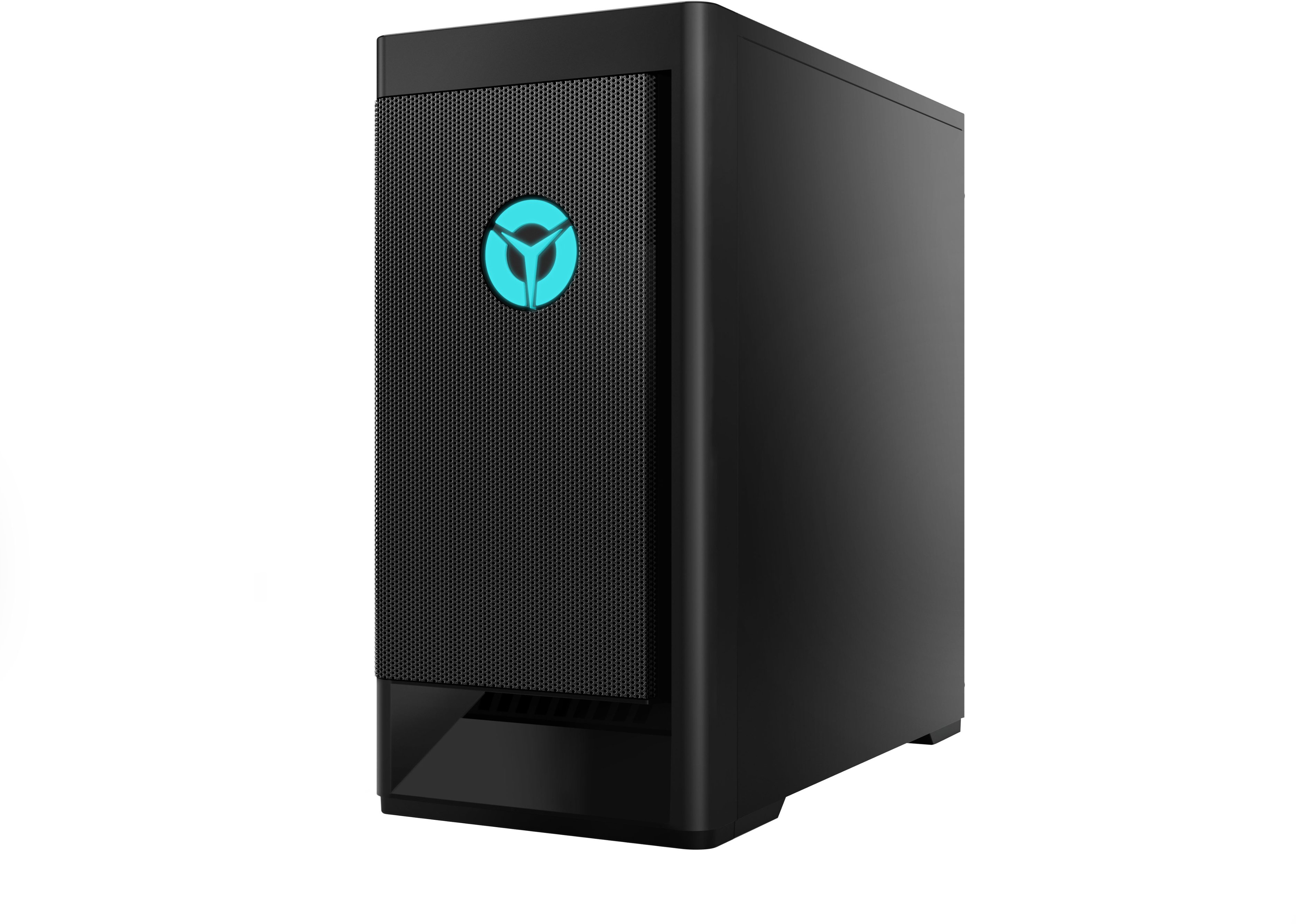
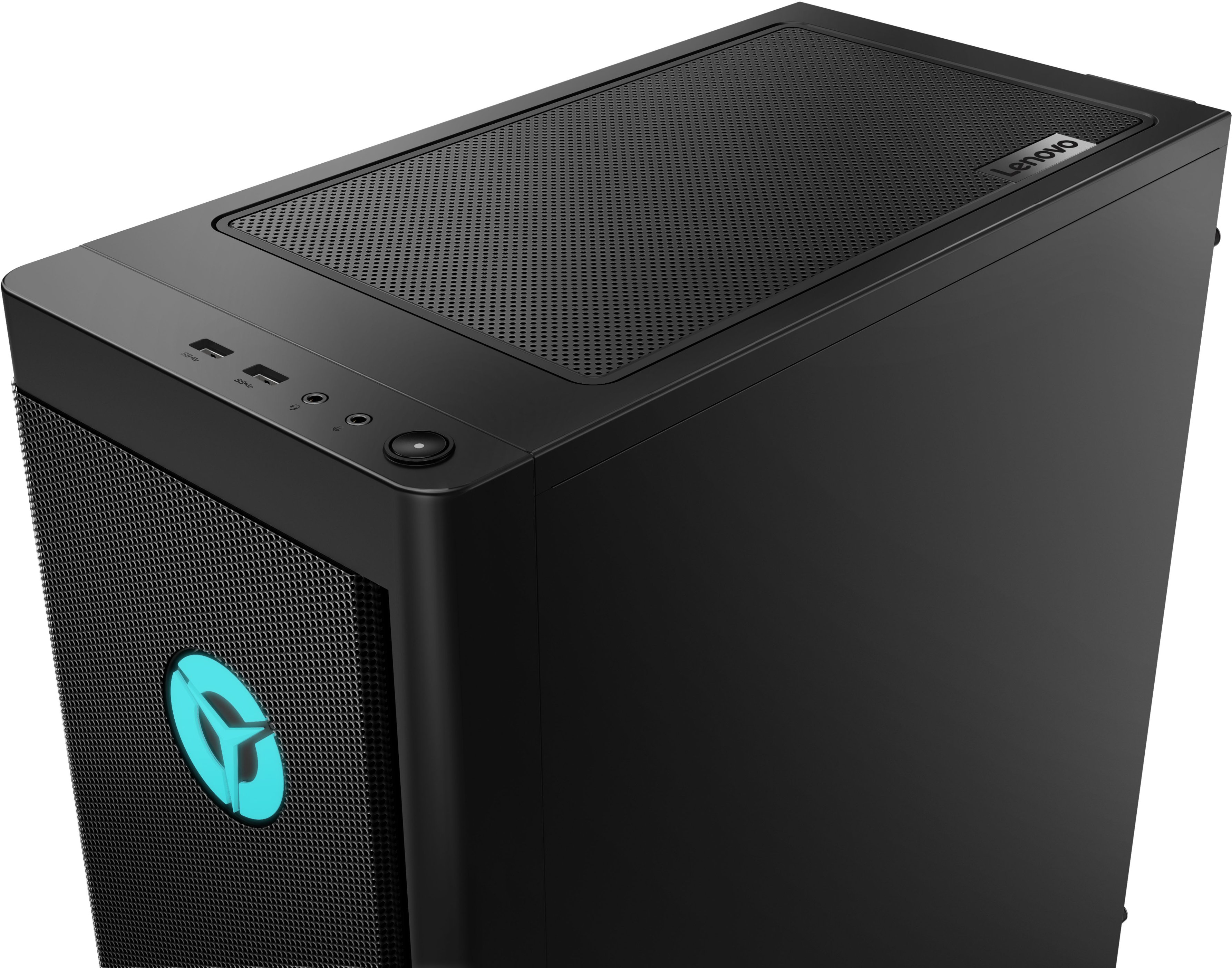
Posted .This reviewer received promo considerations or sweepstakes entry for writing a review.Its not flashy with led lights and it has plenty of usb ports for my microphone, keyboard, mouse, and anything else i may want.
I would recommend this to a friendAmazing pc I can’t get off of IT
Posted .This reviewer received promo considerations or sweepstakes entry for writing a review.Pretty pc pretty LEDs, too good to pass UP I love it
No, I would not recommend this to a friendGaming tower
Posted .This reviewer received promo considerations or sweepstakes entry for writing a review.My grandson loves it I would buy it over and over again.
I would recommend this to a friendgreat beginner desktop
Posted .This reviewer received promo considerations or sweepstakes entry for writing a review.love this computer. Great starter for people getting into gaming.
I would recommend this to a friend- Cons mentioned:Bios
DO NOT BUY - WILL BRICK
Posted .This reviewer received promo considerations or sweepstakes entry for writing a review.Ignore the positive reviews. All Legion Tower 5 Series will brick between 5 - 16 months. There are dozens on dozens of posts of Lenovo's official forums about these models and they will brick purely from a BIOS defect. Lenovo is ignoring all posts unless you bought the warranty. STAY AWAY
No, I would not recommend this to a friendBrand response from Lenovo Product Expert
Posted .We are sorry to hear that you are having issues with your Lenovo Legion Tower 5, model number 90RB002AUS. First, be sure any software you installed is compatible with Windows 11, especially the games you are trying to play. This system has Lenovo utilities installed to help maintain the health of the device and keep the operating system software up to date. Type "Lenovo Vantage" in the Search window (if Lenovo Vantage is not installed on your device, you can download the APP and install it now). Select Lenovo Vantage from the list. In the window that opens, click on "Health and Support". In the expanded menu, select "Hardware Scan" In the window that opens, select "Run Quick Tests". This will scan your entire system for errors. Follow any directions that may pop up. If the problem continues after this scan, now click on "System Update". First select Windows update from the menu. Scan your system to be sure you have the latest version of Windows . Once that scan is complete, select "Additional Updates". This will scan your device to be sure there are no new BIOS/Driver updates needed. Follow any instructions that may pop up. If the issue continues after these updates, we recommend you call Lenovo Tech Support for additional help at: 877-453-6686.
broke Motherboards
Posted .This reviewer received promo considerations or sweepstakes entry for writing a review.I got broke Motherboards same time I play games or watch Anime videos stutdown 30 minutes to 12 hours I buy it on April 1 2023
No, I would not recommend this to a friend