Customer Ratings & Reviews
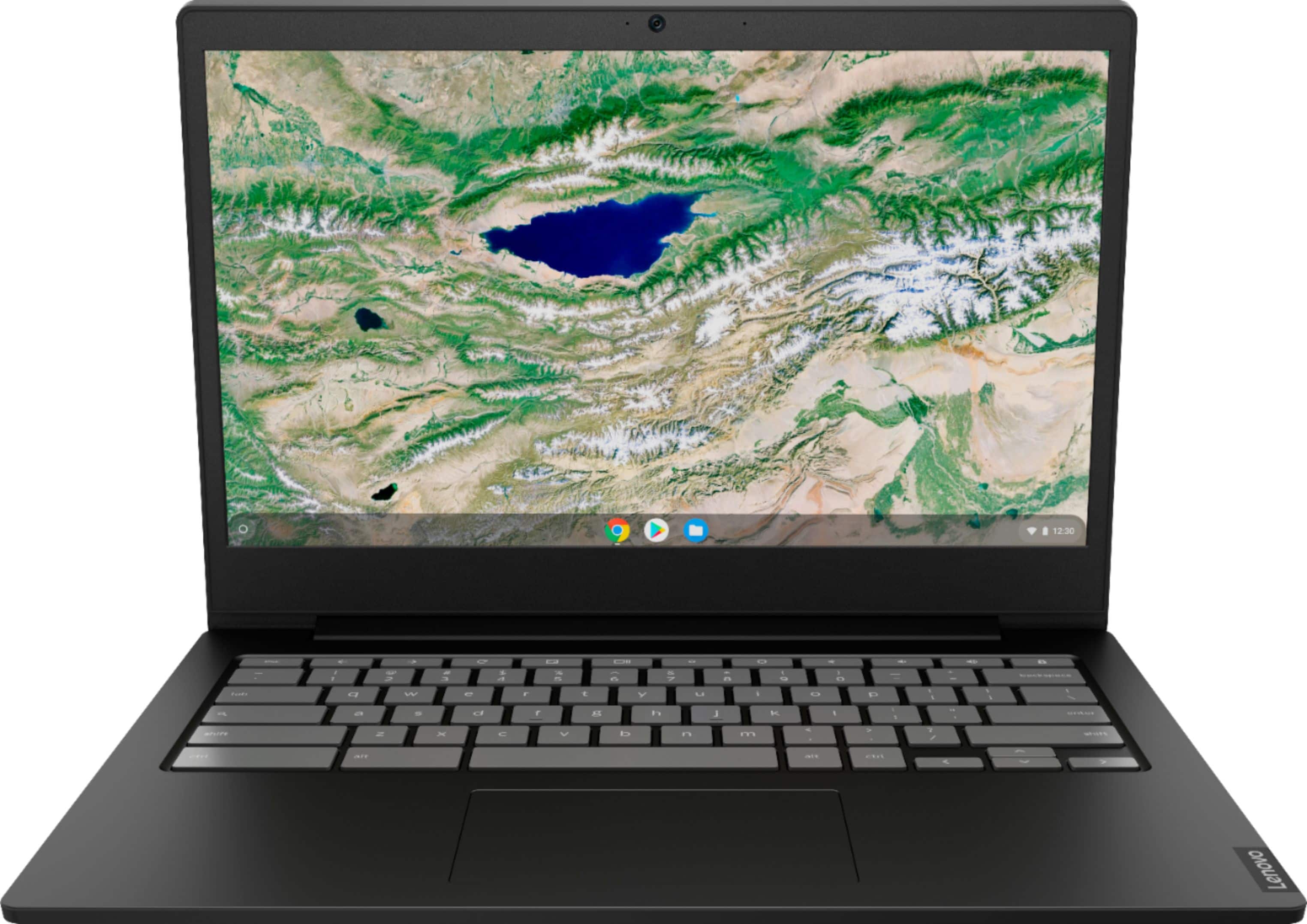
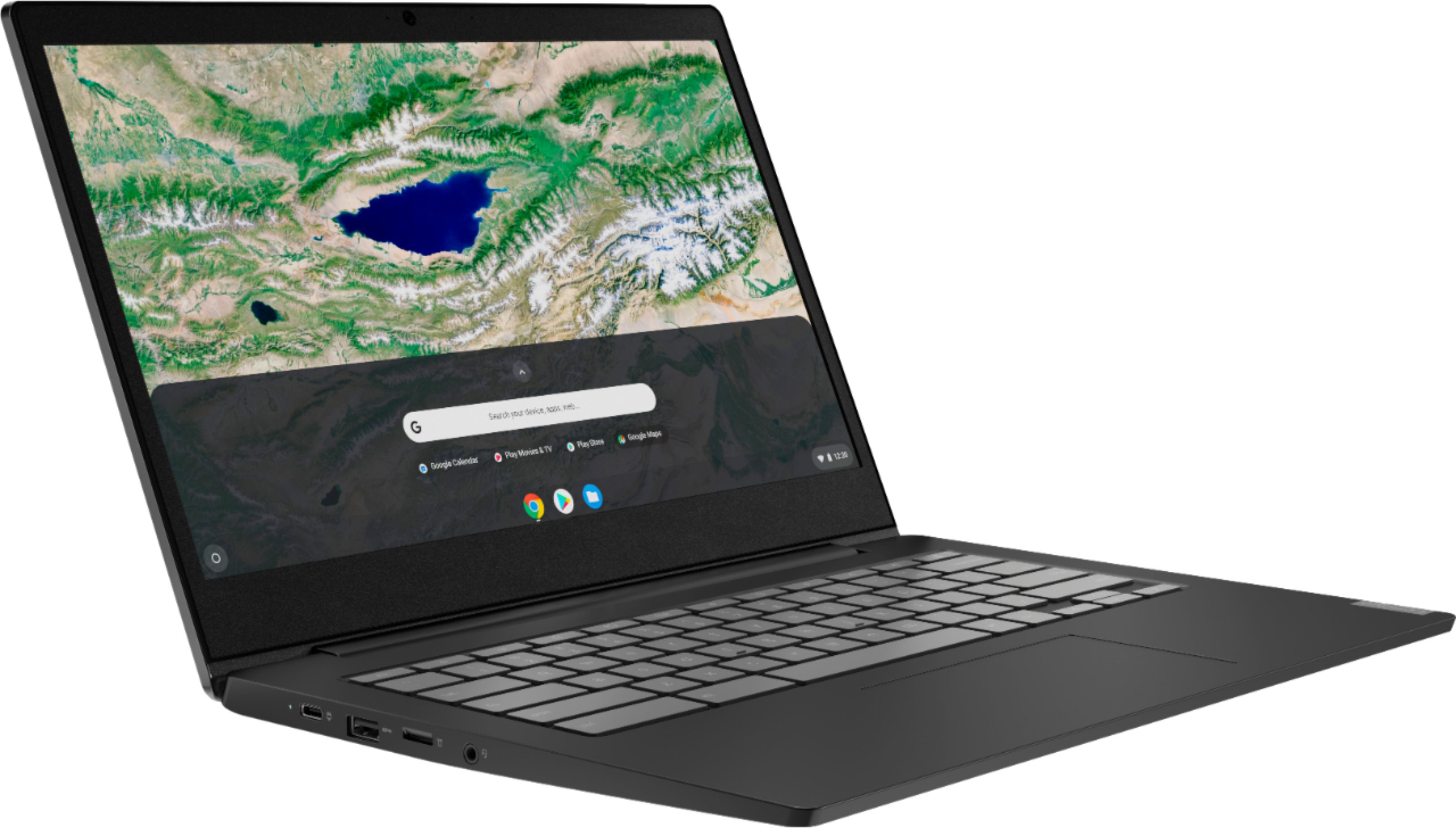
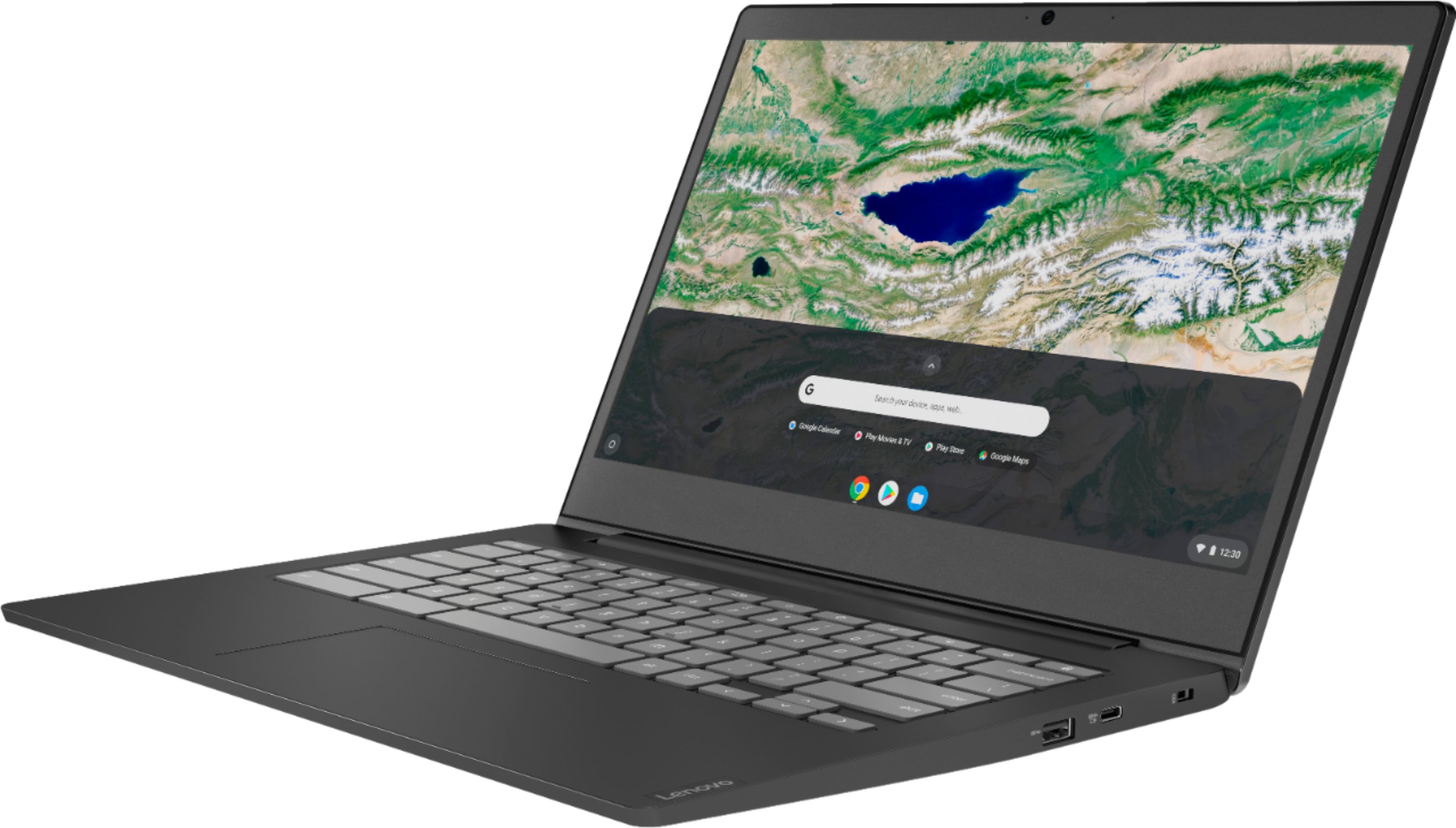
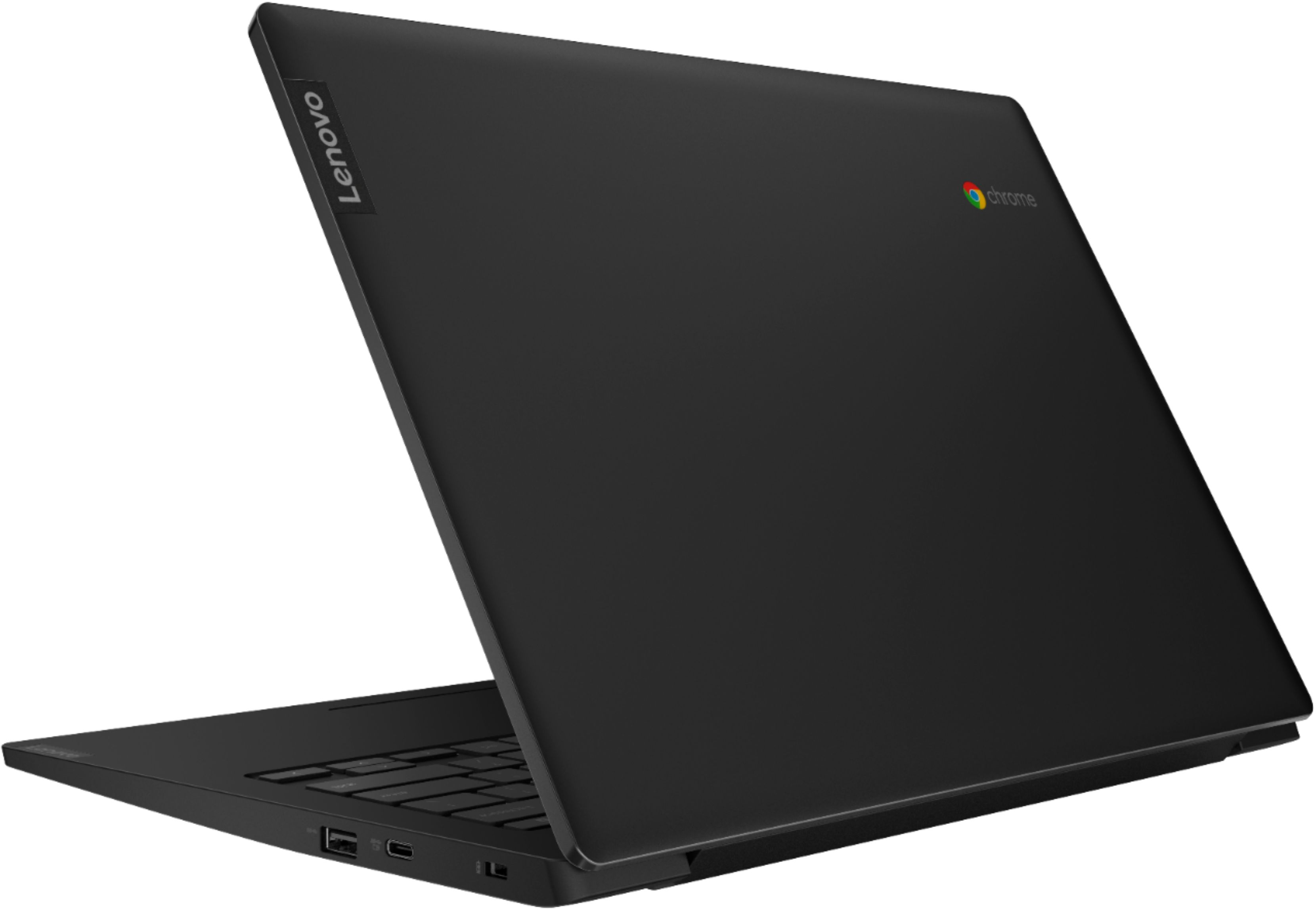






- Model:
- 81V30000US
- SKU:
- 6402114
Rating by feature
- Battery Life
Rating 4.5 out of 5 stars
- Speed
Rating 4.2 out of 5 stars
- Display
Rating 4.5 out of 5 stars
Customers are saying
Customers praise the S340-14 Touch Chromebook for its ease of use, touch screen, and affordability. Many appreciate its lightweight design and decent battery life, finding it suitable for everyday tasks and schoolwork. Positive feedback also highlights the device's compact size and satisfactory performance. However, some users reported issues with the spacebar and noted that the camera quality could be improved.
This summary was generated by AI based on customer reviews.
Not in excellent condition as stated
||Posted . Owned for 1 month when reviewed.This reviewer received promo considerations or sweepstakes entry for writing a review.Has great potential We bought this as an open box in excellent condition, but some of the keys stick and one of the charging ports do not work. Good thing there are 2
No, I would not recommend this to a friendIt Lasted a Month. And Had To be Replaced.
||Posted . Owned for 1 month when reviewed.This reviewer received promo considerations or sweepstakes entry for writing a review.We Used It For A Month. Then I Had To Call You Guys To Get Another one. Spoke With a Nice Gentleman Who Said I Could Take It To My Local Best Buy And Do Curb Side Drop Off and Pickup. Yeah. Got To The Store It Was Closed. Maybe Somebody From This Company Can Call Me and Let Me Know How Something Like This Can Happen To a Customer In The First place. I Would Be Real Interested in Hearing From Somebody. Thanks, Jeff Lilien.
No, I would not recommend this to a friendBrand response from Lenovo Product Expert
Posted .We are sorry to hear that you are having issues with your Lenovo S340-14 laptop. It is possible that you may be able to fix the issue you are experiencing with the S340-14 Chromebook. Here is a link to tips for troubleshooting issues with a chromebook: https://support.google.com/chromebook/answer/6309225?hl=en. If the issue continues, we recommend you call Lenovo Tech Support at: 877-453-6686.

Unable to run many things
||Posted . Owned for 2 weeks when reviewed.This reviewer received promo considerations or sweepstakes entry for writing a review.A pretty bad laptop. As for starters, the touch screen isnt fully functional. Typically only works when scrolling down a page. Secondly, the laptop doesn't work with any drawing tablets, as a frequent drawer this was pretty big deal to me. And lastly, was unable to run a plethora of programs since it runs off of chrome OS, this was extremely annoying and should just run off windows.
No, I would not recommend this to a friendWiFi connect issues
||Posted . Owned for 3 weeks when reviewed.This reviewer received promo considerations or sweepstakes entry for writing a review.We got this for our kids with their virtual/hybrid learning and it won’t connect to the schools WiFi. We have several problems with it connect ing to home WiFi also. Looks like from forums it’s a common issue soooo, I would look elsewhere unless you want a giant paperweight.
No, I would not recommend this to a friendBrand response from Lenovo Product Expert
Posted .We are sorry to hear you are experiencing this issue with your Lenovo - S340-14 Touch 14". We recommend reaching out to Lenovo Customer Support at 800-426-7378
Don’t buy open box
||Posted . Owned for less than 1 week when reviewed.This reviewer received promo considerations or sweepstakes entry for writing a review.Bought this as an open box item and the touch screen did not work. On the underside of the laptop the screws were stripped and obviously the internal components were tampered with. I was told that Best Buy should not have taken it back that way but it slipped through the cracks. I’m sure that if it was new, it would work fine.
No, I would not recommend this to a friendPiece of Crap Computer
||Posted . Owned for 1 month when reviewed.This reviewer received promo considerations or sweepstakes entry for writing a review.Horrible Computer!!! Mouse is defective on left click side (the one you need the most). Slow, freezes and Chrome OS absolutely SUCKS!!! Your customer service SUCKS just as much!!! I've been trying to return this computer for a refund for three weeks now and you guys have not helped one little bit!!! I will never buy a thing from Best Buy again!!!
No, I would not recommend this to a friendBrand response from Lenovo Product Expert
Posted .We are sorry to hear that you are having issues with your Lenovo S340-14 Chromebook. It is possible that resetting your Chromebook back to original settings may correct the problem. Here is a link to instructions for resetting your Chromebook: https://support.google.com/chromebook/answer/3227606?hl=en. If the issues continue after the reset, we recommend you call Lenovo Tech Support at: 877-453-6686.
SO UPSET.
||Posted . Owned for 1 month when reviewed.This reviewer received promo considerations or sweepstakes entry for writing a review.I purchased this laptop, and two weeks after delivery, IT STOPPED WORKING! Im hoping for a refund. I paid for the geek squad, but had no plans on utilizing them on a product ive had less than two weeks. I will never purchase this one again. Also, it was a good laptop when it worked the three times i was able to use it.
No, I would not recommend this to a friendBrand response from Lenovo Product Expert
Posted .We are sorry to hear that you are having issues with your lenovo S340-14 Chromebook. Here is a link to some troubleshooting tips for fixing issues with Chromebooks, including a Chromebook that stops wotking: https://support.google.com/chromebook/answer/6309225?hl=en
Waste of money....
||Posted . Owned for 3 weeks when reviewed.This reviewer received promo considerations or sweepstakes entry for writing a review.Barely useful for anything. My smartphone packs more punch. Got it for my 9 year old and she asked me to return it, so I did. Came with free Webroot, that wasn't even compatible with the device and I was charged for the Webroot, when I mase my return. Item sucked and I lost $30 bucks for useless Webroot.
No, I would not recommend this to a friendBrand response from Lenovo Product Expert
Posted .We are sorry to hear that the Lenovo S340-15 Chromebook did not work for you. All Chromebooks come with free virus protection security through the Google Server. No additional virus protection software is needed for any Chromebook.
Warranty repair nightmare
||Posted . Owned for 3 months when reviewed.This reviewer received promo considerations or sweepstakes entry for writing a review.The touchscreen didn't work. I should have returned it to Best Buy, and instead I sent it to Lenovo for repair. I am not sure what happened to my laptop or if I will ever get it back. I am struggling to get any answers from Lenovo support. I do not recommend buying a Lenovo for this reason.
No, I would not recommend this to a friendBrand response from Lenovo Product Expert
Posted .Hello we are sorry to hear you are having this experience with your Lenovo S340 laptop model # 81V30000US. We understand ow frustrating it can be being without a laptop and waiting on repairs. We truly appreciate your patience in this matter while the Lenovo team works diligently to get your laptop back to you in top condition. If you need anything in the meantime please don't hesitate to reach out to Lenovo Support at 800-426-7378
My Lenovo Chromebook Keeps Dropping WiFi
||Posted .This reviewer received promo considerations or sweepstakes entry for writing a review.At first I liked this Chromebook. But at around 1 year, this chromebook keeps dropping the wifi connection. I tried the recommended powerwash and it worked for a month. Now nothing works. No more Lenovos for me.
No, I would not recommend this to a friendDidn’t work
||Posted .This reviewer received promo considerations or sweepstakes entry for writing a review.Right out of the box this laptop didn’t work. The screen brightness was so low it was hard to tell it was even on. The buttons to adjust the brightness were unresponsive. Had to return it immediately
No, I would not recommend this to a friendBrand response from Lenovo Product Expert
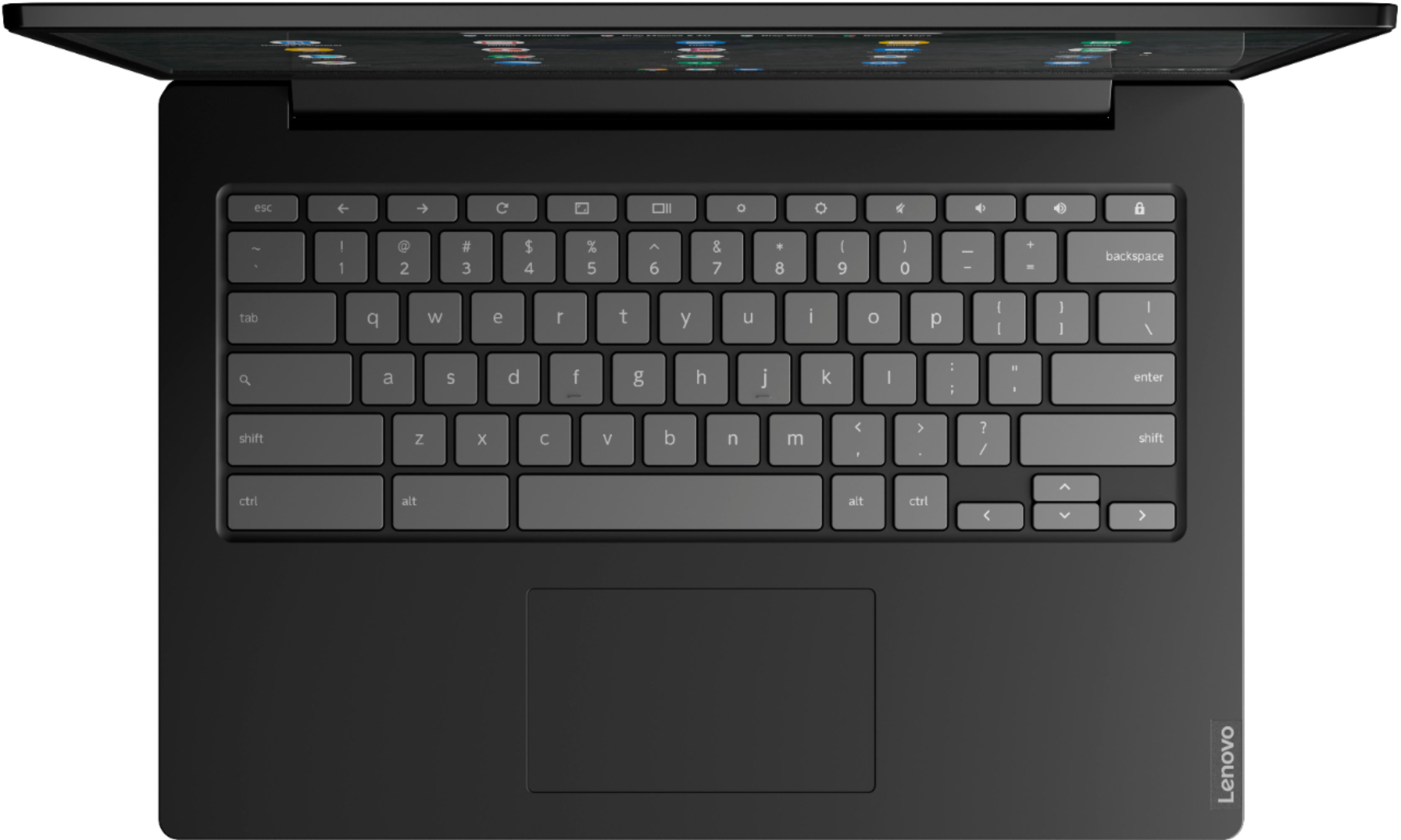
Posted .We are sorry to hear that you are having issues with adjusting the brightness on your Lenovo S340-14 Chromebook. This model ships with a beautiful, IPS LCD w/LED Backlight (Anti-glare) screen, with a resolution of 1920 x 1080 (FHD) and a brightness level of 220 nits. You can adjust the screen brightness of your Chromebook. The screen brightness keys are on the top row of the keyboard, above above the 6 & 7 or by clicking on the clock and adjusting the display slider. The screen brightness keys on the top tow of the keyboard, above above the 6 & 7 or by clicking on the clock and adjusting the display slider. If you continue to have issues, we recommend you contact Lenovo Tech Support for Chromebooks at: 800-426-7378.
Not so good
||Posted . Owned for 3 weeks when reviewed.This reviewer received promo considerations or sweepstakes entry for writing a review.The laptop cuts off randomly with no warning. My son was in the middle of his online classes and the thing cut off and cause him to miss his lesson. Returning today
No, I would not recommend this to a friendBrand response from Lenovo Product Expert
Posted .We are sorry to hear that you are having issues with your lenovo S340-15 Chromebook. It is possible that resetting the Chromebook will fix the issue. Here is a link to instructions for resetting a Chromebook: https://support.google.com/chromebook/answer/183084?hl=en. If the issue continues, we recommend you call Lenovo Tech Support at: 877-453-6686.
Sent back to Lenova
||Posted . Owned for 1 month when reviewed.This reviewer received promo considerations or sweepstakes entry for writing a review.I purchased this chromebook last month for my mom. Massive HD failure already and it's been sent back to Lenova. Ugh
No, I would not recommend this to a friendBrand response from Lenovo Product Expert
Posted .We are sorry to hear that you had issues with your Lenovo S340-14 Chromebook, model number 81V30000US. This model ships with a 32GB eMMC solid state hard drive, with no moving parts. The S340-14 Chromebook ships with the Chrome Operating System and is compatible with Google Play Store APPs. It does not require the installation of virus protection software. Virus protection is provided for free for all Chromebooks through the Google Server.
Most of been a defective unit
||Posted . Owned for 3 weeks when reviewed.This reviewer received promo considerations or sweepstakes entry for writing a review.Defective unit was very disappointment unit was for my sons school work awful
No, I would not recommend this to a friendBrand response from Lenovo Product Expert
Posted .We are sorry to hear that you are having issues with your Lenovo S340-14 Chromebook. Here is a link to some troubleshooting tips for fixing issues with a Chromebook: https://support.google.com/chromebook/answer/6309225?hl=en. If the issues continue, we recommend you call Lenovo Tech Support at: 877-453-6686.
Very slow
||Posted . Owned for less than 1 week when reviewed.This reviewer received promo considerations or sweepstakes entry for writing a review.For someone that doesnt like to play games is great. But if your just needing a laptop for school then its great.
No, I would not recommend this to a friendBrand response from Lenovo Product Expert
Posted .The Lenovo S340-14 Chromebook uses the Chrome Operating System and is compatible with the Google Play Store. Chrome OS operating system boots up in seconds and delivers seamless processing & long-lasting battery. There is a vibrant 14 inch wide-viewing angle HD display and
includes integrated graphics for ultimate streaming. Connect wirelessly while traveling with built-in WiFi and Bluetooth. The S340-14 Chromebook comes with Google Assist that easily connects you & your favorite stuff.
Stopped working
||Posted . Owned for 3 months when reviewed.This reviewer received promo considerations or sweepstakes entry for writing a review.Bought this for my wife 3 months ago. It served her needs nicely, but it stopped powering up today.
No, I would not recommend this to a friendBrand response from Lenovo Product Expert
Posted .We are sorry to hear that you are having issues with your Lenovo S340-14 Chromebook. Here is a link to some troubleshooting tips for fixing issues with a Chromebook, including a Chromebook that will not turn on, if the issue continues, we recommend you call Lenovo Tech Support for Chromebooks at: 800-426-7378. https://support.google.com/chromebook/answer/6309225?hl=en
This laptop did not work
||Posted . Owned for 3 weeks when reviewed.This reviewer received promo considerations or sweepstakes entry for writing a review.I returned this laptop as it would not power up even after charging. I am still waiting on a refund.
No, I would not recommend this to a friendBrand response from Lenovo Product Expert
Posted .We are sorry to hear that you are having issues with your lenovo S340-14 Chromebook. Here is a link to some troubleshooting tips for fixing issues with Chromebooks, including a Chromebook that will not turn on: https://support.google.com/chromebook/answer/6309225?hl=en. If the issue continues, we recommend you call Lenovo Tech Support at: 877-453-6686.
Wont power on or Charge
||Posted . Owned for 1 month when reviewed.This reviewer received promo considerations or sweepstakes entry for writing a review.I only had this laptop for a little over 30 days. It wont charge or power on.
No, I would not recommend this to a friendBrand response from Lenovo Product Expert
Posted .We are sorry to hear that you are having issues with your Lenovo S340-14 Chromebook. Here is a link to tips for fixing issues with your Chromebook, including a Chromebook that will not turn on or charge: https://support.google.com/chromebook/answer/6309225?hl=en. If the issue continues, we recommend you call Lenovo Tech Support at: 877-453-6686.
It’s frustrating!
||Posted . Owned for 1 month when reviewed.This reviewer received promo considerations or sweepstakes entry for writing a review.I can’t do anything I need to do for school or anything. Waste of money!
No, I would not recommend this to a friendBrand response from Lenovo Product Expert
Posted .We are sorry to hear that you are having issues with your Lenovo S340-14 Chromebook. The S340-14 Chromebook ships with the Chrome Operating System and is compatible with Google Play Store APPs. We always recommend you check the requirements and compatibility of any software you will be installing on your new computer, before you invest in any computer. Be sure your new computer can support the software you will need to use.
dies in 16 months.
||Posted .This reviewer received promo considerations or sweepstakes entry for writing a review.The chromebook dies within 16 months. don't buy it.
No, I would not recommend this to a friend