Customer Ratings & Reviews
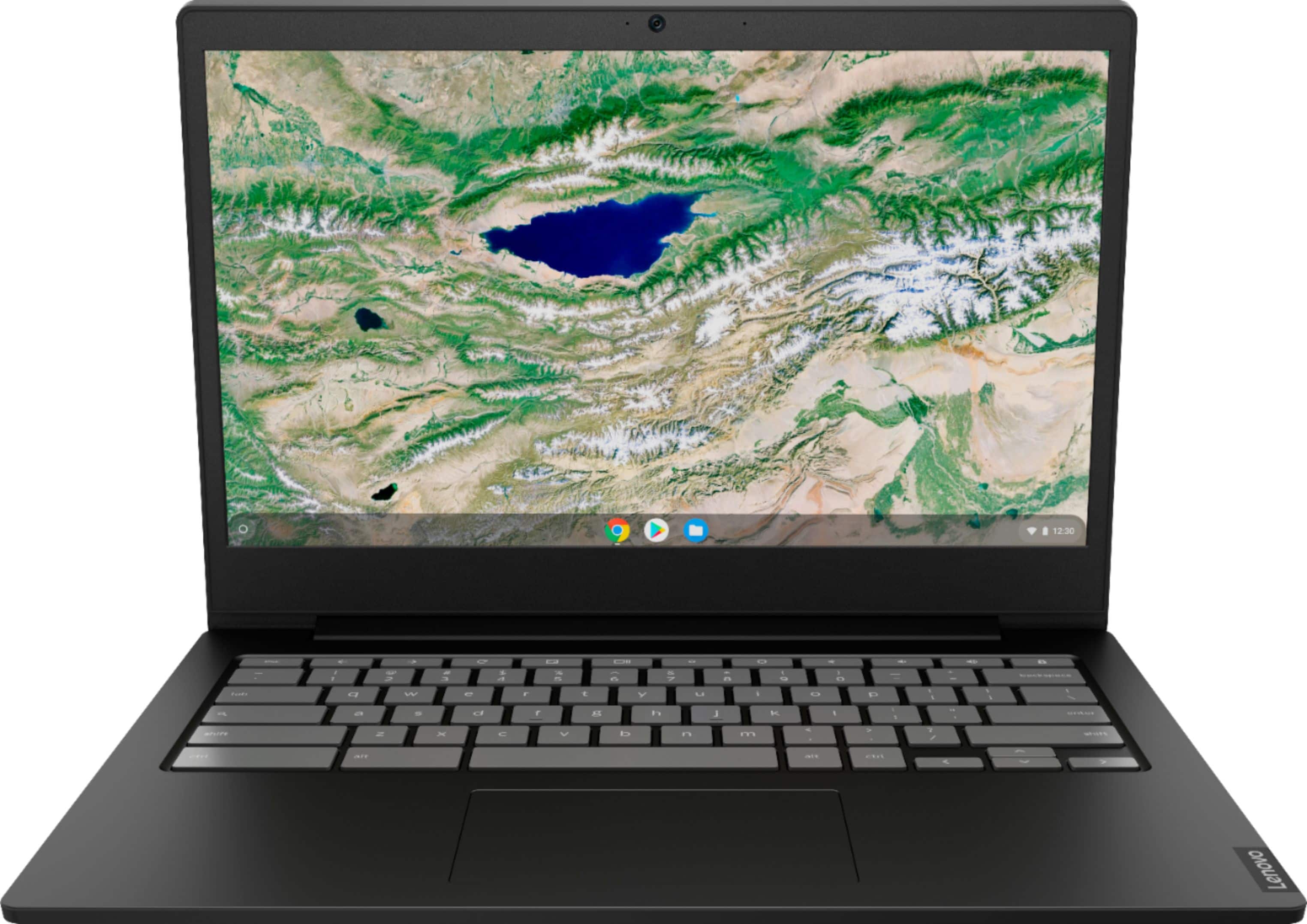
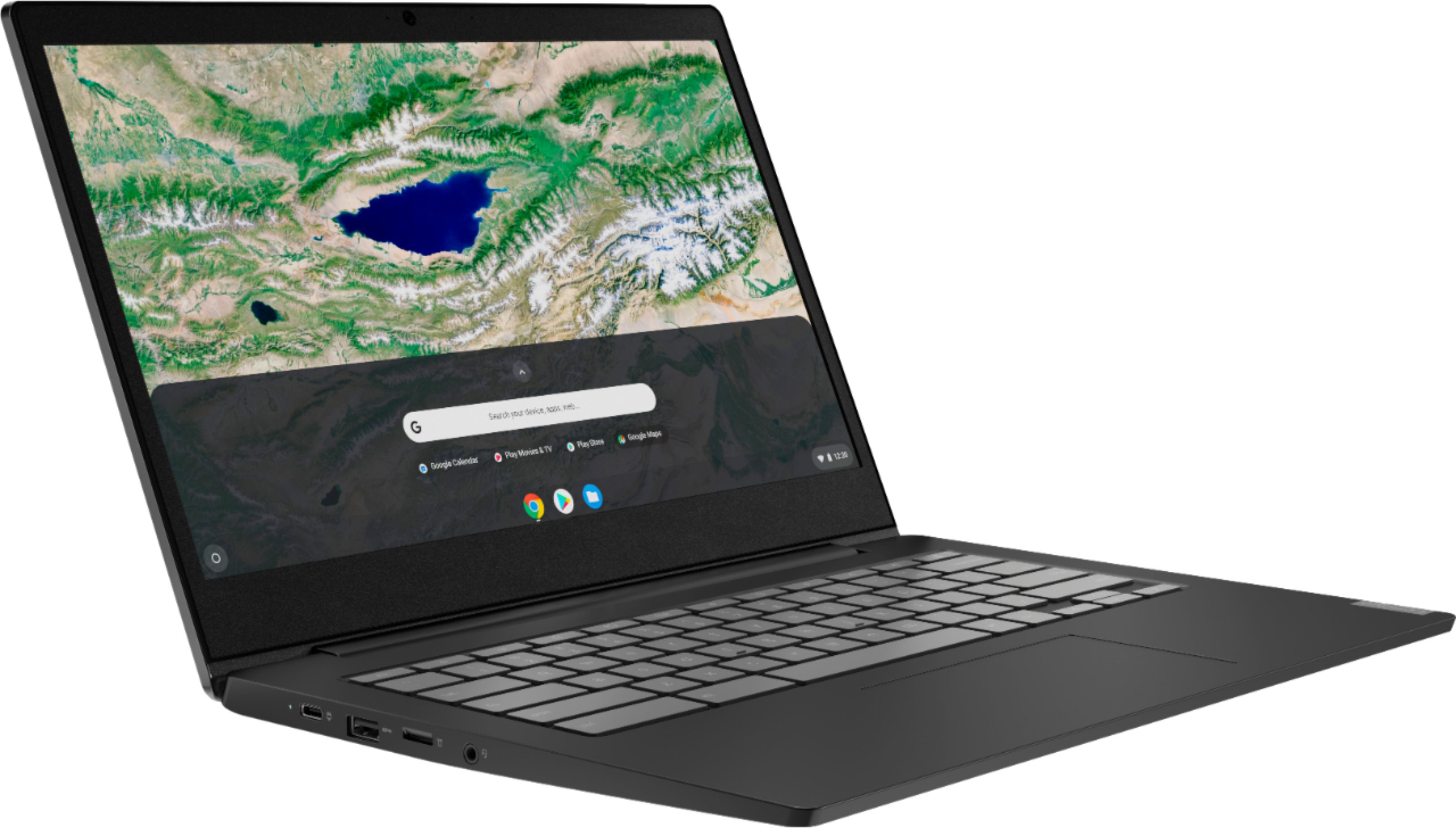
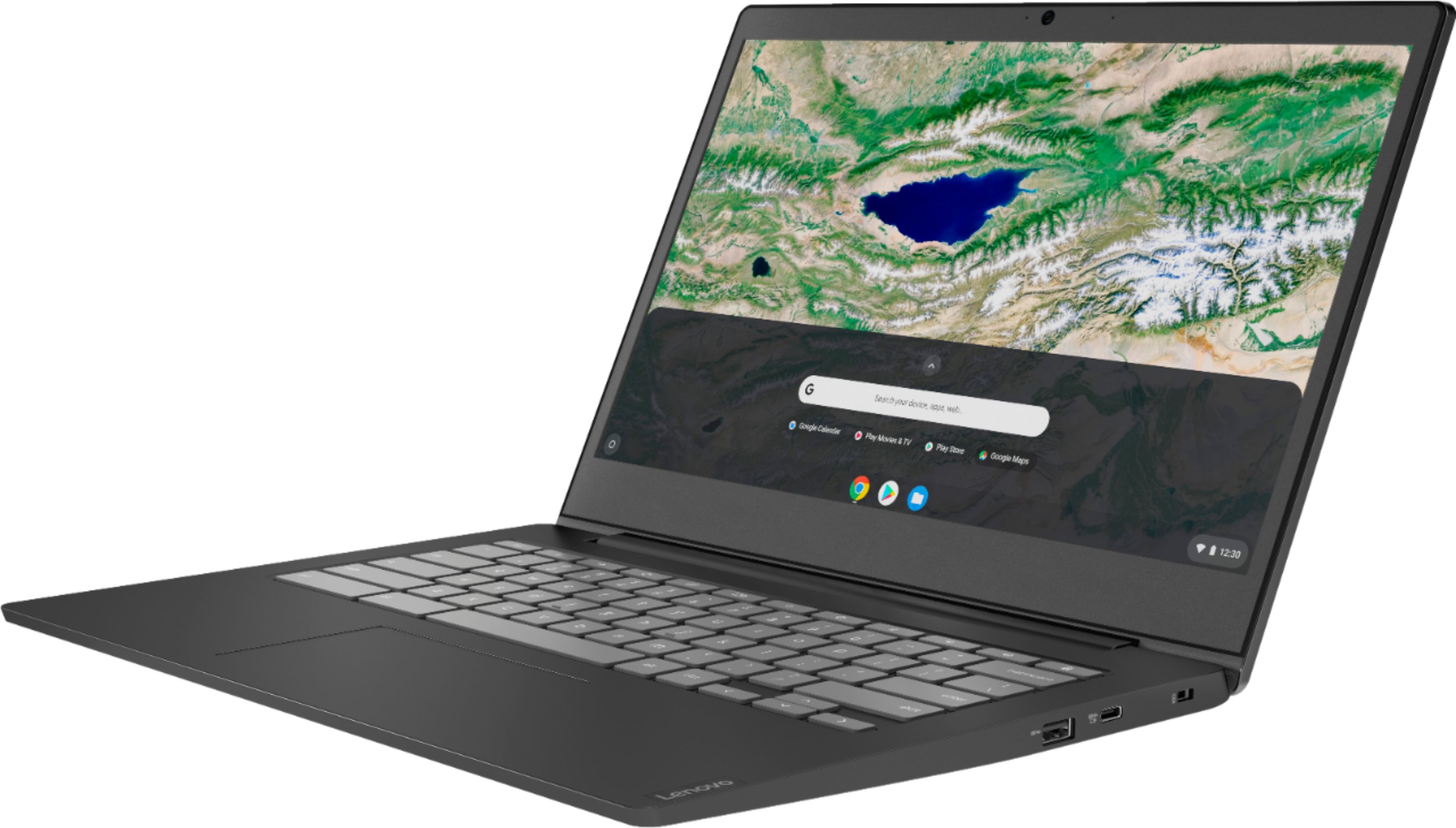
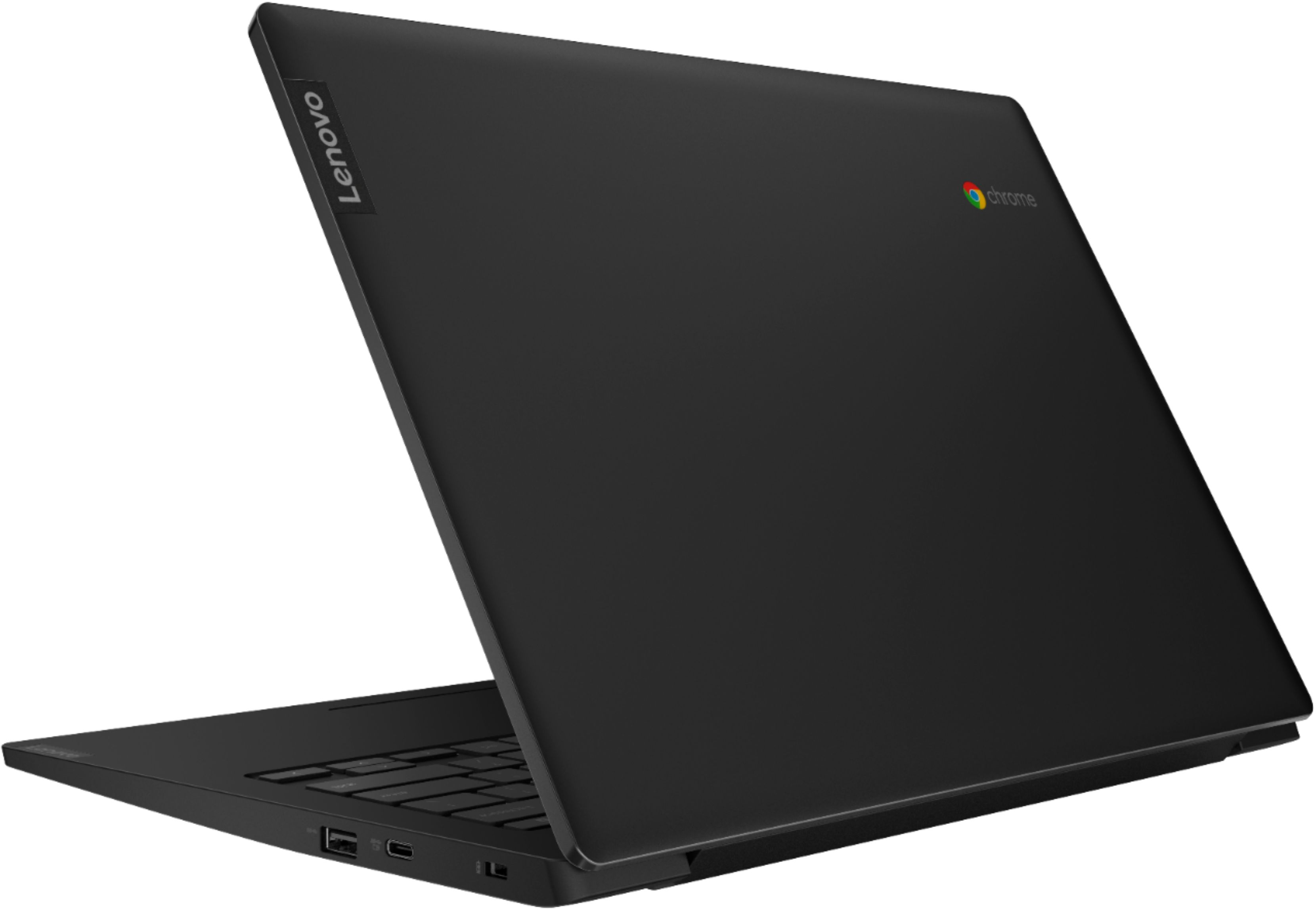


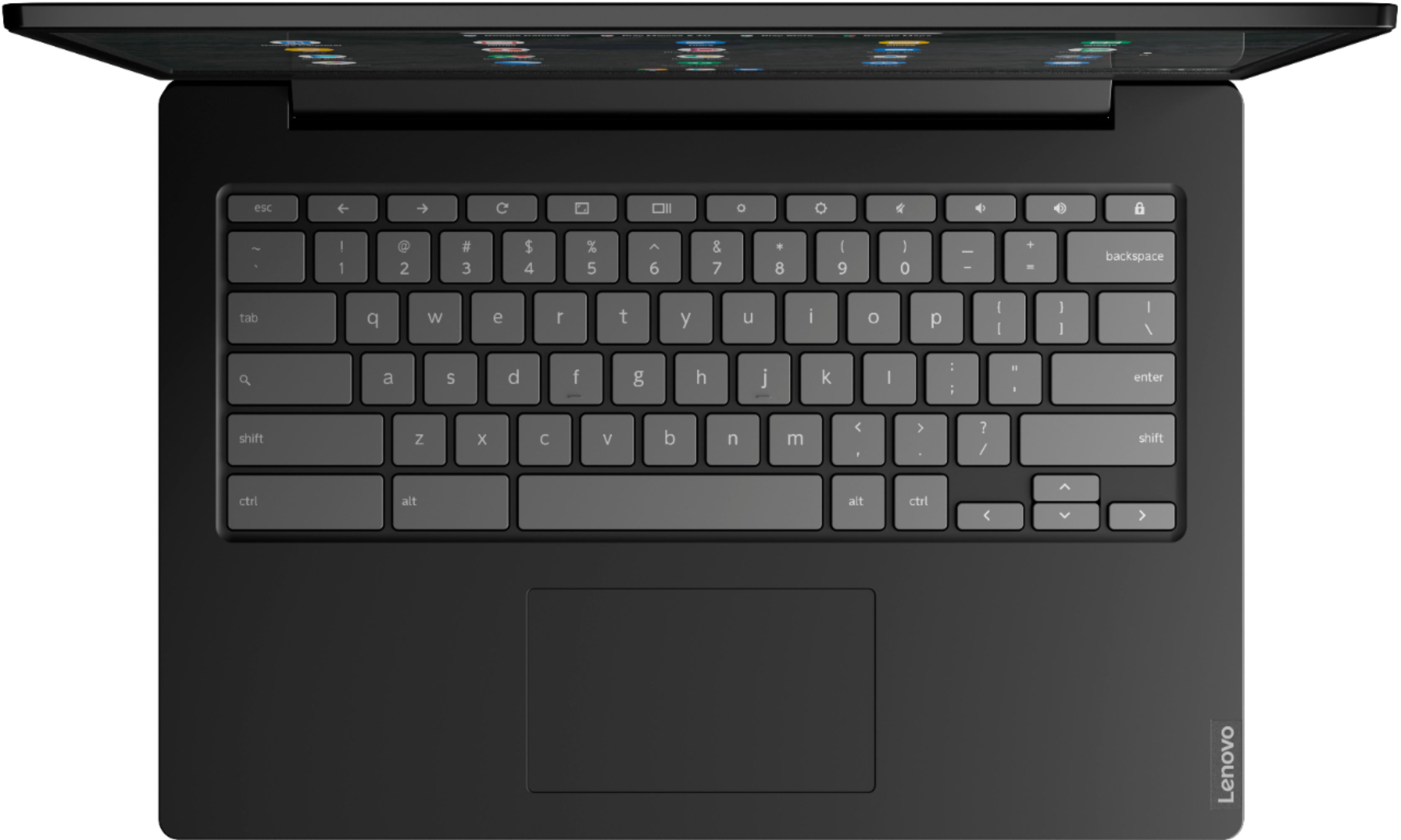

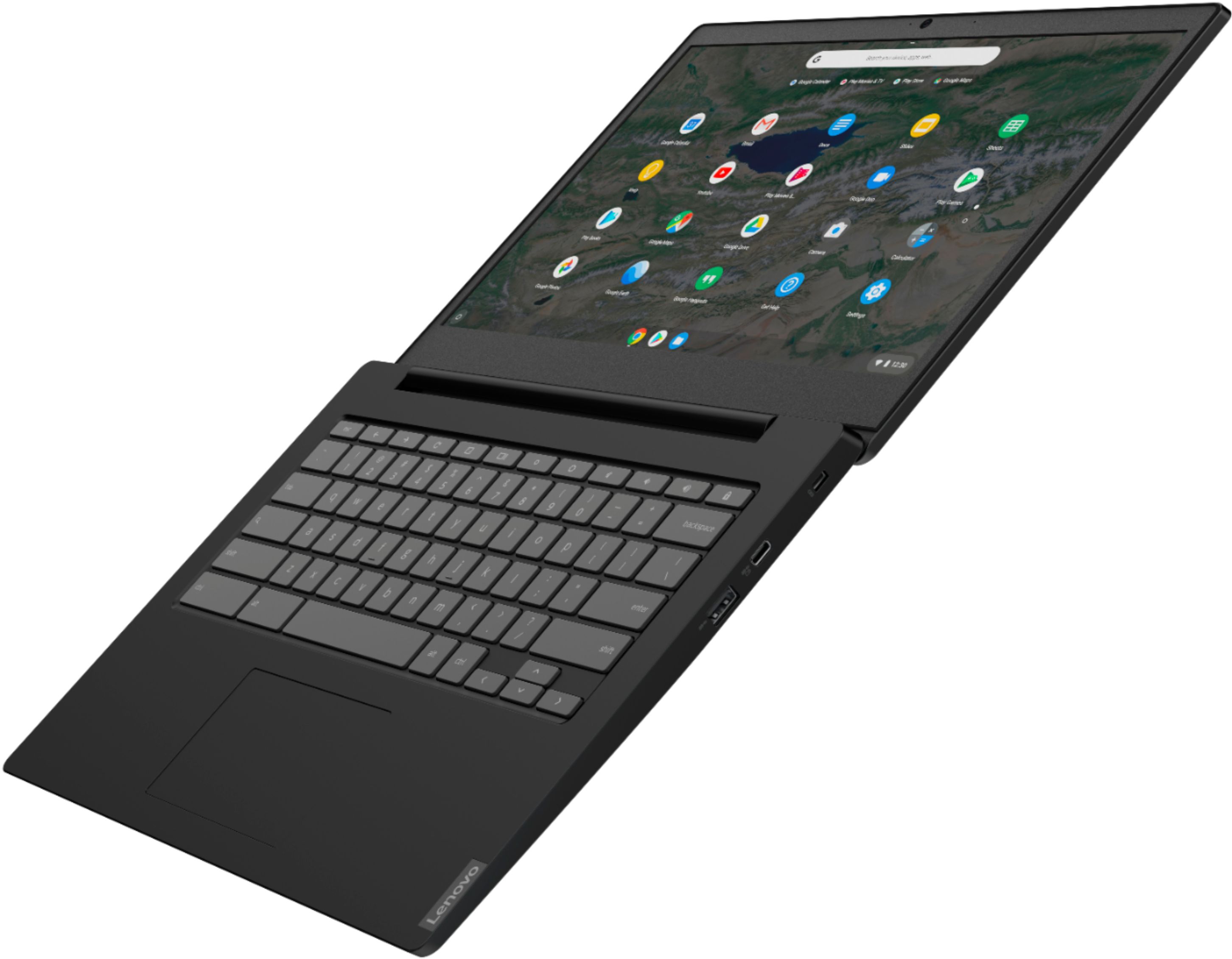

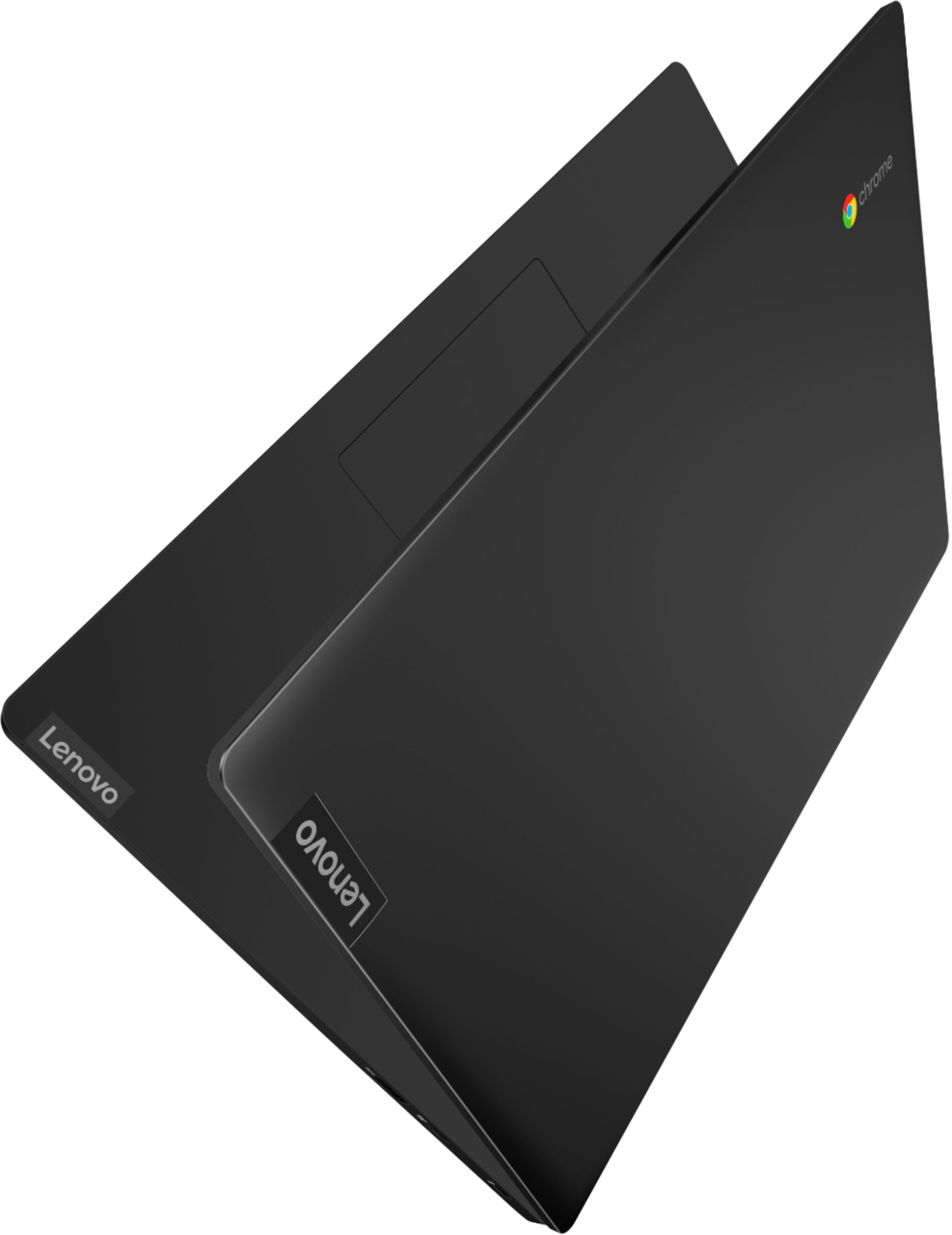
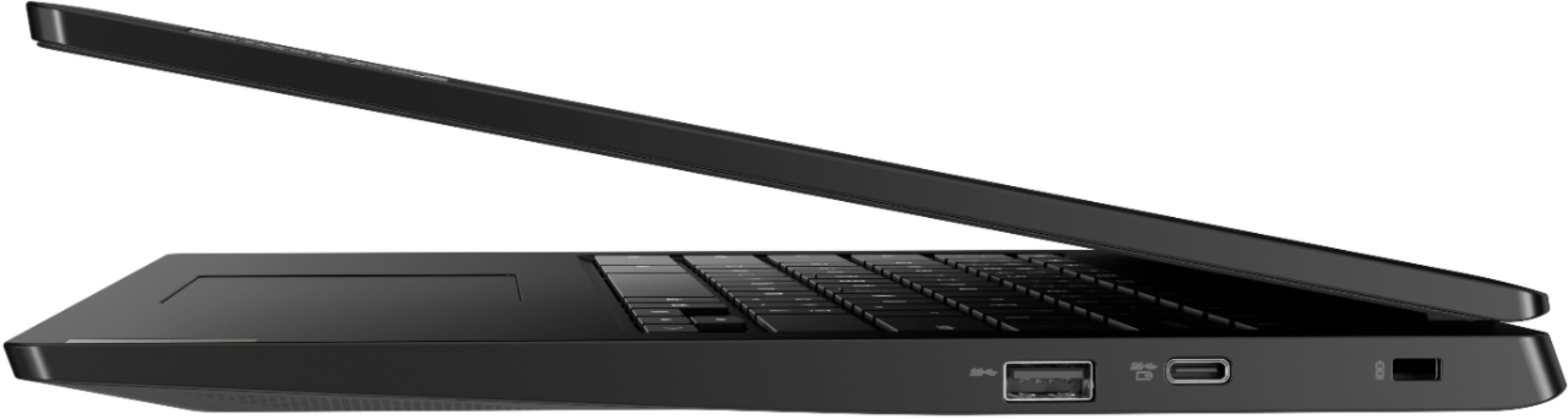


- Model:
- 81V30000US
- SKU:
- 6402114
Rating by feature
- Battery Life
Rating 4.5 out of 5 stars
- Speed
Rating 4.2 out of 5 stars
- Display
Rating 4.5 out of 5 stars
Customers are saying
Customers praise the S340-14 Touch Chromebook for its ease of use, touch screen, and affordability. Many appreciate its lightweight design and decent battery life, finding it suitable for everyday tasks and schoolwork. Positive feedback also highlights the device's compact size and satisfactory performance. However, some users reported issues with the spacebar and noted that the camera quality could be improved.
This summary was generated by AI based on customer reviews.
Problems after just one day
||Posted . Owned for 3 weeks when reviewed.This reviewer received promo considerations or sweepstakes entry for writing a review.After just one day, the backspace and volume keys quit working entirely.
No, I would not recommend this to a friendBrand response from Lenovo Product Expert
Posted .We are sorry to hear that you are having issues with your Lenovo S340-14 Chromebook. It is possible that resetting your Chromebook back to original factory settings will fix the issue with the keyboard keys you are having issues with. Here is a link to instructions for resetting your Chromebook: https://support.google.com/chromebook/answer/183084?hl=en. If the issue continues, we recommend you call Lenovo Tech Support at: 877-453-6686.

- Pros mentioned:Weight
Not a great college laptop
Posted .This reviewer received promo considerations or sweepstakes entry for writing a review.There are some positives to this laptop but there are so many negatives that I want other people to be aware of them prior to buying. Some positives are that this laptop is small, it's lightweight, it's got the flexibility of being both a tablet and a laptop. However, the negatives outweigh the positives, you really are only able to use Chromebook accessories. You can use Google Docs and Google Slides but as soon as you try to use PowerPoint or word the whole system fails and it just stops working. Being a current college student, it is really necessary to have access to a functioning powerpoint and word because professors don't like you using Google Docs because it doesn't transfer over into your class work as well. My school uses Blackboard as many others use and I often find and struggle trying to upload any of my documents into Blackboard from the Chromebook. I am also unable to record on any assignments via zoom or kaltura. Which is necessary since all our classes are now online and I need to record certain assignments and post them. Unfortunately Chromebook does not accept any of the programs that are necessary for school. Zoom, kaltura, lockdown browser, have no programs that are acceptable on the Chromebook which make it very difficult to get any work done and you end up having to find another computer to get this work done. If you're looking for a laptop that's lightweight you don't really plan on doing anything besides shopping online or using Google Docs then this is the computer for you, but if you are buying a laptop for college this is not the laptop for you, as it is very difficult to get any type of work done.
No, I would not recommend this to a friendBrand response from Lenovo Product Expert
Posted .The Lenovo S340-14 Chromebook uses the Chrome Operating System. It is compatible with the Google Play Store and the Chrome Web Store APPs. This Chromebook uses Google Docs for office type programs. Google Docs is completely compatible with Microsoft Office Programs and this is a free service through the Google Server. If you must have the actual Microsoft Office Programs, you can purchase Microsoft Office 365 for this Chromebook at the Google Play Store.
The chromebook
Posted .This reviewer received promo considerations or sweepstakes entry for writing a review.Long lasting battery life Do not know to die under the kids hand If you need a chrome book This one is reall good
I would recommend this to a friend- Pros mentioned:Price
Good Lightweight Device
Posted .This reviewer received promo considerations or sweepstakes entry for writing a review.Great bang for your buck. This is good item as back up or main for your kids or yourself.
I would recommend this to a friend Great Chrombook
Posted .This reviewer received promo considerations or sweepstakes entry for writing a review.This has been a great Chromebook. We bought 2 in 2020 and they are still going. I am about to replace one due to it struggling to connect to wifi, but no complaints for 4 school years of use.
I would recommend this to a friendSelf
Posted .This reviewer received promo considerations or sweepstakes entry for writing a review.Lovely computer and eaze to carry and simple thank to best buy
I would recommend this to a friendNot really a laptop and very difficult to use
Posted .This reviewer received promo considerations or sweepstakes entry for writing a review.I was an IT professional for 20 years. I've had many laptops for personal use. Right before we went into lockdown in NJ my lenovo 2 in 1 died. I needed something fast and didn't want to spend a lot without a lot of research. Everything takes forever to do on this. Even in typing this I hit a key which deleted half of what I had written. It doesn't even have of a caps lock function. There is a way to change the search key (do we really ned that) to caps lock but who wants to be bothered. I am going to buy another Lenovo but I want Windows 64 , I would write more but I Keep hitting keys that either delete stuff or insert stuff (see above). I guess I just type too fast for it. Also can find a way to get it to print things in draft to save ink. A very frustrating experience. Got a trial of word but couldn't create a document or spread sheet or anything else. Never had this kind of problem with any windows machine I owned.
No, I would not recommend this to a friend- Pros mentioned:Touch screen
good for school
Posted .This reviewer received promo considerations or sweepstakes entry for writing a review.I like this Chromebook for school but it's a bit heavy to take around campus. I wish it had better graphics. The best part is that its touchscreen.
I would recommend this to a friendBrand response from Lenovo Product Expert
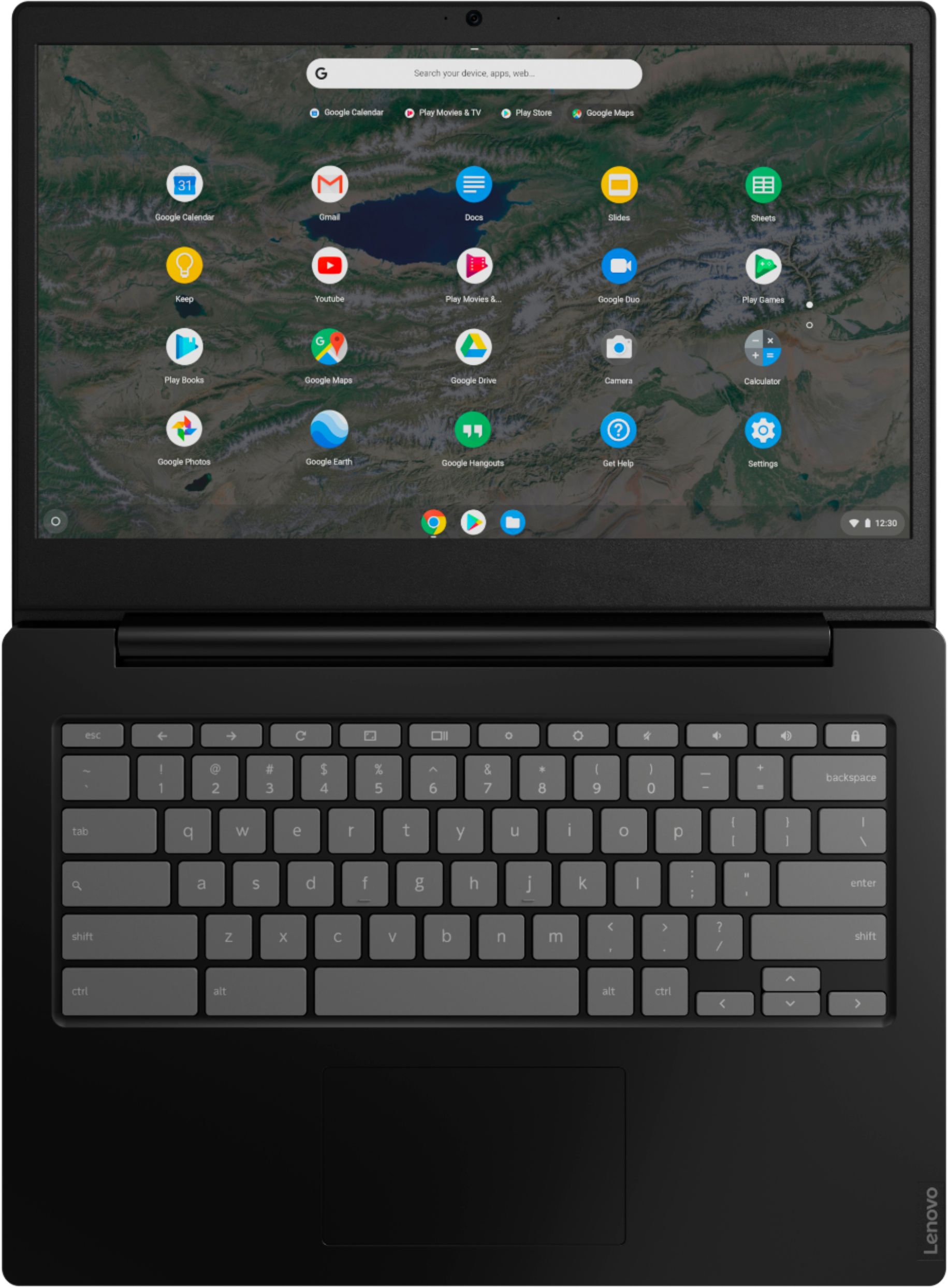
Posted .The Lenovo S340-14 Chromebook weighs just 3.08 lbs. Faster, simpler, and more secure, the Chromebook S340-14 is powered by a speedy Intel Celeron processor, so you can enjoy multiple applications without a hitch on the easy-to-use Chrome OS. It also has a full keyboard and spacious trackpad for optimal workflow. You can take this Chromebook laptop with you anywhere and get all of your work done efficiently.
- Cons mentioned:Spacebar
Brick after a little over a year
Posted . Owned for 9 months when reviewed.This reviewer received promo considerations or sweepstakes entry for writing a review.Chromebook arrived with two defects that I was willing to overlook because it was the height of the pandemic: 1. The spacebar needed to be pushed down very hard to work thus making it nonfunctional for typing. 2. The loudest volume was not quite loud enough for every day use, especially in an area that wasn't totally quiet I was willing to overlook both issues and not return the machine because of the lockdown and it was functional for basic uses such as watching movies, quick internet research and Zoom meetings. However, earlier this month I was in a Zoom meeting where I was getting issues with the internet connection dropping out and decided to try to restart. Upon doing this, it would not restart and some research on the internet said that I would need to take the unit apart (voiding the warranty) in order to have any hope if it working again. Lenovo obviously makes these to not last that long so I decided to go back to a Windows PC.
No, I would not recommend this to a friend False Advertisement.
Posted .This reviewer received promo considerations or sweepstakes entry for writing a review.The free virus protection is a total lie. Web Root does not have a product for chromebooks. BB is totally silent and won't even respond to me. Attorney General has been notified.
No, I would not recommend this to a friendBrand response from Lenovo Product Expert
Posted .This is a Chromebook. It does not use 3rd party external virus protection. The Google Server provides virus protection to all Chromebooks automatically, everytime the Chromebook connects to the internet.