Customer Ratings & Reviews


- Model:
- 81QG0007US
- SKU:
- 6350523
Rating by feature
- Battery Life
Rating 4.4 out of 5 stars
- Speed
Rating 3.6 out of 5 stars
- Display
Rating 4.2 out of 5 stars
Customers are saying
Customers value the S340-15API Touch laptop for its affordability, touchscreen display, and user-friendly design. Many customers appreciate the laptop's lightweight and sleek design, as well as its ample storage capacity. While some users have experienced issues with the camera, the overall positive feedback suggests that customers are generally satisfied with the performance and features of this laptop.
This summary was generated by AI based on customer reviews.
Excellent product.
||Posted . Owned for 2 weeks when reviewed.This reviewer received promo considerations or sweepstakes entry for writing a review.This computer is the best for students. Great item.
I would recommend this to a friendBrand response from Lenovo Product Expert
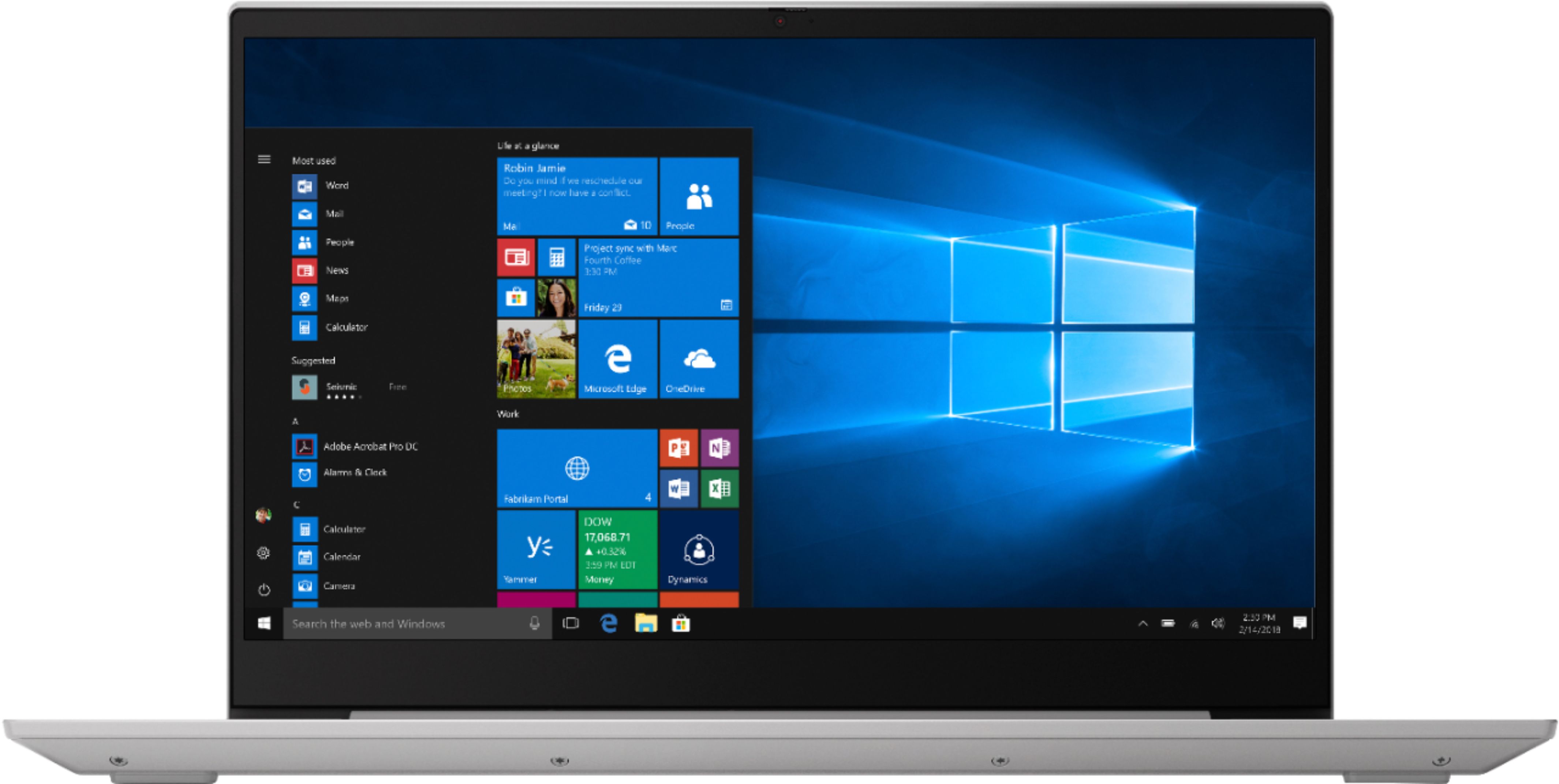
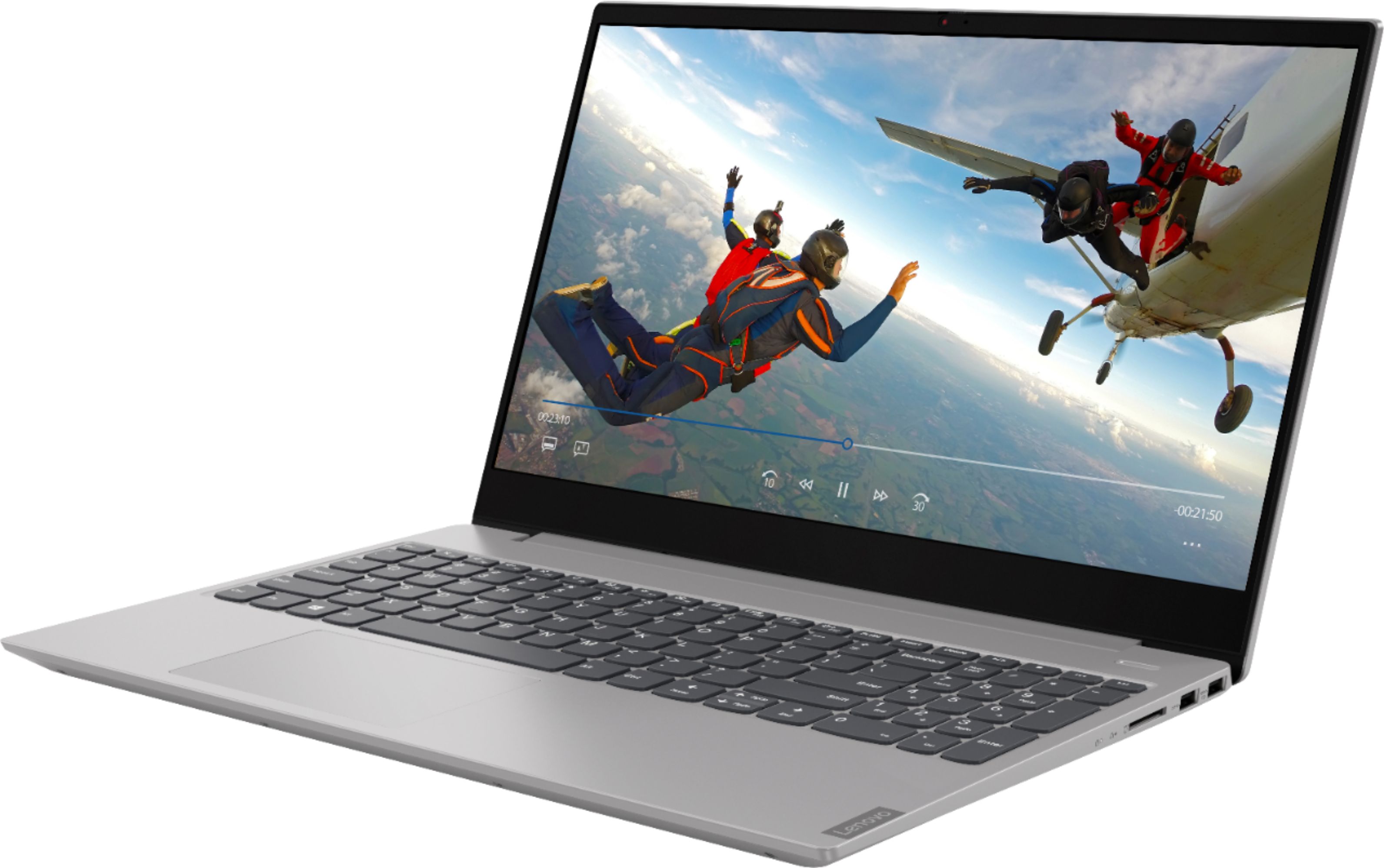
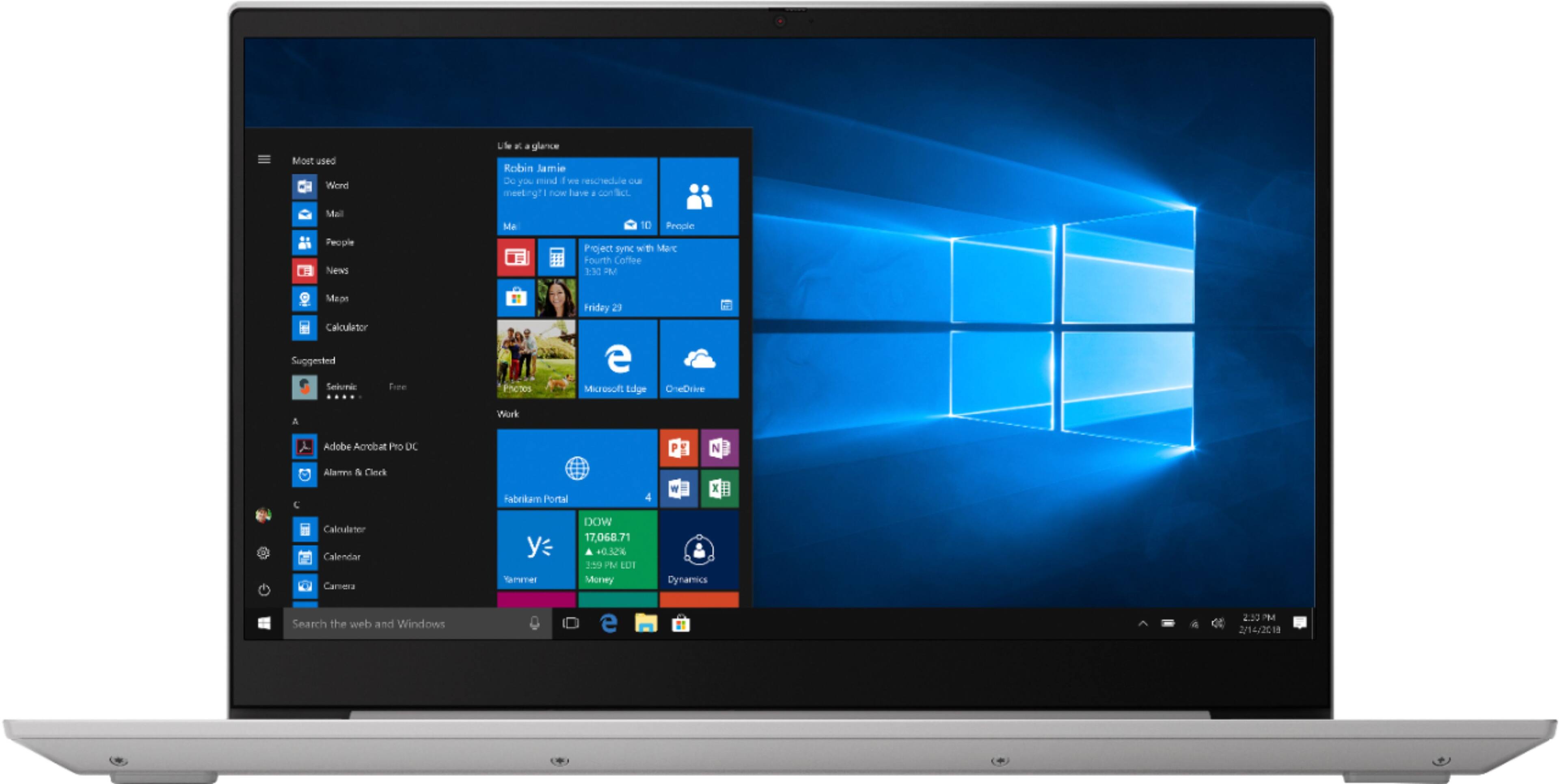
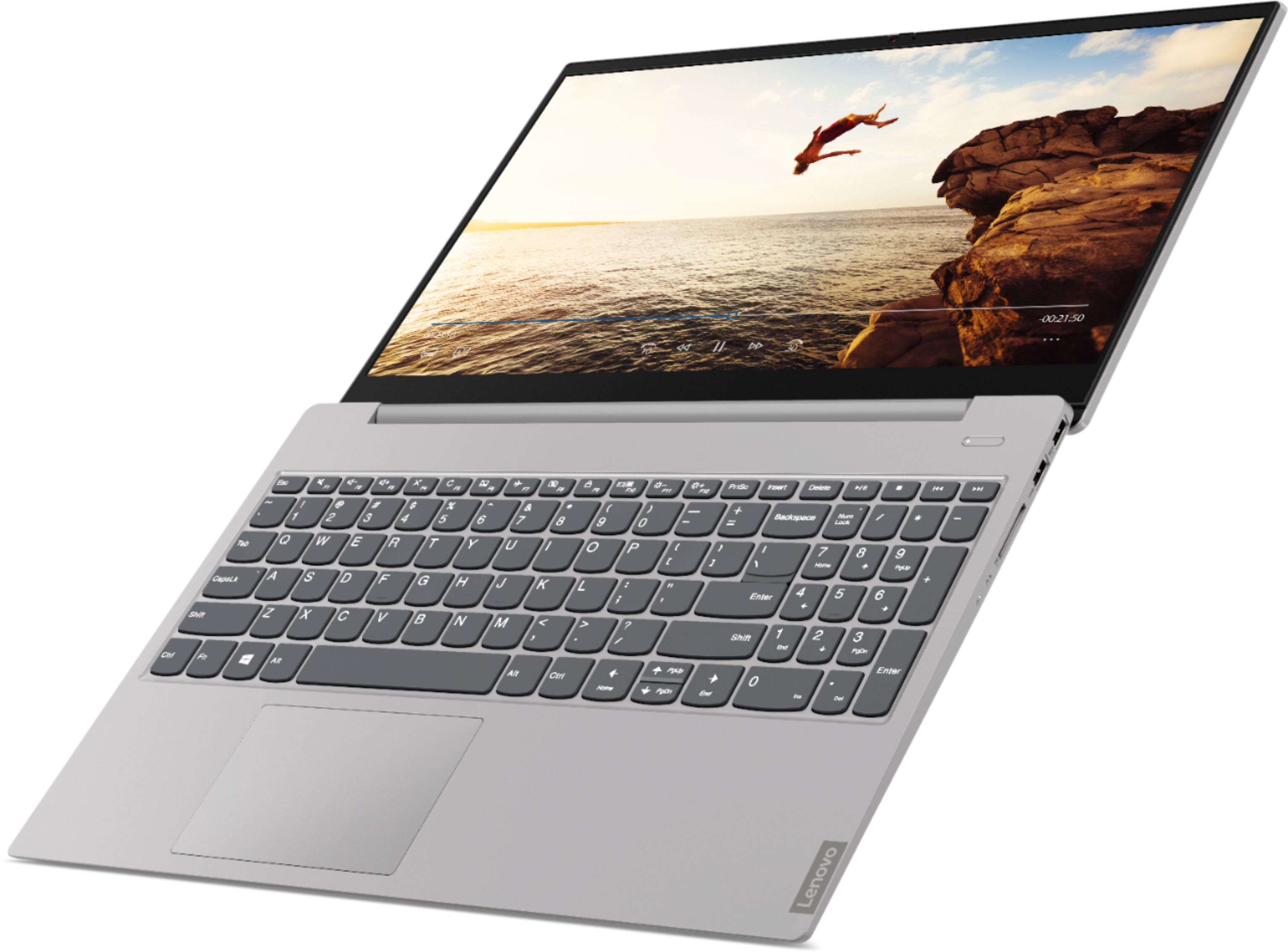
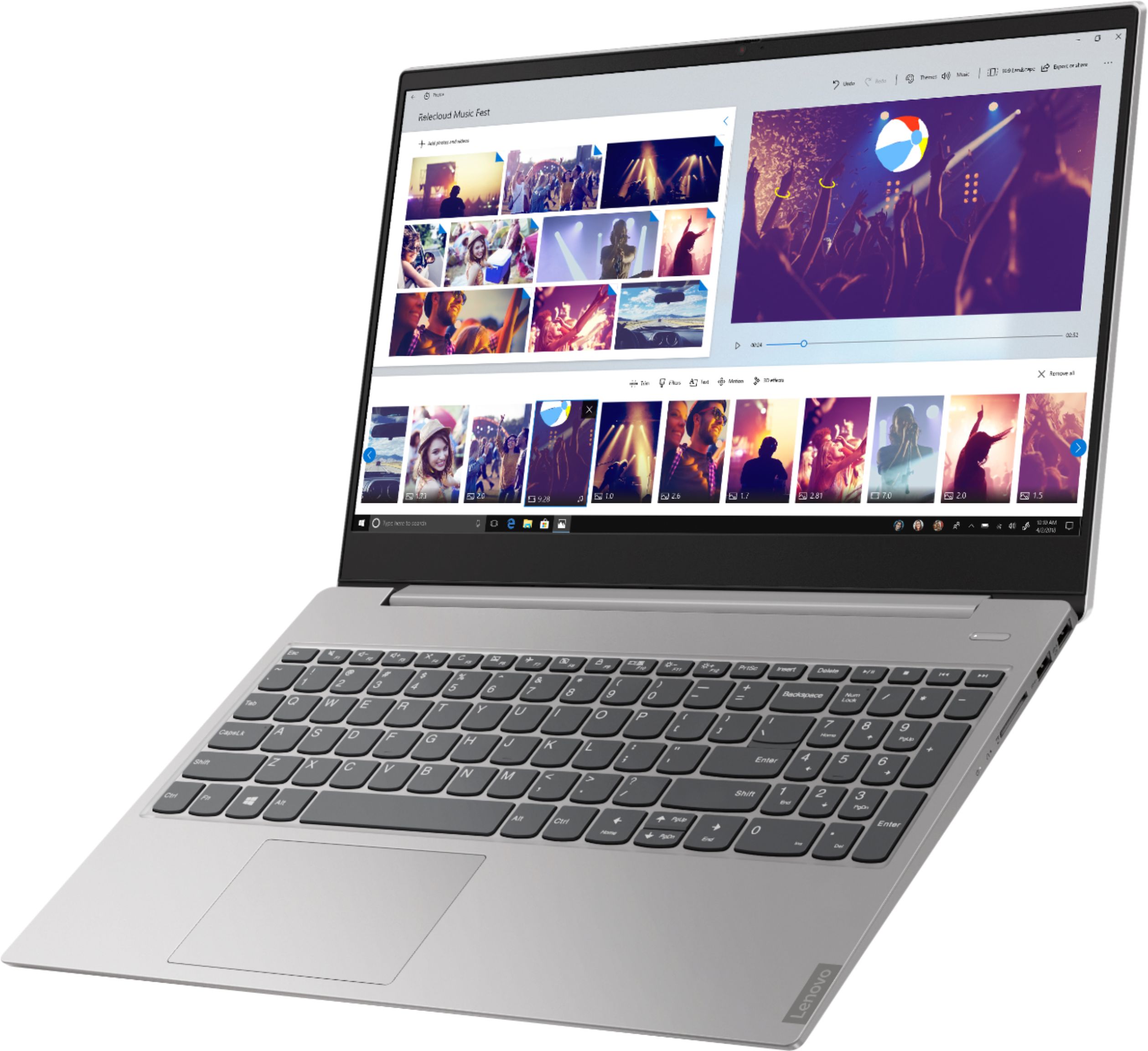
Posted .Thank you for choosing the Lenovo IdeaPad S340-15 laptop. We are pleased to heart hat the performance of the IdeaPad S340-15 meets your computing needs so well. The Lenovo IdeaPad S340-15 laptop, ships with the powerful Quad-Core/Eight-Thread AMD Ryzen 5 3500U processor, supported by 12GB DDR4-2400MHz RAM. This Processor has a base speed of 2.1GHz and a Turbo Boost speed of up to 3.7GHz. The laptop has a IPS LCD w/LED Backlight (Anti-glare) screen, with a resolution of 1920 x 1080 (FHD) and a brightness level 250 nits. This configuration is good for many of today's most demanding programs, browsing the internet with multiple tabs open. This model ships with Windows 10 S-Mode Operating System. Windows 10 S-Mode provides added security by only allowing APPs available ( and therefore certified by Microsoft) at the Microsoft Store. If you don't need the added security or you need to install APPs not available at the Microsoft Store, you can switch to standard Windows 10 Home 64-bit Operating System, at no additional cost.

Great value
||Posted .This reviewer received promo considerations or sweepstakes entry for writing a review.Everything you need for a great value..............
I would recommend this to a friendBrand response from Lenovo Product Expert
Posted .Thank you for choosing the Lenovo IdeaPad S340-15 laptop. The Lenovo IdeaPad S340-15 laptop, ships with the powerful Quad-Core/Eight-Thread AMD Ryzen 5 3500U processor, supported by 12GB DDR4-2400MHz RAM. This Processor has a base speed of 2.1GHz and a Turbo Boost speed of up to 3.7GHz. The laptop has a IPS LCD w/LED Backlight (Anti-glare) screen, with a resolution of 1920 x 1080 (FHD) and a brightness level 250 nits. This configuration is good for many of today's most demanding programs, browsing the internet with multiple tabs open. This model ships with Windows 10 S-Mode Operating System. Windows 10 S-Mode provides added security by only allowing APPs available ( and therefore certified by Microsoft) at the Microsoft Store. If you don't need the added security or you need to install APPs not available at the Microsoft Store, you can switch to standard Windows 10 Home 64-bit Operating System, at no additional cost.
Excellent color
||Posted . Owned for 1 month when reviewed.This reviewer received promo considerations or sweepstakes entry for writing a review.Excellent color and beautiful images, using a work
I would recommend this to a friendBrand response from Lenovo Product Expert
Posted .Thank you for choosing the Lenovo IdeaPad S340-15 laptop. We are pleased to hear that the performance of the IdeaPad S340-15 meets your computing needs so well. The Lenovo S340-15 ships with a IPS LCD w/LED Backlight (Anti-glare) screen, with a resolution of 1920 x 1080 (FHD) and a brightness level of 250 nits. The Lenovo IdeaPad S340-15 laptop, ships with the powerful Quad-Core/Eight-Thread AMD Ryzen 5 3500U processor, supported by 12GB DDR4-2400MHz RAM. This Processor has a base speed of 2.1GHz and a Turbo Boost speed of up to 3.7GHz. This configuration is good for many of today's most demanding programs, browsing the internet with multiple tabs open. This model ships with Windows 10 S-Mode Operating System. Windows 10 S-Mode provides added security by only allowing APPs available ( and therefore certified by Microsoft) at the Microsoft Store. If you don't need the added security or you need to install APPs not available at the Microsoft Store, you can switch to standard Windows 10 Home 64-bit Operating System, at no additional cost.
- Pros mentioned:Touch screen
Not impressed
||Posted . Owned for 6 months when reviewed.This reviewer received promo considerations or sweepstakes entry for writing a review.This may be a good starter laptop. For my work purposes, it's super slow. I do like the touch screen which generally works better than the keyboard.
No, I would not recommend this to a friendBrand response from Lenovo Product Expert
Posted .The Lenovo IdeaPad S340-15 laptop, ships with the powerful Quad-Core/Eight-Thread AMD Ryzen 5 3500U processor, supported by 12GB DDR4-2400MHz RAM. This Processor has a base speed of 2.1GHz and a Turbo Boost speed of up to 3.7GHz. The laptop has a IPS LCD w/LED Backlight (Anti-glare) screen, with a resolution of 1920 x 1080 (FHD) and a brightness level 250 nits. This configuration is good for many of today's most demanding programs, browsing the internet with multiple tabs open. This model ships with Windows 10 S-Mode Operating System. Windows 10 S-Mode provides added security by only allowing APPs available ( and therefore certified by Microsoft) at the Microsoft Store. If you don't need the added security or you need to install APPs not available at the Microsoft Store, you can switch to standard Windows 10 Home 64-bit Operating System, at no additional cost. If you are getting slower than expected performance, be sure any software you installed is compatible with Windows 10. There is no need to install Microsoft Office software. The software is already part of the operating system, you just need to activate the software with a purchased product key. If you have installed a copy of Microsoft Office, this is conflicting with the existing copy on the system and this will slow your system down. If you have installed a 3rd party anti-virus program, be sure that Windows Defender is turned off and that the trial version of McAfee Anti-Virus software is uninstalled. There can only be one anti-virus program on the system. You may need to restore your system to original factory default settings if any of the programming errors have occurred. You can do that by typing "restore" in the Cortana search window. Just click on the magnifying glass icon at the bottom left of your Windows 10 Desktop. Click on "Reset This PC" Then click on "Get Started" and follow the on screen directions to restore to factory defaults. If the problem persists, we recommend you contact Lenovo Tech Support at: 877-453-6686.
It’s an okay laptop.
||Posted . Owned for 1 month when reviewed.This reviewer received promo considerations or sweepstakes entry for writing a review.It’s an okay laptop. I’m not thrilled with it. I’ve had it a month and it’s already acting up. I’ll be typing something and the whole screen will close. I don’t believe I’ll be buying another one.
No, I would not recommend this to a friendBrand response from Lenovo Product Expert
Posted .We are sorry to hear that you are having issues with your Lenovo IdeaPad S340-15 laptop. Be sure any software you installed is compatible with Windows 10. There is no need to install Microsoft Office software. The software is already part of the operating system, you just need to activate the software with a purchased product key. If you have installed a copy of Microsoft Office, this is conflicting with the existing copy on the system and this will slow your system down. If you have installed a 3rd party anti-virus program, be sure that Windows Defender is turned off and that the trial version of McAfee Anti-Virus software is uninstalled. There can only be one anti-virus program on the system. You may need to restore your system to original factory default settings if any of the programming errors have occurred. You can do that by typing "restore" in the Cortana search window. Just click on the magnifying glass icon at the bottom left of your Windows 10 Desktop. Click on "Reset This PC" Then click on "Get Started" and follow the on screen directions to restore to factory defaults. If the problem persists, we recommend you contact Lenovo Tech Support at: 877-453-6686.
Not great for music DJ
||Posted . Owned for 1 month when reviewed.This reviewer received promo considerations or sweepstakes entry for writing a review.The screen went blank within a month of purchasing. This was use for DJ music. However, had no problem exchanging the item for another one. The laptop been working good so far.
No, I would not recommend this to a friendBrand response from Lenovo Product Expert
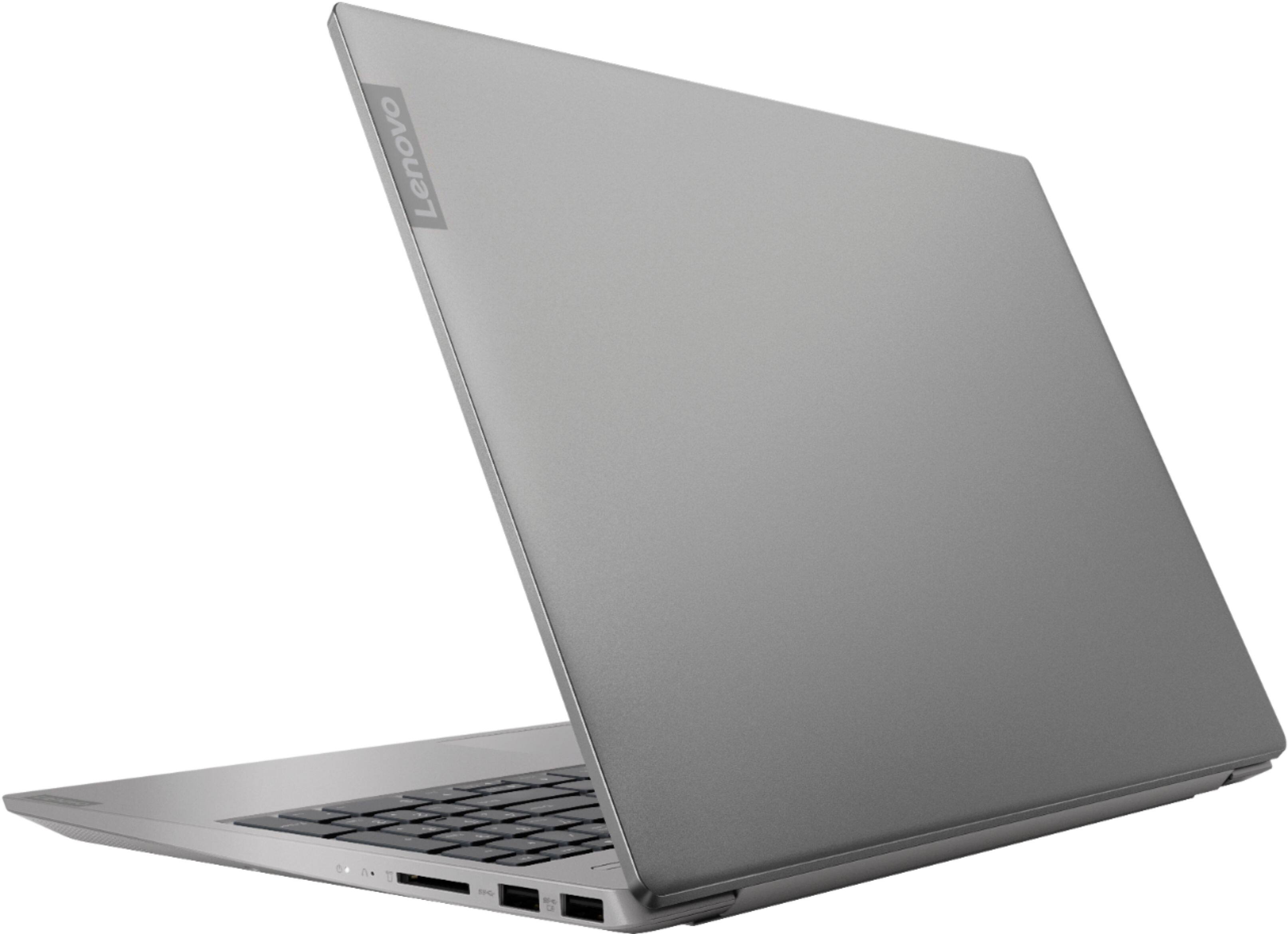
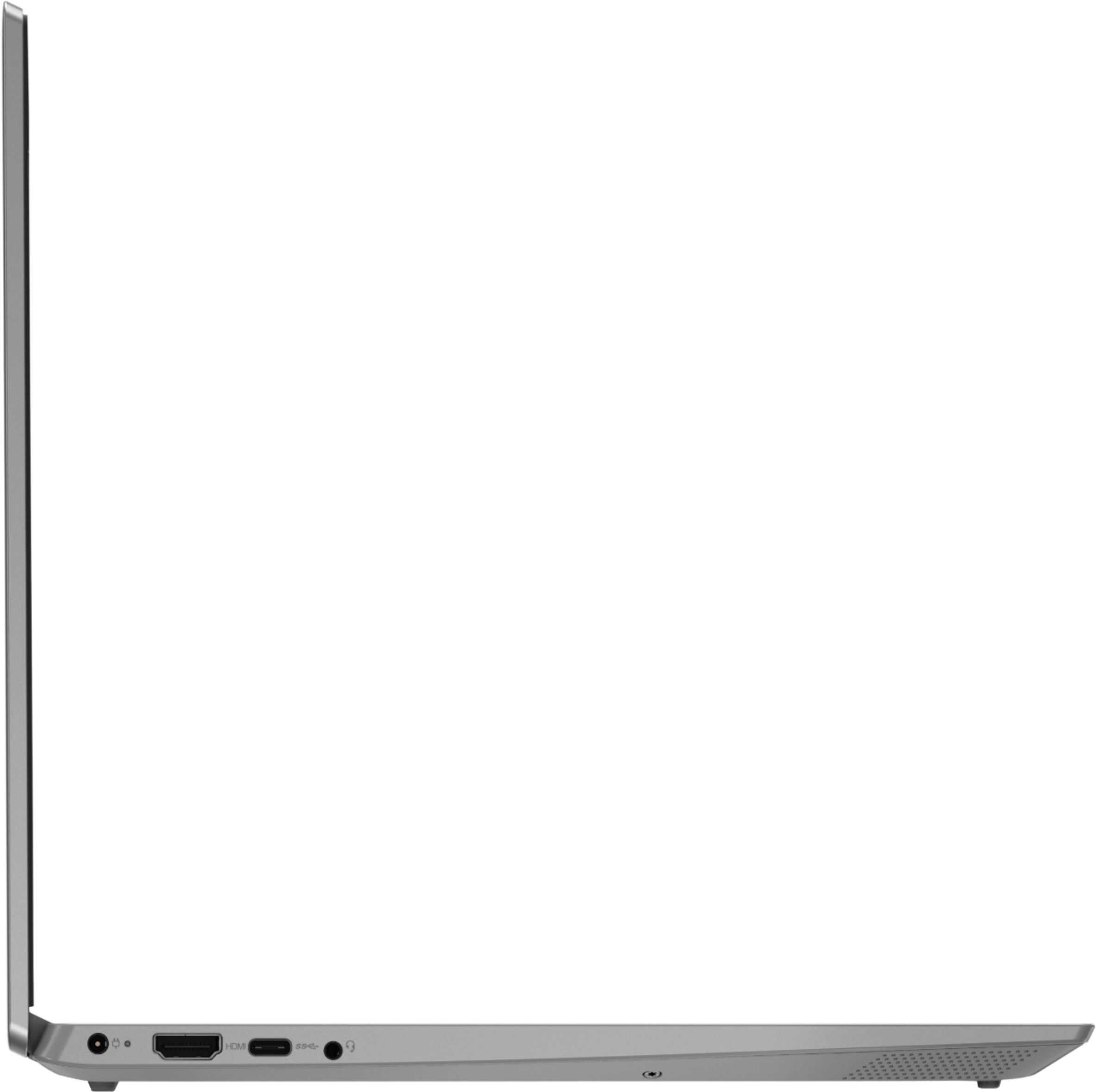
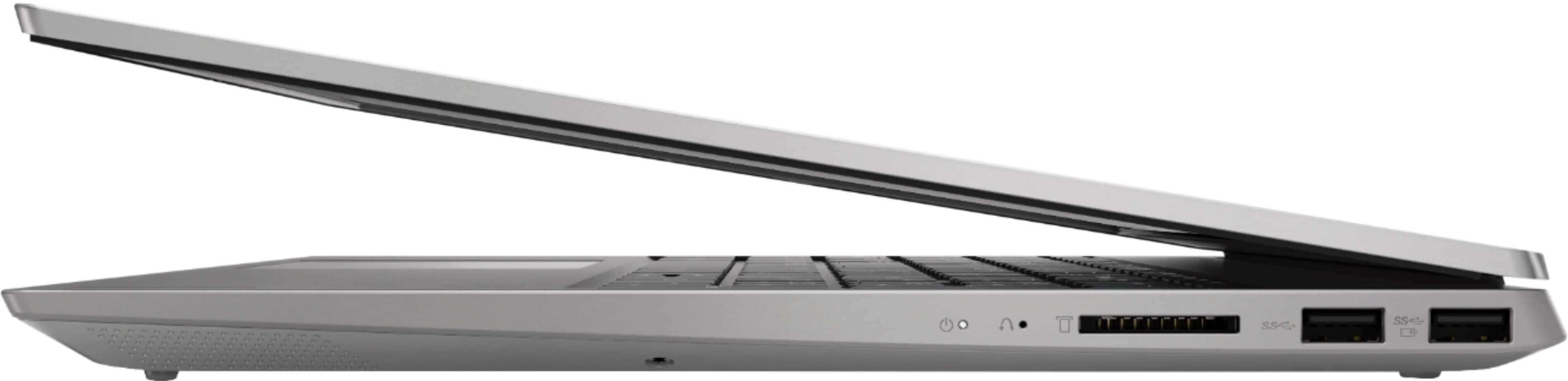
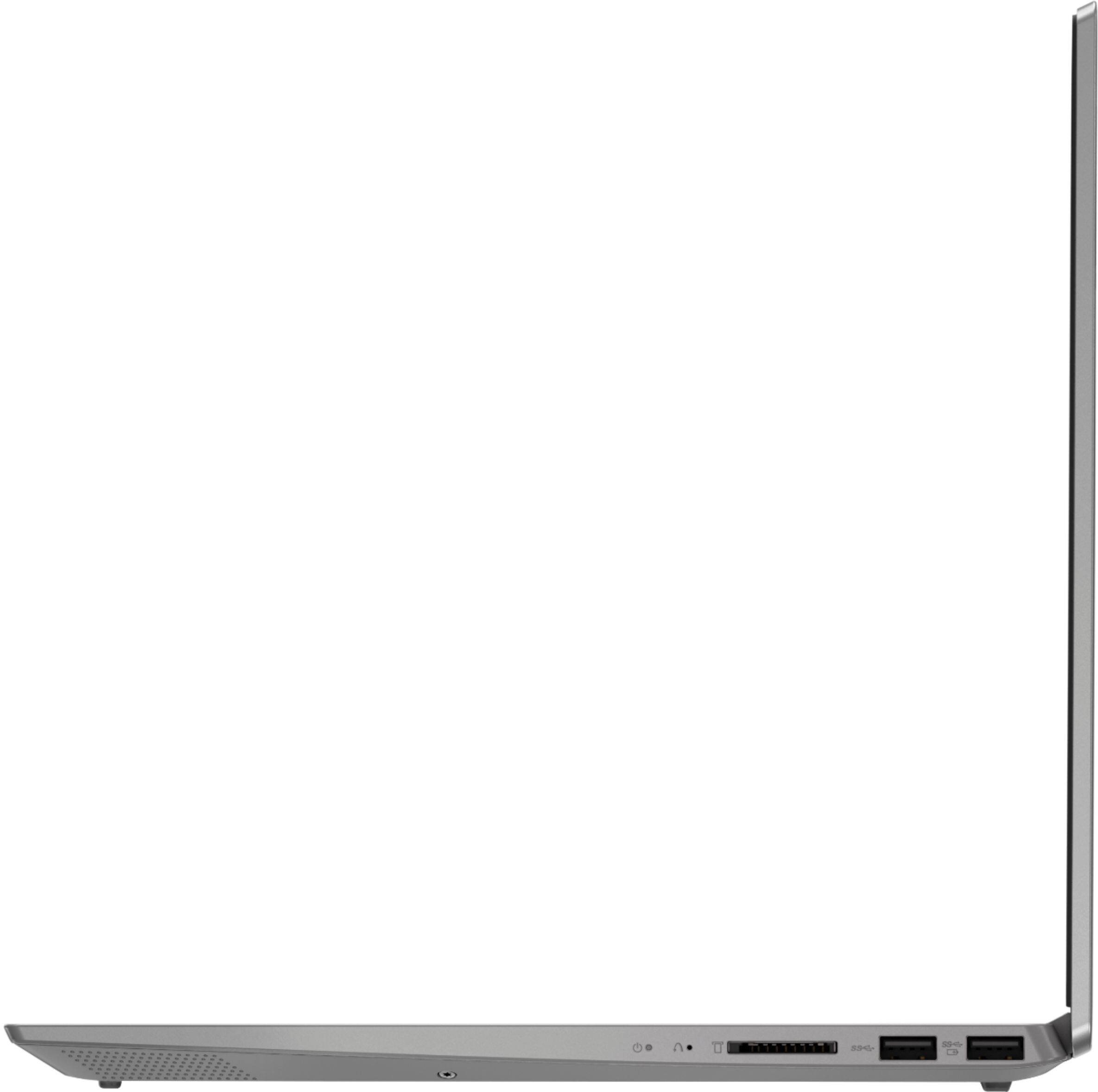
Posted .We are sorry to hear that you had an issue with the Windows 10 operating system on your Lenovo IdeaPad S340-15 laptop. A reset of the computer to original factory settings may have corrected the issue. Since you could not boo the computer, this system is equipped with OneKey Recovery System. There is a very small pin hole on the right side of the device, right near the SD card slot on the device. You will need a pin to push this reset button. Plug the device in. Let the battery charge for about 15 minutes. Push the reset button. The system should boot to a choice screen where you can choose "Restore To Factory Default". Select this. It will delete everything from the hard drive except the original factory install of the operating system. You will need to reinstall all programs and files after the reset. If you don't have copies of the files, try to make one before you restore by selecting "Boot to desktop" and trying to back up your files. If the problem persists after the factory reset, we recommend you contact Lenovo Tech Support at: 877-453-6686.
Laptop
||Posted . Owned for 11 months when reviewed.This reviewer received promo considerations or sweepstakes entry for writing a review.I enjoy Lenova's for the ease of use. It is just that you need to make sure you have a protection plan thus one in less than a year crashed on me.
I would recommend this to a friendwhen I type an email the curser jumps backwards so
||Posted . Owned for 3 weeks when reviewed.This reviewer received promo considerations or sweepstakes entry for writing a review.Its a good computer over all ,but the jumping of the curser when trying to type an email is annoying in that I don't like doing emails anymore . Bummer !
No, I would not recommend this to a friendWORST LAPTOP I’VE EVER HAD!
||Posted . Owned for 1 year when reviewed.This reviewer received promo considerations or sweepstakes entry for writing a review.I WOULD NOT RECOMMEND THIS LAPTOP OR ANY LENOVO PRODUCT. I am very disappointed with this laptop! It doesn’t even deserve any stars but won’t let me post my review otherwise, so here’s there freakin 1 star. I had done a lot of research & was reading other reviews on this one Lenovo S340-15API. I made sure to go with the 1 TB, just to ensure that it would NOT BE SLOW. What a joke, it does go extremely slow, takes quite a while waiting to be able to enter password to even start up. Then when finally on, what I’m typing is often very delayed, takes forever to change to next screen or even just freeze up. I had sent back to manufacturer before the 1 yr manufacturer warranty & they came back with saying nothing wrong with laptop - SERIOUSLY! I was so disgusted that I did not pursue it any further at the time with this freakin company, bad mistake on my part, I ended up screwing my self. I did end up contacting them again many months later (when I went to use again which I was literally avoiding even using it) because it WAS NOT even letting me enter my password to just get into laptop. I was seriously ready to smash it against the wall!! I WILL NEVER, NEVER PURCHASE ANOTHER LENOVO PRODUCT AGAIN!
No, I would not recommend this to a friendNot enough ram
||Posted . Owned for 1 year when reviewed.This reviewer received promo considerations or sweepstakes entry for writing a review.Average. Not very powerful. Definitely upgrade the ram. I got 8gb and it’s not enough. Definitely need 16 or higher.
I would recommend this to a friendSo Far So Good
||Posted . Owned for 1 month when reviewed.This reviewer received promo considerations or sweepstakes entry for writing a review.The laptop seems to work ok and it is an upgrade from the 5-year-old maybe 6 years old Toshiba Satellite I had been using.
I would recommend this to a friendBrand response from Lenovo Product Expert
Posted .The Lenovo IdeaPad S340-15 laptop, model number 81QG0007US, The Lenovo IdeaPad S340-15 laptop, ships with the powerful Quad-Core/Eight-Thread AMD Ryzen 5 3500U processor, supported by 12GB DDR4-2400MHz RAM. This Processor has a base speed of 2.1GHz and a Turbo Boost speed of up to 3.7GHz. The laptop has a IPS LCD w/LED Backlight (Anti-glare) screen, with a resolution of 1920 x 1080 (FHD) and a brightness level 250 nits. This configuration is good for many of today's most demanding programs, browsing the internet with multiple tabs open. This model ships with Windows 10 S-Mode Operating System. Windows 10 S-Mode provides added security by only allowing APPs available ( and therefore certified by Microsoft) at the Microsoft Store. If you don't need the added security or you need to install APPs not available at the Microsoft Store, you can switch to standard Windows 10 Home 64-bit Operating System, at no additional cost.
not worth the money
||Posted . Owned for 1 week when reviewed.This reviewer received promo considerations or sweepstakes entry for writing a review.Volume is poor quality. Remote has to be directly on tv. Not enough HDMI outlets! No outlets for DVD picture is good !
No, I would not recommend this to a friendBrand response from Lenovo Product Expert
Posted .The Lenovo IdeaPad S340-15 laptop, ships with the powerful Quad-Core/Eight-Thread AMD Ryzen 5 3500U processor, supported by 12GB DDR4-2400MHz RAM. This Processor has a base speed of 2.1GHz and a Turbo Boost speed of up to 3.7GHz. The laptop has a IPS LCD w/LED Backlight (Anti-glare) screen, with a resolution of 1920 x 1080 (FHD) and a brightness level 250 nits. This configuration is good for many of today's most demanding programs, browsing the internet with multiple tabs open. If this describes your computing needs, the IdeaPad S340-15 is a great choice.
Hard drive is slow
||Posted . Owned for 4 months when reviewed.This reviewer received promo considerations or sweepstakes entry for writing a review.I had to upgrade hd to ssd, but after that it is fast. I don’t why Lenovo did not put in ssd to begin with.
No, I would not recommend this to a friendS mode sucks
||Posted . Owned for 5 months when reviewed.This reviewer received promo considerations or sweepstakes entry for writing a review.Needed a new laptop, researched, spoke to associates at best buy.. this seemed like the best value, wasn't the cheapest or the most expensive, I was concerned with the S mode but was assured would not cause a problem with my programs. Well that was incorrect, I have had nothing but issues, mouse doesn't work, and very difficult to navigate
I would recommend this to a friendBrand response from Lenovo Product Expert
Posted .We are sorry to hear that you are having issues with your Lenovo S340-15 laptop, model number 81QG0007US. Switching from Windows 10 S-Mode to Windows 10 Home will not cause your computer touchpad/mouse. Be sure any software you installed is compatible with Windows 10. There is no need to install Microsoft Office software. Incompatible software can cause issues with the Windows 10 Operating System. The software is already part of the operating system, you just need to activate the software with a purchased product key. If you have installed a copy of Microsoft Office, this is conflicting with the existing copy on the system and this will slow your system down. If you have installed a 3rd party anti-virus program, be sure that Windows Defender is turned off and that the trial version of McAfee Anti-Virus software is uninstalled. There can only be one anti-virus program on the system. You may need to restore your system to original factory default settings if any of the programming errors have occurred. You can do that by typing "restore" in the Cortana search window. Just click on the magnifying glass icon at the bottom left of your Windows 10 Desktop. Click on "Reset This PC" Then click on "Get Started" and follow the on screen directions to restore to factory defaults. If the problem persists, we recommend you contact Lenovo Tech Support at: 877-453-6686.
great laptop! easy to use for a beginner
||Posted . Owned for 1 month when reviewed.This reviewer received promo considerations or sweepstakes entry for writing a review.very fast ! easy to navigate to other pages and the web
I would recommend this to a friendBrand response from Lenovo Product Expert
Posted .Thank you for choosing the Lenovo IdeaPad S340-15 laptop. The Lenovo IdeaPad S340-15 laptop, ships with the powerful Quad-Core/Eight-Thread AMD Ryzen 5 3500U processor, supported by 12GB DDR4-2400MHz RAM. This Processor has a base speed of 2.1GHz and a Turbo Boost speed of up to 3.7GHz. The laptop has a IPS LCD w/LED Backlight (Anti-glare) screen, with a resolution of 1920 x 1080 (FHD) and a brightness level 250 nits. This configuration is good for many of today's most demanding programs, browsing the internet with multiple tabs open. This model ships with Windows 10 S-Mode Operating System. Windows 10 S-Mode provides added security by only allowing APPs available ( and therefore certified by Microsoft) at the Microsoft Store. If you don't need the added security or you need to install APPs not available at the Microsoft Store, you can switch to standard Windows 10 Home 64-bit Operating System, at no additional cost.
ok for regular use
||Posted . Owned for 11 months when reviewed.This reviewer received promo considerations or sweepstakes entry for writing a review.bought two of these. screen touch doesn't work anymore on one of the laptops
No, I would not recommend this to a friendThink twice about buying this computer
||Posted . Owned for 2 months when reviewed.This reviewer received promo considerations or sweepstakes entry for writing a review.Unless you want to fork out $199 a year for Lenovo tech support to help with software issues you may want to think twice. I have HP Smartfriend who have been able to (trouble-shoot any computer software or hardware issue on any computer) and couldn't figure out why my Galaxy A10 would not mirror on this device. I can, however, mirror my Galaxy screen on several other devices. I have a business site that this device would not let me access. The screen button has been spinning on two browsers for more than 20 minutes. I am able to access this site on my other tablets. All blockers are off, so there shouldn't be a reason that this is happening. I called Lenovo and was told that I would have to pay $199 for the annual subscription to resolve these issues. Not worth the $529+ I paid for it. There should be a software warranty for at least 90 days.
No, I would not recommend this to a friendBrand response from Lenovo Product Expert
Posted .We are sorry to hear that you are having issues with your Lenovo IdeaPad S340-15 laptop. The reason you are having trouble accessing your phone and the the business site you mention is most likely that the APP for your phone and the business web site is not compatible with Windows 10 S-Mode, which is the operating system on this computer. Windows 10 S-Mode provides added security by only allowing APPs available ( and therefore certified by Microsoft) at the Microsoft Store. If you don't need the added security or you need to install APPs not available at the Microsoft Store, you can switch to standard Windows 10 Home 64-bit Operating System, at no additional cost. Here is a link to instructions for switching from Windows 10 S-Mode to Windows 10 Home: https://support.microsoft.com/en-us/help/4456067/windows-10-switch-out-of-s-mode
- Pros mentioned:Speed, Touch screen
Fabulous Laptop but mis-represented in description
Posted .This reviewer received promo considerations or sweepstakes entry for writing a review.This laptop does not have a 15.6 inch screen. It's screen is 14 inches. Weird, even at the store, the description states that it is 15.6 inches when clearly it is not. Keep that in mind. Also, this laptop comes with Windows 10 S-Mode. That should be mentioned in the description. S-Mode has some good security features, but only allows apps from the Microsoft store...….no worries----it can be easily removed. Before setting up your new laptop, create a Microsoft account. To switch out of S-mode, click start, click settings, click Update & Security, click Activation. Under the "Switch to Windows 10 Home section, click "go to the store". Click the "get" button under "switch out of S-mode". Then click Install. Keep in mind you cannot get S-Mode back once it is removed…….S-Mode isn't terrible. It's just that some users need to be able to install apps not available at the Microsoft Store. Otherwise, this is a fabulous laptop. The 12GB makes it fast as lightning, even with multiple tabs and browsers running, including photoshop. Touch screen works well. The keyboard has good touch and is responsive. Audio is decent. The screen is great and can be adjusted in settings for personal liking. Setup is very easy. An assistant called "Cortena" leads you through it. Pay very close attention to a set of setting choices you'll need to specify. They deal with voice recognition, ad tracking, privacy, etc. I personally disabled most of them because I don't need to talk to my laptop LOL. But some of the features enabled are pretty cool depending on your needs. These settings can be activated or de-activated at any time. All new laptops have these privacy settings choices, but this laptop addresses all of them up front in an easy to understand way. I have used laptops at twice the price of this one that didn't perform nearly as well. That's why I highly recommend it despite the misrepresentations in the product description.
I would recommend this to a friendBrand response from Lenovo Product Expert
Posted .The Lenovo S340-15 ships with a 15.6-inch screen. Viewable screen size is measured diagonally.
Not great but not bad
||Posted . Owned for 1 year when reviewed.This reviewer received promo considerations or sweepstakes entry for writing a review.This laptop wasn’t what I was expecting but it does it’s job.
No, I would not recommend this to a friendNever again buying Lenovo
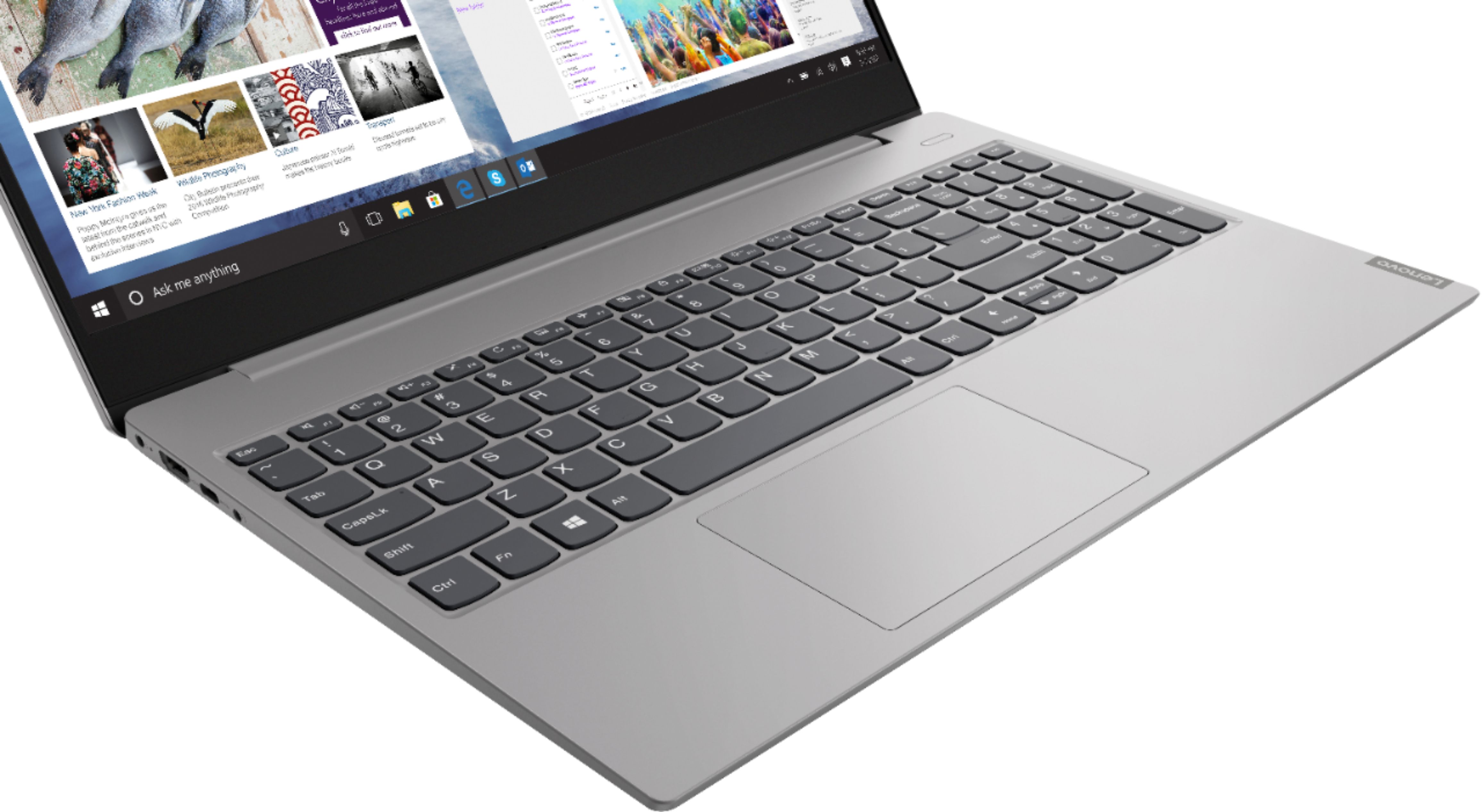
||Posted . Owned for 6 months when reviewed.This reviewer received promo considerations or sweepstakes entry for writing a review.Set up was a breeze but the inconveniences of this laptop are many. The touchpad is off-center thus when I think I am clicking to select something, I am clicking on the right mouse button instead of the left. There is no division between the keypad and the extended number keypad. When I click Backspace more times than not I end up turning off the extended keypad. Or when I try to hit shift I end up clicking the ZERO key. The touch screen so very sensitive to the point dust of seems shadows will make the screen change to another website in the middle of reading or attempting to manipulate an object. The camera lens was not only covered, but the camera preferences were shut off causing me to have to do research on how to open the camera and turn on the app in settings.
No, I would not recommend this to a friendBrand response from Lenovo Product Expert
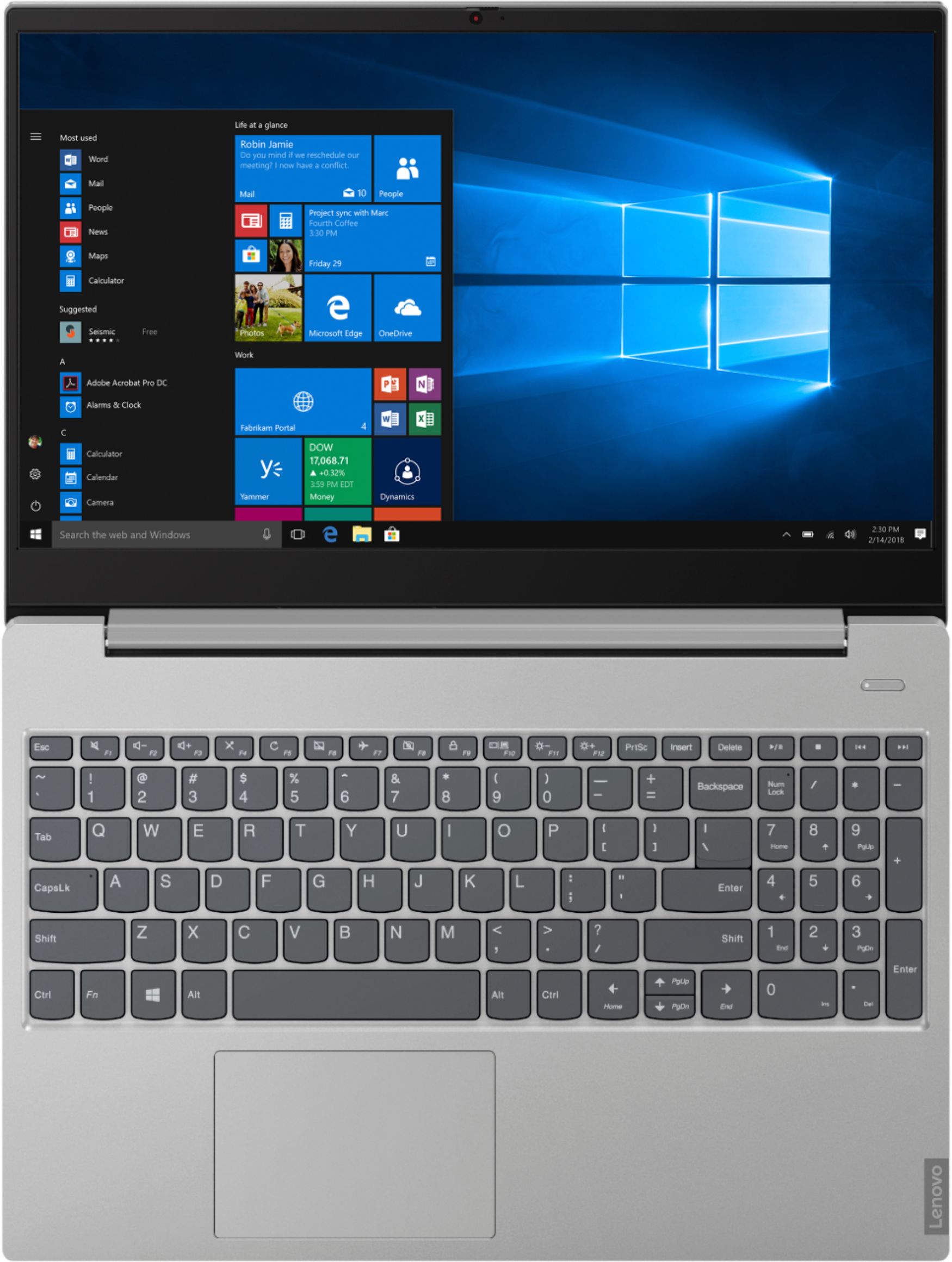
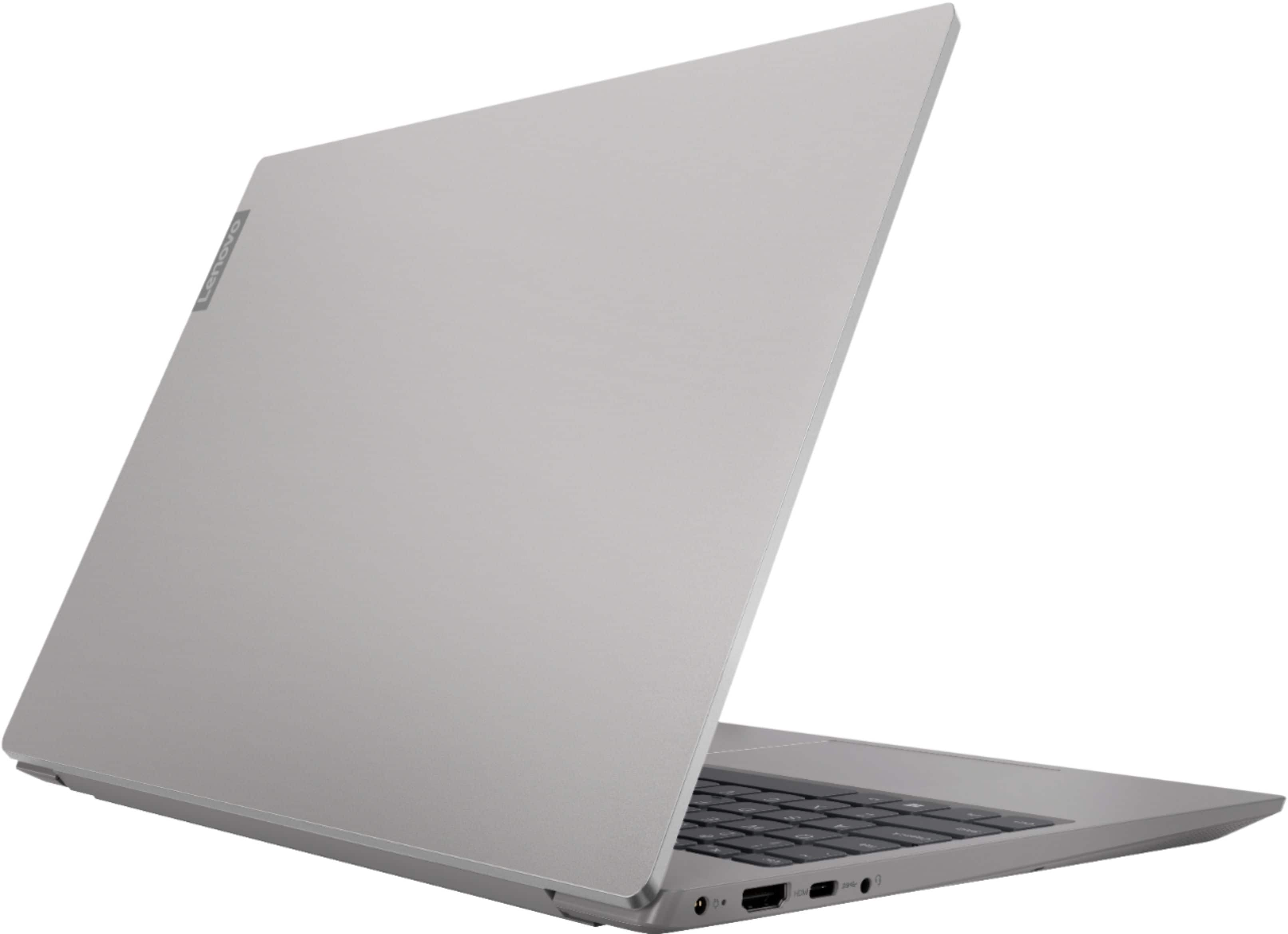
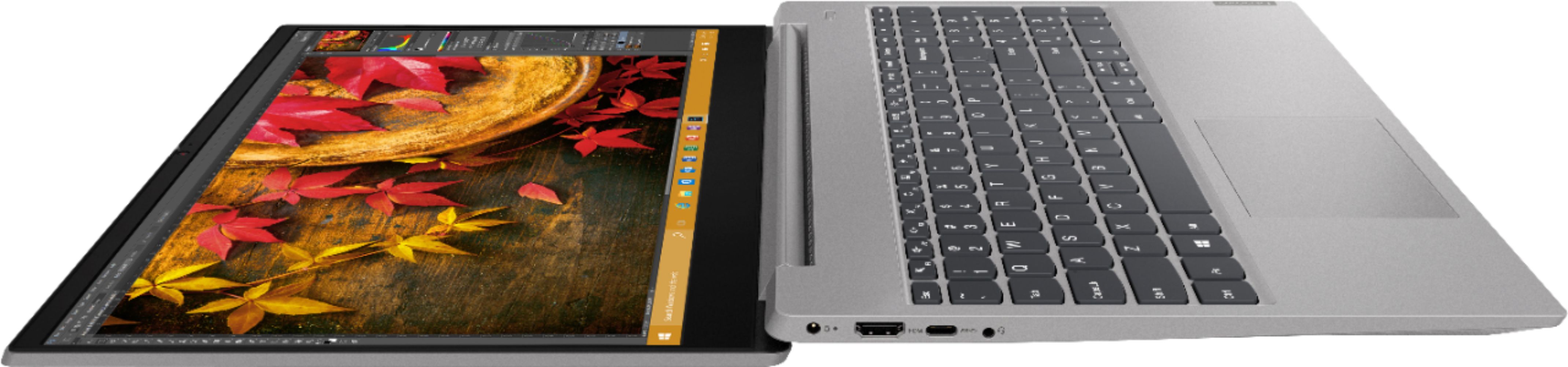
Posted .The Lenovo IdeaPad S340-15 laptop, model number 81QG0007US, ships with a standard QWERTY keyboard with 10-key numeric pad. The Touchpad is centered under the QWERTY keys, so the Touchpad is centered under the typist's hands when they are in the Home Position. The IdeaPad S340-15 laptop ships with a 720p (HD) webcam with built in Privacy Shutter. When the Privacy Shutter is closed all functionality of the webcam are turned off. Open the Privacy Shutter to activate the webcam. This improves user security against outside hacks as the Privacy Shutter is manual and can not be breached an electronic source.