Customer Ratings & Reviews
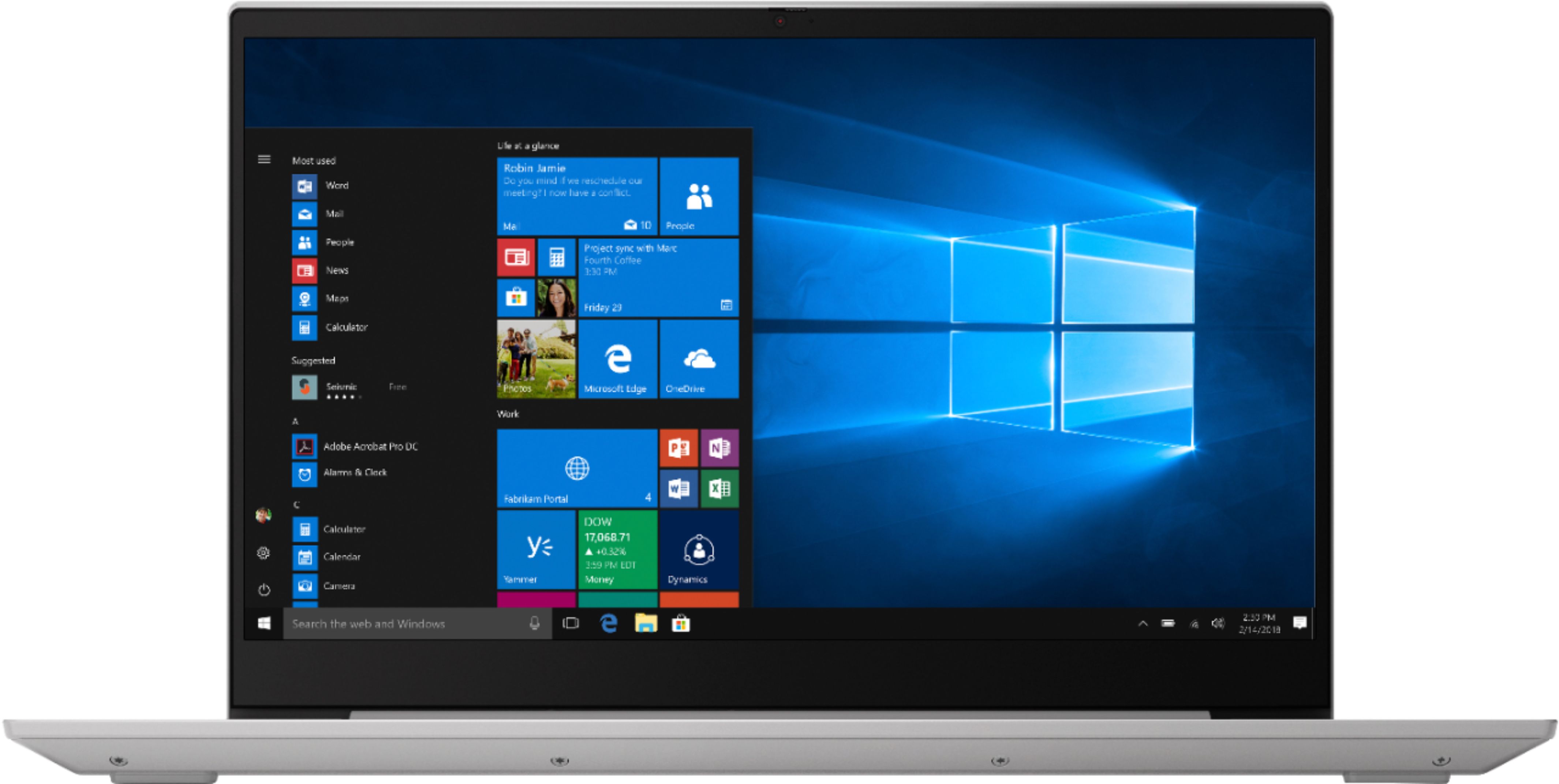
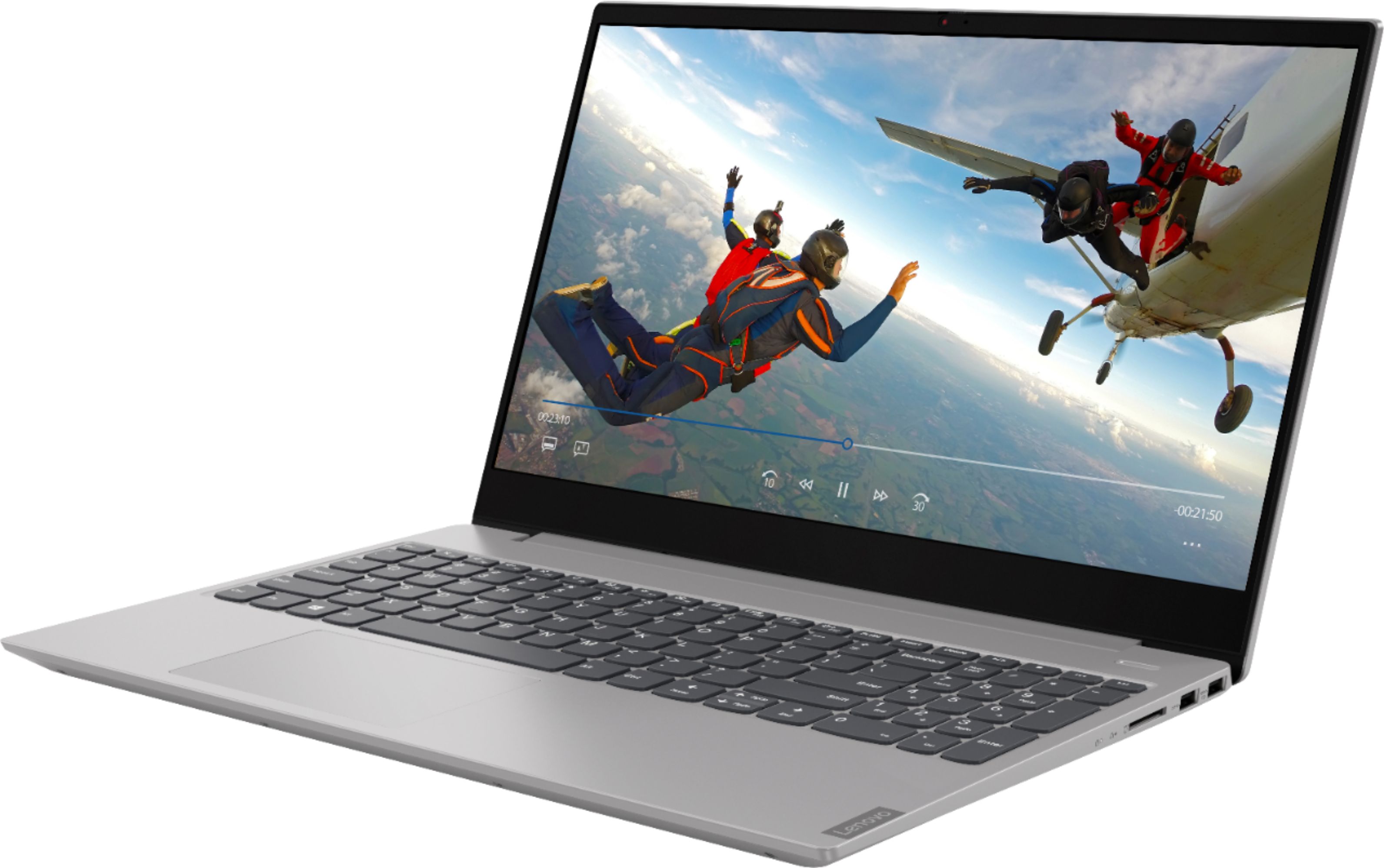
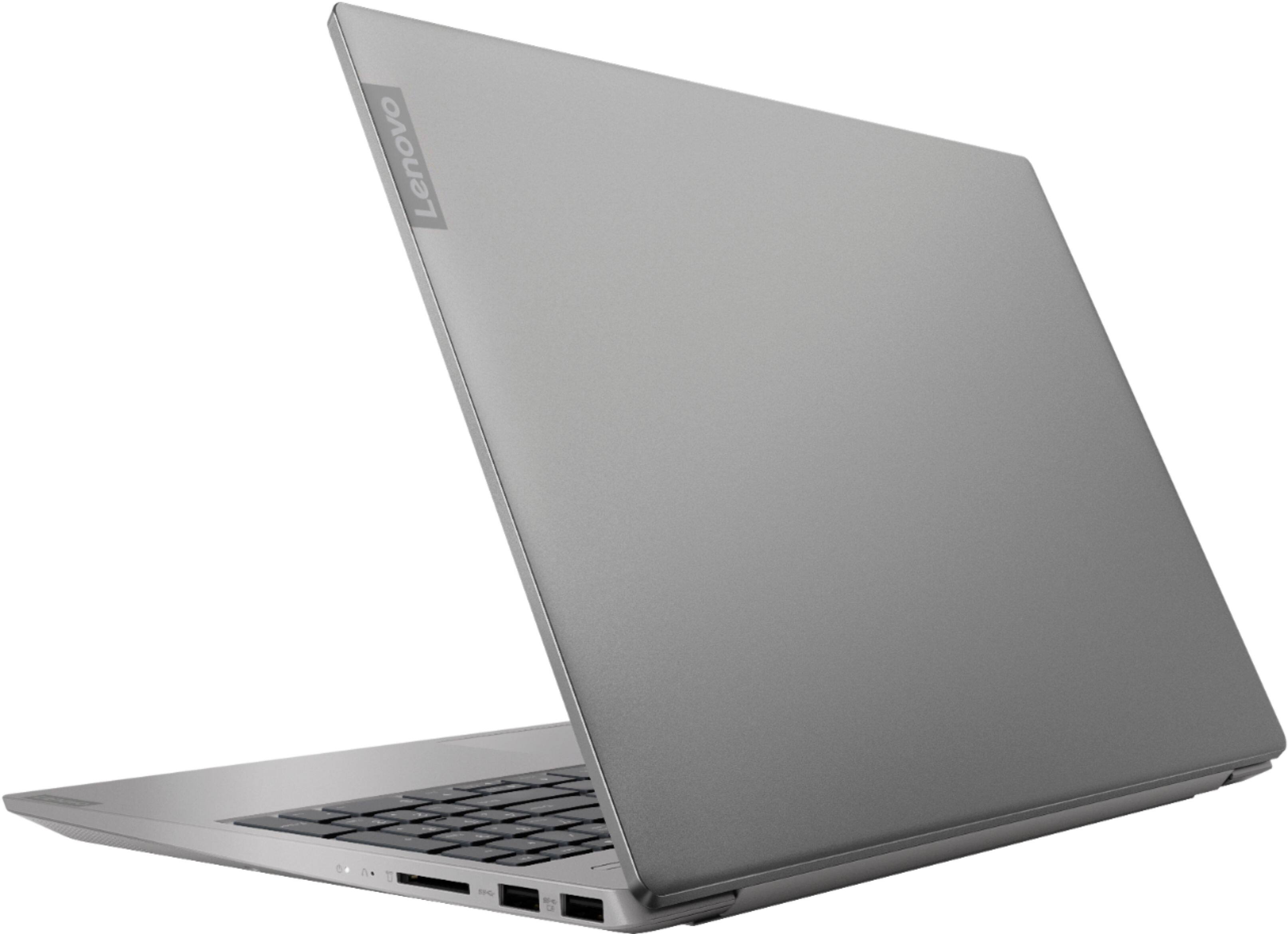
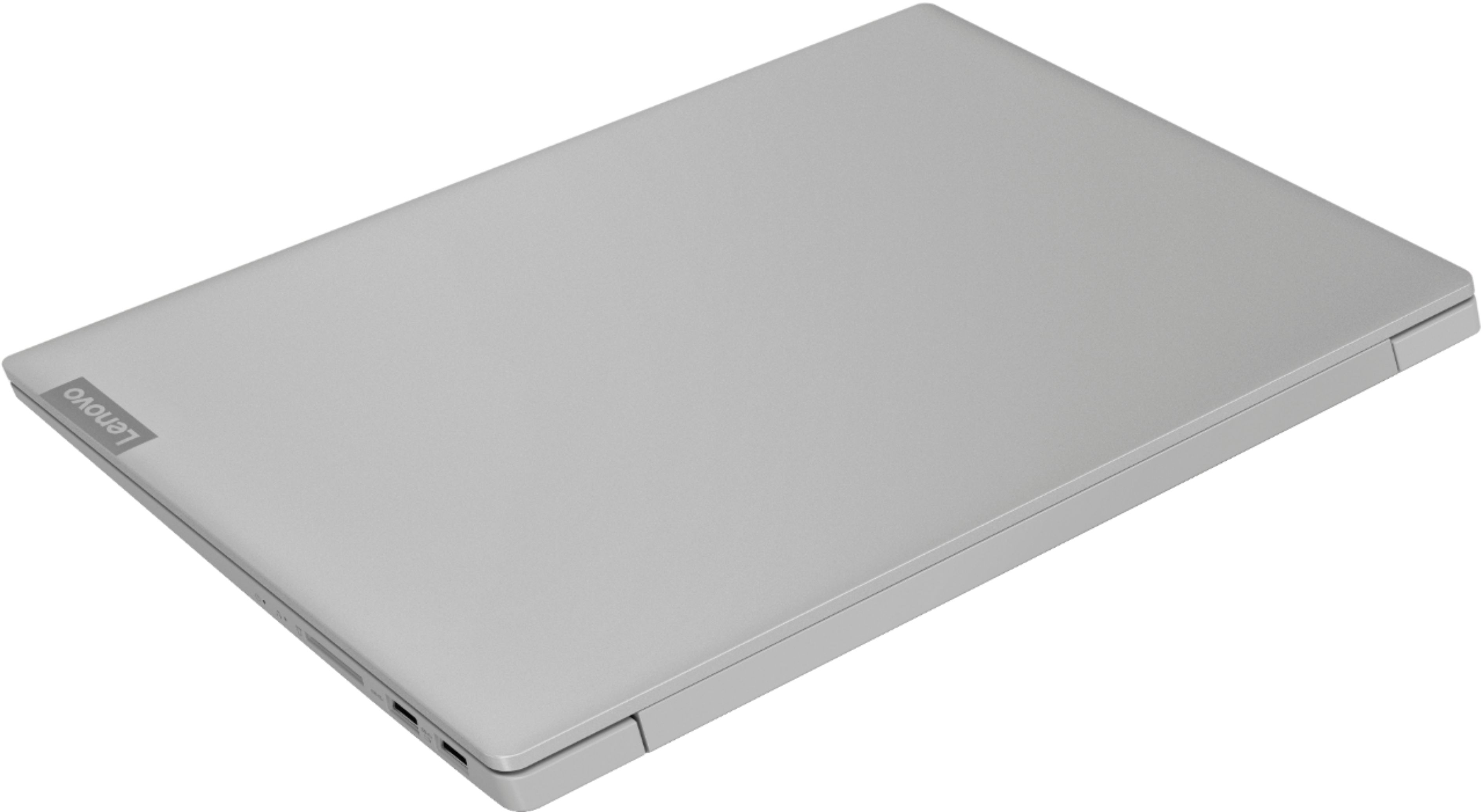


- Model:
- 81QG0007US
- SKU:
- 6350523
Rating by feature
- Battery Life
Rating 4.4 out of 5 stars
- Speed
Rating 3.6 out of 5 stars
- Display
Rating 4.2 out of 5 stars
Customers are saying
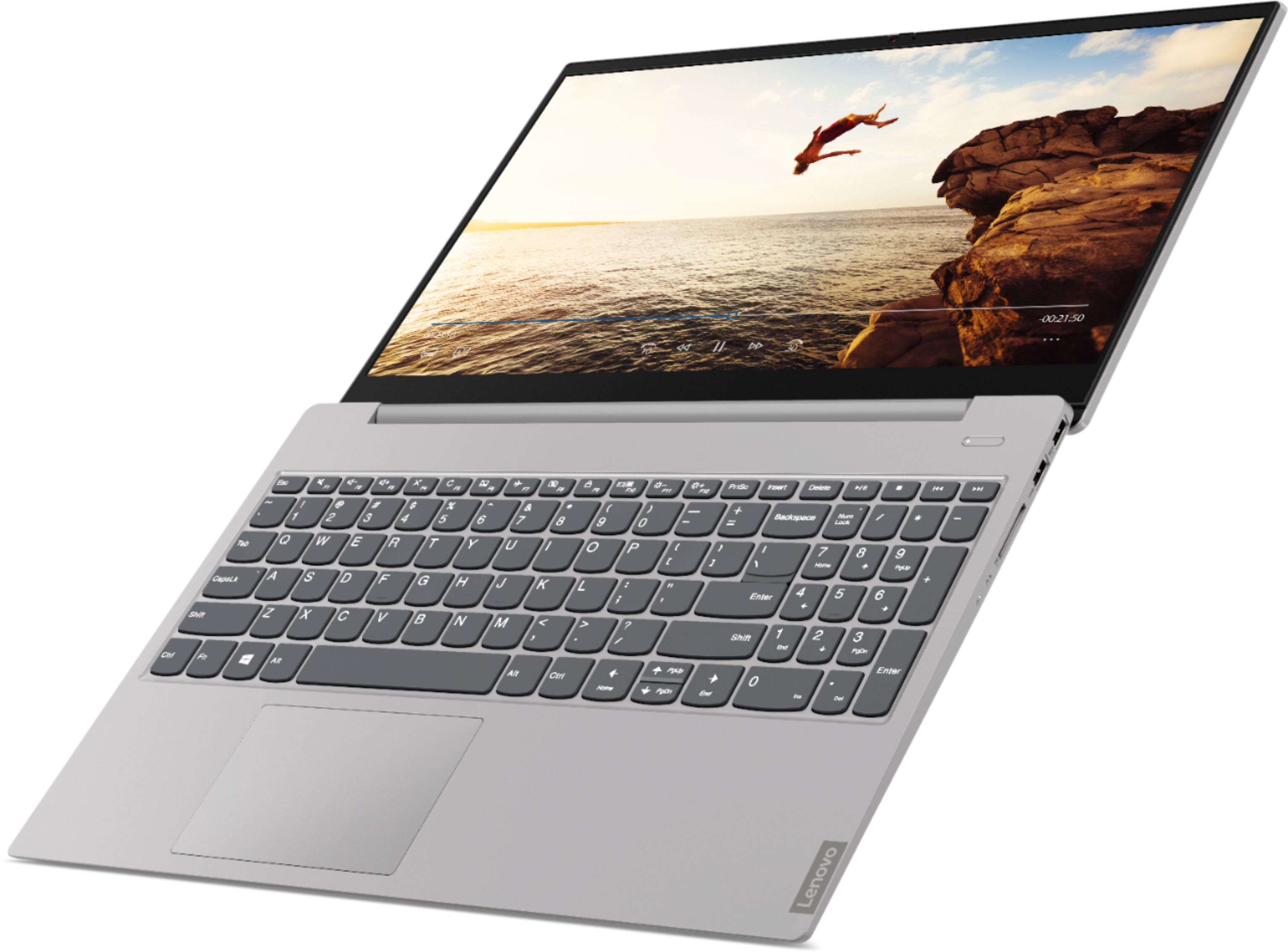
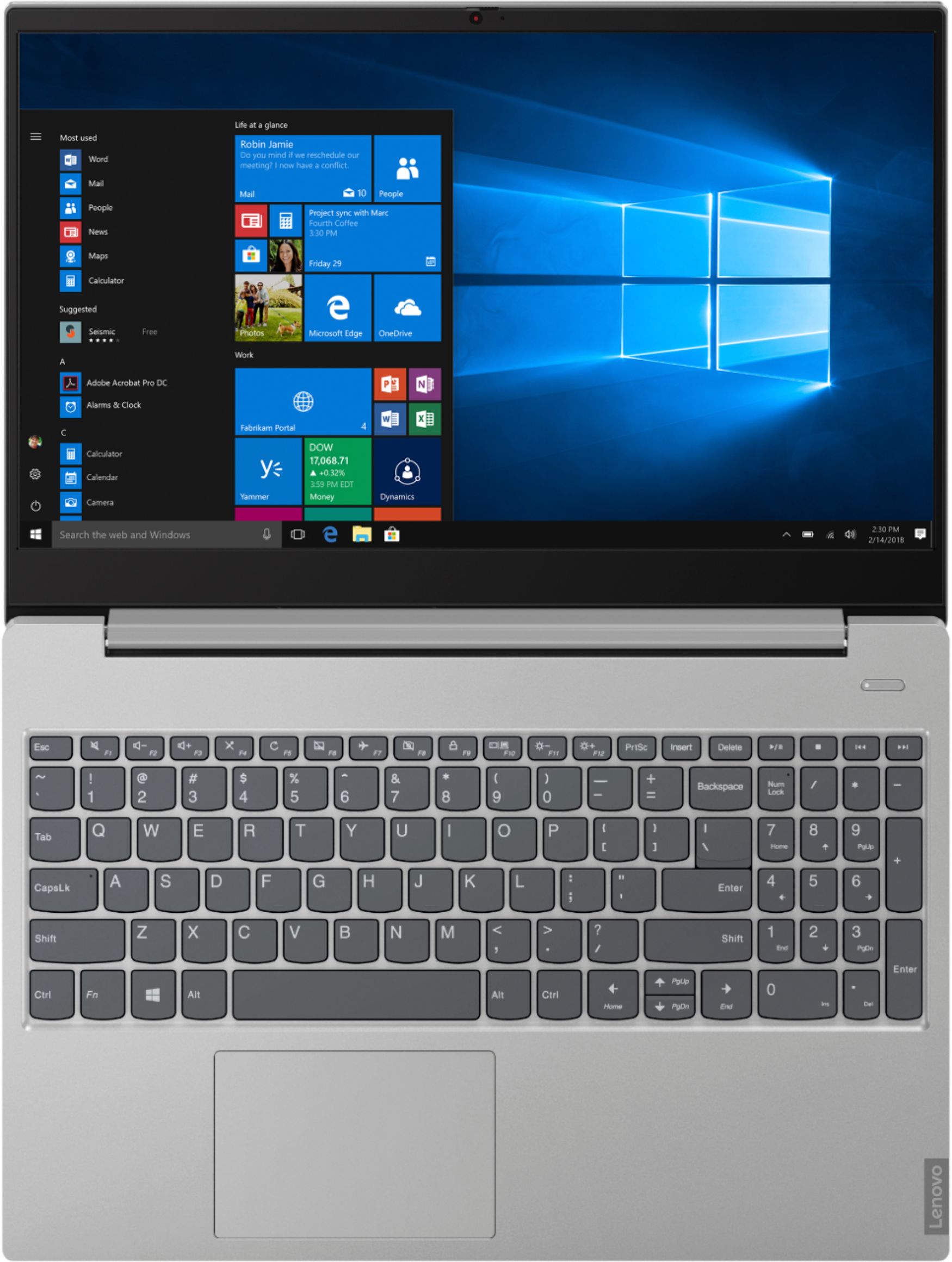
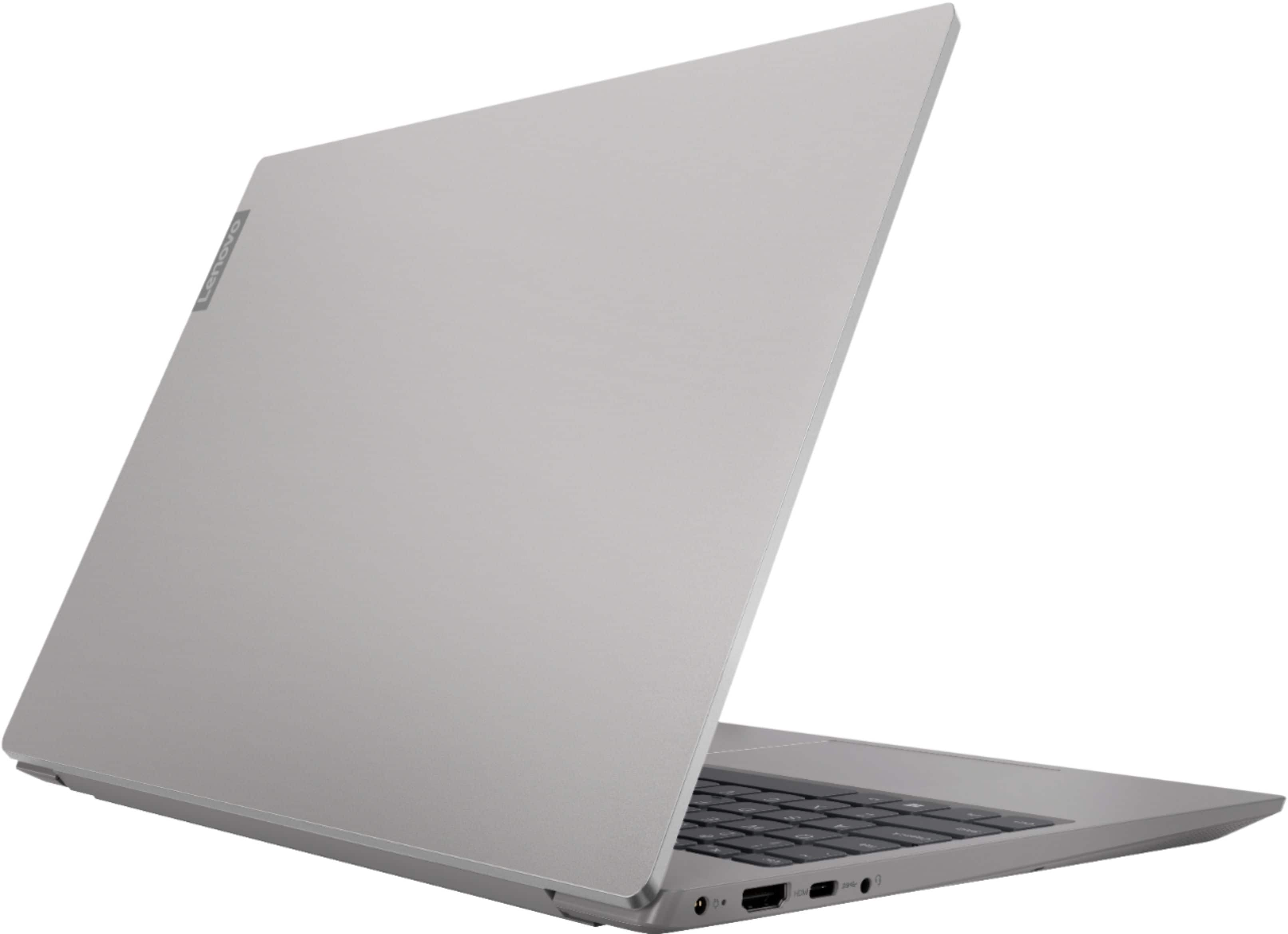
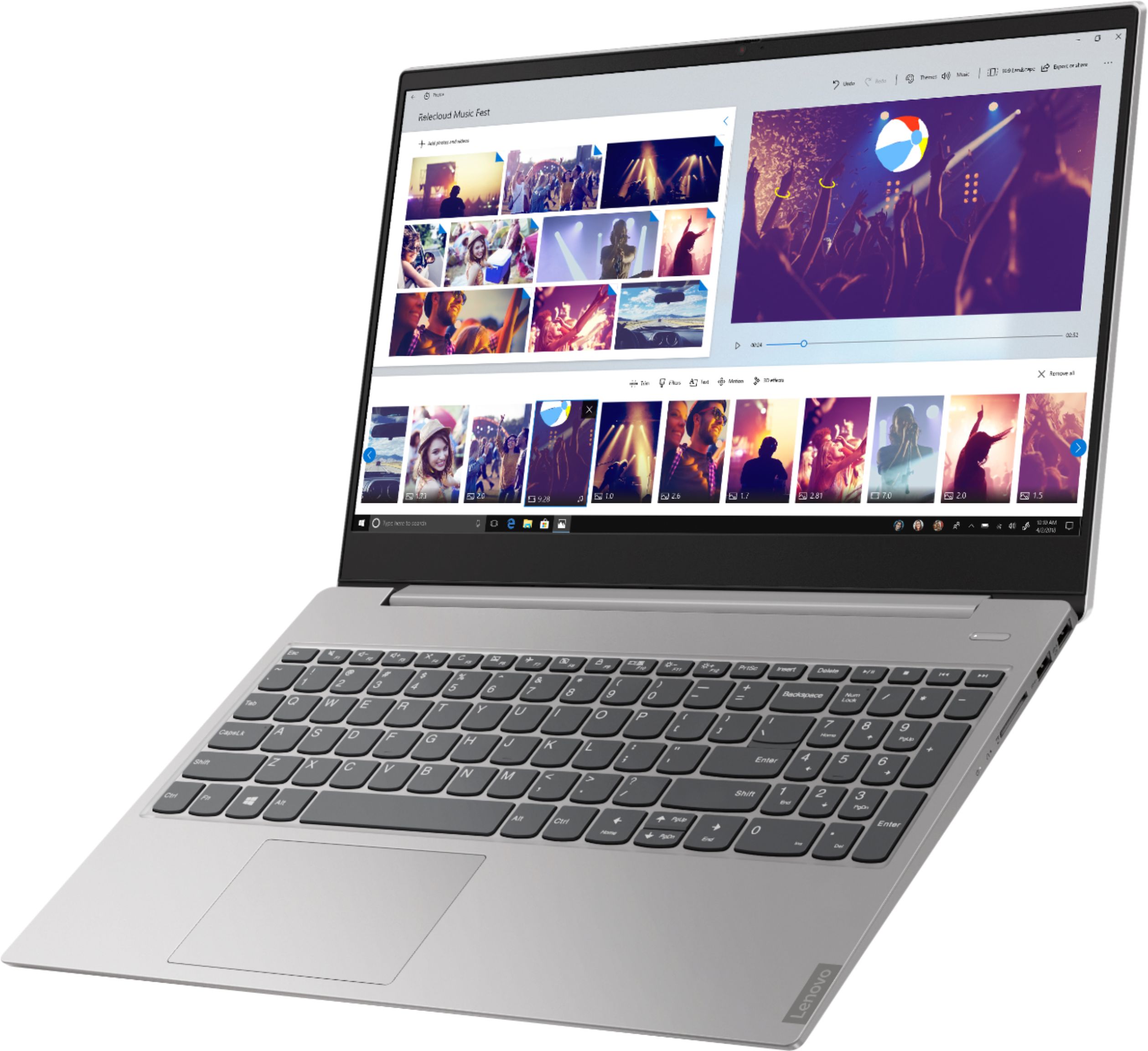
Customers value the S340-15API Touch laptop for its affordability, touchscreen display, and user-friendly design. Many customers appreciate the laptop's lightweight and sleek design, as well as its ample storage capacity. While some users have experienced issues with the camera, the overall positive feedback suggests that customers are generally satisfied with the performance and features of this laptop.
This summary was generated by AI based on customer reviews.
Was average of
||Posted . Owned for 1 month when reviewed.This reviewer received promo considerations or sweepstakes entry for writing a review.Could better design .it is too slow when you start it.
I would recommend this to a friendSlower than slow. $500 "bargain" is not a bargain.
||Posted . Owned for 1 year when reviewed.This reviewer received promo considerations or sweepstakes entry for writing a review.Slowest computer I've ever used. 1TB 5400RPM hard drive. Had the option to buy a similar laptop with 250G SSD but we wanted the capacity. We also thought 12G RAM would compensate for the slow hard drive. It doesn't. Don't know enough about the Ryzen 5 chip to comment there, but I absolutely will never buy another laptop without SSD again. If you're going for economy (less than $500) do your research on RAM, SSDs, and central processor speed. Insufficiency of any of these will make your "bargain" worthless.
No, I would not recommend this to a friendDon’t get this laptop. Get it off the shelf
||Posted . Owned for 1 year when reviewed.This reviewer received promo considerations or sweepstakes entry for writing a review.Worst laptop I’ve ever purchased. Its in good physical shape and when it works it works great but it will frequently turn off and struggle to turn back on. The charging cable is this devices weakest area. I’ve had to buy 2 extra chargers because they won’t charge the laptop . At this point I’ve determined that it is not the chargers but the laptop. Safe yourself the money and get something else for I unfortunately will be doing the same. I’m frustrated with trying to return this item during COVID. I personally will be looking at Costco.
No, I would not recommend this to a friendBe afraid
||Posted .This reviewer received promo considerations or sweepstakes entry for writing a review.Bought this laptop last year on a black Friday special had great specs. Had multiple problems with it, sold it 6 months later lost $200 in the process and went back to HP!
No, I would not recommend this to a friendLenovo - S340-15API Touch 15.6" Touch-Screen Lapto
||Posted . Owned for 6 months when reviewed.This reviewer received promo considerations or sweepstakes entry for writing a review.Can't install linux in s340 cause can't read the ssd disk, you can find lote of forum talking about it.
No, I would not recommend this to a friendDo not like the Power Button
||Posted . Owned for 7 months when reviewed.This reviewer received promo considerations or sweepstakes entry for writing a review.The power button was very loose when you pressed on it. I returned back to the store because it wasn’t a reliable model.
No, I would not recommend this to a friendWorst laptop I've ever purchased
||Posted . Owned for 1 month when reviewed.This reviewer received promo considerations or sweepstakes entry for writing a review.Horrible product. Very sensitive to touch. Apps pop up and disappear seemingly by magic with no control. Mouse pad a nightmare. I have trouble every time I turn it on with one thing or another. I had a Lenovo before this which was fabulous and I am terribly disappointed with this one and will never buy one again.
No, I would not recommend this to a friendBrand response from Lenovo Product Expert
Posted .With regard to the touchpad, you can make adjustments to the touchpad in your system settings. You can get there by clicking on the magnifying glass at the bottom left of your Windows 10 screen. Type "touchpad" in the search window. Select "Mouse & touchpad settings" from the list of choices. You can make general adjustments to the touchpad there. You can also select "Additional mouse options" for more detailed adjustments to the touchpad sensitivity by increasing the delay of the touchpad. If the issue continues, we recommend you call Lenovo Tech Support at: 877-453-6686.

Not a Good Performing Laptop
||Posted . Owned for 4 months when reviewed.This reviewer received promo considerations or sweepstakes entry for writing a review.Since the day I got this laptop in November 2019 I've had problems with this laptop. I bought it brand new and it started having performance issues. Several times out of nowhere while I'm using it for course studying, this laptop just freezes and then shuts down completely. That is annoying. I can't take it any more I've spent good money for this and I'm not pleased.
No, I would not recommend this to a friendBrand response from Lenovo Product Expert
Posted .We are sorry to hear that you are having issues with Windows 10 S-Mode on your Lenovo S340-15 laptop. Windows 10 S-Mode should not freeze. Windows 10 S-Mode provides added security by only allowing APPs available ( and therefore certified by Microsoft) at the Microsoft Store. If you don't need the added security or you need to install APPs not available at the Microsoft Store, you can switch to standard Windows 10 Home 64-bit Operating System, at no additional cost. If you have switched out of S-Mode to Windows 10 Home, be sure any software you installed is compatible with Windows 10. There is no need to install Microsoft Office software. The software is already part of the operating system, you just need to activate the software with a purchased product key. If you have installed a copy of Microsoft Office, this is conflicting with the existing copy on the system and this will slow your system down. If you have installed a 3rd party anti-virus program, be sure that Windows Defender is turned off and that the trial version of McAfee Anti-Virus software is uninstalled. There can only be one anti-virus program on the system. You may need to restore your system to original factory default settings if any of the programming errors have occurred. You can do that by typing "restore" in the Cortana search window. Just click on the magnifying glass icon at the bottom left of your Windows 10 Desktop. Click on "Reset This PC" Then click on "Get Started" and follow the on screen directions to restore to factory defaults. If the problem persists, we recommend you contact Lenovo Tech Support at: 877-453-6686.
Does not power up
||Posted . Owned for 4 months when reviewed.This reviewer received promo considerations or sweepstakes entry for writing a review.I bought this laptop a few months ago and it just stopped powering up. Try different power cords, confirmed they were working on second laptop same as first and the were working. No lights, reset battery, nothing. Was not dropped was working and just stopped. I am not happy.
No, I would not recommend this to a friendBrand response from Lenovo Product Expert
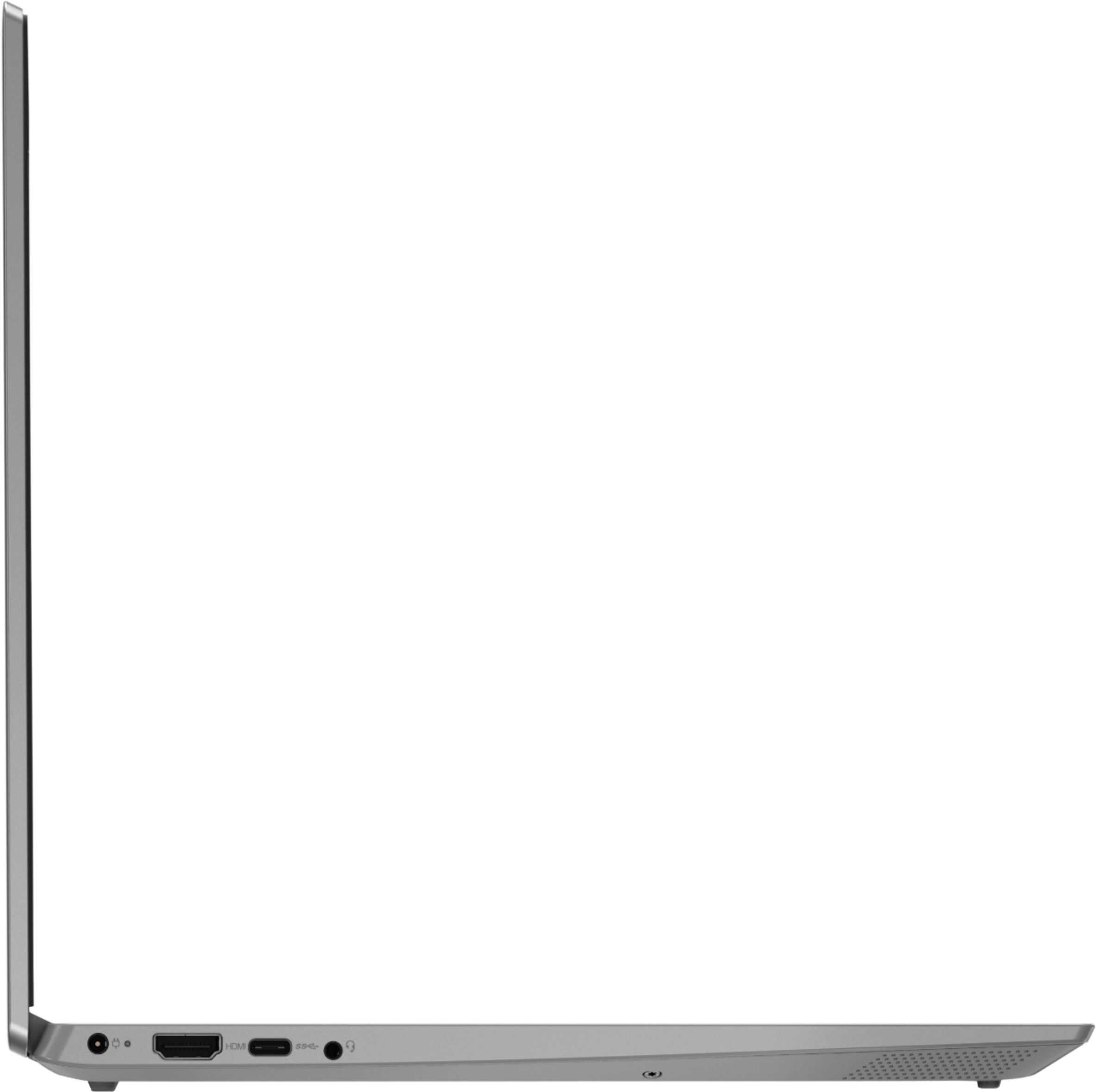
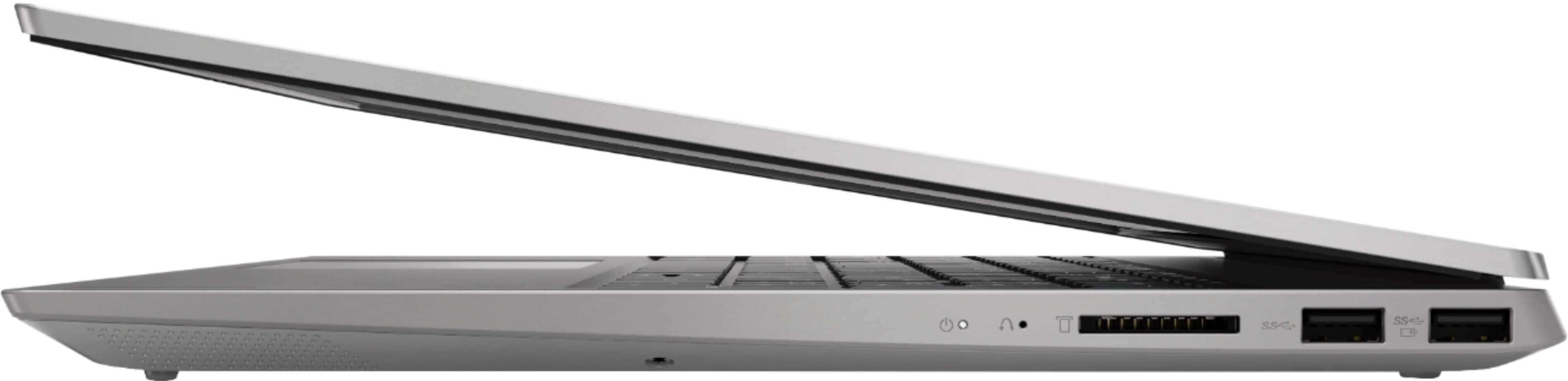
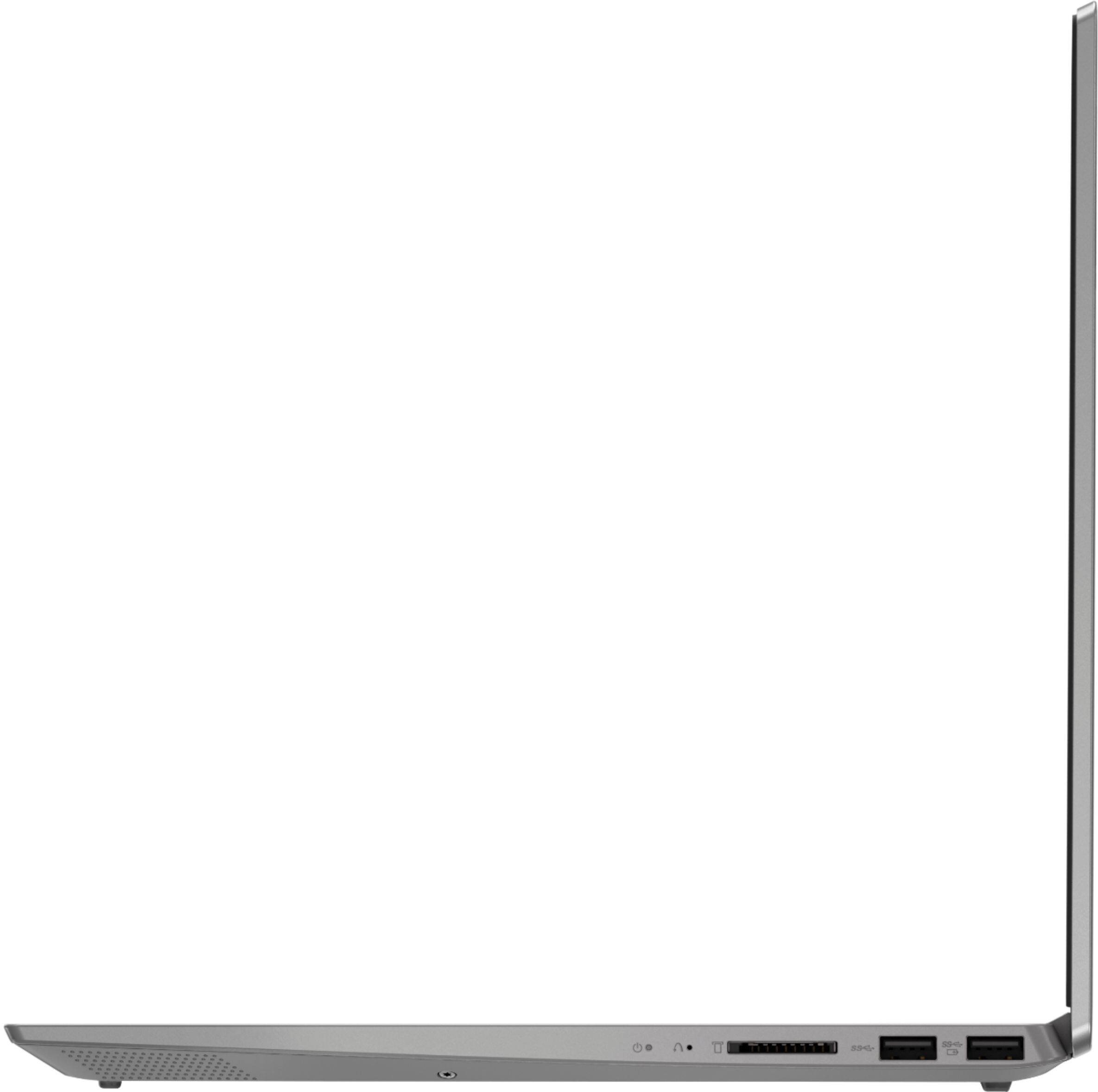
Posted .We are sorry to hear that you are having issues with charging the battery on your Lenovo IdeaPad S340-15 laptop. First, check to be sure the computer is working properly. Plug the power cord in and try booting the computer with it plugged in. If the computer still will not boot even when plugged in, it is possible that resetting the computer back to original factory settings may fix the problem. Since you can no longer boot the computer, This system is equipped with OneKey Recovery System. There is a very small pin hole on the right side of the device, right near the SD card slot on the device. You will need a pin to push this reset button. Plug the device in. Let the battery charge for about 15 minutes. Push the reset button. The system should boot to a choice screen where you can choose "Restore To Factory Default". Select this. It will delete everything from the hard drive except the original factory install of the operating system. You will need to reinstall all programs and files after the reset. If you don't have copies of the files, try to make one before you restore by selecting "Boot to desktop" and trying to back up your files. If the problem persists after the factory reset, we recommend you contact Lenovo Tech Support at: 877-453-6686.
deception
||Posted . Owned for 1 year when reviewed.This reviewer received promo considerations or sweepstakes entry for writing a review.The sales agent was not honest: a. machine was purchased 12/7..... warranty was initiated 9/7. b. geek squad tech support was to be extended, instead, it was upgraded to unneeded TOTAL tech support. both were deceptive practices.
I would recommend this to a friendNo charging cable.
||Posted .This reviewer received promo considerations or sweepstakes entry for writing a review.They sold a laptop without a charging cable. There was no indication the charging cable wasn't included. I did ask the guy at the curbside pickup about the charging cable and I was assured it was in the package.
No, I would not recommend this to a friendBrand response from Lenovo Product Expert
Posted .All new Lenovo computers ship with a AC Adapter/charger. Be sure the box has not been opened. We recommend you contact the store you purchased the computer from.
Junk
||Posted . Owned for 3 weeks when reviewed.This reviewer received promo considerations or sweepstakes entry for writing a review.Had it less than 30 days...power doesn't work. Parts rattling around inside it....avoid at all cost.
No, I would not recommend this to a friendBrand response from Lenovo Product Expert
Posted .We are sorry to hear that you are having issues with your Lenovo S340-15 laptop. We recommend you call Lenovo Tech Support at: 877-453-6686.
Product is missing, no action from Bestbuy
||Posted . Owned for 3 weeks when reviewed.This reviewer received promo considerations or sweepstakes entry for writing a review.My product has still not been delivered. I just can't imagine the audacity your systems have to ask me to review the product. Bestbuy has turned a deaf ear to my complaint. Truly disappointed
No, I would not recommend this to a friendVery slow
||Posted .This reviewer received promo considerations or sweepstakes entry for writing a review.I used this only for my school work. Its very slow. It takes very long to turn on and sometime its stuck on welcome window. I do not recommend.
No, I would not recommend this to a friendNo matter what I do camera won’t work
||Posted . Owned for 6 months when reviewed.This reviewer received promo considerations or sweepstakes entry for writing a review.At first I’ll looked like a good laptop but after a while the integrated webcam stopped working this is a well known issue for this Lenovo laptop
No, I would not recommend this to a friendBrand response from Lenovo Product Expert
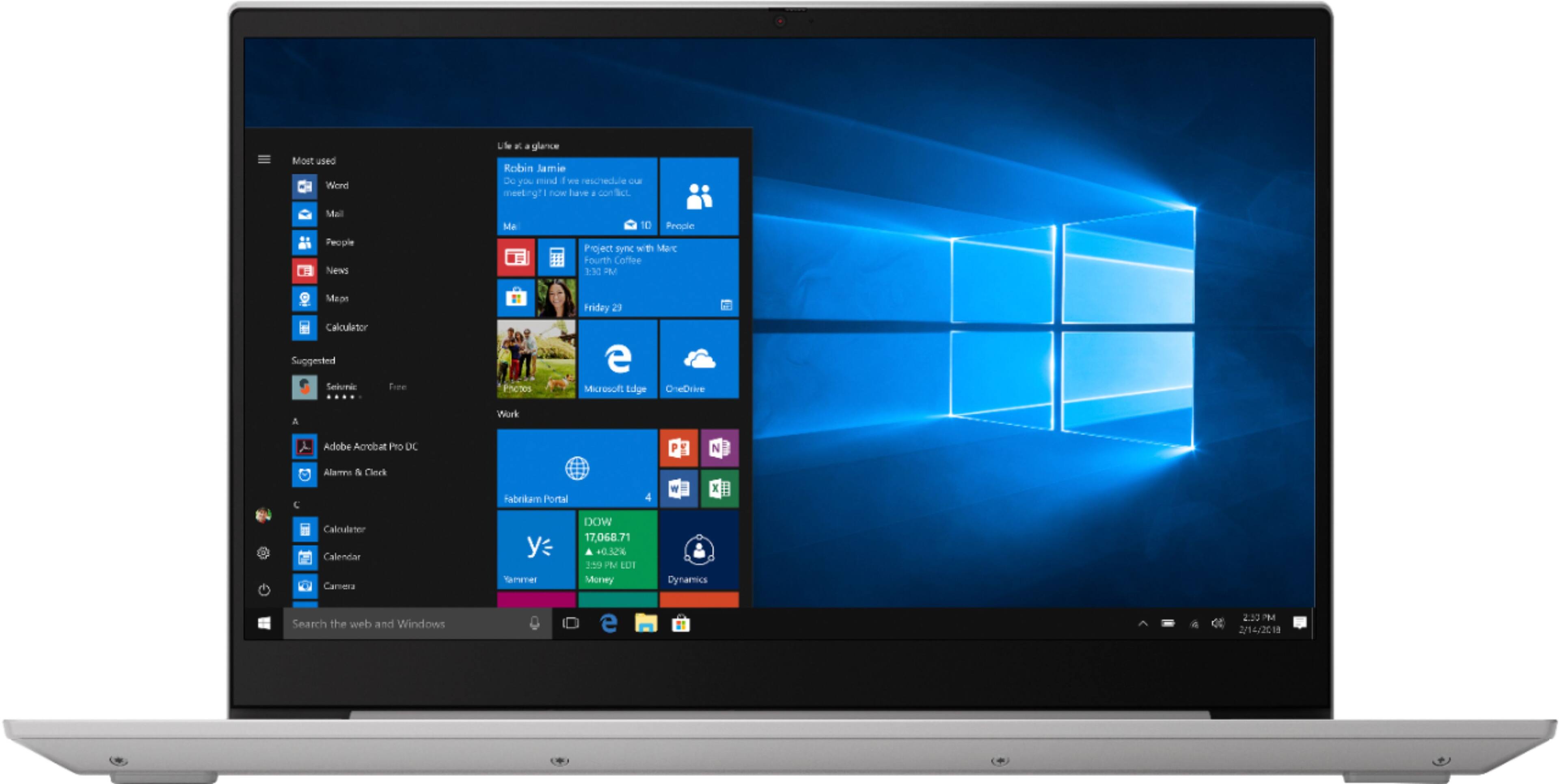
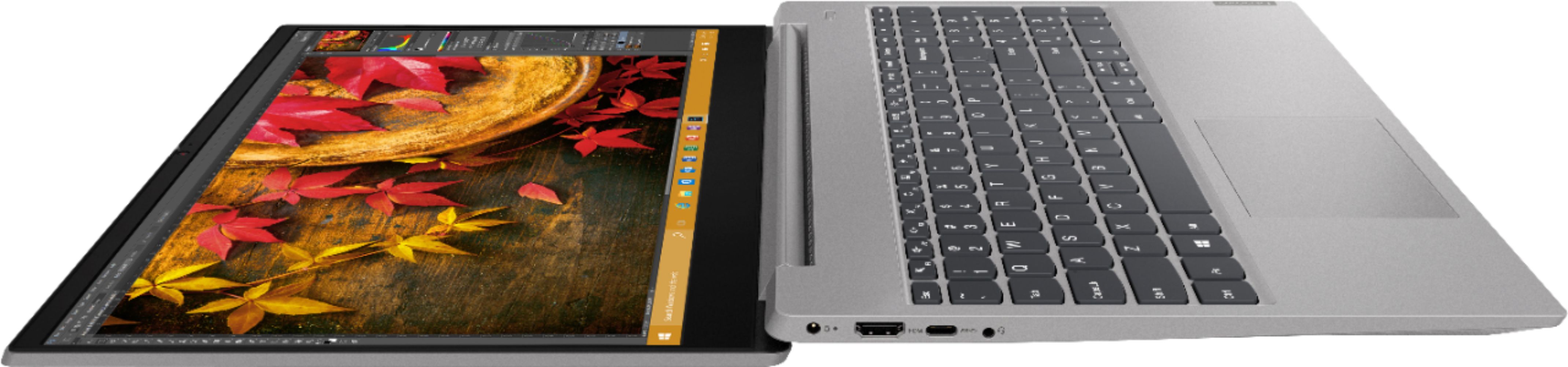
Posted .We are sorry to hear that you are having issues with your webcam. Be sure the manual Privacy Shutter is open or the webcam can not operate. There is a small tab directly above the webcam lens. Slide this tab to the right to open the Privacy Shutter. There is a red dot over the webcam lens when the Privacy Shutter is closed. This red dot will disappear when the Privacy Shutter tab is slid to the right and opened. Now, with the Privacy Shutter open, the webcam and microphone can function properly. If the issue continues, we recommend you call Lenovo Tech Support at: 877-453-6686.
I bought this open box mistake #1,
||Posted . Owned for 4 months when reviewed.This reviewer received promo considerations or sweepstakes entry for writing a review.I bought it open box and there was still stuff on the computer -- yikes!!!! Also it was a terrible computer. Cumbersome, slow and cheaply made.
No, I would not recommend this to a friendFrustrated
||Posted . Owned for 7 months when reviewed.This reviewer received promo considerations or sweepstakes entry for writing a review.So slow. Never lived up to how fast it really was. Switching to Apple tired of Microsoft.
No, I would not recommend this to a friendTerrible!
||Posted . Owned for 1 year when reviewed.This reviewer received promo considerations or sweepstakes entry for writing a review.Terrible! Traditionally a great product but this was an open box item and it was missing parts.
No, I would not recommend this to a friend...........
||Posted . Owned for 8 months when reviewed.This reviewer received promo considerations or sweepstakes entry for writing a review.the only thing I don't like about this laptop i don't use it often and and its really slow
I would recommend this to a friend- Pros mentioned:Price, Touch screen
Very good laptop for a very reasonable price
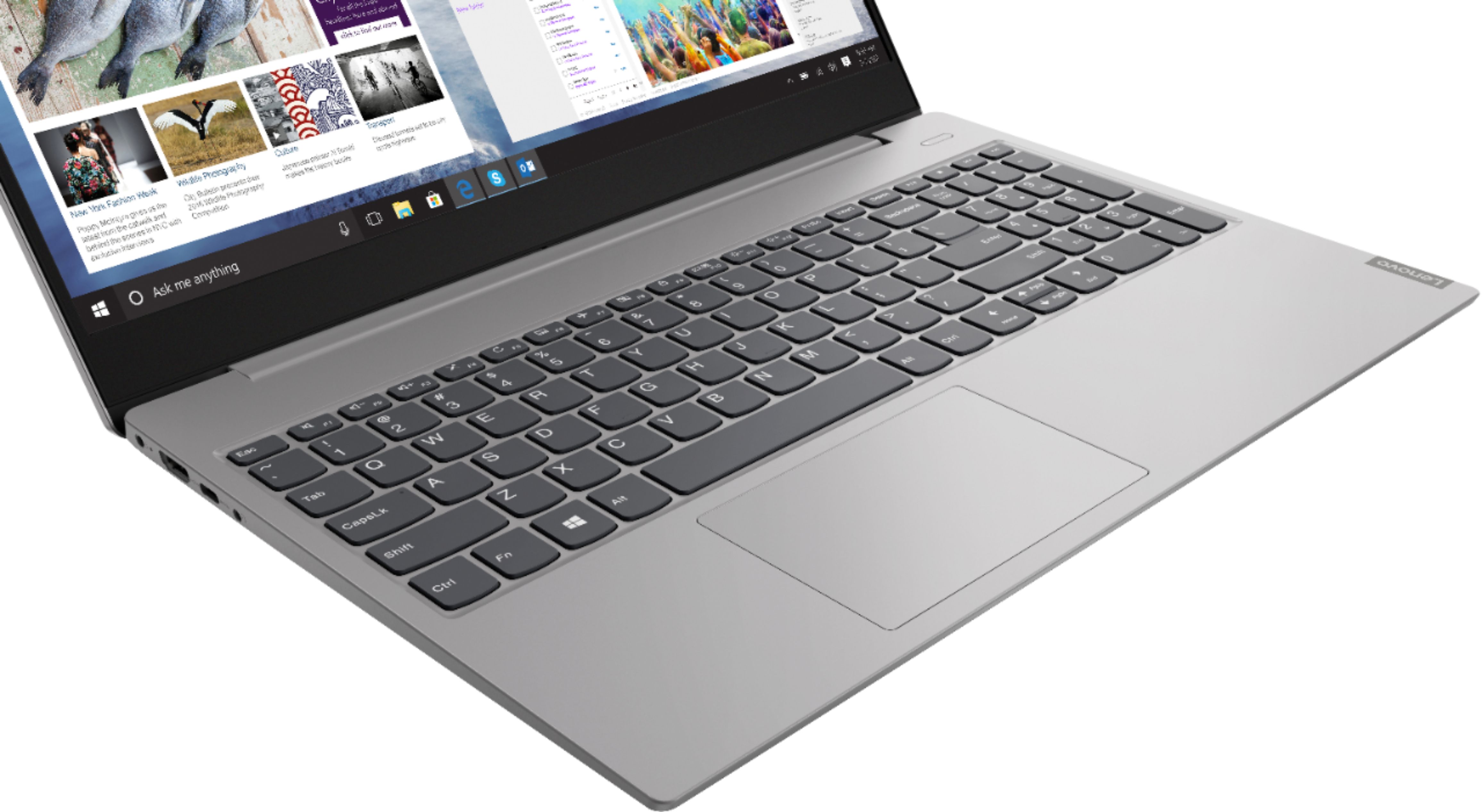
Posted .This reviewer received promo considerations or sweepstakes entry for writing a review.I was in Best Buy looking at a laptop that costs more than twice the price of this one. My (gaming) son had recommended I purchase that one. I asked the college-aged employee what laptop he would buy his mother. I explained that it would be taking the place of the now defunct desktop and that I did not work at home. I was looking for a laptop for social media, streaming and some light household bookkeeping. He pointed to the Lenovo S340. It has a touchscreen and a nice size screen. And it was on sale. I don’t need it for work or school so I can’t speak to that. I had my son change it from safe mode to Home as I had already renewed my antiviral subscription. I’ve downloaded a couple of streaming apps s.a. Netflix and the picture and sound quality is good. I know some prior reviewers were critical of the fact the S340 was advertised to have a backlit keyboard. I can understand their annoyance if that was a large reason for their purchase. I knew this about the keyboard before I bought the laptop. For my purposes it didn’t make a difference. I’m very happy with my purchase
I would recommend this to a friendBrand response from Lenovo Product Expert
Posted .Thank you for choosing the Lenovo IdeaPad S340-15 laptop. We are pleased to hear that the features and performance of the IdeaPad S340-15, model number 81QG0007US, meets your computing needs so well. The Lenovo IdeaPad S340-15 laptop, ships with the powerful Quad-Core/Eight-Thread AMD Ryzen 5 3500U processor, supported by 12GB DDR4-2400MHz RAM and a 256GB solid state hard drive. This Processor has a base speed of 2.1GHz and a Turbo Boost speed of up to 3.7GHz. The laptop has a IPS LCD w/LED Backlight (Anti-glare) screen, with a resolution of 1920 x 1080 (FHD) and a brightness level 250 nits. This configuration is good for many of today's most demanding programs, browsing the internet with multiple tabs open. This model ships with Windows 10 S-Mode Operating System. Windows 10 S-Mode provides added security by only allowing APPs available ( and therefore certified by Microsoft) at the Microsoft Store. If you don't need the added security or you need to install APPs not available at the Microsoft Store, you can switch to standard Windows 10 Home 64-bit Operating System, at no additional cost.