Customer Ratings & Reviews
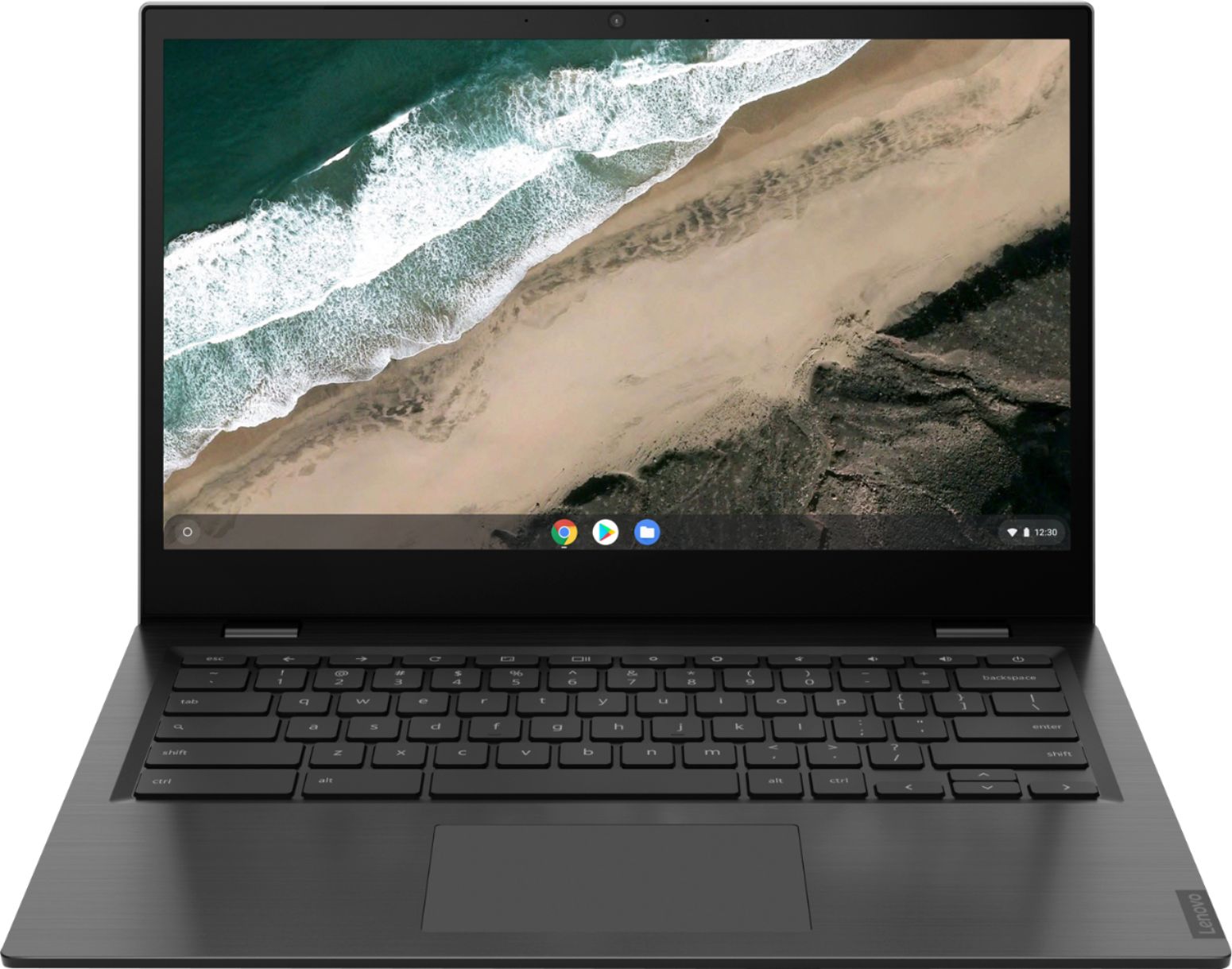
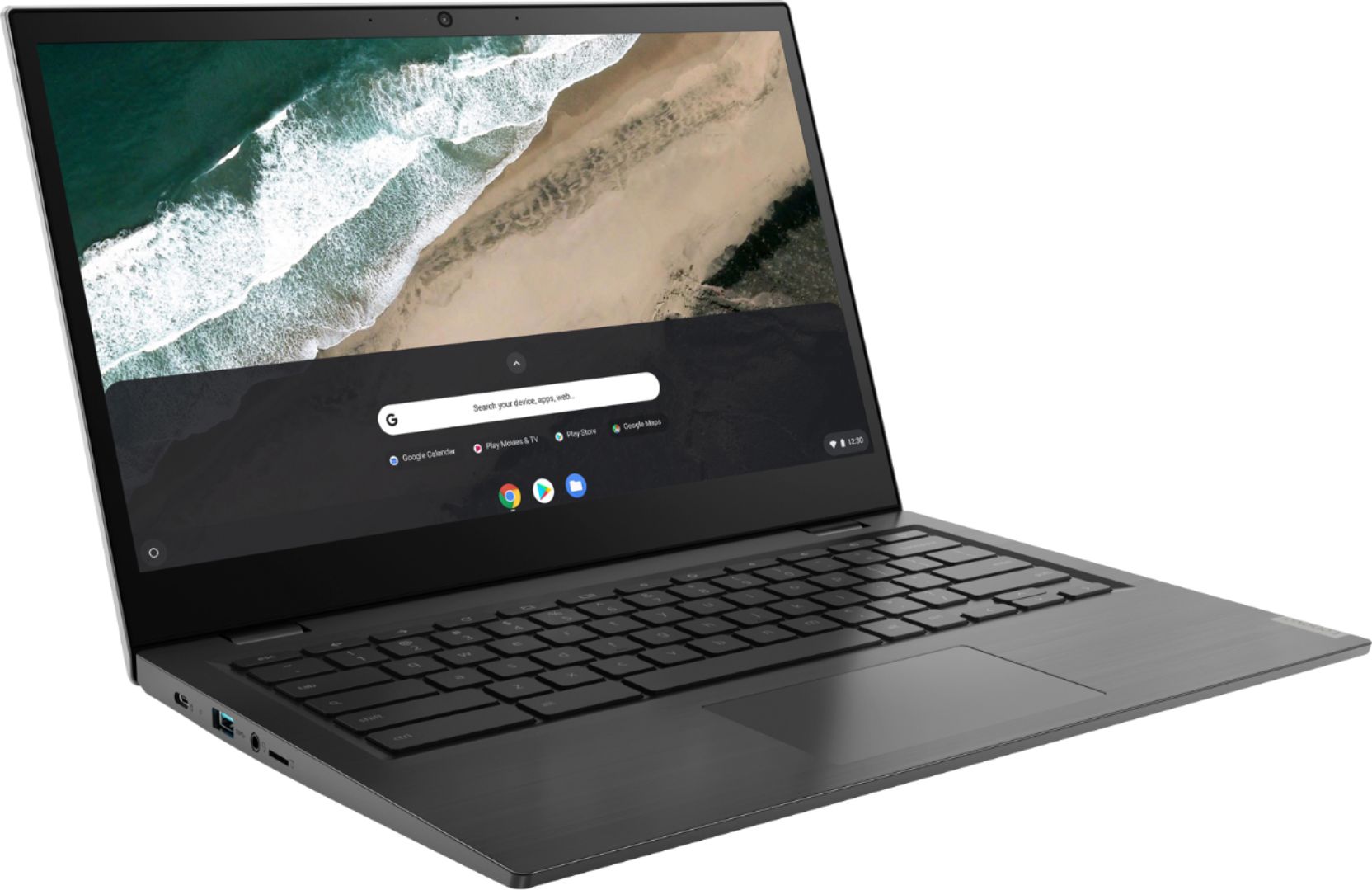
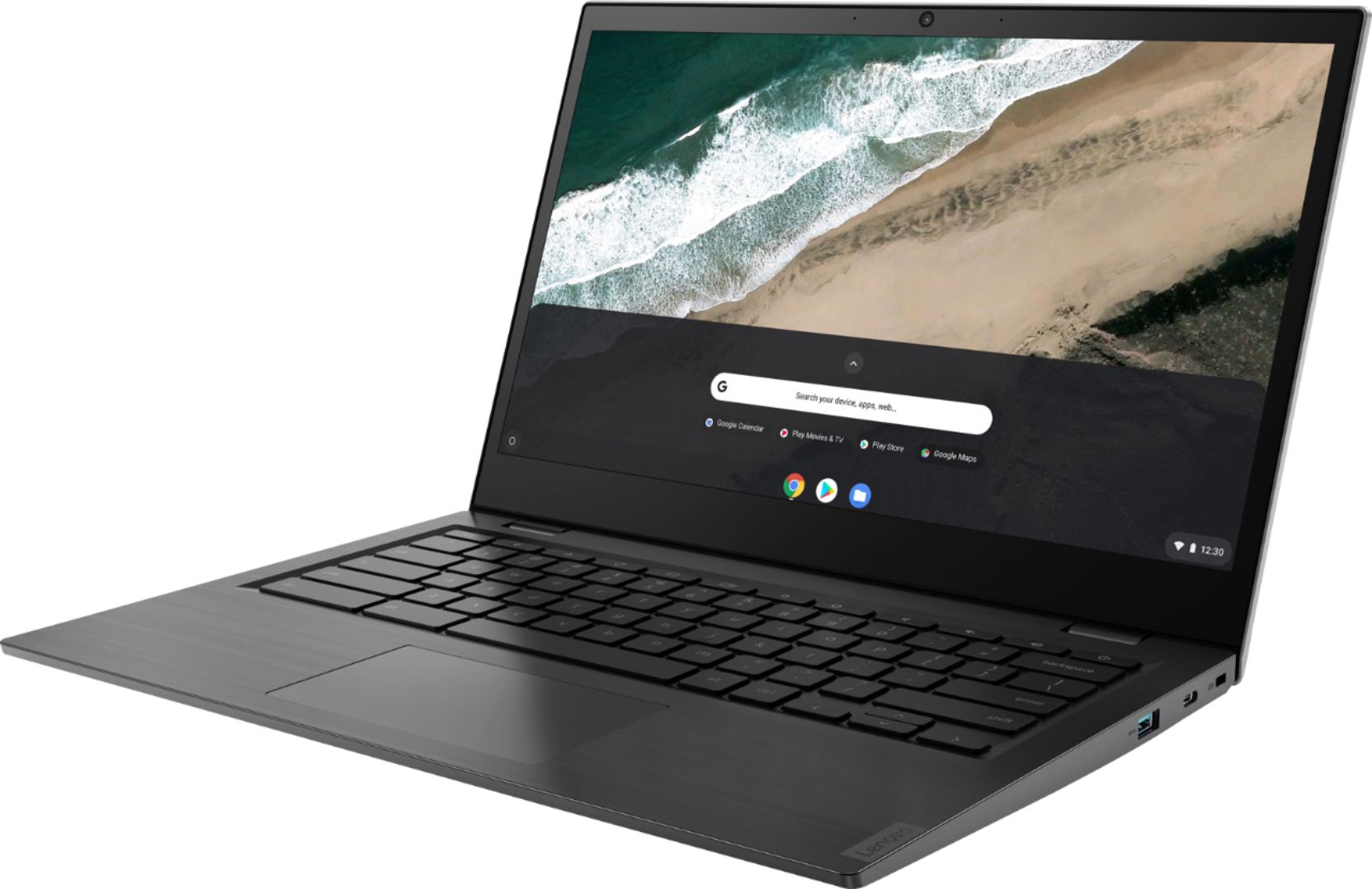



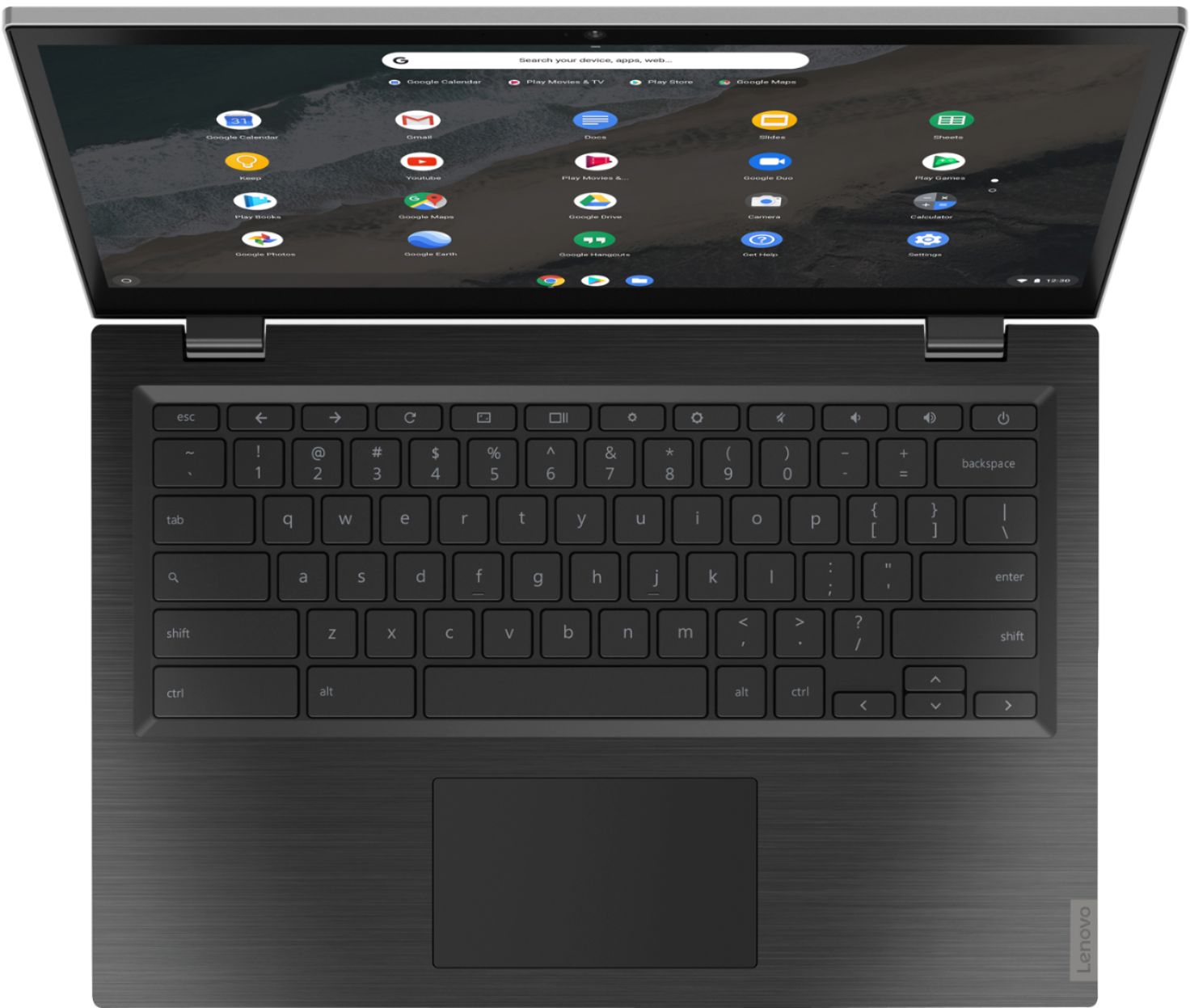





- Model:
- 81WX0000UX
- SKU:
- 6361115
Rating by feature
- Battery Life
Rating 4.5 out of 5 stars
- Speed
Rating 4.1 out of 5 stars
- Display
Rating 4.6 out of 5 stars
Customers are saying
Customers highly value the touch screen, ease of use, and performance of the S345-14AST 14" Touch-Screen Chromebook. Many also appreciate its affordable price and lightweight design, finding it suitable for various uses. While some users noted that the camera and speakers could be improved, the positive feedback on other features outweighs these concerns. Overall, the Chromebook receives praise for its excellent value and user-friendliness.
This summary was generated by AI based on customer reviews.
Lenovo S345 14" SLOW POKE
||Posted . Owned for 7 months when reviewed.This reviewer received promo considerations or sweepstakes entry for writing a review.This chromebook was purchased at a great price thinking that it was going to be a good backup to our first chromebook. Kids play roblox, mulit-craft, battleship etc. This laptop is VERY slow and laggy. I would not recommend it for any kind of light gaming even. Not impressed with the AMD processor. It even lags when doing normal google drive documents. Moving from cell to cell in google sheets is laggy.
No, I would not recommend this to a friendBrand response from Lenovo Product Expert
Posted .We are sorry to hear that you are not getting the performance you expected from your Lenovo S345-14 Chromebook. Here is a link to some tips for speeding up your Chromebook: https://fireflycomputers.com/4-tips-for-speeding-up-slow-chromebooks-2/. If the issues continue, we recommend you contact Lenovo Tech Support for Chromebooks for additional help at: 800-426-7378.

not worth it, quality compromised for low price
||Posted . Owned for 1 month when reviewed.This reviewer received promo considerations or sweepstakes entry for writing a review.battery problems after week 2. the product is not something I would shop for and best buy failed with delivering on time.
No, I would not recommend this to a friendBrand response from Lenovo Product Expert
Posted .The Lenovo S345-14 Chromebook, model number 81WX0000UX, ships with a 3CELL_57WH_INTERNAL, Lithium Polymer Battery, which within this configuration, has a battery life of up to 10 hours. Here is a link to tips for fixing issues with your Chromebook, including battery related issues: https://support.google.com/chromebook/answer/6309225?hl=en#zippy=%2Cbattery-wont-charge. If the issues continue, we recommend you contact Lenovo Tech Support for Chromebooks at: 800-426-7378.
Not expensive but...
||Posted . Owned for less than 1 week when reviewed.This reviewer received promo considerations or sweepstakes entry for writing a review.I should have waited for the reviews to come out on this one. Overall for the price it isn't terrible, however, if you plan to do multiple tabs open at one time and load challenging websites (even if you have a super fast WiFi) you are going to be disappointed. I am and that's why this baby is being returned.
No, I would not recommend this to a friendBrand response from Lenovo Product Expert
Posted .The Lenovo S345-14 Chromebook has the latest and fastest 5G 2x2 802.11AC frequency WiFi built in. It is also backward compatible to the older b/g/n frequencies. Be sure your S345-14 Chromebook is running optimally, here is a link to trouble shooting tips that will provide you Three Steps to a Solution: https://pcsupport.lenovo.com/us/en/products/laptops-and-netbooks/lenovo-chromebooks-series/chromebook-s345-14ast/threesteps
Meh
||Posted . Owned for 3 weeks when reviewed.This reviewer received promo considerations or sweepstakes entry for writing a review.Not so great .....................................
No, I would not recommend this to a friendBrand response from Lenovo Product Expert
Posted .Looking for a device that’s easy-to-use but doesn’t sacrifice performance? The Chromebook S345 14-inch has it all. Running on the lightning-fast Chrome OS, it boots up in seconds, updates automatically, has built-in virus protection, and is powered by speedy 7th Generation AMD processing. With a slim 180-degree hinged chassis and battery that lasts up to 10 hours, this Chromebook will perform anywhere.
Not Working Already
||Posted . Owned for 1 month when reviewed.This reviewer received promo considerations or sweepstakes entry for writing a review.One of the two I purchased for my students for COVID is not even working.
No, I would not recommend this to a friendBrand response from Lenovo Product Expert
Posted .We are sorry to hear that you are having issues with your S345-14 Chromebook. Here is a link to troubleshooting tips for fixing issues with your Chromebook: https://support.google.com/chromebook/answer/6309225?hl=en
Never got to use it
||Posted .This reviewer received promo considerations or sweepstakes entry for writing a review.I don’t think it is fair for me to review this product as I never really used it. Bought it used, it had issues so I returned it . I never tried another because I did want any other problems.
No, I would not recommend this to a friendBrand response from Lenovo Product Expert
Posted .Looking for a device that’s easy-to-use but doesn’t sacrifice performance? The Chromebook S345 14-inch has it all. Running on the lightning-fast Chrome OS, it boots up in seconds, updates automatically, has built-in virus protection, and is powered by speedy 7th Generation AMD processing. With a slim 180-degree hinged chassis and battery that lasts up to 10 hours, this Chromebook will perform anywhere.
Defective
||Posted . Owned for 3 weeks when reviewed.This reviewer received promo considerations or sweepstakes entry for writing a review.Don’t buy. Mine was defective. It does not start. I returned it. It was an open box but Best Buy should check them before shipping to the next customer. Apparently they didn’t.
No, I would not recommend this to a friendKeyboard flimsy and trackpad button stiff
||Posted . Owned for 11 months when reviewed.This reviewer received promo considerations or sweepstakes entry for writing a review.The keyboard keys stopped working in just one year. First just N then spread to others. There is no dust or grime under them just cheap parts.
No, I would not recommend this to a friendBrand response from Lenovo Product Expert
Posted .We are sorry to hear that you are having issues with the keyboard of your Lenovo S345-14 Chromebook. Try a reset of your Chromebook, this may fix the issues you are having with the keyboard. Here is a link to instructions for resetting a Chromebook: https://support.google.com/chromebook/answer/3227606?hl=en. If the issue continues, we recommend you contact lenovo Tech Support for Chromebooks at: 800-426-7378.
Avoid
||Posted . Owned for 1 month when reviewed.This reviewer received promo considerations or sweepstakes entry for writing a review.Slow and a waste of money, crashes constantly, lies just like the company that sells it, thanks best buy
No, I would not recommend this to a friendBrand response from Lenovo Product Expert
Posted .We are sorry to hear that you are having issues with your Lenovo S345-14 Chromebook. If a specific tab in your browser causes your Chromebook to crash or freeze, hard refresh the page: Ctrl + Shift + r. If you've installed any new apps or extensions recently, uninstall them. Reset your Chromebook. Recover your Chromebook. Here is a link to more information about troubleshooting issues with your Chromebook: https://support.google.com/chromebook/answer/6309225?hl=en#:~:text=If%20a%20specific%20tab%20in,Recover%20your%20Chromebook.. If the issue continues, we recommend you contact Lenovo Tech Support for Chromebooks at: 800-426-7378.
Don’t ever buy this
||Posted . Owned for 8 months when reviewed.This reviewer received promo considerations or sweepstakes entry for writing a review.Don’t waste your time and money. I hated this laptop and returned it the moment I got it
No, I would not recommend this to a friendSad
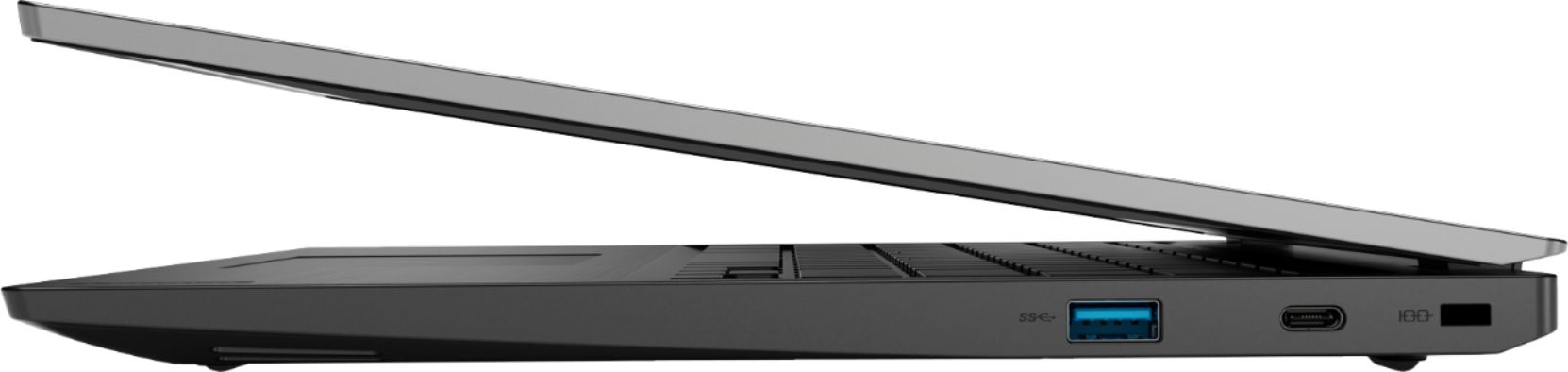
||Posted . Owned for 1 week when reviewed.This reviewer received promo considerations or sweepstakes entry for writing a review.I bought this with hope to hook it to another monitor unfortunately neither usb c supports video out
No, I would not recommend this to a friendBrand response from Lenovo Product Expert
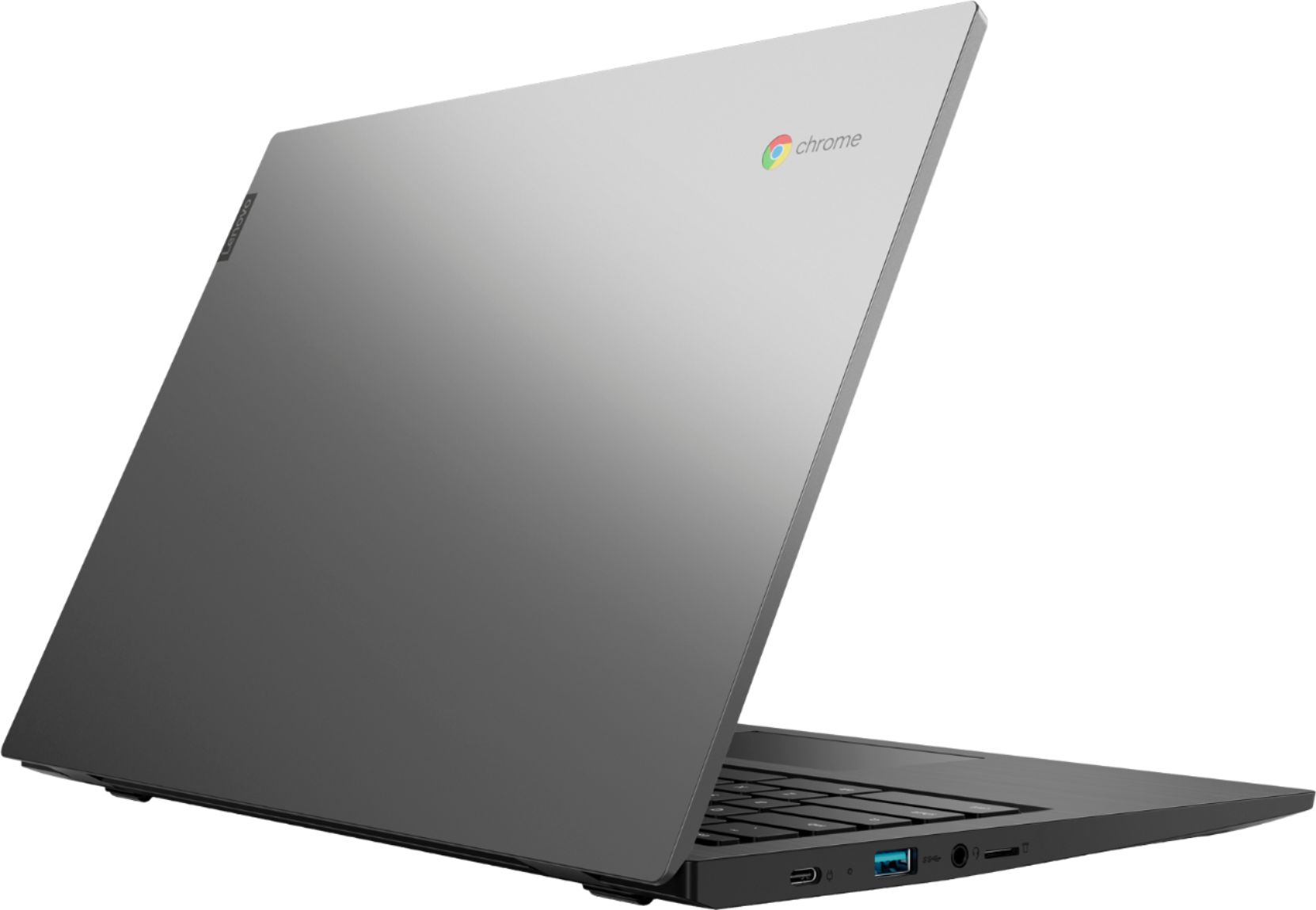
Posted .The Lenovo S345-14 Chromebook, model number 81WX0000UX, ships with a USB-c port on the right side of the Chromebook with video out capability: Connect to an external display.
– USB-C to VGA: 1900 × 1200 pixels, 60 Hz
– USB-C to DP: 3840 × 2160 pixels, 30 Hz. Here is a link to the User Manual. Check page 15 for information about video out capabilities of the S345-14 Chromebook: https://files.bbystatic.com/gfy%2F4cO%2FZV%2B90VE09tN2Hg%3D%3D/56B12E05-2DAD-4BB4-838F-453B26BD56EC.pdf. If the issue continues, we recommend you call Lenovo Tech Support for help connecting an external monitor to this Chromebook at: 877-453-6686.
unable to go to any website
||Posted . Owned for 1 month when reviewed.This reviewer received promo considerations or sweepstakes entry for writing a review.zscaler website was the only website that would load.
No, I would not recommend this to a friendBrand response from Lenovo Product Expert
Posted .The Lenovo S345-14 Chromebook uses the Chrome Browser to view the internet. Be sure you have an internet connection. Here is a link to instructions for connecting a Chromebook to the internet: https://support.google.com/chromebook/answer/6318213?hl=en. If the issue continues, we recommend you contact Lenovo Tech Support for Chromebook at: 800-426-7378.
Broken computer
||Posted . Owned for 3 weeks when reviewed.This reviewer received promo considerations or sweepstakes entry for writing a review.Awful computer DONT BUY. Save your money and get something that works
No, I would not recommend this to a friendBrand response from Lenovo Product Expert
Posted .We are sorry to hear that you are having issues with your Lenovo S345-14 Chromebook. We recommend you contact Lenovo Tech Support for Chromebooks for additional help at: 800-426-7378.
- Pros mentioned:Performance, Touch screen
Perfect for my needs. So lightweight & portable!
Posted .This reviewer received promo considerations or sweepstakes entry for writing a review.I can't say one negative thing about this Chromebook; I just love it. It is perfect for day-to-day use. I purchased about 4-months ago and have been very satisfied. Set up is easy as 1-2-3; long battery life. The quality is excellent; love the backlit keyboard and touchscreen. Very powerful and operates so smoothly. Lenovo is an excellent product! Perfect for students!
I would recommend this to a friendBrand response from Lenovo Product Expert
Posted .Thank you for choosing the Lenovo S345-14 Chromebook. We are pleased to hear that the S345-14 Chromebook is working out so well for you. Looking for a device that’s easy-to-use but doesn’t sacrifice performance? The Chromebook S345-14 has it all. Running on the lightning-fast Chrome OS, it boots up in seconds, updates automatically, has built-in virus protection, and is powered by speedy 7th Generation AMD processing. With a slim 180-degree hinged chassis and battery that lasts up to 10 hours, this Chromebook will perform anywhere.
- Pros mentioned:Performance
Lasts a while!
Posted .This reviewer received promo considerations or sweepstakes entry for writing a review.It runs super well, has great storage, and I've had it for 3 years with little to no problems.
I would recommend this to a friend love this laptop!
Posted .This reviewer received promo considerations or sweepstakes entry for writing a review.I still have this laptop almost four years later, and it works great.
I would recommend this to a friendNot for Zoom Kids' Classes
Posted .This reviewer received promo considerations or sweepstakes entry for writing a review.Caveat: I do not own one of these. But as an online teacher of 14 years, I can say that the students who cannot hear, have excruciating mic lag, get booted out of Zoom/Adobe, can't see the slides, can't answer in the poll, etc. etc. etc. are nearly always Chromebook users. Our school warns families that Chromebooks won't work well for Adobe or Zoom classrooms. Parents who didn't listen say during the year that they regret the purchase. For other applications, check other reviews. Might be a great deal!
No, I would not recommend this to a friendBrand response from Lenovo Product Expert
Posted .The Lenovo S345-14 Chromebook ships with the Chrome Operating System installed and is compatible with Google Play Store APPs. We always recommend you check the requirements and compatibility of any software you will be installing on your new computer, before you invest in any computer. Be sure your new computer can support the software you will need to use.
Slow laptop
Posted .This reviewer received promo considerations or sweepstakes entry for writing a review.Bought this just to watch netflix,youtube, etc. But when i tried watchin videos it always lagged and no my wifi is not bad ive never had problems with any device. I also tried watching disney+ and every 30 seconds it lagged the video, i am very disappointed and i wud not recommended this to anyone i am going to return it asap!
No, I would not recommend this to a friendBrand response from Lenovo Product Expert
Posted .This is a Chromebook and it uses the fastest 5G WiFi available: 2x2 802.11AC. Here is a link to some tips for fixing slow video streaming with a Chromebook: https://www.easypcmod.com/fix-slow-performance-internet-connection-issues-chromebook-1466