Customer Ratings & Reviews
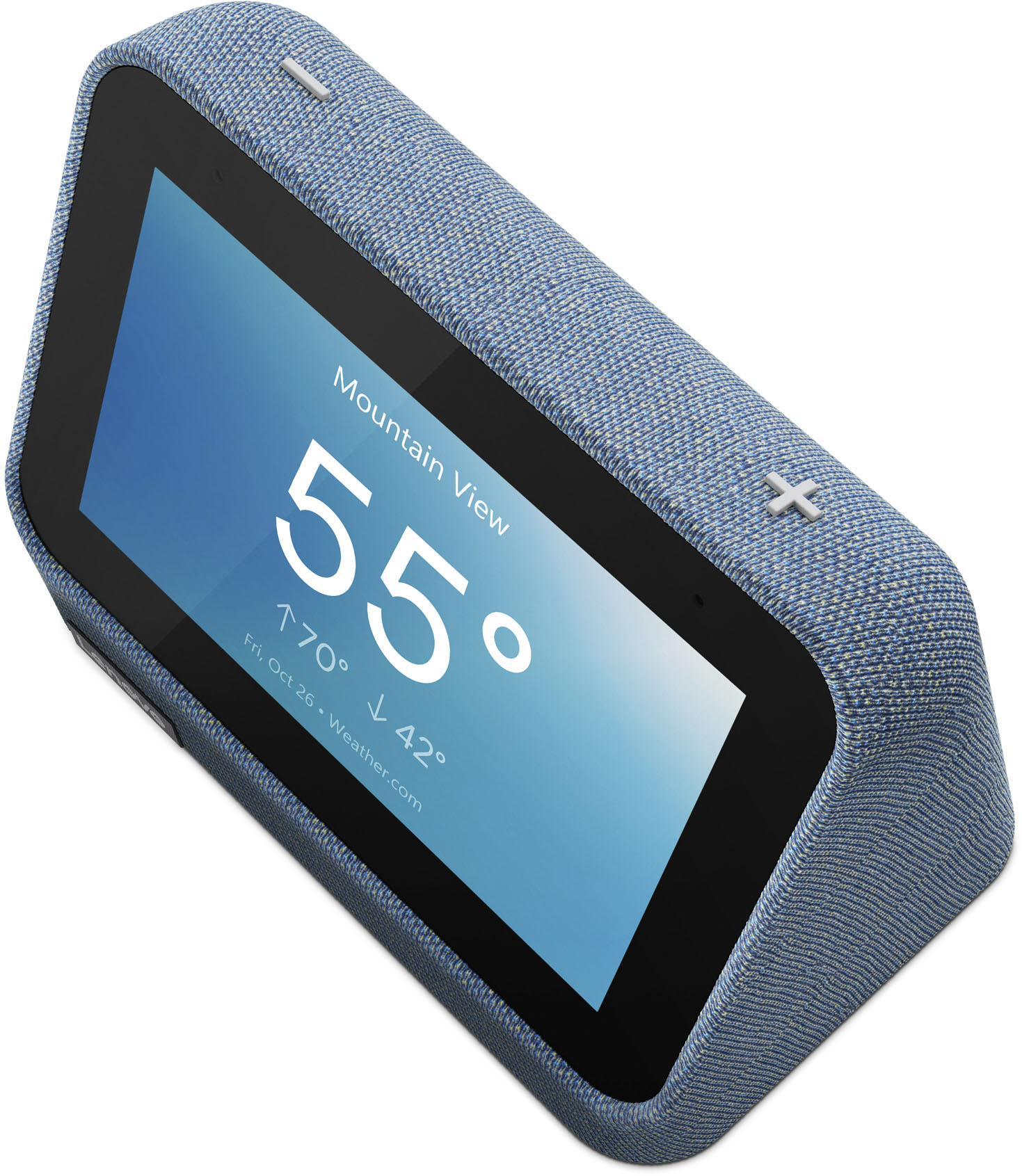
- Model:
- ZA970013US
- SKU:
- 6485801
Rating by feature
- Value
Rating 4.5 out of 5 stars
- Quality
Rating 4.5 out of 5 stars
- Ease of Use
Rating 4.4 out of 5 stars
Customers are saying
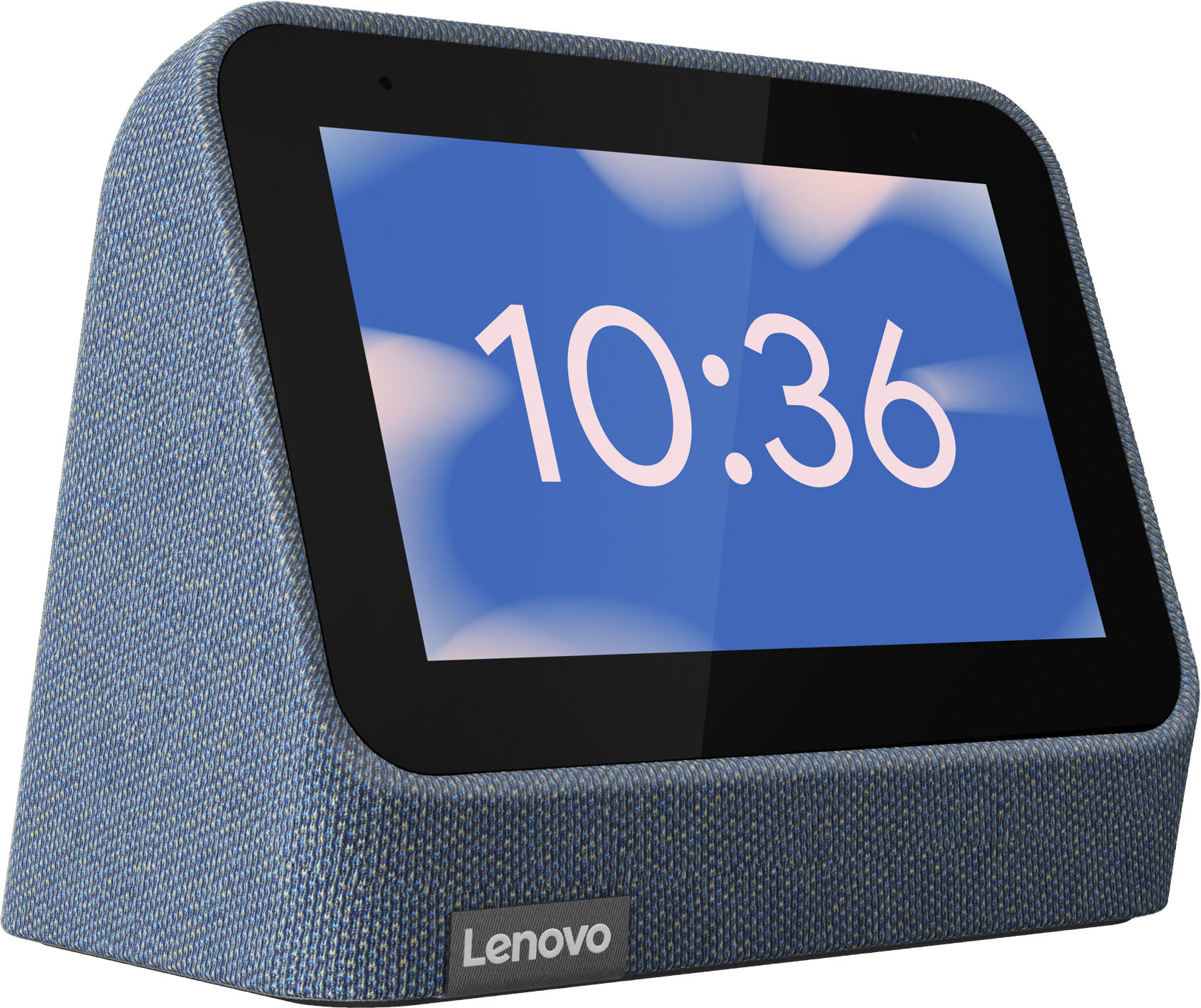
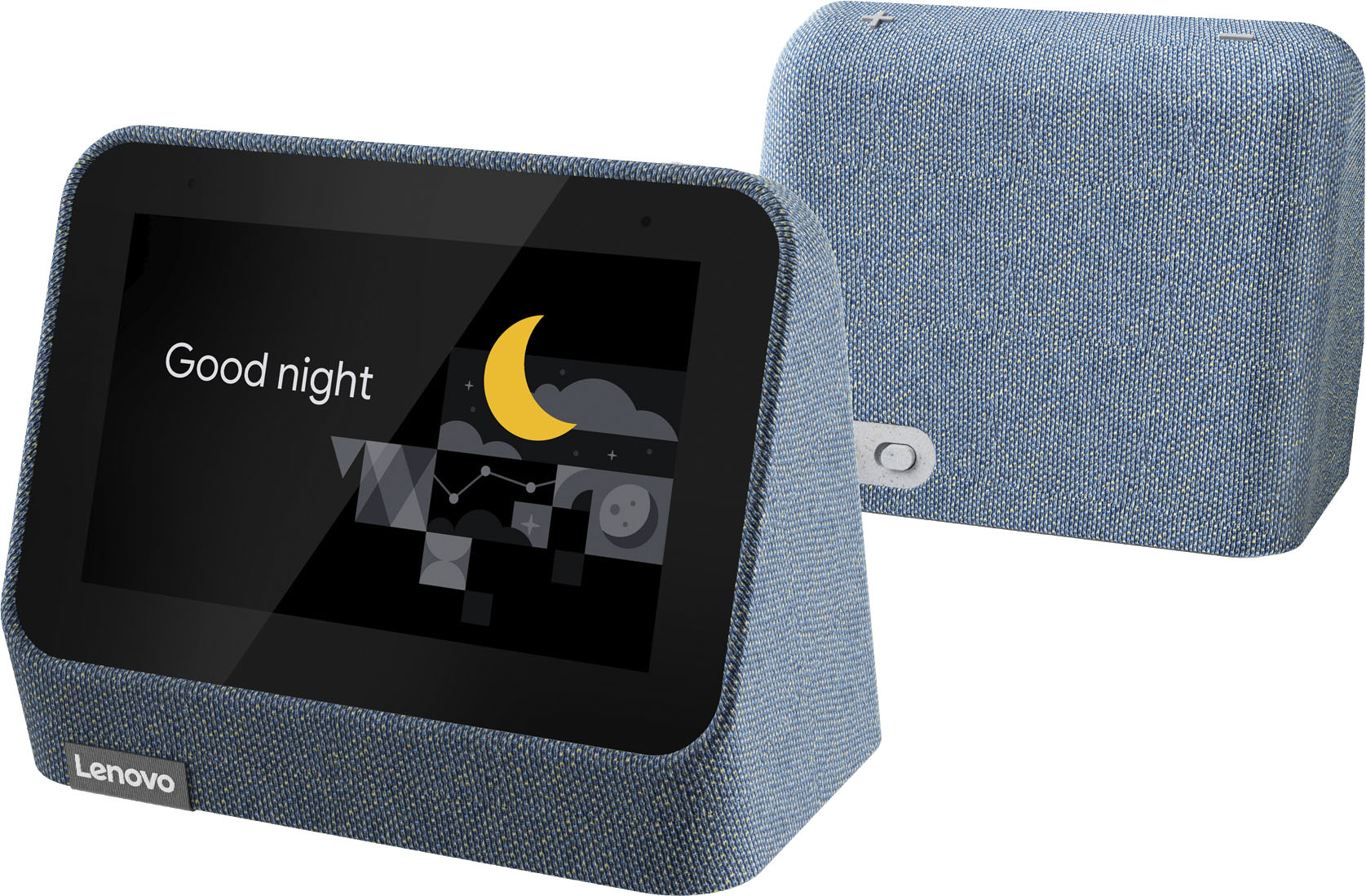
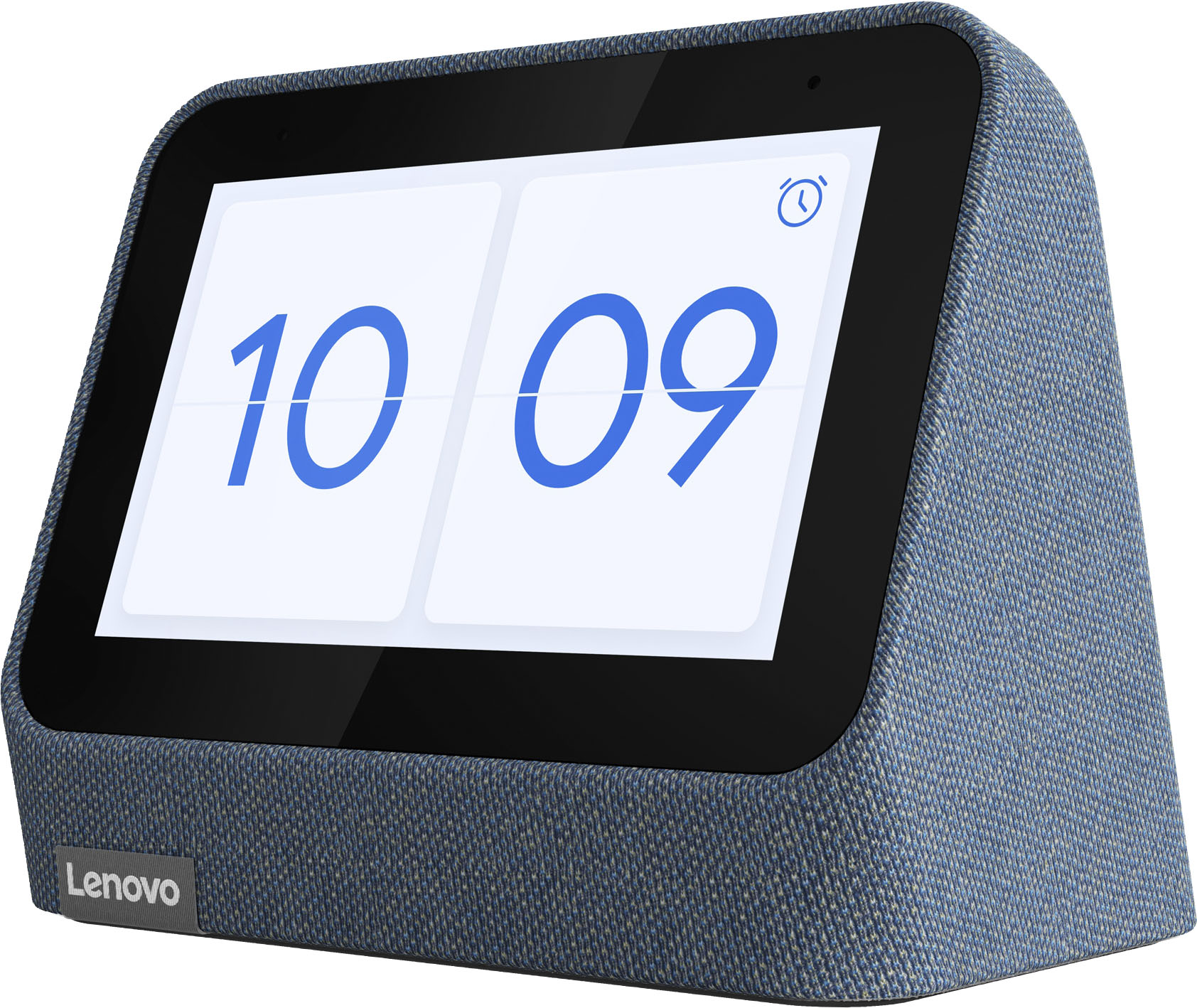
Customers find value in the ease of use, great sound quality, and the alarm features of the Smart Clock (2nd Gen). Many appreciate its integration with the Google Assistant and the range of features it offers beyond a simple alarm clock. However, some customers expressed that the screen size is smaller than anticipated. A few also noted the absence of a USB port, a feature present in the previous generation.
This summary was generated by AI based on customer reviews.
More then a clock.
||Posted . Owned for 2 months when reviewed.This reviewer received promo considerations or sweepstakes entry for writing a review.Already use Alexa so didn’t really need to use the google assistant. Was really only looking for a clock wi returned it.
I would recommend this to a friend- Cons mentioned:Connectivity
Don't Buy
||Posted . Owned for 1 month when reviewed.This reviewer received promo considerations or sweepstakes entry for writing a review.Will not stay connected, hard to use. Not worth trying. Returned it.
No, I would not recommend this to a friendBrand response from Lenovo Product Expert
Posted .We are sorry to hear that you have encountered an issue with your Lenovo Smart Clock. Here is a link to a Lenovo Support webpage that details some troubleshooting steps for issues, including how to reset your Smart Clock, as this could resolve your issue: https://support.lenovo.com/us/en/solutions/ht512647-lenovo-smart-clock-2-frequently-asked-questions-faqs#53

- Cons mentioned:Connectivity
It’s ok
||Posted . Owned for 3 weeks when reviewed.This reviewer received promo considerations or sweepstakes entry for writing a review.Was logged out and now I tried every to reconnect and it won’t let me
No, I would not recommend this to a friend Doesn't work, trash product
||Posted . Owned for less than 1 week when reviewed.This reviewer received promo considerations or sweepstakes entry for writing a review.Doesn't work and the only work around is to get a non pixel phone. Trash.
No, I would not recommend this to a friendMr
||Posted . Owned for 3 weeks when reviewed.This reviewer received promo considerations or sweepstakes entry for writing a review.Not user friendly, appears to be many useful or fun options if you can unlock the riddle.
No, I would not recommend this to a friendLemondevice
||Posted . Owned for 3 months when reviewed.This reviewer received promo considerations or sweepstakes entry for writing a review.Does not turn on anymore after one month use. Lemon
No, I would not recommend this to a friend- Pros mentioned:Sound quality

Cute replacement for an old digital alarm clock
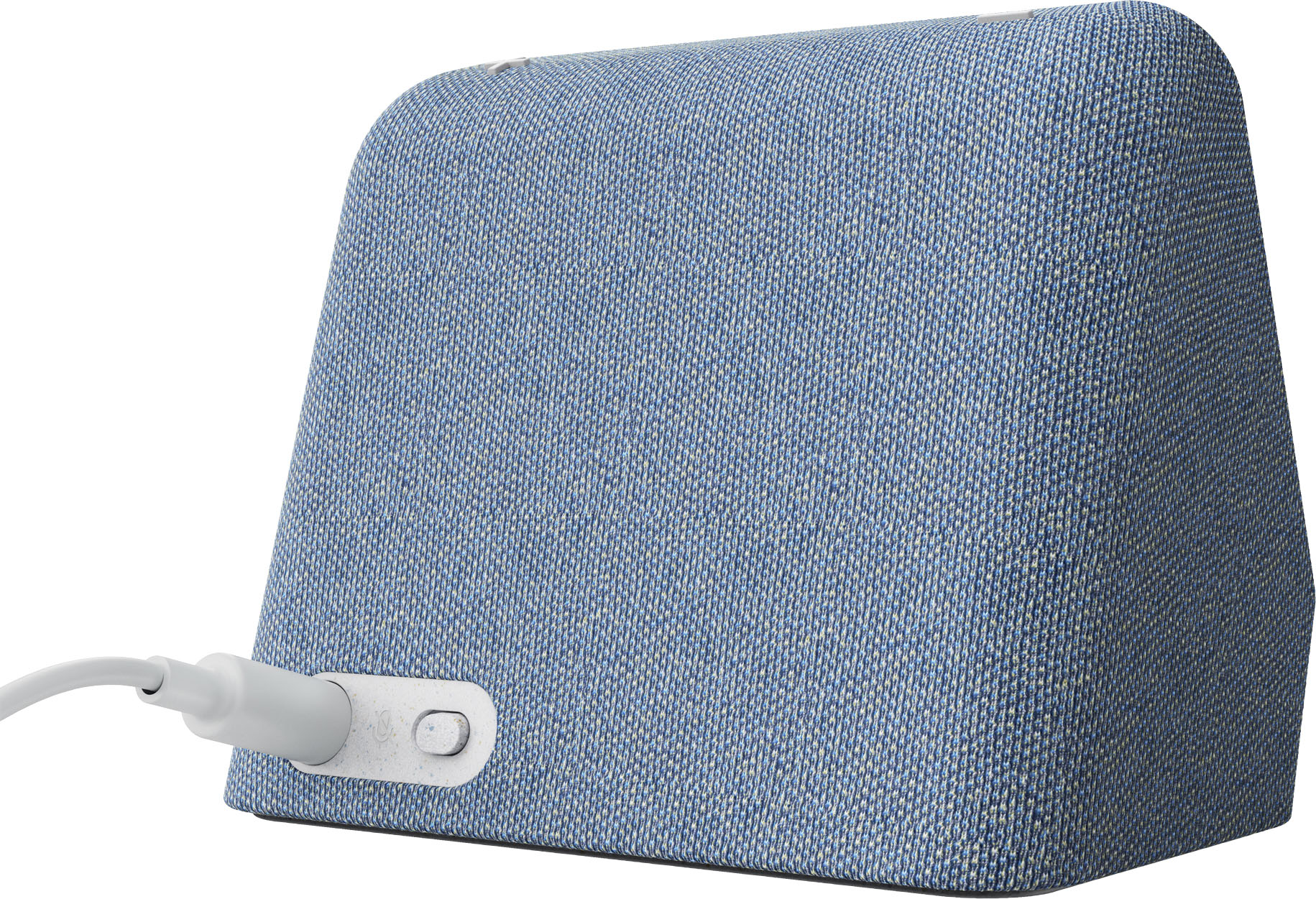
|Posted .This reviewer received promo considerations or sweepstakes entry for writing a review.Packaging is simple and frustration free. Clock, power cord w/adapter and manual. You do have to download the google home app on your phone to setup, no way to skip this unless I missed it. Takes about 5-10 min to download and install updates then you are up and running. The screen looks good and is customize able with what you want to display on it. You can also use the google assistant to play music and do a myriad of other tasks. The microphone and volume can be disabled if you just want a fancy alarm clock for your bedroom. I found the maximum brightness under whelming and still felt too dim but this might be a personal preference. I also noticed a bug if you unplug it and plug it back in it will not auto power on you have to flip the toggle switch in the back to off and then back on again. You can also arrange the face of the clock to show weather, personal photos and a few other options depending on what you are looking for. The size compared to the picture feels a bit smaller than what I was expecting but that's just a perception thing. Overall it feels priced right with the MSRP and overall happy with it but it's not quite 5 star worthy with the power on bug and max brightness for me. Still solid purchase for yourself or a gift for a tech savvy friend/family member.
I would recommend this to a friendBrand response from Lenovo Product Expert
Posted .Thank you for choosing the Lenovo Smart Clock 2. There is no power on/off switch on this Smart Clock 2. After unplugging the Smart Clock, then plugging it back in, the Smart Clock will take approximately 15-seconds to power back on. Be sure that if you have auto brightness turned on, you look closely for the screen image, in that auto brightness may set the screen brightness to its lowest setting at initial startup. Regarding the screen brightness, try turning off auto brightness and using the on-screen manual brightness slider to adjust the screen brightness to your personal preference. If you have questions about your Smart Clock 2 we recommend you contact lenovo Tech Support for Smart Devices at: 866-426-0911.
- Pros mentioned:Sound qualityCons mentioned:Usb port
Cute little clock
|Posted .This reviewer received promo considerations or sweepstakes entry for writing a review.This is a cute little alarm clock. I like that you can change the screens, set up is easy with the Google Home app. I enjoy the features of being able to sync up with my other Google pieces, and listen to music as well as getting the weather. This clock is very compact, with I also like. I do wish it had a USB port.
I would recommend this to a friendBrand response from Lenovo Product Expert
Posted .Thank you for choosing the Lenovo Smart Clock 2. We are pleased to hear that the features and performance of the Smart Clock 2 meets your needs so well.
- Pros mentioned:Size
Not Your Typical Alarm Clock, It’s So Much More
|Posted .This reviewer received promo considerations or sweepstakes entry for writing a review.This is a great looking smart clock that will go with most any decor in any room in your home. I like the small size of it. It fits perfectly on my bedside table. If you do not have any Google smart devices, you will need to download the Google Assist app before setting up this clock. Once you have the app, plug in the clock and set up the clock as a new device on the Google Assist app. My home is set up as a smart home and I have many smart devices. I am able to use this as I do any other Google device I have. I can turn on my lights, set reminders and timers or just use it as an alarm clock to get me up in the mornings. It is great for playing music everywhere in my home joining my other smart Google devices. The sound is a bit tinny, but that is to be expected since it is not exactly meant to sound perfect as a music speaker. The size of this clock is approximately 4 ½” x 4” and is a great addition to any room you place it in. I used to have a larger plain alarm clock and a Google device on my nightstand, but now I have it all in one nice little package saving space. This device does have a small display, but I can watch movies on it. The display is a bit too small for watching movies, but I can at least watch the news on it in the morning. There is a night light on this also. It is basically four different shades of orangey red to choose from and will just make the screen that color and you will not see the clock. If you tap the screen, you can click to turn it off. I find this a wasted feature unless you are setting this up in a child’s room, then it may come in handy. If you have pictures downloaded to your Google account, you can use this as a picture frame also. This is another nice little feature, in my opinion. As you can tell by my review, this is so MUCH more than just an alarm clock. The price is right for all that you get when using this device.
I would recommend this to a friendBrand response from Lenovo Product Expert
Posted .Thank you for choosing the Lenovo Smart Clock 2. While the Smart Clock 2 can not display movies on its 4 inch (screen size measured diagonally) screen, you can cast video to other video streaming capable devices also paired to the same Google Home APP you have your Lenovo Smart Clock 2 paired to. We are pleased to hear that the Lenovo Smart Clock 2 is working out so well for you.
Good as a clock, adequate as a picture frame
|Posted .This reviewer received promo considerations or sweepstakes entry for writing a review.I'll confess to having somewhat mixed feelings on this clock. It's advertised as a clock, and it serves that function well. The Google assistant integration is great, and I was able to turn on and off lights easily with my voice. As a picture frame, it's not so great. First, the screen size is smaller than I was expecting. This isn't a deal breaker, but it was disappointing. Second, when trying to select that I wanted to use it as a photo frame in the display settings, I got stuck in a loop. I would click that I wanted it to be a photo frame, it would ask me to select an album, it would ask me to tell it to change the photo frame with my voice, and then it would take me back to the screen to select the photo frame as the background (the 1st step). I went through this loop six times. I finally created a new album in my photos app and titled it "Alarm Clock." I'm not sure if it was just a coincidence, but it worked after that. Not the easiest setup. Again though, this is advertised as a clock, and it serves that function well. The fact that it doesn't live up to my expectations as a photo frame is more a problem with my expectations than anything else. As a clock and a generic smart speaker, I would recommend this device.
I would recommend this to a friendBrand response from Lenovo Product Expert
Posted .Thank you for choosing the Lenovo Smart Clock 2. You can use your Google Photos Account that you link to the Smart Clock 2 through the Google Home APP you use for the initial setup of the Smart Clock 2. You can select a clock face that will display your Google Photos on the screen. If you have questions about your Smart Clock 2 we recommend you contact Lenovo Tech Support for help at: 866-426-0911.
Concept is great, but it keeps getting disconnecte
||Posted . Owned for 3 weeks when reviewed.This reviewer received promo considerations or sweepstakes entry for writing a review.Concept is great, but it keeps getting disconnected from the Wi-Fi. Also it does not play your playlist from iTunes. Maybe I don’t know how to sync that.
No, I would not recommend this to a friendNeed app to work
||Posted . Owned for less than 1 week when reviewed.This reviewer received promo considerations or sweepstakes entry for writing a review.I was looking for a simple smart clock, but this clock will not work unless the app is downloaded. I am returning it.
No, I would not recommend this to a friendGreat Clock/Speaker/Intercom
Posted .This reviewer received promo considerations or sweepstakes entry for writing a review.I purchased one if these a few years ago for my sons room. This device loga on to the internet and has pretty isful features such as google assistant, weather information, inferfaces with roku tvs to put on shows via voice command. It also is part of the google home app and works wonderfuly as an intercome to annouce dinner time or to get your young childs attention on another floor. I came back here several years later to buy another, yet the product seems to have been discontinued. Bummer!
I would recommend this to a friendScreen flickers
||Posted . Owned for 1 week when reviewed.This reviewer received promo considerations or sweepstakes entry for writing a review.Just turned it on for the forst time. Screen flickers like crazy. Annoying as heck.
No, I would not recommend this to a friendBrand response from Lenovo Product Expert
Posted .We are sorry to hear that you have encountered an issue with your Lenovo Smart Clock. Here is a link to a Lenovo Support webpage that details some troubleshooting steps for issues, including how to reset your Smart Clock, as this could resolve your issue: https://support.lenovo.com/us/en/solutions/ht512647-lenovo-smart-clock-2-frequently-asked-questions-faqs#53
Broken out of the box
||Posted . Owned for less than 1 week when reviewed.This reviewer received promo considerations or sweepstakes entry for writing a review.Flickering screen out of the box, will update if i can still order a new one.
No, I would not recommend this to a friendBrand response from Lenovo Product Expert
Posted .We are sorry to hear that you have experienced an issue with the Lenovo Smart Clock. After restarting your Smart Clock, if the issue persists, we recommend you reach out to Lenovo Tech Support for additional help at this number: 877-453-6686.
Sucks
||Posted . Owned for 3 months when reviewed.This reviewer received promo considerations or sweepstakes entry for writing a review.Continually disconnects from Google Home. Do not buy.
No, I would not recommend this to a friend- Pros mentioned:Display
Fun
|Posted .This reviewer received promo considerations or sweepstakes entry for writing a review.The Lenovo Smart Clock 2 is a fun little smarthome speaker with a display screen. It does a great job as a bedroom alarm clock. When I first opened it up, I assumed my wife would complain that I had yet another smart device to plug in. But her response was, "That's cute!" And cute it is. It is a very compact display, but it works very nicely. You can customize the clock and the display settings. I have it set to scroll through my recent photos. You can choose from a variety of alarm tones. It is light sensing, so it automatically dims the screen at night. If you're wondering how dim, I'll just say my wife is very sensitive to any light in the room at night, and she has no issues with this little clock. It works flawlessly with Google Home. It connected immediately and works seamlessly with the other devices we have. Overall, this has been a very positive addition.
I would recommend this to a friendBrand response from Lenovo Product Expert
Posted .Thank you for choosing the Lenovo Smart Clock 2. We are pleased to hear that the features and performance of the Smart Clock 2 are working out so well for you and your wife.
- Pros mentioned:Size
'OK Google' at my bedside
|Posted .This reviewer received promo considerations or sweepstakes entry for writing a review.The Lenovo Smart Clock 2 is what it is: A clock with smarts. It has ‘OK Google’ built in so you can set timers, clock alarms, weather and all the same things as most Google devices. Personally, I use it to play music while cleaning up the bedroom. I have an older version of the Lenovo Smart Clock, but it lacks the 4 inch screen and interactive touches. This is a huge upgrade for me and I am very happy to have it on my nightstand. For anyone that likes to have Google and a clock at their bedside, you can’t go wrong with this. I recommend it to everyone.
I would recommend this to a friendBrand response from Lenovo Product Expert
Posted .Thank you for choosing the Lenovo Smart Clock 2. We are pleased to hear that the performance of the Smart Clock 2 meets your computing needs so well.
- Pros mentioned:Size
“Smart” Maybe. Alarm Clock Yes
|Posted .This reviewer received promo considerations or sweepstakes entry for writing a review.“Smart” has been a term used a lot lately. Anything “smart” just connects to the internet is able to use google assistant, alexa or siri voice to control the device. To me its not really that smart, its just an alarm clock. Overall setup was pretty easy to connect with my home network. Once you are connected to google home network everything else is easy. Took a little work to get my google photos to rotate on the display but was able too. Audio quality is pretty good for an alarm clock. From a product stand point, the Lenovo clock is 4in touch screen but you can get a “7in device” that support does the same functions for all little bit more money. I can understand some may want a smaller device next to their beds. Overall I would recommend the Lenovo Smart Clock 2 but buyers should know what they are getting.
I would recommend this to a friendBrand response from Lenovo Product Expert
Posted .Thank you for choosing the Lenovo Smart Clock 2. Here is a link to a YouTube video that demonstrates the setup, features and capabilities of this Smart Clock 2: https://www.youtube.com/watch?v=i9EGOZJSlTI&t=1s
Perfect for bedroom.
|Posted .This reviewer received promo considerations or sweepstakes entry for writing a review.Brightness settings took a little time to adjust, but overall it's a cute little weather clock, speaker, album, phone combo! very useful for alarms and reminders and such!
I would recommend this to a friendBrand response from Lenovo Product Expert
Posted .Thank you for choosing the Lenovo Smart Clock 2. We are pleased to hear that the Smart Clock 2 is working out so well for you.