Customer Ratings & Reviews


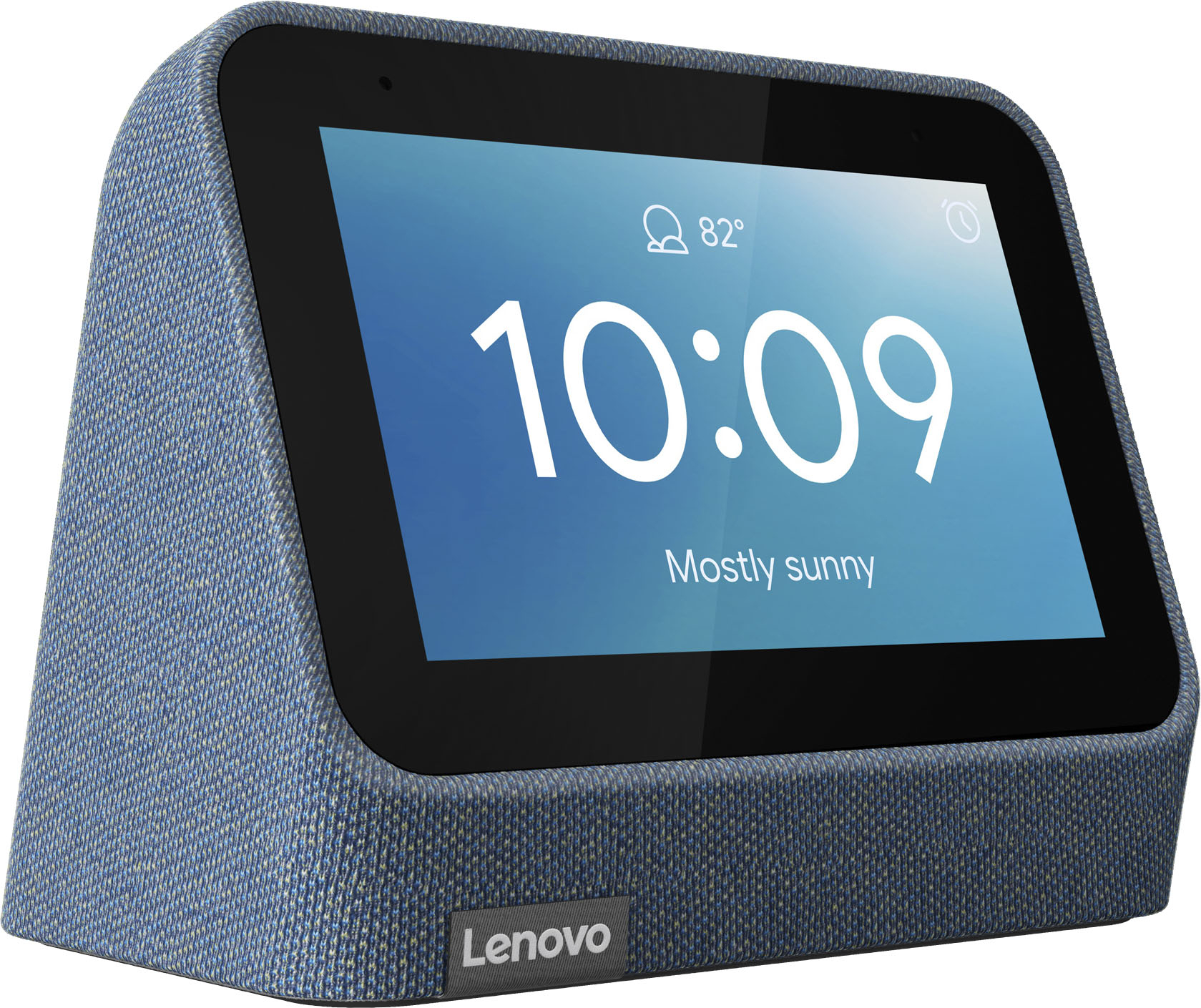
- Model:
- ZA970028US
- SKU:
- 6481518
Rating by feature
- Value
Rating 4.3 out of 5 stars
- Quality
Rating 4.3 out of 5 stars
- Ease of Use
Rating 4.3 out of 5 stars
Customers are saying
Customers frequently mention the wireless charging and surprisingly good sound quality as top features. The ease of use and the alarm functionality also receive positive feedback. However, some customers express that the screen size could be larger and there are concerns about the battery life and price point for some users.
This summary was generated by AI based on customer reviews.
Inconsistent wireless charger, not good!
||Posted . Owned for 3 weeks when reviewed.This reviewer received promo considerations or sweepstakes entry for writing a review.Wanted to like this, but the inconsistent wireless charger was the deal breaker. Had to return the product.
No, I would not recommend this to a friendSound issues
||Posted . Owned for 3 months when reviewed.This reviewer received promo considerations or sweepstakes entry for writing a review.Worked very well for about 2-3 months, but now the alarm clock sound is super low all of the sudden. The Google assistant volume works perfectly fine, but for some reason the alarm clock sound isn’t.
No, I would not recommend this to a friendSmart Clock
||Posted . Owned for 3 weeks when reviewed.This reviewer received promo considerations or sweepstakes entry for writing a review.I thought this was a great clock with a wireless charging deck. However, I could never get it to work, i.e. I could only get so far with the set up. The instructions were not particularly helpful.
No, I would not recommend this to a friendBrand response from Lenovo Product Expert
Posted .We are sorry to hear that you are having issues with the initial setup of your Lenovo Smart Clock 2 with Wireless Charging Dock. Here is a link to a YouTube video that demonstrates the initial setup of the Lenovo Smart Clock 2: https://www.youtube.com/watch?v=8rC5W0WEjXM&t=381s. If you continue to have questions about your Lenovo Smart Clock 2 with Wireless Charging Dock, we recommend you contact Lenovo Tech Support for Smart Devices at: 866-426-0911.

Don’t get it. Not worth it
||Posted . Owned for 3 weeks when reviewed.This reviewer received promo considerations or sweepstakes entry for writing a review.Google part works great, wireless charging sucks. I bought it because of how convenient it would be. Nope, charger stops sometimes. You have to place it in a certain spot for your phone to charge.
No, I would not recommend this to a friendBrand response from Lenovo Product Expert
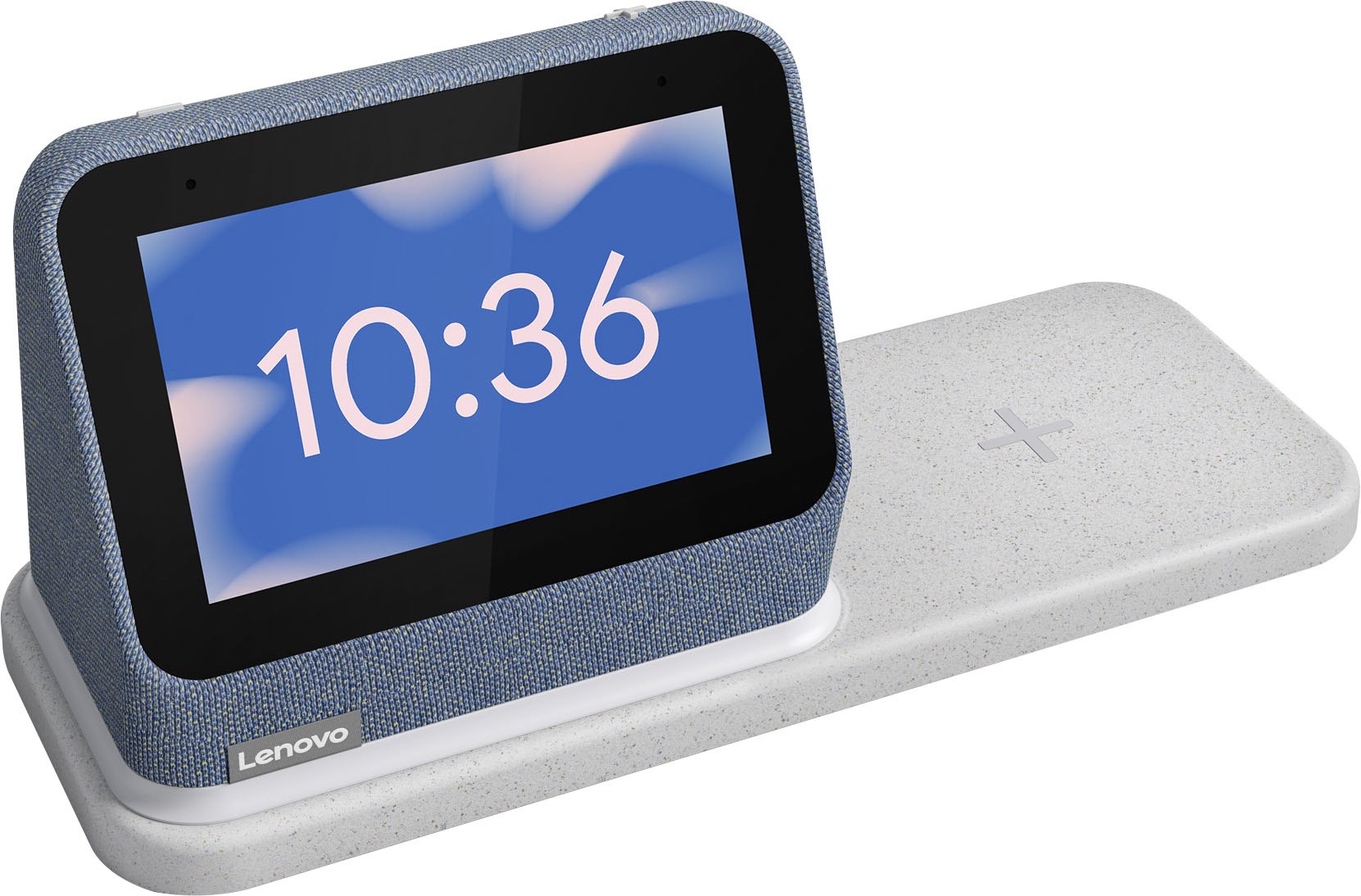
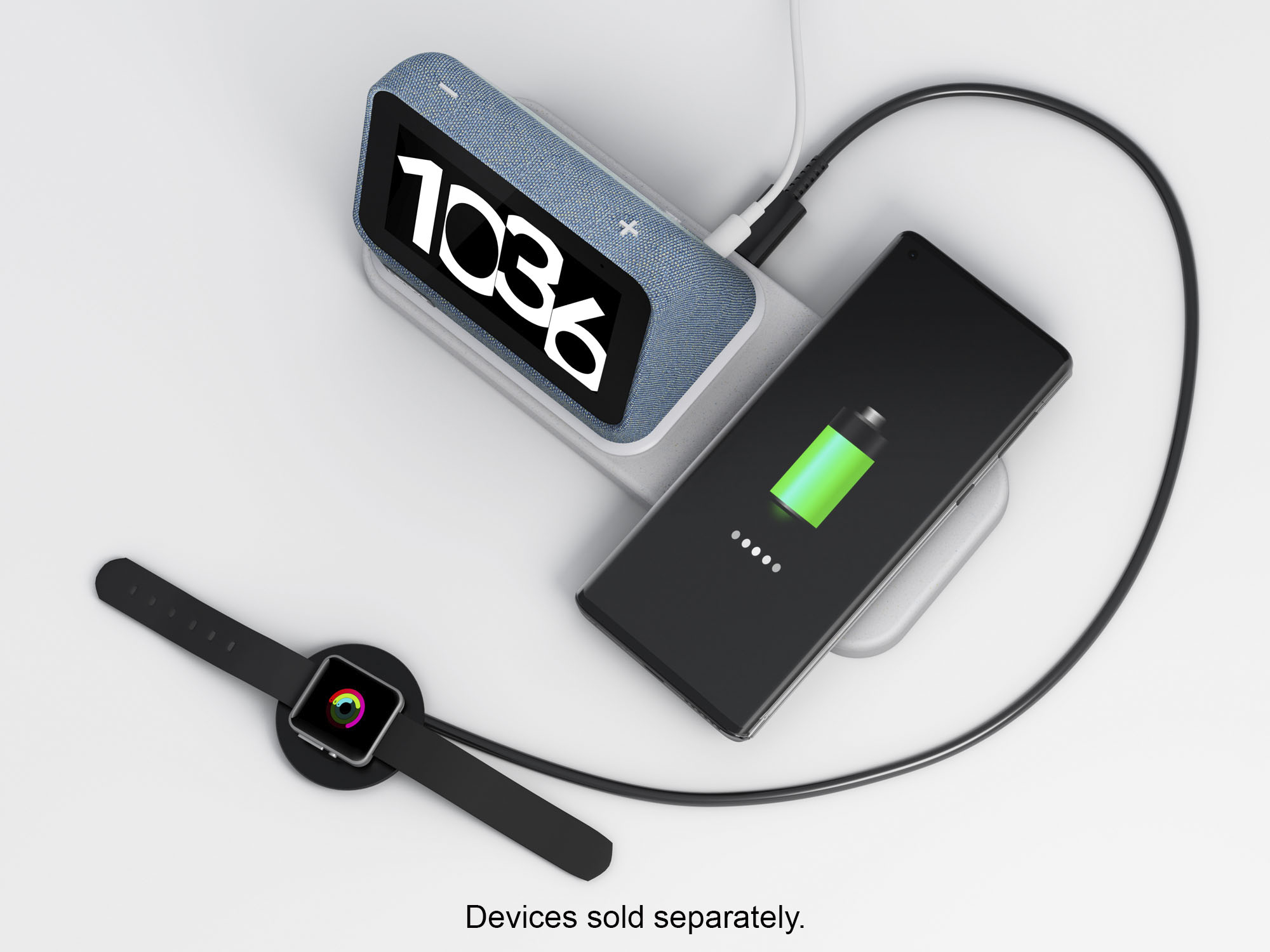
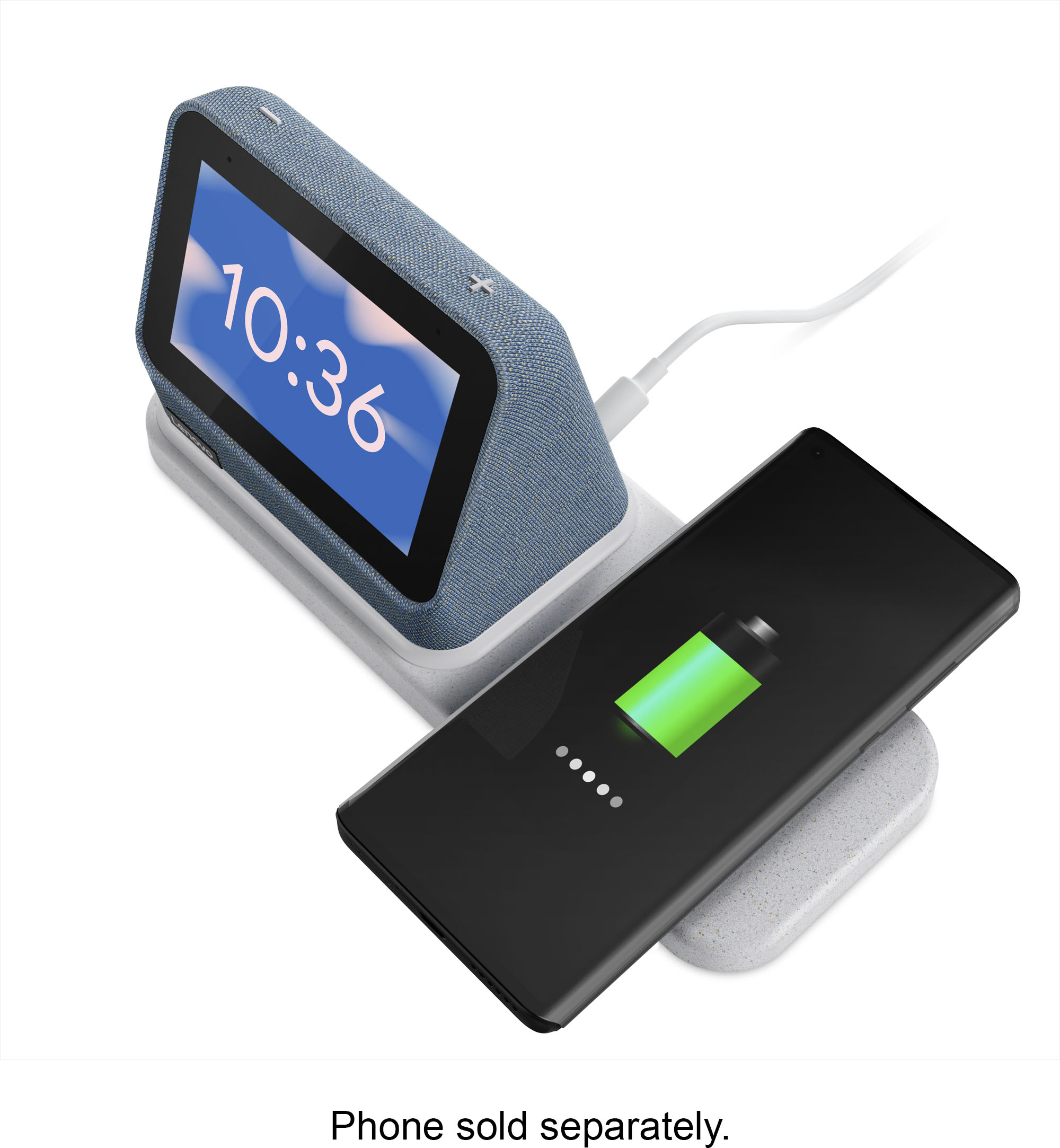
Posted .We are sorry to hear that you are having issues with the wireless charger built into the Lenovo Smart Clock 2. The Smart Clock 2 is compatible with the Qi Wireless charging format as well as MagSafe wireless charging. To charge your compatible device, align the central area of your smart phone or other compatible device with the “+” position on the Wireless Charging Dock for continuous and stable charging. Make sure the device support wireless charging. You can confirm your compatible device is charging by looking for the charging indicator on the device you are charging.
Lenovo clock
||Posted . Owned for 1 month when reviewed.This reviewer received promo considerations or sweepstakes entry for writing a review.Wasn’t really happy wit this item. Seem to drop off the internet pretty frequently. Also had issues with the wireless charging recognizing my iPhone 12. Returned the item.
No, I would not recommend this to a friendBrand response from Lenovo Product Expert
Posted .We are sorry to hear that you are having issues with your Lenovo Smart Clock 2 with Wireless Charging Dock. Try resetting your Smart Clock 2 back to original factory settings to correct the issues you are having. Hold down both the minus an plus buttons on the top of the Smart Clock 2 for 12-seconds, then follow the onscreen instructions. If you continue to have issues, we recommend you contact lenovo Tech Support for Smart Devices at: 866-426-0911.
Not good for internet search
||Posted . Owned for 3 weeks when reviewed.This reviewer received promo considerations or sweepstakes entry for writing a review.Google not provide the song you asked,I bought it only for this reason,I am returing it,otherwise it is nice and perfect in this price
No, I would not recommend this to a friendBrand response from Lenovo Product Expert
Posted .We are sorry to hear that you have experienced an issue with the Lenovo Smart Clock. Here is a link to a Google Support page that may help with troubleshooting the issue and get you back to enjoying your music streaming: https://support.google.com/assistant/answer/9795537.
Hard pass
||Posted . Owned for 1 month when reviewed.This reviewer received promo considerations or sweepstakes entry for writing a review.If it worked it'd be alright. Didn't wireless charge a Pixel 6 Pro out of the box. The next day it installed an update that addressed this issue. Wireless charging worked fine for a month. Now for the past 3 days it doesn't wireless charge anything. I've reset it, unplugged, you name it. qi has existed for 15 years, how do you get this so wrong.
No, I would not recommend this to a friend- Cons mentioned:Volume
Google clock
||Posted . Owned for 3 weeks when reviewed.This reviewer received promo considerations or sweepstakes entry for writing a review.I had some issues with this product the volumekeep turning down when alarm sounded was late for work.
No, I would not recommend this to a friend Swing, and a miss...
||Posted . Owned for 2 months when reviewed.This reviewer received promo considerations or sweepstakes entry for writing a review.Super basic clock. It disconnects from wifi all the time and takes forever to reconnect. I have to reset it to factory almost weekly.
No, I would not recommend this to a friendBrand response from Lenovo Product Expert
Posted .We are sorry to hear that you are having issues with your Lenovo Smart Clock 2 with Wireless Charging Dock. Be sure you are setting up this Smart Clock 2 on the same WiFi network that the smart phone or tablet you are using for the setup process is connected to. This Smart Clock 2 uses 2.4GHz frequency WiFi, so be sure that your smart phone/tablet is also connected to 2.4GHz as well. Once the setup is complete you can change your smart phone/tablet back to 5.0GHz on the same network and still be able to control this Smart Clock 2 through the Google Home APP. Here is a link to a YouTube video that demonstrates the Smart Clock 2 setup process: https://www.youtube.com/watch?v=8rC5W0WEjXM&t=619s. If you continue to have issues with WiFi connectivity, we recommend you contact Lenovo Tech Support for Smart Devices for additional help at: 866-426-0911.
Company does not fix firmware problems
||Posted . Owned for 6 months when reviewed.This reviewer received promo considerations or sweepstakes entry for writing a review.Smart clock no longer plays music alarms. The alarm is properly set to play a radio station as an alarm. However, only the default alarm tone sounds now after a little over 4 months of use. Lenovo blames Google; Google plays Lenovo and I'm stuck with a $75 paperweight. Poor customer service.
No, I would not recommend this to a friendGoogle clock
||Posted . Owned for 3 weeks when reviewed.This reviewer received promo considerations or sweepstakes entry for writing a review.It not the best clock out there. Sometimes when I ask Google about the weather, it play songs or it does something else.
No, I would not recommend this to a friendBrand response from Lenovo Product Expert
Posted .We are sorry to hear that you are having issues with the Google Assistant response to your Voice Commands. Try activating Voice Match for the Google Assistant within the Google Home APP you used to setup this Lenovo Smart Clock 2 with Wireless Charging Dock. Open the Google Home APP for the Smart Clock 2. On the first screen you see, select the Settings Gear icon at the top right of the screen. The select Activate Voice Match, tap activate. Select Other Devices. Then select the Smart Clock 2. Also you can teach Google Assistant to better recognize your Voice Commands. Go back to the original settings screen. Select Recognition and Sharing. Select Recognition and Personalization. Scroll down the page to Voice Match. Select, then follow the on screen instructions. If the issue continues, we recommend you contact Lenovo Tech Support for Smart Devices at: 866-426-0911.
Meh
||Posted . Owned for 1 month when reviewed.This reviewer received promo considerations or sweepstakes entry for writing a review.Worse looking screen than the original smart clock. Only get if you want a slow wireless charging pad
No, I would not recommend this to a friendBrand response from Lenovo Product Expert
Posted .The Lenovo Smart Clock 2 ships with a vibrant, 4-ich (screen size measured diagonally) IPS touch screen. The Smart Clock 2 includes a wireless charging base that is compatible with Qi-Wireless and MagSafe Wireless Charging compatible devices. Be sure your device is compatible with these wireless charging formats. Place your compatible device on the wireless charging dock, centered so that the device indicates it is successfully connected to the wireless charging dock. If you have questions about your Smart Clock 2 we recommend you contact Lenovo Tech Support for Smart Devices at: 866-426-0911.
Intermittent charging
||Posted . Owned for 1 week when reviewed.This reviewer received promo considerations or sweepstakes entry for writing a review.Usb charging is not good. Pad charging is intermittent as well.
No, I would not recommend this to a friendBrand response from Lenovo Product Expert
Posted .We are sorry to hear that you have encountered an issue with our product. The Lenovo Smart Clock's wireless charger utilizes Qi wireless charging connectivity and will be compatible with devices that can utilize this charging technology. Here is a link to the Lenovo Smart Clock FAQ and support webpage that lists compatible wireless charging devices and more: https://support.lenovo.com/us/en/solutions/ht512647-lenovo-smart-clock-2-frequently-asked-questions-faqs#53 Hopefully this resource can help resolve your issues.
Does not play with Apple
||Posted . Owned for 3 weeks when reviewed.This reviewer received promo considerations or sweepstakes entry for writing a review.Overall nice interface however does not work with Apple Music. Would not purchase again.
No, I would not recommend this to a friendBrand response from Lenovo Product Expert
Posted .We are sorry to hear that the Lenovo Smart Clock 2 with Wireless Charging Dock does not meet your needs.
Not promising
||Posted .This reviewer received promo considerations or sweepstakes entry for writing a review.Cannot get it to charge my phone poor quality cannot get it to hook up again
No, I would not recommend this to a friendWorks sometimes
||Posted . Owned for 1 month when reviewed.This reviewer received promo considerations or sweepstakes entry for writing a review.Works half the time to charge on contact. Says charging then stops.
No, I would not recommend this to a friendGreat item
||Posted . Owned for 2 weeks when reviewed.This reviewer received promo considerations or sweepstakes entry for writing a review.A good clock, it works with a wi fi and I definitely recommend it .
I would recommend this to a friendnot what needed//just wanted to show time
||Posted . Owned for 1 week when reviewed.This reviewer received promo considerations or sweepstakes entry for writing a review.too complicated to show time//////////////////bad purchase by me
No, I would not recommend this to a friendBrand response from Lenovo Product Expert
Posted .We are sorry to hear that you had difficulty with the Lenovo Smart Clock 2 with Wireless Charging Dock. Here is a link to a YouTube video that demonstrates the initial setup, features and functions of the Lenovo Smart Clock 2: https://www.youtube.com/watch?v=8rC5W0WEjXM&t=710s. If you have additional questions about your Lenovo Smart Clock 2 with Wireless Charger, we recommend you contact Lenovo Tech Support for Smart Devices at: 866-426-0911.
Clock works well but charger does not.
||Posted . Owned for 3 weeks when reviewed.This reviewer received promo considerations or sweepstakes entry for writing a review.Charging tray not reliable. Frequent non charging instances.
No, I would not recommend this to a friendBrand response from Lenovo Product Expert
Posted .We are sorry to hear that you are having issues with the Lenovo Smart Clock 2 with Wireless Charging Dock. The wireless charging dock is compatible with both Qi and MagSafe versions wireless charging formats. Be sure the device you are trying to wirelessly charge is compatible. When you place a compatible wireless charging device on the charging dock over the plus sign on the dock, the Smart Clock 2 nightlight feature will turn on, indicating the device is now charging. You will also see a Now Charging alert on the device itself. Here is a link to a YouTube video that demonstrates the features and functions of this Lenovo Smart Clock 2 with Wireless Charging Dock, including the wireless charging features: https://www.youtube.com/watch?v=i9EGOZJSlTI&t=213s
If you have questions about your Smart Clock 2 with Wireless Charging Dock we recommend you contact Lenovo Tech Support for Smart Devices at: 866-426-0911.
Looks good but bad alarm clock
||Posted . Owned for 4 months when reviewed.This reviewer received promo considerations or sweepstakes entry for writing a review.Looks nice but while randomly just either not sound your alarm or will turn the volume of your alarm really low. For no reason and at random. This alarm has caused me to be late 4 times in 5 months just from not going off properly
No, I would not recommend this to a friend