Customer Ratings & Reviews


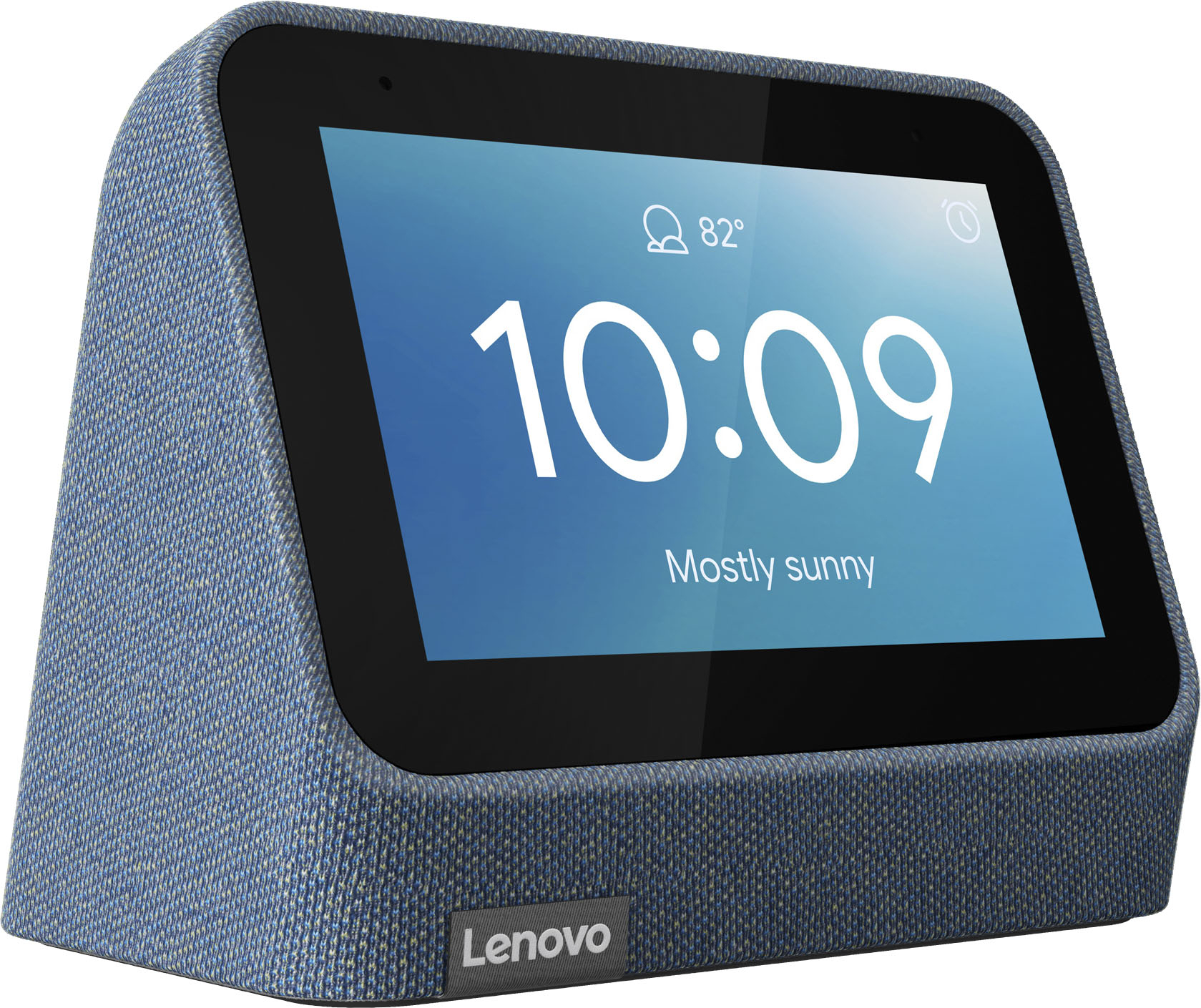
- Model:
- ZA970028US
- SKU:
- 6481518
Rating by feature
- Value
Rating 4.3 out of 5 stars
- Quality
Rating 4.3 out of 5 stars
- Ease of Use
Rating 4.3 out of 5 stars
Customers are saying
Customers frequently mention the wireless charging and surprisingly good sound quality as top features. The ease of use and the alarm functionality also receive positive feedback. However, some customers express that the screen size could be larger and there are concerns about the battery life and price point for some users.
This summary was generated by AI based on customer reviews.
Not a good product.
||Posted .This reviewer received promo considerations or sweepstakes entry for writing a review.Doesnt work most of the time. I tried returning, but was past the horribly low 2 week return time window.
No, I would not recommend this to a friendTurns off randomly
||Posted . Owned for 2 weeks when reviewed.This reviewer received promo considerations or sweepstakes entry for writing a review.It randomly shuts down on its own. And restarts. normally not a big deal but this is literally a clock.
No, I would not recommend this to a friendWireless charger doesnt work
||Posted . Owned for less than 1 week when reviewed.This reviewer received promo considerations or sweepstakes entry for writing a review.Does not charge iPhone/Android phones. I tried everything possible to make this thing work and nothing works. Waste of money.
No, I would not recommend this to a friendConstantly shuts off
||Posted . Owned for 5 months when reviewed.This reviewer received promo considerations or sweepstakes entry for writing a review.The clock constantly shuts off and i have to unplug and olug back in to reset it. Sometimes that works sometimes it doesnt.
No, I would not recommend this to a friend- Pros mentioned:Ease of use, Sound quality

Great smart clock with charging dock
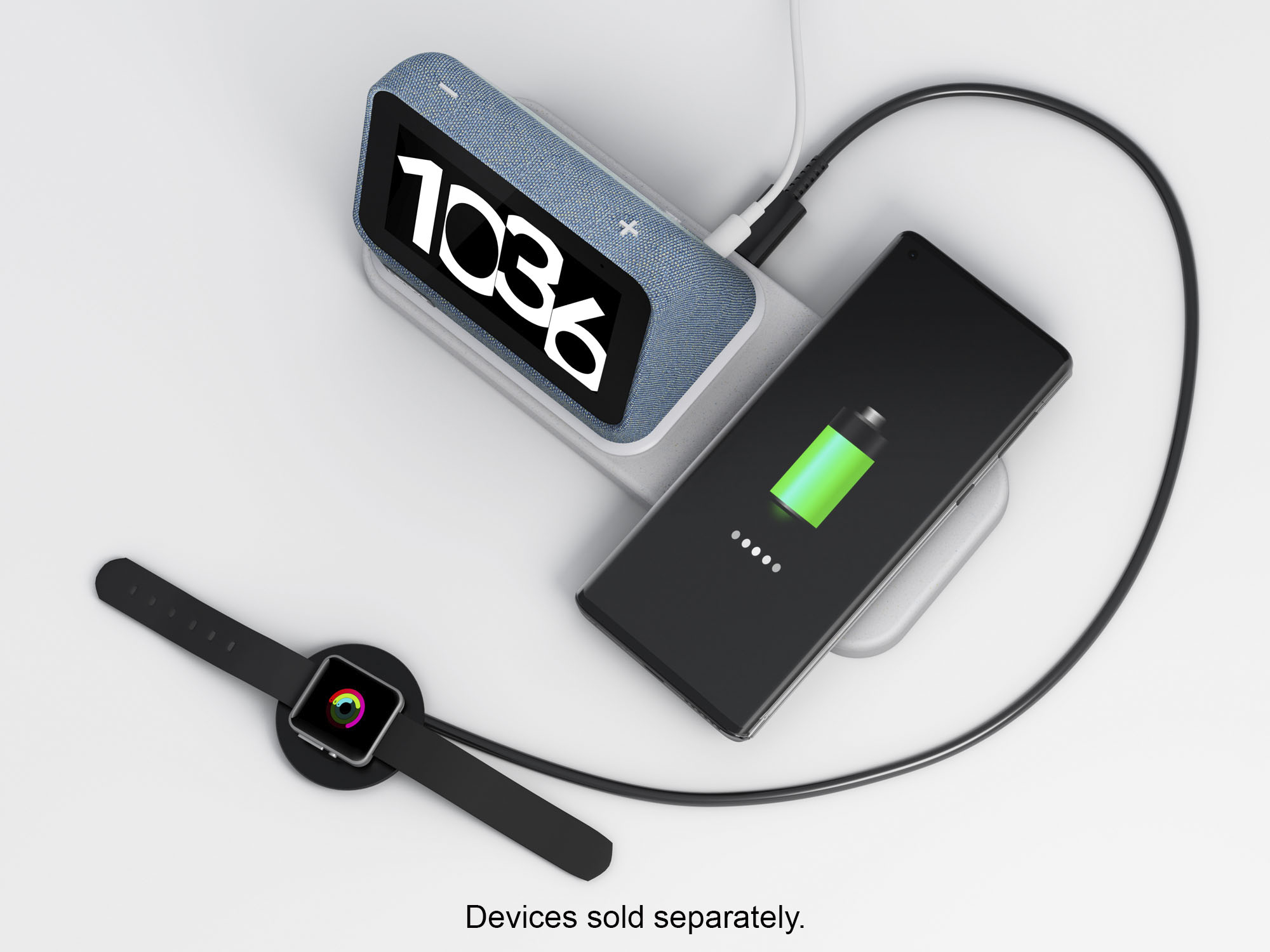
|Posted .This reviewer received promo considerations or sweepstakes entry for writing a review.The clock was easy to setup. The charging dock has a USB plug so I was able to also connect my watch charger and charge it while my phone charged on the pad. The speaker is clear and playing music through it sounds good. They typical smart speaker functions work great. It dims itself when the lights are out so not to add to much light to the room but also has a nightlight feature. I'm very happy with this smart clock.
I would recommend this to a friendBrand response from Lenovo Product Expert
Posted .Thank you for choosing the Lenovo Smart Clock 2. We are pleased to hear that the features and performance of the Smart Clock 2 meets your needs so well.

Connection issues
||Posted . Owned for 1 month when reviewed.This reviewer received promo considerations or sweepstakes entry for writing a review.Unable to connect to my internet. After returning one and purchasing another I was still unable to connect it to my internet.
No, I would not recommend this to a friendBrand response from Lenovo Product Expert
Posted .We are sorry to hear that you are having issues connecting your Lenovo Smart Clock 2 with Wireless Charging Dock to your local WiFi. Be sure you are connecting the Smart Clock 2 to the same WiFi that the smart phone or tablet you are using to setup the Smart Clock 2 with, is connected to. Try resetting the Smart Clock 2 back to original factory settings, if the Smart Clock 2 can not find your WiFi signal. To reset the Smart Clock 2, hold down both the minus and plus buttons on the top of the Smart Clock 2 for 12-seconds, then follow the on-screen instructions. Here is a link to a YouTube video that demonstrates the setup, features and functions of the Smart Clock 2: https://www.youtube.com/watch?v=8rC5W0WEjXM&t=267s. If you have questions about your Lenovo Smart Clock 2 with Wireless Charging Dock, we recommend you contact Lenovo Tech Support for Smart Devices at: 866-426-0911.
Does not work
||Posted .This reviewer received promo considerations or sweepstakes entry for writing a review.The clock is nice, but the wireless charger does not work on my Pixel 6. I tried it in store, and it worked. Does not work.
No, I would not recommend this to a friendBrand response from Lenovo Product Expert
Posted .We are sorry to hear that you are having issues with the wireless charging dock within the Lenovo Smart Clock 2. The wireless charging dock is compatible with both Qi and Magsafe wireless charging formats. Be sure your specific phone model is compatible. If your phone model is compatible with these wireless charging formats, try resetting the Smart Clock 2 back to original factory settings. You can do this by swiping up on the Smart Clock 2 screen. Select the Settings Gear icon at the right. Then select About This Device from the menu. Then swipe to the bottom of the list and select Reset to Factory Settings. If the issue continues, we recommend you contact Lenovo Tech Support for Smart Devices at: 866-426-0911.
Find something better!
||Posted . Owned for 3 weeks when reviewed.This reviewer received promo considerations or sweepstakes entry for writing a review.Doesn't work well with new iPhone 14 Pro Max. Almost impossible to charge phone!
No, I would not recommend this to a friendDon’t waste your money
||Posted . Owned for 2 months when reviewed.This reviewer received promo considerations or sweepstakes entry for writing a review.Don’t waste your money on the wireless charger. It works for 5 seconds then stops working.
No, I would not recommend this to a friendBrand response from Lenovo Product Expert
Posted .We are sorry to hear that you are having issues with the wireless charging dock within this Lenovo Smart Clock 2 with Wireless Charging Dock. The wireless charging dock is compatible with both the Qi and MagSafe Wireless Charging format. Be sure the device you are trying to charge is compatible. If the device is compatible, then with the wireless charging dock connected to the Smart Clock 2, reset the Smart Clock 2 back to original factory settings. Hold down both the minus and plus buttons on the top of the Smart Clock 2 for 10-seconds, then follow the on-screen instructions. If the issue with the wireless charger continues after this reset, we recommend you contact Lenovo Tech Support for Smart Devices at: 866-426-0911.
Technology moves too fast!
||Posted . Owned for 9 months when reviewed.This reviewer received promo considerations or sweepstakes entry for writing a review.This was out dated and not 5G, it was a waste of time, really?!
No, I would not recommend this to a friend- Pros mentioned:Sound quality
Good Bedside Clock with Charger
|Posted .This reviewer received promo considerations or sweepstakes entry for writing a review.The Lenovo Smart Clock 2 is an update from a previous model and includes a charging dock for your smartphone. It features a 4-inch display that would be hard to read from a distance unless you would place it on your bedside as an alarm. This update looks quite similar to the previous model. Lenovo has improved it by raising the display slightly and placed the speakers in the front. Software operates almost exactly like the original Smart Clock. Why offer a newer model with the same software? This clock uses Google Assistant so you can play music, ask questions just by saying "OK Google." It uses YouTube music as well. The Smart Clock 2 operates very similarly to the original Smart Clock. The installation instructions come up on your display when you set it up. It tells you to go to the Google Home app and follow its instructions. One of my main negatives is that the Smart Clock does not come with any detailed instructions. Forget going to the Lenovo website for more help in setting it up as it is hard to reach technical support. One of the nice features of this Smart Clock is that it comes with a charging pad on which to place the clock and your smartphone for charging. In addition, there is a port on the back that lets you plug in an additional device such as a smartwatch. The Lenovo Smart Clock 2 works as advertised with basic functionality. If you want more help from Lenovo, good luck!
No, I would not recommend this to a friendBrand response from Lenovo Product Expert
Posted .Thank you for choosing the Lenovo Smart Clock 2. Initial setup of the Smart Clock 2 is really very easy: Take the Lenovo Smart Clock out of the box and plug in the power adapter on the back side. Download and install the Google Home app on your phone/tablet and sign in with your Google account. The app will show you a new Lenovo Smart Clock is nearby. Click to set it up. There are also printed setup instructions included in the box with the Smart Clock 2. If you have questions about the initial setup of your Lenovo Smart Clock 2, we recommend you contact Lenovo Tech Support for Smart Devices at: 866-426-0911.
- Pros mentioned:Wireless charging
Nice Smart Clock
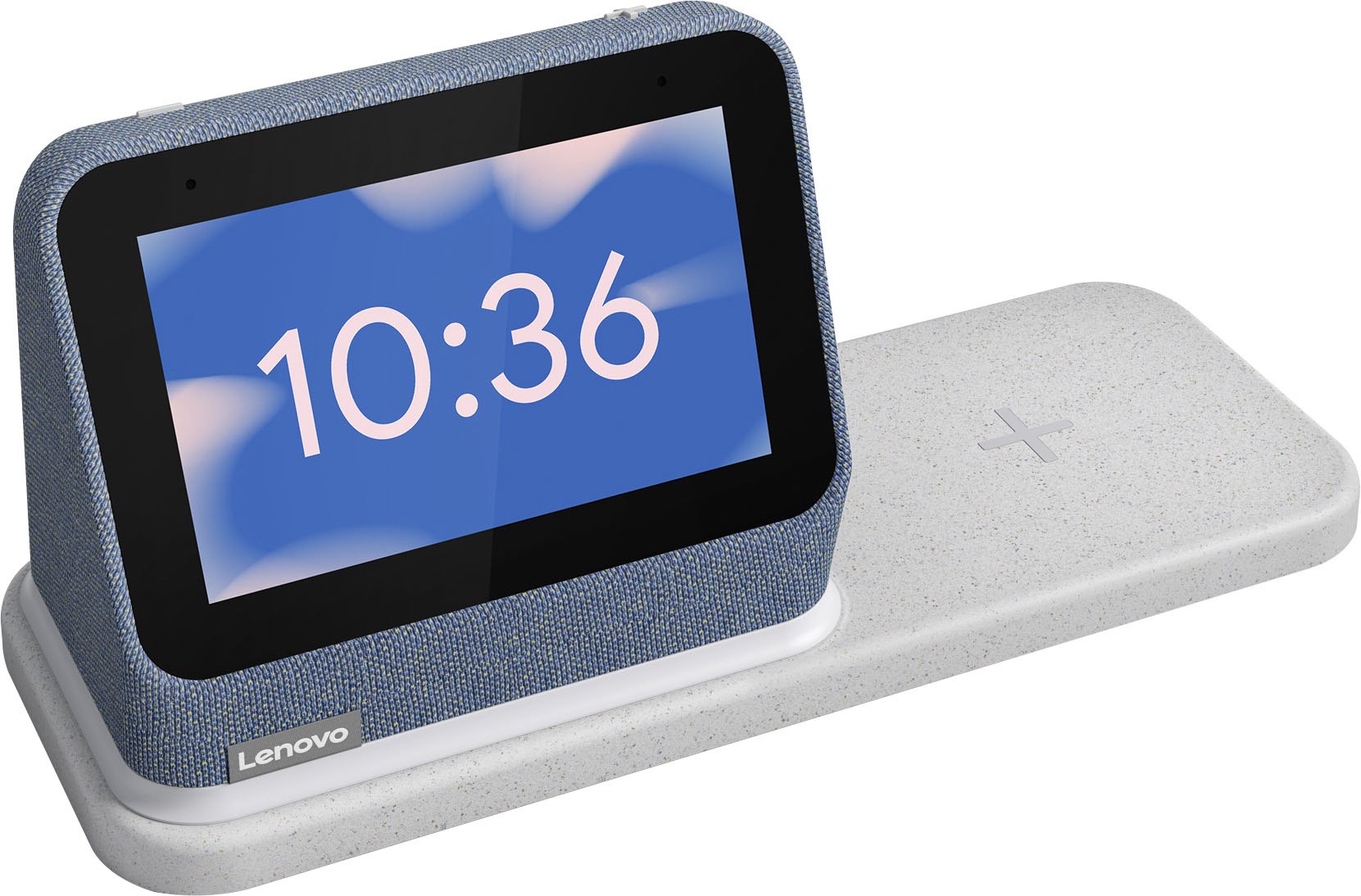
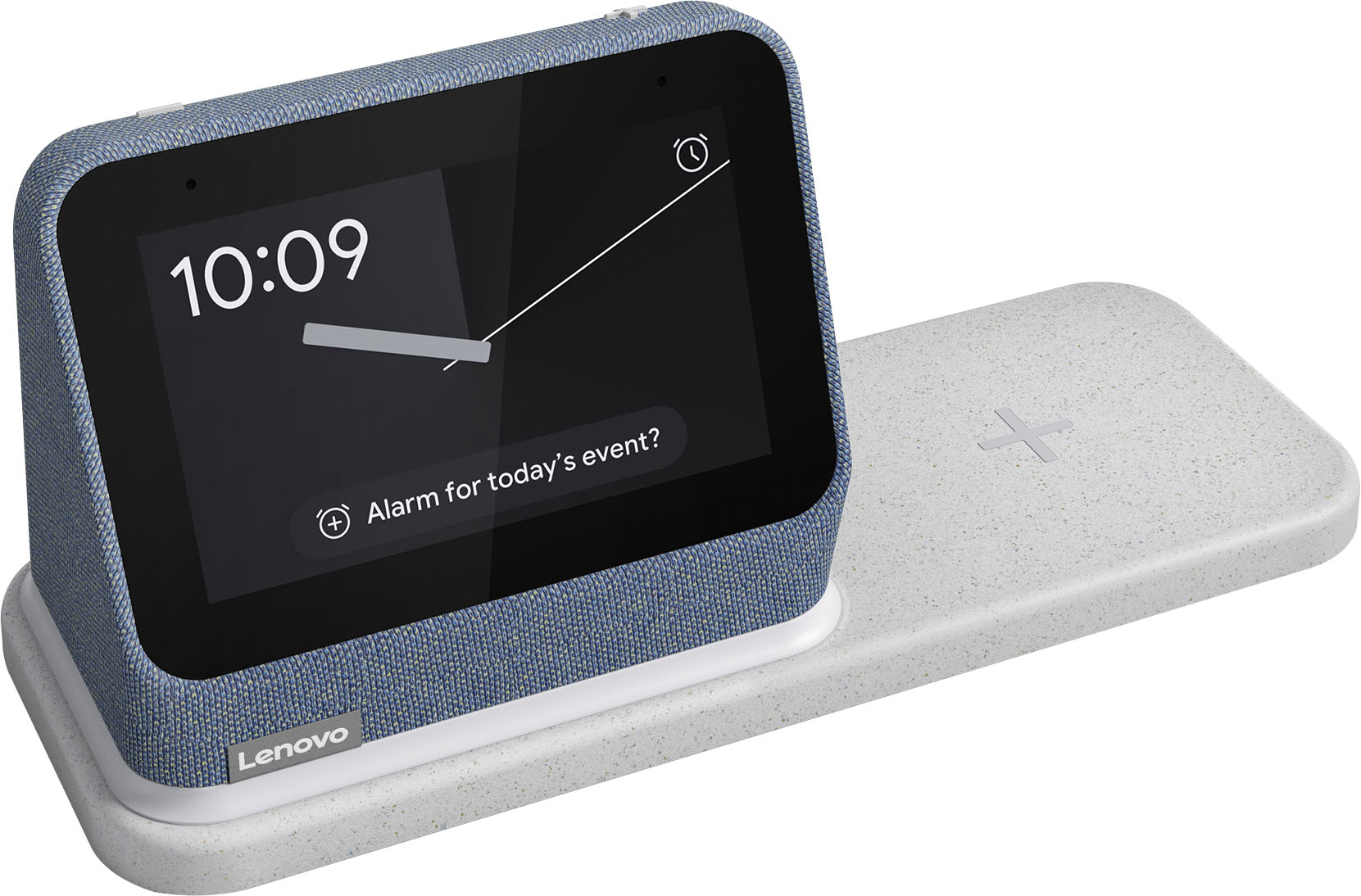
|Posted .This reviewer received promo considerations or sweepstakes entry for writing a review.I want to like this smart clock, but I feel like it's missing something. To personalize your smart clock, you will have to download the google home app. I sync up my Spotify account which I can use via Bluetooth. I can adjust the brightness, the background, set the alarm, and set up my network. It has very simple options nothing that stood out to me. The smart clock is made up of two pieces: the charging mat and the smart screen. The smart screen is on the left side and the charging mat is on the right side. I found it difficult because my bed is on the left so it was inconvenient for me. It would be great if I could adjust the smart screen from left or right. The speaker is not too loud. It reminds me of the old-school AM/FM dial radios as they can sound muffled. If it had a better sound quality I would give it more stars. I like the idea of this smart clock but I feel like it's missing some additional features. The price is not too bad either but it seems too plain.
No, I would not recommend this to a friendBrand response from Lenovo Product Expert
Posted .We are sorry to hear that the Lenovo Smart Clock 2 does not meet your needs. The Smart Clock 2 ships with improved front-firing speakers, that let the Smart Clock 2 deliver better, room-filling audio compared to its predecessor. The speakers are tuned for clearer vocals and better tones. Use the Smart Clock 2 like and intercom and broadcast your voice to other speakers and smart devices in your home. Here is a link to a YouTube video that demonstrates the features and functions Smart Clock 2: https://www.youtube.com/watch?v=O892EcqY5Jc
- Pros mentioned:Sound quality, Wireless charging
Great product / confusing design
Posted .This reviewer received promo considerations or sweepstakes entry for writing a review.Nice smart alarm clock! My wife and I both have one, and use both charging options and the alarm clock every night. Both the USB and wireless charging work well. The clock itself is actually pretty cool and has a nightlight feature I really like. Works fine with Google Assistant. It has a decent speaker for listening to music while getting ready in the morning. The big problem is with the dock. The clock unit powers the dock, which is a pretty weird arrangement. Since power passes from the clock unit to the dock, all device charging stops if you remove it or don’t align it properly. Also, there’s no battery at all, so transporting it into the bathroom for shower time is not happening. Despite those minor design miscues (imo) I really like this little guy.
I would recommend this to a friend - Pros mentioned:Wireless charging
awesome clock
Posted .This reviewer received promo considerations or sweepstakes entry for writing a review.its dope as heck, allows me to charge my phone and the google functions are just *chefs kiss*
I would recommend this to a friend Good clock
Posted .This reviewer received promo considerations or sweepstakes entry for writing a review.Clock works great wireless charger is very sensitive about position of phone
I would recommend this to a friendGreat Clock
Posted .This reviewer received promo considerations or sweepstakes entry for writing a review.Its great clock, plays Sirius and local radio station. Works with all our Google
I would recommend this to a friend- Pros mentioned:Wireless charging
Great product
Posted .This reviewer received promo considerations or sweepstakes entry for writing a review.Nice to have smart clock by the bedside and a charging dock too. All in one with only one electrical cord. With all our electronics, electrical outlets are often in short supply. Would definitely recommend.
I would recommend this to a friend - Pros mentioned:Wireless charging
Multiple use item
Posted .This reviewer received promo considerations or sweepstakes entry for writing a review.Has multi uses beyond what I even bought it to do. I got it for my son thinking it was a simple way for him to keep his phone charged. Turns out he can operate the lights in his room and we’ll as several other things
I would recommend this to a friendBrand response from Lenovo Product Expert
Posted .Thank you for choosing the Lenovo Smart Clock 2 with Wireless Charging Dock for your son. We are pleased to hear that the features and performance of the Smart Clock 2 with Wireless Charger meets your son's needs so well.
- Cons mentioned:Screen size
Expensive Smart clock with limitation
Posted .This reviewer received promo considerations or sweepstakes entry for writing a review.For the price, it is not worth it. Even at the sale price $69.99. The concept of a smart clock if done properly. Lenovo downgraded the gen 2 in terms of Wi-Fi to a mediocre Wi-Fi 4 with single band operating at 2.4 GHz , the most congested frequency of all time. Just for reference, the previous model supported Wi-Fi 5 with dual band, 2.4 and 5 GHz. And the latest Wi-Fi is Wi-Fi 6E with tri band, 2.4, 5, and 6 GHz. To top it off, Lenovo kept the same spec from the previous model for the processor, storage and RAM. The new model still does not support casting videos despite being a smart device with color display. Not to mention, at this price, one can buy a fully smart display speaker, that is more powerful in everything with a larger display. The only way I would recommend this if the price drops below $50
No, I would not recommend this to a friendBrand response from Lenovo Product Expert
Posted .The Lenovo Smart Clock 2 with Wireless Charging Dock, model number ZA970030US, ships with 802.11ac (WiFi-5) frequency WiFi capability installed. 802.11ac WiFi only operates at 5.0GHz frequency. WiFi-5 is backward compatible to older frequency WiFi - a/b/g/n 2.4GHz and 5.0GHz. If your using an older router, it is possible that the Smart Clock 2 will connect to the 2.4GHz frequency. This will depend on the frequency that the device you are using to setup the Smart Clock 2 is connected to. Be sure the smart phone or tablet you are using to set up the Smart Clock 2 is connected to the WiFi frequency you want the Smart Clock 2 to be connected to. Here is a link to a YouTube video that demonstrates the features and functions of the Smart Clock 2: https://www.youtube.com/watch?v=i9EGOZJSlTI&t=181s. If you have questions about your Lenovo Smart Clock 2, we recommend you contact lenovo Tech Support for Smart Devices at: 866-426-0911.
Great clock...not so great charger :(
Posted .This reviewer received promo considerations or sweepstakes entry for writing a review.I got this Clock this holiday and I was excited to switch out my Nest mini as I would prefer a screen to see the time. All is well with the clock itself, customizable, easy to interact with, and great hub to control your home. The reason why I deducted the stars is because the charging dock does not work. I exchanged it one time thinking that it was something wrong with the dock itself and tested my phone with the display at BB. But it seems like after it runs an update, it stops recognizing Samsung phones. I also own an iPhone and it seems to not have any issues with that; but when I place my Samsung Galaxy S20, no matter how I place it, it doesn't charge my phone. I hope they can patch this up soon as I would love to keep the item :)
I would recommend this to a friendBrand response from Lenovo Product Expert
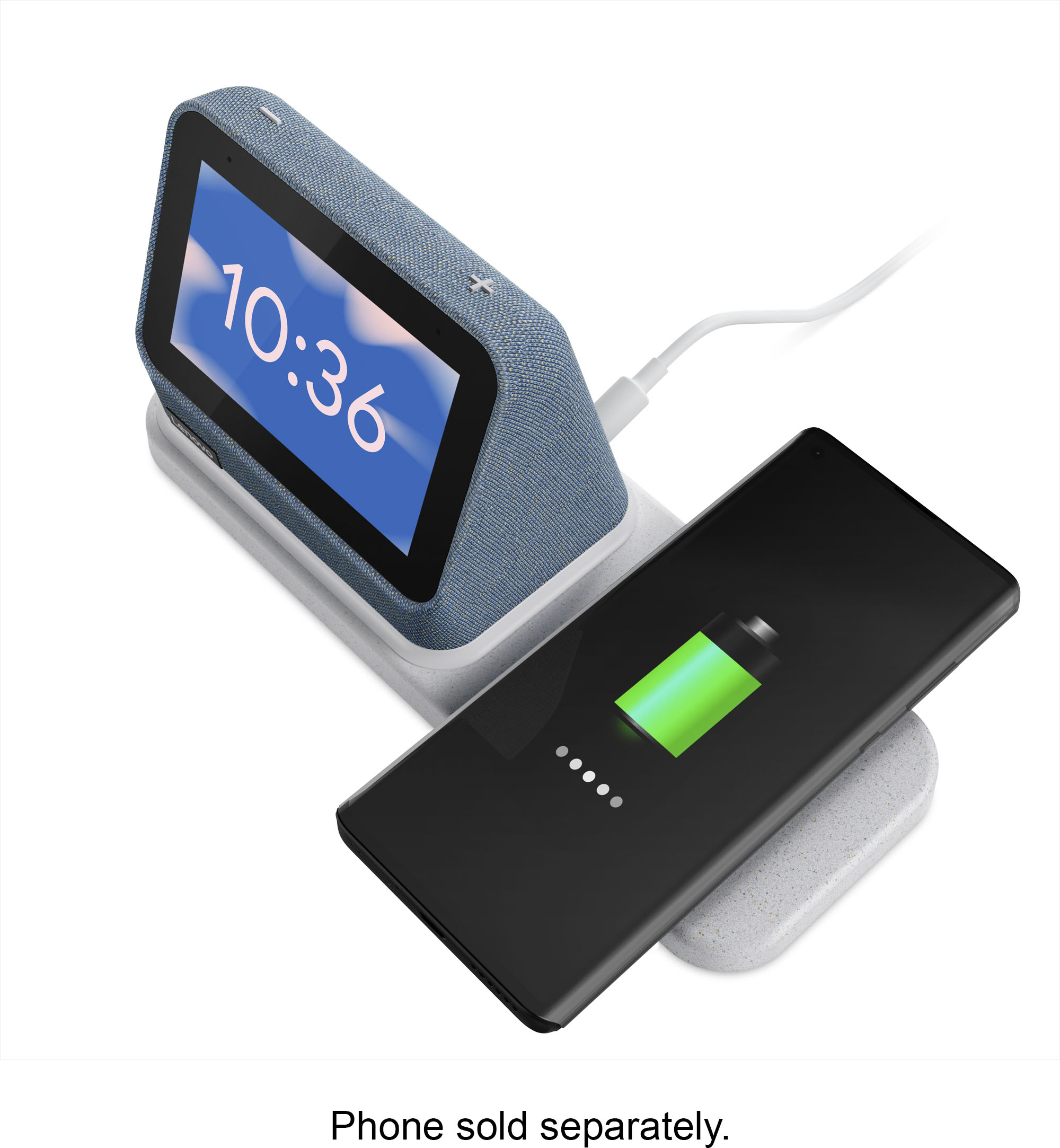
Posted .Thank you for choosing the Lenovo Smart Clock 2 with Wireless Charging Dock. The wireless charging dock is compatible with both the Qi as well as the MagSafe Wireless Charging format. Be sure that your phone is compatible with one of these charging formats. If your phone is, but the wireless charger is not working, first be sure that the Smart Clock 2 is properly attached to the charging dock. The charging dock can not work without the Smart Clock 2 connected to power the charging dock. The night light at the bottom of the Smart Clock 2 will light when the wireless dock is properly connected. Place your Qi or MagSafe Wireless Charging compatible phone over the plus sign on the charging dock. The night light will light when your phone is charging and your phone should indicate that it is charging with an on screen notification and an audio alert, depending on your phone settings. If your phone still does not charge, with the Smart Clock 2 connected to the charging dock, reset the Smart Clock 2 by holding down both the minus and plus buttons on the top of the Smart Clock 2 for 12-seconds. Follow the onscreen instructions to reset the Smart Clock 2. Once the reset is complete, try the charging dock with your phone again. If it still does not charge, we recommend you contact Lenovo Tech Support for Smart Devices at: 866-426-0911.