Customer Ratings & Reviews
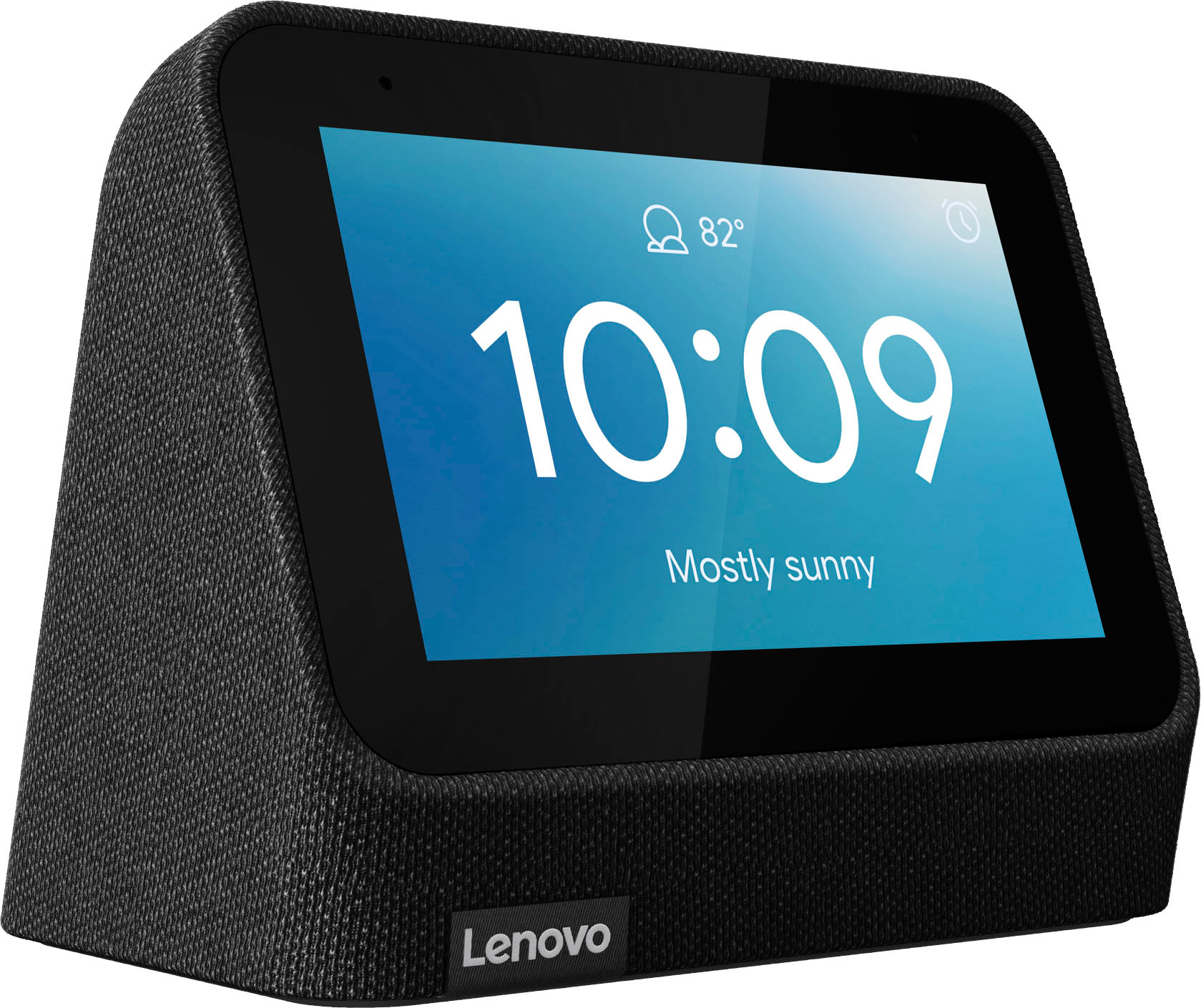
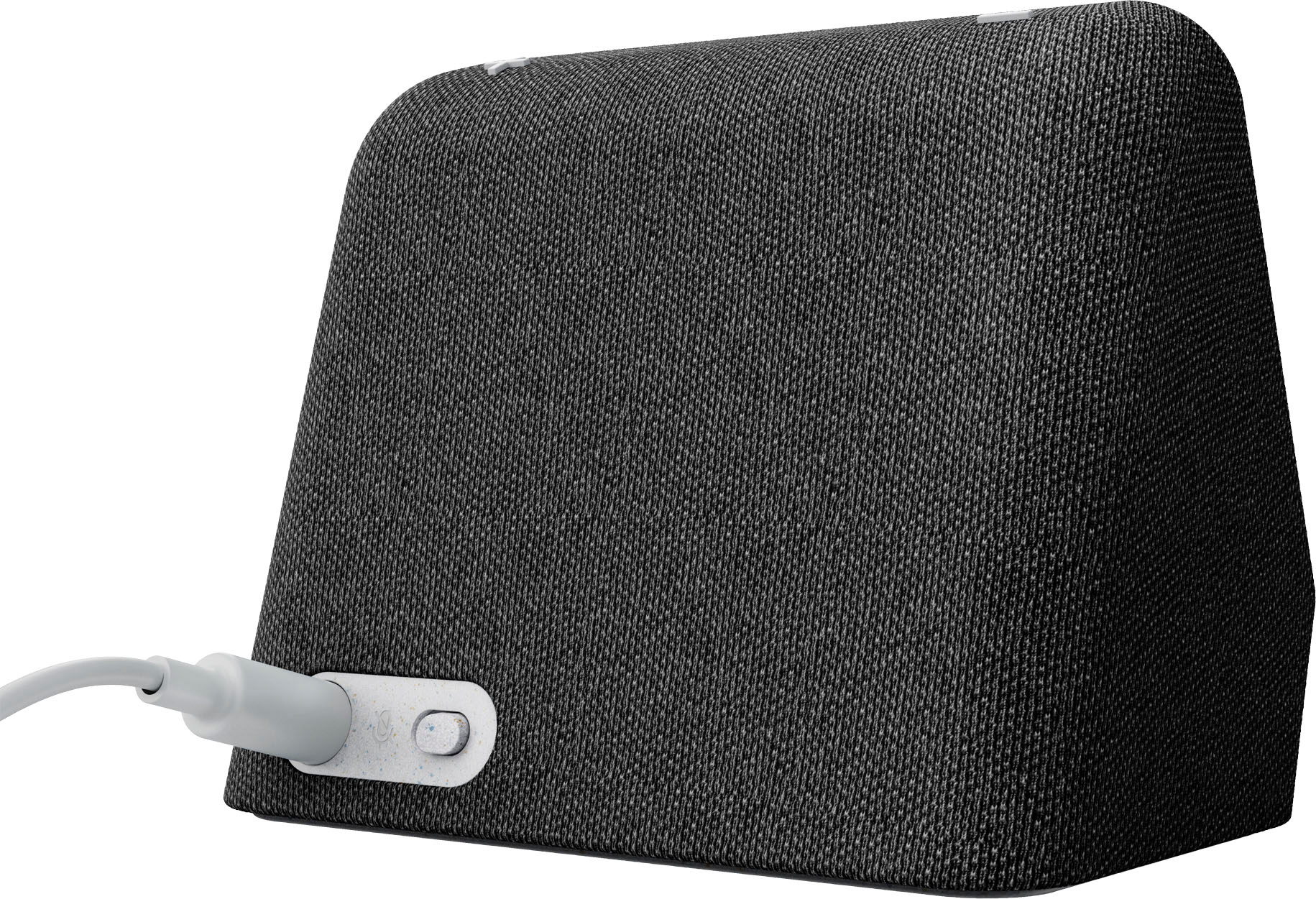
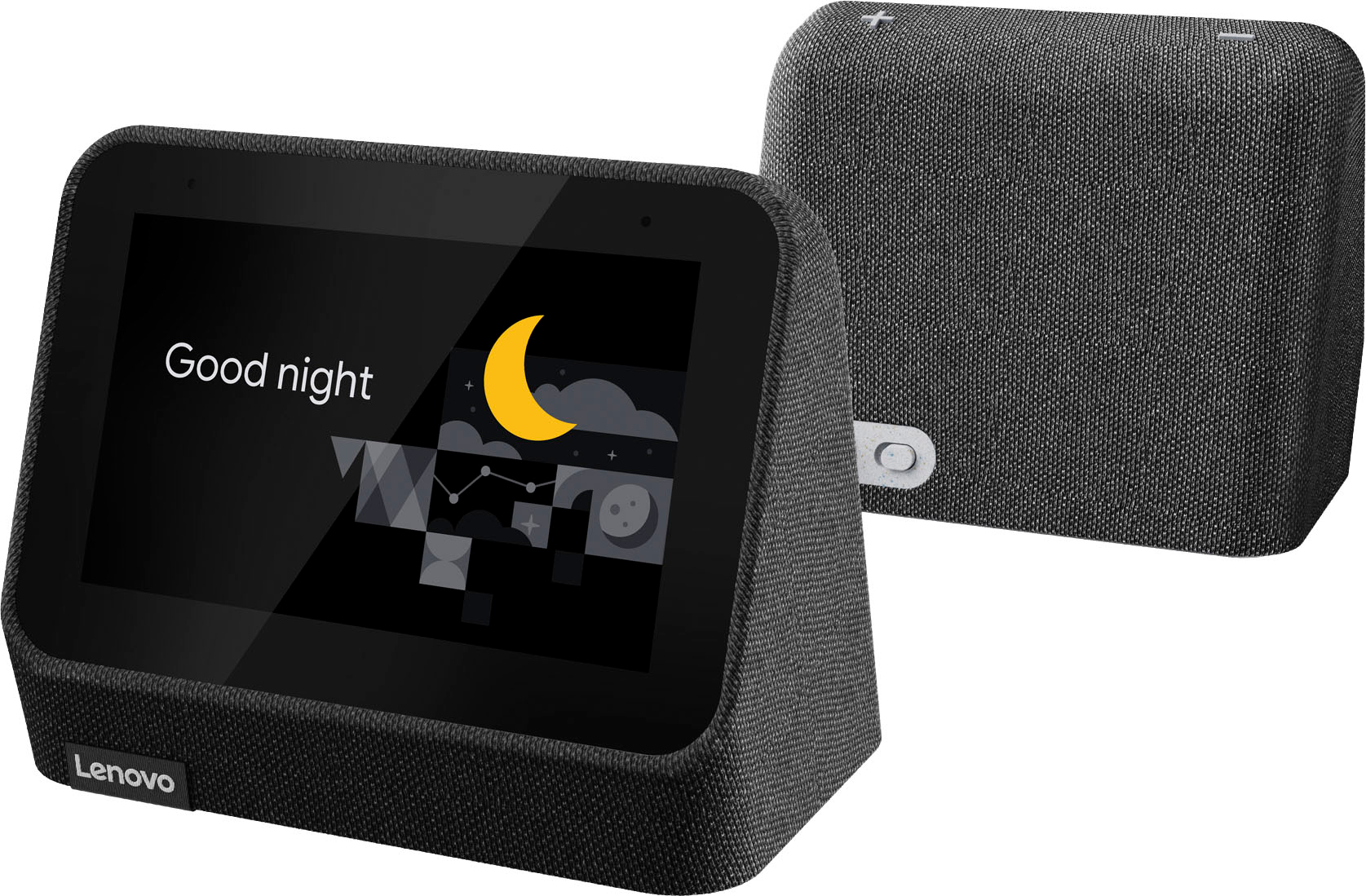
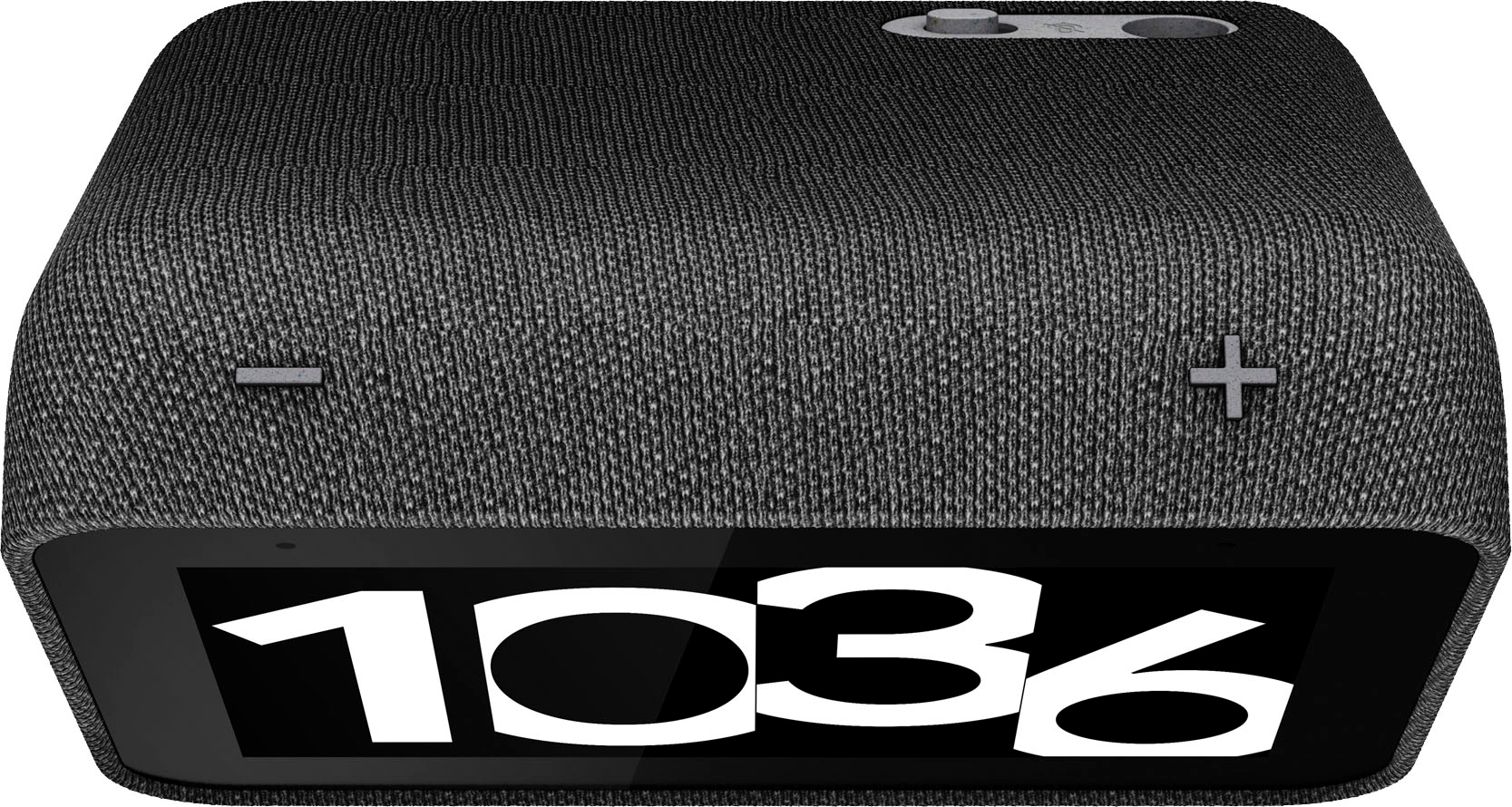

- Model:
- ZA970033US
- SKU:
- 6501836
Rating by feature
- Value
Rating 4.5 out of 5 stars
- Quality
Rating 4.5 out of 5 stars
- Ease of Use
Rating 4.4 out of 5 stars
Customers are saying
Customers find value in the ease of use, great sound quality, and the alarm features of the Smart Clock (2nd Gen). Many appreciate its integration with the Google Assistant and the range of features it offers beyond a simple alarm clock. However, some customers expressed that the screen size is smaller than anticipated. A few also noted the absence of a USB port, a feature present in the previous generation.
This summary was generated by AI based on customer reviews.
- Pros mentioned:Sound quality
Great alarm clock.
||Posted . Owned for 1 month when reviewed.This reviewer received promo considerations or sweepstakes entry for writing a review.Best alarm clock I've ever had. Great features and good sound.
I would recommend this to a friendBrand response from Lenovo Product Expert
Posted .Thank you for choosing the Lenovo Smart Clock 2. We are pleased to hear that the Smart Clock 2 is working out so well for you.

Venu.
||Posted . Owned for 1 month when reviewed.This reviewer received promo considerations or sweepstakes entry for writing a review.Excellent item with combative price and user fridly.
I would recommend this to a friendNice for clock
||Posted . Owned for 1 week when reviewed.This reviewer received promo considerations or sweepstakes entry for writing a review.Display is very nice and bright. Cons speaker isn't very loud and the microphone isn't very good and it's microphone isn't very good. I have to shout at it to get it to work.
No, I would not recommend this to a friend- Pros mentioned:Sound quality
Great clock
||Posted . Owned for 1 month when reviewed.This reviewer received promo considerations or sweepstakes entry for writing a review.Works great love the ability to play bed time sounds
I would recommend this to a friend LCD display with no video playback functionality
||Posted . Owned for less than 1 week when reviewed.This reviewer received promo considerations or sweepstakes entry for writing a review.It's basically Lenovo Smart Clock Essentials with color display. It's mainly a audio device with display to do very basic things. Not very impressive.
No, I would not recommend this to a friendExcellent bedroom clock and speaker
||Posted . Owned for 2 months when reviewed.This reviewer received promo considerations or sweepstakes entry for writing a review.This is a great clock, that isn't too big and has adaptive brightness. You will need the Google Home app to set it up, but you can link other programs to it, like Apple Music, which was great for my needs.
I would recommend this to a friendWorks as expected
||Posted .This reviewer received promo considerations or sweepstakes entry for writing a review.Hendy little thing, the screen dims itself when the lights go off. One annoyance is that there's only one alarm sound. The only option is to wake up to a streaming radio or service rather than an alarm. I wish it was possible to change the alarm tones.
I would recommend this to a friendSimple.
||Posted . Owned for 1 month when reviewed.This reviewer received promo considerations or sweepstakes entry for writing a review.Needed a small simple smart clock. This does the trick. It’s voice recognition could be better. I find myself having to yell at it in order for it to finally respond to my request.
I would recommend this to a friendPerfect
||Posted . Owned for 1 week when reviewed.This reviewer received promo considerations or sweepstakes entry for writing a review.I’ve been having an issue waking up to my phone alarms and this has been the perfect solution. It’s more than loud enough for me to hear it and having it give me a break down of the weather for the day has been a big help since moving to Seattle.
I would recommend this to a friendAvoid this and get the google nest hub instead
||Posted . Owned for 8 months when reviewed.This reviewer received promo considerations or sweepstakes entry for writing a review.setup is more difficult than with other google nest devices and does not work as well.
No, I would not recommend this to a friendNice smart clock for a decent price
||Posted . Owned for 3 weeks when reviewed.This reviewer received promo considerations or sweepstakes entry for writing a review.Nice clock that works perfectly with Google home. The screen is smaller than I thought and the color for cameras isn't really color, it's more like a combo of black & white with color.
I would recommend this to a friendBrand response from Lenovo Product Expert
Posted .Thank you for choosing the Lenovo Smart Clock 2 With Google Assistant. This Smart Clock 2 can display color video form compatible Nest video cameras and select other Google video cameras. If you are getting less than expected video quality on the Smart Clock 2 screen, check the lighting at the source video camera. Also try resetting the Smart Clock 2 back to original factory settings. You can do this by holding down both the minus and plus buttons on the top of the Smart Clock 2 for 10-seconds, then follow the on-screen instructions. If after the reset the screen image color does not improve from the compatible video camera, we recommend you contact Lenovo Tech Support for Smart Devices at: 866-426-0911.
Good quality as expected
||Posted . Owned for 2 weeks when reviewed.This reviewer received promo considerations or sweepstakes entry for writing a review.I purchased this for my wife since she liked my 1st gen version so much. It's definitely got some improvements over the original and works well. I like that it comes with the expansion port on the bottom for the wireless charging pad.
I would recommend this to a friendPerfect
||Posted . Owned for 1 month when reviewed.This reviewer received promo considerations or sweepstakes entry for writing a review.This smart clock is perfect for the bedroom nightstand. Has the weather right on the screen which is perfect for living in the cold climate. The alarm is very loud which i need in the mornings in my deep sleep
I would recommend this to a friendWorks for mw
||Posted . Owned for 1 month when reviewed.This reviewer received promo considerations or sweepstakes entry for writing a review.Works like the alarm clock on your phone but had to change the ring tone for whatever reason the default ring tone does not make a sound.
I would recommend this to a friendGoes to sleep
||Posted . Owned for 1 month when reviewed.This reviewer received promo considerations or sweepstakes entry for writing a review.As expected. It goes into a sleep mode or something and is off for a few hours in the early mornings. Havent figuref out how to correct.
I would recommend this to a friendSmart Clock is Dumb
||Posted .This reviewer received promo considerations or sweepstakes entry for writing a review.It does not connect to wi-fi and it is not discoverable on bluetooth. Troubleshooting does not work (resetting modem, resetting clock to factory settings, unplugging and plugging the power, etc) and it didn't work right out of the box. Resetting to factory settings is useless if it does not work with first time use. Going back to Best Buy tomorrow and if the techs can't fix it, I will return it and get a better one.
No, I would not recommend this to a friendBrand response from Lenovo Product Expert
Posted .Hello, Crazywolf, we are sorry to hear that you encountered issues with your Smart Clock. If you still are in possession of your Smart Clock and those troubleshooting steps did not work, here is a link to a Lenovo Support webpage that may hold a resolution to your issue: https://support.lenovo.com/us/en/solutions/ht512647-lenovo-smart-clock-2-frequently-asked-questions-faqs#53 However, if after reviewing this content and following troubleshooting steps your issue persist, we recommend reaching out to Lenovo Tech Support for additional assistance at this phone number: 877-453-6686.
Need to fix firmware
||Posted . Owned for 1 month when reviewed.This reviewer received promo considerations or sweepstakes entry for writing a review.So I added it through the Google home app like the on screen instructions prompt you to do so. I got to the part where it wanted to download updates to continue the setup process. I kept getting a connection failure error message. I bought 2 of them and they both got the same error. I reset the devices several times and started over and always got the same error. I have read of other users having the same problem.
No, I would not recommend this to a friendBrand response from Lenovo Product Expert
Posted .Hello, Louie, we are sorry to hear that you have encountered an issue with your Lenovo Smart Clock. The connection issues may be due to Wi-Fi security protocols or if your Wi-Fi connection requires to bypass a capture portal to access internet. Here is a link to a Lenovo Support webpage that details troubleshooting steps that may help with resolving your issue: https://support.lenovo.com/us/en/solutions/ht512647-lenovo-smart-clock-2-frequently-asked-questions-faqs#53 . However, if after reviewing this content and your issue persist, we recommend reaching out to Lenovo Tech Support for additional assistance at this phone number: 877-453-6686.
- Pros mentioned:Ease of use, Sound quality

Tech upgrade for your alarm clock
|Posted .This reviewer received promo considerations or sweepstakes entry for writing a review.I have used a traditional alarm clock for over 50 years and never thought that it could do more than just tell time and set an alarm. Yet every time I purchase a new cell phone, I make sure it is an upgrade that offers a multitude of useful functions. The Lenovo Smart Clock 2 is the sophisticated, user-friendly result you get when you cross Google’s Android 10 operating system with an alarm clock. The settings and features make for a truly customizable “smart” device while the ability to swipe the touchscreen is very reminiscent of using a cell phone. At first, I thought the Smart Clock 2 was an overpriced digital alarm clock. Since I have been familiarizing myself with some of the basic settings (brightness and dimming, volume, choosing the alarm sound, rotating between my photos, a clock and my photos for the background), I learned that I can connect to other accounts: Spotify to play music, SmartThings to control household devices with Nest. It won’t take long before you realize this gadget has so much more potential than you originally thought. Google Assistant has been such a big help for me. I have always depended on asking my husband for the weather forecast. Now I say, “Hey Google, what’s the weather for today?” The same goes for traffic, news, and more. I have not yet begun to tap the notes and lists, podcasts, live TV, radio, and setting routines functions, but I am looking forward to doing that. The downside for me is that it cannot easily be transported outside the network where you set it up. It takes time to reset the device with the new network when you change locations. It doesn’t run when it is unplugged (point for traditional alarm clocks that can run on a battery). In this case, it is more like a cordless phone versus a cell phone. Unfortunately, the Lenovo Smart Clock does not support video playback. You will have to look towards the Google Nest Hub or Nest Hub Max if you want to watch YouTube or cast videos. The model that I have does not have the base that charges personal wireless devices. I would recommend paying the additional $20 to get the charging station. I have asked the Google Assistant to set a timer for me but it hasn’t worked. I have to look deeper into the situation to see if I can figure out how to make it happen. I am not too fond of the on screen night light on this model. I prefer the night light on the Smart Clock Gen 2 with charging station. I will say that this is a longtime needed upgrade to a boring, bedside alarm clock and in fact, can be used in any room in your home. While there is still a lot of potential for growth, my Lenovo Smart Clock 2 gets a lot of use.
I would recommend this to a friendBrand response from Lenovo Product Expert
Posted .Thank you for choosing the Lenovo Smart Clock 2. You can set a timer by using a Voice Commend like - Hey Google, set a timer for 25-seconds. You can also pause and restart the timer by Voice Command as well. Here is a link to a YouTube video that demonstrates the features and functions of the Smart Clock 2: https://www.youtube.com/watch?v=O892EcqY5Jc
- Pros mentioned:Sound qualityCons mentioned:Usb port
Good, not Great clock with Google Home
|Posted .This reviewer received promo considerations or sweepstakes entry for writing a review.There's not a lot to say here. It's a clock with a 4" video display and Google Home built-in. The speaker is plenty for a bedroom space. The display is bright enough and the colors are just average. I do think it could have stood to be slightly larger around 5" or so. It's nice to be able to put your family photos from Google Photos on the device and have it cycle through them. Makes for a nice little picture frame on the night stand. It does everything you expect a Google Home video screen to do in that in can show the weather and so on. A major missing component on this model is that there is no usb port on it for charging a phone. My previous Lenovo Smart Clock had a usb port on it giving me the ability to save an outlet and charge my phone or smart watch overnight. That is gone here which is a real drag. My model didn't come with the wireless charging stand which might be a nice feature to add on for those that have devices that can wireless charge, but it does cause the device to take up a bit more space on your nightstand. I probably wouldn't go out of my way to recommend this to others. It's just ok, and for the price I think they could have done more. There are alternatives out there, even Nest devices that fit the bill if you really want something that has a screen sitting on your nightstand. Good not Great.
No, I would not recommend this to a friendBrand response from Lenovo Product Expert
Posted .Thank you for choosing the Lenovo Smart Clock 2. We are sorry to hear that the features of this Smart Clock 2 do not meet all of your needs.
Works great with google commands
||Posted . Owned for 2 months when reviewed.This reviewer received promo considerations or sweepstakes entry for writing a review.I ended up buying the black version of this clock because the bundled version did have this color. I now have a smart clock for all the rooms in my home to control lights and music.
I would recommend this to a friend