Customer Ratings & Reviews
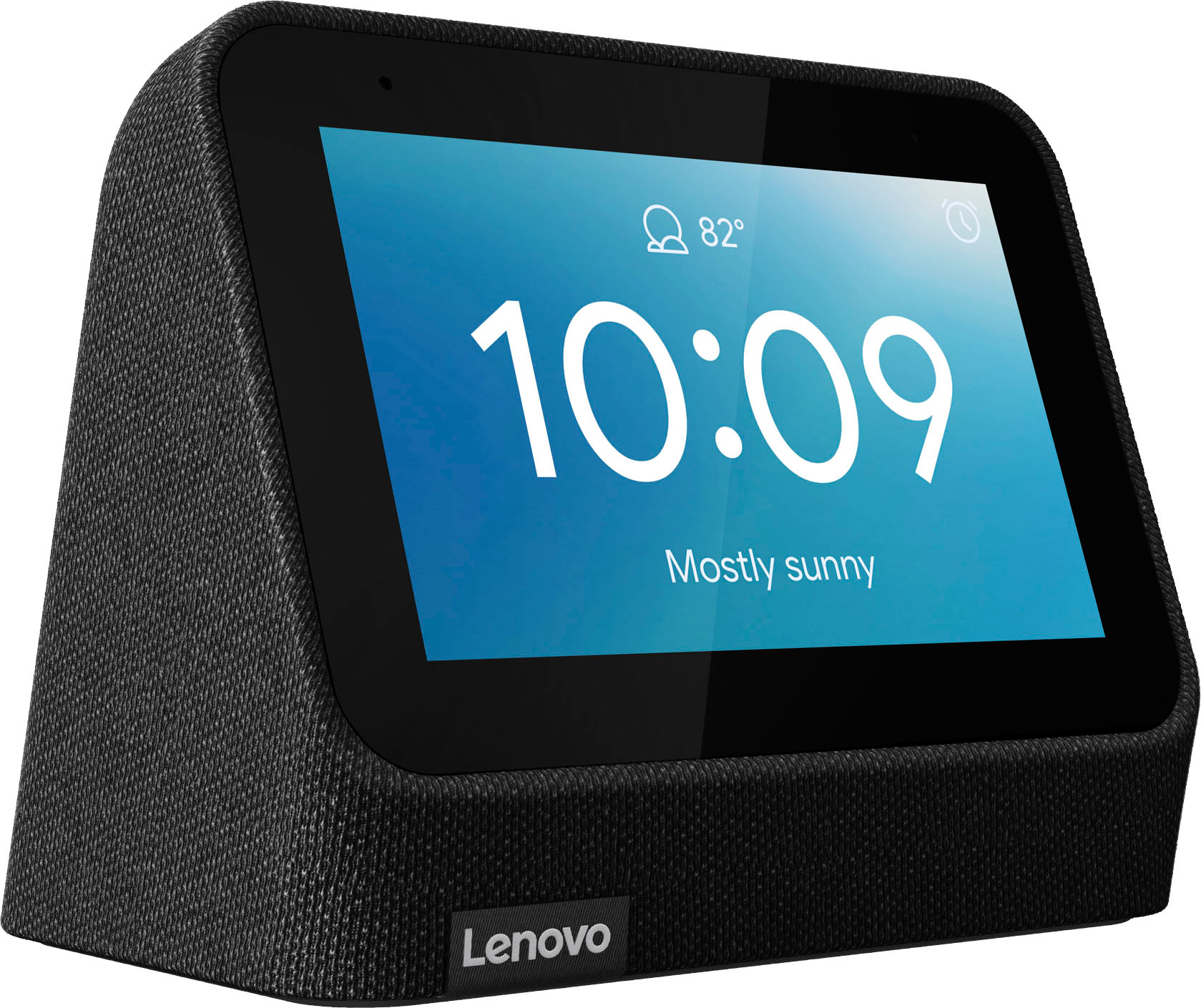
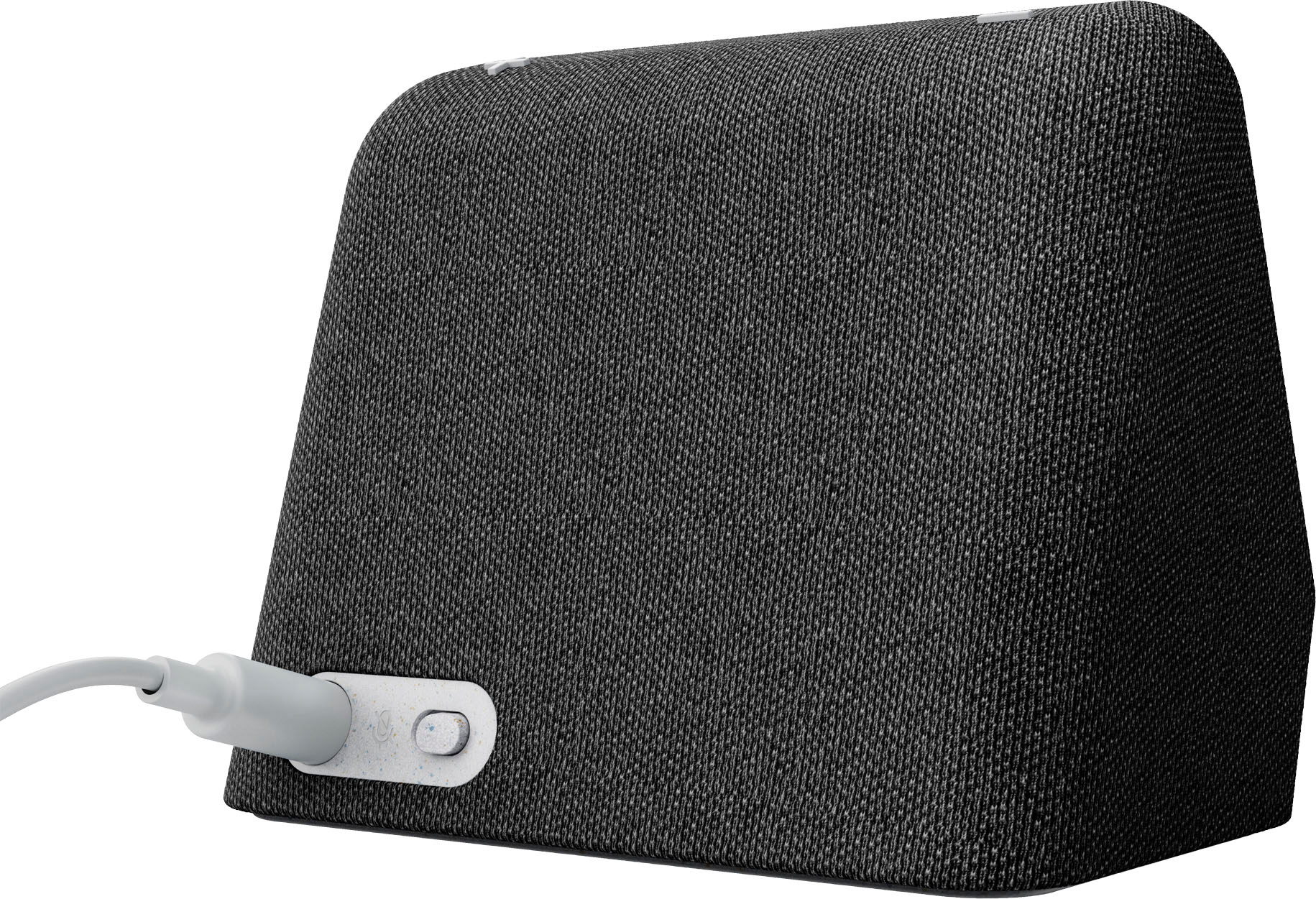
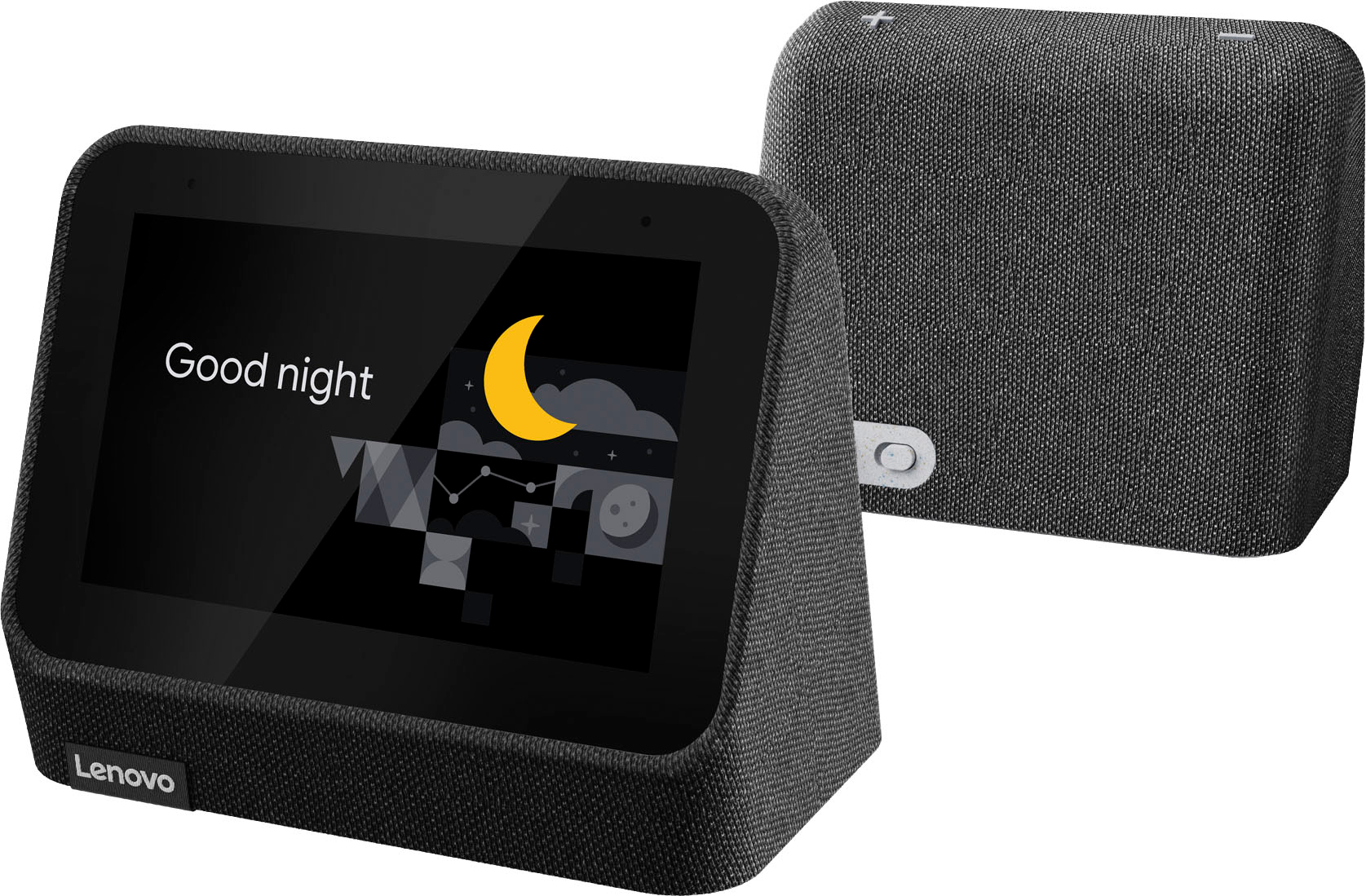
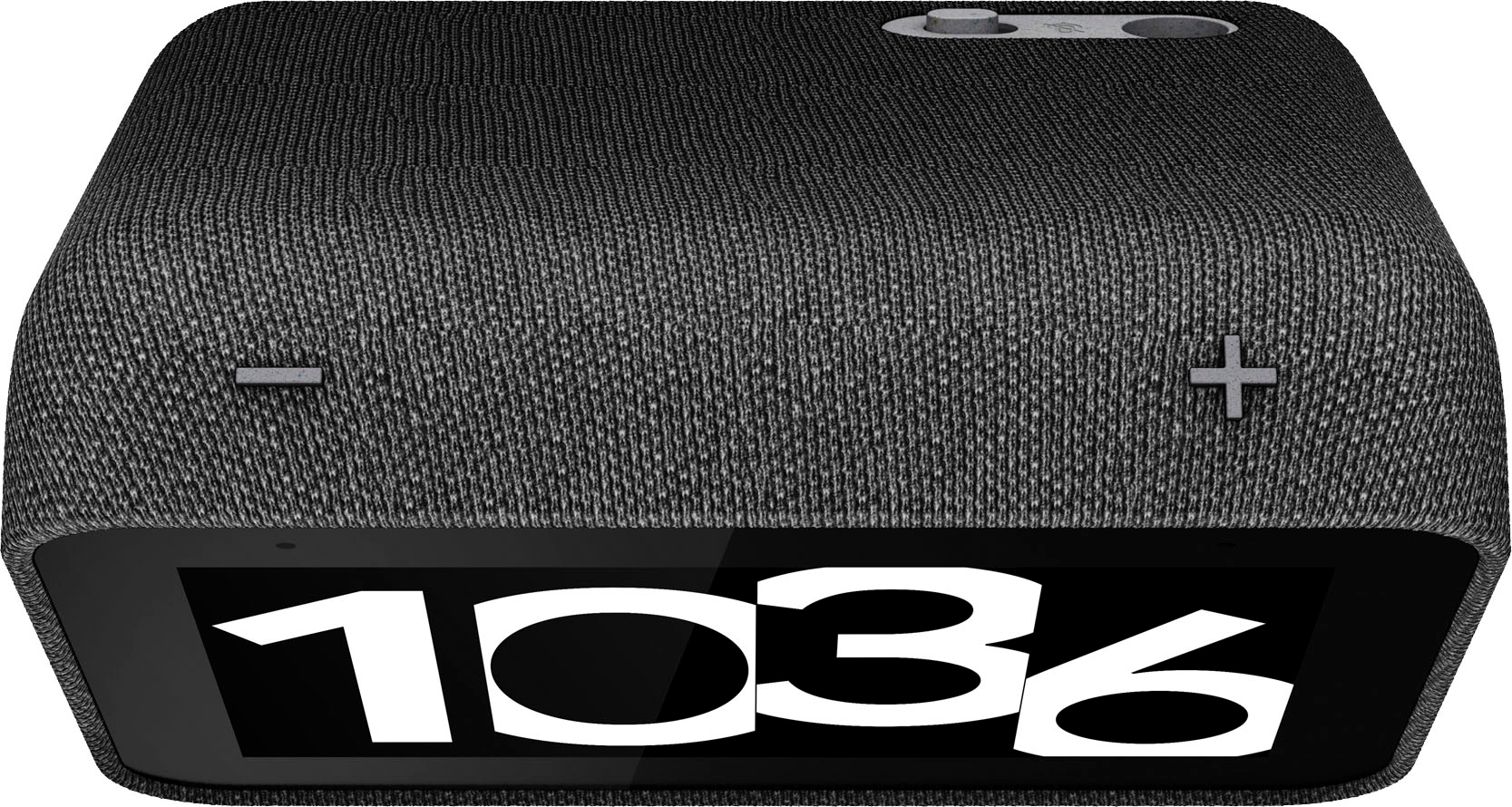

- Model:
- ZA970033US
- SKU:
- 6501836
Rating by feature
- Value
Rating 4.5 out of 5 stars
- Quality
Rating 4.5 out of 5 stars
- Ease of Use
Rating 4.4 out of 5 stars
Customers are saying
Customers find value in the ease of use, great sound quality, and the alarm features of the Smart Clock (2nd Gen). Many appreciate its integration with the Google Assistant and the range of features it offers beyond a simple alarm clock. However, some customers expressed that the screen size is smaller than anticipated. A few also noted the absence of a USB port, a feature present in the previous generation.
This summary was generated by AI based on customer reviews.
A good clock in the year 2001, not for 2021.
Posted .This reviewer received promo considerations or sweepstakes entry for writing a review.I can't believe I'm the first person to rate lower than 3 stars: either most have low expectations or just less experience with tech in the 2020's. While this adequately repeats what your Android phone's Google Assistant does (it's biggest plus) well, my phone already does all that!...and sits on my nightstand too. So it's biggest plus is a sort of non-sequitur. It's flaws are many, which will be the focus of my review, since most well cover its attributes, and I think all should be warned of dangers that lurk. And by the way, I bought mine elsewhere in a combo pack with a Lenovo smart light bulb, hence it's a part of my review. I'll countdown from lesser to greater frustration provoking flaws: * With more than enough room (and high retail price) for 2 tiny speakers instead of 1, for a device that features playing music, well, my phone sounds better and also responds to voice commands. * While it is not dual-band wifi, I somehow got this working, and the light, anyway. In this case a positive flaw? However, the set up is horrendous, slow and complex. And get this: the Lenovo app you have to install on your phone does still can't get the clock to connect to the light! So while I can connect all to Google Home and use "hey google" on my phone to operate the light, I cannot use the clocks "hey google" for the same. * Getting the light to work requires technical skills and patience, as the connection tech is flawed. This is why some reviews (where sold with a light) just assume the bulb is useless. I simply use it as another Google Home smart device, though it still requires the Lenovo app as an intermediary, which slows down command response. Also, when I use voice control for the light, the clock speaks back what it is doing "turning on light" twice. * Installation guide: adequate, but user guide, there is none, nor is there even a link to the one I found online, with a lot of searching, as results mostly are for the older model. The online guide still gives too-little information, such as the nature sounds options that I think are built in, but don't exist in any menu, printed matter or the online guide. * Got a lot of time? Good, because when you ask it to do things, like playing music, you'll wonder if it's not working, given the delay to get it going. * I already mentioned the poor sound quality, how about the screen? It is strangely low resolution, didn't know that one could get at any low price, any screen that is so low res. * However... I love the clocks low light, low contrast at night, and that it uses sensors to adjust brightness, that works! * And to end this on the deserved sour note: it has a feature to connect to your phone's photos app to use as background pic for the clock. It doesn't connect on mine, however I haven't tried since it updated its firmware, as they don't seem to allow you to combine the analog clock option with any other background but the one baked on to it. Such limitations harken back 10 years or more in tech...
No, I would not recommend this to a friendBrand response from Lenovo Product Expert
Posted .We are sorry to hear that the Lenovo Smart Clock 2 Bundle with Lenovo Smart Light Bulb does not meet your needs. Regarding the setup of the Lenovo Smart Light Bulb, you will need to download and install the Lenovo Link Pro APP to your smart phone or tablet, to be used for the setup of the Smart Light Bulb. Be sure to use the same device for downloading and installing the Google Home APP for the setup of your Lenovo Smart Clock 2. This will make it possible to pair the Lenovo Link Pro APP to the Google Home APP which will now recognize both the Smart Clock 2 and your Smart Light bulb. Here is a link to a YouTube Video that demonstrates the setup of the Lenovo Smart Light Bulb: https://www.youtube.com/watch?v=LN5T6_Evkoo&t=20s. There is an additional YouTube video that demonstrates the features and functions of the Lenovo Smart Clock 2: https://www.youtube.com/watch?v=i9EGOZJSlTI&t=266s. If you have questions about your Lenovo Smart Devices, we recommend you contact Lenovo Tech Support for Smart Devices at: 866-426-0911.


Adds a clock face to google mini, not much else.
|Posted .This reviewer received promo considerations or sweepstakes entry for writing a review.This Lenovo smart clock is not much more than a google mini. It adds a clock face to it, that's about all. The description says you can view security camera streams, but I cannot get it to do so. Not the Arlos, not the eufy, not even the Google doorbell. It tells me this clock does not support streaming, even though the description says it does. It is a nice-looking alarm clock. There are many clock face choices to choose from. The nightlight color choices are limited though. The voice response is quick, clear, and works just like my minis. Other than not showing camera streams, it works with the other devices in my home. It works the smart lights just fine, streams music well, sets alarms, schedules, scenes, checks the weather, traffic, etc. But my Google minis and Lenovo smart display do the same. My Lenovo smart display DOES stream my cameras with no problem. I'm not sure why this one isn't doing as it says it should. If you don't have a Google mini in your room with your alarm clock, this does well combining the two. Otherwise, it's redundant.
No, I would not recommend this to a friendBrand response from Lenovo Product Expert
Posted .We are sorry to hear that you are having issues with your Lenovo Smart Clock 2. You can pair your Google Nest doorbells and webcams to the Smart Clock 2 and display those Google Cameras on the Smart Clock 2 screen. Be sure you have the Smart Clock 2 and the Google cameras you want to view paired to the same Google Home APP and all devices are on the same WiFi frequency and network. Here is a link to a YouTube video that demonstrates the features and functions of the Lenovo Smart Clock 2, if you continue to have issues, we recommend you contact Lenovo Tech Support for Smart Devices at: 866-426-0911. Here is the link to the YouTube video: https://www.youtube.com/watch?v=i9EGOZJSlTI&t=72s
- Cons mentioned:Usb port
A good clock with one thing to look out for
Posted .This reviewer received promo considerations or sweepstakes entry for writing a review.I've had this lclock for about 2 weeks now I think and while I like it so far, there are two slight issues I have. The first is that the nap timer isn't adjustable as far as I'm aware and is fairly short at around 40min. and the second issue has less to do with the clock itself, while this version seems to support the base, as far as I see, you can't buy the base itself anywhere, So if you think you might want the base in the future then I suggest just buying that version.
I would recommend this to a friend No date display
Posted .This reviewer received promo considerations or sweepstakes entry for writing a review.Bought it to replace broken clock, setting up voice recognition for reminders to a bit but has worked well so far. Wish it had a clock display that also shows the date.
I would recommend this to a friendThanks but no thanks
Posted .This reviewer received promo considerations or sweepstakes entry for writing a review.The size was nice, but we prefer seeing what time it is in low light and even when we have to get up when it is dark. It goes dark when it is low light and definitely when it is dark, so for that purpose alone, we gifted it to someone who does NOT like the light when they sleep. The other goodies we could care less about.
No, I would not recommend this to a friendBrand response from Lenovo Product Expert
Posted .We are sorry to hear that you have encountered an issue with your Lenovo Smart Clock. For future reference or for those who may see this response and have encountered a similar issue, here is a link to a Lenovo Support webpage that details some troubleshooting steps for issues, including how to adjust the lighting for your Smart Clock, as this could resolve your issue: https://support.lenovo.com/us/en/solutions/ht512647-lenovo-smart-clock-2-frequently-asked-questions-faqs#53 . However, if after reviewing this content and following troubleshooting steps your issue persist, we recommend reaching out to Lenovo Tech Support for additional assistance at this phone number: 877-453-6686.
- Pros mentioned:Sound quality
Love it
Posted .This reviewer received promo considerations or sweepstakes entry for writing a review.This is a product I had been wanting for some time and I didn't know how I'd love it this much . I keep it on my bedside table for the clock but also because we play music to go to sleep and being able to tell my clock to play music is pretty cool ! . I use it daily to tell google to turn on my lights and TV and ask about the weather . Works great
I would recommend this to a friend Good buy
Posted .This reviewer received promo considerations or sweepstakes entry for writing a review.It’s okay. I like it, I wouldn’t say I love it, but I do like it.
I would recommend this to a friendBest don't buy
Posted .This reviewer received promo considerations or sweepstakes entry for writing a review.Great google speaker. Terrible buying experience from best buy.
No, I would not recommend this to a friendNot for YouTube Music users
Posted .This reviewer received promo considerations or sweepstakes entry for writing a review.I bought this thinking it would be just the same as a Google Home Google Assistant device, but with a clock and alarm built in. However, trying to use YouTube Music, it won't properly log in -- it won't play any custom playlists or use your personalized history, just the generic login with community playlists. So if you create a Smart Routine with YouTube Music as part of it, you'll have to call specific songs by name rather than personal playlists.
No, I would not recommend this to a friendBrand response from Lenovo Product Expert
Posted .Hello, Fitch, we are sorry to hear that you have encountered an issue with your Lenovo Smart Clock. Here is a link to a Lenovo Support webpage that details some troubleshooting steps for issues, including how to reset your Smart Clock, as this could resolve your issue: https://support.lenovo.com/us/en/solutions/ht512647-lenovo-smart-clock-2-frequently-asked-questions-faqs#53 . However, if after reviewing this content and following troubleshooting steps your issue persist, we recommend reaching out to Lenovo Tech Support for additional assistance at this phone number: 877-453-6686.
Best Clock
Posted .This reviewer received promo considerations or sweepstakes entry for writing a review.I have owned 2 1st Gen for about 5 years now and used to have Bose Wave Clock Radio and this is better for me than the Bose, great wake up routine and I just ordered 22nd Gen today and can't wait to pickup.
I would recommend this to a friendGood Smart Clock
Posted .This reviewer received promo considerations or sweepstakes entry for writing a review.Great smart clock if you can find it on sale. I got mine in a bundle with a smart color bulb for less than $25. At retail price, it is way over-priced since you can buy a smart display speaker for about the same price and it is a larger screen with more functionality and features. Another awful thing Lenovo did, not only they did not upgrade the RAM, storage and CPU from the previous model, they downgraded the Wi-Fi from dual band Wi-Fi 5 to 2.4 GHz Wi-Fi 4 !!!!
I would recommend this to a friendBrand response from Lenovo Product Expert
Posted .This Lenovo Smart Clock 2 model number ZA970008US, ships with 802.11 a/b/g/n, 2.4GHz WiFi connectivity for better, more constant WiFi connectivity across a wider range of WiFi frequencies.
Clock
Posted .This reviewer received promo considerations or sweepstakes entry for writing a review.Works great and looks great! Runs off WiFi in my home.
I would recommend this to a friendOnly lasted a year
Posted .This reviewer received promo considerations or sweepstakes entry for writing a review.Alarm clock was great but suddenly stopped working after 1 year for the price I expected it to last longer then a year.
No, I would not recommend this to a friendPoor quality Lenovo smart clock.
Posted .This reviewer received promo considerations or sweepstakes entry for writing a review.I found the speaker very inadequate compared to my Alexa speakers. I found this unit very irritating at night as it alternated from bright to dim every few minutes. Suppose to also display weather, but never could get that feature to work. I returned for an Alexa dot.
No, I would not recommend this to a friendLacks functionality
Posted .This reviewer received promo considerations or sweepstakes entry for writing a review.Save your money, this thing kinda sucks. You can't use a song for the alarm, streaming Spotify cuts in and out, or just stops playing, no aux audio output. Doesnt allow for repeat song function (which I wanted for white noise). Basically it just will tell time and temp and let you wake up to 5 Google tones. Doesn't do half the things you'd expect it to.
No, I would not recommend this to a friendVery disappointed!
Posted .This reviewer received promo considerations or sweepstakes entry for writing a review.Cute clock, but unreliable. I only had it a month & a half & the alarm wouldnt go off. Even with me turning the volume to max, you couldnt hear the alarm. Was late for work twice because of it!
No, I would not recommend this to a friend