Customer Ratings & Reviews
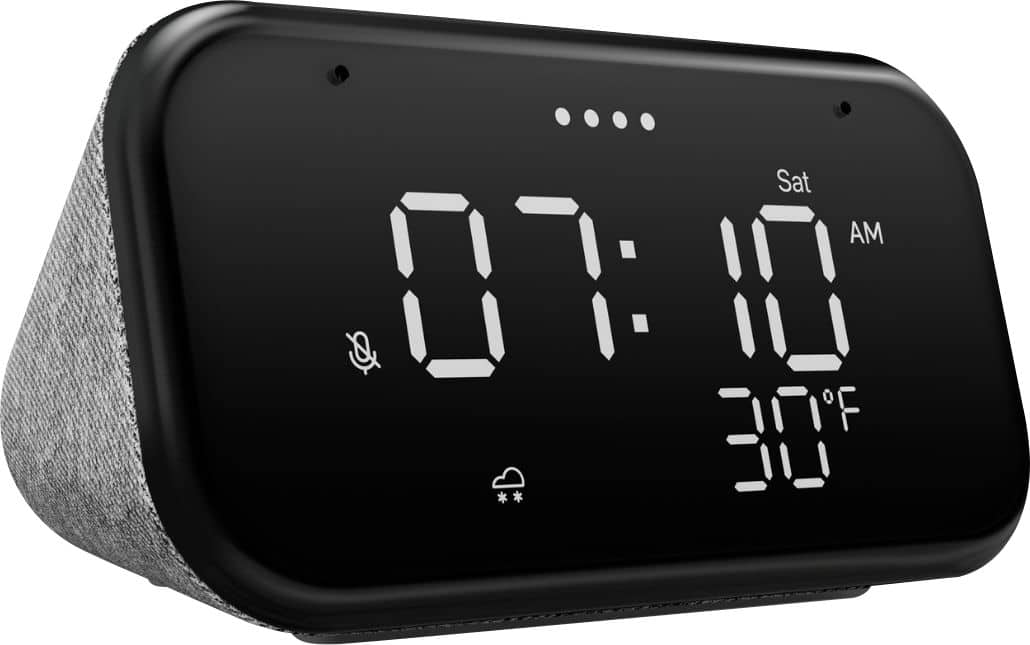
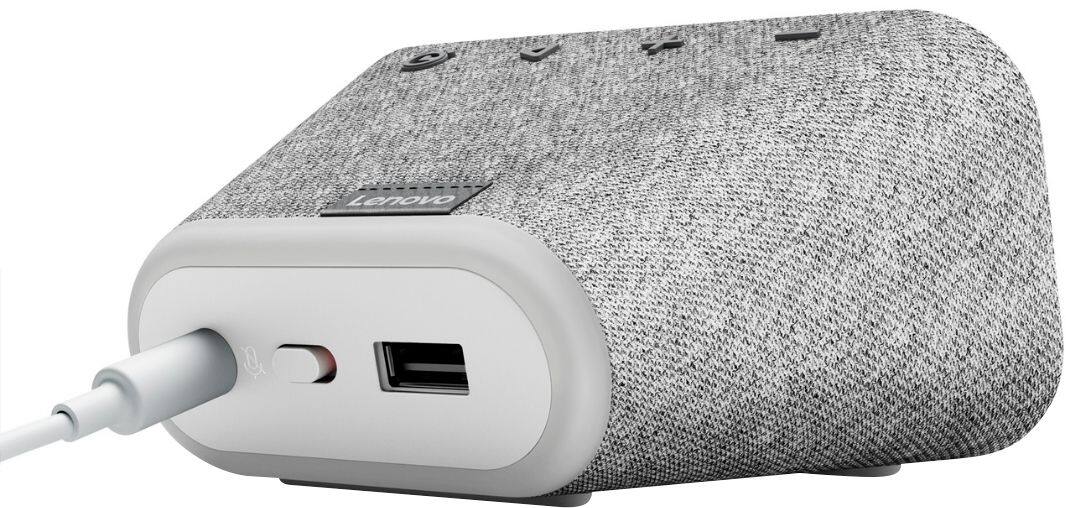
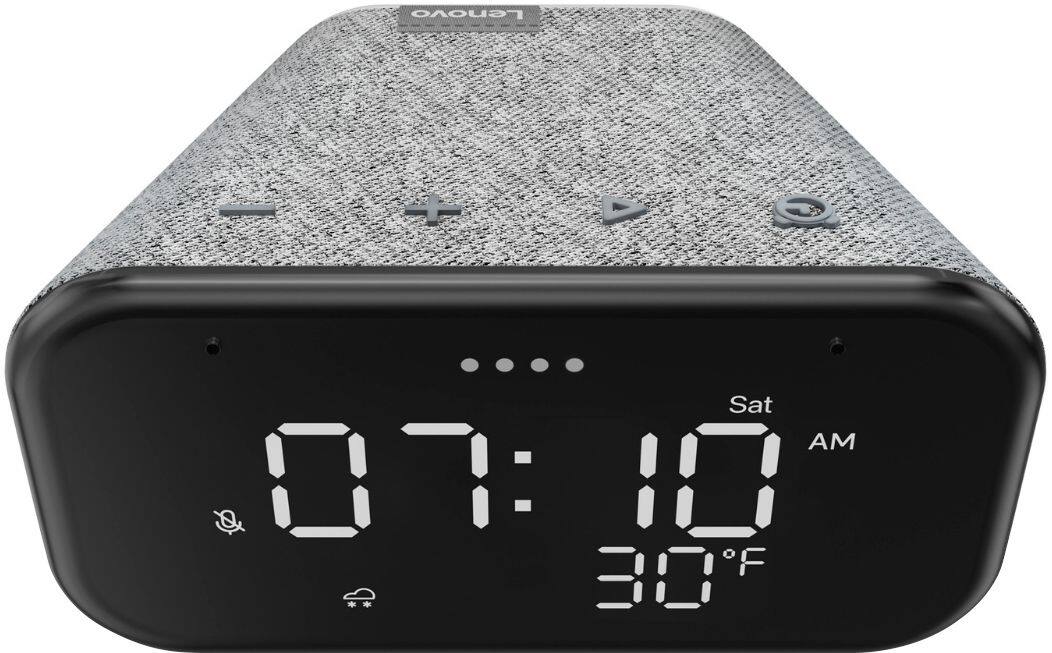
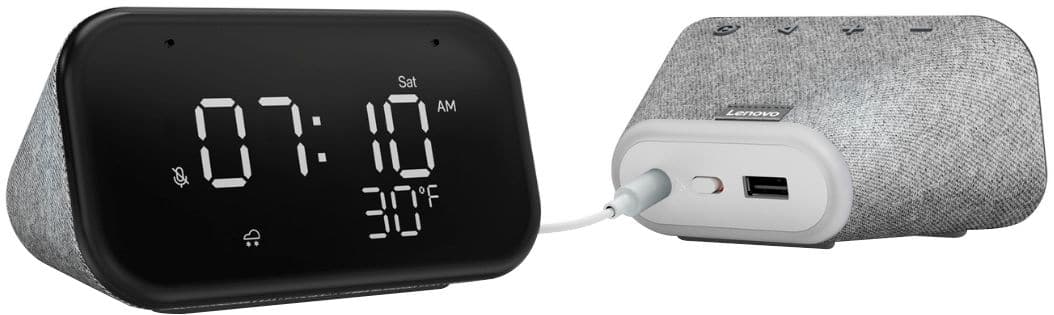
- Model:
- ZA740005US
- SKU:
- 6429528
Rating by feature
- Value
Rating 4.6 out of 5 stars
- Quality
Rating 4.5 out of 5 stars
- Ease of Use
Rating 4.4 out of 5 stars
Customers are saying
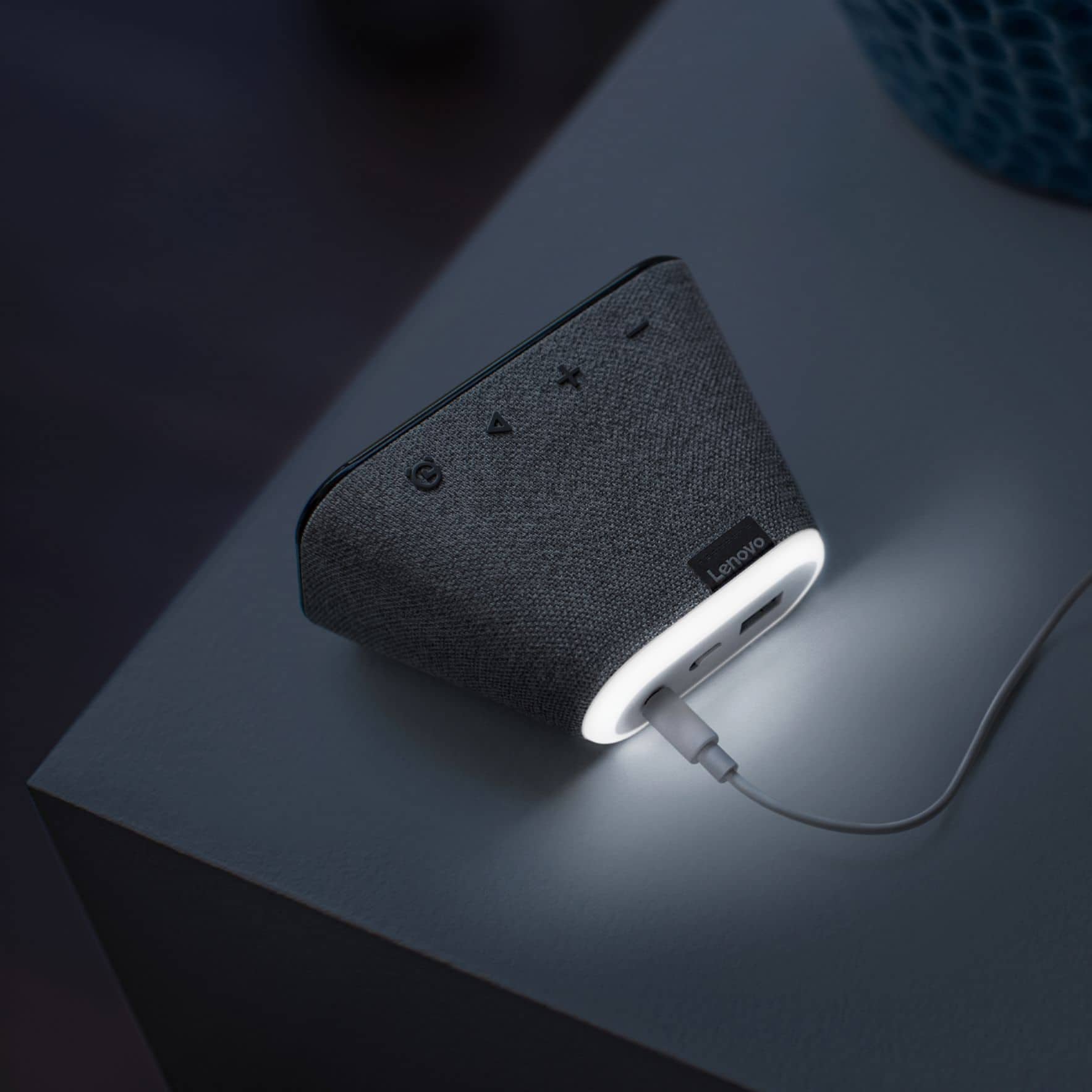
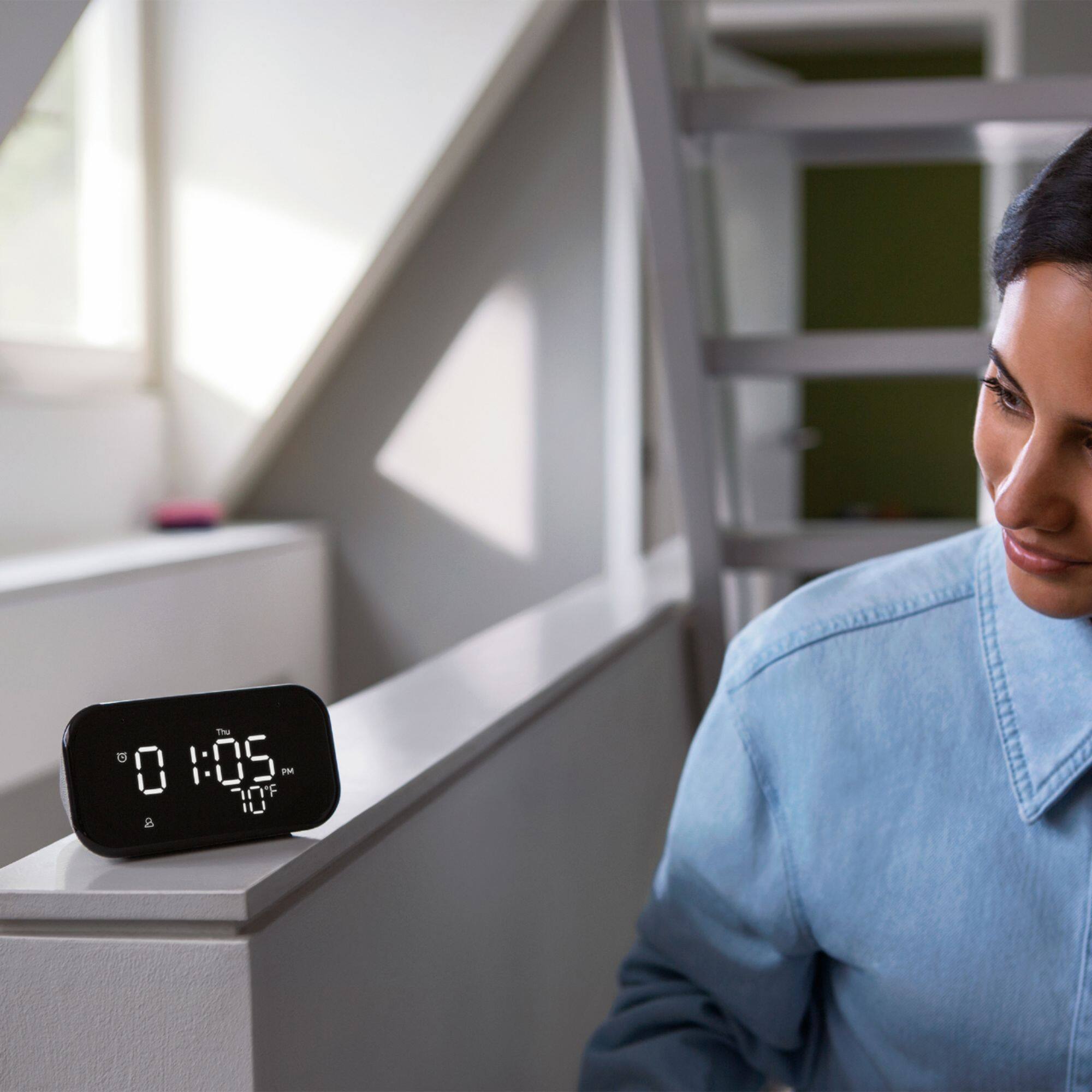
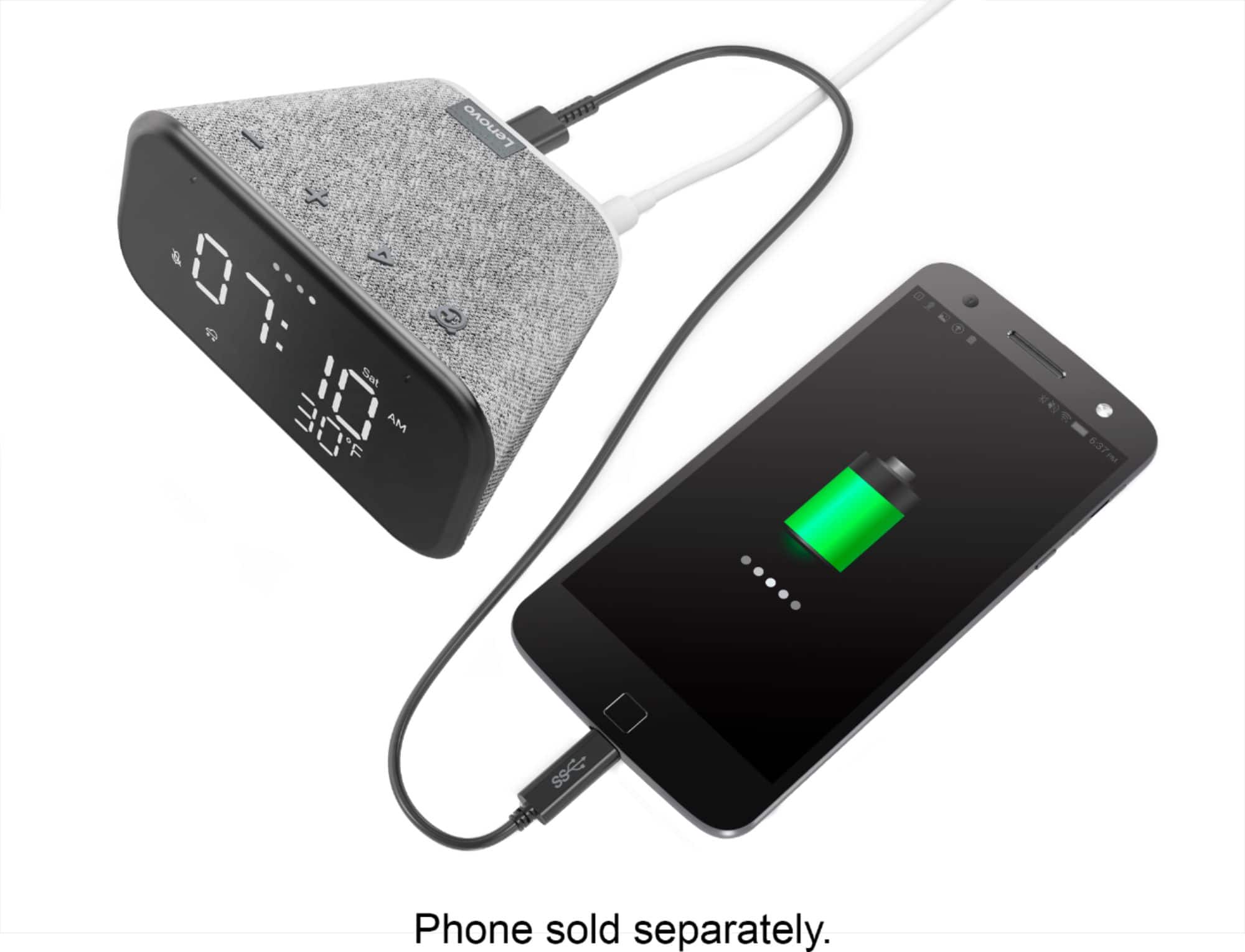
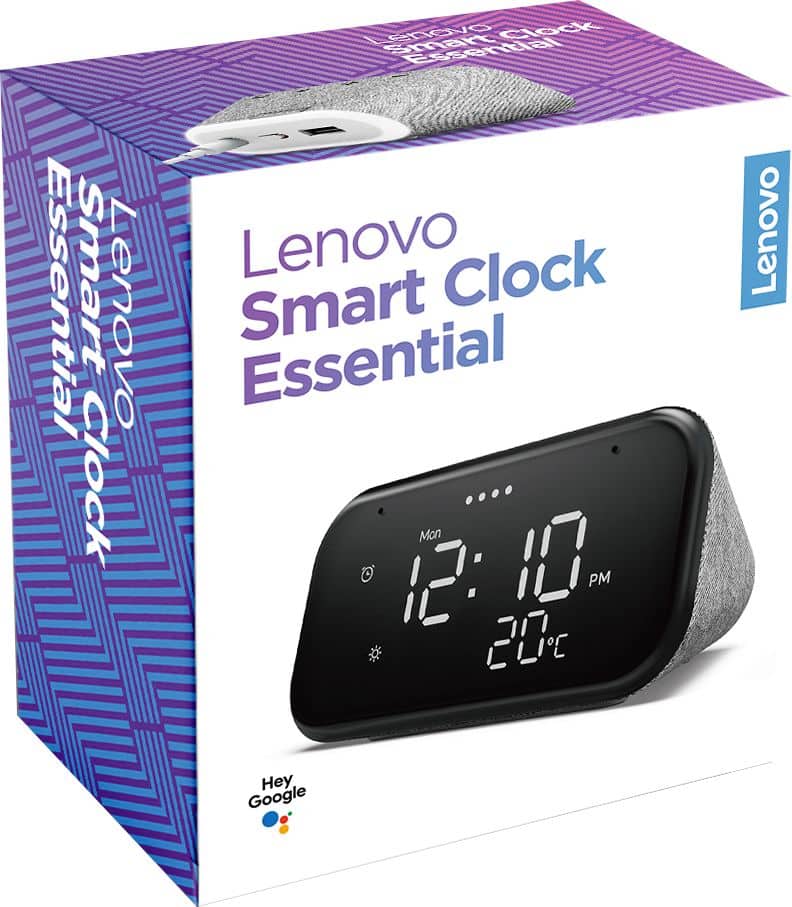
Customers enjoy the sound quality, ease of use, and display of the Smart Clock Essential. Many appreciate the included night light and the convenient size, finding it ideal for bedside tables. Positive feedback also highlights the Google Assistant integration and the alarm clock functionality. While some users experienced challenges with WiFi connectivity and initial setup, the overall sentiment is positive.
This summary was generated by AI based on customer reviews.
Lenovo smart clock
||Posted . Owned for 2 months when reviewed.This reviewer received promo considerations or sweepstakes entry for writing a review.works well and easy to set up. perfect for teens.
I would recommend this to a friendBrand response from Lenovo Product Expert
Posted .Hi! Thanks for choosing the Lenovo Smart Clock Essential. We are pleased to hear the features, design, and performance of the Smart Clock Essential is working out so well for you.

Review
||Posted .This reviewer received promo considerations or sweepstakes entry for writing a review.Love the light in the back, quick pick up to phone.
I would recommend this to a friendBrand response from Lenovo Product Expert
Posted .Hi! Thanks for choosing the Lenovo Smart Clock Essential. We are pleased to hear the features, design, and performance of the Smart Clock Essential is working out so well for you.
Doesn't work
||Posted . Owned for less than 1 week when reviewed.This reviewer received promo considerations or sweepstakes entry for writing a review.I can't get this clock to set an alarm by voice... it keeps saying to try again in a few seconds, I tried again after a few seconds and it says the same thing. The temperature icon disappears and reappears on it's on. Definitely returning this.
No, I would not recommend this to a friendBrand response from Lenovo Product Expert
Posted .Hi James, we are sorry to hear you are experiencing an issue with Your Lenovo Smart Clock Essential. Please ensure the Smart Clock is in good range of your router and connected to the 2.4 GHZ band not the 5Ghz band. The 2.4 Ghz band will be the most compatible. If the issue remains please reset your modem/router and power cycle the smart clock by unplugging it for 2 min and allowing it to power back on. If your device isn't functioning in this manner please power cycle the device by unplugging it for 1-2 minutes. Plugging it back in, and allowing it to power on. If the issue remains please perform a factory reset by holding down the “Volume + and – ” buttons on top of your device for 8 Seconds. If the issue still persists, please contact our customer support team at 866-426-0911
Serviceable.
||Posted .This reviewer received promo considerations or sweepstakes entry for writing a review.After about 14 months the display has gone a bit wonky and the temperature is flaky. But it generally works still (can still tell waht time it is), and it was cheap to begin with so no huge complaints.
No, I would not recommend this to a friendLike it
||Posted . Owned for 1 month when reviewed.This reviewer received promo considerations or sweepstakes entry for writing a review.I am very pleased with it. .......................
I would recommend this to a friendBrand response from Lenovo Product Expert
Posted .Hi! Thanks for choosing the Lenovo Smart Clock Essential. We are pleased to hear the features, design, and performance of the Smart Clock Essential is working out so well for you.
Great when they are connected!
||Posted . Owned for 1 month when reviewed.This reviewer received promo considerations or sweepstakes entry for writing a review.My problem is with my internet service which keeps shutting down! I have to reconnect all my electronic devices every time my service gets interrupted! How do you make your internet service provider fix these problems???????????>??????
I would recommend this to a friend- Cons mentioned:Setup
Hard Pass
||Posted . Owned for less than 1 week when reviewed.This reviewer received promo considerations or sweepstakes entry for writing a review.I purchased 3 of these as gifts for family and ended up taking all of them back hours later. The first device came out of setup in a state where it could tell time and weather but not invoke the Google Assistant until a factory reset, and the second came out of setup fine on the first try but required that I hold the clock up to my face as if it were a phone to hear me when invoking the Assistant. I ended up returning all of them as attempting to set up the final third unit seemed like a waste of time after having redone the other two twice.
No, I would not recommend this to a friendBrand response from Lenovo Product Expert
Posted .Hi there we are sorry to hear you experienced this problem setting up your Lenovo Smart Clock Essential. To setup the Smart Cock Essential you will need to download the Google Home App on your Smart Phone or Tablet. Then plug in your Smart Clock Essential, Power it on, and open The Google Home App. Follow the on screen instructions. Your Clock is now Setup. Easily Adjust the microphone sensitivity to "Okay Google" and setup voice match for increased voice recognition. to setup voice match please open the Google Home app.
At the top right, tap your account.
Verify that the Google Account shown is the one linked to your speaker or display. To switch accounts, tap another account or Add another account.
Tap Assistant settings Voice Match Add devices.
Make sure any devices you want to link your voice to are checked.
Tap Next I agree.
Follow the in-app steps.
To adjust the sensitivity of the mic please open the Google Home app .
At the bottom, tap Home .
Select your speaker or Smart Display.
At the top right, tap Device settings. ...
Choose how sensitive you want Google Assistant to be when it responds to you. If you need further assistance we recommend reaching out to Lenovo Tech Support at 866-426-0911
Nice Clock
||Posted . Owned for 2 weeks when reviewed.This reviewer received promo considerations or sweepstakes entry for writing a review.This is a great clock and a decent radio, however. There is no headphone jack and you cannot Bluetooth to a Bluetooth speaker. One strange thing is I have connected to a Bluetooth speaker in the past, but cannot do it now.
No, I would not recommend this to a friendBrand response from Lenovo Product Expert
Posted .Hi! Thanks for choosing the Lenovo Smart Clock Essential. At this time the Lenovo Smart Clock Essential can accept incoming Bluetooth signals only. You can pair your Lenovo Smart Clock Essential with any other cast enabled smart speakers you may own for full room or whole home audio.
Expensive alarm clock
||Posted . Owned for 1 month when reviewed.This reviewer received promo considerations or sweepstakes entry for writing a review.Was not a fan of this smart clock as the audio seemed to be very high pitched and not the most pleasant to wake up to. It feels very cheap for the price. I rather use a good old fashioned alarm clock for the price.
I would recommend this to a friendBrand response from Lenovo Product Expert
Posted .We are sorry to hear that you are having audio issues with your Lenovo Smart Clock Essential. Try resetting yout Smart Clock Essential back to original settings: Press and hold the Alarm button and the Volume Down button at the same time for 12 seconds. If this does not improve audio quality, we recommend you contact Lenovo Tech Support for Smart Devices at: 866-426-0911.
Meh
||Posted . Owned for 2 weeks when reviewed.This reviewer received promo considerations or sweepstakes entry for writing a review.It's...ok. It works better as a Google Home mini than an alarm clock. Manually setting an alarm is awkward, the alarm sound can't be changed, and manually snoozing or cancelling the alarm is weird.
No, I would not recommend this to a friendBrand response from Lenovo Product Expert
Posted .We are sorry to hear that you are having difficulty with the alarm function of your Lenovo Smart Clock Essential. You can easily set an alarm by using a Voice Command like, Hey Google set an alarm for 8:00AM this morning. You can also stop the alarm with a Voice Command of STOP while the alarm is sounding or snooze the alarm for your pre-set snooze interval with a Voice Command like, Hey Google, snooze, while the alarm is sounding and the Smart Clock Essential will automatically snooze the alarm for your pre-set interval. If you have additional questions about your Lenovo Smart Clock Essential, we recommend you contact lenovo Tech Support for Smart Devices at: 866-426-0911.
make sure you ship correct
||Posted . Owned for 3 weeks when reviewed.This reviewer received promo considerations or sweepstakes entry for writing a review.i bet these products work well, thats why i ordered them. Unfortunately i had them shipped to an old address and the people who live there will not respond to the multiple notes i have left in their mailbox. Good times.
I would recommend this to a friendDisppointed
||Posted . Owned for 3 weeks when reviewed.This reviewer received promo considerations or sweepstakes entry for writing a review.I Only us for alarm clock and see the time are ok. Playing music cannot choice. I don't like it. I disappointed. Also I can 't ask Google for the clock. I don't know why.
No, I would not recommend this to a friendBrand response from Lenovo Product Expert
Posted .Hello, Thanks for choosing the Lenovo Smart Clock Essential. The Lenovo Smart Clock Essential is compatible with Sportify, Pandora, YouTube Music, iHeartRadio, Tunein, and SiriusXM to name a few. If you aren't able to play music or your device assistant isn't responding to you please power cycle the device by unplugging it for 1-2 minutes. Plugging it back in and allowing it to power on. If the issue remains please perform a factory reset by holding down the “Volume + and – ” buttons on top of your device for 8 Seconds. If the issue persists, please contact our customer support team at 866-426-0911
Ok if you have patience.
||Posted . Owned for 3 weeks when reviewed.This reviewer received promo considerations or sweepstakes entry for writing a review.Temperature display is what internet says outdoor temp is. Manual has extremely fine print! Ok once you get used to it. Takes a lot of trial and error!
I would recommend this to a friendEvinmom
||Posted . Owned for 1 month when reviewed.This reviewer received promo considerations or sweepstakes entry for writing a review.This clock is very small. It is difficult to give Google commands when your phone or laptop is around. They all activate and you don't receive an answer through the clock.
No, I would not recommend this to a friendGotta keep those instructions
||Posted . Owned for 3 months when reviewed.This reviewer received promo considerations or sweepstakes entry for writing a review.Thought I was buying a generic alarm clock, etc. Had I known of the additional features, I would have gotten something more user friendly. Full frontal screen for sure.
No, I would not recommend this to a friendWay2bright
||Posted . Owned for less than 1 week when reviewed.This reviewer received promo considerations or sweepstakes entry for writing a review.The display is too bright at night. Cant sleep with room illuminated like that. It will have to be returned. I read that it was dimmable but not the case.
No, I would not recommend this to a friendCute.. about it
||Posted . Owned for 2 weeks when reviewed.This reviewer received promo considerations or sweepstakes entry for writing a review.Tried and tried and tried. My absolutely wouldn't connect.. Kept saying the device needed to be set up..(which i couldn't do because it wouldn't connect..)..
No, I would not recommend this to a friendNice looking clock!
||Posted . Owned for 1 week when reviewed.This reviewer received promo considerations or sweepstakes entry for writing a review.When I bought the clock, I thought the programming was done using the app. But it's done at the clock. Which makes setting a schedule less flexible! I returned the product.
No, I would not recommend this to a friendBrand response from Lenovo Product Expert
Posted .Thank you for choosing the Lenovo Smart Clock Essential. Once the Smart Clock Essential has been setup, you can easily set an alarm by using a Voice Command through the Google Assistant like, Hey Google set an alarm for 6:30AM Monday through Friday. Or you can use the manual alarm button at the top of the Smart Clock Essential, along with the plus and minus buttons, to manually set alarms. Here is a link to a YouTube video that demonstrates the setup of the Lenovo Smart Clock Essential: https://www.youtube.com/watch?v=oebcueXBCeU&t=7s. If you have questions about your Lenovo Smart Clock Essential, we recommend you contact lenovo Tech Support for Smart Devices at: 866-426-0911.
May be good for individuals, avoid for families.
||Posted . Owned for 1 month when reviewed.This reviewer received promo considerations or sweepstakes entry for writing a review.Unfortunately, this will not work with a children's google account in Family Link. I couldn't get my child's account to link to the Lenovo smart clock even though I could link their account to an older Insignia smart Clock and to a google smart speaker. We bought a smart clock for my child for Christmas, but since Lenovo hasn't enabled the family link feature, this clock doesn't really have the functionality you would expect it to. I would suggest looking at a used Insignia or other smart clock if you are in that situation. Thanks in advance, Andrew
No, I would not recommend this to a friendBrand response from Lenovo Product Expert
Posted .Hi Andrew. We appreciate your feedback as we are always looking for ways to improve our Smart Devices. At this time the Lenovo Smart Clock Essential model # ZA740005US is not compatible with the Family Link feature. I will pass this request along to the product team. In the meantime if you need any additional assistant please don't hesitate to contact our customer support team at 866-426-0911.
Night light pain
||Posted . Owned for 1 month when reviewed.This reviewer received promo considerations or sweepstakes entry for writing a review.Good clock and weather notifications however the “night-light” on rear of clock is a pain to turn off. You actually have to advise Google to turn off night light EVERYTIME your alarm goes off
No, I would not recommend this to a friendBrand response from Lenovo Product Expert
Posted .Hi! Thanks for choosing the Lenovo Smart Clock Essential. To manually turn off the night light please hold the volume - button for 3 seconds.