Customer Ratings & Reviews
- Model:
- ZA740005US
- SKU:
- 6429528
Rating by feature
- Value
Rating 4.6 out of 5 stars
- Quality
Rating 4.5 out of 5 stars
- Ease of Use
Rating 4.4 out of 5 stars
Customers are saying
Customers enjoy the sound quality, ease of use, and display of the Smart Clock Essential. Many appreciate the included night light and the convenient size, finding it ideal for bedside tables. Positive feedback also highlights the Google Assistant integration and the alarm clock functionality. While some users experienced challenges with WiFi connectivity and initial setup, the overall sentiment is positive.
This summary was generated by AI based on customer reviews.
Save your money.
||Posted . Owned for 1 month when reviewed.This reviewer received promo considerations or sweepstakes entry for writing a review.Save your money. In my experience, Alexa is way better than the google assistant. I have a google home dot device downstairs and it recognized my voice from my room before the actual clock. The speaker is actually pretty bad. You would think there would be a tiny bit of bass on them, but it's terrible. Save your money. It gets the job done and looks really nice, but it's horrible.
No, I would not recommend this to a friendSmart speaker straight from the depths of H***
||Posted . Owned for 2 months when reviewed.This reviewer received promo considerations or sweepstakes entry for writing a review.If you enjoy repeating the same phrase "Hey Google" eight times in a quiet room before getting a response, or screaming like a complete fool on Meth..then perhaps this is the device for you. We have placed this device in various locations and adjusted the settings within the Google Home app countless times, but with no improvement on this crappy "smart" speaker's performance. We have a Google Home Mini in another portion of our home and it works flawlessly. I highly recommend staying far away from this device, unless you desire to be aggravated to the point of day-drinking...
No, I would not recommend this to a friendNot for me.
||Posted . Owned for 1 month when reviewed.This reviewer received promo considerations or sweepstakes entry for writing a review.Probably my fault but I was under the impression that it worked with Alexa as well. I will probably get echo show.
No, I would not recommend this to a friendBrand response from Lenovo Product Expert
Posted .Hello thanks for choosing the Lenovo Smart Clock Essential. The Lenovo Smart Clock Essential Utilizes the Google Assistant Ecosystem and at this time is not Compatible with Alexa or Amazon Products. Instead it pairs with Smart Home products that carry the Works with Google Assistant Badge.

Setup problems. No help from Lenevo
||Posted . Owned for 1 week when reviewed.This reviewer received promo considerations or sweepstakes entry for writing a review.Best Buy was generous to give me a replacement for first problematic clock. But Clock #2 would not set up via Google Home on many attempts. Lenovo support person was not familiar with product, kept me on prolonged wait and had no advice beyond what's on the setup instructions. Maybe problem is connectivity, not Lenovo, but I'm done.
No, I would not recommend this to a friendBrand response from Lenovo Product Expert
Posted .We are sorry to hear that you are having issues with the initial setup of your Lenovo Smart Clock Essential. Here is a link to a YouTube Video that demonstrates the setup process for this Smart Clock Essential. Be sure the smart phone or tablet you use to setup the Smart Clock Essential is connected to the same WiFi network that you want to connect the Smart Clock Essential to. The Smart Clock Essential only uses WiFi 2.4GHz. So if your smart phone or tablet is connected to the 5.0GHz frequency of your dual channel WiFi, for the setup process, you will need to change the change that your smart phone is connected to to the 2.4GHz WiFi frequency that the Smart Clock Essential will need to connect to. Also turn on Bluetooth on your smart phone as it will help the Smart Clock Essential find your phone and the correct WiFi network. Once the setup is complete, you can switch your smart phone back to 5.0GHz WiFi and still have control of the Smart Clock Essential through the Google Home APP. Here is the link to the YouTube video: https://www.youtube.com/watch?v=oebcueXBCeU&t=33s. If you have questions about your Lenovo Smart Clock Essential, we recommend you contact Lenovo Tech Support for Smart Devices at: 866-426-0911.
- Pros mentioned:Display, Night light, Size

A clock and a little more - very compact
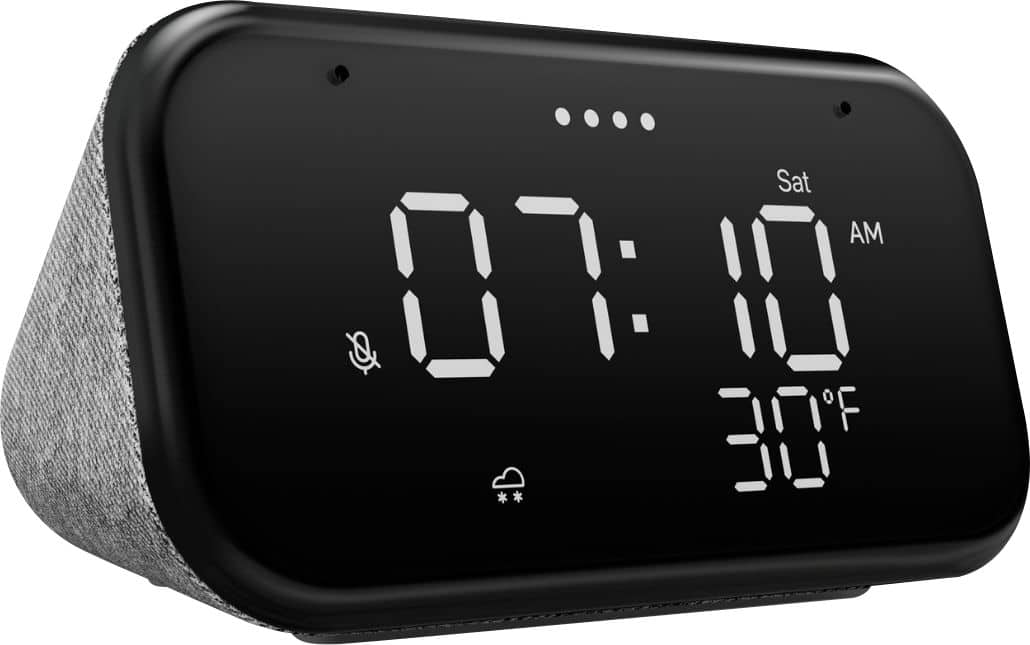
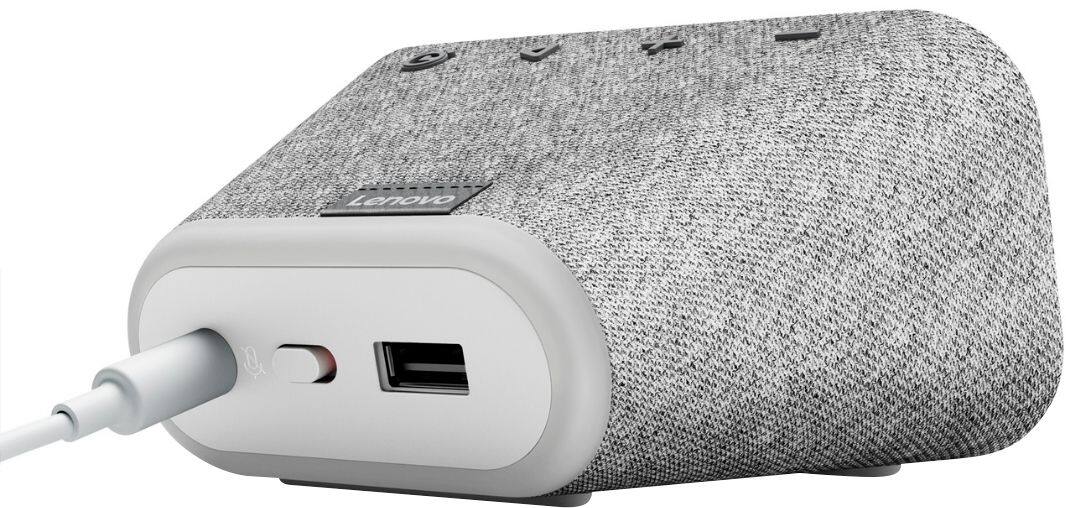
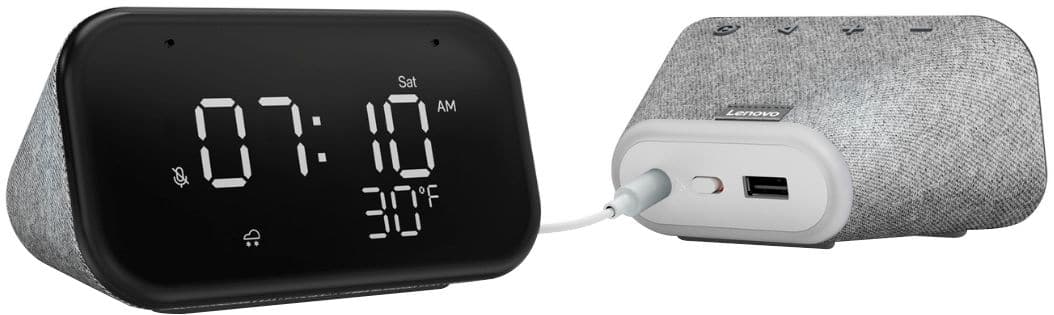
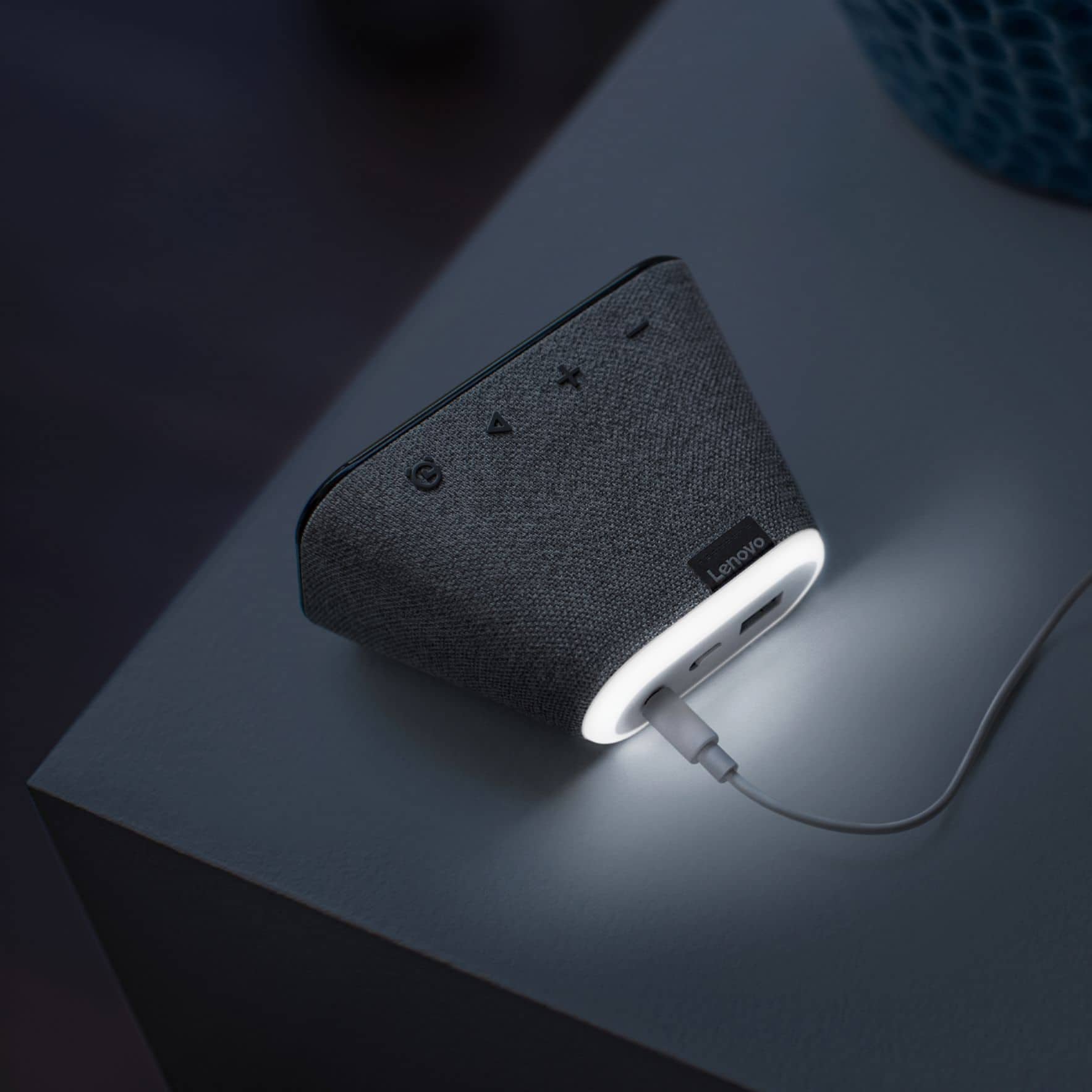
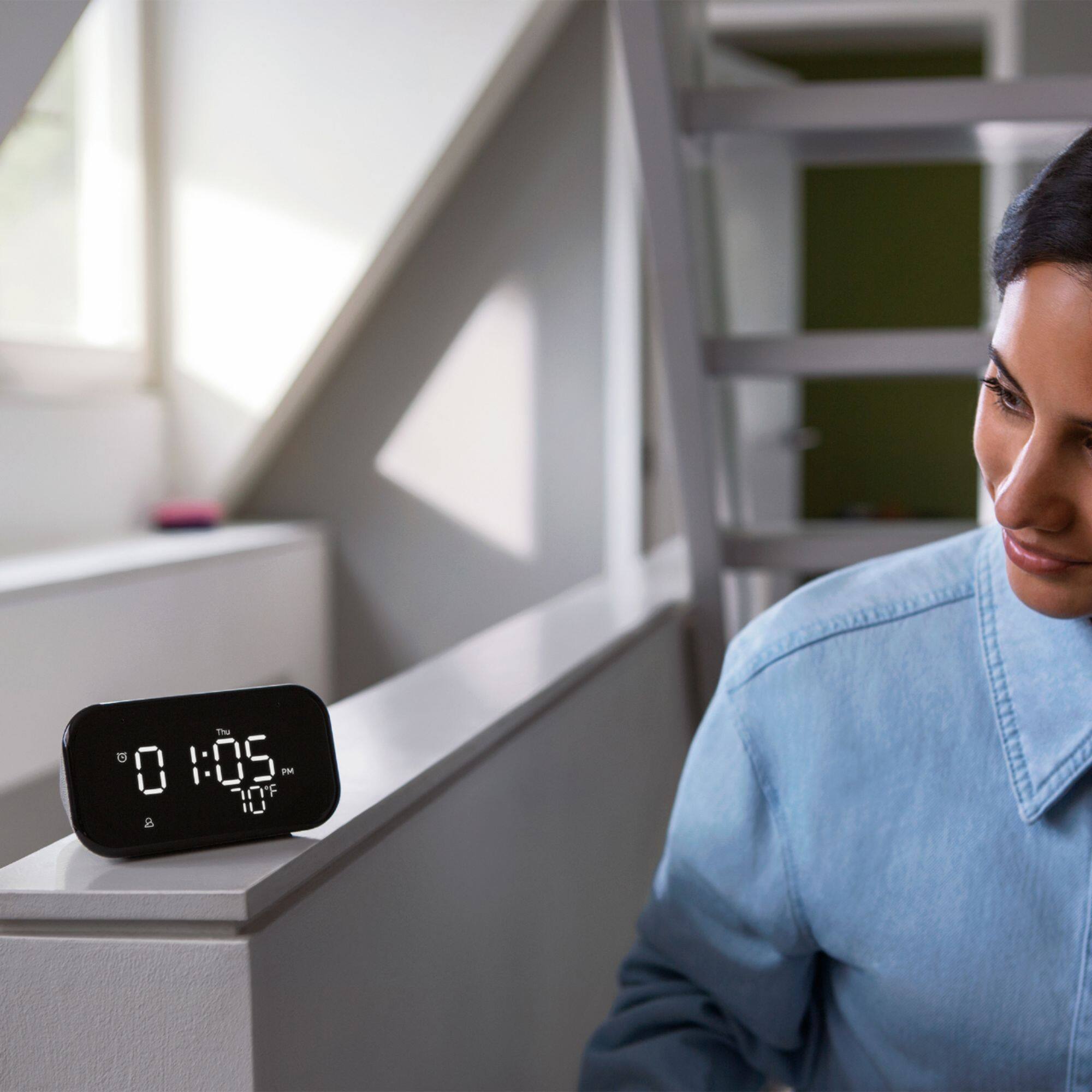
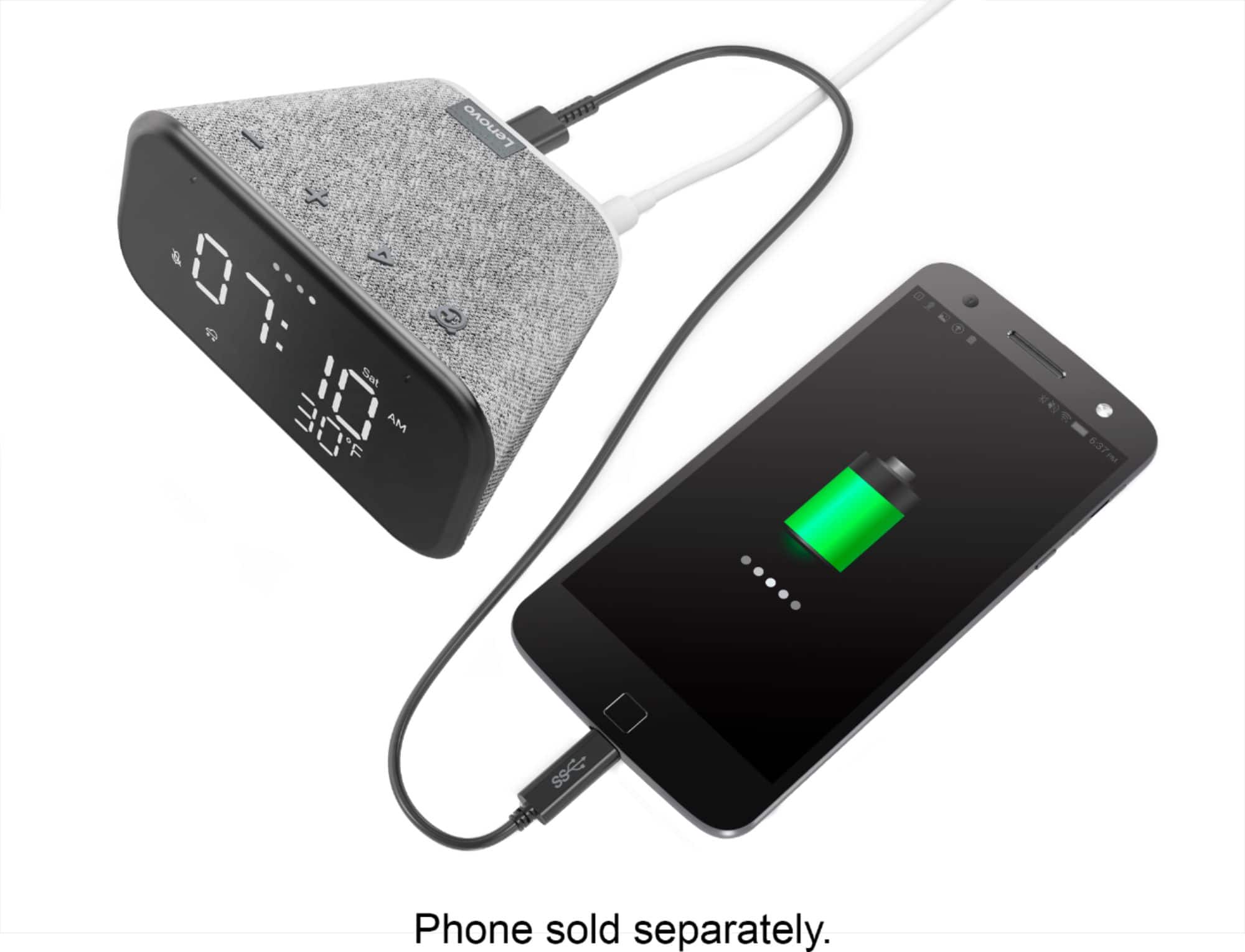
|Posted .This reviewer received promo considerations or sweepstakes entry for writing a review.I have several "smart devices" in my house and I was looking to add a clock to my garage where I have been spending a lot more time working out, but I did not want to spend a lot of money. This compact clock about the size of an old analog bedside alarm clock is a fairly simple device. It shows the time, day of the week and temperature. Anything else, you will have to have the Google Assistant app on your phone to link to services like SiriusXM (with a subscription). It natively supports Spotify, YouTube Music and Pandora. As a remote speaker, it can pretty much play anything on your phone via Bluetooth which is handy for listening to your audiobooks (it can also play audiobooks you buy through Google). I had less luck with integration. It does not support links to my Sony and Samsung TVs nor to my cameras. It does support my Ecobee thermostat. There is a USB charging port in the back for charging devices like your phone - this helps cut down on the number of plugs in your wall. The nightlight feature is handy. It is so compact and lightweight that I would consider it a travel clock since hotel room clocks are so difficult to figure out and unreliable. I unplugged it a couple of times and it came back up within 30 seconds. Finally I like that I can manually turn off the voice function with a switch at the back of the clock. I don't know how much use I will get out of this device, besides the clock and the speaker. I don't think I want to make it my home automation hub/device as my garage is not in the A/C area. Bottom line - it is an average device and I give it an average rating. I'll use it when I work out, mainly music and timers. If you need something compact and inexpensive, this may work for you. If you are looking to control home automation devices, be sure to check their integration list on the Lenovo website/product specs.
No, I would not recommend this to a friendBrand response from Lenovo Product Expert
Posted .Hi, thanks for choosing the Lenovo Smart Clock Essential. We appreciate your feedback as we are always looking or ways to improve our Smart Devices. This device features the Google Assistant and is compatible with Smart Devices that carry the "Works with Google Assistant" badge.
Better items are available
||Posted . Owned for 1 month when reviewed.This reviewer received promo considerations or sweepstakes entry for writing a review.Decent smart alarm clock, but the Amazon Echo Show 5 does more for about the same price.
No, I would not recommend this to a friendBrand response from Lenovo Product Expert
Posted .The Lenovo Smart Clock Essential is a purpose-driven Smart Clock without a webcam, for use in rooms where privacy is paramount, like a bedroom or child's room. Here is a link to a YouTube video that demonstrates the setup, features and functions of the Smart Clock Essential: https://www.youtube.com/watch?v=lmxPSvoRIHU&t=623s
Good speaker
||Posted . Owned for 6 months when reviewed.This reviewer received promo considerations or sweepstakes entry for writing a review.Power adapter is not the standard USB type. It will be hard to find replacement. Nice little speaker.
No, I would not recommend this to a friendBrand response from Lenovo Product Expert
Posted .The Lenovo Smart Clock Essential uses a barrel-type (device side connection) AC adapter. It is part number/ID: Adapter;AD18W2002;12V1.5A;US;white Charger/Adapter, Lenovo Part number: SA18C81248. Best Buy will be able to order and or find a universal replacement adapter for you. We recommend you contact your local store or visit the Bes Buy website for Live Chat.
Its good but not for the old-fashioned parents
||Posted .This reviewer received promo considerations or sweepstakes entry for writing a review.A lil bit complicated for my parents i had to set it up for them
I would recommend this to a friendOk so fat
||Posted .This reviewer received promo considerations or sweepstakes entry for writing a review.So far its ok. I have to raise my voice in order for the clock to be able to hear me.
I would recommend this to a friendBrand response from Lenovo Product Expert
Posted .We are sorry to hear that you are having issues with Voice Recognition through Google Assistant on your Lenovo Smart Clock Essential. Try these tips for having Google Assistant recognize your Voice Commands better: https://support.google.com/assistant/answer/7394306?hl=en&co=GENIE.Platform%3DAndroid. If the issue continues, we recommend you contact Lenovo Tech Support for Smart Devices at: 866-426-0911.
- Pros mentioned:Sound quality
easy setup, nice display, looks nice anywhere
|Posted .This reviewer received promo considerations or sweepstakes entry for writing a review.So many "smart" devices out there now a days, at first I wasnt sure why I needed another smart time keeper, but this clock is a pleasant surprise Looks very nice with a grey tweed finish, and, even though it has a very small speaker, the sound is surprisingly good.. OK Google integration is perfect, and I have placed this out on my patio table, since we didnt have a clock outside, and, having OK Google out there comes in handy. This clock is a winner!
I would recommend this to a friendBrand response from Lenovo Product Expert
Posted .Hi, thanks for choosing the Lenovo Smart Clock Essential with Google Assistant. We are pleased to hear the functions, performance, and design of the Lenovo Smart Clock Essential are working out so well for you!
won't last long
||Posted . Owned for 1 year when reviewed.This reviewer received promo considerations or sweepstakes entry for writing a review.I have 4 of these. There are nice little clocks and worked great for the first 5 months... 2 of the 4 have display issues. It will show partial number now. The displays look like hieroglyphics now. All the other functions still work but I gotta figure out what time it is when I look at the clock.
No, I would not recommend this to a friendGoodwhileitlasred
||Posted . Owned for 11 months when reviewed.This reviewer received promo considerations or sweepstakes entry for writing a review.It was good in the beginning, but now part of the numbers are not displaying
No, I would not recommend this to a friendBrand response from Lenovo Product Expert
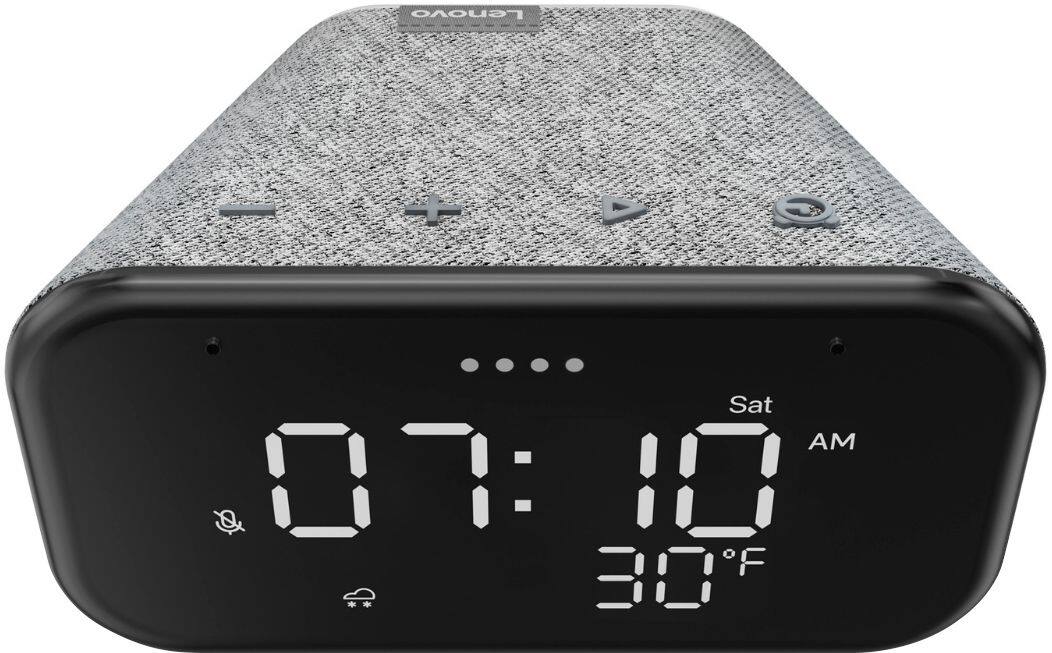
Posted .We are sorry to hear that you are having issues with the display of your Lenovo Smart Clock Essential. Resetting your Smart Clock Essential may correct the issue you are having. To reset the Smart Clock Essential, hold down both the minus button and the alarm button, on the top of the Smart Clock Essential, at the same time, for 6-seconds. Follow the Google Voice Assistant instructions. If the issue continues after this reset, we recommend you contact lenovo Tech Support for Smart Devices for additional help at: 866-426-0911.
Are you on? Stop making me yell at you…
||Posted . Owned for 3 weeks when reviewed.This reviewer received promo considerations or sweepstakes entry for writing a review.This doesn’t thing work well with real Google. Responds on other devices when asked a question?
No, I would not recommend this to a friendBrand response from Lenovo Product Expert
Posted .Hi there, Thanks for choosing the Lenovo Smart Clock Essential. We are sorry to hear you are experiencing this issue with the mic/assistant. Please ensure you have removed the plastic film that is on the screen to protect the unit during shipping. If the issue persists, it is possible setting up voice match and raising the "okay google" sensitivity will help with this. to setup voice match please open the Google Home app.
At the top right, tap your account.
Verify that the Google Account shown is the one linked to your speaker or display. To switch accounts, tap another account or Add another account.
Tap Assistant settings Voice Match Add devices.
Make sure any devices you want to link your voice to are checked.
Tap Next I agree.
Follow the in-app steps.
To adjust the sensitivity of the mic please open the Google Home app .
At the bottom, tap Home .
Select your speaker or Smart Display.
At the top right, tap Device settings. ...
Choose how sensitive you want Google Assistant to be when it responds to you. If you need further assistance please don't hesitate to reach out to Lenovo Tech Support at 866-426-0911
Wifi issues
||Posted . Owned for 11 months when reviewed.This reviewer received promo considerations or sweepstakes entry for writing a review.It is ok for the price but i have to keep unplugging it to reconnect the wifi
No, I would not recommend this to a friendBrand response from Lenovo Product Expert
Posted .We are sorry to hear that you are having issues with your Lenovo Smart Clock Essential and its WiFi connectivity. Try resetting the Smart Clock Essential back to original factory settings. Press and hold the alarm setup button and the volume down button at the same time for 12 seconds. If the WiFi issue continues after this reset, we recommend you contact Lenovo Tech Support for Smart Devices for additional help at: 866-426-0911.
Alarm Clock
||Posted .This reviewer received promo considerations or sweepstakes entry for writing a review.I needed something bright to see better. Lenovo was just right I have Alexa to answer questions.
No, I would not recommend this to a friendBrand response from Lenovo Product Expert
Posted .Hi! Thanks for choosing the Lenovo Smart Clock Essential. We are pleased to hear the features, design, and performance of the Smart Clock Essential is working out so well for you. The Lenovo Smart Clock Essential uses the Google Assistant. At this time it is not compatible with Alexa/ Amazon.
Clock
||Posted . Owned for 1 week when reviewed.This reviewer received promo considerations or sweepstakes entry for writing a review.Its ok i just thought it would be bigger than it is
I would recommend this to a friendInaccurate temperature & weather
||Posted . Owned for 2 months when reviewed.This reviewer received promo considerations or sweepstakes entry for writing a review.The time is accurate. The temperature and weather are inaccurate.
No, I would not recommend this to a friendThird time NOT a charm
||Posted . Owned for 3 weeks when reviewed.This reviewer received promo considerations or sweepstakes entry for writing a review.My eldest ask for one of these and we got it for him last year... It had some sort of software failure and died. We did purchase Best buy protection on it so we got it replaced. My middle child ask for one for Christmas this year and he got it. That would make the third one we have purchased. The Lenovo clock that we had as a replacement for the original that had a software issue now has a software issue and is not working properly - literally it can only be used as a clock. I have multiple Lenovo computers that I have absolutely no problem with and I highly recommend them, but when I take the second clock to die in for a replacement credit I will not be buying another one of these... And I fully expect to be taking the third one in in 6 months since that seems to be about how long they are lasting.
No, I would not recommend this to a friendBrand response from Lenovo Product Expert
Posted .We are sorry to hear that you are having issues with your Lenovo Smart Clock Essential. Resetting your Smart Clock Essential back to original factory settings may correct the issues you are having. To reset the Lenovo Smart Clock Essential, hold down both the minus button an the alarm button at the same time for 5-seconds, then follow the instructions provided by the Google Assistant. If the issues continue after this reset, we recommend you contact Lenovo Tech Support for Smart Devices at: 800-426-7378.
Didn’t last long
Posted .This reviewer received promo considerations or sweepstakes entry for writing a review.The LED segments failed on clock the day after purchase.
No, I would not recommend this to a friendBrand response from Lenovo Product Expert
Posted .Hello, we are sorry to hear you are experiencing an issue with the numbers displaying on your Lenovo Smart Clock Essential. Please perform a soft reset of the device by unplugging it for 1-2 minutes. Plugging it back in, and allowing the device to power on. If you issue remains please perform a factory reset by holding down the “Volume + and – ” buttons on top of your device for 8 Seconds. If the issue persists, please contact our customer support team at 866-426-0911
Won’t stay connected to wifi
||Posted . Owned for 3 weeks when reviewed.This reviewer received promo considerations or sweepstakes entry for writing a review.I love this clock, but the only thing is it won’t keep a WiFi connection!
I would recommend this to a friendBrand response from Lenovo Product Expert
Posted .We are sorry to hear that you are having issues keeping your Lenovo Smart Clock Essential connected to your WiFi. Try resetting the Smart Clock Essential: Press and hold the Alarm button and the Volume Down button at the same time for 12 seconds. If the issue continues, we recommend you contact Lenovo Tech Support for Smart Devices at: 866-426-0911.