Customer Ratings & Reviews
- Model:
- ZA740005US
- SKU:
- 6429528
Rating by feature
- Value
Rating 4.6 out of 5 stars
- Quality
Rating 4.5 out of 5 stars
- Ease of Use
Rating 4.4 out of 5 stars
Customers are saying
Customers enjoy the sound quality, ease of use, and display of the Smart Clock Essential. Many appreciate the included night light and the convenient size, finding it ideal for bedside tables. Positive feedback also highlights the Google Assistant integration and the alarm clock functionality. While some users experienced challenges with WiFi connectivity and initial setup, the overall sentiment is positive.
This summary was generated by AI based on customer reviews.
worst voice command recognition
||Posted . Owned for 6 months when reviewed.This reviewer received promo considerations or sweepstakes entry for writing a review.the clock looks great and the quality, but the software the voice commands is horrible, looks like it received the order, but don't do anything, I got 3 and all of them are the same issue
No, I would not recommend this to a friendBad Investment and waste of time
||Posted . Owned for less than 1 week when reviewed.This reviewer received promo considerations or sweepstakes entry for writing a review.Instructions a horrible and written so small that you need a magnafieing glass to read them . Tried two different clocks to get hooked up. Geek Squad even tried with no success. Instead bought an Echo. Plug it in a it started working easy to connect.
No, I would not recommend this to a friendBrand response from Lenovo Product Expert
Posted .Hello, we are sorry to hear you had an issue setting up your Lenovo Smart Clock Essential. To setup the Smart Clock Essential you will need to first download the Google Home App on your Smart Phone or Tablet that is connected to your Home Network. Then you will need to plug in and power on the Smart Clock Essential. Next Please open the Google Home App on your Smart Phone or Tablet and follow the on screen instructions. Setup should take around 5 minutes. Additional setup instructions can be found with the Smart Clock Essential User guide that on the Lenovo Support page and can be accessed by copying and pasting the following address into your Web Browser. http://pdf.lowes.com/useandcareguides/195042771855_use.pdf ... If you need further assistance please don't hesitate to reach out to Lenovo Tech Support at 866-426-0911

Don't buy
||Posted . Owned for 1 month when reviewed.This reviewer received promo considerations or sweepstakes entry for writing a review.It will not work. My google home says it has found the device, but that device needs to be activated before setup. There are helps on how to do that! Don't waste your time or money.
No, I would not recommend this to a friend- Pros mentioned:Display

Good but could be so much better
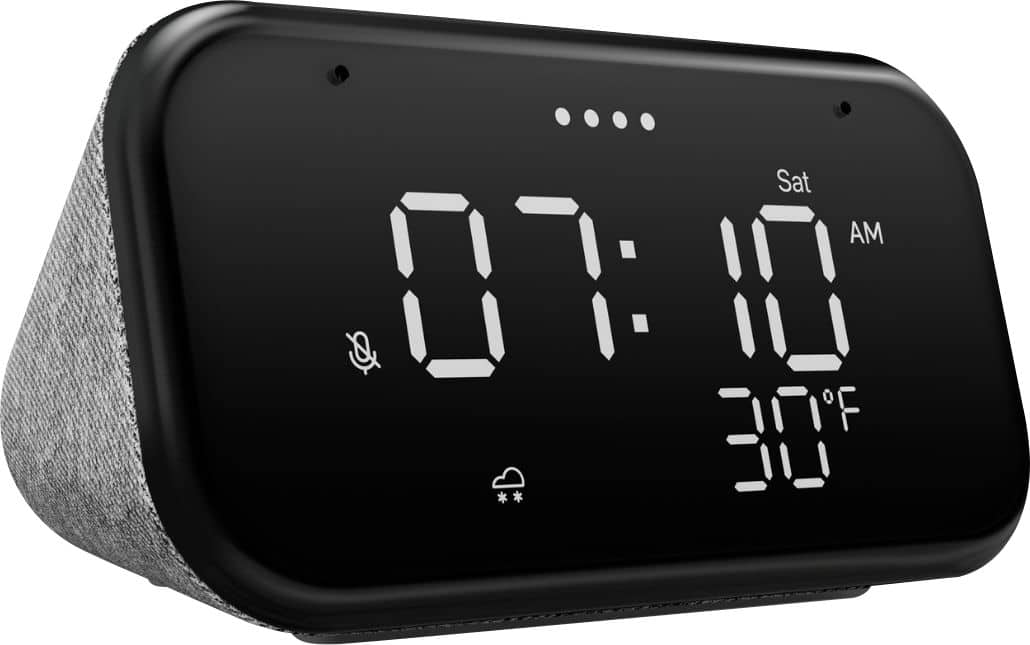
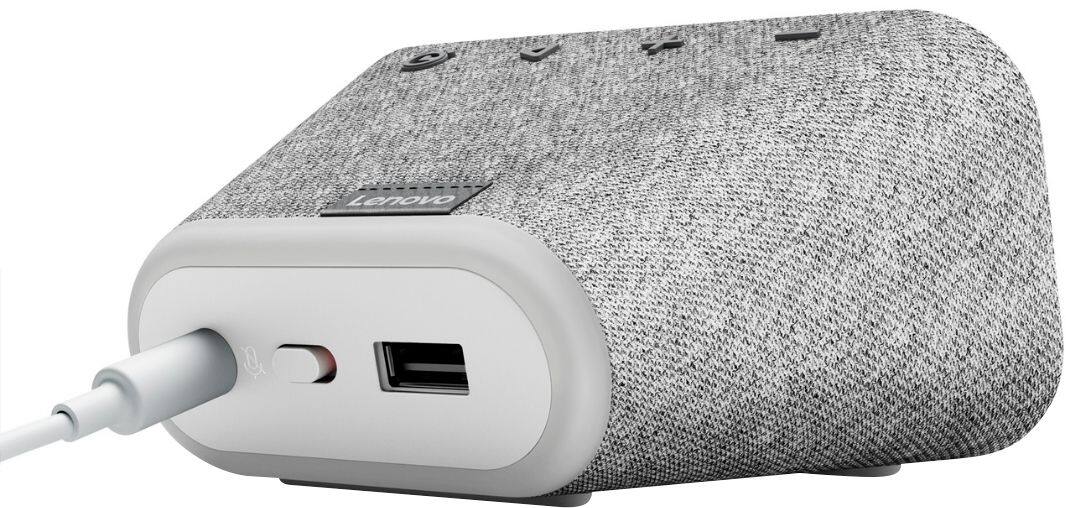
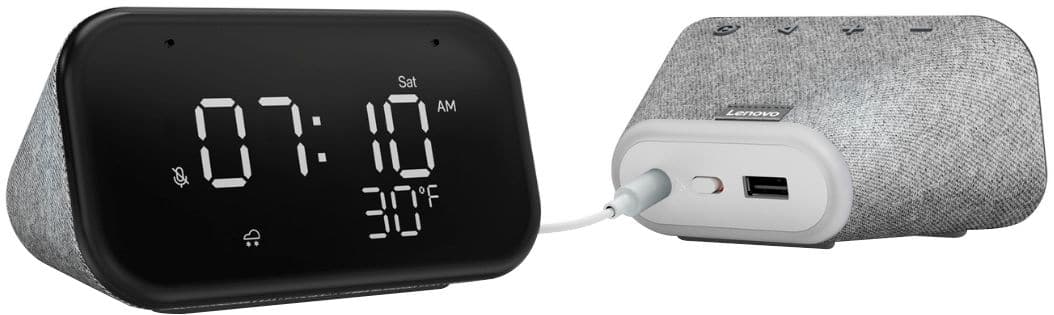
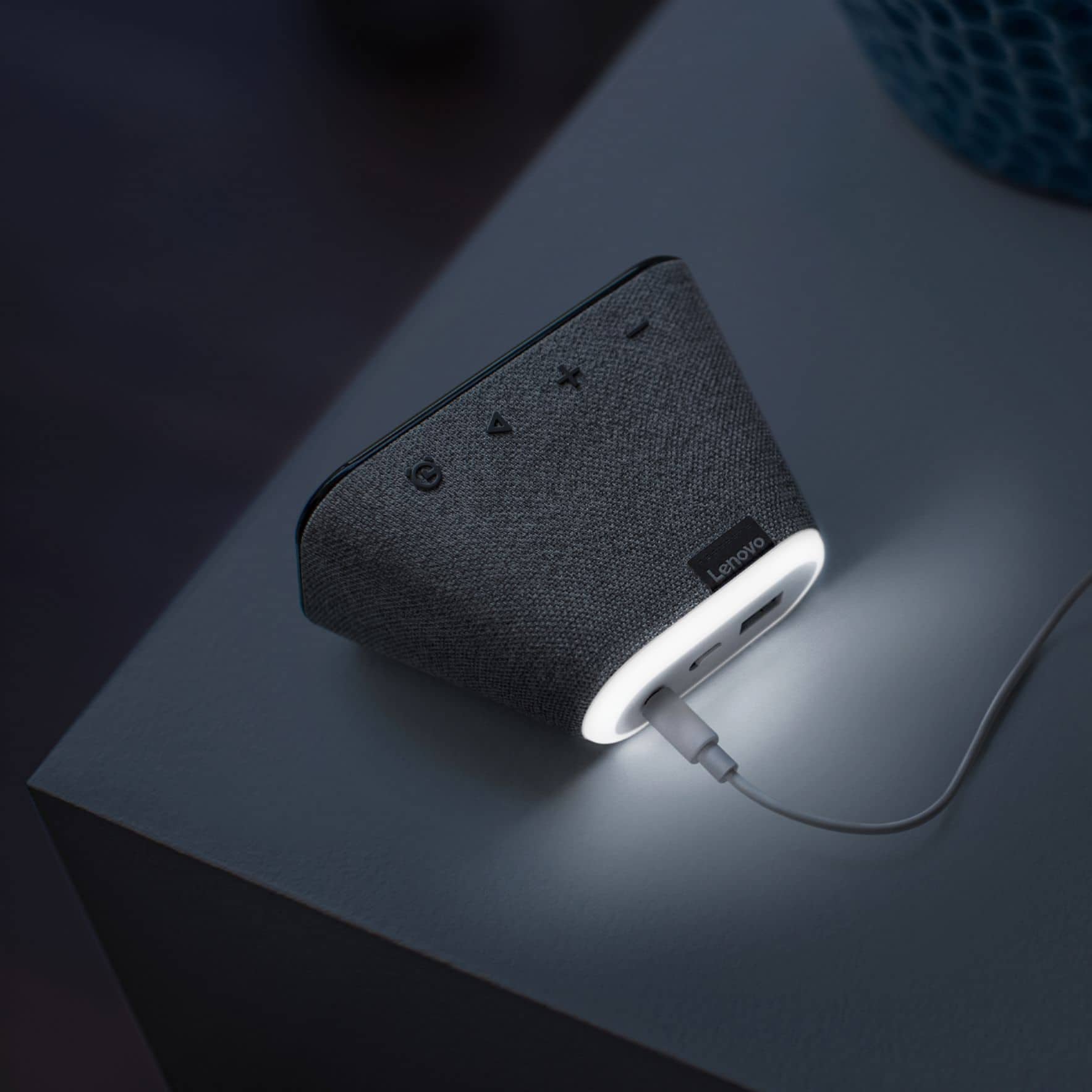
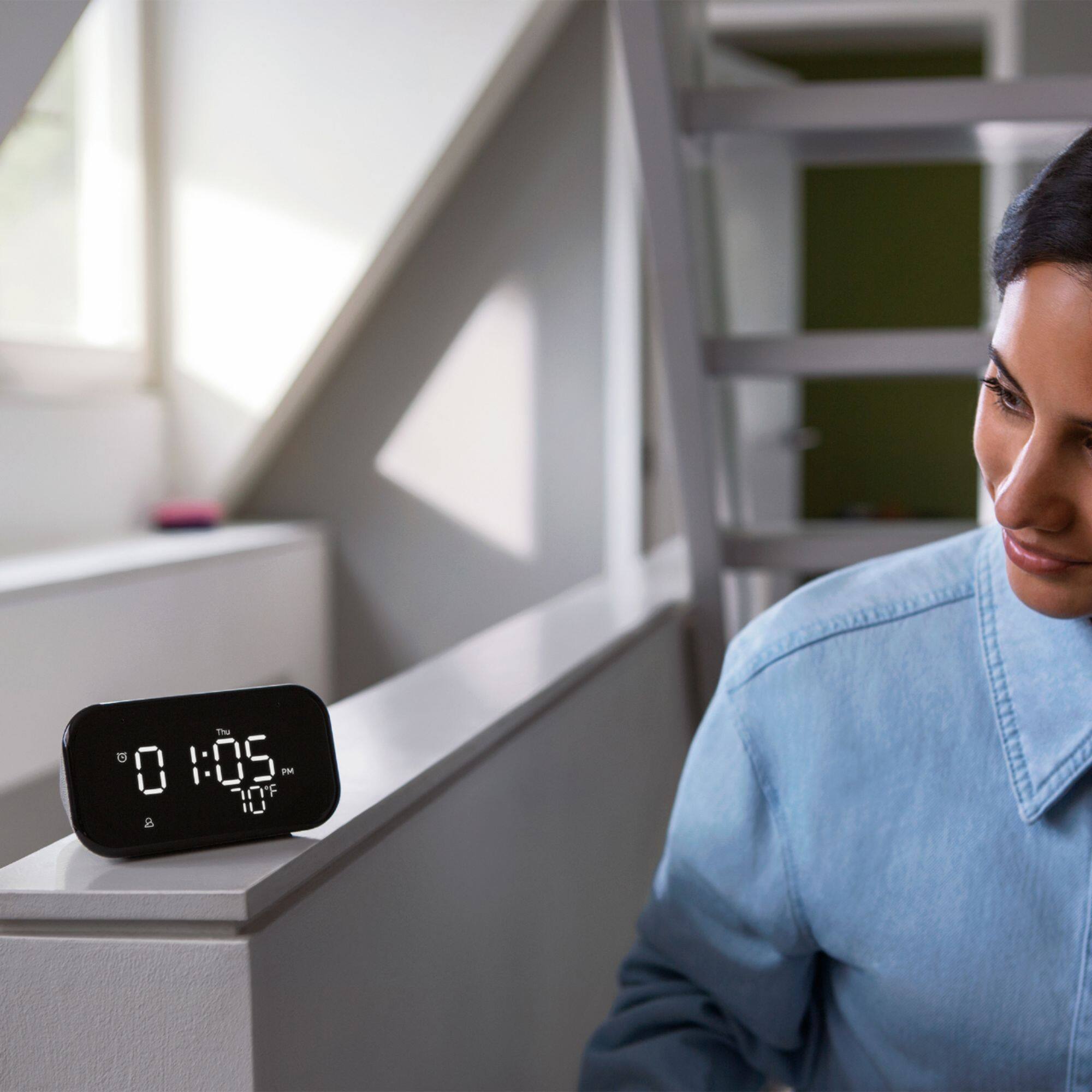
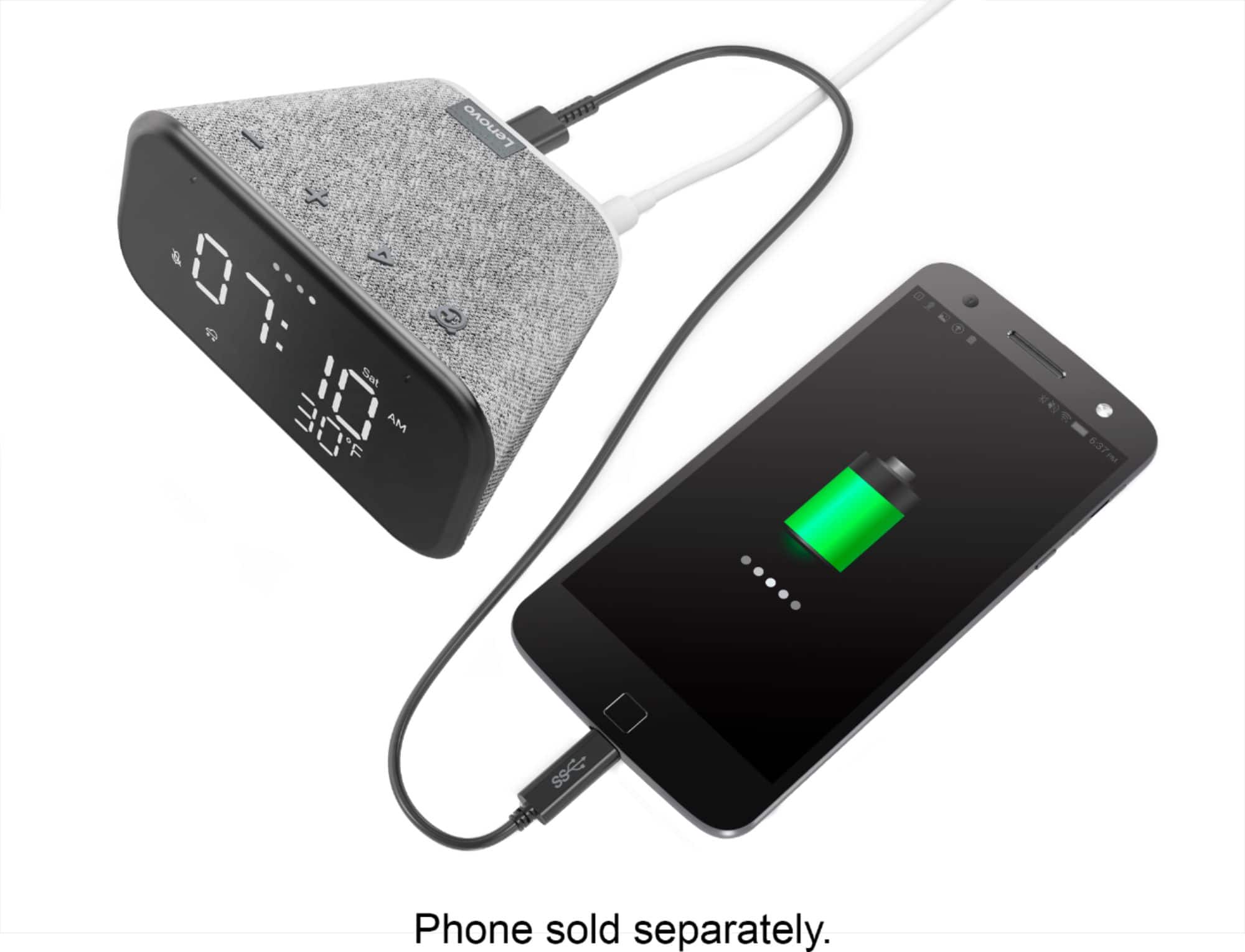
|Posted .This reviewer received promo considerations or sweepstakes entry for writing a review.I’ve got a hodgepodge of devices from varying companies but the Google devices always seem to be a bit more difficult to set routines with. I had already downloaded and installed Google Home and Assistant, so I just had to add the device to my setup. Once plugged in and on the Home app, setup was quick. It did have to download an update but that took less than 10 minutes. I have a Google speaker, Nest Yale lock and several other components that I use regularly. I was hoping that the speaker would announce when the door was unlocked or when my garage opened but it did neither, so that was kind of a bummer but I can tell it to set an alarm or ask the weather and other things that most voice assistant’s can do. The clock itself has a nice display that is easily visible in both the day and at night. It also has a USB-A port on the back that looks like it can charge another device. The clock displays the weather which is nice and automatically updated for daylight savings time. I decided to put this in my kids room because instead of manually setting the alarm each night for the different times they need to wake up for home school or getting ready to catch the bus, I can do it with my voice. All in all this is an ok clock but I think there are other brands that may be able to provide a more feature rich experience.
No, I would not recommend this to a friendBrand response from Lenovo Product Expert
Posted .Hello, thank you for choosing the Lenovo Smart Clock Essential model # ZA740005US. This unit can control over 40,000 compatible smart devices from 5,000 brands. Ask Google to set the temperature, dim the lights, and more. Just start with “Hey Google.” This "Essential" model does not feature a 4" touch display like the Lenovo Smart Clock model # ZA4R0002US. The Lenovo Smart Clock (ZA4R0002US) gives you some added functionality like the ability to view Doorbell cameras and other "Works with Google" smart cameras. It can give you visual alerts with an audible sound for instance when someone rings your doorbell with the option to view the camera on screen. While the Lenovo Smart Clock Essential model # ZA740005US does not have this ability it's Google Assistant functionality is mostly the same. If you would like to speak to Tech Support about this issue please reach out at 866-426-0911
Does not work!
||Posted . Owned for 1 month when reviewed.This reviewer received promo considerations or sweepstakes entry for writing a review.Would strongly recommend buying a different smart clock. The clock losses connection to my wifi daily. Most often during the night. Need to reset the power (unplug and plug back in) to reset WIFI.
No, I would not recommend this to a friendBrand response from Lenovo Product Expert
Posted .We are sorry to hear that you are having issues with WiFi connectivity with your Lenovo Smart Clock Essential. Try resetting your Smart Clock Essential: Press and hold the alarm setup button and the volume down button at the same time for 12 seconds. If the WiFi connectivity issue continues, we recommend you contact Lenovo Tech Support for Smart Devices at: 866-426-0911.
Not worth the money
||Posted . Owned for 2 weeks when reviewed.This reviewer received promo considerations or sweepstakes entry for writing a review.It does not turn on at all. Nothing. Wanted to return it to Best Buy but after two weeks it was non-returnable. I did not discover this until I finally got around to set it up. Now I know why they sold it so cheap.
No, I would not recommend this to a friendBrand response from Lenovo Product Expert
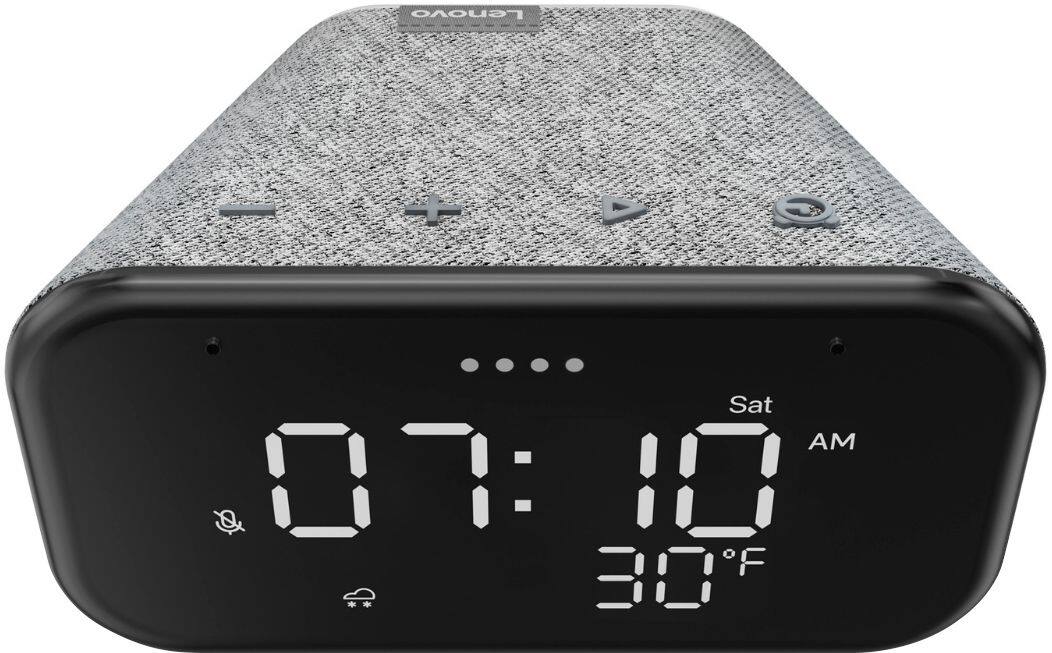
Posted .Hello, we are sorry to hear you are experiencing this issue with with your Lenovo Smart Clock Essential. Please ensure the power adapter is plugged in to the unit and to an AC power outlet. If the unit still will not power on please try a different wall plug. If the issue remains please perform a factory reset by holding down the “Volume + and – ” buttons on top of your device for 8 Seconds while the device is plugged in. If the issue persists, please contact our customer support team at 866-426-0911 for the next steps in resolving your issue.
No Smartphone - No Working Clock
||Posted .This reviewer received promo considerations or sweepstakes entry for writing a review.No mention that this clock REQUIRES you have a smartphone or WiFi connected tablet - SORRY... Amazon Fire HD won't work. Loved the clock as described - but using my computer won't work with it - only an app.
No, I would not recommend this to a friendBrand response from Lenovo Product Expert
Posted .Hello, we are sorry to hear you had this experience with the Lenovo Smart Clock Essential. The Lenovo Smart Clock Essential requires the Google Home App to be downloaded to a Smart Phone or tablet to be connected and setup. We've put together this short video with step by step instructions to help with setup. https://www.youtube.com/watch?v=oebcueXBCeU, If you need further assistance please don't hesitate to reach out to Lenovo Tech Support at 866-426-0911
Highly disappointed
||Posted . Owned for 1 year when reviewed.This reviewer received promo considerations or sweepstakes entry for writing a review.This clock does not stay connected to the Wi-Fi. It really is just a clock. It works when it wants to. I cannot not do most of the things advertised when I need to.
No, I would not recommend this to a friendBrand response from Lenovo Product Expert
Posted .We are sorry to hear that you are having issues with WiFi connectivity of your Lenovo Smart Clock Essential. Resetting the Smart Clock Essential may correct the WiFi issue you are having. Hold down both the minus and plus buttons on the top of the Smart Clock Essential for 12-seconds, then follow the onscreen instructions. If the WiFi issue continues after this reset, we recommend you contact Lenovo Tech Support for Smart Devices at: 866-426-0911.
A Stinker
||Posted .This reviewer received promo considerations or sweepstakes entry for writing a review.Clock makes no sense. Plug it in and it does nothing. Tells me to down load an app on my iphone- No wonder it was on sale for 30% off. The product is a DUD. Avoid the junker
No, I would not recommend this to a friendBrand response from Lenovo Product Expert
Posted .We are sorry to hear that you are having issues with your Lenovo Smart Clock Essential. Here is a link to a YouTube video that demonstrates the setup and functions of the Smart Clock Essential: https://www.youtube.com/watch?v=oebcueXBCeU. If you continue to have issues, we recommend you contact Lenovo Tech Support for Smart Devices at: 866-426-0911.
Don’t buy
||Posted . Owned for 3 months when reviewed.This reviewer received promo considerations or sweepstakes entry for writing a review.There is a software issue where the this junk disconnects within minutes or hours of connecting. Buy a hub. No problem.
No, I would not recommend this to a friendPiece of junk
||Posted .This reviewer received promo considerations or sweepstakes entry for writing a review.One of the LEDs broke after about 1 year of use. I didn't know LEDs can break that easily.
No, I would not recommend this to a friendDisplay gone blank.
||Posted . Owned for 4 months when reviewed.This reviewer received promo considerations or sweepstakes entry for writing a review.It’s not even 6 months and the clock has stopped working. Very disappointed with the product. The display has gone blank.
No, I would not recommend this to a friendClock
||Posted .This reviewer received promo considerations or sweepstakes entry for writing a review.Unable to use as we don’t know how to hook up. Print on book is entirely too small. Don’t know how to hook clock to internet.
No, I would not recommend this to a friend- Pros mentioned:Ease of use
Better than a Regular Clock
|Posted .This reviewer received promo considerations or sweepstakes entry for writing a review.There isn't too much to say about this smart clock other than you can visually see the time, temperature, day, and weather on it. The built in speaker isn't great for listening to music but it is loud enough for Google assistant to tell you your morning route when you wake up to go to work or give you the latest news if that's your cup of tea. It's a very quick 5 minute set up with the Google home app and there is no need to adjust the time as it will take the one from your phone. You can manually set alarms with the physical buttons on top of the clock or just ask google to set them for you. It's basically a Google Assistant with a clock face which is better than a regular normal clock and better than a normal Google assistant speaker. Mashing the two gives you more bang for your buck and I've been able to control all my smart home lights and appliances with it. The lighting from the clock is also bright enough during the day that you can see the time and dims at night so that it doesn't wake you up. This can be changed with voice commands if you don't like it. Overall, the Smart Clock is a favorite of mine for its simplicity and functionality. I will definitely be buying some as gifts for this upcoming Christmas for family members.
I would recommend this to a friendBrand response from Lenovo Product Expert
Posted .Hi! Thanks for choosing the Lenovo Smart Clock Essential. We are pleased to hear the features, design, and performance of the Smart Clock Essential is working out so well for you.
Stopped working
||Posted . Owned for 1 month when reviewed.This reviewer received promo considerations or sweepstakes entry for writing a review.This clock was ok for a little while. One month into having it, it stopped working. There were 4 dashes and did not display anything.
No, I would not recommend this to a friendBrand response from Lenovo Product Expert
Posted .We are sorry to hear that you are having issues with your Lenovo Smart Clock Essential. Resetting the Smart Clock Essential back to original factory settings may correct the issue. You can reset the Smart Clock Essential by holding down both the alarm button and the minus button on the top of the Smart Clock Essential for 5-seconds. Then follow the Google Assistant voice instructions. If the issue continues after the reset, we recommend you contact Lenovo Tech Support for Smart Devices for additional help at: 866-426-0911.
Lenovo Smart
||Posted . Owned for 3 weeks when reviewed.This reviewer received promo considerations or sweepstakes entry for writing a review.Don’t recommend I have to scream for it to hear me get the amazon echo show 5 for the same price but it has way Better response time and has an actual screen
No, I would not recommend this to a friendBrand response from Lenovo Product Expert
Posted .Hi there, Thanks for choosing the Lenovo Smart Clock Essential. We are sorry to hear you are experiencing this issue with the mic/assistant. Please ensure you have removed the plastic film that is on the screen to protect the unit during shipping. If the issue persists, it is possible setting up voice match and raising the "okay google" sensitivity will help with this. to setup voice match please open the Google Home app.
At the top right, tap your account.
Verify that the Google Account shown is the one linked to your speaker or display. To switch accounts, tap another account or Add another account.
Tap Assistant settings Voice Match Add devices.
Make sure any devices you want to link your voice to are checked.
Tap Next I agree.
Follow the in-app steps.
To adjust the sensitivity of the mic please open the Google Home app .
At the bottom, tap Home .
Select your speaker or Smart Display.
At the top right, tap Device settings. ...
Choose how sensitive you want Google Assistant to be when it responds to you. If you need further assistance please don't hesitate to reach out to Lenovo Tech Support at 866-426-0911
waste of money
||Posted . Owned for 9 months when reviewed.This reviewer received promo considerations or sweepstakes entry for writing a review.what a waste of time. it worked for 9 days then broke. i returned it and bought something else
No, I would not recommend this to a friendBrand response from Lenovo Product Expert
Posted .We are sorry to hear that you had issues with your Lenovo Smart Clock Essential. Resetting the Smart Clock Essential back to original factory settings may correct the issues you are having: Press and hold the Alarm button and the Volume Down button at the same time for 12 seconds. If the issue continues after resetting the Smart Clock Essential, we recommend you contact Lenovo Tech Support for Smart Devices at: 866-426-0911.
Avoid the item
||Posted . Owned for 2 weeks when reviewed.This reviewer received promo considerations or sweepstakes entry for writing a review.I honestly did not like this smart clock. It’s so complicated to get it installed on the app. Called Best Buy several times for help.
No, I would not recommend this to a friendBrand response from Lenovo Product Expert
Posted .Hello, we are sorry to hear you are experiencing difficulties setting up your Lenovo Smart Clock Essential. We recommend checking out this short video we created to walk you through the setup process. https://www.youtube.com/watch?v=oebcueXBCeU . If you need further assistance please don't hesitate to reach out to Lenovo Tech Support at 866-426-0911
good for about 1 year.
||Posted . Owned for 1.5 years when reviewed.This reviewer received promo considerations or sweepstakes entry for writing a review.I have two of these. After 1 year, pixel defect means you can't easily tell the time.
No, I would not recommend this to a friendDeliberately Bad
||Posted . Owned for 3 weeks when reviewed.This reviewer received promo considerations or sweepstakes entry for writing a review.This is the absolute worst device of this type, The screen is deliberately crippled. Yes it’s cheap!
No, I would not recommend this to a friend