Customer Ratings & Reviews
- Model:
- ZA740005US
- SKU:
- 6429528
Rating by feature
- Value
Rating 4.6 out of 5 stars
- Quality
Rating 4.5 out of 5 stars
- Ease of Use
Rating 4.4 out of 5 stars
Customers are saying
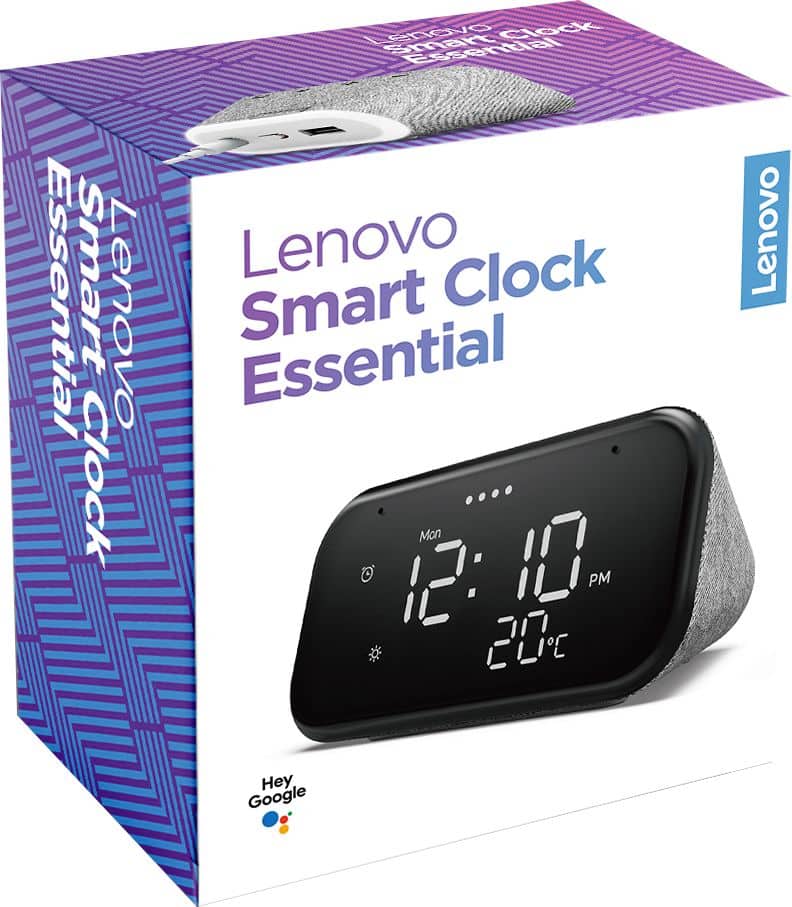
Customers enjoy the sound quality, ease of use, and display of the Smart Clock Essential. Many appreciate the included night light and the convenient size, finding it ideal for bedside tables. Positive feedback also highlights the Google Assistant integration and the alarm clock functionality. While some users experienced challenges with WiFi connectivity and initial setup, the overall sentiment is positive.
This summary was generated by AI based on customer reviews.
No Time For This Clock!
||Posted . Owned for 4 months when reviewed.This reviewer received promo considerations or sweepstakes entry for writing a review.Don't buy this Lenovo Clock as it is worthless. Just go get an Amazon Echo Show so you will not be returning this like I did.
No, I would not recommend this to a friendBrand response from Lenovo Product Expert
Posted .We are sorry to hear that the Lenovo Smart Clock Essential did not meet your needs.

Avoid
||Posted .This reviewer received promo considerations or sweepstakes entry for writing a review.Absolutely terrible. This smart clock does nothing but tell time. Avoid.
No, I would not recommend this to a friendBrand response from Lenovo Product Expert
Posted .We are sorry to hear that you are having issues with your Lenovo Smart Clock Essential. Here is a link to a YouTube video that demonstrates the setup and functionality for the Lenovo Smart Clock Essential: https://www.youtube.com/watch?v=oebcueXBCeU&t=6s
Won't wake up anyone
||Posted . Owned for 3 weeks when reviewed.This reviewer received promo considerations or sweepstakes entry for writing a review.Had to return because there was no setting to make the alarm sound louder.
No, I would not recommend this to a friendBrand response from Lenovo Product Expert
Posted .The device has the Google Assistant built in. Just say Hey Google or Ok Google to get started. For example, you can say: Hey Google, increase the volume and the Google Assistant will increase the audio output of the Smart Clock Essential.
.

Nice design, audio falls short
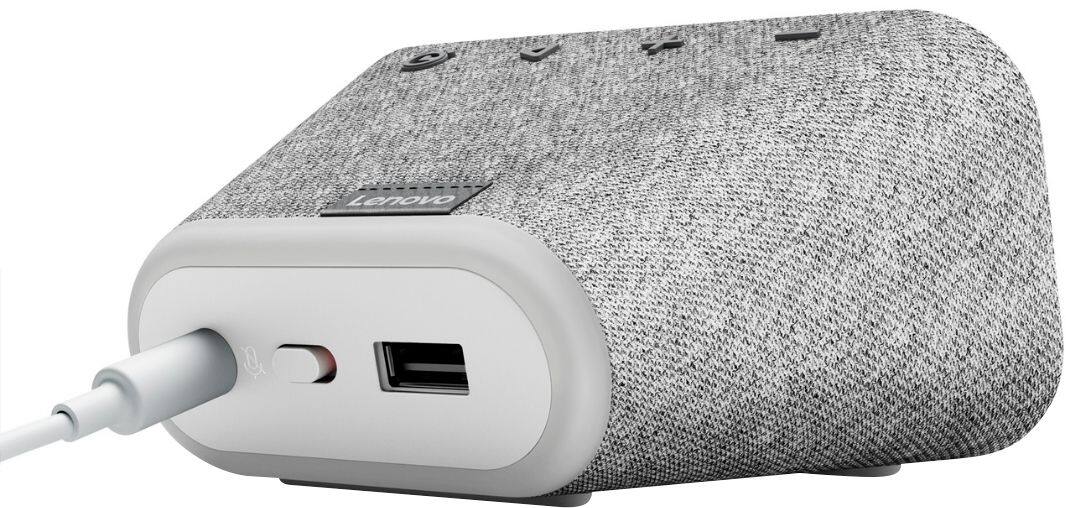
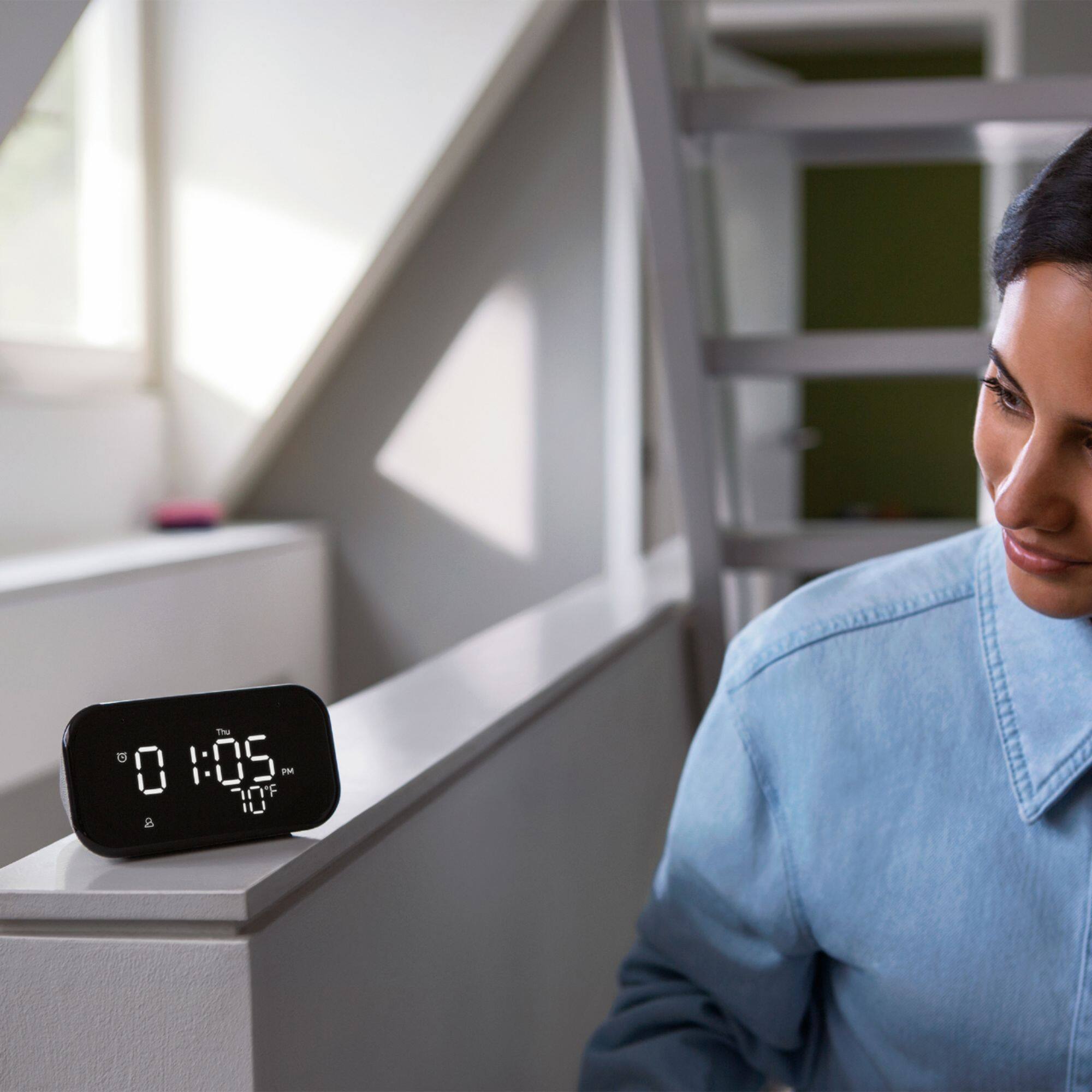
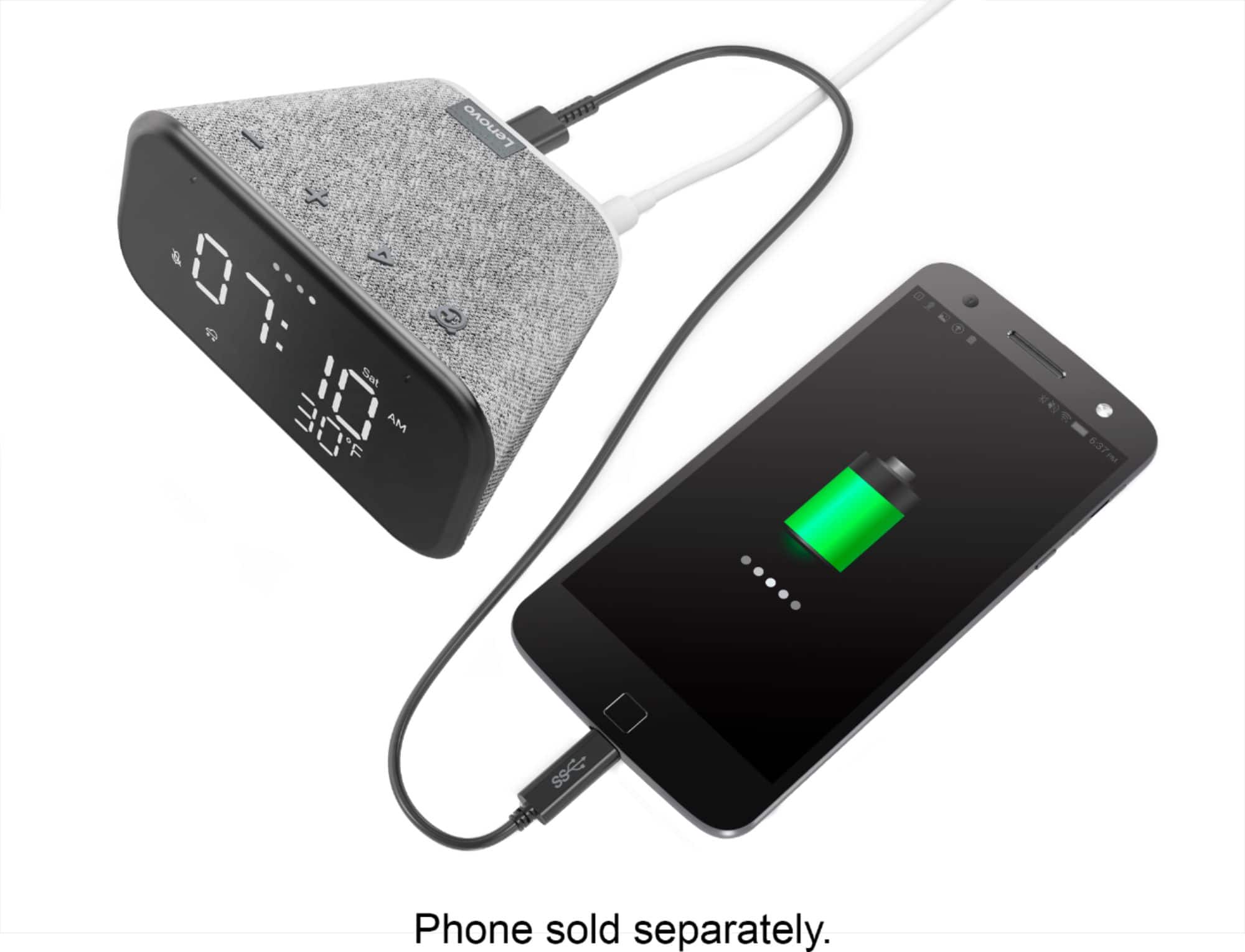
|Posted .This reviewer received promo considerations or sweepstakes entry for writing a review.The lenovo smart clock has a Big, bright and has easy-to-read LED display that allows you to choose between 3 levels of brightness. As with any Google Home compatible device, you can use voice control to set alarms, timers and reminders, get translations, just by starting with “Hey Google”. You can cast music, audiobooks, radio and podcasts from your phone or play it directly using the Google Home compatible apps. One unique feature of this device is that you can charge a smart watch or a phone on the included USB-port. It has a stylish design with a mesh fabric chassis and huge vibrant display. My only real complaint is that due to its diminutive size there is very little depth to the audio quality on this device. So listening to music is not the greatest on it. Overall, it's a pretty good alarm clock and brings with it a plethora of features and functionality thanks to the Google home ecosystem. I would recommend for the bedside.
I would recommend this to a friendBrand response from Lenovo Product Expert
Posted .Hi! Thanks for choosing the Lenovo Smart Clock Essential. We are pleased to hear the features like big and bright LEDs, modern design, and performance of the Smart Clock Essential is working out so well for you. We appreciate your feedback we are always looking for ways to improve our smart devices.
smart clock
||Posted . Owned for less than 1 week when reviewed.This reviewer received promo considerations or sweepstakes entry for writing a review.I couldn't get it set. So it is no use to me. Sorry I can't say anything good about it. I put it back in the box it came in.
No, I would not recommend this to a friendBrand response from Lenovo Product Expert
Posted .Hello, we are sorry to hear you experienced an issue setting up the Lenovo Smart Clock Essential. The time, day, and weather will automatically set once the device is setup and connected to WiFi. To setup your device, plug in your speaker or display. ...
Connect your mobile device to the Wi-Fi network that you'll use for your speaker or display.
On your phone or tablet, open the Google Home app .
Tap Set up devices follow the in-app steps. ...
More detailed instructions can be found on the google support page at https://support.google.com/googlenest/answer/7029485?co=GENIE.Platform%3DAndroid&hl=en
Dont waist your money.
||Posted . Owned for 3 months when reviewed.This reviewer received promo considerations or sweepstakes entry for writing a review.3 month's and already broken. It comes on but it's not showing time or let me do anything. Very disappointed!!!!!
No, I would not recommend this to a friendBrand response from Lenovo Product Expert
Posted .We are sorry to hear that you are having issues with your Lenovo Smart Clock Essential. Please try these steps one by one until it can be resolved. Try to restart the device. Unplug your device then wait 10 seconds. Plug it back in. The time should now appear as normal on the device. If it does not, we recommend you contact Lenovo Tech Support for Smart Devices at: 866-426-0911.
broke down
||Posted . Owned for 3 weeks when reviewed.This reviewer received promo considerations or sweepstakes entry for writing a review.Not working after a week, tried to restart and reboot with no success
No, I would not recommend this to a friendOld model
||Posted . Owned for 3 weeks when reviewed.This reviewer received promo considerations or sweepstakes entry for writing a review.Old model same price as new so not worth it. Rather buy new one.
No, I would not recommend this to a friend- Pros mentioned:Night light
Nice Smart Clock for bedroom nightstand
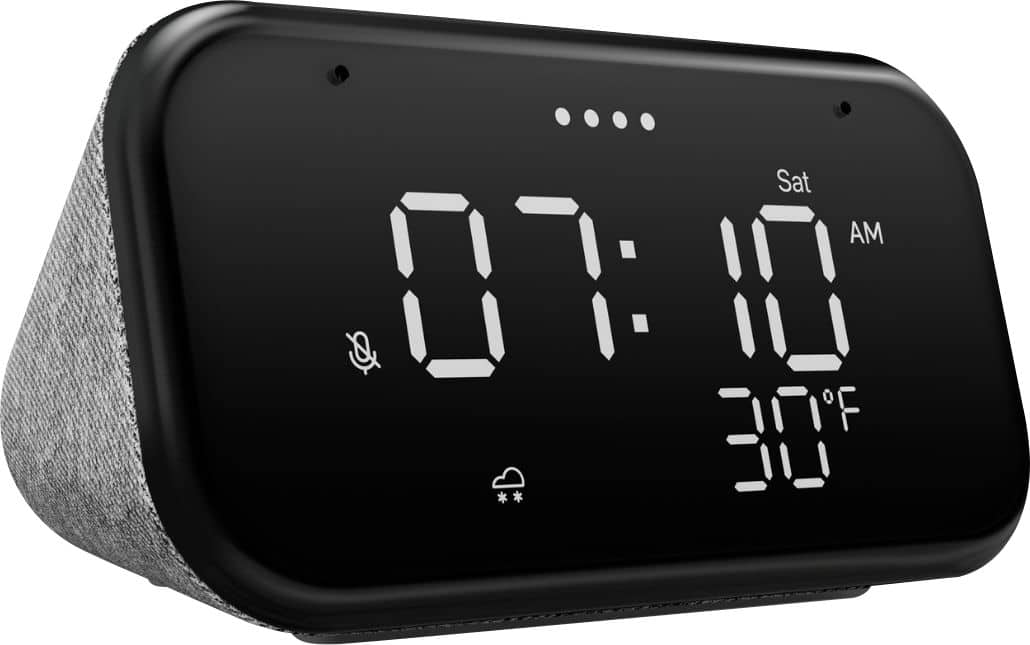
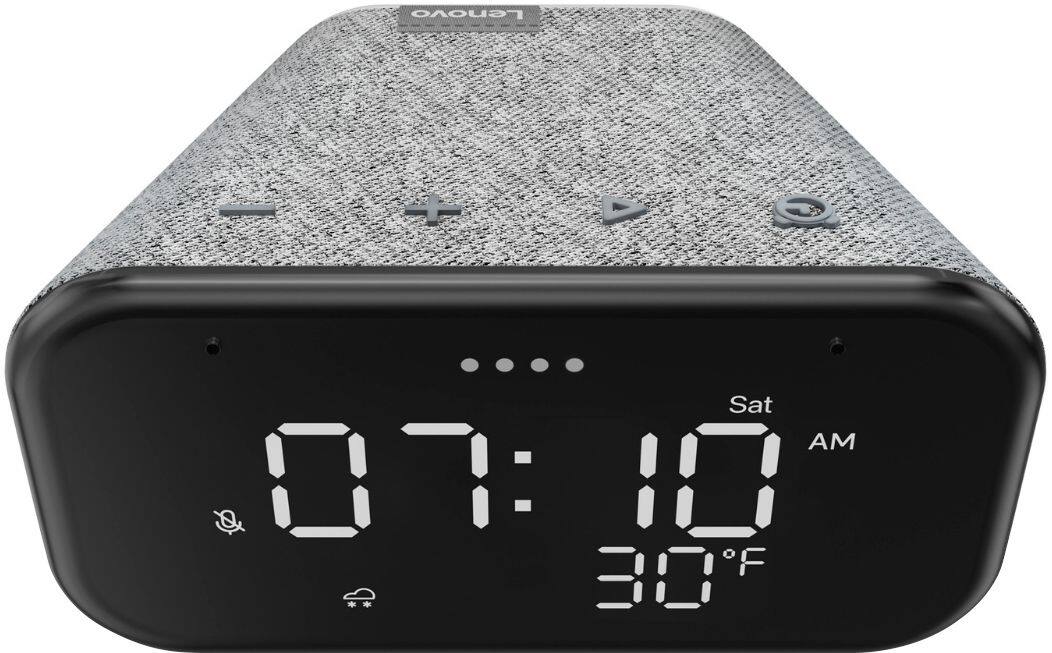
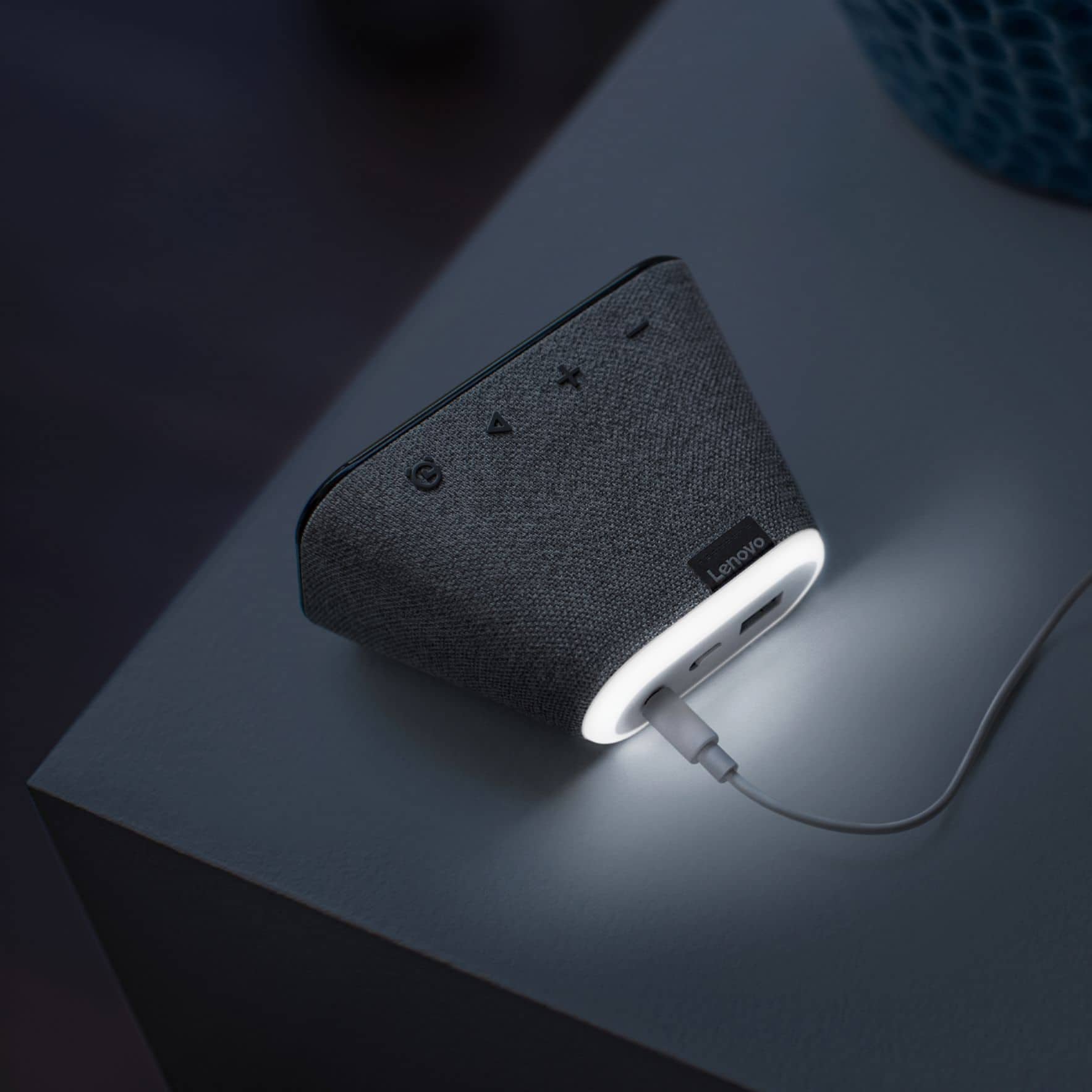
|Posted .This reviewer received promo considerations or sweepstakes entry for writing a review.Lenovo Smart clock essential is a great looking small smart nightstand clock that displays time and weather info. Its 4inch LED display looks more traditional compared to other smart hub. It displays, the time, day, weather and temperature. It does not have the touch screen and you will need to use the top buttons to adjust or set alarms. It’s a great device for bedside that also has a built-in nightlight in the back with a USB port for charging devices. Don’t expect this a great speaker for playing music but it does have a 3 W 1.5 inch speaker and sounds reasonably good. With the google assistant you can do everything that other smart google device does like streaming music, playing podcasts, controlling smart home devices and so. Overall, at the price range this device will be a good LED clock on the night stand with nothing to worry about camera or privacy as this doesn’t have any camera.
I would recommend this to a friendBrand response from Lenovo Product Expert
Posted .Hi Thanks for choosing the Lenovo Smart Clock Essential. We are happy to hear the features, design, and performance of the Smart Clock are meeting your needs so well. In regards to setting alarms you my use voice commands with the Google Assistant or the buttons on top. The choice is yours. Just say "okay Google set an alarm" or "okay Google set a music alarm"
Pass
||Posted . Owned for 1 year when reviewed.This reviewer received promo considerations or sweepstakes entry for writing a review.Screen starts acting up after a few months, makes it hard to read
No, I would not recommend this to a friendPeriodically disconnected from wifi
||Posted . Owned for 1 month when reviewed.This reviewer received promo considerations or sweepstakes entry for writing a review.Periodically disconnected from WiFi, contacted with customer service , no response. I wish I could give 0 star
No, I would not recommend this to a friendBrand response from Lenovo Product Expert
Posted .We are sorry to hear you are experiencing WIFI connectivity issues with your Lenovo Smart Clock Essential. We recommend switching between the 2.4Ghz and 5Ghz bands of your router. In some instances overlap from other wireless devices can cause this issue. To do this please ensure your device is within good range of your router. Then please perform a factory reset on the device by holding down the “Volume + and – ” buttons on top of your device for 8 Seconds. During setup please select a different band *Either 2.4 Ghz or 5 Ghz when connecting to your WiFi Network. Lastly please reset your modem and router by powering them down for 20 seconds then back on again. If the issue persists, please contact our customer support team at 866-426-0911
Don’t buy this
||Posted . Owned for 7 months when reviewed.This reviewer received promo considerations or sweepstakes entry for writing a review.This item is awful. It stops and starts working without any rhyme or reason.
No, I would not recommend this to a friendKeep your money
||Posted . Owned for 1 month when reviewed.This reviewer received promo considerations or sweepstakes entry for writing a review.Poor quality! The “hey google” feature doesn’t work well and the clock literally stopped moving after 1 week.
No, I would not recommend this to a friendBrand response from Lenovo Product Expert
Posted .Hi there, Thanks for choosing the Lenovo Smart Clock Essential. We are sorry to hear you are experiencing this issue with the mic/assistant. Please ensure you have removed the plastic film that is on the screen to protect the unit during shipping. This can block the microphones. If you device is not working correctly please power cycle the device by unplugging it for 1-2 minutes. Plugging it back in and allowing it to power on. If the issue remains please perform a factory reset by holding down the “Volume + and – ” buttons on top of your device for 8 Seconds. If the issue persists, please contact our customer support team at 866-426-0911
- Pros mentioned:Night light
My favorite bedside clock
|Posted .This reviewer received promo considerations or sweepstakes entry for writing a review.This is a great alternative to a basic bedside clock, especially if you have varied wake-up schedules throughout the week. It is so easy to set alarms by using the ‘hey google’ feature. Beyond that, it is a full featured Google voice assistant. For anyone familiar with Google, you can play music, set home temps and adjust lights if you have other google related items throughout your house, etc. Beyond that, lets get to the actual clock features. The LED lights are nice and bright, yet do not hinder your night viewing or distract you while you try to sleep. These can also be adjusted to different levels if you prefer it dim or bright. There is a nightlight feature that lights up a ring behind the clock and the brightness can be adjusted also. Extra features include a USB port so I can charge my phone overnight. Overall, I am satisfied with this clock thanks to the extra functionality of the ‘Hey Google’ feature built in.
I would recommend this to a friendBrand response from Lenovo Product Expert
Posted .Hi! Thanks for choosing the Lenovo Smart Clock Essential. We are pleased to hear the features, design, and performance of the Smart Clock Essential is working out so well for you.
Connectivity Issues
||Posted . Owned for 3 weeks when reviewed.This reviewer received promo considerations or sweepstakes entry for writing a review.Constantly disconnected from my Wifi (Advanced user)
No, I would not recommend this to a friendBrand response from Lenovo Product Expert
Posted .We are sorry to hear that you are having issues connecting your Lenovo Smart Clock Essential to your home WiFi. The Smart Clock Essential ships with 802.11 a/b/g/n/ac 2.4G/5G dual band frequency WiFi and should be able to connect to any current WiFi router available for home use. First, try restarting your router. Turn the router off and let the router stand for 30-seconds. Now power the router back on. Here is a link to a short YouTube video that demonstrates the initial setup of the Lenovo Smart Clock Essential: https://www.youtube.com/watch?v=oebcueXBCeU&t=33s. If the issue continues, we recommend you contact Lenovo Tech Support for Smart Devices at: 866-426-0911.
Wouldn't work upon completion of setup
||Posted .This reviewer received promo considerations or sweepstakes entry for writing a review.I couldn't get it to work on my network. It completed setup but couldn't be found on the network.
No, I would not recommend this to a friendBrand response from Lenovo Product Expert
Posted .Hello, we are sorry to hear you are experiencing this issue with your Lenovo Smart Clock Essential. Please power cycle the device by unplugging it for 1-2 minutes. Plugging it back in and allowing it to power on. If the issue remains please perform a factory reset by holding down the Volume "-" and alarm buttons on top of your device for 8 Seconds. If the issue persists, please contact our customer support team at 866-426-0911
- Pros mentioned:Size
Semi-Smart
|Posted .This reviewer received promo considerations or sweepstakes entry for writing a review.So this is a smart clock in the sense that you can do voice controls with many features. The display is big, so the numbers are very easy to see. It's nice that once connected to WiFi, the time sets automatically. Also great is that you can programs multiple alarms and there are presets for weekdays, weekends, or weekly on a specific day. The volume is pretty decent. What's not so great is that you have to push buttons on the clock like a regular clock to set alarms. Also, you can't program alarms for non-preset days, for example weekly Tuesdays and Thursdays weekly, or Mondays and Fridays. And even though I told it max volume, when the alarm sounded it was not very loud. So there is room for improvement for the next edition, but this one is pretty good and it's not going to kill you to have to push buttons.
No, I would not recommend this to a friendBrand response from Lenovo Product Expert
Posted .Hi! Thanks for choosing the Lenovo Smart Clock Essential. You can set alarms with your voice and on certain days of the week. Just say "Okay Google" set a repeating alarm for Tuesday's and Thursdays at 8:00 am. Also you can set or check your timers and alarms volume by opening the Google Home App and selecting your clock. From there select "Alarms and Timers" so see and change to max/min volume =)
Clock
||Posted . Owned for 5 months when reviewed.This reviewer received promo considerations or sweepstakes entry for writing a review.Find this difficult to work with my cell phone. I randomly calls out unsolicited.
No, I would not recommend this to a friendBrand response from Lenovo Product Expert
Posted .You can pair the Lenovo Smart Clock Essential to your cell phone to make out going calls. The Smart Clock Essential can not receive incoming calls though. Here is a link to more information about setting up a Google Assistant device, like the Lenovo Smart Clock Essential with your compatible cell phone: https://support.google.com/assistant/answer/9071678?hl=en&co=GENIE.Platform%3DAndroid. If you ccontinue to have issues with your Smart Clock Essential we recommend you contact Lenovo Tech Support for Smart Devices at: 866-426-0911.
A NO for me!
||Posted . Owned for 1 month when reviewed.This reviewer received promo considerations or sweepstakes entry for writing a review.Returned. I actually wanted a different model and accidentally ordered this one.
No, I would not recommend this to a friendBrand response from Lenovo Product Expert
Posted .We are sorry to hear that the Lenovo Smart Clock Essential did not meet your needs.
Poor display. No date on a digital clock ?
||Posted .This reviewer received promo considerations or sweepstakes entry for writing a review.Returned this. It’s a dumb smart speaker. Thr display really does nothing. DOESNT EVEN SHOW THE DATE
No, I would not recommend this to a friendBrand response from Lenovo Product Expert
Posted .Hello, The Lenovo Smart Display Essential can tell you the date with a simple voice command. Just Say "okay Google what's todays date?". If you would like an overview of your day just say "Okay Google tell me about my day" to hear the day, time, weather, upcoming appointments and more. If you are looking for a Smart Clock with a bright crisp 4" color touch display that can show you the date and time, photos, dynamic clock faces, and more, we recommend checking out our Lenovo Smart Clock with Google Assistant. https://www.bestbuy.com/site/lenovo-smart-clock-with-google-assistant-gray/6335321.p?skuId=6335321