Customer Ratings & Reviews
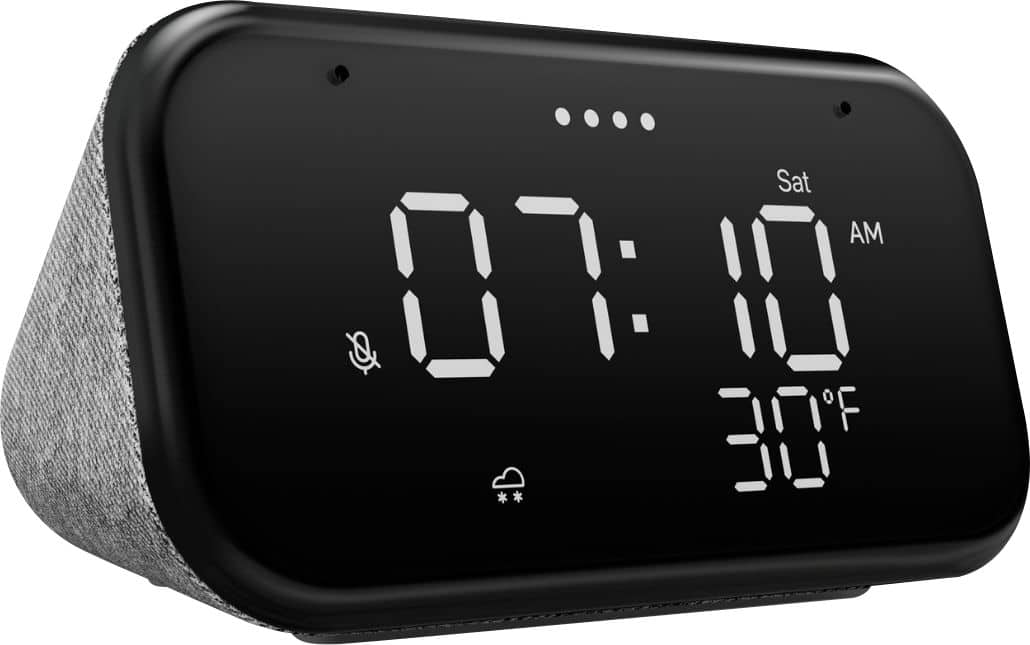
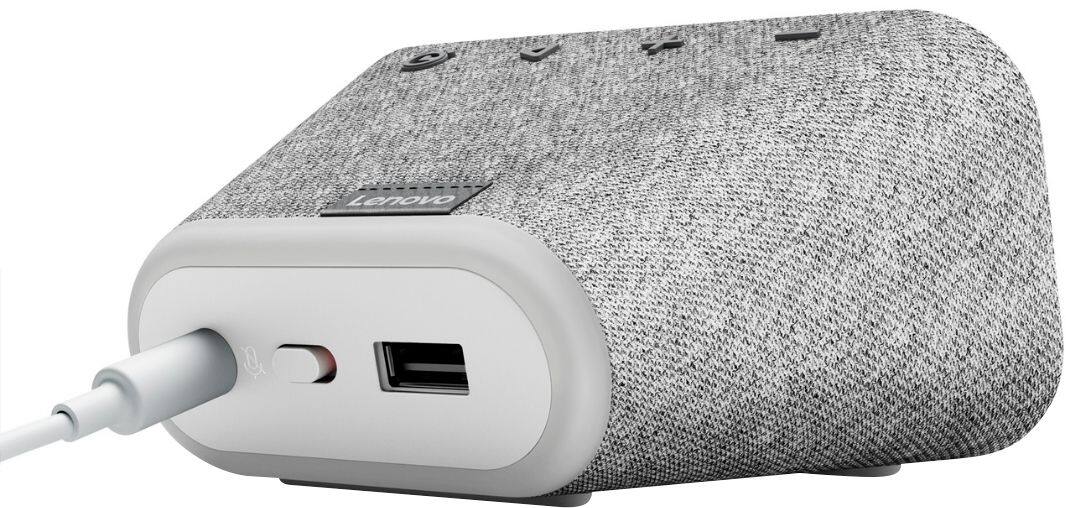
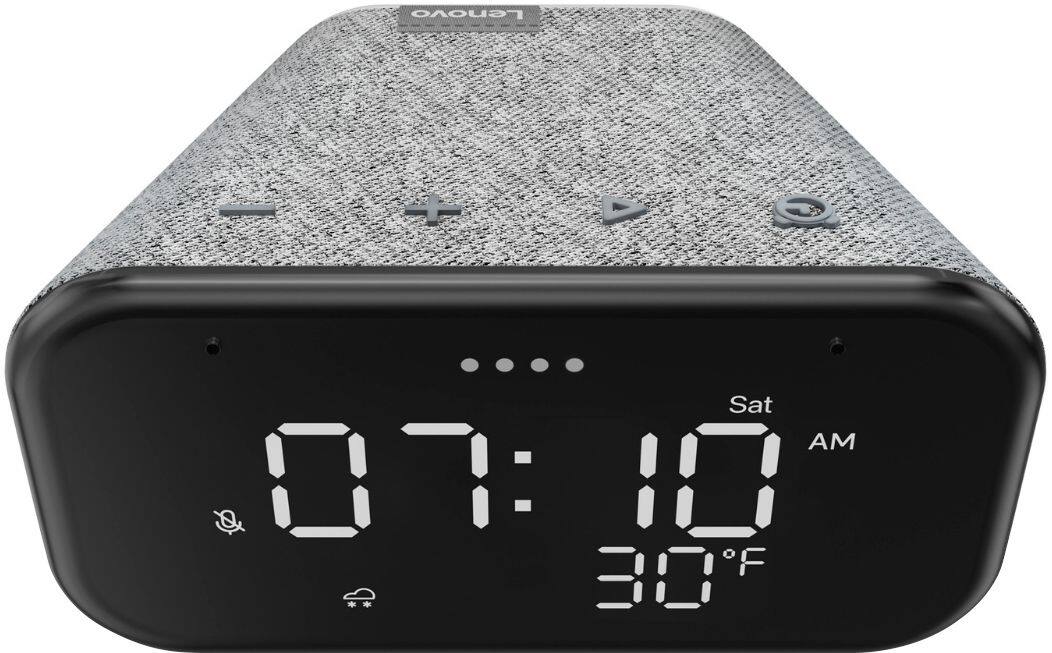
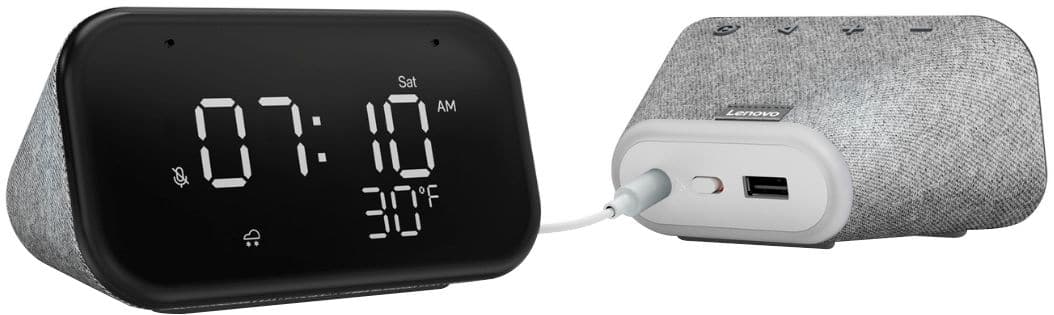
- Model:
- ZA740005US
- SKU:
- 6429528
Rating by feature
- Value
Rating 4.6 out of 5 stars
- Quality
Rating 4.5 out of 5 stars
- Ease of Use
Rating 4.4 out of 5 stars
Customers are saying
Customers enjoy the sound quality, ease of use, and display of the Smart Clock Essential. Many appreciate the included night light and the convenient size, finding it ideal for bedside tables. Positive feedback also highlights the Google Assistant integration and the alarm clock functionality. While some users experienced challenges with WiFi connectivity and initial setup, the overall sentiment is positive.
This summary was generated by AI based on customer reviews.
Great for Multitasking
||Posted . Owned for 1 year when reviewed.This reviewer received promo considerations or sweepstakes entry for writing a review.I’ve actually had this clock for a while. I have it connected to smart bulbs on my lamps, set timers for lights as well as using the clock for radio/music. Basic device, but I got it just to have an alarm clock, yet I’m really enjoying the other features.
I would recommend this to a friendBrand response from Lenovo Product Expert
Posted .Thank you for choosing the Lenovo Smart Clock Essential with Google Assistant. We are pleased to hear that the features and performance of the Smart Clock Essential with Google Assistant meets your needs so well.

Good quality, helpful clock
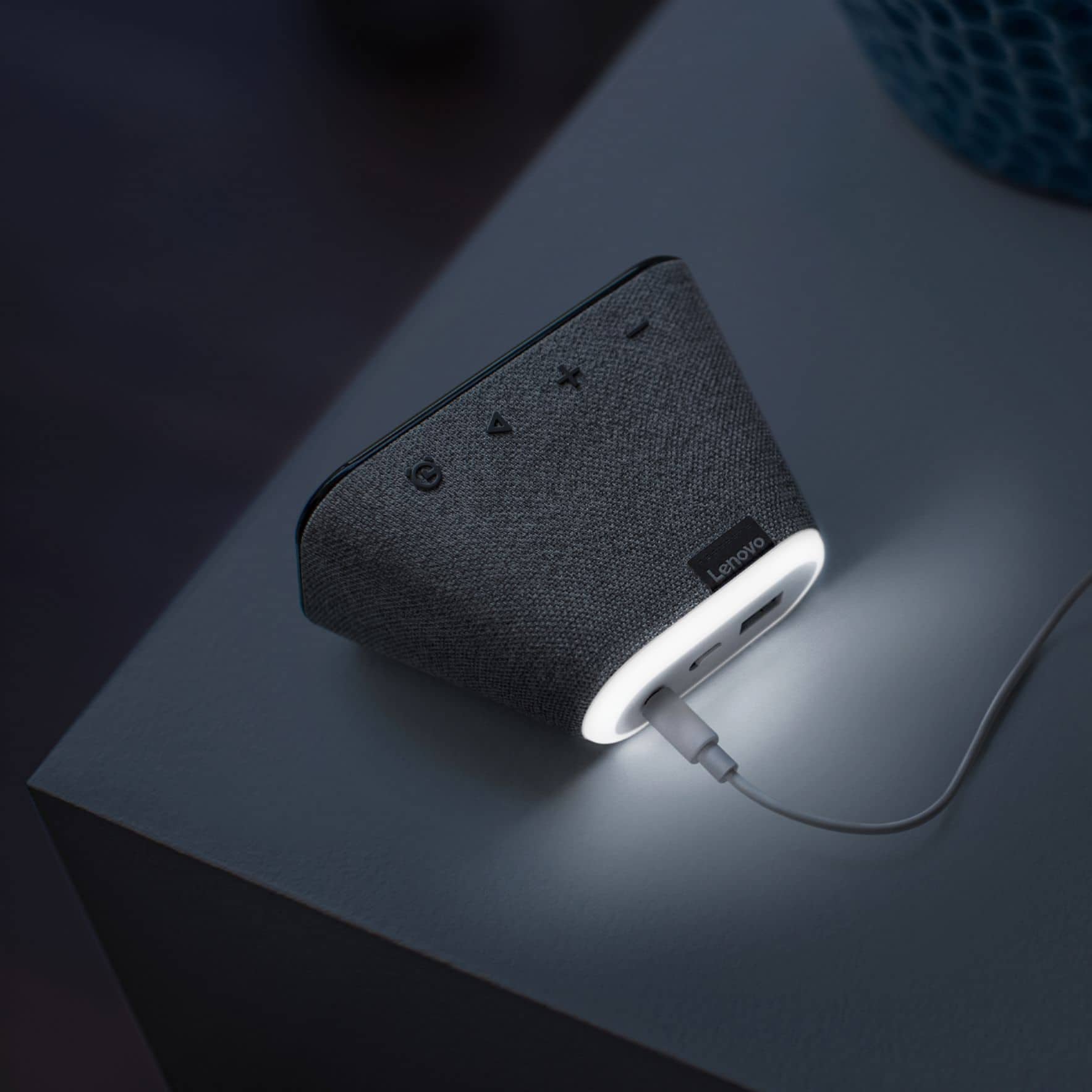
||Posted . Owned for 1 month when reviewed.This reviewer received promo considerations or sweepstakes entry for writing a review.It is really handy to have the weather info visible. I love that I can use it to play music or turn on the light at night. The light is adjustable but shines on my wall and is perfect so that I can see around without waking my partner. Setting alarms is super easy and convenient as well.
I would recommend this to a friendBrand response from Lenovo Product Expert
Posted .Hi! Thanks for choosing the Lenovo Smart Clock Essential. We are pleased to hear the features, design, and performance of the Smart Clock Essential is working out so well for you.
Convenient with Google smart ecosystem
||Posted . Owned for 1 week when reviewed.This reviewer received promo considerations or sweepstakes entry for writing a review.Just a clock with brief weather display, but provides convenience within google's smart home ecosystem with built in assistant. Purchased for $25 (on sale), and for that price, it does the job at solid value. Wouldn't recommend purchasing for the standard listed price of $50.
No, I would not recommend this to a friendBrand response from Lenovo Product Expert
Posted .Hi! Thanks for choosing the Lenovo Smart Clock Essential. We are pleased to hear the features, design, and performance of the Smart Clock Essential is working out so well for you.
Great Clock with helpful automation
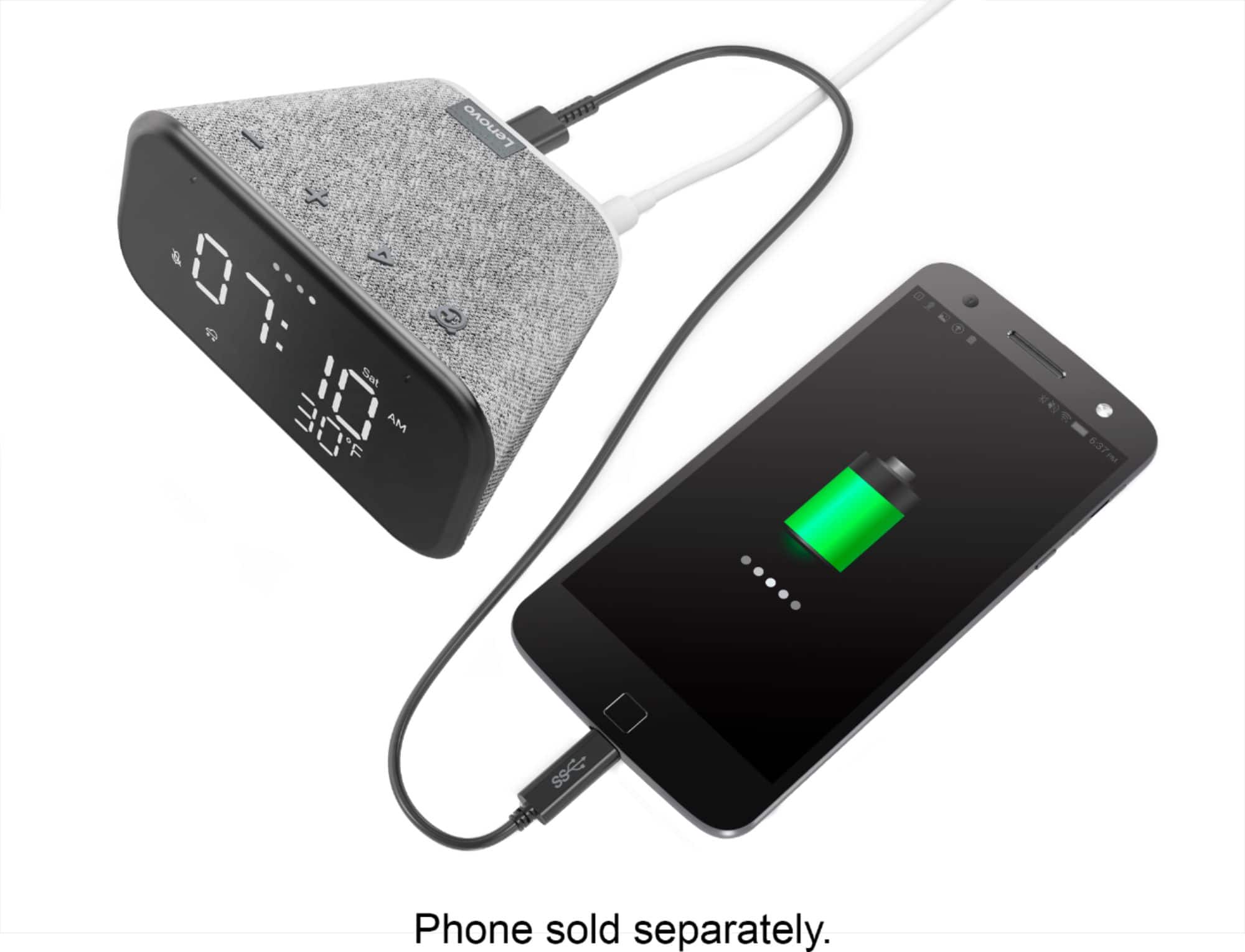
||Posted . Owned for 3 weeks when reviewed.This reviewer received promo considerations or sweepstakes entry for writing a review.Functions great with Google Assistant. Manual controls are reachable and the USB port is helpful for extra charging. The screen can dim out sometimes on the numbers but not enough to drop its value.
I would recommend this to a frienddecent product with some flaws
||Posted .This reviewer received promo considerations or sweepstakes entry for writing a review.Overall a decent product. A couple of drawbacks (from my experience): low mic sensitivity (even with the max settings in Google Home app), no physical control for the light; the only option is voice command but the integration is finicky. For the price, it works well.
I would recommend this to a friendBrand response from Lenovo Product Expert
Posted .Hi there, Thanks for choosing the Lenovo Smart Clock Essential. We are sorry to hear you are experiencing this issue with the mic/assistant. Please ensure you have removed the plastic film that is on the screen to protect the unit during shipping. If the issue persists, it is possible setting up voice match and raising the "okay google" sensitivity will help with this. to setup voice match please open the Google Home app.
At the top right, tap your account.
Verify that the Google Account shown is the one linked to your speaker or display. To switch accounts, tap another account or Add another account.
Tap Assistant settings Voice Match Add devices.
Make sure any devices you want to link your voice to are checked.
Tap Next I agree.
Follow the in-app steps.
To adjust the sensitivity of the mic please open the Google Home app .
At the bottom, tap Home .
Select your speaker or Smart Display.
At the top right, tap Device settings. ...
Choose how sensitive you want Google Assistant to be when it responds to you. If you need further assistance please don't hesitate to reach out to Lenovo Tech Support at 866-426-0911
Second clock
||Posted . Owned for 3 weeks when reviewed.This reviewer received promo considerations or sweepstakes entry for writing a review.I purchased for my husband as a Christmas present and He really loved it however stopped working not even lasted two months. I had to go back to Best Buy to purchase another one because He had to have it next to the bed to utilize as a alarm, traffic and weather. Very easy to set up.
I would recommend this to a friendBrand response from Lenovo Product Expert
Posted .Hi! Thanks for choosing the Lenovo Smart Clock Essential. We are sorry to hear you experienced an issue with your first Smart Clock Essential. When this happens we recommend to \please power cycle the device by unplugging it for 1-2 minutes. Plugging it back in and allowing it to power on. If the issue remains please perform a factory reset by holding down the “Volume + and – ” buttons on top of your device for 8 Seconds. If the issue persists, please contact our customer support team at 866-426-0911
Perfect for our needs
||Posted . Owned for 3 weeks when reviewed.This reviewer received promo considerations or sweepstakes entry for writing a review.My husband wanted just a simple clock radio with a USB port to charge his phone. This was all he wanted and more! We have had lots of fun with the “Hey Google” function as well! It is wonderful to catch up on the news and weather as you get ready in the morning!
I would recommend this to a friendBrand response from Lenovo Product Expert
Posted .Hi! Thanks for choosing the Lenovo Smart Clock Essential. We are pleased to hear the features, design, and performance of the Smart Clock Essential is working out so well for you.
Small and Excellent
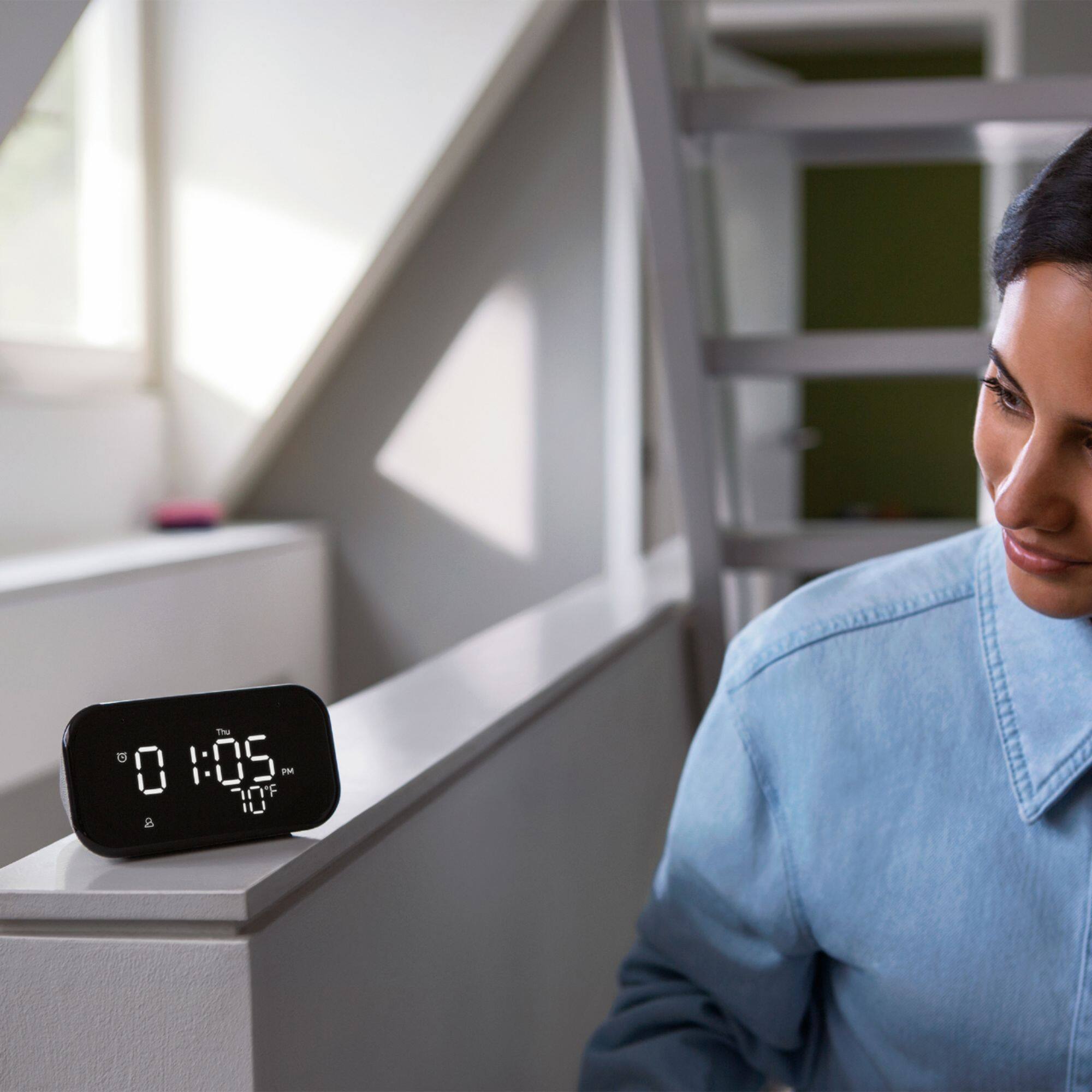
||Posted . Owned for 1 week when reviewed.This reviewer received promo considerations or sweepstakes entry for writing a review.Works great as a clock and alarm. No need to ever adjust the time anymore for daylight savings time, it is done automatically. The outside temp. and weather forecast on the bottom is a great feature. I also use it to listen to music. The speaker is not that impressive but works well.
I would recommend this to a friendBrand response from Lenovo Product Expert
Posted .Hi! Thanks for choosing the Lenovo Smart Clock Essential. We are pleased to hear the features, design, and performance of the Smart Clock Essential is working out so well for you.
Not a good alarm clock
||Posted .This reviewer received promo considerations or sweepstakes entry for writing a review.As an alarm clock, not very good. Cannot turn an alarm off, say if your on vacation, you have to delete it and set it back up later. If using alarm it has a sunrise mode that turns on the light 5 minutes before the alarm. No way to turn this feature off for some reason. Google home app does not allow hardly any customization, pretty pointless. Cannot setup an alarm in the app, only delete one. Snooze button is any button other than alarm, alarm button turns it off but it's small. Just don't understand how and why it's missing basic functions. Acts as a normal google speaker so that's a good thing.
No, I would not recommend this to a friendBrand response from Lenovo Product Expert
Posted .Hi there, we are sorry to hear you are having this experience with the Lenovo Smart Clock Essential. Creating a re-occurring alarm as is simple as saying. "Okay Google Create a re-reoccurring alarm for Weekdays at 8:00 am" This model is the Essential Smart Clock and is meant to be a more simplistic streamlined alarm clock with the added benefits of having the Google Assistant built in. The "Lenovo Smart Clock with Google Assistant" has a color touch screen, multiple clock faces, alarms, photo frame slide shows and an ambient light sensor. If customization and features is what your after the Lenovo Smart Clock with Google Assistant may be a better fit =)
I don’t know yet. It’s at least pretty good.
||Posted . Owned for 1 month when reviewed.This reviewer received promo considerations or sweepstakes entry for writing a review.I might just need to play around with settings some more. It functions well an I like that it is equal parts alarm clock and smart speaker. However, I got it for my 11 year old daughter who is a sound sleeper and she is completely unfazed by the alarm in the morning.
I would recommend this to a friendBrand response from Lenovo Product Expert
Posted .Hi! Thanks for choosing the Lenovo Smart Clock Essential. We are pleased to hear the features, design, and performance of the Smart Clock Essential is working out so well for you. To adjust the alarm volume open the Google Home App on your smartphone or tablet. Select the Smart Clock Essential, click the settings icon, and then alarms and timers.
Ingenious
||Posted . Owned for 1 month when reviewed.This reviewer received promo considerations or sweepstakes entry for writing a review.Bang for the buck!! I'm amazed at the features of this little device. I have it in my living room, connected to three smart bulbs in separate area's that I control the brightnes as a whole or each individually. And that's just the beginning of the possibilities. Awesome product.
I would recommend this to a friendBrand response from Lenovo Product Expert
Posted .Hi! Thanks for choosing the Lenovo Smart Clock Essential. We are pleased to hear the features, design, and performance of the Smart Clock Essential is working out so well for you.
Nice smart clock!
||Posted . Owned for 3 weeks when reviewed.This reviewer received promo considerations or sweepstakes entry for writing a review.Great clock, it works as a mini google home/nest. Mic and speaker aren't as loud or strong, but they work just fine for an alarm clock. Adjusting the night light is a pain, there's no direct buttons to adjust or through the home app, it's all by voice commands.
I would recommend this to a friendBrand response from Lenovo Product Expert
Posted .Hi there, Thanks for choosing the Lenovo Smart Clock Essential. I have good news for you you can turn off/on the nightlight by holding and pressing the volume - button for 3 seconds. We are sorry to hear you are experiencing this issue with the mic. It is possible setting up voice match and raising the "okay google" sensitivity will help with this. to setup voice match please open the Google Home app.
At the top right, tap your account.
Verify that the Google Account shown is the one linked to your speaker or display. To switch accounts, tap another account or Add another account.
Tap Assistant settings Voice Match Add devices.
Make sure any devices you want to link your voice to are checked.
Tap Next I agree.
Follow the in-app steps.
To adjust the sensitivity of the mic please open the Google Home app .
At the bottom, tap Home .
Select your speaker or Smart Display.
At the top right, tap Device settings. ...
Choose how sensitive you want Google Assistant to be when it responds to you.
Good product, good price
||Posted . Owned for 3 weeks when reviewed.This reviewer received promo considerations or sweepstakes entry for writing a review.Overall, it has all the features I need and works well. I just wish that the screen went a little dimmer (unless it does and I just haven't figured it out) and that the night light didn't seem to randomly sometime turn on in the middle of the night
I would recommend this to a friendBrand response from Lenovo Product Expert
Posted .Thank you for choosing the Lenovo Smart Clock Essential. To reduce the light from the screen at night, you can simply say - Set screen brightness to 10 Percent. With regard to the Night Light coming on by itself, we recommend you contact Lenovo Tech Support for Smart Devices for help with that issue at: 866-426-0911.
Great Clock, music, and intercom abilities too!!
||Posted . Owned for 3 weeks when reviewed.This reviewer received promo considerations or sweepstakes entry for writing a review.We love this little clock! Especially the ability to set up with I(heart)radio and the ability to broadcast to my child’s room (like an intervom) to announce that “dinner is ready”. Planning to buy another for our other child as well!!
I would recommend this to a friendBrand response from Lenovo Product Expert
Posted .Thank you for choosing the Lenovo Smart Clock Essential. We are pleased to hear that the features and performance of the Smart Clock Essential meets your needs so well.
Decent entry level smart speaker
||Posted . Owned for 1 year when reviewed.This reviewer received promo considerations or sweepstakes entry for writing a review.This is a decent entry level smart speaker. Cheap enough but needs better quality control. After less than a year, the screen is already having issues; some of the numbers do not light up all the way.
No, I would not recommend this to a friendJust what we wanted
||Posted . Owned for 1 month when reviewed.This reviewer received promo considerations or sweepstakes entry for writing a review.Nice clock - small and unobtrusive but easy to read from across the room with glasses and across the bed without... it's nice having the weather displayed and always current. That is the primary reason I bought it, so beyond that, we don't use the other smart functions.
I would recommend this to a friendBrand response from Lenovo Product Expert
Posted .Hi! Thanks for choosing the Lenovo Smart Clock Essential. We are pleased to hear the features, design, and performance of the Smart Clock Essential is working out so well for you.
Very fun toy
||Posted . Owned for 3 months when reviewed.This reviewer received promo considerations or sweepstakes entry for writing a review.First of all, it's a great clock that tells time and the weather accurately. Haven't used a ton of the smart home features, but I do love that it will read me news highlights when I ask it in the morning. Oh, and it now turns my tv on for me. It's a very fun toy.
I would recommend this to a friendBrand response from Lenovo Product Expert
Posted .Thank you for choosing the Lenovo Smart Clock Essential. We are pleased to hear that the features and performance of the Smart Clock Essential are working out so well for you.
Not what I was hoping for
||Posted . Owned for 1 month when reviewed.This reviewer received promo considerations or sweepstakes entry for writing a review.We have Alexa in our home, so this google home device was completely new to me. I'm not impressed. The physical controls are a pain. I knew I was getting a smart device, but I liked the idea of still having some physical controls since my husband is still adjusting to the smart world. Alexa's app is a breeze to adjust just about anything you want. Google's home app, not so much. It may be different with other google home devices, but you don't get much control of the clock in the app either. Life is busy, so too much time has passed for me to return it or I would. If you're looking for a happy simple integration of a physical alarm clock and a smart device, this is not it.
No, I would not recommend this to a friendLooks great, always on weather is super convenient
||Posted . Owned for 2 months when reviewed.This reviewer received promo considerations or sweepstakes entry for writing a review.I liked this more than I thought I would. It looks sleek, the weather always showing is super convenient, and the usb outlet makes for a convenient outlet for my smartwatch. Sound quality isn"t great, but given the price I think it's as expected.
I would recommend this to a friendBrand response from Lenovo Product Expert
Posted .Hi! Thanks for choosing the Lenovo Smart Clock Essential. We are pleased to hear the features, design, and performance of the Smart Clock Essential is working out so well for you. You can adjust the sound if your speaker by opening the Google Home App on your smartphone or tablet, selecting the Smart Clock Essential, then selecting the three lines at the top of the screen. You now have the ability to adjust the Bass and Treble to fine tune the speaker. If you need further assistance please don't hesitate to reach out to Lenovo Tech Support at 866-426-0911
Good enough!
||Posted .This reviewer received promo considerations or sweepstakes entry for writing a review.It has been working well so far. I expected a few more customization options like changing the clock color, back light color, and internal temperature sensor. But at this price point from Lenovo, it's more unlikely anyways. I hope it lasts long.
I would recommend this to a friendBrand response from Lenovo Product Expert
Posted .Hi! Thanks for choosing the Lenovo Smart Clock Essential. We are pleased to hear the features, design, and performance of the Smart Clock Essential is working out so well for you. We appreciate your feedback as we are always looking for ways to improve our Smart Devices. You can ask the assistant "What is the indoor temperature" at any time if you have a connected smart thermostat. If you need further assistance please don't hesitate to reach out to Lenovo Tech Support at 866-426-0911