Customer Ratings & Reviews
- Model:
- ZA740005US
- SKU:
- 6429528
Rating by feature
- Value
Rating 4.6 out of 5 stars
- Quality
Rating 4.5 out of 5 stars
- Ease of Use
Rating 4.4 out of 5 stars
Customers are saying
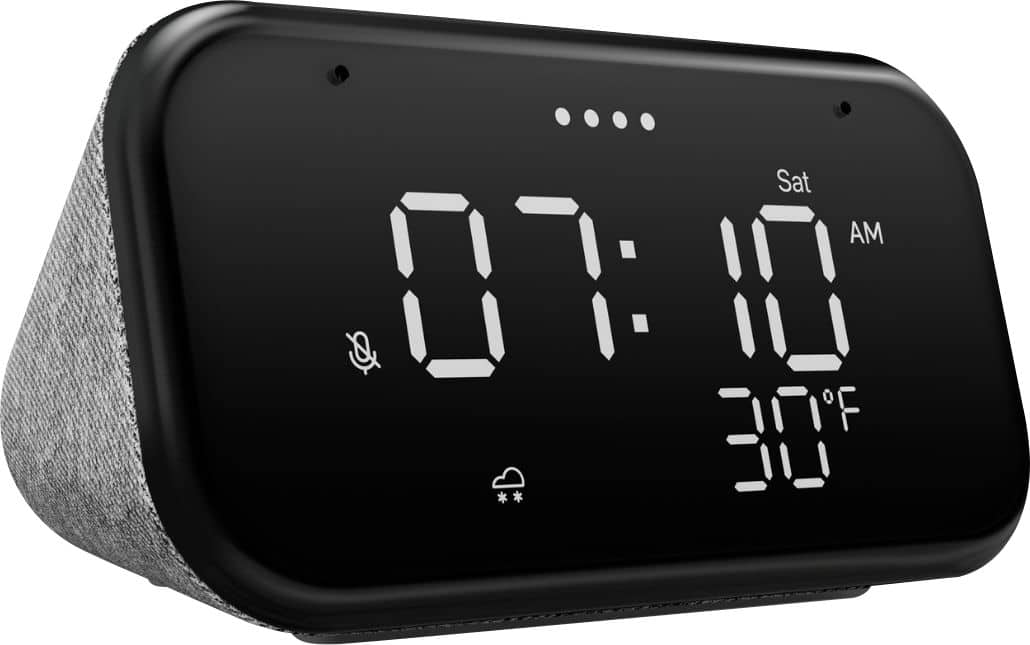
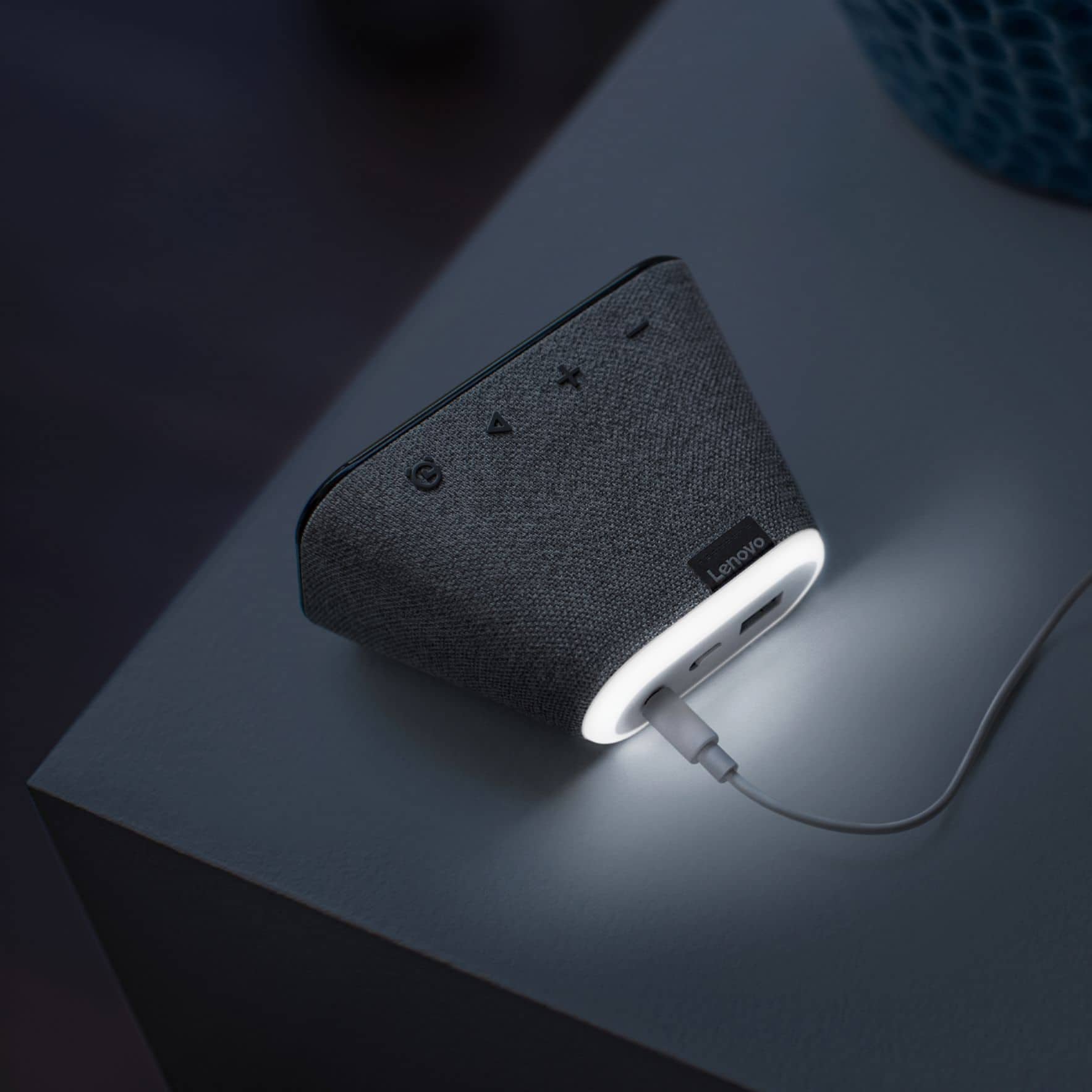
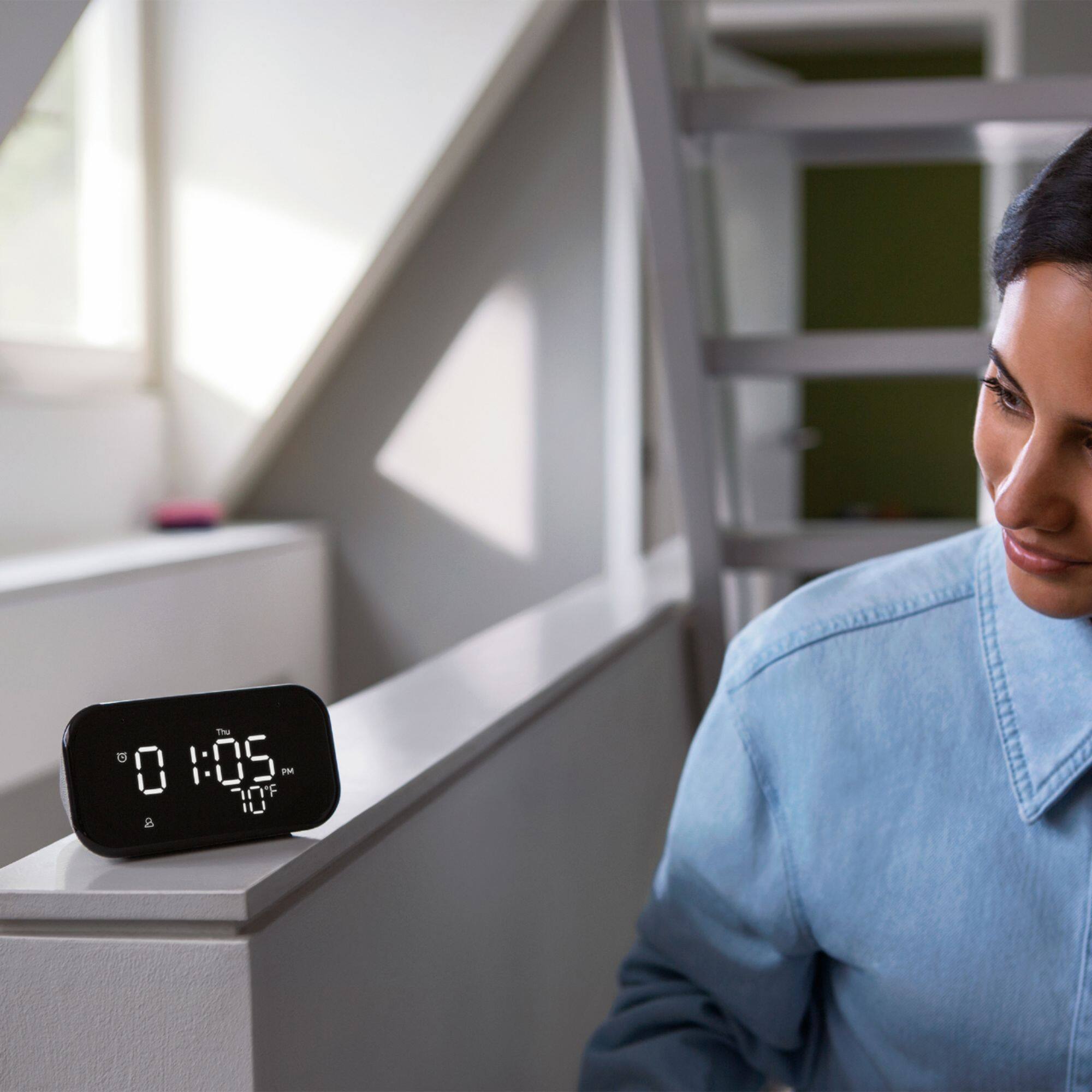
Customers enjoy the sound quality, ease of use, and display of the Smart Clock Essential. Many appreciate the included night light and the convenient size, finding it ideal for bedside tables. Positive feedback also highlights the Google Assistant integration and the alarm clock functionality. While some users experienced challenges with WiFi connectivity and initial setup, the overall sentiment is positive.
This summary was generated by AI based on customer reviews.
Display too small for me.
||Posted . Owned for 3 weeks when reviewed.This reviewer received promo considerations or sweepstakes entry for writing a review.Returned this because the display was too small. Love the google assist features, so replaced with a Google Nest and I just ask for the time instead. Would work great if you don't need a large display of time.
I would recommend this to a friendGreat clock + smart speaker. Little customization.
||Posted . Owned for 3 weeks when reviewed.This reviewer received promo considerations or sweepstakes entry for writing a review.I really liked the idea of this clock giving only the "essentials". My placement of it across a room made it too small and difficult to read at night. I also wish it was possible to turn off everything except the time during certain hours (night).
I would recommend this to a friendBrand response from Lenovo Product Expert
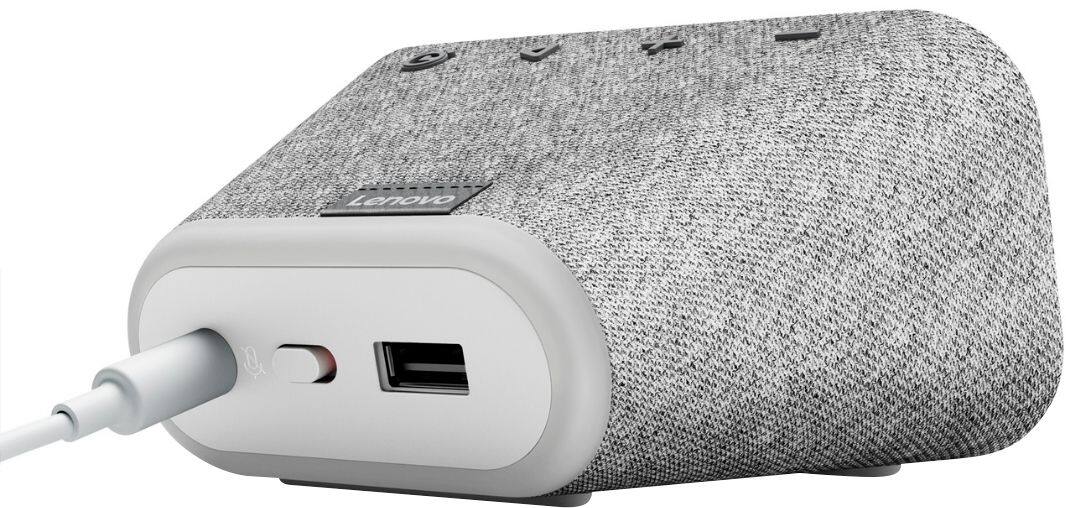
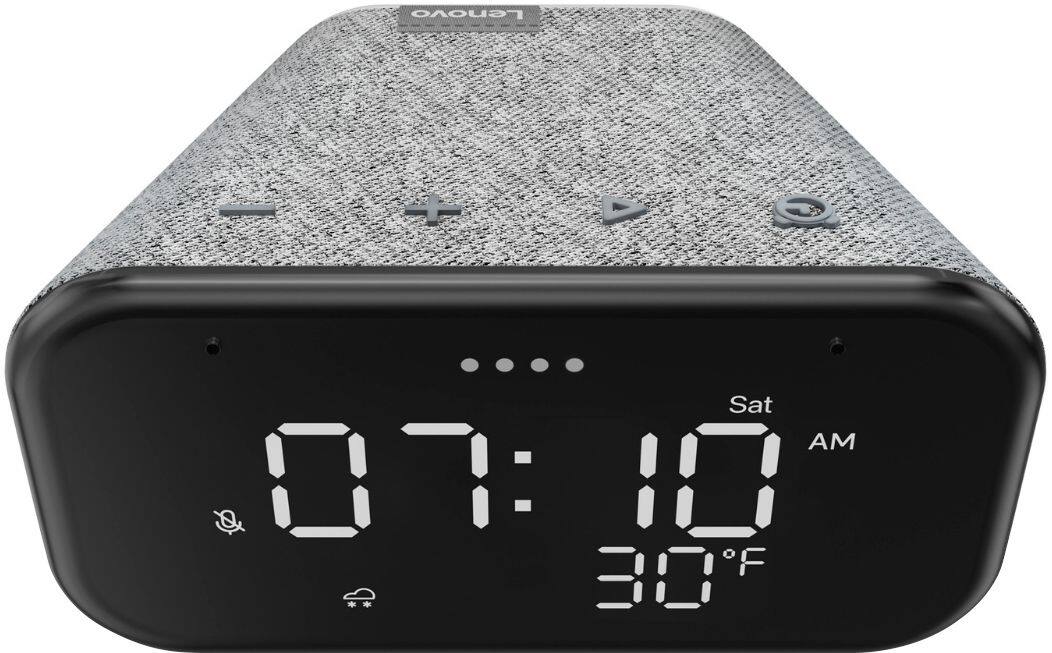
Posted .Hi there, The Lenovo Smart Clock Essential should automatically adjust in the dark to only display the time. If your device isn't functioning in this manner please power cycle the device by unplugging it for 1-2 minutes. Plugging it back in, and allowing it to power on. If the issue remains please perform a factory reset by holding down the “Volume + and – ” buttons on top of your device for 8 Seconds. If the issue persists, please contact our customer support team at 866-426-0911

How to save a life....
||Posted . Owned for 1 month when reviewed.This reviewer received promo considerations or sweepstakes entry for writing a review.Amazing. Gave to my son-in-law who had a stroke for the large number glowing display. Didn't know it was a Google thing, now he can call us on it if he has needs help with just voice activation. Amazing for someone who falls and can't get up on there own.
I would recommend this to a friendBrand response from Lenovo Product Expert
Posted .Hi! Thanks for choosing the Lenovo Smart Clock Essential. We are pleased to hear the features, design, and performance of the Smart Clock Essential is working out so well for you.
Works well, not easy to set up
||Posted . Owned for 1 month when reviewed.This reviewer received promo considerations or sweepstakes entry for writing a review.Works well as a clock and outside temp monitor. Not exactly easy to set up, but after several tries, it connected to my wireless network and correctly displayed time and temp. Still not connected to Google but that's probably for the best.
I would recommend this to a friendBrand response from Lenovo Product Expert
Posted .Hello, we are sorry to hear you had an issue setting up your Lenovo Smart Clock Essential. To setup the Smart Clock Essential you will need to first download the Google Home App on your Smart Phone or Tablet that is connected to your Home Network. Then you will need to plug in and power on the Smart Clock Essential. Next Please open the Google Home App on your Smart Phone or Tablet and follow the on screen instructions. Setup should take around 5 minutes. Additional setup instructions can be found with the Smart Clock Essential User guide that on the Lenovo Support page and can be accessed by copying and pasting the following address into your Web Browser. http://pdf.lowes.com/useandcareguides/195042771855_use.pdf ... If you need further assistance please don't hesitate to reach out to Lenovo Tech Support at 866-426-0911
Nice for small area
||Posted . Owned for 2 months when reviewed.This reviewer received promo considerations or sweepstakes entry for writing a review.I have this clock and the next level up with color and touch screen. I would recommend paying a little more for the color and touch screen. I am trying to connect it to my Nest doorbell and to date have not been able to do it.
I would recommend this to a friendBrand response from Lenovo Product Expert
Posted .Thank you for choosing the Lenovo Smart Clock Essential. The Smart Clock Essential is not capable of displaying video on its screen so it will not work with your video doorbell.
Andy
||Posted . Owned for 1 week when reviewed.This reviewer received promo considerations or sweepstakes entry for writing a review.I bought this device to get rid of two off of my dresser an alarm clock and a Google home mini. I only have one complaint with this device the nightlight is erratic comes on randomly and also the dimmer on the screen comes and goes at well
I would recommend this to a friendBrand response from Lenovo Product Expert
Posted .Hello, we are sorry to hear you are experiencing this issue with erratic nightlight and screen brightness behavior. If your device is not functioning as intended we recommend to please power cycle the device by unplugging it for 1-2 minutes. Plugging it back in and allowing it to power on. If the issue remains please perform a factory reset by holding down the “Volume + and – ” buttons on top of your device for 8 Seconds. If the issue persists, please contact our customer support team at 866-426-0911
great standalone digital clock
||Posted . Owned for 4 months when reviewed.This reviewer received promo considerations or sweepstakes entry for writing a review.exactly what its supposed to be, a smart digital alarm clock- only issue is that it conflicts with a google assistant in the same room with smart lights, where asking for lights on or off will turn on the actual light on the clock
I would recommend this to a friendGreat clock
||Posted . Owned for 3 months when reviewed.This reviewer received promo considerations or sweepstakes entry for writing a review.This Google smart clock is a game changer. I never thought I would be one that would want voice controlled lights etc but times have changed and the pricing has come down on all smart devices since I originally looked. No complaints
I would recommend this to a friendBrand response from Lenovo Product Expert
Posted .Thank you for choosing the Lenovo Smart Clock Essential. We are pleased to hear that the features and performance of the Smart Clock Essential meets your needs so well.
As a digital clock, it's works well.
||Posted . Owned for 3 months when reviewed.This reviewer received promo considerations or sweepstakes entry for writing a review.Bought for the sole purpose of being a digital clock right next to my PC. With that use case, it works as intended. Didn't care to use it for voice commands, which it is terrible at, since I have Google Nest Minis/Hubs for that.
I would recommend this to a friendBrand response from Lenovo Product Expert
Posted .Thank you for choosing the Lenovo Smart Clock Essential. For the best results using Google Assistant Voice Commands, use the Google Home APP you setup the Smart Clock with to train the Google Assistant to recognize your voice: https://support.google.com/assistant/answer/9071681?hl=en&co=GENIE.Platform%3DAndroid. If you continue to have issues with Voice Commands with Google Assistant, we recommend you contact Lenovo Tech Smart for Smart Devices at: 866-426-0911.
Great Clock with Google Assistant
||Posted . Owned for 2 weeks when reviewed.This reviewer received promo considerations or sweepstakes entry for writing a review.This is a nice simple clock. Screen tells you the time and weather. It works well with other google/nest speakers. Only downside is the night light comes on after every alarm. I still haven't figured out how to turn off that feature
I would recommend this to a friendBrand response from Lenovo Product Expert
Posted .Hi! Thanks for choosing the Lenovo Smart Clock Essential. At this time that is the default behavior for the nightlight. We will pass your request along to the product team. We appreciate your feedback as we are always looking for ways to improve our Smart Devices.
Out with the old in with the new
||Posted . Owned for 1 week when reviewed.This reviewer received promo considerations or sweepstakes entry for writing a review.Im so happy I bought this clock. I got it for my bathroom. I had an old clock radio - not that easy to see and bad reception on the music stations. Now I can see the time very easily and all I have to do is ask and I get any music I want. So easy!
I would recommend this to a friendBrand response from Lenovo Product Expert
Posted .Hi! Thanks for choosing the Lenovo Smart Clock Essential. We are pleased to hear the features, design, and performance of the Smart Clock Essential is working out so well for you.
Great Smart Clock!!!
||Posted . Owned for 3 weeks when reviewed.This reviewer received promo considerations or sweepstakes entry for writing a review.Little smart alarm clock. Nice companion on your bedside. Big clock numbers and weather easily viewable. I connect to q bluetooth speaker for music. Google assistant is a great help to easily set and cancel your alarms. Definitely recommended!
I would recommend this to a friendWas great until it wasnt
||Posted . Owned for 1.5 years when reviewed.This reviewer received promo considerations or sweepstakes entry for writing a review.Worked great then it just died. The night light was the only annoying thng but then one morning after 1 yr of use it Just died.
No, I would not recommend this to a friendGood purchase for the price
||Posted . Owned for 3 weeks when reviewed.This reviewer received promo considerations or sweepstakes entry for writing a review.Very good clock and alarm, the brightness adjusted accordingly to the lighting in the room. easily sets up with google. Only bad part is the voice recognition does not capture all the time and you need to be fairly close to the unit.
I would recommend this to a friendBrand response from Lenovo Product Expert
Posted .Hi there, Thanks for choosing the Lenovo Smart Clock Essential. We are sorry to hear you are experiencing this issue with the mic/assistant. It is possible setting up voice match and raising the "okay google" sensitivity will help with this. to setup voice match please open the Google Home app.
At the top right, tap your account.
Verify that the Google Account shown is the one linked to your speaker or display. To switch accounts, tap another account or Add another account.
Tap Assistant settings Voice Match Add devices.
Make sure any devices you want to link your voice to are checked.
Tap Next I agree.
Follow the in-app steps.
To adjust the sensitivity of the mic please open the Google Home app .
At the bottom, tap Home .
Select your speaker or Smart Display.
At the top right, tap Device settings. ...
Choose how sensitive you want Google Assistant to be when it responds to you.
Nice alarm clock
||Posted . Owned for 3 months when reviewed.This reviewer received promo considerations or sweepstakes entry for writing a review.The display is very clear with big contrast you can see far away. Although it ends up returning it for the upgraded color touch-screen one, still recommend it for very straightforward and easy to use.
I would recommend this to a friendSmart Clock
||Posted . Owned for 1 month when reviewed.This reviewer received promo considerations or sweepstakes entry for writing a review.I like this smart clock although it does sometimes get what you are saying wrong. I asked it to turn on the coffee pot and it instead told me about local coffee shops. Not sure if it needs to hear your voice more to understand.
I would recommend this to a friendBrand response from Lenovo Product Expert
Posted .Hi there, Thanks for choosing the Lenovo Smart Clock Essential. We are sorry to hear you are experiencing this issue with the mic/assistant. Please ensure you have removed the plastic film that is on the screen to protect the unit during shipping. If the issue persists, it is possible setting up voice match and raising the "okay google" sensitivity will help with this. to setup voice match please open the Google Home app.
At the top right, tap your account.
Verify that the Google Account shown is the one linked to your speaker or display. To switch accounts, tap another account or Add another account.
Tap Assistant settings Voice Match Add devices.
Make sure any devices you want to link your voice to are checked.
Tap Next I agree.
Follow the in-app steps.
To adjust the sensitivity of the mic please open the Google Home app .
At the bottom, tap Home .
Select your speaker or Smart Display.
At the top right, tap Device settings. ...
Choose how sensitive you want Google Assistant to be when it responds to you. If you need further assistance please don't hesitate to reach out to Lenovo Tech Support at 866-426-0911
Music While Reading FTW
||Posted . Owned for 3 months when reviewed.This reviewer received promo considerations or sweepstakes entry for writing a review.Love this clock. It connects to spotify so we get to listen to music while reading in bed. Didn't realize it was a smart clock when we bought it but very pleased!
I would recommend this to a friendBrand response from Lenovo Product Expert
Posted .Thank you for choosing the Lenovo Smart Clock Essential. We are pleased to hear that the performance of the Smart Clock Essential meets your needs so well.
Does exactly what i was expecting
||Posted . Owned for 3 months when reviewed.This reviewer received promo considerations or sweepstakes entry for writing a review.This was exactly what we wanted for my daughters room. She can tell the weather and dress accordingly before school. the time is very clear and she can listen to her favourite songs.
I would recommend this to a friendGreat gift idea
||Posted . Owned for 1 month when reviewed.This reviewer received promo considerations or sweepstakes entry for writing a review.I had gotten this as a surprise gift for my wife, for no reason, and she absolutely loves it. She talks to it every morning to plan her day and what she's going to wear thanks to the weather app, and easy connectivity to out google home
I would recommend this to a friendBrand response from Lenovo Product Expert
Posted .Thank you for choosing the Lenovo Smart Clock Essential as a gift for your wife. We are pleased to hear that the Smart Clock Essential is working out so well for your wife.
Nice lil clock with one disavantage
||Posted .This reviewer received promo considerations or sweepstakes entry for writing a review.Nice lil clock with weather info on screen but if you dim the display at night it has some problem with showing all numbers correctly, basically LEDs don't get lit so you may get mislead by temperature!
I would recommend this to a friendBrand response from Lenovo Product Expert
Posted .We are sorry to hear that you are having issues with your Lenovo Smart Clock Essential. Try resetting your Lenovo Smart Clock Essential back to original factory settings: Press and hold the alarm setup button and the volume down button at the same time for 12 seconds. If the issue continues, we recommend you contact Lenovo Tech Support for Smart Devices at: 866-426-0911.