Customer Ratings & Reviews
- Model:
- ZA740005US
- SKU:
- 6429528
Rating by feature
- Value
Rating 4.6 out of 5 stars
- Quality
Rating 4.5 out of 5 stars
- Ease of Use
Rating 4.4 out of 5 stars
Customers are saying
Customers enjoy the sound quality, ease of use, and display of the Smart Clock Essential. Many appreciate the included night light and the convenient size, finding it ideal for bedside tables. Positive feedback also highlights the Google Assistant integration and the alarm clock functionality. While some users experienced challenges with WiFi connectivity and initial setup, the overall sentiment is positive.
This summary was generated by AI based on customer reviews.
Reliable Internet clock
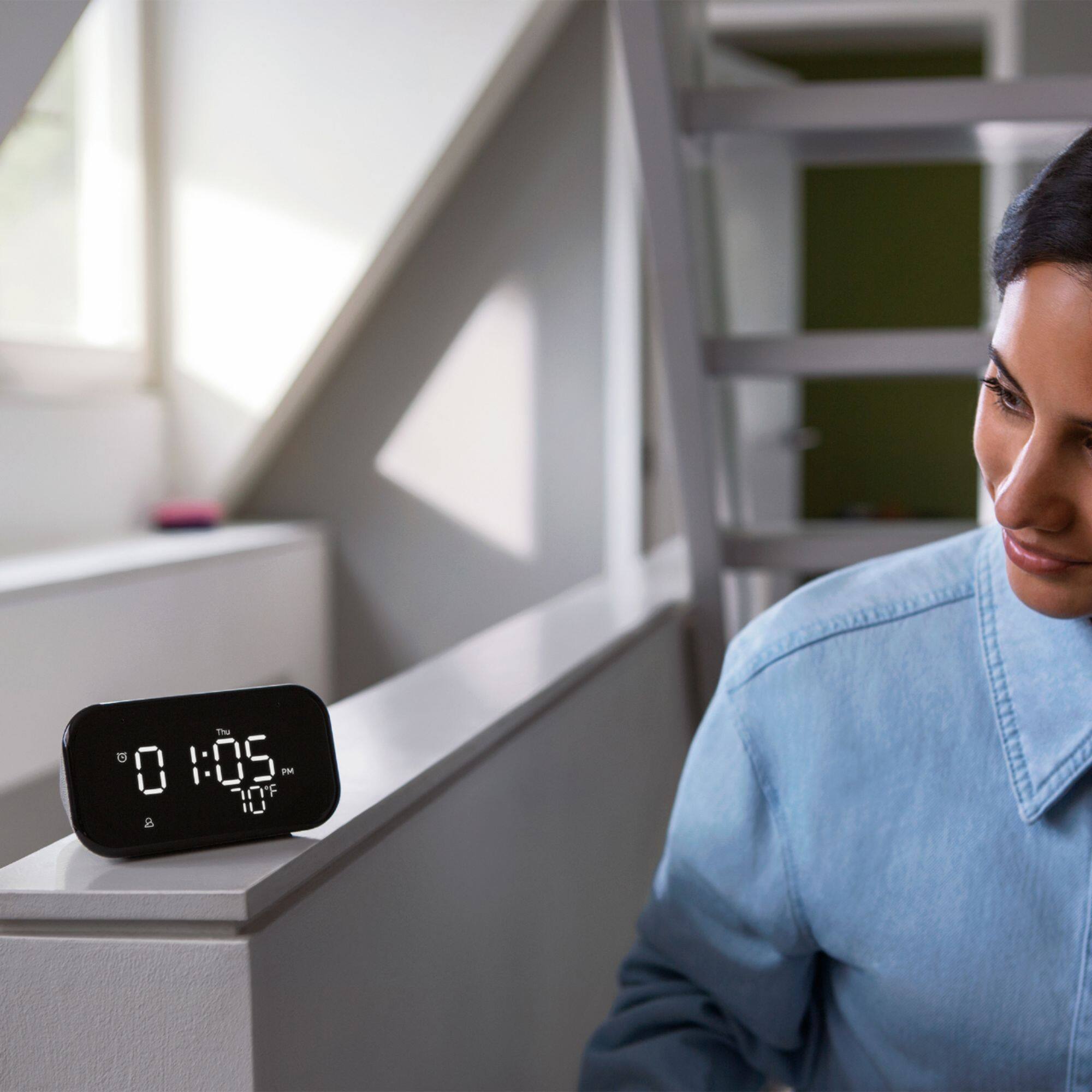
||Posted . Owned for 7 months when reviewed.This reviewer received promo considerations or sweepstakes entry for writing a review.Great little clock. Use it on my night stand and I've set it up to auto dim at night. I enjoy that it connects to the internet so no need to ever set it.
I would recommend this to a friendGreat clock with Google Assistant
||Posted . Owned for 1 year when reviewed.This reviewer received promo considerations or sweepstakes entry for writing a review.Great clock with Google Assistant. Just be aware that it might develop LCD issues later. LG replaced it for free though with warranty. Excellent warranty support.
I would recommend this to a friendBrand response from Lenovo Product Expert
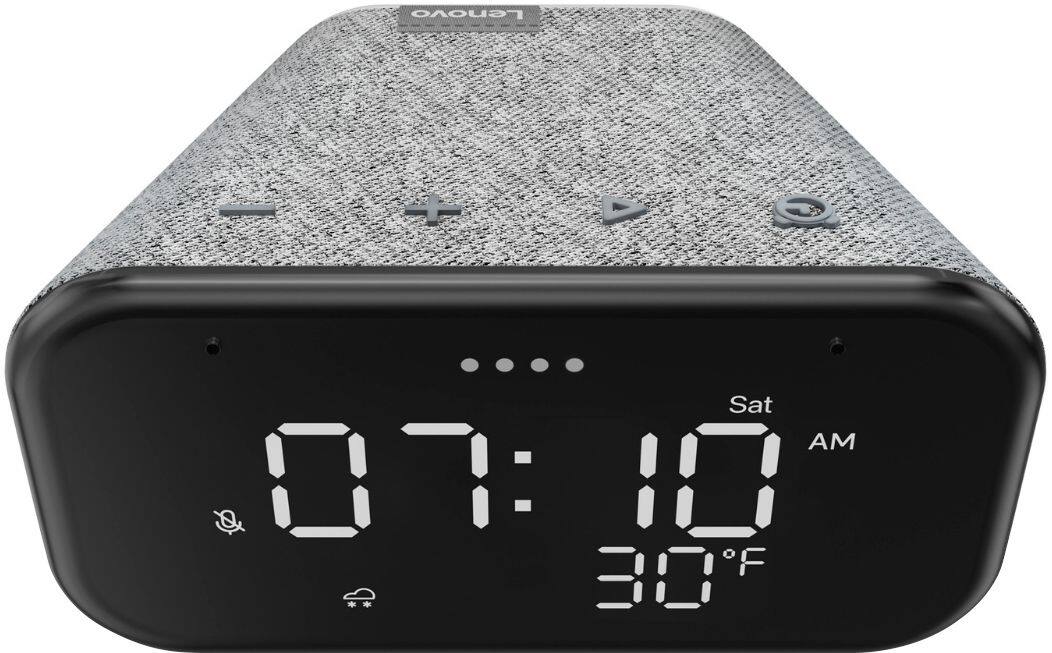
Posted .We are sorry to hear that you had issues with your Lenovo Smart Clock Essential with Google Assistant. Resetting the Smart Clock Essential back to original factory settings may correct the screen issues you are having. To reset the Smart Clock Essential with Google Assistant, hold down both the minus button and the Alarm Button at the same time, for 6-seconds. Then follow the Voice Assistant instructions. If the issue with the screen continues after the reset, we recommend you contact Lenovo Tech Support for Smart Devices at: 866-426-0911.

Way To Go Smart Clock
||Posted . Owned for 1 month when reviewed.This reviewer received promo considerations or sweepstakes entry for writing a review.This is a nice Smart Clock with Google Assistant and YouTube music streaming. Got it on-sale for a great bargain. It's way smarter than my old alarm clock. LOL.
I would recommend this to a friendGreat clock
||Posted . Owned for 1 month when reviewed.This reviewer received promo considerations or sweepstakes entry for writing a review.Nice clock! It’s google and I usually don’t use hey google but I do like this. It has the temperature on the face and you can adjust the brightness. Works really well. I got it free with my other purchase.
I would recommend this to a friendBrand response from Lenovo Product Expert
Posted .Hi! Thanks for choosing the Lenovo Smart Clock Essential. We are pleased to hear the features, design, and performance of the Smart Clock Essential is working out so well for you.
Good
||Posted . Owned for 4 months when reviewed.This reviewer received promo considerations or sweepstakes entry for writing a review.This is a good clock and a good price. The only thing that I don’t like is that the when you turn down the Volume on the music you turn off down the Volume of the alarm.
I would recommend this to a friendBrand response from Lenovo Product Expert
Posted .Thank you for choosing the Lenovo Smart Clock Essential. You can control the volume of the alarms you set separately from the Smart Clock Essential audio. Just use the Google Home APP you used to originally setup your Smart Clock Essential to manually adjust alarm volume. Here is a link to a YouTube video that demonstrates the features and functions of the Smart Clock Essential including controlling the Smart Clock Essential through the Google Home APP: https://www.youtube.com/watch?v=SO7XD9vv_k0&t=161s. If you continue to have issues, we recommend you contact Lenovo Tech Support for Smart Devices at: 866-426-0911.
The idea seems promising, your mileage might vary.
||Posted . Owned for 1 month when reviewed.This reviewer received promo considerations or sweepstakes entry for writing a review.It is well built, and displays all the relevant information you'd need at a glance. However, I had issues getting it to work. The Google Home assistant would often disconnect and prevent the clock from really being of any use other than to tell the time. As a nightstand clock, it is too bright for my taste. Luckily you are able to dim it with the Google Home app. Unluckily, as I mentioned, it only worked 25% of the time for me. I like the idea of a simple alarm clock with some smart functionality, but the execution left much to be desired.
No, I would not recommend this to a friendBrand response from Lenovo Product Expert
Posted .We are sorry to hear you are experiencing WIFI connectivity issues with your Lenovo Smart Clock Essential. We recommend switching between 2.4Ghz and 5Ghz bands of your router. In some instances overlap from other wireless devices can cause this issue. To do this please ensure your device is within good range of your router. Then please perform a factory reset on the device by holding down the “Volume + and – ” buttons on top of your device for 8 Seconds. During setup please select a different band *Either 2.4 Ghz or 5 Ghz when connecting to your WiFi Network. Lastly please reset your model and router by powering them down for 20 seconds then back on again. If the issue persists, please contact our customer support team at 866-426-0911
Good digital clock
||Posted . Owned for 1 month when reviewed.This reviewer received promo considerations or sweepstakes entry for writing a review.It's great once that you turn off the Google assistant. I personally use my Google assistant on my phone so it's very annoying when the clock turns on Google. But once that you turn it off it's great.
I would recommend this to a friendBrand response from Lenovo Product Expert
Posted .Hi! Thanks for choosing the Lenovo Smart Clock Essential. We are pleased to hear the features, design, and performance of the Smart Clock Essential is working out so well for you.
Smart bedside choice
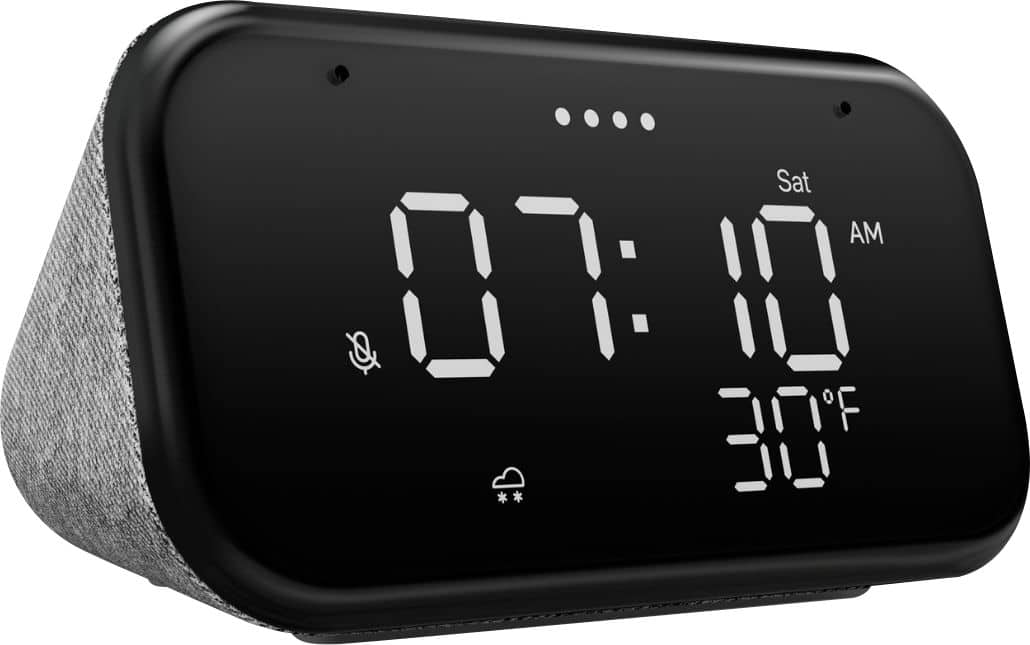
||Posted . Owned for 1 month when reviewed.This reviewer received promo considerations or sweepstakes entry for writing a review.Works well. I'm not a fan of the always on zero for the hour (07:10 instead of 7:10). Also the weather icon is ridiculously small. Still it's a great clock and smart speaker for the price.
I would recommend this to a friendBrand response from Lenovo Product Expert
Posted .Hi! Thanks for choosing the Lenovo Smart Clock Essential. We are pleased to hear the features, design, and performance of the Smart Clock Essential is working out so well for you. We appreciate your feedback as we are always looking for ways to improve our Smart Devices.
Not too shabby
||Posted . Owned for 1 month when reviewed.This reviewer received promo considerations or sweepstakes entry for writing a review.I'm not impressed with the speaker quality, though that wasn't the reason I purchased the clock. I purchased it because it was on sale and the clock in the guest room stopped working.
I would recommend this to a friendBrand response from Lenovo Product Expert
Posted .Hi! Thanks for choosing the Lenovo Smart Clock Essential. We are pleased to hear the features, design, and performance of the Smart Clock Essential is working out so well for you. We appreciate your feedback as we are always looking for ways to improve our Smart Devices. You can adjust the bass and treble of the speaker by opening the Google Home App on your smartphone or tablet---->Smart Clock Essential---> and selecting the three bars with a line through them.
Perfectly Adequate
||Posted . Owned for 3 weeks when reviewed.This reviewer received promo considerations or sweepstakes entry for writing a review.At full volume, it's a bit buzzy but for all other use cases it's very adequate. Love how it automatically adjusts the brightness according to the light in the room. Would purchase again.
I would recommend this to a friendBrand response from Lenovo Product Expert
Posted .Hi! Thanks for choosing the Lenovo Smart Clock Essential. We are pleased to hear the features, design, and performance of the Smart Clock Essential is working out so well for you. We appreciate your recommendation and your feedback. You can adjust the tone of your speaker which should help with this at high volumes. To adjust the bass and treble open the Smart Clock Essential in the Google Home App and then select the three lines at the top of the screen.
good alternative to Google nest
||Posted . Owned for 3 weeks when reviewed.This reviewer received promo considerations or sweepstakes entry for writing a review.Very handy and a good replacement to google nest. For the same value (discounted), you should go for this. If you are choosing between the quality of sound, it is minimal in regards to the difference.
I would recommend this to a friendBrand response from Lenovo Product Expert
Posted .Hi! Thanks for choosing the Lenovo Smart Clock Essential. We are pleased to hear the features, design, and performance of the Smart Clock Essential is working out so well for you.
Best friend
||Posted . Owned for less than 1 week when reviewed.This reviewer received promo considerations or sweepstakes entry for writing a review.It wakes me up for summer school make me feel I’m not alone but makes feel alone at the same time but I suggest you get this because if won’t talk behind your back gives you facts and stuff
I would recommend this to a friendBrand response from Lenovo Product Expert
Posted .Thank you for choosing the Lenovo Smart Clock Essential. We are pleased to hear that the Smart Clock Essential is working out so well for you.
Perfect
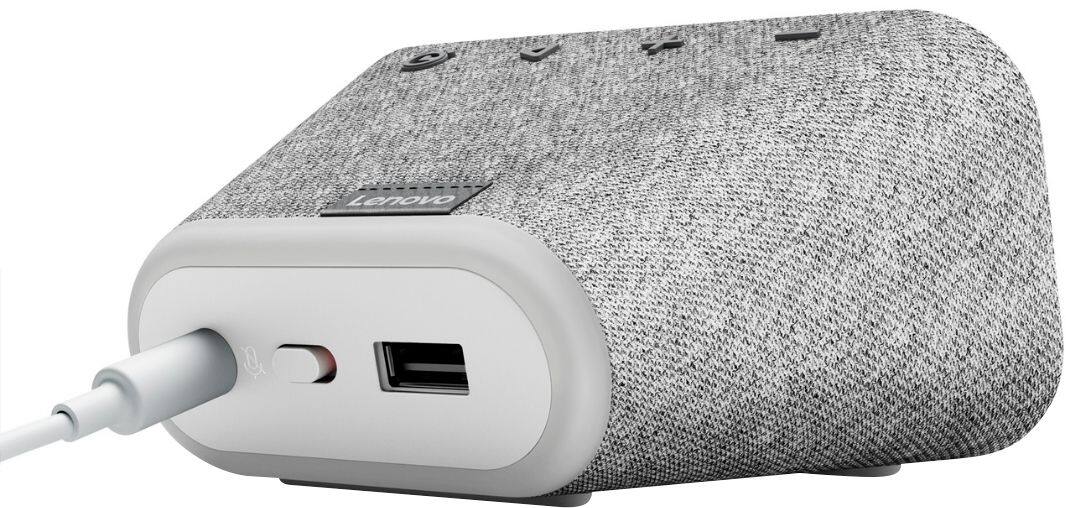
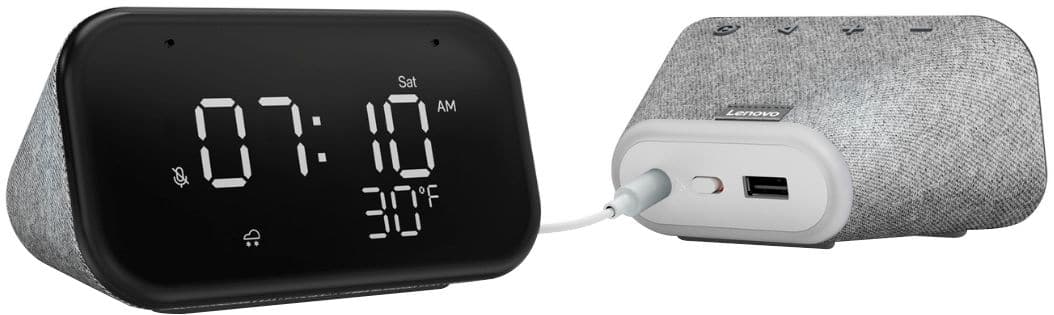
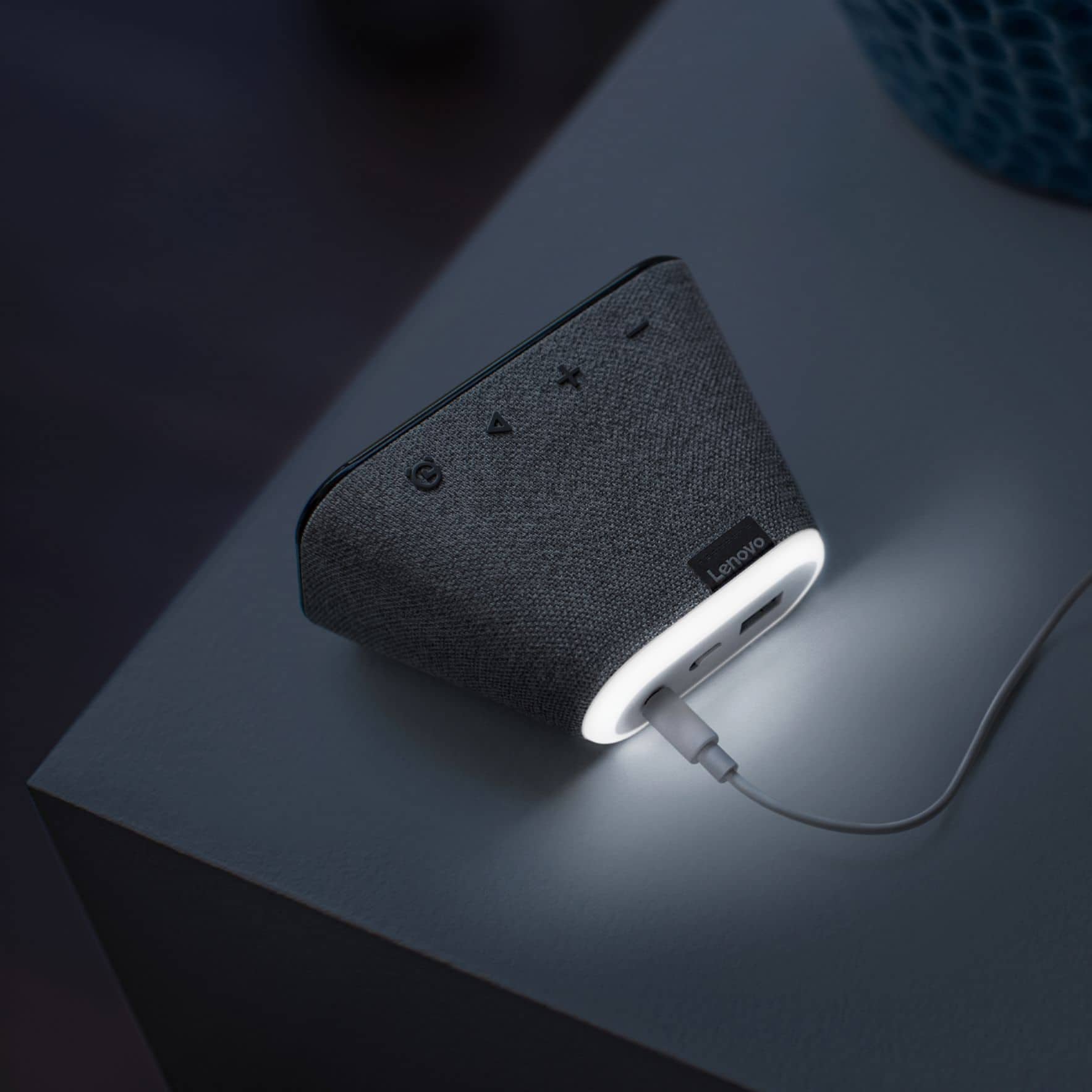
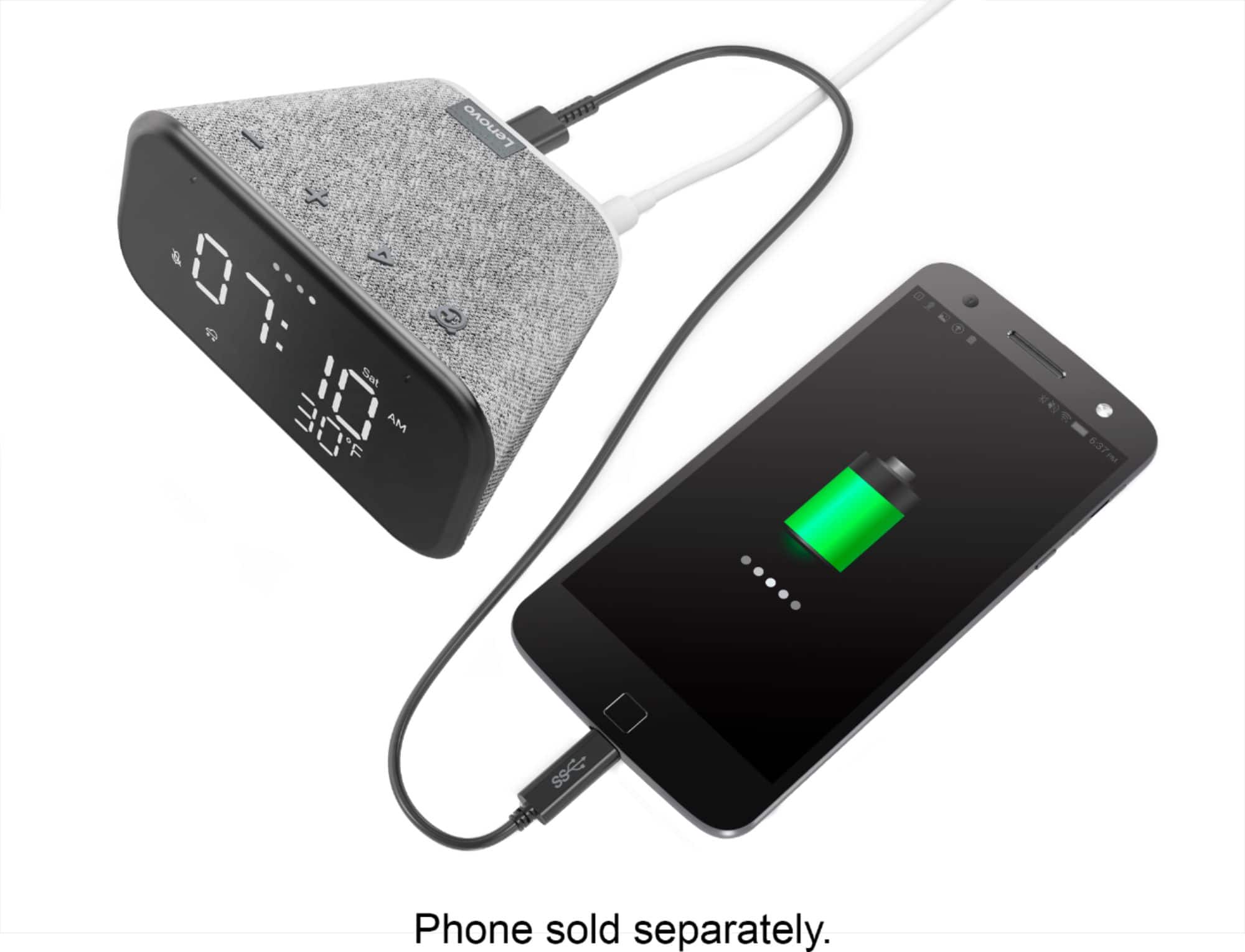
||Posted . Owned for 3 weeks when reviewed.This reviewer received promo considerations or sweepstakes entry for writing a review.Small, compact smart looking unit. Exactly what I needed to sit under my TV set. Screen brightness and night light can be adjusted by voice. USB outlet charges our iPhones and iPads.
I would recommend this to a friendBrand response from Lenovo Product Expert
Posted .Hi! Thanks for choosing the Lenovo Smart Clock Essential. We are pleased to hear the features, design, and performance of the Smart Clock Essential is working out so well for you.
Lenovo - Smart Clock Essential 4 Review
||Posted . Owned for 1 month when reviewed.This reviewer received promo considerations or sweepstakes entry for writing a review.The clock works as advertised. I mainly use it to tell time in the bedroom. The automatic brightness control works very well. I have not used the alarm.
I would recommend this to a friendRecommended
||Posted . Owned for less than 1 week when reviewed.This reviewer received promo considerations or sweepstakes entry for writing a review.Very nice. Visible from across the room; light is not too bright at night. USB port is convenient for phone charging overnight. Recommended.
I would recommend this to a friendLenovo ALarm Clock
||Posted . Owned for 2 weeks when reviewed.This reviewer received promo considerations or sweepstakes entry for writing a review.I purchased this particular alarm clock as a CHristmas present. All of the reviews stated that it is a very good product from Lenovo. I look forward to see it work and the audio quality.
I would recommend this to a friendBrand response from Lenovo Product Expert
Posted .Hi! Thanks for choosing the Lenovo Smart Clock Essential. We are pleased to hear the features, design, and performance of the Smart Clock Essential is working out so well for you.
Great Product for a Great Price
||Posted . Owned for 3 months when reviewed.This reviewer received promo considerations or sweepstakes entry for writing a review.I got one of these when it was on sale for $25 but have enjoyed it so much that I would say it would be worth full price. It works well and looks nice.
I would recommend this to a friendI like it
||Posted .This reviewer received promo considerations or sweepstakes entry for writing a review.Great little clock for the price. The speaker is very loud, however there is very little sound depth (all treble, no bass). Voice command works great and you can also use sleep sounds easily.
I would recommend this to a friendBrand response from Lenovo Product Expert
Posted .Hi! Thanks for choosing the Lenovo Smart Clock Essential. We are pleased to hear the features, design, and performance of the Smart Clock Essential is working out so well for you. You can adjust the bass and treble of the speaker by opening the Google Home app on your Smart Phone or Tablet -->Smart Clock Essential---> and then selecting the three bars with a line through them at the top of the menu.
Good little clock
||Posted . Owned for 3 months when reviewed.This reviewer received promo considerations or sweepstakes entry for writing a review.This little clock works very well and was very easy to connect. Very convenient to have on my nightstand and use it also as an alarm clock.
I would recommend this to a friendBetter than Google home mini
||Posted . Owned for 1 month when reviewed.This reviewer received promo considerations or sweepstakes entry for writing a review.Cheaper and more functional than the regular Google home mini. If you're looking to buy one of those, but this instead. It even has a charging port in the back!
I would recommend this to a friend