Customer Ratings & Reviews
- Model:
- ZA740005US
- SKU:
- 6429528
Rating by feature
- Value
Rating 4.6 out of 5 stars
- Quality
Rating 4.5 out of 5 stars
- Ease of Use
Rating 4.4 out of 5 stars
Customers are saying
Customers enjoy the sound quality, ease of use, and display of the Smart Clock Essential. Many appreciate the included night light and the convenient size, finding it ideal for bedside tables. Positive feedback also highlights the Google Assistant integration and the alarm clock functionality. While some users experienced challenges with WiFi connectivity and initial setup, the overall sentiment is positive.
This summary was generated by AI based on customer reviews.
- Pros mentioned:Night light
Great basic smart clock
||Posted . Owned for less than 1 week when reviewed.This reviewer received promo considerations or sweepstakes entry for writing a review.I have both - one with the LED touch screen and now this, the essential. I mainly use it for it is, an alarm clock. Also occasionally use it for to play music. Its simple and does what it is suppose to. Worth the sale price of $20, but I would not pay the $50 retail price. I also like that it was a USB port and night light, unlike the 2nd gen model. However, setting the alarm clock without using voice commands is a nightmare.
I would recommend this to a friend - Pros mentioned:Display, Size, Sound quality
Works great.
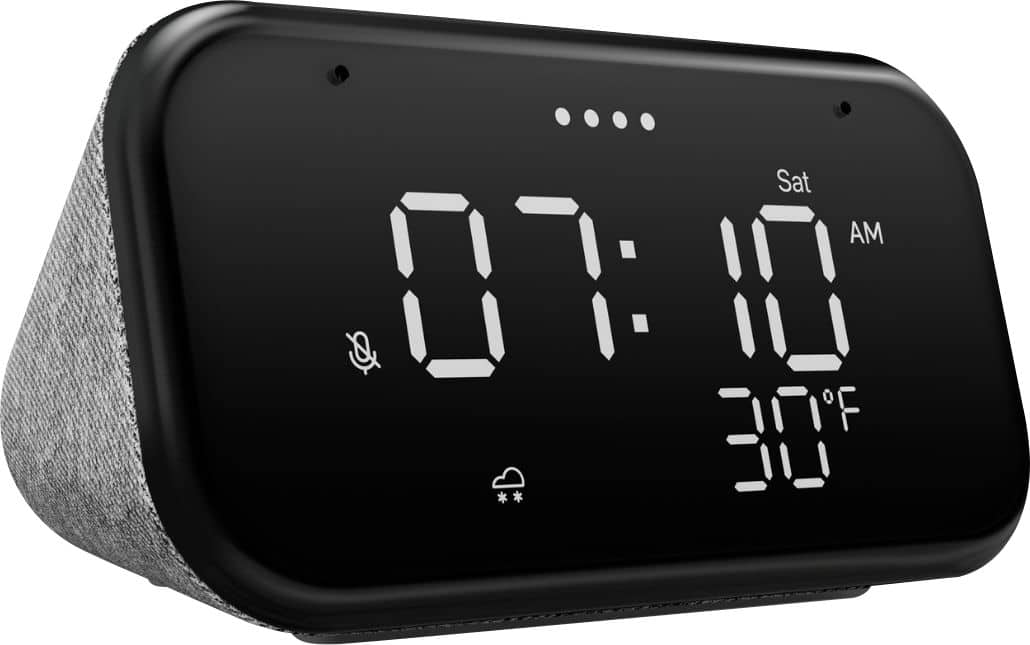
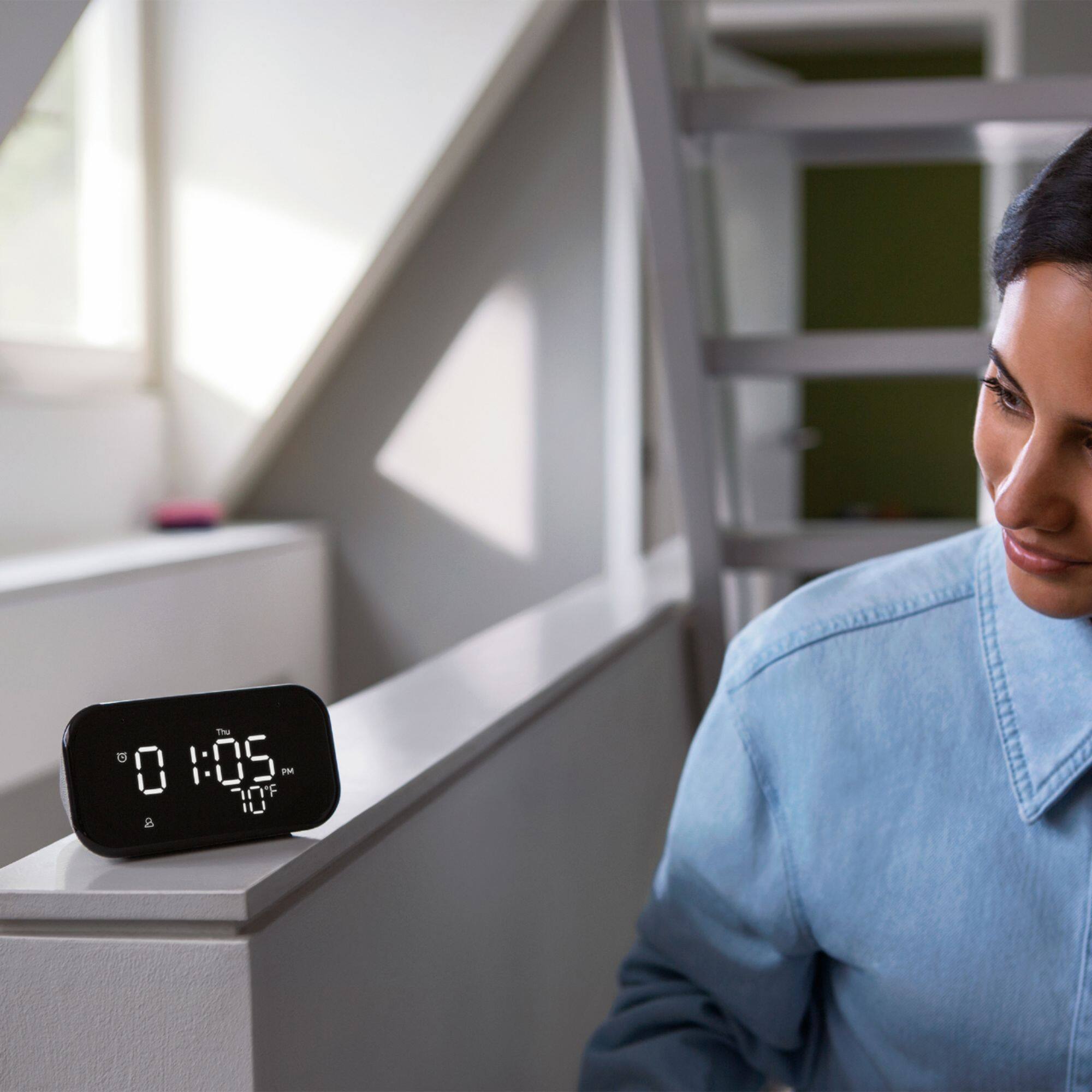
||Posted . Owned for 1 month when reviewed.This reviewer received promo considerations or sweepstakes entry for writing a review.Good sound in a small package. Prefect size in the bathroom. Clear numbers. Outside temp readout a great bonus.
I would recommend this to a friend - Pros mentioned:Night light, Size
Lenovo Essential Clock
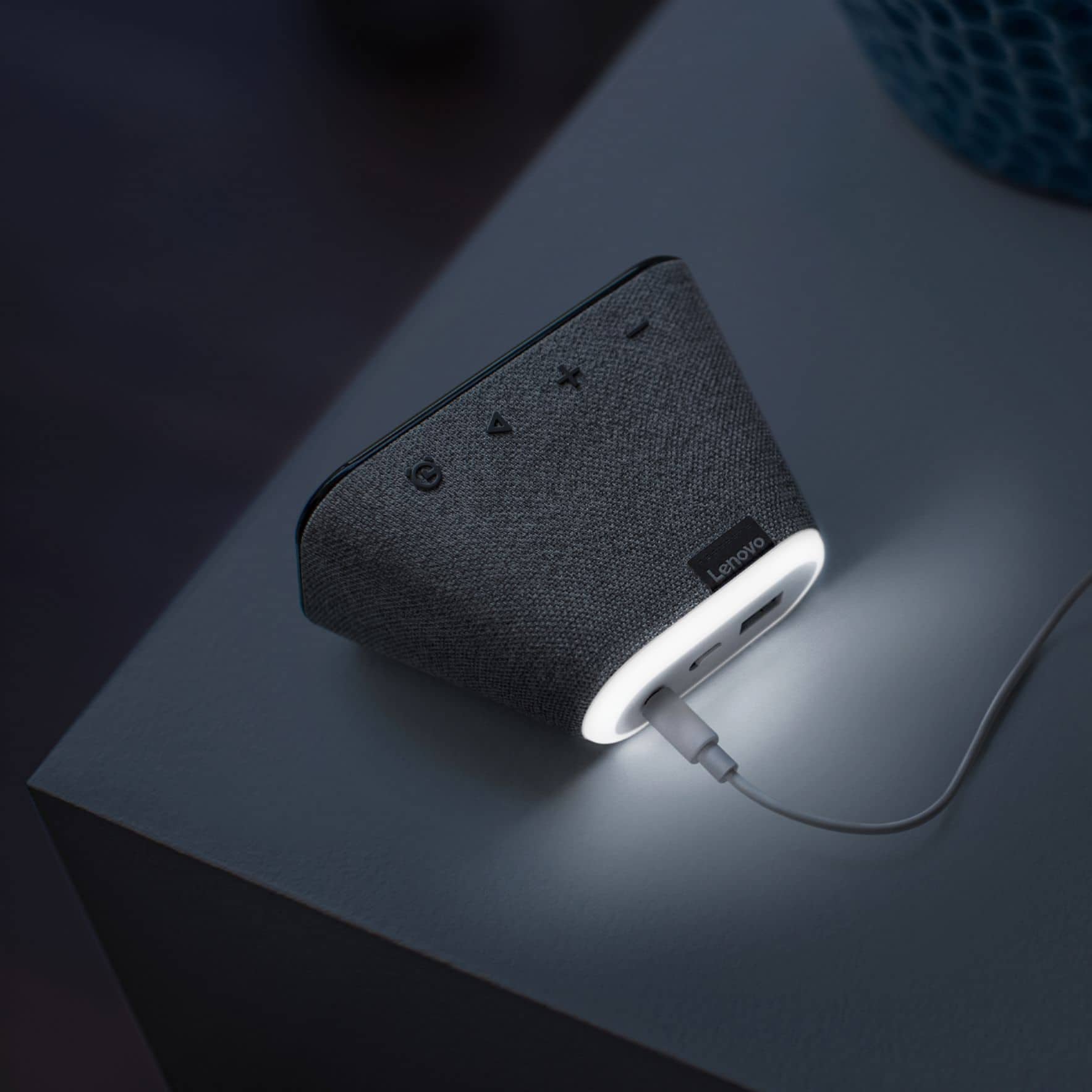
||Posted .This reviewer received promo considerations or sweepstakes entry for writing a review.I’ve been waiting for something like this to come out! I wanted a simple clock with smart speaker capabilities. The display is excellent since it dims at night and it’s large enough to see but not too bright. A weird quirk I noticed is the weather only displays during the day. The USB port and nightlight are an excellent bonus! I was happy to get this for 50% off! I’ll say don’t pay full price for this item and get it during sales!
I would recommend this to a friendBrand response from Lenovo Product Expert
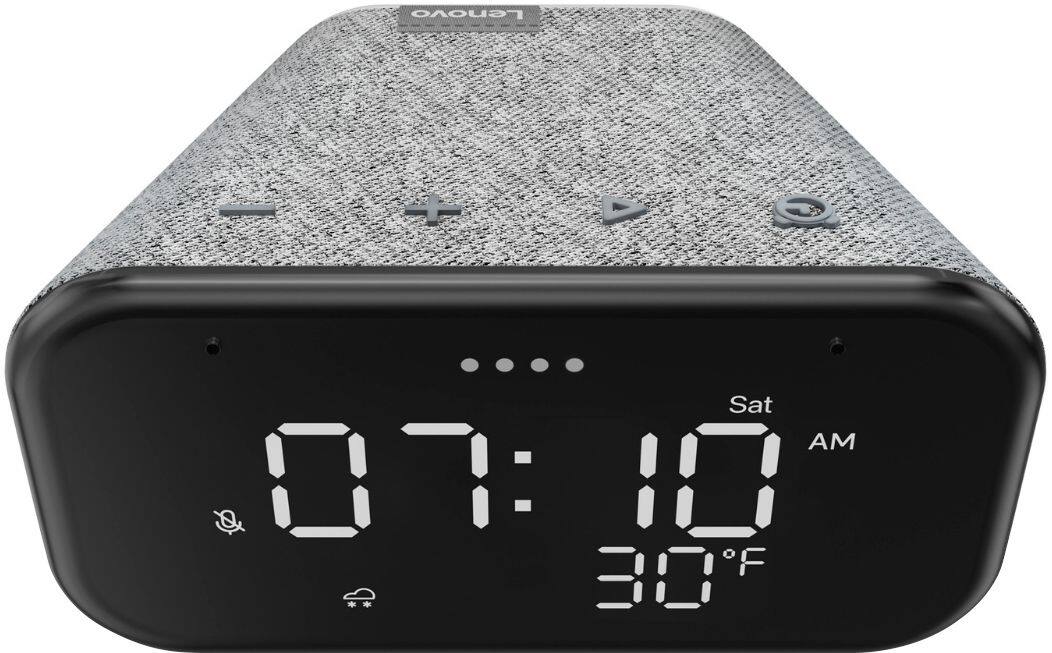
Posted .Hi! Thanks for choosing the Lenovo Smart Clock Essential. We are pleased to hear the features, design, and performance of the Smart Clock Essential is working out so well for you. Regarding the weather display it is possible resetting your device will fix this issue. First we recommend performing a soft reset by unplugging the device for 20 seconds, plugging it back in, and allowing it to power on. if the issue remains please perform a factory reset by holding down the “Volume + and – ” buttons on top of your device for 8 Seconds. If the issue persists, please contact our customer support team at 866-426-0911

A mart device that is also a clock.
||Posted . Owned for 2 weeks when reviewed.This reviewer received promo considerations or sweepstakes entry for writing a review.It's a clock and that's always nice to have an alarm clock that works and on top of that it's a google device that you can ask and do anything that google can search. Anything Alexa can do this can do also but it's not powered via Amazon it's powered by google. I have Alexa devices around the house and google devices and they seem very similar. My wife will use them to listen to radio stations around the country. You can have it play relaxing sounds while you sleep. You can have it set alarms and so much more.
I would recommend this to a friendBrand response from Lenovo Product Expert
Posted .Hi! Thanks for choosing the Lenovo Smart Clock Essential. We are pleased to hear the features, design, and performance of the Smart Clock Essential is working out so well for you.
- Pros mentioned:Display, Night light, Sound quality
Do you like Google? And clocks?
||Posted . Owned for 2 months when reviewed.This reviewer received promo considerations or sweepstakes entry for writing a review.It's a digital clock with a Google Home inside it. It's loud, has a nightlight, a bright display, and easy setup. Setting an alarm, however, is not a great experience, and is too convoluted for a (1) smart clock) and (2) one that costs this much. Alarm functionality is core functionality, and should not be this difficult. That said, sound is clear and loud, and it's a REALLY nice looking device.
I would recommend this to a friendBrand response from Lenovo Product Expert
Posted .Hi! Thanks for choosing the Lenovo Smart Clock Essential. We are pleased to hear the features, design, and performance of the Smart Clock Essential is working out so well for you. We are sorry to hear you are experiencing some hiccups with alarm functionality. Try saying "Okay google set an alarm" to get started. You can set repeating alarms and up to as many as you would like. If you'd like to wake up to your favorite artist, playlist, station, or podcast try saying "Okay Google set a music alarm". Here is a link to some useful Google Assistant voice commands to help you get the most out of your Essential Smart Clock. For some useful tips and trick to help you get the most out of your assistant. https://www.androidauthority.com/google-assistant-commands-727911/ If you need further assistance please don't hesitate to reach out to Lenovo Tech Support at 866-426-0911
- Pros mentioned:Size
Nice little smart clock
||Posted . Owned for more than 2 years when reviewed.This reviewer received promo considerations or sweepstakes entry for writing a review.Ver functional with lots of useful features. doesn't take too much space
I would recommend this to a friend - Pros mentioned:Display, Night light
Not your dad’s alarm clock
||Posted . Owned for 2 months when reviewed.This reviewer received promo considerations or sweepstakes entry for writing a review.This is a very attractive looking, small, easy to read alarm clock with a ton of useful features. Comes with a built-in nightlight that was surprisingly useful. I like that the display automatically dims in the dark and brightens when there is light in the room. The ability to stream music and use as a Bluetooth speaker is another feature I enjoy. I got one for both of my boys’ rooms and they have enjoyed asking the Google Assistant questions. The ability to broadcast messages to another room has been nice as well.
I would recommend this to a friendBrand response from Lenovo Product Expert
Posted .Hi! Thanks for choosing the Lenovo Smart Clock Essential. We are pleased to hear the features, design, and performance of the Smart Clock Essential is working out so well for you. We appreciate your loyalty to the Lenovo brand.
- Pros mentioned:Display
Good
||Posted . Owned for more than 2 years when reviewed.This reviewer received promo considerations or sweepstakes entry for writing a review.Works great. I love that the time automatically during those seasons. It shows the temperature, so we know how to dress before leaving the house.
I would recommend this to a friend - Pros mentioned:Display
Excellent one
||Posted . Owned for 2 months when reviewed.This reviewer received promo considerations or sweepstakes entry for writing a review.Excellent to have in bedroom and it is very helpful to give alarms in the morning and also it is showing the temperature and very good to have it at home
I would recommend this to a friend Works great
||Posted . Owned for more than 2 years when reviewed.This reviewer received promo considerations or sweepstakes entry for writing a review.Works great since it has Google assistant. Nice and sleek design
No, I would not recommend this to a friend- Pros mentioned:Night light
Not bad for price
||Posted . Owned for 8 months when reviewed.This reviewer received promo considerations or sweepstakes entry for writing a review.Does exactly what I needed to do. It's a simple alarm clock with a small night light that happens to be an assistant as well!
I would recommend this to a friend - Pros mentioned:Display, Size
Smart Alarm Clock
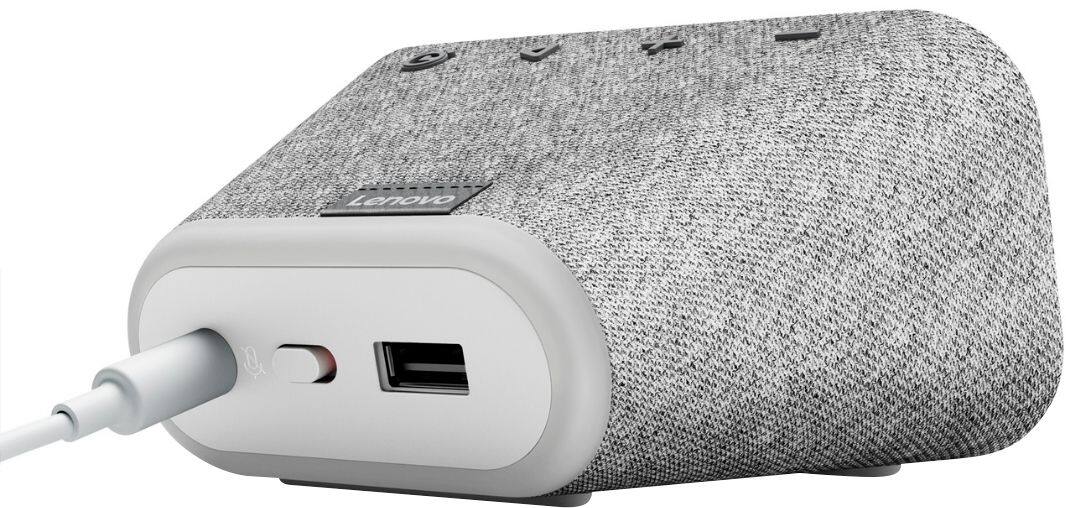
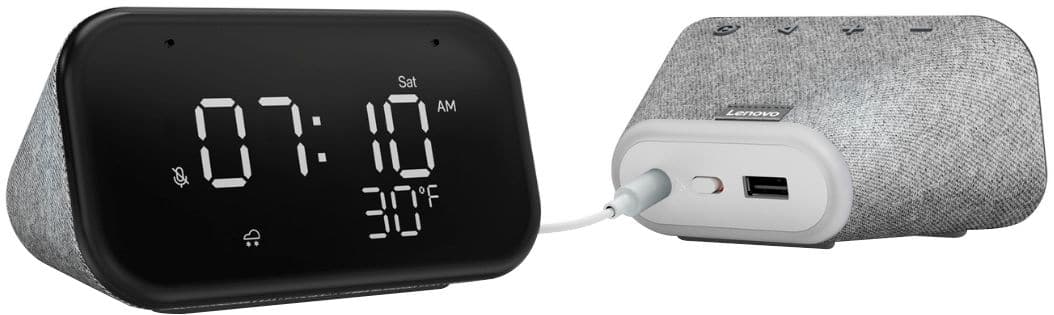
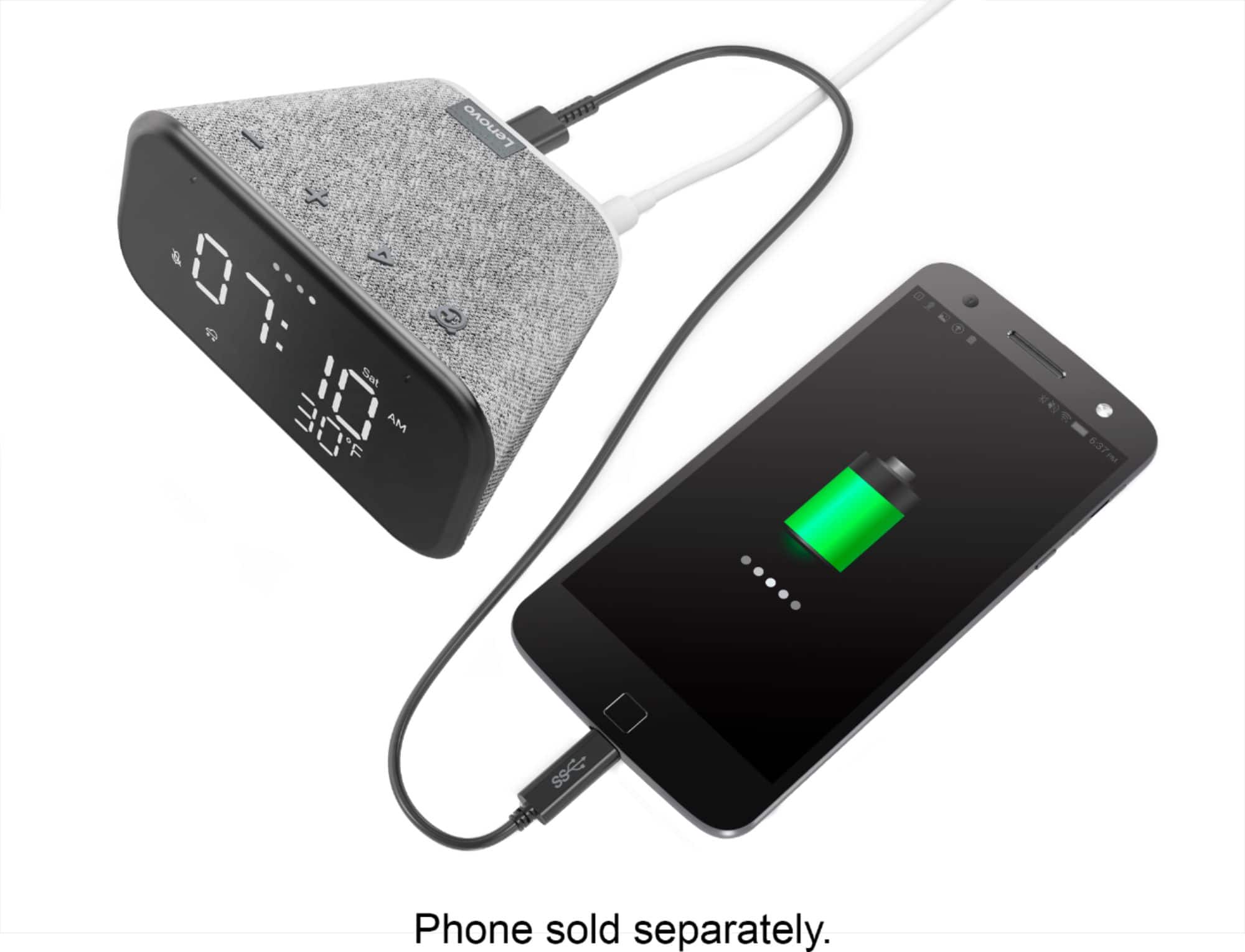
||Posted . Owned for 2 months when reviewed.This reviewer received promo considerations or sweepstakes entry for writing a review.I mostly use this as just a bedside clock, but it is nice to have the smart speaker features available. Easy setup via the Google Home app. It has a USB port built in for charging your phone while you sleep. The numbers are a good size for easy reading from anywhere in the room and the display brightness level is adjustable. It's WiFi connected, so you always have the accurate time and local weather conditions from the Internet. I got it on sale which made it an even better value.
I would recommend this to a friendBrand response from Lenovo Product Expert
Posted .Hi! Thanks for choosing the Lenovo Smart Clock Essential. We are pleased to hear the features, design, and performance of the Smart Clock Essential is working out so well for you.
- Pros mentioned:Display
Good smart display
||Posted . Owned for 9 months when reviewed.This reviewer received promo considerations or sweepstakes entry for writing a review.Nice display along with google assistant. The sound quality could improve - lacks mid range. The original google assistant sounds better.
I would recommend this to a friend - Pros mentioned:Ease of use, Size
Great smart clock
||Posted . Owned for 3 weeks when reviewed.This reviewer received promo considerations or sweepstakes entry for writing a review.Great product. This smart clock is easy to use and just the right size. The great price made it even better.
I would recommend this to a friendBrand response from Lenovo Product Expert
Posted .Hi! Thanks for choosing the Lenovo Smart Clock Essential. We are pleased to hear the features, design, and performance of the Smart Clock Essential is working out so well for you.
- Pros mentioned:Display
Fantastic auto-dimming clock, even for someone who
||Posted . Owned for 7 months when reviewed.This reviewer received promo considerations or sweepstakes entry for writing a review.Prior to purchasing this clock, I did some rather extensive research and tried a few other clocks. The main thing I was looking for is a clock that automatically dims at night (and is very dim at night), and does not feel/look cheap. In the end this is the clock I am sticking with, and I am very happy with it. Pros: -(most important for me) I really like the auto-dimming behaviour: it is bright and readable during the day and *very dim* at night. It was very hard to find a clock that was not too bright at night. -Does not look / feel cheap. -Time sets automatically (presumably automatically changing with daylight savings time and all that nonsense). Can set alarm with Alexa voice commands -While a lot of clocks have a temperature readout for inside the house (temperature sensor), this one shows temperature *outside*. -Easy to turn off Alexa microphone with a simple switch in the back. Cons: -For me personally, I am using Alexa smart features of this clock so I would like to keep the microphone off at all times. This is easy enough to do with the switch, but then the clock shows a rather prominent red bar as well as a red "mute" symbol on the front face. I find these indicators "too much" and I would rather have a more subtle indicator that the microphone is off. -It would be great to have a bit more flexibility is customizing the clock in the Alexa app. For example, it would be great to have an option to only show the time and turn off other distractors such as the humidity/temperature indicators.
I would recommend this to a friend - Pros mentioned:Display, Night light
I bought more.
||Posted . Owned for 1 month when reviewed.This reviewer received promo considerations or sweepstakes entry for writing a review.I now have 4 of these, one in each bedroom. We like the voice controlled night light with adjustable brightness and the fact you can set the times for the display to dim because it's not auto. you can also control the display brightness with a voice command. We use it to play white noise all night, and of course it's always there to answer your questions. Looks good on the nightstand. Very happy with purchase.
I would recommend this to a friend - Pros mentioned:Night light, Size
what time is it...google time :)
||Posted . Owned for 1 month when reviewed.This reviewer received promo considerations or sweepstakes entry for writing a review.It was part of a package deal with some GE blubs. Though not used yet I can say Google clocks are neat. The nice thing about this one is it is simple: shows time, Day and Temp plus has a night light in back you can turn off or on and a usb charger in the back you can plug your phone into (you supply the usb cord). Plus if it raining it will show a rain cloud icon. What can I say, sometimes simple is good plus it has LARGE time letters so you can see it from a distance :)
I would recommend this to a friendBrand response from Lenovo Product Expert
Posted .Hi! Thanks for choosing the Lenovo Smart Clock Essential. We are pleased to hear the features, design, and performance of the Smart Clock Essential is working out so well for you.
- Pros mentioned:Sound quality
Does the smart clock basics for what you pay for.
||Posted . Owned for 3 weeks when reviewed.This reviewer received promo considerations or sweepstakes entry for writing a review.Had this for almost a month now and no issues to report. It works for exactly what I needed it to work for and more due to being a smart clock. I for one do not have any clocks in my apartment and when needing to see the time on my couch or room, I need to either have my watch on, or go grab my phone on the counter to check. With this, it's perfectly on my dresser next to where I sleep so I can just look over. The LED is good and the backlight brightens in the daytime or when the light is on and then dims down when all the lights are off, so it doesn't keep you up with brightness. The light on it does its job to light up enough space in the area so you can just hit and hold the button to turn it on and find what your looking for. Google feature works great and I am slowly starting to use it more now to check weather for the next day, check scores for games I can't follow and to set alarms. The bluetooth access to connect to a device or phone is pretty cool if you don't already own a small speaker because it allows you to play your phones music or whatever music app you use and the speaker is decent for a small room or office area. Cons: -very small, but it can be a little louder just so it can be an ultimate speaker and smart clock. - It would be pretty cool if you can customize the background or the display so the numbers and stuff can be red or green, or blue. Outside that, this little speaker will do its job and can connect with other smart devices set up in your home. For me, its only my phone.
I would recommend this to a friend - Pros mentioned:Sound quality
Good little device
||Posted . Owned for 1.5 years when reviewed.This reviewer received promo considerations or sweepstakes entry for writing a review.Works great and love the clock. Saves space and sound is good
I would recommend this to a friend - Pros mentioned:Ease of use, Size, Sound quality
Lenovo smart click
||Posted . Owned for 3 weeks when reviewed.This reviewer received promo considerations or sweepstakes entry for writing a review.Nice addition to my google minis. Size and clarity of clock is perfect for bedroom. Quality sound and easy to set up.
I would recommend this to a friendBrand response from Lenovo Product Expert
Posted .Hi! Thanks for choosing the Lenovo Smart Clock Essential. We are pleased to hear the features, design, and performance of the Smart Clock Essential is working out so well for you.