Customer Ratings & Reviews
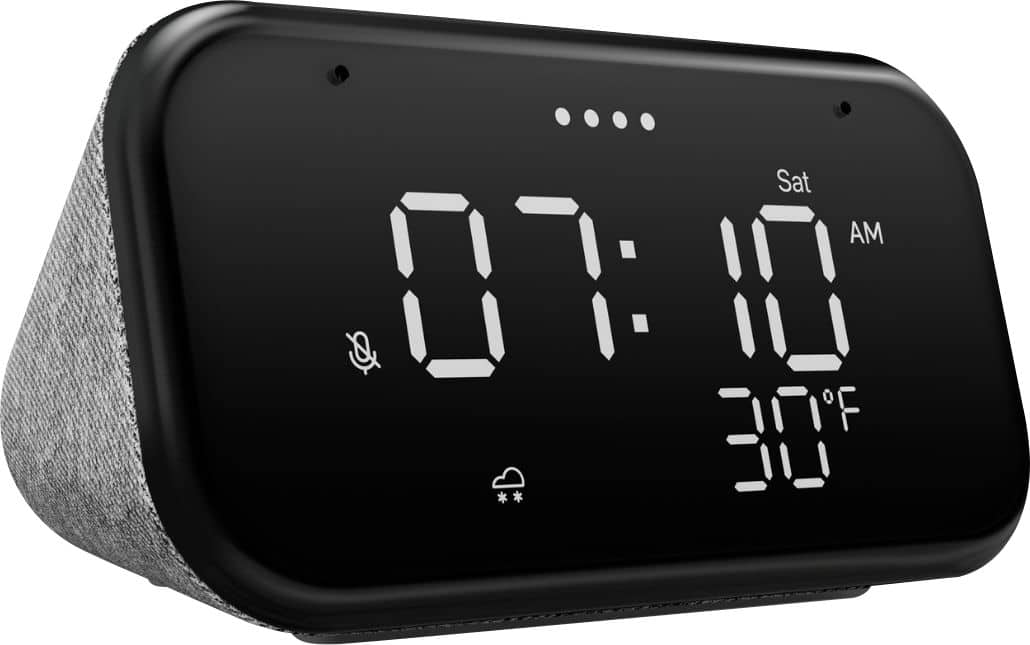
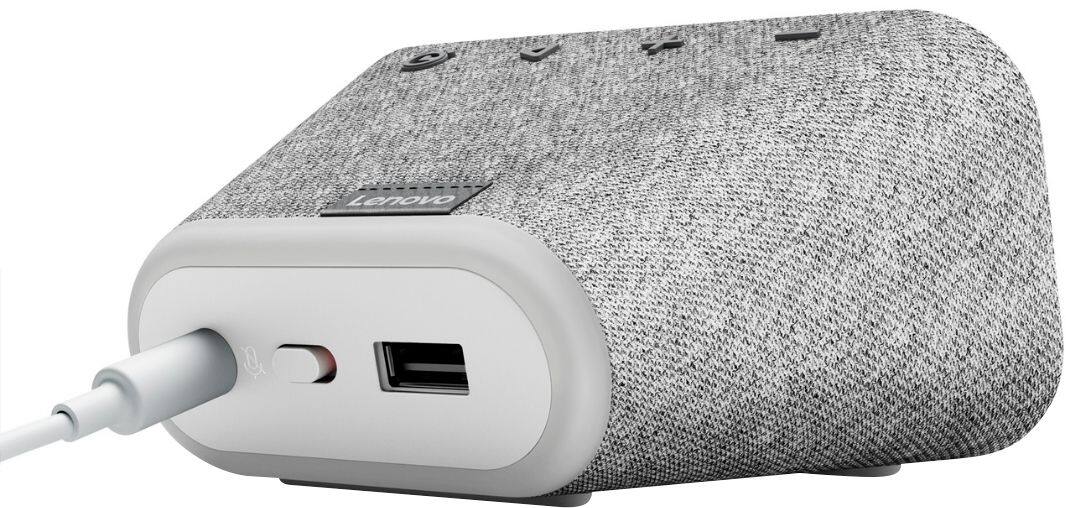
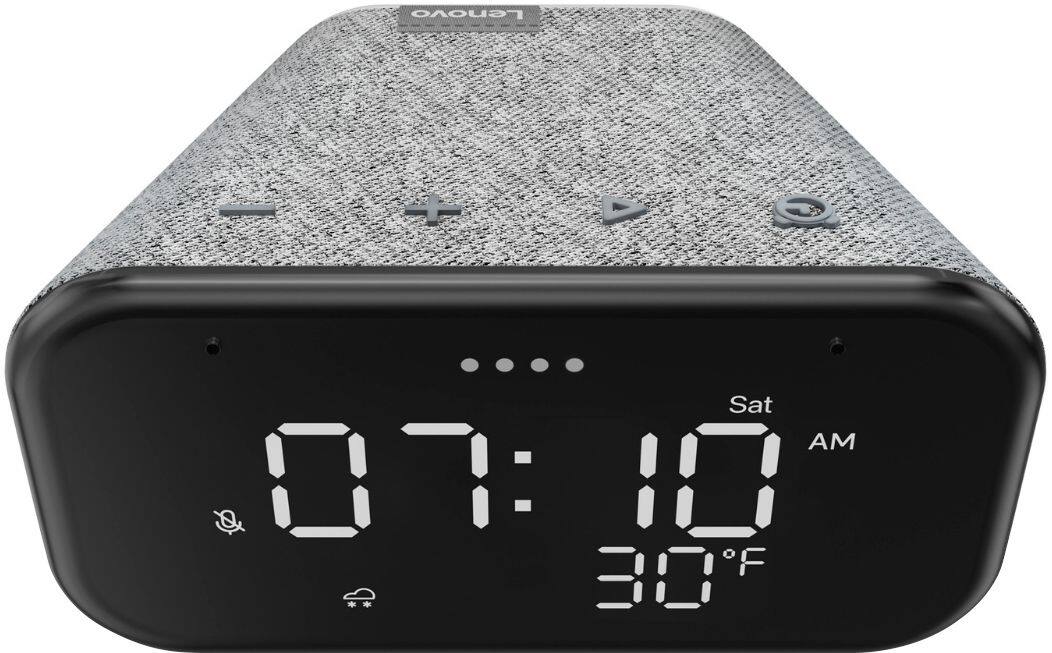
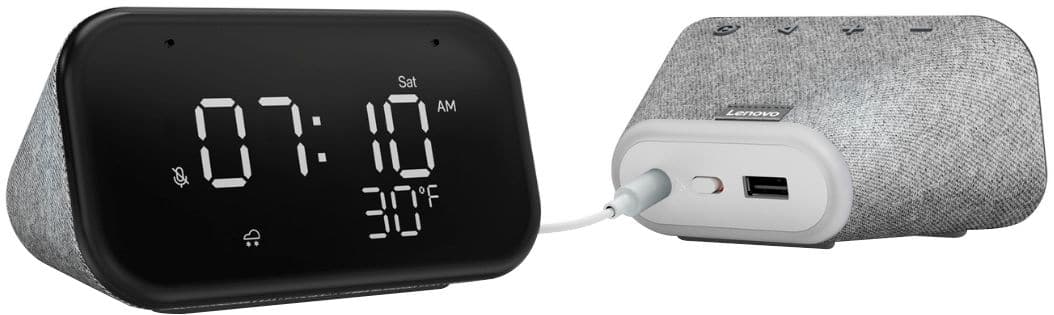
- Model:
- ZA740005US
- SKU:
- 6429528
Rating by feature
- Value
Rating 4.6 out of 5 stars
- Quality
Rating 4.5 out of 5 stars
- Ease of Use
Rating 4.4 out of 5 stars
Customers are saying
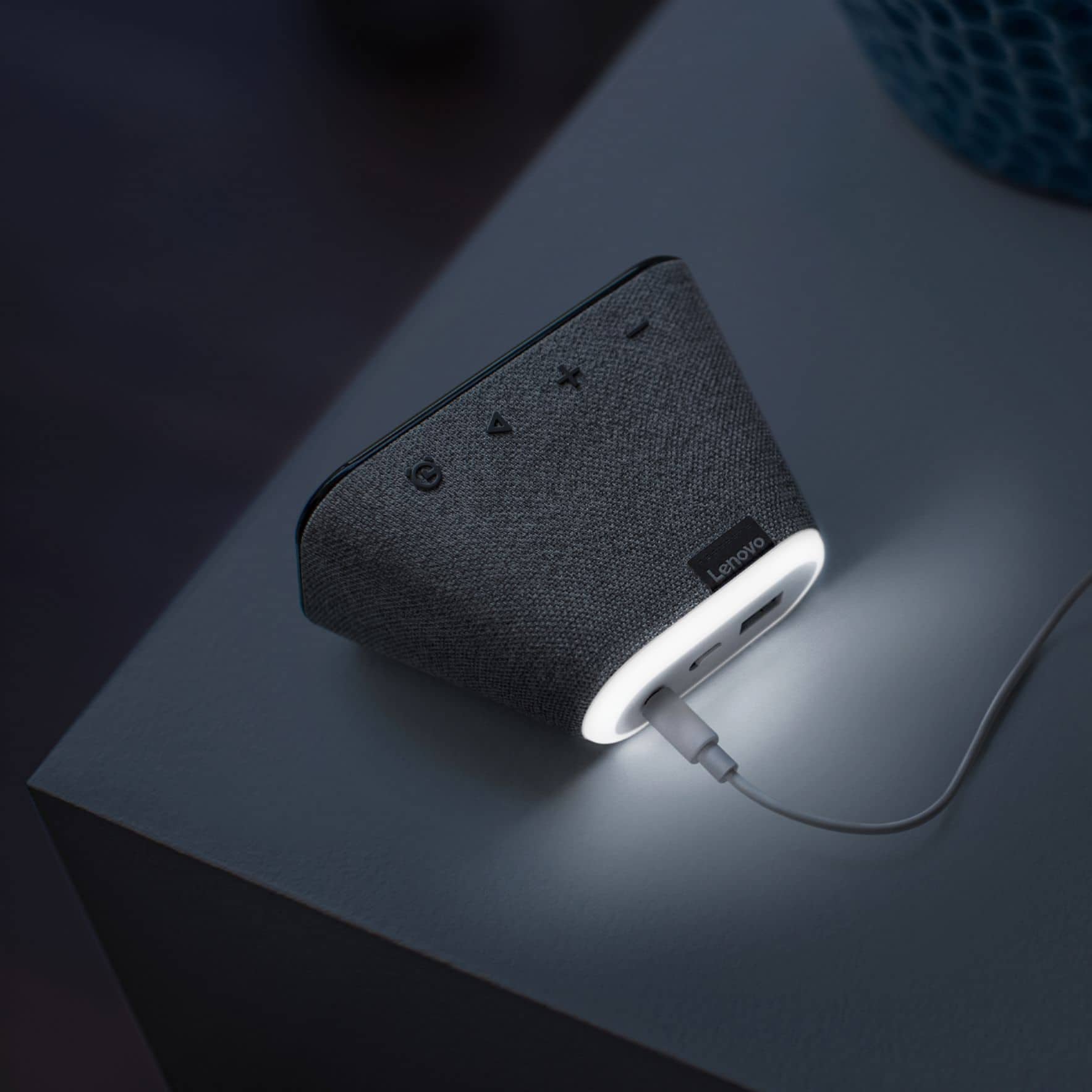
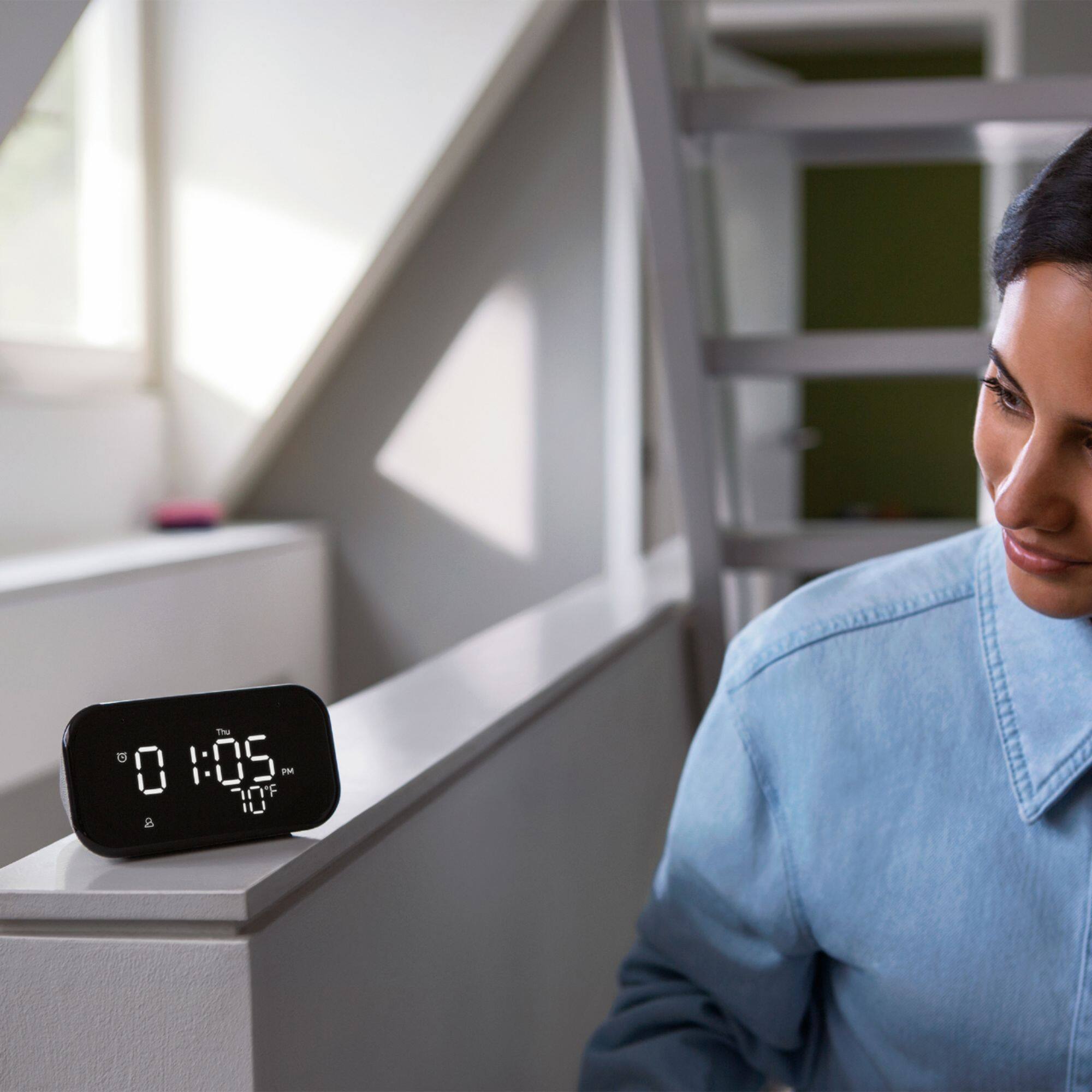
Customers enjoy the sound quality, ease of use, and display of the Smart Clock Essential. Many appreciate the included night light and the convenient size, finding it ideal for bedside tables. Positive feedback also highlights the Google Assistant integration and the alarm clock functionality. While some users experienced challenges with WiFi connectivity and initial setup, the overall sentiment is positive.
This summary was generated by AI based on customer reviews.
Wifi clock alarm
||Posted . Owned for 3 weeks when reviewed.This reviewer received promo considerations or sweepstakes entry for writing a review.Very good clock with the wifi hey google. I didnt have to touch my phone or anything early in the morning. I can ask google to check weather and news without looking at my phone beside my bed.
I would recommend this to a friendBrand response from Lenovo Product Expert
Posted .Hi! Thanks for choosing the Lenovo Smart Clock Essential. We are pleased to hear the features, design, and performance of the Smart Clock Essential is working out so well for you.

Convenient voice-command clock + Google
||Posted . Owned for 3 weeks when reviewed.This reviewer received promo considerations or sweepstakes entry for writing a review.Great price; easy setup; convenient combo of Nest Mini functions and digital clock. It's a small unit, so have a reasonable expectation of its sound-quality.
I would recommend this to a friendPerfect alarm clock
||Posted . Owned for 4 months when reviewed.This reviewer received promo considerations or sweepstakes entry for writing a review.Great for the price. I got this on a deal combined with C by ge smart lights. Alarm works great with google assistant, speakers are ok for the price. Perfect for bedroom alarm clock.
I would recommend this to a friendBrand response from Lenovo Product Expert
Posted .Thank you for choosing the Lenovo Smart Clock Essential. We are leased to hear that the Smart Clock Essential meets your needs so well.
Good little clock.
||Posted . Owned for 3 weeks when reviewed.This reviewer received promo considerations or sweepstakes entry for writing a review.It was a free clock with my printer purchase. The speaker is lacking but the clock functions really well. If you need a digital clock and can find it for a killer price, go for it.
I would recommend this to a friendBrand response from Lenovo Product Expert
Posted .Hi! Thanks for choosing the Lenovo Smart Clock Essential. We are pleased to hear the features, design, and performance of the Smart Clock Essential is working out so well for you. You can fine tune the speaker bass and treble settings by opening the Smart Clock Essential within the Google Home App and then selecting the three bars at the top of the screen.
Alarm clock very good
||Posted .This reviewer received promo considerations or sweepstakes entry for writing a review.I am completely satisfied with this product. Easy to install and the lights automatically dimmer depends of the day or night I am very happy
I would recommend this to a friendGreat Clock!!
||Posted . Owned for 3 months when reviewed.This reviewer received promo considerations or sweepstakes entry for writing a review.Super clean look. I use the temp reading ALL the time. Caught this on sale and turned around and bought two more for the house in other rooms and also got a couple for Christmas presents!!
I would recommend this to a friendBrand response from Lenovo Product Expert
Posted .Hi! Thanks for choosing the Lenovo Smart Clock Essential. We are pleased to hear the features, design, and performance of the Smart Clock Essential is working out so well for you.
Good Clock
||Posted . Owned for 1 week when reviewed.This reviewer received promo considerations or sweepstakes entry for writing a review.Very nice and it comes in handy to have. Night light could be a bit brighter and controlling and getting it set up on the app was a bit hard but nothing that couldn’t be fixed.
I would recommend this to a friendBrand response from Lenovo Product Expert
Posted .Hi! Thanks for choosing the Lenovo Smart Clock Essential. We are pleased to hear the features, design, and performance of the Smart Clock Essential is working out so well for you. We appreciate your feedback as we are always looking for ways to improve our Smart Devices, If you need further assistance please don't hesitate to reach out to Lenovo Tech Support at 866-426-0911
Smart Alarm
||Posted . Owned for 3 months when reviewed.This reviewer received promo considerations or sweepstakes entry for writing a review.Bought two of these for my kids to setup their own alarms, and get themselves ready for school. This plays music, reminders, tells jokes, Animal facts etc. Cool gadget for the kids!
I would recommend this to a friendgreat bedside clock
||Posted .This reviewer received promo considerations or sweepstakes entry for writing a review.wonderful alarm clock that does everything I want it to and nothing else. I really like that it does not have a camera. Highly recommended, especially if on sale.
I would recommend this to a friendBrand response from Lenovo Product Expert
Posted .Thank you for choosing the Lenovo Smart Clock Essential. We are pleased to hear that the features and performance of the Smart Clock Essential meets your needs so well.
Overall a good product
||Posted . Owned for 3 weeks when reviewed.This reviewer received promo considerations or sweepstakes entry for writing a review.Overall, I like the clock. The only issue I have is that the display can only be dimmed if you set up nighttime mode. Overall not a big deal, but should be a standard setting.
I would recommend this to a friendBrand response from Lenovo Product Expert
Posted .Hi! Thanks for choosing the Lenovo Smart Clock Essential. We are pleased to hear the features, design, and performance of the Smart Clock Essential is working out so well for you. You can dim the Display at any time by saying "Ok Google Display brightness 1-100%. You can also turn off the display by saying "Okay Google Display Brightness 0%. The Smart Clock Essential should also automictically adjust it's brightness to the lighting in the room. If your Smart Clock Essential is not behaving in this manner please power cycle the device by unplugging it for 1-2 minutes. Plugging it back in and allowing it to power on. If the issue remains please perform a factory reset by holding down the “Volume + and – ” buttons on top of your device for 8 Seconds. If the issue persists, please contact our customer support team at 866-426-0911
Good buy
||Posted . Owned for 1 month when reviewed.This reviewer received promo considerations or sweepstakes entry for writing a review.Main reason i give 4stars is because it is not always responsive when promted. Find myself having to repeat request in a louder tone the second time.
I would recommend this to a friendBrand response from Lenovo Product Expert
Posted .Thank you for choosing the Lenovo Smart Clock Essential. You can improve Voice recognition with your Smart Clock Essential, by going into the Google Home APP that you used to setup this Smart Clock Essential. Open the Smart Clock Essential in the Google Home APP. Tap the settings gear at the top right of the screen. At the top of the next screen, tap the Activate link to Activate Voice Match on the Smart Clock Essential. On the next screen, select Other Devices. The follow any on screen instructions for better Voice Command recognition with your Lenovo Smart Clock Essential. If you have questions about your Lenovo Smart Clock Essential, we recommend you contact lenovo Tech Support for Smart devices at: 866-426-0911.
Worth it
||Posted . Owned for 1 month when reviewed.This reviewer received promo considerations or sweepstakes entry for writing a review.Prefer this over the touch screen model. I always found the touchscreen model would be too dim if I tried seeing the time at an angle (desk vs bed). Definitely the best clock I've had now
I would recommend this to a friendBrand response from Lenovo Product Expert
Posted .Hi! Thanks for choosing the Lenovo Smart Clock Essential. We are pleased to hear the features, design, and performance of the Smart Clock Essential is working out so well for you.
Good Functionality as a Clock
||Posted . Owned for 6 months when reviewed.This reviewer received promo considerations or sweepstakes entry for writing a review.It's great as a clock - speaker and sound not so much but definitely worth it if you are looking for a nice looking alarm and clock function by your bedside.
I would recommend this to a friendBrand response from Lenovo Product Expert
Posted .Thank you for choosing the Lenovo Smart Clock Essential. We are pleased to hear that the Smart Clock Essential meets your needs so well.
Not loud at all.
||Posted . Owned for 1 month when reviewed.This reviewer received promo considerations or sweepstakes entry for writing a review.Not loud at all. Doesn't wake up my son, but he likes it as a clock. Also doesn't connect to other smart devices like it said it did in the description when I purchased it.
No, I would not recommend this to a friendBrand response from Lenovo Product Expert
Posted .Hi! Thanks for choosing the Lenovo Smart Clock Essential. The Max alarm volume is quite loud. To adjust the alarm volume please open the Google Home App on your smart phone or tablet ---> Smart Clock Essential---->Settings---> Alarms and timers. The Smart Clock Essential is able to control over 40,000 compatible smart devices from 5,000 brands. Compatible Smart Devices carry the "Works with Google Badge"
Upgraded Google device
||Posted . Owned for less than 1 week when reviewed.This reviewer received promo considerations or sweepstakes entry for writing a review.Better than a regular google. Has speakers and clock. And temperature too. Great addition and we replaced Google mini with this.
I would recommend this to a friendTime and Temperature - Clean and Simple Display
||Posted . Owned for 1 month when reviewed.This reviewer received promo considerations or sweepstakes entry for writing a review.I have two and use them exclusively as an always accurate time/temperature display. It has a clean, simplistic and easy-to-read interface which is exactly what I was looking for.
I would recommend this to a friendBrand response from Lenovo Product Expert
Posted .Thank you for choosing the Lenovo Smart Clock Essential. We are pleased to hear that the features and performance of the Smart Clock Essential meets your Smart Devices needs so well.
Best alarm clock ever.
||Posted . Owned for 11 months when reviewed.This reviewer received promo considerations or sweepstakes entry for writing a review.Love this clock. Dual alarms, slowly brightening wake up light. Google home compatible speaker and dimmable light. Owned for nearly a year with no complaints.
I would recommend this to a friendBrand response from Lenovo Product Expert
Posted .Thank you for choosing the Lenovo Smart Clock Essential. We are pleased to hear that the Smart Clock Essential meets your needs so well.
No MAC address provided
||Posted .This reviewer received promo considerations or sweepstakes entry for writing a review.This clock does is oriented toward a home WiFi which does *not* use MAC filtering for its clients. The clock does not provide its MAC address neither on the clock itself nor on the box nor within the minimal documentation. The clock *requires* access via the Google Home app & the Home app is supposed to automatically detect the clock once the clock powers up. So far, there is little that is really *automatic* in its setup. I am still working on it. I'm not a happy camper as I write this.
No, I would not recommend this to a friendBrand response from Lenovo Product Expert
Posted .Hello, we are sorry to hear you are having difficulties setting up the Lenovo Smart Clock Essential. We've put together this short video with step by step instructions to assist with the process. https://www.youtube.com/watch?v=oebcueXBCeU . If you need further assistance please don't hesitate to reach out to Lenovo Tech Support at 866-426-0911
Great little smart clock
||Posted . Owned for 1 month when reviewed.This reviewer received promo considerations or sweepstakes entry for writing a review.I really love this smart clock as I was really looking for a small but effective digital clock. The temperature feature is the best.
I would recommend this to a friendGreat Clock
||Posted . Owned for 1 year when reviewed.This reviewer received promo considerations or sweepstakes entry for writing a review.Great clock gets very dim at night does not sync well with other google home speakers for music group listening
I would recommend this to a friend