Customer Ratings & Reviews
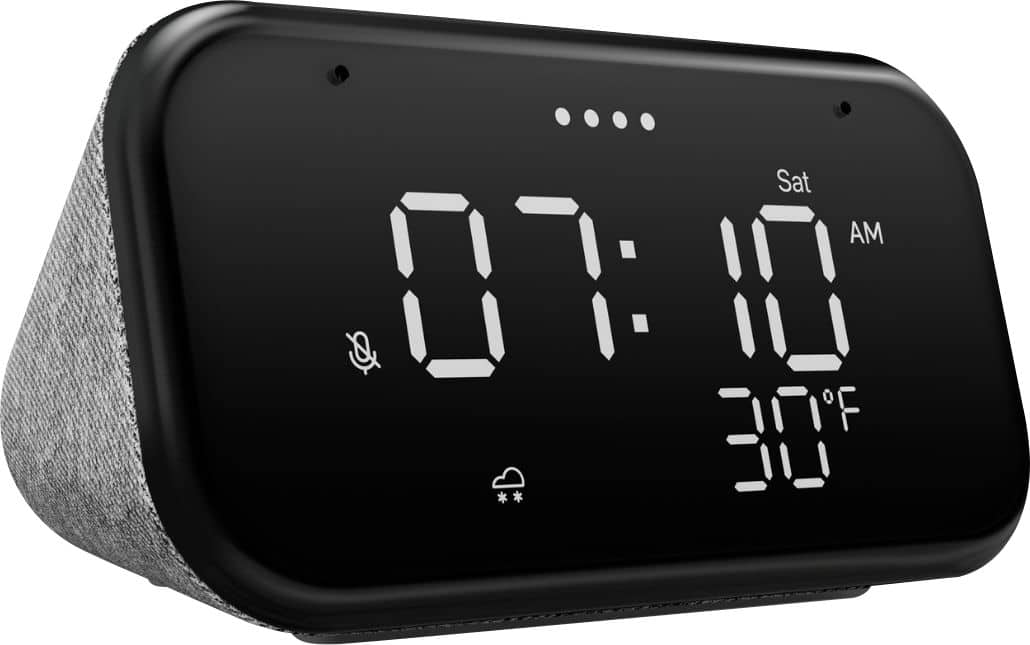
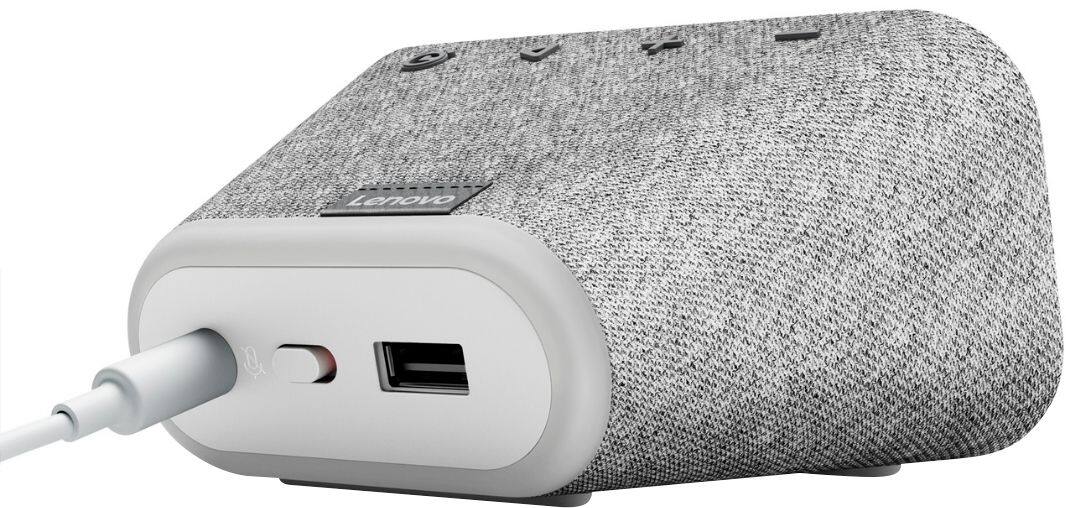
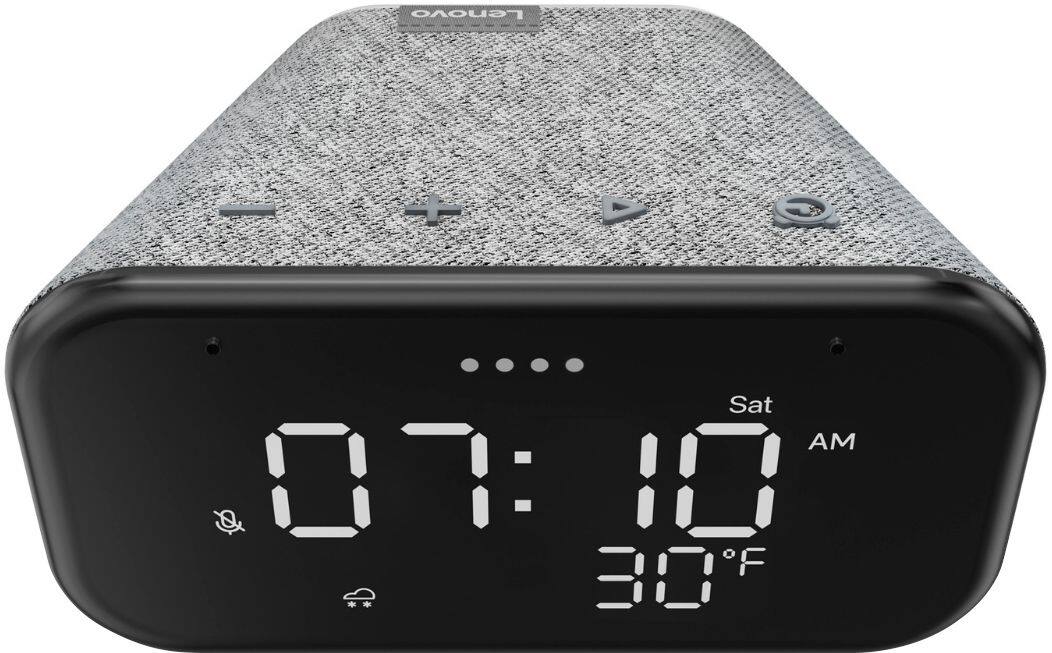
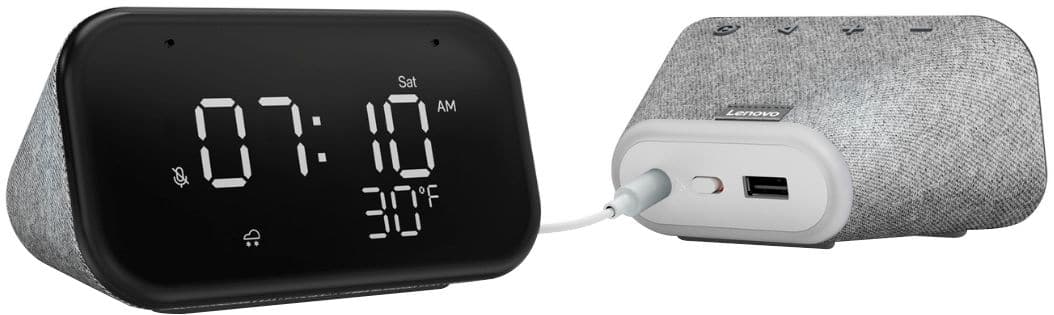
- Model:
- ZA740005US
- SKU:
- 6429528
Rating by feature
- Value
Rating 4.6 out of 5 stars
- Quality
Rating 4.5 out of 5 stars
- Ease of Use
Rating 4.4 out of 5 stars
Customers are saying
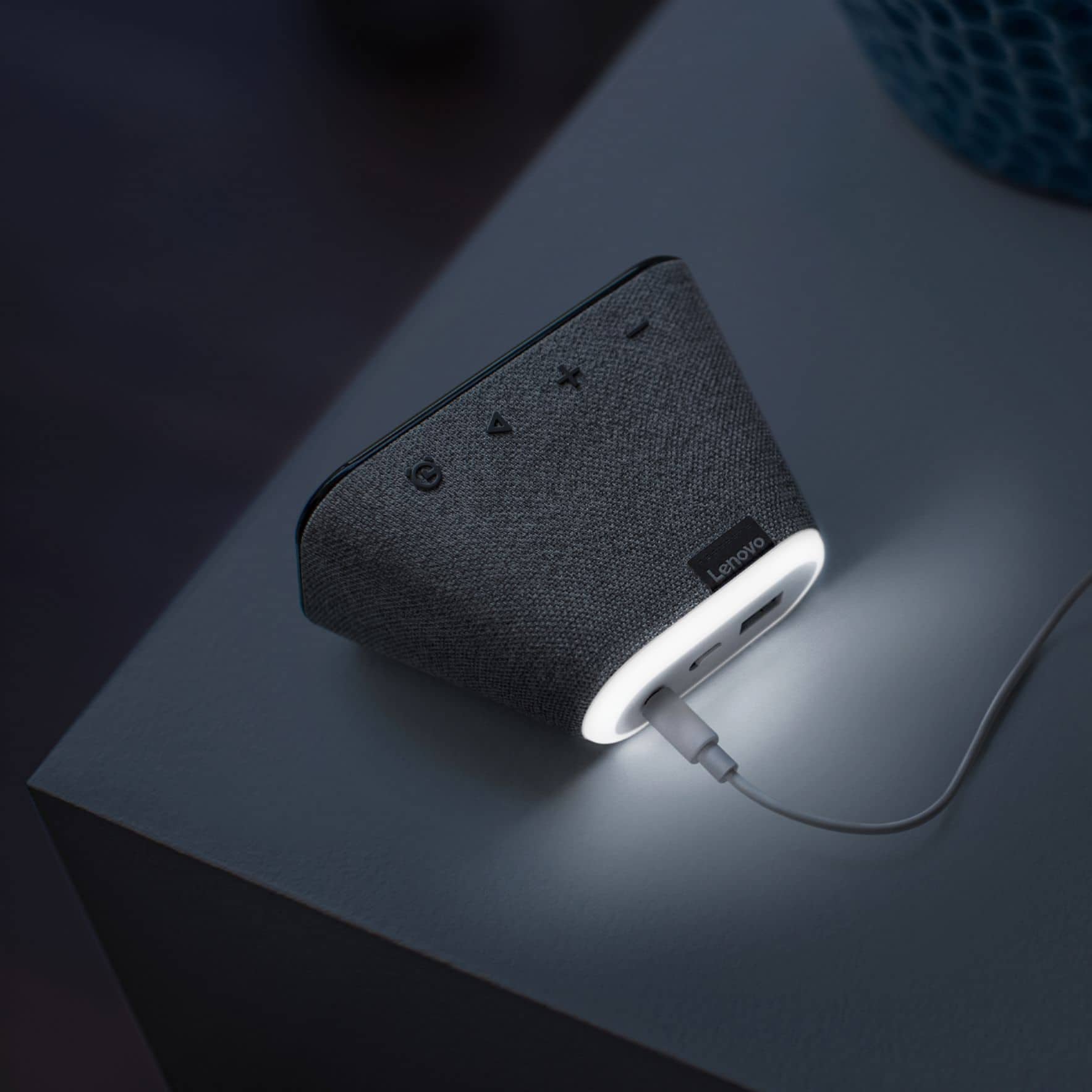
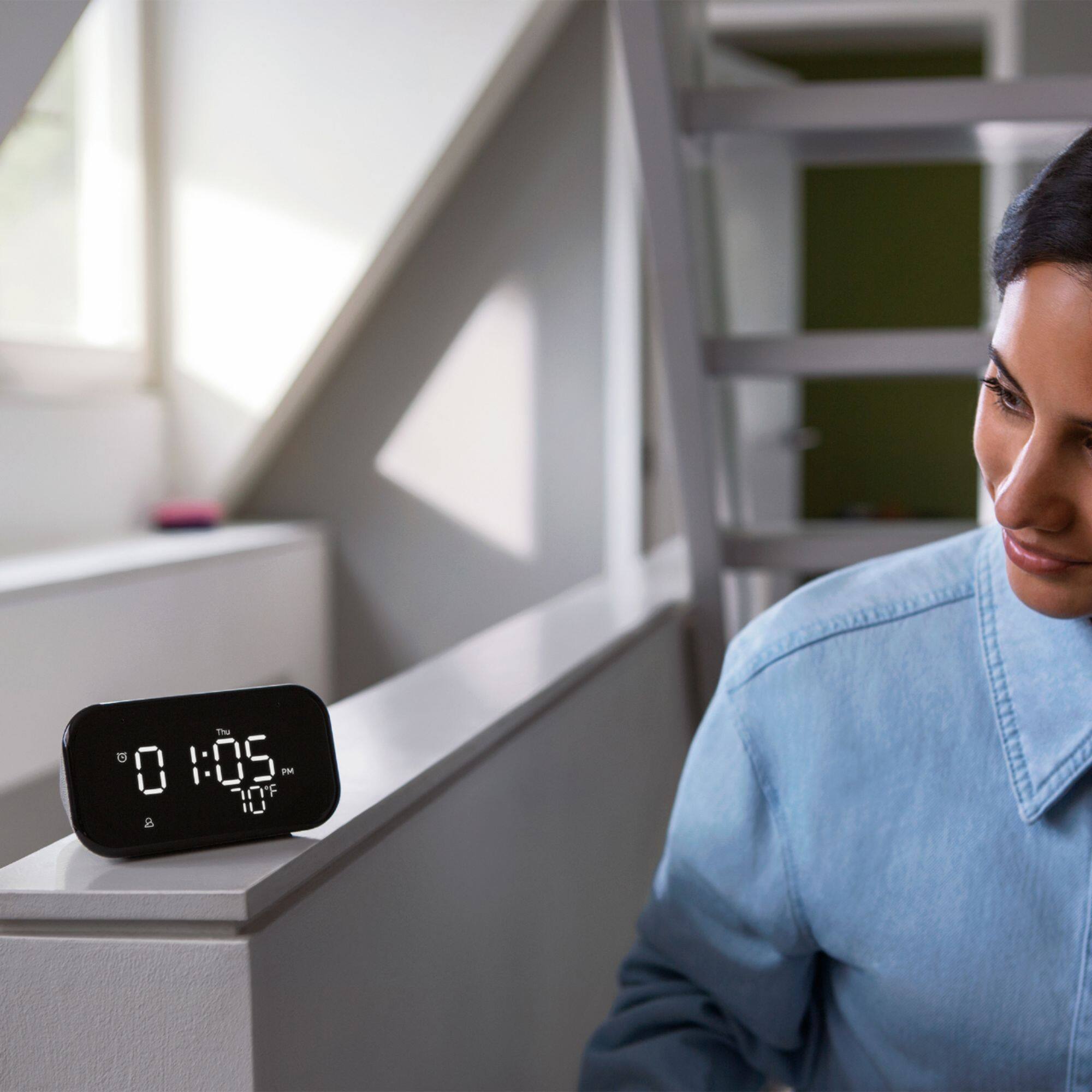
Customers enjoy the sound quality, ease of use, and display of the Smart Clock Essential. Many appreciate the included night light and the convenient size, finding it ideal for bedside tables. Positive feedback also highlights the Google Assistant integration and the alarm clock functionality. While some users experienced challenges with WiFi connectivity and initial setup, the overall sentiment is positive.
This summary was generated by AI based on customer reviews.
Love the clock..
||Posted . Owned for 3 weeks when reviewed.This reviewer received promo considerations or sweepstakes entry for writing a review.Love the clock..No more phone at my bedside. You can smack the top of the Clock when the alarm goes off to get it to snooze, and the alarms are highly customizable.
I would recommend this to a friendBrand response from Lenovo Product Expert
Posted .Hi! Thanks for choosing the Lenovo Smart Clock Essential. We are pleased to hear the features, design, and performance of the Smart Clock Essential is working out so well for you.

Good time time!
||Posted . Owned for 3 weeks when reviewed.This reviewer received promo considerations or sweepstakes entry for writing a review.We are very happy with this clock. It is easy to read and is what we were looking for. The outside temperature reading is an extra plus. We would recommend this clock for anyone.
I would recommend this to a friendBrand response from Lenovo Product Expert
Posted .Hi! Thanks for choosing the Lenovo Smart Clock Essential. We are pleased to hear the features, design, and performance of the Smart Clock Essential is working out so well for you. We appreciate your recommendation!
Perfect clock for teens
||Posted . Owned for 6 months when reviewed.This reviewer received promo considerations or sweepstakes entry for writing a review.Works great. I can set alarms for my son to wake up from a different room in the house. My son voice control his TCL roku tv with it. Got it on sale for $24. was a great buy
I would recommend this to a friendBrand response from Lenovo Product Expert
Posted .Thank you for choosing the Lenovo Smart Clock Essential for your son. We are pleased to hear that the Smart Clock Essential is working out so well for your son.
Great clock
||Posted . Owned for 3 weeks when reviewed.This reviewer received promo considerations or sweepstakes entry for writing a review.The size of the clock is small but not too small to see. I like the way the light on the clock adjust to the light in the room. Also like the way I can play Pandora thru the clock.
I would recommend this to a friendBrand response from Lenovo Product Expert
Posted .Hi! Thanks for choosing the Lenovo Smart Clock Essential. We are pleased to hear the features, design, and performance of the Smart Clock Essential is working out so well for you.
essential like smart clock
||Posted . Owned for 1 week when reviewed.This reviewer received promo considerations or sweepstakes entry for writing a review.Perfect digital clock at bedside table, nice that it’s automatically adapt the brightness or darkness of the room, recommended.
I would recommend this to a friendWorth for money
||Posted . Owned for 2 weeks when reviewed.This reviewer received promo considerations or sweepstakes entry for writing a review.Really worth of it. But remember you need to remove plastic foil on screen before start using it, otherwise it won't recognize your voice even a little far distance from device.
I would recommend this to a friendBrand response from Lenovo Product Expert
Posted .Hi! Thanks for choosing the Lenovo Smart Clock Essential. We are pleased to hear the features, design, and performance of the Smart Clock Essential is working out so well for you.
Good lil clock
||Posted . Owned for 3 weeks when reviewed.This reviewer received promo considerations or sweepstakes entry for writing a review.Got this for my sons room he loves it it has the capability to control his room light and his led light strip also he had pre set alarms that he set by voice control
I would recommend this to a friendBrand response from Lenovo Product Expert
Posted .Hi! Thanks for choosing the Lenovo Smart Clock Essential. We are pleased to hear the features, design, and performance of the Smart Clock Essential is working out so well for you.
Good stuff ma man
||Posted . Owned for 4 months when reviewed.This reviewer received promo considerations or sweepstakes entry for writing a review.I love this stuff. It doesn't have a camera so no spying! And it has a clear and loud enough audio to play music and news. It automatically sets itself up when you unplug it
I would recommend this to a friendBrand response from Lenovo Product Expert
Posted .Thank you for choosing the Lenovo Smart Clock Essential. We are pleased to hear that the features and performance of the Smart Clock Essential meets your needs so well.
Great smart clock!
||Posted . Owned for 1 week when reviewed.This reviewer received promo considerations or sweepstakes entry for writing a review.This clock is neat, it stutters a bit when I ask it to play music, but the alarm sounds nice and it dims when you turn off the lights!
I would recommend this to a friendSmart clock
||Posted . Owned for 1 month when reviewed.This reviewer received promo considerations or sweepstakes entry for writing a review.Nice smart alarm clock. You can tell it to play what ever song/Artist you want to be played for alarm and when ever you want. Dope.
I would recommend this to a friendLenova Smart clock
||Posted . Owned for 3 weeks when reviewed.This reviewer received promo considerations or sweepstakes entry for writing a review.Great clock and it was exactly what I was looking for in a ‘smart’ home. I liked it so much I went back to Best Buy and got one for each of my bedrooms and outside patio area!
I would recommend this to a friendBrand response from Lenovo Product Expert
Posted .Hi! Thanks for choosing the Lenovo Smart Clock Essential. We are pleased to hear the features, design, and performance of the Smart Clock Essential is working out so well for you.
- Cons mentioned:Setup
Bella
||Posted . Owned for 2 weeks when reviewed.This reviewer received promo considerations or sweepstakes entry for writing a review.Kinda difficult to set up with Google if you don't have the computer smarts. Dont know how to test alarm and music for alarm
I would recommend this to a friendBrand response from Lenovo Product Expert
Posted .Hello, we are sorry to hear you are experiencing trouble setting up and setting alarms on the Lenovo Smart Clock Essential. To setup the Smart Clock Essential download the Google Home App on your Smart phone or Tablet. Plug in the Smart Clock and power it on. Open the Google Home App and follow the on screen instructions. You Smart Clock Essential is now setup. To test an alarm simple say "Okay Google set a music alarm" From there your Google Assistant will ask you what time and what station you would like to play. You can respond by saying something like "8am" and "Play my favorite station from Pandora"
- Pros mentioned:Sound quality
Its okay
||Posted . Owned for 2 weeks when reviewed.This reviewer received promo considerations or sweepstakes entry for writing a review.Works, decent sound. Just wish I could connect to this and my Google mini at the same time for the bluetooth speaker...
No, I would not recommend this to a friendBrand response from Lenovo Product Expert
Posted .Hi! Thanks for choosing the Lenovo Smart Clock Essential. There is no need to connect the two units with blue tooth as they are cast enabled. You can create an audio group with these two devices in the Google Home App, cast the audio to the group, and have the two speakers play at the same time. The following link to the Google Support page provides detailed instructions on how to do this https://support.google.com/googlenest/answer/7174267?co=GENIE.Platform%3DAndroid&hl=en#zippy=;
Good, but Not Great
||Posted . Owned for 3 months when reviewed.This reviewer received promo considerations or sweepstakes entry for writing a review.I bought this to replace my Amazon Alexa and cellphone as my primary alarm clock. For that purpose, it work fairly well; however, initial set-up was difficult and my phone still does not recognize the device under the Bluetooth devices. Furthermore, the clock spontaneously disconnects from Wifi, but it fortunately has not affected the alarm clock feature. It’s a good product, but definitely could have been better.
No, I would not recommend this to a friendGreat radio
||Posted . Owned for 2 weeks when reviewed.This reviewer received promo considerations or sweepstakes entry for writing a review.Great little radio. Definitely impressed with it. Gonna buy another one for my wife. Super responsive, and accurate.
I would recommend this to a friendBrand response from Lenovo Product Expert
Posted .Hi! Thanks for choosing the Lenovo Smart Clock Essential. We are pleased to hear the features, design, and performance of the Smart Clock Essential is working out so well for you.
Alarm clock
||Posted . Owned for 3 months when reviewed.This reviewer received promo considerations or sweepstakes entry for writing a review.Perfect nightstand alarm clock. Automatic dimmer so the display is not too bright at night. Also like the outside temperature display.
I would recommend this to a friendSmart Clock
||Posted . Owned for 1 month when reviewed.This reviewer received promo considerations or sweepstakes entry for writing a review.The Lenovo smart clock is awesome! Not only you can the Temperature outside, you can interact with google assist. You also able to set the brightness. Recommend it at all.
I would recommend this to a friendBrand response from Lenovo Product Expert
Posted .Hi! Thanks for choosing the Lenovo Smart Clock Essential. We are pleased to hear the features, design, and performance of the Smart Clock Essential is working out so well for you. We appreciate your recommendation.
Great product!
||Posted . Owned for 9 months when reviewed.This reviewer received promo considerations or sweepstakes entry for writing a review.This is a great clock with outdoor temperature display under the time and the volume is pretty loud for it's size.
I would recommend this to a friendbest of best
||Posted .This reviewer received promo considerations or sweepstakes entry for writing a review.I bought it for my daughter and she was so happy to have it. she wanted clock that she can locates her desk and its even better because its smart clock. highly recommended!!
I would recommend this to a friendBrand response from Lenovo Product Expert
Posted .Hi! Thanks for choosing the Lenovo Smart Clock Essential. We are pleased to hear the features, design, and performance of the Smart Clock Essential is working out so well for you. We appreciate your recommendation.
Good alarm clock
||Posted . Owned for 1 month when reviewed.This reviewer received promo considerations or sweepstakes entry for writing a review.Nice bedside alarm clock. Speaker is not crank the music loud but good enough for the bedroom. Even at the lowest brightness, it is still too bright in the dark.
I would recommend this to a friendBrand response from Lenovo Product Expert
Posted .Hi! Thanks for choosing the Lenovo Smart Clock Essential. We are pleased to hear the features, design, and performance of the Smart Clock Essential is working out so well for you. You can fine tune the audio by adjusting the Bass and Treble to your liking. To do this open the Smart Clock Essential in the Google Home App and select the three bars at the top of the screen