Customer Ratings & Reviews
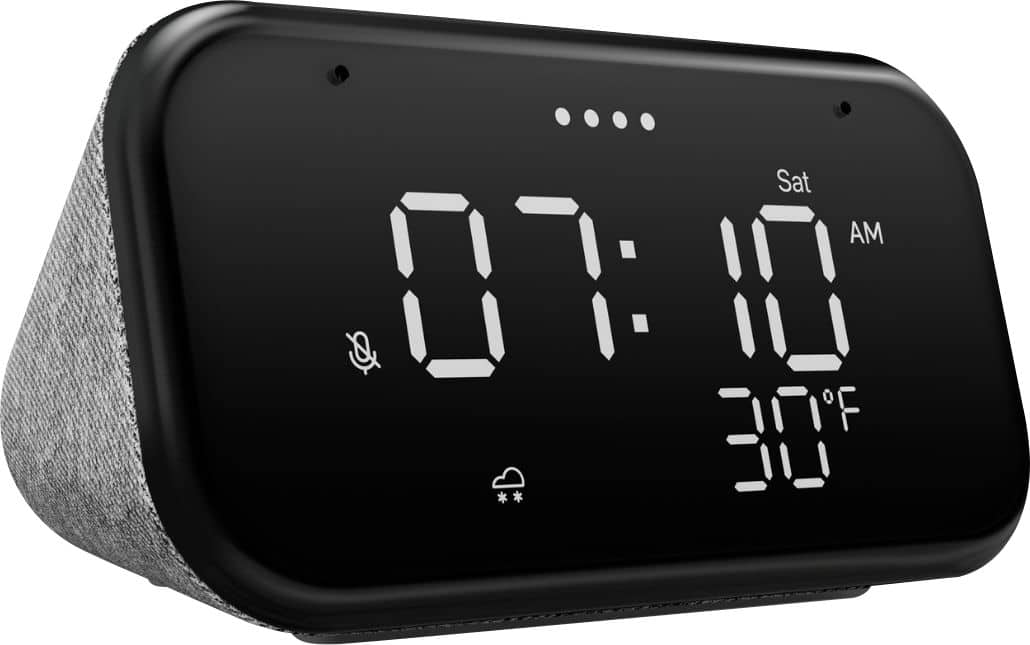
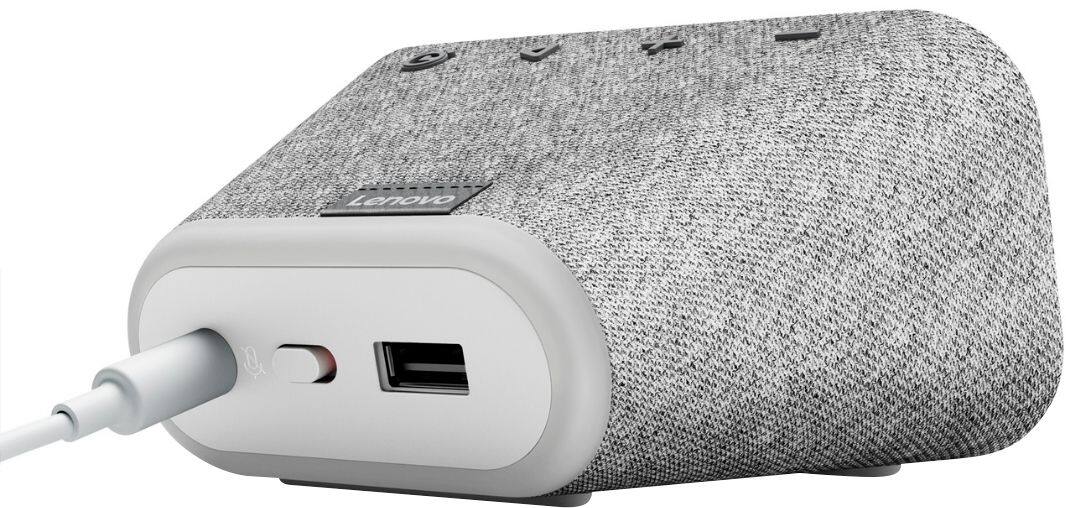
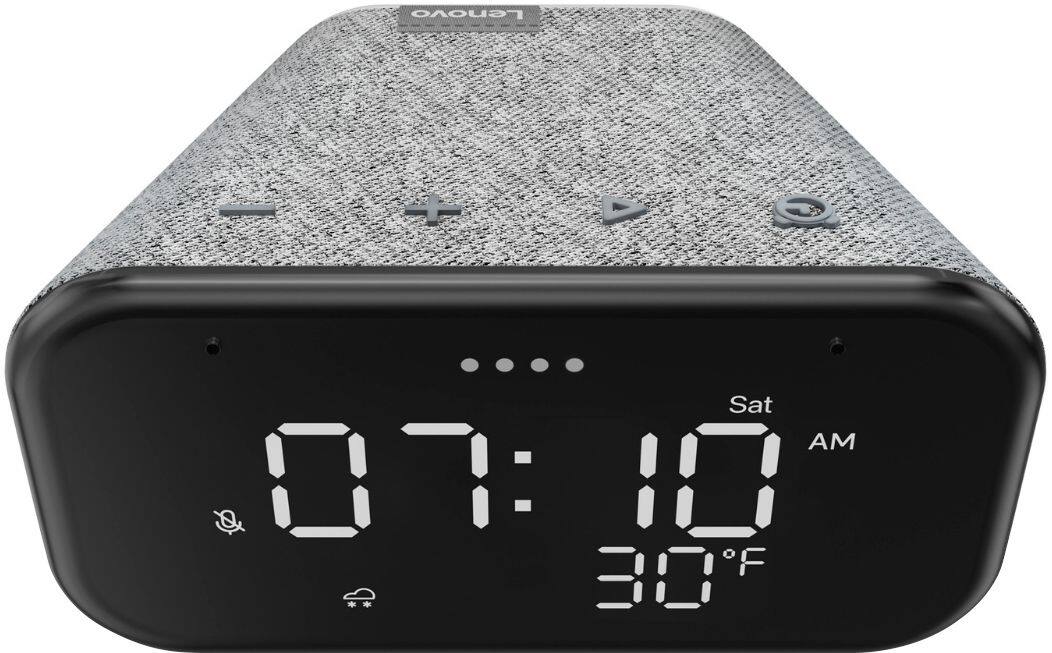
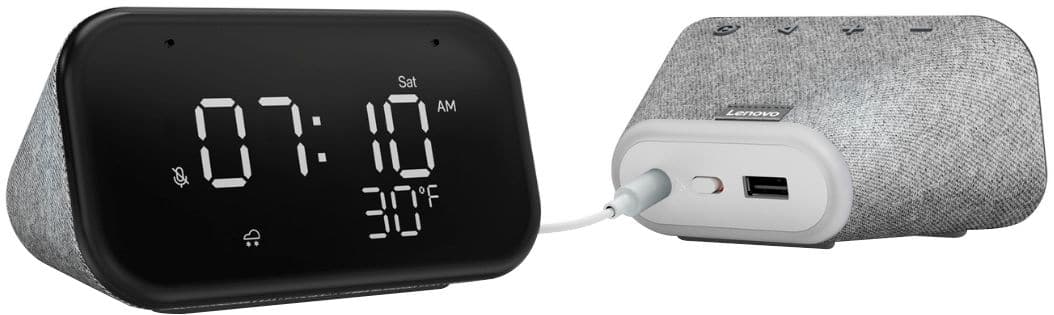
- Model:
- ZA740005US
- SKU:
- 6429528
Rating by feature
- Value
Rating 4.6 out of 5 stars
- Quality
Rating 4.5 out of 5 stars
- Ease of Use
Rating 4.4 out of 5 stars
Customers are saying
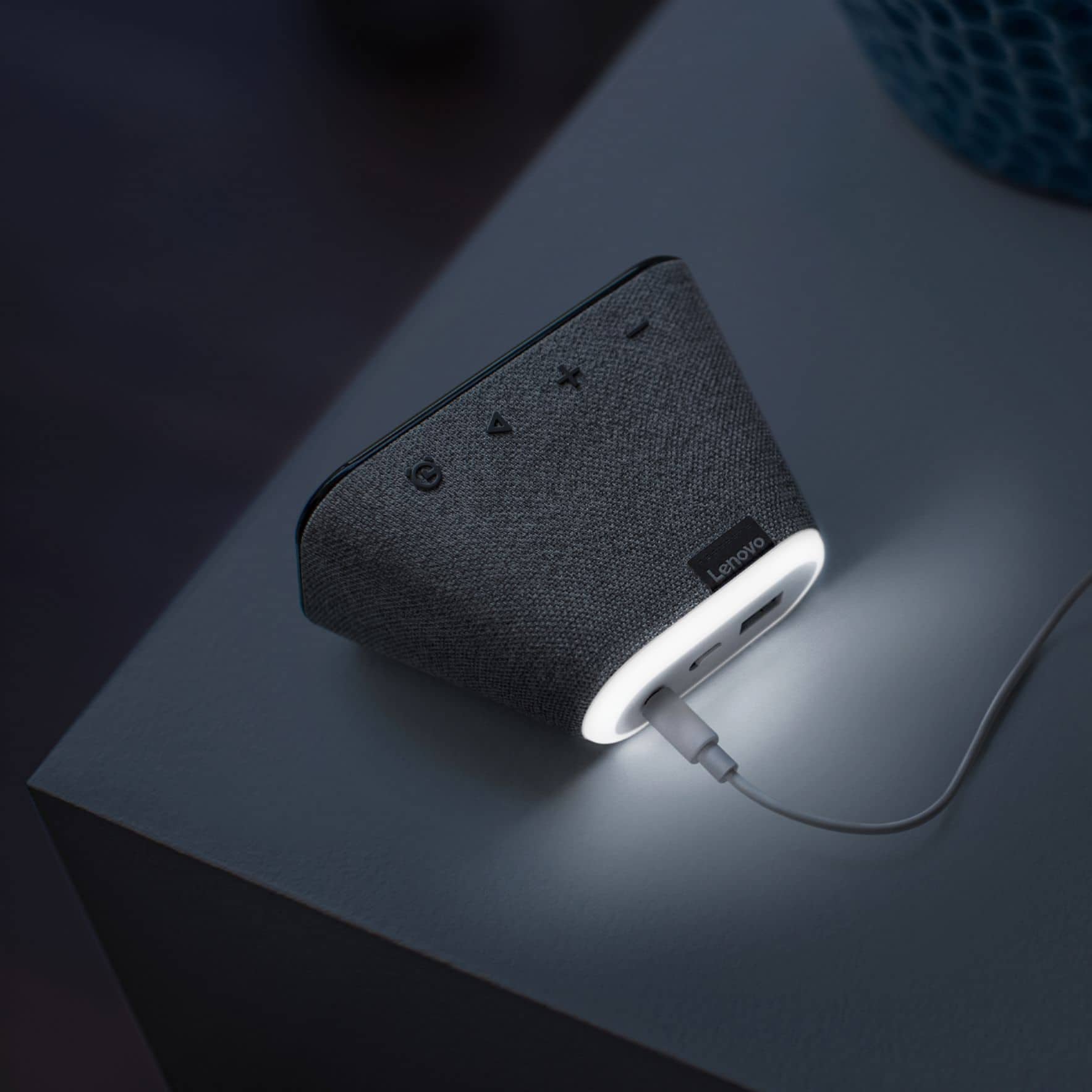
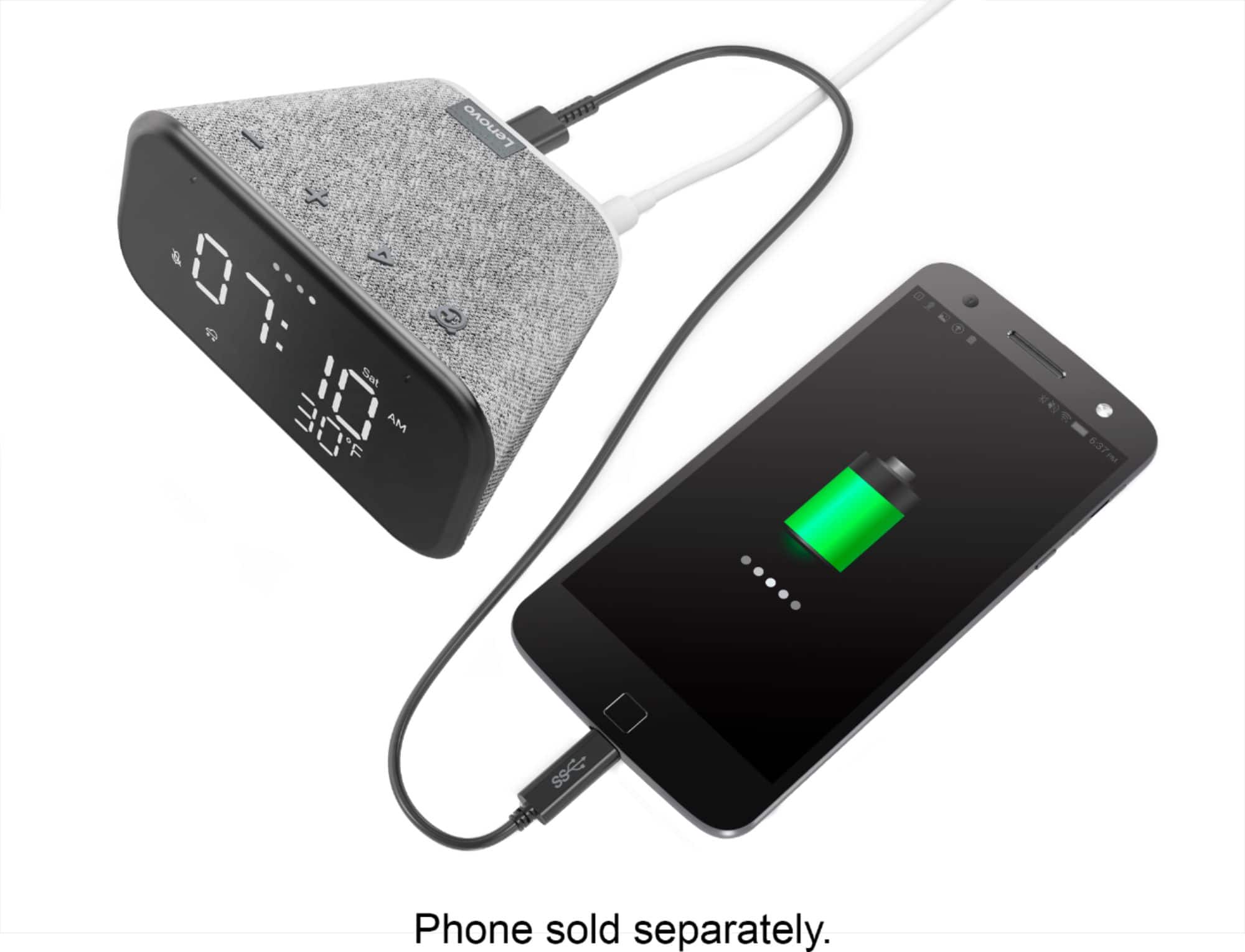
Customers enjoy the sound quality, ease of use, and display of the Smart Clock Essential. Many appreciate the included night light and the convenient size, finding it ideal for bedside tables. Positive feedback also highlights the Google Assistant integration and the alarm clock functionality. While some users experienced challenges with WiFi connectivity and initial setup, the overall sentiment is positive.
This summary was generated by AI based on customer reviews.
Smart clock
||Posted . Owned for 1 month when reviewed.This reviewer received promo considerations or sweepstakes entry for writing a review.good smart clock, but at night the light doesn't dim the way is suppose to, but other than that is good.
I would recommend this to a friendBrand response from Lenovo Product Expert
Posted .Hi! Thanks for choosing the Lenovo Smart Clock Essential. We are pleased to hear the features, design, and performance of the Smart Clock Essential is working out so well for you. Do dim the light light you can say "Okay google nightlight 1-100% If your device isn't working in this manner please power cycle the device by unplugging it for 1-2 minutes. Plugging it back in and allowing it to power on. If the issue remains please perform a factory reset by holding down the “Volume + and – ” buttons on top of your device for 8 Seconds. If the issue persists, please contact our customer support team at 866-426-0911

Very Smart
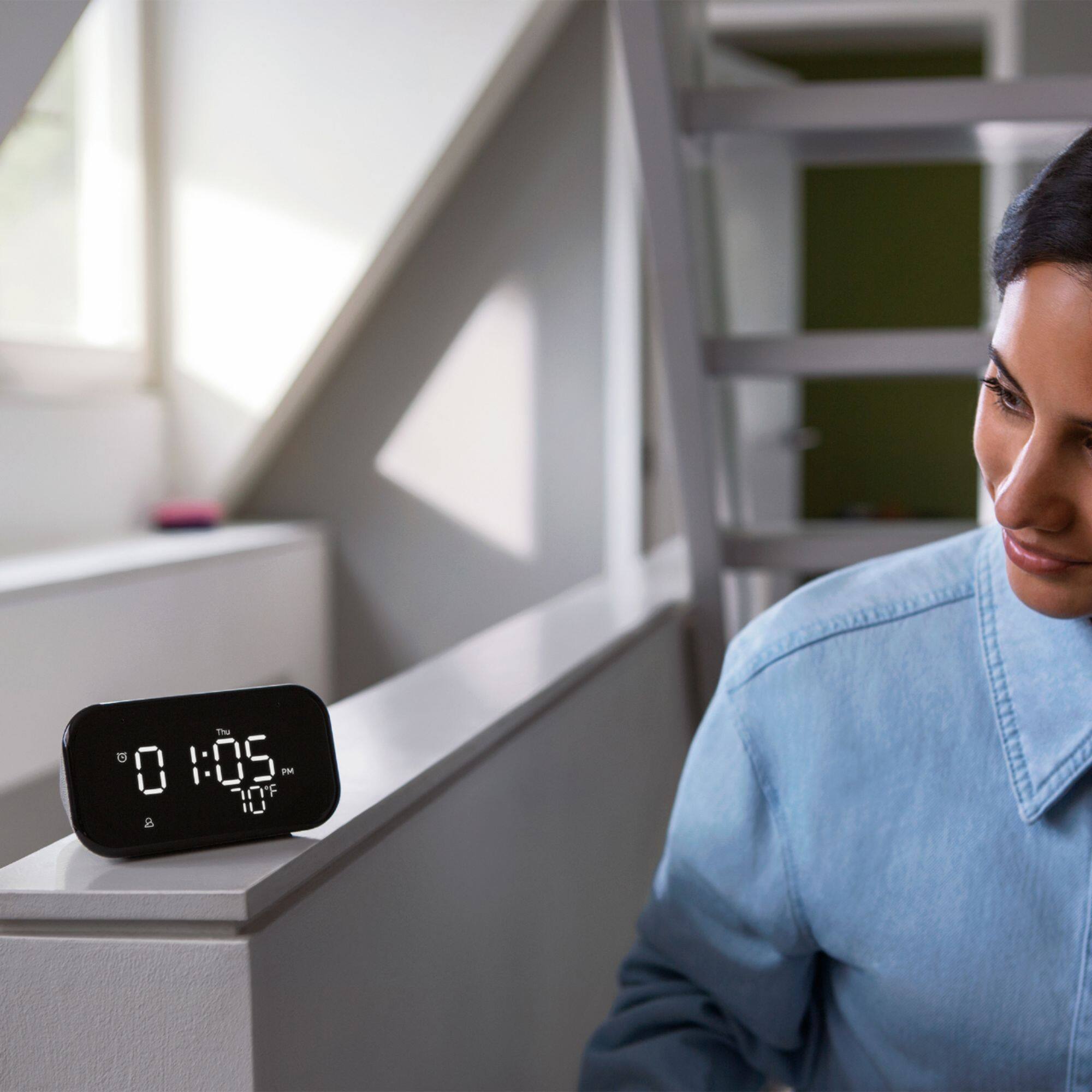
||Posted . Owned for less than 1 week when reviewed.This reviewer received promo considerations or sweepstakes entry for writing a review.Great smart clock. Very big numbers, easily seen from a distance!
I would recommend this to a friendWake up!!!!
||Posted . Owned for 5 months when reviewed.This reviewer received promo considerations or sweepstakes entry for writing a review.Waking up being an issue. With this i have no excuse other then its to cold to get out of bed.
I would recommend this to a friendBrand response from Lenovo Product Expert
Posted .Thank you for choosing the Lenovo Smart Clock Essential. We are pleased to hear that the Smart Clock Essential is working out so well for you.
nice smart device
||Posted . Owned for 1 week when reviewed.This reviewer received promo considerations or sweepstakes entry for writing a review.great product - a little difficult to set up (Alexa is easier). But great product for the price
I would recommend this to a friendBrand response from Lenovo Product Expert
Posted .Thank you for choosing the Lenovo Smart Clock Essential. Here is a link to a short YouTube Video with instructions for the initial setup of the Smart Clock Essential: https://www.youtube.com/watch?v=20r0jT42sDM. If you continue to have issues with setup, we recommend you contact lenovo Tech Support for Smart Devices at: 866-426-0911.
Alright clock.
||Posted .This reviewer received promo considerations or sweepstakes entry for writing a review.It’s really complicated to set up. Took me a while hopefully I got it right. Overall it’s decent.
I would recommend this to a friendBrand response from Lenovo Product Expert
Posted .We are sorry to hear that you had difficulty setting up your Lenovo Smart Clock Essential. Here is a link to a YouTube Video that explains the setup process of the Smart Clock Essential as well as the Smart Clock's features: https://www.youtube.com/watch?v=qEz9qdj9bfc. If you continue to have questions about your Lenovo Smart Clock Essential, we recommend you contact Lenovo Tech Support for Smart Devices at: 866-426-0911.
Simple and Worth the price
||Posted . Owned for 11 months when reviewed.This reviewer received promo considerations or sweepstakes entry for writing a review.Really nice clock to keep bedside. Real easy to setup especially if you have an android device
I would recommend this to a friendBrand response from Lenovo Product Expert
Posted .Thank you for choosing the Lenovo Smart Clock Essential. We are pleased to hear that the easy setup and performance of the Smart Clock Essential meets your needs so well.
Alarming
||Posted . Owned for 3 weeks when reviewed.This reviewer received promo considerations or sweepstakes entry for writing a review.Set up was a little cumbersome but the clock works great I just have Google set my alarm every day.
I would recommend this to a friendBrand response from Lenovo Product Expert
Posted .Thank you for choosing the Lenovo Smart Clock Essential. Here is a link to a short YouTube video that demonstrates the setup process for the Lenovo Smart Clock Essential: https://www.youtube.com/watch?v=oebcueXBCeU
only for speaker with time
||Posted . Owned for 2 weeks when reviewed.This reviewer received promo considerations or sweepstakes entry for writing a review.great idea but wish speaker was better. in my bedroom it seems like it is just like a phone if not less
No, I would not recommend this to a friendBrand response from Lenovo Product Expert
Posted .Hi! Thanks for choosing the Lenovo Smart Clock Essential. To adjust the sound of your speakers open the Google Home App on your smartphone or tablet, select the Smart Clock Essential, and then tap the three bars at the top of the menu. This will give your access to the Bass and Treble settings to fine tune your audio.
Fantastic!
||Posted . Owned for 5 months when reviewed.This reviewer received promo considerations or sweepstakes entry for writing a review.Great clock and a google home mini in 1. Cant ask any more of it.
I would recommend this to a friendAlarm
||Posted . Owned for 1 month when reviewed.This reviewer received promo considerations or sweepstakes entry for writing a review.Now I can remind myself of appointments and set alarms without touching anything. Love it very much!!
I would recommend this to a friendBrand response from Lenovo Product Expert
Posted .Thank you for choosing the Lenovo Smart Clock Essential. We are pleased to hear that the Smart Clock Essential meets your needs so well.
Alarm
||Posted . Owned for 1 month when reviewed.This reviewer received promo considerations or sweepstakes entry for writing a review.Amazing love it. Works great for everything . Love that I can play music and have a alarm set
I would recommend this to a friendBrand response from Lenovo Product Expert
Posted .Thank you for choosing the Lenovo Smart Clock Essential. We are pleased to hear that the Smart Clock Essential is working out so well for you.
smart clock
||Posted . Owned for 3 weeks when reviewed.This reviewer received promo considerations or sweepstakes entry for writing a review.daughter has used some have to find out how she likes it
I would recommend this to a friendLenovo - Smart Clock Essential 4" Smart Display
||Posted . Owned for 3 weeks when reviewed.This reviewer received promo considerations or sweepstakes entry for writing a review.Nice Little clock. It does what It's supposed to. Quick delivery.
I would recommend this to a friendGreat clock with the bonus of a smart speaker
||Posted .This reviewer received promo considerations or sweepstakes entry for writing a review.Great smart speaker for the price when you can find it on sale. The clock with current weather is a great feature.
I would recommend this to a friendBrand response from Lenovo Product Expert
Posted .Hello there! Thanks for choosing the Lenovo Smart Clock Essential. We are pleased to hear the features like built in temperature/weather display , design, and performance of the Smart Clock Essential is working out so well for you.
Have to download a Google app
||Posted .This reviewer received promo considerations or sweepstakes entry for writing a review.The only downside (and a big one), is that you have to download the Google Home app to use the clock.
I would recommend this to a friendBrand response from Lenovo Product Expert
Posted .Hi! Thanks for choosing the Lenovo Smart Clock Essential. We are pleased to hear the features, design, and performance of the Smart Clock Essential is working out so well for you. This is an always on Smart Device featuring the Google Assistant. All Google Assistant Smart Devices currently require the Google Home App to setup and connect/integrate to your Smart Home. If you need further assistance please don't hesitate to reach out to Lenovo Tech Support at 866-426-0911
I enjoy it but it could be better with Bluetooth
||Posted . Owned for 5 months when reviewed.This reviewer received promo considerations or sweepstakes entry for writing a review.All is good except it would be nice to have Bluetooth connectivity.
I would recommend this to a friendbest bang for the buck
||Posted .This reviewer received promo considerations or sweepstakes entry for writing a review.not bad if you don't care for the 'smart' screen, what more can I say, IT DOES WHAT ITS SUPPOSED TO DO
I would recommend this to a friendBrand response from Lenovo Product Expert
Posted .Thank you for choosing the Lenovo Smart Clock Essential. We are pleased to hear that the Smart Clock Essential meets your needs so well.
Clock
||Posted . Owned for 3 weeks when reviewed.This reviewer received promo considerations or sweepstakes entry for writing a review.Excellent way of telling what time of day it is and it also tells me if it's warm or cold.
I would recommend this to a friendBrand response from Lenovo Product Expert
Posted .Thank you for choosing the Lenovo Smart Clock Essential. We are pleased to hear that the features and performance of the Smart Clock Essential meets your needs so well. Here is a link to a YouTube video that demonstrates the easy set up, features and functions of the Lenovo Smart clock Essential: https://www.youtube.com/watch?v=oebcueXBCeU
Great
||Posted . Owned for 2 weeks when reviewed.This reviewer received promo considerations or sweepstakes entry for writing a review.Works great never had any issues with it so fa. Would recommend
I would recommend this to a friendSimple but useful
||Posted . Owned for 2 weeks when reviewed.This reviewer received promo considerations or sweepstakes entry for writing a review.For $20 this is a no-brainer. Its sleek, with a very nice display.
I would recommend this to a friend