Customer Ratings & Reviews
- Model:
- ZA4R0037US
- SKU:
- 6441962
Rating by feature
- Value
Rating 4.5 out of 5 stars
- Quality
Rating 4.6 out of 5 stars
- Ease of Use
Rating 4.5 out of 5 stars
Customers are saying
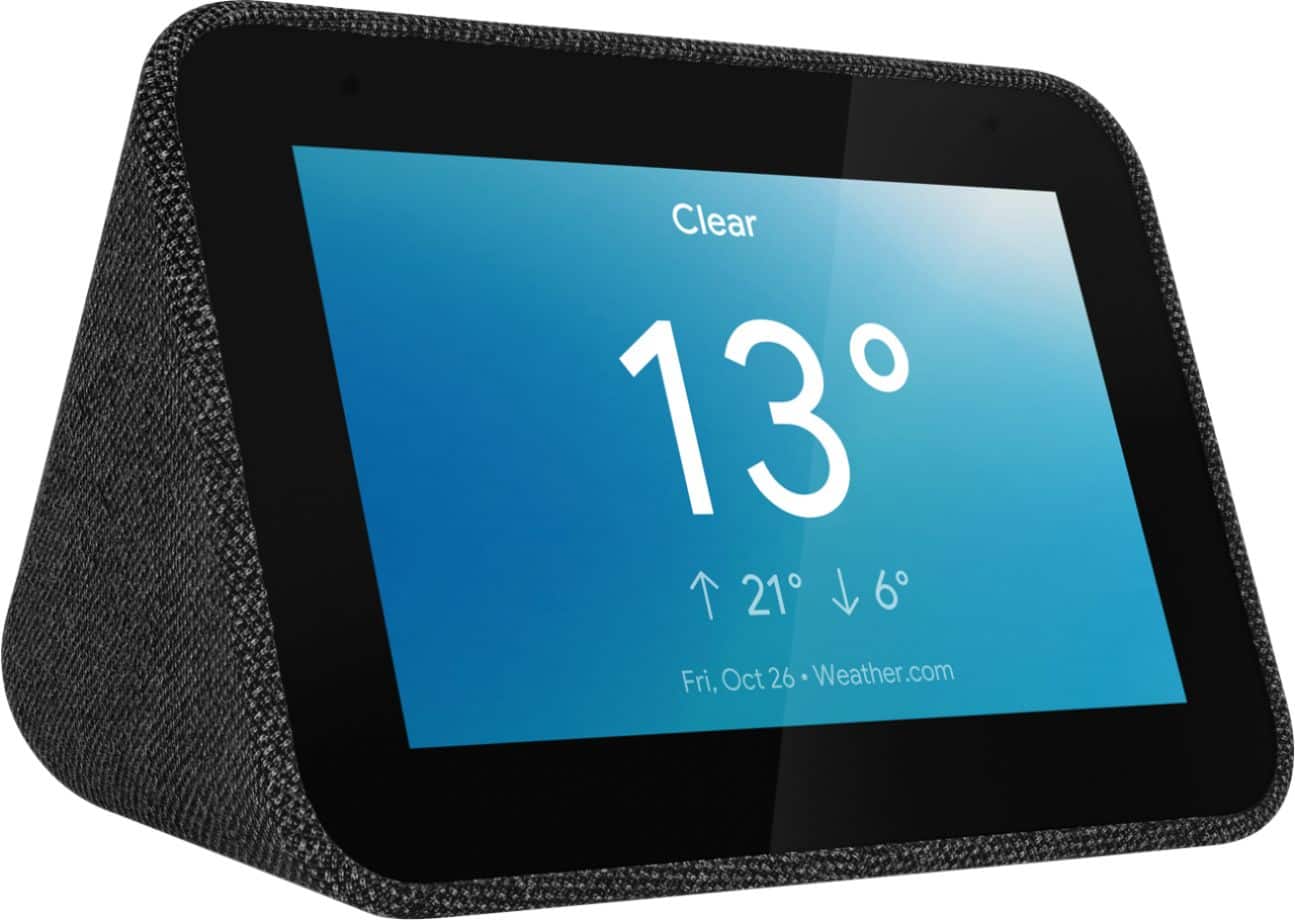
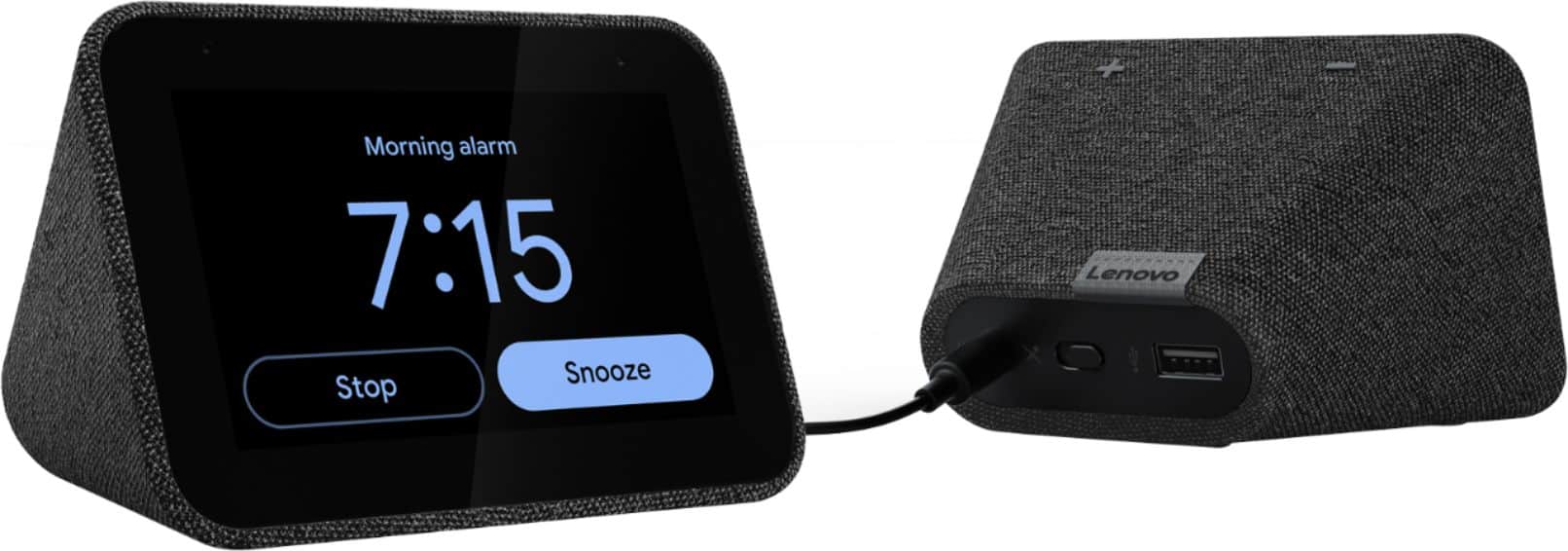
Customers frequently mention the ease of use, sound quality, and alarm features as positive aspects of the Smart Clock with Google Assistant. Many also appreciate the Google Assistant integration, the clock's size, and its display. However, some users reported issues with maintaining a consistent WiFi connection. A lack of battery backup was another recurring negative comment.
This summary was generated by AI based on customer reviews.
Good but basic product
||Posted . Owned for 6 months when reviewed.This reviewer received promo considerations or sweepstakes entry for writing a review.This smart clock is a good product if you are looking for basic features. This was placed in a bedroom to replace another smart speaker. If you are okay with limited functionality, I would recommend this product.
I would recommend this to a friendBrand response from Lenovo Product Expert
Posted .Thank you for choosing the Lenovo Smart Clock with Google Assistant. We are pleased to hear that the Smart Clock meets your needs so well.

Setting alarms by voice is very easy and convenien
||Posted . Owned for 1 month when reviewed.This reviewer received promo considerations or sweepstakes entry for writing a review.Nice clock. A little smaller than expected, but numbers are large and easy to see. Problem when internet goes down, which is often with Spectrum, clock goes down too. Setting alarms by voice is very easy and convenient.
I would recommend this to a friendBrand response from Lenovo Product Expert
Posted .Thank you for choosing the Lenovo Smart Clock with Google Assistant. The Lenovo Smart Clock will remember alarms that you have already saved to the device even if the WiFi goes out, so long as the power remains to the Smart Clock.
Cute little addition for your nightstand
||Posted . Owned for 7 months when reviewed.This reviewer received promo considerations or sweepstakes entry for writing a review.I use it to listen to news in the morning, go to sleep at night and turn off/on my nest. So far so good, no problems at all. The connection can be a little weak at times, but other than that I like it.
I would recommend this to a friendgood display
||Posted . Owned for 8 months when reviewed.This reviewer received promo considerations or sweepstakes entry for writing a review.This clock is good for the techkey people. Difficult to set up but once done guarantee to have the right time even if there is power failure. Once power is restored and internet is up sp to is the correct time,
I would recommend this to a friendBrand response from Lenovo Product Expert
Posted .Thank you for choosing the Lenovo Smart Clock with Google Assistant. Here are the easy setup for setting up your Smart Clock with Google Assistant for the first time: 1. Take the Lenovo Smart Clock out of the box and plug in the power adapter on the back side. 2. Download and install the “Google Home” app on your phone/tablet and sign in with your Google account. 3. The app will show you a new Lenovo Smart Clock is nearby. 4. Click to set it up. 5. Follow the instructions inside the application until the setup is completed. 6. Then you can start your conversation with “Hey Google”.
The average set up time will take approximately 5 to 8 minutes. The Smart Clock does not have a battery backup. If power is lost, the Smart Clock will not function.
Ups and Downs
||Posted . Owned for 1 month when reviewed.This reviewer received promo considerations or sweepstakes entry for writing a review.I like the alarm feature - but I wish I could alter the sound of the alarm and not alter the sound of the Google voice. The alarm is quiet unless you turn the volume all the way up, but then when you ask Google a question it shouts at you.
I would recommend this to a friendBrand response from Lenovo Product Expert
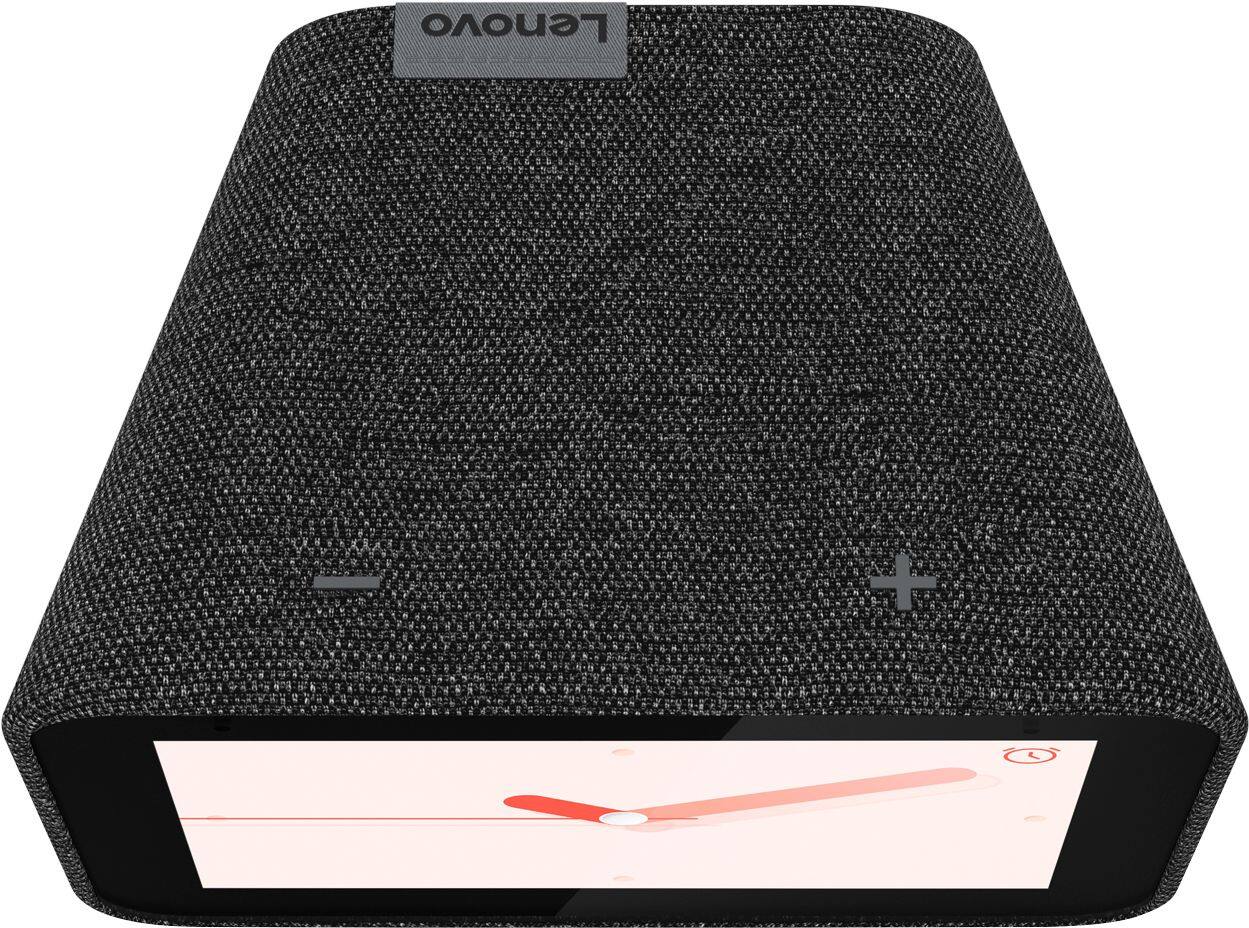
Posted .Hi, thanks for choosing the Lenovo Smart Clock with Google Assistant. We are pleased to hear the functions, performance, and design of the Lenovo Smart Clock are working out so well for you! This is possible. Adjusting the volume with the buttons on top of the device or by saying "Okay Google volume up or down" Will adjust the volume of assistant or music that is playing. There is a separate setting for the volume of alarms and timers. You can access the alarms and timers volume setting by opening the device settings in the Google Home App, or by swiping down from the top of the touch screen, selecting alarms, then scrolling down and selecting the gear shaped icon to pull up the alarms settings menu. If you need further assistance please don't hesitate to reach out to Lenovo Tech Support at 866-426-0911
Perfect Nightstand Addition
||Posted . Owned for 1 month when reviewed.This reviewer received promo considerations or sweepstakes entry for writing a review.I needed a clock for my nightstand and the ability to control my smart lights for my bedside lamps. This product does all that and more. I was hesitant at first but after reading the reviews, I decided to give it a try.
I would recommend this to a friendBrand response from Lenovo Product Expert
Posted .Hi, thanks for choosing the Lenovo Smart Clock with Google Assistant. We are pleased to hear the functions, performance, and design of the Lenovo Smart Clock are working out so well for you!
Perfect size for a little bed table
||Posted . Owned for 1 year when reviewed.This reviewer received promo considerations or sweepstakes entry for writing a review.Can't do without it anmore. It's so nice to see and works well. At the beginning was getting warm but probably it was fixed with an update. The volume is not the best but it's ok for a bedroom
I would recommend this to a friendBrand response from Lenovo Product Expert
Posted .Thank you for choosing the Lenovo Smart Clock with Google Assistant. You can adjust the Smart Clock volume on the device smart screen within settings. Just swipe up on the Smart Clock touch screen, select the speaker icon and set the volume of the Smart Clock to your preference. There is a separate volume adjustment for alarms and timers within the Google Home APP you used for the initial setup of the Smart Clock. Open the Google Home APP. Select the Smart Clock. Select the Settings Gear icon at the top right of the screen. Then select Audio. Within audio now select Alarms and Timers to set the volume of your alarm and timer alert sound. You can have one volume level for all other Smart Clock audio content and a separate volume level for alarms and timers.
Cool smart clock
||Posted . Owned for 1.5 years when reviewed.This reviewer received promo considerations or sweepstakes entry for writing a review.This is a nice smart google clock to have in the bedroom. it controls smart tv's and play's youtube music. Only default is the screen gets stuck sometimes, but then goes back to normal
I would recommend this to a friendBrand response from Lenovo Product Expert
Posted .Thank you for choosing the Lenovo Smart Clock with Google Assistant. We are pleased to hear that the Smart Clock features are working out so well for you. If the Smart Clock screen remains frozen for a long period of time, try unplugging the clock, waiting 15-seconds, then plug the clock back in to correct the issue. If you have questions about your Smart Clock, we recommend you contact Lenovo Tech Support for Smart Devices at: 866-426-0911.
Great Smart clock to get quick weather updates!
||Posted . Owned for 3 weeks when reviewed.This reviewer received promo considerations or sweepstakes entry for writing a review.Just say "Hey Googgle, what's the weather -- before you start your day or before you go to bed. Ask whether it will it rain and tells you the time, etc. Choice of male or female voice for your assistant. Also music paired to You Tube or Pandora.
I would recommend this to a friendBrand response from Lenovo Product Expert
Posted .Hi, thanks for choosing the Lenovo Smart Clock with Google Assistant. We are pleased to hear the functions like voice activated alarms, music, news, weather, traffic, radio and more, performance, and design of the Lenovo Smart Clock are working out so well for you!
Nice clock
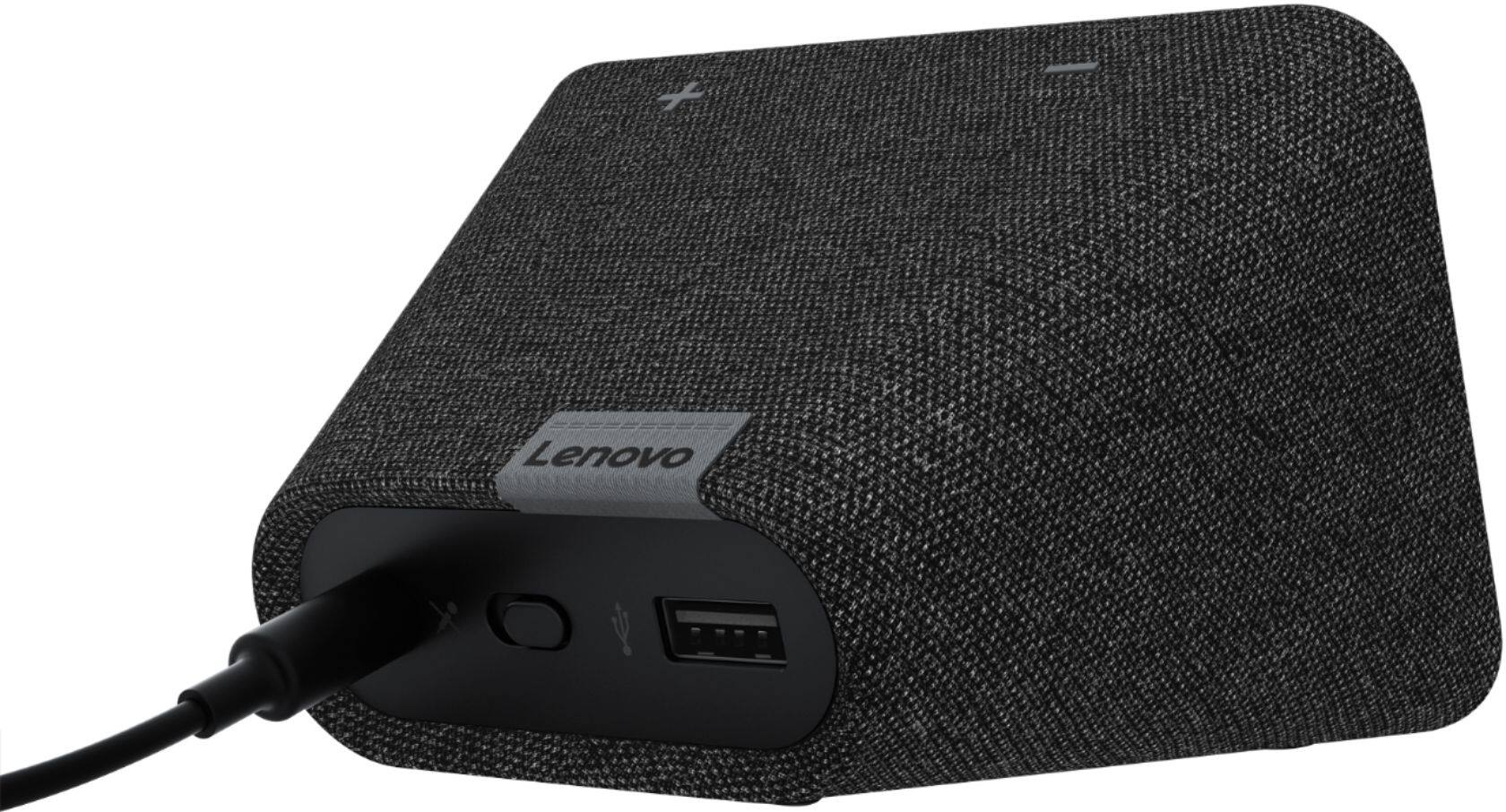
||Posted . Owned for 1 month when reviewed.This reviewer received promo considerations or sweepstakes entry for writing a review.I like this clock very much. With Google assistant you can play Spotify and run smart devices. The USB is convenient. You can also turn off the microphone so it doesn't listen to you.
I would recommend this to a friendBrand response from Lenovo Product Expert
Posted .Hi, thanks for choosing the Lenovo Smart Clock with Google Assistant. We are pleased to hear the functions, performance, and design of the Lenovo Smart Clock are working out so well for you! We appreciate your loyalty to the Lenovo brand.
Good smart clock
||Posted . Owned for 9 months when reviewed.This reviewer received promo considerations or sweepstakes entry for writing a review.I enjoy using this clock. You can turn off Google if you don't want anyone listening. I control other devices using the clock. I only wish the clock would stream it own music (it uses your phone) and more options for alarms.
I would recommend this to a friendBrand response from Lenovo Product Expert
Posted .Hi, thanks for choosing the Lenovo Smart Clock with Google Assistant. We are pleased to hear the features like the microphone mute switch, performance, and design of the Lenovo Smart Clock are working out so well for you! We appreciate your feedback as we are always working on ways to improve our smart devices!
Smart clock
||Posted . Owned for 1 month when reviewed.This reviewer received promo considerations or sweepstakes entry for writing a review.Have one, and this will be our second one to go on the other side of our bed. They work great with google and you can set it to your favorite radio station for an alarm. Still a little limited as to what it can do but overall does what I need.
I would recommend this to a friendBrand response from Lenovo Product Expert
Posted .Hi, thanks for choosing the Lenovo Smart Clock with Google Assistant. We are pleased to hear the functions, performance, and design of the Lenovo Smart Clock are working out so well for you! We appreciate your loyalty to the Lenovo brand,
Convenient
||Posted . Owned for 1 year when reviewed.This reviewer received promo considerations or sweepstakes entry for writing a review.Does was it's advertised to do, but this would be better if setting up alarms were easier. I rather set my alarm to a radio station & that was a bit tricky to figure out, but I used Google to help me.
I would recommend this to a friendBrand response from Lenovo Product Expert
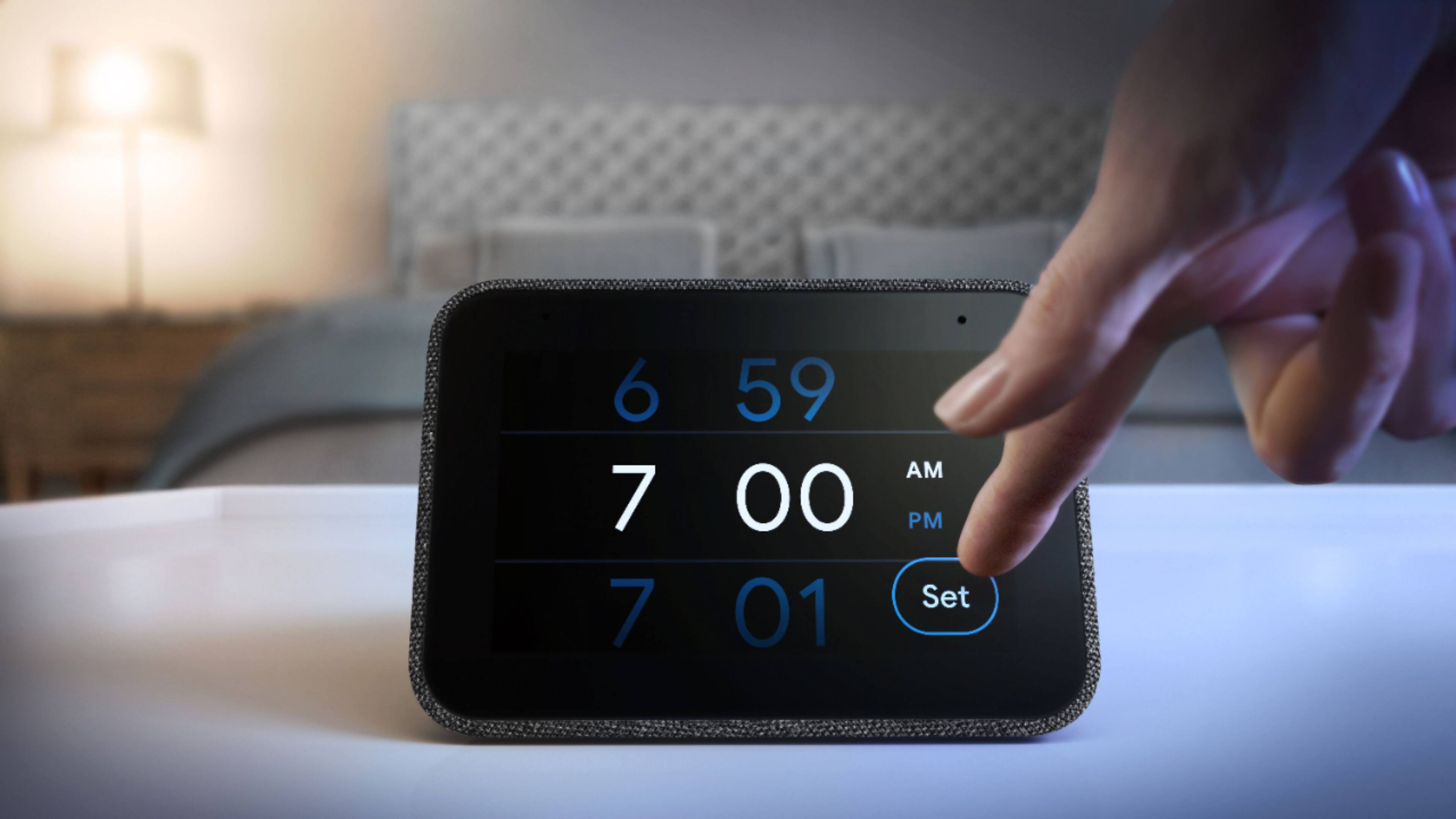
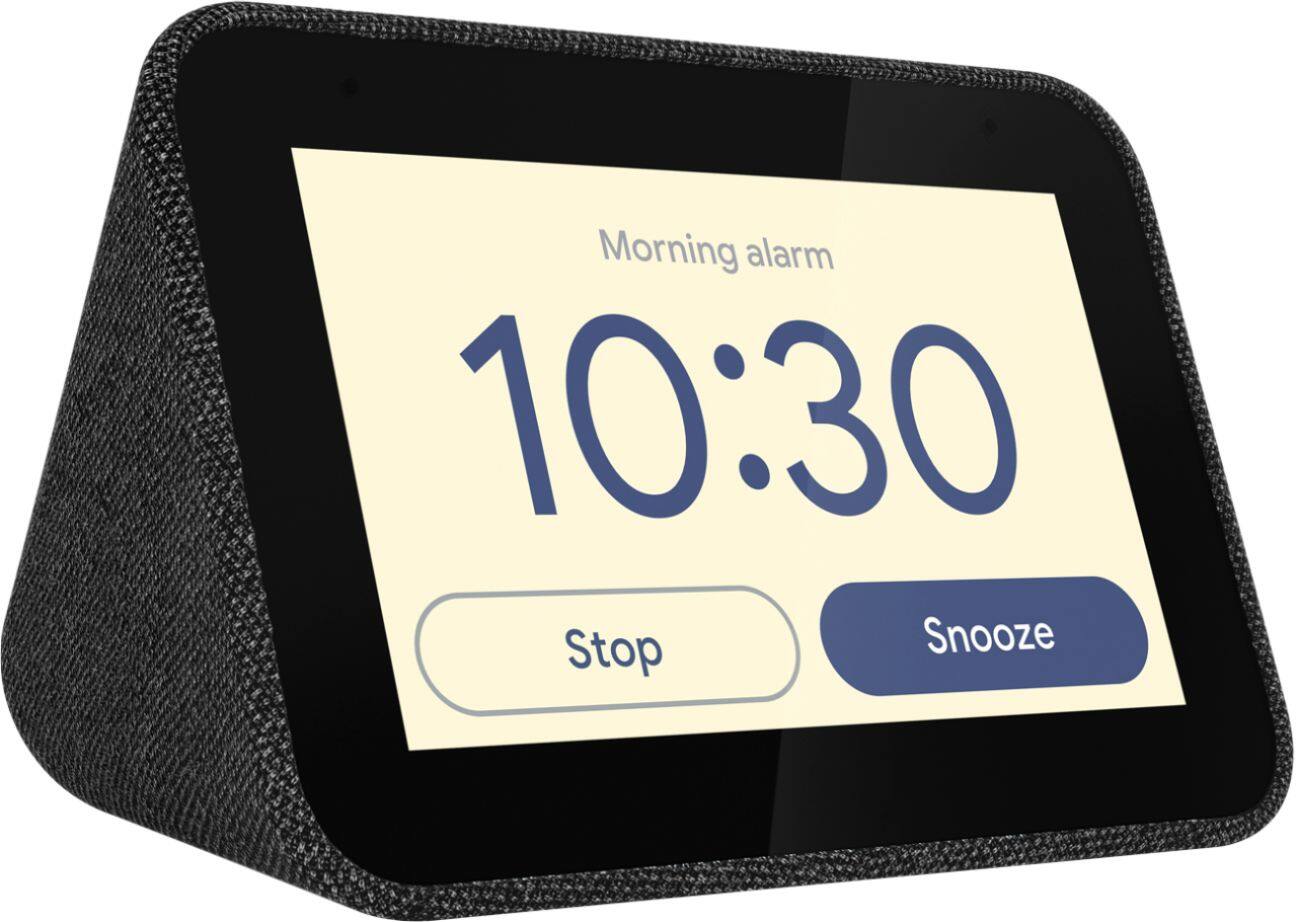
Posted .Thank you for choosing the Lenovo Smart Clock with Google Assistant. You can easily set an alarm: Method 1 - Talk to the Lenovo Smart Clock. Say something like: Hey Google, set an alarm for 8 a.m. - Method 2 - Swipe left on the home screen, then tap Create an alarm. Set the time, then tap the alarm to choose any of the following options - Repeat: - Choose the days of the week.
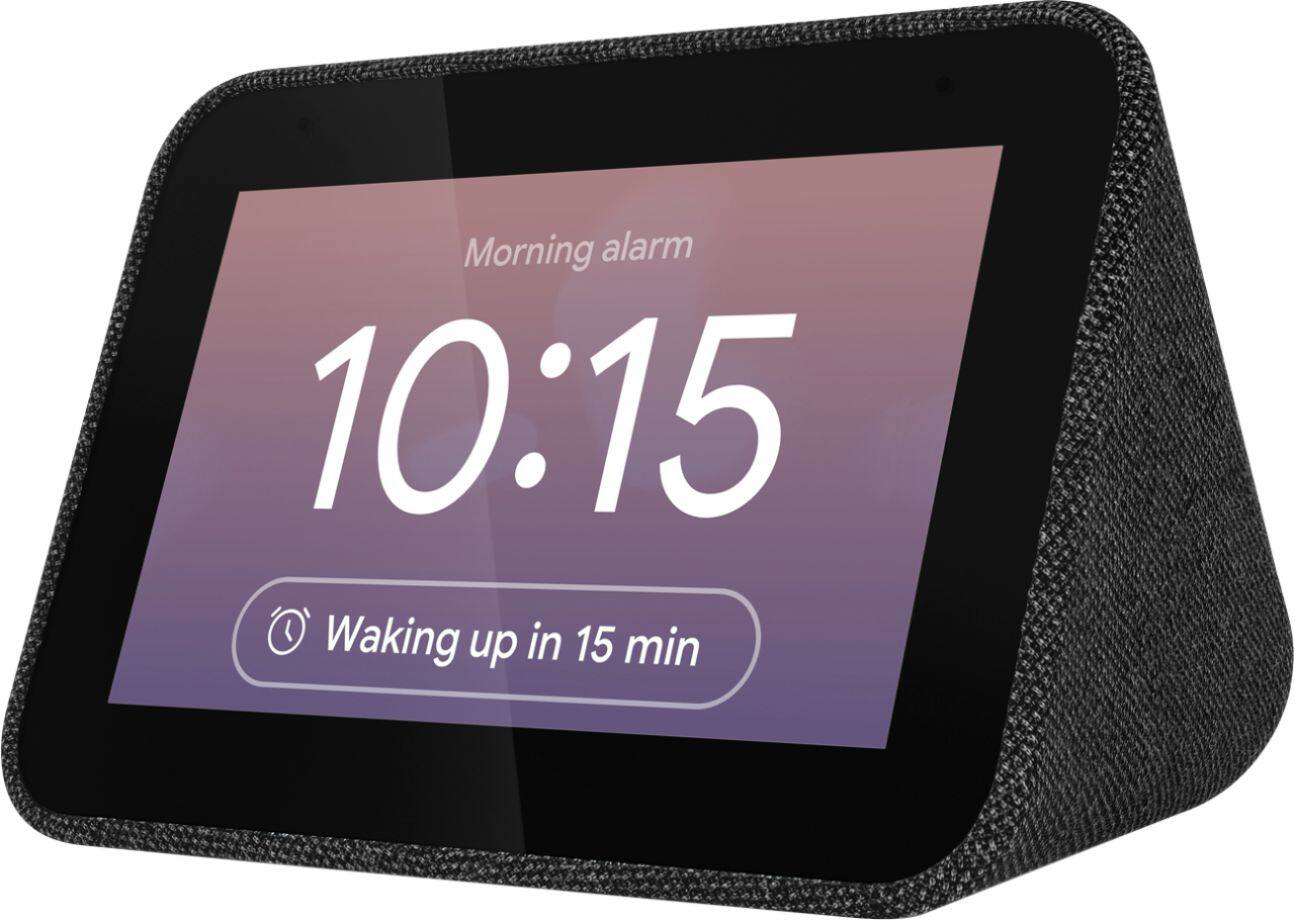
Alarm tone - Choose a tone. Sunrise alarm - The Smart Clock gently brightens 30 min before you need to get up. Good morning routine: Wake up to the Assistant briefing you about the weather, your schedule, your commute, and the news. Tap Done. If you have additional questions about your Smart Clock with Google Assistant, we recommend you call Lenovo Tech Support for Smart Devices at: 866-426-0911.
- Cons mentioned:Wifi connectivity
Works when it wants to, it seems.
||Posted . Owned for 1.5 years when reviewed.This reviewer received promo considerations or sweepstakes entry for writing a review.Randomly disconnects from the WiFi when in use, whether it's playing music or I'm asking it a question. I'm lucky if I can get it to play a whole song without disconnecting. When it works normally, it's fantastic and have no complaints, but that is a rare occurrence. I've had this thing for about 2 years now, and in hindsight, I probably would not have bought it if I knew that there was this many issues and bugs with it.
No, I would not recommend this to a friend Lenovo hit the mark for most
||Posted . Owned for 2 weeks when reviewed.This reviewer received promo considerations or sweepstakes entry for writing a review.This is a good product. The USB port is not powered to fast charge newer phones but assuming that your usage is for overnight charging it is not a big deal. I bought 1 then 2 more and am satisfied with my purchase.
I would recommend this to a friendBrand response from Lenovo Product Expert
Posted .Hi, thanks for choosing the Lenovo Smart Clock with Google Assistant. We are pleased to hear the functions, performance, and design of the Lenovo Smart Clock are working out so well for you! According to the Lenovo Forums "The Smart Clock USB follows an international general output agreement, 2.5W (5V-500mA) which is the same standard as the USB port of a notebook." https://forums.lenovo.com/t5/Lenovo-Smart-Display-Lenovo/Lenovo-Smart-Clock-USB-Charging-Output/m-p/4446352
Modern Day Alarm Clock Necessity
||Posted . Owned for 1 month when reviewed.This reviewer received promo considerations or sweepstakes entry for writing a review.Excellent nightstand product. I have one in each bedroom and the kids and I love it! Mic pics up even soft morning voices, sound quality is adequate, display could be a little brighter at its brightest and a little dimmer at it's dimmest.
I would recommend this to a friendBrand response from Lenovo Product Expert
Posted .Hi, thanks for choosing the Lenovo Smart Clock with Google Assistant. We are pleased to hear the functions, performance, and design of the Lenovo Smart Clock are working out so well for you! We greatly appreciate your feedback as we are always looking for ways to improve our smart devices.
Smart Clock
||Posted . Owned for 1 year when reviewed.This reviewer received promo considerations or sweepstakes entry for writing a review.Super cool clock! Only complaint I have is the screen randomly gets really bright out of no where which is annoying in the middle of the night while trying to sleep. Other than that the alarm clock is really cool!
I would recommend this to a friendBrand response from Lenovo Product Expert
Posted .Hi, thanks for choosing the Lenovo Smart Clock with Google Assistant. We are pleased to hear the functions, performance, and design of the Lenovo Smart Clock are working out so well for you! Try turning on the Auto Dim function and adjusting the max/min brightness by swiping up from the home screen, selecting settings, and then display settings. We also recommend turning on night mode and do not disturb mode from the Google Home App. This will make it to where you don't receive notifications in the middle of the night. This would cause your screen to turn on.
Great for the night stand
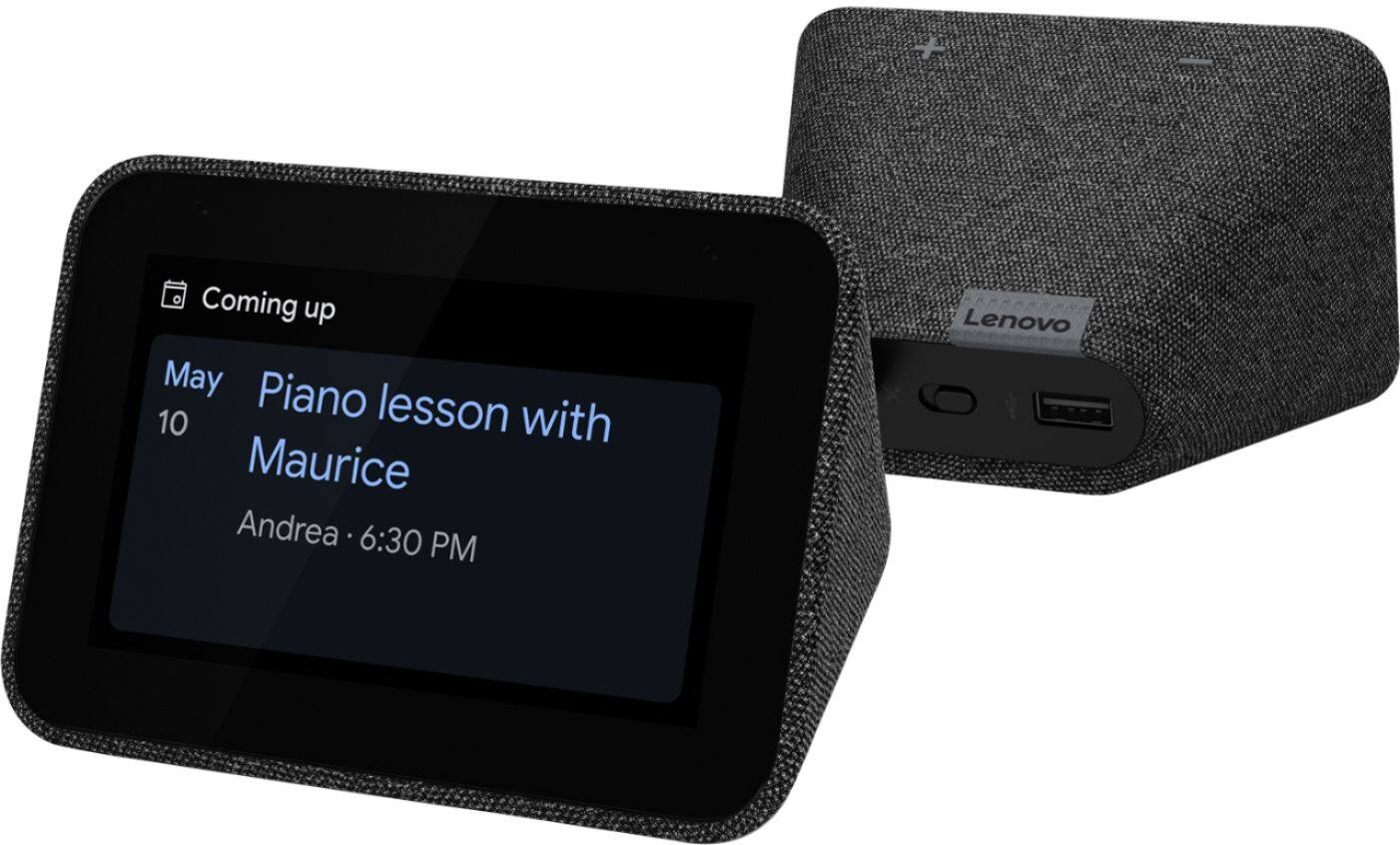
||Posted . Owned for 3 weeks when reviewed.This reviewer received promo considerations or sweepstakes entry for writing a review.Great for when the hub is to large. This unit is great as it gives you what you need to see without having a large display on your night stand. Also the cell phone charging port on the back is a great addition. 5 stars on this unit
I would recommend this to a friendBrand response from Lenovo Product Expert
Posted .Hi, thanks for choosing the Lenovo Smart Clock with Google Assistant. We are pleased to hear the functions, performance, and design of the Lenovo Smart Clock are working out so well for you!
every room should have one
||Posted . Owned for 6 months when reviewed.This reviewer received promo considerations or sweepstakes entry for writing a review.Fantastic item, just love it. I have it in my bedroom and it has a lot more than just the google mini... the screen is also awesome. I have a google mini in each of my rooms, google home in kitchen. This is a great addition.
I would recommend this to a friendBrand response from Lenovo Product Expert
Posted .Thank you for choosing the Lenovo Smart Clock with Google Assistant. We are pleased to hear that the Smart Clock meets your needs so well.
Nice smart clock.
||Posted . Owned for less than 1 week when reviewed.This reviewer received promo considerations or sweepstakes entry for writing a review.Wonderful little clock. This should replace the nest mini. Waking up to random pictures of some of the best moments in life is awesome. The music is just enough for the bedside or a small bathroom. Got these at a great price too ($35).
I would recommend this to a friendBrand response from Lenovo Product Expert
Posted .Hi! Thanks for choosing the Lenovo Smart Clock with Google Assistant . We are pleased to hear the features, like photo frames, music streaming with Pandora, Spotify, YouTube Music and more, design, and performance of the Smart Clock Essential is working out so well for you.