Customer Ratings & Reviews
- Model:
- ZA4R0037US
- SKU:
- 6441962
Rating by feature
- Value
Rating 4.5 out of 5 stars
- Quality
Rating 4.6 out of 5 stars
- Ease of Use
Rating 4.5 out of 5 stars
Customers are saying
Customers frequently mention the ease of use, sound quality, and alarm features as positive aspects of the Smart Clock with Google Assistant. Many also appreciate the Google Assistant integration, the clock's size, and its display. However, some users reported issues with maintaining a consistent WiFi connection. A lack of battery backup was another recurring negative comment.
This summary was generated by AI based on customer reviews.
Keeps disconnecting
||Posted . Owned for 1 month when reviewed.This reviewer received promo considerations or sweepstakes entry for writing a review.Not sure why it keeps disconnecting. I have a larger lenovo smart display that doesn't have the same problem. Google/Lenovo are not helpful.
No, I would not recommend this to a friendBrand response from Lenovo Product Expert
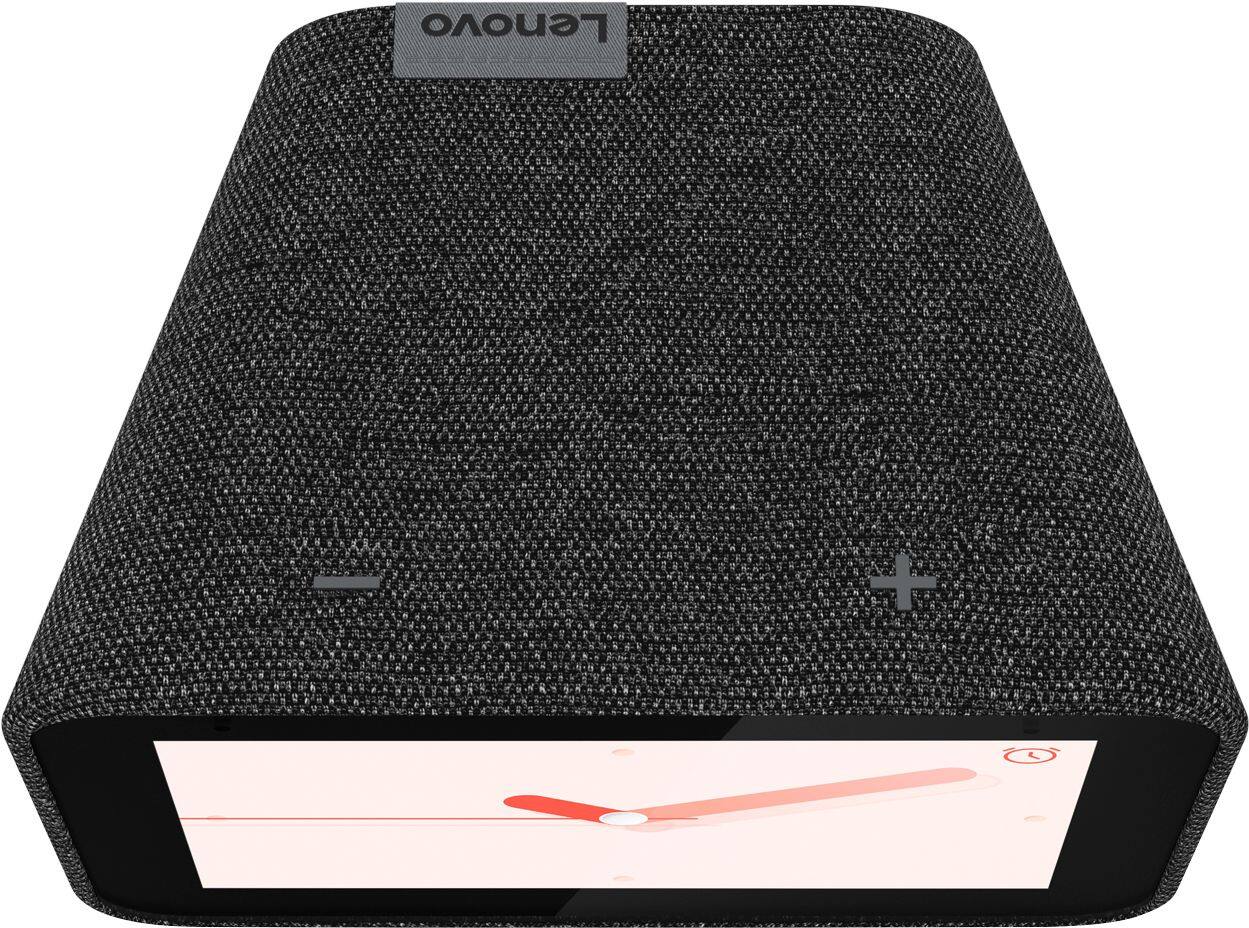
Posted .Hi there, so sorry to hear you are experiencing some issues. Please first perform a reboot on your device, by pressing the volume up and down buttons at the same time. Also ensure that you are on a 2.4ghz WiFi band. If you are experiencing more problems please reach out to our support team.

Lenoogle it's not
||Posted . Owned for 4 months when reviewed.This reviewer received promo considerations or sweepstakes entry for writing a review.I like the Google Mini better than this. Bought it because they were virtually giving them away and I wanted a visible clock for the office. I've had more connection problems with this than anything else in my somewhat intelligent home. When it's working it does what I need it to do. Right now it is 37 degrees and cloudy at 1:22pm. That's at a glance. If I ask the weather I will get the five day forecast on screen. If it wasn't' for the connection issues I would give it one more star.
No, I would not recommend this to a friendBrand response from Lenovo Product Expert
Posted .Hi there, we are sorry to hear you are experiencing this issue with your Lenovo Smart Clock with Google Assistant. It is possible adjusting some settings with your router will fix this. As it is more compatible please ensure the Smart Clock is connecting to the 2.4 GHz band of your router and not the 5Ghz band. Next we recommend changing the channel the Smart Clock connects to. 1, 6, and 11 are usually the best choices because they don’t overlap with each other. Having too much overlap between wireless devices on your network can cause the Smart Clock to disconnect in rare occurrences. Here is a link with a how to guide to help with your router settings. https://www.hellotech.com/guide/for/how-to-change-wifi-channel-on-router .. If the issue persists, please contact our customer support team at 866-426-0911
It does its job
||Posted . Owned for 1 month when reviewed.This reviewer received promo considerations or sweepstakes entry for writing a review.Its works well but sometimes, it has a bug in which the screen doesn't lower the light and change the screen towards night time mode. I just unplug it and it's fine again.
I would recommend this to a friendBrand response from Lenovo Product Expert
Posted .Hi, thanks for choosing the Lenovo Smart Clock with Google Assistant. We are pleased to hear the functions, performance, and design of the Lenovo Smart Clock are working out so well for you!
In regards to the issue we are sorry you are experiencing this. Please perform a factory reset by holding down the “Volume + and – ” buttons on top of your device for 8 Seconds. If the issue persists, please contact our customer support team at 866-426-0911
Awesome little google display for cheap
||Posted . Owned for 1 week when reviewed.This reviewer received promo considerations or sweepstakes entry for writing a review.Awesome little display use it on my computer desk were I don't have a lot of extra room but still want a little display to keep me up-to-date and be able to control my smart home
I would recommend this to a friendBrand response from Lenovo Product Expert
Posted .Hi, thanks for choosing the Lenovo Smart Clock with Google Assistant. We are pleased to hear the functions, performance, and design of the Lenovo Smart Clock are working out so well for you!
Review
||Posted . Owned for 2 months when reviewed.This reviewer received promo considerations or sweepstakes entry for writing a review.Got three for my family for Christmas. Can’t wait for them to try them out. Sounds like it would be good. I will let you know how it goes
I would recommend this to a friendBrand response from Lenovo Product Expert
Posted .Thank you for choosing the Lenovo Smart Clock with Google Assistant as gifts for your family. We are pleased to hear that the features of the Smart Clock met your criteria for family gifts so well.
Average sound quality, but great device
||Posted . Owned for 1 month when reviewed.This reviewer received promo considerations or sweepstakes entry for writing a review.Smaller than the google home mini. Does great as a clock and music streaming device. If you’re an audiophile, maybe invest in a better sounding smart speaker
I would recommend this to a friendBrand response from Lenovo Product Expert
Posted .Hi, thanks for choosing the Lenovo Smart Clock with Google Assistant. We are pleased to hear the functions, performance, and design of the Lenovo Smart Clock are working out so well for you! The Lenovo Smart Clock with Google Assistant can be grouped with other Cast enabled Smart Speakers for full room, or whole home audio. If you have a Cast enabled speaker you prefer you can set this to be the default speaker of your Lenovo Smart Clock with Google Assistant, for example, when listening to your favorite artist on Spotify. If you need further assistance please don't hesitate to reach out to Lenovo Tech Support at 866-426-0911
Convenient
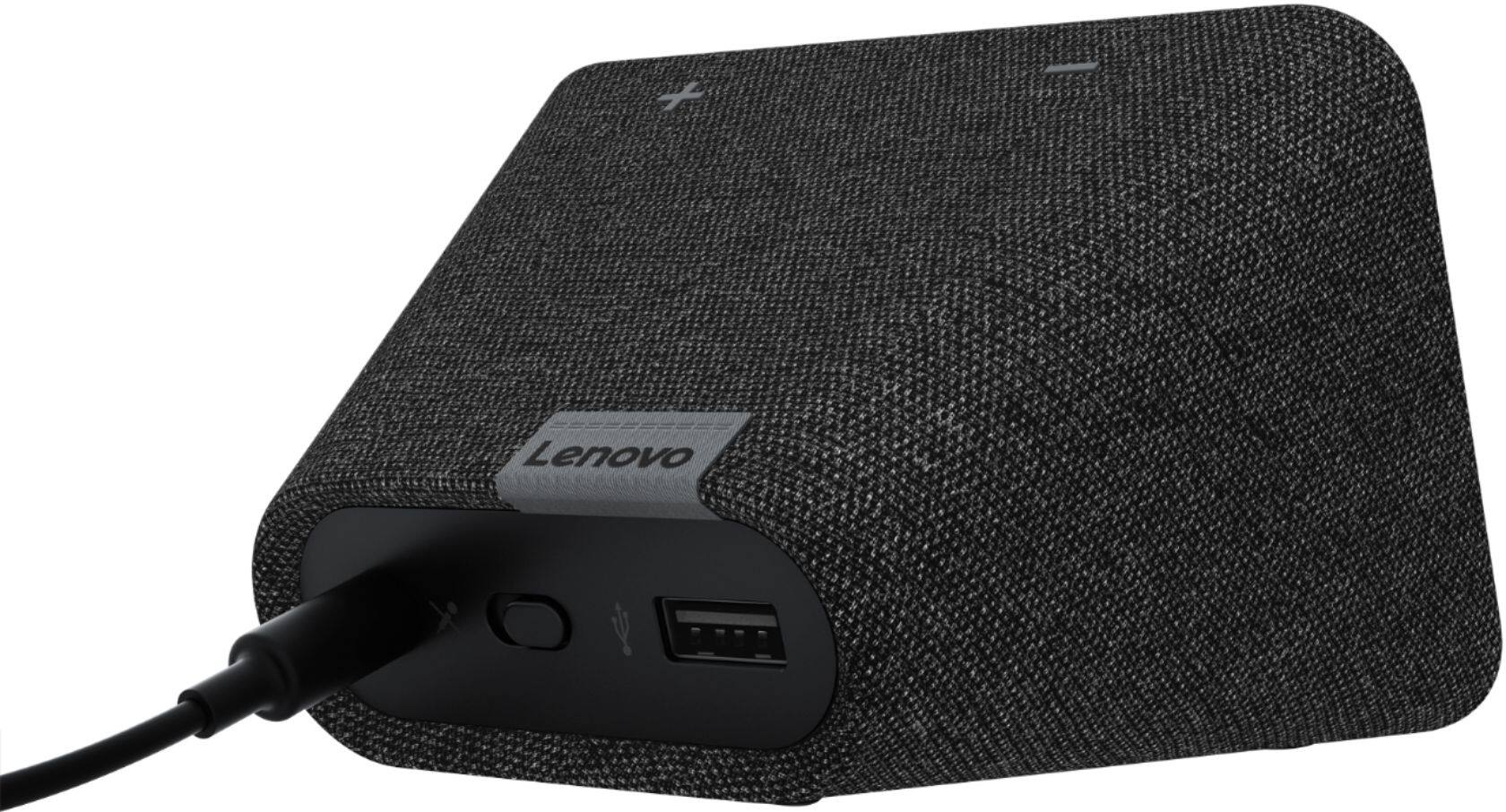
||Posted . Owned for 1 month when reviewed.This reviewer received promo considerations or sweepstakes entry for writing a review.Wife loved it as a Christmas gift. Gets daily use via Google or weather queries. The USB port allowed her to charge her fitbit in a much more clean setup right on her nightstand.
No, I would not recommend this to a friendBrand response from Lenovo Product Expert
Posted .Hi, thanks for choosing the Lenovo Smart Clock with Google Assistant. We are pleased to hear the functions, performance, and design of the Lenovo Smart Clock are working out so well for you!
Good alarm clock but a little to literal
||Posted . Owned for 3 months when reviewed.This reviewer received promo considerations or sweepstakes entry for writing a review.Great alarm clock but the voice activated alarm is just a little to literal. You can't pause a reoccurring alarm for a day (vacation) without deleting the alarm entirely.
I would recommend this to a friendBrand response from Lenovo Product Expert
Posted .Hello Erin. Thanks for choosing the Lenovo Smart Clock with Google Assistant. We appreciate your feedback as we are constantly searching for ways to improve our smart devices. We are pleased to hear the Smart Clock as a whole has been working out so well for you!
My Christmas gift to myself
||Posted . Owned for 1 month when reviewed.This reviewer received promo considerations or sweepstakes entry for writing a review.I got a great price on this. Best buy has affordable prices with their sales. Best buy has excellent customer service help. I received my order really fast. I love my new device.
I would recommend this to a friendBrand response from Lenovo Product Expert
Posted .Hi, thanks for choosing the Lenovo Smart Clock with Google Assistant. We are pleased to hear the functions, performance, and design of the Lenovo Smart Clock are working out so well for you!
Great Product
||Posted . Owned for 1 week when reviewed.This reviewer received promo considerations or sweepstakes entry for writing a review.We wanted a smart clock for our bedroom. We picked it up on sale for $40. It has far exceeded our expectations. It has google assistant built-in and the speaker sound is above average.
I would recommend this to a friendBrand response from Lenovo Product Expert
Posted .Hi Carlos! Thanks for choosing the Lenovo Smart Clock with Google Assistant. We are pleased to hear the functions like voice activated alarms, music streaming from Pandora, YouTube Music, Spotify and more, performance of the speaker, and design of the Lenovo Smart Clock are working out so well for you!
Nice small nightstand clock
||Posted . Owned for 3 weeks when reviewed.This reviewer received promo considerations or sweepstakes entry for writing a review.This is a nice little clock with limited Google home features. It was smaller than expected but the display is bright and would work well as a nightstand clock
I would recommend this to a friendBrand response from Lenovo Product Expert
Posted .Hi, thanks for choosing the Lenovo Smart Clock with Google Assistant. We are pleased to hear the functions, performance, and design of the Lenovo Smart Clock are working out so well for you! For some useful tips and trick to help you get the most out of your assistant please check out this short video https://www.youtube.com/watch?v=mCnHBXn5aEw
Alternatively the following website has a list of useful commands. https://www.androidauthority.com/google-assistant-commands-727911/ If you need further assistance please don't hesitate to reach out to Lenovo Tech Support at 866-426-0911
Nice Smart Clock with Google Assistant
||Posted . Owned for 11 months when reviewed.This reviewer received promo considerations or sweepstakes entry for writing a review.Excellent Smart Clock. For the price and value, you can't beat this Smart Clock. It does its purpose and has all the features of the Google Assistant technology.
I would recommend this to a friendBrand response from Lenovo Product Expert
Posted .Thank you for choosing the Lenovo Smart Clock with Google Assistant. We are pleased to hear that the value, features and performance of the Smart Clock meets your needs so well.
LENOVE SMART CLOCK
||Posted . Owned for 1 week when reviewed.This reviewer received promo considerations or sweepstakes entry for writing a review.This is super cool, I think it is voice controlled too but havent explored. I don't like how bright the screen is in my bedroom at night.
I would recommend this to a friendBrand response from Lenovo Product Expert
Posted .Thank you for choosing the Lenovo Smart Clock with Google Assistant. You can set the screen brightness to automatic, which will dim the screen brightness when lights are off. To get to the Smart Clock settings, swipe up on the Smart Clock touch screen. Select the sun icon on the left side of the settings menu. Once inside the brightness settings, tape the sun icon again. An A will appear within the sun icon. This is an indication that automatic screen brightness is now turned on and the screen brightness will now dim, based on the ambient lighting within the room. If you have questions about your Smart Clock we recommend you contact lenovo Tech Support for Smart Devices at: 866-426-0911.
Decent clock, so so speaker
||Posted . Owned for 3 weeks when reviewed.This reviewer received promo considerations or sweepstakes entry for writing a review.Works as you'd think for alarm clock features. Google assistant works well. Speaker is average of not a bit mediocre. Ability to display video would be a nice upgrade.
I would recommend this to a friendBrand response from Lenovo Product Expert
Posted .Hi Josh! Thanks for choosing the Lenovo Smart Clock with Google Assistant. We are happy to hear the features of the Smart Clock and Assistant's capabilities like playing the news, weather, traffic, or turning off and on your smart lights are working so well for you. Your Smart Clock can cast music to any chromecast enabled speaker or device you may have. We appreciate your feedback in regards to the speaker and screen functionality!
The Google
||Posted . Owned for 2 weeks when reviewed.This reviewer received promo considerations or sweepstakes entry for writing a review.Petite nice unit, clear and clean screen, set up is easy. Us empty nesters now have the google at home we can brag about to our daughter.
I would recommend this to a friendBrand response from Lenovo Product Expert
Posted .Thank you for choosing the Lenovo Smart Clock with Google Assistant. We are pleased to hear that the easy setup, features and performance of the Smart Clock meets your needs so well.
Great Smart Home Hub for All Users
||Posted . Owned for 4 months when reviewed.This reviewer received promo considerations or sweepstakes entry for writing a review.Bought for brother Bday present and he loves it! Has on his deal for news and weather updates, and just bought a new home he now syncs to control all the home automation features.
I would recommend this to a friendBrand response from Lenovo Product Expert
Posted .Hi, thanks for choosing the Lenovo Smart Clock with Google Assistant. We are pleased to hear the functions, performance, and design of the Lenovo Smart Clock are working out so well for you!
Good but not PERFECT
||Posted . Owned for 1 week when reviewed.This reviewer received promo considerations or sweepstakes entry for writing a review.This is really good and a beautiful clock for the bedroom. Two advice. The USB charges slow any device and for more ten dollars your are to buy google nest hub.
I would recommend this to a friendBrand response from Lenovo Product Expert
Posted .Hi, thanks for choosing the Lenovo Smart Clock with Google Assistant. We are pleased to hear the functions, performance, and design of the Lenovo Smart Clock are working out so well for you!
The best little clock
||Posted .This reviewer received promo considerations or sweepstakes entry for writing a review.This is the best smart clock out there I buy for myself and my daughter love it I love the picture that keeps changing I have pictures of my family on it the volume is good the best clock
I would recommend this to a friendBrand response from Lenovo Product Expert
Posted .Hi Joan, thank you for choosing the Lenovo Smart Clock with Google Assistant. We are pleased to hear the clock, and photo frame slide show are working so well for you. We appreciate your loyalty in picking up a second device for your daughter!
Great item for the price
||Posted . Owned for 3 weeks when reviewed.This reviewer received promo considerations or sweepstakes entry for writing a review.I got this on sale. Looks great in the bedroom. Wish the screen would dim more at night. Google is very sensitive. This has replaced my old clock and I like it.
I would recommend this to a friendBrand response from Lenovo Product Expert
Posted .Hi, thanks for choosing the Lenovo Smart Clock with Google Assistant. We are pleased to hear the functions, performance, and design of the Lenovo Smart Clock are working out so well for you!
You can adjust how far the display dims all the way to turning off completely. To do this please swipe up on the screen of your Lenovo Smart Clock. Then select the "settings" gear shaped icon on the right. Last select "Display Settings" You can now further adjust the brightness of the screen to your preference.
Not bad for a bedroom clock.
||Posted . Owned for 3 weeks when reviewed.This reviewer received promo considerations or sweepstakes entry for writing a review.Easy to connect to my Google Home app. Reacts and responds just like ny other google devices. Sound quality is adequate but not robust.
I would recommend this to a friendBrand response from Lenovo Product Expert
Posted .Thank you for choosing the Lenovo Smart Clock with Google Assistant. We are pleased to hear that the easy setup and performance of the Smart Clock is working out so well for you.