Customer Ratings & Reviews
- Model:
- ZA4R0037US
- SKU:
- 6441962
Rating by feature
- Value
Rating 4.5 out of 5 stars
- Quality
Rating 4.6 out of 5 stars
- Ease of Use
Rating 4.5 out of 5 stars
Customers are saying
Customers frequently mention the ease of use, sound quality, and alarm features as positive aspects of the Smart Clock with Google Assistant. Many also appreciate the Google Assistant integration, the clock's size, and its display. However, some users reported issues with maintaining a consistent WiFi connection. A lack of battery backup was another recurring negative comment.
This summary was generated by AI based on customer reviews.
Good clock
||Posted . Owned for 1 year when reviewed.This reviewer received promo considerations or sweepstakes entry for writing a review.Bought two of these for my kids. They like them. Tend to use them strictly as clocks, though... so much for the smart function.
I would recommend this to a friendBrand response from Lenovo Product Expert
Posted .Hi, thanks for choosing the Lenovo Smart Clock with Google Assistant. We are pleased to hear the functions, performance, and design of the Lenovo Smart Clock are working out so well for you and your children. We appreciate your loyalty to the Lenovo brand. For some useful tips and trick to help you get the most out of your assistant please check out this short video https://www.youtube.com/watch?v=mCnHBXn5aEw
Alternatively the following website has a list of useful commands. https://www.androidauthority.com/google-assistant-commands-727911/
item was a gift to someone
||Posted .This reviewer received promo considerations or sweepstakes entry for writing a review.The clock is very stylish. Easy to install. Night light is perfect, not too bright or dim. No camera, understands commands easily.
I would recommend this to a friendBrand response from Lenovo Product Expert
Posted .Hi! Thanks for choosing the Lenovo Smart Clock Essential. We are pleased to hear the features, design, and performance of the Smart Clock Essential is working out so well for you.
Good quality
||Posted . Owned for 1 year when reviewed.This reviewer received promo considerations or sweepstakes entry for writing a review.There's not much to say about this clock, it just pairs with the google ecosystem and does what's expected from this product
I would recommend this to a friendBrand response from Lenovo Product Expert
Posted .Thank you for choosing the Lenovo Smart Clock with Google Assistant. We are pleased to hear that the Smart Clock is working out so well for you.
Small clock, Big package
||Posted . Owned for less than 1 week when reviewed.This reviewer received promo considerations or sweepstakes entry for writing a review.Nice looking clock. Definitely smaller than I thought it was going to be but it will fit in perfectly with my home ecosystem.
I would recommend this to a friendBrand response from Lenovo Product Expert
Posted .Thank you for choosing the Lenovo Smart Clock with Google Assistant. We are pleased to hear that the Smart Clock is working out so well for you.
Own personal Jarvis
||Posted . Owned for 3 weeks when reviewed.This reviewer received promo considerations or sweepstakes entry for writing a review.Wake up mode is awesome. It feels like I have a personal Jarvis is my room. Good Morning, Weather, news. This clock has so many cool features.
I would recommend this to a friendBrand response from Lenovo Product Expert
Posted .Hi, thanks for choosing the Lenovo Smart Clock with Google Assistant. We are pleased to hear the functions, performance, and design of the Lenovo Smart Clock are working out so well for you!
Love!
||Posted . Owned for 3 weeks when reviewed.This reviewer received promo considerations or sweepstakes entry for writing a review.Love it! My favorite feature is that I can connect it to my Google pictures and it rotates pictures on the screen every minute! Works great!
I would recommend this to a friendBrand response from Lenovo Product Expert
Posted .Hi, thanks for choosing the Lenovo Smart Clock with Google Assistant. We are pleased to hear the functions, performance, and design of the Lenovo Smart Clock are working out so well for you!
handy!
||Posted . Owned for 1 month when reviewed.This reviewer received promo considerations or sweepstakes entry for writing a review.The price might be a bit higher than the essential however, the extra features are worth it depending on your use. it is handy at my bed side.
I would recommend this to a friendBrand response from Lenovo Product Expert
Posted .Hi, thanks for choosing the Lenovo Smart Clock with Google Assistant. We are pleased to hear the functions, performance, and design of the Lenovo Smart Clock are working out so well for you!
Google Smart Clock
||Posted . Owned for 4 months when reviewed.This reviewer received promo considerations or sweepstakes entry for writing a review.Take a little to set up but once you're done, features are exactly what you'd expect. great choice for the price point.
I would recommend this to a friendBrand response from Lenovo Product Expert
Posted .Thank you for choosing the Lenovo Smart Clock with Google Assistant. To setup your Lenovo Smart Clock with Google Assistant for the first time, just follow these steps: 1. Take the Lenovo Smart Clock out of the box and plug in the power adapter on the back side. 2. Download and install the “Google Home” app on your phone/tablet and sign in with your Google account. 3. The app will show you a new Lenovo Smart Clock is nearby. 3. Click to set it up. 4. Follow the instructions inside the application until the setup is completed. 5. Then you can start your conversation with “Hey Google”. 6. The average set up time will take approximately 5 to 8 minutes. If you have questions about the setup process for your Lenovo Smart Clock with Google Assistant, we recommend you contact Lenovo Tech Support for Smart Devices at: 866-426-0911.
Great Smart Clock
||Posted . Owned for 3 weeks when reviewed.This reviewer received promo considerations or sweepstakes entry for writing a review.Had my alarm clock for about th epast 15yrs. even hada CD player in it....it was time to upgrade....This works great.....
I would recommend this to a friendBrand response from Lenovo Product Expert
Posted .Thank you for choosing the Lenovo Smart Clock with Google Assistant. We are pleased to hear that the Smart Clock with Google Assistant meets your needs so well.
Little great gadget
||Posted . Owned for 1 month when reviewed.This reviewer received promo considerations or sweepstakes entry for writing a review.It's a great device for anything simple, make it a clock, a bluetooth speaker or your morning assistant. It also makes a great and convenient gift.
I would recommend this to a friendBrand response from Lenovo Product Expert
Posted .Hi, thanks for choosing the Lenovo Smart Clock with Google Assistant. We are pleased to hear the functions, performance, and design of the Lenovo Smart Clock are working out so well for you!
Great smart clock!
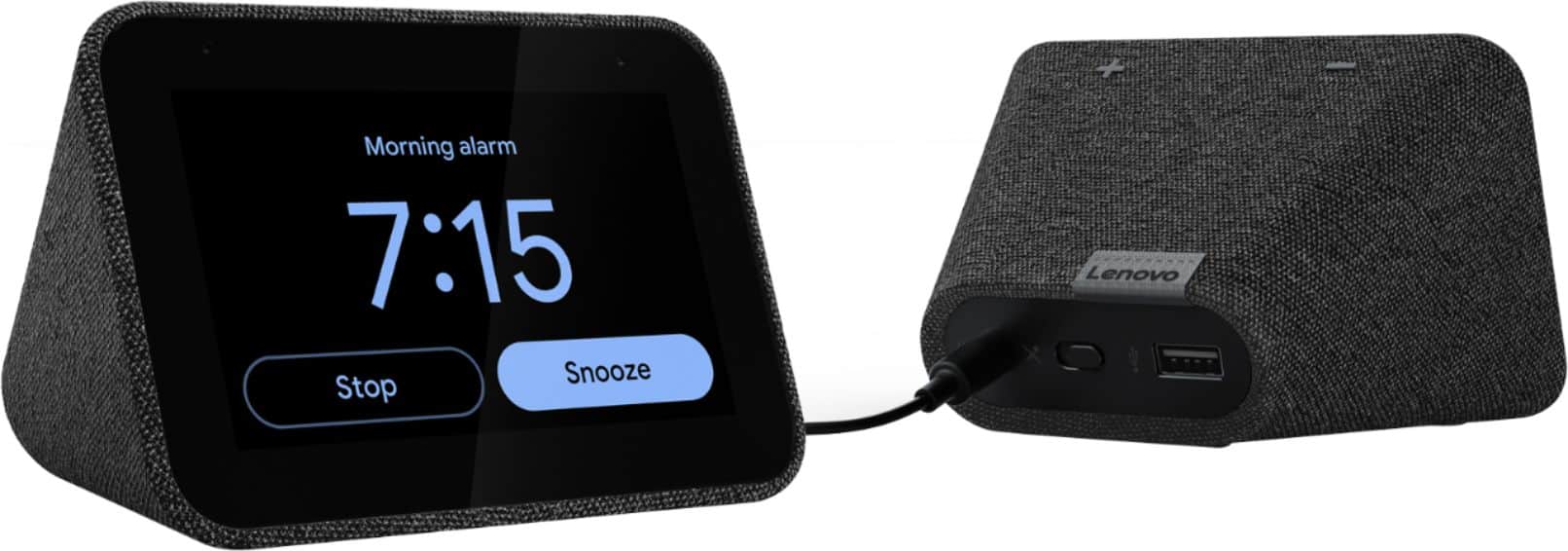
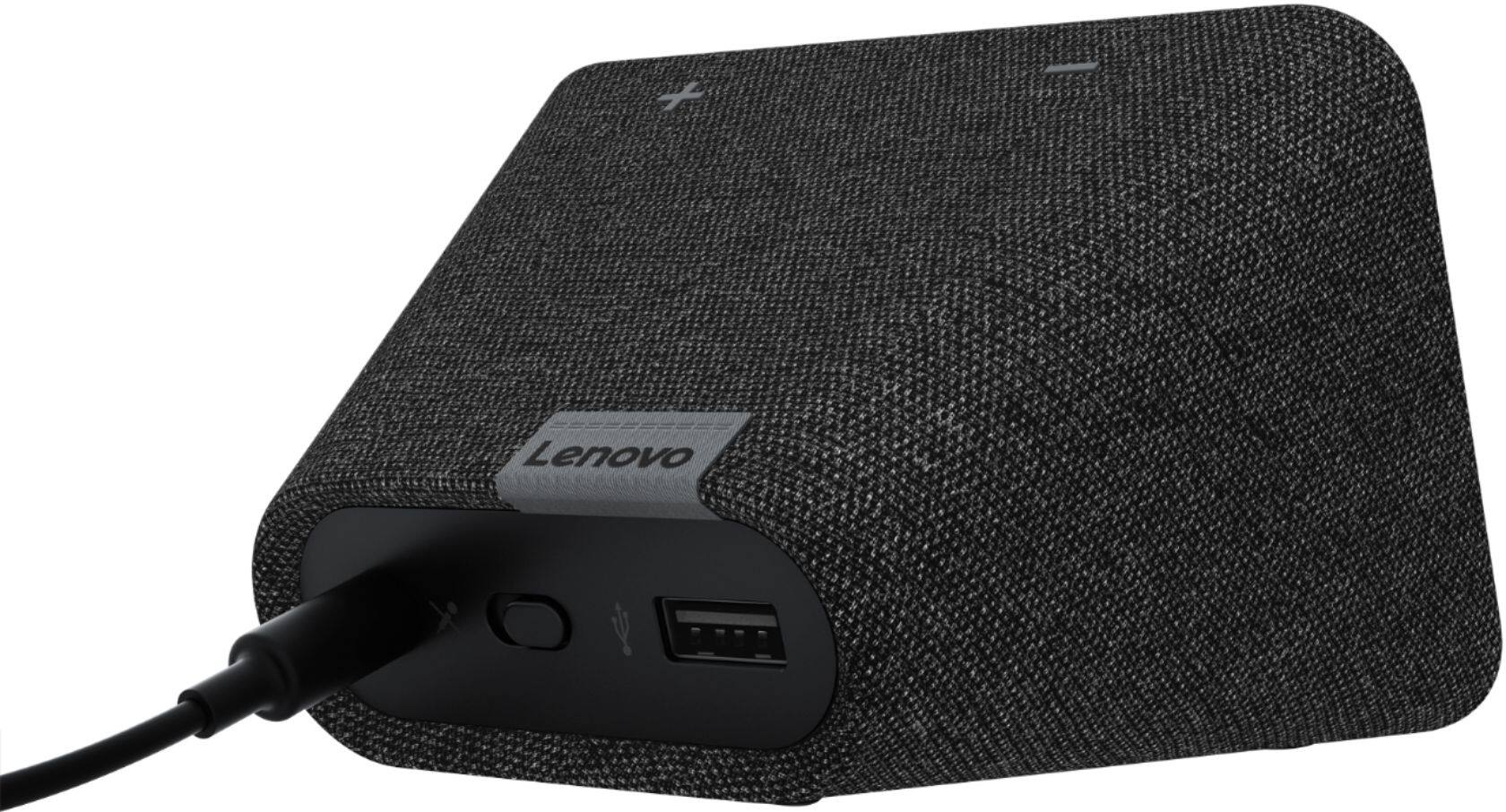
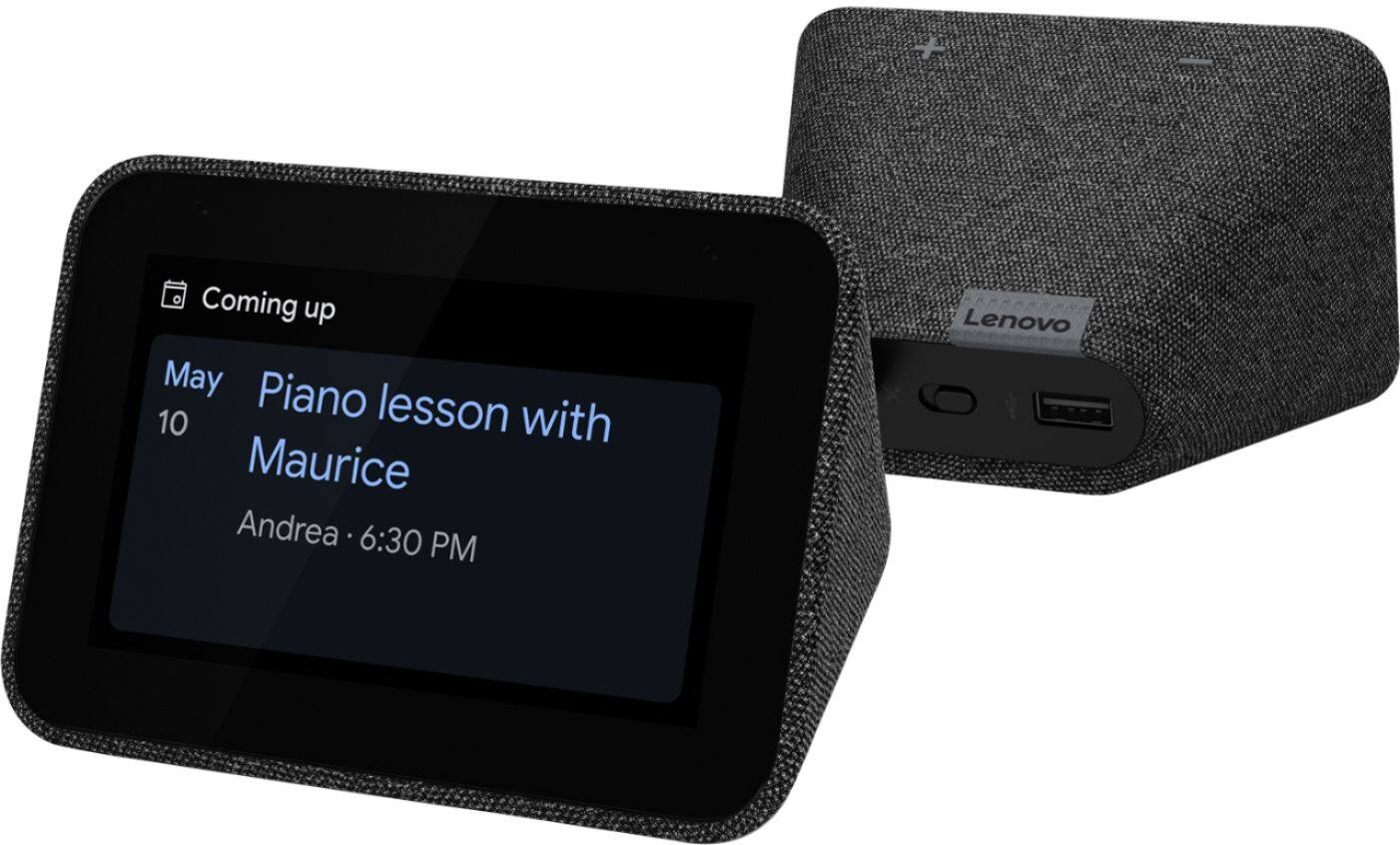
||Posted . Owned for less than 1 week when reviewed.This reviewer received promo considerations or sweepstakes entry for writing a review.This little guy is awesome. Works like a Google mini plus a great clock. Also has USB port in back for charging another device. Great value! I just 4.
I would recommend this to a friendBrand response from Lenovo Product Expert
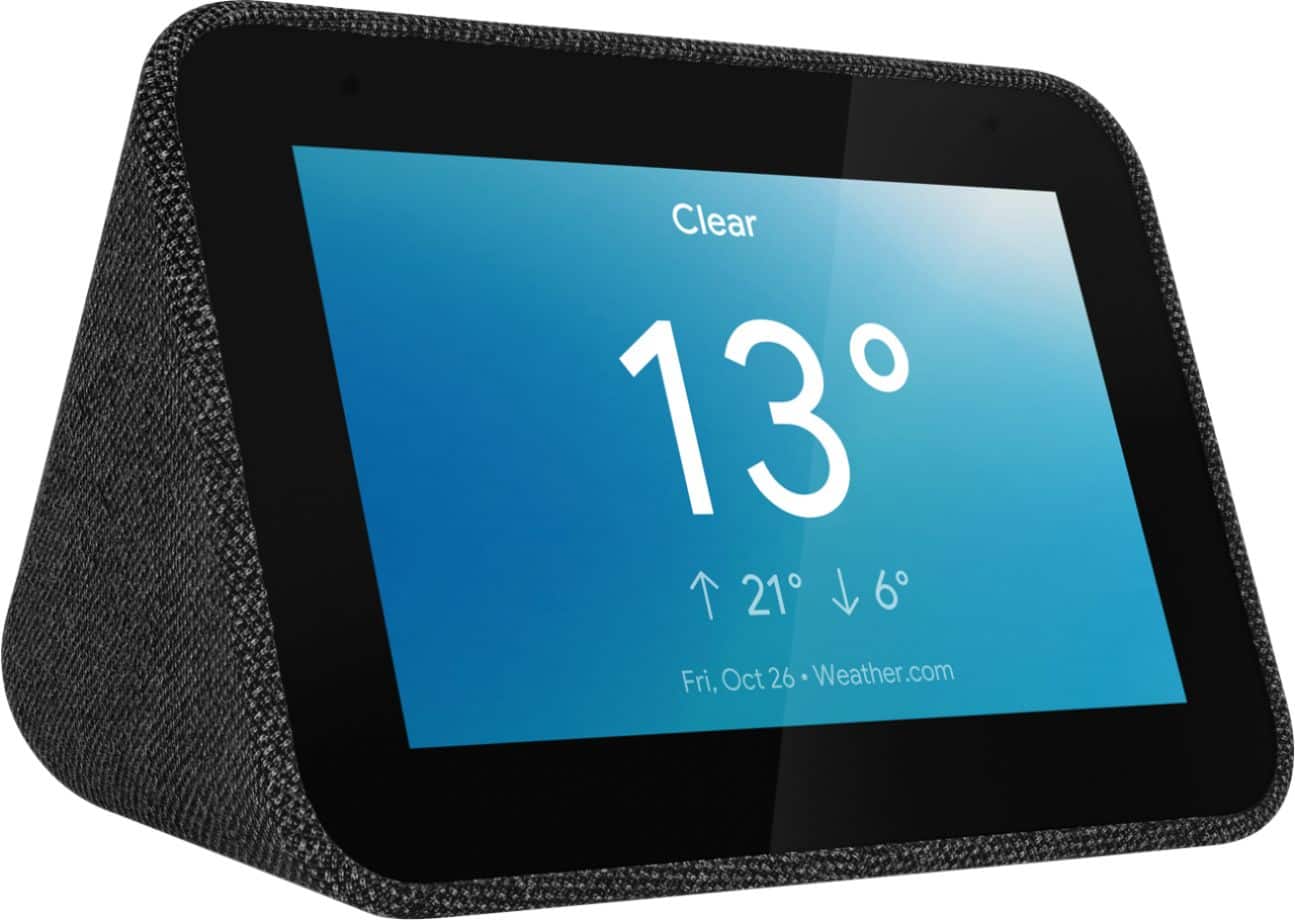
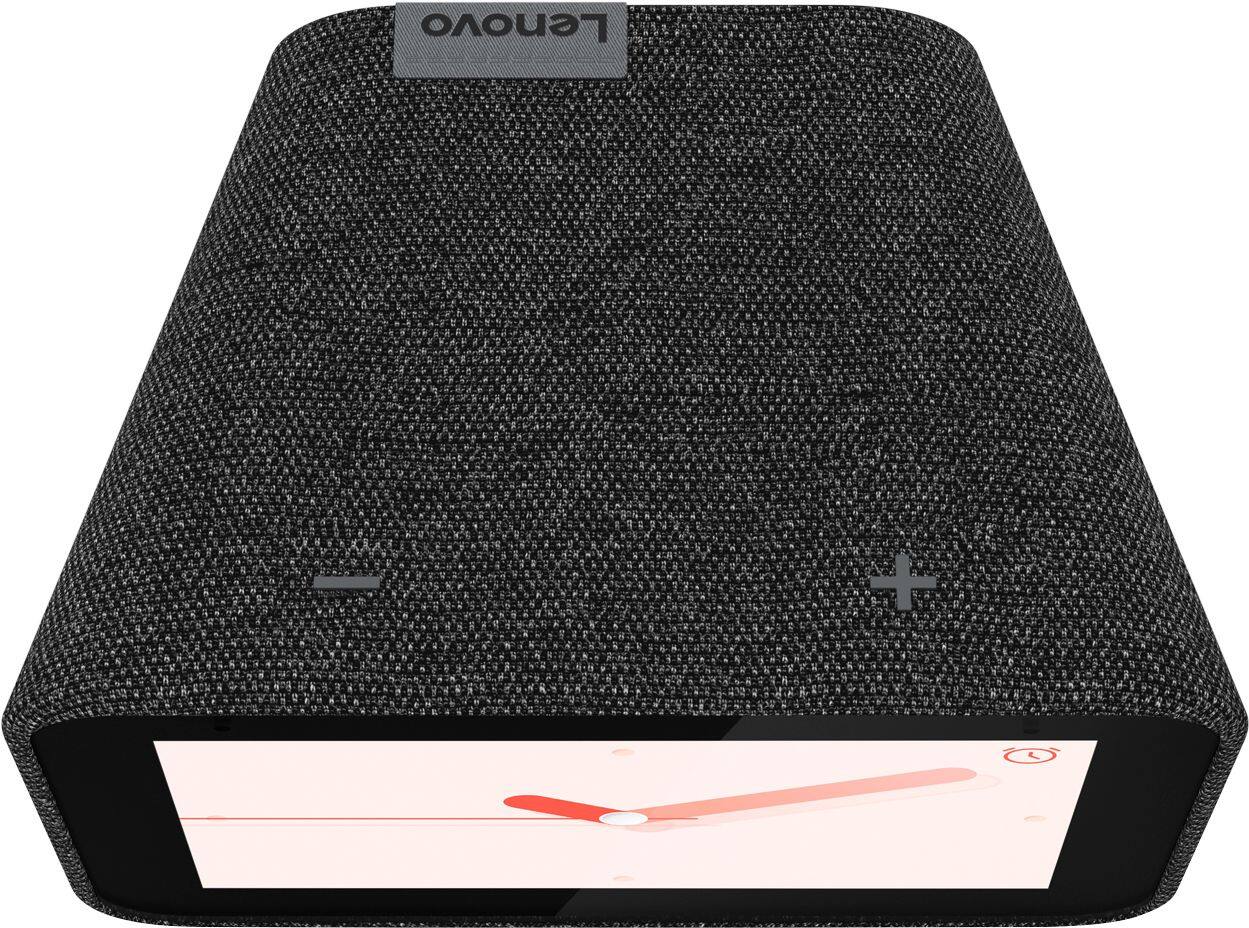
Posted .Hi! Thanks for choosing the Lenovo Smart Clock with Google Assistant. We are pleased to hear the USB charging port and assistant capabilities have been working so well for you! With its fabric soft-touch cover, the compact Lenovo Smart Clock with the Google Assistant blends perfectly into any room. During the day, when the 4" screen is not in use it showcases the time with a choice of customizable clock faces. And to respect your privacy, there’s a convenient mute button to stop the device from listening.
Snazzy alarm clock
||Posted . Owned for 5 months when reviewed.This reviewer received promo considerations or sweepstakes entry for writing a review.Love this clock. It replaced my insignia speaker with analog clock. My favorite thing about this is that you can use photos for the background.
I would recommend this to a friendBrand response from Lenovo Product Expert
Posted .Hi, thanks for choosing the Lenovo Smart Clock with Google Assistant. We are pleased to hear the functions, performance, and design of the Lenovo Smart Clock are working out so well for you!
Great Purchase
||Posted . Owned for 2 weeks when reviewed.This reviewer received promo considerations or sweepstakes entry for writing a review.This is my second one, and works just as well as the first. Google continuously updates their software and item does improve and update its features.
I would recommend this to a friendBrand response from Lenovo Product Expert
Posted .Hi Tony, thanks for choosing the Lenovo Smart Clock with Google Assistant. We are pleased to hear the functions like seamless and silent background updates from Google, performance, and design of the Lenovo Smart Clock are working out so well for you. We appreciate your loyalty in choosing to pick up a second device!
Great!
||Posted . Owned for 1 week when reviewed.This reviewer received promo considerations or sweepstakes entry for writing a review.I love these clocks! They interface seamlessly with my google home. This was the third one that I purchased with no problems from any of them
I would recommend this to a friendBrand response from Lenovo Product Expert
Posted .Hi, thanks for choosing the Lenovo Smart Clock with Google Assistant. We are pleased to hear the functions, performance, and design of the Lenovo Smart Clock are working out so well for you! We appreciate your loyalty to the Lenovo brand.
Decent for the price
||Posted . Owned for 1 week when reviewed.This reviewer received promo considerations or sweepstakes entry for writing a review.Very easy to set up and use. I just wished the screen quality was a bit better. But good for the price
I would recommend this to a friendBrand response from Lenovo Product Expert
Posted .Thank you for choosing the Lenovo Smart Clock with Google Assistant. The Smart Clock ships with a 4 inch (screen size measured diagonally) HD+ (800 x 480) IPS, touch compatible screen.
- Pros mentioned:Ease of use
Good as an alarm Clock
||Posted . Owned for 1 month when reviewed.This reviewer received promo considerations or sweepstakes entry for writing a review.Easy setup and integration with google. Wish the screen didn't need interaction to dim.
I would recommend this to a friendBrand response from Lenovo Product Expert
Posted .Hi, thanks for choosing the Lenovo Smart Clock with Google Assistant. We are pleased to hear the functions, performance, and design of the Lenovo Smart Clock are working out so well for you! This unit has an auto dim feature with ambient light sensor built in. No interaction needed. To turn on auto dim simply swipe up from the bottom of the home screen and select the circle with the "A" in the middle. You can adjust how much the display dims in low light or tell it to turn off completely. To do this please swipe up on the screen of your Lenovo Smart Clock. Then select the "settings" gear shaped icon on the right. Last select "Display Settings" You can now further adjust the brightness of the screen to your preference.
Great interactive alarm
||Posted . Owned for 2 months when reviewed.This reviewer received promo considerations or sweepstakes entry for writing a review.We didn't want Google or Alexa in our home, but wanted something that interfaced with products we have. This was a good fit for us.
I would recommend this to a friendBrand response from Lenovo Product Expert
Posted .Hi, thanks for choosing the Lenovo Smart Clock with Google Assistant. We are pleased to hear the functions like seamless integration with over 10,000 smart home devices, across more than 1,000 different brands, performance, and design of the Lenovo Smart Clock are working out so well for you!
lenovo clock radio and more
||Posted . Owned for 1 month when reviewed.This reviewer received promo considerations or sweepstakes entry for writing a review.its great can set many clock faces i know them tem the sky condations and the time can also ask google anything and it was a low price
I would recommend this to a friendBrand response from Lenovo Product Expert
Posted .Hi, thanks for choosing the Lenovo Smart Clock with Google Assistant. We are pleased to hear the functions, performance, and design of the Lenovo Smart Clock are working out so well for you!
Kids love it!
||Posted . Owned for 4 months when reviewed.This reviewer received promo considerations or sweepstakes entry for writing a review.Got these for 7 and 8 year old. Helps with telling time, timers, answering those bedtime questions, telling bedtime stories, etc.
I would recommend this to a friendBrand response from Lenovo Product Expert
Posted .Thank you for choosing the Lenovo Smart Clock with Google Assistant for your children. We are pleased to hear that the Smart Clock is working out so well.
Great little clock.
||Posted . Owned for 3 weeks when reviewed.This reviewer received promo considerations or sweepstakes entry for writing a review.Great little clock! Speaker isn’t quite as nice as a google mini, but it gets the job done. Overall great product with some nice features.
I would recommend this to a friendBrand response from Lenovo Product Expert
Posted .Hi, thanks for choosing the Lenovo Smart Clock with Google Assistant. We are pleased to hear the functions, performance, and design of the Lenovo Smart Clock are working out so well for you!