Customer Ratings & Reviews
- Model:
- ZA4R0037US
- SKU:
- 6441962
Rating by feature
- Value
Rating 4.5 out of 5 stars
- Quality
Rating 4.6 out of 5 stars
- Ease of Use
Rating 4.5 out of 5 stars
Customers are saying
Customers frequently mention the ease of use, sound quality, and alarm features as positive aspects of the Smart Clock with Google Assistant. Many also appreciate the Google Assistant integration, the clock's size, and its display. However, some users reported issues with maintaining a consistent WiFi connection. A lack of battery backup was another recurring negative comment.
This summary was generated by AI based on customer reviews.
Great product
||Posted . Owned for 2 weeks when reviewed.This reviewer received promo considerations or sweepstakes entry for writing a review.Nice digital clock. It is a great product for the price
I would recommend this to a friendAlarm clock
||Posted . Owned for 1 month when reviewed.This reviewer received promo considerations or sweepstakes entry for writing a review.I love it!!! Better than I thought!! Price was great!
I would recommend this to a friendBrand response from Lenovo Product Expert
Posted .Hi, thanks for choosing the Lenovo Smart Clock with Google Assistant. We are pleased to hear the functions, performance, and design of the Lenovo Smart Clock are working out so well for you!
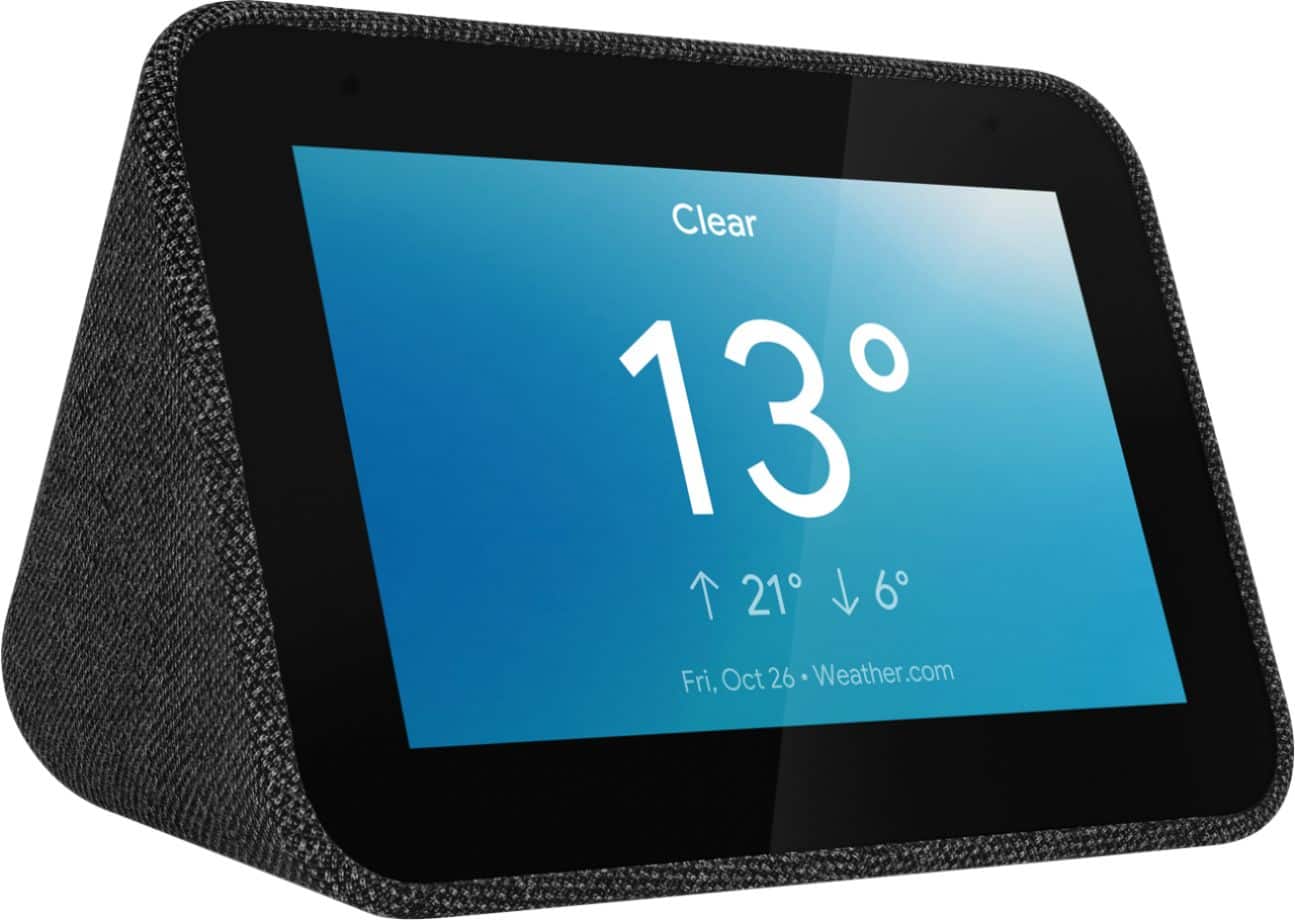
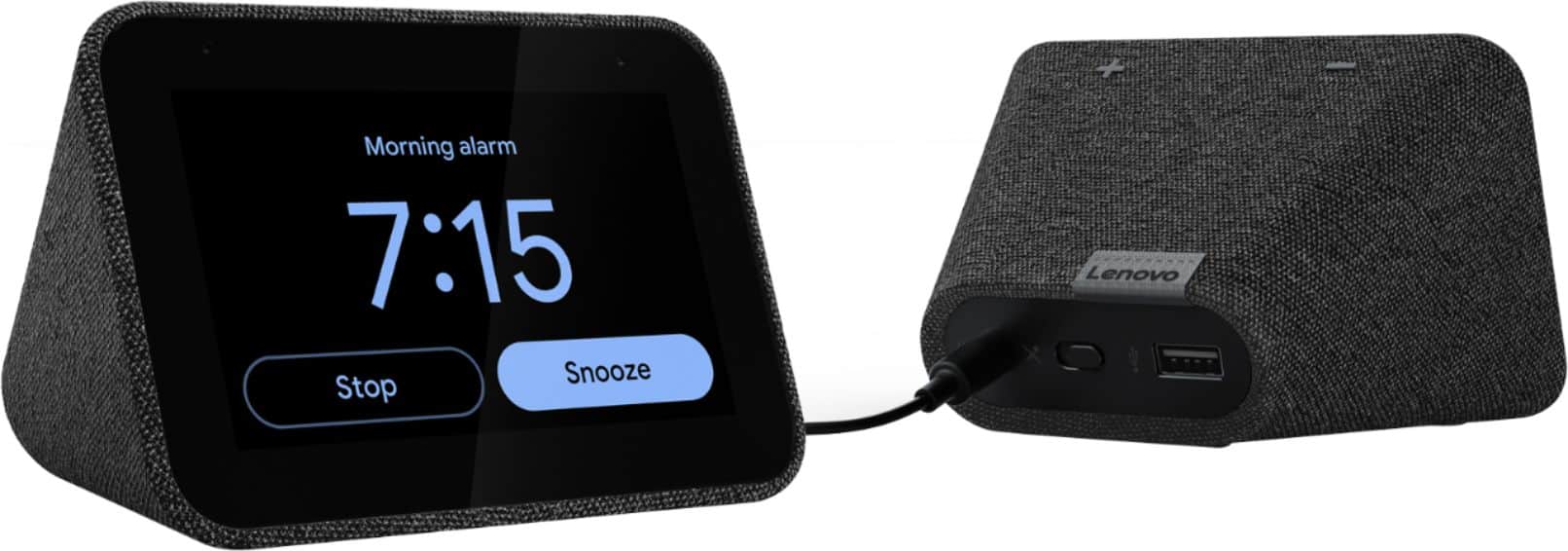
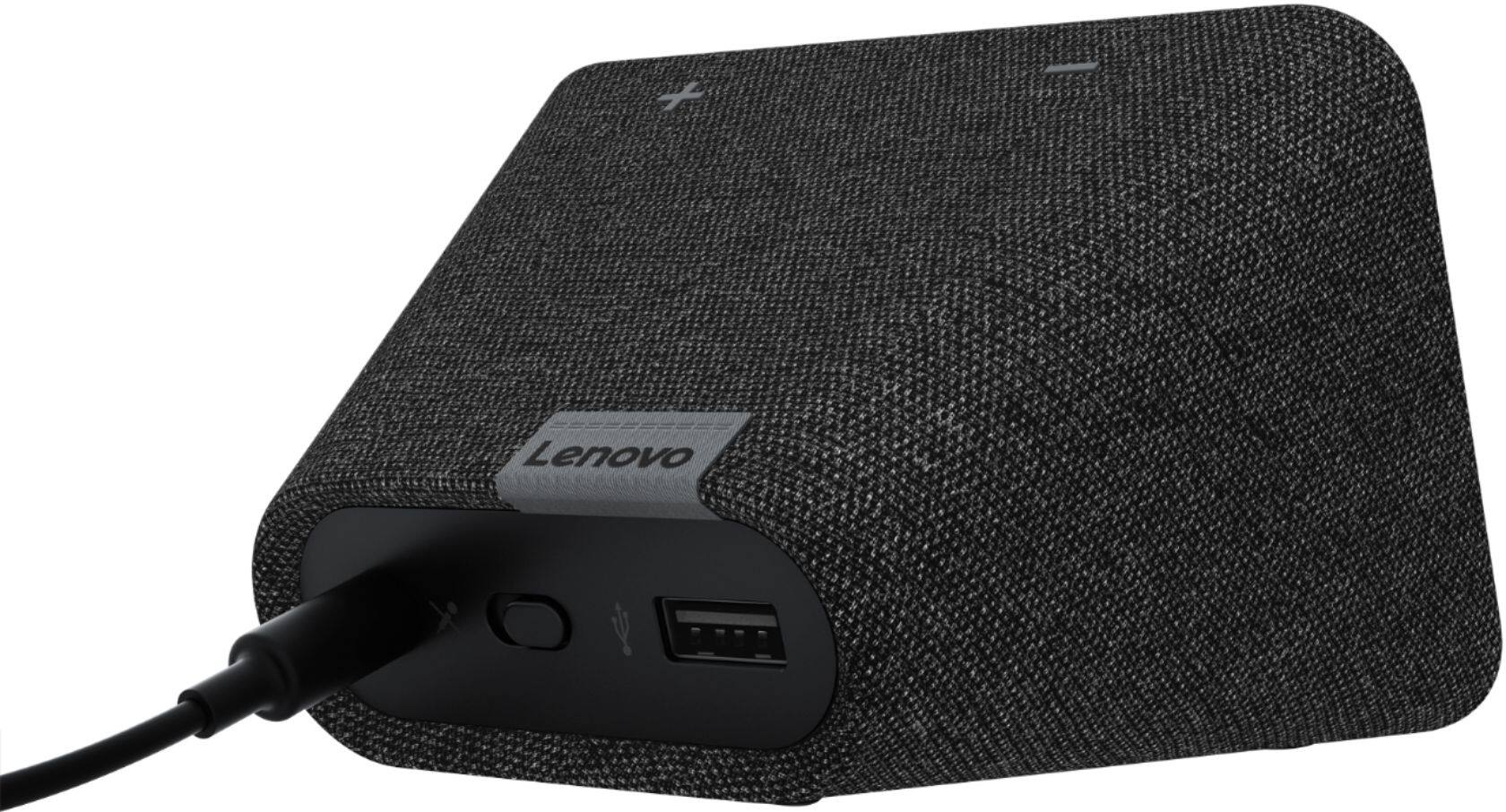
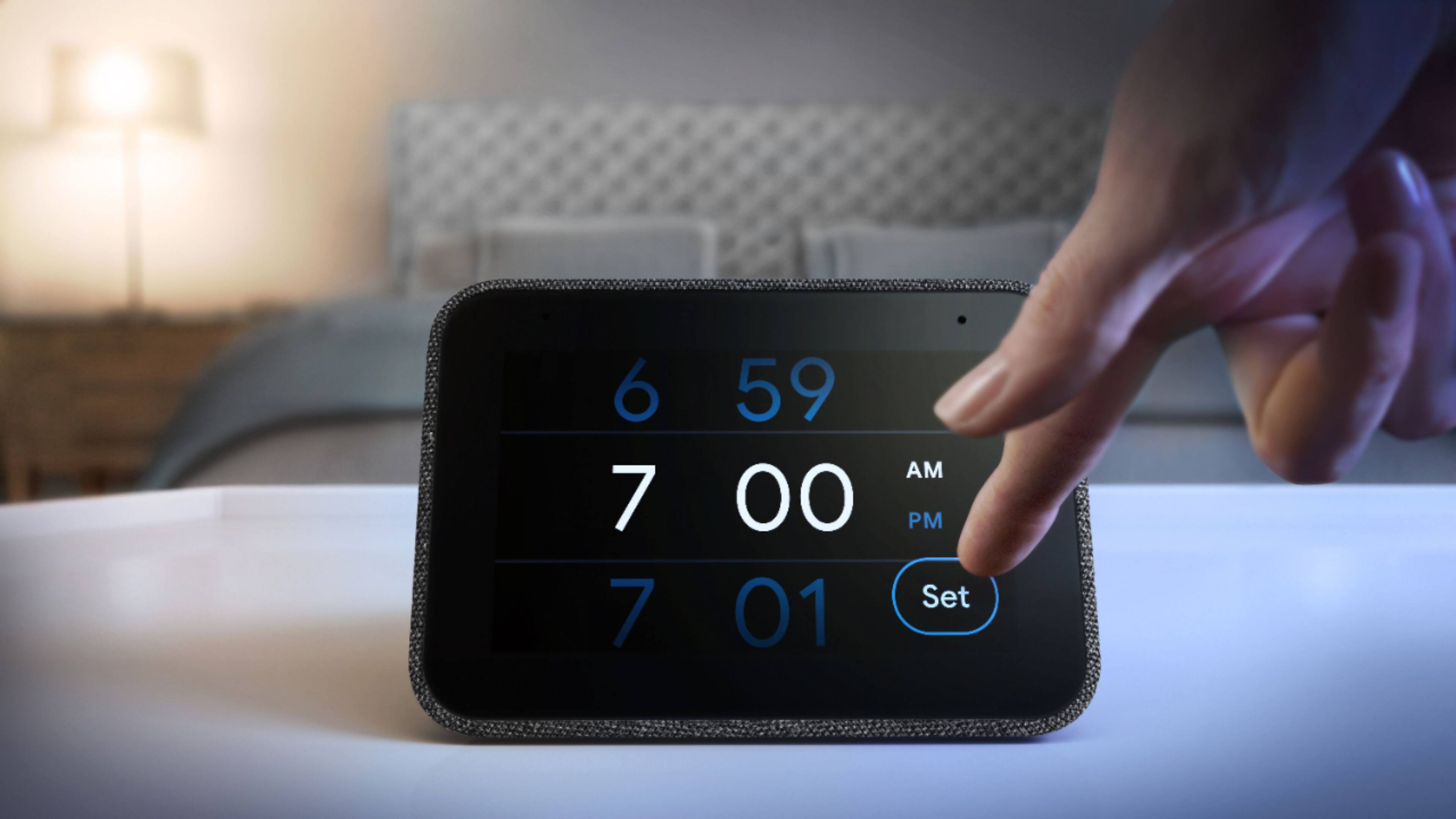
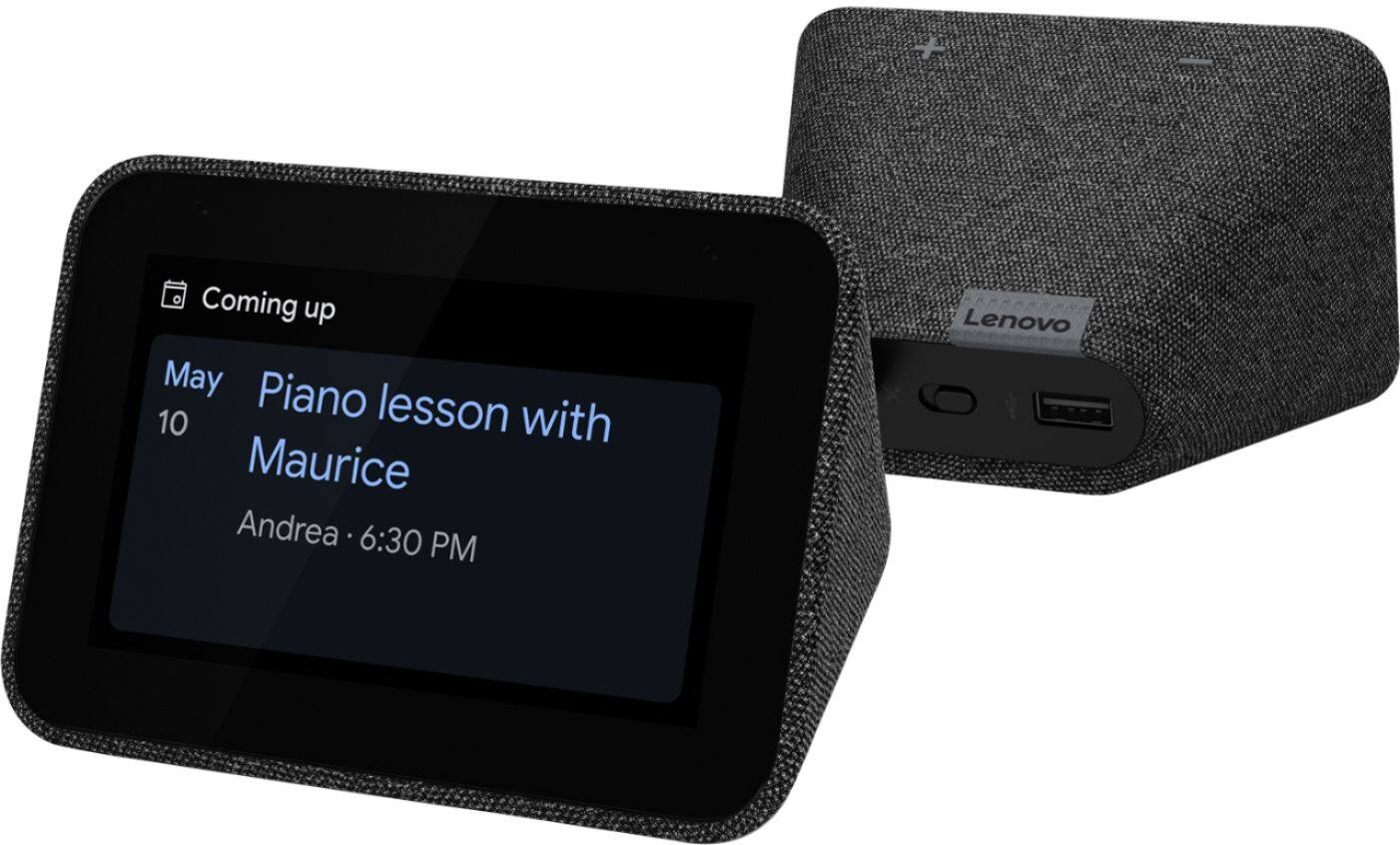
Designed to complement your home - With its fabric soft-touch cover, the compact Lenovo Smart Clock with the Google Assistant blends perfectly into any room. During the day, when the 4" screen is not in use it showcases the time with a choice of customizable clock faces. And to respect your privacy, there’s a convenient mute button to stop the device from listening.
Good alarm clock
||Posted . Owned for 1 month when reviewed.This reviewer received promo considerations or sweepstakes entry for writing a review.Not a lot of customization options but it works as a clock and an alarm. Google assistant responsiveness is pretty good but the speaker only goes 1-10 instead of 1-100 so there is a little less options there.
I would recommend this to a friendBrand response from Lenovo Product Expert
Posted .Thank you for choosing the Lenovo Smart Clock with Google Assistant. We are pleased to hear that the Smart Clock meets your needs as an alarm clock.
Great device
||Posted .This reviewer received promo considerations or sweepstakes entry for writing a review.Suoer cool device, it is very fun. Would recommend.
I would recommend this to a friendBrand response from Lenovo Product Expert
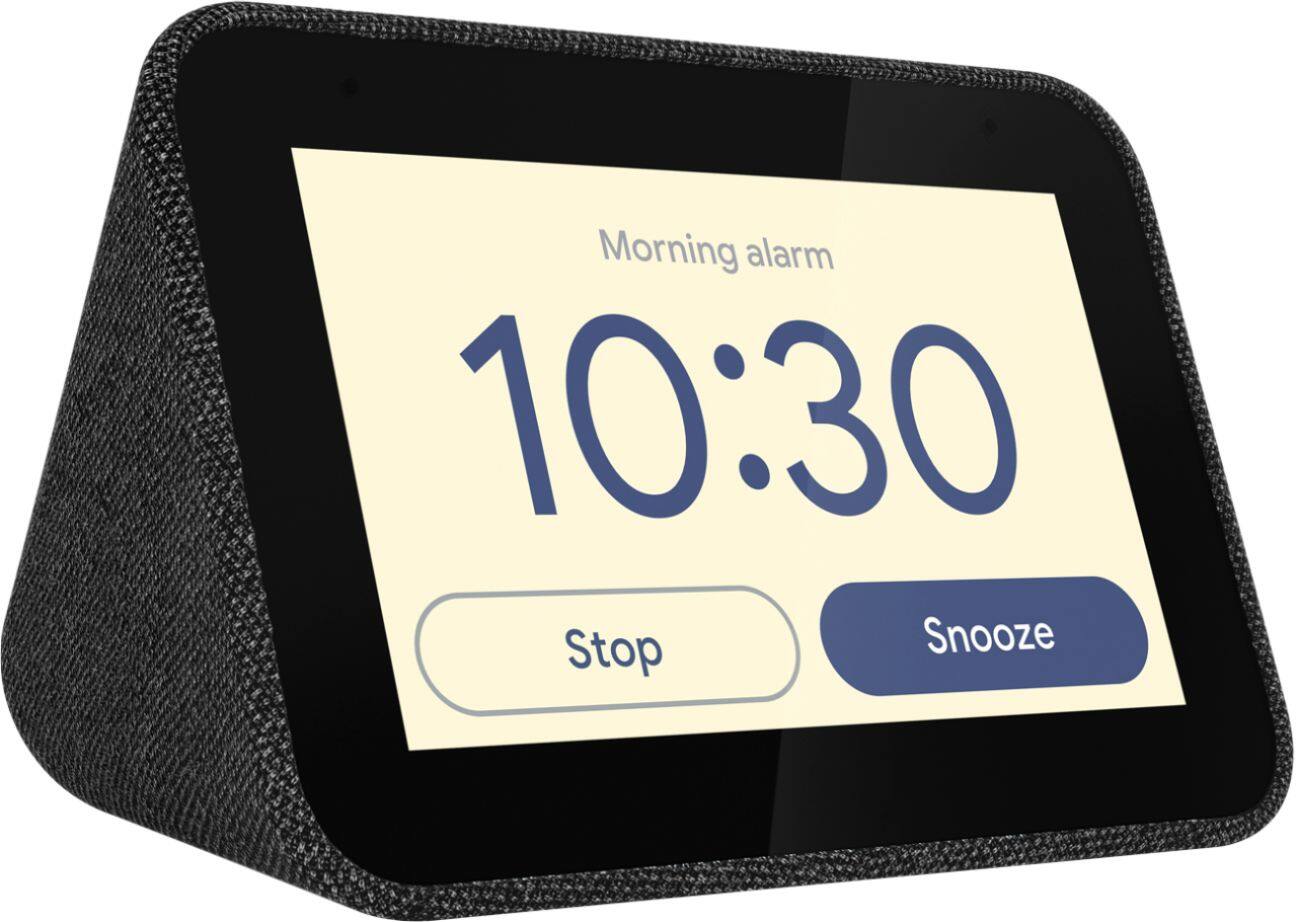
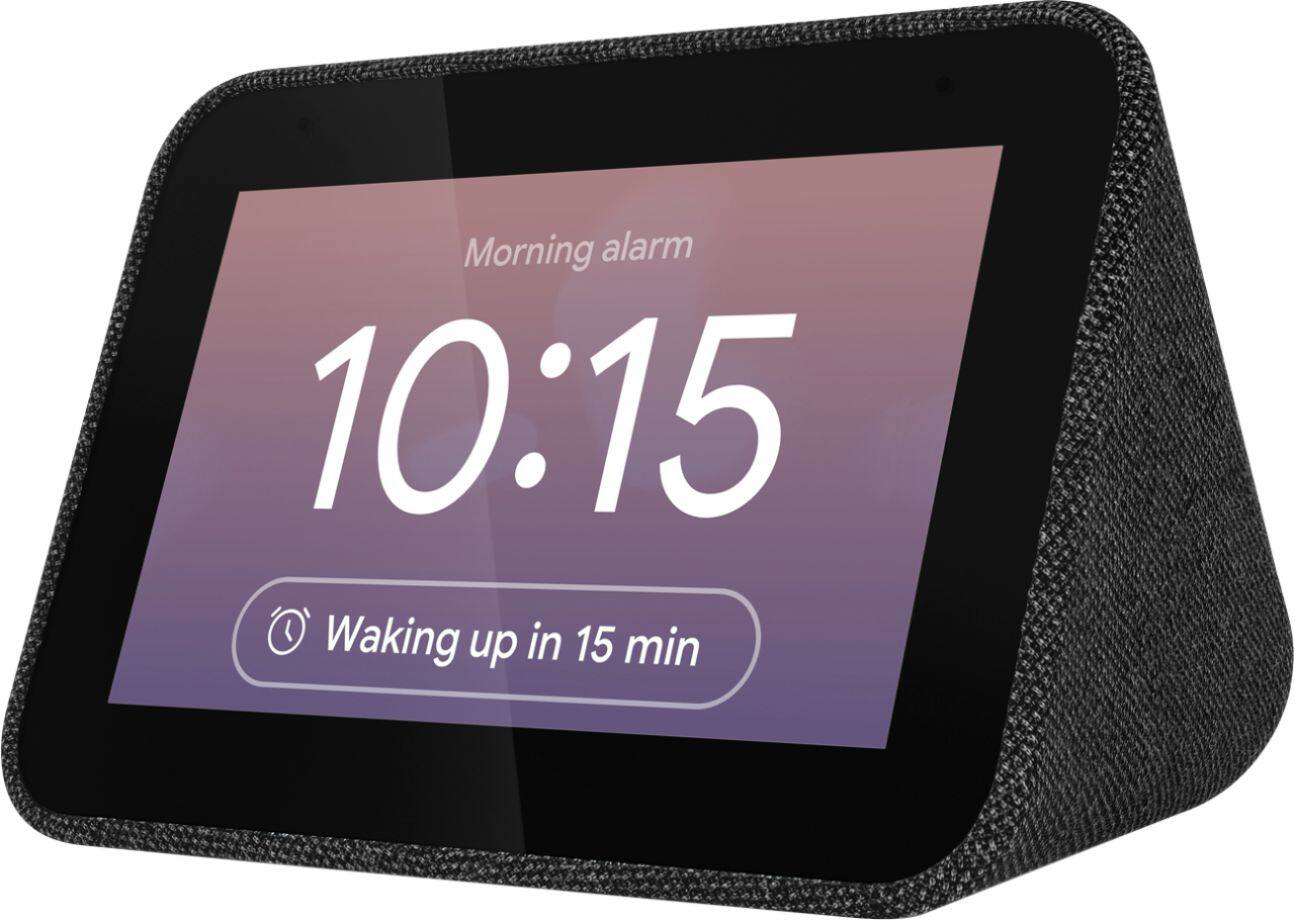
Posted .Hi, Thanks for choosing the Lenovo Smart Clock with Google Assistant. We are pleased to hear you are enjoying your device and we appreciate your recommendation. The Lenovo Smart Clock with the Google Assistant lets you wake up feeling more rested. As the screen brightness gently increases, you can ease yourself into the day. Set up a Good Morning Routine to bring you the local traffic, news, weather, and sports automatically. And if you need more rest, simply tap the device to snooze or dismiss the alarm.
I wouldn't buy this again
||Posted . Owned for 11 months when reviewed.This reviewer received promo considerations or sweepstakes entry for writing a review.I liked this device at first, but now it is buggy and annoying. Things like the light sensor toggle off at random, making it very bright at night. I also don't believe this clock is updating frequently, leaving me with security concerns.
No, I would not recommend this to a friendBrand response from Lenovo Product Expert
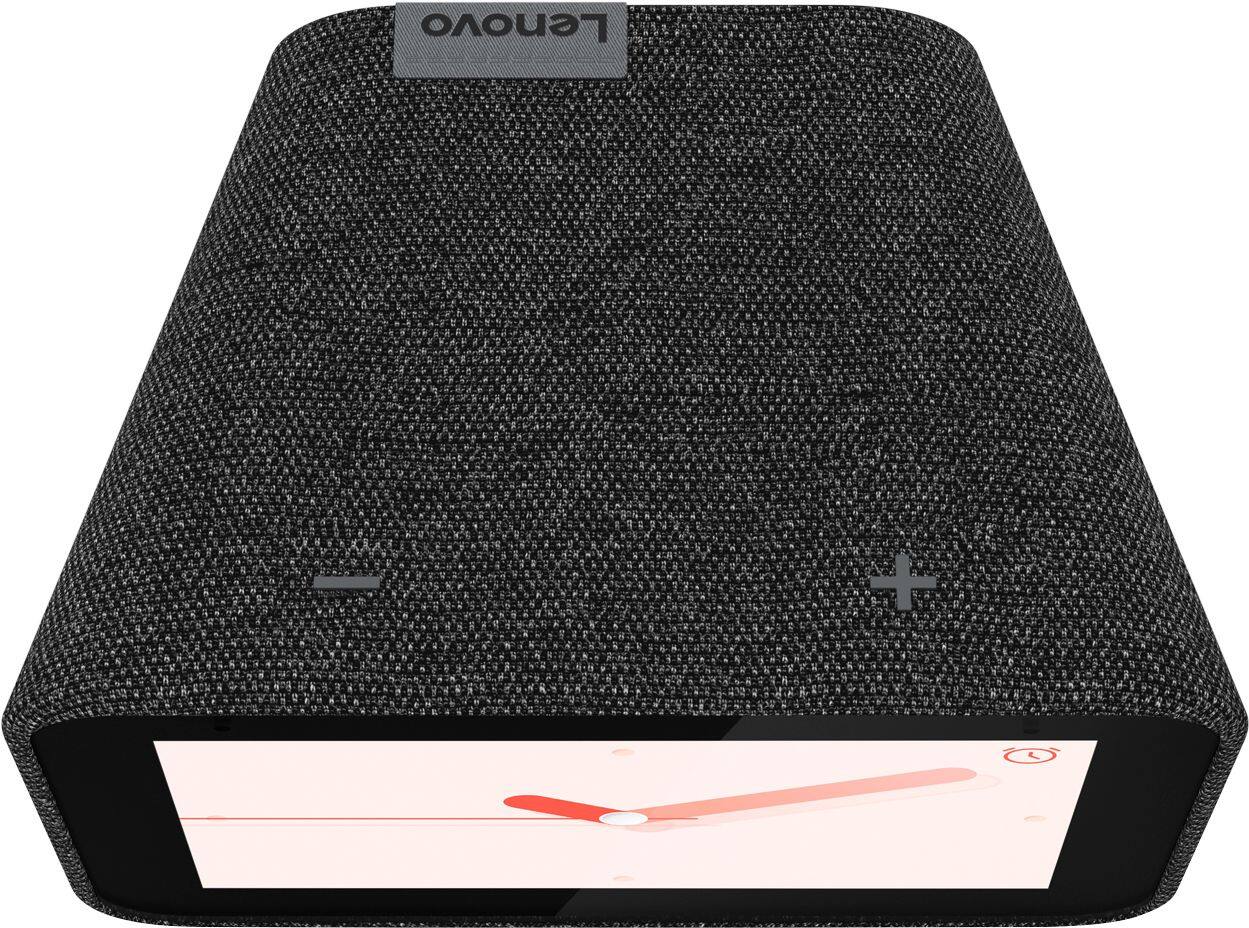
Posted .Hello, we are sorry to hear you are experiencing this issue with your Lenovo Smart Clock. Please perform a factory reset by holding down the “Volume + and – ” buttons on top of your device for 8 Seconds. If the issue persists, please contact our customer support team at 866-426-0911
Love it
||Posted . Owned for less than 1 week when reviewed.This reviewer received promo considerations or sweepstakes entry for writing a review.It works great and easy to install. Recommend 100%.
I would recommend this to a friendBrand response from Lenovo Product Expert
Posted .Hi Melvin! Thank you for choosing the Lenovo - Smart Clock with Google Assistant. We are pleased to hear the user friendly design and setup are working out so well for you! We appreciate your recommendation!
Love this clock
||Posted . Owned for 2 months when reviewed.This reviewer received promo considerations or sweepstakes entry for writing a review.Love this clock! It's simple yet so powerful. Amazing.
I would recommend this to a friendTerrible
||Posted .This reviewer received promo considerations or sweepstakes entry for writing a review.Terrible clock. Total waste of money and would not recommend this. It makes a terrible jarring electrical noise prior to the normal alarm starting up. It’s a completely atrocious sound and it’s been an ongoing issue for six months per the message boards on customer support , I wish I had read those. In addition it does not allow for different wake up commands , so since my husband and I both have the same clock it is impossible to set the alarm with voice command . As soon as we say “hey Google” it wakes both clocks up and will override the other persons alarms set on the clock. This is a total design flaw. Do not buy this.
No, I would not recommend this to a friendBrand response from Lenovo Product Expert
Posted .Hello, we are sorry to hear you are experiencing these issues with the Lenovo Smart Clock with Google Assistant. We have some recommendations we think can help improve your overall user experience with this amazing device. In regards to the Alarm please select a different alarm sound to see if this fixes the issue. You may also set a music alarm with your favorite radio station, podcast or artist. To get started you can say "Okay Google Set a Music Alarm. In regards to the Assistant picking up your partners voice there are two built in features that can resolve this issue. The first is adjusting the Okay Google Sensitivity, The Second is setting up voice match to allow the assistant to recognize your voice not your partners. To setup voice match please open the Google Home app.
At the top right, tap your account.
Verify that the Google Account shown is the one linked to your speaker or display. To switch accounts, tap another account or Add another account.
Tap Assistant settings Voice Match Add devices.
Make sure any devices you want to link your voice to are checked.
Tap Next I agree.
Follow the in-app steps.
To adjust the sensitivity of the mic please open the Google Home app .
At the bottom, tap Home .
Select your speaker or Smart Display.
At the top right, tap Device settings. ...
Choose how sensitive you want Google Assistant to be when it responds to you. If you need further assistance please don't hesitate to reach out to Lenovo Tech Support at 866-426-0911
Love
||Posted . Owned for 2 months when reviewed.This reviewer received promo considerations or sweepstakes entry for writing a review.Tiny, but gets the job done. Would purchade again.
I would recommend this to a friendBrand response from Lenovo Product Expert
Posted .Hi Lexis, thank you for choosing the Lenovo Smart Clock with Google Assistant. We are pleased to hear the size and functionality of the cock are working so well for you!
Good smart clock with limited features
||Posted .This reviewer received promo considerations or sweepstakes entry for writing a review.Overall good product. This is good for use in Bedroom as a Clock and a Smart assistant. But it didn't fit my need as there are other similar products with more features and comparable prices. I had to return it to the store.
I would recommend this to a friendBrand response from Lenovo Product Expert
Posted .Hello thank for choosing the Lenovo Smart Clock with Google Assistant. We are sorry to hear you had this experience with the Smart Clock, For some useful tips and trick to help you get the most out of your assistant please check out this short video https://www.youtube.com/watch?v=mCnHBXn5aEw
Alternatively the following website has a list of useful commands. https://www.androidauthority.com/google-assistant-commands-727911/ . If you need further assistant please don't hesitate to reach out to Lenovo customer support at 866-426-0911
Easy to use, google integrated
||Posted . Owned for 3 weeks when reviewed.This reviewer received promo considerations or sweepstakes entry for writing a review.A little expensive for what it is, but works great.
I would recommend this to a friendBrand response from Lenovo Product Expert
Posted .Hi, thanks for choosing the Lenovo Smart Clock with Google Assistant. We are pleased to hear the functions of the integrated Google Assistant, performance, and design of the Lenovo Smart Clock are working out so well for you!
Great to control devices
||Posted . Owned for 3 weeks when reviewed.This reviewer received promo considerations or sweepstakes entry for writing a review.It’s easy to set up to voice command bulbs, TVs...
I would recommend this to a friendBrand response from Lenovo Product Expert
Posted .Hi Tommy! Thank you for choosing the Lenovo Smart Clock with Google Assistant. We are pleased to hear the user friendly design and Google Assistant integration are working out so well for you! The Lenovo Smart Clock with the Google Assistant works easily and seamlessly with over 10,000 smart home devices, across more than 1,000 different brands.
AWESOME
||Posted . Owned for less than 1 week when reviewed.This reviewer received promo considerations or sweepstakes entry for writing a review.I just turned my home into a smart home!!!!!!!!!!!
I would recommend this to a friendBrand response from Lenovo Product Expert
Posted .Hey There! Thank you for choosing the Lenovo Smart Clock with Google Assistant. Welcome to the Lenovo Smart Device family and congratulations on setting up your smart home! The Lenovo Smart Clock with the Google Assistant works easily and seamlessly with over 10,000 smart home devices, across more than 1,000 different brands. Switch the porch lights off, turn on the espresso machine, or control any product featuring a ‘works with the Google Assistant’ badge!
Love the clock
||Posted . Owned for 2 weeks when reviewed.This reviewer received promo considerations or sweepstakes entry for writing a review.I love the clock face & the fact its touch screen.
I would recommend this to a friendBrand response from Lenovo Product Expert
Posted .Thank you for choosing the Lenovo Smart Clock. We are pleased to hear that the features and performance of the Lenovo Smart Clock are working out so well for you.
Nice clock
||Posted . Owned for 6 months when reviewed.This reviewer received promo considerations or sweepstakes entry for writing a review.Got it for my son . Loves the clock !!!!!!!!!!!!!!
I would recommend this to a friendBrand response from Lenovo Product Expert
Posted .Hi, thanks for choosing the Lenovo Smart Clock with Google Assistant. We are pleased to hear the functions, performance, and design of the Lenovo Smart Clock are working out so well for your son!
Clock
||Posted . Owned for 1 month when reviewed.This reviewer received promo considerations or sweepstakes entry for writing a review.I old school still like to use clocks. Love it!!!!
I would recommend this to a friendBrand response from Lenovo Product Expert
Posted .Hi, thanks for choosing the Lenovo Smart Clock with Google Assistant. We are pleased to hear the functions, performance, and design of the Lenovo Smart Clock are working out so well for you!
Good alarm clock
||Posted . Owned for 1 month when reviewed.This reviewer received promo considerations or sweepstakes entry for writing a review.I connected this to my nest. The camera image is good. However we do get frustrated when we ask for a song. it plays it for a few seconds and then stop. Other than that it works great as an alarm clock that you can access google from.
I would recommend this to a friendBrand response from Lenovo Product Expert
Posted .Hi, thanks for choosing the Lenovo Smart Clock with Google Assistant. We are pleased to hear the functions like viewing your NEST cameras, performance, and design of the Lenovo Smart Clock are working out so well for you! In regards to the music your device should not be functioning this way. Please try performing a factory reset by holding down the “Volume + and – ” buttons on top of your device for 8 Seconds. If the issue persists, please contact our customer support team at 866-426-0911
meh
||Posted . Owned for 2 months when reviewed.This reviewer received promo considerations or sweepstakes entry for writing a review.It does the job, but if I had to buy a third unit, I would go back to the less expensive one with the LCD display. The display here isn't as bright, which can be good or bad, depending on your needs.
No, I would not recommend this to a friendBrand response from Lenovo Product Expert
Posted .We are sorry to hear that the brightness of the Lenovo Smart Clock with Google Assistant is not working out for you. You can adjust the screen brightness manually: Swipe bottom-to-top on the clock's screen and you'll see a Settings cog in the bottom right. Tap this and you'll see Display within the menu. Within this you can choose between Light, Dark and Auto. If you have more questions about your Lenovo Smart Clock with Google Assistant, we recommend you contact lenovo Tech Support for Smart Devices at: 866-426-0911.
NOT USER FRIENDLY!!!
||Posted .This reviewer received promo considerations or sweepstakes entry for writing a review.Totally disappointed in this product! We opened it and and could get no where after downloading "Google App." I would love to return it, but we live 80 miles from Best Buy and have had snow falling since Christmas Eve. A waste of money!!!!!
No, I would not recommend this to a friendBrand response from Lenovo Product Expert
Posted .I'm so sorry you are having an unpleasant experience setting up your Lenovo Smart Clock. I recommend unplugging your device for a moment, and then plug it back in and restart the setup process. We've also created this helpful video to show you how the setup process is: https://www.youtube.com/watch?v=lFBSRkh8oVk
Just an ok alarm clock replacement
||Posted . Owned for 3 weeks when reviewed.This reviewer received promo considerations or sweepstakes entry for writing a review.I miss having a physical button for snoozing the alarm clock or dismissing it. Taping the top for snoozing is ok but, prefer buttons. I primarily use this as an alarm clock so other features I don't always use.
I would recommend this to a friendBrand response from Lenovo Product Expert
Posted .Hi, thanks for choosing the Lenovo Smart Clock with Google Assistant. There is an essential version of this Clock called the "Lenovo Smart Clock Essential" that does have a dedicated snooze button, and no touch screen. This may be a better fit for someone like yourself that only wishes to use the device as an alarm clock. https://www.bestbuy.com/site/lenovo-smart-clock-essential-soft-touch-gray/6429528.p?skuId=6429528 . Also if you do decide you want to utilizes more features of the Lenovo Smart Clock with Google Assistant please check out this short video with some helpful tips and tricks to help you get the most of of your assistant. https://www.youtube.com/watch?v=mCnHBXn5aEw
Alternatively the following website has a list of useful commands. https://www.androidauthority.com/google-assistant-commands-727911/