Customer Ratings & Reviews
- Model:
- ZA4R0037US
- SKU:
- 6441962
Rating by feature
- Value
Rating 4.5 out of 5 stars
- Quality
Rating 4.6 out of 5 stars
- Ease of Use
Rating 4.5 out of 5 stars
Customers are saying
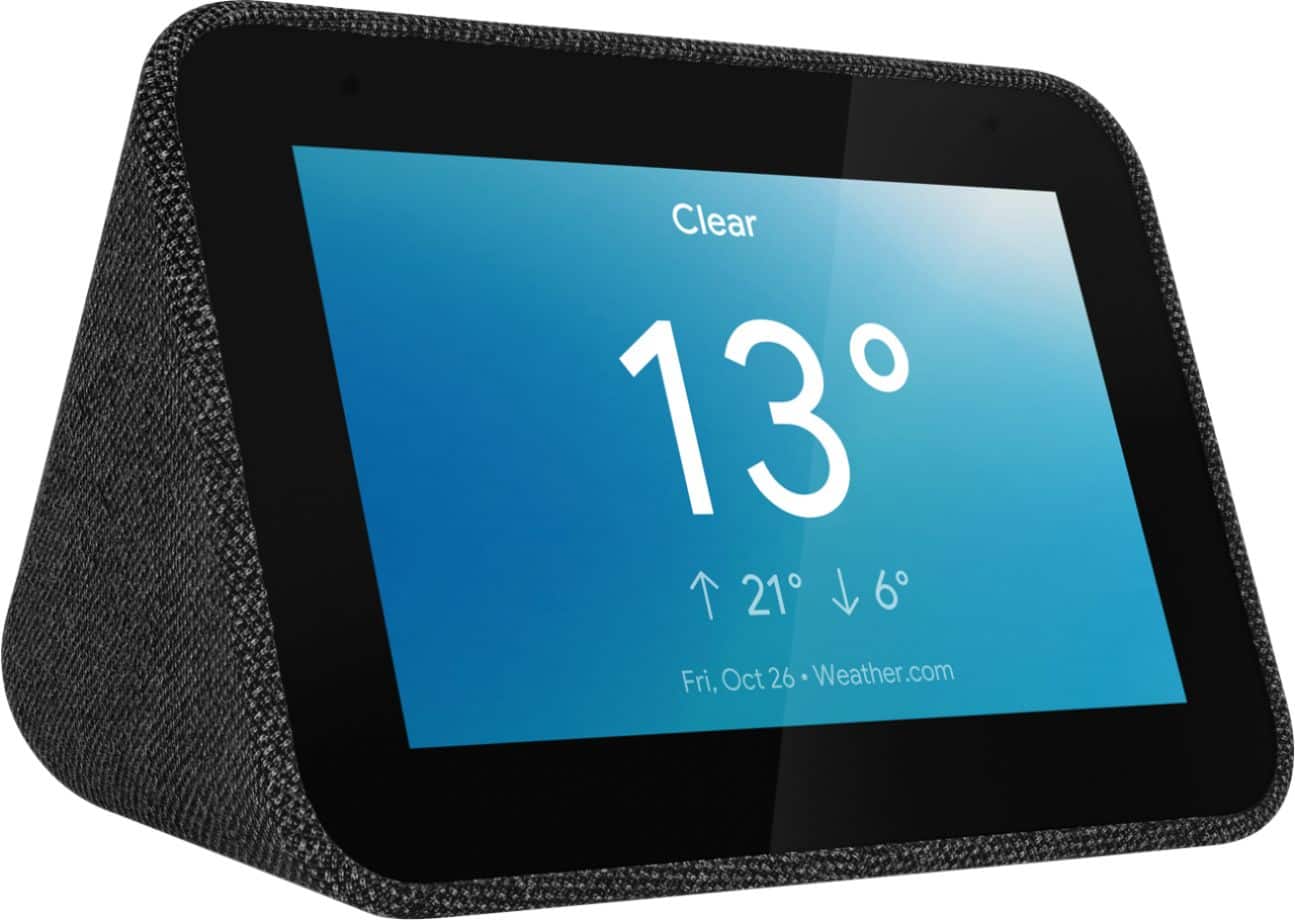
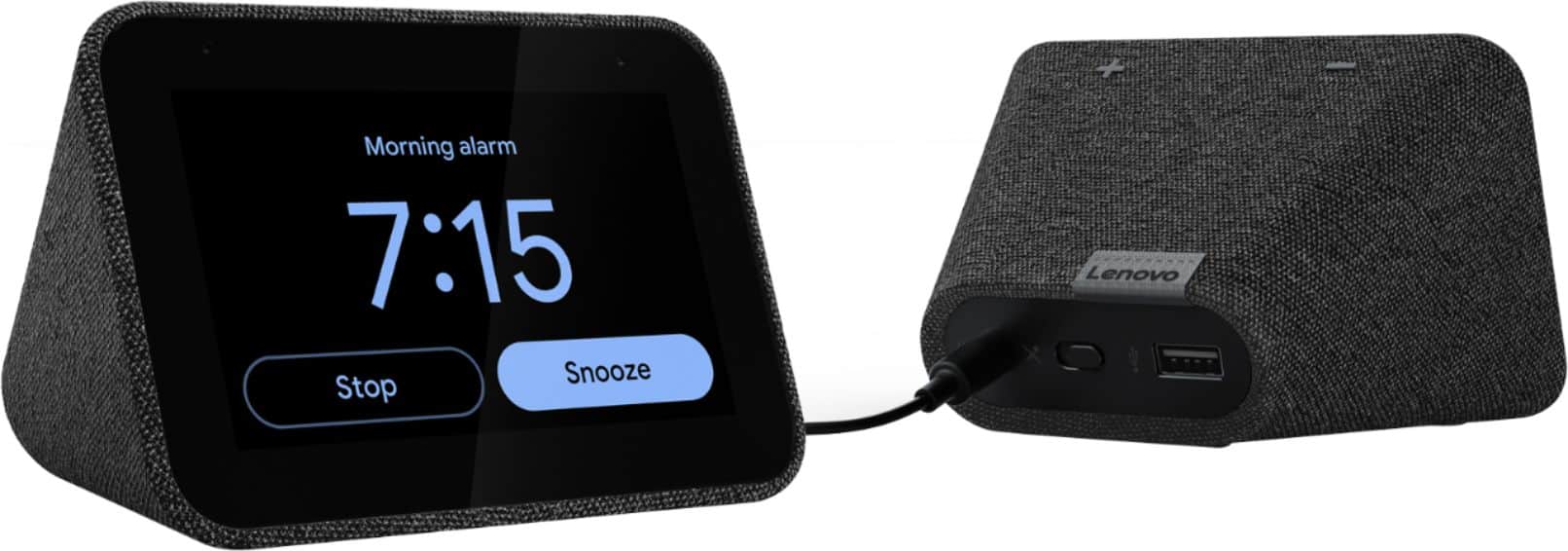
Customers frequently mention the ease of use, sound quality, and alarm features as positive aspects of the Smart Clock with Google Assistant. Many also appreciate the Google Assistant integration, the clock's size, and its display. However, some users reported issues with maintaining a consistent WiFi connection. A lack of battery backup was another recurring negative comment.
This summary was generated by AI based on customer reviews.
Nope
||Posted . Owned for 3 weeks when reviewed.This reviewer received promo considerations or sweepstakes entry for writing a review.First off this thing is tiny but I forced myself to try and like it, I didn't because you simply can't set alarm using a voice command, read navy other reviews with same issue, went on forums to find a solution and no one seemed to have one, I have many other google assisted devices and they work fine
No, I would not recommend this to a friendBrand response from Lenovo Product Expert
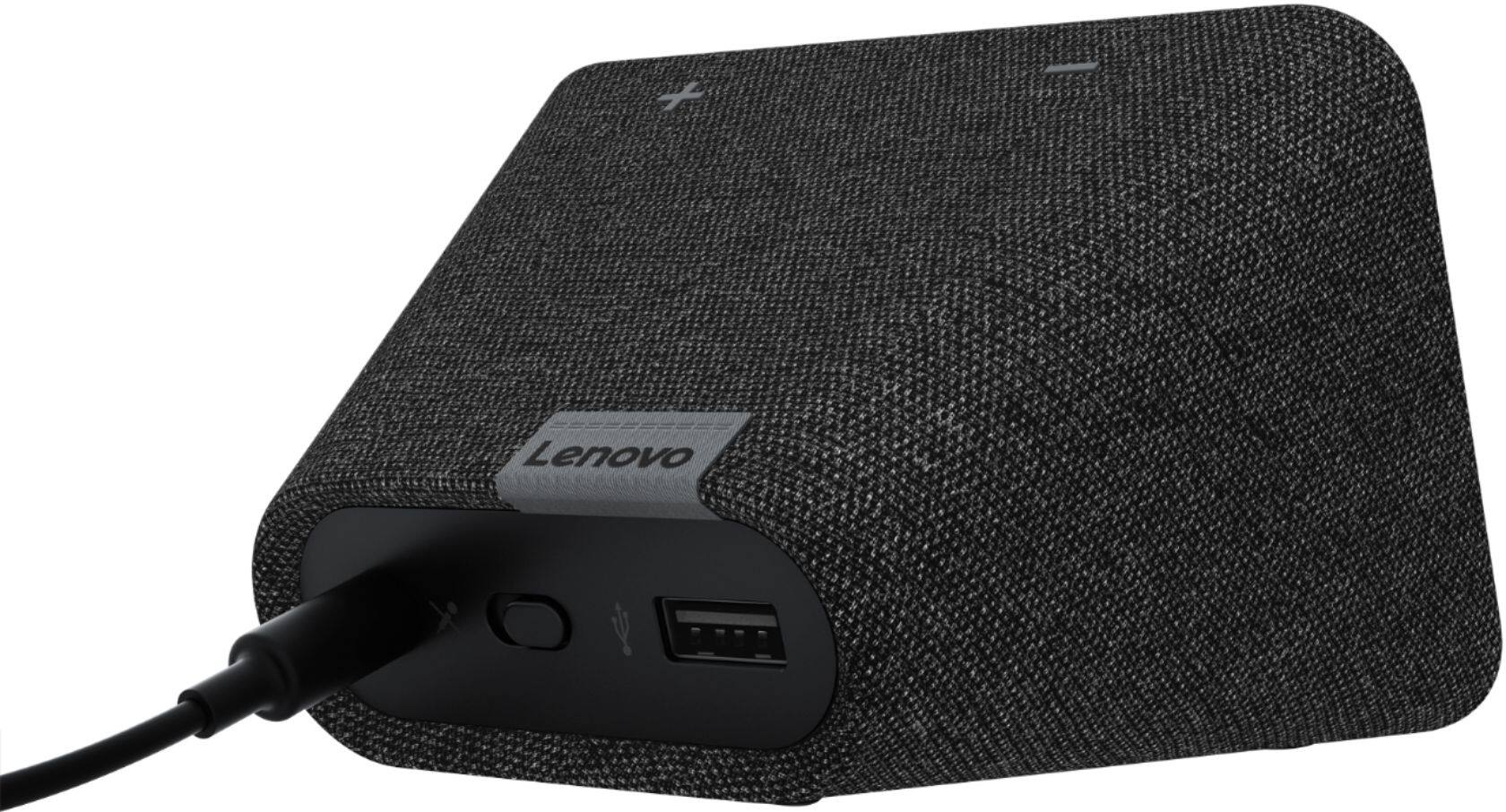
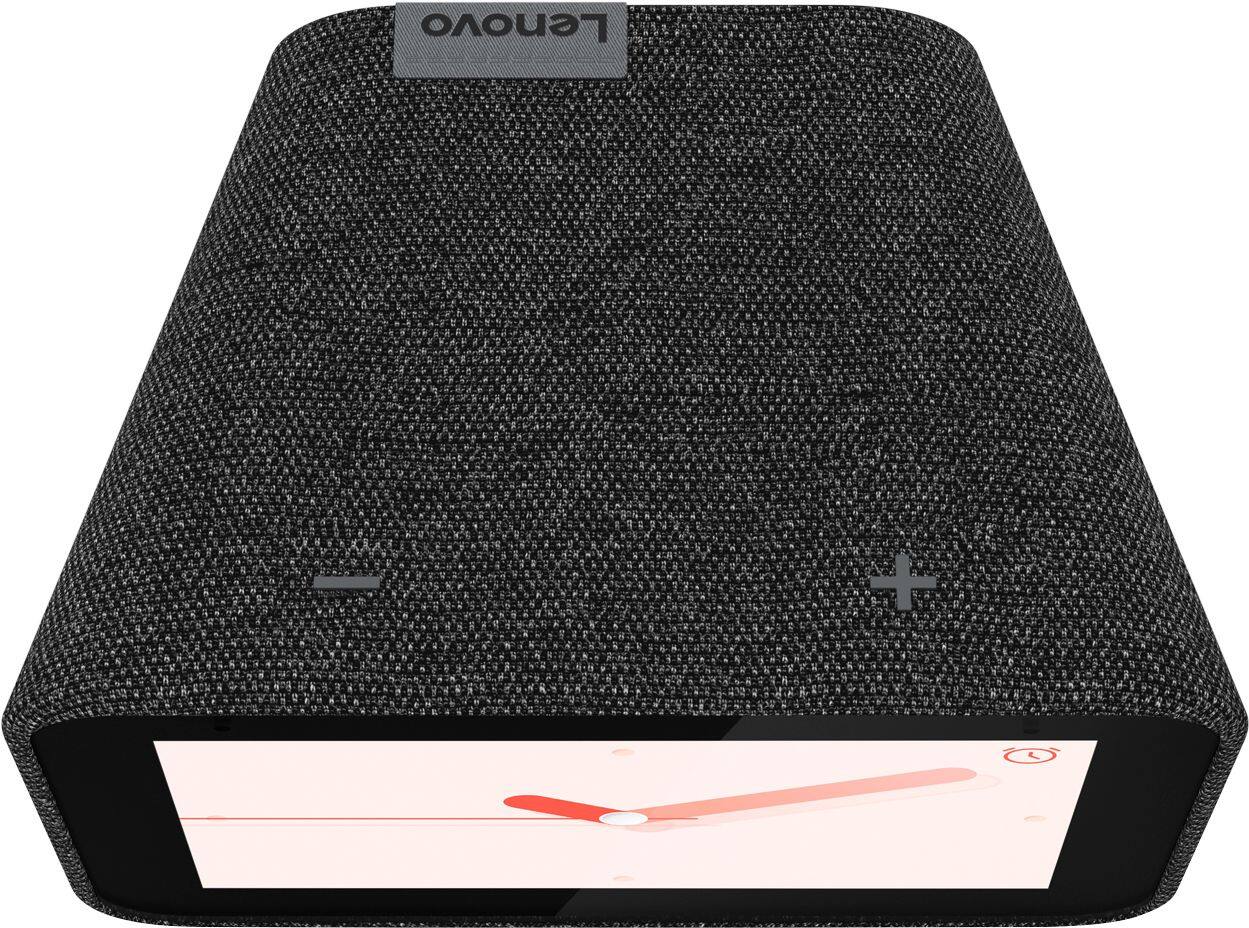
Posted .Hello, we are sorry to hear you are having this experience with your Lenovo Smart Clock with Google Assistant. The crisp, touch color display measures 4" is stated in the specification on the product page and is listed on the packaging of the unit. In regards to setting an alarm it is as simple as saying "Okay Google Set an alarm". Alternatively you can set an alarm at any time with touch display. If your device isn't functioning in the manner please power cycle the device by unplugging it for 1-2 minutes. Plugging it back in, and allowing it to power on. If the issue remains please perform a factory reset by holding down the “Volume + and – ” buttons on top of your device for 8 Seconds. If the issue persists, please contact our customer support team at 866-426-0911

Its decent
||Posted . Owned for 3 weeks when reviewed.This reviewer received promo considerations or sweepstakes entry for writing a review.Its a decent home clock, gets the job done, but I'd prefer the official Google.
I would recommend this to a friendBrand response from Lenovo Product Expert
Posted .Hello, we are sorry to hear you are experiencing this issue with your device. Please get in touch with our product support team at support.lenovo.com or by phone at 866-426-0911.
Satisfied
||Posted . Owned for 3 weeks when reviewed.This reviewer received promo considerations or sweepstakes entry for writing a review.Decent! Connects and disconnects from internet. Had issues connecting to a server.
I would recommend this to a friendBrand response from Lenovo Product Expert
Posted .Hi there! If you are finding your connection is unreliable, please ensure you are connected to a 2.4ghz WiFi band - as it works best on that. I also recommend checking your WiFi settings to see how many devices it can support and also your connection range. Sometimes that can be resolved with an inexpensive WiFi extender. If you ever have questions on your device, we've created an online How-To & Solutions Guide to offer support.
Standard smart clock
||Posted . Owned for 9 months when reviewed.This reviewer received promo considerations or sweepstakes entry for writing a review.OK standard smart clock. Nothing special. Interface can be clunky and slow.
I would recommend this to a friendBrand response from Lenovo Product Expert
Posted .Hi, thanks for choosing the Lenovo Smart Clock with Google Assistant. We are pleased to hear the functions, performance, and design of the Lenovo Smart Clock are working out so well for you. We appreciate your feedback as we are always searching for ways to improve our smart devices. We recommend checking out this useful tips and tricks video to make sure you are getting the most out of your device =) https://www.youtube.com/watch?v=mCnHBXn5aEw
ehhhh
||Posted . Owned for 1 month when reviewed.This reviewer received promo considerations or sweepstakes entry for writing a review.crashes and disconnects often. not as much customization as it should
No, I would not recommend this to a friendBrand response from Lenovo Product Expert
Posted .Hi there, we are sorry to hear you are experiencing this issue with your Lenovo Smart Clock with Google Assistant. It is possible adjusting some settings with your router will fix this. As it is more compatible please ensure the Smart Clock is connecting to the 2.4 GHz band of your router and not the 5Ghz band. Next we recommend changing the channel the Smart Clock connects to. 1, 6, and 11 are usually the best choices because they don’t overlap with each other. Having too much overlap between wireless devices on your network can cause the Smart Clock to disconnect in rare occurrences. Here is a link with a how to guide to help with your router settings. https://www.hellotech.com/guide/for/how-to-change-wifi-channel-on-router .. If the issue persists, please contact our customer support team at 866-426-0911
Just ok
||Posted . Owned for 1 week when reviewed.This reviewer received promo considerations or sweepstakes entry for writing a review.Just OK, I screen only does pictures and not video..
No, I would not recommend this to a friendBrand response from Lenovo Product Expert
Posted .The Lenovo Smart Clock with Google Assistant can pair with your Nest doorbell video camera. Here is a link to a YouTube video that demonstrates the setup and features of the Lenovo Smart Clock with Google Assistant: https://www.youtube.com/watch?v=PpidA-n6fLM
Good value smart clock
||Posted . Owned for 2 weeks when reviewed.This reviewer received promo considerations or sweepstakes entry for writing a review.I was surprised when I opened this. I didn’t think it would be sooo small.
I would recommend this to a friendBrand response from Lenovo Product Expert
Posted .Hi There! Thank you for choosing the Lenovo Smart Clock with Google Assistant. Designed to complement your home with its fabric soft-touch cover, the compact Lenovo Smart Clock with the Google Assistant blends perfectly into any room. During the day, when the 4" screen is not in use it showcases the time with a choice of customizable clock faces. And to respect your privacy, there’s a convenient mute button to stop the device from listening. We also offer Lenovo Smart Displays with Google Assistant in 7", 8", and 10" screen sizes.
It's Great if you only to use a clocks.
||Posted . Owned for 3 weeks when reviewed.This reviewer received promo considerations or sweepstakes entry for writing a review.The Google assistant is very bad! My alexa is much better than Google!!
No, I would not recommend this to a friendBrand response from Lenovo Product Expert
Posted .Hello Abey, thanks for choosing the Lenovo Smart Clock with Google Assistant. We are sorry to hear your experience with the assistants functionality isn't living up to your expectations. We appreciate your feedback as we are constantly looking for ways to improve our smart devices. Lenovo Smart Clock with the Google Assistant works easily and seamlessly with over 10,000 smart home devices, across more than 1,000 different brands. Switch the porch lights off, turn on the espresso machine, or control any product featuring a ‘works with the Google Assistant’ badge—from the comfort of your bed, with just your voice. By making your home smarter, you can save time, too.
disappointed
||Posted . Owned for 2 weeks when reviewed.This reviewer received promo considerations or sweepstakes entry for writing a review.No Brightness Button? It's so dim at night since its auto dimming to light sensitivity. I like to see what time it is is I wake up in the middle of the night, not strain lift my head & my eyes when I'm half asleep just to see what time it is. Hopefully there will be an update for this.
No, I would not recommend this to a friendBrand response from Lenovo Product Expert
Posted .Hi there, You can easily adjust how much the display dims in low light. There are three different levels of brightness you can set regarding "Auto Dim". To do this please swipe up on the screen of your Lenovo Smart Clock. Then select the "settings" gear shaped icon on the right. Last select "Display Settings" You can now further adjust the brightness of the screen to your preference. To manually adjust the screen brightness simply swipe up from any screen then select the circle with the "A" in the middle. You can now drag a brightness slider left to right at the bottom of the screen.
Eh
||Posted . Owned for 3 weeks when reviewed.This reviewer received promo considerations or sweepstakes entry for writing a review.Cool clock limited features. Problems connecting to Apple Music
No, I would not recommend this to a friendBrand response from Lenovo Product Expert
Posted .Hi, thanks for choosing the Lenovo Smart Clock with Google Assistant. We are sorry too hear you are having this experience. At this time the Lenovo Smart Clock with Google Assistant is not compatible with Apple Music. It is compatible with YouTube Music, Spotify, Pandora, SiriusXm and more.
Small addition
||Posted . Owned for 3 weeks when reviewed.This reviewer received promo considerations or sweepstakes entry for writing a review.Basic functions of an alarm clock that has google connectivity.
I would recommend this to a friendBrand response from Lenovo Product Expert
Posted .Hello, thank you for choosing the Lenovo Smart Clock with Google Assistant. We are sorry to hear you are having this experience with the Lenovo Smart Clock. The Lenovo Smart Clock with the Google Assistant works easily and seamlessly with over 10,000 smart home devices, across more than 1,000 different brands. Here is a short video with some tips and tricks for getting the most out of your Smart Assistant. https://www.youtube.com/watch?v=L_eZfuMeOU8
This is a great machine and I love it so far! High
||Posted .This reviewer received promo considerations or sweepstakes entry for writing a review.This is a great machine and I love it so far! Highly recommended!
I would recommend this to a friendBrand response from Lenovo Product Expert
Posted .Hi, thanks for choosing the Lenovo Smart Clock with Google Assistant. We are pleased to hear the functions, performance, and design of the Lenovo Smart Clock are working out so well for you! We greatly appreciate your recommendation.
Lenovo Smart Clock
||Posted . Owned for 2 weeks when reviewed.This reviewer received promo considerations or sweepstakes entry for writing a review.It’s not as compatible as I was hoping, but it’s still neat
No, I would not recommend this to a friendBrand response from Lenovo Product Expert
Posted .Hello, thank you for choosing the Lenovo Smart Clock with Google Assistant. The Lenovo Smart Clock with the Google Assistant works easily and seamlessly with over 10,000 smart home devices, across more than 1,000 different brands and is compatible with devices that carry the "Works with Google Badge". For some useful tips and tricks to help you get the most out of your assistant please check out this short video https://www.youtube.com/watch?v=mCnHBXn5aEw
Alternatively the following website has a list of useful commands. https://www.androidauthority.com/google-assistant-commands-727911/
Radio
||Posted . Owned for 1 year when reviewed.This reviewer received promo considerations or sweepstakes entry for writing a review.Nothing special on this radio but seems good for the price.
No, I would not recommend this to a friendBrand response from Lenovo Product Expert
Posted .Hi, we are sorry to hear you are having this experience with your Lenovo Smart Clock with Google Assistant. Lenovo Smart Clock with the Google Assistant works easily and seamlessly with over 10,000 smart home devices, across more than 1,000 different brands. Switch the porch lights off, turn on the espresso machine, or control any product featuring a ‘works with the Google Assistant’ badge—from the comfort of your bed, with just your voice. By making your home smarter, you can save time, too. Here is a link to short video with some Tips and Tricks to help you get the most our of your Assistant =) https://www.youtube.com/watch?v=L_eZfuMeOU8
Good as a Clock, or Paper Weight
||Posted .This reviewer received promo considerations or sweepstakes entry for writing a review.They call it a Smart Clock. Yes, it tells time pretty well. Doesn't really do everything else well, or intuitively. Difficult to get to do what we want it to. Doesn't hold down an open magazine very well, but hey can't have it all. But, it's a great clock and okay paperweight.
No, I would not recommend this to a friendBrand response from Lenovo Product Expert
Posted .Hi there, here is a short video with some helpful tips and tricks for getting the most out of your assistant. https://www.youtube.com/watch?v=mCnHBXn5aEw . If you are having issues try adjusting the way you ask your assistant to perform a task. The Lenovo Smart Clock with the Google Assistant works easily and seamlessly with over 10,000 smart home devices, across more than 1,000 different brands. Just say 'Okay Google" to get started.
Ok Clock
||Posted .This reviewer received promo considerations or sweepstakes entry for writing a review.Ok sound. Limited screens. Ok as a clock. Small screen.
No, I would not recommend this to a friendBrand response from Lenovo Product Expert
Posted .Hello, we are sorry to hear you had this experience with the Lenovo Smart Clock with Google Assistant. The Lenovo Smart Clock with Google Assistant comes with 8 different clock faces to choose from that vary in color, info, and fonts. You can also set a photo frame background with the Google Photos App to relive your favorite memories.. You can select the different clock faces by pressing one finger and holding in the center of the screen for 3 seconds. The 4" color display and dimensions of the product are listed in the specifications on BestBuy.com, Lenovo.com, and physically printed on the product tag. For some useful tips and trick to help you get the most out of your assistant please check out this short video https://www.youtube.com/watch?v=mCnHBXn5aEw
Alternatively the following website has a list of useful commands. https://www.androidauthority.com/google-assistant-commands-727911/
If you need further assistance please don't hesitate to reach out to Lenovo Tech Support at 866-426-0911
The product is fine BUT
||Posted . Owned for 2 months when reviewed.This reviewer received promo considerations or sweepstakes entry for writing a review.Google home has much to be desired. Google isn’t as fluid as Alexa.
No, I would not recommend this to a friendBrand response from Lenovo Product Expert
Posted .Hi there! The Lenovo Smart Clock has lots to offer you with the help of the Google Assistant. I recommend checking out our online How-To & Solutions Guide for information on functions and features.
no
||Posted . Owned for less than 1 week when reviewed.This reviewer received promo considerations or sweepstakes entry for writing a review.didn't stay connected to the wifi would have been nice if it worked
No, I would not recommend this to a friendBrand response from Lenovo Product Expert
Posted .We're so sorry you are experiencing an issue with your device staying connected. First check your Wifi settings to ensure that you are on a 2.4ghz WiFi band. If you still experience any connection issue after this, try resetting your home router as well. You should have no problems once connected to the correct band. If you need further assistance with WiFi connection/setup, please visit our online How-To & Solutions Guide.
Over Priced clock
||Posted . Owned for 3 weeks when reviewed.This reviewer received promo considerations or sweepstakes entry for writing a review.It’s a great clock overpriced not much else it does
No, I would not recommend this to a friendBrand response from Lenovo Product Expert
Posted .Hi, thanks for choosing the Lenovo Smart Clock with Google Assistant. We are sorry to hear you are having this experience with your Smart Clock. The Lenovo Smart Clock with Google Assistant works easily and seamlessly with over 10,000 smart home devices, across more than 1,000 different brands. For some useful tips and trick to help you get the most out of your assistant please check out this short video https://www.youtube.com/watch?v=mCnHBXn5aEw
Alternatively the following website has a list of useful commands. https://www.androidauthority.com/google-assistant-commands-727911/
If you need further assistance please don't hesitate to reach out to Lenovo Tech Support at 866-426-0911
JUNK! Only lasted a few months before MAJOR Issues
||Posted . Owned for 5 months when reviewed.This reviewer received promo considerations or sweepstakes entry for writing a review.I bought this in December 2020. April 2021 the clock started losing wifi signal randomly, requiring a reconnect through the google home app on my phone. So if it loses wifi signal after you've gone to sleep (Which in my experience is it's favorite time to lose wifi) it won't wake you up. It wasn't an issue with the signal either, my phone, computer, tablet, xbox, etc wouldn't lose signal, and they're all within 10 feet of this thing. And tonight, June 3, so only about 5 months after buying it, it lost wifi signal, and can't find any wifi signals, even though my home wifi is working fine, and I activated my phone's mobile hotspot to test it. I couldn't recommend this piece of junk less.
No, I would not recommend this to a friendBrand response from Lenovo Product Expert
Posted .We are sorry to hear that you are having issues with WiFi connectivity with your Lenovo Smart Clock with Google Assistant. Here is a link to tips for fixing this issue: https://support.google.com/assistant/answer/9071789/fix-connection-issues-with-your-smart-display-or-smart-clock?hl=en. If the problem continues, we recommend you contact Lenovo Tech Support for Smart Devices for additional help at: 866-426-0911.