Customer Ratings & Reviews
- Model:
- ZA4R0037US
- SKU:
- 6441962
Rating by feature
- Value
Rating 4.5 out of 5 stars
- Quality
Rating 4.6 out of 5 stars
- Ease of Use
Rating 4.5 out of 5 stars
Customers are saying
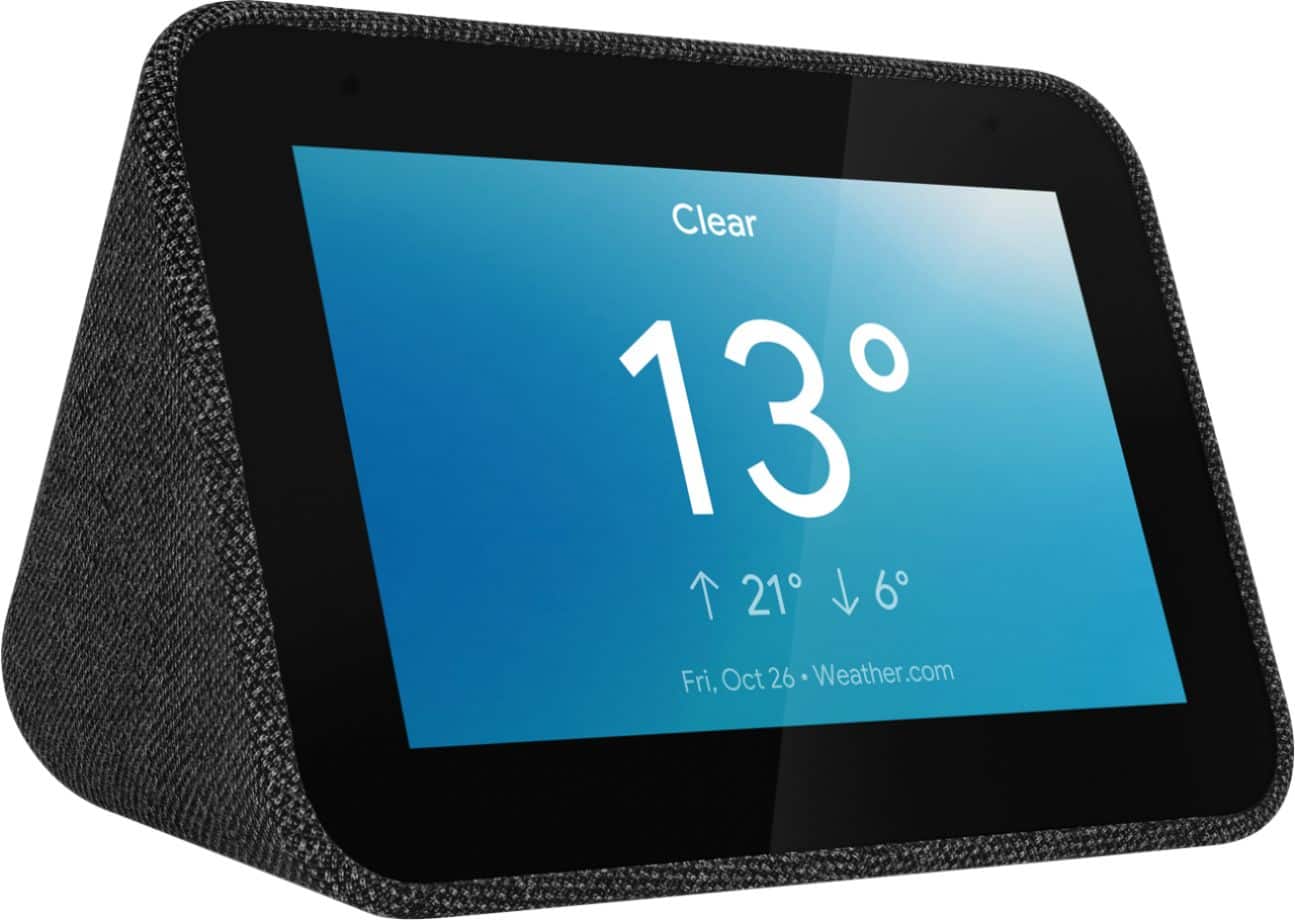
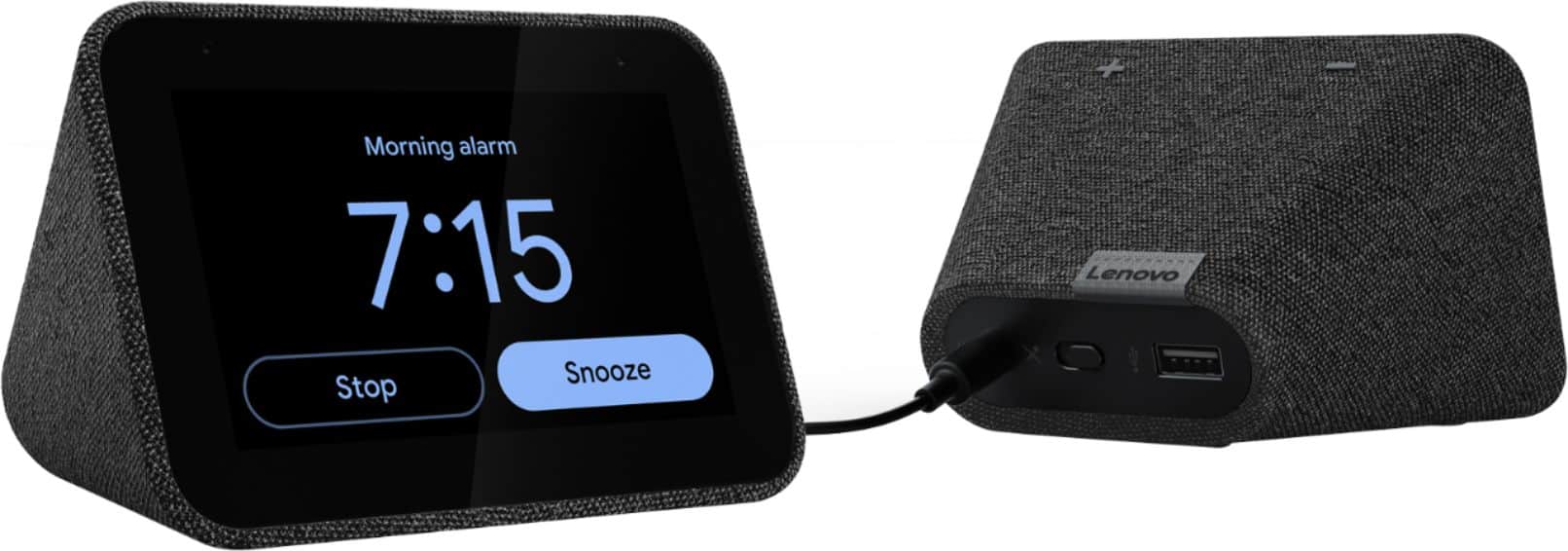
Customers frequently mention the ease of use, sound quality, and alarm features as positive aspects of the Smart Clock with Google Assistant. Many also appreciate the Google Assistant integration, the clock's size, and its display. However, some users reported issues with maintaining a consistent WiFi connection. A lack of battery backup was another recurring negative comment.
This summary was generated by AI based on customer reviews.
Not worth the price
Posted .This reviewer received promo considerations or sweepstakes entry for writing a review.These were a good addition to our home and security system but didn’t last as long as we thought they should for the price.
No, I would not recommend this to a friendNot a replacement for clock radio
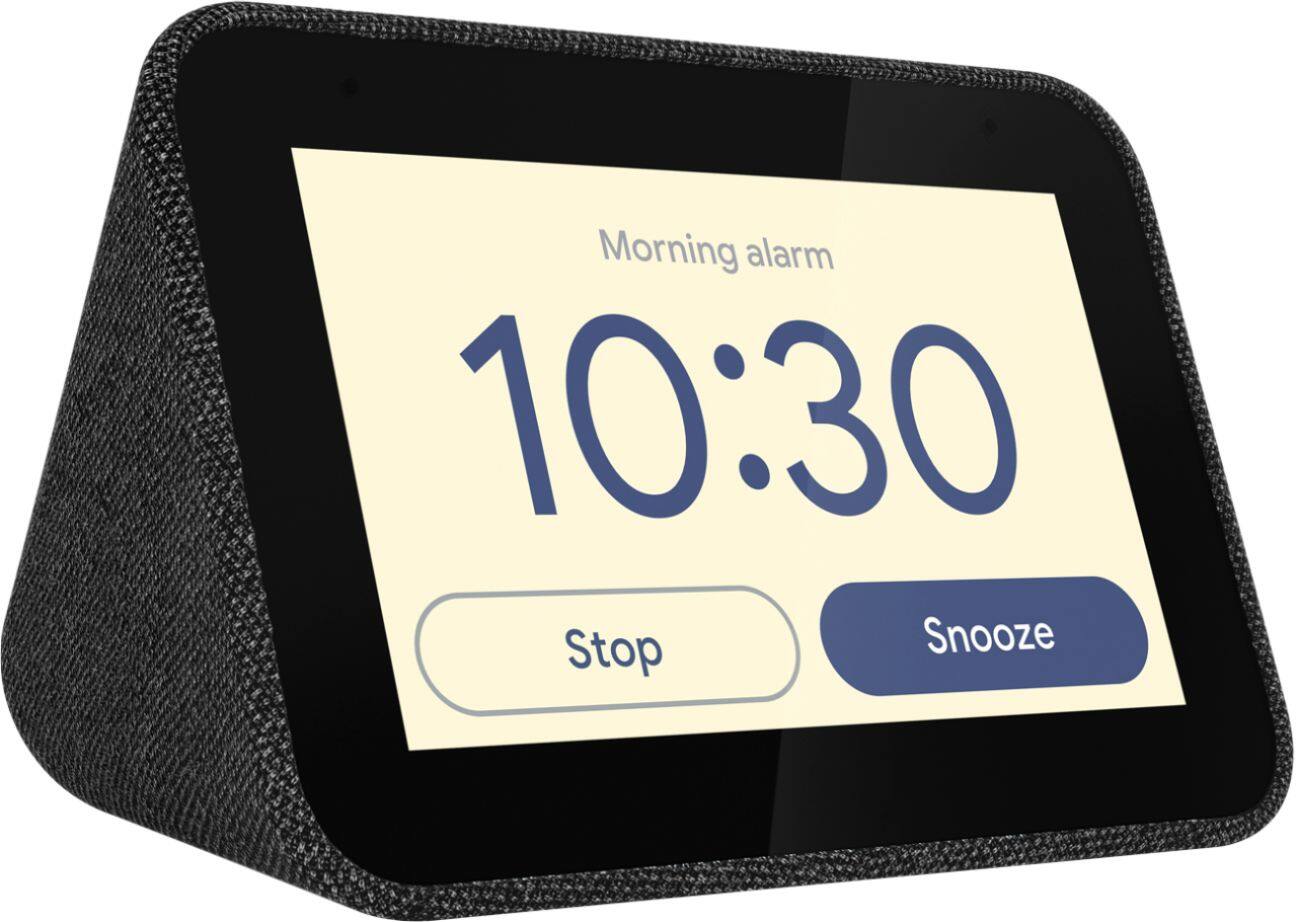
Posted .This reviewer received promo considerations or sweepstakes entry for writing a review.This device does a very good job of serving as a traditional alarm clock. Plus it adds lots of smarts like the morning routine, weather app, calendar integration, etc. But the one feature I wanted most was missing. It's not a replacement for a traditional clock radio. Traditional clock radios play a radio station for the alarm instead of a monotonous tone, and when the radio alarm plays, they allow the radio alarm to be snoozed for a designated period (usually 10 minutes), then the radio alarm plays again after the snooze period expires. This cycle repeats until an hour has elapsed. With this device, you can set a recurring internet radio (or Pandora or other streaming music source), but there is a glitch either on Google's end or Lenovo's end that results in the snoozed alarm not playing again at the end of the snooze period. The streaming source alarm will occasionally play at the end of the first snooze period, but won't play at the end of the second snooze period. The device will attempt to play the streaming source as indicated by a "blip" sound, but then silence is all that is heard. This is a known problem. You can find this on Lenovo's website by searching for Smart Alarm Snooze Problem. But Lenovo's only response to the users who've reported this has been, "please provide more details on the problem so we can address this". It's a very easily duplicated problem, so there should not need to be any more documentation of the problem. I returned mine and went back to my old reliable "dumb" clock radio. And, no more getting to work late.
No, I would not recommend this to a friendIt’s great but slow
Posted .This reviewer received promo considerations or sweepstakes entry for writing a review.Still using it today and it’s works perfectly fine. The only complaint I have is that it’s always been slow.
I would recommend this to a friend- Pros mentioned:Size, Sound quality
Smart clock by Lenovo
Posted .This reviewer received promo considerations or sweepstakes entry for writing a review.Love this clock I've been looking for a smart clock that's big in sound and small in size gets my day started bought one for every bedroom in the house. Kids seem to love it even though they are Apple users
I would recommend this to a friendBrand response from Lenovo Product Expert
Posted .Thank you for choosing the Lenovo Smart Clock with Google Assistant for your family. We are pleased to hear that the Smart Clock is working out so well for your family.

- Pros mentioned:Ease of use
Glad I gave it a try
Posted .This reviewer received promo considerations or sweepstakes entry for writing a review.Love it -- lots of features and options! Nice to wake up and see the weather first thing. Simple to set up and very customizable.
I would recommend this to a friendBrand response from Lenovo Product Expert
Posted .Thank you for choosing the Lenovo Smart Clock with Google Assistant. We are leased to hear that the easy setup, features and performance of the Smart clock meets your needs so well.
Not great as bedside clock
Posted .This reviewer received promo considerations or sweepstakes entry for writing a review.I bought this to replace our Echo Spot because I have a hard time reading the small numbers at night without glasses. Turns out the numbers on the Lenovo Smart clock are only a fraction bigger than the Spot regardless of which face you select. Unfortunately that's not the worst part. The main reason I returned it is because of the brightness. In order to keep the brightness low enough at night I had to set it to its lowest setting "1" but then it's too dim during the day. The Spot handles this just fine. Too bad I was hoping for it to be better.
No, I would not recommend this to a friendBrand response from Lenovo Product Expert
Posted .We're so sorry to hear the Lenovo Smart Clock didn't work out for you. In regards to the brightness, the clock has a default setting to auto-adjust to the rooms brightness level. The clock will be at the lowest setting when all lights are out, so that you can sleep without it illuminating the room. It seems maybe this feature was mistakenly turned off, perhaps during the setup process, as you can turn this function off on the display. Otherwise, you never have to manually adjust the brightness level.
Great smart clock!
Posted .This reviewer received promo considerations or sweepstakes entry for writing a review.Great smart clock! The only problem is that sometimes it restarts itself.
I would recommend this to a friend- Pros mentioned:Alarm
My New Alarm Clock
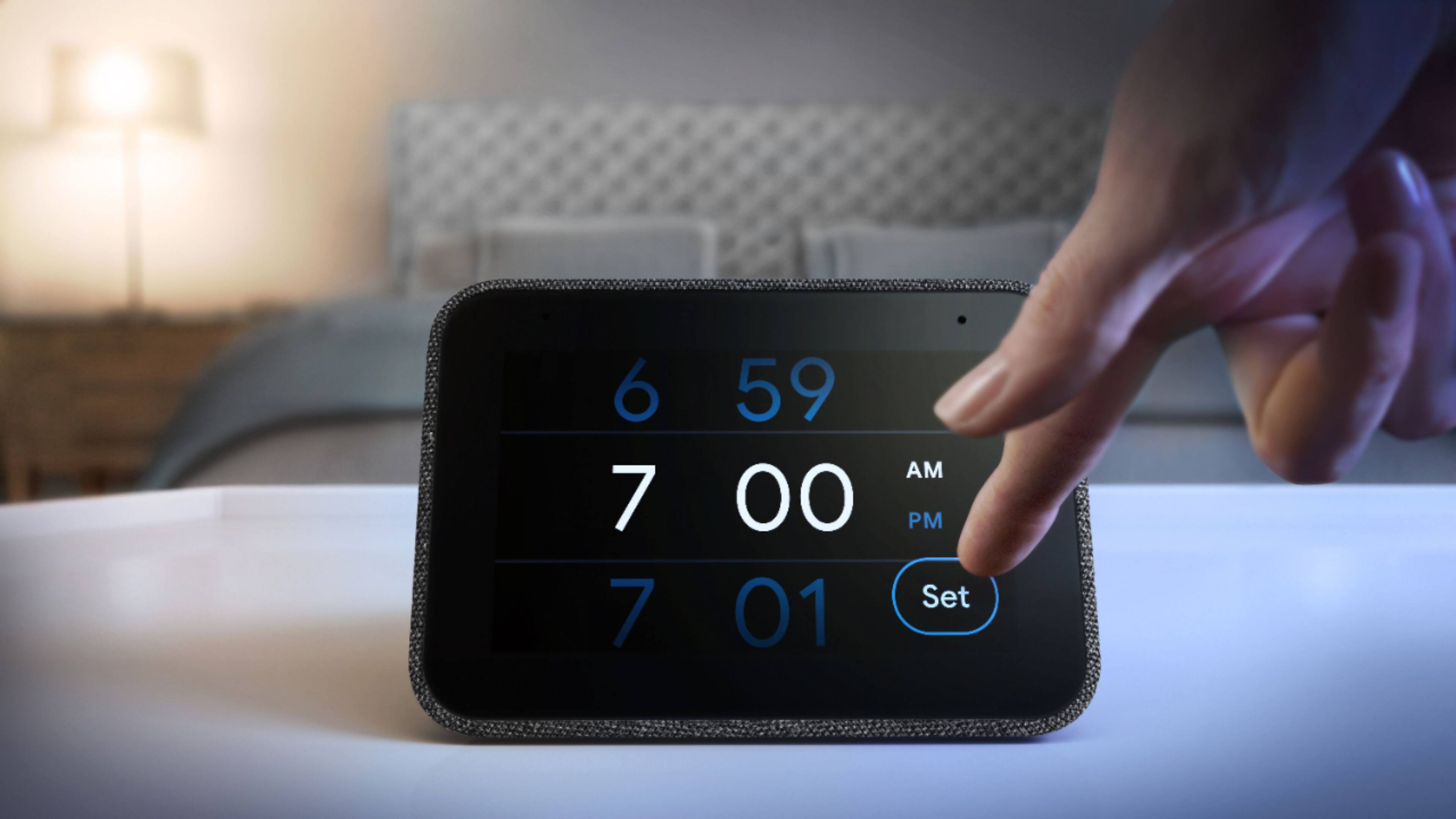
Posted .This reviewer received promo considerations or sweepstakes entry for writing a review.I love the fact that I don't have to set the alarm I just "Hey Google" and she does it. I also like that I can choose my wake-up notification, my choice of music or factory chimes. The charging port for my phone is a little slow but it works great for overnight charging.
I would recommend this to a friendBrand response from Lenovo Product Expert
Posted .Thank you for choosing the Lenovo Smart Clock with Google Assistant. We are pleased to hear that the features and performance of the Smart Clock meets your needs so well.
- Pros mentioned:Alarm
Love it
Posted .This reviewer received promo considerations or sweepstakes entry for writing a review.This is my first experience with a Smart clock and I love it so much. We use it at night to listen to pandora and have 2 smart lights connected to google home, being able to tell our clock to turn off the lights and ask for the temperature is super cool ! I love this
I would recommend this to a friendBrand response from Lenovo Product Expert
Posted .Thank you for choosing the Lenovo Smart Clock with Google Assistant. We are pleased to hear that the features and performance of the Smart Clock meets your needs so well.
- Cons mentioned:Battery backup
No battery backup
Posted .This reviewer received promo considerations or sweepstakes entry for writing a review.I purchased this device for its intended use as an alarm clock. It provides minimal function outside of this which I was okay with. However, this alarm clock has no battery backup! I will lose my job if I don't make it to work in time for a scheduled shift. I tried unplugging the clock then plugging it back in and my set alarm had disappeared. This means even if the power is out for a short period of time you have no alarm! No good for Florida thunderstorms. I don't understand why this wouldn't have a backup. Guess I'll be returning it and just using my phone or a $10 alarm clock. Disappointing.
No, I would not recommend this to a friendBrand response from Lenovo Product Expert
Posted .The Lenovo Smart Clock provides a minimalists dream smart device for the bedroom. With the Google Assistant, you can check your Nest cameras, play a Spotify playlist, get your calendar breakdown for the day, and many other useful tools with just a simple voice command. There are lots of different features you can utilize with the Smart Clock. You can read in-depth on these and how to setup functions in our online How-To & Solutions Guide. For the alarms, the alarms will be saved and sound off at set times even after a reset or power outage. Be mindful that a simple voice command to set an alarm will only create an alarm for the next morning, perhaps you had not selected for it to repeat, and that is why it didn't show back up after you unplugged the device. I would just confirm that your settings are correctly selected for repeat alarms. You can find information on that in the How-To guide I mentioned before.
- Pros mentioned:Google assistant
No Arlo Camera streaming
Posted .This reviewer received promo considerations or sweepstakes entry for writing a review.Pretty cool alarm clock and good Google Assistant. Doesn't have all the features as it advertised, I was hoping it would pull up my Alro cameras but it does not. I can't tell if its a Leveno issue, or Arlo issue.
I would recommend this to a friendBrand response from Lenovo Product Expert
Posted .Thank you for choosing the Lenovo Smart Clock with Google Assistant. You should be able to connect to your Arlo Cameras by using Google Assistant. Here is a link to more information about Arlo Cameras and Google Assistant compatibility: https://community.arlo.com/t5/Arlo-Video-Doorbell/arlo-video-doorbell-Lenovo-Smart-Clock/td-p/1801082
- Cons mentioned:Wifi connectivity
Garbage. Impossible to change WiFi settings.
Posted .This reviewer received promo considerations or sweepstakes entry for writing a review.The only reason I gave this 2 stars instead of one (or none), is because it actually did work for almost a year. It even worked well MOST of the time. There would still be times when the alarm just didn't go off for no apparent reason, almost making me late for work on a couple of occasions. The real problem came when I had to get a new router. I got my new router all set up, go to connect my clock to the new WiFi, and I find out that the only way to do so is to completely reset the clock back to factory defaults and set it up again through Google Home. This is absolutely ridiculous just to change the WiFi network that your clock is connected to. Did nobody at Lenovo think about this? Changing your WiFi is not an uncommon thing. It should not be this difficult. Anyway, as much as I hated to, I went through the process of defaulting the clock. After about a dozen attempts, the clock would connect to my WiFi with no problem, but during setup Google Home would say "there was an error connecting to your smart clock" even though my clock would show it was connected to my network. Both my phone and clock were on the same wifi and the same frequency, and the clock was right next to my router. Then after a bit my clock would say that I must link it to my Google account, and would not go any farther. When I opened the Google Home app, it would show that my clock was already linked to my account. It was a never ending cycle, with no way to get past it! The clock was absolutely useless like this. It would not even display the time. Just a black screen saying "Link Account" I finally had all that I could take of this nonsense. I unplugged the clock, carried it out my back door, and threw it as hard as I could into the woods. Good riddance Lenovo. I don't need frustrating garbage like this in my life!
No, I would not recommend this to a friendBrand response from Lenovo Product Expert
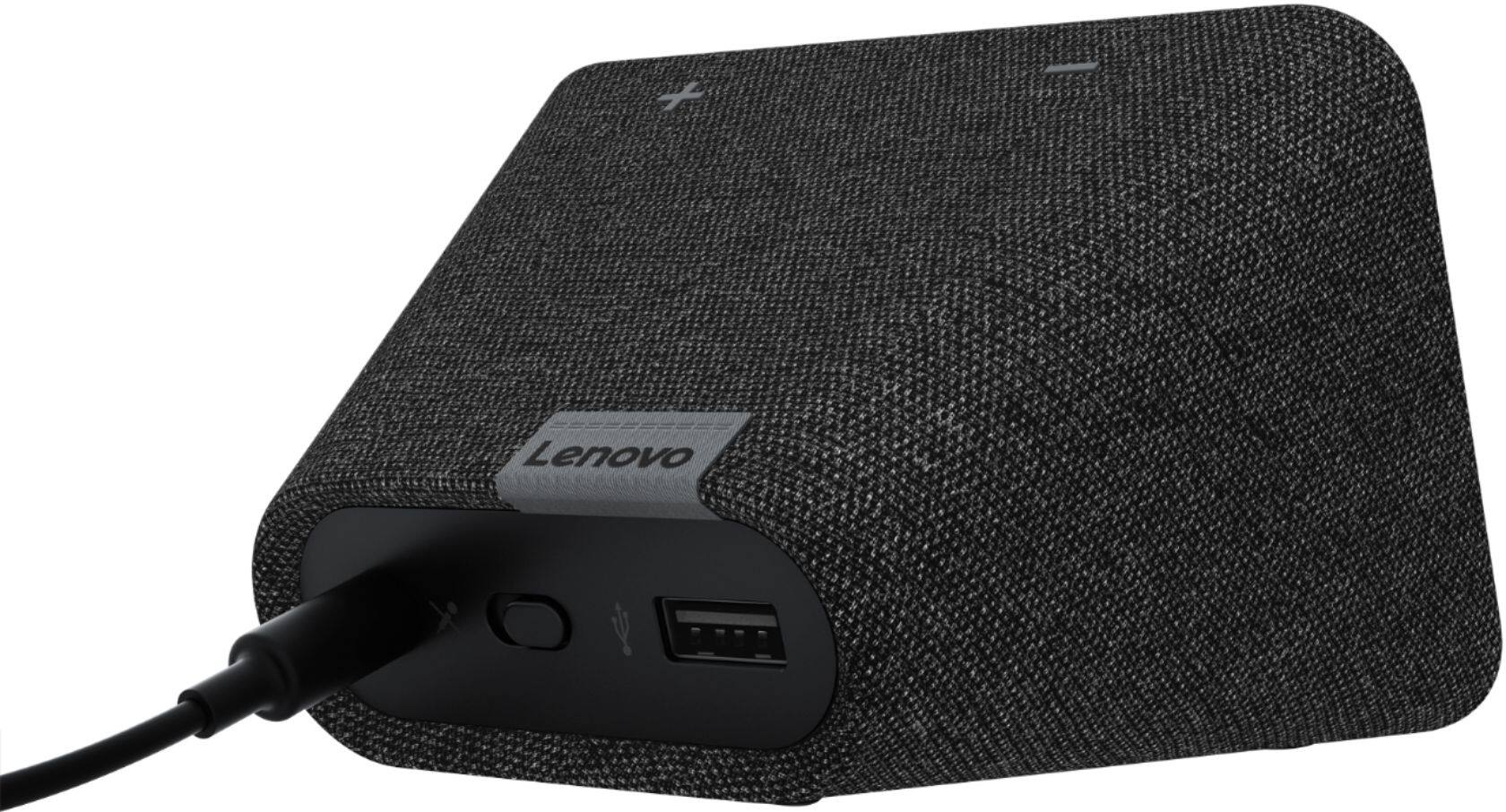
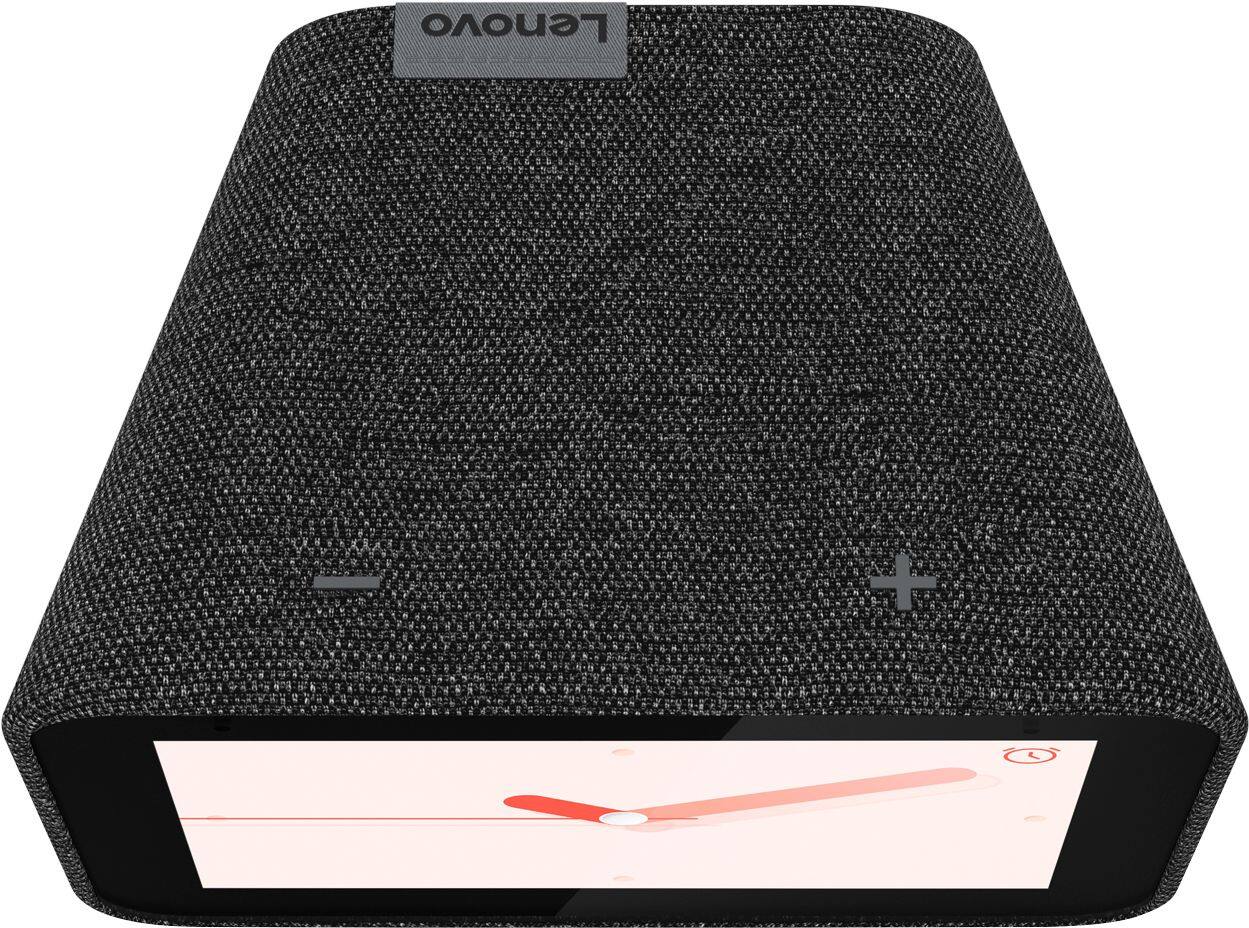
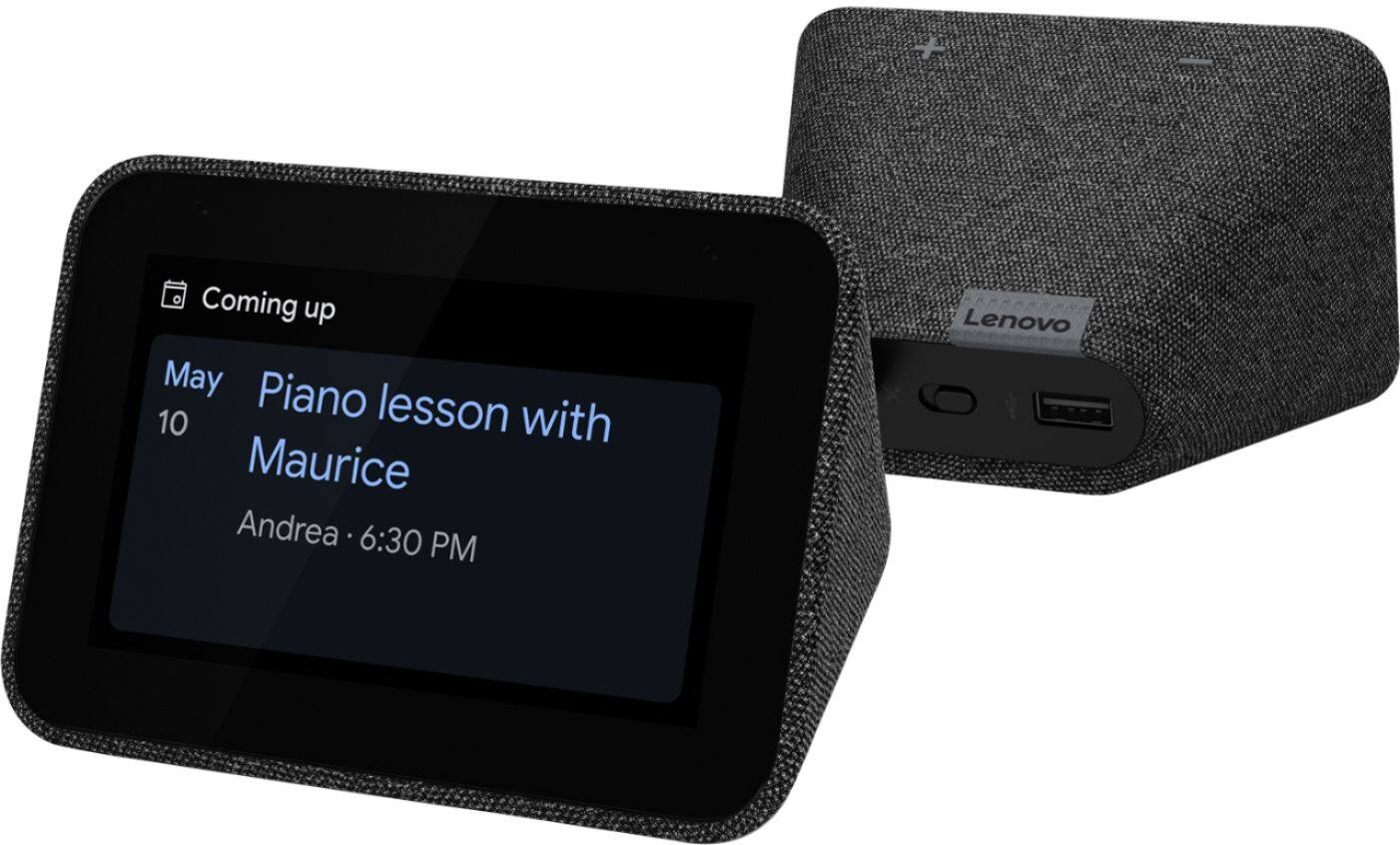
Posted .We are sorry to hear that you had issues with your Lenovo Smart Clock with Google Assistant. It sounds as though the the factory reset process needed to be repeated for some reason with your Smart Clock pairing to your new WiFi frequency. First, try to restart the device. Unplug your device then wait 10 seconds. Plug it back in. If this doesn't clear the issue, now factory reset your device again. With the device powered on, press down both the volume+ / volume- button for 10 seconds. Follow the on-screen instructions to set up your device. If the issue continues, we recommend you contact Lenovo Tech Smart For Smart Devices at: 866-426-0911.
- Pros mentioned:Sound quality
A Smart, Smart Clock!
Posted .This reviewer received promo considerations or sweepstakes entry for writing a review.This clock works great with all of my google assistant devices. I would have been happy with it's seamless playing of music and weather info but the fact that it integrates with my google home security is phenomenal!
I would recommend this to a friendBrand response from Lenovo Product Expert
Posted .Hi, thanks for choosing the Lenovo Smart Clock with Google Assistant. We are pleased to hear the functions, performance, and design of the Lenovo Smart Clock are working out so well for you!
- Pros mentioned:Ease of use
Great alarm clock an sleep aid
Posted .This reviewer received promo considerations or sweepstakes entry for writing a review.This device works great. I use it primarily as an alarm clock but also to lay in bed and have it play some kind white noise so I can fall asleep. Easy setup and use.
I would recommend this to a friendBrand response from Lenovo Product Expert
Posted .Thank you for choosing the Lenovo Smart Clock with Google Assistant. We are pleased to hear that the features and performance of the Smart Clock are working out so well for you.
- Pros mentioned:Size
Very useful
Posted .This reviewer received promo considerations or sweepstakes entry for writing a review.Love it nice big numbers to tell time google assistant built in plays the music I want shows what's playing can control other smart devices love it❣❣❣
I would recommend this to a friendBrand response from Lenovo Product Expert
Posted .Thank you for choosing the Lenovo Smart Clock with Google Assistant. We are pleased to hear that the features and performance of the Smart Clock meets your needs so well.
Great concept, but needs work
Posted .This reviewer received promo considerations or sweepstakes entry for writing a review.Great concept. Small and cute! And for $40 it was a deal. But have to return because it's too glitchy. Doesn't always process commands, "something went wrong" error messages. Randomly disconnects from wifi. Too annoying.
No, I would not recommend this to a friendBrand response from Lenovo Product Expert
Posted .I'm so sorry to hear you experienced some issues with your device. I'm not aware of any ongoing issues as you mentioned, but do thank you for your feedback and I will pass along to the team.
- Pros mentioned:Google assistant
Smart clock
Posted .This reviewer received promo considerations or sweepstakes entry for writing a review.I really like the fact that it has the assistant built in. I bought this when I was working from home and it really came in handy.
I would recommend this to a friendBrand response from Lenovo Product Expert
Posted .Thank you for choosing the Lenovo Smart Clock with Google Assistant. We are pleased to hear that the Smart Clock is working out so well for you.
Not built to last
Posted .This reviewer received promo considerations or sweepstakes entry for writing a review.Came back to warn buyers- functioned well for the price and what it offers but only until the screen started to flicker and eventually die/go black after 3 years of use. Before that it had random wifi disconnects and reboots which is why only 2 stars.
No, I would not recommend this to a friendBrand response from Lenovo Product Expert
Posted .Hi, writeandre. We are sorry to hear that you have encountered this issue with your Smart Clock. In the future, please feel free to reach out to our tech support team for assistance. We appreciate you sharing your experience so that we may use it to continue to better our products and services for yourself and others.
It's a great clock.
Posted .This reviewer received promo considerations or sweepstakes entry for writing a review.I bought this from another website in November as a Christmas gift to myself. From the start I had trouble with the touch screen. Over a month after I bought it Google Assistant no longer works and music doesn't play and the touchscreen doesn't work at all except to tell time. Google Assistant shows I'm connected but nothing happens on the Lenovo Clock. It does charge my phone. I tried to return it but was told I was out of the 30 day warranty. I'm bummed because I really liked it when I first got it.
No, I would not recommend this to a friendBrand response from Lenovo Product Expert
Posted .I'm sorry to hear you are experiencing issues with your device. Though your review it posted on Best Buy, are you saying you purchased from another retailer? I'm concerned you may have purchased it from an unconfirmed supplier.
- Pros mentioned:Ease of use
Great product!
Posted .This reviewer received promo considerations or sweepstakes entry for writing a review.Super awesome! Very easy to hook up. Lots of displays to choose from.
I would recommend this to a friendBrand response from Lenovo Product Expert
Posted .Thank you for choosing the Lenovo Smart Clock with Google Assistant. We are pleased to hear that the features and performance of the Smart Clock meets your computing needs so well.